Help Your Small Business
Client Maintain Their Own
     WordPress Site

        Jonathan May
Agenda

§    Introductions
§    What This Is – and Isn’t – About
§    The Four Steps to Self-Maintenance Nirvana
§    Questions, Success Stories and War Stories
Introductions
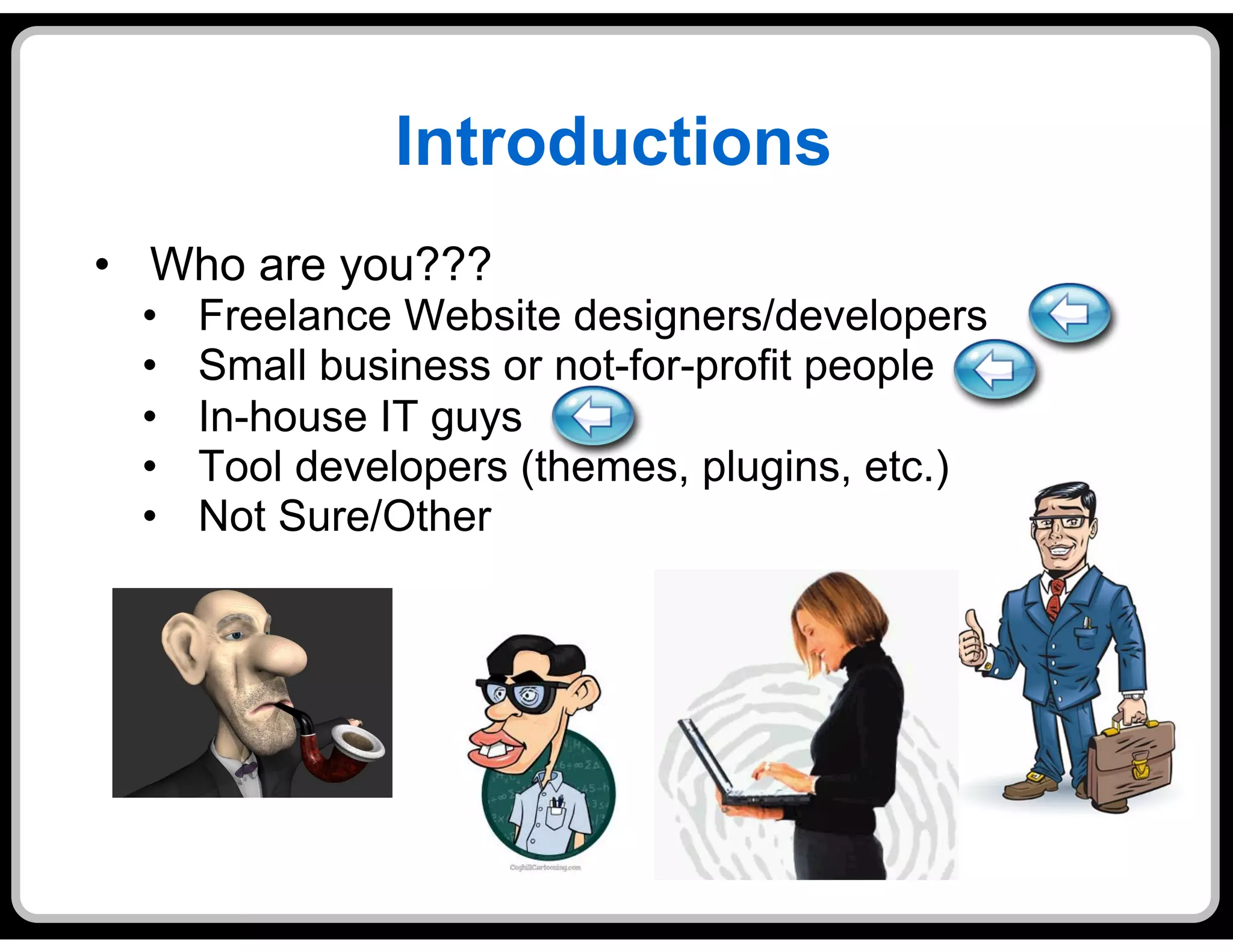
•  Who are you???
  •    Freelance Website designers/developers
  •    Small business or not-for-profit people
  •    In-house IT guys
  •    Tool developers (themes, plugins, etc.)
  •    Not Sure/Other
Introductions, cont’d
•  Who am I?
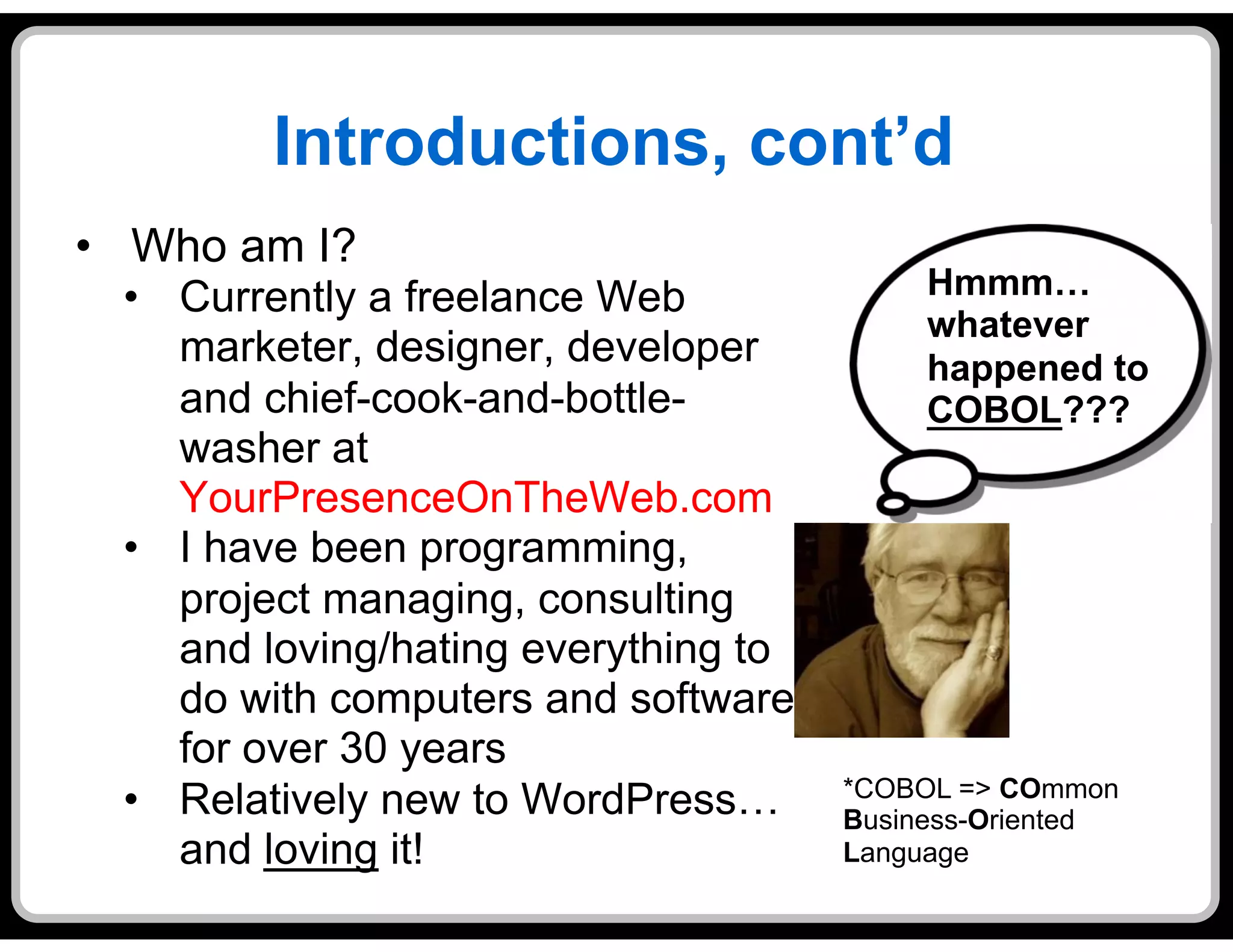
  •  Currently a freelance Web              Hmmm…
                                            whatever
     marketer, designer, developer          happened to
     and chief-cook-and-bottle-             COBOL???
     washer at
     YourPresenceOnTheWeb.com
  •  I have been programming,
     project managing, consulting
     and loving/hating everything to
     do with computers and software
     for over 30 years
                                       *COBOL => COmmon
  •  Relatively new to WordPress…      Business-Oriented
     and loving it!                    Language
What This Is – and Isn’t – About

•  This is NOT about technology
  (very much)

•  It’s all about becoming a trusted advisor to
   your client
  •  As a trusted advisor, you are:
    •    More valued than a whiz-bang code jockey
    •    More likely to obtain follow-on business from a
         client
    •    More likely to be referred to other clients
  •  The catch: It doesn’t come easy
What This Is – and Isn’t – About
•  The scenario:
  •  You are a freelance Web designer/deverloper
  •  Joe’s Tax Service wants you to create a WordPress
     site for them
  •  Joe is just getting started in business, doesn’t have
     much cash flow, and – to keep ongoing expenses
     down – doesn’t want to pay someone else to
     maintain his Website
  •  What should you do?
    a.  Jump right in and hope for the best – it’ll all work out
    b.  Walk away from this soon-to-be mess, or….
    c. Take the Four Steps to
       Self-Maintenance Nirvana!
The Four Steps to Self-
           Maintenance Nirvana
1.    Evaluate the Risk
2.    Plan the Approach
3.    Execute the Plan
4.    Re-evaluate and Adjust

•  This is really “Consulting 101”
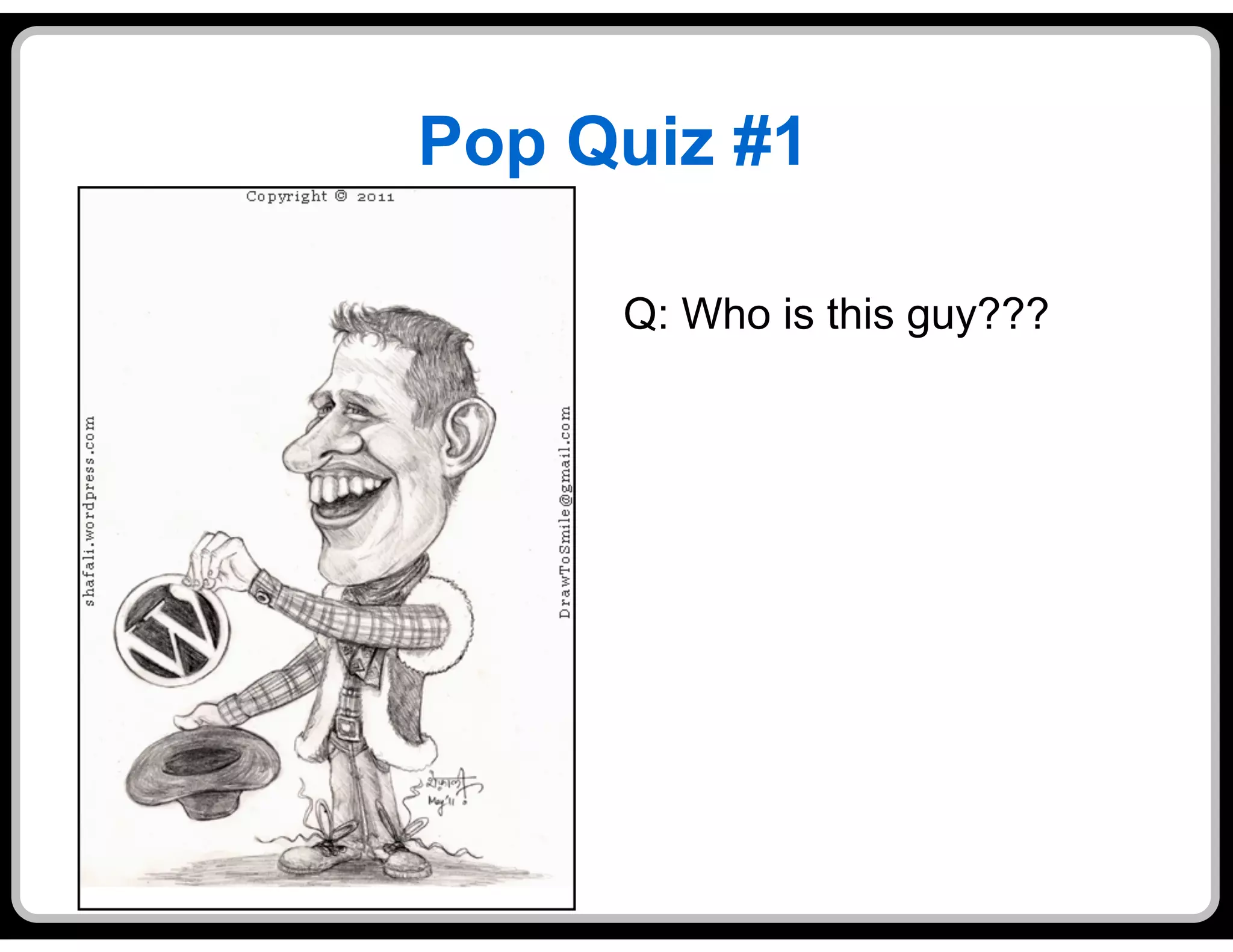
Pop Quiz #1

     Q: Who is this guy???
Pop Quiz #1


A: Matt Mullenweg
Pop Quiz #2

Q: Who is Matt Mullenweg???
Pop Quiz #2

A: Matt Mullenweg is the original creator of
Step #0: Provide Some “Escape
            Clauses”
•  Build at least a modest amount of “warranty
   time” into your development agreement
•  Consider offering the client a “bare bones”
   ongoing maintenance and support agreement
  •  Small monthly retainer (perhaps at a discounted
     rate) for a minimum number of billable hours
  •  Additional time supporting the site above and
     beyond the minimum to be billed at your standard
     hourly rate
  •  Minimum duration of 3 – 6 months
Step #1: Evaluate the Risk
•  Before you start the project, assess how risky it
   would be to have the client self-maintain the site
•  Why do that?
  •  WordPress is supposed to be the Website
     development tool for the masses, isn’t it?
•  Well, yes, but…
  •  But it takes training, experience and some basic
     aptitude to avoid botching up a site
  •  A botched-up Website will hurt the client’s
     business, and possibly your business, too
•  Before you sign up for this gig, determine if the
   level of risk is acceptable
Step #1: Evaluate the Risk

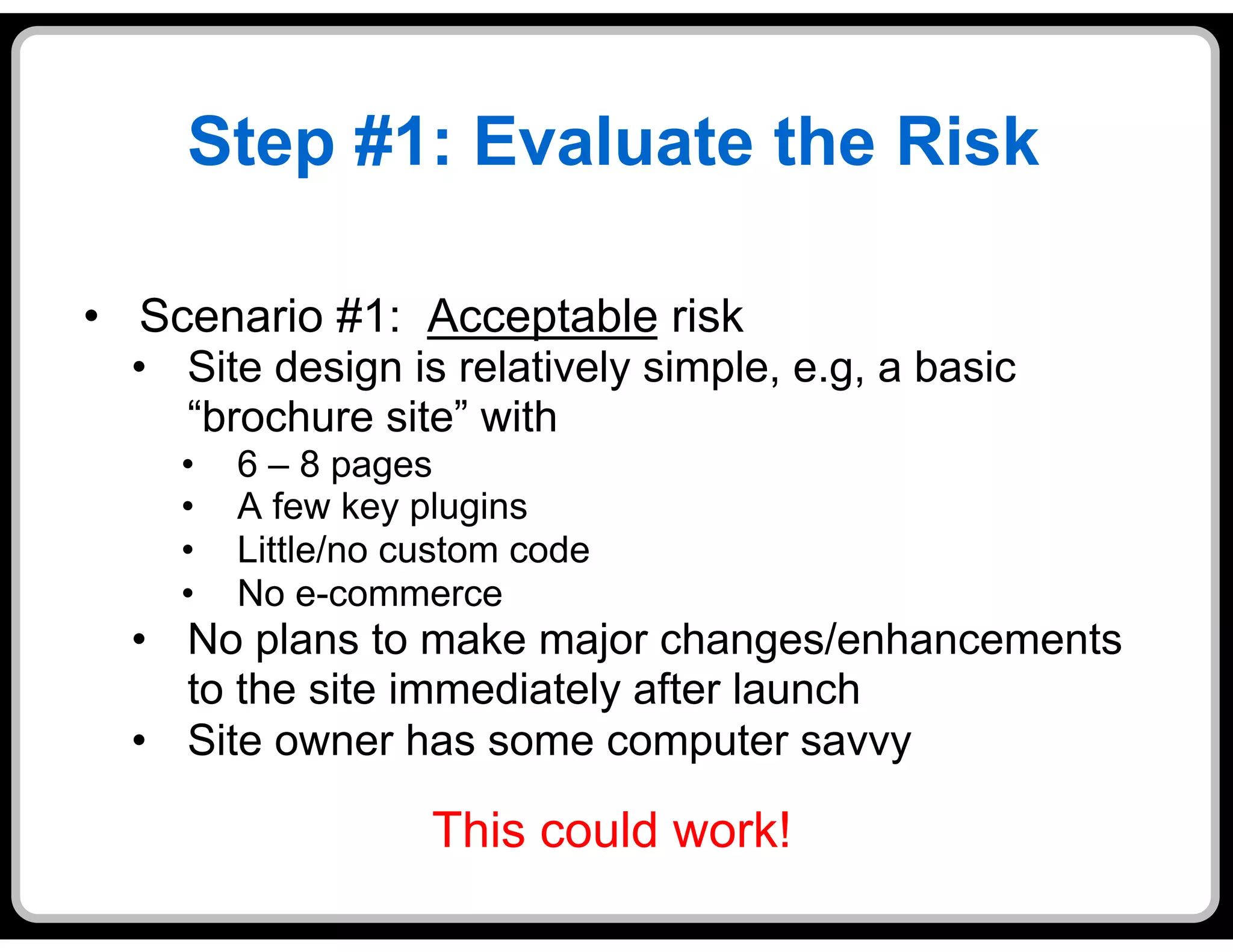
•  Scenario #1: Acceptable risk
  •  Site design is relatively simple, e.g, a basic
     “brochure site” with
    •    6 – 8 pages
    •    A few key plugins
    •    Little/no custom code
    •    No e-commerce
  •  No plans to make major changes/enhancements
     to the site immediately after launch
  •  Site owner has some computer savvy

                    This could work!
Step #1: Evaluate the Risk

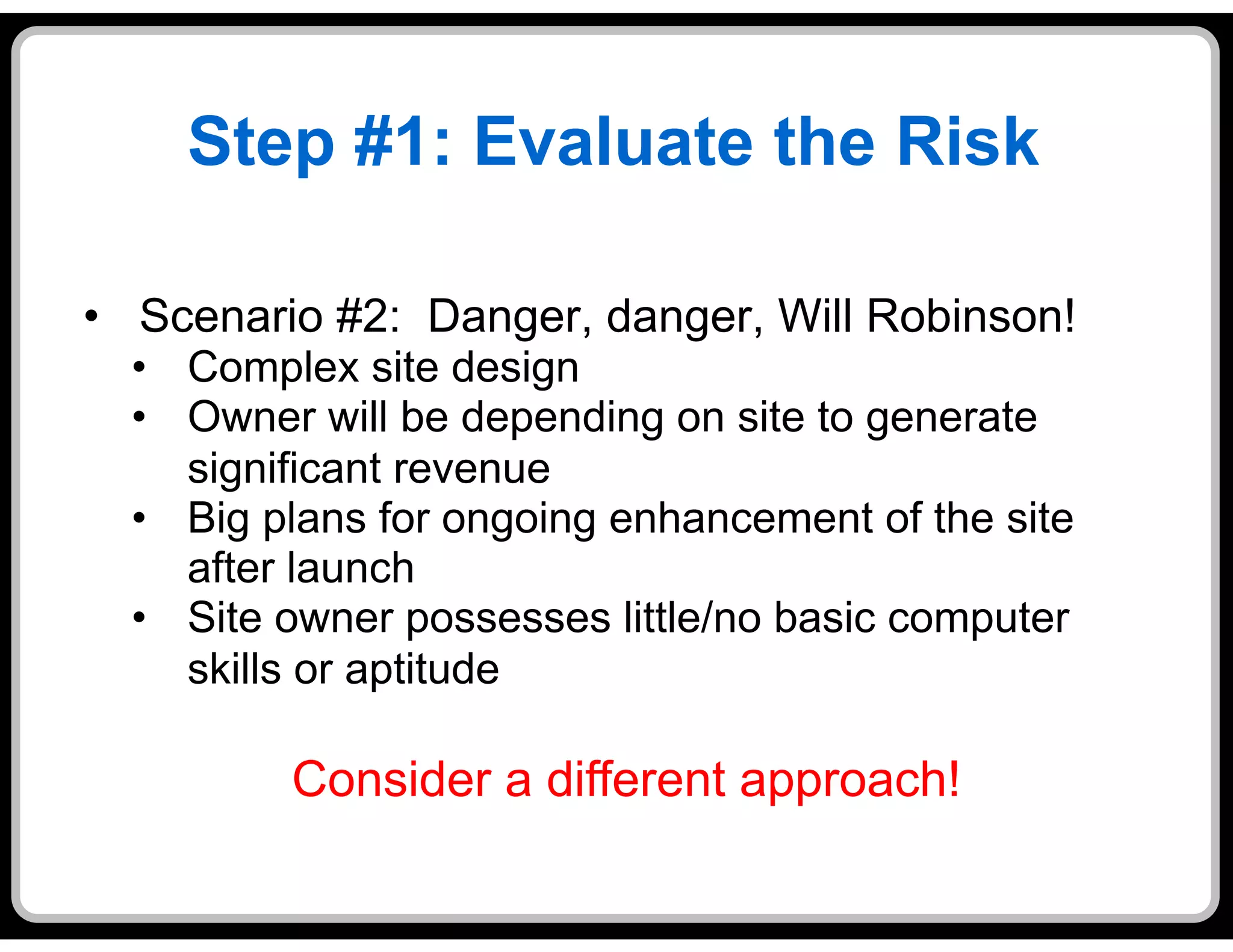
•  Scenario #2: Danger, danger, Will Robinson!
  •  Complex site design
  •  Owner will be depending on site to generate
     significant revenue
  •  Big plans for ongoing enhancement of the site
     after launch
  •  Site owner possesses little/no basic computer
     skills or aptitude

          Consider a different approach!
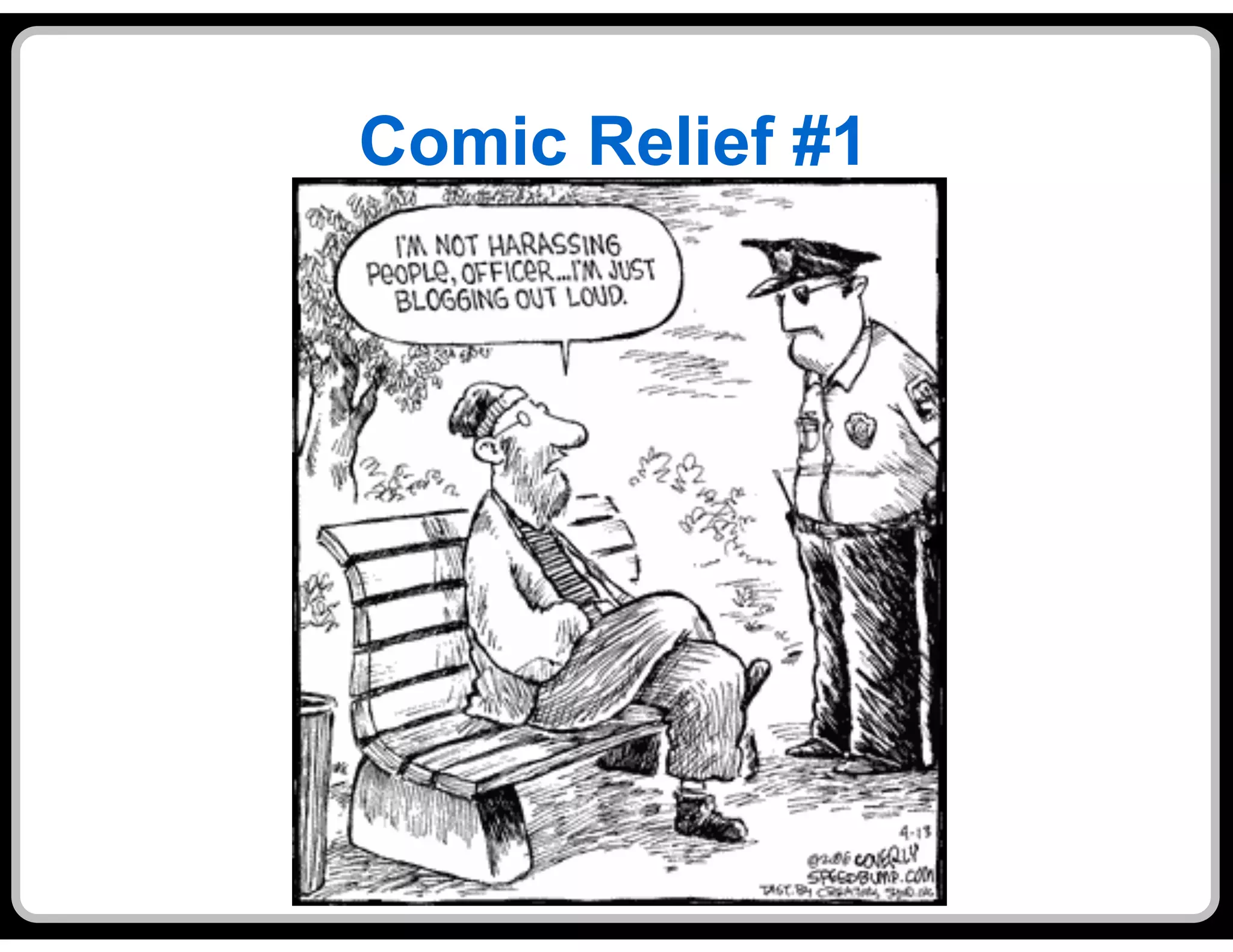
Comic Relief #1
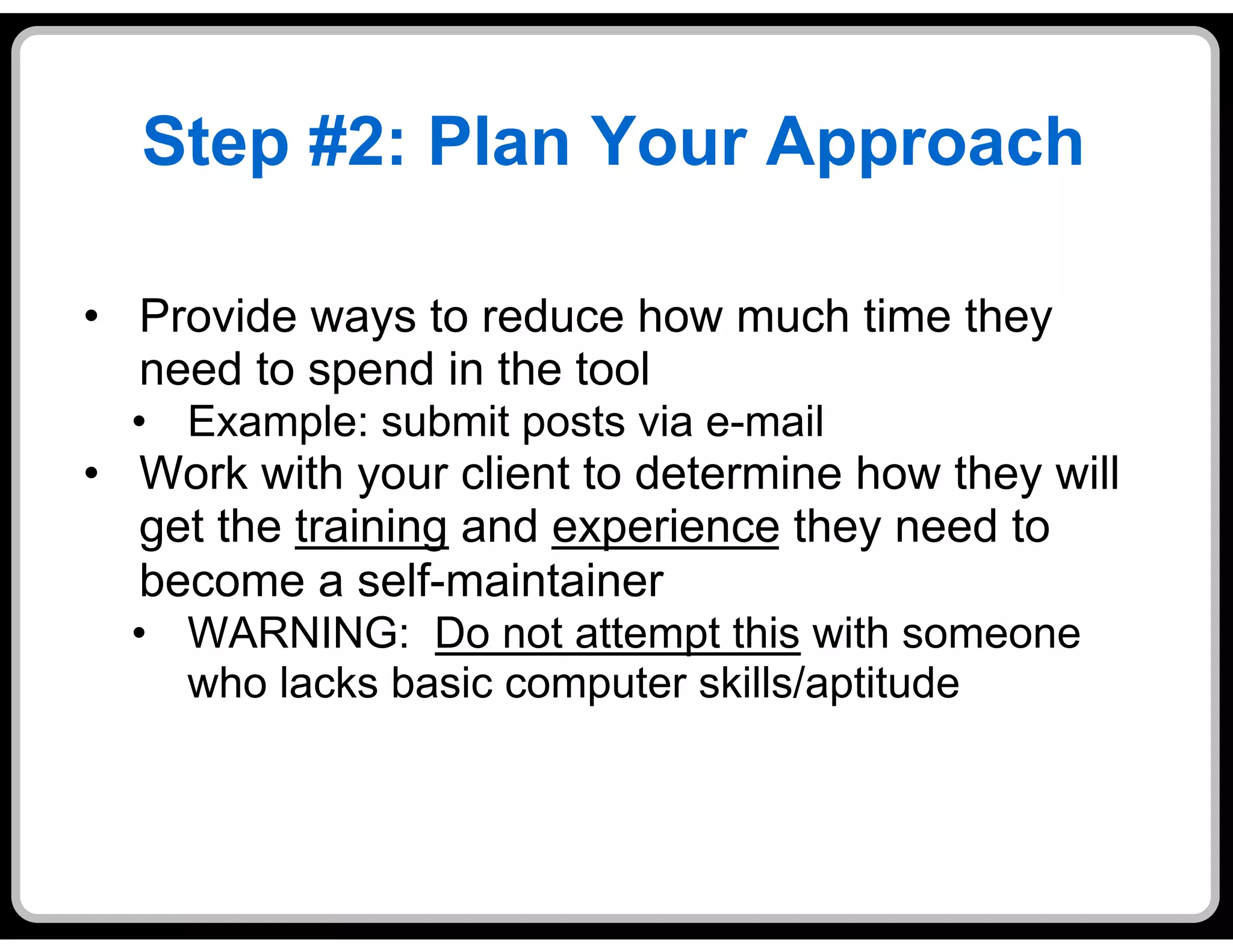
Step #2: Plan Your Approach

•  Provide ways to reduce how much time they
   need to spend in the tool
  •  Example: submit posts via e-mail
•  Work with your client to determine how they will
   get the training and experience they need to
   become a self-maintainer
  •  WARNING: Do not attempt this with someone
     who lacks basic computer skills/aptitude
Step #2: Plan Your Approach
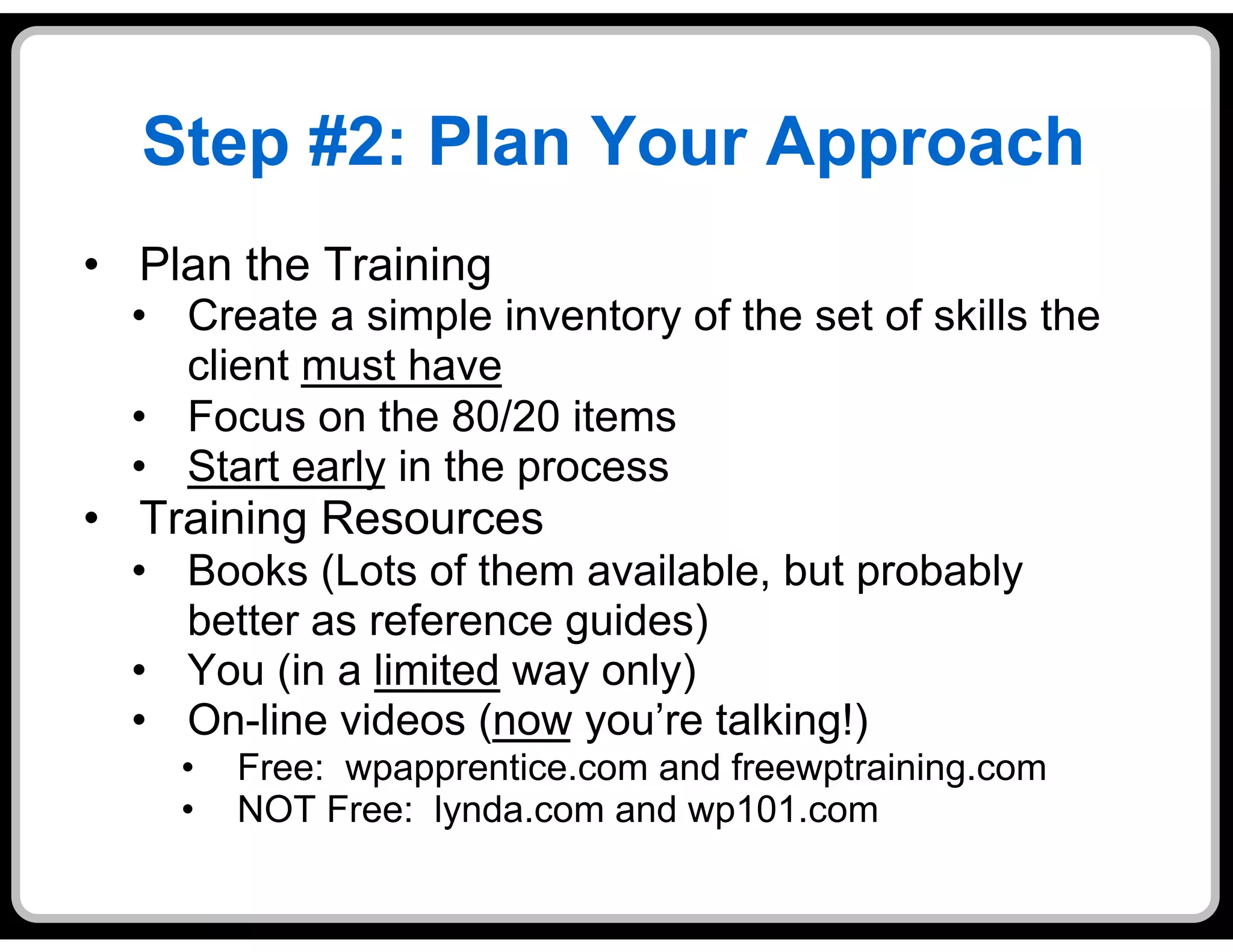
•  Plan the Training
  •  Create a simple inventory of the set of skills the
     client must have
  •  Focus on the 80/20 items
  •  Start early in the process
•  Training Resources
  •  Books (Lots of them available, but probably
     better as reference guides)
  •  You (in a limited way only)
  •  On-line videos (now you’re talking!)
    •    Free: wpapprentice.com and freewptraining.com
    •    NOT Free: lynda.com and wp101.com
Step #2: Plan Your Approach

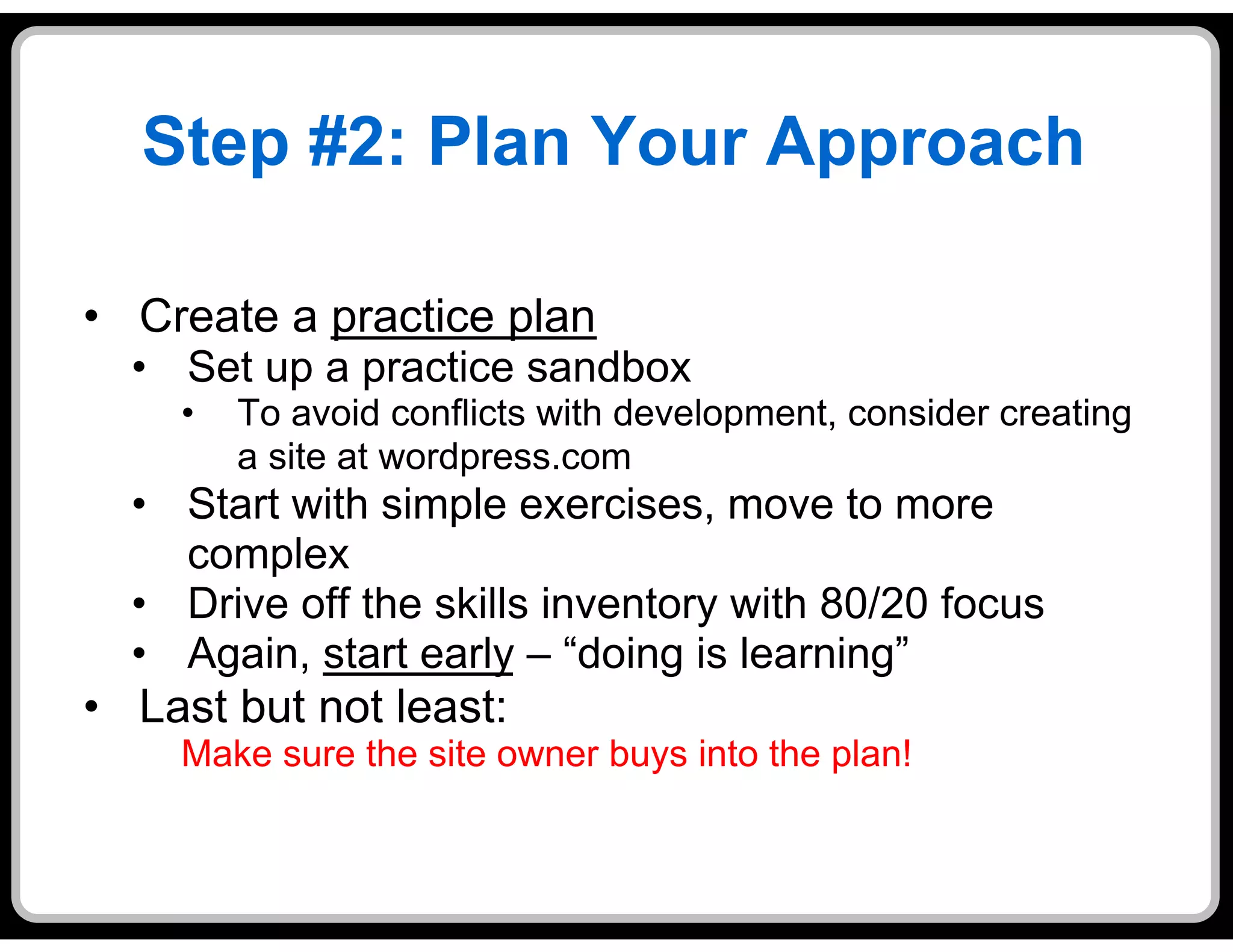
•  Create a practice plan
  •  Set up a practice sandbox
     •    To avoid conflicts with development, consider creating
          a site at wordpress.com
  •  Start with simple exercises, move to more
     complex
  •  Drive off the skills inventory with 80/20 focus
  •  Again, start early – “doing is learning”
•  Last but not least:
     Make sure the site owner buys into the plan!
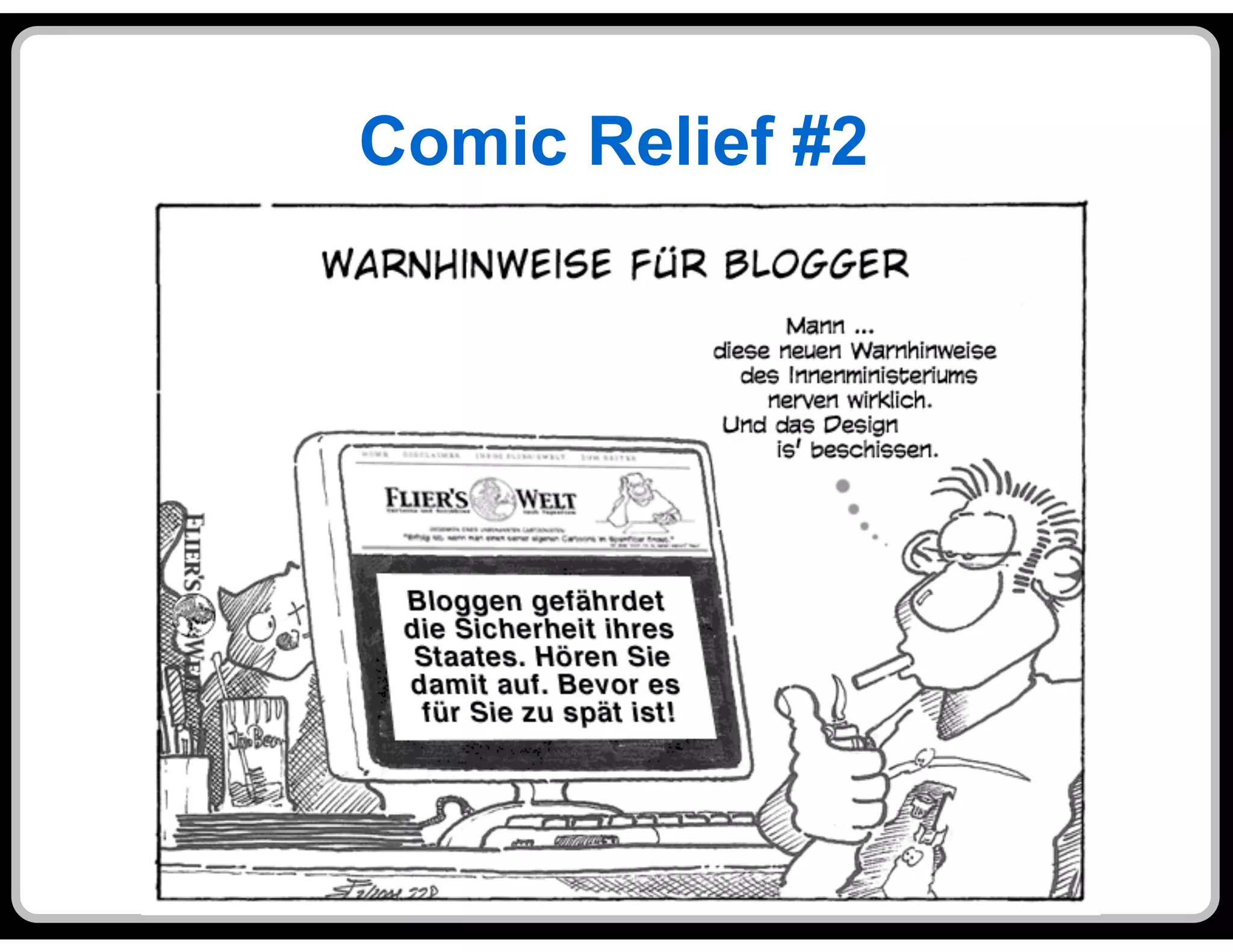
Comic Relief #2
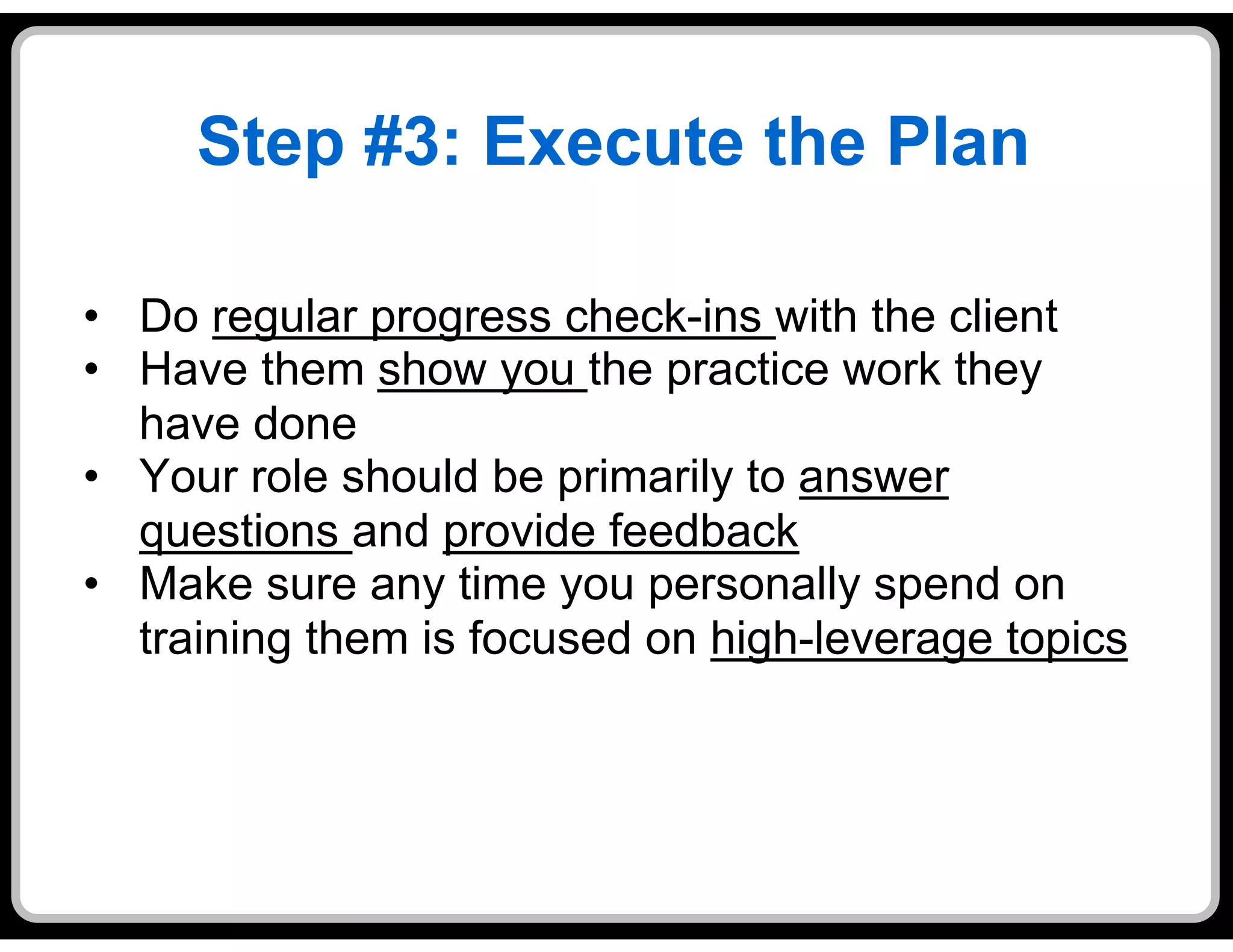
Step #3: Execute the Plan

•  Do regular progress check-ins with the client
•  Have them show you the practice work they
   have done
•  Your role should be primarily to answer
   questions and provide feedback
•  Make sure any time you personally spend on
   training them is focused on high-leverage topics
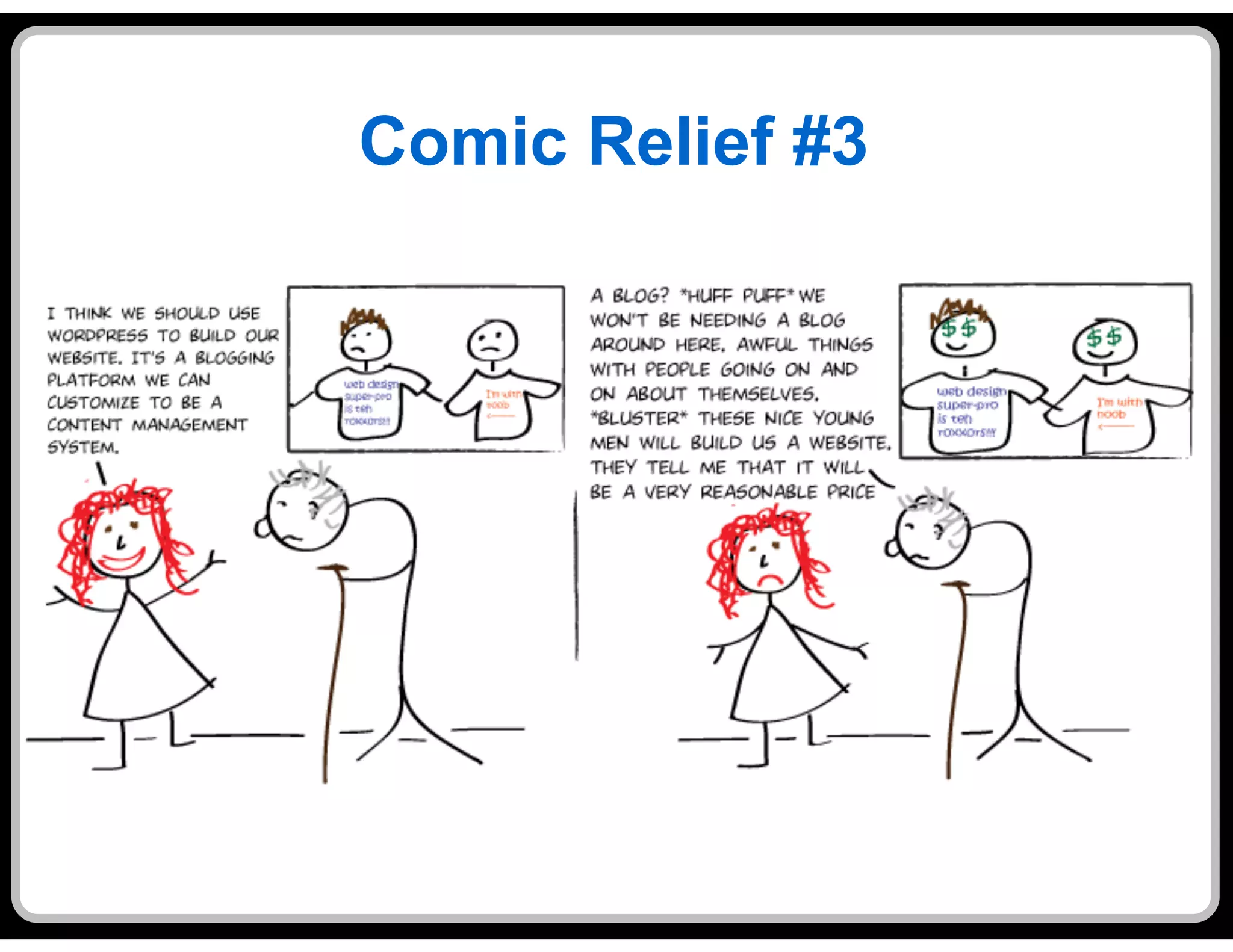
Comic Relief #3
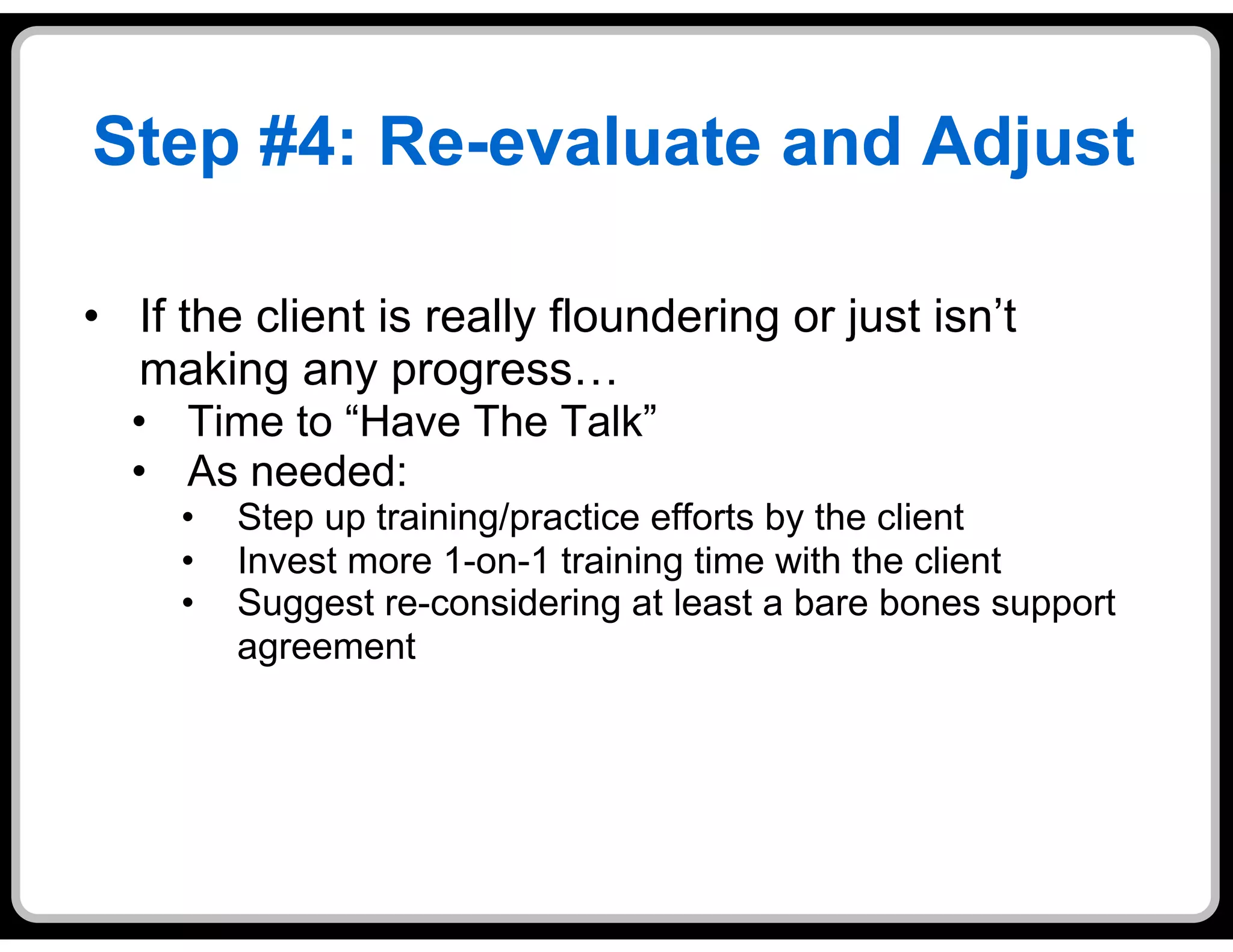
Step #4: Re-evaluate and Adjust

•  If the client is really floundering or just isn’t
   making any progress…
  •  Time to “Have The Talk”
  •  As needed:
     •    Step up training/practice efforts by the client
     •    Invest more 1-on-1 training time with the client
     •    Suggest re-considering at least a bare bones support
          agreement
Comic Relief #4
Questions
Success Stories, and
    War Stories
Thank You!

            For listening
            For sharing
For laughing (?) at the lame cartoons

          Jonathan May
   jwmay@yourpresenceontheweb.com
           (603) 801-0688

Jw may presentation

  • 1.
    Help Your SmallBusiness Client Maintain Their Own WordPress Site Jonathan May
  • 2.
    Agenda §  Introductions §  What This Is – and Isn’t – About §  The Four Steps to Self-Maintenance Nirvana §  Questions, Success Stories and War Stories
  • 3.
    Introductions •  Who areyou??? •  Freelance Website designers/developers •  Small business or not-for-profit people •  In-house IT guys •  Tool developers (themes, plugins, etc.) •  Not Sure/Other
  • 4.
    Introductions, cont’d •  Whoam I? •  Currently a freelance Web Hmmm… whatever marketer, designer, developer happened to and chief-cook-and-bottle- COBOL??? washer at YourPresenceOnTheWeb.com •  I have been programming, project managing, consulting and loving/hating everything to do with computers and software for over 30 years *COBOL => COmmon •  Relatively new to WordPress… Business-Oriented and loving it! Language
  • 5.
    What This Is– and Isn’t – About •  This is NOT about technology (very much) •  It’s all about becoming a trusted advisor to your client •  As a trusted advisor, you are: •  More valued than a whiz-bang code jockey •  More likely to obtain follow-on business from a client •  More likely to be referred to other clients •  The catch: It doesn’t come easy
  • 6.
    What This Is– and Isn’t – About •  The scenario: •  You are a freelance Web designer/deverloper •  Joe’s Tax Service wants you to create a WordPress site for them •  Joe is just getting started in business, doesn’t have much cash flow, and – to keep ongoing expenses down – doesn’t want to pay someone else to maintain his Website •  What should you do? a.  Jump right in and hope for the best – it’ll all work out b.  Walk away from this soon-to-be mess, or…. c. Take the Four Steps to Self-Maintenance Nirvana!
  • 7.
    The Four Stepsto Self- Maintenance Nirvana 1.  Evaluate the Risk 2.  Plan the Approach 3.  Execute the Plan 4.  Re-evaluate and Adjust •  This is really “Consulting 101”
  • 8.
    Pop Quiz #1 Q: Who is this guy???
  • 9.
    Pop Quiz #1 A:Matt Mullenweg
  • 10.
    Pop Quiz #2 Q:Who is Matt Mullenweg???
  • 11.
    Pop Quiz #2 A:Matt Mullenweg is the original creator of
  • 12.
    Step #0: ProvideSome “Escape Clauses” •  Build at least a modest amount of “warranty time” into your development agreement •  Consider offering the client a “bare bones” ongoing maintenance and support agreement •  Small monthly retainer (perhaps at a discounted rate) for a minimum number of billable hours •  Additional time supporting the site above and beyond the minimum to be billed at your standard hourly rate •  Minimum duration of 3 – 6 months
  • 13.
    Step #1: Evaluatethe Risk •  Before you start the project, assess how risky it would be to have the client self-maintain the site •  Why do that? •  WordPress is supposed to be the Website development tool for the masses, isn’t it? •  Well, yes, but… •  But it takes training, experience and some basic aptitude to avoid botching up a site •  A botched-up Website will hurt the client’s business, and possibly your business, too •  Before you sign up for this gig, determine if the level of risk is acceptable
  • 14.
    Step #1: Evaluatethe Risk •  Scenario #1: Acceptable risk •  Site design is relatively simple, e.g, a basic “brochure site” with •  6 – 8 pages •  A few key plugins •  Little/no custom code •  No e-commerce •  No plans to make major changes/enhancements to the site immediately after launch •  Site owner has some computer savvy This could work!
  • 15.
    Step #1: Evaluatethe Risk •  Scenario #2: Danger, danger, Will Robinson! •  Complex site design •  Owner will be depending on site to generate significant revenue •  Big plans for ongoing enhancement of the site after launch •  Site owner possesses little/no basic computer skills or aptitude Consider a different approach!
  • 16.
  • 17.
    Step #2: PlanYour Approach •  Provide ways to reduce how much time they need to spend in the tool •  Example: submit posts via e-mail •  Work with your client to determine how they will get the training and experience they need to become a self-maintainer •  WARNING: Do not attempt this with someone who lacks basic computer skills/aptitude
  • 18.
    Step #2: PlanYour Approach •  Plan the Training •  Create a simple inventory of the set of skills the client must have •  Focus on the 80/20 items •  Start early in the process •  Training Resources •  Books (Lots of them available, but probably better as reference guides) •  You (in a limited way only) •  On-line videos (now you’re talking!) •  Free: wpapprentice.com and freewptraining.com •  NOT Free: lynda.com and wp101.com
  • 19.
    Step #2: PlanYour Approach •  Create a practice plan •  Set up a practice sandbox •  To avoid conflicts with development, consider creating a site at wordpress.com •  Start with simple exercises, move to more complex •  Drive off the skills inventory with 80/20 focus •  Again, start early – “doing is learning” •  Last but not least: Make sure the site owner buys into the plan!
  • 20.
  • 21.
    Step #3: Executethe Plan •  Do regular progress check-ins with the client •  Have them show you the practice work they have done •  Your role should be primarily to answer questions and provide feedback •  Make sure any time you personally spend on training them is focused on high-leverage topics
  • 22.
  • 23.
    Step #4: Re-evaluateand Adjust •  If the client is really floundering or just isn’t making any progress… •  Time to “Have The Talk” •  As needed: •  Step up training/practice efforts by the client •  Invest more 1-on-1 training time with the client •  Suggest re-considering at least a bare bones support agreement
  • 24.
  • 25.
  • 26.
    Thank You! For listening For sharing For laughing (?) at the lame cartoons Jonathan May jwmay@yourpresenceontheweb.com (603) 801-0688