By,
Lakshmi R
Assistant Professor
Dept. of ISE
Global Academy of Technology
JSP
 Java Server Pages (JSP) technology allows to easily create Web
content that has both static and dynamic components
 JSP is server side program that is called by the user interface or
another J2EE component and contains business logic to process a
request.
 Main features of JSP technology are
 Receives request from the user, processes a request and construct a
response.
 they allow to embed Java code directly into HTML pages, in contrast
with HTTP servlets, in which you embed HTML inside Java code.
Lakshmi R, Assistant Professor, Global Academy of Technology
JSP Life Cycle
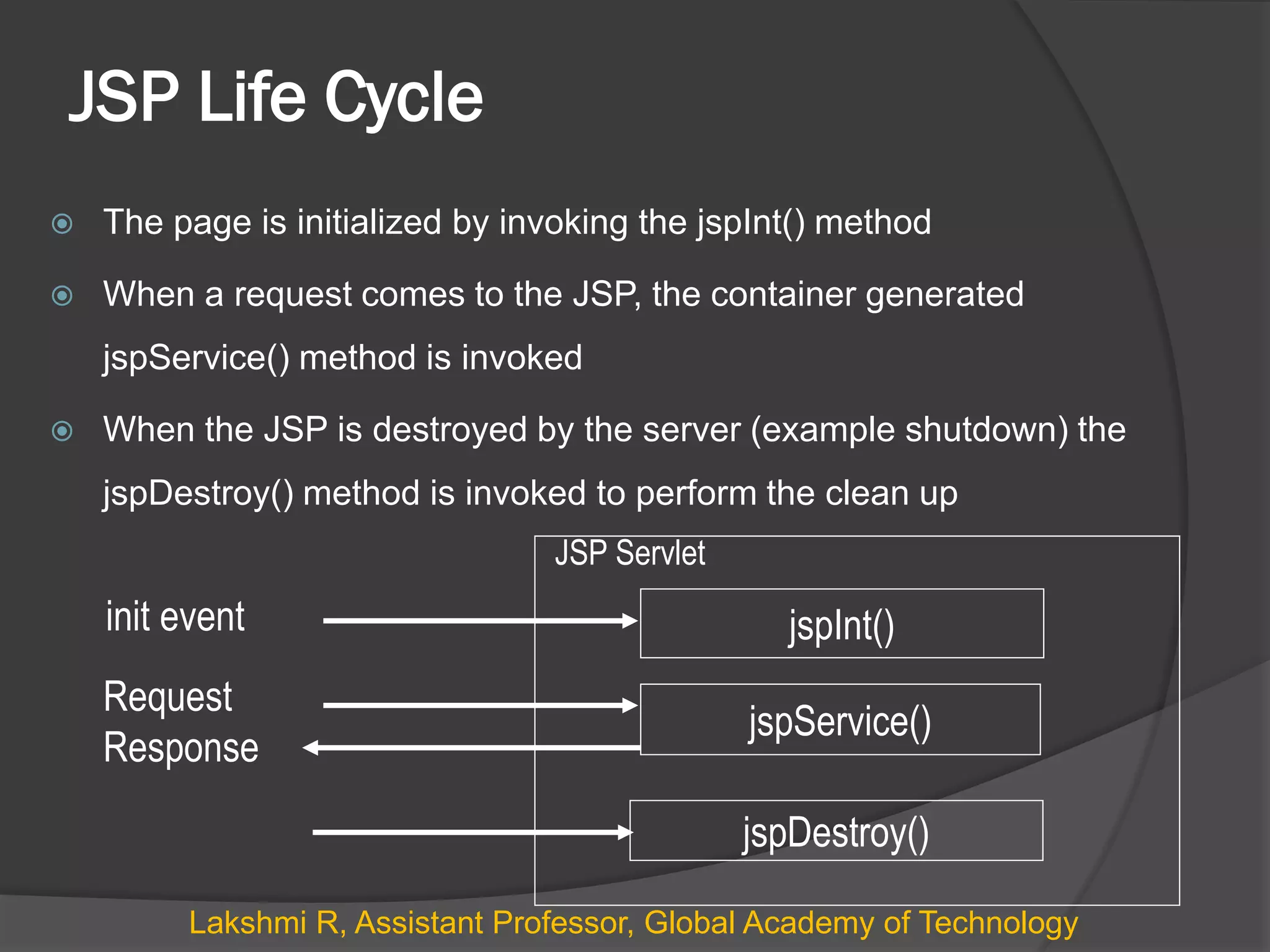
 The page is initialized by invoking the jspInt() method
 When a request comes to the JSP, the container generated
jspService() method is invoked
 When the JSP is destroyed by the server (example shutdown) the
jspDestroy() method is invoked to perform the clean up
jspService()
jspDestroy()
init event
Request
Response
JSP Servlet
jspInt()
Lakshmi R, Assistant Professor, Global Academy of Technology
JSP Constructs
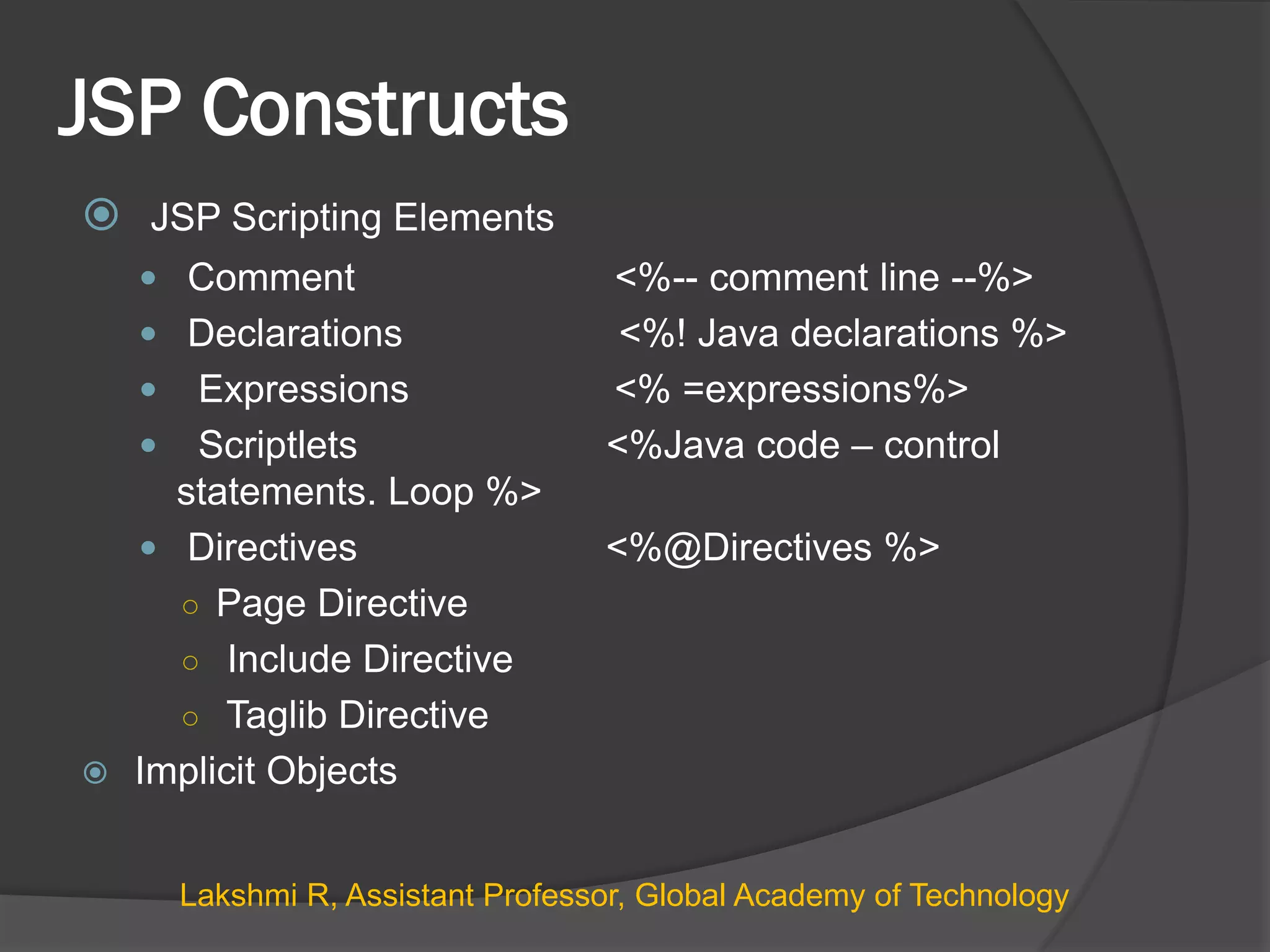
 JSP Scripting Elements
 Comment <%-- comment line --%>
 Declarations <%! Java declarations %>
 Expressions <% =expressions%>
 Scriptlets <%Java code – control
statements. Loop %>
 Directives <%@Directives %>
○ Page Directive
○ Include Directive
○ Taglib Directive
 Implicit Objects
Lakshmi R, Assistant Professor, Global Academy of Technology
1. Declarations
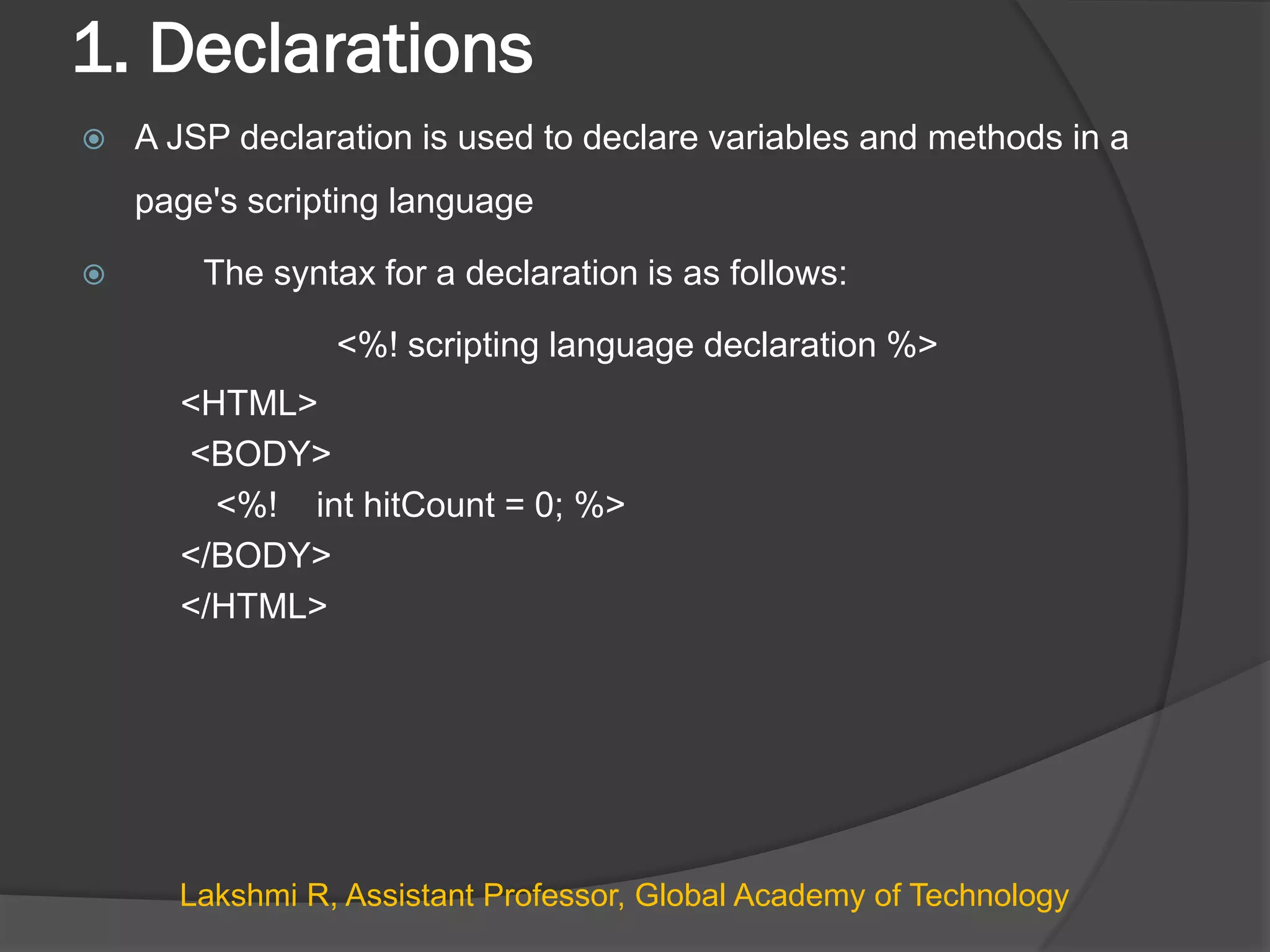
 A JSP declaration is used to declare variables and methods in a
page's scripting language
 The syntax for a declaration is as follows:
<%! scripting language declaration %>
<HTML>
<BODY>
<%! int hitCount = 0; %>
</BODY>
</HTML>
Lakshmi R, Assistant Professor, Global Academy of Technology
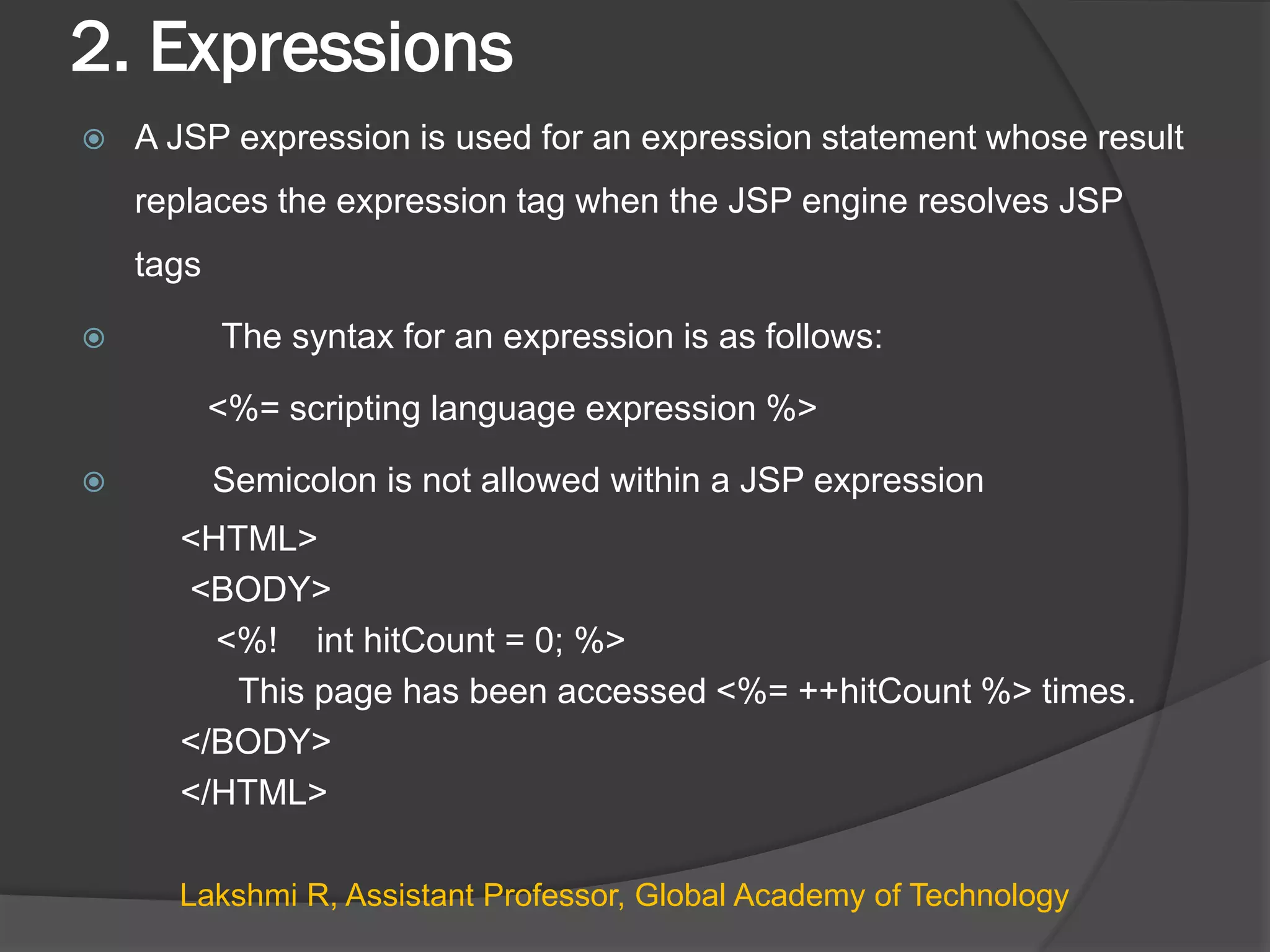
2. Expressions
 A JSP expression is used for an expression statement whose result
replaces the expression tag when the JSP engine resolves JSP
tags
 The syntax for an expression is as follows:
<%= scripting language expression %>
 Semicolon is not allowed within a JSP expression
<HTML>
<BODY>
<%! int hitCount = 0; %>
This page has been accessed <%= ++hitCount %> times.
</BODY>
</HTML>
Lakshmi R, Assistant Professor, Global Academy of Technology
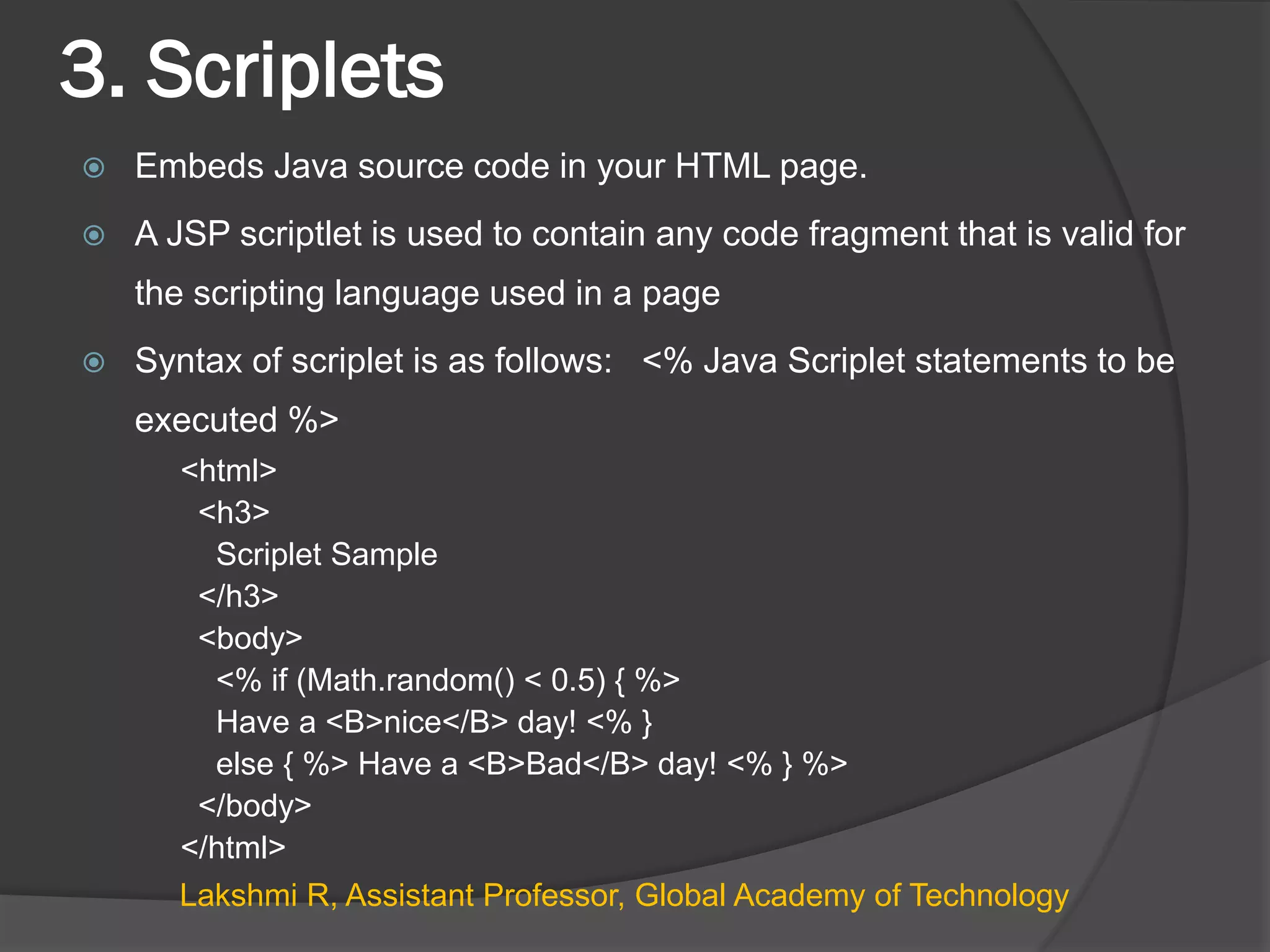
3. Scriplets
 Embeds Java source code in your HTML page.
 A JSP scriptlet is used to contain any code fragment that is valid for
the scripting language used in a page
 Syntax of scriplet is as follows: <% Java Scriplet statements to be
executed %>
<html>
<h3>
Scriplet Sample
</h3>
<body>
<% if (Math.random() < 0.5) { %>
Have a <B>nice</B> day! <% }
else { %> Have a <B>Bad</B> day! <% } %>
</body>
</html>
Lakshmi R, Assistant Professor, Global Academy of Technology
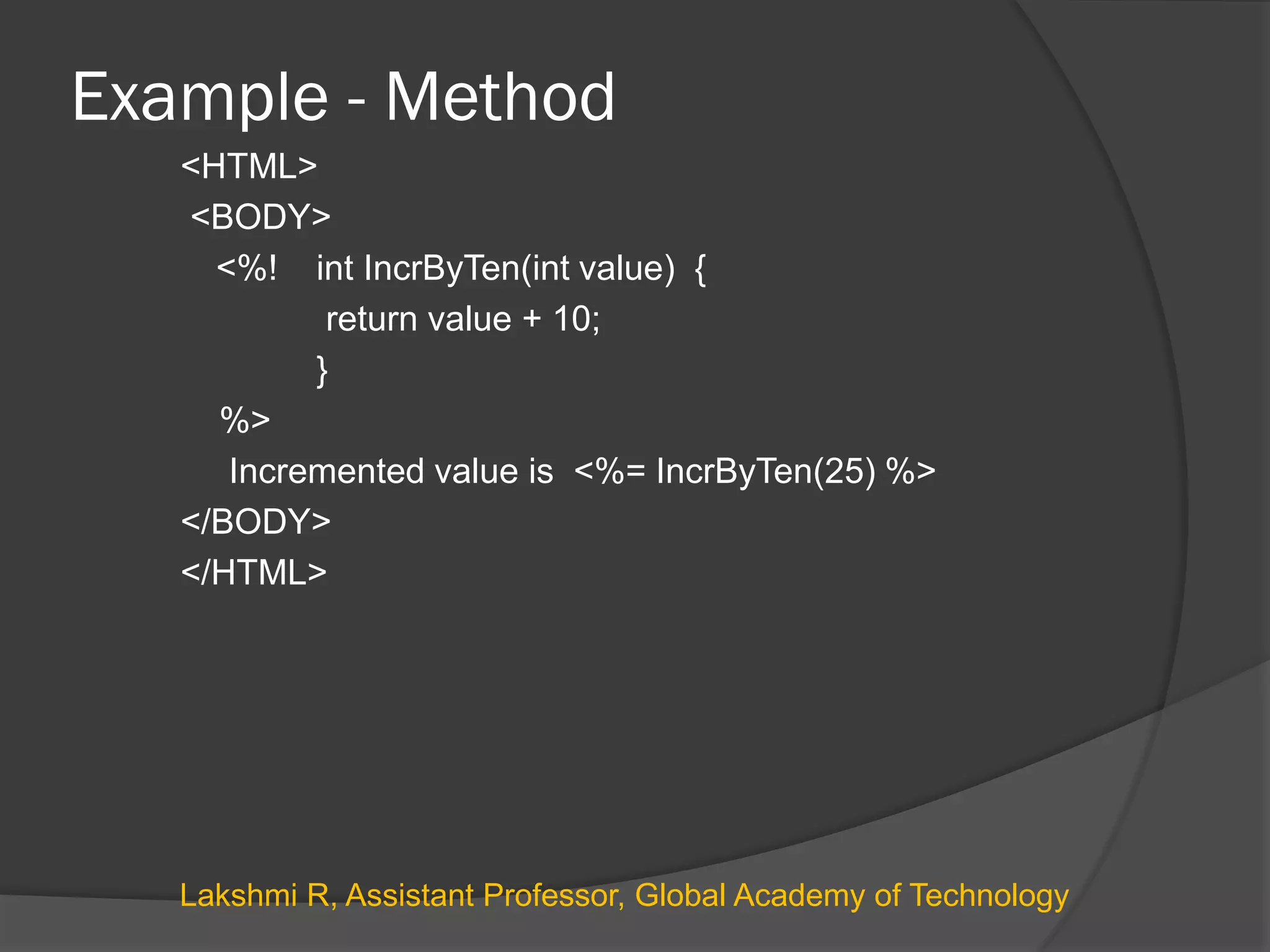
Example - Method
<HTML>
<BODY>
<%! int IncrByTen(int value) {
return value + 10;
}
%>
Incremented value is <%= IncrByTen(25) %>
</BODY>
</HTML>
Lakshmi R, Assistant Professor, Global Academy of Technology
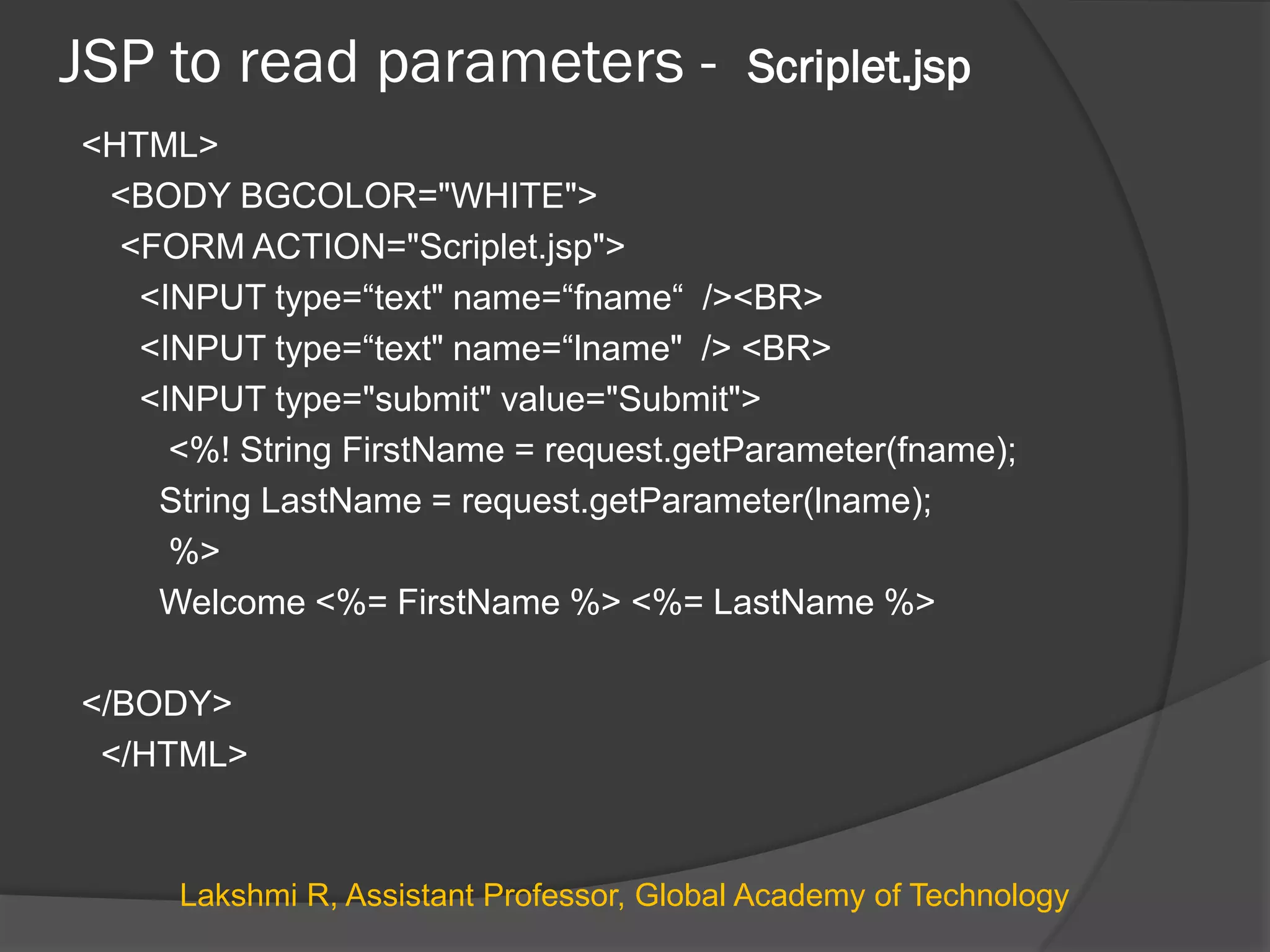
JSP to read parameters - Scriplet.jsp
<HTML>
<BODY BGCOLOR="WHITE">
<FORM ACTION="Scriplet.jsp">
<INPUT type=“text" name=“fname“ /><BR>
<INPUT type=“text" name=“lname" /> <BR>
<INPUT type="submit" value="Submit">
<%! String FirstName = request.getParameter(fname);
String LastName = request.getParameter(lname);
%>
Welcome <%= FirstName %> <%= LastName %>
</BODY>
</HTML>
Lakshmi R, Assistant Professor, Global Academy of Technology
JSP to read multi-valued parameters - Scriplet.jsp
<HTML>
<BODY BGCOLOR="WHITE">
<FORM ACTION="Scriplet.jsp">
<INPUT type="checkbox" name="music" value="Classical"> Classical<BR>
<INPUT type="checkbox" name="music" value="Rock"> Rock<BR>
<INPUT type="checkbox" name="music" value="Jazz"> Jazz<BR>
<INPUT type="checkbox" name="music" value="Blues"> Blues<BR>
<INPUT type="checkbox" name="music" value="Latin_Pop"> Latin Pop<BR>
<INPUT type="submit" value="Submit">
</FORM>
<%String[] selected = request.getParameterValues("music");
if (selected != null && selected.length != 0) {
%>
You like the following kinds of music:
<UL>
<%
for (int i = 0; i < selected.length; i++) {
out.println("<LI>" + selected[i]);
}
%>
</UL>
<% } else {%>
You don’t like Music!!!!!
<% } %>
</BODY>
</HTML>
Lakshmi R, Assistant Professor, Global Academy of Technology
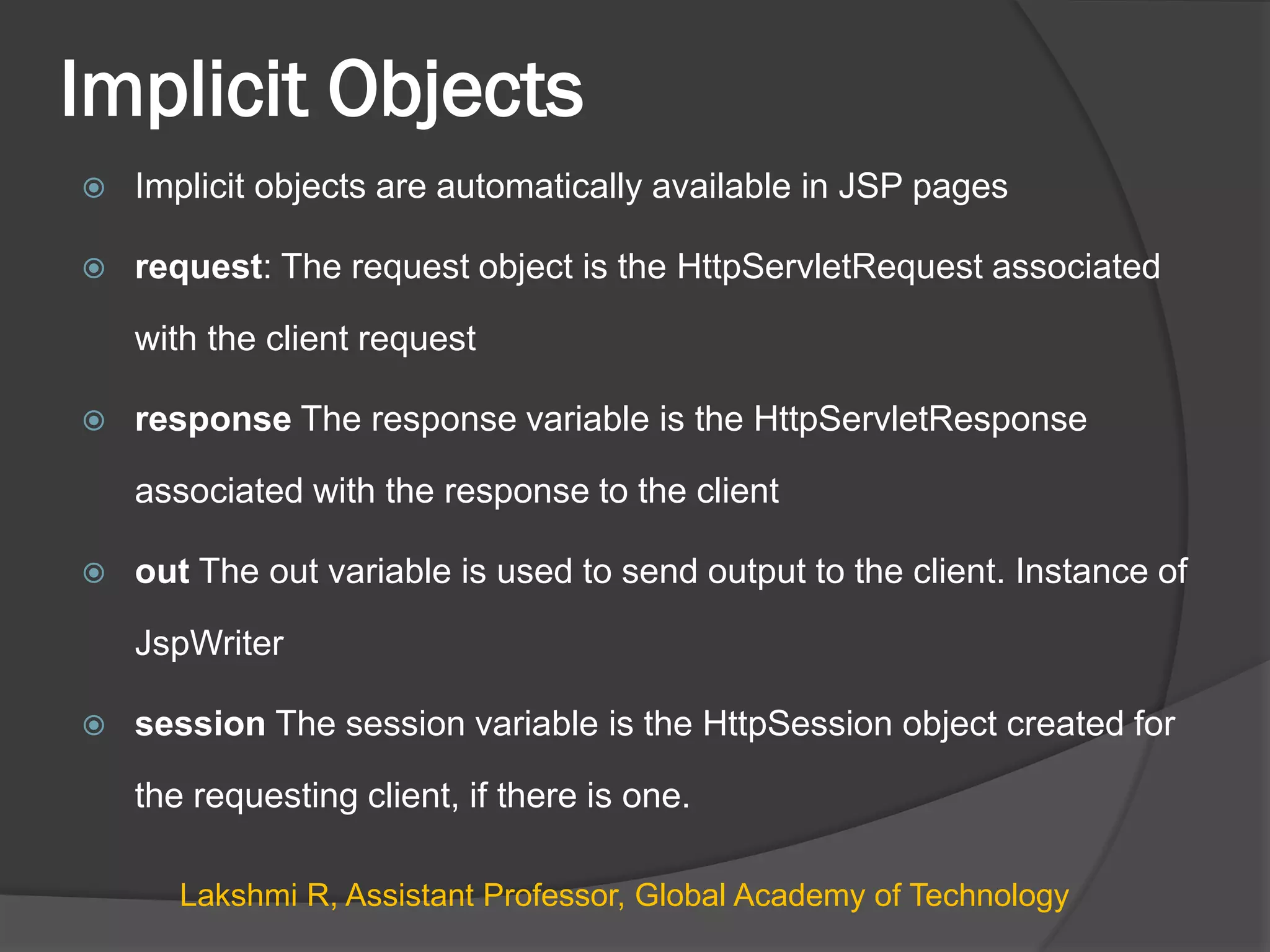
Implicit Objects
 Implicit objects are automatically available in JSP pages
 request: The request object is the HttpServletRequest associated
with the client request
 response The response variable is the HttpServletResponse
associated with the response to the client
 out The out variable is used to send output to the client. Instance of
JspWriter
 session The session variable is the HttpSession object created for
the requesting client, if there is one.
Lakshmi R, Assistant Professor, Global Academy of Technology
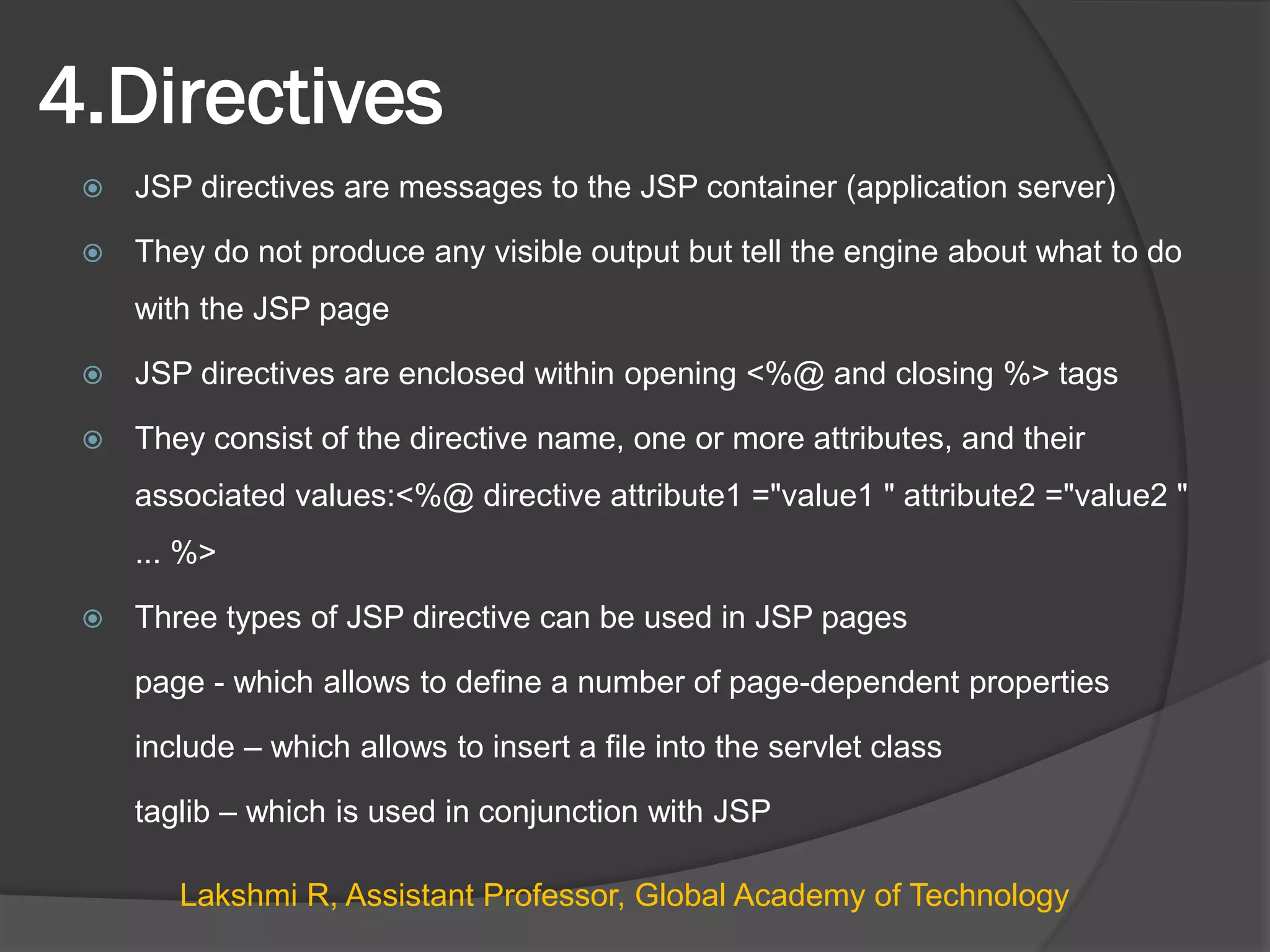
4.Directives
 JSP directives are messages to the JSP container (application server)
 They do not produce any visible output but tell the engine about what to do
with the JSP page
 JSP directives are enclosed within opening <%@ and closing %> tags
 They consist of the directive name, one or more attributes, and their
associated values:<%@ directive attribute1 ="value1 " attribute2 ="value2 "
... %>
 Three types of JSP directive can be used in JSP pages
page - which allows to define a number of page-dependent properties
include – which allows to insert a file into the servlet class
taglib – which is used in conjunction with JSP
Lakshmi R, Assistant Professor, Global Academy of Technology
4.Directives
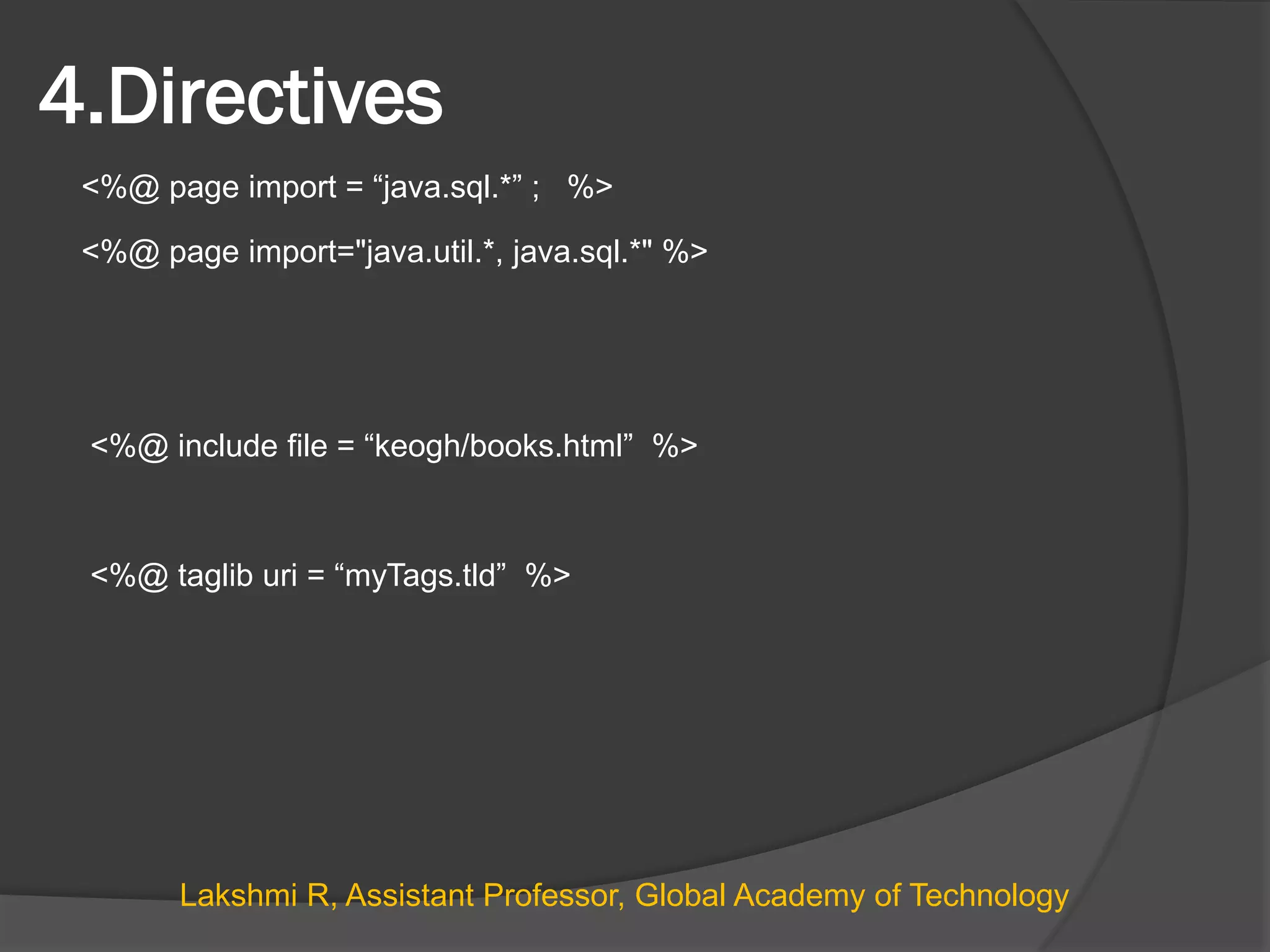
<%@ page import = “java.sql.*” ; %>
<%@ page import="java.util.*, java.sql.*" %>
<%@ include file = “keogh/books.html” %>
<%@ taglib uri = “myTags.tld” %>
Lakshmi R, Assistant Professor, Global Academy of Technology
Cookies
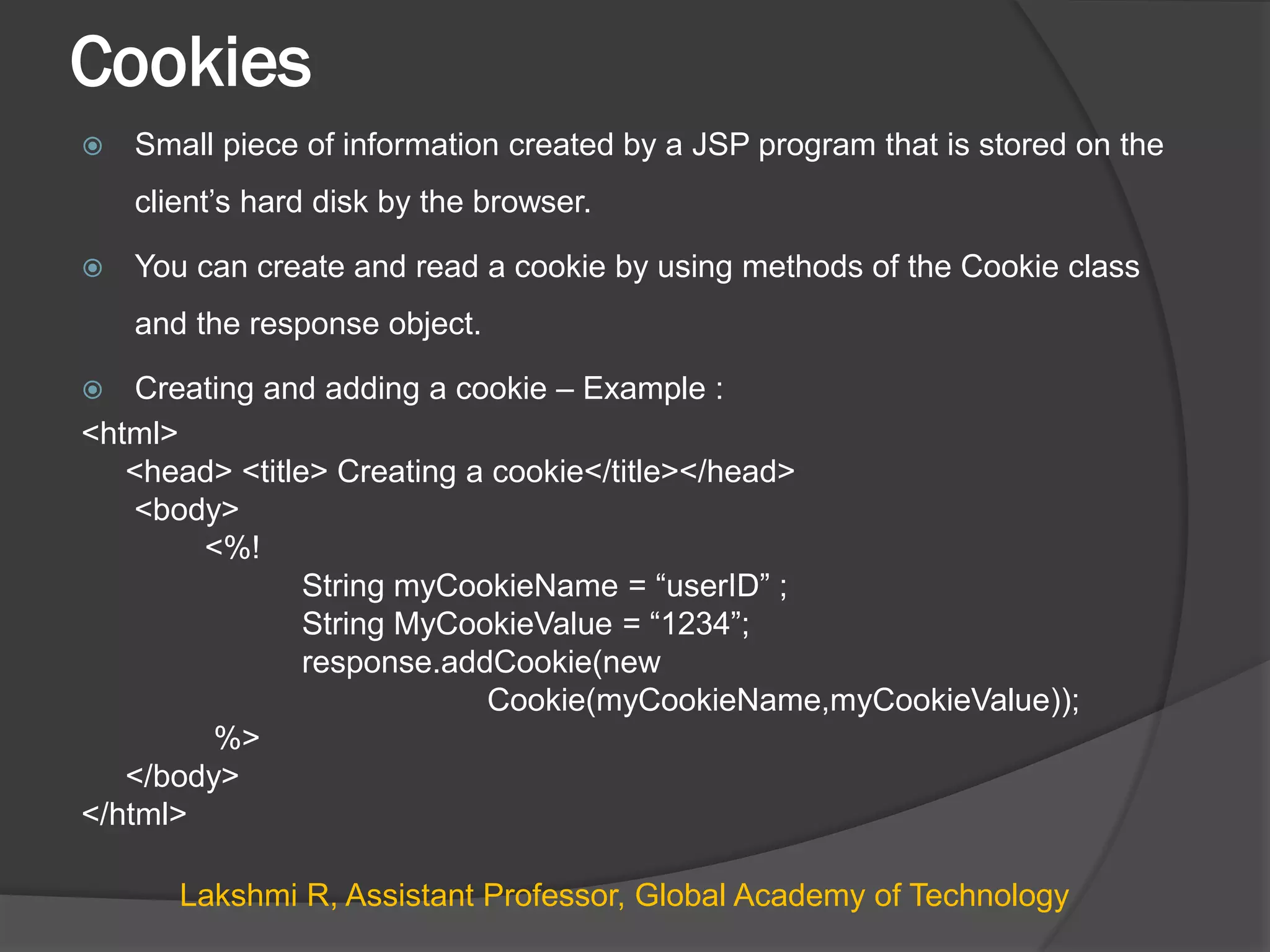
 Small piece of information created by a JSP program that is stored on the
client’s hard disk by the browser.
 You can create and read a cookie by using methods of the Cookie class
and the response object.
 Creating and adding a cookie – Example :
<html>
<head> <title> Creating a cookie</title></head>
<body>
<%!
String myCookieName = “userID” ;
String MyCookieValue = “1234”;
response.addCookie(new
Cookie(myCookieName,myCookieValue));
%>
</body>
</html>
Lakshmi R, Assistant Professor, Global Academy of Technology
Retrieving a cookie
<html>
<head> <title> Creating a cookie</title></head>
<body>
<%!
String myCookieName = “userID” ;
String MyCookieValue ;
String cname,cvalue;
int found = 0;
Cookie cookies[] = request.getCookies();
%>
<% for(int i=0; i<cookies.length; i++) {
cname = cookies[i].getName();
cvalue = cookies[i].getValue();
if(myCookieName.equals(cname)) {
found = 1;
myCookieValue = cvalue;
}
}
if(found == 1) { %>
<p> Cookie name = <%=myCookieName%>
<p> Cookie Value = <%=myCookieValue%>
<% } %>
</body>
</html>
Lakshmi R, Assistant Professor, Global Academy of Technology
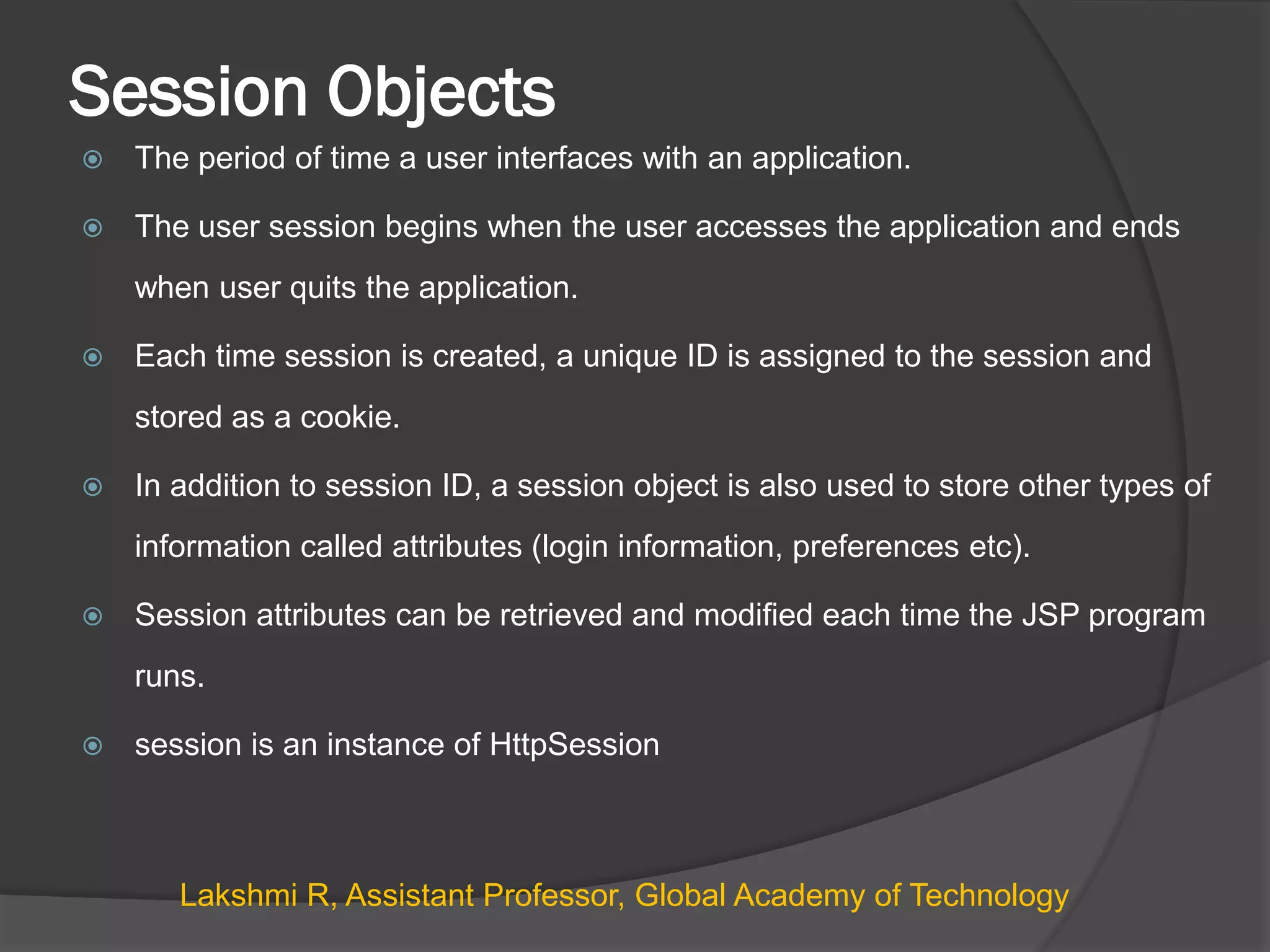
Session Objects
 The period of time a user interfaces with an application.
 The user session begins when the user accesses the application and ends
when user quits the application.
 Each time session is created, a unique ID is assigned to the session and
stored as a cookie.
 In addition to session ID, a session object is also used to store other types of
information called attributes (login information, preferences etc).
 Session attributes can be retrieved and modified each time the JSP program
runs.
 session is an instance of HttpSession
Lakshmi R, Assistant Professor, Global Academy of Technology
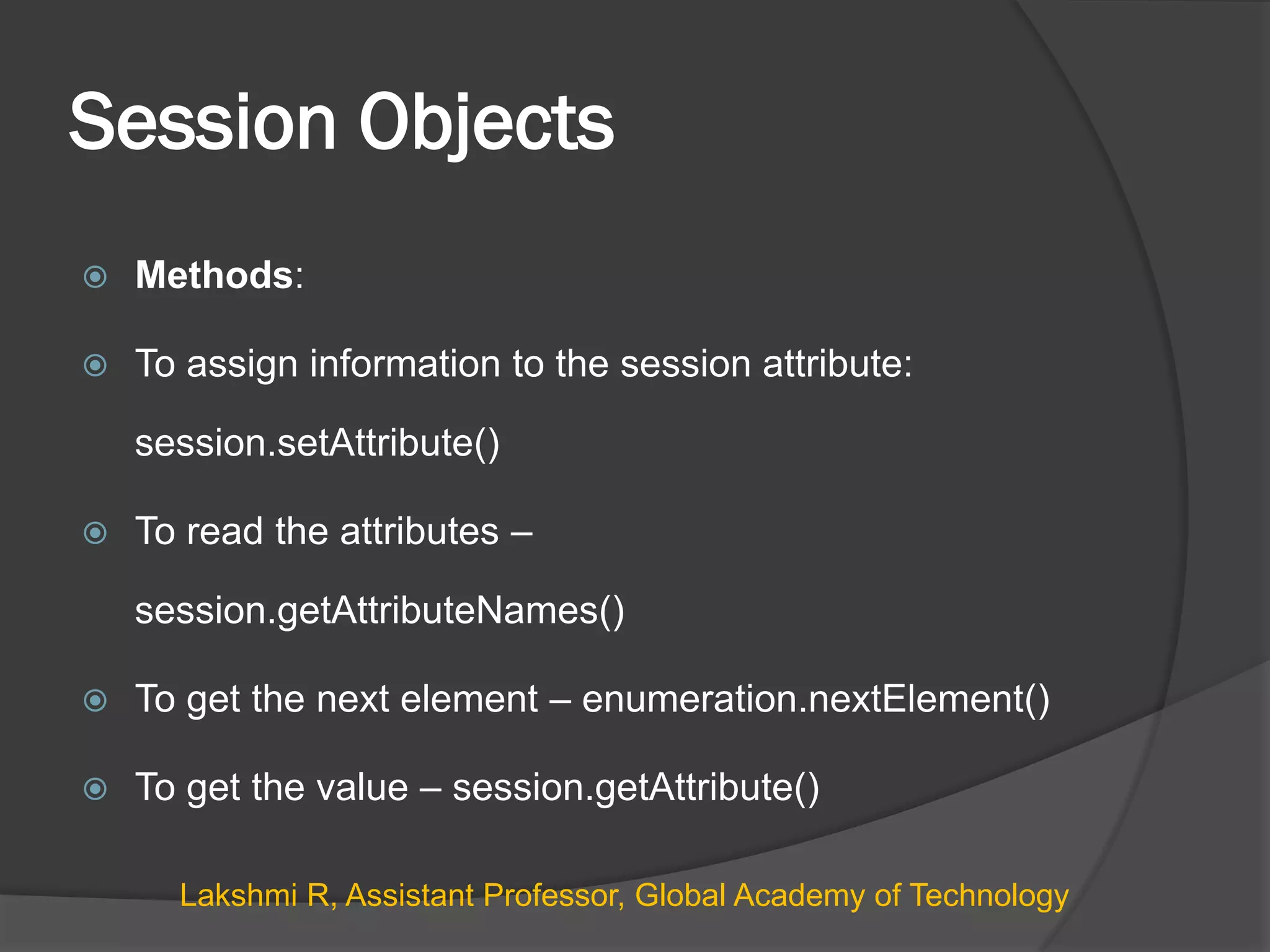
Session Objects
 Methods:
 To assign information to the session attribute:
session.setAttribute()
 To read the attributes –
session.getAttributeNames()
 To get the next element – enumeration.nextElement()
 To get the value – session.getAttribute()
Lakshmi R, Assistant Professor, Global Academy of Technology
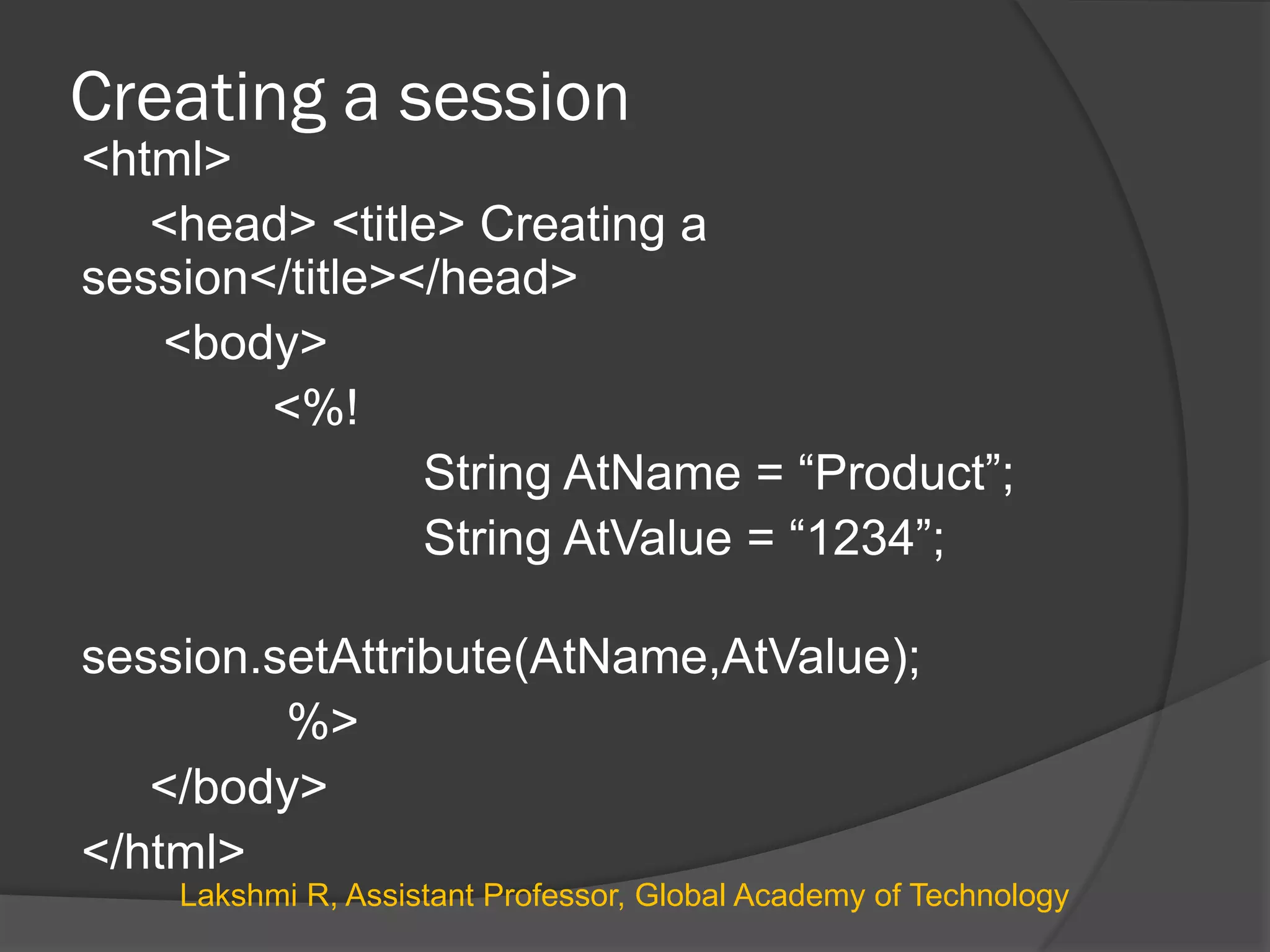
Creating a session
<html>
<head> <title> Creating a
session</title></head>
<body>
<%!
String AtName = “Product”;
String AtValue = “1234”;
session.setAttribute(AtName,AtValue);
%>
</body>
</html>
Lakshmi R, Assistant Professor, Global Academy of Technology
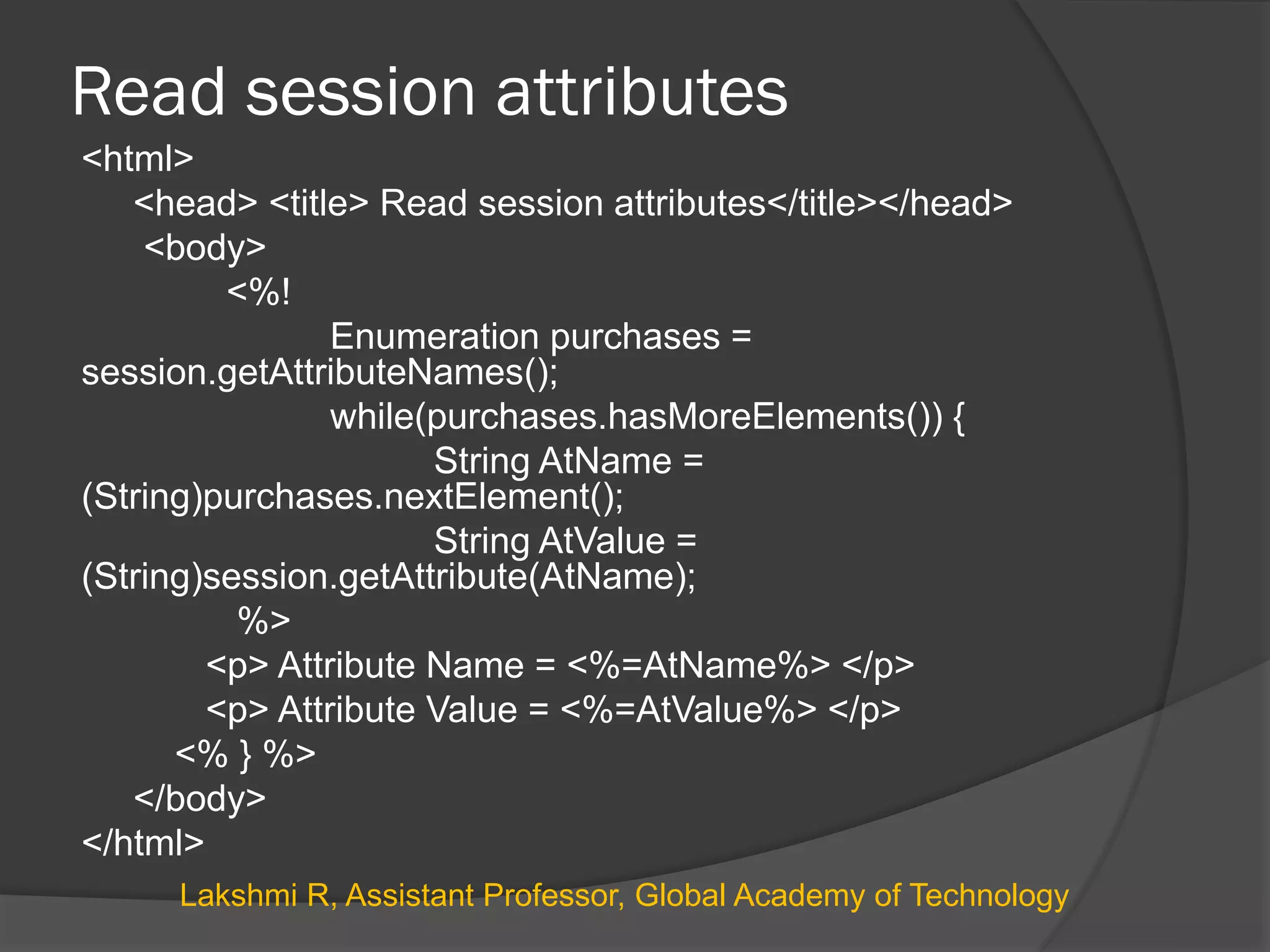
Read session attributes
<html>
<head> <title> Read session attributes</title></head>
<body>
<%!
Enumeration purchases =
session.getAttributeNames();
while(purchases.hasMoreElements()) {
String AtName =
(String)purchases.nextElement();
String AtValue =
(String)session.getAttribute(AtName);
%>
<p> Attribute Name = <%=AtName%> </p>
<p> Attribute Value = <%=AtValue%> </p>
<% } %>
</body>
</html>
Lakshmi R, Assistant Professor, Global Academy of Technology

Jsp presentation

  • 1.
    By, Lakshmi R Assistant Professor Dept.of ISE Global Academy of Technology
  • 2.
    JSP  Java ServerPages (JSP) technology allows to easily create Web content that has both static and dynamic components  JSP is server side program that is called by the user interface or another J2EE component and contains business logic to process a request.  Main features of JSP technology are  Receives request from the user, processes a request and construct a response.  they allow to embed Java code directly into HTML pages, in contrast with HTTP servlets, in which you embed HTML inside Java code. Lakshmi R, Assistant Professor, Global Academy of Technology
  • 3.
    JSP Life Cycle The page is initialized by invoking the jspInt() method  When a request comes to the JSP, the container generated jspService() method is invoked  When the JSP is destroyed by the server (example shutdown) the jspDestroy() method is invoked to perform the clean up jspService() jspDestroy() init event Request Response JSP Servlet jspInt() Lakshmi R, Assistant Professor, Global Academy of Technology
  • 4.
    JSP Constructs  JSPScripting Elements  Comment <%-- comment line --%>  Declarations <%! Java declarations %>  Expressions <% =expressions%>  Scriptlets <%Java code – control statements. Loop %>  Directives <%@Directives %> ○ Page Directive ○ Include Directive ○ Taglib Directive  Implicit Objects Lakshmi R, Assistant Professor, Global Academy of Technology
  • 5.
    1. Declarations  AJSP declaration is used to declare variables and methods in a page's scripting language  The syntax for a declaration is as follows: <%! scripting language declaration %> <HTML> <BODY> <%! int hitCount = 0; %> </BODY> </HTML> Lakshmi R, Assistant Professor, Global Academy of Technology
  • 6.
    2. Expressions  AJSP expression is used for an expression statement whose result replaces the expression tag when the JSP engine resolves JSP tags  The syntax for an expression is as follows: <%= scripting language expression %>  Semicolon is not allowed within a JSP expression <HTML> <BODY> <%! int hitCount = 0; %> This page has been accessed <%= ++hitCount %> times. </BODY> </HTML> Lakshmi R, Assistant Professor, Global Academy of Technology
  • 7.
    3. Scriplets  EmbedsJava source code in your HTML page.  A JSP scriptlet is used to contain any code fragment that is valid for the scripting language used in a page  Syntax of scriplet is as follows: <% Java Scriplet statements to be executed %> <html> <h3> Scriplet Sample </h3> <body> <% if (Math.random() < 0.5) { %> Have a <B>nice</B> day! <% } else { %> Have a <B>Bad</B> day! <% } %> </body> </html> Lakshmi R, Assistant Professor, Global Academy of Technology
  • 8.
    Example - Method <HTML> <BODY> <%!int IncrByTen(int value) { return value + 10; } %> Incremented value is <%= IncrByTen(25) %> </BODY> </HTML> Lakshmi R, Assistant Professor, Global Academy of Technology
  • 9.
    JSP to readparameters - Scriplet.jsp <HTML> <BODY BGCOLOR="WHITE"> <FORM ACTION="Scriplet.jsp"> <INPUT type=“text" name=“fname“ /><BR> <INPUT type=“text" name=“lname" /> <BR> <INPUT type="submit" value="Submit"> <%! String FirstName = request.getParameter(fname); String LastName = request.getParameter(lname); %> Welcome <%= FirstName %> <%= LastName %> </BODY> </HTML> Lakshmi R, Assistant Professor, Global Academy of Technology
  • 10.
    JSP to readmulti-valued parameters - Scriplet.jsp <HTML> <BODY BGCOLOR="WHITE"> <FORM ACTION="Scriplet.jsp"> <INPUT type="checkbox" name="music" value="Classical"> Classical<BR> <INPUT type="checkbox" name="music" value="Rock"> Rock<BR> <INPUT type="checkbox" name="music" value="Jazz"> Jazz<BR> <INPUT type="checkbox" name="music" value="Blues"> Blues<BR> <INPUT type="checkbox" name="music" value="Latin_Pop"> Latin Pop<BR> <INPUT type="submit" value="Submit"> </FORM> <%String[] selected = request.getParameterValues("music"); if (selected != null && selected.length != 0) { %> You like the following kinds of music: <UL> <% for (int i = 0; i < selected.length; i++) { out.println("<LI>" + selected[i]); } %> </UL> <% } else {%> You don’t like Music!!!!! <% } %> </BODY> </HTML> Lakshmi R, Assistant Professor, Global Academy of Technology
  • 11.
    Implicit Objects  Implicitobjects are automatically available in JSP pages  request: The request object is the HttpServletRequest associated with the client request  response The response variable is the HttpServletResponse associated with the response to the client  out The out variable is used to send output to the client. Instance of JspWriter  session The session variable is the HttpSession object created for the requesting client, if there is one. Lakshmi R, Assistant Professor, Global Academy of Technology
  • 12.
    4.Directives  JSP directivesare messages to the JSP container (application server)  They do not produce any visible output but tell the engine about what to do with the JSP page  JSP directives are enclosed within opening <%@ and closing %> tags  They consist of the directive name, one or more attributes, and their associated values:<%@ directive attribute1 ="value1 " attribute2 ="value2 " ... %>  Three types of JSP directive can be used in JSP pages page - which allows to define a number of page-dependent properties include – which allows to insert a file into the servlet class taglib – which is used in conjunction with JSP Lakshmi R, Assistant Professor, Global Academy of Technology
  • 13.
    4.Directives <%@ page import= “java.sql.*” ; %> <%@ page import="java.util.*, java.sql.*" %> <%@ include file = “keogh/books.html” %> <%@ taglib uri = “myTags.tld” %> Lakshmi R, Assistant Professor, Global Academy of Technology
  • 14.
    Cookies  Small pieceof information created by a JSP program that is stored on the client’s hard disk by the browser.  You can create and read a cookie by using methods of the Cookie class and the response object.  Creating and adding a cookie – Example : <html> <head> <title> Creating a cookie</title></head> <body> <%! String myCookieName = “userID” ; String MyCookieValue = “1234”; response.addCookie(new Cookie(myCookieName,myCookieValue)); %> </body> </html> Lakshmi R, Assistant Professor, Global Academy of Technology
  • 15.
    Retrieving a cookie <html> <head><title> Creating a cookie</title></head> <body> <%! String myCookieName = “userID” ; String MyCookieValue ; String cname,cvalue; int found = 0; Cookie cookies[] = request.getCookies(); %> <% for(int i=0; i<cookies.length; i++) { cname = cookies[i].getName(); cvalue = cookies[i].getValue(); if(myCookieName.equals(cname)) { found = 1; myCookieValue = cvalue; } } if(found == 1) { %> <p> Cookie name = <%=myCookieName%> <p> Cookie Value = <%=myCookieValue%> <% } %> </body> </html> Lakshmi R, Assistant Professor, Global Academy of Technology
  • 16.
    Session Objects  Theperiod of time a user interfaces with an application.  The user session begins when the user accesses the application and ends when user quits the application.  Each time session is created, a unique ID is assigned to the session and stored as a cookie.  In addition to session ID, a session object is also used to store other types of information called attributes (login information, preferences etc).  Session attributes can be retrieved and modified each time the JSP program runs.  session is an instance of HttpSession Lakshmi R, Assistant Professor, Global Academy of Technology
  • 17.
    Session Objects  Methods: To assign information to the session attribute: session.setAttribute()  To read the attributes – session.getAttributeNames()  To get the next element – enumeration.nextElement()  To get the value – session.getAttribute() Lakshmi R, Assistant Professor, Global Academy of Technology
  • 18.
    Creating a session <html> <head><title> Creating a session</title></head> <body> <%! String AtName = “Product”; String AtValue = “1234”; session.setAttribute(AtName,AtValue); %> </body> </html> Lakshmi R, Assistant Professor, Global Academy of Technology
  • 19.
    Read session attributes <html> <head><title> Read session attributes</title></head> <body> <%! Enumeration purchases = session.getAttributeNames(); while(purchases.hasMoreElements()) { String AtName = (String)purchases.nextElement(); String AtValue = (String)session.getAttribute(AtName); %> <p> Attribute Name = <%=AtName%> </p> <p> Attribute Value = <%=AtValue%> </p> <% } %> </body> </html> Lakshmi R, Assistant Professor, Global Academy of Technology