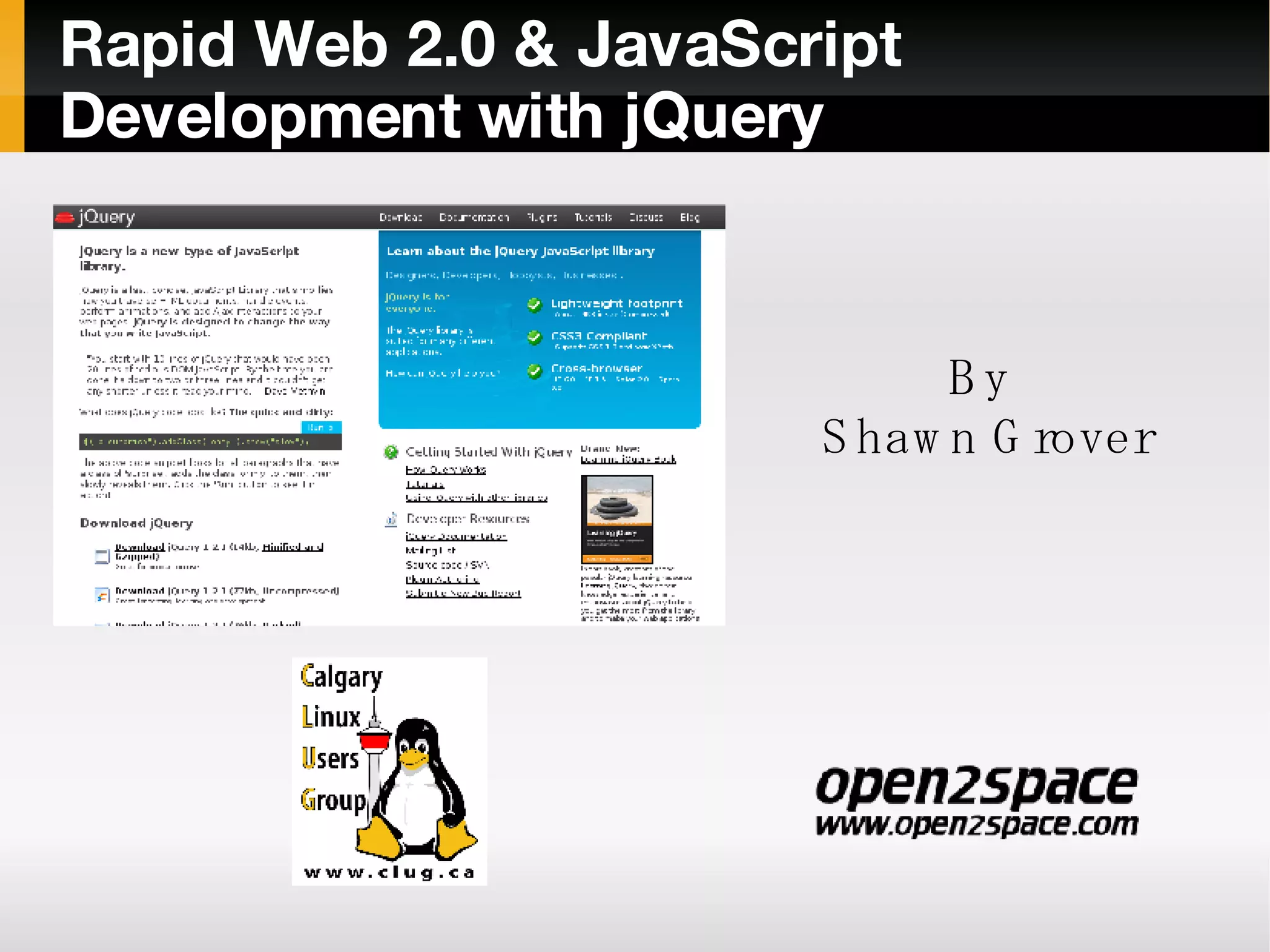
Rapid Web 2.0 & JavaScript Development with jQuery By  Shawn Grover
Rapid Web 2.0 & JavaScript Development with jQuery Outline My definition of Web 2.0 What is jQuery Contrasts – Traditional JavaScript vs. jQuery Extending jQuery with plugins A Sample Application Compare to Prototype
Web 2.0 ” Web 2.0 refers to a perceived second generation of web-based communities and hosted services — such as social-networking sites, wikis and folksonomies — which aim to facilitate collaboration and sharing between users.”  - Wikipedia - http://en.wikipedia.org/wiki/Web_2.0 Usually consists of : Rich Internet Applications XML and RSS WEB APIs
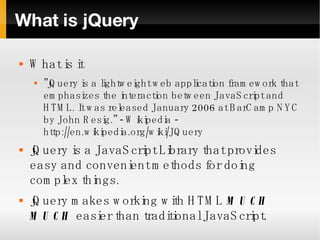
What is jQuery What is it ” jQuery is a lightweight web application framework that emphasizes the interaction between JavaScript and HTML. It was released January 2006 at BarCamp NYC by John Resig.” - Wikipedia - http://en.wikipedia.org/wiki/JQuery jQuery is a JavaScript Library that provides easy and convenient methods for doing complex things. jQuery makes working with HTML  MUCH MUCH  easier than traditional JavaScript.
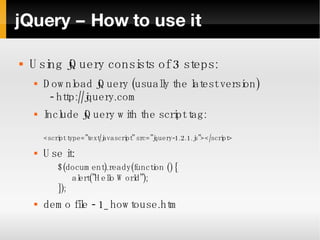
jQuery – How to use it Using jQuery consists of 3 steps: Download jQuery (usually the latest version)   - http://jquery.com Include jQuery with the script tag: <script type=”text/javascript” src=”jquery-1.2.1.js”></script> Use it: $(document).ready(function () { alert(”Hello World”); }); demo file - 1_howtouse.htm
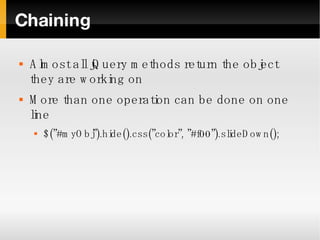
Chaining Almost all jQuery methods return the object they are working on More than one operation can be done on one line $(”#myObj”).hide().css(”color”, ”#f00”).slideDown();
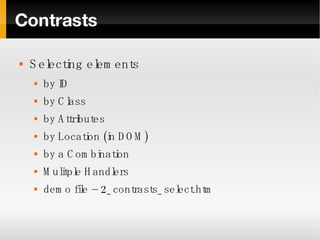
Contrasts Selecting elements by ID by Class by Attributes by Location (in DOM) by a Combination Mulitple Handlers demo file – 2_contrasts_select.htm
Contrasts Getting & Changing Elements Text / HTML Form elements demo file 3_contrasts_changing.htm
Contrasts Working with CSS Add class Remove class Set Styles Get style value demo file - 4_contrasts_css.htm
Contrasts Events Ready? ( $(document).ready() ) Adding events Multiple handlers Removing events Firing events Interactions demo file - 5_contrasts_events.htm
Contrasts Ajax Old Way Easy way Not so easy way (but more robust) demo file 6_contrasts_ajax.htm
Bonus Capabilities Effects Utilities Animations demo file 7_bonus_capabilities.htm
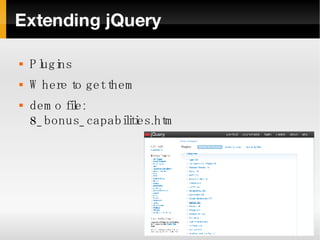
Extending jQuery Plugins Where to get them demo file: 8_bonus_capabilities.htm
Real Life jQuery Our (simple) Sample Application: Login page On failed login, show a message with some style On successful login, replace the content with a page loaded via Ajax. (sample only – don't use this for real life authentication) demo file 9_sample_app.htm
jQuery vs Prototype.js What is Prototype.js? Can be found at http://prototypejs.org Similar goals, different but converging approaches jQuery – One object to expand DOM Prototype – Many custom objects jQuery can coexist demo file 10_prototype.htm
Resources jQuery.com http://docs.jquery.com/Discussion Mailing list RSS Feeds IRC Channel Books Google (of course)

jQuery

  • 1.
    Rapid Web 2.0& JavaScript Development with jQuery By Shawn Grover
  • 2.
    Rapid Web 2.0& JavaScript Development with jQuery Outline My definition of Web 2.0 What is jQuery Contrasts – Traditional JavaScript vs. jQuery Extending jQuery with plugins A Sample Application Compare to Prototype
  • 3.
    Web 2.0 ”Web 2.0 refers to a perceived second generation of web-based communities and hosted services — such as social-networking sites, wikis and folksonomies — which aim to facilitate collaboration and sharing between users.” - Wikipedia - http://en.wikipedia.org/wiki/Web_2.0 Usually consists of : Rich Internet Applications XML and RSS WEB APIs
  • 4.
    What is jQueryWhat is it ” jQuery is a lightweight web application framework that emphasizes the interaction between JavaScript and HTML. It was released January 2006 at BarCamp NYC by John Resig.” - Wikipedia - http://en.wikipedia.org/wiki/JQuery jQuery is a JavaScript Library that provides easy and convenient methods for doing complex things. jQuery makes working with HTML MUCH MUCH easier than traditional JavaScript.
  • 5.
    jQuery – Howto use it Using jQuery consists of 3 steps: Download jQuery (usually the latest version) - http://jquery.com Include jQuery with the script tag: <script type=”text/javascript” src=”jquery-1.2.1.js”></script> Use it: $(document).ready(function () { alert(”Hello World”); }); demo file - 1_howtouse.htm
  • 6.
    Chaining Almost alljQuery methods return the object they are working on More than one operation can be done on one line $(”#myObj”).hide().css(”color”, ”#f00”).slideDown();
  • 7.
    Contrasts Selecting elementsby ID by Class by Attributes by Location (in DOM) by a Combination Mulitple Handlers demo file – 2_contrasts_select.htm
  • 8.
    Contrasts Getting &Changing Elements Text / HTML Form elements demo file 3_contrasts_changing.htm
  • 9.
    Contrasts Working withCSS Add class Remove class Set Styles Get style value demo file - 4_contrasts_css.htm
  • 10.
    Contrasts Events Ready?( $(document).ready() ) Adding events Multiple handlers Removing events Firing events Interactions demo file - 5_contrasts_events.htm
  • 11.
    Contrasts Ajax OldWay Easy way Not so easy way (but more robust) demo file 6_contrasts_ajax.htm
  • 12.
    Bonus Capabilities EffectsUtilities Animations demo file 7_bonus_capabilities.htm
  • 13.
    Extending jQuery PluginsWhere to get them demo file: 8_bonus_capabilities.htm
  • 14.
    Real Life jQueryOur (simple) Sample Application: Login page On failed login, show a message with some style On successful login, replace the content with a page loaded via Ajax. (sample only – don't use this for real life authentication) demo file 9_sample_app.htm
  • 15.
    jQuery vs Prototype.jsWhat is Prototype.js? Can be found at http://prototypejs.org Similar goals, different but converging approaches jQuery – One object to expand DOM Prototype – Many custom objects jQuery can coexist demo file 10_prototype.htm
  • 16.
    Resources jQuery.com http://docs.jquery.com/DiscussionMailing list RSS Feeds IRC Channel Books Google (of course)