iTunes U Overview
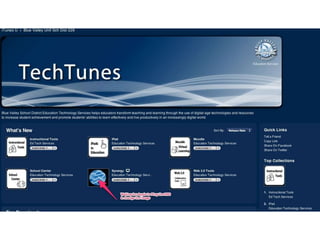
Admin site for collections.
We host the videos and other documents on our server.
Create an RSS Feed with code so that Apple Pings - grabs the code - and puts
it into iTunes U. As we update the RSS Feed, Apple 'pings' it to get the
updates.
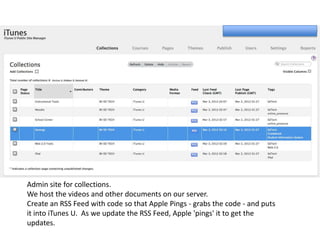
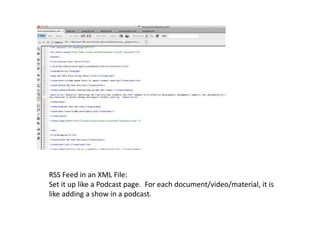
RSS Feed in an XML File:
Set it up like a Podcast page. For each document/video/material, it is
like adding a show in a podcast.
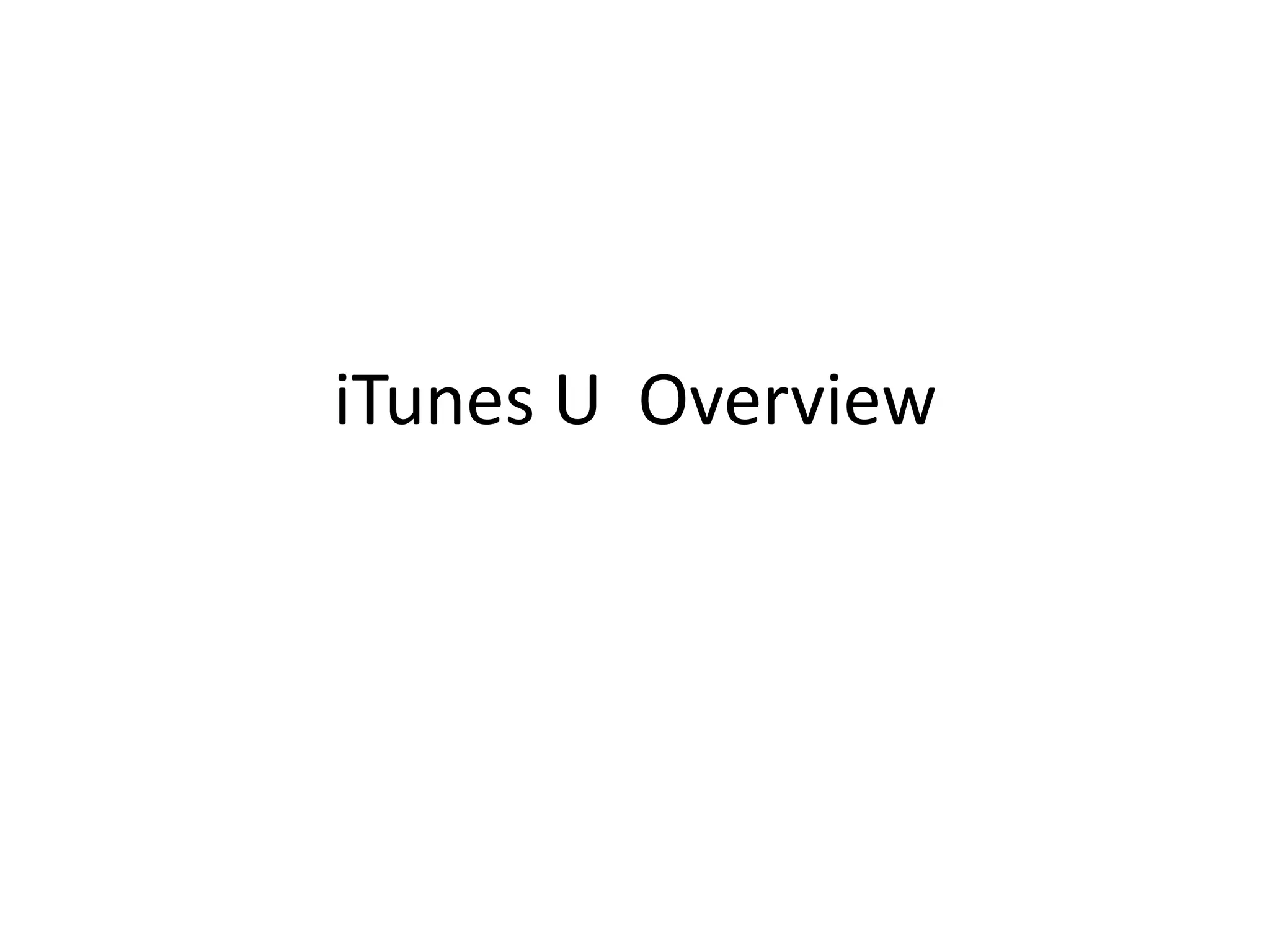
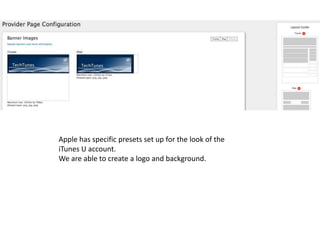
Apple has specific presets set up for the look of the
iTunes U account.
We are able to create a logo and background.
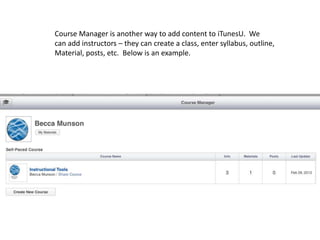
Course Manager is another way to add content to iTunesU. We
can add instructors – they can create a class, enter syllabus, outline,
Material, posts, etc. Below is an example.
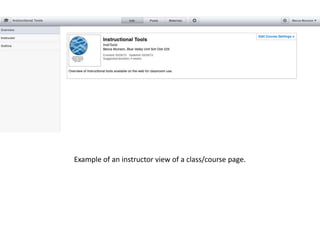
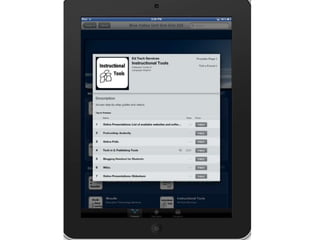
Example of an instructor view of a class/course page.
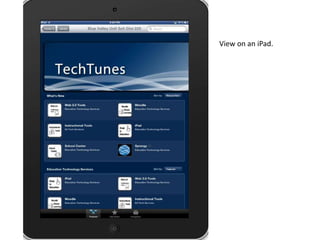
View on an iPad.
iTunes U Options

iTunes U Options

  • 1.
  • 3.
    Admin site forcollections. We host the videos and other documents on our server. Create an RSS Feed with code so that Apple Pings - grabs the code - and puts it into iTunes U. As we update the RSS Feed, Apple 'pings' it to get the updates.
  • 4.
    RSS Feed inan XML File: Set it up like a Podcast page. For each document/video/material, it is like adding a show in a podcast.
  • 5.
    Apple has specificpresets set up for the look of the iTunes U account. We are able to create a logo and background.
  • 6.
    Course Manager isanother way to add content to iTunesU. We can add instructors – they can create a class, enter syllabus, outline, Material, posts, etc. Below is an example.
  • 7.
    Example of aninstructor view of a class/course page.
  • 8.