ICT- thinking outside the classroom box [email_address] www.chrisfuller.typepad.com  – where all of today’s presentations will be available to download www.edgehillcollege.typepad.com
First, important things to know... I AM NOT AN ICT EXPERT!!! I am a Spanish teacher, who was taught how to use PowerPoint 4 years ago. I do not know how the Internet works, I just push buttons, especially the back button when things go wrong.
First, important things to know... 2) The ideas that I pass on in this session are not... Completely comprehensive They will not destroy your life 3) No notes needed- will be on  www.chrisfuller.typepad.com
“ If school is to be a truly rewarding experience for today’s students, it must be relevant to them.” Connected magazine, Learning and teaching Scotland
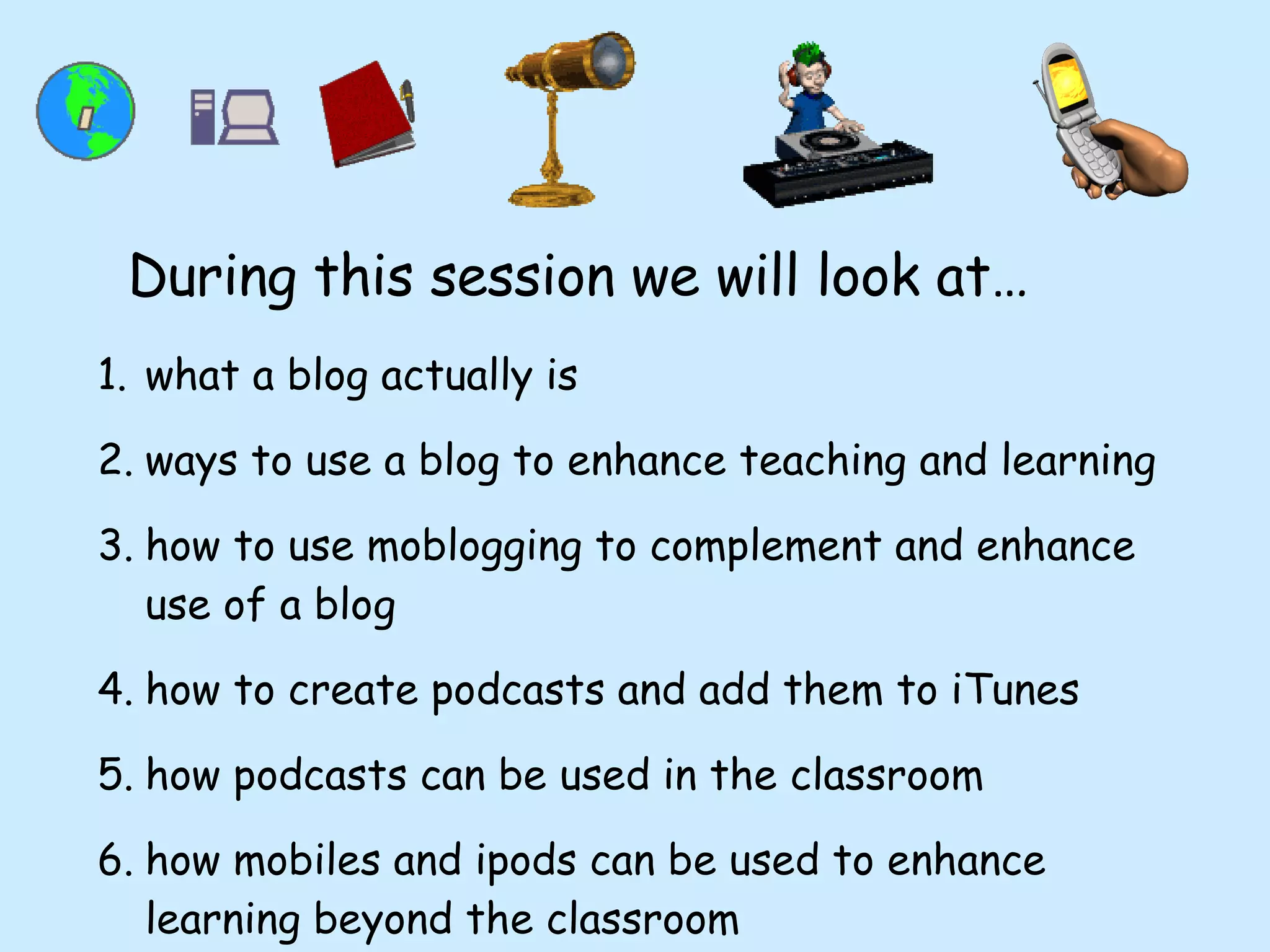
what a blog actually is ways to use a blog to enhance teaching and learning how to use moblogging to complement and enhance use of a blog how to create podcasts and add them to iTunes how podcasts can be used in the classroom how mobiles and ipods can be used to enhance learning beyond the classroom During this session we will look at…
Is this the future? “ Young people’s familiarity with ICT offers a great opportunity to language teachers. It seems to us that a determined commitment to use this world, which is so familiar to young people, is a key to increasing the engagement of young people of all ages with languages. New technologies can facilitate real contacts with schools and young people in other countries. They can also provide stimulus for creative and interactive work .”  (Lord Dearing - Languages Review March 2007)
What is a blog?!?!?! Blog=  web       log   Traditionally used as an online diary A typical blog combines a variety of media forms  Key element is huge increase in interactivity- INFORMATION  COMMUNICATION  TECHNOLOGY.   Blogging
Who uses blogs? Teachers for motivation www.edgehillcollege.typepad.com www.roydslanguagesdepartment.typepad.com Teachers for reflections / to share ideas http://tinyurl.com/ycdamq   (Neil Jones, resources) www.boxoftricks.net  (Jose Picardo, ideas) Blogging
What can we actually use a blog for?!?! Showing pupils’ work Sharing files Showing pupils’ videos etc Increasing Assessment for Learning Increasing self-evaluation Blogging
Why use  blogs? Motivation - make the world your classroom wall Learning no longer confined to exercise books Who is the audience for work which goes into an exercise book? Truly global perspective Can be demonstrated by visitors maps on blogs Blogging
The last 100 visitors to the Spanish blog
Why use  blogs? Writing Increased motivation- will be viewed by more than just the teacher Blogging
Why use  blogs? Reading pupils constantly reading and re-reading each other’s work Allows for dissemination of good ideas Allows free choice of which sections to read Aids pupil independence Blogging
Why use  blogs? Speaking Pupil and teacher generated podcasts  Speaking tests / exercises  =learning opportunity rather than just an assessment opportunity - can be done in the form of vokis, podcasts etc Provides a platform for pupil-made videos Blogging
Why use  blogs? Listening To podcasts (on the blog or via links) To videos (pupil created, music, adverts, football commentaries etc) To peers’ work Blogging
Why use  blogs? Assessment for Learning Comment function allows peer assessment using “Two Stars and a Wish formula” = 2 positive elements + 1 element to work at next time Self-assessment as pupils comment on their own work and thus self target set. Blogging
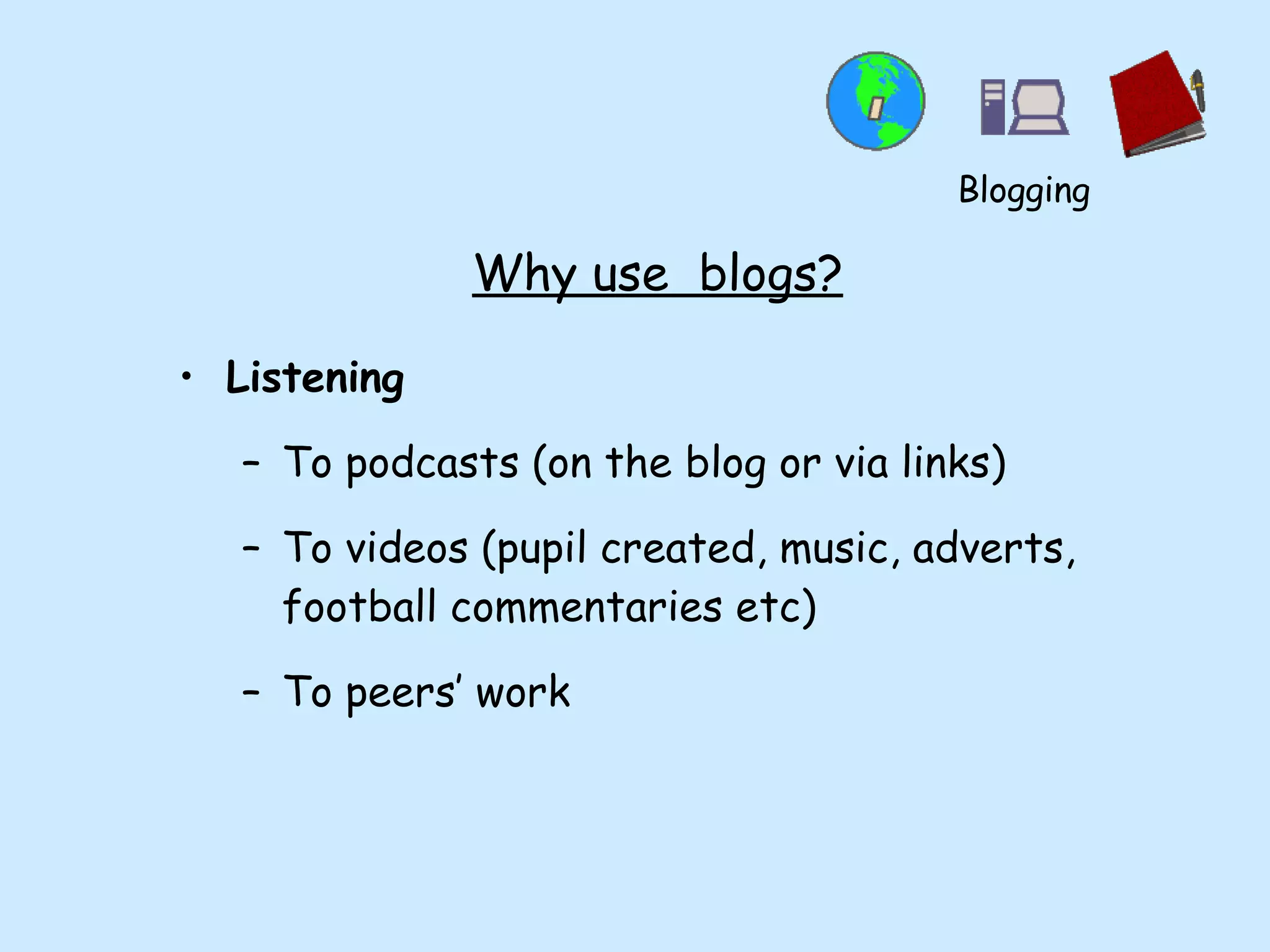
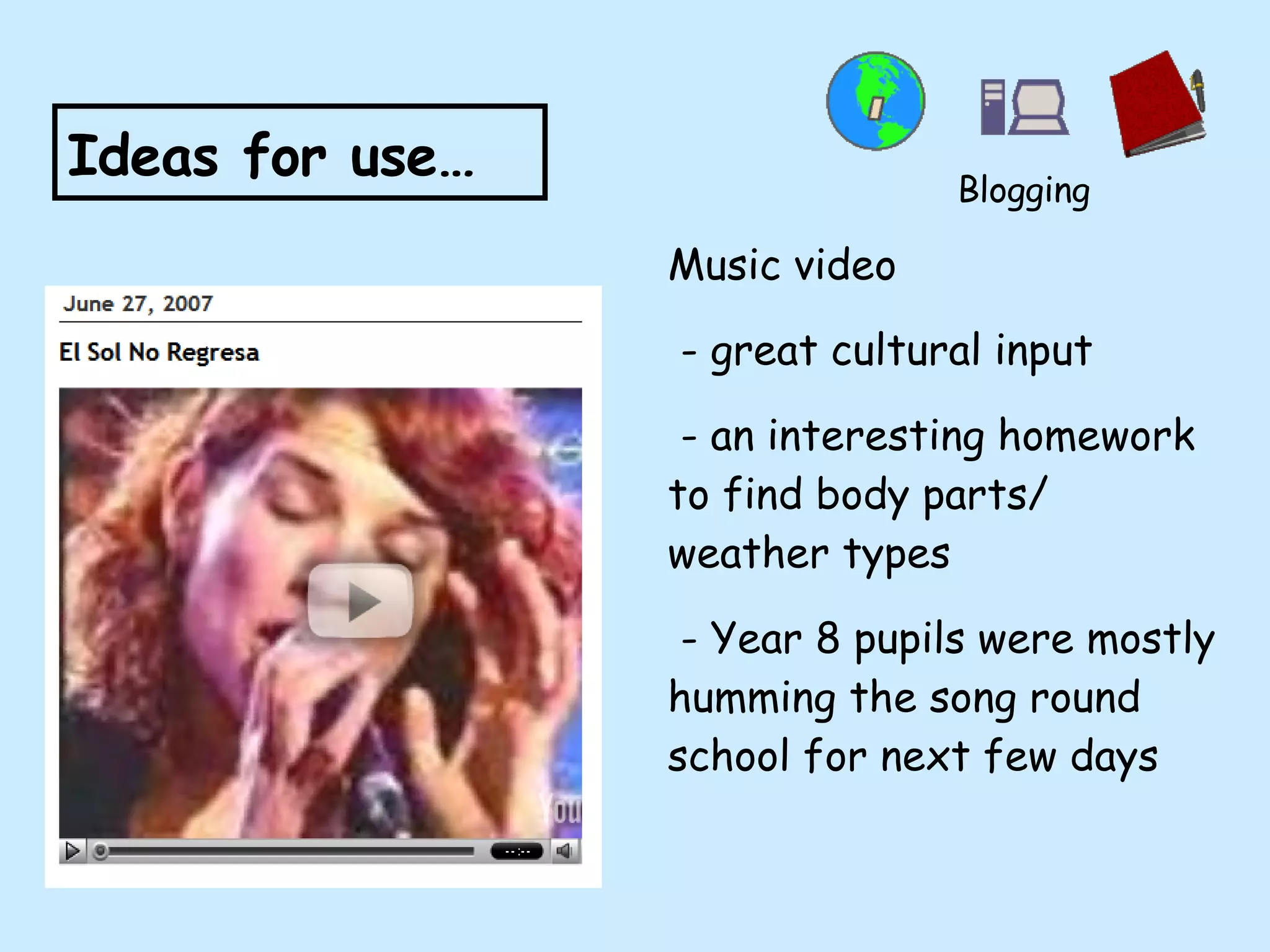
Music video - great cultural input - an interesting homework to find body parts/ weather types - Year 8 pupils were mostly humming the song round school for next few days Ideas for use… Blogging
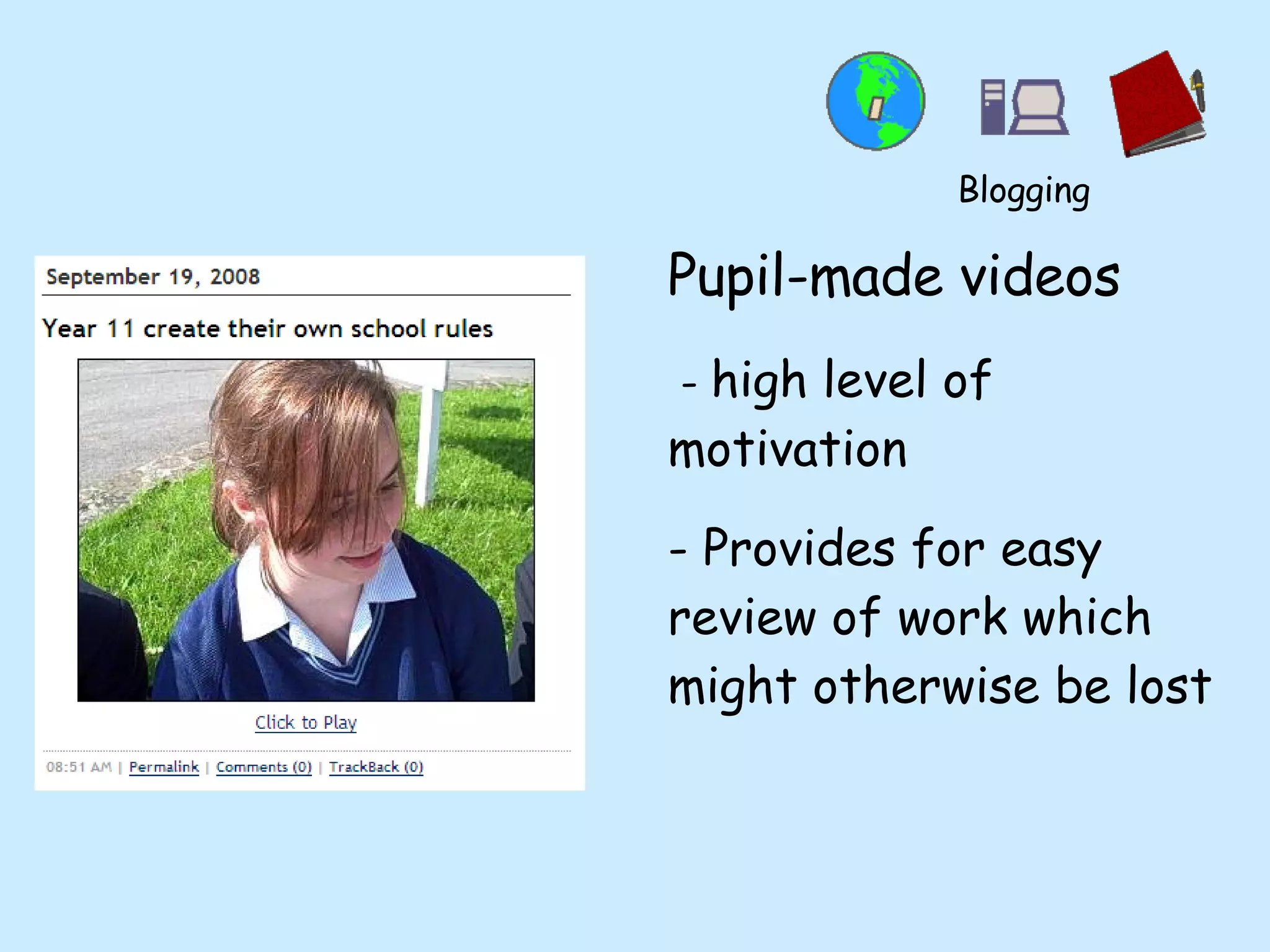
Pupil-made videos -  high level of motivation - Provides for easy review of work which might otherwise be lost Blogging
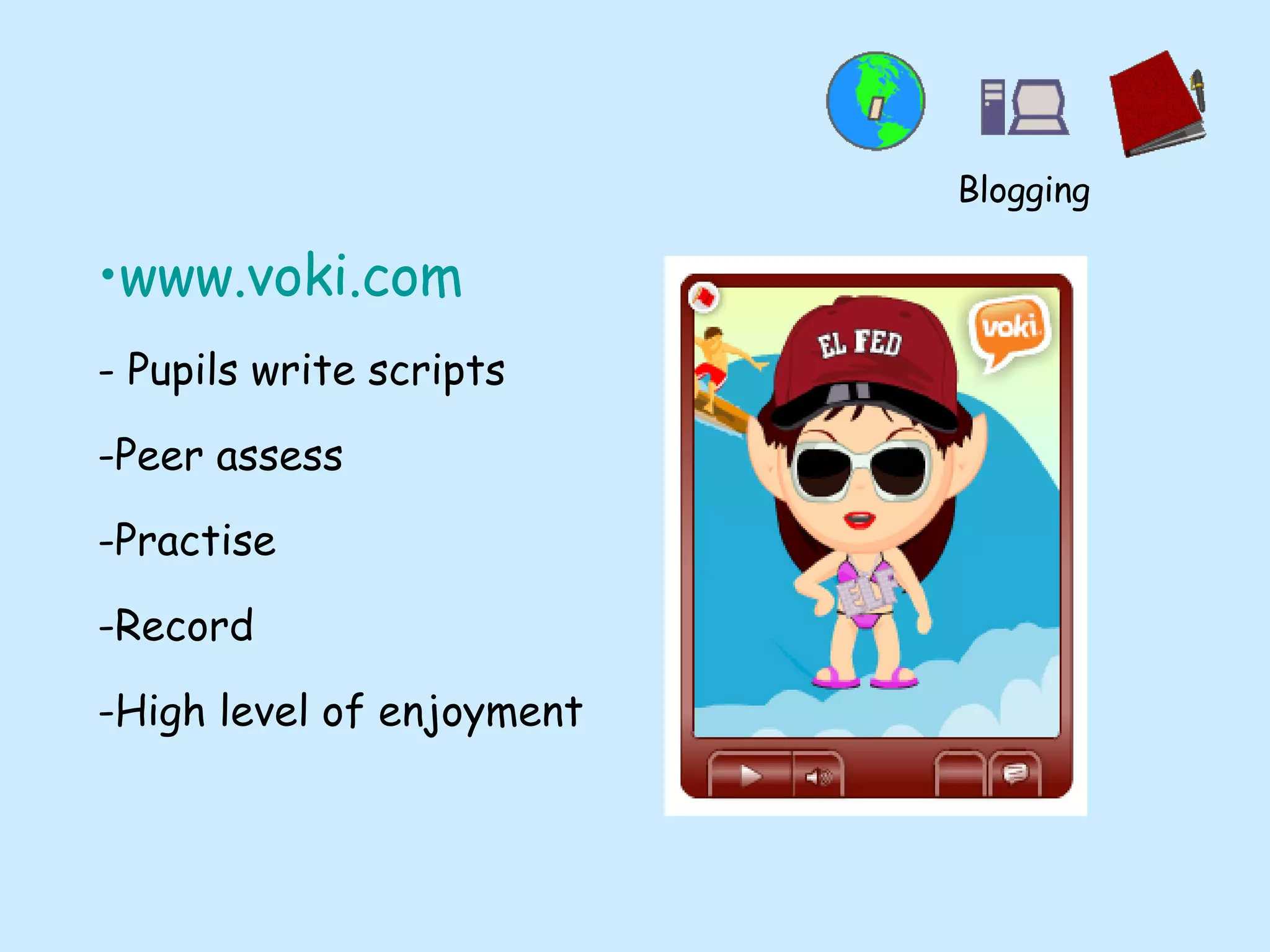
www.voki.com - Pupils write scripts Peer assess Practise Record High level of enjoyment Blogging
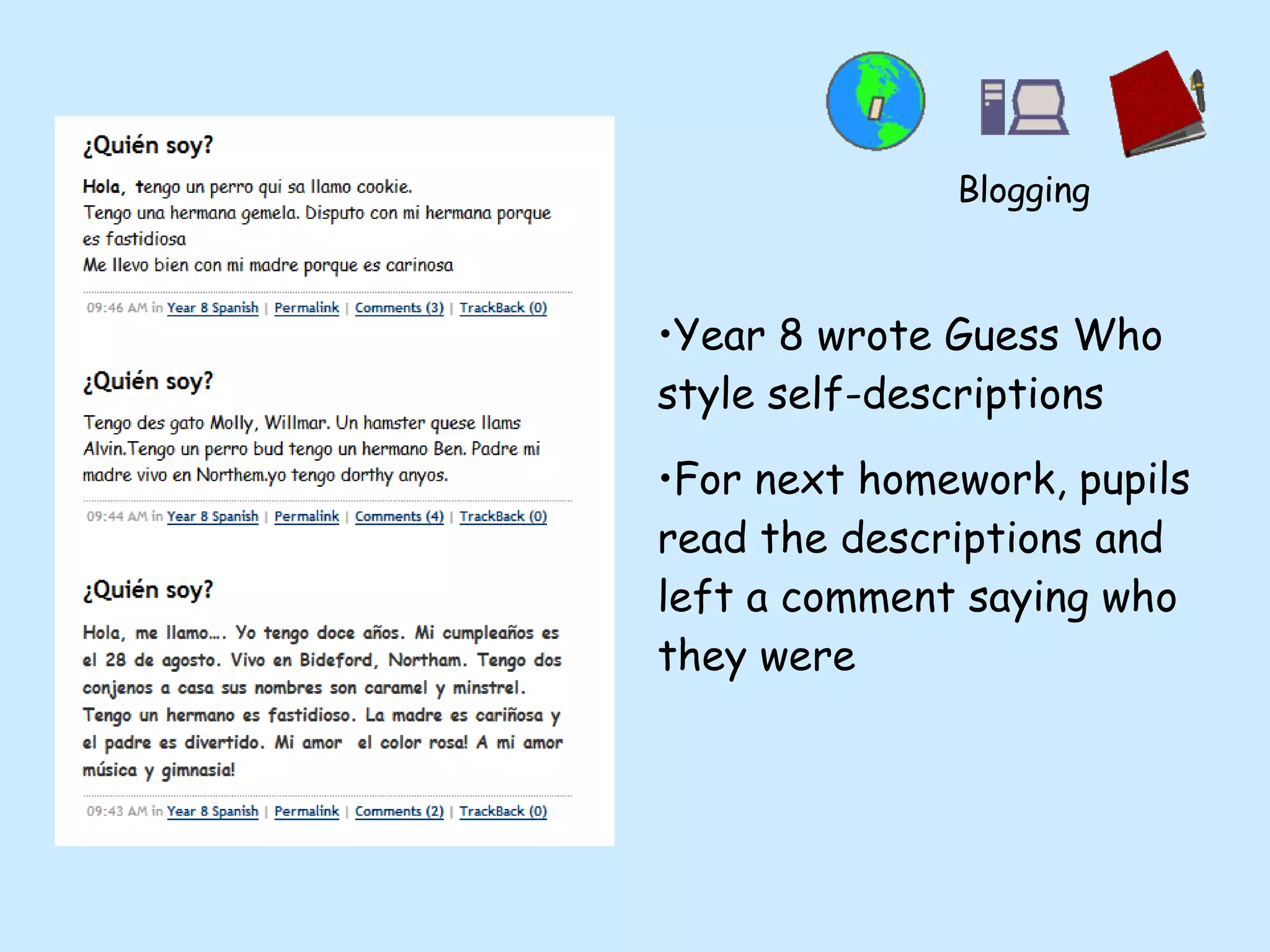
Year 8 wrote Guess Who style self-descriptions For next homework, pupils read the descriptions and left a comment saying who they were Blogging
Who provides the blog facility? TypePad  -  www.typepad.com Easiest for inserting fun stuff (provider that I use) Blogger - www.blogger.com Edublogs - www.edublogs.org  Wordpress - www.wordpress.org Many, many more… Blogging
To learn about further tools to complement blogs www.slideshare.net - embedding .ppt www.blip.tv - uploading pupil videos easily Blogging
Frequently Asked Questions Won’t it all take ages? Will anyone actually look at the blog? What effect will it have on my department? What about Child Protection? Blogging
Moblogging across the universe
Moblogging What is moblogging? Mo bile  blogging - the ability to update a blog from  a distance e.g.  on a visit / exchange Seize the moment
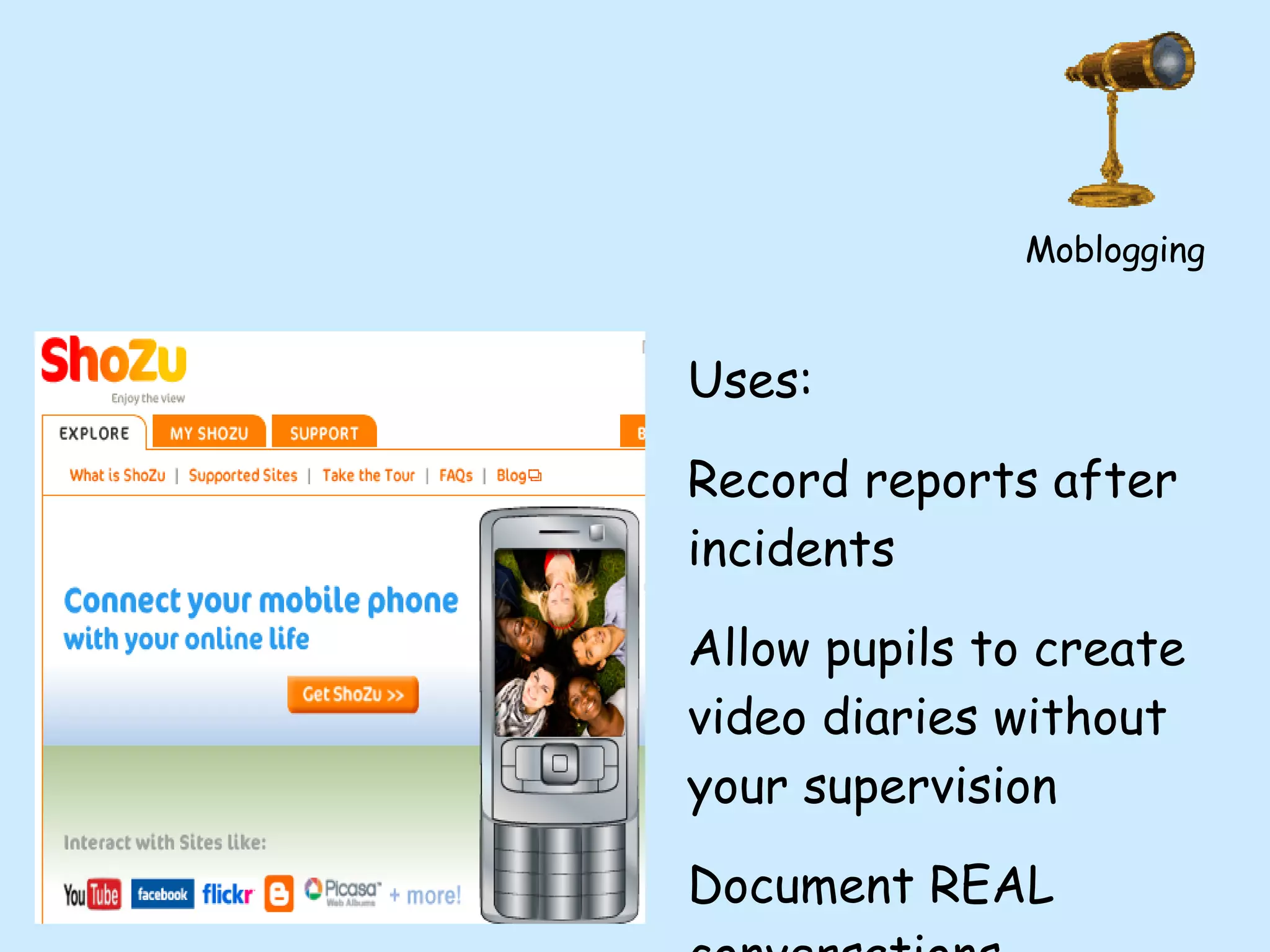
www.shozu.com - Send media straight to blog from phones Moblogging
Uses: Record reports after incidents Allow pupils to create video diaries without your supervision Document REAL conversations Moblogging
Allows you and pupils to leave voice messages on the blog Uses:  - more detailed update messages - maintain interest amongst those  left behind - genuine motivation for oral activities Moblogging
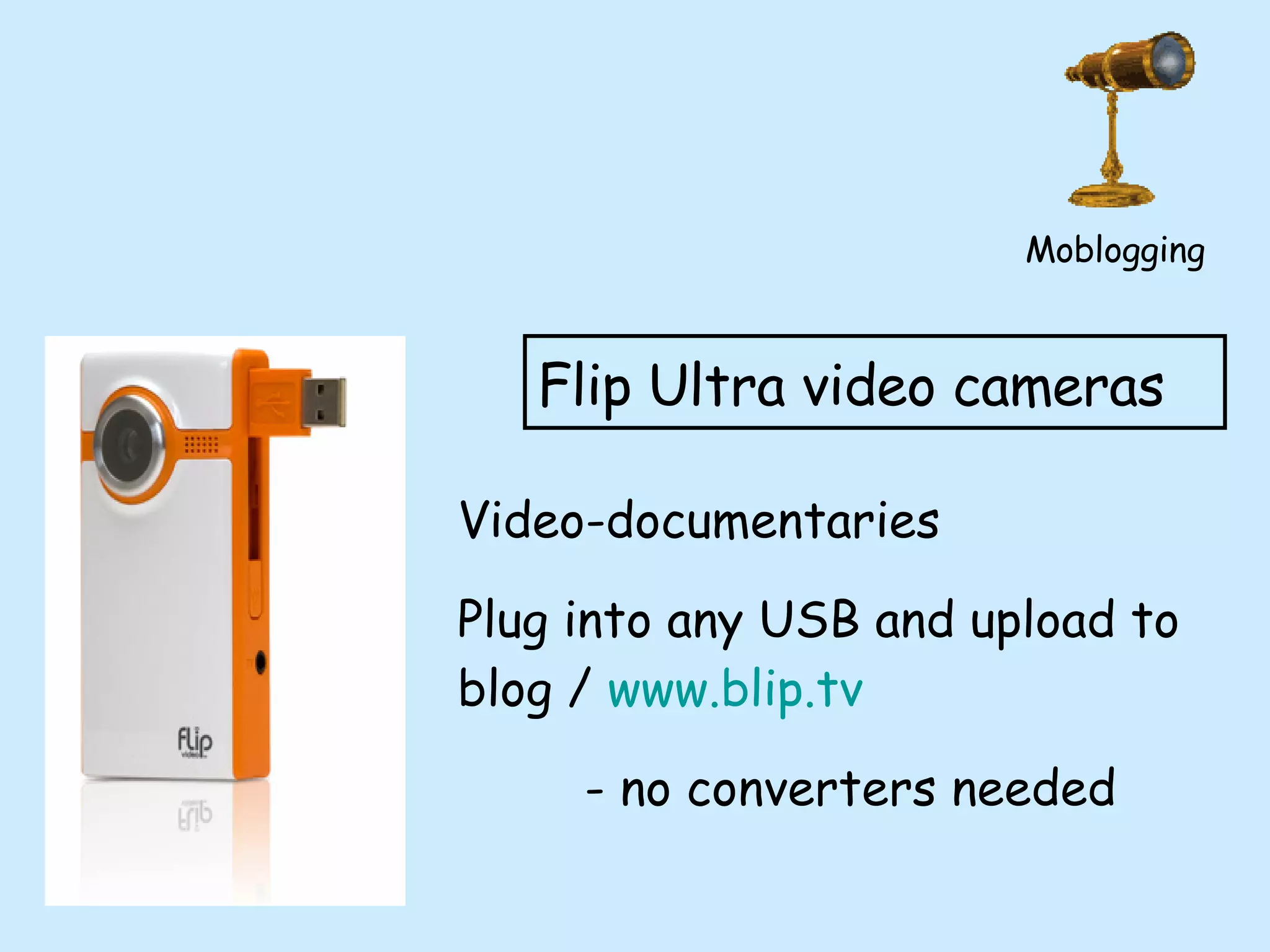
Flip Ultra video cameras Video-documentaries  Plug into any USB and upload to blog /  www.blip.tv   - no converters needed Moblogging
Effective use of Podcasts and iTunes
Podcasting What is a podcast? - effectively an audio file which is then put onto the Internet
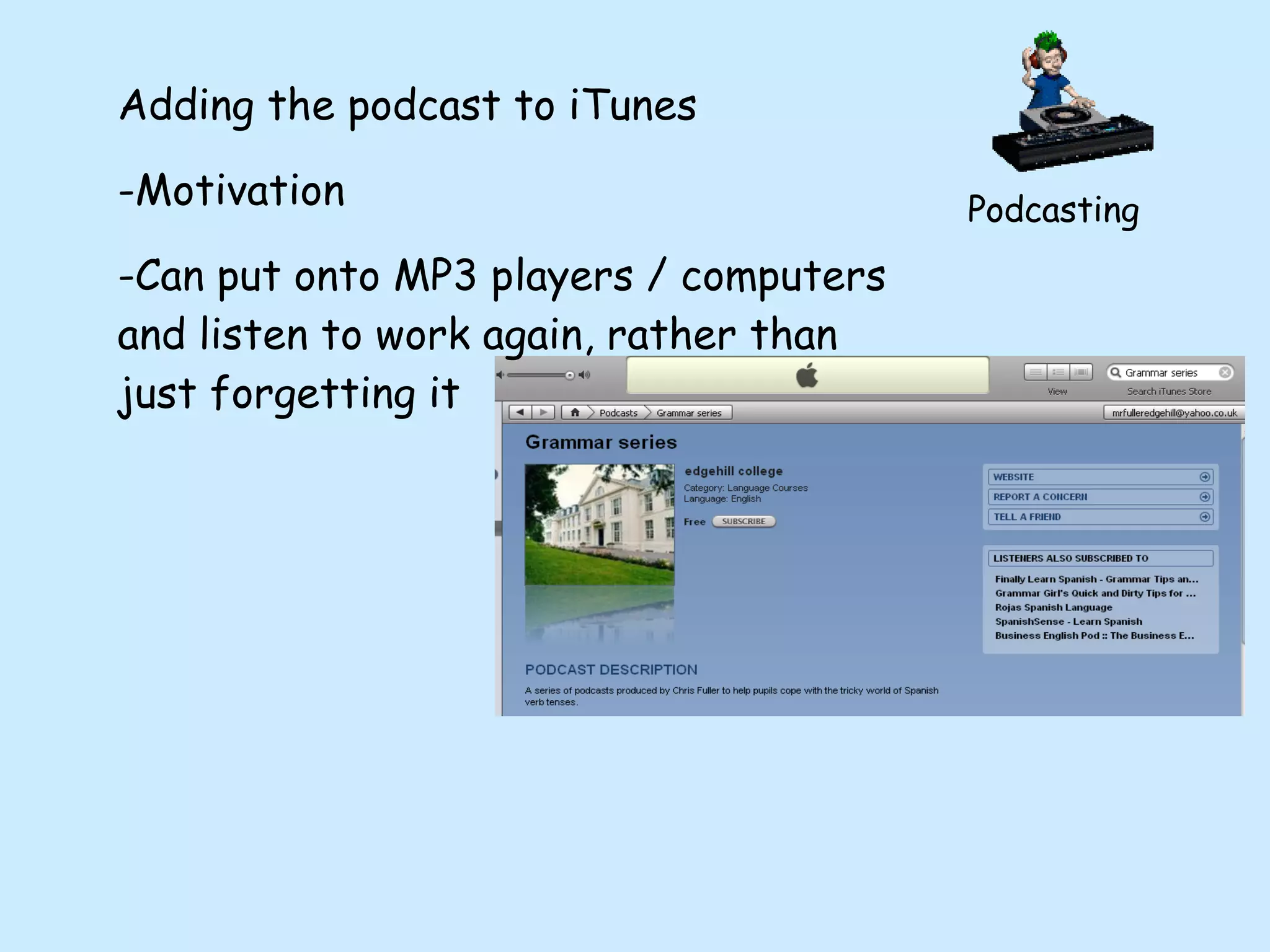
Podcasting How have I used them? - Grammar series - role-play raps - pupil recordings - pupil grammar explanations
Podcasting Grammar series created to help reinforce grammar learning OUTSIDE of the classroom - responding to a request by a pupil - FANTASTIC for audio learners
Podcasting Role-play raps Created to strenghten knowledge of key role-play scenarios - each set to a different musical style to aid  recognition
Podcasting Pupil grammar explanations - benefit of explaining to others - need for script - peer assessment on podcasts - minimal teacher input, maximum output - pupils then have an immediate revision tool
Podcasting Sounds hard, but isn’t! Record podcast...
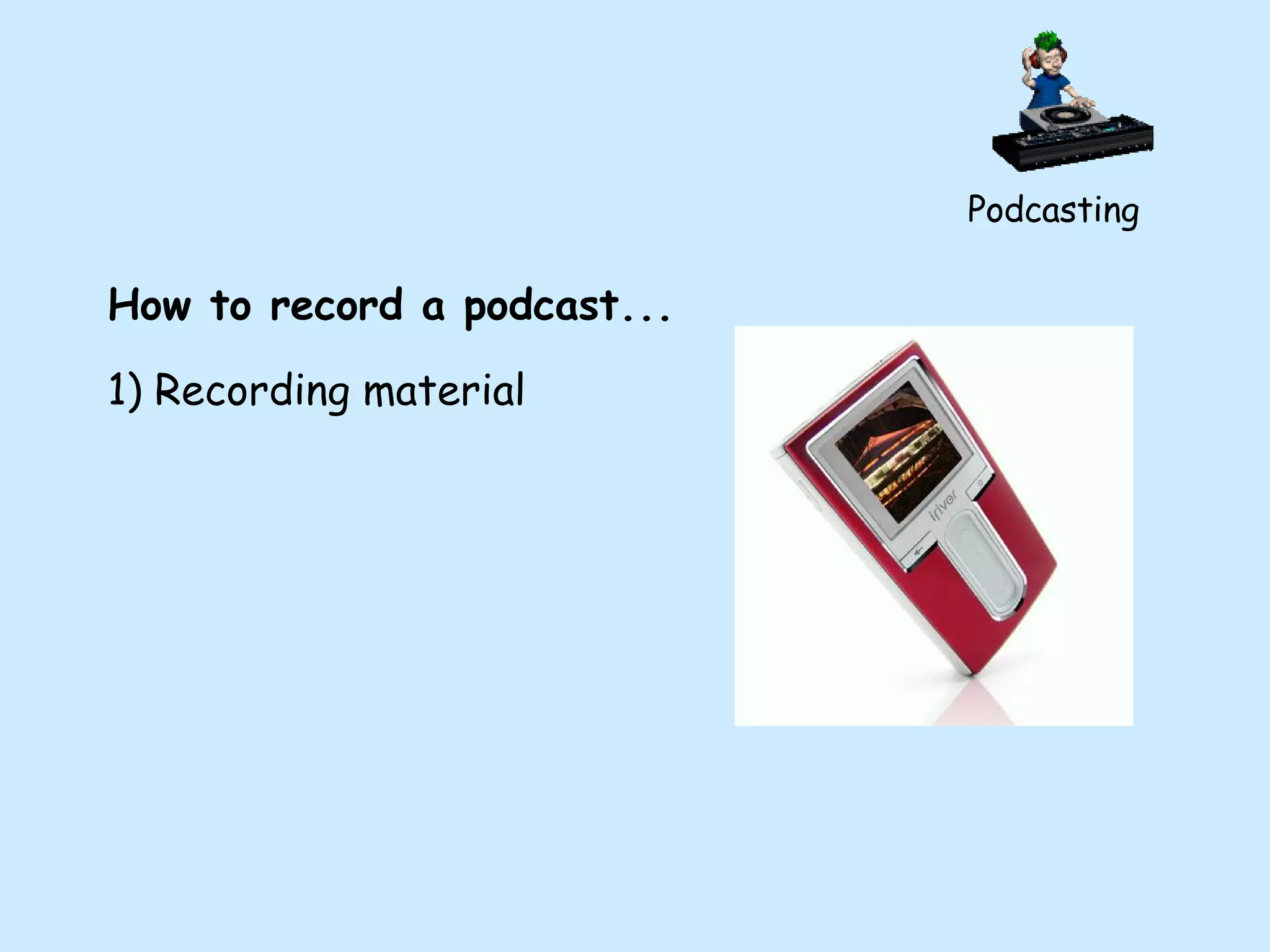
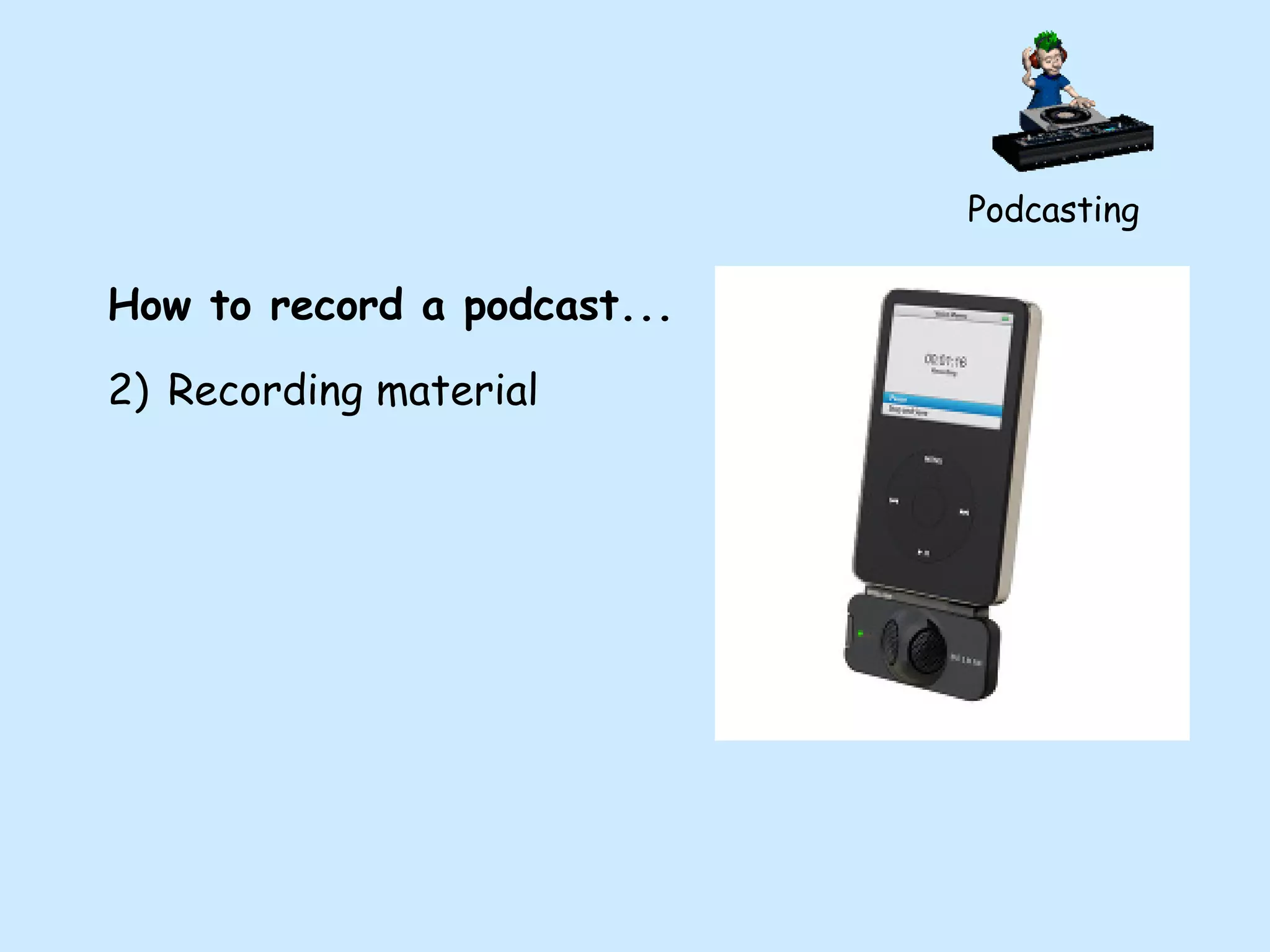
Podcasting How to record a podcast... 1) Recording material
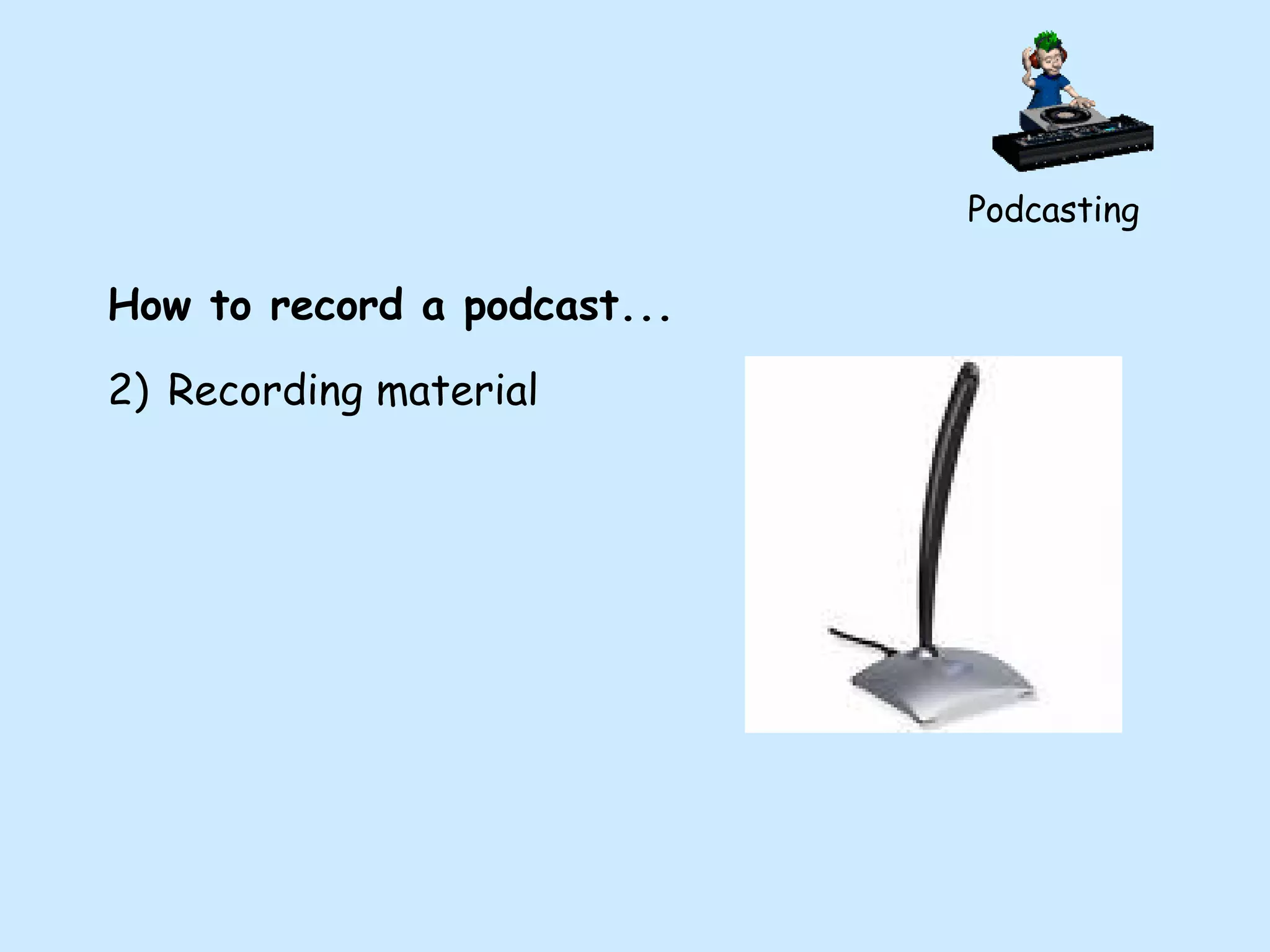
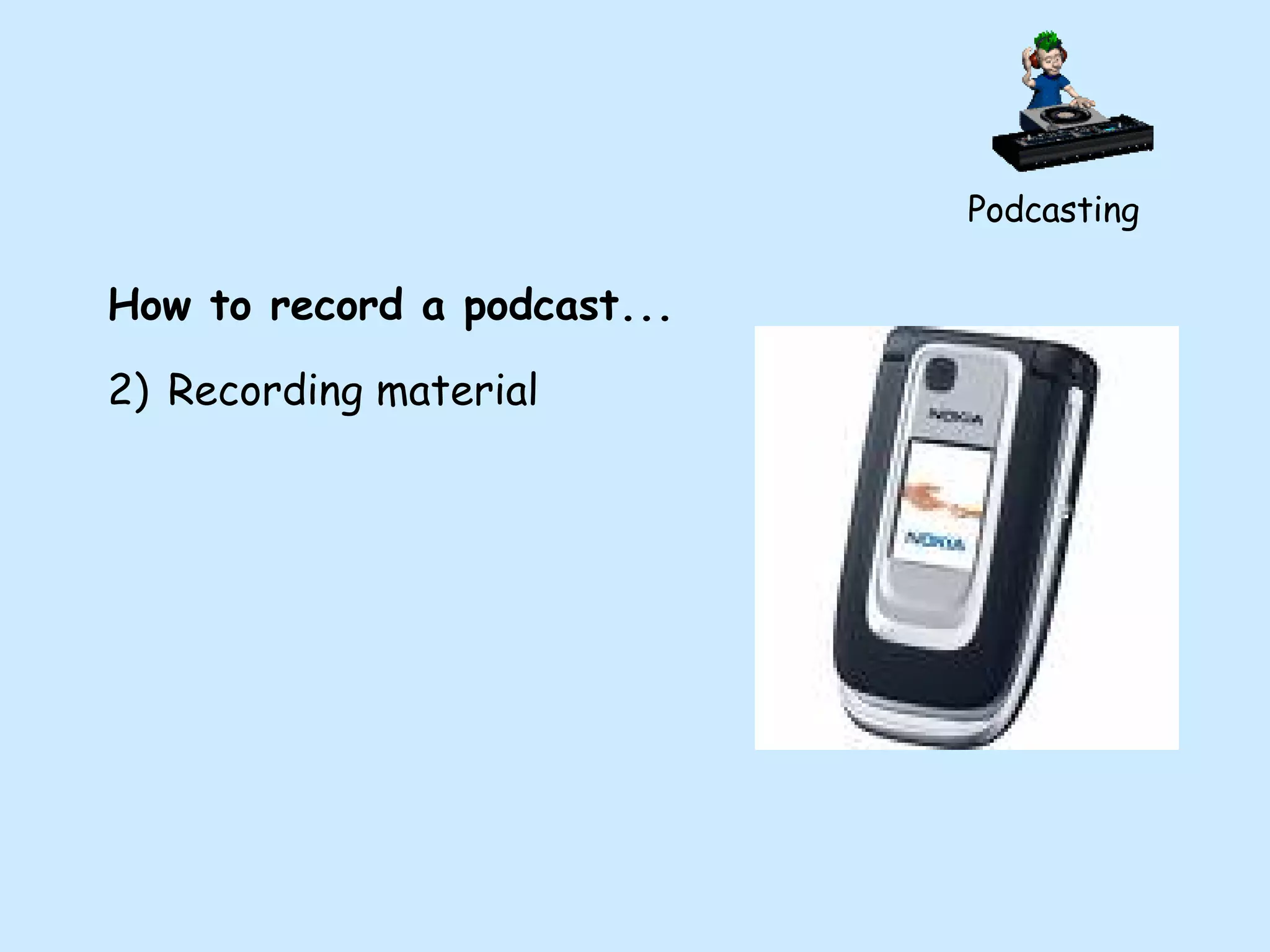
Podcasting How to record a podcast... Recording material
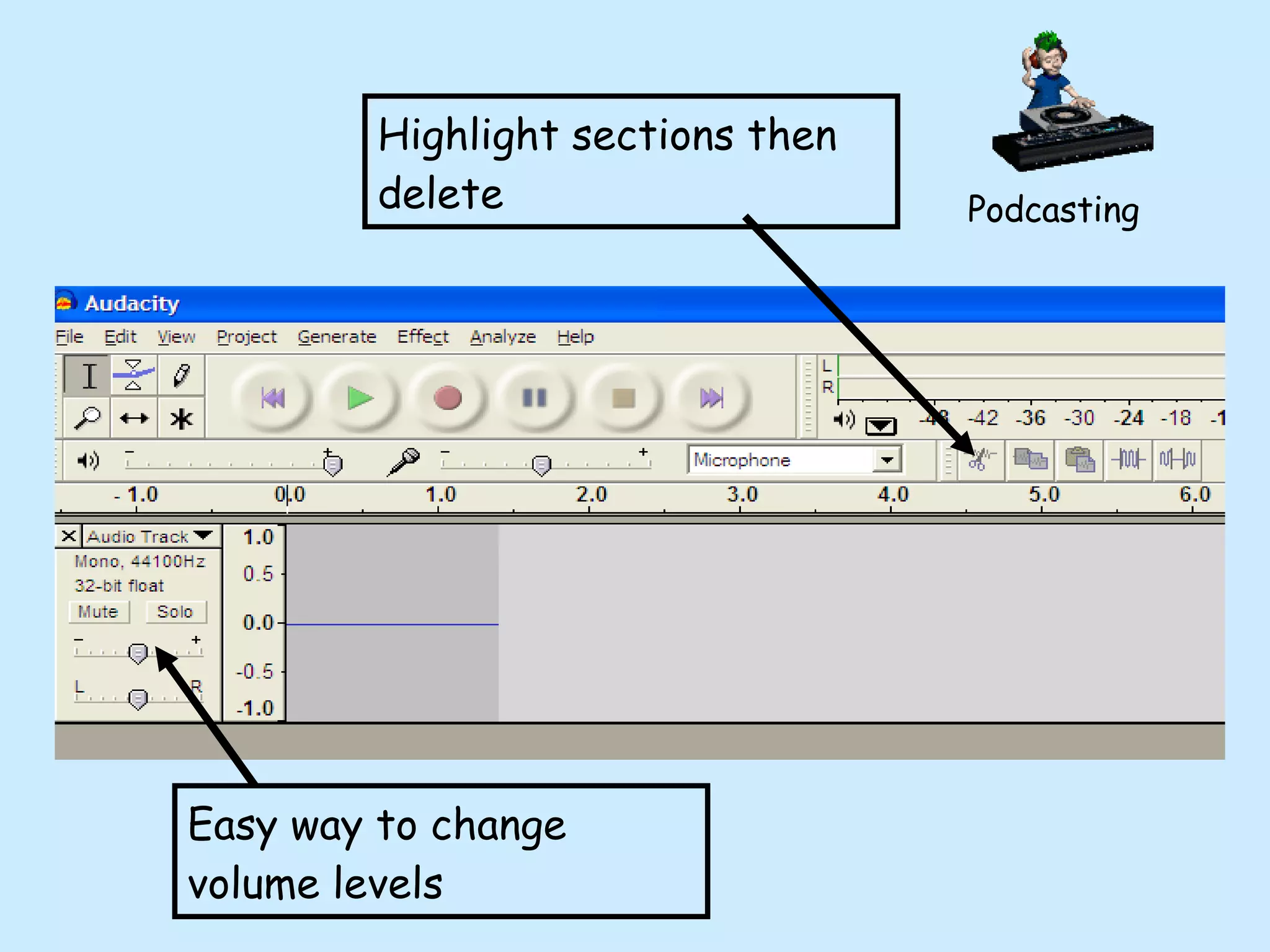
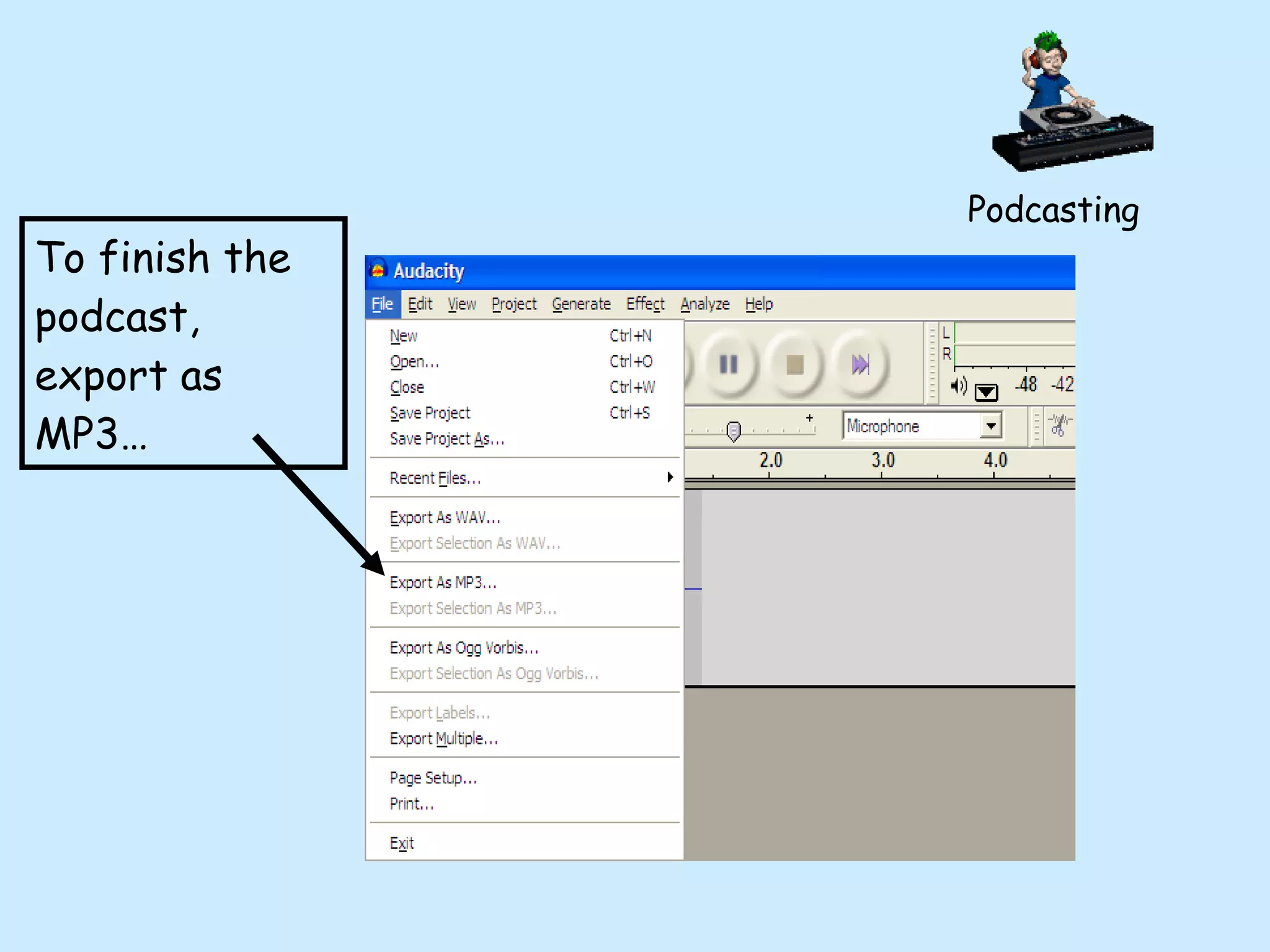
Podcasting How to record a podcast... Recording material Audacity for PCs-  www.download.com + LAME FE  (allows you to export as MP3) OR  Garageband for Macs
Easy way to change volume levels Highlight sections then delete Podcasting
To finish the podcast, export as MP3… Podcasting
Podcasting So we have our finished podcast, now what? Insert it into a blog post as an .mp3 file Add it to iTunes- very easy to do thanks to  www.podomatic.com  and  www.jellycast.com
Podcasting Adding the podcast to iTunes Motivation Can put onto MP3 players / computers and listen to work again, rather than just forgetting it
Podcasts as listening materials... Coffee Break Spanish -excellent topic explanations 2)  Notes In Spain  - come with supporting materials - based around topics effecting life in Spain Podcasting
Podcasts as listening materials... 3) Elliot school podcasts - KS5 topics, with exercises Podcasting
Using mobiles in the classroom…
Using mobile phones Issues: Banned in many schools Risks of inappropriate behaviour Fear of pupil intercompetition Concern of pupils not having a phone
Using mobile phones However, there are huge benefits... Enjoyment and motivation- MFL becomes cool again Speaking the pupils’ language whilst teaching them ours Increasing range of services available via WAP e.g. YouTube Extension of learning beyond classroom
Lasting motivation is about students feeling a genuine emotional investment in the activities they undertake. This will come about through a learning process that centres around rich, real experience with relevance in the wider world. Connected magazine, Learning and teaching Scotland Using mobile phones
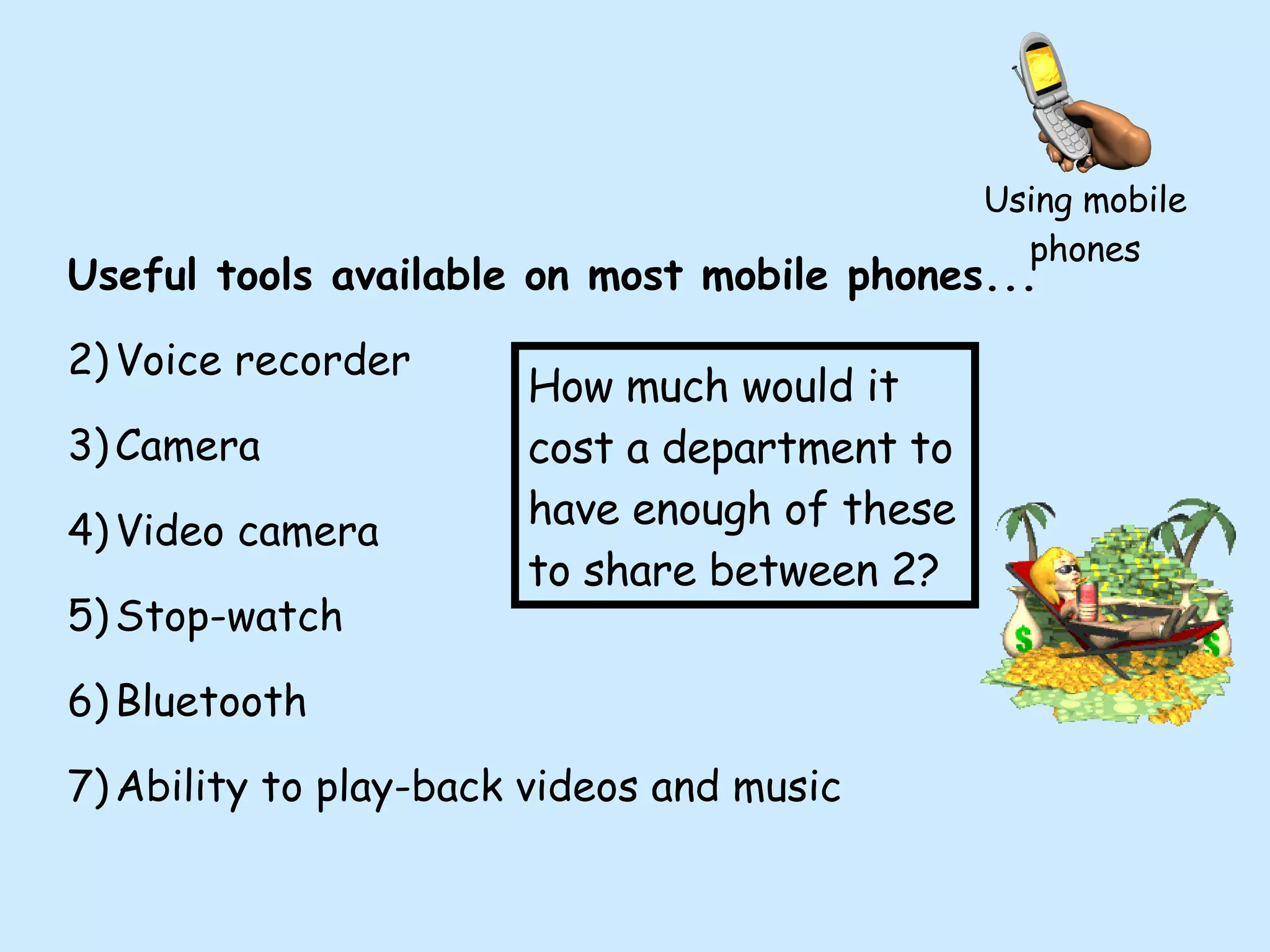
Using mobile phones Useful tools available on most mobile phones... Voice recorder Camera Video camera Stop-watch Bluetooth Ability to play-back videos and music How much would it cost a department to have enough of these to share between 2?
Using mobile phones Ideas for video projects using mobiles... Describing school as go round it Describing local area Guide to saving the environment Following and giving directions Describing friends Recording grammar explanations during the lesson
Issue: how to get the recordings back to the teacher Options- 1) bluetooth them to a computer 2) bluetooth them to teacher’s phone 3) other options? Using mobile phones
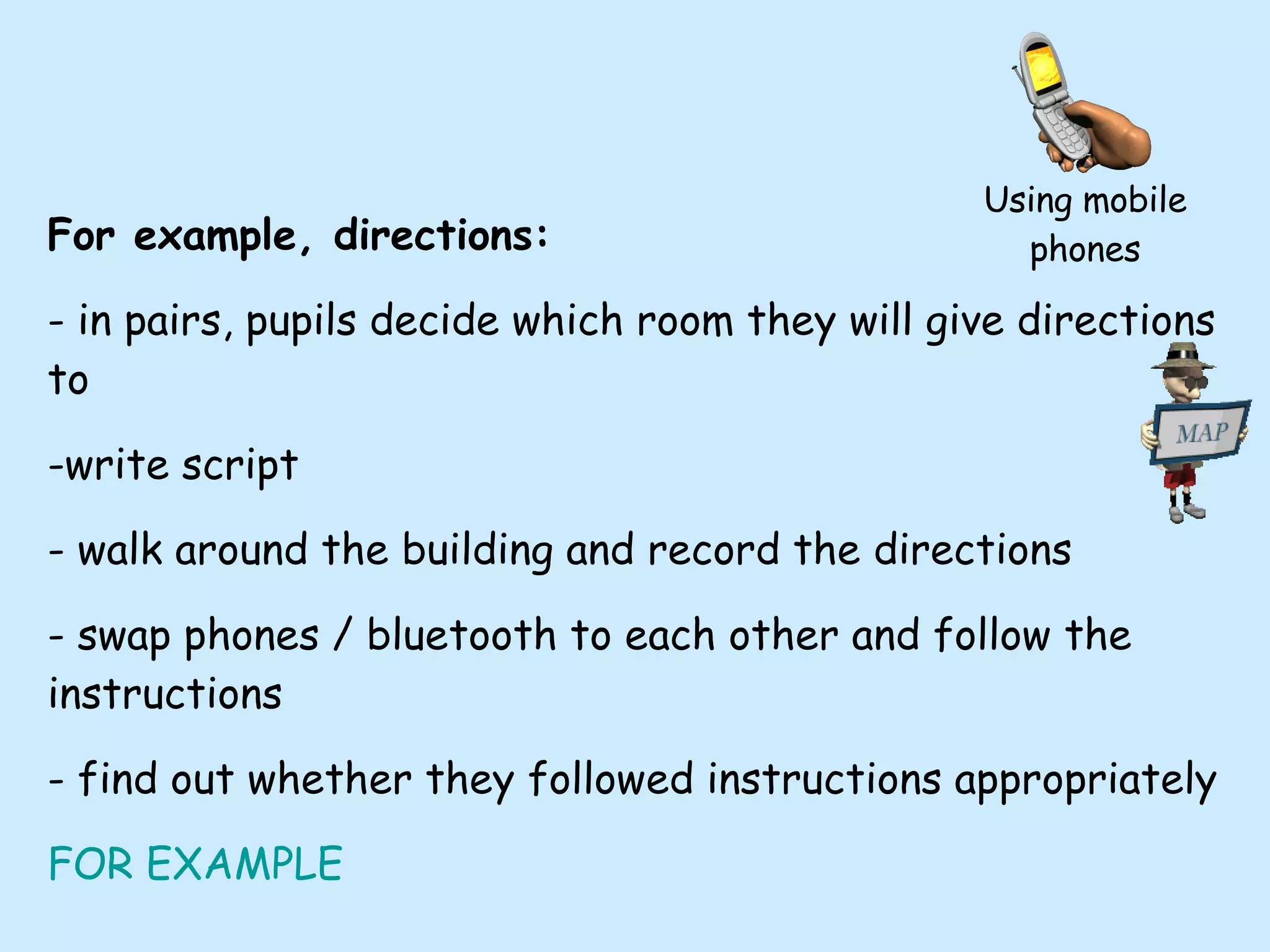
For example, directions: - in pairs, pupils decide which room they will give directions to -write script - walk around the building and record the directions - swap phones / bluetooth to each other and follow the instructions - find out whether they followed instructions appropriately FOR EXAMPLE Using mobile phones
House and home - pupils build up to estate-agent style  description of their house - free choice of recording manners - mobile phone - voice recording - video on camera Using mobile phones
Other ideas... record an interview / dialogue at home leaving answer phone messages through Gabcast record grammar explanations during your lessons.  They can then make the worksheet as homework, based on your advice. Using mobile phones
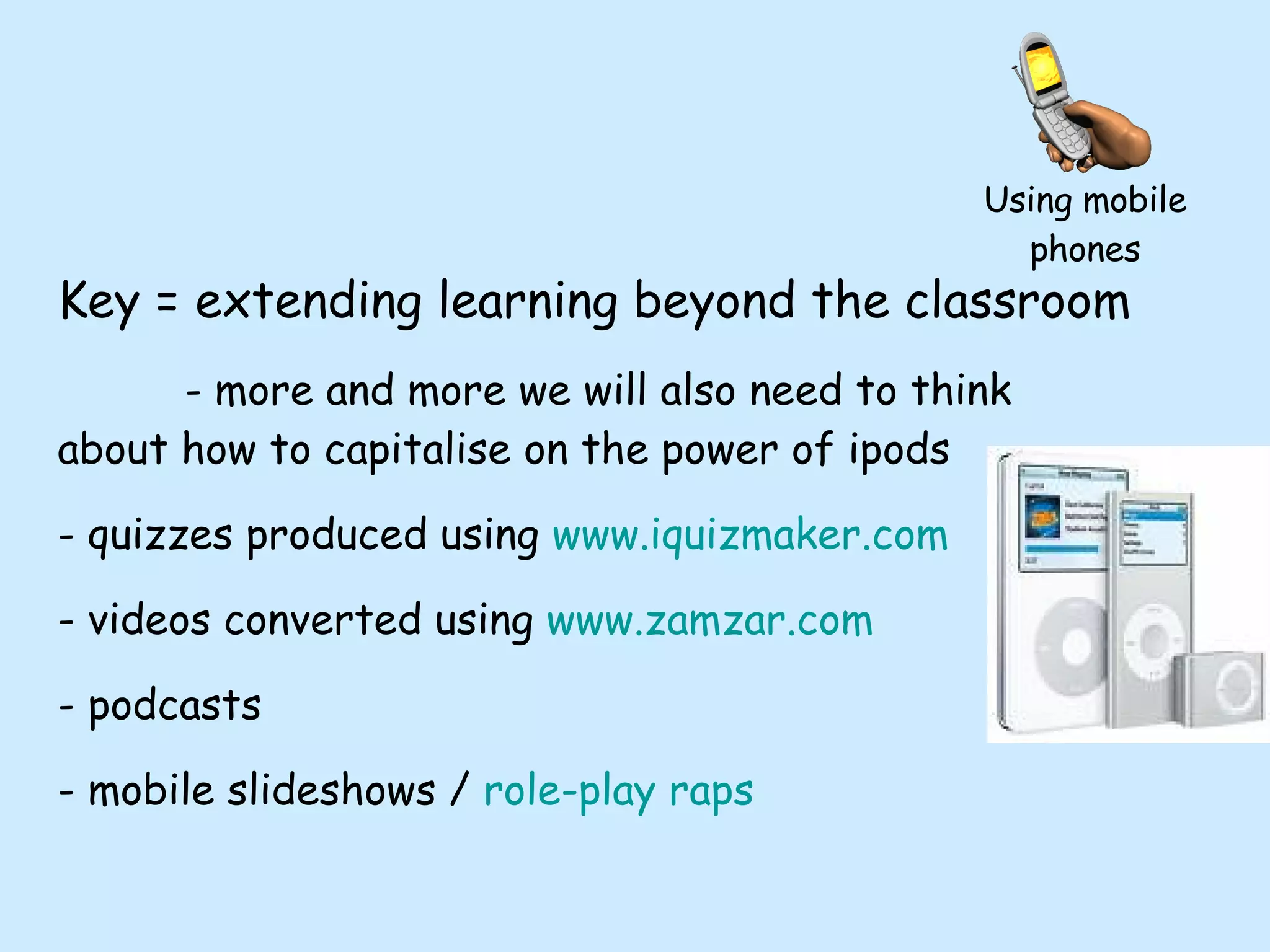
Key = extending learning beyond the classroom - more and more we will also need to think about how to capitalise on the power of ipods  quizzes produced using  www.iquizmaker.com videos converted using  www.zamzar.com podcasts mobile slideshows /  role-play raps Using mobile phones
For more info… www.chrisfuller.typepad.com (where this presentation will be available to download) [email_address]

ICT- thinking outside the classroom box at Language Show 2008

  • 1.
    ICT- thinking outsidethe classroom box [email_address] www.chrisfuller.typepad.com – where all of today’s presentations will be available to download www.edgehillcollege.typepad.com
  • 2.
    First, important thingsto know... I AM NOT AN ICT EXPERT!!! I am a Spanish teacher, who was taught how to use PowerPoint 4 years ago. I do not know how the Internet works, I just push buttons, especially the back button when things go wrong.
  • 3.
    First, important thingsto know... 2) The ideas that I pass on in this session are not... Completely comprehensive They will not destroy your life 3) No notes needed- will be on www.chrisfuller.typepad.com
  • 4.
    “ If schoolis to be a truly rewarding experience for today’s students, it must be relevant to them.” Connected magazine, Learning and teaching Scotland
  • 5.
    what a blogactually is ways to use a blog to enhance teaching and learning how to use moblogging to complement and enhance use of a blog how to create podcasts and add them to iTunes how podcasts can be used in the classroom how mobiles and ipods can be used to enhance learning beyond the classroom During this session we will look at…
  • 6.
    Is this thefuture? “ Young people’s familiarity with ICT offers a great opportunity to language teachers. It seems to us that a determined commitment to use this world, which is so familiar to young people, is a key to increasing the engagement of young people of all ages with languages. New technologies can facilitate real contacts with schools and young people in other countries. They can also provide stimulus for creative and interactive work .” (Lord Dearing - Languages Review March 2007)
  • 7.
    What is ablog?!?!?! Blog= web log Traditionally used as an online diary A typical blog combines a variety of media forms Key element is huge increase in interactivity- INFORMATION COMMUNICATION TECHNOLOGY. Blogging
  • 8.
    Who uses blogs?Teachers for motivation www.edgehillcollege.typepad.com www.roydslanguagesdepartment.typepad.com Teachers for reflections / to share ideas http://tinyurl.com/ycdamq (Neil Jones, resources) www.boxoftricks.net (Jose Picardo, ideas) Blogging
  • 9.
    What can weactually use a blog for?!?! Showing pupils’ work Sharing files Showing pupils’ videos etc Increasing Assessment for Learning Increasing self-evaluation Blogging
  • 10.
    Why use blogs? Motivation - make the world your classroom wall Learning no longer confined to exercise books Who is the audience for work which goes into an exercise book? Truly global perspective Can be demonstrated by visitors maps on blogs Blogging
  • 11.
    The last 100visitors to the Spanish blog
  • 12.
    Why use blogs? Writing Increased motivation- will be viewed by more than just the teacher Blogging
  • 13.
    Why use blogs? Reading pupils constantly reading and re-reading each other’s work Allows for dissemination of good ideas Allows free choice of which sections to read Aids pupil independence Blogging
  • 14.
    Why use blogs? Speaking Pupil and teacher generated podcasts Speaking tests / exercises =learning opportunity rather than just an assessment opportunity - can be done in the form of vokis, podcasts etc Provides a platform for pupil-made videos Blogging
  • 15.
    Why use blogs? Listening To podcasts (on the blog or via links) To videos (pupil created, music, adverts, football commentaries etc) To peers’ work Blogging
  • 16.
    Why use blogs? Assessment for Learning Comment function allows peer assessment using “Two Stars and a Wish formula” = 2 positive elements + 1 element to work at next time Self-assessment as pupils comment on their own work and thus self target set. Blogging
  • 17.
    Music video -great cultural input - an interesting homework to find body parts/ weather types - Year 8 pupils were mostly humming the song round school for next few days Ideas for use… Blogging
  • 18.
    Pupil-made videos - high level of motivation - Provides for easy review of work which might otherwise be lost Blogging
  • 19.
    www.voki.com - Pupilswrite scripts Peer assess Practise Record High level of enjoyment Blogging
  • 20.
    Year 8 wroteGuess Who style self-descriptions For next homework, pupils read the descriptions and left a comment saying who they were Blogging
  • 21.
    Who provides theblog facility? TypePad - www.typepad.com Easiest for inserting fun stuff (provider that I use) Blogger - www.blogger.com Edublogs - www.edublogs.org Wordpress - www.wordpress.org Many, many more… Blogging
  • 22.
    To learn aboutfurther tools to complement blogs www.slideshare.net - embedding .ppt www.blip.tv - uploading pupil videos easily Blogging
  • 23.
    Frequently Asked QuestionsWon’t it all take ages? Will anyone actually look at the blog? What effect will it have on my department? What about Child Protection? Blogging
  • 24.
  • 25.
    Moblogging What ismoblogging? Mo bile blogging - the ability to update a blog from a distance e.g. on a visit / exchange Seize the moment
  • 26.
    www.shozu.com - Sendmedia straight to blog from phones Moblogging
  • 27.
    Uses: Record reportsafter incidents Allow pupils to create video diaries without your supervision Document REAL conversations Moblogging
  • 28.
    Allows you andpupils to leave voice messages on the blog Uses: - more detailed update messages - maintain interest amongst those left behind - genuine motivation for oral activities Moblogging
  • 29.
    Flip Ultra videocameras Video-documentaries Plug into any USB and upload to blog / www.blip.tv - no converters needed Moblogging
  • 30.
    Effective use ofPodcasts and iTunes
  • 31.
    Podcasting What isa podcast? - effectively an audio file which is then put onto the Internet
  • 32.
    Podcasting How haveI used them? - Grammar series - role-play raps - pupil recordings - pupil grammar explanations
  • 33.
    Podcasting Grammar seriescreated to help reinforce grammar learning OUTSIDE of the classroom - responding to a request by a pupil - FANTASTIC for audio learners
  • 34.
    Podcasting Role-play rapsCreated to strenghten knowledge of key role-play scenarios - each set to a different musical style to aid recognition
  • 35.
    Podcasting Pupil grammarexplanations - benefit of explaining to others - need for script - peer assessment on podcasts - minimal teacher input, maximum output - pupils then have an immediate revision tool
  • 36.
    Podcasting Sounds hard,but isn’t! Record podcast...
  • 37.
    Podcasting How torecord a podcast... 1) Recording material
  • 38.
    Podcasting How torecord a podcast... Recording material
  • 39.
    Podcasting How torecord a podcast... Recording material
  • 40.
    Podcasting How torecord a podcast... Recording material
  • 41.
    Podcasting How torecord a podcast... Recording material Audacity for PCs- www.download.com + LAME FE (allows you to export as MP3) OR Garageband for Macs
  • 42.
    Easy way tochange volume levels Highlight sections then delete Podcasting
  • 43.
    To finish thepodcast, export as MP3… Podcasting
  • 44.
    Podcasting So wehave our finished podcast, now what? Insert it into a blog post as an .mp3 file Add it to iTunes- very easy to do thanks to www.podomatic.com and www.jellycast.com
  • 45.
    Podcasting Adding thepodcast to iTunes Motivation Can put onto MP3 players / computers and listen to work again, rather than just forgetting it
  • 46.
    Podcasts as listeningmaterials... Coffee Break Spanish -excellent topic explanations 2) Notes In Spain - come with supporting materials - based around topics effecting life in Spain Podcasting
  • 47.
    Podcasts as listeningmaterials... 3) Elliot school podcasts - KS5 topics, with exercises Podcasting
  • 48.
    Using mobiles inthe classroom…
  • 49.
    Using mobile phonesIssues: Banned in many schools Risks of inappropriate behaviour Fear of pupil intercompetition Concern of pupils not having a phone
  • 50.
    Using mobile phonesHowever, there are huge benefits... Enjoyment and motivation- MFL becomes cool again Speaking the pupils’ language whilst teaching them ours Increasing range of services available via WAP e.g. YouTube Extension of learning beyond classroom
  • 51.
    Lasting motivation isabout students feeling a genuine emotional investment in the activities they undertake. This will come about through a learning process that centres around rich, real experience with relevance in the wider world. Connected magazine, Learning and teaching Scotland Using mobile phones
  • 52.
    Using mobile phonesUseful tools available on most mobile phones... Voice recorder Camera Video camera Stop-watch Bluetooth Ability to play-back videos and music How much would it cost a department to have enough of these to share between 2?
  • 53.
    Using mobile phonesIdeas for video projects using mobiles... Describing school as go round it Describing local area Guide to saving the environment Following and giving directions Describing friends Recording grammar explanations during the lesson
  • 54.
    Issue: how toget the recordings back to the teacher Options- 1) bluetooth them to a computer 2) bluetooth them to teacher’s phone 3) other options? Using mobile phones
  • 55.
    For example, directions:- in pairs, pupils decide which room they will give directions to -write script - walk around the building and record the directions - swap phones / bluetooth to each other and follow the instructions - find out whether they followed instructions appropriately FOR EXAMPLE Using mobile phones
  • 56.
    House and home- pupils build up to estate-agent style description of their house - free choice of recording manners - mobile phone - voice recording - video on camera Using mobile phones
  • 57.
    Other ideas... recordan interview / dialogue at home leaving answer phone messages through Gabcast record grammar explanations during your lessons. They can then make the worksheet as homework, based on your advice. Using mobile phones
  • 58.
    Key = extendinglearning beyond the classroom - more and more we will also need to think about how to capitalise on the power of ipods quizzes produced using www.iquizmaker.com videos converted using www.zamzar.com podcasts mobile slideshows / role-play raps Using mobile phones
  • 59.
    For more info…www.chrisfuller.typepad.com (where this presentation will be available to download) [email_address]