1
Information Security User Awareness
Training
Date of Release: November,
2021
2
Agenda
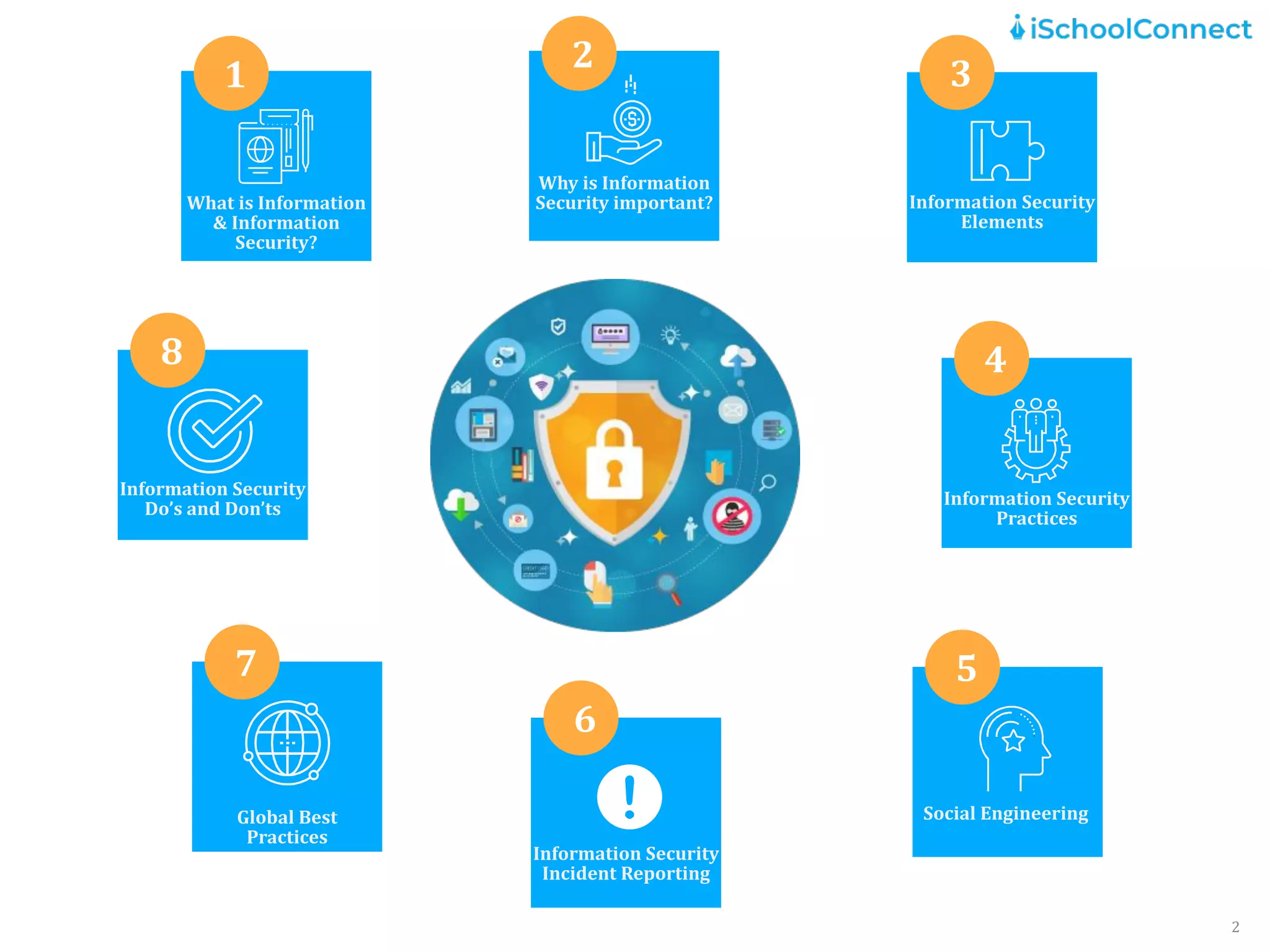
What is Information
& Information
Security?
1
Why is Information
Security important?
2
Information Security
Elements
3
Social Engineering
5
Information Security
Incident Reporting
6
Global Best
Practices
7
Information Security
Do’s and Don’ts
8
Information Security
Practices
4
What is Information and Information
Security ?
3
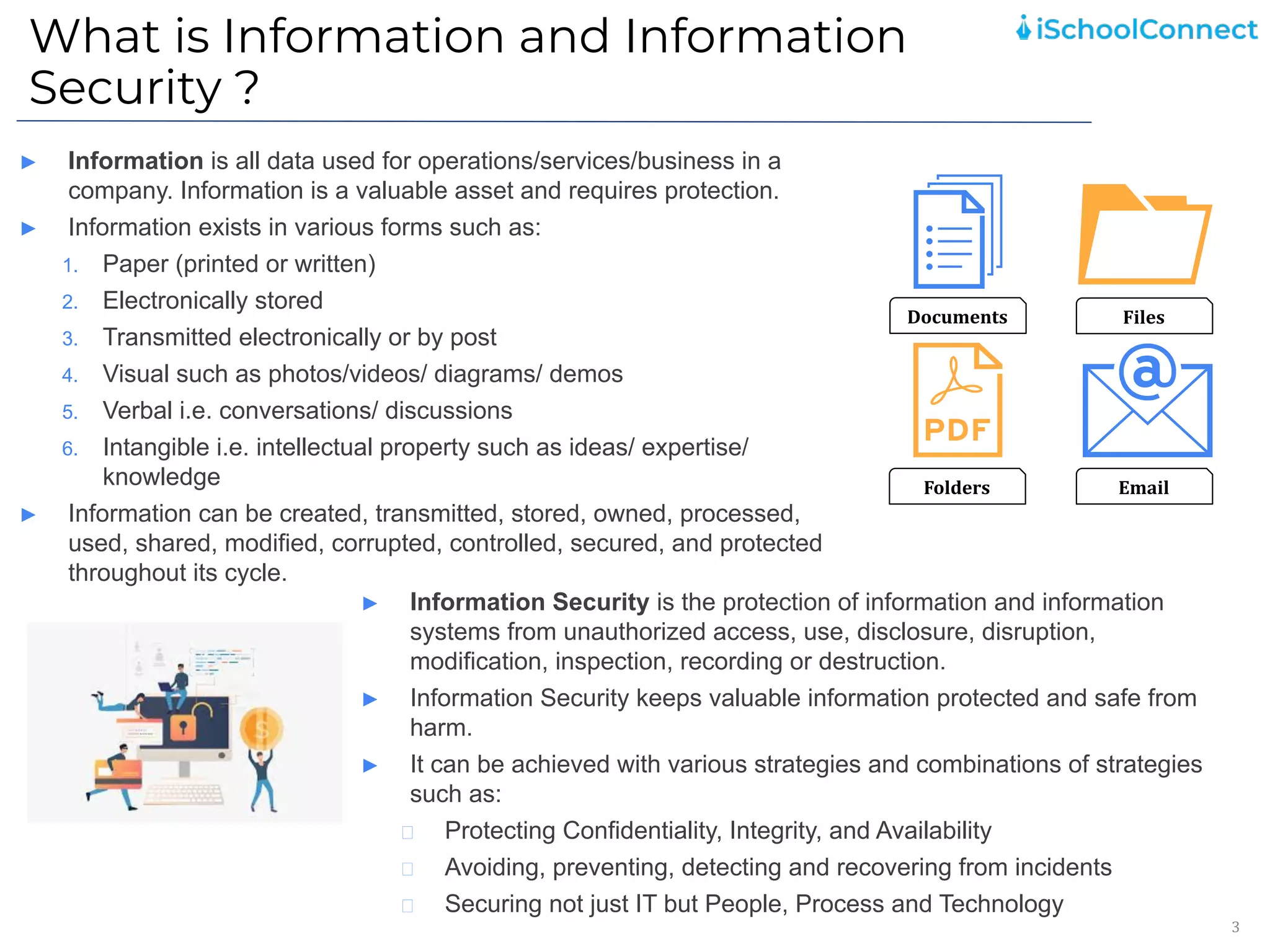
► Information is all data used for operations/services/business in a
company. Information is a valuable asset and requires protection.
► Information exists in various forms such as:
1. Paper (printed or written)
2. Electronically stored
3. Transmitted electronically or by post
4. Visual such as photos/videos/ diagrams/ demos
5. Verbal i.e. conversations/ discussions
6. Intangible i.e. intellectual property such as ideas/ expertise/
knowledge
► Information can be created, transmitted, stored, owned, processed,
used, shared, modified, corrupted, controlled, secured, and protected
throughout its cycle.
Documents Files
Folders Email
► Information Security is the protection of information and information
systems from unauthorized access, use, disclosure, disruption,
modification, inspection, recording or destruction.
► Information Security keeps valuable information protected and safe from
harm.
► It can be achieved with various strategies and combinations of strategies
such as:
Protecting Confidentiality, Integrity, and Availability
Avoiding, preventing, detecting and recovering from incidents
Securing not just IT but People, Process and Technology
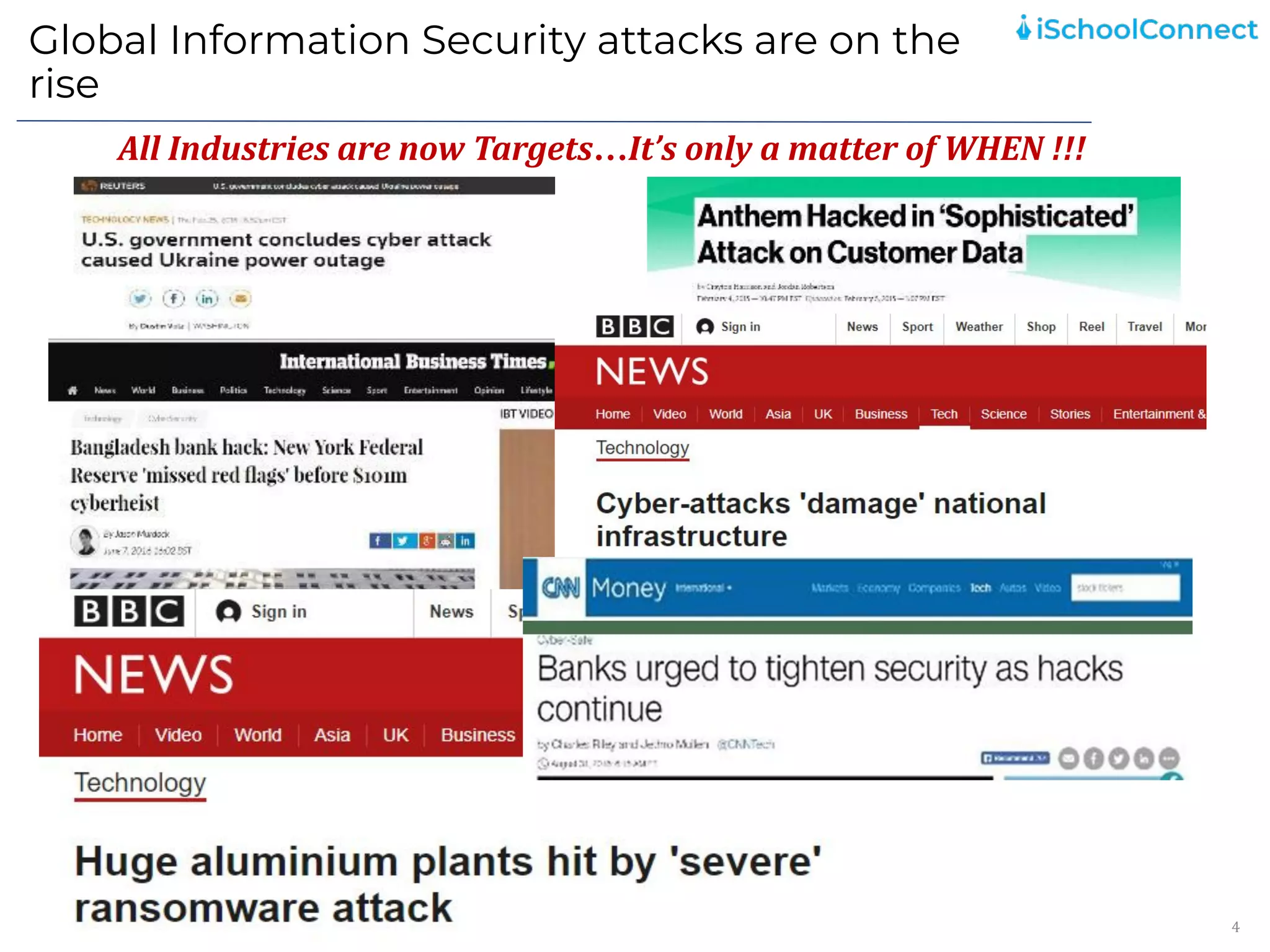
Global Information Security attacks are on the
rise
4
All Industries are now Targets…It’s only a matter of WHEN !!!
Why is Information Security important?
5
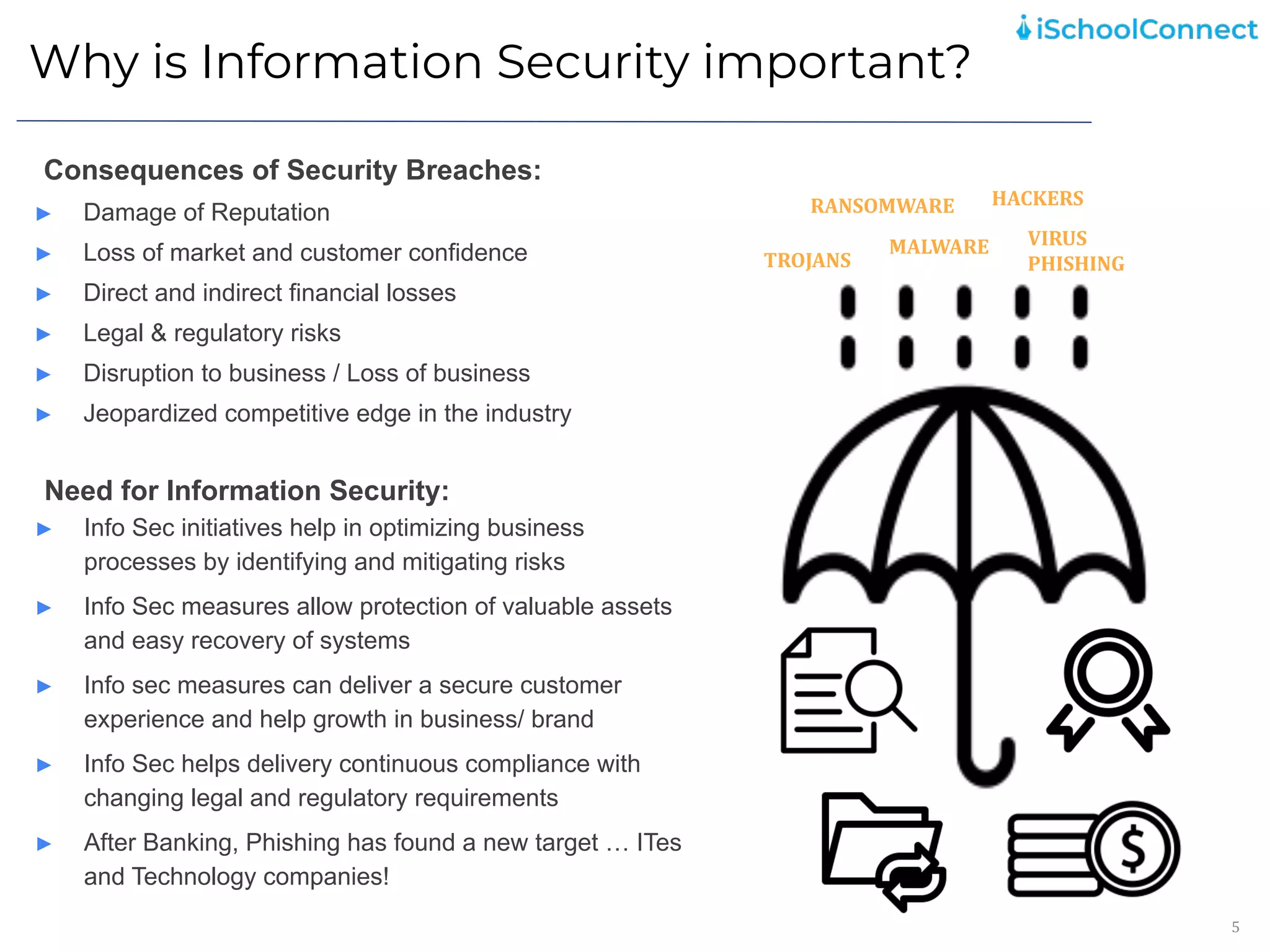
Consequences of Security Breaches:
► Damage of Reputation
► Loss of market and customer confidence
► Direct and indirect financial losses
► Legal & regulatory risks
► Disruption to business / Loss of business
► Jeopardized competitive edge in the industry
Need for Information Security:
► Info Sec initiatives help in optimizing business
processes by identifying and mitigating risks
► Info Sec measures allow protection of valuable assets
and easy recovery of systems
► Info sec measures can deliver a secure customer
experience and help growth in business/ brand
► Info Sec helps delivery continuous compliance with
changing legal and regulatory requirements
► After Banking, Phishing has found a new target … ITes
and Technology companies!
VIRUS
PHISHING
TROJANS
HACKERS
RANSOMWARE
MALWARE
Information Security Elements
6
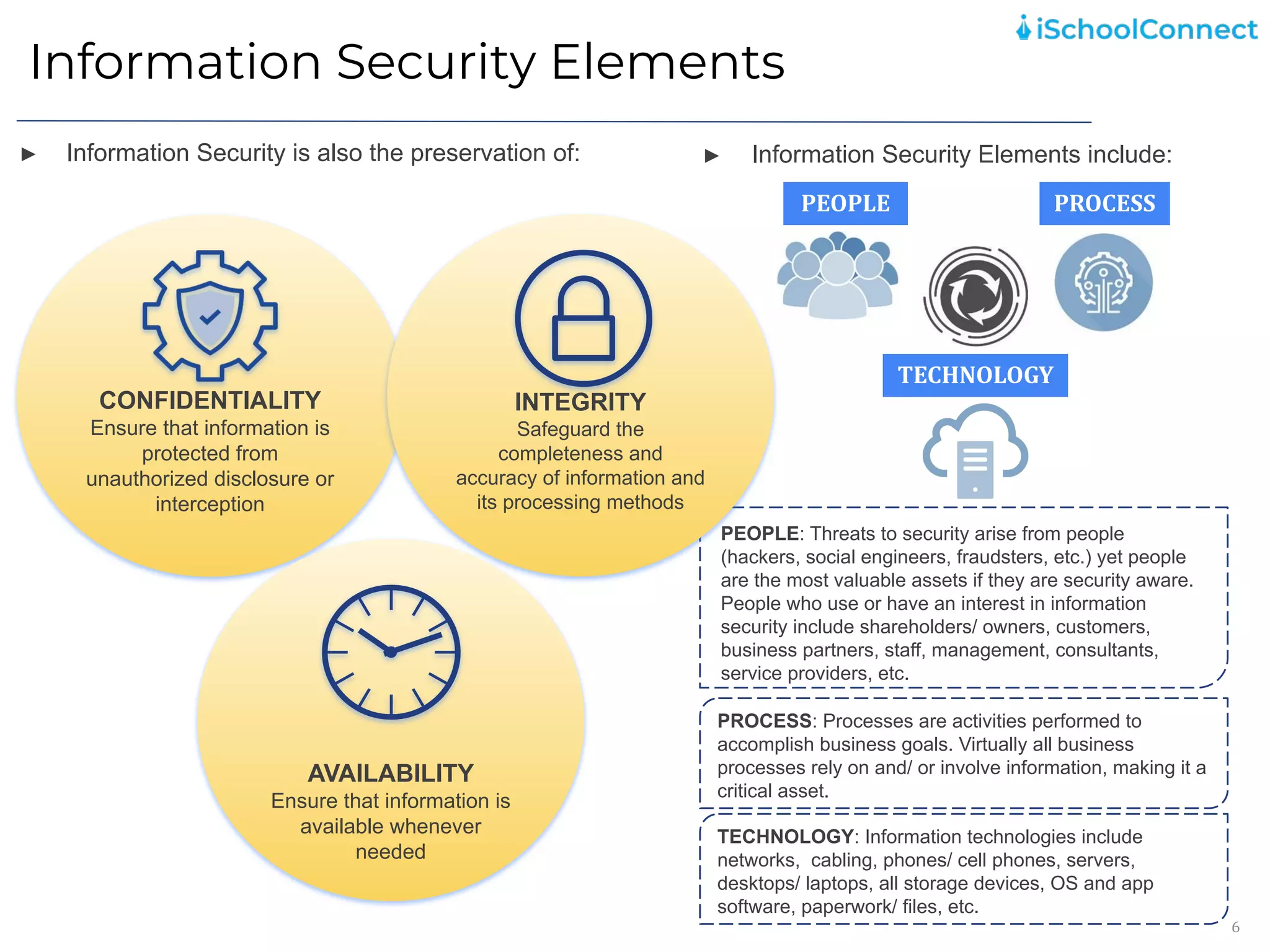
► Information Security is also the preservation of:
PEOPLE
TECHNOLOGY
PROCESS
► Information Security Elements include:
PEOPLE: Threats to security arise from people
(hackers, social engineers, fraudsters, etc.) yet people
are the most valuable assets if they are security aware.
People who use or have an interest in information
security include shareholders/ owners, customers,
business partners, staff, management, consultants,
service providers, etc.
PROCESS: Processes are activities performed to
accomplish business goals. Virtually all business
processes rely on and/ or involve information, making it a
critical asset.
TECHNOLOGY: Information technologies include
networks, cabling, phones/ cell phones, servers,
desktops/ laptops, all storage devices, OS and app
software, paperwork/ files, etc.
CONFIDENTIALITY
Ensure that information is
protected from
unauthorized disclosure or
interception
INTEGRITY
Safeguard the
completeness and
accuracy of information and
its processing methods
AVAILABILITY
Ensure that information is
available whenever
needed
Information Security Practices
7
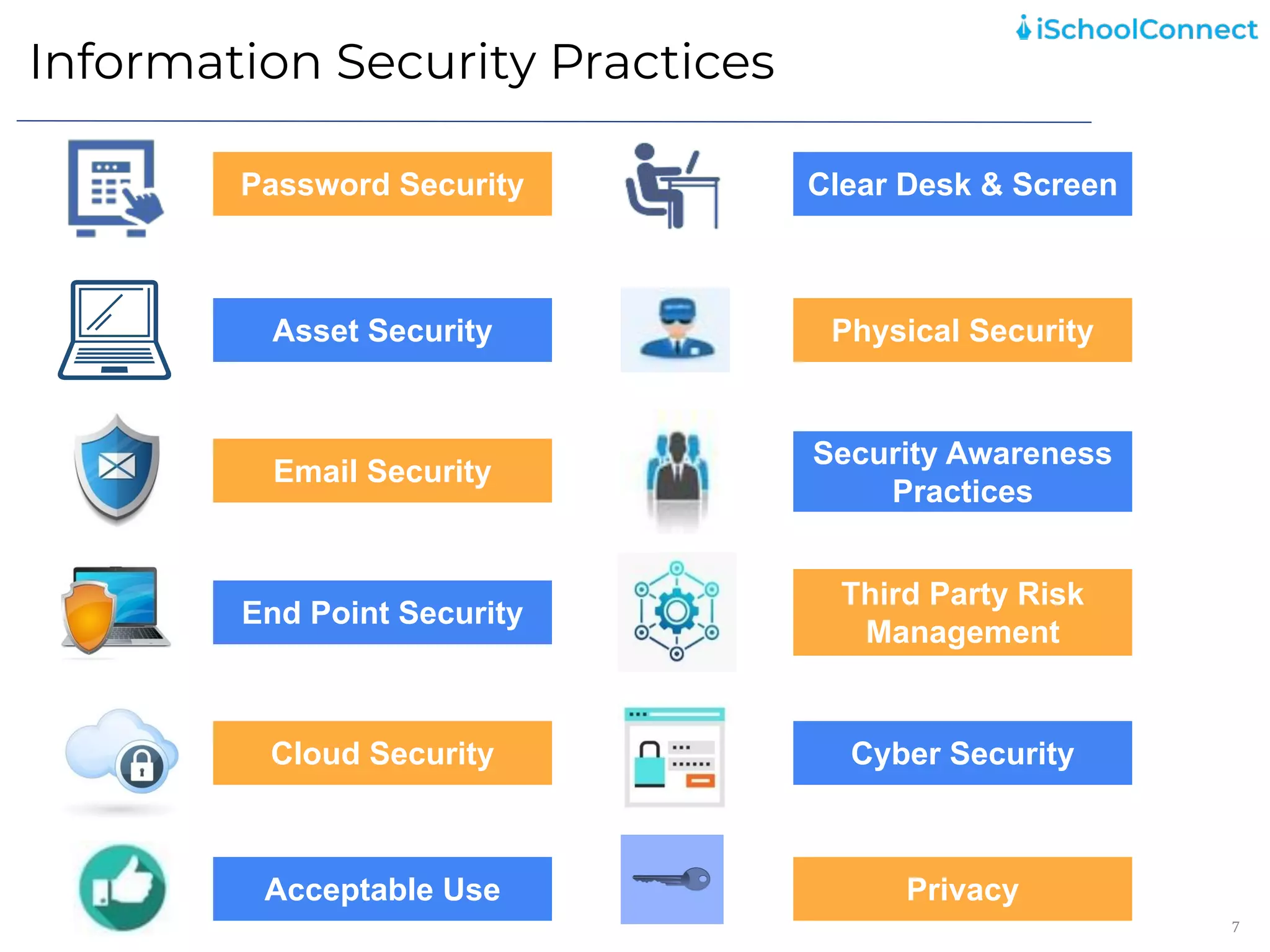
Cyber Security
Password Security
Asset Security
Security Awareness
Practices
Acceptable Use
Cloud Security
Email Security
Clear Desk & Screen
Physical Security
End Point Security
Third Party Risk
Management
Privacy
Password Security
8
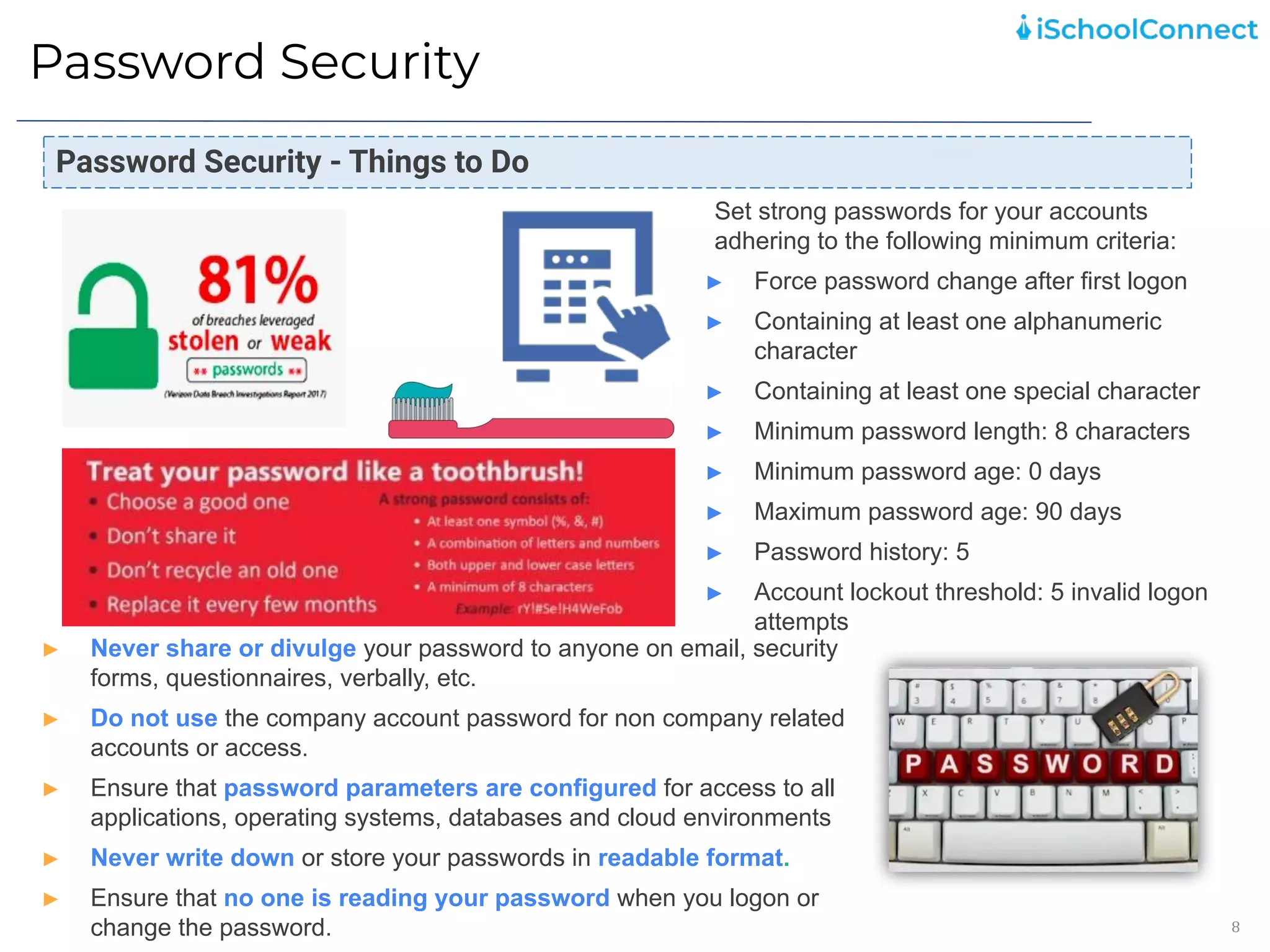
Set strong passwords for your accounts
adhering to the following minimum criteria:
► Force password change after first logon
► Containing at least one alphanumeric
character
► Containing at least one special character
► Minimum password length: 8 characters
► Minimum password age: 0 days
► Maximum password age: 90 days
► Password history: 5
► Account lockout threshold: 5 invalid logon
attempts
Password Security - Things to Do
► Never share or divulge your password to anyone on email, security
forms, questionnaires, verbally, etc.
► Do not use the company account password for non company related
accounts or access.
► Ensure that password parameters are configured for access to all
applications, operating systems, databases and cloud environments
► Never write down or store your passwords in readable format.
► Ensure that no one is reading your password when you logon or
change the password.
Asset Security
9
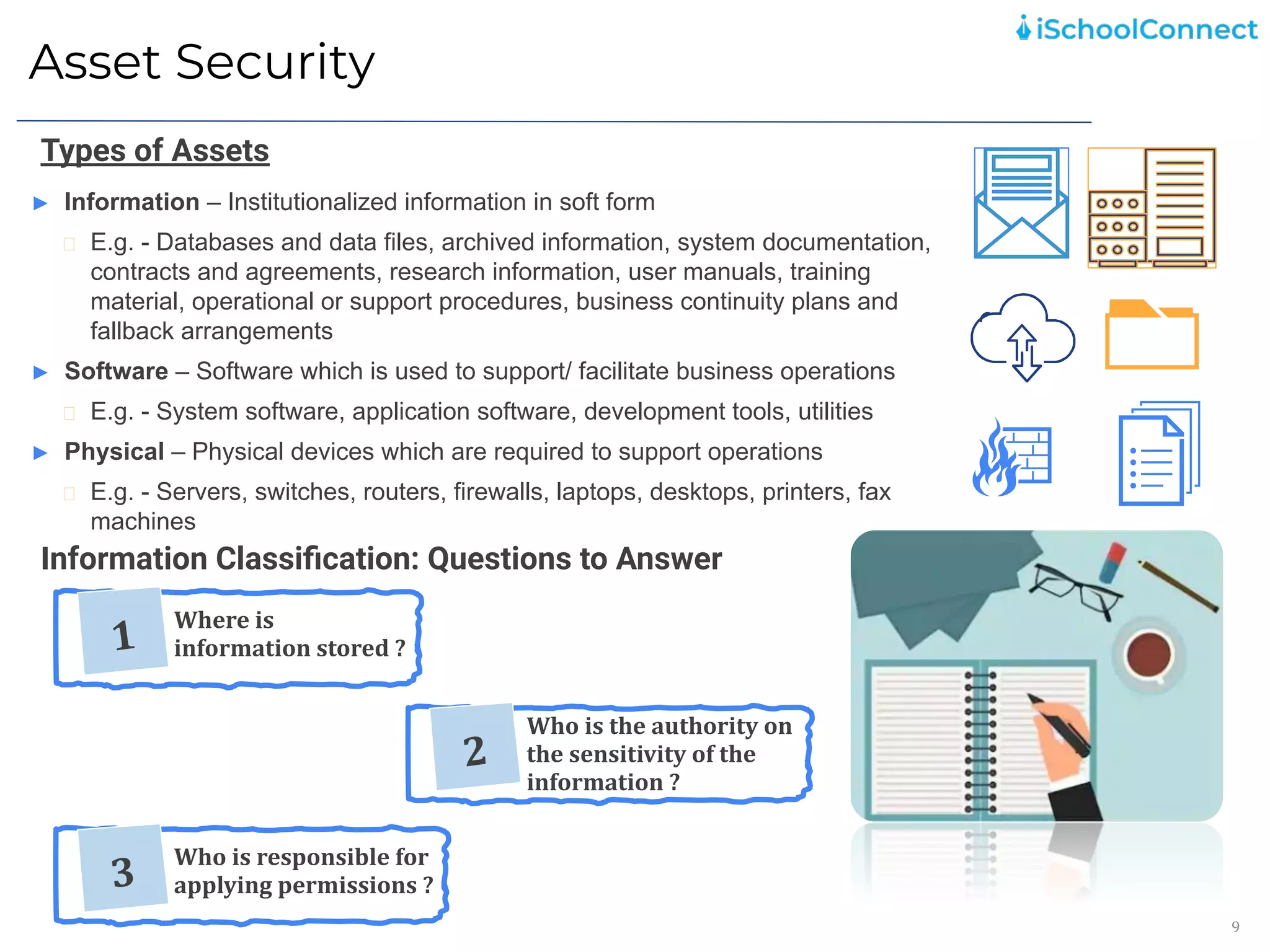
► Information – Institutionalized information in soft form
E.g. - Databases and data files, archived information, system documentation,
contracts and agreements, research information, user manuals, training
material, operational or support procedures, business continuity plans and
fallback arrangements
► Software – Software which is used to support/ facilitate business operations
E.g. - System software, application software, development tools, utilities
► Physical – Physical devices which are required to support operations
E.g. - Servers, switches, routers, firewalls, laptops, desktops, printers, fax
machines
Types of Assets
Information Classification: Questions to Answer
1
Where is
information stored ?
2
Who is the authority on
the sensitivity of the
information ?
3
Who is responsible for
applying permissions ?
Asset Security:
Classification of Information and Associated
Assets
10
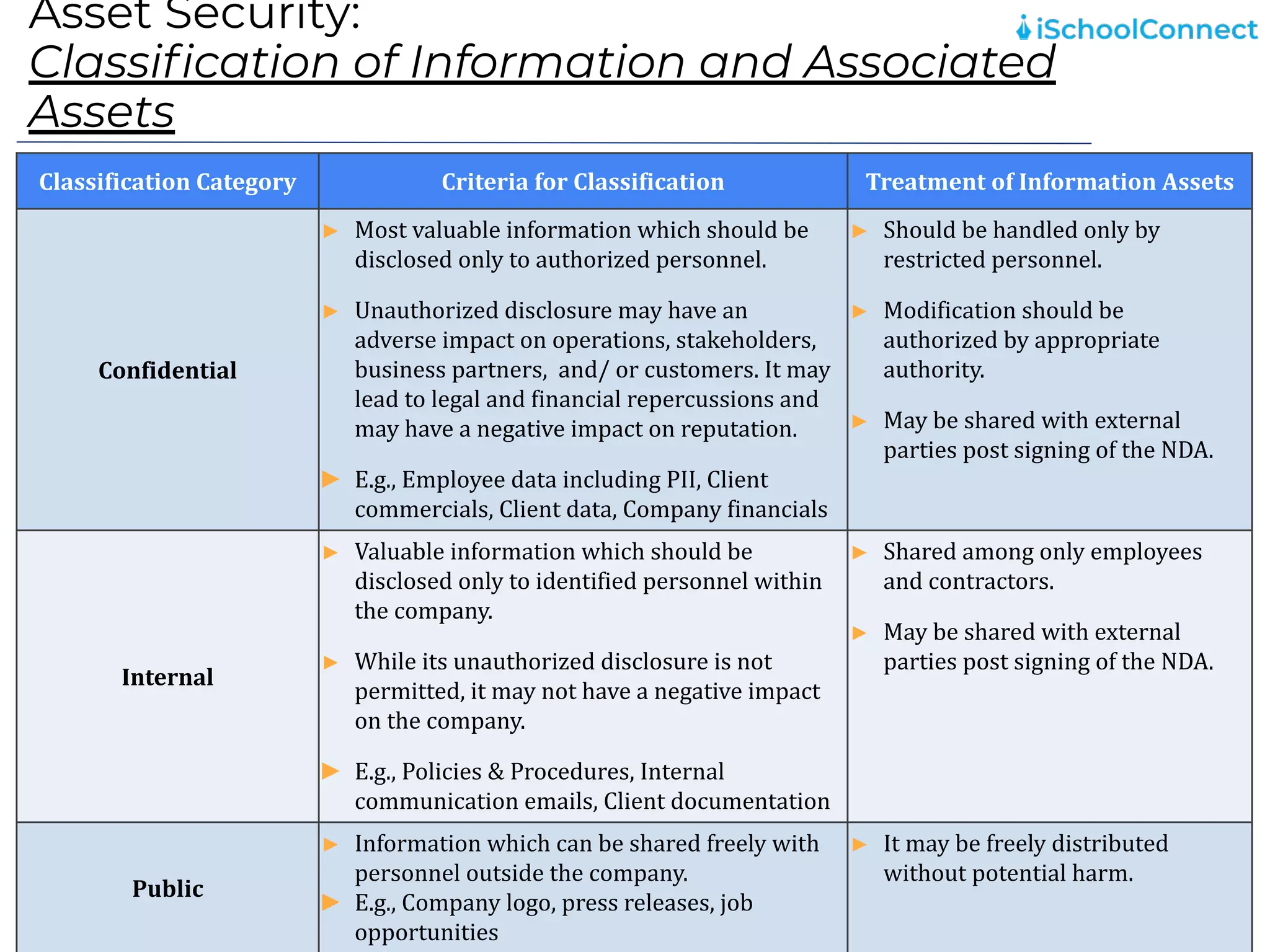
Classification Category Criteria for Classification Treatment of Information Assets
Confidential
► Most valuable information which should be
disclosed only to authorized personnel.
► Unauthorized disclosure may have an
adverse impact on operations, stakeholders,
business partners, and/ or customers. It may
lead to legal and financial repercussions and
may have a negative impact on reputation.
► E.g., Employee data including PII, Client
commercials, Client data, Company financials
► Should be handled only by
restricted personnel.
► Modification should be
authorized by appropriate
authority.
► May be shared with external
parties post signing of the NDA.
Internal
► Valuable information which should be
disclosed only to identified personnel within
the company.
► While its unauthorized disclosure is not
permitted, it may not have a negative impact
on the company.
► E.g., Policies & Procedures, Internal
communication emails, Client documentation
► Shared among only employees
and contractors.
► May be shared with external
parties post signing of the NDA.
Public
► Information which can be shared freely with
personnel outside the company.
► E.g., Company logo, press releases, job
opportunities
► It may be freely distributed
without potential harm.
Asset Security and License Management:
Guidelines
11
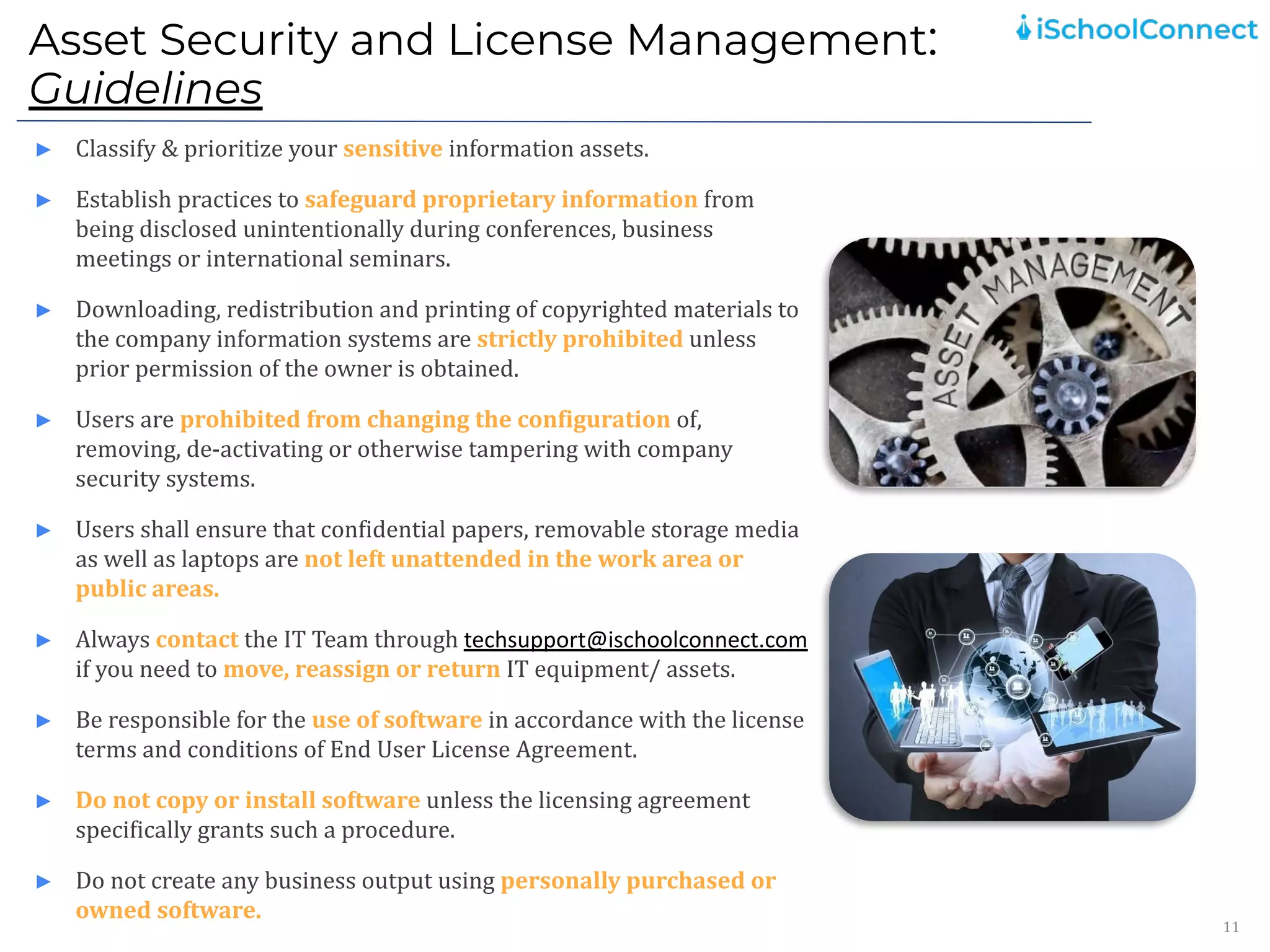
► Classify & prioritize your sensitive information assets.
► Establish practices to safeguard proprietary information from
being disclosed unintentionally during conferences, business
meetings or international seminars.
► Downloading, redistribution and printing of copyrighted materials to
the company information systems are strictly prohibited unless
prior permission of the owner is obtained.
► Users are prohibited from changing the configuration of,
removing, de-activating or otherwise tampering with company
security systems.
► Users shall ensure that confidential papers, removable storage media
as well as laptops are not left unattended in the work area or
public areas.
► Always contact the IT Team through techsupport@ischoolconnect.com
if you need to move, reassign or return IT equipment/ assets.
► Be responsible for the use of software in accordance with the license
terms and conditions of End User License Agreement.
► Do not copy or install software unless the licensing agreement
specifically grants such a procedure.
► Do not create any business output using personally purchased or
owned software.
Email Security
12
► Email is the most sought after target for hackers. Most malware is delivered by the use of
email. Average ransomware attacks cost any company millions of dollars.
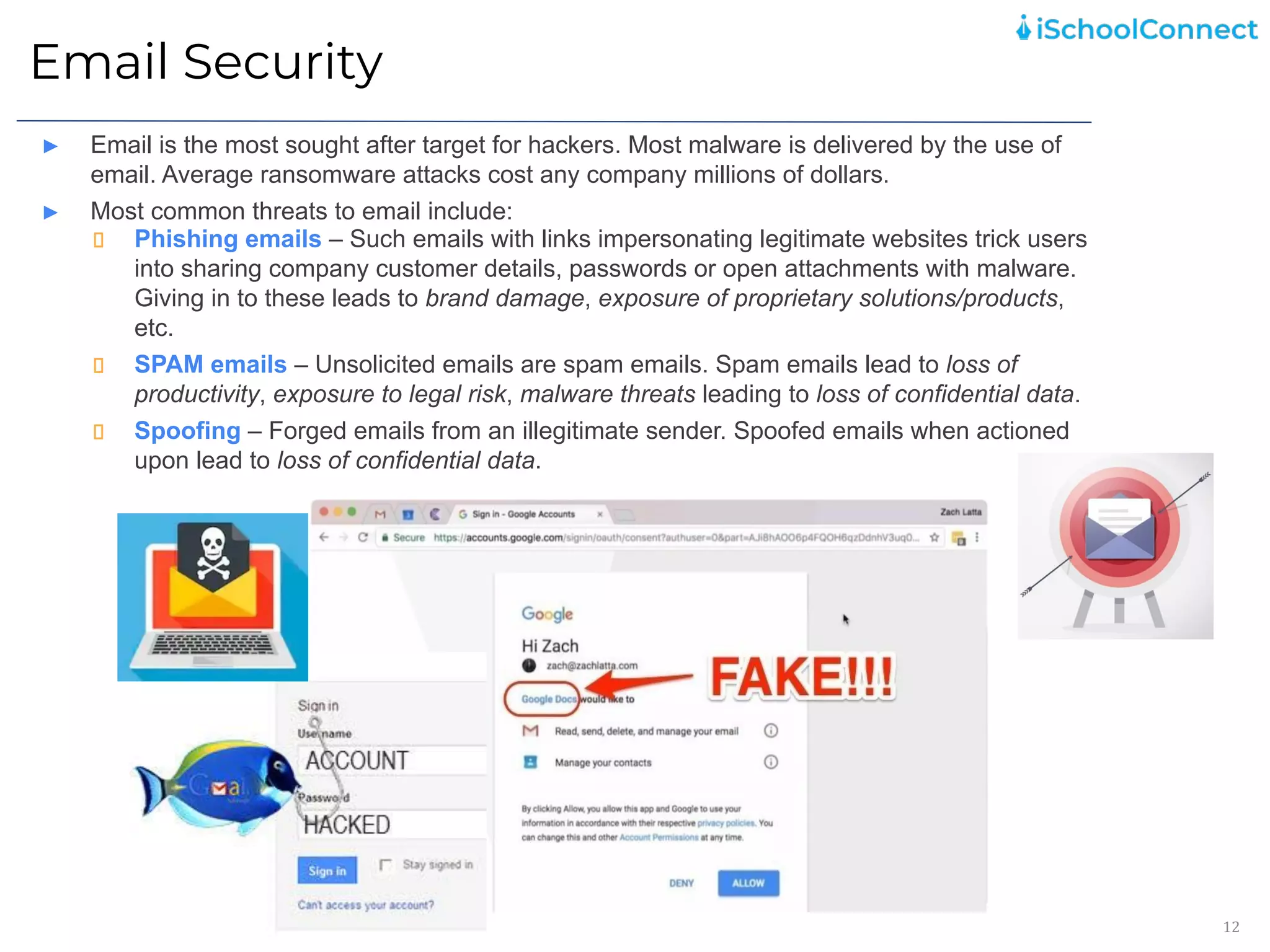
► Most common threats to email include:
Phishing emails – Such emails with links impersonating legitimate websites trick users
into sharing company customer details, passwords or open attachments with malware.
Giving in to these leads to brand damage, exposure of proprietary solutions/products,
etc.
SPAM emails – Unsolicited emails are spam emails. Spam emails lead to loss of
productivity, exposure to legal risk, malware threats leading to loss of confidential data.
Spoofing – Forged emails from an illegitimate sender. Spoofed emails when actioned
upon lead to loss of confidential data.
Email Security
13
Email Security - Things to Do
► Use of the Company’s e-mail facilities for personal use is
discouraged and should therefore be kept to a minimum
► Promptly report all suspected security vulnerabilities or
problems that you notice to the IT Team through
techsupport@ischoolconnect.com
► Forwarding of messages marked “confidential” is prohibited.
► Ensure that confidential information sent over e-mail needs to be
marked as confidential and needs to be encrypted. Such
confidential information should not be shared using instant
messaging service.
► Remember that iSchoolConnect has the right to scan e-mail and
instant messaging chats, monitor e-mail and chat usage and
also to seize an individual’s mailbox if violations are noticed.
► Be fully responsible for the content of email originated, replied
or forwarded from their account.
End Point Security
14
End Point Security- Guidelines
► Do not undertake any activities with the intention to
create and/or distribute malicious programs (e.g. viruses,
worms, Trojans, e-mail bombs, etc.) into iSchoolConnect
network(s) or system(s).
► Ensure that you always use licensed software.
► In case of a suspected action:-
Inform the IT Team immediately through
techsupport@ischoolconnect.com
Switch off the machine
Ensure no-one uses the machine
Be prepared to inform IT of any actions taken which
may have caused the infection.
► Ensure that your machine is patched with the latest
version of software update available. Do not delay patch
installations. In case of issues, contact the IT team
through techsupport@ischoolconnect.com
► Scan all IT equipment and removable media prior to use
on the corporate network, system or device
End-Point Security:
Bring Your Own Device (BYOD)
15
Quantiphi expects handheld device users to ensure the following:
► If the device is lost or stolen or hacked, notify the IT
Team immediately through
techsupport@ischoolconnect.com
► Ensure handheld device has appropriate antivirus
software installed and is updated regularly with critical
software updates/ upgrades and patches
► Maintain handheld device operating system and
security configurations as directed by iSchoolConnect
IT Team.
► Enable password for the devices based on
iSchoolConnect password policy.
► Upon separation from iSchooli, hand over the handheld
device to the IT Team for removal of iSchoolConnect
related information and revocation of logical access to
iSchoolConnect infrastructure.
► Transmit, store or manage only authorized corporate
information on a handheld device.
► Do not download / transfer any sensitive data to any
non-iSchoolConnect device for the purpose of backup or
archival.
► Do not download or install unauthorized applications on
the handheld devices.
Cloud Security Threats
16
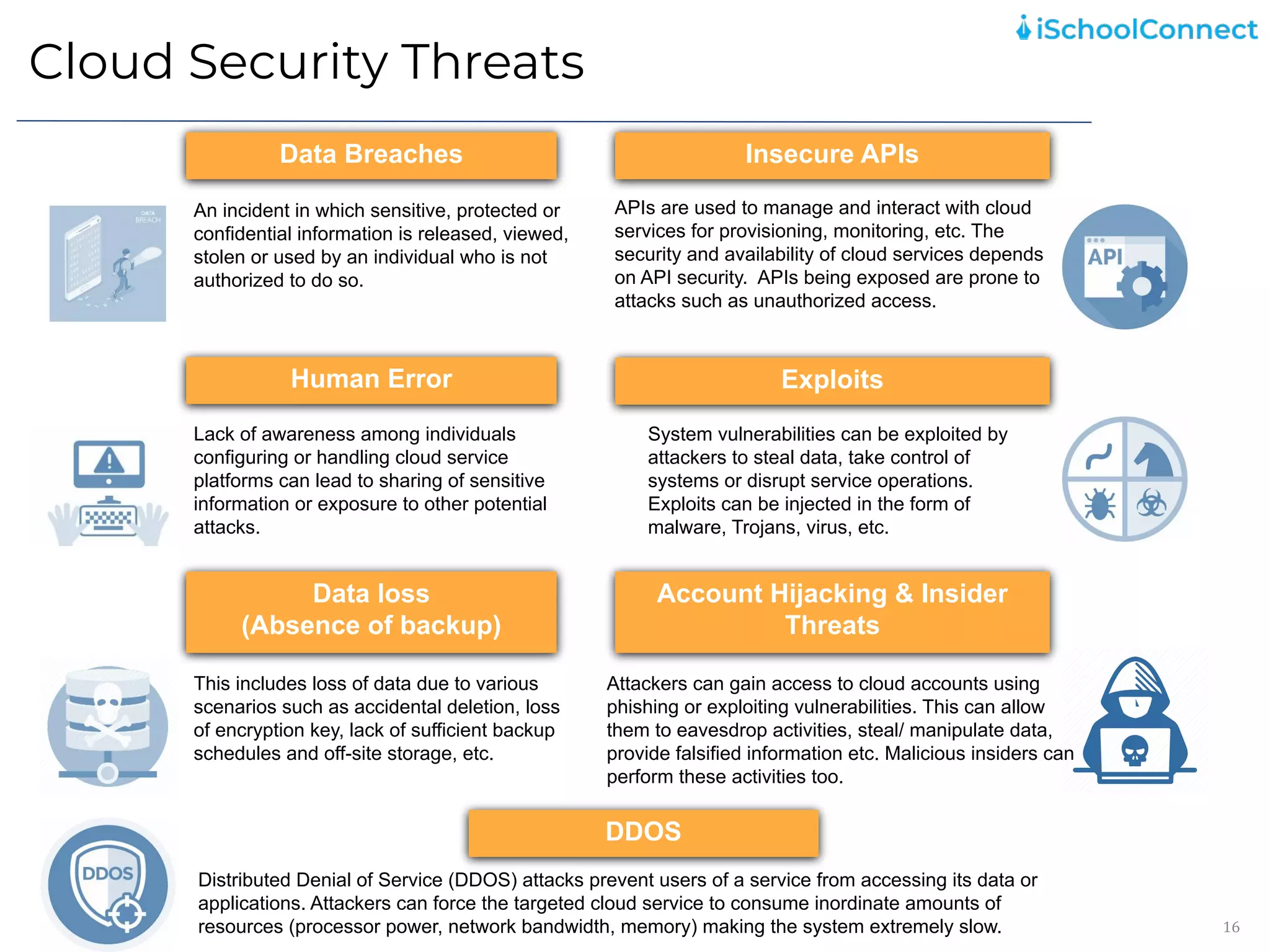
Data Breaches
Data loss
(Absence of backup)
Human Error
Insecure APIs
Exploits
Account Hijacking & Insider
Threats
An incident in which sensitive, protected or
confidential information is released, viewed,
stolen or used by an individual who is not
authorized to do so.
APIs are used to manage and interact with cloud
services for provisioning, monitoring, etc. The
security and availability of cloud services depends
on API security. APIs being exposed are prone to
attacks such as unauthorized access.
Lack of awareness among individuals
configuring or handling cloud service
platforms can lead to sharing of sensitive
information or exposure to other potential
attacks.
System vulnerabilities can be exploited by
attackers to steal data, take control of
systems or disrupt service operations.
Exploits can be injected in the form of
malware, Trojans, virus, etc.
This includes loss of data due to various
scenarios such as accidental deletion, loss
of encryption key, lack of sufficient backup
schedules and off-site storage, etc.
Attackers can gain access to cloud accounts using
phishing or exploiting vulnerabilities. This can allow
them to eavesdrop activities, steal/ manipulate data,
provide falsified information etc. Malicious insiders can
perform these activities too.
DDOS
Distributed Denial of Service (DDOS) attacks prevent users of a service from accessing its data or
applications. Attackers can force the targeted cloud service to consume inordinate amounts of
resources (processor power, network bandwidth, memory) making the system extremely slow.
Cloud Security Best Practices
17
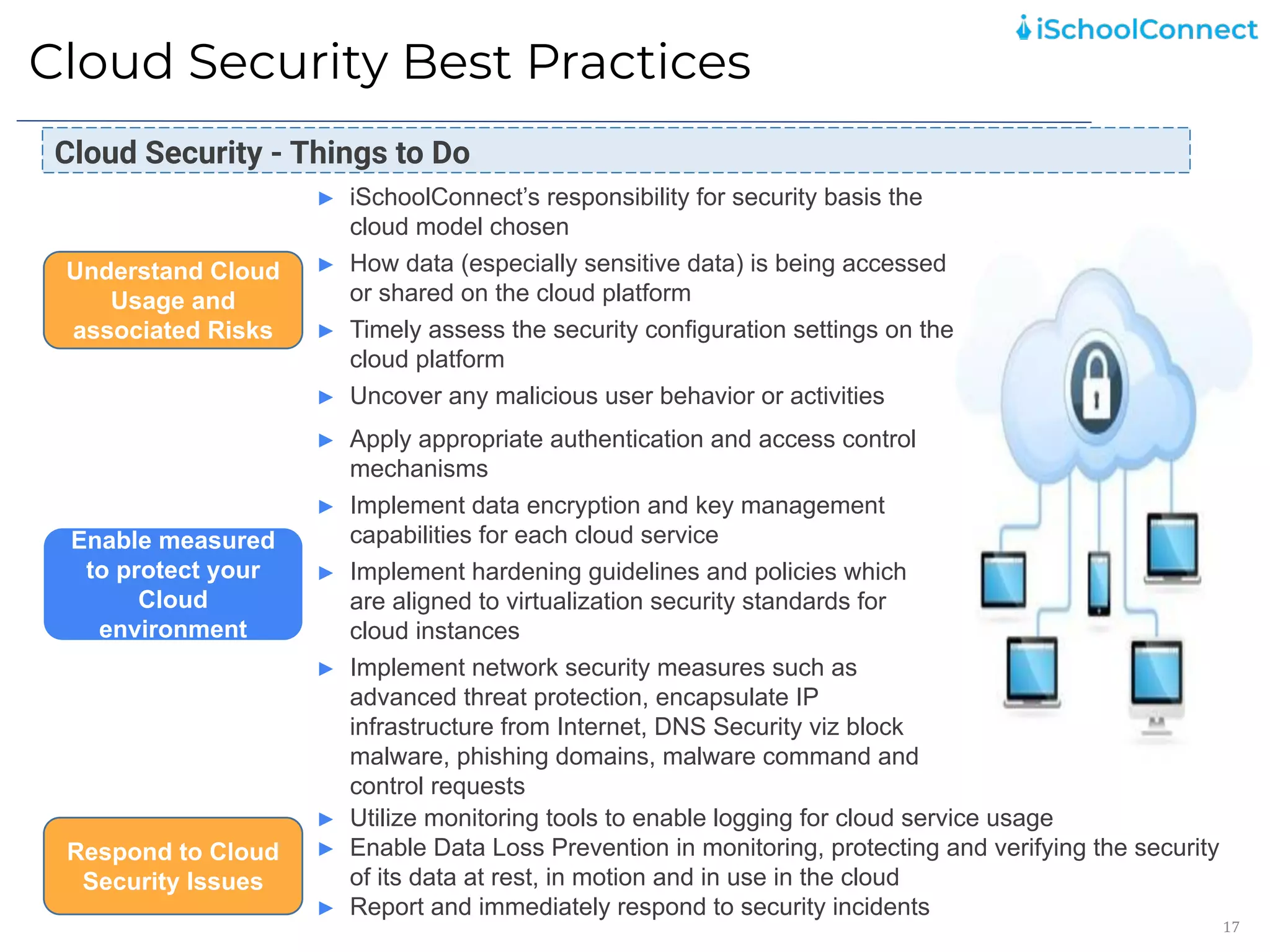
► iSchoolConnect’s responsibility for security basis the
cloud model chosen
► How data (especially sensitive data) is being accessed
or shared on the cloud platform
► Timely assess the security configuration settings on the
cloud platform
► Uncover any malicious user behavior or activities
Understand Cloud
Usage and
associated Risks
► Apply appropriate authentication and access control
mechanisms
► Implement data encryption and key management
capabilities for each cloud service
► Implement hardening guidelines and policies which
are aligned to virtualization security standards for
cloud instances
► Implement network security measures such as
advanced threat protection, encapsulate IP
infrastructure from Internet, DNS Security viz block
malware, phishing domains, malware command and
control requests
Enable measured
to protect your
Cloud
environment
► Utilize monitoring tools to enable logging for cloud service usage
► Enable Data Loss Prevention in monitoring, protecting and verifying the security
of its data at rest, in motion and in use in the cloud
► Report and immediately respond to security incidents
Respond to Cloud
Security Issues
Cloud Security - Things to Do
Acceptable Use
18
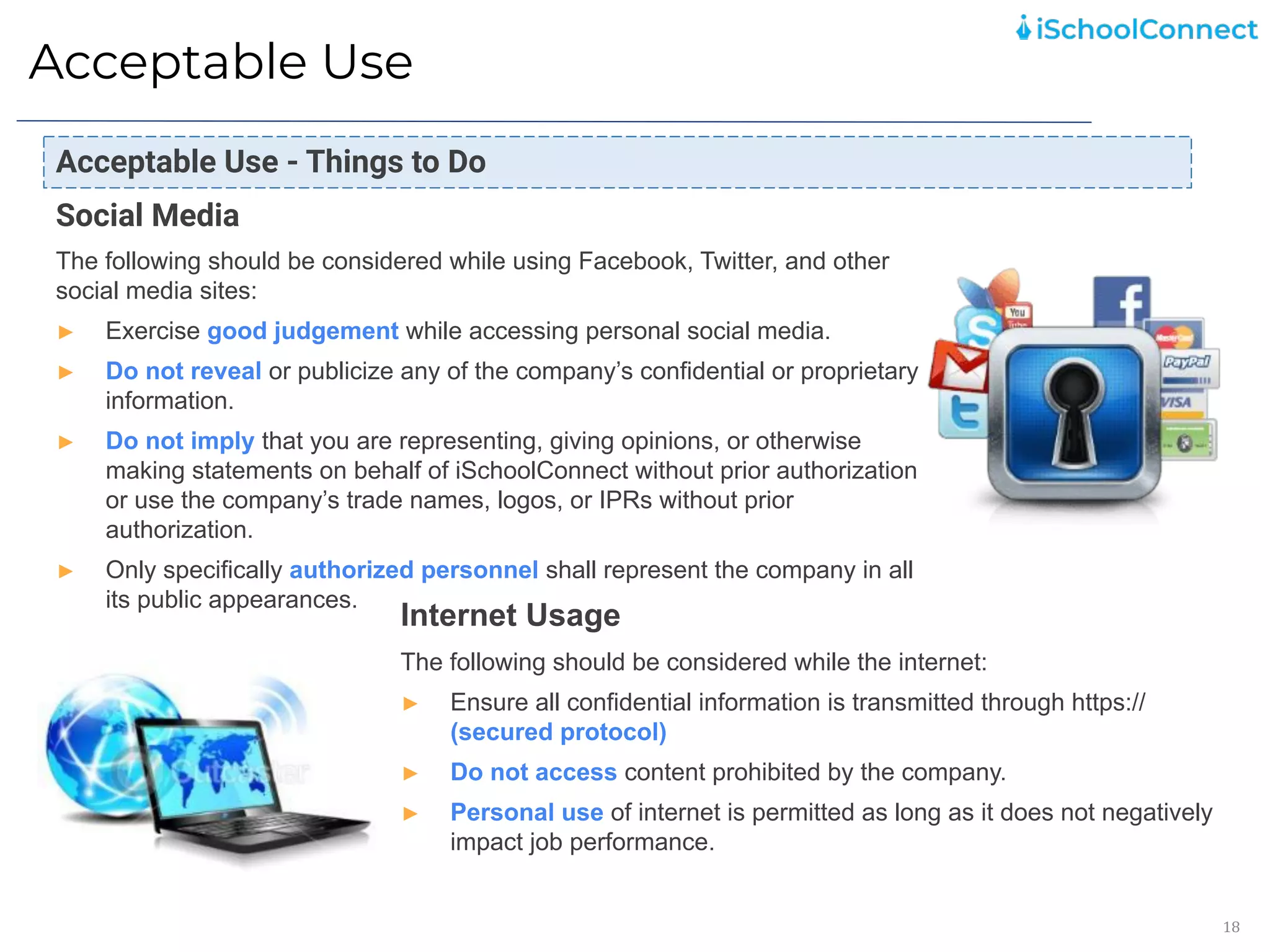
Social Media
The following should be considered while using Facebook, Twitter, and other
social media sites:
► Exercise good judgement while accessing personal social media.
► Do not reveal or publicize any of the company’s confidential or proprietary
information.
► Do not imply that you are representing, giving opinions, or otherwise
making statements on behalf of iSchoolConnect without prior authorization
or use the company’s trade names, logos, or IPRs without prior
authorization.
► Only specifically authorized personnel shall represent the company in all
its public appearances.
Internet Usage
The following should be considered while the internet:
► Ensure all confidential information is transmitted through https://
(secured protocol)
► Do not access content prohibited by the company.
► Personal use of internet is permitted as long as it does not negatively
impact job performance.
Acceptable Use - Things to Do
Acceptable Use
19
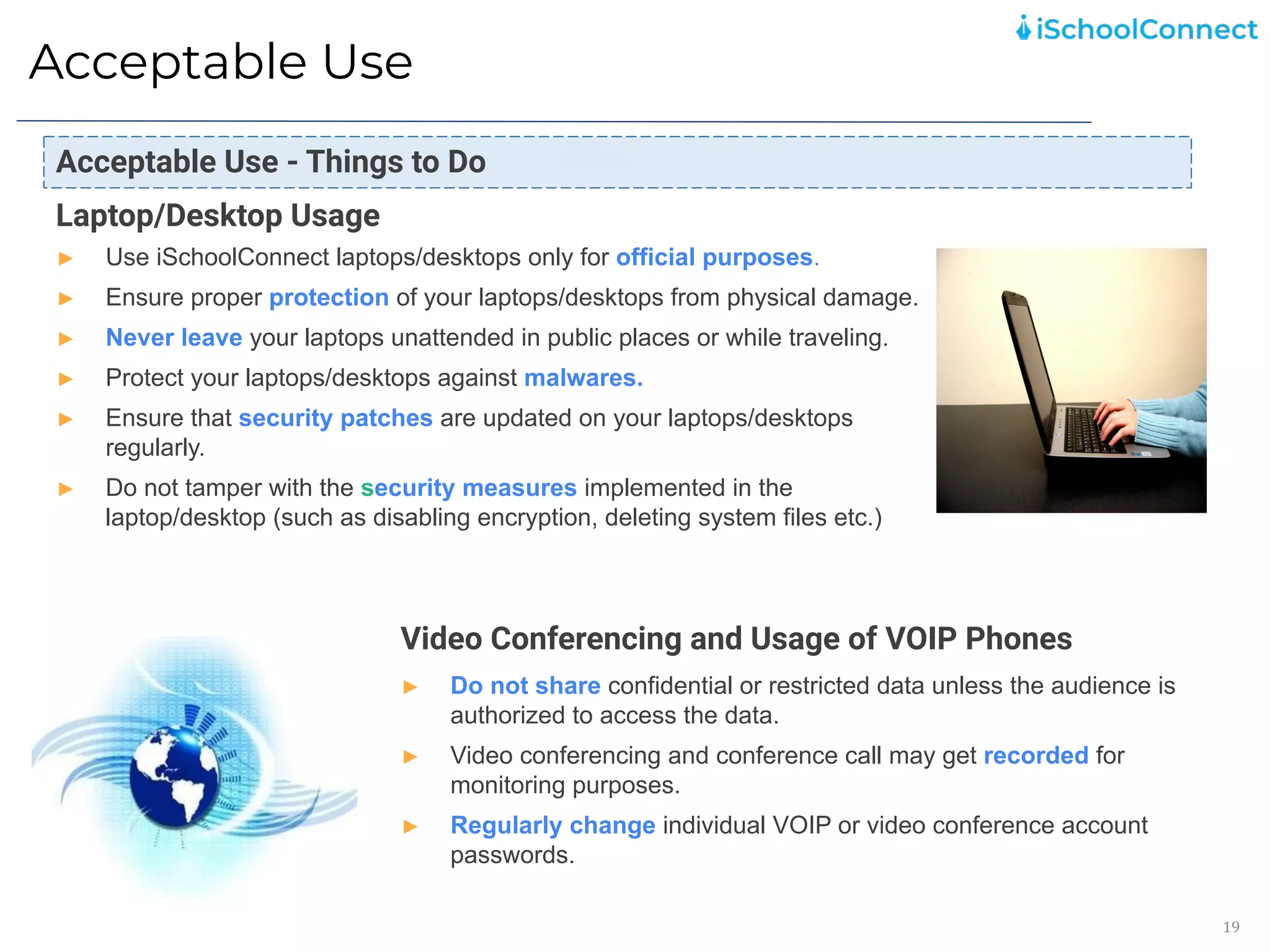
Laptop/Desktop Usage
► Use iSchoolConnect laptops/desktops only for official purposes.
► Ensure proper protection of your laptops/desktops from physical damage.
► Never leave your laptops unattended in public places or while traveling.
► Protect your laptops/desktops against malwares.
► Ensure that security patches are updated on your laptops/desktops
regularly.
► Do not tamper with the security measures implemented in the
laptop/desktop (such as disabling encryption, deleting system files etc.)
Video Conferencing and Usage of VOIP Phones
► Do not share confidential or restricted data unless the audience is
authorized to access the data.
► Video conferencing and conference call may get recorded for
monitoring purposes.
► Regularly change individual VOIP or video conference account
passwords.
Acceptable Use - Things to Do
Clear Desk and Clear Screen
20
Clear Desk and Screen - Things to Do
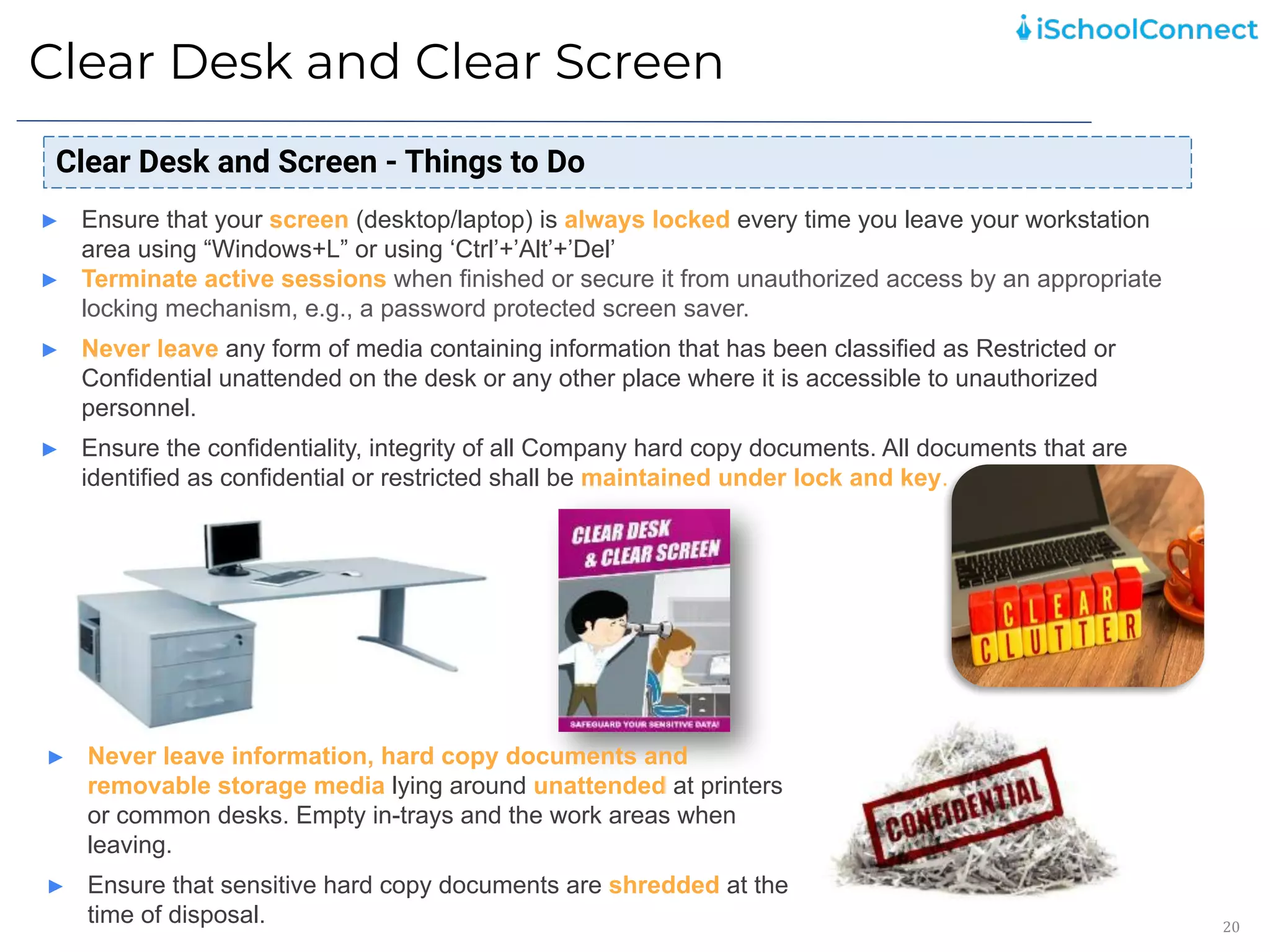
► Ensure that your screen (desktop/laptop) is always locked every time you leave your workstation
area using “Windows+L” or using ‘Ctrl’+’Alt’+’Del’
► Terminate active sessions when finished or secure it from unauthorized access by an appropriate
locking mechanism, e.g., a password protected screen saver.
► Never leave any form of media containing information that has been classified as Restricted or
Confidential unattended on the desk or any other place where it is accessible to unauthorized
personnel.
► Ensure the confidentiality, integrity of all Company hard copy documents. All documents that are
identified as confidential or restricted shall be maintained under lock and key.
► Never leave information, hard copy documents and
removable storage media lying around unattended at printers
or common desks. Empty in-trays and the work areas when
leaving.
► Ensure that sensitive hard copy documents are shredded at the
time of disposal.
Physical Security
21
Physical Security - Things to Do
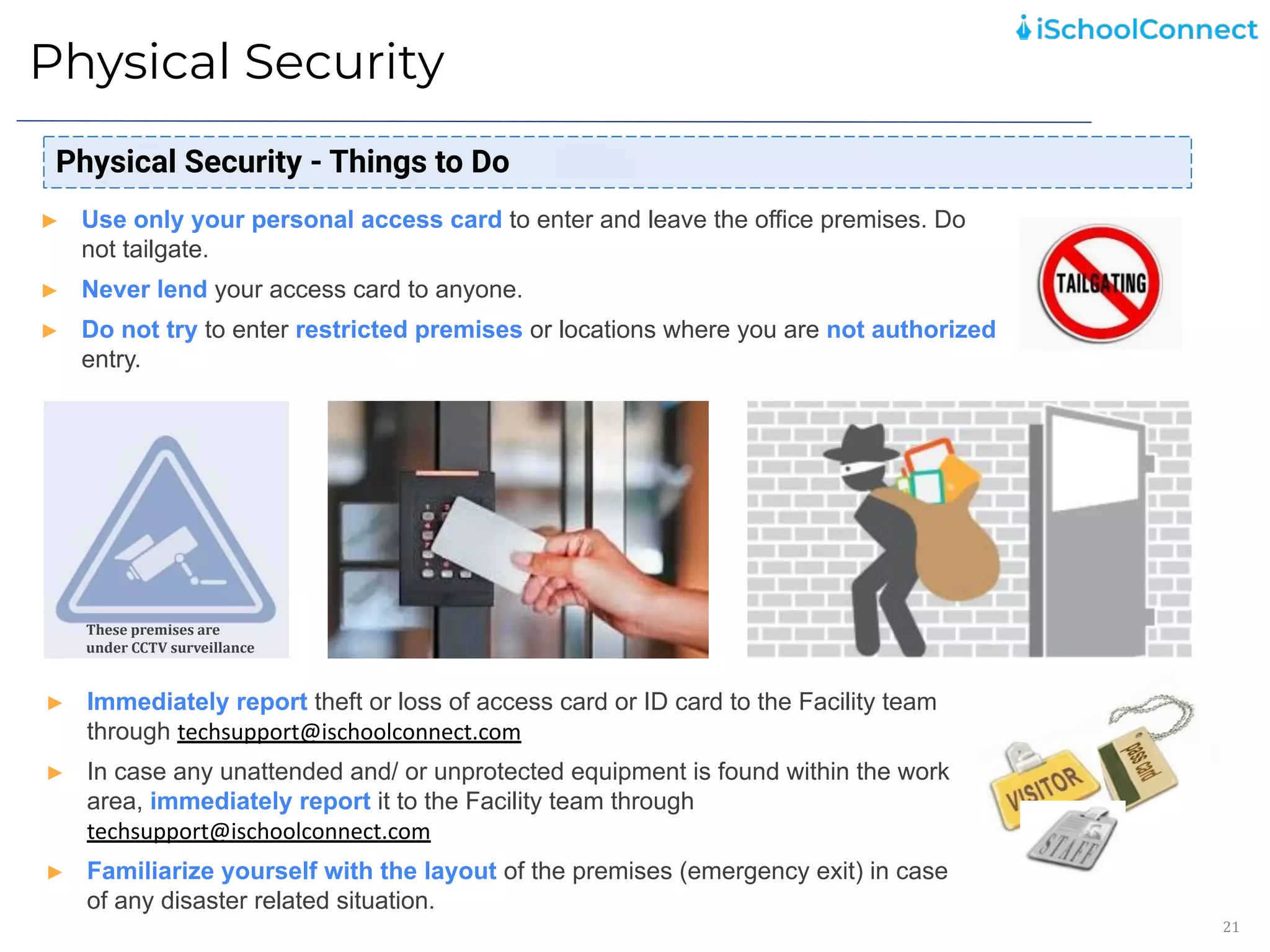
► Use only your personal access card to enter and leave the office premises. Do
not tailgate.
► Never lend your access card to anyone.
► Do not try to enter restricted premises or locations where you are not authorized
entry.
► Immediately report theft or loss of access card or ID card to the Facility team
through techsupport@ischoolconnect.com
► In case any unattended and/ or unprotected equipment is found within the work
area, immediately report it to the Facility team through
techsupport@ischoolconnect.com
► Familiarize yourself with the layout of the premises (emergency exit) in case
of any disaster related situation.
These premises are
under CCTV surveillance
Security Awareness Practices
22
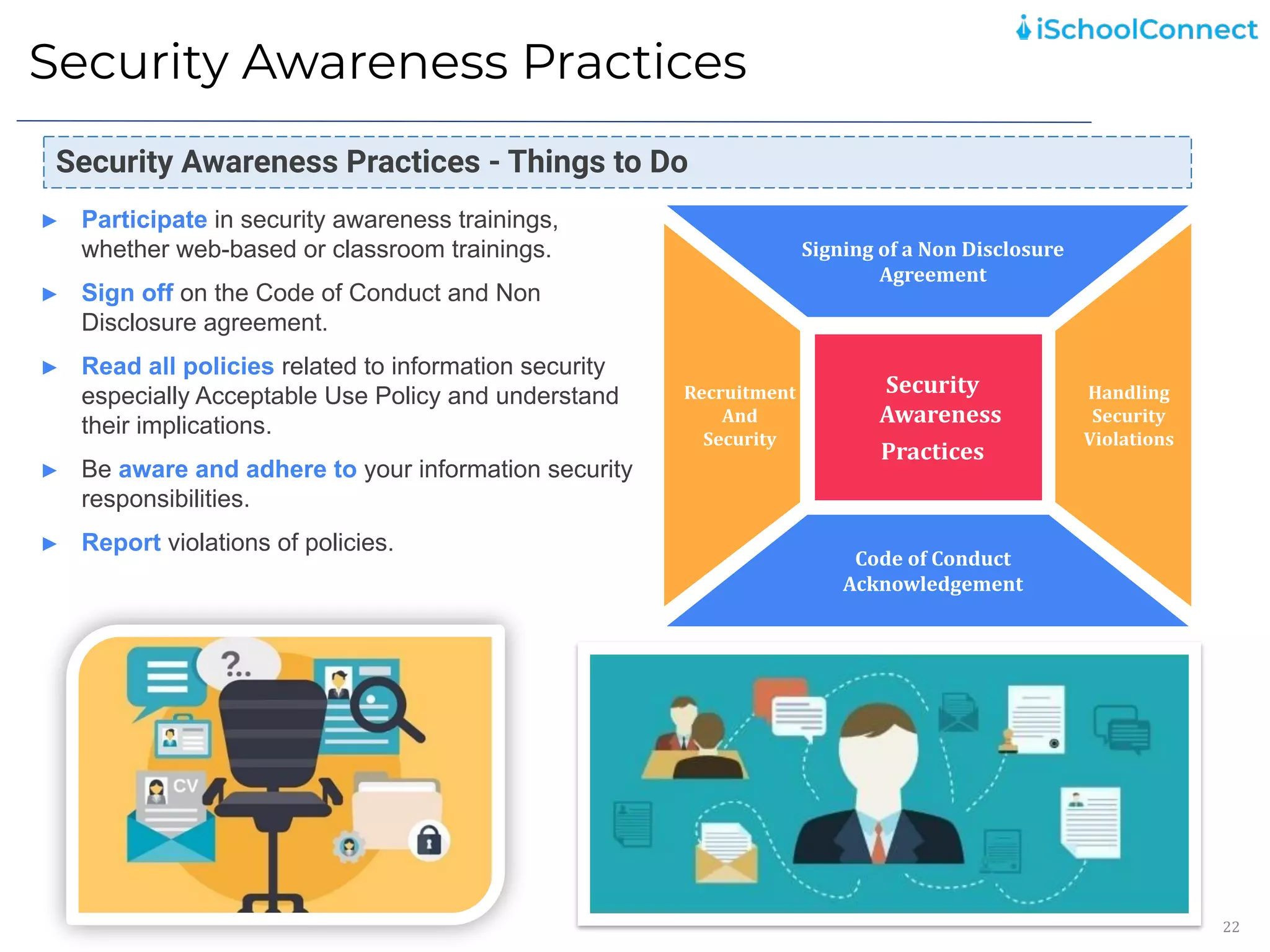
Signing of a Non Disclosure
Agreement
Code of Conduct
Acknowledgement
Security
Awareness
Practices
Handling
Security
Violations
Recruitment
And
Security
Security Awareness Practices - Things to Do
► Participate in security awareness trainings,
whether web-based or classroom trainings.
► Sign off on the Code of Conduct and Non
Disclosure agreement.
► Read all policies related to information security
especially Acceptable Use Policy and understand
their implications.
► Be aware and adhere to your information security
responsibilities.
► Report violations of policies.
Third Party Risk Management
23
Third Party Risk Management – Good Principles
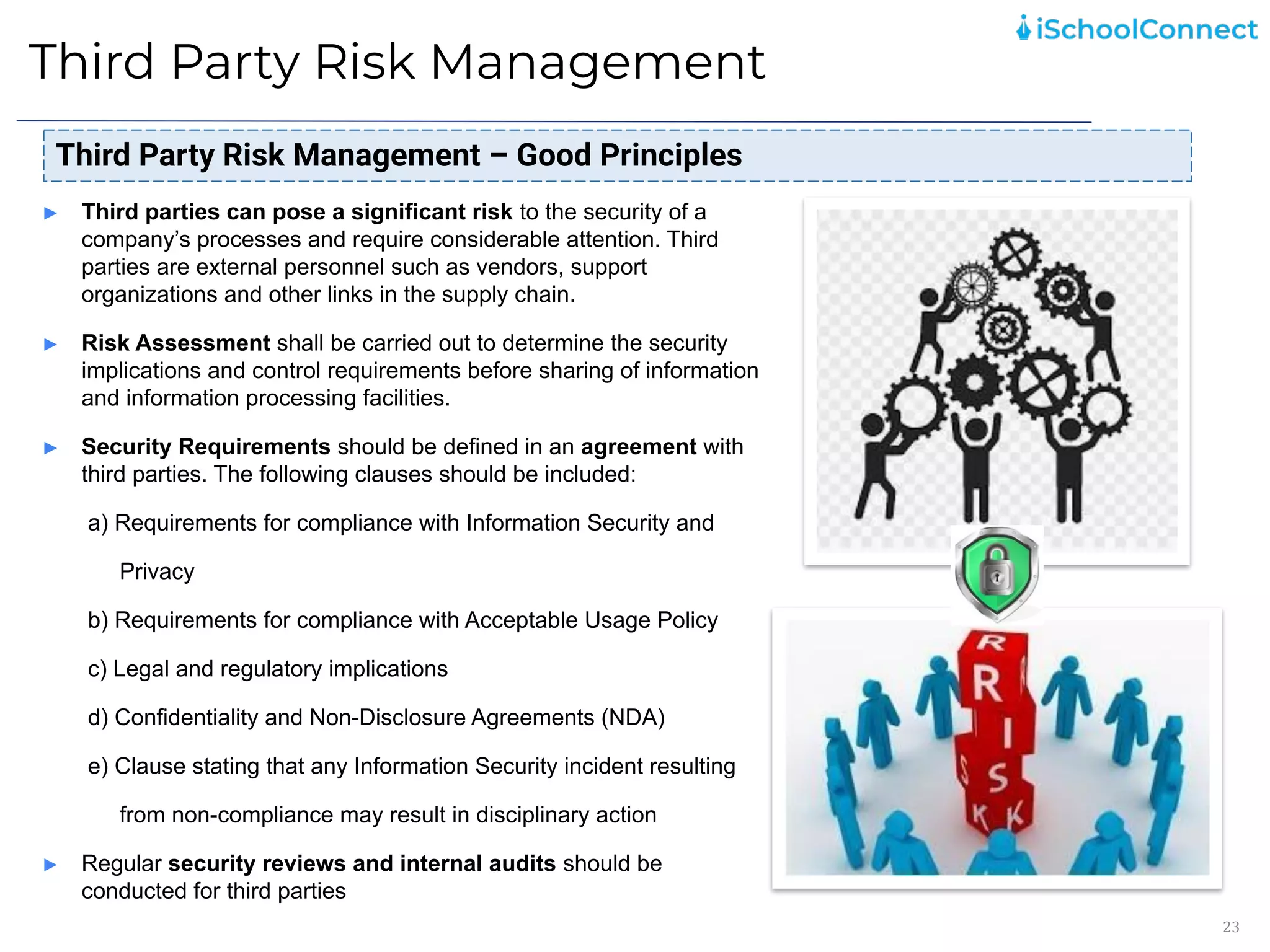
► Third parties can pose a significant risk to the security of a
company’s processes and require considerable attention. Third
parties are external personnel such as vendors, support
organizations and other links in the supply chain.
► Risk Assessment shall be carried out to determine the security
implications and control requirements before sharing of information
and information processing facilities.
► Security Requirements should be defined in an agreement with
third parties. The following clauses should be included:
a) Requirements for compliance with Information Security and
Privacy
b) Requirements for compliance with Acceptable Usage Policy
c) Legal and regulatory implications
d) Confidentiality and Non-Disclosure Agreements (NDA)
e) Clause stating that any Information Security incident resulting
from non-compliance may result in disciplinary action
► Regular security reviews and internal audits should be
conducted for third parties
Cyber Security
24
Cyber Security – Things to Do
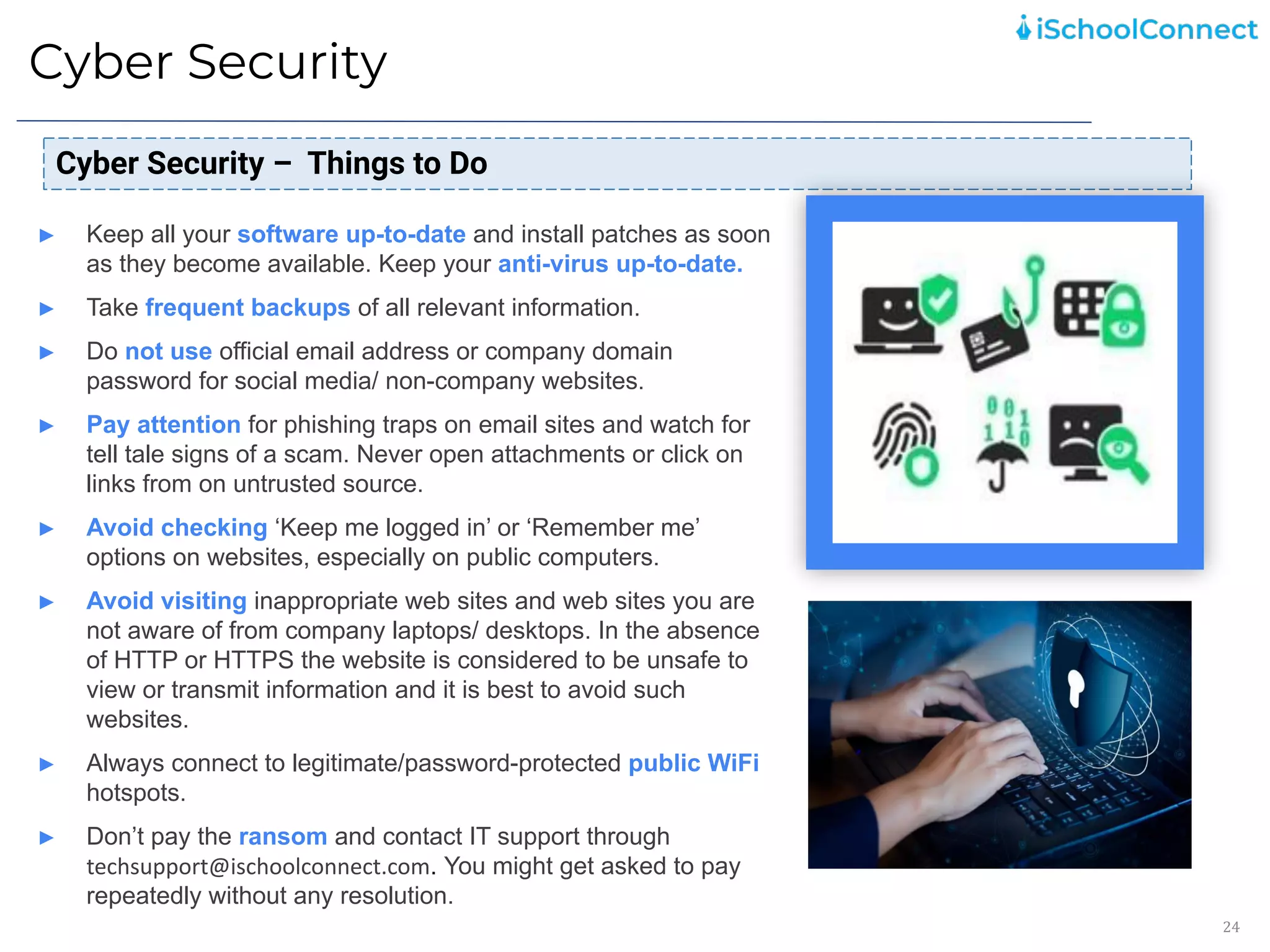
► Keep all your software up-to-date and install patches as soon
as they become available. Keep your anti-virus up-to-date.
► Take frequent backups of all relevant information.
► Do not use official email address or company domain
password for social media/ non-company websites.
► Pay attention for phishing traps on email sites and watch for
tell tale signs of a scam. Never open attachments or click on
links from on untrusted source.
► Avoid checking ‘Keep me logged in’ or ‘Remember me’
options on websites, especially on public computers.
► Avoid visiting inappropriate web sites and web sites you are
not aware of from company laptops/ desktops. In the absence
of HTTP or HTTPS the website is considered to be unsafe to
view or transmit information and it is best to avoid such
websites.
► Always connect to legitimate/password-protected public WiFi
hotspots.
► Don’t pay the ransom and contact IT support through
techsupport@ischoolconnect.com. You might get asked to pay
repeatedly without any resolution.
Data Privacy
25
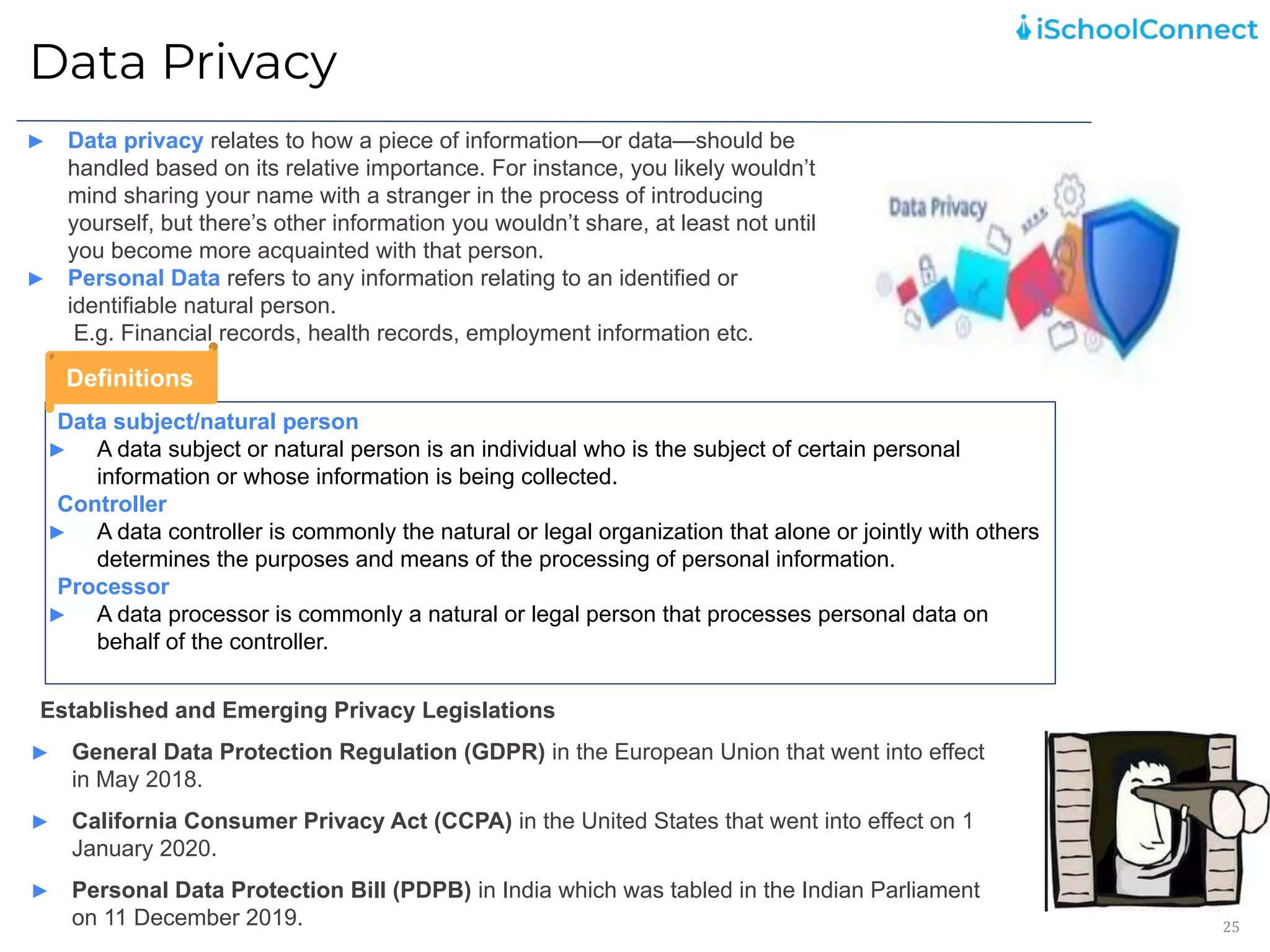
► Data privacy relates to how a piece of information—or data—should be
handled based on its relative importance. For instance, you likely wouldn’t
mind sharing your name with a stranger in the process of introducing
yourself, but there’s other information you wouldn’t share, at least not until
you become more acquainted with that person.
► Personal Data refers to any information relating to an identified or
identifiable natural person.
E.g. Financial records, health records, employment information etc.
Established and Emerging Privacy Legislations
► General Data Protection Regulation (GDPR) in the European Union that went into effect
in May 2018.
► California Consumer Privacy Act (CCPA) in the United States that went into effect on 1
January 2020.
► Personal Data Protection Bill (PDPB) in India which was tabled in the Indian Parliament
on 11 December 2019.
Data subject/natural person
► A data subject or natural person is an individual who is the subject of certain personal
information or whose information is being collected.
Controller
► A data controller is commonly the natural or legal organization that alone or jointly with others
determines the purposes and means of the processing of personal information.
Processor
► A data processor is commonly a natural or legal person that processes personal data on
behalf of the controller.
Definitions
Data Privacy
26
Adhere to company policies and procedures
► Read and understand relevant company policies, procedures and guidance documents to be aware of the
organization's and your expected behaviour.
Do not use unofficial communication channels as a means of collecting personal data
► Never enable any individual to send their personal data over unofficial communication channels such as instant
messaging applications, personal email address etc.
Do not share personal data if you are unsure of the recipient
► Avoid sharing a file containing personal data if you are unsure whether the recipient is the authorized person
for receiving it.
Password protect or encrypt email attachments that contain personal data
► Depending on the type of attachment, select an appropriate mechanism to protect the personal information it
contains. You may also consider using encryption functionality (using tools such as WinZip). This should be
done for emails containing sensitive personal data and emails being transferred outside the organization at the
minimum.
Store files containing personal data on a network drive, instead of downloading and storing on
desktop/laptop
► Use the shared dedicated network drives/folders which may be available to your team to store documents that
contain personal data. Refrain from saving such documents on laptop/desktop. If some data is required to be
kept on a laptop/desktop, you must delete it permanently when it is no longer needed for business purposes.
Do not collect unnecessary data
► Don’t collect, record, retain personal data that is not required for the concerned activity. If you receive any such
information, securely delete it and inform the source that the said data is not required and that it has been
deleted.
Points to remember
Social Engineering
27
Social Engineering refers to the psychological manipulation of people into performing malicious actions
or divulging confidential information. This is one of the biggest threats in the area of information
security and relies on the carelessness, unawareness, greed of the victim. Some of these attacks
include:
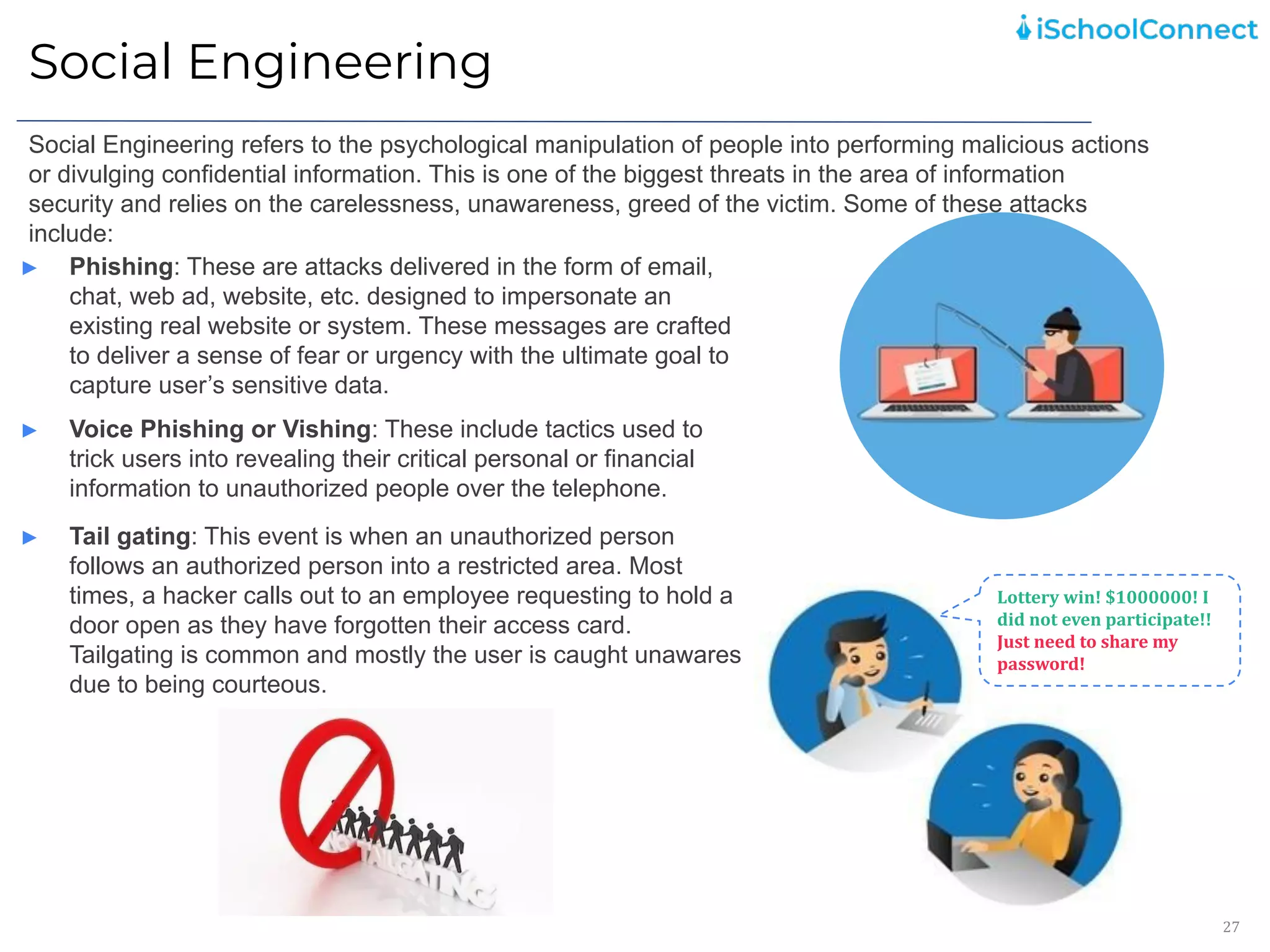
► Phishing: These are attacks delivered in the form of email,
chat, web ad, website, etc. designed to impersonate an
existing real website or system. These messages are crafted
to deliver a sense of fear or urgency with the ultimate goal to
capture user’s sensitive data.
Lottery win! $1000000! I
did not even participate!!
Just need to share my
password!
► Voice Phishing or Vishing: These include tactics used to
trick users into revealing their critical personal or financial
information to unauthorized people over the telephone.
► Tail gating: This event is when an unauthorized person
follows an authorized person into a restricted area. Most
times, a hacker calls out to an employee requesting to hold a
door open as they have forgotten their access card.
Tailgating is common and mostly the user is caught unawares
due to being courteous.
Social Engineering
28
Social Engineering - Things to Do
► Always escort visitors and be aware/ observe their activities in
the company.
► Do not open e-mail attachments unless you are expecting this
email or the sender is known to you.
► Do not click on links unless you are sure of the validity of
these links.
► Always check that an email has come from an authentic sender
or someone you trust.
► Only visit pages which you know and trust.
► Download software from pages that you know and trust.
► Always use secure browser to do online activities.
► Always verify the caller’s identity and contact information
before giving out any details. Be in control of the conversation
and disconnect if anything suspicious is observed. Limit the
information provided. Do not share details related to any
sensitive information such as login credentials or
personal/company/network information.
► Do not follow instructions from an unverified person.
Information Security Incident Reporting
29
► Employees shall raise all information security incidents through this
form or by sending email to techsupport@ischoolconnect.com
► Customer related information security incidents shall be reported to the
customer as well as raised internally through this form or by sending
email to techsupport@ischoolconnect.com
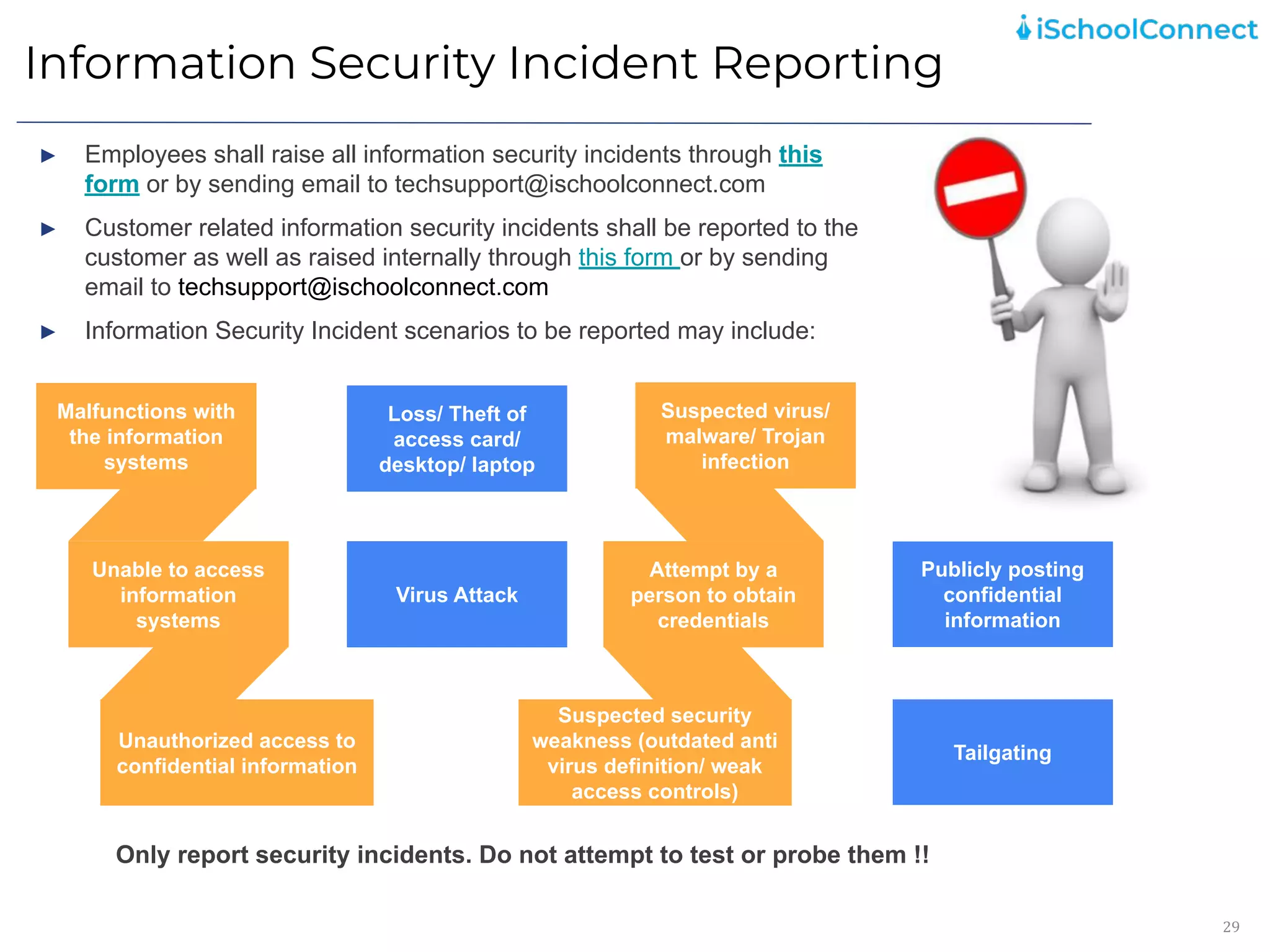
► Information Security Incident scenarios to be reported may include:
Malfunctions with
the information
systems
Unable to access
information
systems
Unauthorized access to
confidential information
Suspected virus/
malware/ Trojan
infection
Attempt by a person
to obtain
credentials
Suspected security
weakness (outdated anti
virus definition/ weak
access controls)
Loss/ Theft of
access card/
desktop/ laptop
Virus Attack
Publicly posting
confidential
information
Tailgating
Only report security incidents. Do not attempt to test or probe them !!
Malfunctions with
the information
systems
Unable to access
information
systems
Unauthorized access to
confidential information
Suspected virus/
malware/ Trojan
infection
Attempt by a
person to obtain
credentials
Suspected security
weakness (outdated anti
virus definition/ weak
access controls)
Loss/ Theft of
access card/
desktop/ laptop
Virus Attack
Global Best Practices
30
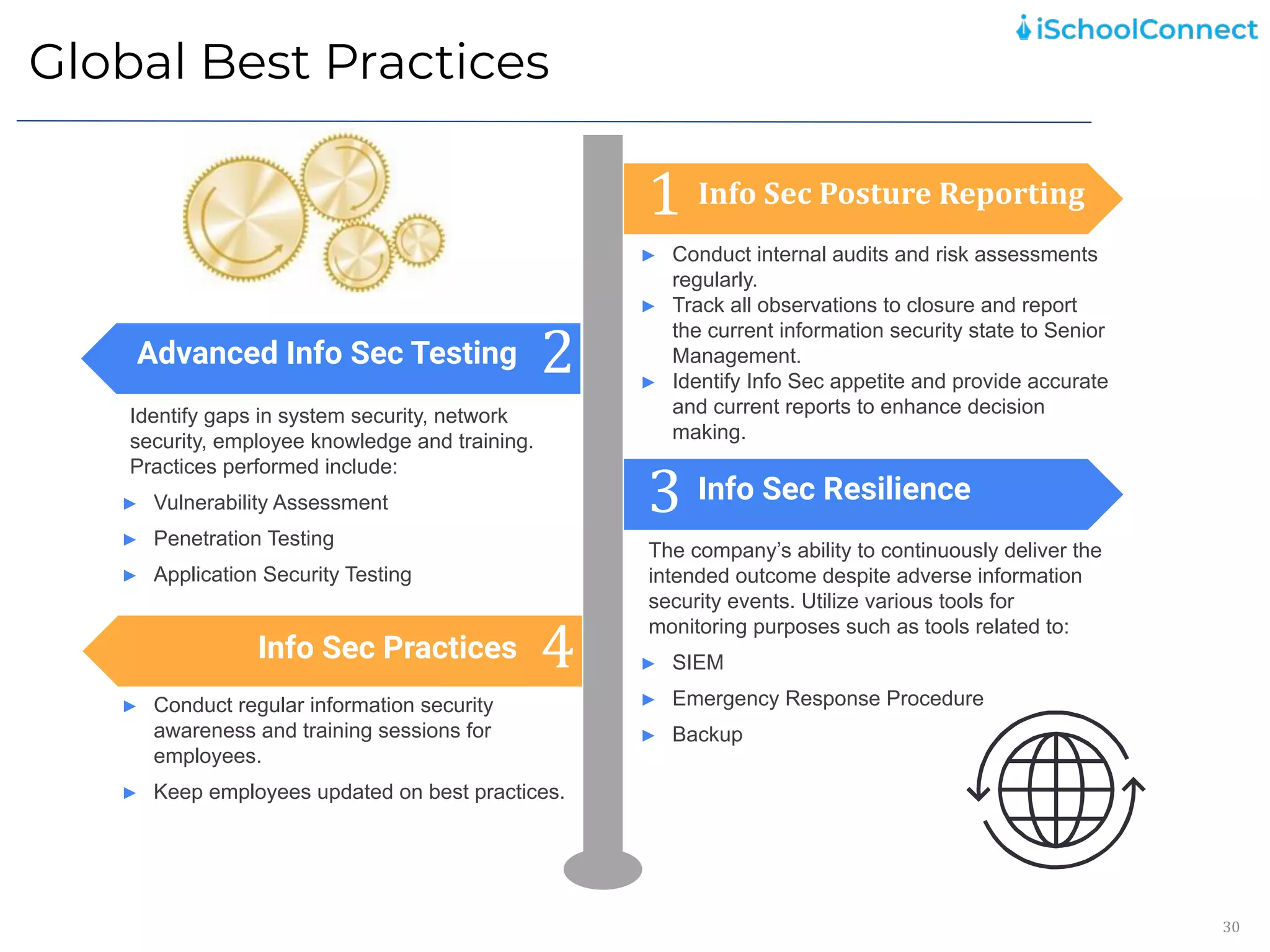
1
2
3
4
► Conduct internal audits and risk assessments
regularly.
► Track all observations to closure and report
the current information security state to Senior
Management.
► Identify Info Sec appetite and provide accurate
and current reports to enhance decision
making.
The company’s ability to continuously deliver the
intended outcome despite adverse information
security events. Utilize various tools for
monitoring purposes such as tools related to:
► SIEM
► Emergency Response Procedure
► Backup
Identify gaps in system security, network
security, employee knowledge and training.
Practices performed include:
► Vulnerability Assessment
► Penetration Testing
► Application Security Testing
► Conduct regular information security
awareness and training sessions for
employees.
► Keep employees updated on best practices.
Info Sec Posture Reporting
Info Sec Resilience
Advanced Info Sec Testing
Info Sec Practices
Information Security Do’s and Don’ts
31
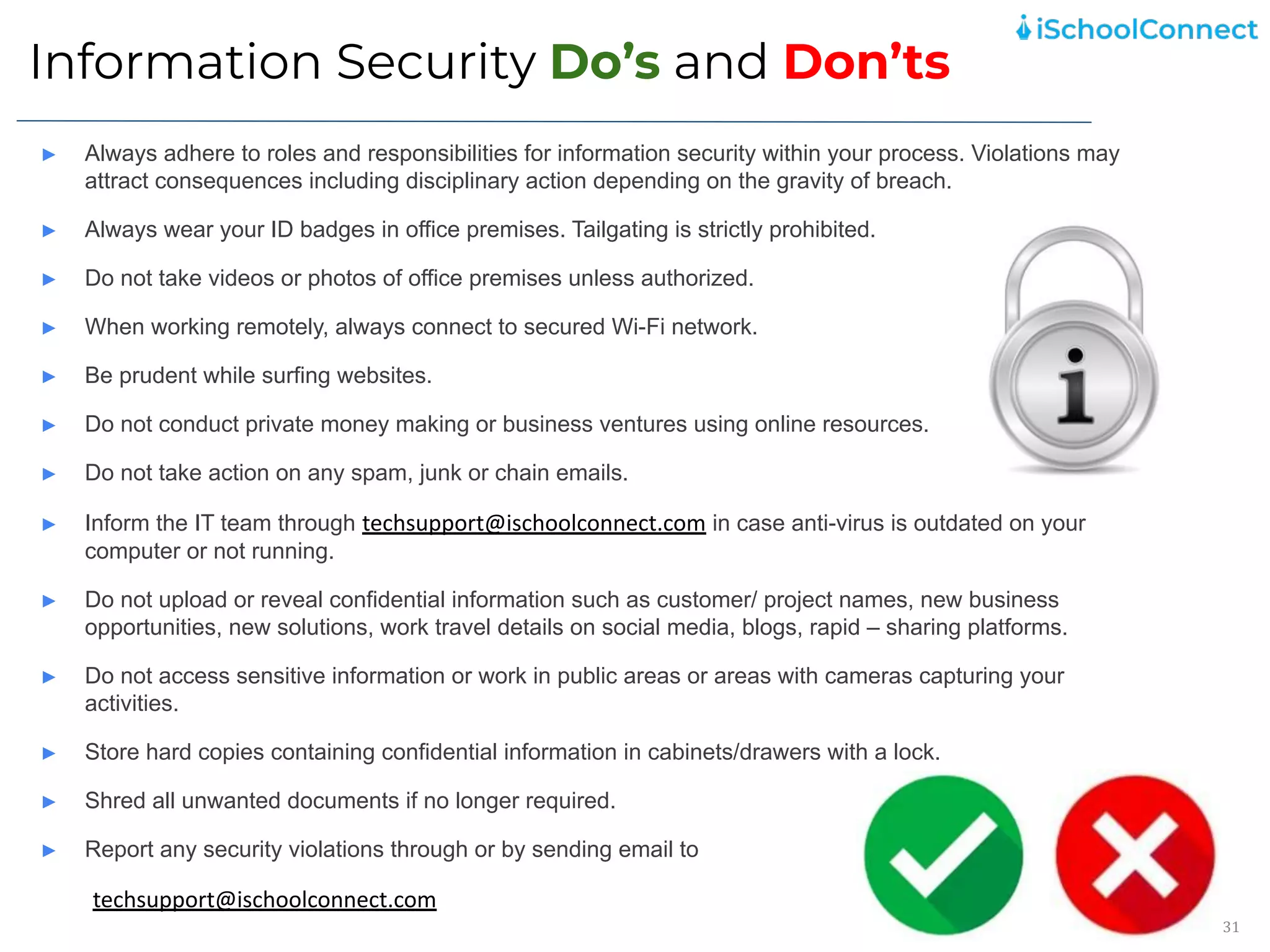
► Always adhere to roles and responsibilities for information security within your process. Violations may
attract consequences including disciplinary action depending on the gravity of breach.
► Always wear your ID badges in office premises. Tailgating is strictly prohibited.
► Do not take videos or photos of office premises unless authorized.
► When working remotely, always connect to secured Wi-Fi network.
► Be prudent while surfing websites.
► Do not conduct private money making or business ventures using online resources.
► Do not take action on any spam, junk or chain emails.
► Inform the IT team through techsupport@ischoolconnect.com in case anti-virus is outdated on your
computer or not running.
► Do not upload or reveal confidential information such as customer/ project names, new business
opportunities, new solutions, work travel details on social media, blogs, rapid – sharing platforms.
► Do not access sensitive information or work in public areas or areas with cameras capturing your
activities.
► Store hard copies containing confidential information in cabinets/drawers with a lock.
► Shred all unwanted documents if no longer required.
► Report any security violations through or by sending email to
techsupport@ischoolconnect.com
Linux Security Do’s and Don’ts
32
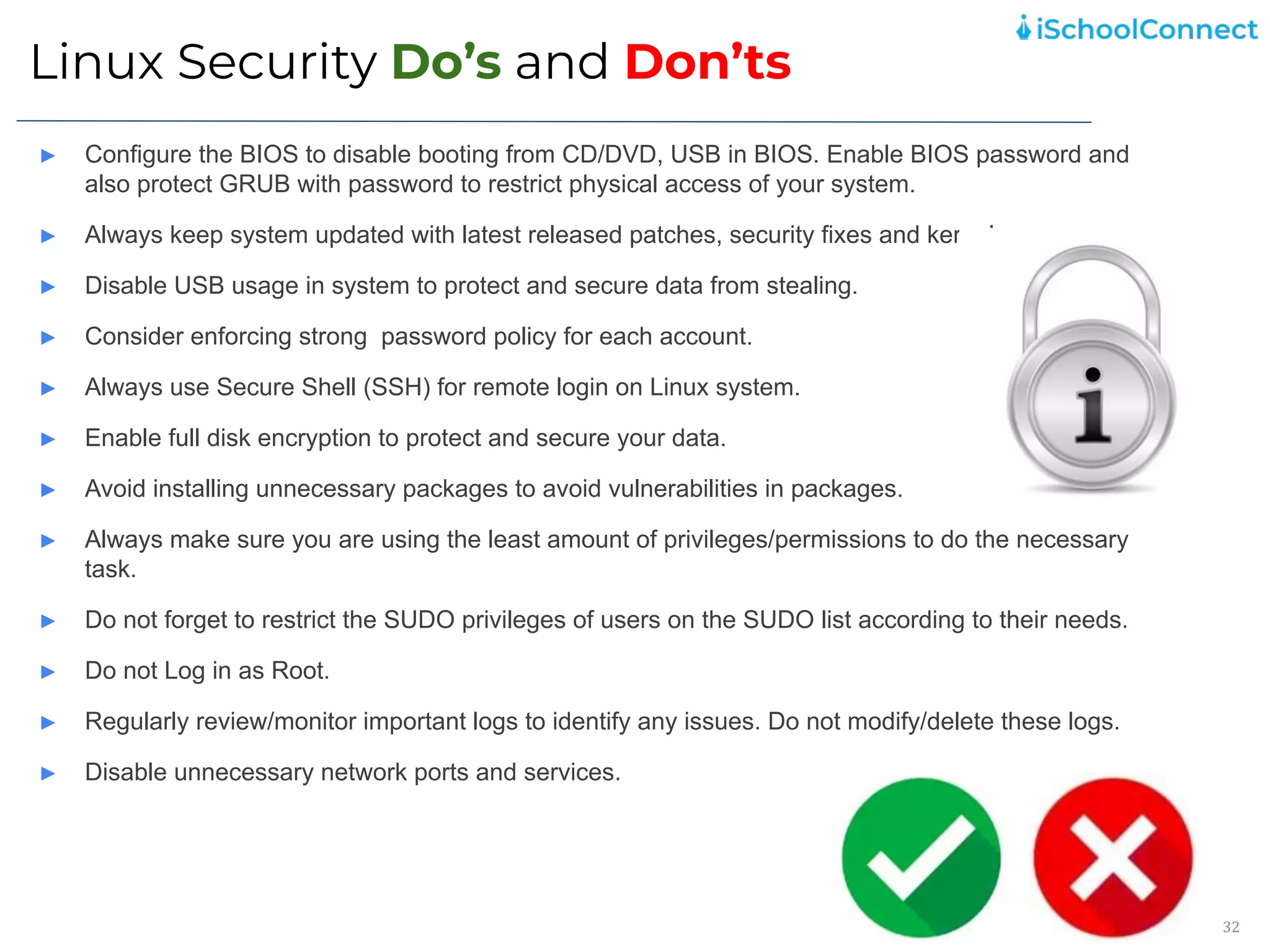
► Configure the BIOS to disable booting from CD/DVD, USB in BIOS. Enable BIOS password and
also protect GRUB with password to restrict physical access of your system.
► Always keep system updated with latest released patches, security fixes and kernel.
► Disable USB usage in system to protect and secure data from stealing.
► Consider enforcing strong password policy for each account.
► Always use Secure Shell (SSH) for remote login on Linux system.
► Enable full disk encryption to protect and secure your data.
► Avoid installing unnecessary packages to avoid vulnerabilities in packages.
► Always make sure you are using the least amount of privileges/permissions to do the necessary
task.
► Do not forget to restrict the SUDO privileges of users on the SUDO list according to their needs.
► Do not Log in as Root.
► Regularly review/monitor important logs to identify any issues. Do not modify/delete these logs.
► Disable unnecessary network ports and services.
Precautions to be taken while working
remotely
33
► Always take appropriate precautions to ensure client information is kept secure and confidential.
► Immediately report to iSchoolConnect IT Team through techsupport@ischoolconnect.com if the Encryption
software or other Security software is disabled.
► Protect the screens of devices you work on from casual viewing by others, especially when working with
sensitive data.
► Make use of Company provided VPN to securely access Company’s IT resources such as email and file
services.
► Always connect to trusted networks and do not use public Wi-Fi for any sensitive, business critical
activities.
► Configure your web browser for maximum security. Disable options to always accept cookies along with
features that keep you logged into a site.
► Usage of USB drives must be approved. Always use USB drives encrypted using Company approved
encryption application only.
► Promptly notify the iSchoolConnect IT Team through techsupport@ischoolconnect.com of any evidence of
or suspicion of any security violation.
► Please familiarize yourself with iSchool Connect’s Policy and Procedure documents present on KEKA
portal.
34
Take the
quiz
HERE!
35
Thank
You!

iSchoolConnect_Information Security User Awareness Training_16th Nov 2021.pptx.pdf

  • 1.
    1 Information Security UserAwareness Training Date of Release: November, 2021
  • 2.
    2 Agenda What is Information &Information Security? 1 Why is Information Security important? 2 Information Security Elements 3 Social Engineering 5 Information Security Incident Reporting 6 Global Best Practices 7 Information Security Do’s and Don’ts 8 Information Security Practices 4
  • 3.
    What is Informationand Information Security ? 3 ► Information is all data used for operations/services/business in a company. Information is a valuable asset and requires protection. ► Information exists in various forms such as: 1. Paper (printed or written) 2. Electronically stored 3. Transmitted electronically or by post 4. Visual such as photos/videos/ diagrams/ demos 5. Verbal i.e. conversations/ discussions 6. Intangible i.e. intellectual property such as ideas/ expertise/ knowledge ► Information can be created, transmitted, stored, owned, processed, used, shared, modified, corrupted, controlled, secured, and protected throughout its cycle. Documents Files Folders Email ► Information Security is the protection of information and information systems from unauthorized access, use, disclosure, disruption, modification, inspection, recording or destruction. ► Information Security keeps valuable information protected and safe from harm. ► It can be achieved with various strategies and combinations of strategies such as: Protecting Confidentiality, Integrity, and Availability Avoiding, preventing, detecting and recovering from incidents Securing not just IT but People, Process and Technology
  • 4.
    Global Information Securityattacks are on the rise 4 All Industries are now Targets…It’s only a matter of WHEN !!!
  • 5.
    Why is InformationSecurity important? 5 Consequences of Security Breaches: ► Damage of Reputation ► Loss of market and customer confidence ► Direct and indirect financial losses ► Legal & regulatory risks ► Disruption to business / Loss of business ► Jeopardized competitive edge in the industry Need for Information Security: ► Info Sec initiatives help in optimizing business processes by identifying and mitigating risks ► Info Sec measures allow protection of valuable assets and easy recovery of systems ► Info sec measures can deliver a secure customer experience and help growth in business/ brand ► Info Sec helps delivery continuous compliance with changing legal and regulatory requirements ► After Banking, Phishing has found a new target … ITes and Technology companies! VIRUS PHISHING TROJANS HACKERS RANSOMWARE MALWARE
  • 6.
    Information Security Elements 6 ►Information Security is also the preservation of: PEOPLE TECHNOLOGY PROCESS ► Information Security Elements include: PEOPLE: Threats to security arise from people (hackers, social engineers, fraudsters, etc.) yet people are the most valuable assets if they are security aware. People who use or have an interest in information security include shareholders/ owners, customers, business partners, staff, management, consultants, service providers, etc. PROCESS: Processes are activities performed to accomplish business goals. Virtually all business processes rely on and/ or involve information, making it a critical asset. TECHNOLOGY: Information technologies include networks, cabling, phones/ cell phones, servers, desktops/ laptops, all storage devices, OS and app software, paperwork/ files, etc. CONFIDENTIALITY Ensure that information is protected from unauthorized disclosure or interception INTEGRITY Safeguard the completeness and accuracy of information and its processing methods AVAILABILITY Ensure that information is available whenever needed
  • 7.
    Information Security Practices 7 CyberSecurity Password Security Asset Security Security Awareness Practices Acceptable Use Cloud Security Email Security Clear Desk & Screen Physical Security End Point Security Third Party Risk Management Privacy
  • 8.
    Password Security 8 Set strongpasswords for your accounts adhering to the following minimum criteria: ► Force password change after first logon ► Containing at least one alphanumeric character ► Containing at least one special character ► Minimum password length: 8 characters ► Minimum password age: 0 days ► Maximum password age: 90 days ► Password history: 5 ► Account lockout threshold: 5 invalid logon attempts Password Security - Things to Do ► Never share or divulge your password to anyone on email, security forms, questionnaires, verbally, etc. ► Do not use the company account password for non company related accounts or access. ► Ensure that password parameters are configured for access to all applications, operating systems, databases and cloud environments ► Never write down or store your passwords in readable format. ► Ensure that no one is reading your password when you logon or change the password.
  • 9.
    Asset Security 9 ► Information– Institutionalized information in soft form E.g. - Databases and data files, archived information, system documentation, contracts and agreements, research information, user manuals, training material, operational or support procedures, business continuity plans and fallback arrangements ► Software – Software which is used to support/ facilitate business operations E.g. - System software, application software, development tools, utilities ► Physical – Physical devices which are required to support operations E.g. - Servers, switches, routers, firewalls, laptops, desktops, printers, fax machines Types of Assets Information Classification: Questions to Answer 1 Where is information stored ? 2 Who is the authority on the sensitivity of the information ? 3 Who is responsible for applying permissions ?
  • 10.
    Asset Security: Classification ofInformation and Associated Assets 10 Classification Category Criteria for Classification Treatment of Information Assets Confidential ► Most valuable information which should be disclosed only to authorized personnel. ► Unauthorized disclosure may have an adverse impact on operations, stakeholders, business partners, and/ or customers. It may lead to legal and financial repercussions and may have a negative impact on reputation. ► E.g., Employee data including PII, Client commercials, Client data, Company financials ► Should be handled only by restricted personnel. ► Modification should be authorized by appropriate authority. ► May be shared with external parties post signing of the NDA. Internal ► Valuable information which should be disclosed only to identified personnel within the company. ► While its unauthorized disclosure is not permitted, it may not have a negative impact on the company. ► E.g., Policies & Procedures, Internal communication emails, Client documentation ► Shared among only employees and contractors. ► May be shared with external parties post signing of the NDA. Public ► Information which can be shared freely with personnel outside the company. ► E.g., Company logo, press releases, job opportunities ► It may be freely distributed without potential harm.
  • 11.
    Asset Security andLicense Management: Guidelines 11 ► Classify & prioritize your sensitive information assets. ► Establish practices to safeguard proprietary information from being disclosed unintentionally during conferences, business meetings or international seminars. ► Downloading, redistribution and printing of copyrighted materials to the company information systems are strictly prohibited unless prior permission of the owner is obtained. ► Users are prohibited from changing the configuration of, removing, de-activating or otherwise tampering with company security systems. ► Users shall ensure that confidential papers, removable storage media as well as laptops are not left unattended in the work area or public areas. ► Always contact the IT Team through techsupport@ischoolconnect.com if you need to move, reassign or return IT equipment/ assets. ► Be responsible for the use of software in accordance with the license terms and conditions of End User License Agreement. ► Do not copy or install software unless the licensing agreement specifically grants such a procedure. ► Do not create any business output using personally purchased or owned software.
  • 12.
    Email Security 12 ► Emailis the most sought after target for hackers. Most malware is delivered by the use of email. Average ransomware attacks cost any company millions of dollars. ► Most common threats to email include: Phishing emails – Such emails with links impersonating legitimate websites trick users into sharing company customer details, passwords or open attachments with malware. Giving in to these leads to brand damage, exposure of proprietary solutions/products, etc. SPAM emails – Unsolicited emails are spam emails. Spam emails lead to loss of productivity, exposure to legal risk, malware threats leading to loss of confidential data. Spoofing – Forged emails from an illegitimate sender. Spoofed emails when actioned upon lead to loss of confidential data.
  • 13.
    Email Security 13 Email Security- Things to Do ► Use of the Company’s e-mail facilities for personal use is discouraged and should therefore be kept to a minimum ► Promptly report all suspected security vulnerabilities or problems that you notice to the IT Team through techsupport@ischoolconnect.com ► Forwarding of messages marked “confidential” is prohibited. ► Ensure that confidential information sent over e-mail needs to be marked as confidential and needs to be encrypted. Such confidential information should not be shared using instant messaging service. ► Remember that iSchoolConnect has the right to scan e-mail and instant messaging chats, monitor e-mail and chat usage and also to seize an individual’s mailbox if violations are noticed. ► Be fully responsible for the content of email originated, replied or forwarded from their account.
  • 14.
    End Point Security 14 EndPoint Security- Guidelines ► Do not undertake any activities with the intention to create and/or distribute malicious programs (e.g. viruses, worms, Trojans, e-mail bombs, etc.) into iSchoolConnect network(s) or system(s). ► Ensure that you always use licensed software. ► In case of a suspected action:- Inform the IT Team immediately through techsupport@ischoolconnect.com Switch off the machine Ensure no-one uses the machine Be prepared to inform IT of any actions taken which may have caused the infection. ► Ensure that your machine is patched with the latest version of software update available. Do not delay patch installations. In case of issues, contact the IT team through techsupport@ischoolconnect.com ► Scan all IT equipment and removable media prior to use on the corporate network, system or device
  • 15.
    End-Point Security: Bring YourOwn Device (BYOD) 15 Quantiphi expects handheld device users to ensure the following: ► If the device is lost or stolen or hacked, notify the IT Team immediately through techsupport@ischoolconnect.com ► Ensure handheld device has appropriate antivirus software installed and is updated regularly with critical software updates/ upgrades and patches ► Maintain handheld device operating system and security configurations as directed by iSchoolConnect IT Team. ► Enable password for the devices based on iSchoolConnect password policy. ► Upon separation from iSchooli, hand over the handheld device to the IT Team for removal of iSchoolConnect related information and revocation of logical access to iSchoolConnect infrastructure. ► Transmit, store or manage only authorized corporate information on a handheld device. ► Do not download / transfer any sensitive data to any non-iSchoolConnect device for the purpose of backup or archival. ► Do not download or install unauthorized applications on the handheld devices.
  • 16.
    Cloud Security Threats 16 DataBreaches Data loss (Absence of backup) Human Error Insecure APIs Exploits Account Hijacking & Insider Threats An incident in which sensitive, protected or confidential information is released, viewed, stolen or used by an individual who is not authorized to do so. APIs are used to manage and interact with cloud services for provisioning, monitoring, etc. The security and availability of cloud services depends on API security. APIs being exposed are prone to attacks such as unauthorized access. Lack of awareness among individuals configuring or handling cloud service platforms can lead to sharing of sensitive information or exposure to other potential attacks. System vulnerabilities can be exploited by attackers to steal data, take control of systems or disrupt service operations. Exploits can be injected in the form of malware, Trojans, virus, etc. This includes loss of data due to various scenarios such as accidental deletion, loss of encryption key, lack of sufficient backup schedules and off-site storage, etc. Attackers can gain access to cloud accounts using phishing or exploiting vulnerabilities. This can allow them to eavesdrop activities, steal/ manipulate data, provide falsified information etc. Malicious insiders can perform these activities too. DDOS Distributed Denial of Service (DDOS) attacks prevent users of a service from accessing its data or applications. Attackers can force the targeted cloud service to consume inordinate amounts of resources (processor power, network bandwidth, memory) making the system extremely slow.
  • 17.
    Cloud Security BestPractices 17 ► iSchoolConnect’s responsibility for security basis the cloud model chosen ► How data (especially sensitive data) is being accessed or shared on the cloud platform ► Timely assess the security configuration settings on the cloud platform ► Uncover any malicious user behavior or activities Understand Cloud Usage and associated Risks ► Apply appropriate authentication and access control mechanisms ► Implement data encryption and key management capabilities for each cloud service ► Implement hardening guidelines and policies which are aligned to virtualization security standards for cloud instances ► Implement network security measures such as advanced threat protection, encapsulate IP infrastructure from Internet, DNS Security viz block malware, phishing domains, malware command and control requests Enable measured to protect your Cloud environment ► Utilize monitoring tools to enable logging for cloud service usage ► Enable Data Loss Prevention in monitoring, protecting and verifying the security of its data at rest, in motion and in use in the cloud ► Report and immediately respond to security incidents Respond to Cloud Security Issues Cloud Security - Things to Do
  • 18.
    Acceptable Use 18 Social Media Thefollowing should be considered while using Facebook, Twitter, and other social media sites: ► Exercise good judgement while accessing personal social media. ► Do not reveal or publicize any of the company’s confidential or proprietary information. ► Do not imply that you are representing, giving opinions, or otherwise making statements on behalf of iSchoolConnect without prior authorization or use the company’s trade names, logos, or IPRs without prior authorization. ► Only specifically authorized personnel shall represent the company in all its public appearances. Internet Usage The following should be considered while the internet: ► Ensure all confidential information is transmitted through https:// (secured protocol) ► Do not access content prohibited by the company. ► Personal use of internet is permitted as long as it does not negatively impact job performance. Acceptable Use - Things to Do
  • 19.
    Acceptable Use 19 Laptop/Desktop Usage ►Use iSchoolConnect laptops/desktops only for official purposes. ► Ensure proper protection of your laptops/desktops from physical damage. ► Never leave your laptops unattended in public places or while traveling. ► Protect your laptops/desktops against malwares. ► Ensure that security patches are updated on your laptops/desktops regularly. ► Do not tamper with the security measures implemented in the laptop/desktop (such as disabling encryption, deleting system files etc.) Video Conferencing and Usage of VOIP Phones ► Do not share confidential or restricted data unless the audience is authorized to access the data. ► Video conferencing and conference call may get recorded for monitoring purposes. ► Regularly change individual VOIP or video conference account passwords. Acceptable Use - Things to Do
  • 20.
    Clear Desk andClear Screen 20 Clear Desk and Screen - Things to Do ► Ensure that your screen (desktop/laptop) is always locked every time you leave your workstation area using “Windows+L” or using ‘Ctrl’+’Alt’+’Del’ ► Terminate active sessions when finished or secure it from unauthorized access by an appropriate locking mechanism, e.g., a password protected screen saver. ► Never leave any form of media containing information that has been classified as Restricted or Confidential unattended on the desk or any other place where it is accessible to unauthorized personnel. ► Ensure the confidentiality, integrity of all Company hard copy documents. All documents that are identified as confidential or restricted shall be maintained under lock and key. ► Never leave information, hard copy documents and removable storage media lying around unattended at printers or common desks. Empty in-trays and the work areas when leaving. ► Ensure that sensitive hard copy documents are shredded at the time of disposal.
  • 21.
    Physical Security 21 Physical Security- Things to Do ► Use only your personal access card to enter and leave the office premises. Do not tailgate. ► Never lend your access card to anyone. ► Do not try to enter restricted premises or locations where you are not authorized entry. ► Immediately report theft or loss of access card or ID card to the Facility team through techsupport@ischoolconnect.com ► In case any unattended and/ or unprotected equipment is found within the work area, immediately report it to the Facility team through techsupport@ischoolconnect.com ► Familiarize yourself with the layout of the premises (emergency exit) in case of any disaster related situation. These premises are under CCTV surveillance
  • 22.
    Security Awareness Practices 22 Signingof a Non Disclosure Agreement Code of Conduct Acknowledgement Security Awareness Practices Handling Security Violations Recruitment And Security Security Awareness Practices - Things to Do ► Participate in security awareness trainings, whether web-based or classroom trainings. ► Sign off on the Code of Conduct and Non Disclosure agreement. ► Read all policies related to information security especially Acceptable Use Policy and understand their implications. ► Be aware and adhere to your information security responsibilities. ► Report violations of policies.
  • 23.
    Third Party RiskManagement 23 Third Party Risk Management – Good Principles ► Third parties can pose a significant risk to the security of a company’s processes and require considerable attention. Third parties are external personnel such as vendors, support organizations and other links in the supply chain. ► Risk Assessment shall be carried out to determine the security implications and control requirements before sharing of information and information processing facilities. ► Security Requirements should be defined in an agreement with third parties. The following clauses should be included: a) Requirements for compliance with Information Security and Privacy b) Requirements for compliance with Acceptable Usage Policy c) Legal and regulatory implications d) Confidentiality and Non-Disclosure Agreements (NDA) e) Clause stating that any Information Security incident resulting from non-compliance may result in disciplinary action ► Regular security reviews and internal audits should be conducted for third parties
  • 24.
    Cyber Security 24 Cyber Security– Things to Do ► Keep all your software up-to-date and install patches as soon as they become available. Keep your anti-virus up-to-date. ► Take frequent backups of all relevant information. ► Do not use official email address or company domain password for social media/ non-company websites. ► Pay attention for phishing traps on email sites and watch for tell tale signs of a scam. Never open attachments or click on links from on untrusted source. ► Avoid checking ‘Keep me logged in’ or ‘Remember me’ options on websites, especially on public computers. ► Avoid visiting inappropriate web sites and web sites you are not aware of from company laptops/ desktops. In the absence of HTTP or HTTPS the website is considered to be unsafe to view or transmit information and it is best to avoid such websites. ► Always connect to legitimate/password-protected public WiFi hotspots. ► Don’t pay the ransom and contact IT support through techsupport@ischoolconnect.com. You might get asked to pay repeatedly without any resolution.
  • 25.
    Data Privacy 25 ► Dataprivacy relates to how a piece of information—or data—should be handled based on its relative importance. For instance, you likely wouldn’t mind sharing your name with a stranger in the process of introducing yourself, but there’s other information you wouldn’t share, at least not until you become more acquainted with that person. ► Personal Data refers to any information relating to an identified or identifiable natural person. E.g. Financial records, health records, employment information etc. Established and Emerging Privacy Legislations ► General Data Protection Regulation (GDPR) in the European Union that went into effect in May 2018. ► California Consumer Privacy Act (CCPA) in the United States that went into effect on 1 January 2020. ► Personal Data Protection Bill (PDPB) in India which was tabled in the Indian Parliament on 11 December 2019. Data subject/natural person ► A data subject or natural person is an individual who is the subject of certain personal information or whose information is being collected. Controller ► A data controller is commonly the natural or legal organization that alone or jointly with others determines the purposes and means of the processing of personal information. Processor ► A data processor is commonly a natural or legal person that processes personal data on behalf of the controller. Definitions
  • 26.
    Data Privacy 26 Adhere tocompany policies and procedures ► Read and understand relevant company policies, procedures and guidance documents to be aware of the organization's and your expected behaviour. Do not use unofficial communication channels as a means of collecting personal data ► Never enable any individual to send their personal data over unofficial communication channels such as instant messaging applications, personal email address etc. Do not share personal data if you are unsure of the recipient ► Avoid sharing a file containing personal data if you are unsure whether the recipient is the authorized person for receiving it. Password protect or encrypt email attachments that contain personal data ► Depending on the type of attachment, select an appropriate mechanism to protect the personal information it contains. You may also consider using encryption functionality (using tools such as WinZip). This should be done for emails containing sensitive personal data and emails being transferred outside the organization at the minimum. Store files containing personal data on a network drive, instead of downloading and storing on desktop/laptop ► Use the shared dedicated network drives/folders which may be available to your team to store documents that contain personal data. Refrain from saving such documents on laptop/desktop. If some data is required to be kept on a laptop/desktop, you must delete it permanently when it is no longer needed for business purposes. Do not collect unnecessary data ► Don’t collect, record, retain personal data that is not required for the concerned activity. If you receive any such information, securely delete it and inform the source that the said data is not required and that it has been deleted. Points to remember
  • 27.
    Social Engineering 27 Social Engineeringrefers to the psychological manipulation of people into performing malicious actions or divulging confidential information. This is one of the biggest threats in the area of information security and relies on the carelessness, unawareness, greed of the victim. Some of these attacks include: ► Phishing: These are attacks delivered in the form of email, chat, web ad, website, etc. designed to impersonate an existing real website or system. These messages are crafted to deliver a sense of fear or urgency with the ultimate goal to capture user’s sensitive data. Lottery win! $1000000! I did not even participate!! Just need to share my password! ► Voice Phishing or Vishing: These include tactics used to trick users into revealing their critical personal or financial information to unauthorized people over the telephone. ► Tail gating: This event is when an unauthorized person follows an authorized person into a restricted area. Most times, a hacker calls out to an employee requesting to hold a door open as they have forgotten their access card. Tailgating is common and mostly the user is caught unawares due to being courteous.
  • 28.
    Social Engineering 28 Social Engineering- Things to Do ► Always escort visitors and be aware/ observe their activities in the company. ► Do not open e-mail attachments unless you are expecting this email or the sender is known to you. ► Do not click on links unless you are sure of the validity of these links. ► Always check that an email has come from an authentic sender or someone you trust. ► Only visit pages which you know and trust. ► Download software from pages that you know and trust. ► Always use secure browser to do online activities. ► Always verify the caller’s identity and contact information before giving out any details. Be in control of the conversation and disconnect if anything suspicious is observed. Limit the information provided. Do not share details related to any sensitive information such as login credentials or personal/company/network information. ► Do not follow instructions from an unverified person.
  • 29.
    Information Security IncidentReporting 29 ► Employees shall raise all information security incidents through this form or by sending email to techsupport@ischoolconnect.com ► Customer related information security incidents shall be reported to the customer as well as raised internally through this form or by sending email to techsupport@ischoolconnect.com ► Information Security Incident scenarios to be reported may include: Malfunctions with the information systems Unable to access information systems Unauthorized access to confidential information Suspected virus/ malware/ Trojan infection Attempt by a person to obtain credentials Suspected security weakness (outdated anti virus definition/ weak access controls) Loss/ Theft of access card/ desktop/ laptop Virus Attack Publicly posting confidential information Tailgating Only report security incidents. Do not attempt to test or probe them !! Malfunctions with the information systems Unable to access information systems Unauthorized access to confidential information Suspected virus/ malware/ Trojan infection Attempt by a person to obtain credentials Suspected security weakness (outdated anti virus definition/ weak access controls) Loss/ Theft of access card/ desktop/ laptop Virus Attack
  • 30.
    Global Best Practices 30 1 2 3 4 ►Conduct internal audits and risk assessments regularly. ► Track all observations to closure and report the current information security state to Senior Management. ► Identify Info Sec appetite and provide accurate and current reports to enhance decision making. The company’s ability to continuously deliver the intended outcome despite adverse information security events. Utilize various tools for monitoring purposes such as tools related to: ► SIEM ► Emergency Response Procedure ► Backup Identify gaps in system security, network security, employee knowledge and training. Practices performed include: ► Vulnerability Assessment ► Penetration Testing ► Application Security Testing ► Conduct regular information security awareness and training sessions for employees. ► Keep employees updated on best practices. Info Sec Posture Reporting Info Sec Resilience Advanced Info Sec Testing Info Sec Practices
  • 31.
    Information Security Do’sand Don’ts 31 ► Always adhere to roles and responsibilities for information security within your process. Violations may attract consequences including disciplinary action depending on the gravity of breach. ► Always wear your ID badges in office premises. Tailgating is strictly prohibited. ► Do not take videos or photos of office premises unless authorized. ► When working remotely, always connect to secured Wi-Fi network. ► Be prudent while surfing websites. ► Do not conduct private money making or business ventures using online resources. ► Do not take action on any spam, junk or chain emails. ► Inform the IT team through techsupport@ischoolconnect.com in case anti-virus is outdated on your computer or not running. ► Do not upload or reveal confidential information such as customer/ project names, new business opportunities, new solutions, work travel details on social media, blogs, rapid – sharing platforms. ► Do not access sensitive information or work in public areas or areas with cameras capturing your activities. ► Store hard copies containing confidential information in cabinets/drawers with a lock. ► Shred all unwanted documents if no longer required. ► Report any security violations through or by sending email to techsupport@ischoolconnect.com
  • 32.
    Linux Security Do’sand Don’ts 32 ► Configure the BIOS to disable booting from CD/DVD, USB in BIOS. Enable BIOS password and also protect GRUB with password to restrict physical access of your system. ► Always keep system updated with latest released patches, security fixes and kernel. ► Disable USB usage in system to protect and secure data from stealing. ► Consider enforcing strong password policy for each account. ► Always use Secure Shell (SSH) for remote login on Linux system. ► Enable full disk encryption to protect and secure your data. ► Avoid installing unnecessary packages to avoid vulnerabilities in packages. ► Always make sure you are using the least amount of privileges/permissions to do the necessary task. ► Do not forget to restrict the SUDO privileges of users on the SUDO list according to their needs. ► Do not Log in as Root. ► Regularly review/monitor important logs to identify any issues. Do not modify/delete these logs. ► Disable unnecessary network ports and services.
  • 33.
    Precautions to betaken while working remotely 33 ► Always take appropriate precautions to ensure client information is kept secure and confidential. ► Immediately report to iSchoolConnect IT Team through techsupport@ischoolconnect.com if the Encryption software or other Security software is disabled. ► Protect the screens of devices you work on from casual viewing by others, especially when working with sensitive data. ► Make use of Company provided VPN to securely access Company’s IT resources such as email and file services. ► Always connect to trusted networks and do not use public Wi-Fi for any sensitive, business critical activities. ► Configure your web browser for maximum security. Disable options to always accept cookies along with features that keep you logged into a site. ► Usage of USB drives must be approved. Always use USB drives encrypted using Company approved encryption application only. ► Promptly notify the iSchoolConnect IT Team through techsupport@ischoolconnect.com of any evidence of or suspicion of any security violation. ► Please familiarize yourself with iSchool Connect’s Policy and Procedure documents present on KEKA portal.
  • 34.
  • 35.