Is Drupal Right for Universities?
A Strategic Perspective
Pantheon.io 2
Who Are We?
Dawn Aly
Vice President of Digital Strategy
Mediacurrent
Steve Persch
Lead Developer Advocate
Pantheon
Pantheon.io 3
Agenda
● What is Drupal?
● Drupal's place in the market
● Four challenges universities face
● How Drupal addresses those challenges
● The tech is the easy part
Pantheon.io 4
What is Drupal?
Pantheon.io 5
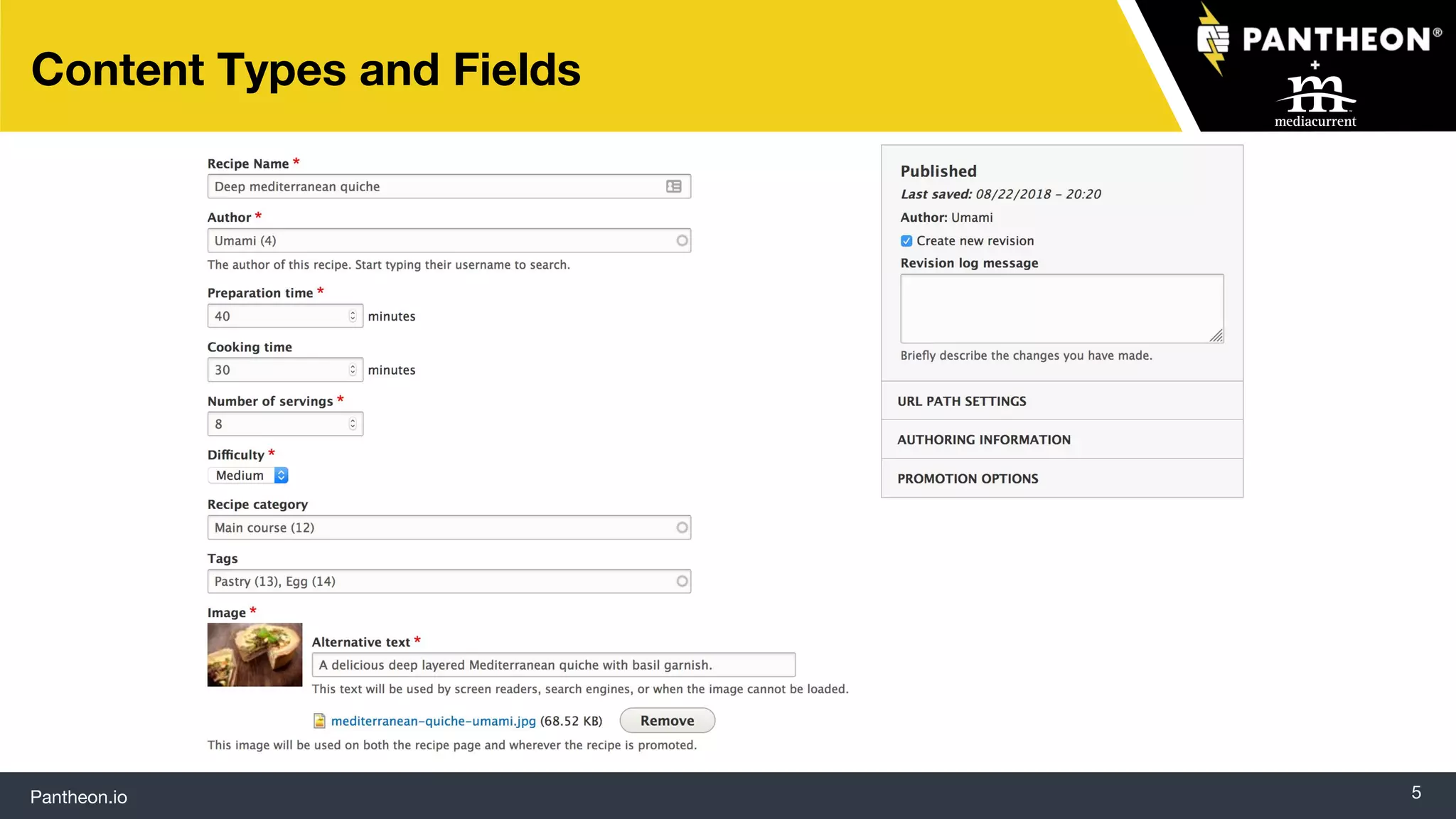
Content Types and Fields
Pantheon.io 6
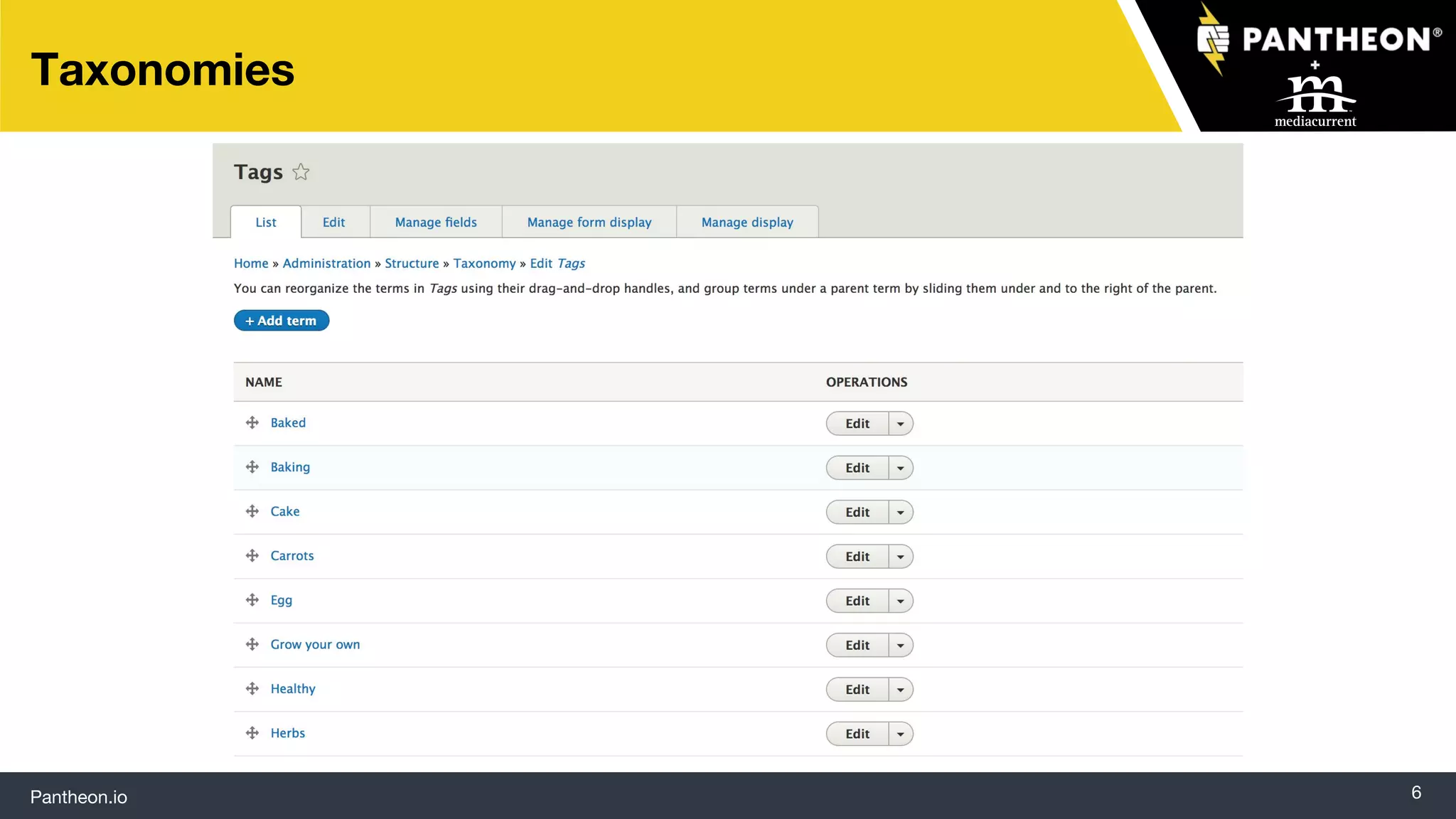
Taxonomies
Pantheon.io 7
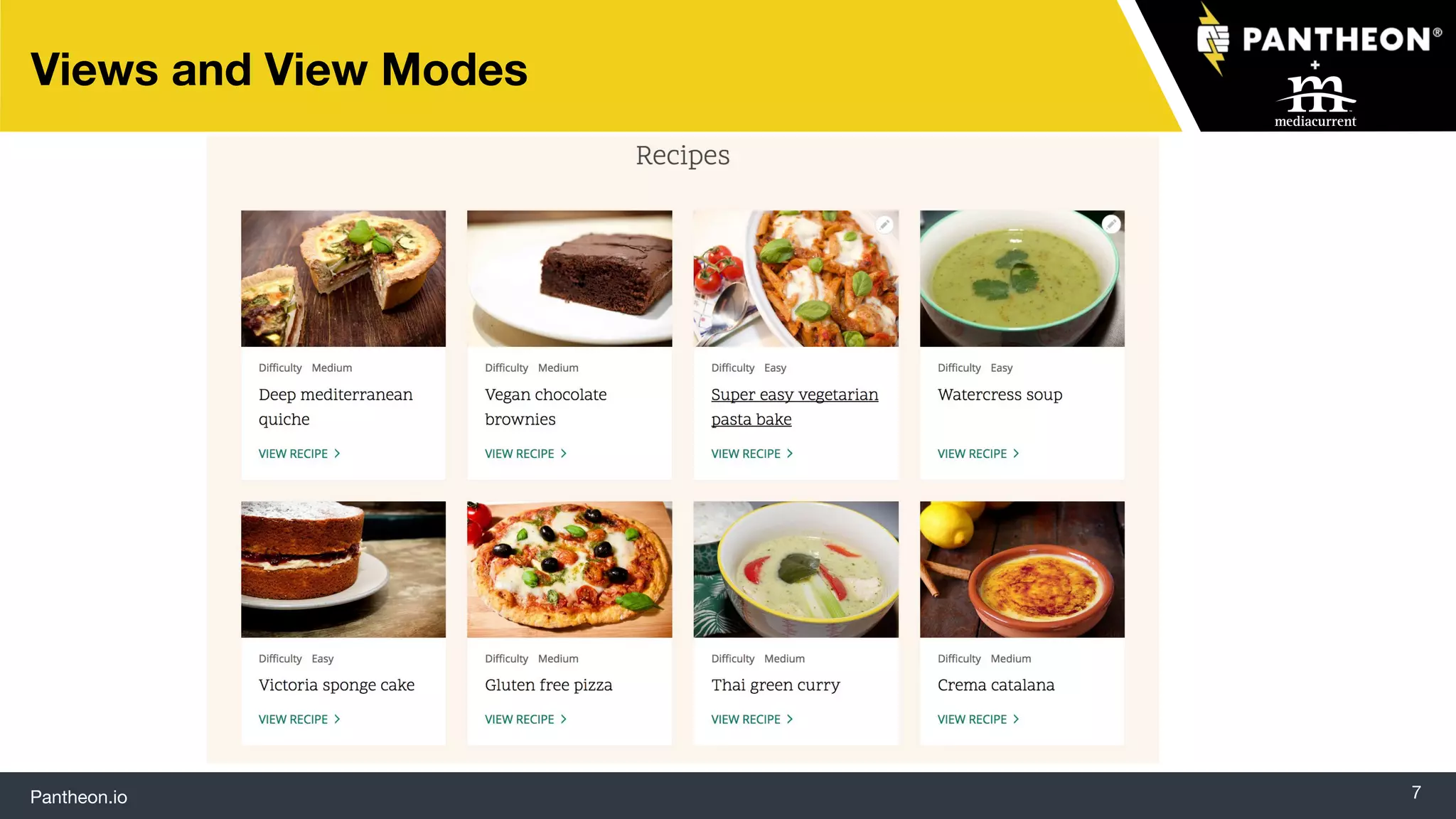
Views and View Modes
Pantheon.io 8
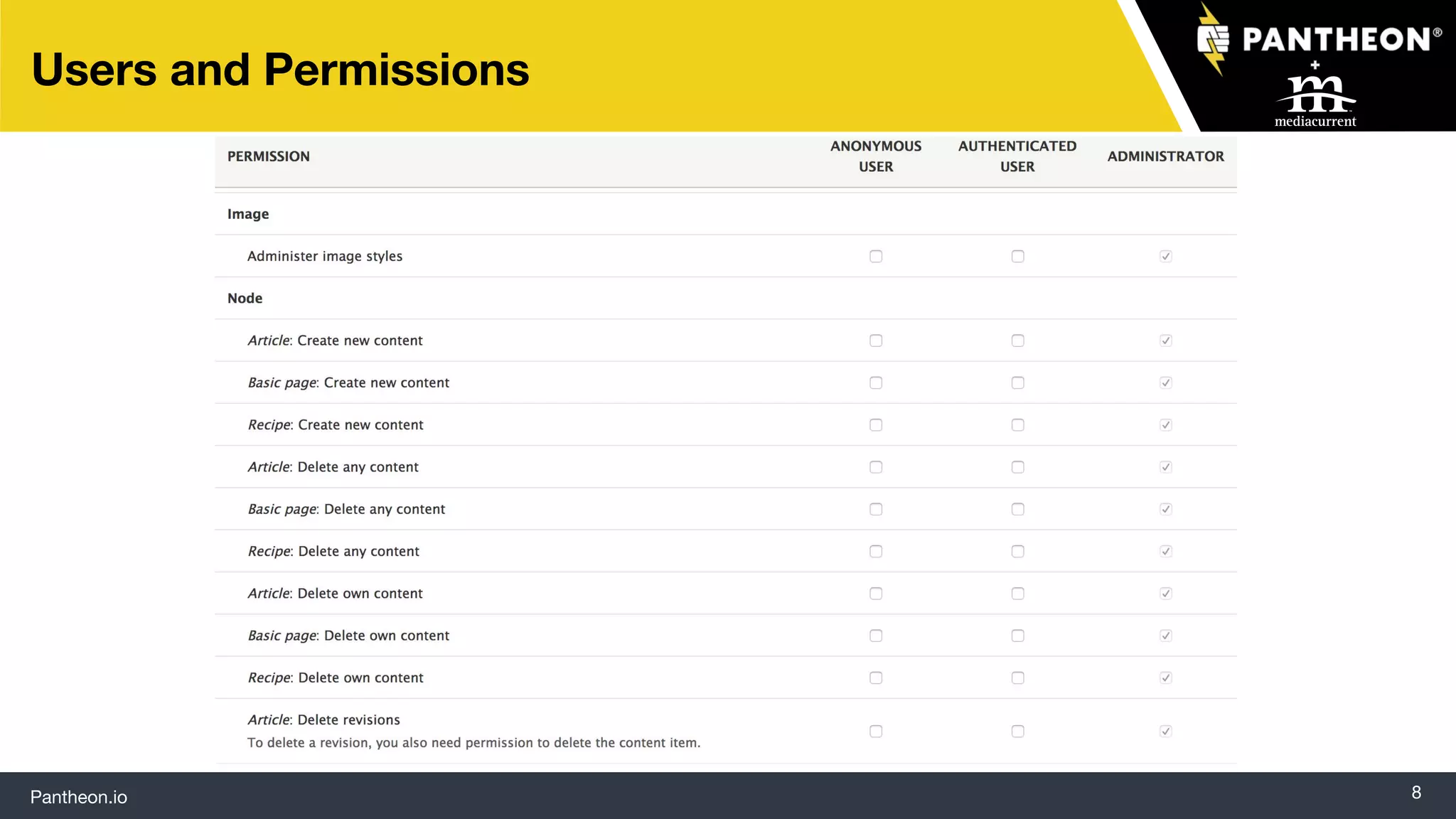
Users and Permissions
Pantheon.io 9
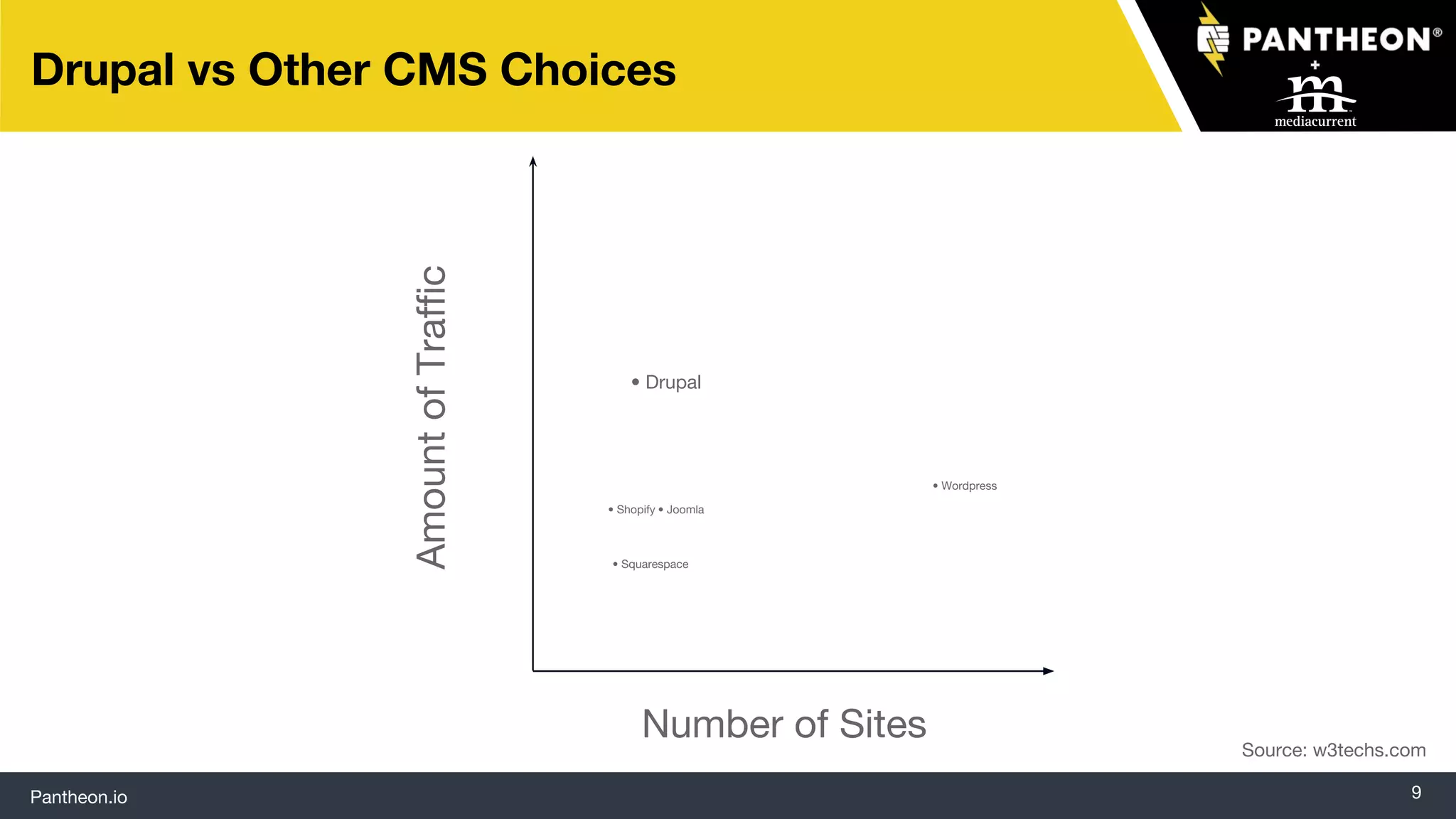
Drupal vs Other CMS Choices
AmountofTraffic
Number of Sites
• Drupal
• Joomla• Shopify
• Squarespace
• Wordpress
Source: w3techs.com
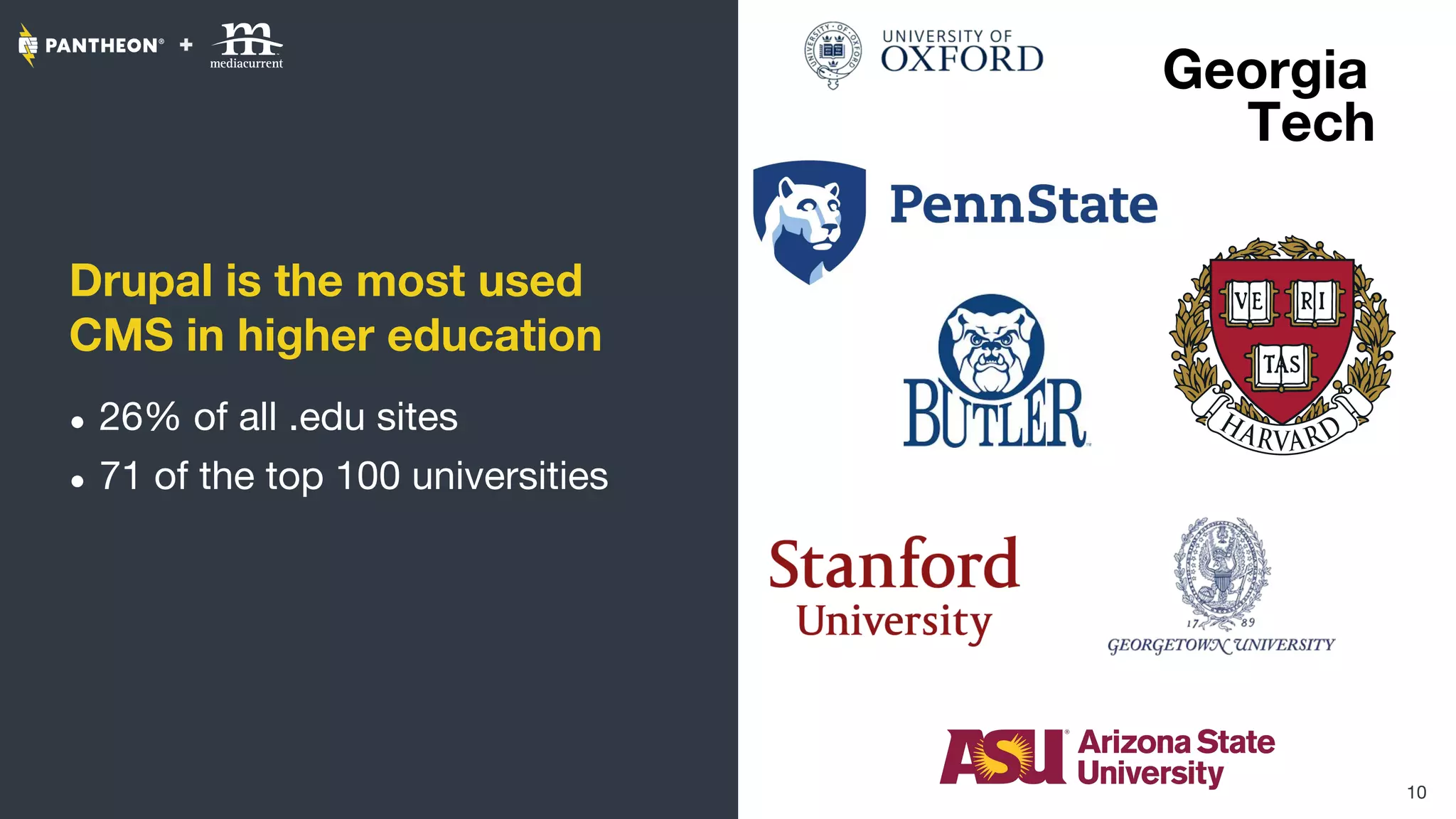
Drupal is the most used
CMS in higher education
● 26% of all .edu sites
● 71 of the top 100 universities
10
Georgia
Tech
Pantheon.io 11
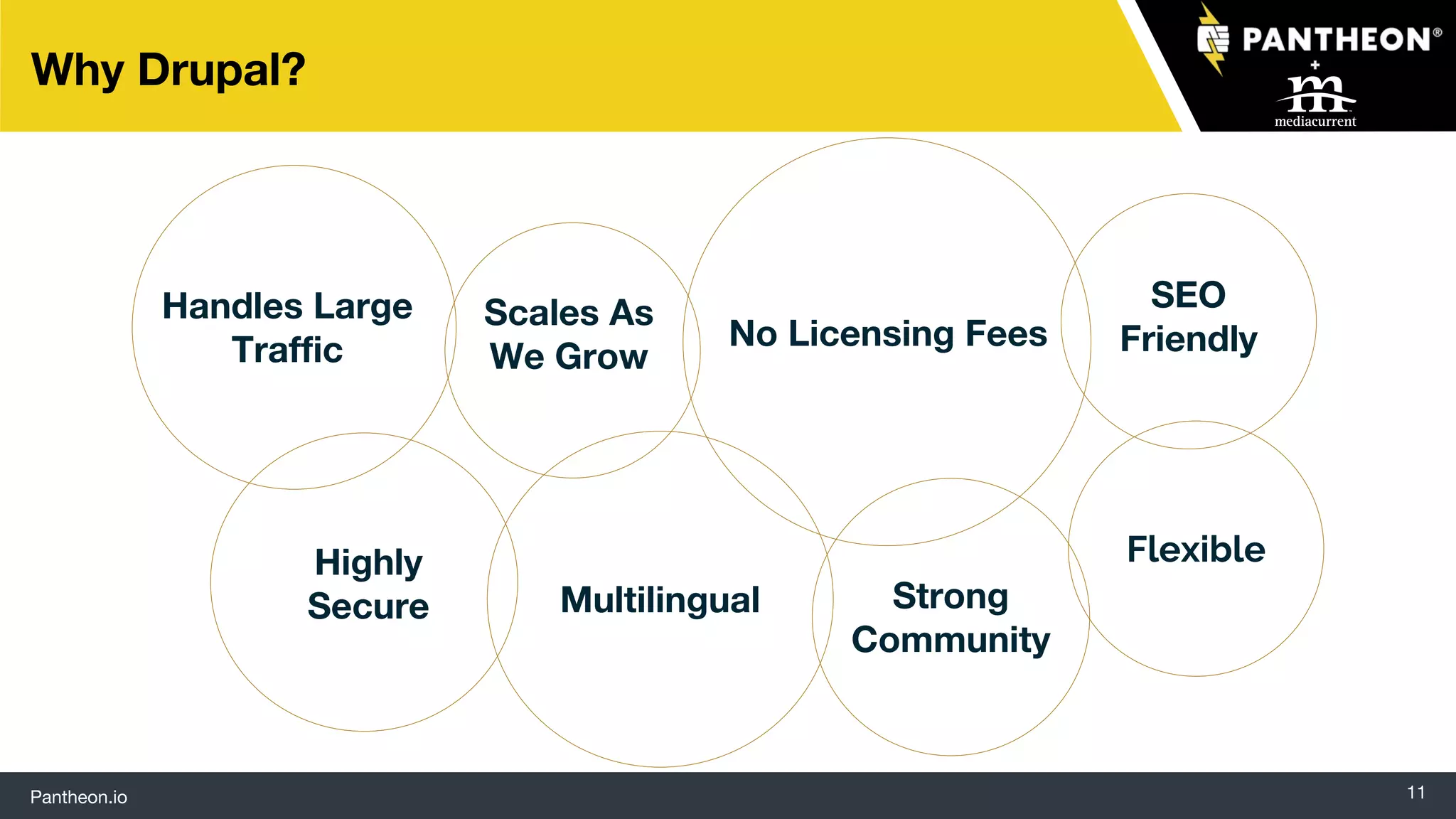
Why Drupal?
Handles Large
Traffic
Multilingual
Highly
Secure
SEO
FriendlyNo Licensing Fees
Strong
Community
Flexible
Scales As
We Grow
Four Challenges Universities Face
One Brand, Many Sites
13
Balancing consistency and
customization
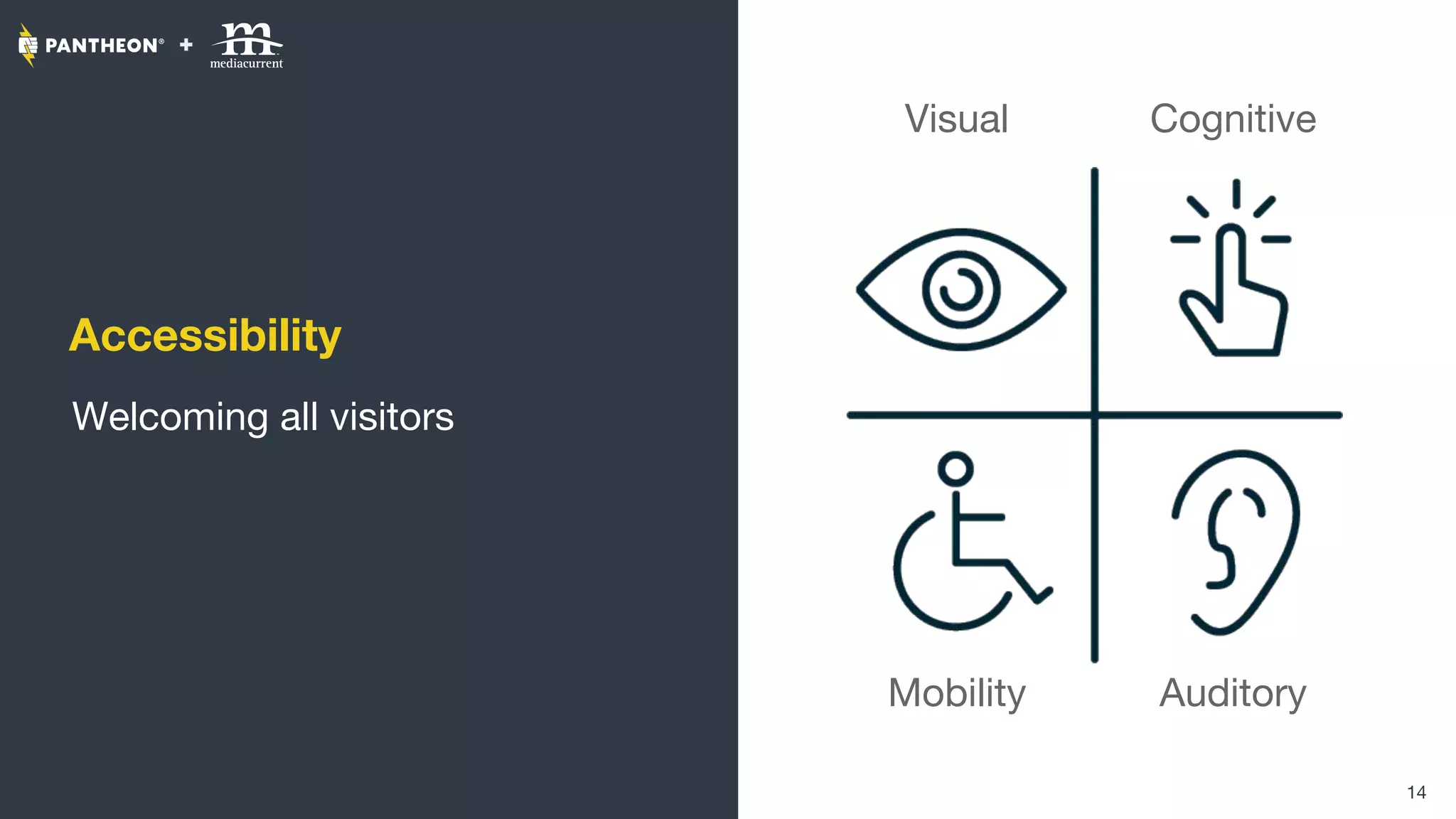
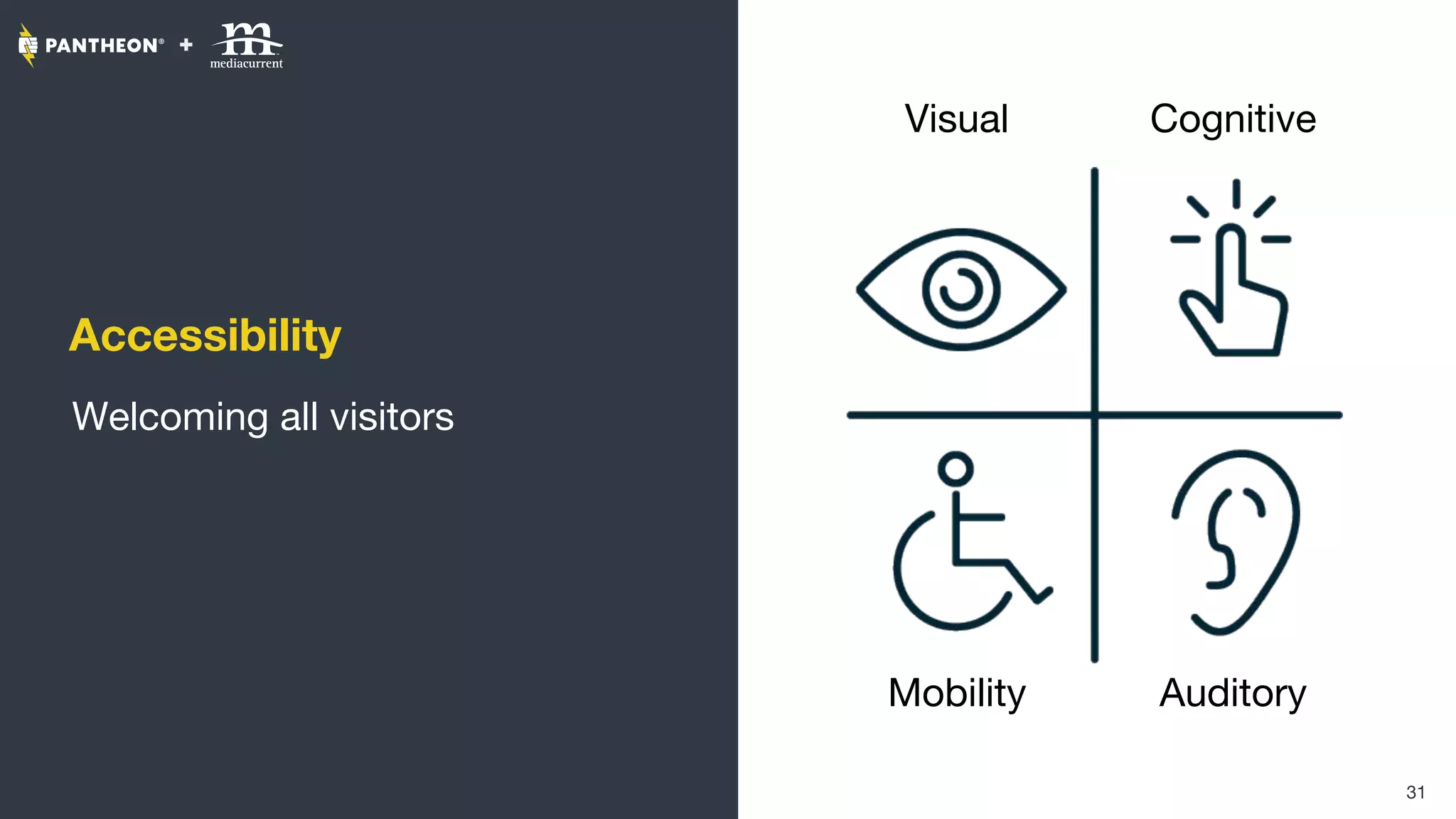
Accessibility
Welcoming all visitors
14
Visual
Mobility
Cognitive
Auditory
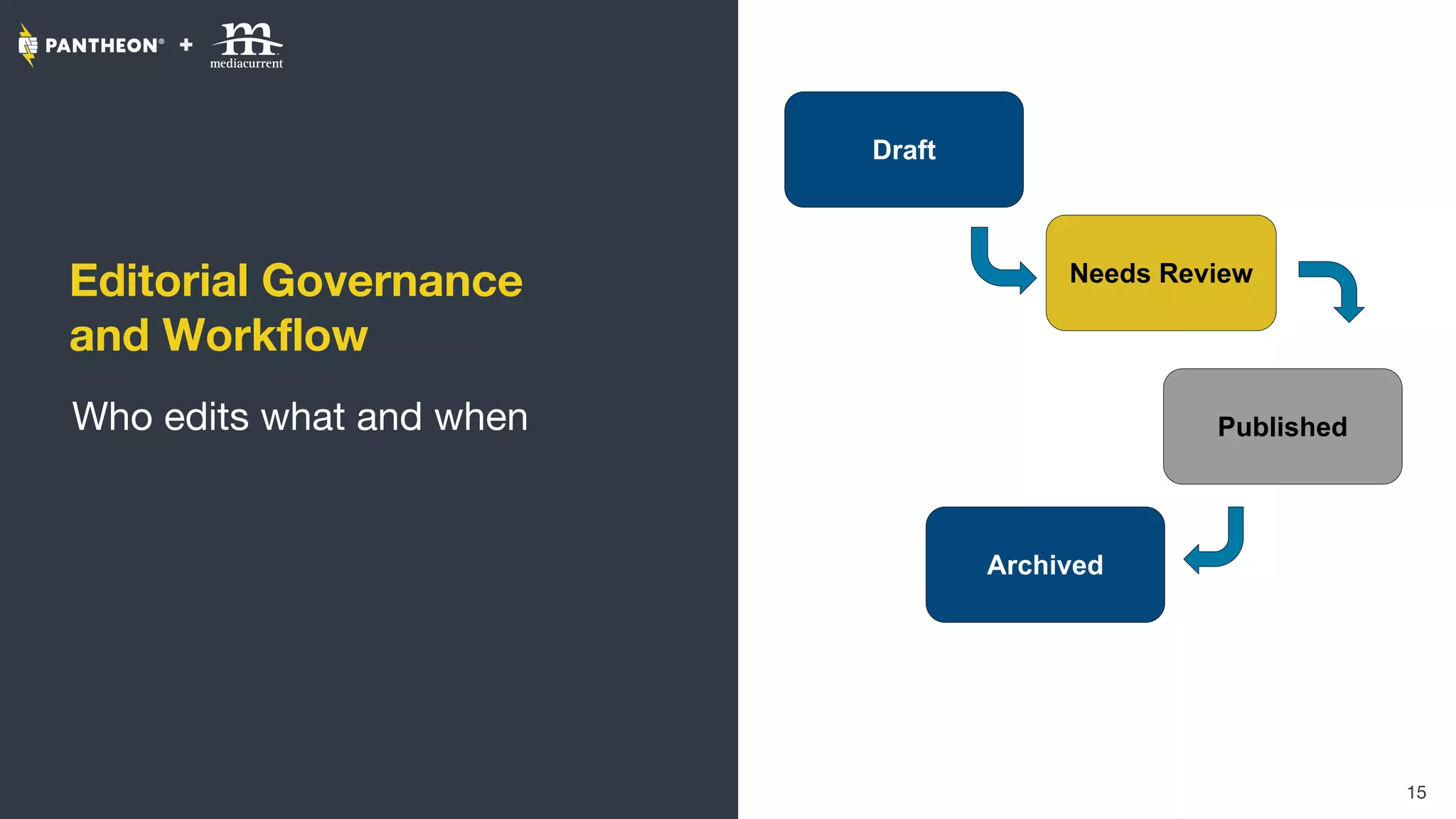
Editorial Governance
and Workflow
Who edits what and when
15
Draft
Needs Review
Published
Archived
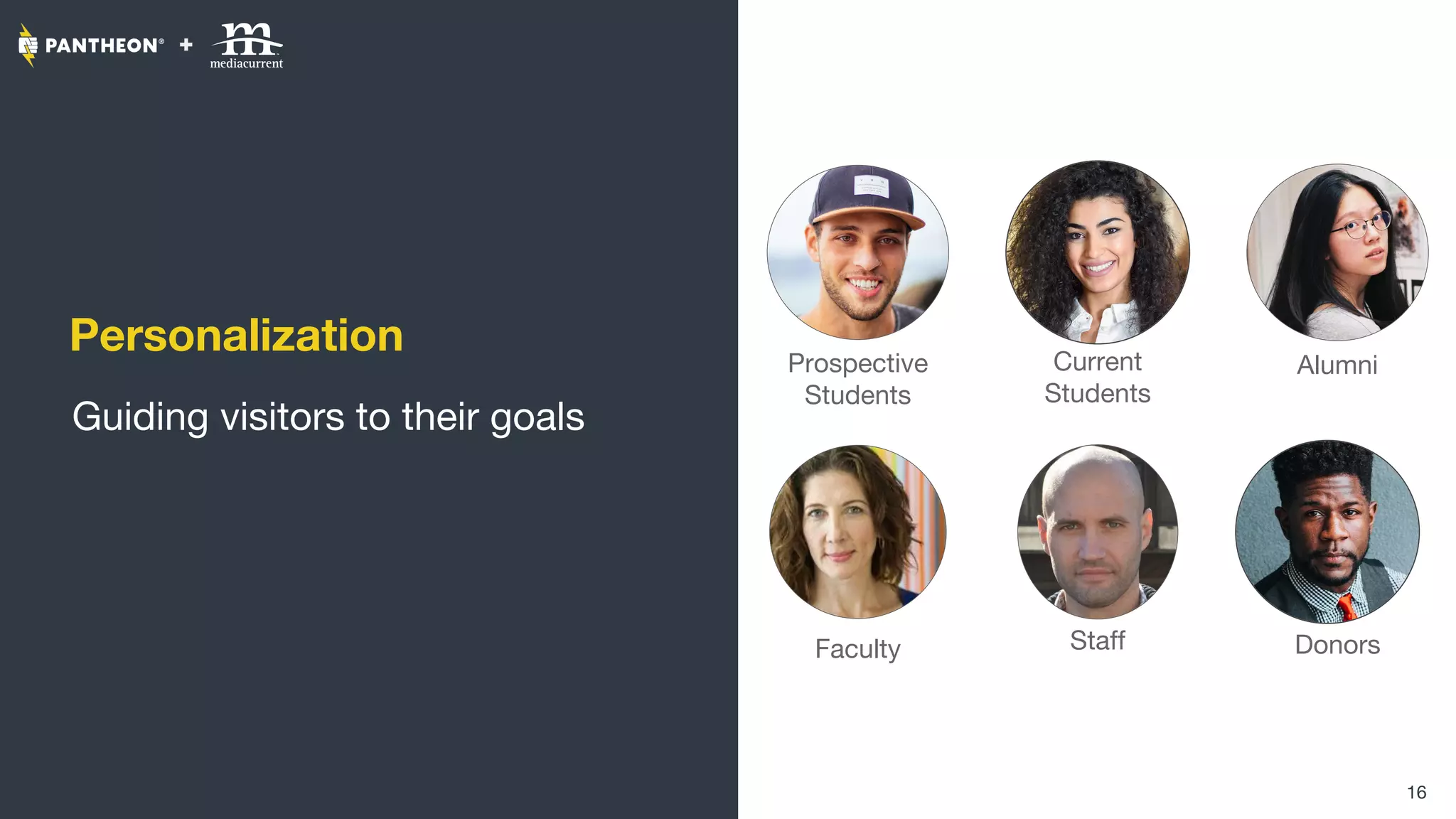
Personalization
Guiding visitors to their goals
16
Prospective
Students
Current
Students
Faculty Staff
Alumni
Donors
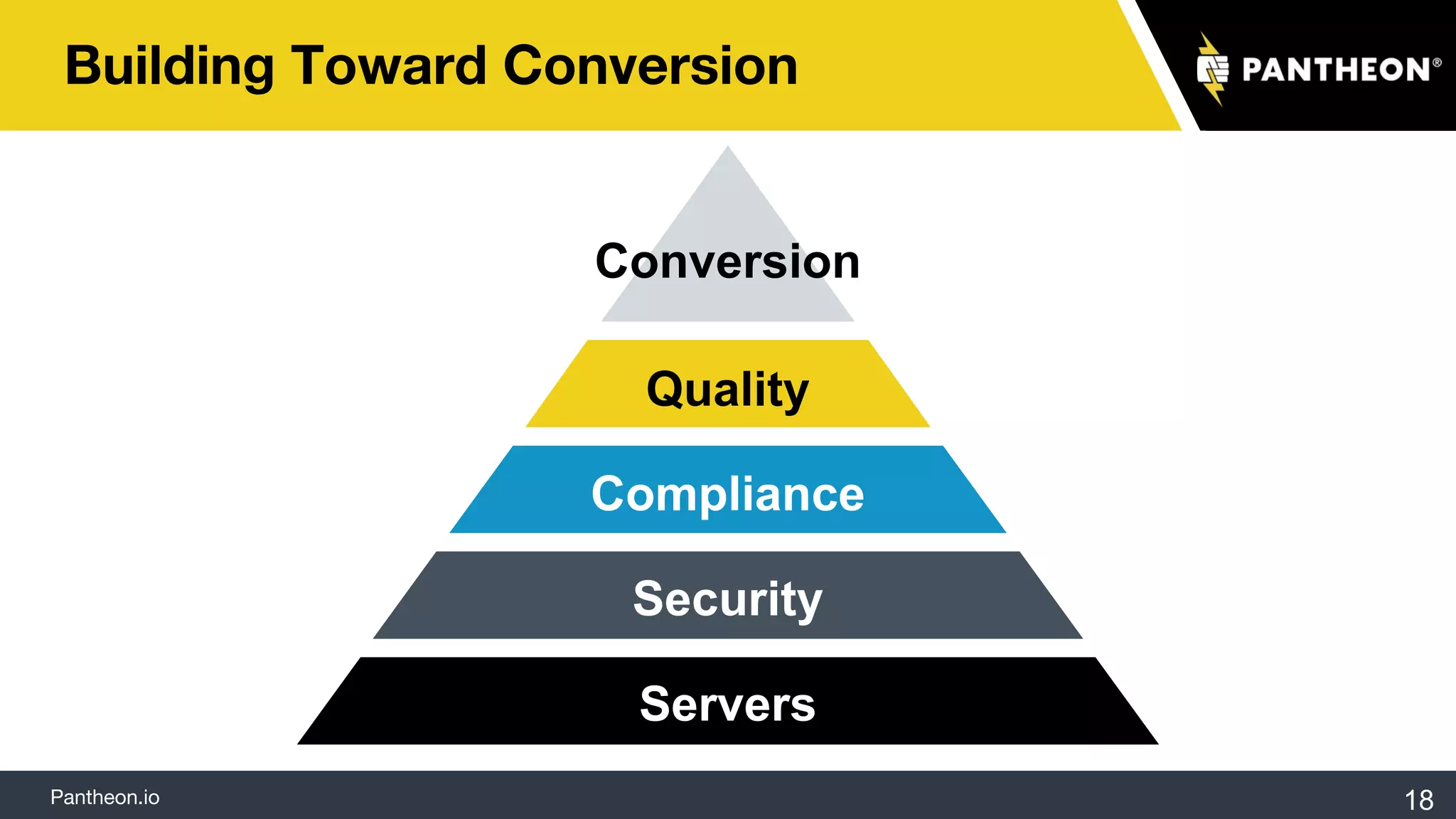
Build Toward Conversion
Pantheon.io
Building Toward Conversion
Servers
Security
Compliance
Quality
Conversion
18
Pantheon.io
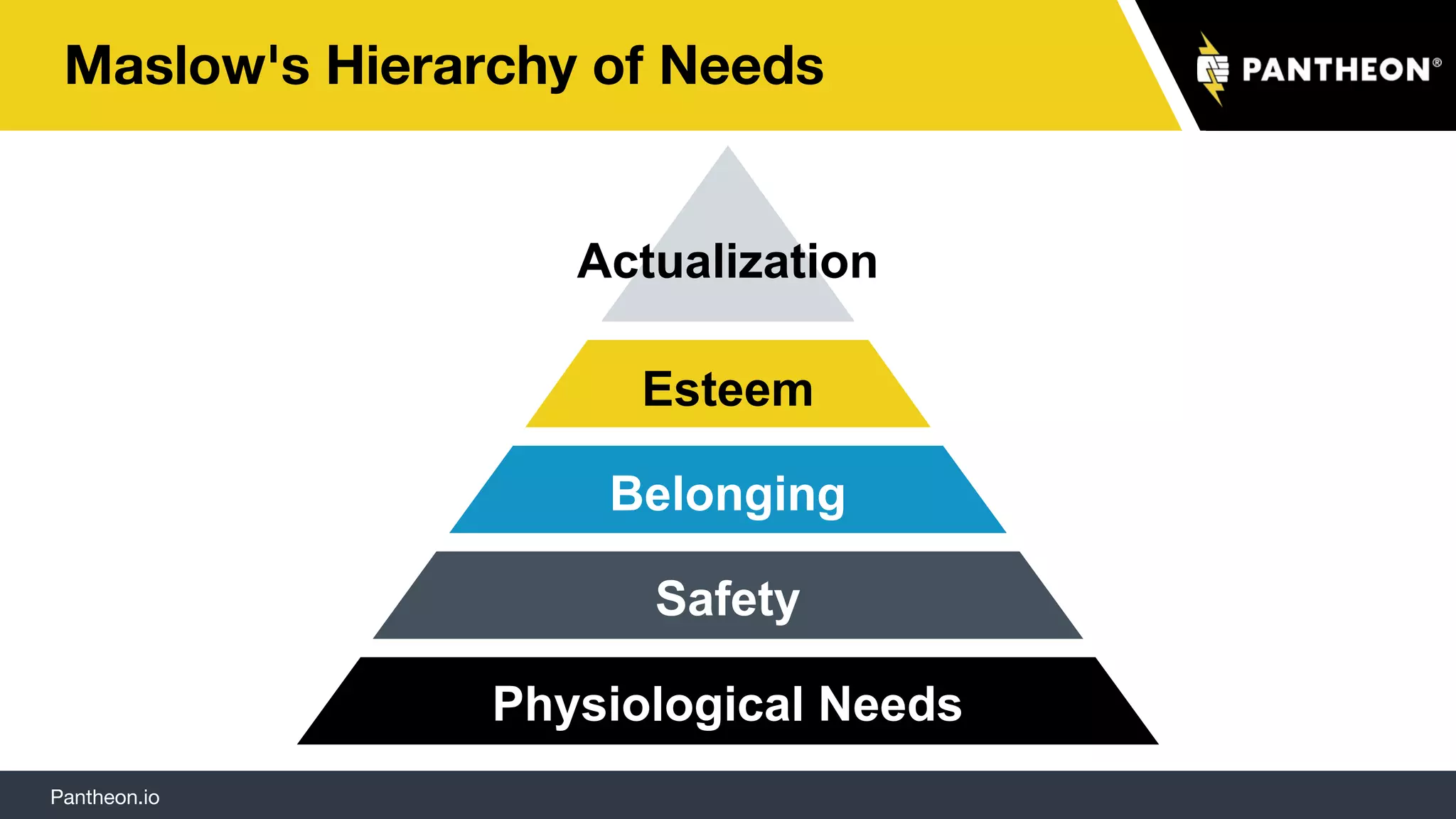
Maslow's Hierarchy of Needs
Physiological Needs
Safety
Belonging
Esteem
Actualization
Pantheon.io
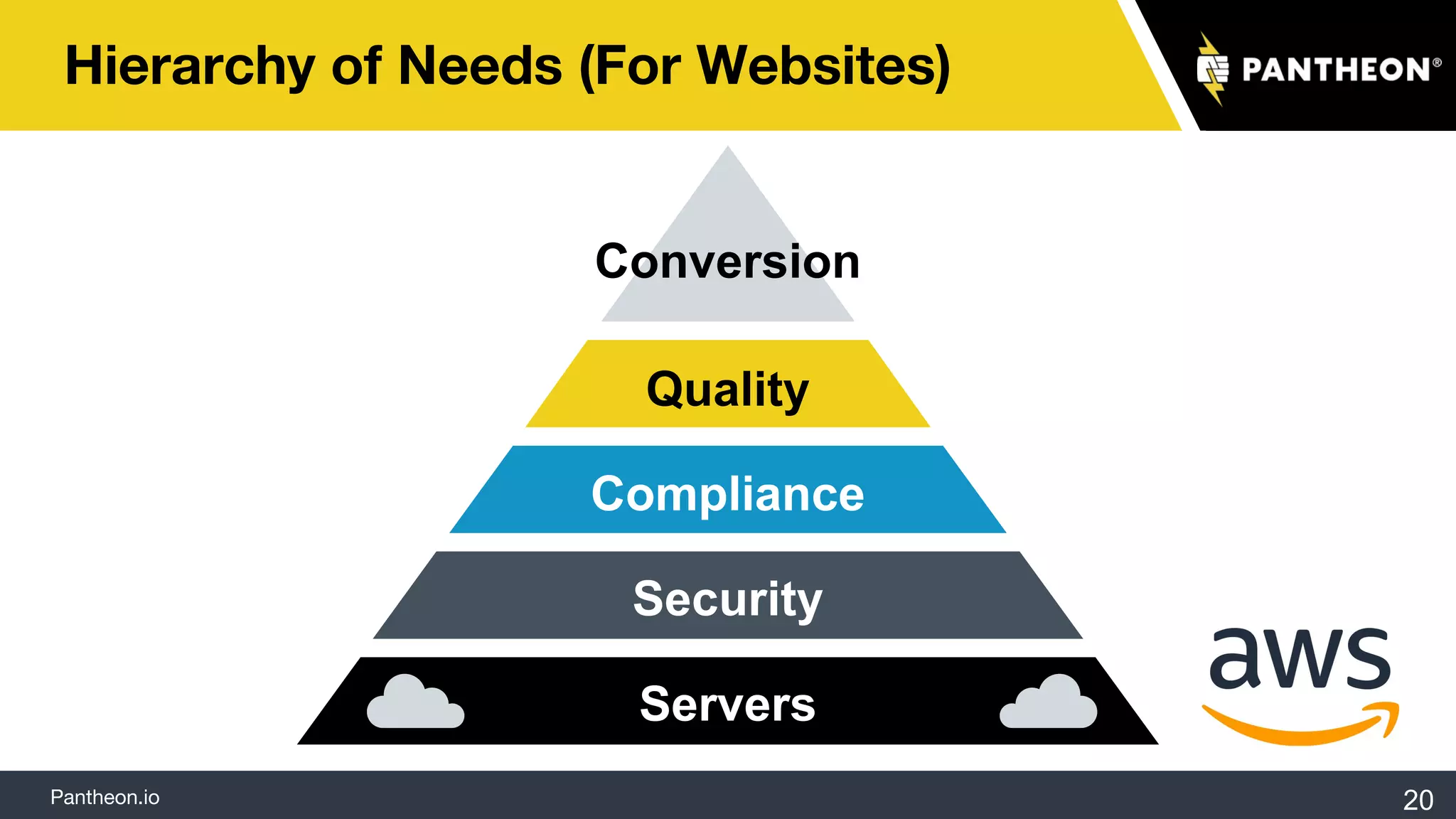
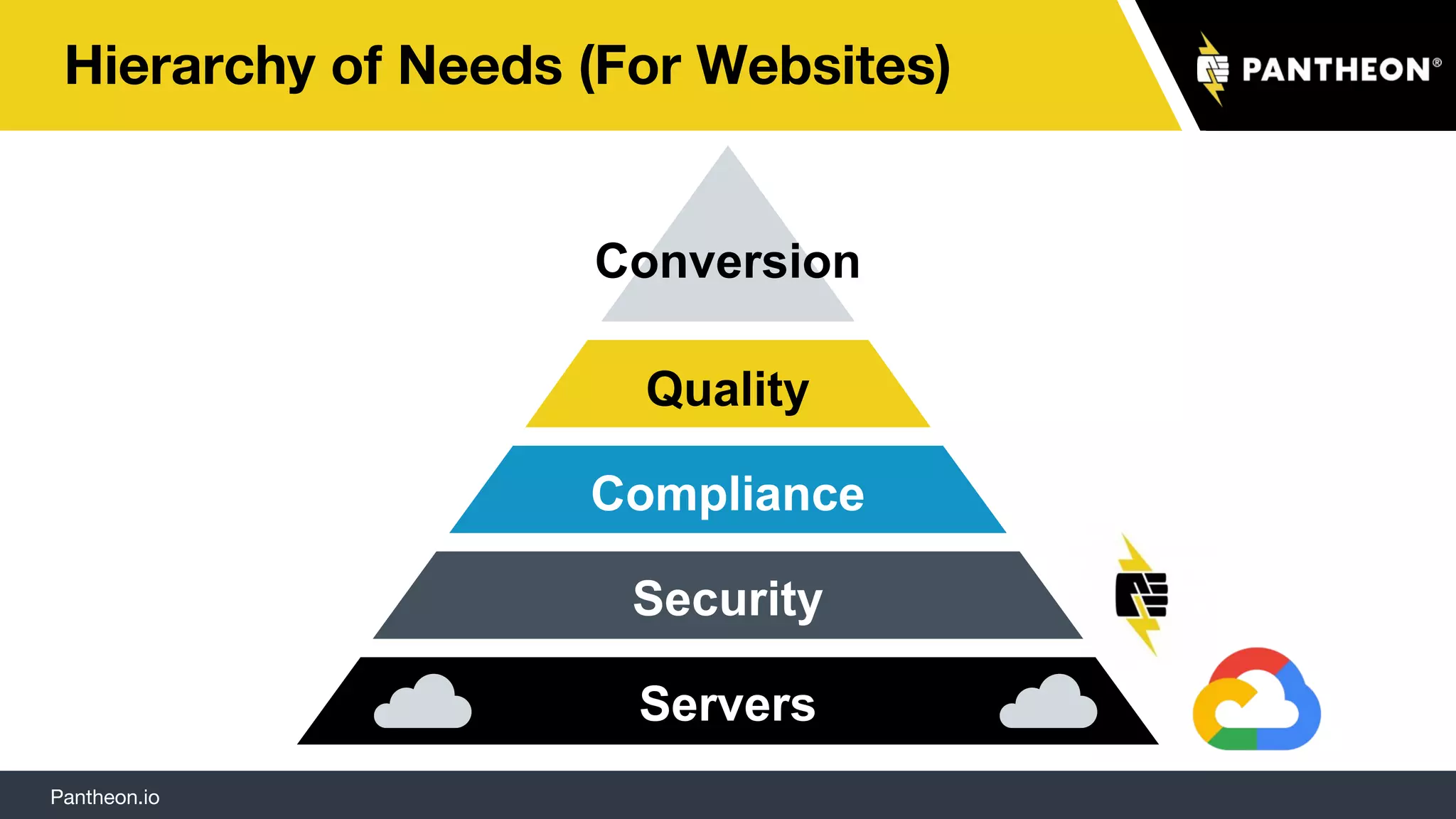
Hierarchy of Needs (For Websites)
Servers
Security
Compliance
Quality
Conversion
20
21
Pantheon.io
Hierarchy of Needs (For Websites)
Servers
Security
Compliance
Quality
Conversion
Climbing the Hierarchy of Needs
with Drupal
One Brand, Many Sites
24
Pantheon.io
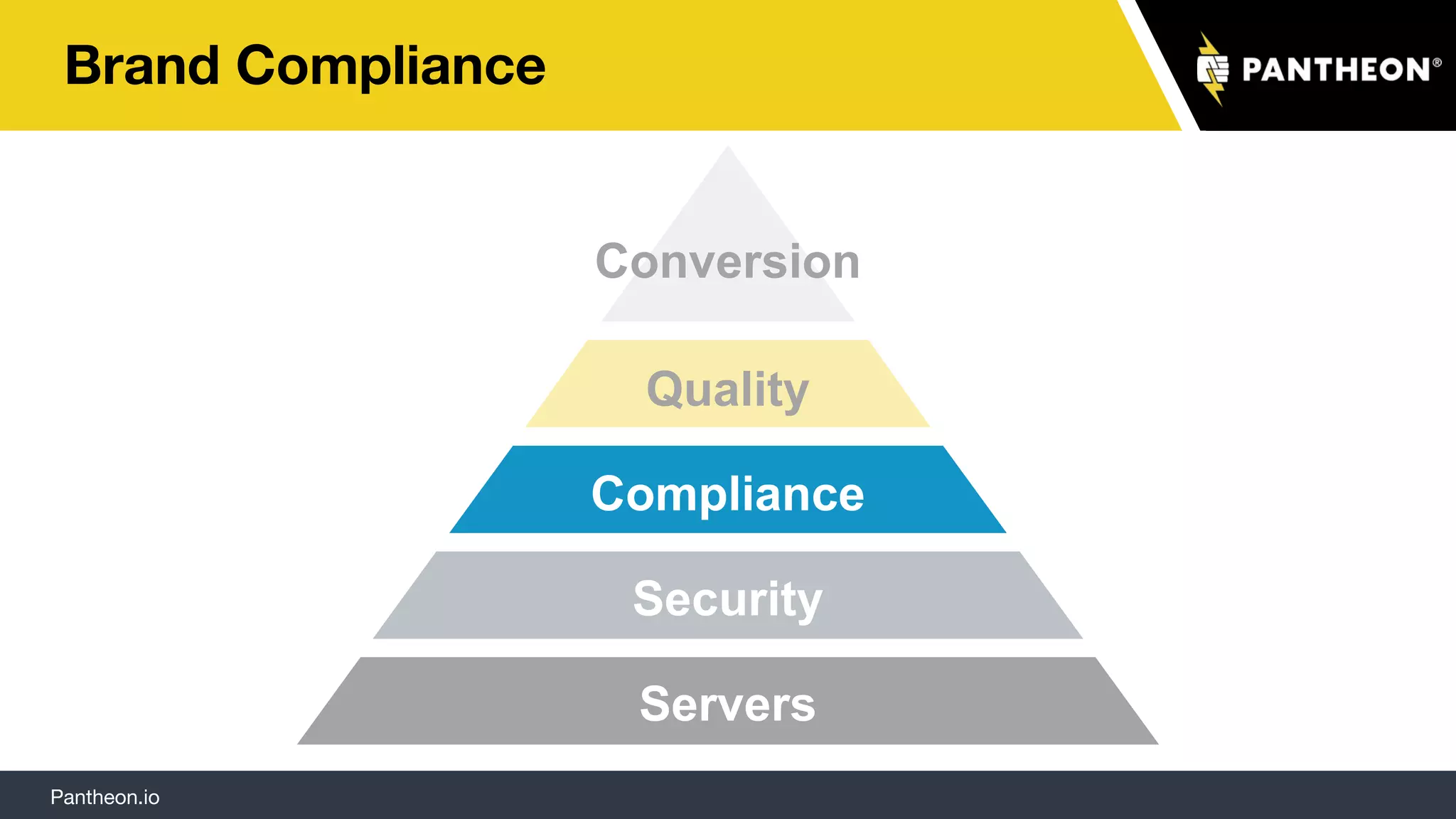
Brand Compliance
Servers
Security
Compliance
Quality
Conversion
Pantheon.io 26
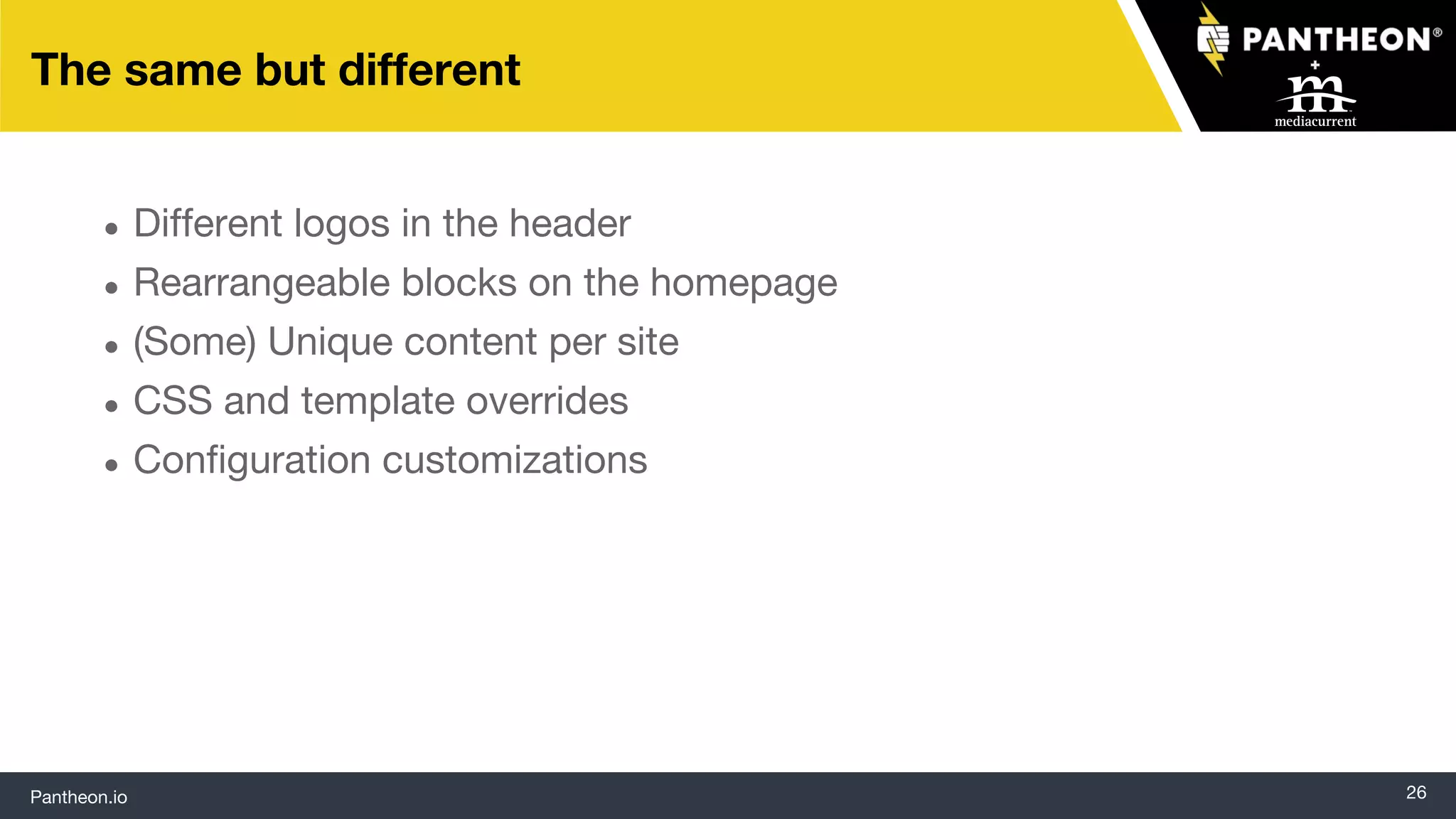
The same but different
● Different logos in the header
● Rearrangeable blocks on the homepage
● (Some) Unique content per site
● CSS and template overrides
● Configuration customizations
Pantheon.io
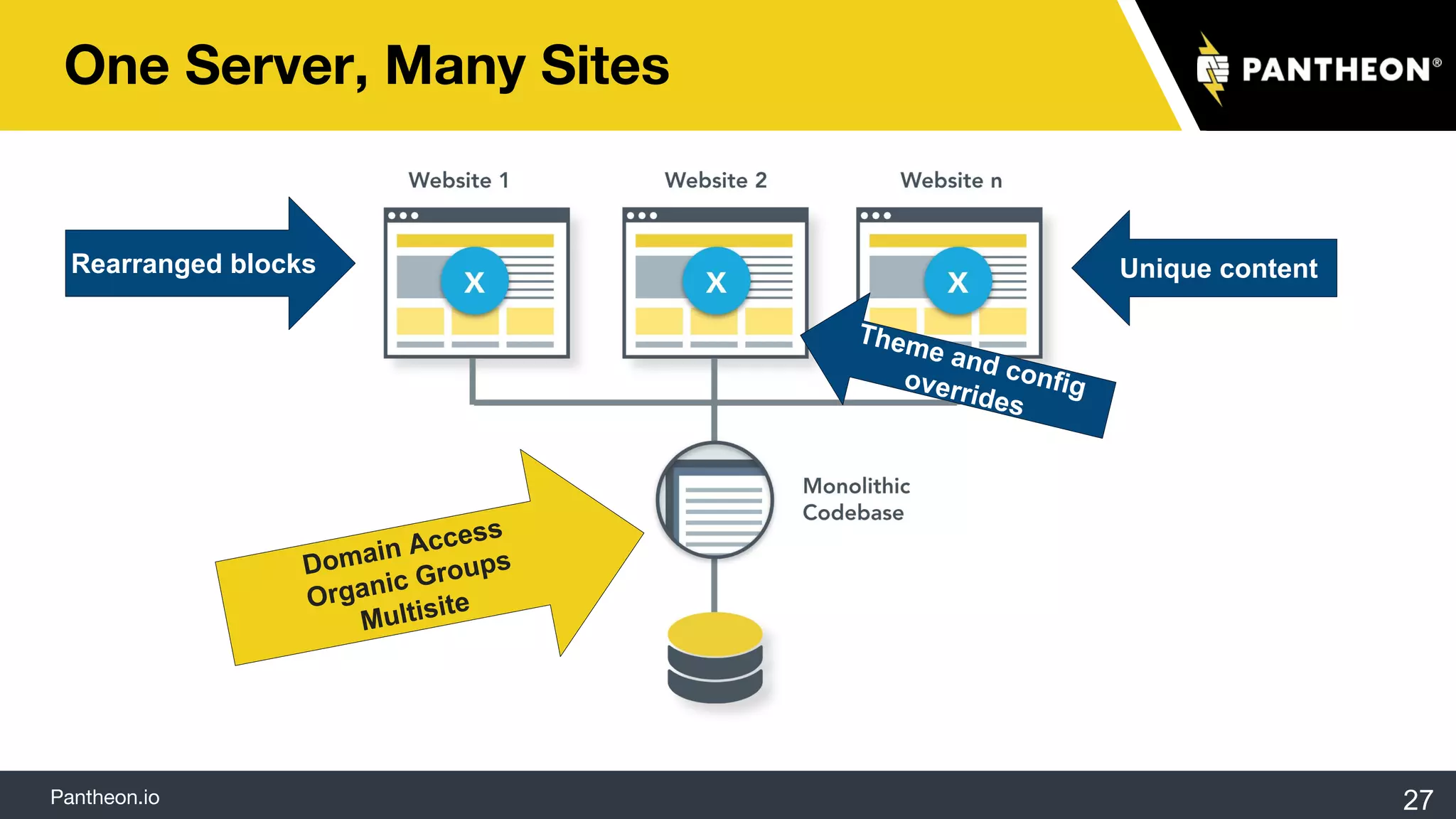
One Server, Many Sites
27
Rearranged blocks Unique content
Theme and configoverrides
Domain Access
Organic Groups
Multisite
Pantheon.io 28
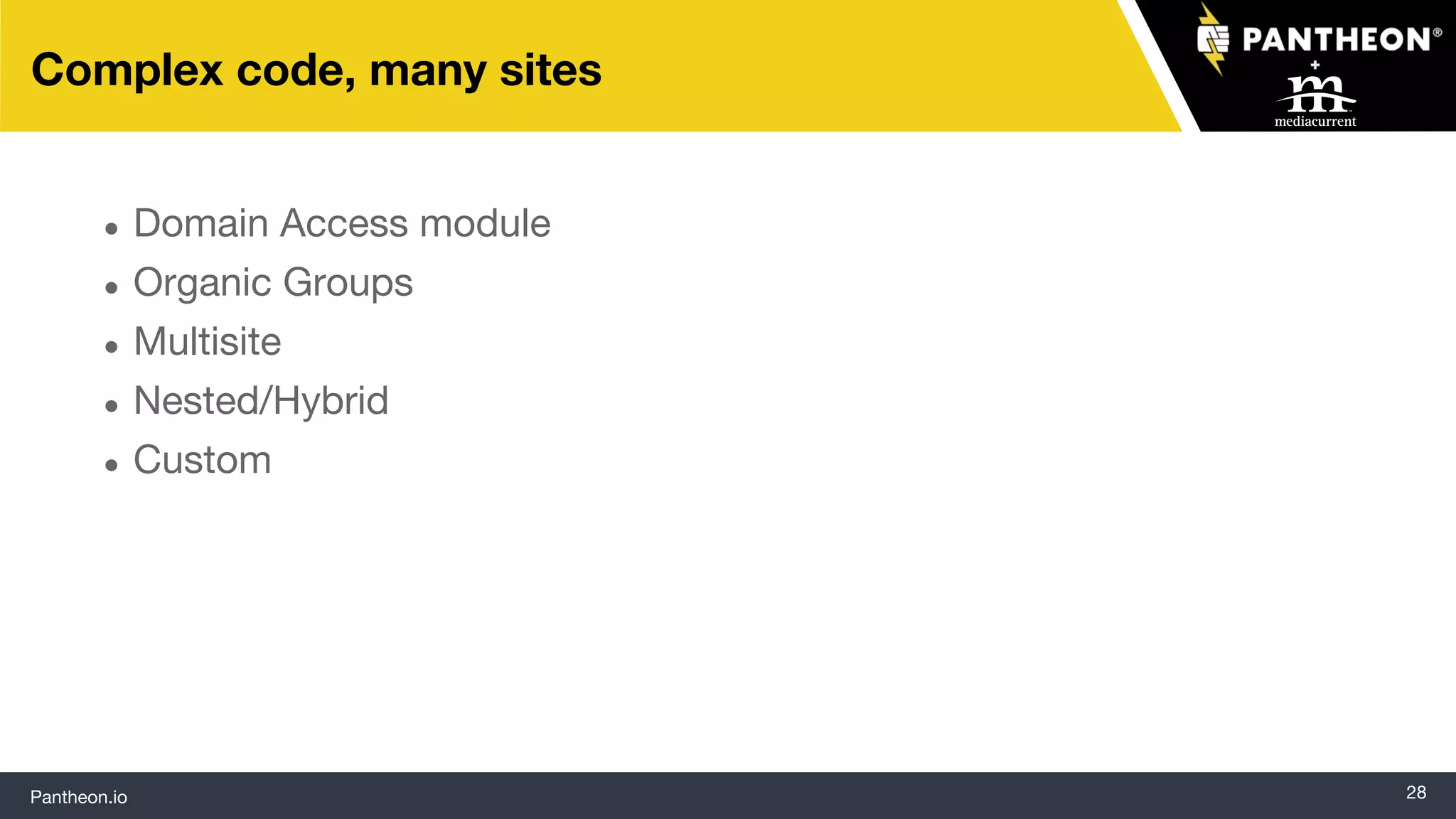
Complex code, many sites
● Domain Access module
● Organic Groups
● Multisite
● Nested/Hybrid
● Custom
Pantheon.io
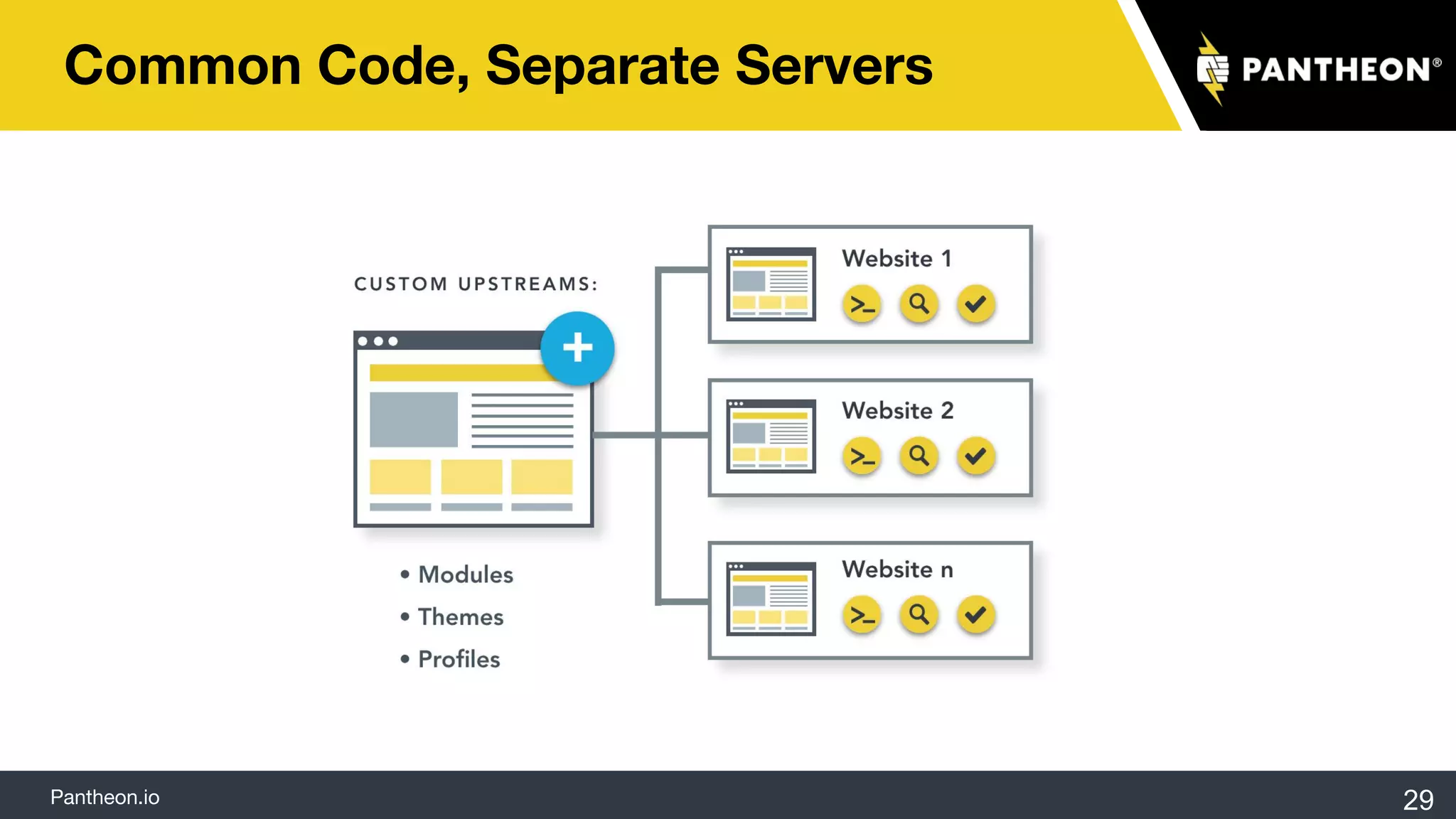
Common Code, Separate Servers
29
We can have tons of Drupal sites with different shapes
that still function in the same manner. So we’re starting to
get both consistency and flexibility. If one department
wants a vanilla site while another needs a bunch of contrib
modules installed, we can handle that.”
― Dan Dickenson
Associate Director, Web Communications
Weill Cornell, Medical College
Accessibility
Welcoming all visitors
31
Visual
Mobility
Cognitive
Auditory
Pantheon.io
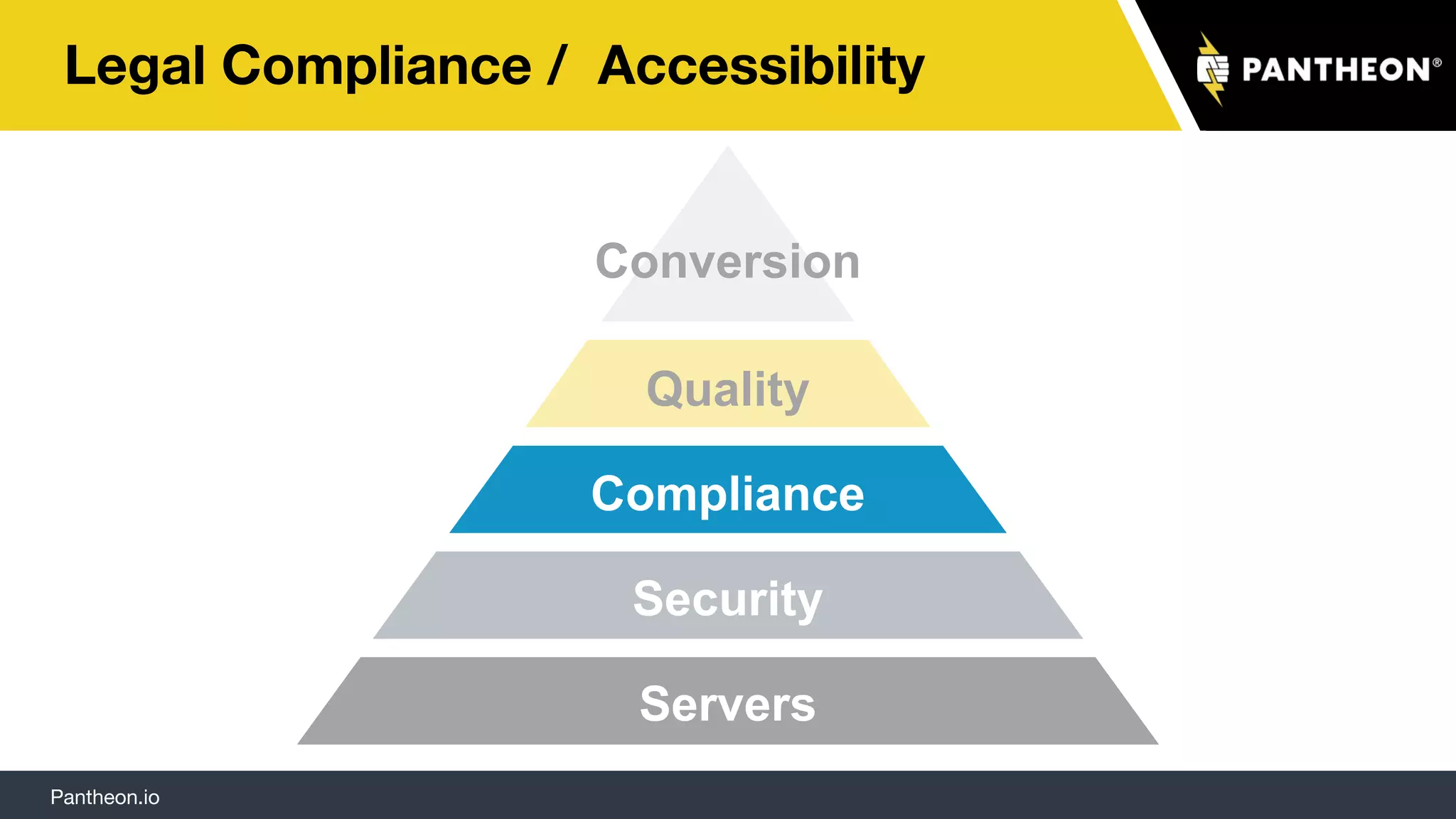
Legal Compliance / Accessibility
Servers
Security
Compliance
Quality
Conversion
Visual Cognitive
Pantheon.io
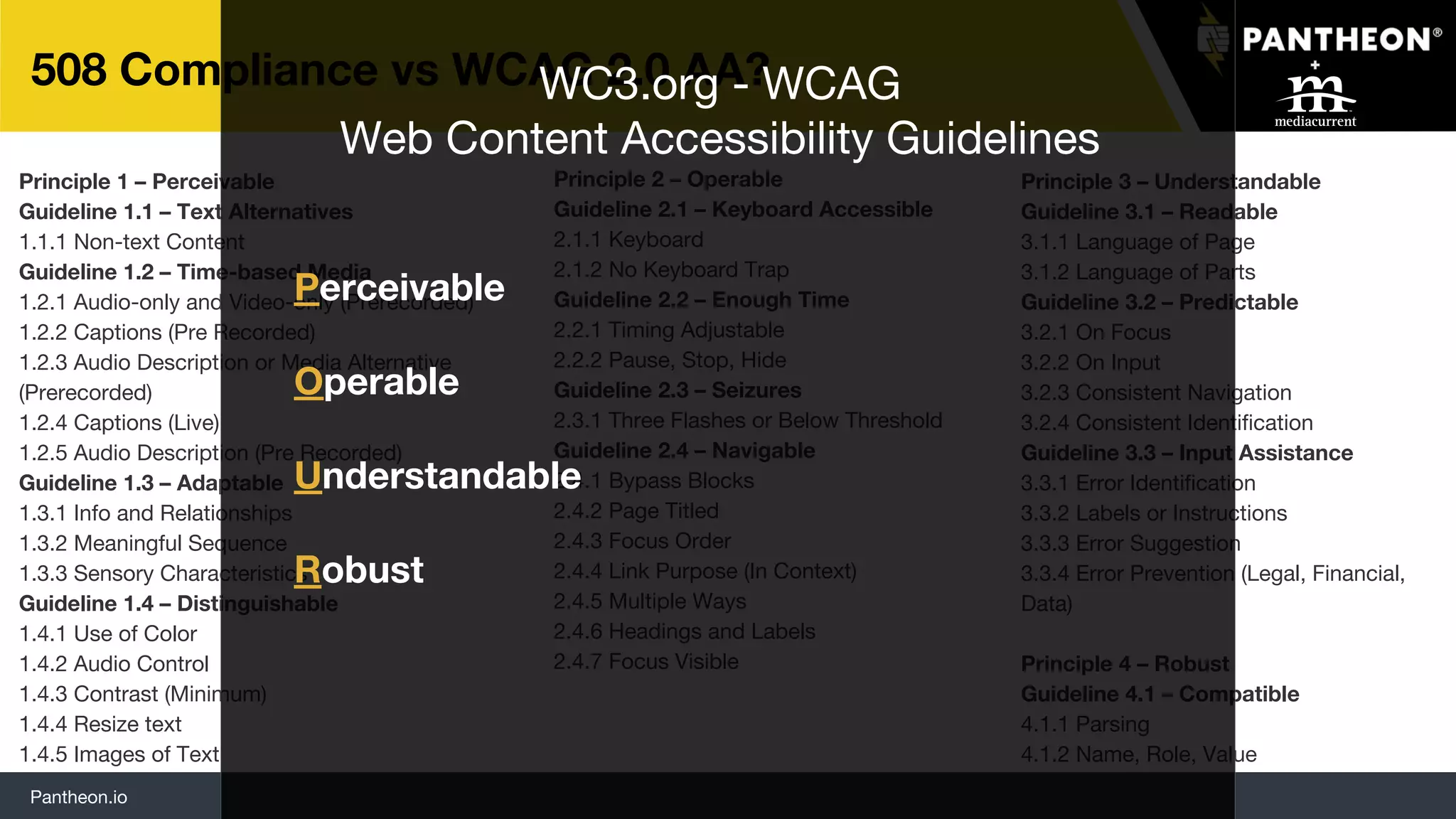
508 Compliance vs WCAG 2.0 AA?
Principle 3 – Understandable
Guideline 3.1 – Readable
3.1.1 Language of Page
3.1.2 Language of Parts
Guideline 3.2 – Predictable
3.2.1 On Focus
3.2.2 On Input
3.2.3 Consistent Navigation
3.2.4 Consistent Identification
Guideline 3.3 – Input Assistance
3.3.1 Error Identification
3.3.2 Labels or Instructions
3.3.3 Error Suggestion
3.3.4 Error Prevention (Legal, Financial,
Data)
Principle 4 – Robust
Guideline 4.1 – Compatible
4.1.1 Parsing
4.1.2 Name, Role, Value
Principle 1 – Perceivable
Guideline 1.1 – Text Alternatives
1.1.1 Non-text Content
Guideline 1.2 – Time-based Media
1.2.1 Audio-only and Video-only (Prerecorded)
1.2.2 Captions (Pre Recorded)
1.2.3 Audio Description or Media Alternative
(Prerecorded)
1.2.4 Captions (Live)
1.2.5 Audio Description (Pre Recorded)
Guideline 1.3 – Adaptable
1.3.1 Info and Relationships
1.3.2 Meaningful Sequence
1.3.3 Sensory Characteristics
Guideline 1.4 – Distinguishable
1.4.1 Use of Color
1.4.2 Audio Control
1.4.3 Contrast (Minimum)
1.4.4 Resize text
1.4.5 Images of Text
Principle 2 – Operable
Guideline 2.1 – Keyboard Accessible
2.1.1 Keyboard
2.1.2 No Keyboard Trap
Guideline 2.2 – Enough Time
2.2.1 Timing Adjustable
2.2.2 Pause, Stop, Hide
Guideline 2.3 – Seizures
2.3.1 Three Flashes or Below Threshold
Guideline 2.4 – Navigable
2.4.1 Bypass Blocks
2.4.2 Page Titled
2.4.3 Focus Order
2.4.4 Link Purpose (In Context)
2.4.5 Multiple Ways
2.4.6 Headings and Labels
2.4.7 Focus Visible
Perceivable
WC3.org - WCAG
Web Content Accessibility Guidelines
Operable
Understandable
Robust
Pantheon.io
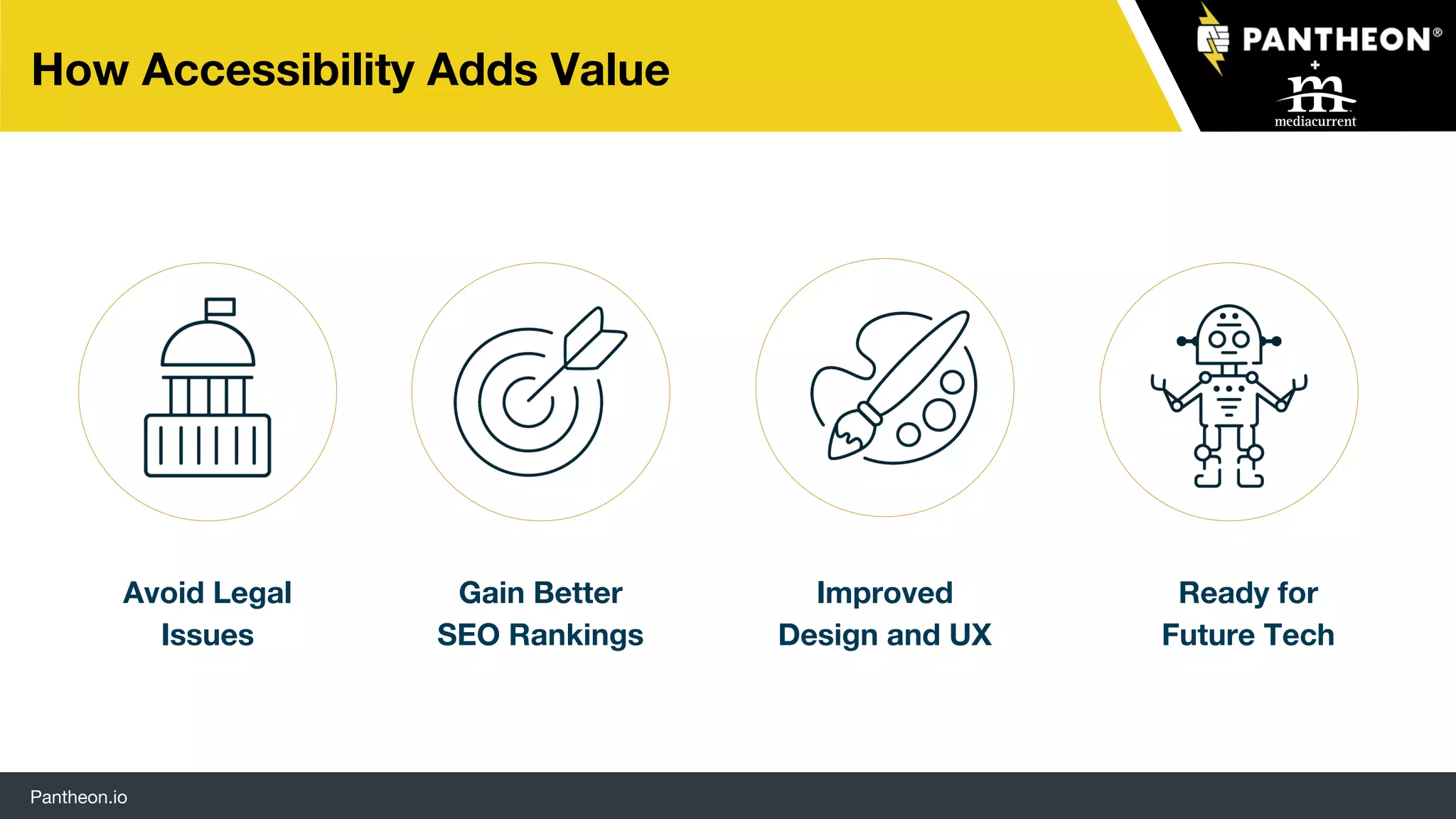
How Accessibility Adds Value
SEO
Avoid Legal
Issues
Gain Better
SEO Rankings
Improved
Design and UX
Ready for
Future Tech
Pantheon.io
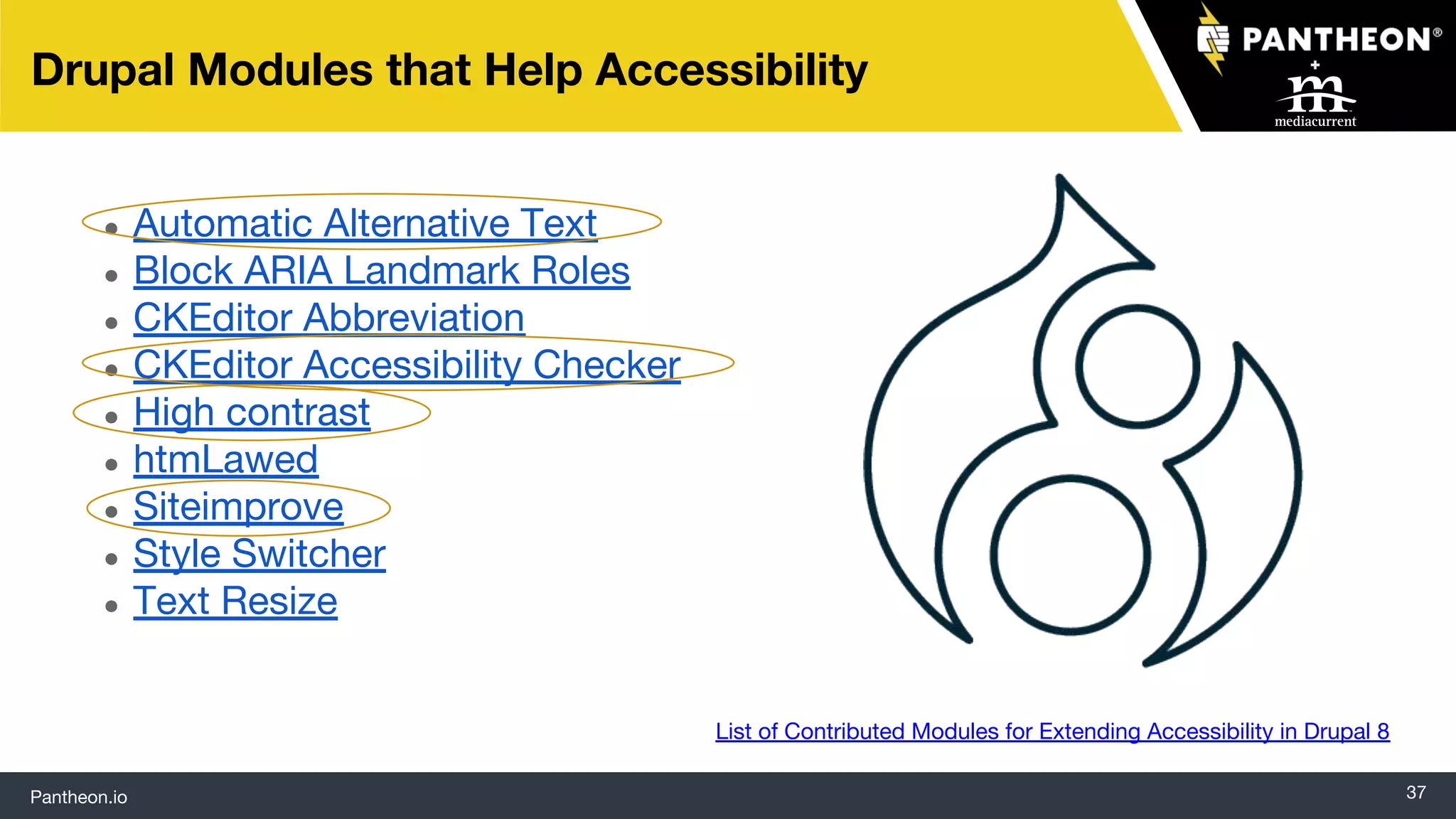
● Automatic Alternative Text
● Block ARIA Landmark Roles
● CKEditor Abbreviation
● CKEditor Accessibility Checker
● High contrast
● htmLawed
● Siteimprove
● Style Switcher
● Text Resize
37
Drupal Modules that Help Accessibility
List of Contributed Modules for Extending Accessibility in Drupal 8
Pantheon.io
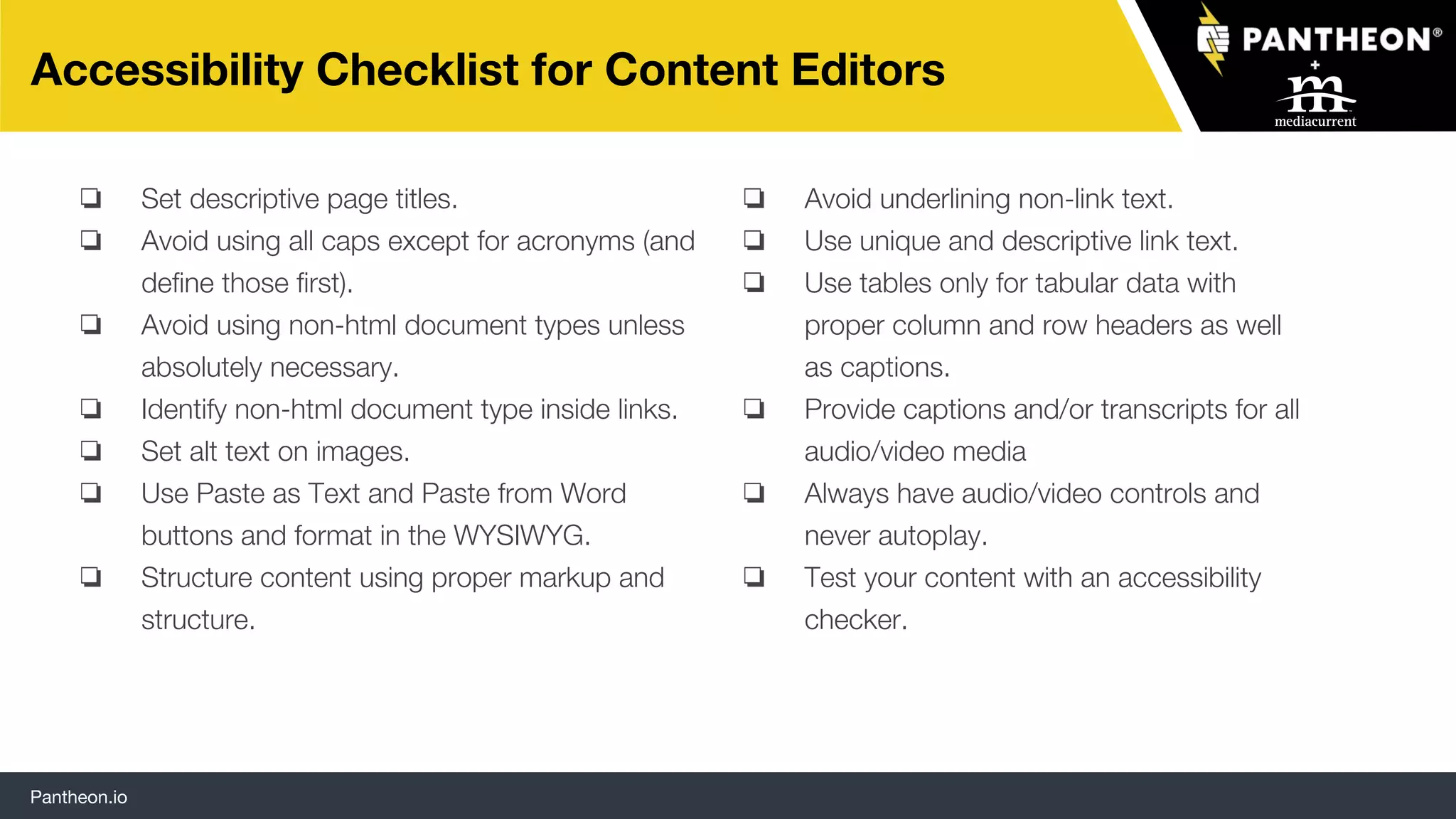
Accessibility Checklist for Content Editors
❏ Set descriptive page titles.
❏ Avoid using all caps except for acronyms (and
define those first).
❏ Avoid using non-html document types unless
absolutely necessary.
❏ Identify non-html document type inside links.
❏ Set alt text on images.
❏ Use Paste as Text and Paste from Word
buttons and format in the WYSIWYG.
❏ Structure content using proper markup and
structure.
❏ Avoid underlining non-link text.
❏ Use unique and descriptive link text.
❏ Use tables only for tabular data with
proper column and row headers as well
as captions.
❏ Provide captions and/or transcripts for all
audio/video media
❏ Always have audio/video controls and
never autoplay.
❏ Test your content with an accessibility
checker.
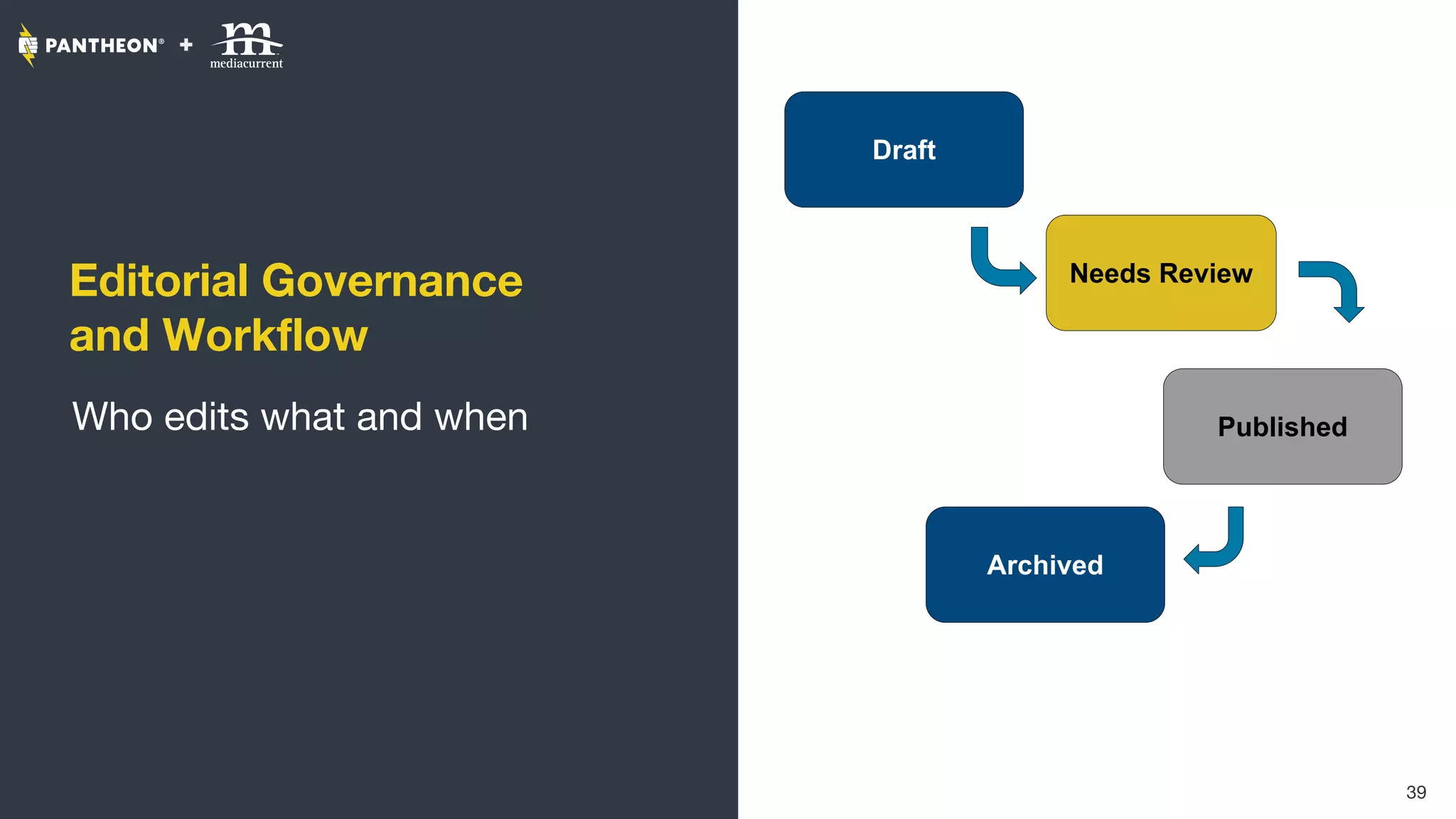
Editorial Governance
and Workflow
Who edits what and when
39
Draft
Needs Review
Published
Archived
Pantheon.io
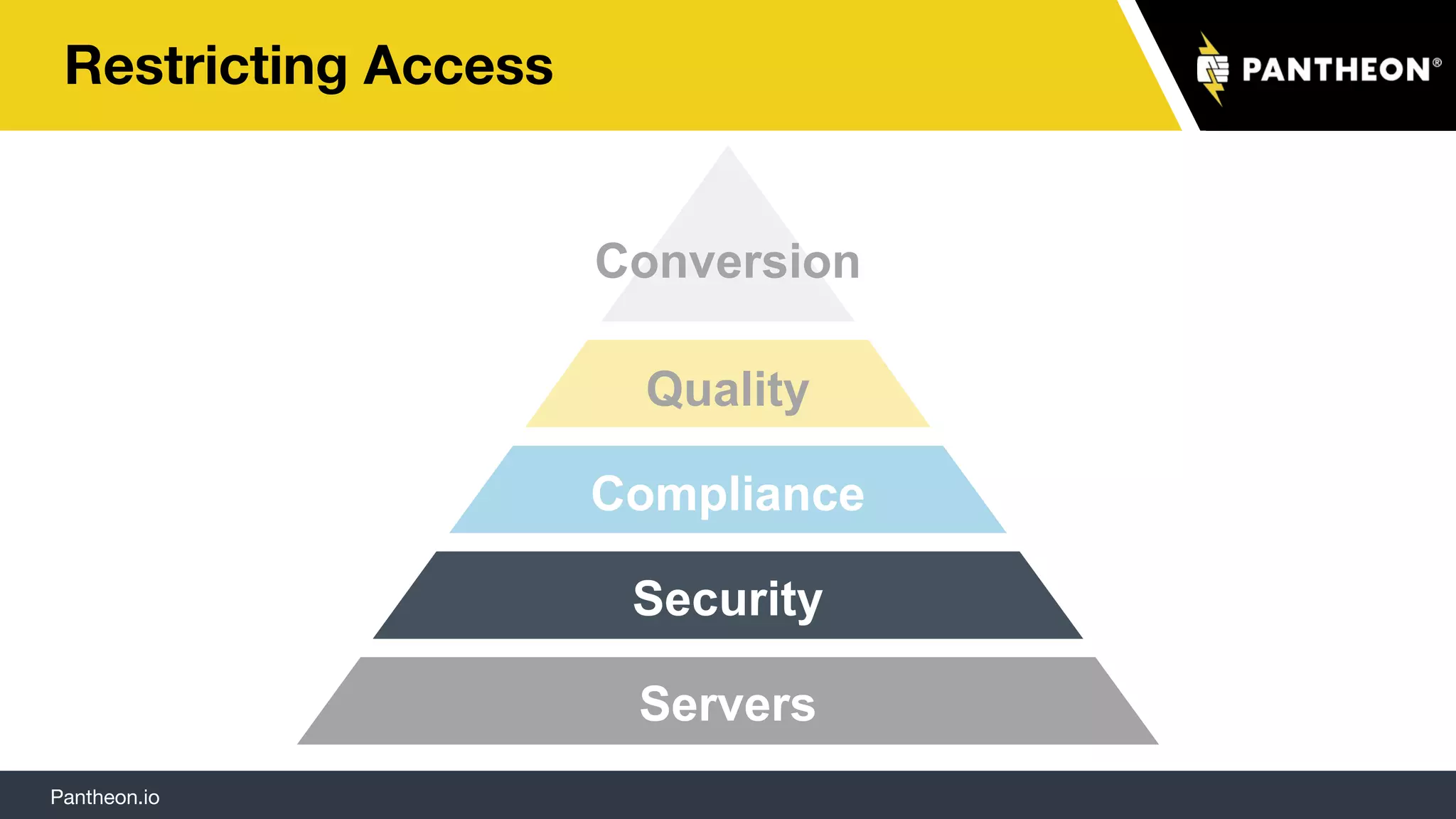
Restricting Access
Servers
Security
Compliance
Quality
Conversion
Pantheon.io
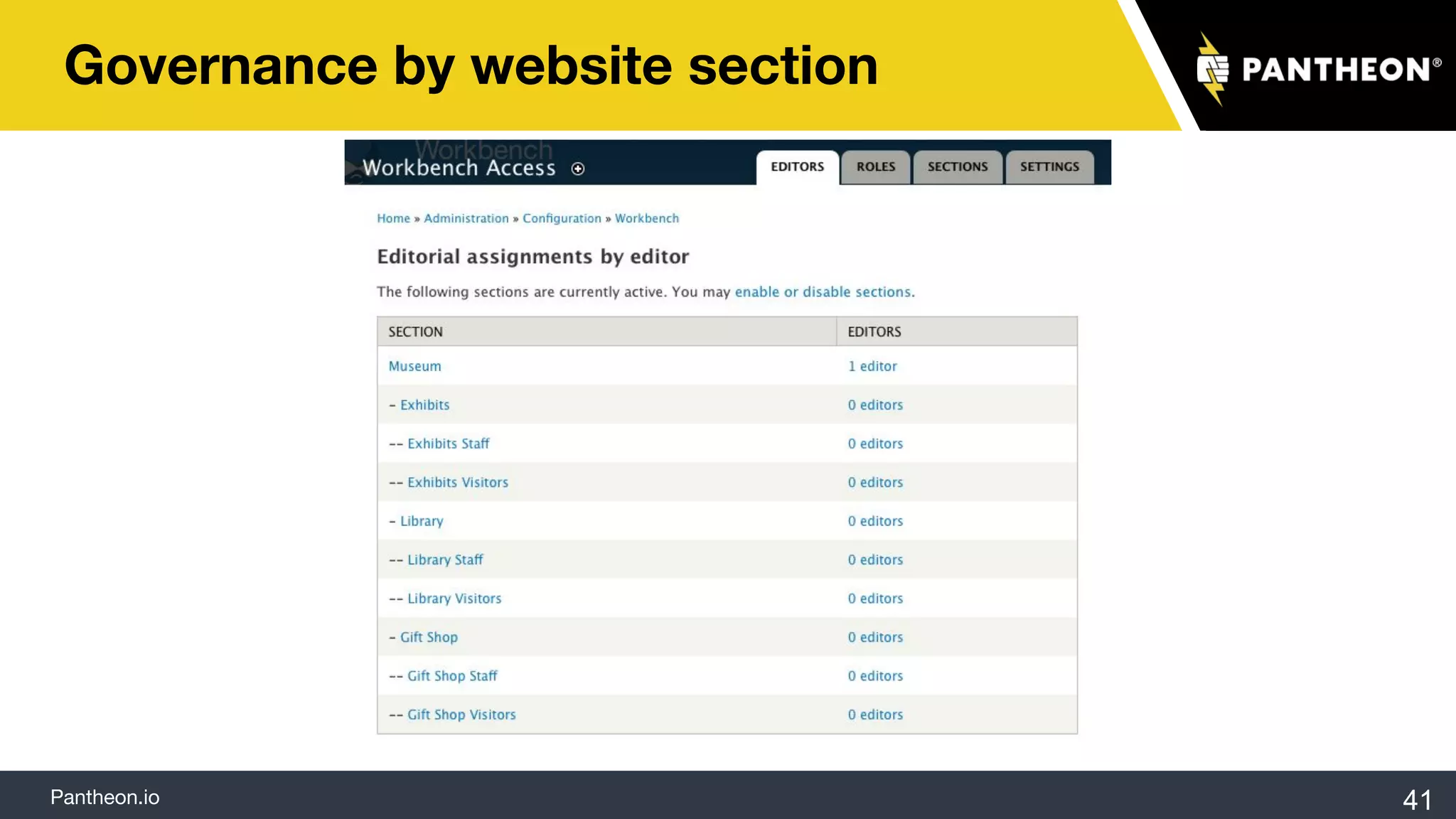
Governance by website section
41
Pantheon.io
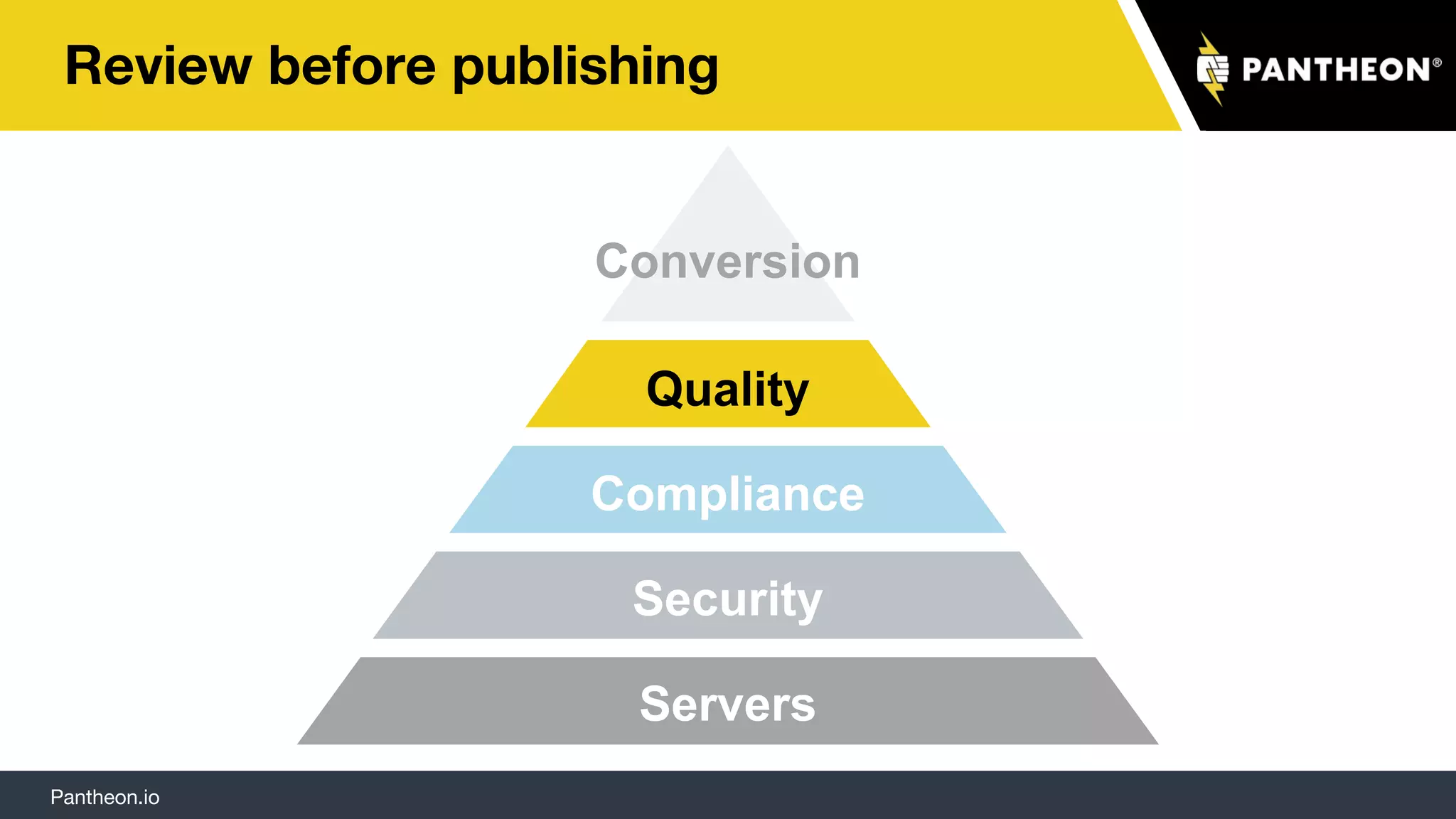
Review before publishing
Servers
Security
Compliance
Quality
Conversion
Pantheon.io
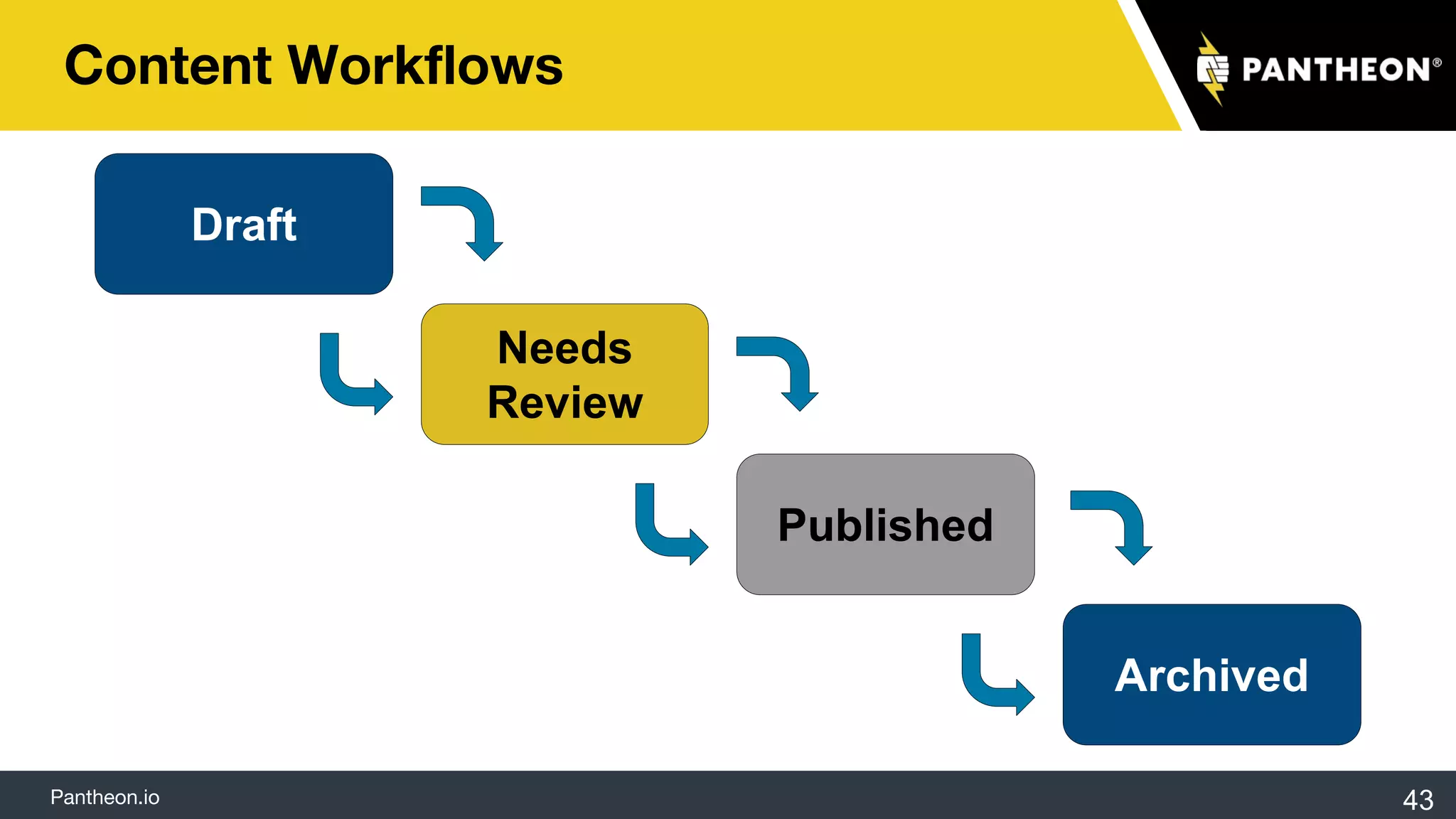
Content Workflows
43
Draft
Needs
Review
Published
Archived
Pantheon.io
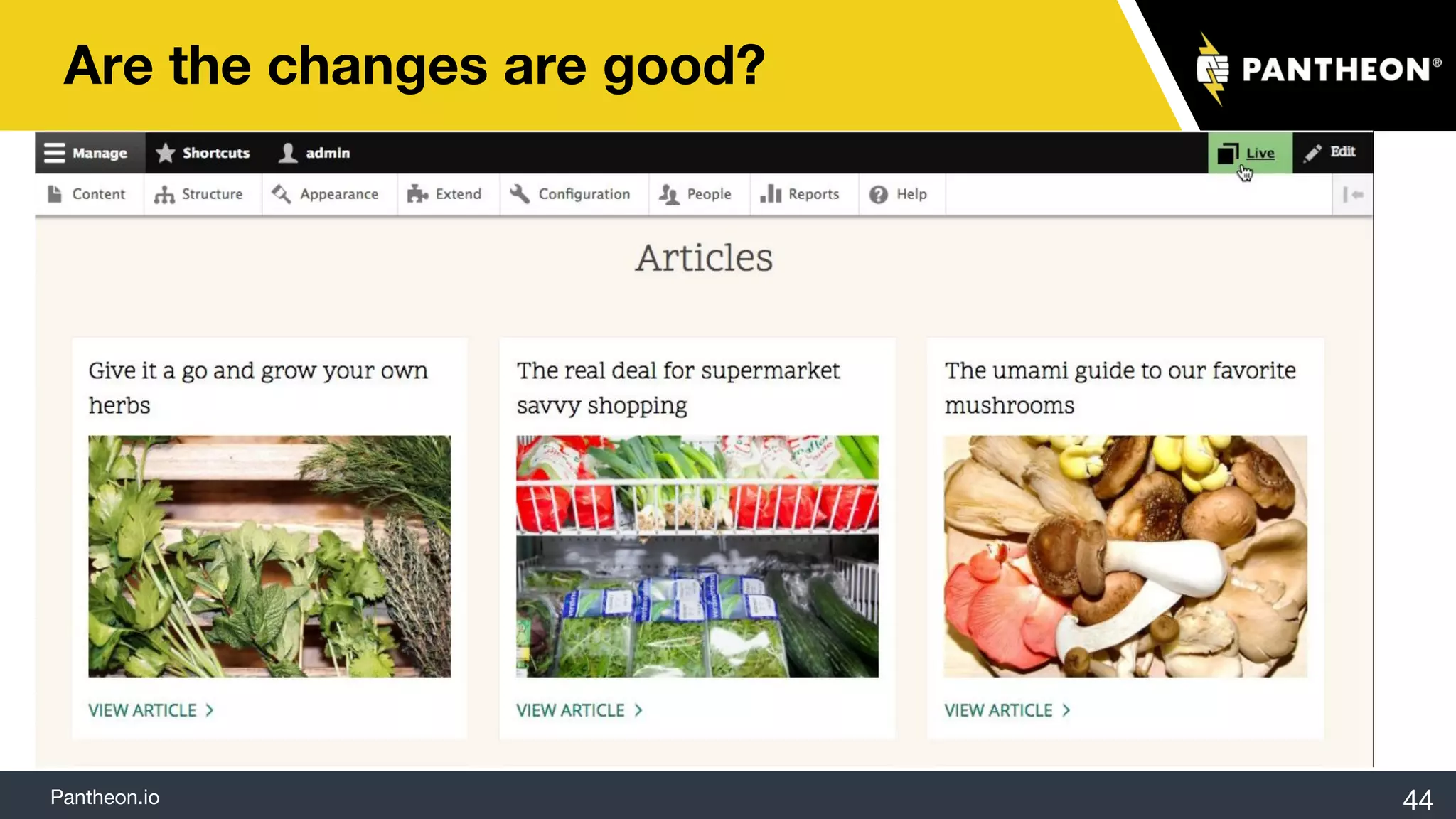
Are the changes are good?
44
Pantheon.io
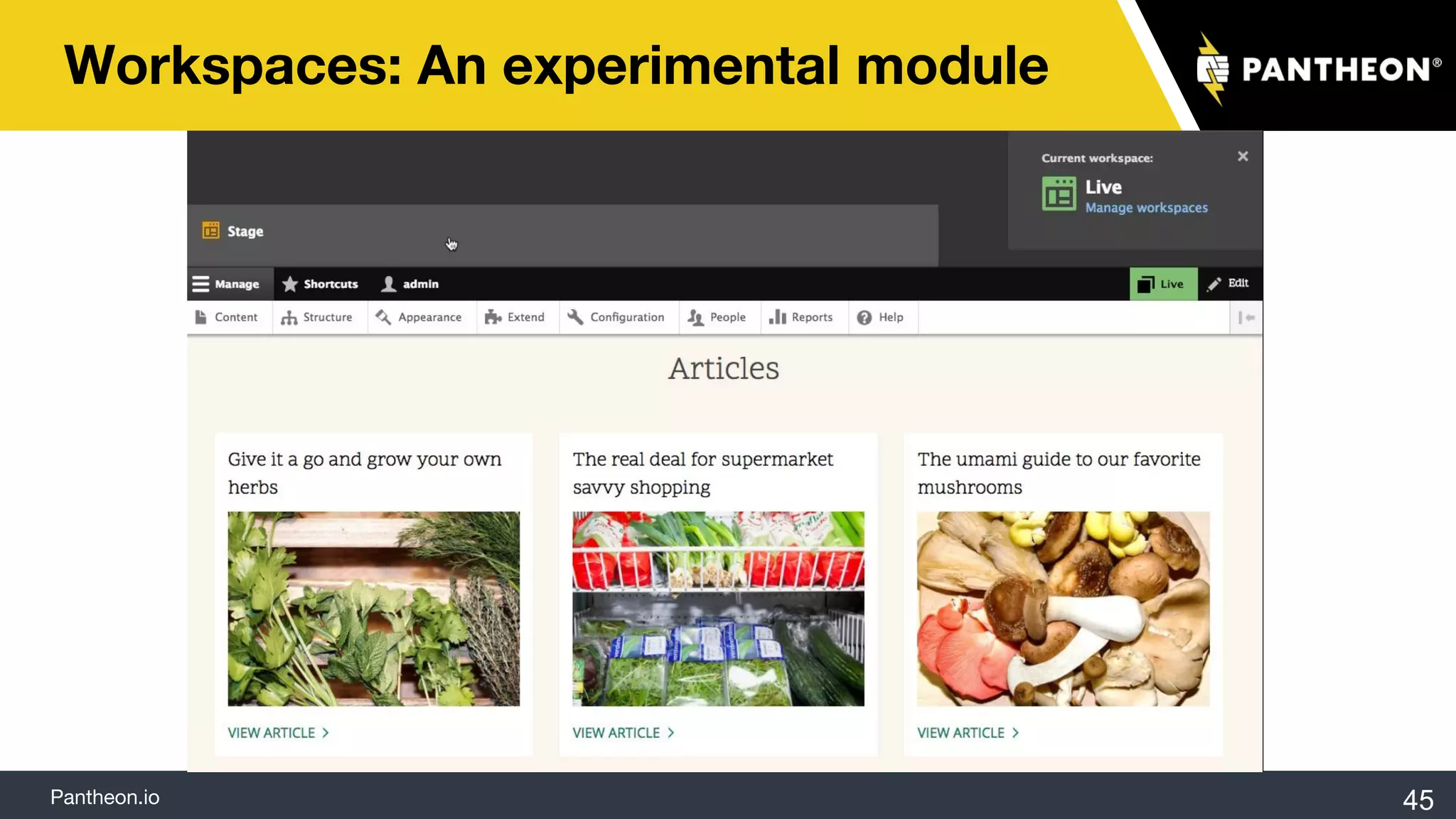
Workspaces: An experimental module
45
Pantheon.io
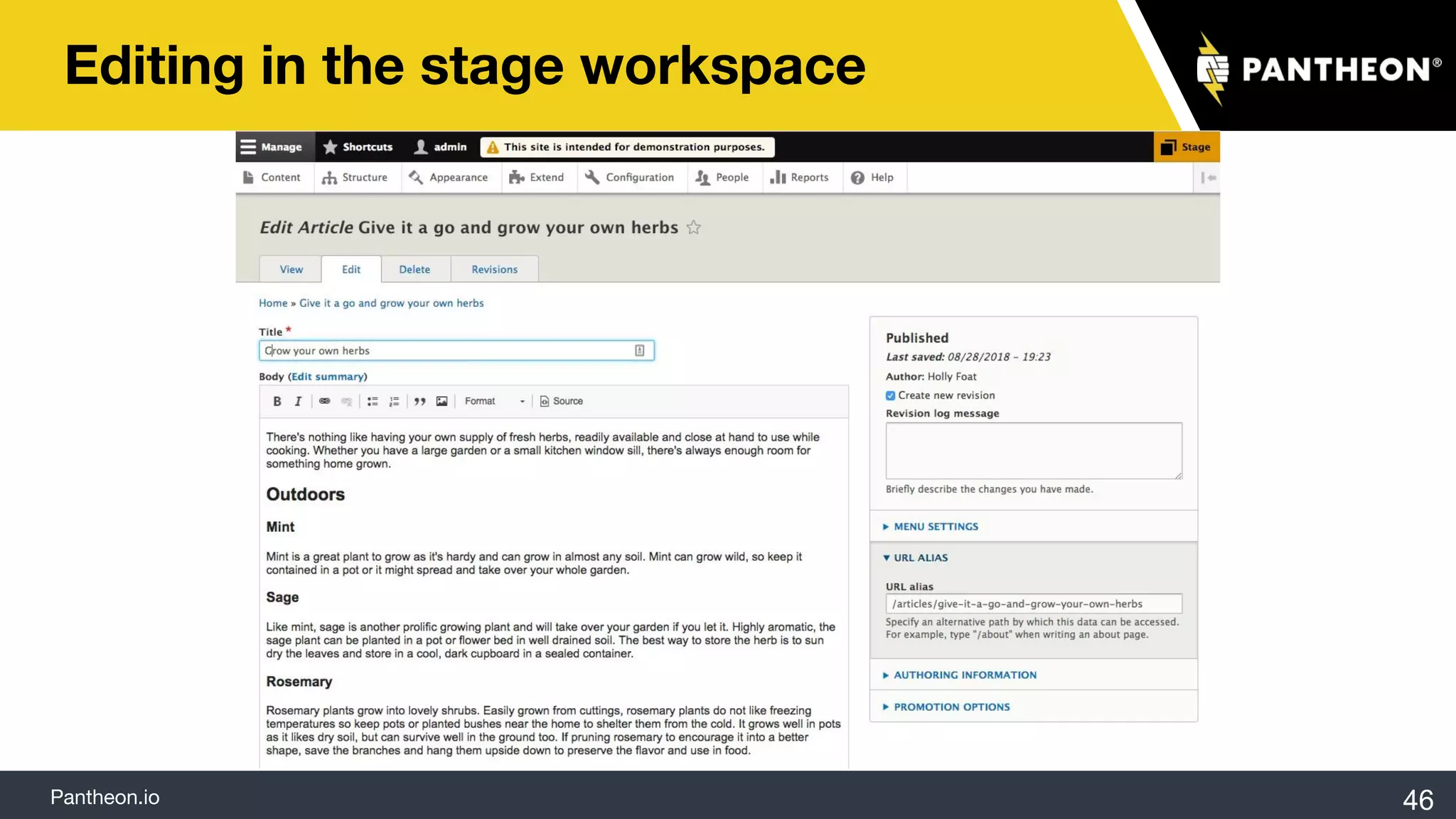
Editing in the stage workspace
46
Pantheon.io
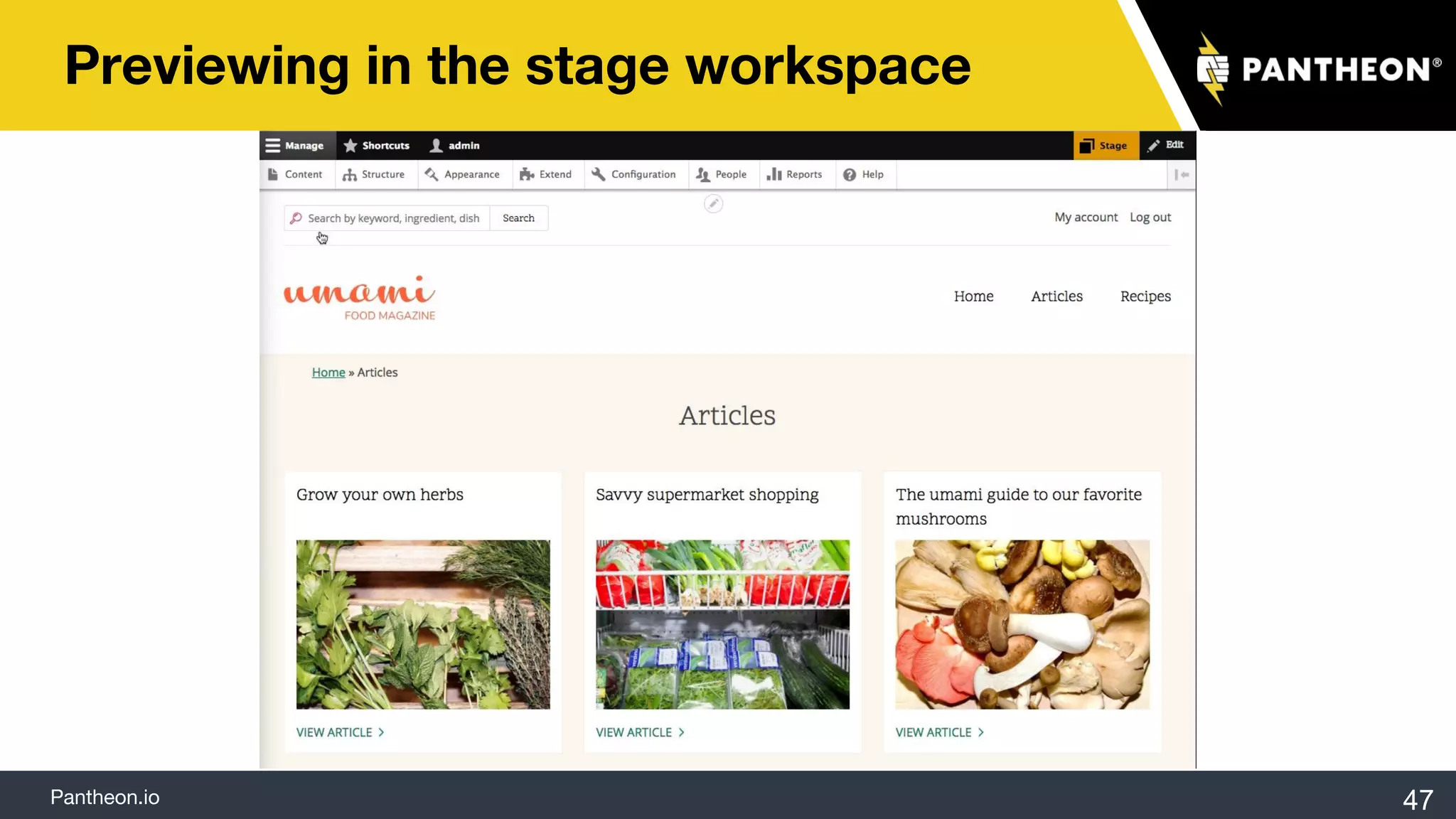
Previewing in the stage workspace
47
Pantheon.io
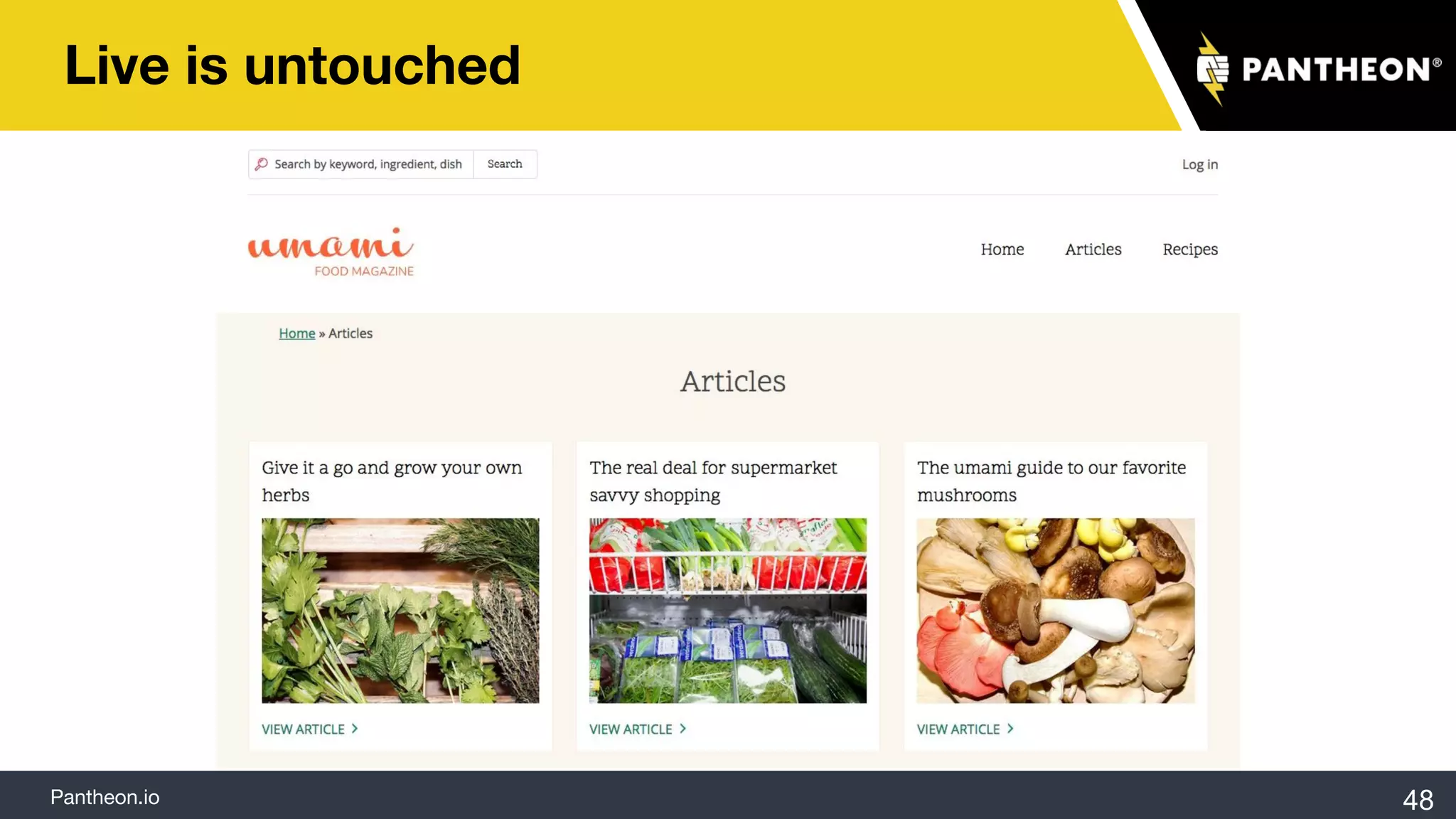
Live is untouched
48
Pantheon.io
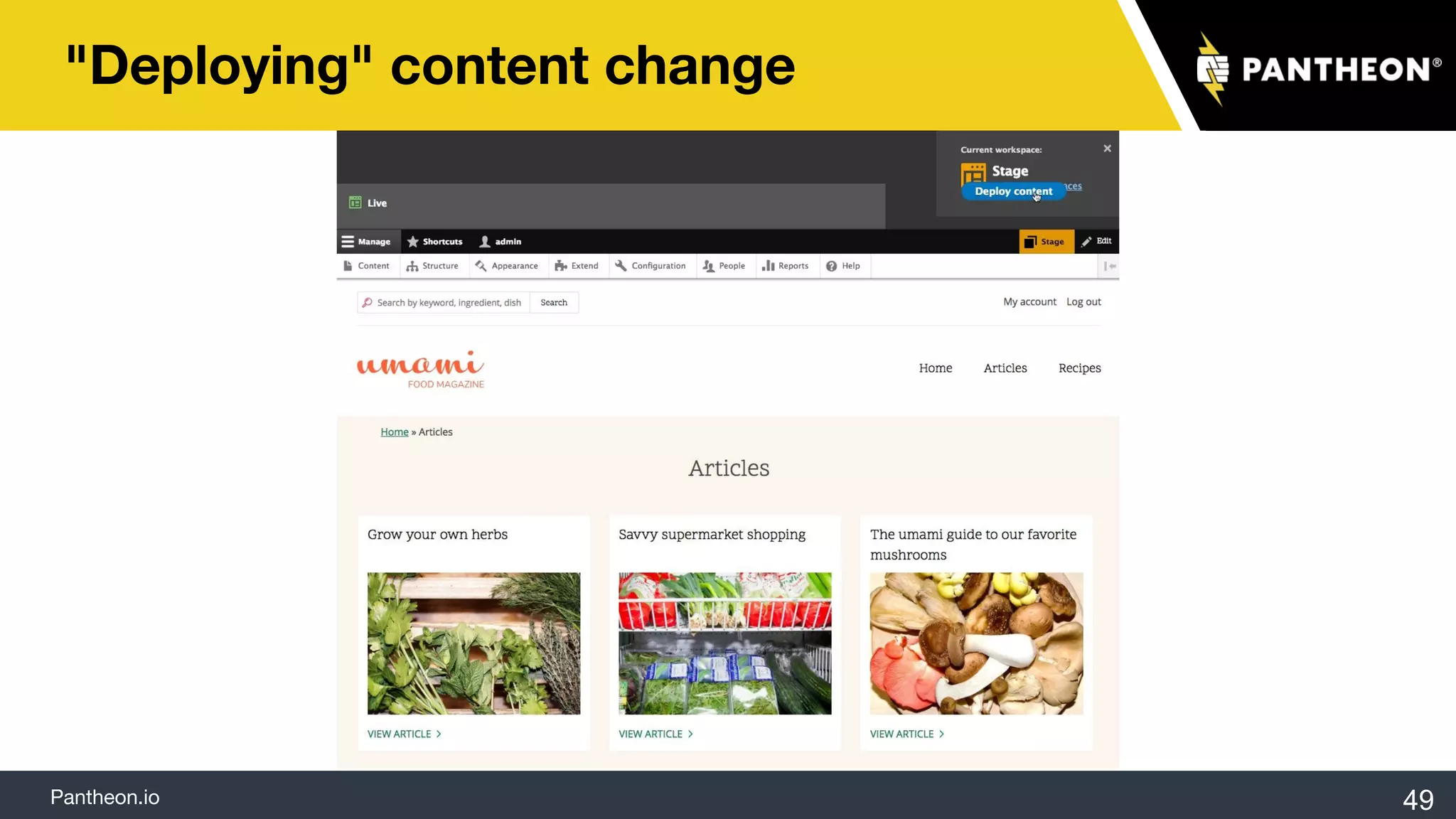
"Deploying" content change
49
Pantheon.io
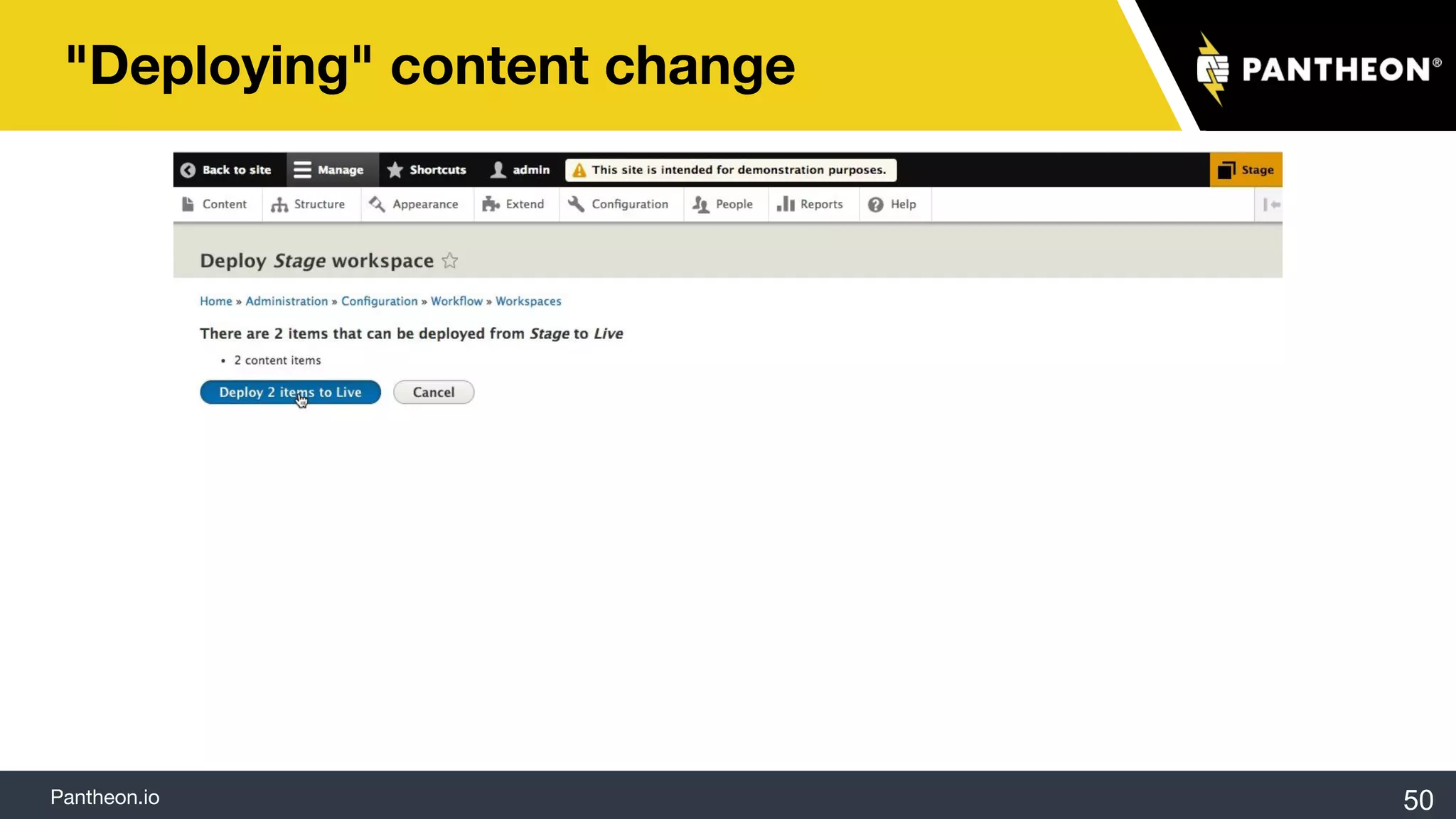
"Deploying" content change
50
Pantheon.io
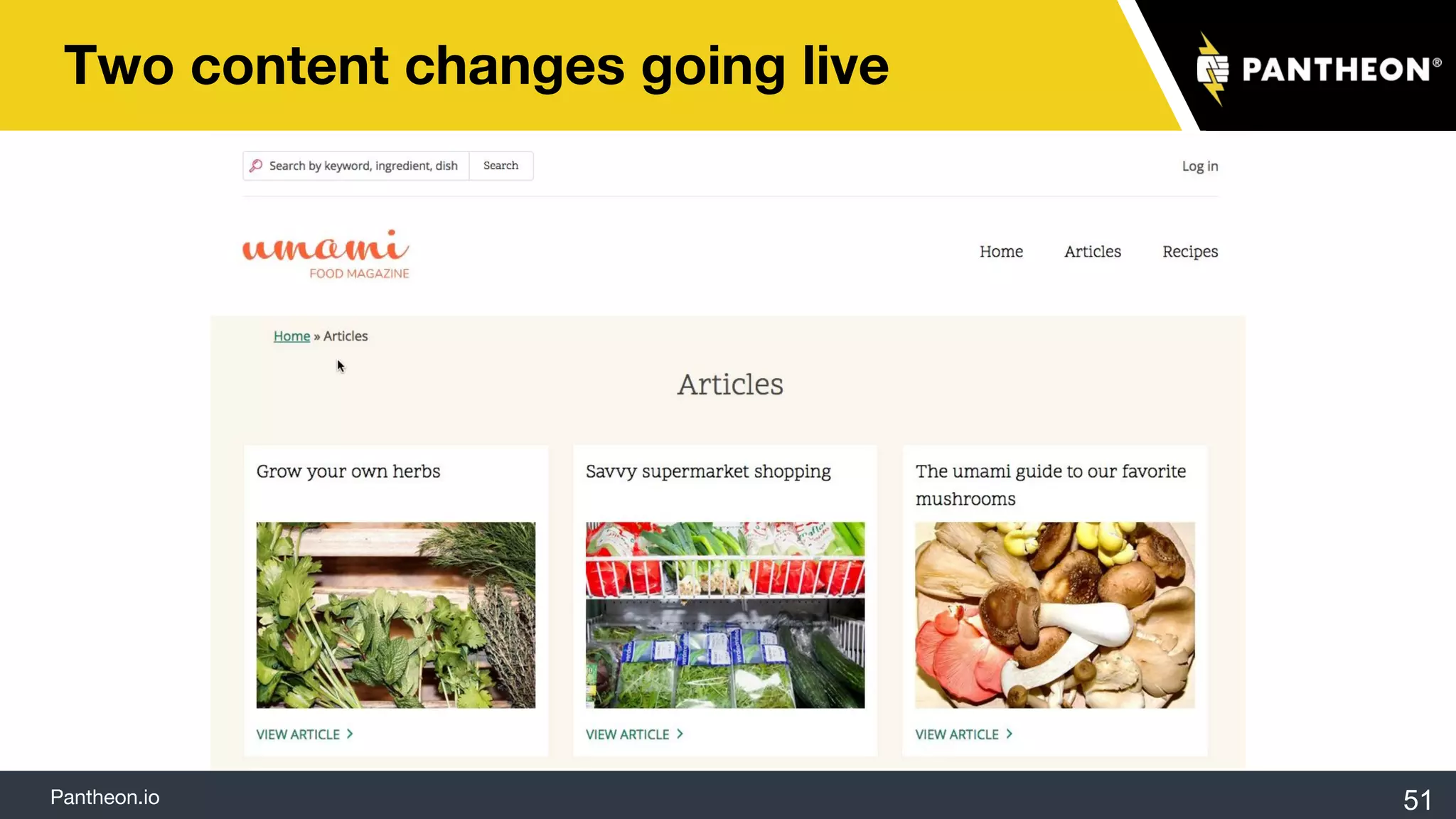
Two content changes going live
51
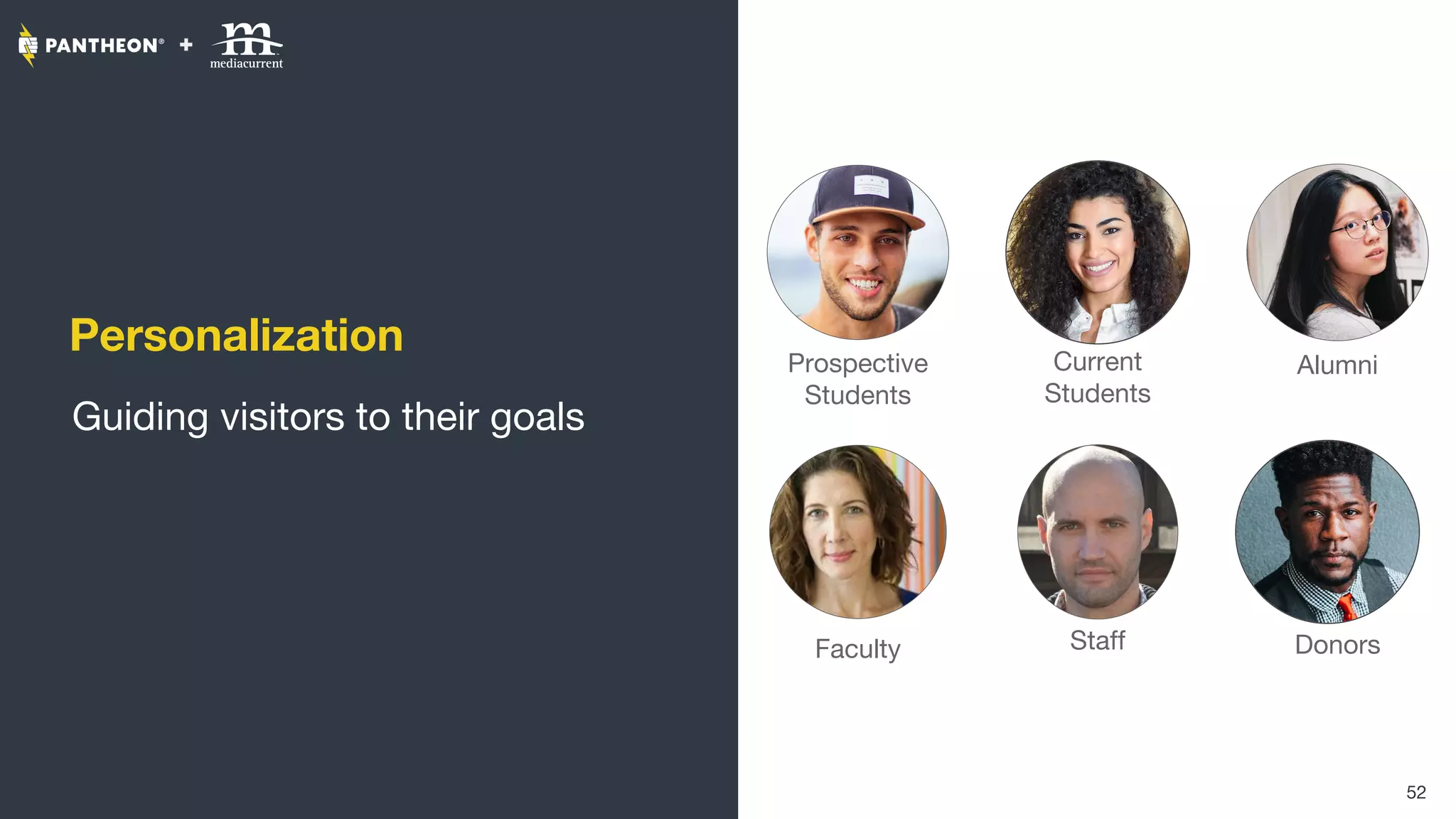
Personalization
Guiding visitors to their goals
52
Prospective
Students
Current
Students
Faculty Staff
Alumni
Donors
Pantheon.io
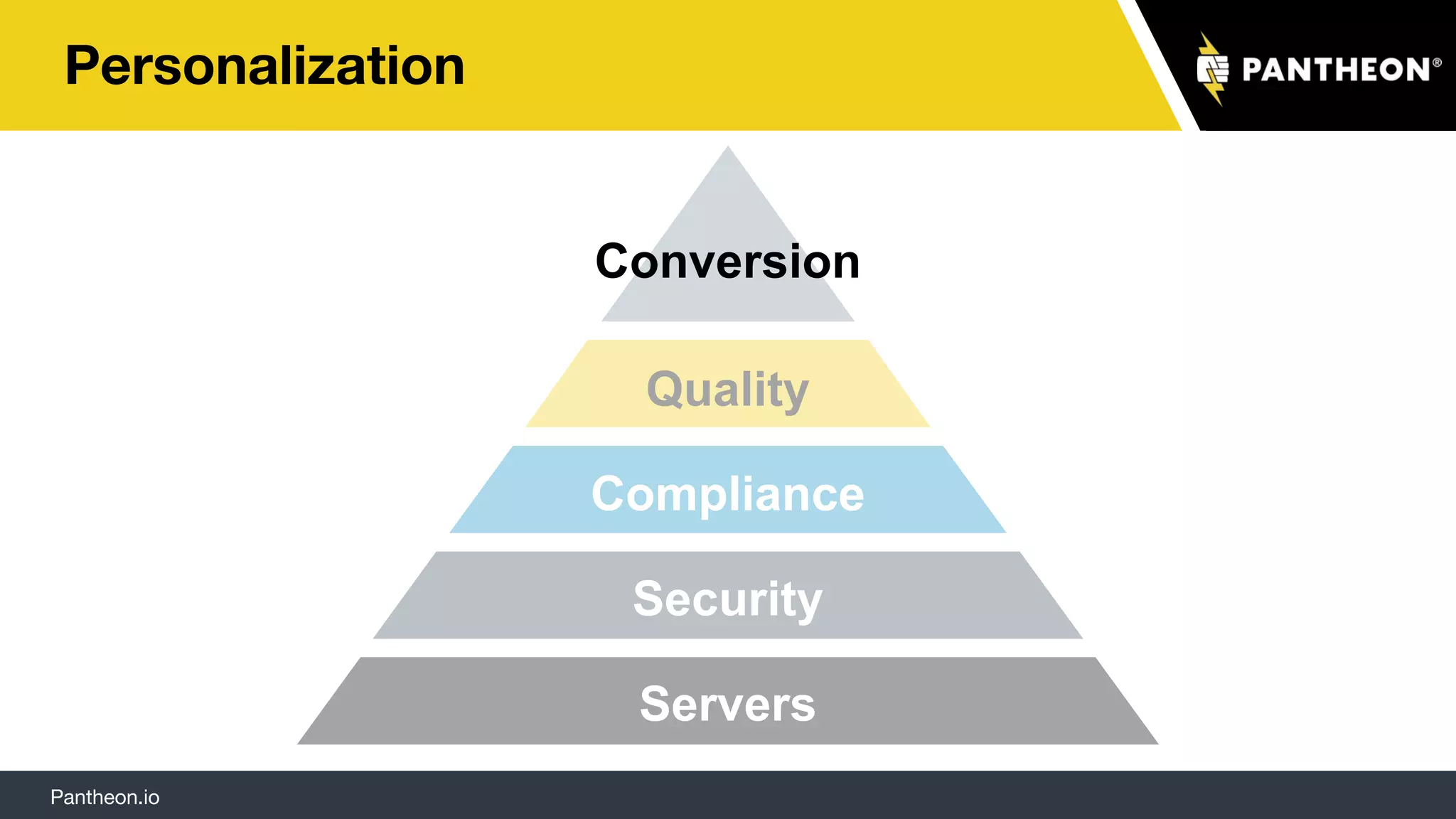
Personalization
Servers
Security
Compliance
Quality
Conversion
Pantheon.io 54
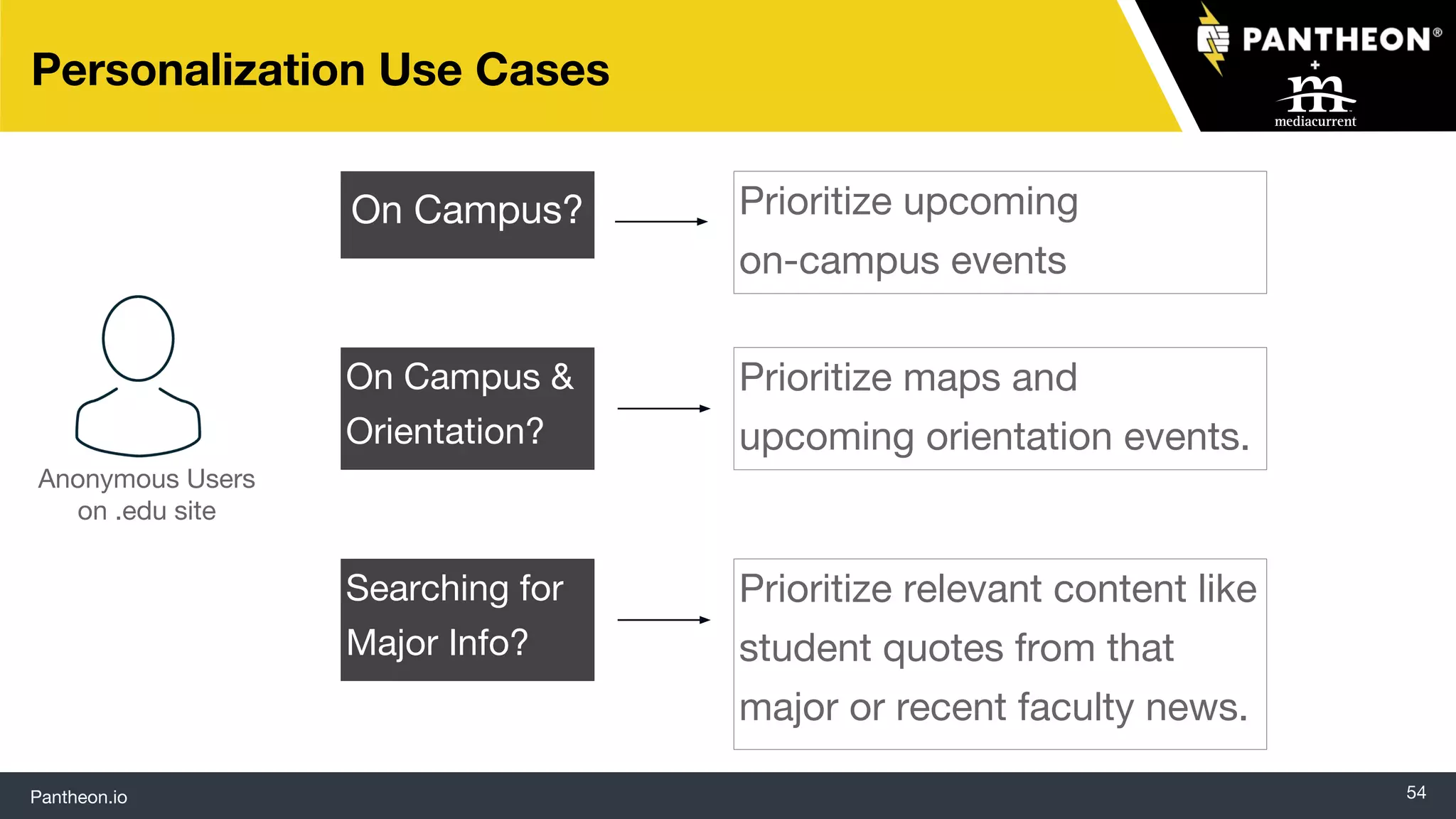
Personalization Use Cases
Anonymous Users
on .edu site
On Campus? Prioritize upcoming
on-campus events
On Campus &
Orientation?
Prioritize maps and
upcoming orientation events.
Searching for
Major Info?
Prioritize relevant content like
student quotes from that
major or recent faculty news.
Pantheon.io
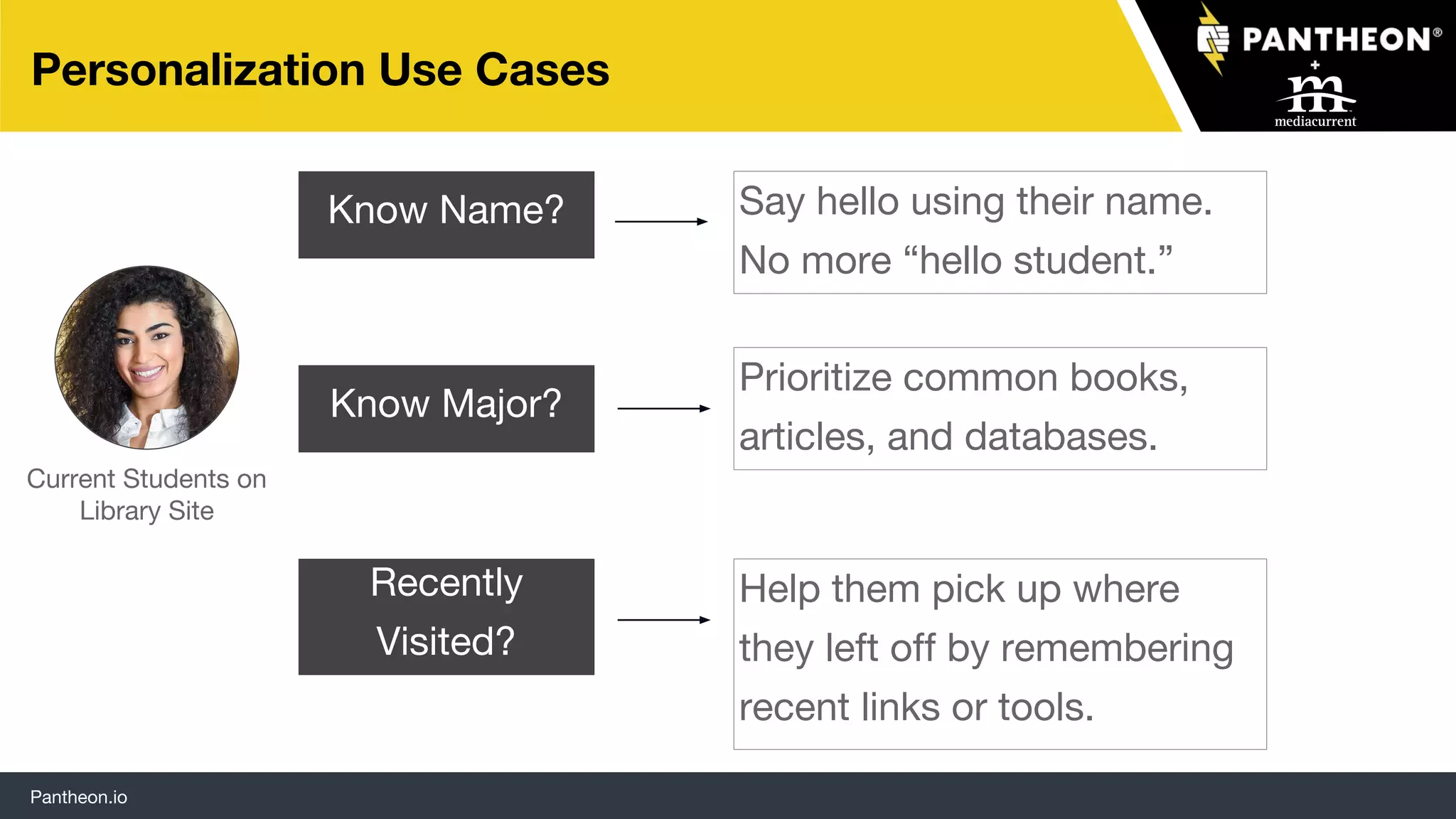
Personalization Use Cases
Current Students on
Library Site
Know Name? Say hello using their name.
No more “hello student.”
Prioritize common books,
articles, and databases.
Help them pick up where
they left off by remembering
recent links or tools.
Know Major?
Recently
Visited?
Pantheon.io
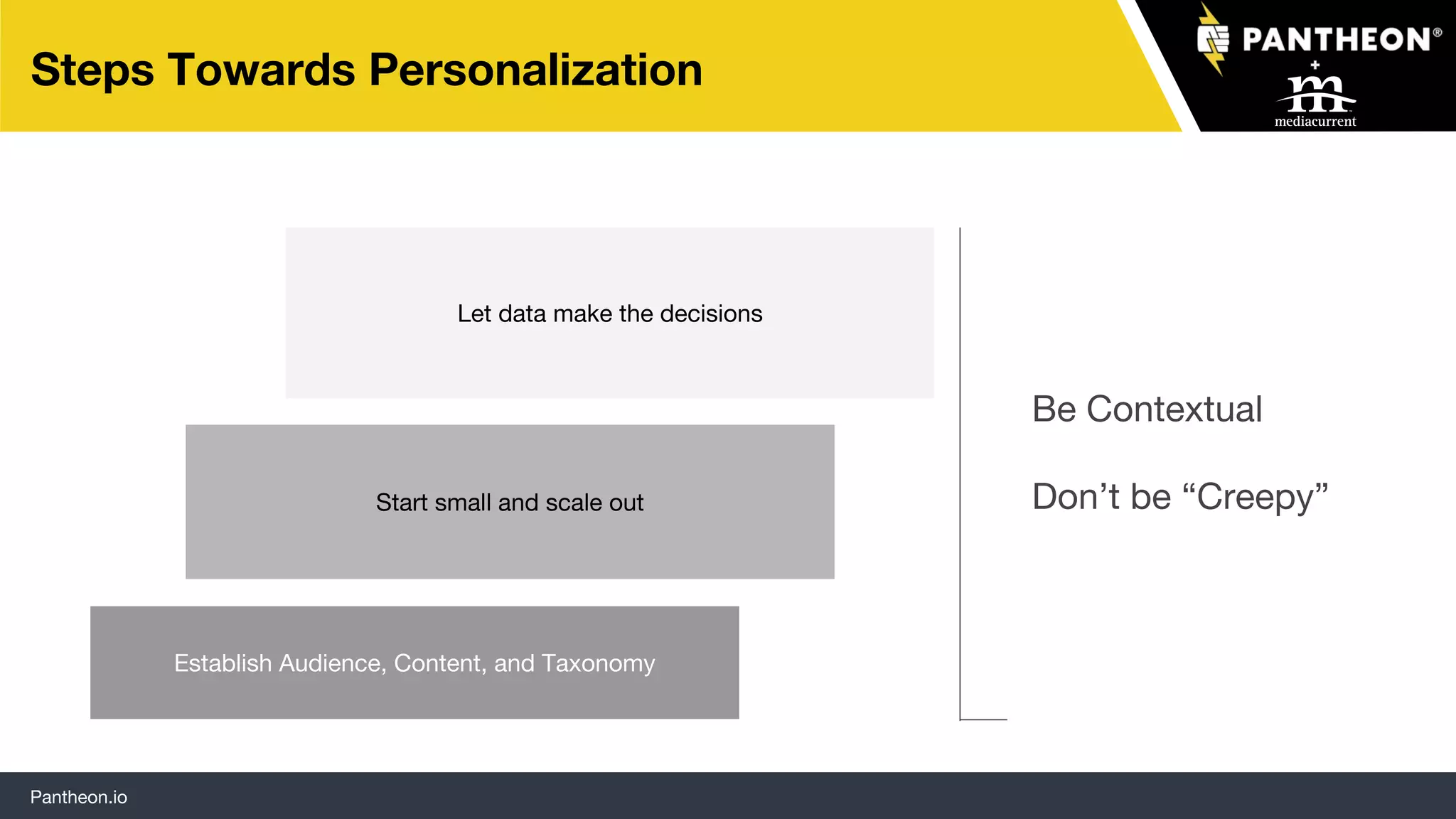
Steps Towards Personalization
Establish Audience, Content, and Taxonomy
Start small and scale out
Let data make the decisions
Be Contextual
Don’t be “Creepy”
Pantheon.io 57
Feeding the Machine
The tech is the easy part
Pantheon.io
59
Recommended Resources
Is Drupal Right
for Universities?
How 5 Universities
Do More with
Drupal + Pantheon
Site Building
Tools to Solve
Common
University Needs
Why Marketers
Choose Drupal
Thank you for joining us!

Is Drupal Right for Universities?