
Presenter – Patrick Acheampong
                September 2011
1.Why
2.What
3.How
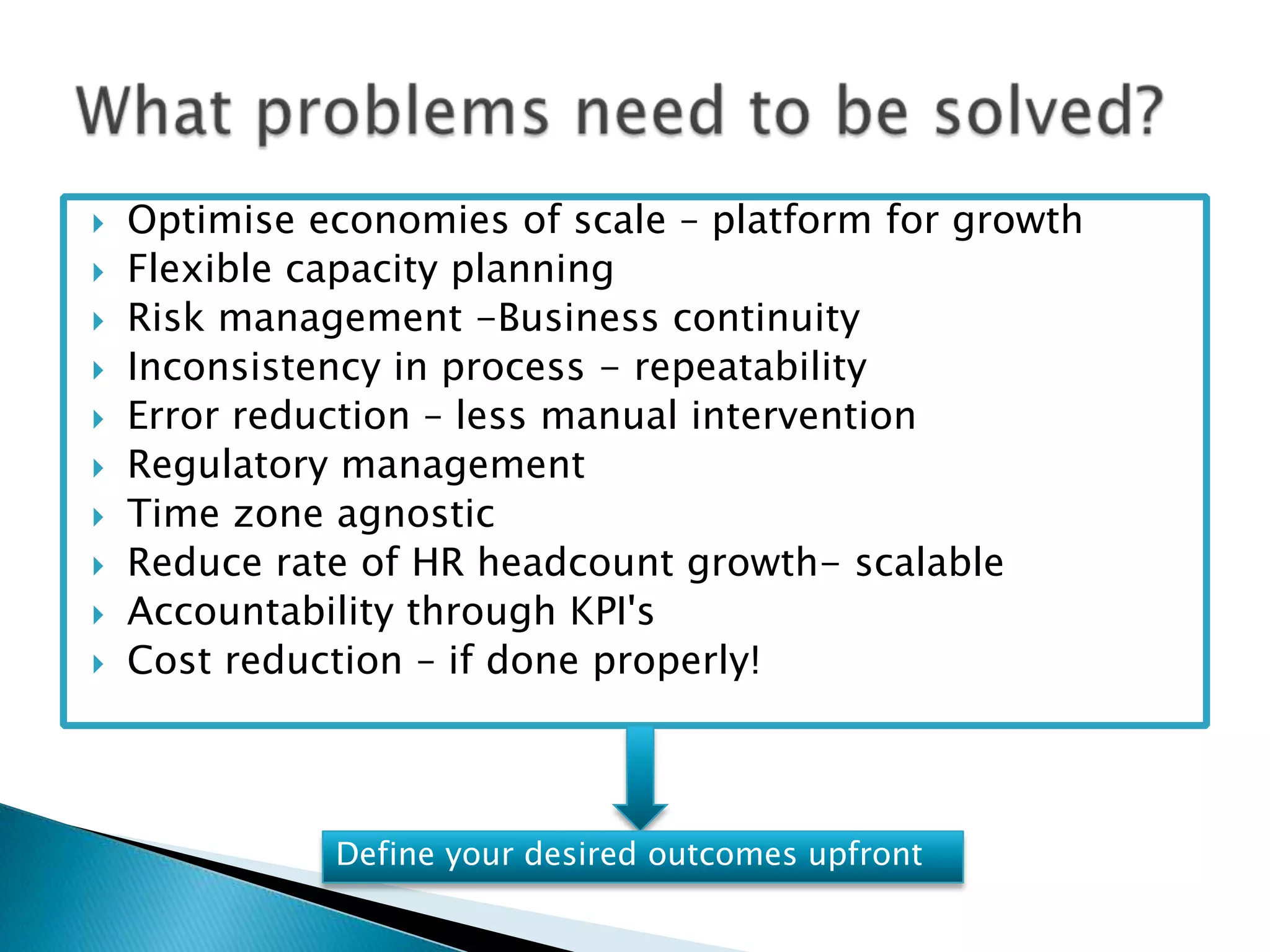
   Optimise economies of scale – platform for growth
   Flexible capacity planning
   Risk management -Business continuity
   Inconsistency in process - repeatability
   Error reduction – less manual intervention
   Regulatory management
   Time zone agnostic
   Reduce rate of HR headcount growth- scalable
   Accountability through KPI's
   Cost reduction – if done properly!


              Define your desired outcomes upfront
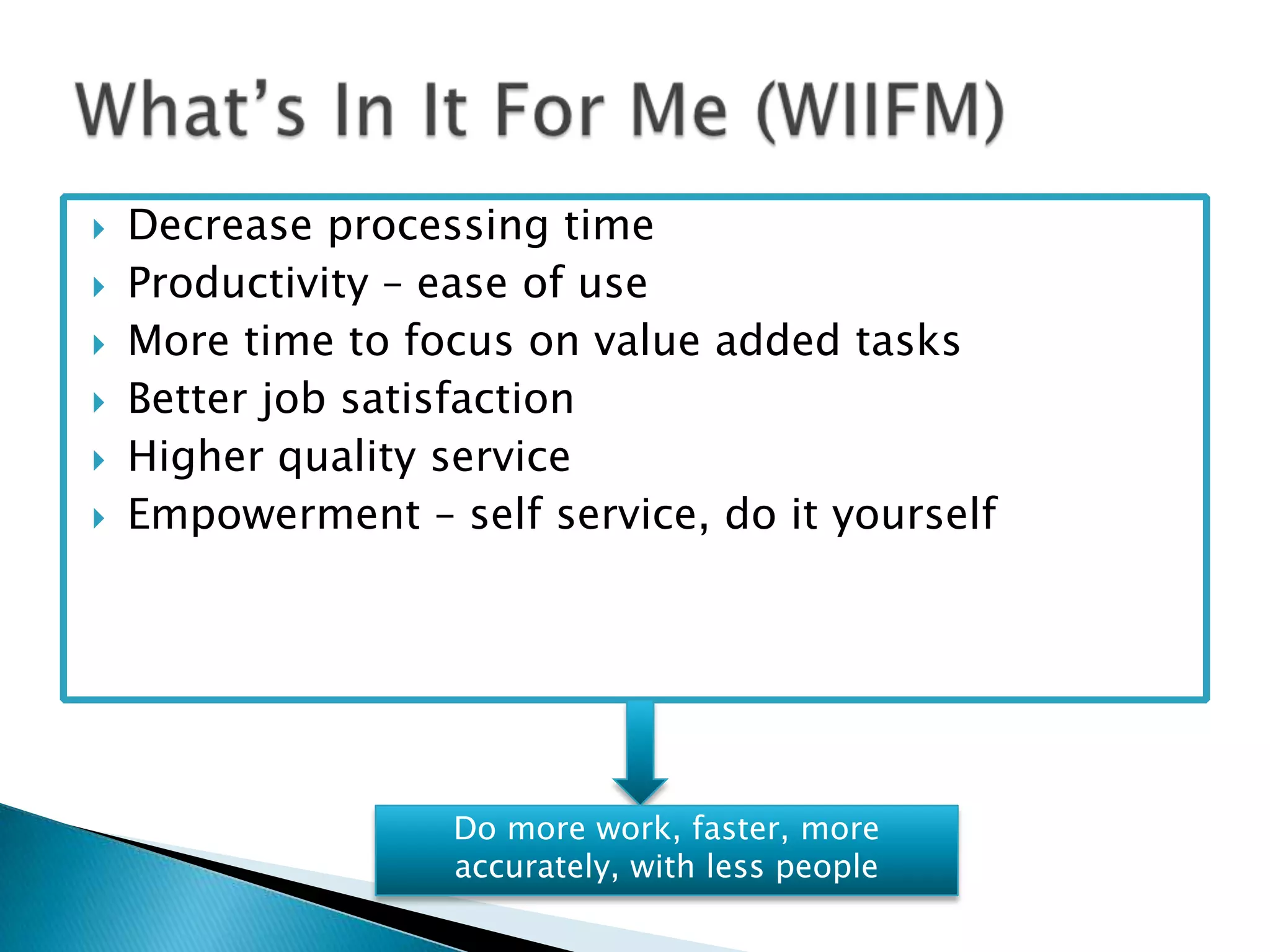
   Decrease processing time
   Productivity – ease of use
   More time to focus on value added tasks
   Better job satisfaction
   Higher quality service
   Empowerment – self service, do it yourself


                   Do more work, faster, more
                   accurately, with less people
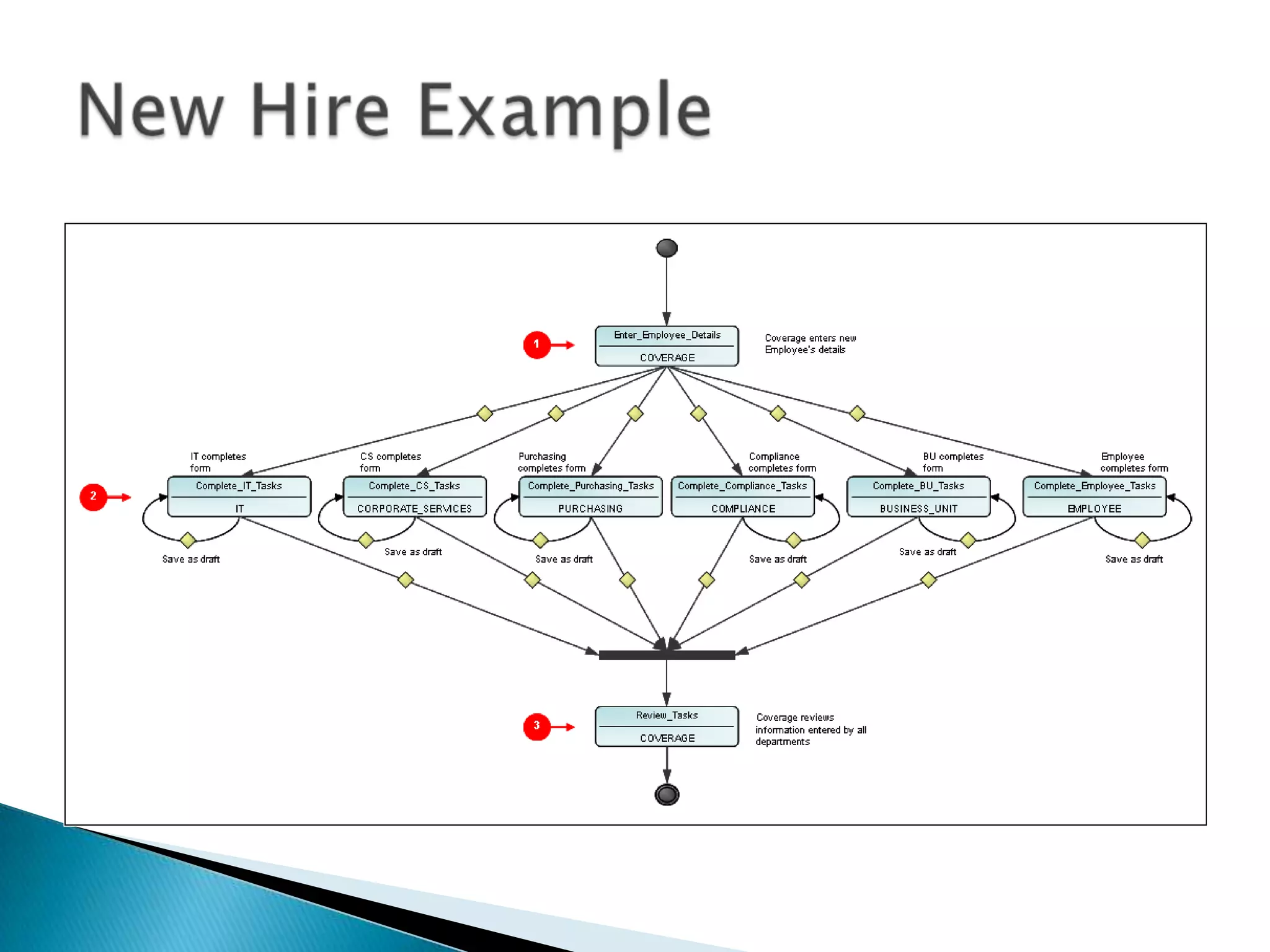
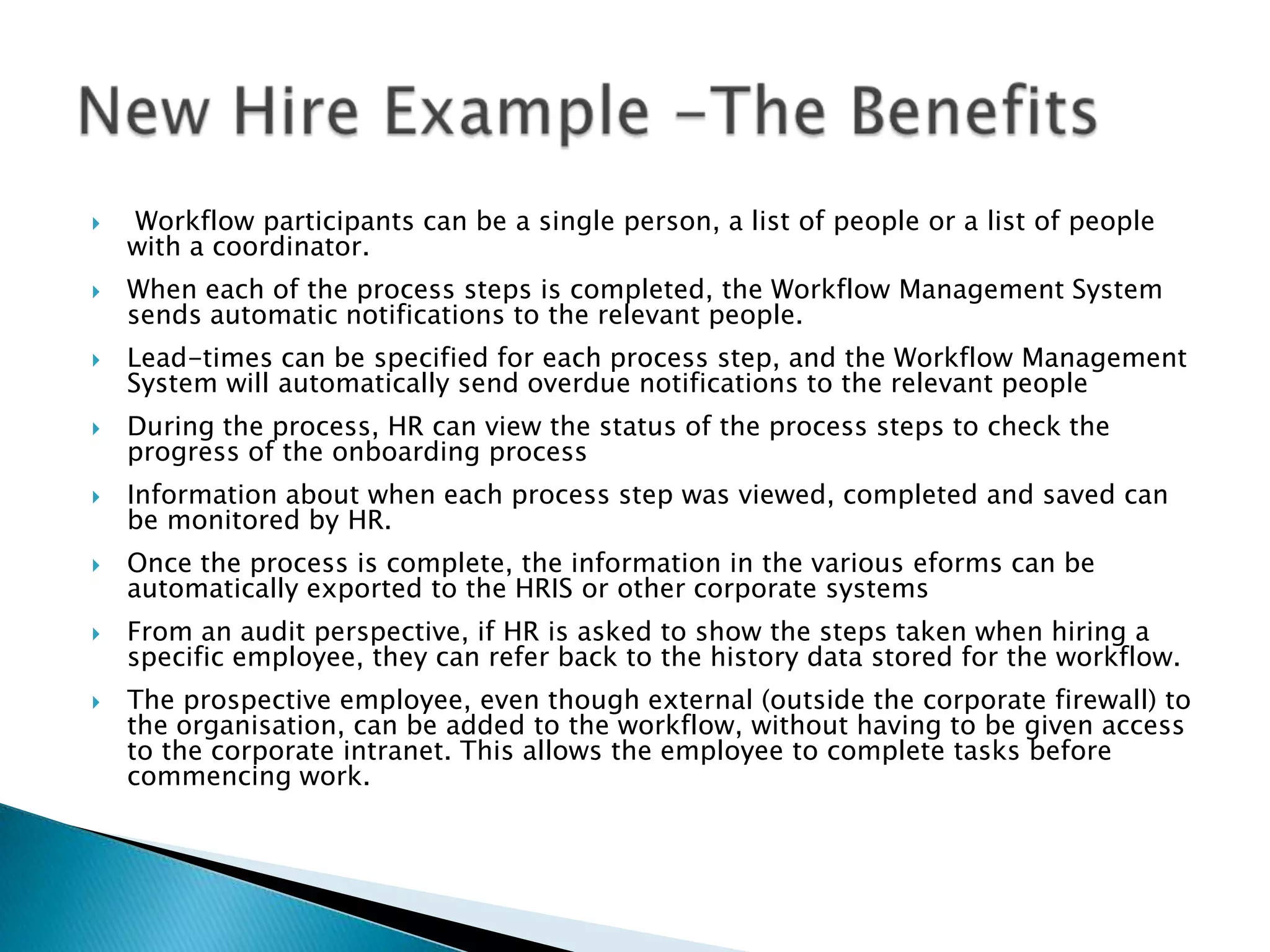
   Workflow participants can be a single person, a list of people or a list of people
    with a coordinator.
   When each of the process steps is completed, the Workflow Management System
    sends automatic notifications to the relevant people.
   Lead-times can be specified for each process step, and the Workflow Management
    System will automatically send overdue notifications to the relevant people
   During the process, HR can view the status of the process steps to check the
    progress of the onboarding process
   Information about when each process step was viewed, completed and saved can
    be monitored by HR.
   Once the process is complete, the information in the various eforms can be
    automatically exported to the HRIS or other corporate systems
   From an audit perspective, if HR is asked to show the steps taken when hiring a
    specific employee, they can refer back to the history data stored for the workflow.
   The prospective employee, even though external (outside the corporate firewall) to
    the organisation, can be added to the workflow, without having to be given access
    to the corporate intranet. This allows the employee to complete tasks before
    commencing work.
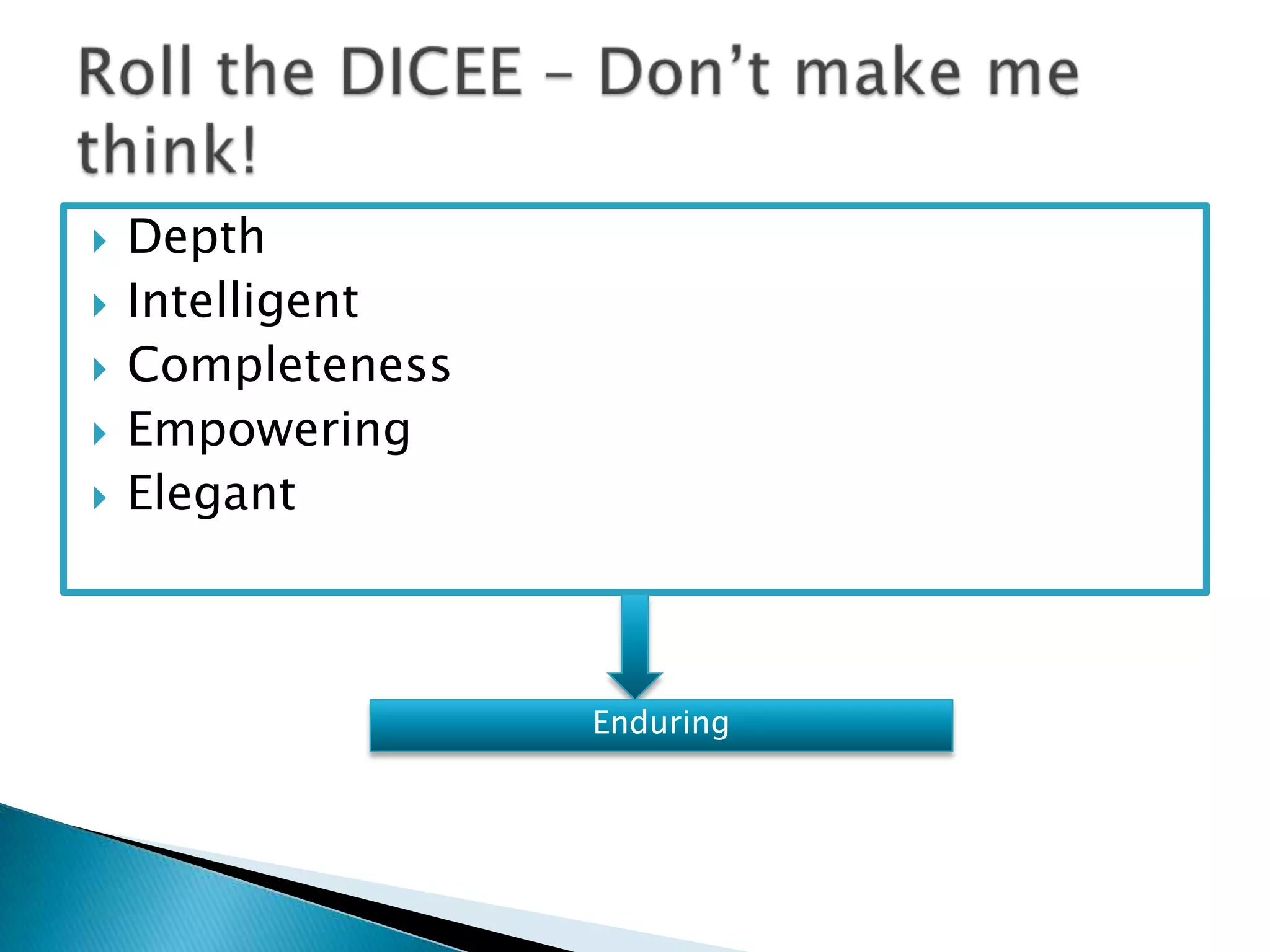
   Depth
   Intelligent
   Completeness
   Empowering
   Elegant


                   Enduring
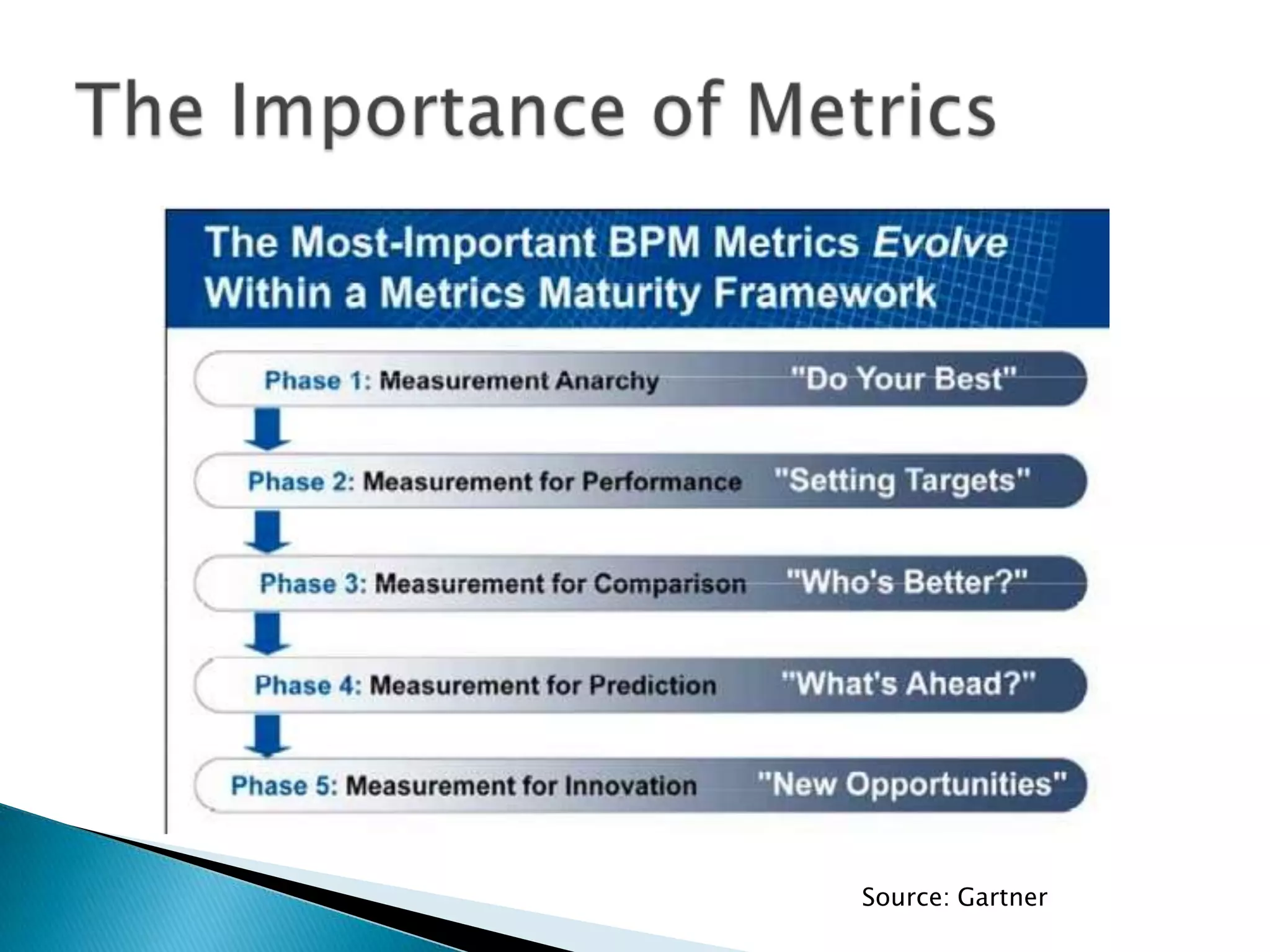
Source: Gartner
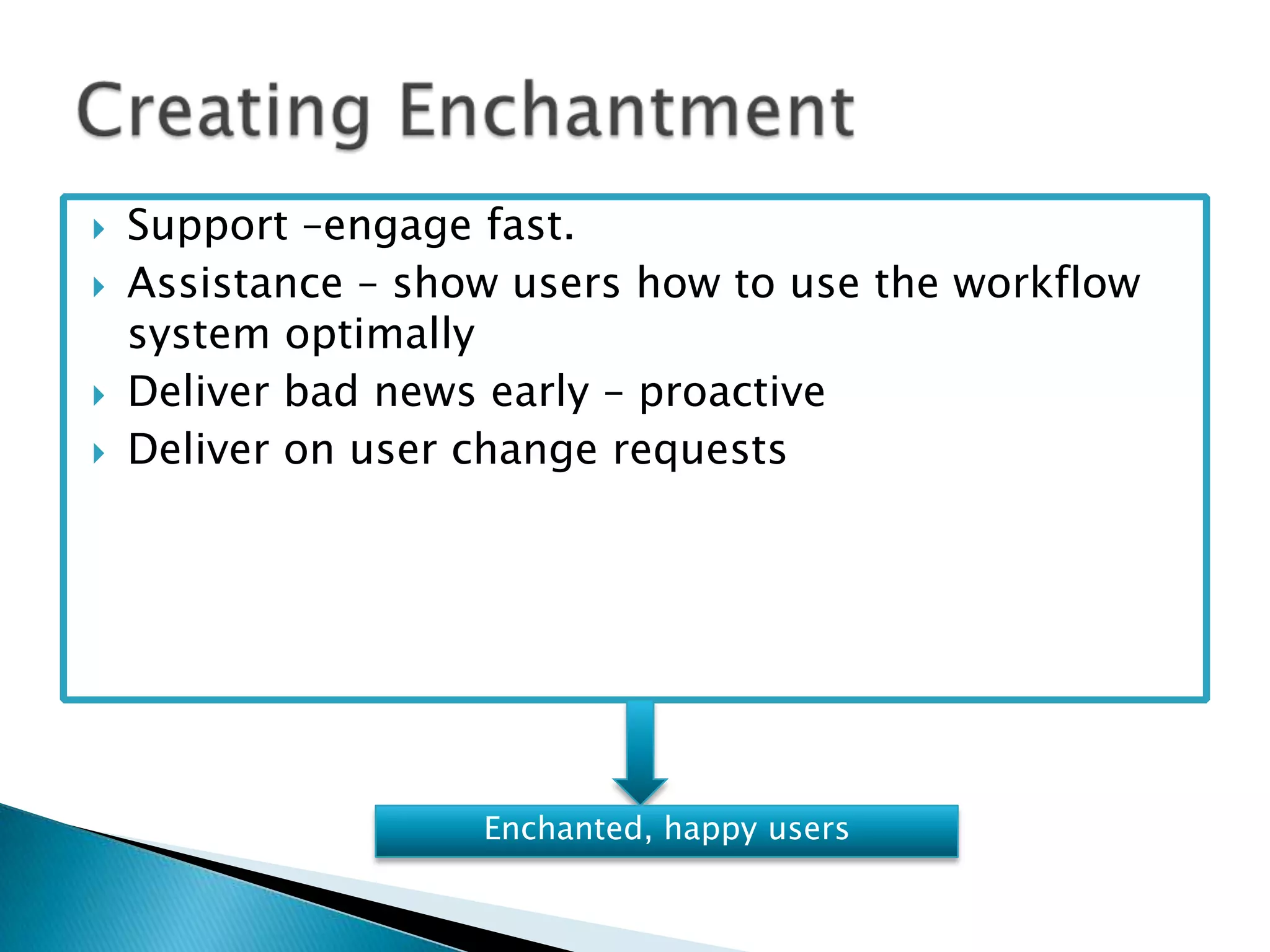
   Support –engage fast.
   Assistance – show users how to use the workflow
    system optimally
   Deliver bad news early – proactive
   Deliver on user change requests


                    Enchanted, happy users
Avoid these project stages
 Enthusiasm


   Disillusionment

   Panic

   Search for the guilty

   Punishment of the innocent

   Praise and honours for the non-participants
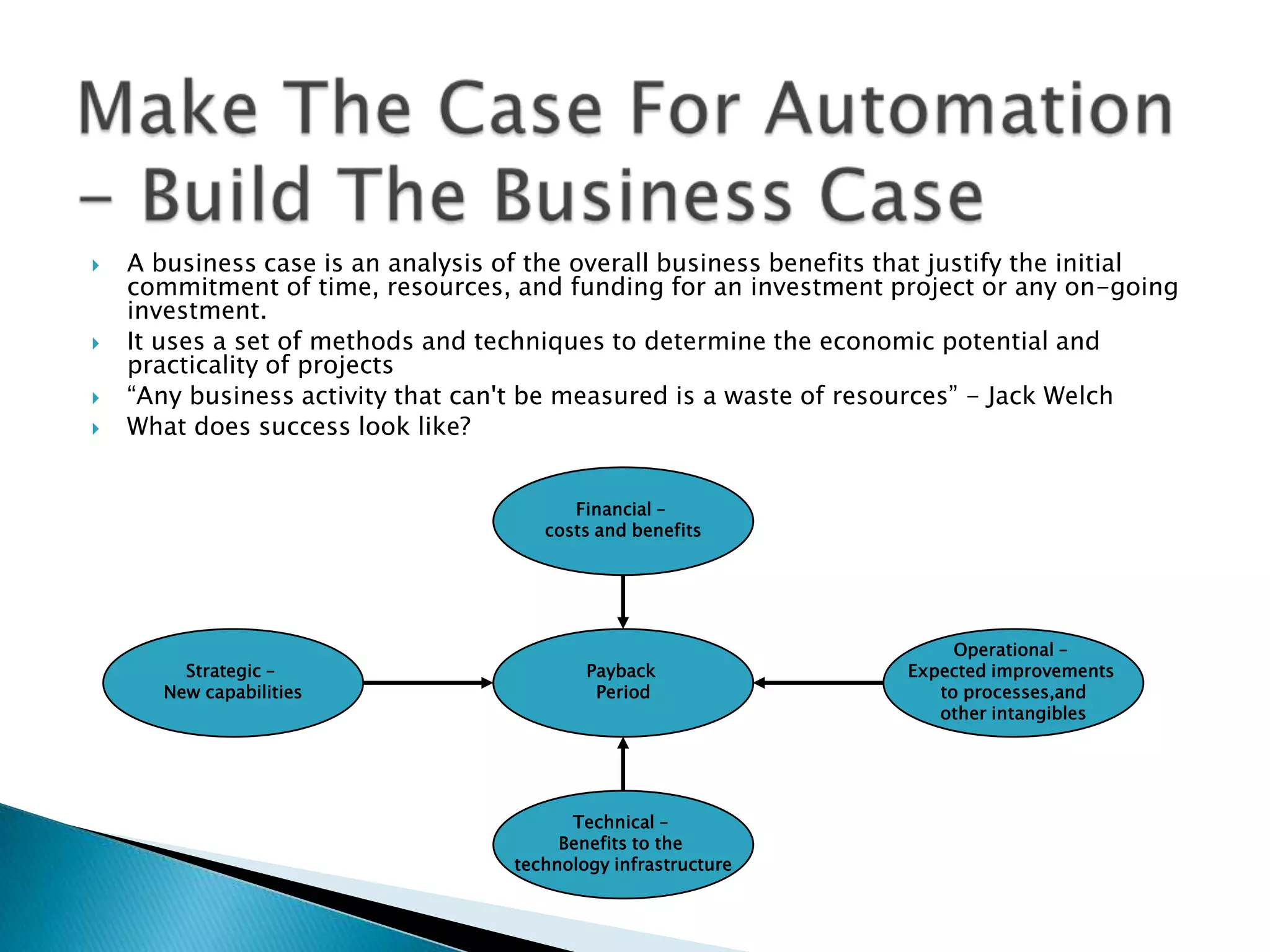
   A business case is an analysis of the overall business benefits that justify the initial
    commitment of time, resources, and funding for an investment project or any on-going
    investment.
   It uses a set of methods and techniques to determine the economic potential and
    practicality of projects
   “Any business activity that can't be measured is a waste of resources” - Jack Welch
   What does success look like?


                                          Financial –
                                       costs and benefits


                                                                          Operational –
         Strategic –                        Payback                  Expected improvements
       New capabilities                      Period                     to processes,and
                                                                        other intangibles


                                          Technical –
                                         Benefits to the
                                    technology infrastructure
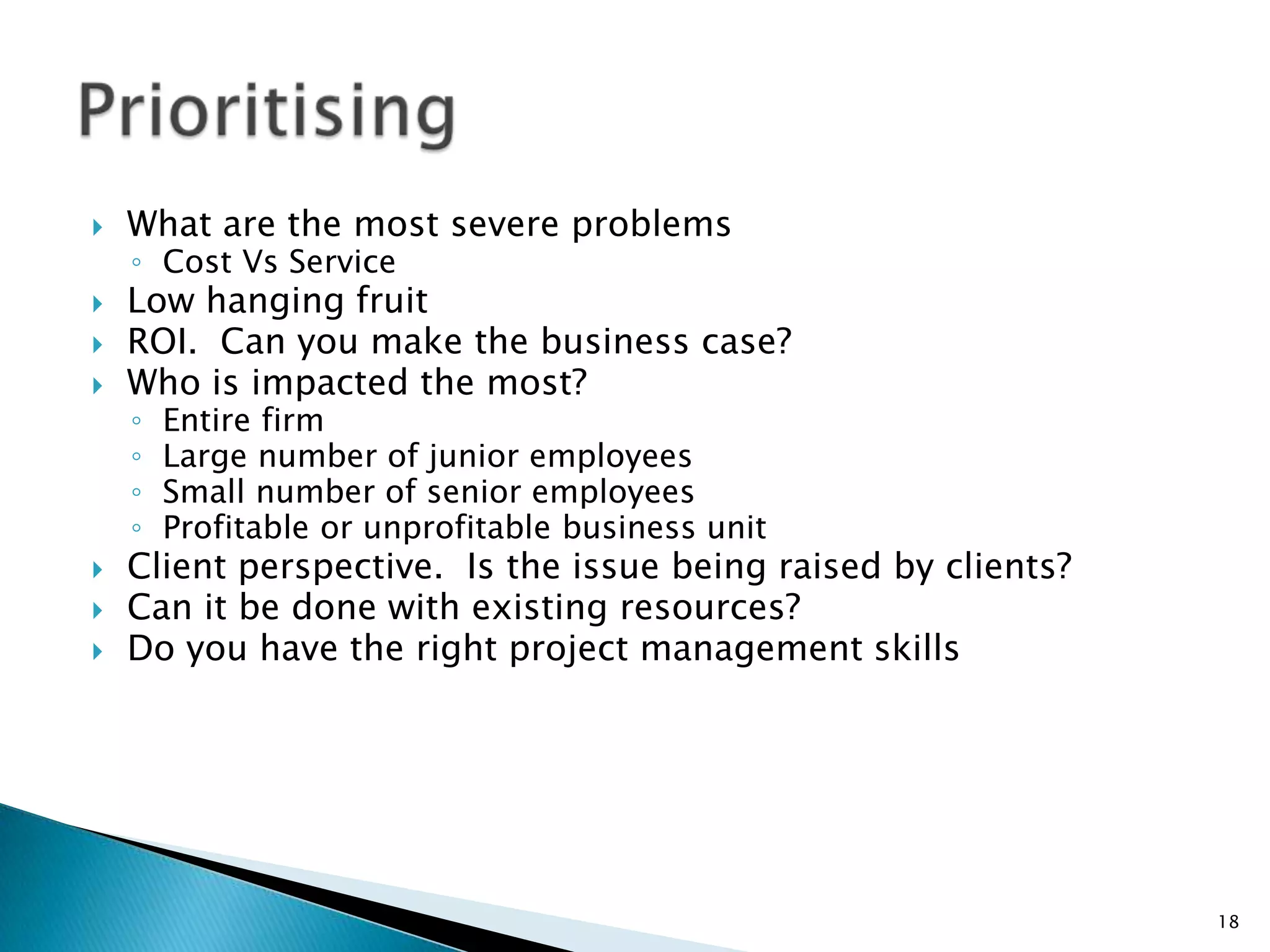
   What are the most severe problems
    ◦ Cost Vs Service
   Low hanging fruit
   ROI. Can you make the business case?
   Who is impacted the most?
    ◦   Entire firm
    ◦   Large number of junior employees
    ◦   Small number of senior employees
    ◦   Profitable or unprofitable business unit
   Client perspective. Is the issue being raised by clients?
   Can it be done with existing resources?
   Do you have the right project management skills


                                                                18
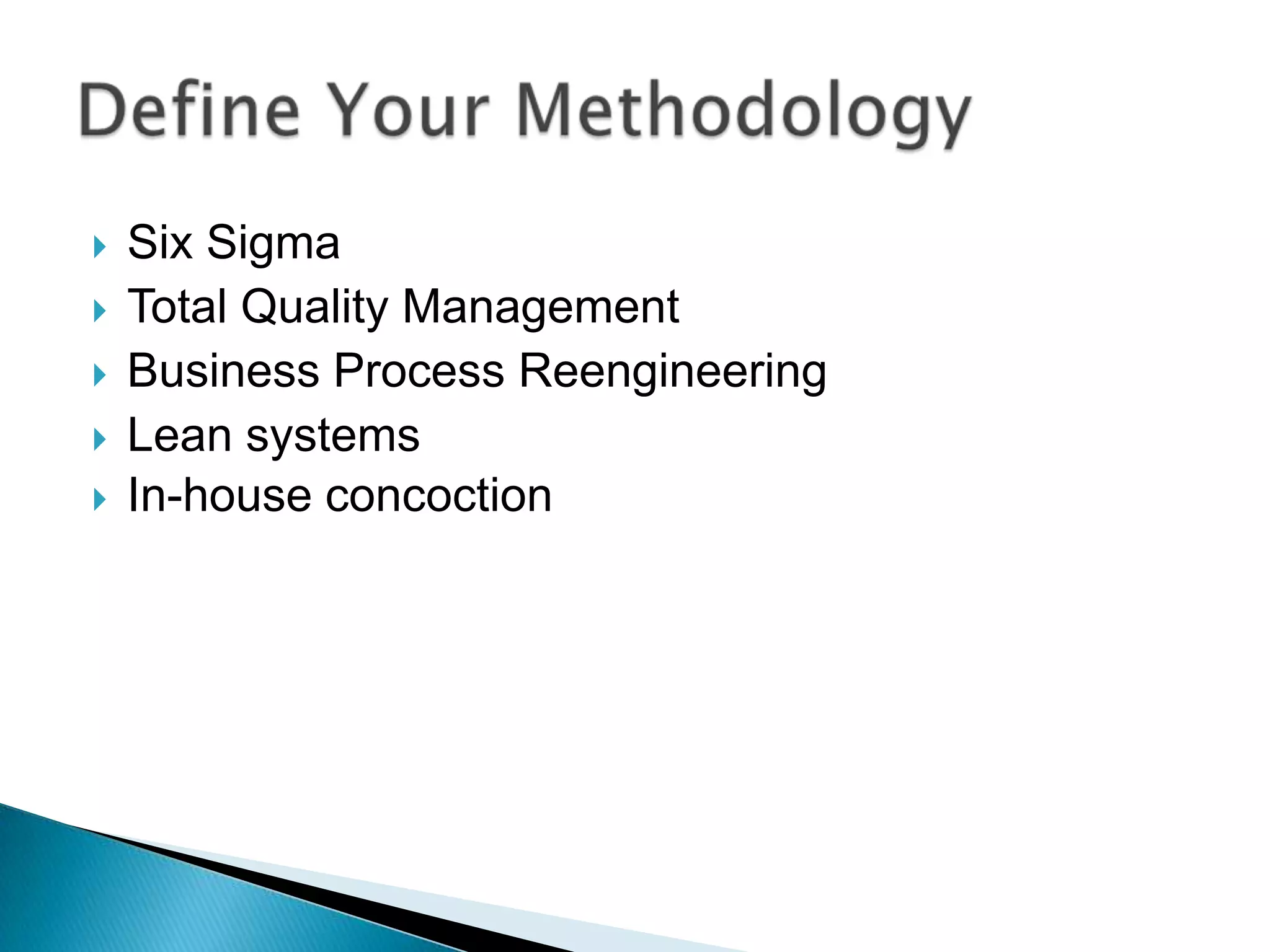
   Six Sigma
   Total Quality Management
   Business Process Reengineering
   Lean systems
   In-house concoction
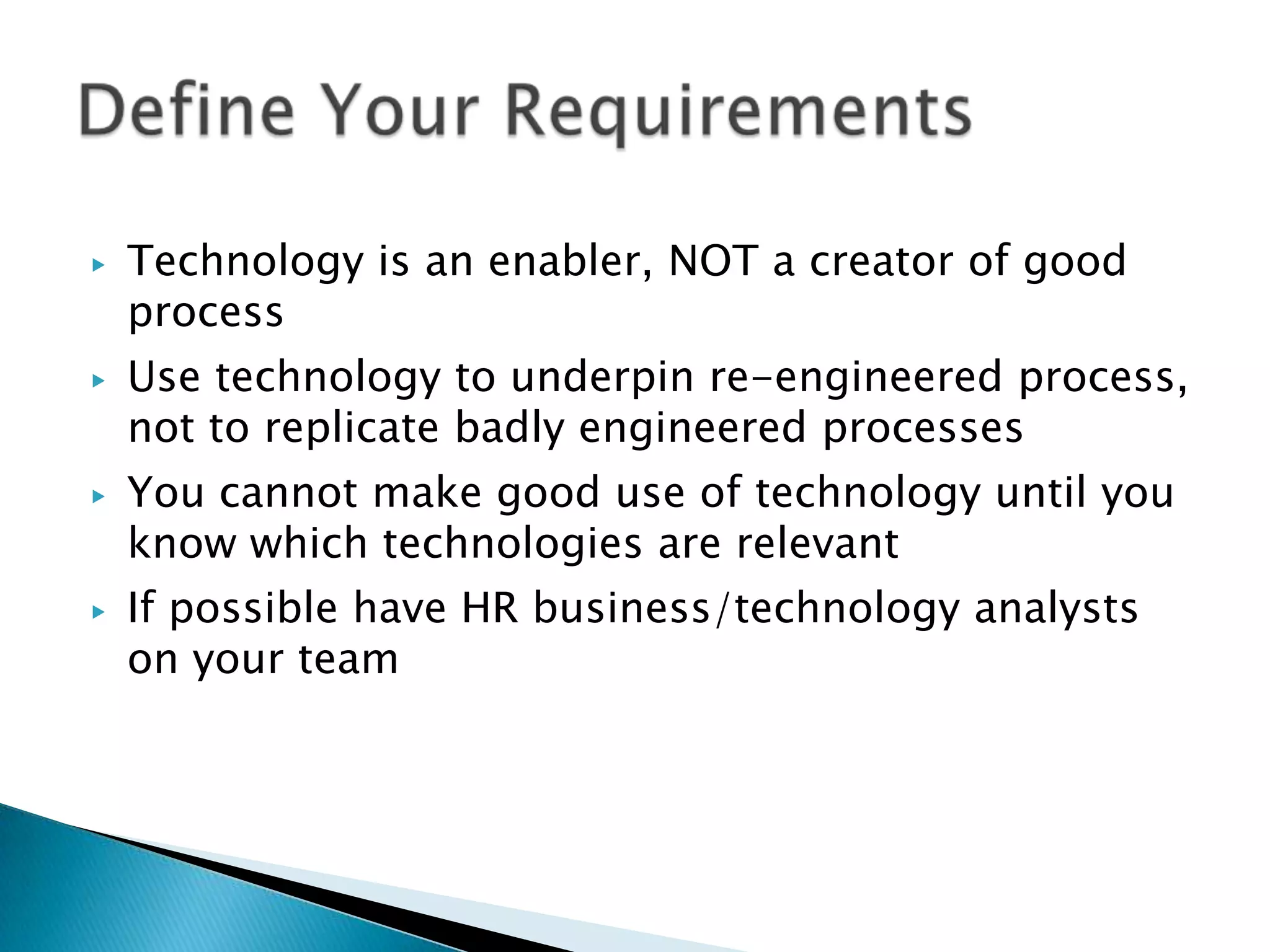
▶   Technology is an enabler, NOT a creator of good
    process
▶   Use technology to underpin re-engineered process,
    not to replicate badly engineered processes
▶   You cannot make good use of technology until you
    know which technologies are relevant
▶   If possible have HR business/technology analysts
    on your team
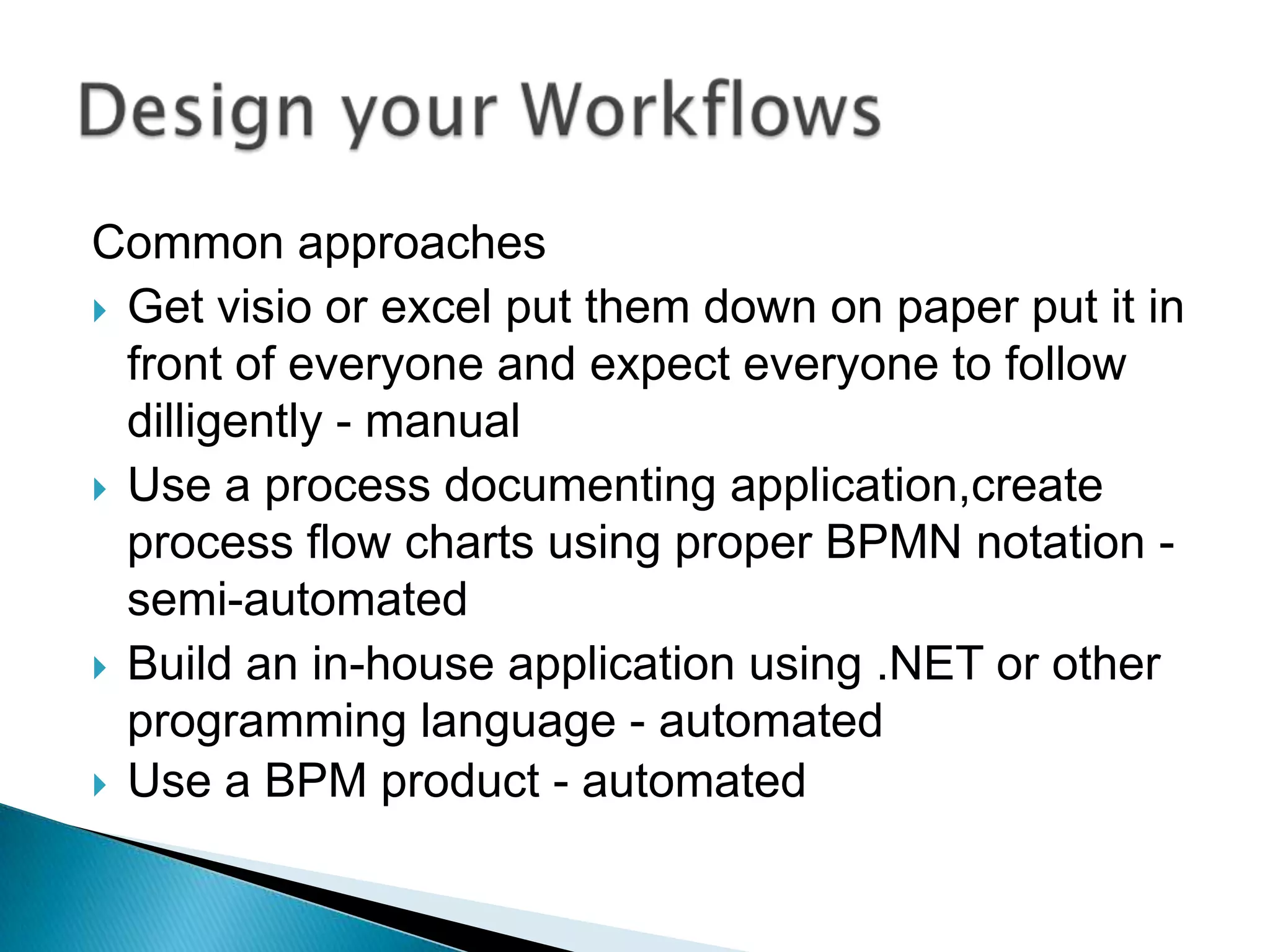
Common approaches
 Get visio or excel put them down on paper put it in
  front of everyone and expect everyone to follow
  dilligently - manual
 Use a process documenting application,create
  process flow charts using proper BPMN notation -
  semi-automated
 Build an in-house application using .NET or other
  programming language - automated
 Use a BPM product - automated
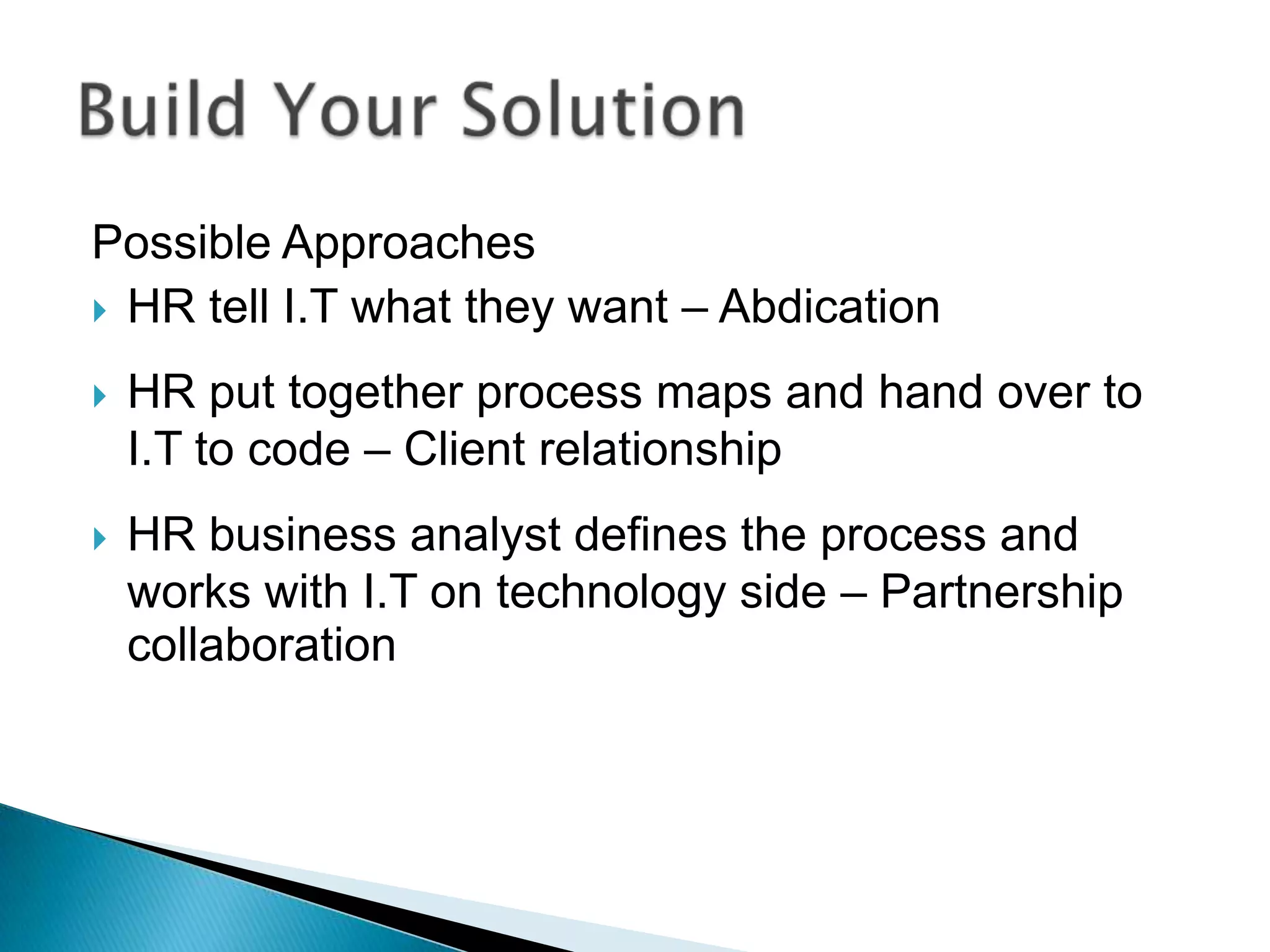
Possible Approaches
 HR tell I.T what they want – Abdication

   HR put together process maps and hand over to
    I.T to code – Client relationship
   HR business analyst defines the process and
    works with I.T on technology side – Partnership
    collaboration
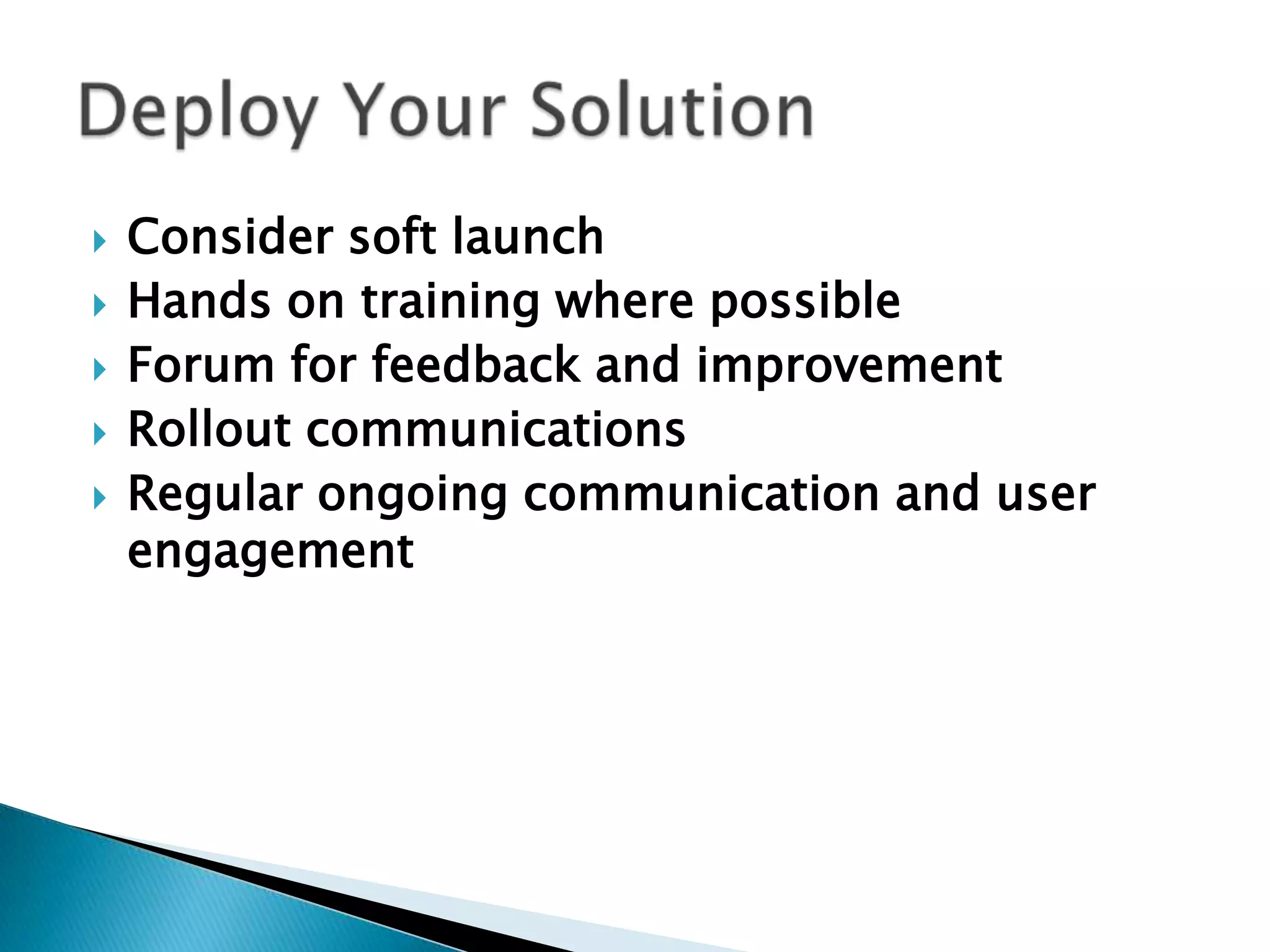
   Consider soft launch
   Hands on training where possible
   Forum for feedback and improvement
   Rollout communications
   Regular ongoing communication and user
    engagement
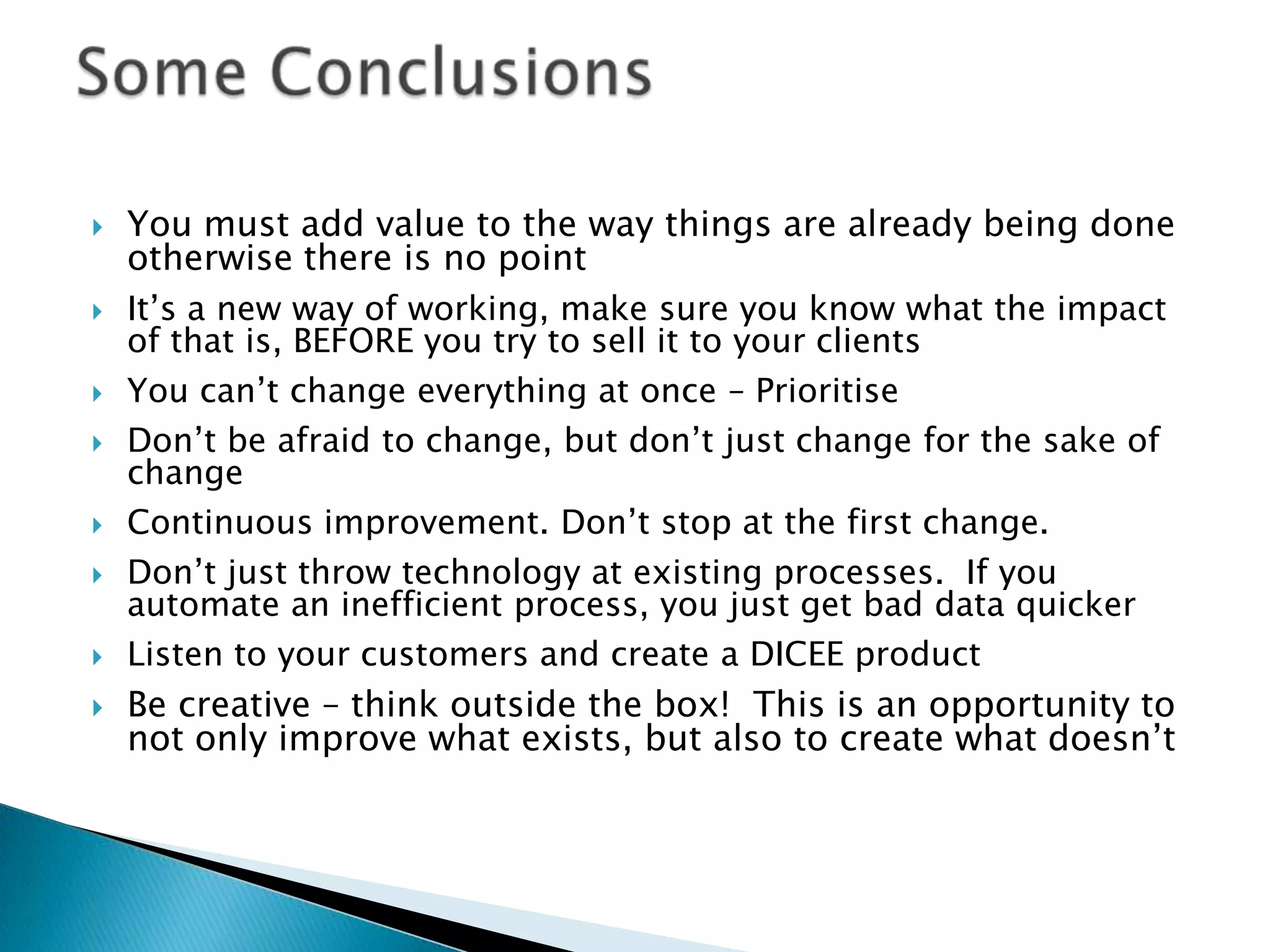
   You must add value to the way things are already being done
    otherwise there is no point
   It’s a new way of working, make sure you know what the impact
    of that is, BEFORE you try to sell it to your clients
   You can’t change everything at once – Prioritise
   Don’t be afraid to change, but don’t just change for the sake of
    change
   Continuous improvement. Don’t stop at the first change.
   Don’t just throw technology at existing processes. If you
    automate an inefficient process, you just get bad data quicker
   Listen to your customers and create a DICEE product
   Be creative – think outside the box! This is an opportunity to
    not only improve what exists, but also to create what doesn’t
1.Why
2.What
3.How
Celebrate Success!!!!
Automating HR Workflows

Automating HR Workflows

  • 1.
    Presenter – PatrickAcheampong September 2011
  • 2.
  • 4.
    Optimise economies of scale – platform for growth  Flexible capacity planning  Risk management -Business continuity  Inconsistency in process - repeatability  Error reduction – less manual intervention  Regulatory management  Time zone agnostic  Reduce rate of HR headcount growth- scalable  Accountability through KPI's  Cost reduction – if done properly! Define your desired outcomes upfront
  • 5.
    Decrease processing time  Productivity – ease of use  More time to focus on value added tasks  Better job satisfaction  Higher quality service  Empowerment – self service, do it yourself Do more work, faster, more accurately, with less people
  • 8.
    Workflow participants can be a single person, a list of people or a list of people with a coordinator.  When each of the process steps is completed, the Workflow Management System sends automatic notifications to the relevant people.  Lead-times can be specified for each process step, and the Workflow Management System will automatically send overdue notifications to the relevant people  During the process, HR can view the status of the process steps to check the progress of the onboarding process  Information about when each process step was viewed, completed and saved can be monitored by HR.  Once the process is complete, the information in the various eforms can be automatically exported to the HRIS or other corporate systems  From an audit perspective, if HR is asked to show the steps taken when hiring a specific employee, they can refer back to the history data stored for the workflow.  The prospective employee, even though external (outside the corporate firewall) to the organisation, can be added to the workflow, without having to be given access to the corporate intranet. This allows the employee to complete tasks before commencing work.
  • 10.
    Depth  Intelligent  Completeness  Empowering  Elegant Enduring
  • 12.
  • 14.
    Support –engage fast.  Assistance – show users how to use the workflow system optimally  Deliver bad news early – proactive  Deliver on user change requests Enchanted, happy users
  • 16.
    Avoid these projectstages  Enthusiasm  Disillusionment  Panic  Search for the guilty  Punishment of the innocent  Praise and honours for the non-participants
  • 17.
    A business case is an analysis of the overall business benefits that justify the initial commitment of time, resources, and funding for an investment project or any on-going investment.  It uses a set of methods and techniques to determine the economic potential and practicality of projects  “Any business activity that can't be measured is a waste of resources” - Jack Welch  What does success look like? Financial – costs and benefits Operational – Strategic – Payback Expected improvements New capabilities Period to processes,and other intangibles Technical – Benefits to the technology infrastructure
  • 18.
    What are the most severe problems ◦ Cost Vs Service  Low hanging fruit  ROI. Can you make the business case?  Who is impacted the most? ◦ Entire firm ◦ Large number of junior employees ◦ Small number of senior employees ◦ Profitable or unprofitable business unit  Client perspective. Is the issue being raised by clients?  Can it be done with existing resources?  Do you have the right project management skills 18
  • 19.
    Six Sigma  Total Quality Management  Business Process Reengineering  Lean systems  In-house concoction
  • 20.
    Technology is an enabler, NOT a creator of good process ▶ Use technology to underpin re-engineered process, not to replicate badly engineered processes ▶ You cannot make good use of technology until you know which technologies are relevant ▶ If possible have HR business/technology analysts on your team
  • 21.
    Common approaches  Getvisio or excel put them down on paper put it in front of everyone and expect everyone to follow dilligently - manual  Use a process documenting application,create process flow charts using proper BPMN notation - semi-automated  Build an in-house application using .NET or other programming language - automated  Use a BPM product - automated
  • 22.
    Possible Approaches  HRtell I.T what they want – Abdication  HR put together process maps and hand over to I.T to code – Client relationship  HR business analyst defines the process and works with I.T on technology side – Partnership collaboration
  • 23.
    Consider soft launch  Hands on training where possible  Forum for feedback and improvement  Rollout communications  Regular ongoing communication and user engagement
  • 24.
    You must add value to the way things are already being done otherwise there is no point  It’s a new way of working, make sure you know what the impact of that is, BEFORE you try to sell it to your clients  You can’t change everything at once – Prioritise  Don’t be afraid to change, but don’t just change for the sake of change  Continuous improvement. Don’t stop at the first change.  Don’t just throw technology at existing processes. If you automate an inefficient process, you just get bad data quicker  Listen to your customers and create a DICEE product  Be creative – think outside the box! This is an opportunity to not only improve what exists, but also to create what doesn’t
  • 25.
  • 26.