INTERNET OF THINGS SUMMIT
Introdution to IoT Hub
for Developers
Marco António Silva – madasi@microsoft.com
Session Objectives And Takeaways
• Session Objectives:
• Learn about Azure IoT offer
• Azure IoT Suite Overview
• Preconfigured Solutions
• What they are
• How they work
• Key Takeaways:
• Microsoft is in the IoT business
• Comprehensive Solution
• Accelerate Time to Value
• Tell developers: you are covered…. And if you are not, let
us know!
Connected “Things” by 2020:
26 billion
Gartner
Market for IoT by 2020:
$1.9 trillion
IDC
Microsoft’s view on IoT
• Seems like the key here is Cloud… right??
• Need to deliver advanced analytics services
• Need to deliver solid data ingestion services
• Need to offer SDKs for all the
devices/platforms/protocols/languages on the planet
• Need to deliver integrated solutions (PaaS then SaaS)
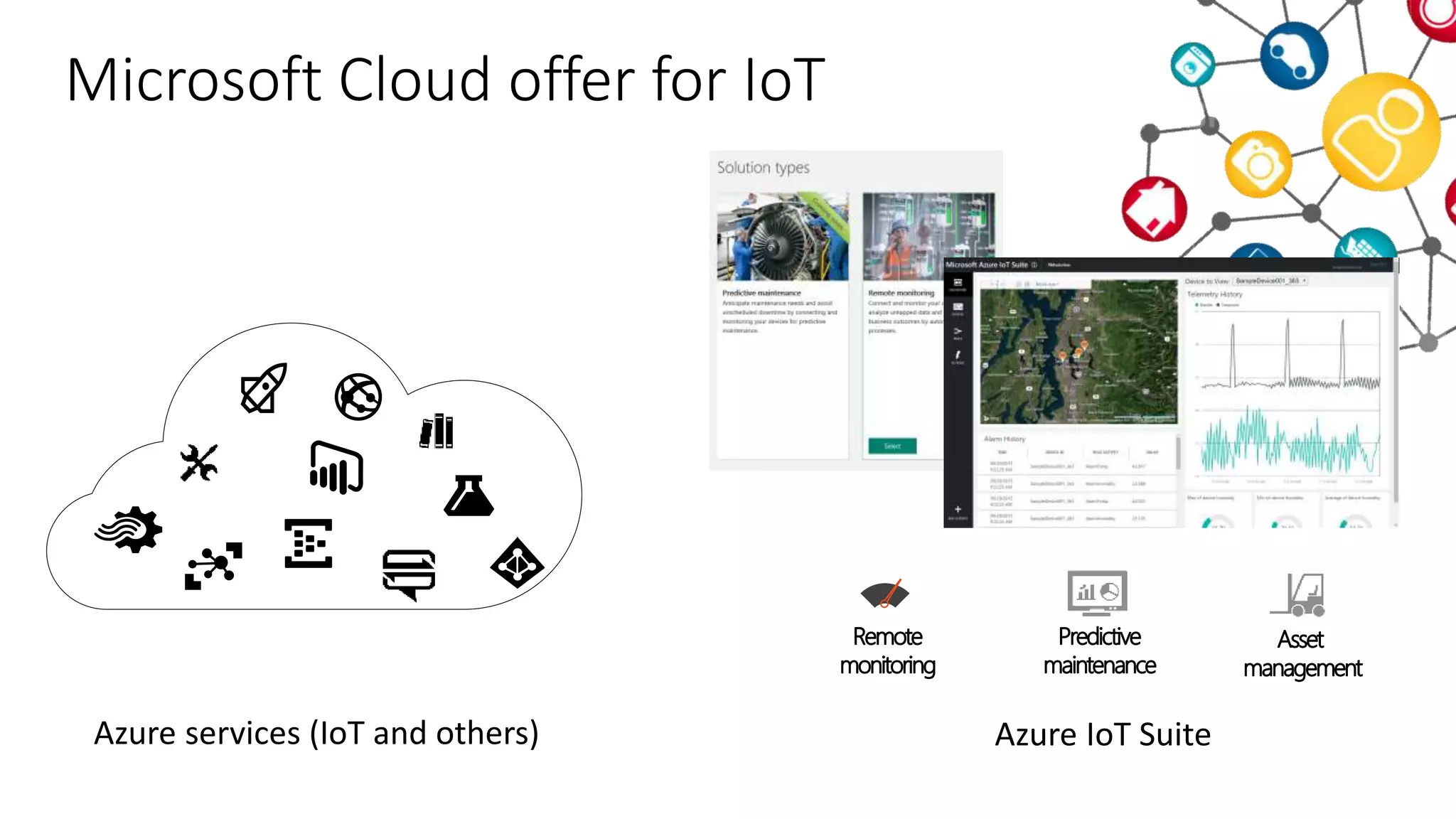
Azure IoT SuiteAzure services (IoT and others)
Microsoft Cloud offer for IoT
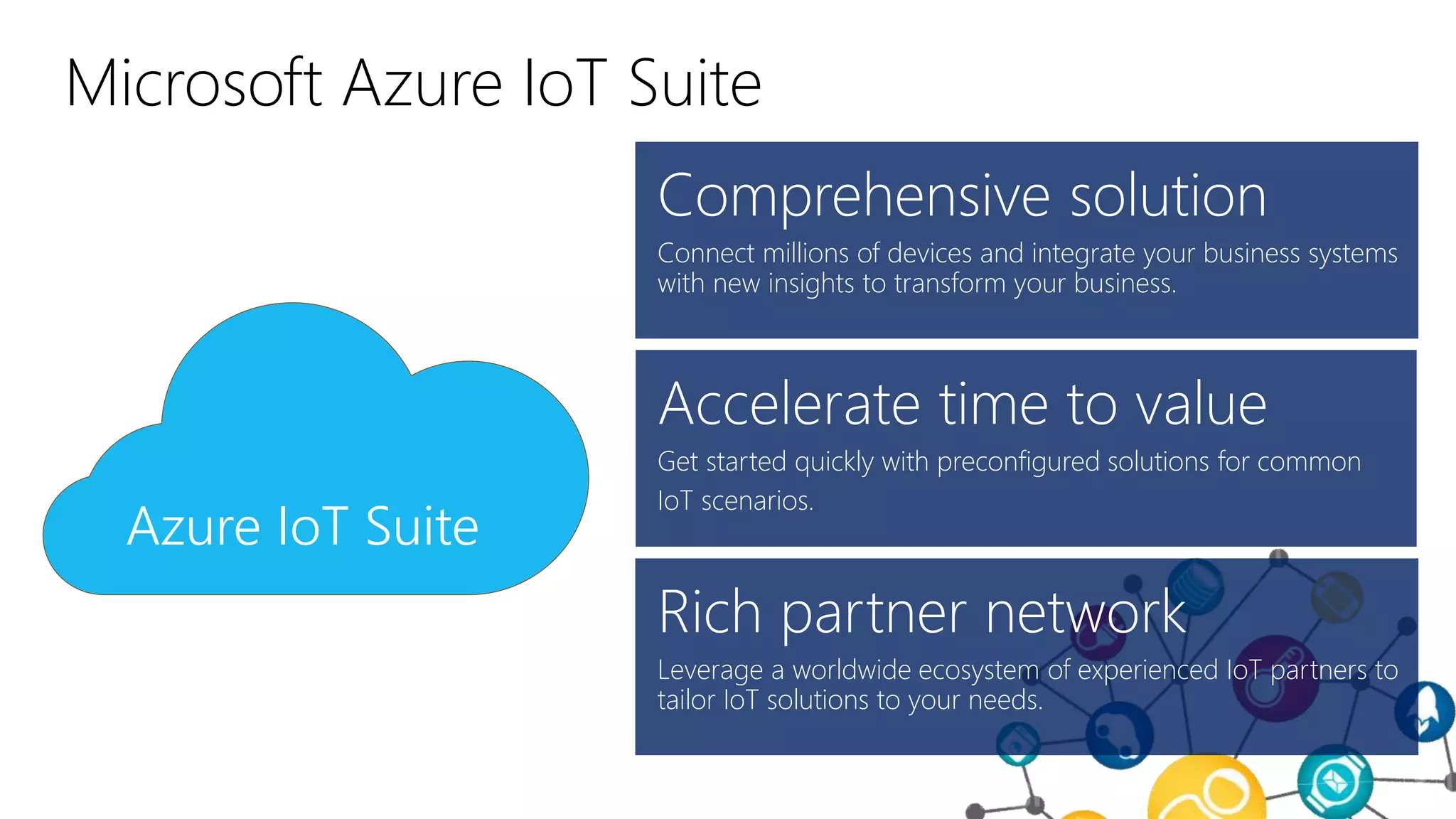
Get started quickly with preconfigured solutions for common
IoT scenarios.
Leverage a worldwide ecosystem of experienced IoT partners to
tailor IoT solutions to your needs.
Connect millions of devices and integrate your business systems
with new insights to transform your business.
Azure IoT Suite
Microsoft Azure IoT Suite
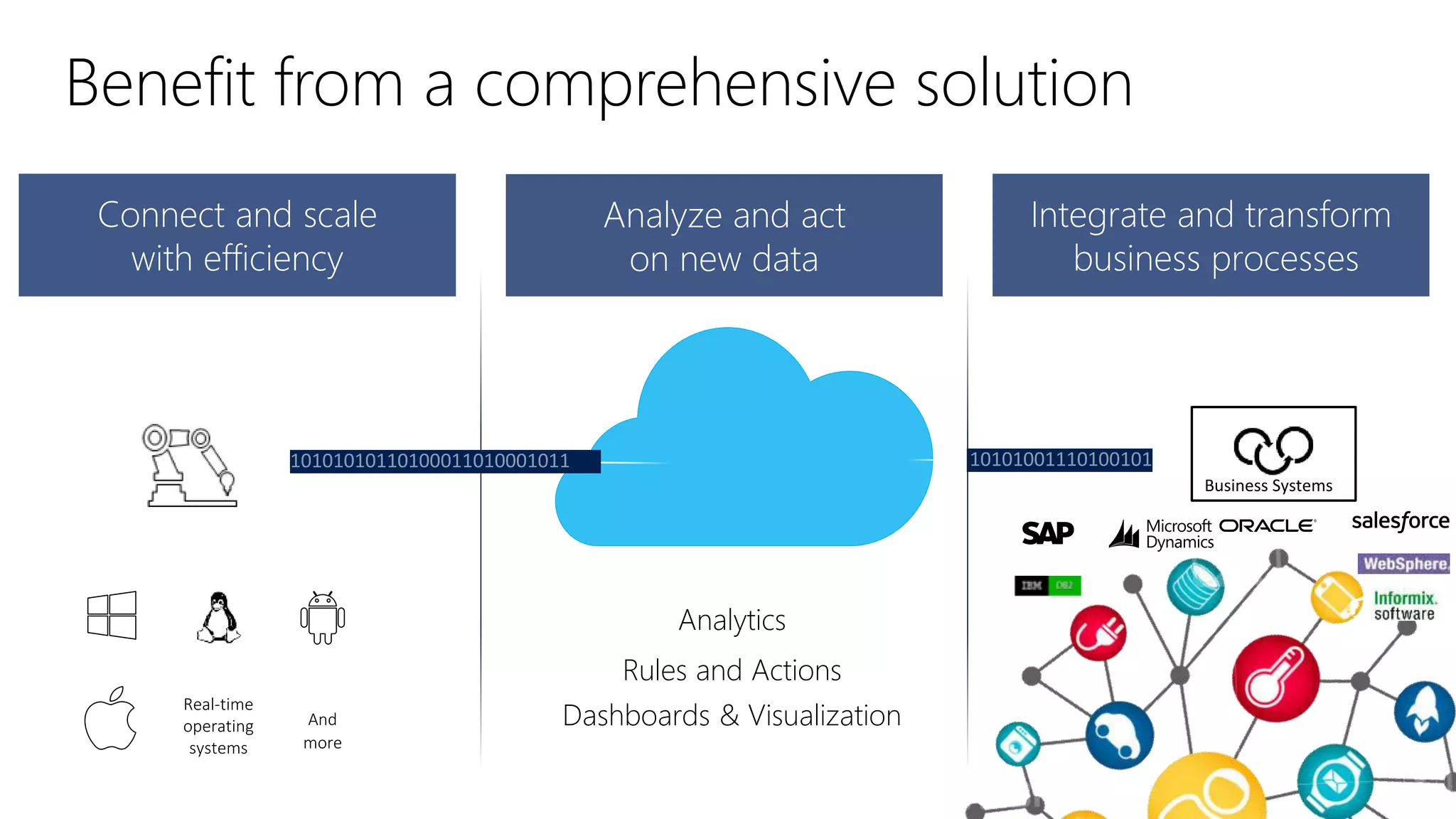
Analyze and act
on new data
Integrate and transform
business processes
Connect and scale
with efficiency
Business Systems
And
more
Real-time
operating
systems
Rules and Actions
Analytics
Dashboards & Visualization
Benefit from a comprehensive solution
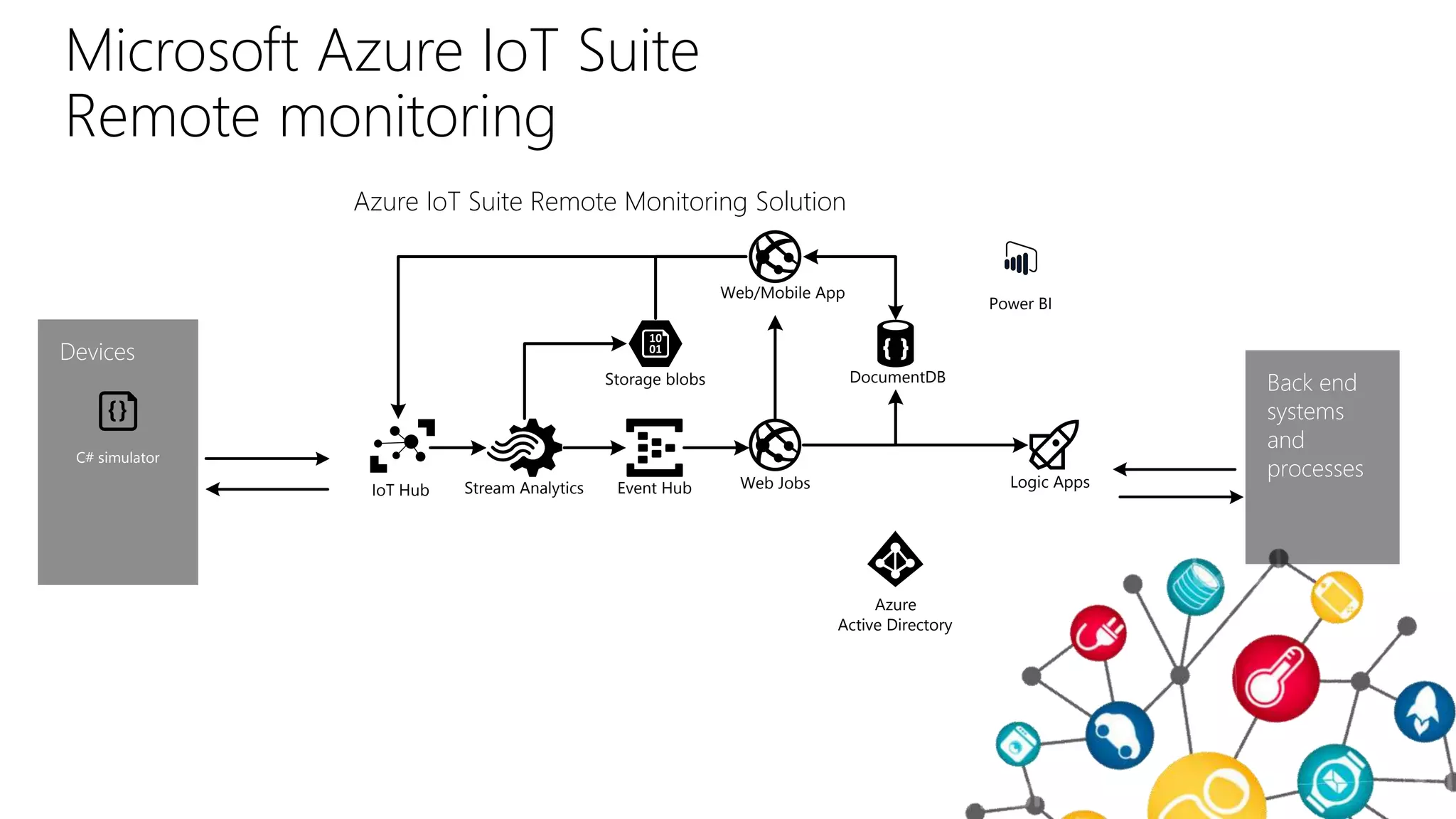
Microsoft Azure IoT Suite
Remote monitoring
Devices
Azure IoT Suite Remote Monitoring Solution
Back end
systems
and
processes
C# simulator
Event Hub
Storage blobs DocumentDB
Web/Mobile App
Stream Analytics Logic Apps
Azure
Active Directory
IoT Hub Web Jobs
Power BI
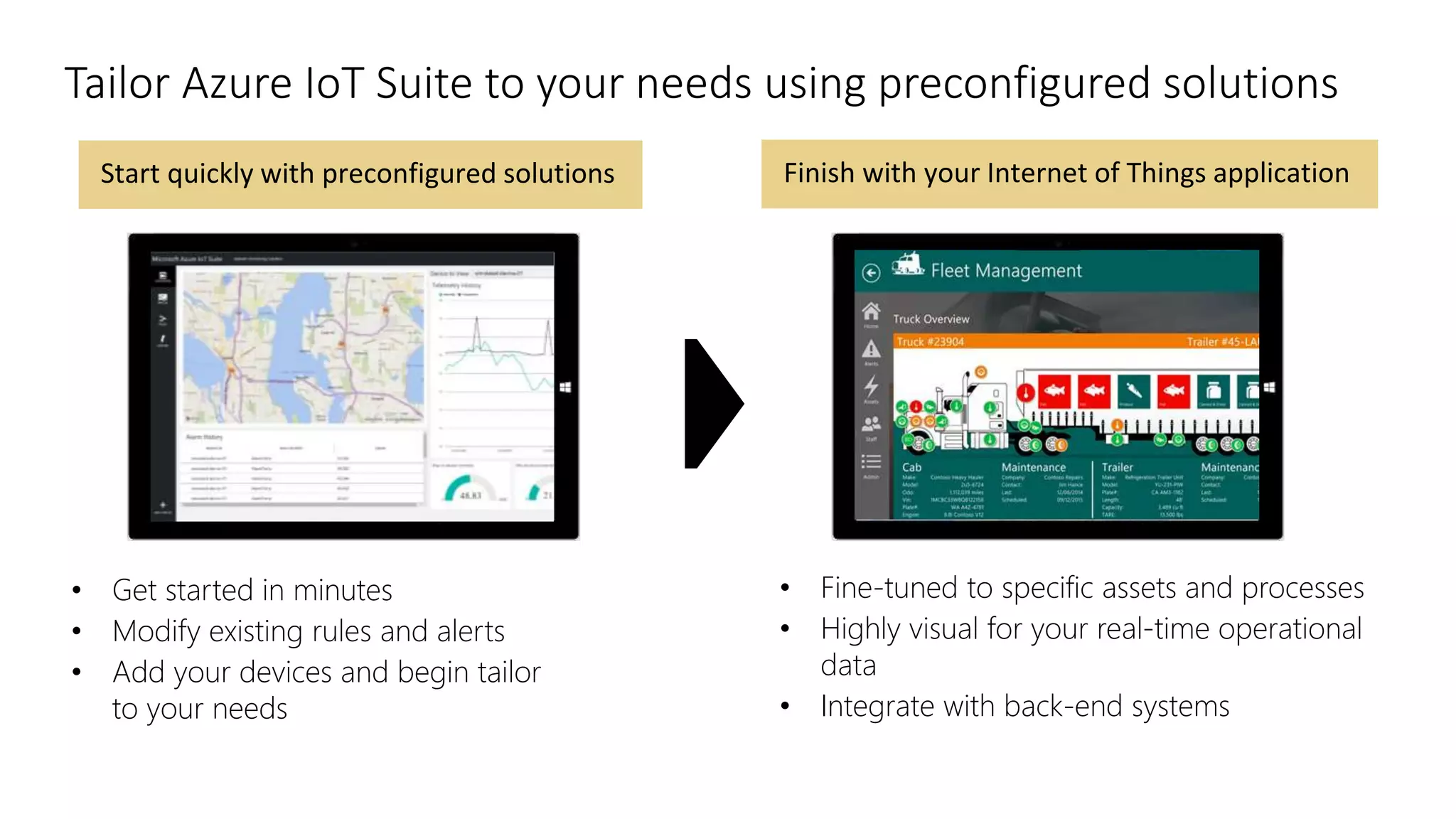
Finish with your Internet of Things applicationStart quickly with preconfigured solutions
• Fine-tuned to specific assets and processes
• Highly visual for your real-time operational
data
• Integrate with back-end systems
• Get started in minutes
• Modify existing rules and alerts
• Add your devices and begin tailor
to your needs
Tailor Azure IoT Suite to your needs using preconfigured solutions
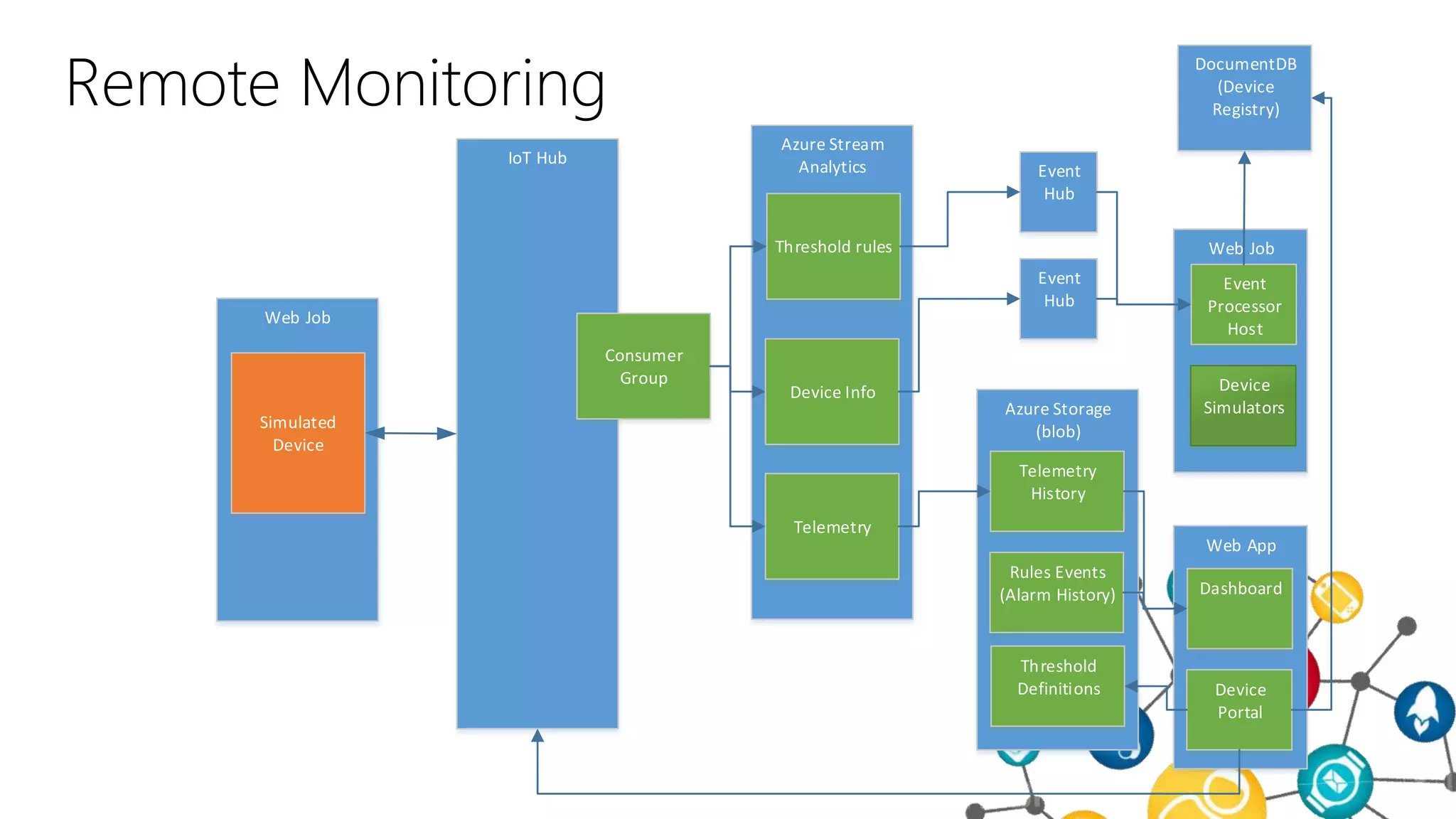
Remote Monitoring
Web Job
Simulated
Device
IoT Hub
Consumer
Group
Azure Stream
Analytics
Device Info
Telemetry
Threshold rules
Event
Hub
Event
Hub
DocumentDB
(Device
Registry)
Web Job
Event
Processor
Host
Device
Simulators
Web App
Dashboard
Device
Portal
Azure Storage
(blob)
Telemetry
History
Rules Events
(Alarm History)
Threshold
Definitions
Demonstração
IoT Suite – Remote Monitoring
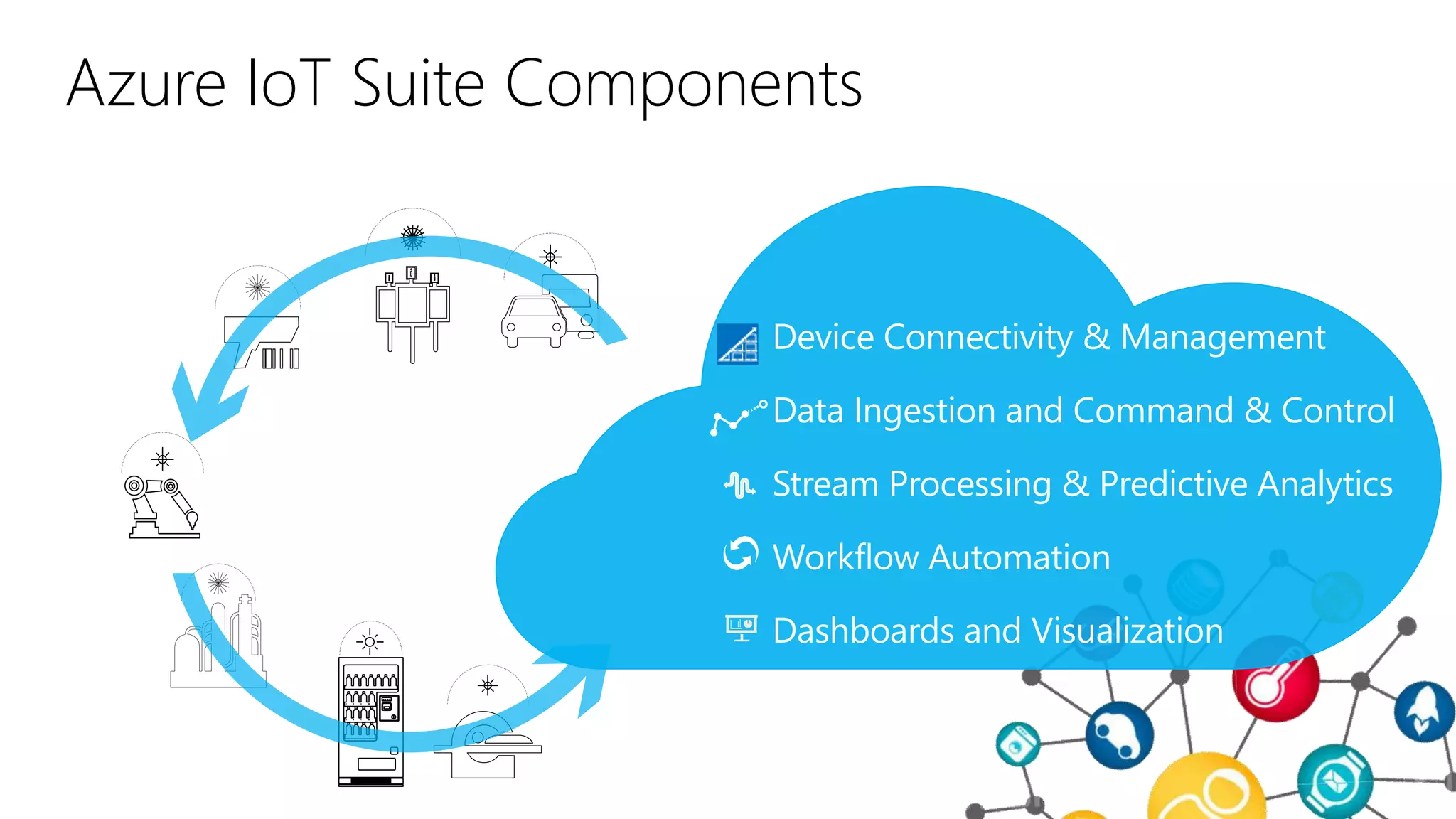
Azure IoT Suite Components
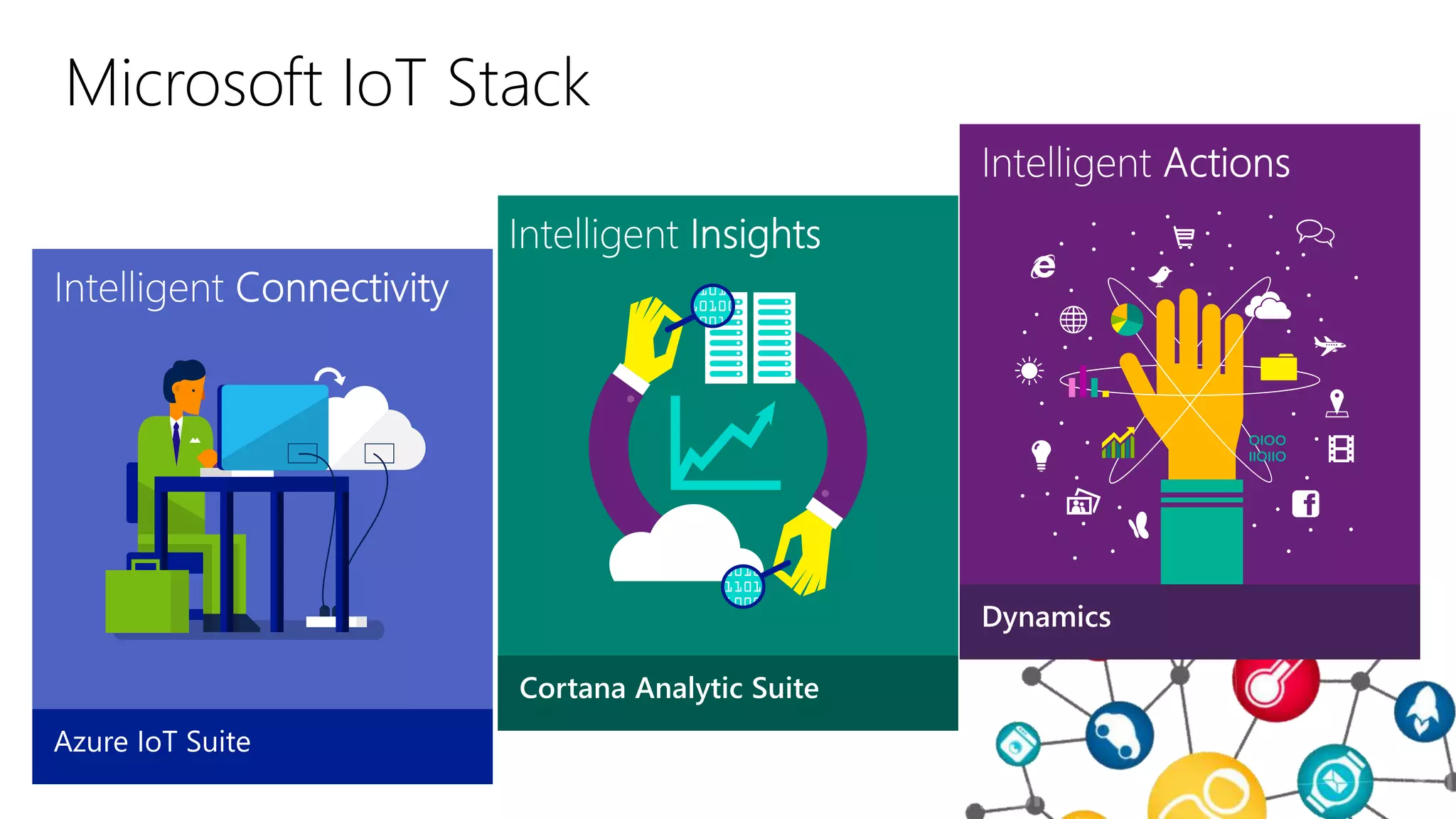
Microsoft IoT Stack
And what if I want to build my own thing?
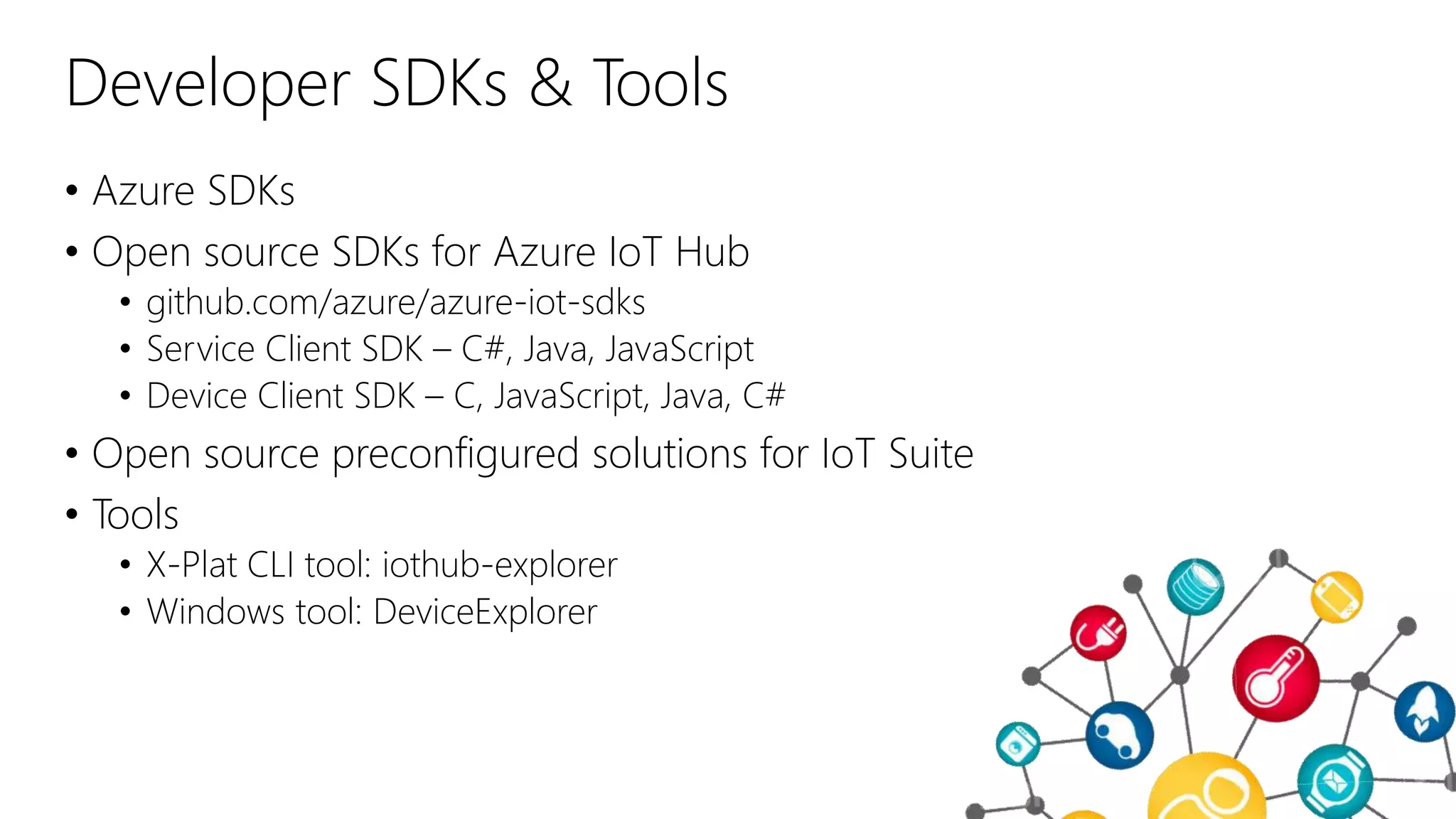
Developer SDKs & Tools
• Azure SDKs
• Open source SDKs for Azure IoT Hub
• github.com/azure/azure-iot-sdks
• Service Client SDK – C#, Java, JavaScript
• Device Client SDK – C, JavaScript, Java, C#
• Open source preconfigured solutions for IoT Suite
• Tools
• X-Plat CLI tool: iothub-explorer
• Windows tool: DeviceExplorer
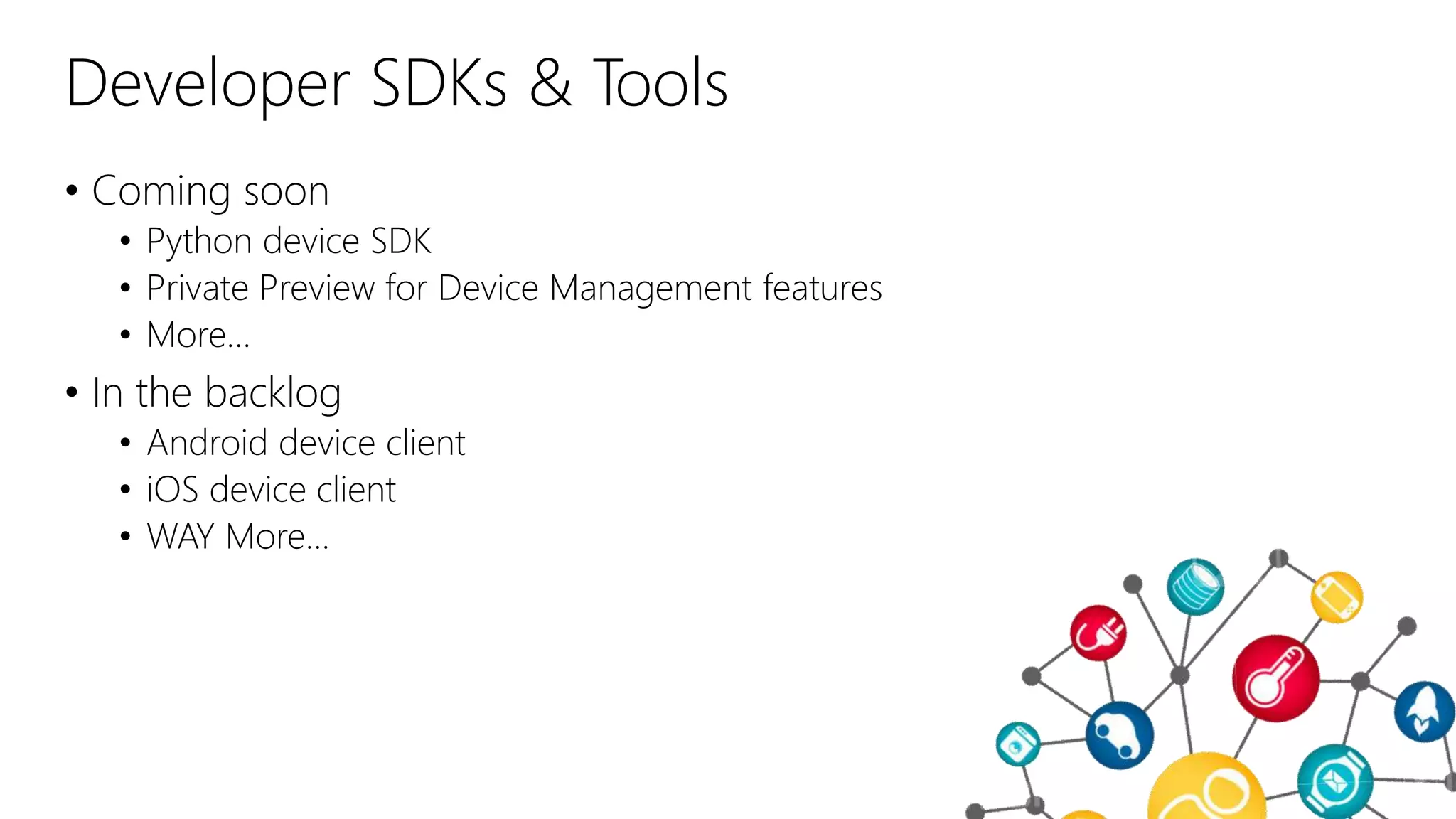
Developer SDKs & Tools
• Coming soon
• Python device SDK
• Private Preview for Device Management features
• More…
• In the backlog
• Android device client
• iOS device client
• WAY More…
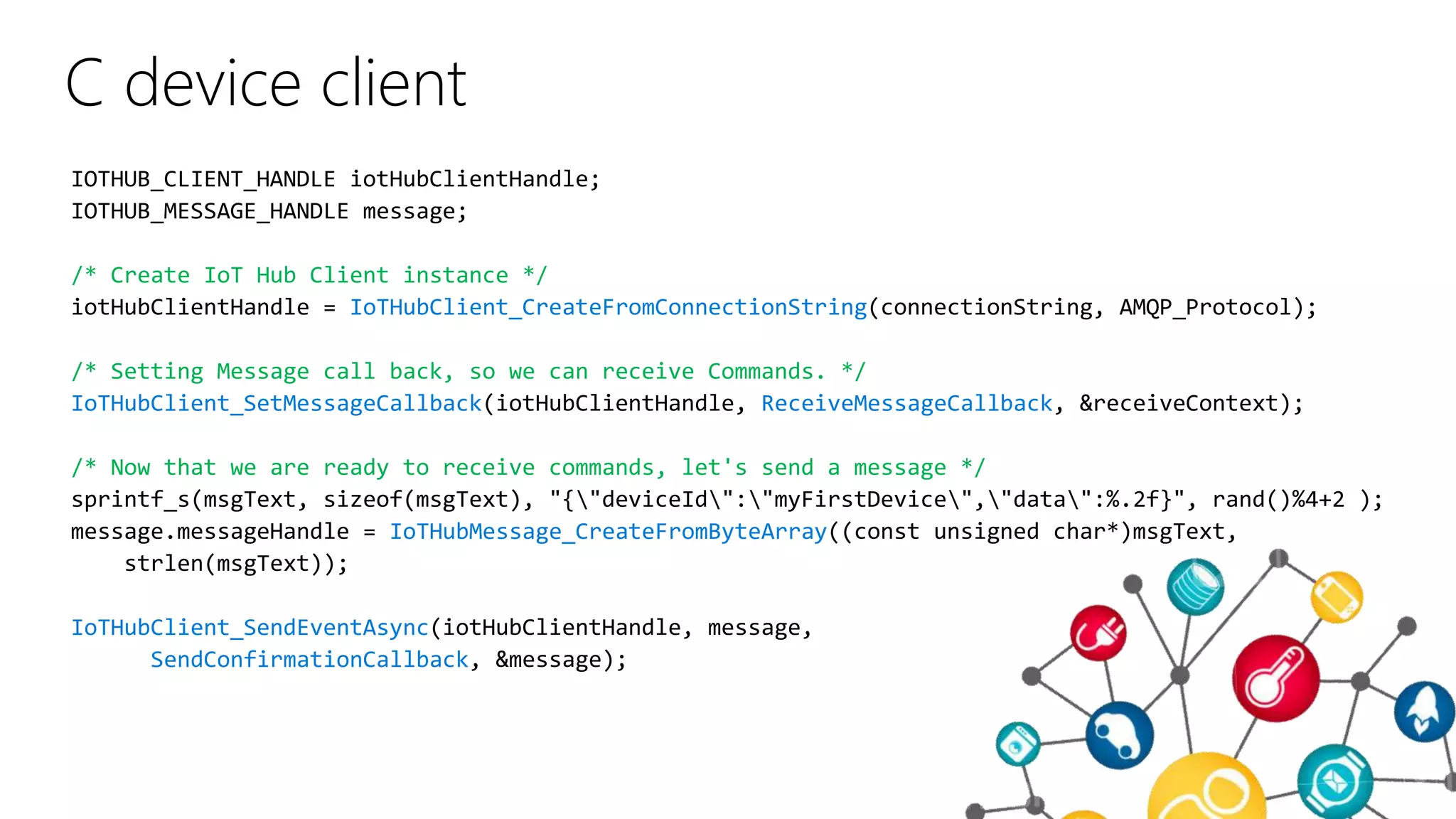
C device client
/* Create IoT Hub Client instance */
IoTHubClient_CreateFromConnectionString
/* Setting Message call back, so we can receive Commands. */
IoTHubClient_SetMessageCallback ReceiveMessageCallback
/* Now that we are ready to receive commands, let's send a message */
IoTHubMessage_CreateFromByteArray
IoTHubClient_SendEventAsync
SendConfirmationCallback
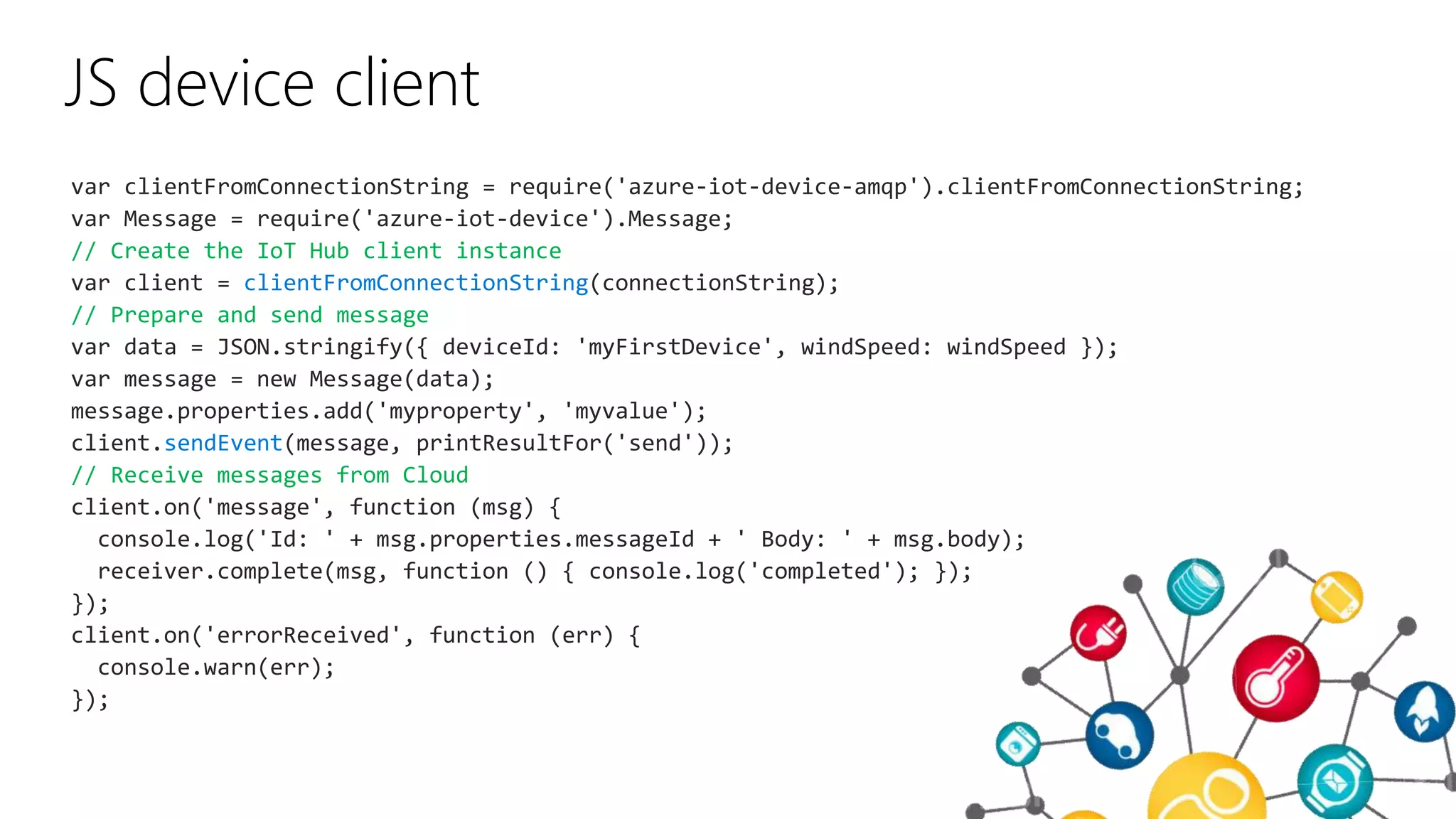
JS device client
var clientFromConnectionString = require('azure-iot-device-amqp').clientFromConnectionString;
var Message = require('azure-iot-device').Message;
// Create the IoT Hub client instance
var client = clientFromConnectionString(connectionString);
// Prepare and send message
var data = JSON.stringify({ deviceId: 'myFirstDevice', windSpeed: windSpeed });
var message = new Message(data);
message.properties.add('myproperty', 'myvalue');
client.sendEvent(message, printResultFor('send'));
// Receive messages from Cloud
client.on('message', function (msg) {
console.log('Id: ' + msg.properties.messageId + ' Body: ' + msg.body);
receiver.complete(msg, function () { console.log('completed'); });
});
client.on('errorReceived', function (err) {
console.warn(err);
});
Demonstração
IoT Hub – Sending and Receiving Messages
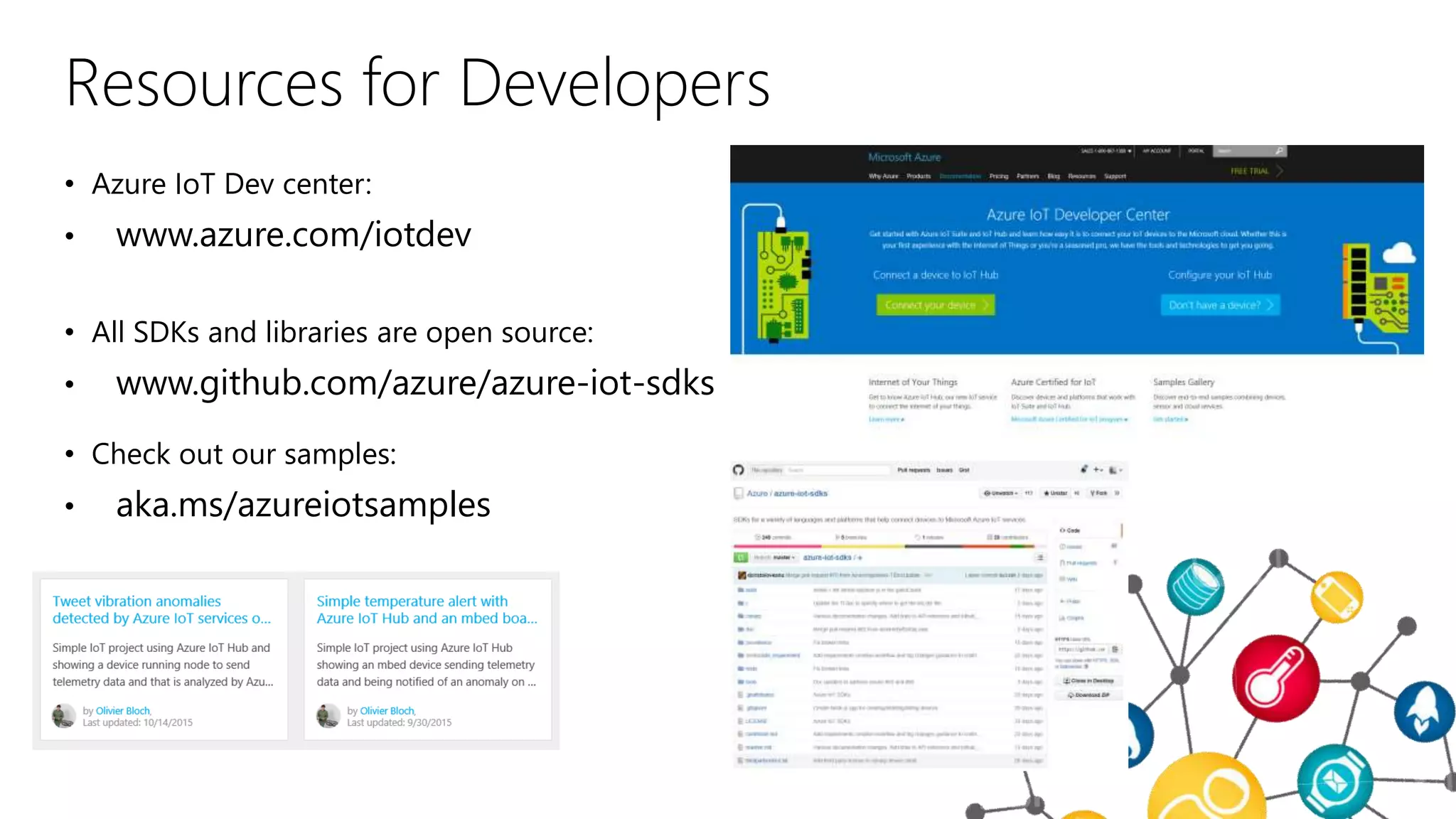
Resources for Developers
• Azure IoT Dev center:
• www.azure.com/iotdev
• All SDKs and libraries are open source:
• www.github.com/azure/azure-iot-sdks
• Check out our samples:
• aka.ms/azureiotsamples
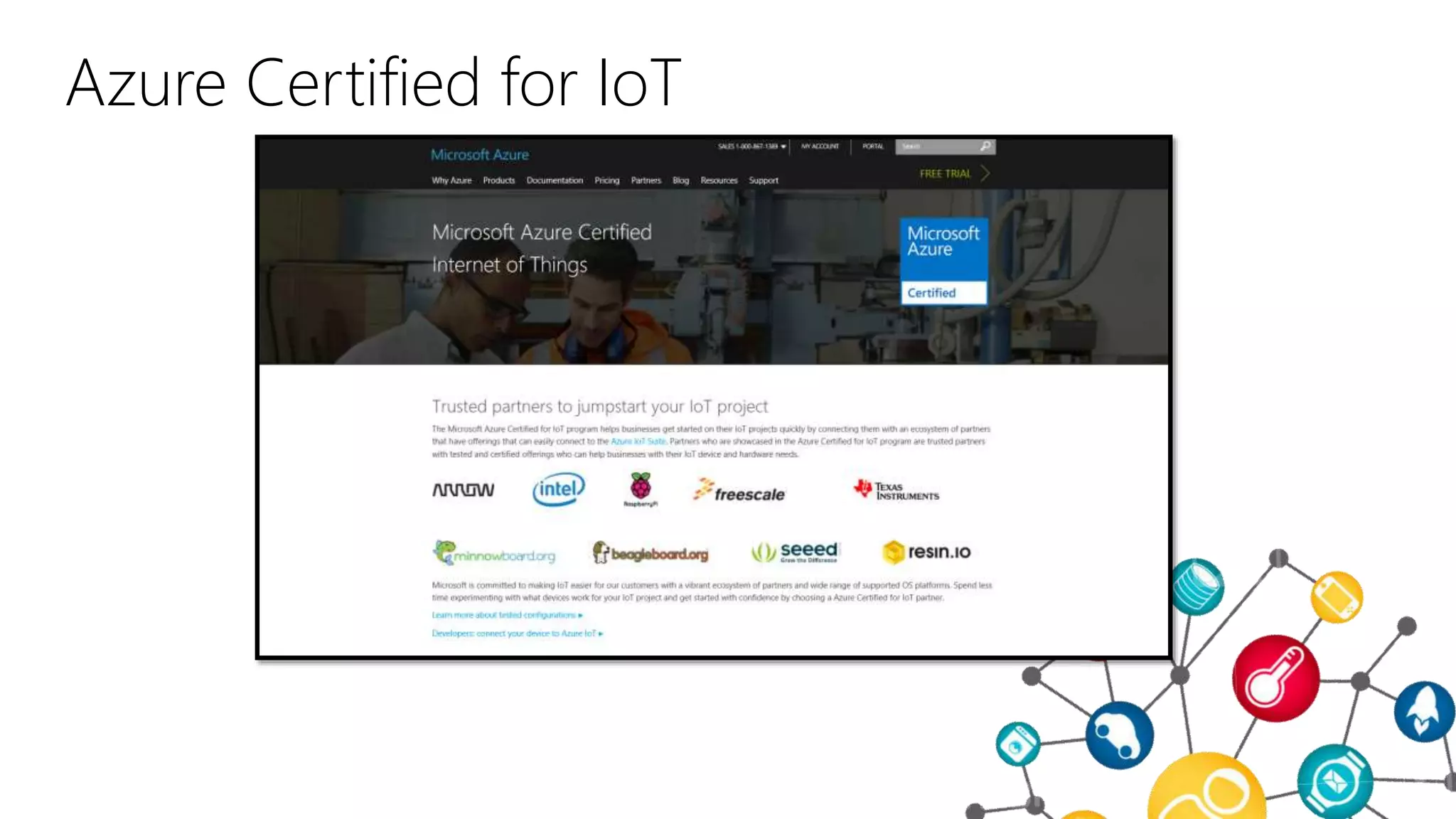
Azure Certified for IoT
http://aka.ms/azureiotcertified
ObrigadoMarco António Silva
madasi@microsoft.com
IoTSummit - Introduction to IoT Hub

IoTSummit - Introduction to IoT Hub

  • 1.
  • 2.
    Introdution to IoTHub for Developers Marco António Silva – madasi@microsoft.com
  • 3.
    Session Objectives AndTakeaways • Session Objectives: • Learn about Azure IoT offer • Azure IoT Suite Overview • Preconfigured Solutions • What they are • How they work • Key Takeaways: • Microsoft is in the IoT business • Comprehensive Solution • Accelerate Time to Value • Tell developers: you are covered…. And if you are not, let us know!
  • 4.
    Connected “Things” by2020: 26 billion Gartner
  • 5.
    Market for IoTby 2020: $1.9 trillion IDC
  • 6.
    Microsoft’s view onIoT • Seems like the key here is Cloud… right?? • Need to deliver advanced analytics services • Need to deliver solid data ingestion services • Need to offer SDKs for all the devices/platforms/protocols/languages on the planet • Need to deliver integrated solutions (PaaS then SaaS)
  • 7.
    Azure IoT SuiteAzureservices (IoT and others) Microsoft Cloud offer for IoT
  • 8.
    Get started quicklywith preconfigured solutions for common IoT scenarios. Leverage a worldwide ecosystem of experienced IoT partners to tailor IoT solutions to your needs. Connect millions of devices and integrate your business systems with new insights to transform your business. Azure IoT Suite Microsoft Azure IoT Suite
  • 9.
    Analyze and act onnew data Integrate and transform business processes Connect and scale with efficiency Business Systems And more Real-time operating systems Rules and Actions Analytics Dashboards & Visualization Benefit from a comprehensive solution
  • 10.
    Microsoft Azure IoTSuite Remote monitoring Devices Azure IoT Suite Remote Monitoring Solution Back end systems and processes C# simulator Event Hub Storage blobs DocumentDB Web/Mobile App Stream Analytics Logic Apps Azure Active Directory IoT Hub Web Jobs Power BI
  • 11.
    Finish with yourInternet of Things applicationStart quickly with preconfigured solutions • Fine-tuned to specific assets and processes • Highly visual for your real-time operational data • Integrate with back-end systems • Get started in minutes • Modify existing rules and alerts • Add your devices and begin tailor to your needs Tailor Azure IoT Suite to your needs using preconfigured solutions
  • 12.
    Remote Monitoring Web Job Simulated Device IoTHub Consumer Group Azure Stream Analytics Device Info Telemetry Threshold rules Event Hub Event Hub DocumentDB (Device Registry) Web Job Event Processor Host Device Simulators Web App Dashboard Device Portal Azure Storage (blob) Telemetry History Rules Events (Alarm History) Threshold Definitions
  • 13.
  • 14.
    Azure IoT SuiteComponents
  • 15.
  • 16.
    And what ifI want to build my own thing?
  • 17.
    Developer SDKs &Tools • Azure SDKs • Open source SDKs for Azure IoT Hub • github.com/azure/azure-iot-sdks • Service Client SDK – C#, Java, JavaScript • Device Client SDK – C, JavaScript, Java, C# • Open source preconfigured solutions for IoT Suite • Tools • X-Plat CLI tool: iothub-explorer • Windows tool: DeviceExplorer
  • 18.
    Developer SDKs &Tools • Coming soon • Python device SDK • Private Preview for Device Management features • More… • In the backlog • Android device client • iOS device client • WAY More…
  • 19.
    C device client /*Create IoT Hub Client instance */ IoTHubClient_CreateFromConnectionString /* Setting Message call back, so we can receive Commands. */ IoTHubClient_SetMessageCallback ReceiveMessageCallback /* Now that we are ready to receive commands, let's send a message */ IoTHubMessage_CreateFromByteArray IoTHubClient_SendEventAsync SendConfirmationCallback
  • 20.
    JS device client varclientFromConnectionString = require('azure-iot-device-amqp').clientFromConnectionString; var Message = require('azure-iot-device').Message; // Create the IoT Hub client instance var client = clientFromConnectionString(connectionString); // Prepare and send message var data = JSON.stringify({ deviceId: 'myFirstDevice', windSpeed: windSpeed }); var message = new Message(data); message.properties.add('myproperty', 'myvalue'); client.sendEvent(message, printResultFor('send')); // Receive messages from Cloud client.on('message', function (msg) { console.log('Id: ' + msg.properties.messageId + ' Body: ' + msg.body); receiver.complete(msg, function () { console.log('completed'); }); }); client.on('errorReceived', function (err) { console.warn(err); });
  • 21.
    Demonstração IoT Hub –Sending and Receiving Messages
  • 22.
    Resources for Developers •Azure IoT Dev center: • www.azure.com/iotdev • All SDKs and libraries are open source: • www.github.com/azure/azure-iot-sdks • Check out our samples: • aka.ms/azureiotsamples
  • 23.
    Azure Certified forIoT http://aka.ms/azureiotcertified
  • 24.