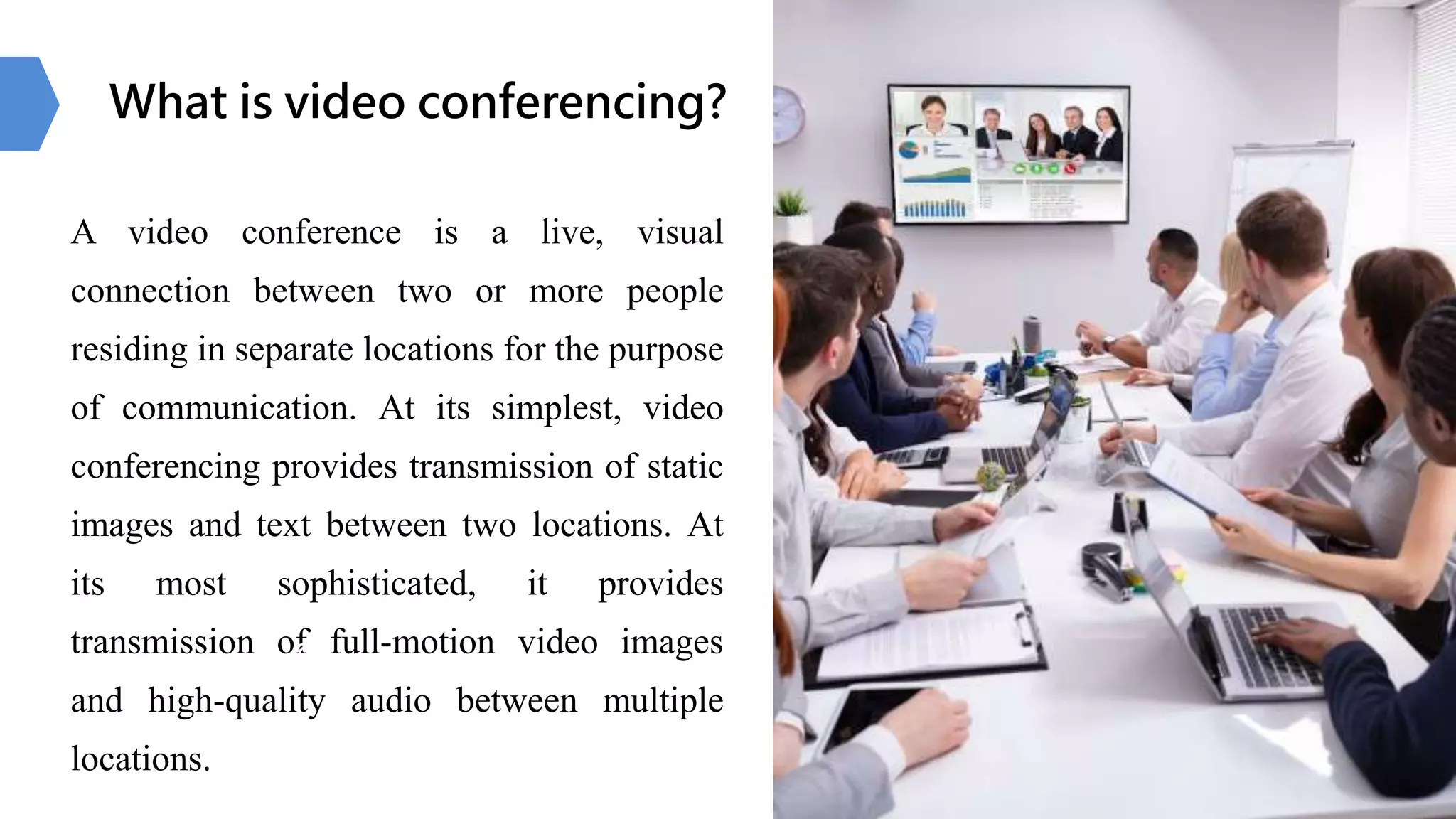
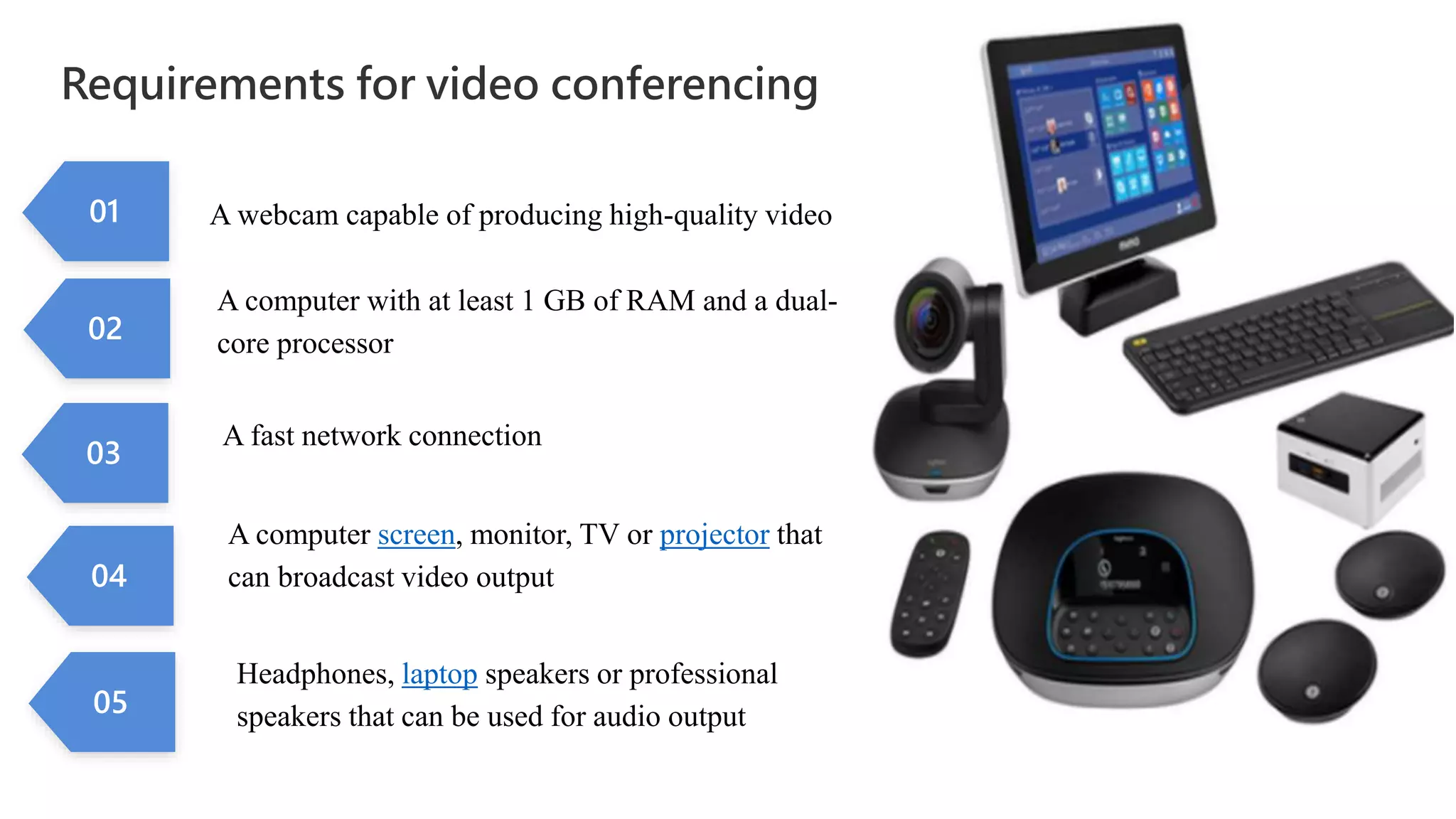
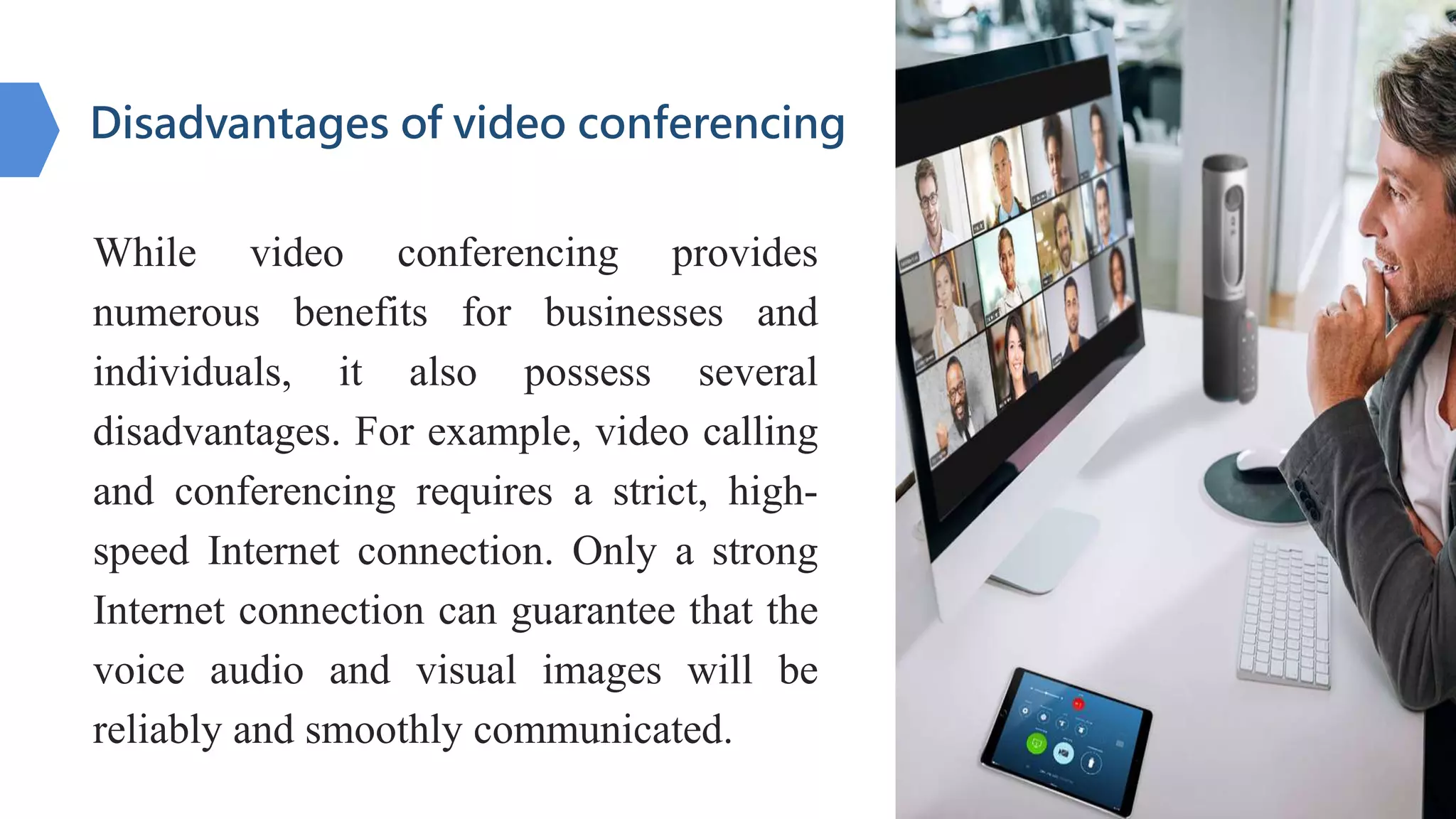
Video conferencing allows for live visual communication between two or more locations, ranging from transmission of static images to full motion video and audio. It has its origins in the 1920s but became more widely adopted in the 2000s with improved broadband access. It works by compressing analog audiovisual input into digital packets for faster transfer over networks, and has benefits for improved productivity and collaboration, though requires a strong internet connection. Popular platforms include Zoom, FaceTime, and Skype.