Introduction to
Presented by Diego Marinho de Oliveira
Short Version
Lead Data Scientist
Date: 2016-08-25
Julia Language for Data Science, Machine Learning, Statistics, Mathematics
Summary
Introduction
Interactive/Development Environments
Syntax
Libraries Highlights
Code Examples
Integration
Community
Important Events/Projects
Introduction
Julia is a high-level, high-performance dynamic programming language for technical computing
Adequate for Data Science, Research, Web application, scientific computer, among others
Multi-paradigm: multiple dispatch ("object-oriented"), procedural, functional, meta, multistaged
High-Performance JIT
Compiler
First appeared in 2012
Stable release
0.4.6 June 2016
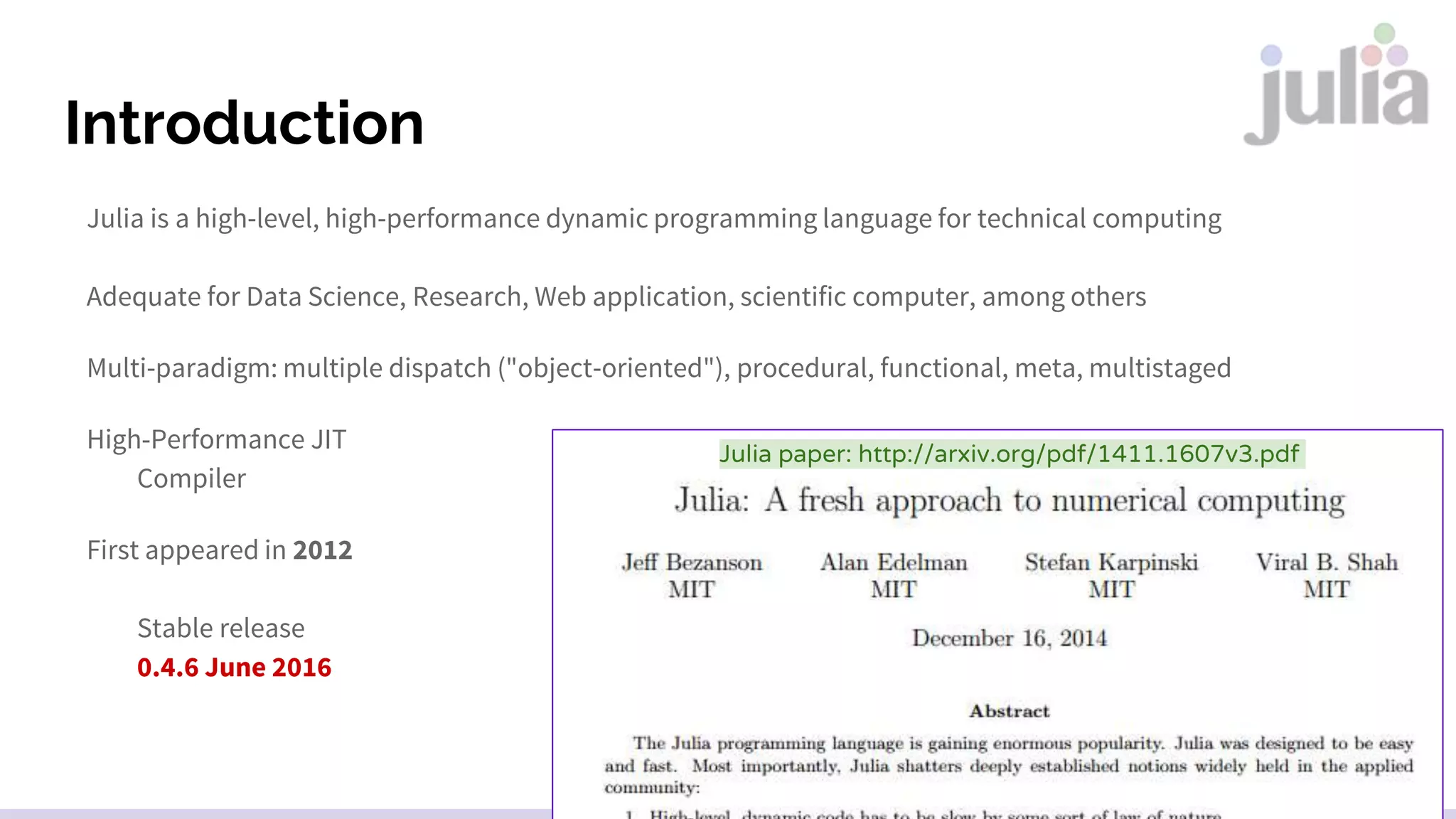
Julia paper: http://arxiv.org/pdf/1411.1607v3.pdf
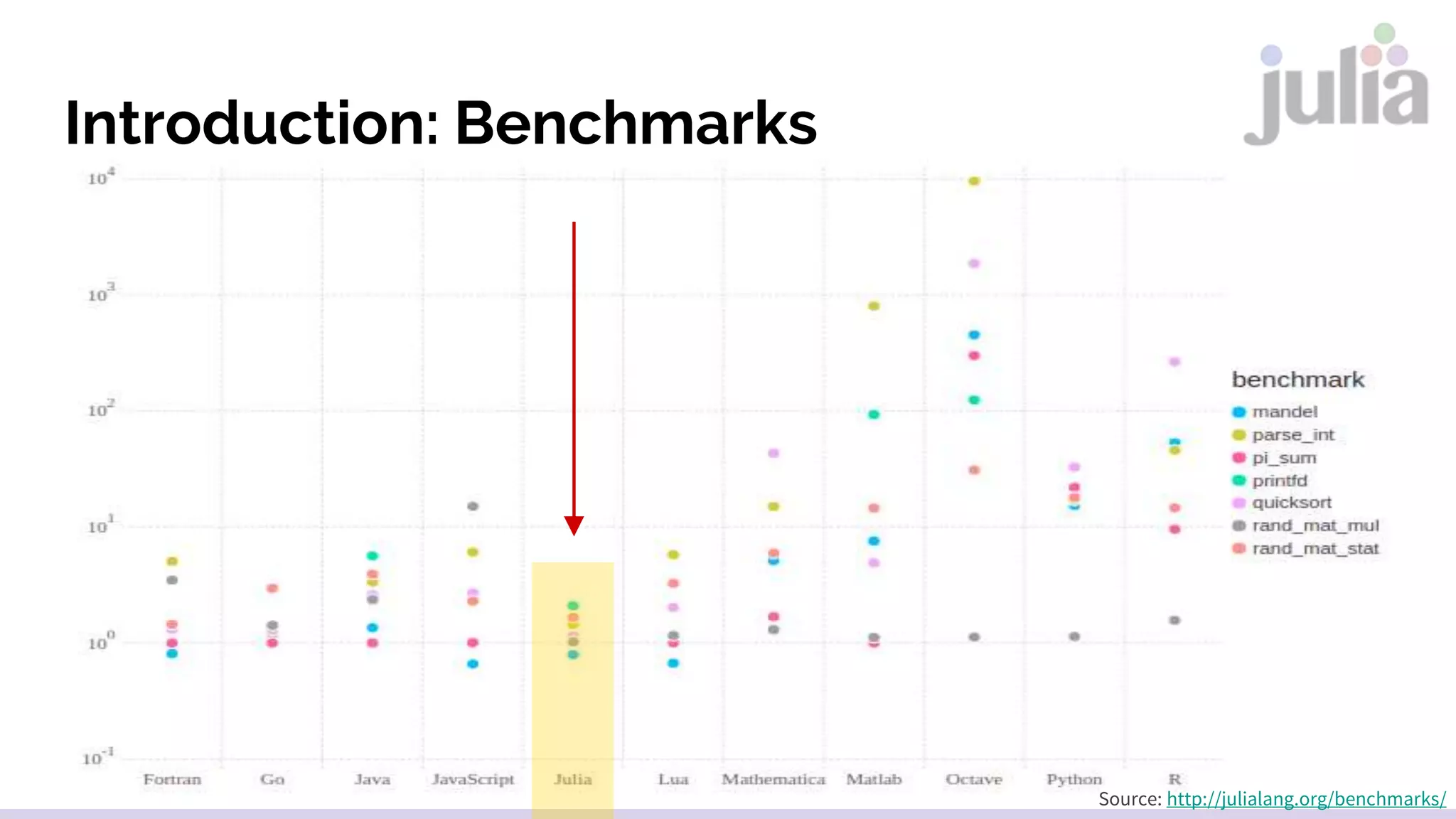
Introduction: Benchmarks
Source: http://julialang.org/benchmarks/
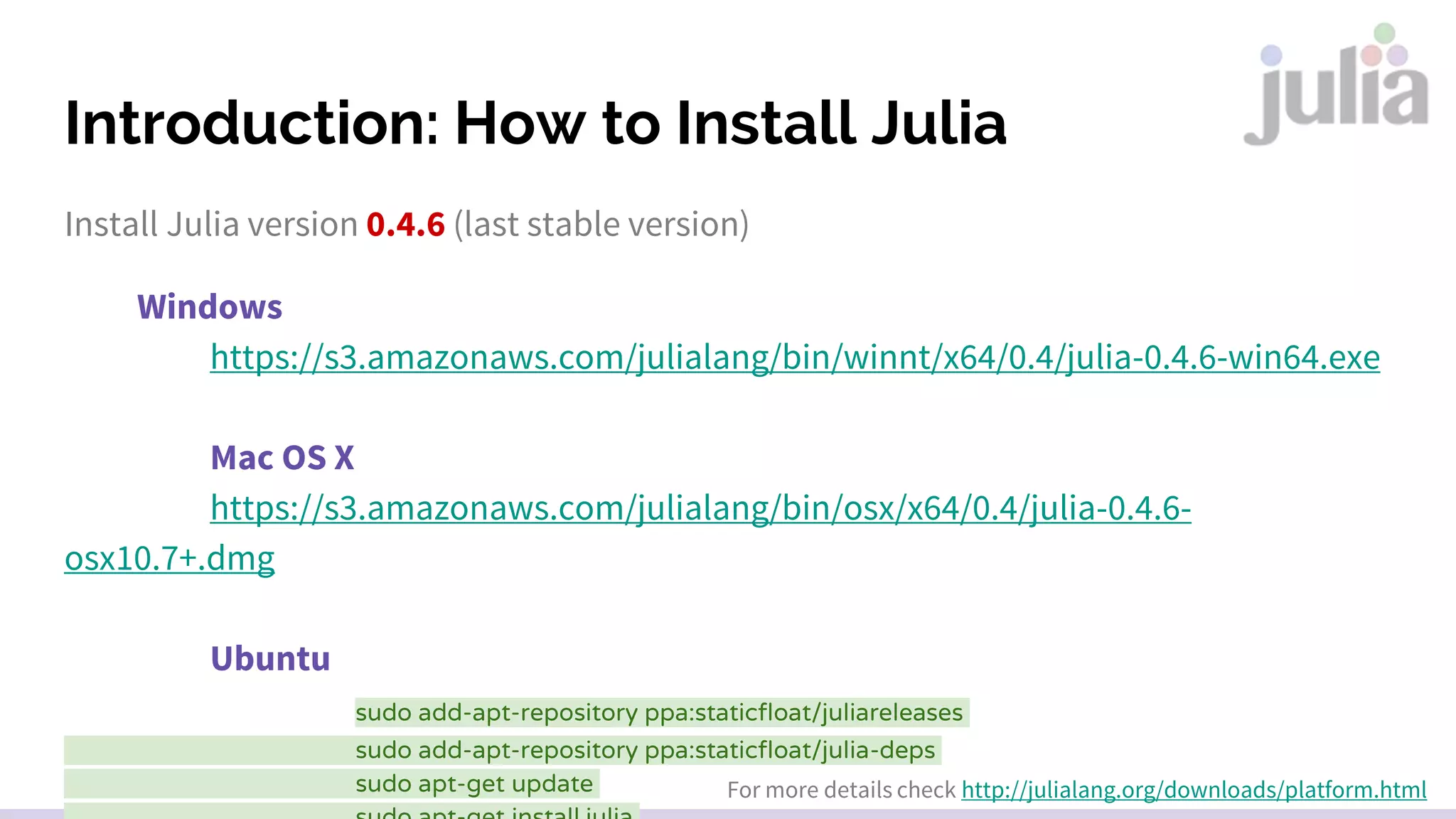
Introduction: How to Install Julia
Install Julia version 0.4.6 (last stable version)
Windows
https://s3.amazonaws.com/julialang/bin/winnt/x64/0.4/julia-0.4.6-win64.exe
Mac OS X
https://s3.amazonaws.com/julialang/bin/osx/x64/0.4/julia-0.4.6-
osx10.7+.dmg
Ubuntu
sudo add-apt-repository ppa:staticfloat/juliareleases
sudo add-apt-repository ppa:staticfloat/julia-deps
sudo apt-get update For more details check http://julialang.org/downloads/platform.html
Interaction/Development Environments
Julia Studio / Forio
Julia REPL
Kaggle Kernels
IJulia
JuliaBoxAtom
julia-vim
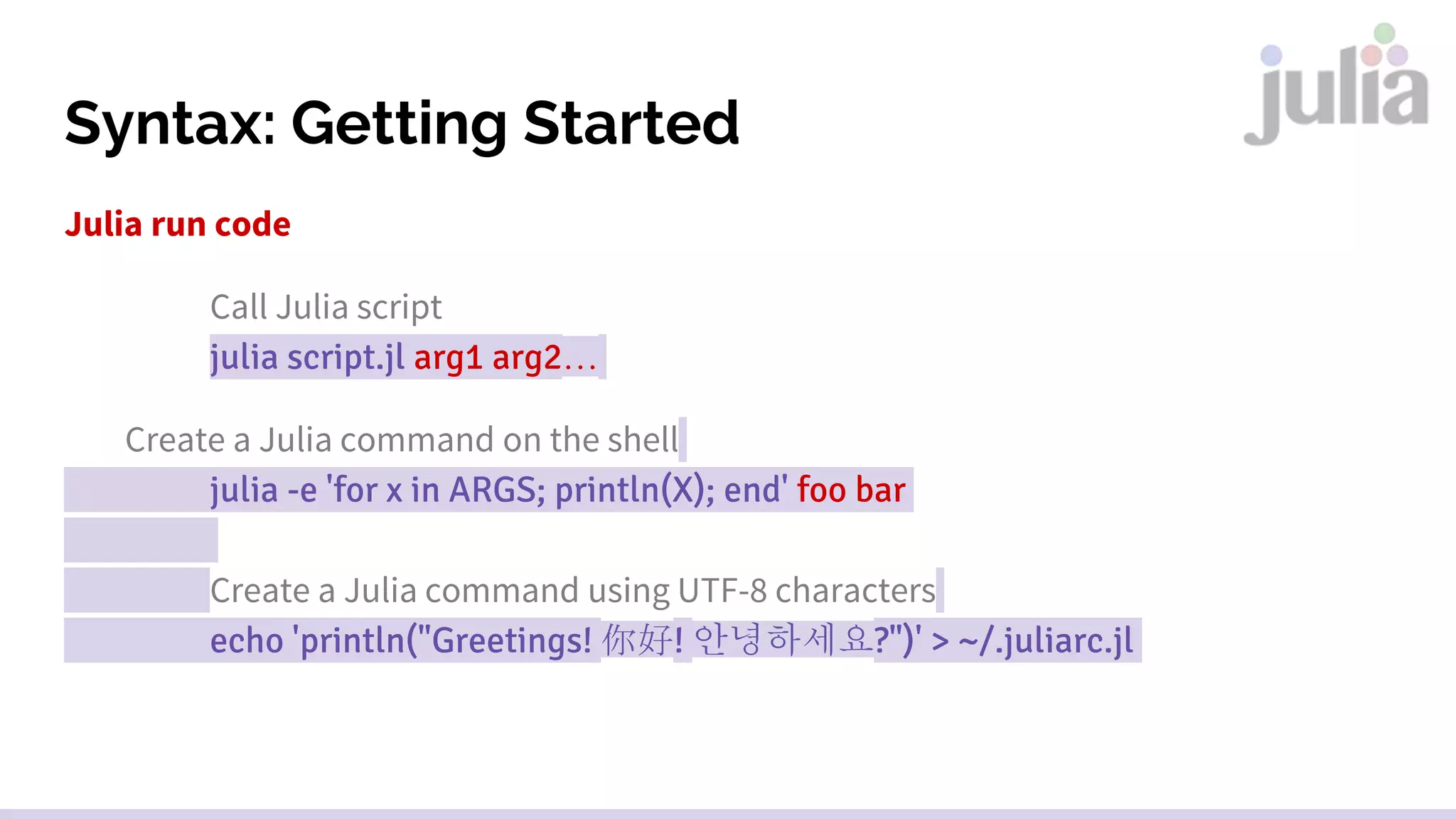
Syntax: Getting Started
Julia run code
Call Julia script
julia script.jl arg1 arg2…
Create a Julia command on the shell
julia -e 'for x in ARGS; println(X); end' foo bar
Create a Julia command using UTF-8 characters
echo 'println("Greetings! 你好! 안녕하세요?")' > ~/.juliarc.jl
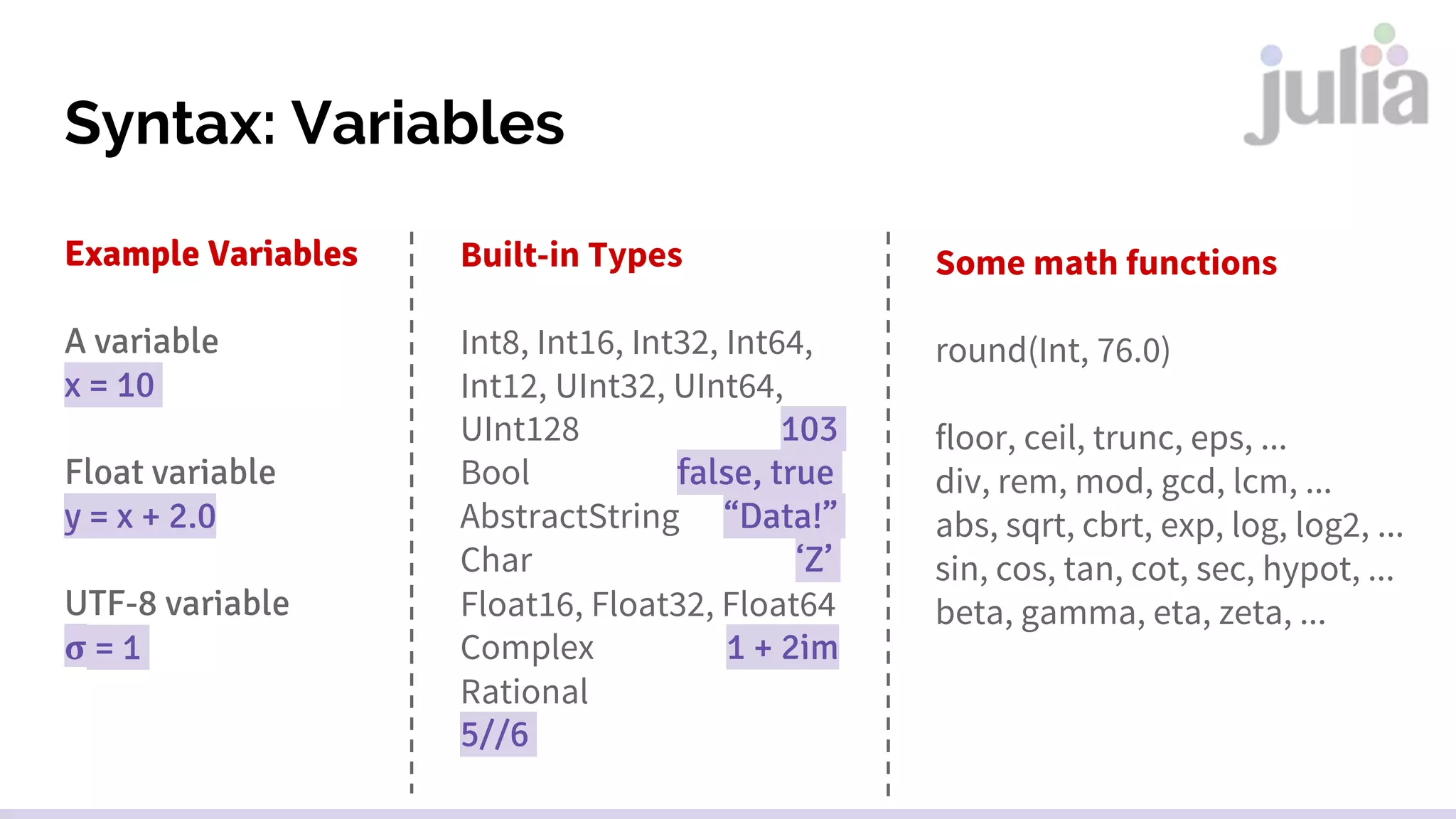
Syntax: Variables
Example Variables
A variable
x = 10
Float variable
y = x + 2.0
UTF-8 variable
𝛔 = 1
Built-in Types
Int8, Int16, Int32, Int64,
Int12, UInt32, UInt64,
UInt128 103
Bool false, true
AbstractString “Data!”
Char ‘Z’
Float16, Float32, Float64
Complex 1 + 2im
Rational
5//6
Some math functions
round(Int, 76.0)
floor, ceil, trunc, eps, ...
div, rem, mod, gcd, lcm, ...
abs, sqrt, cbrt, exp, log, log2, ...
sin, cos, tan, cot, sec, hypot, ...
beta, gamma, eta, zeta, ...
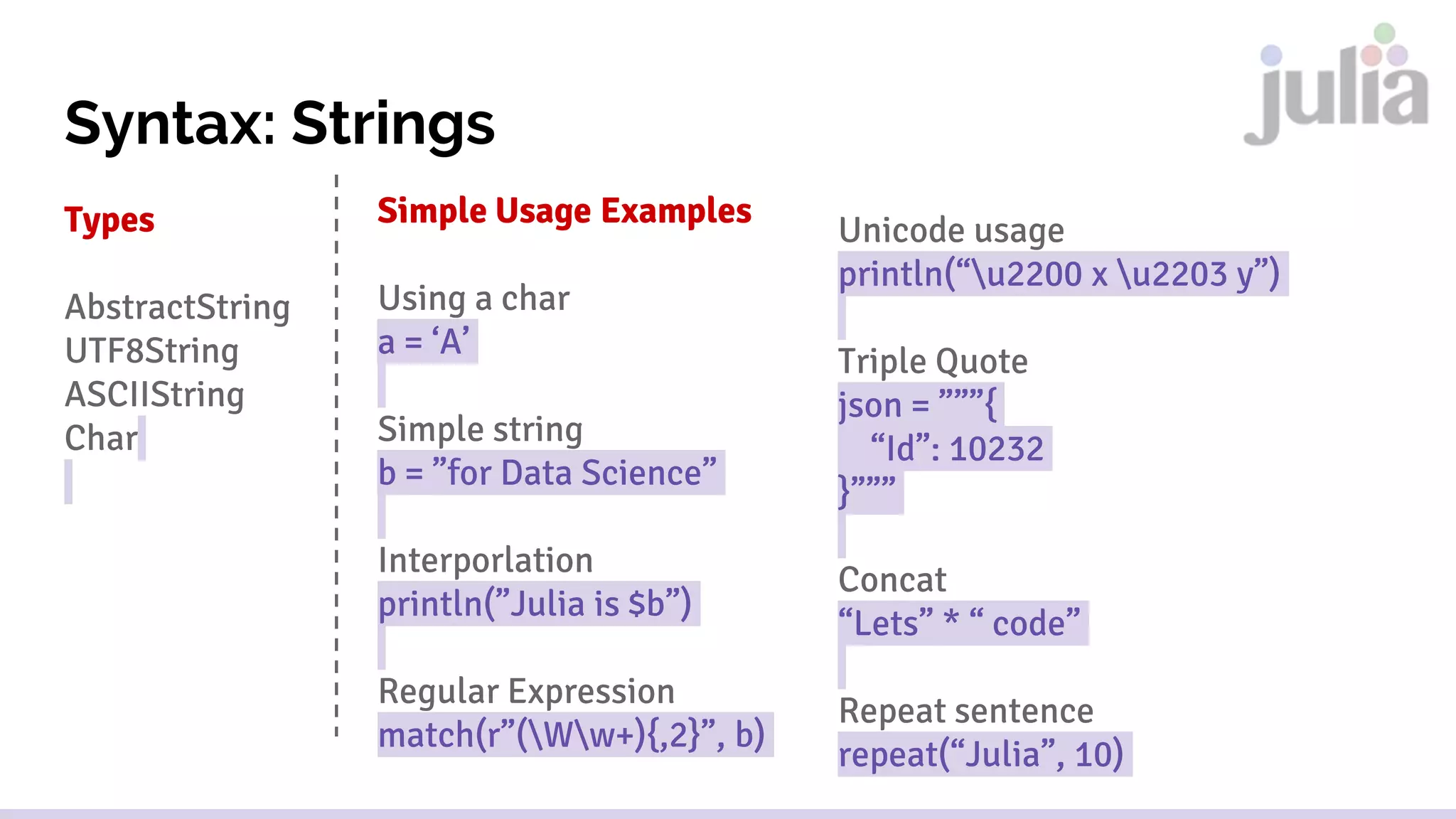
Syntax: Strings
Types
AbstractString
UTF8String
ASCIIString
Char
Simple Usage Examples
Using a char
a = ‘A’
Simple string
b = ”for Data Science”
Interporlation
println(”Julia is $b”)
Regular Expression
match(r”(Ww+){,2}”, b)
Unicode usage
println(“u2200 x u2203 y”)
Triple Quote
json = ”””{
“Id”: 10232
}”””
Concat
“Lets” * “ code”
Repeat sentence
repeat(“Julia”, 10)
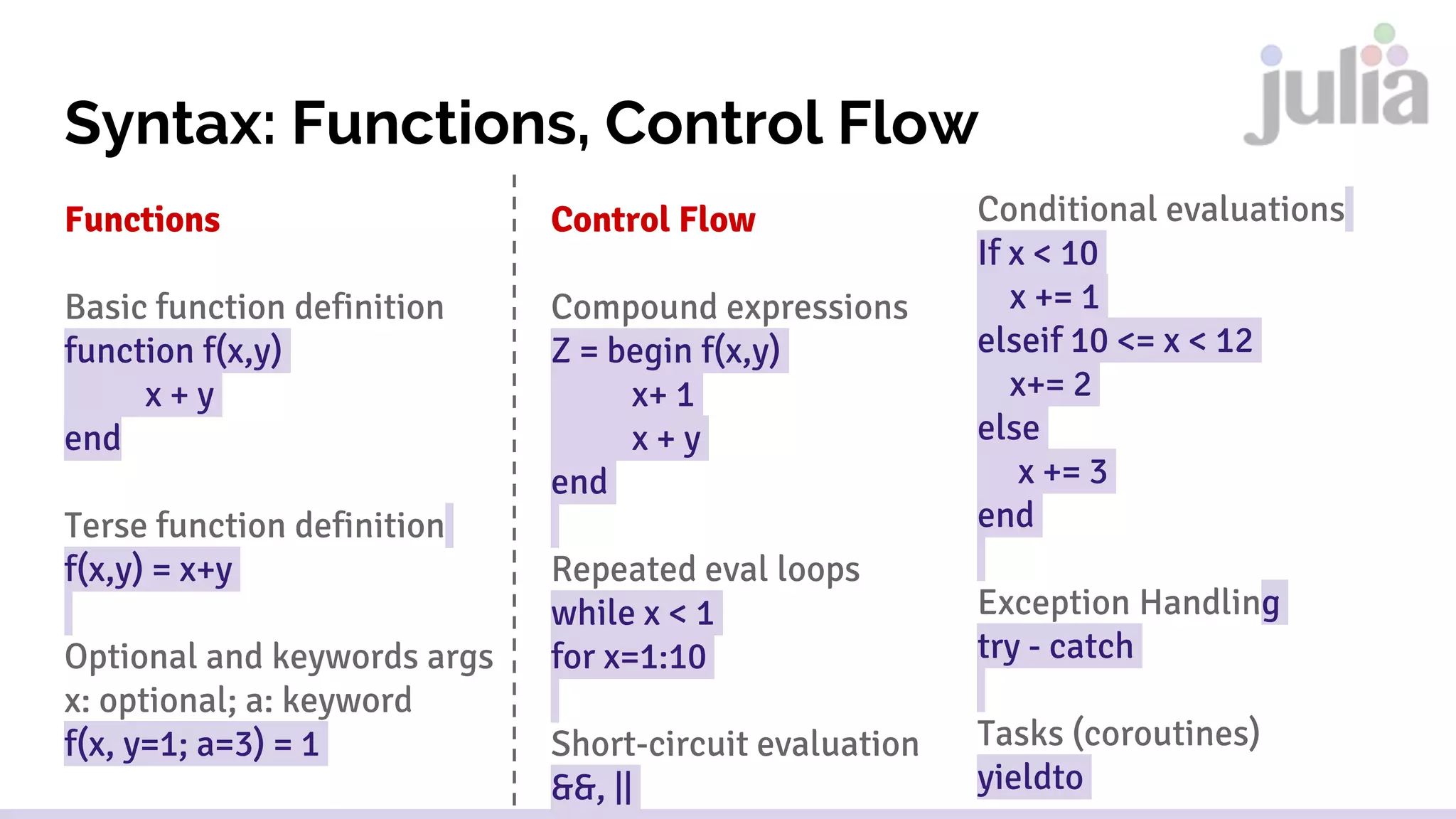
Syntax: Functions, Control Flow
Functions
Basic function definition
function f(x,y)
x + y
end
Terse function definition
f(x,y) = x+y
Optional and keywords args
x: optional; a: keyword
f(x, y=1; a=3) = 1
Control Flow
Compound expressions
Z = begin f(x,y)
x+ 1
x + y
end
Repeated eval loops
while x < 1
for x=1:10
Short-circuit evaluation
&&, ||
Conditional evaluations
If x < 10
x += 1
elseif 10 <= x < 12
x+= 2
else
x += 3
end
Exception Handling
try - catch
Tasks (coroutines)
yieldto
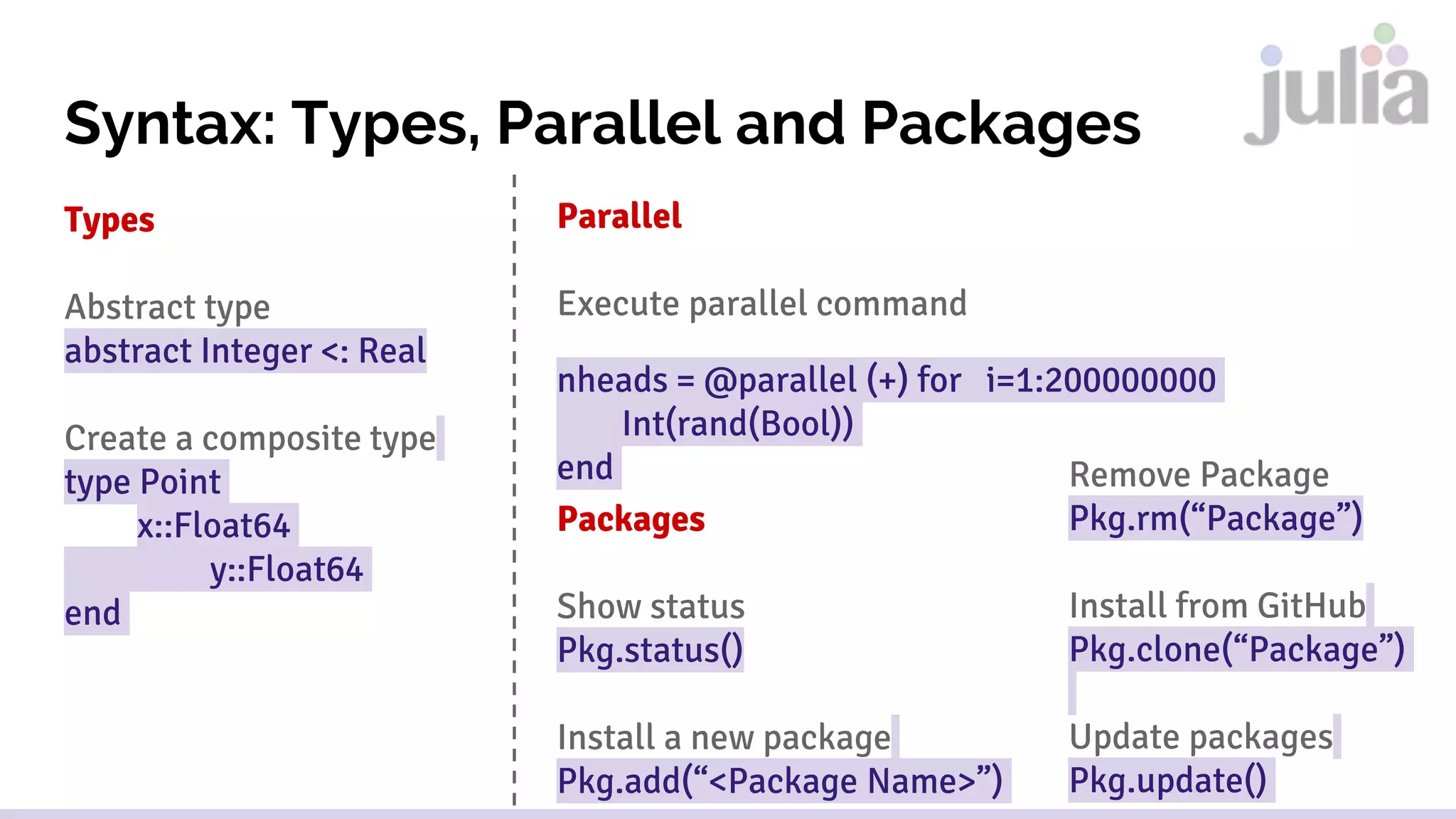
Syntax: Types, Parallel and Packages
Types
Abstract type
abstract Integer <: Real
Create a composite type
type Point
x::Float64
y::Float64
end
Parallel
Execute parallel command
nheads = @parallel (+) for i=1:200000000
Int(rand(Bool))
end
Packages
Show status
Pkg.status()
Install a new package
Pkg.add(“<Package Name>”)
Remove Package
Pkg.rm(“Package”)
Install from GitHub
Pkg.clone(“Package”)
Update packages
Pkg.update()
Library Highlights
● DataFrames.jl (data analysis)
● Gadfly.jl (data visualization)
● Vega.jl (data visualization)
● HypothesisTests.jl (statistics)
● XGBoost.jl (machine learning)
● GLM.jl (machine learning)
● Mocha.jl (machine learning/deep learning)
● Low Rank Models.jl (machine learning)
● JuMP.jl (optimization)
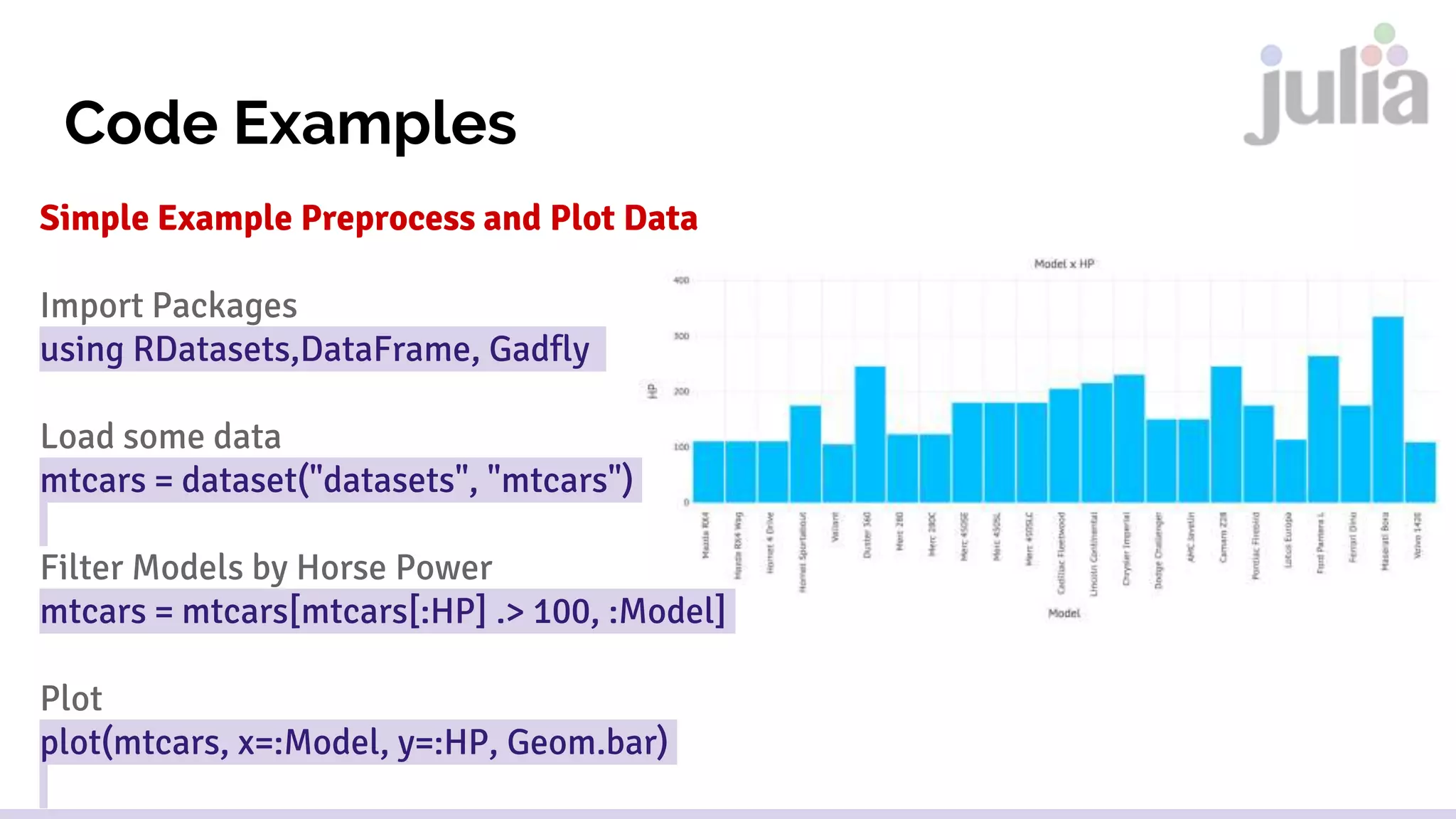
Code Examples
Simple Example Preprocess and Plot Data
Import Packages
using RDatasets,DataFrame, Gadfly
Load some data
mtcars = dataset("datasets", "mtcars")
Filter Models by Horse Power
mtcars = mtcars[mtcars[:HP] .> 100, :Model]
Plot
plot(mtcars, x=:Model, y=:HP, Geom.bar)
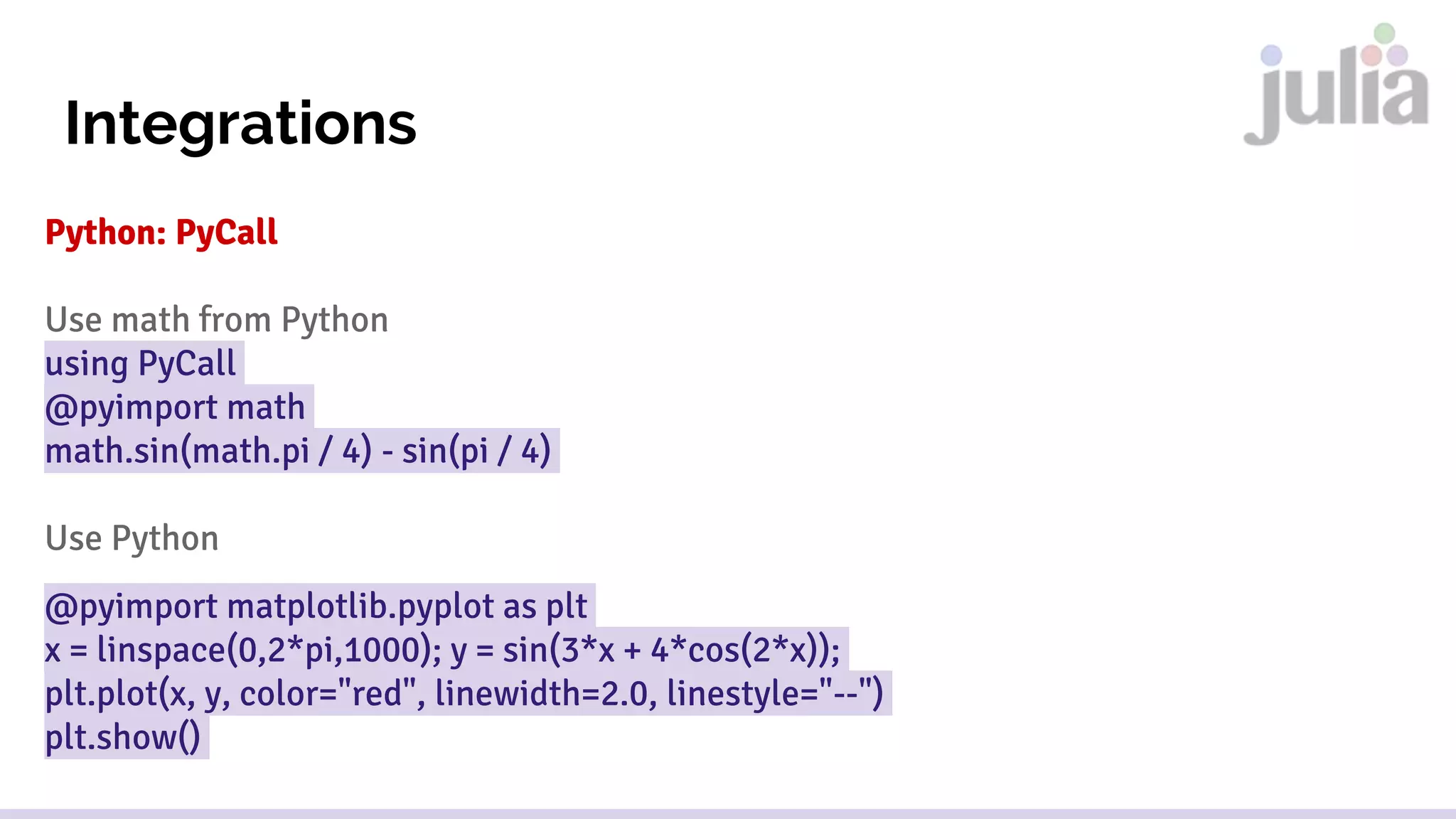
Integrations
Python: PyCall
Use math from Python
using PyCall
@pyimport math
math.sin(math.pi / 4) - sin(pi / 4)
Use Python
@pyimport matplotlib.pyplot as plt
x = linspace(0,2*pi,1000); y = sin(3*x + 4*cos(2*x));
plt.plot(x, y, color="red", linewidth=2.0, linestyle="--")
plt.show()
Integrations
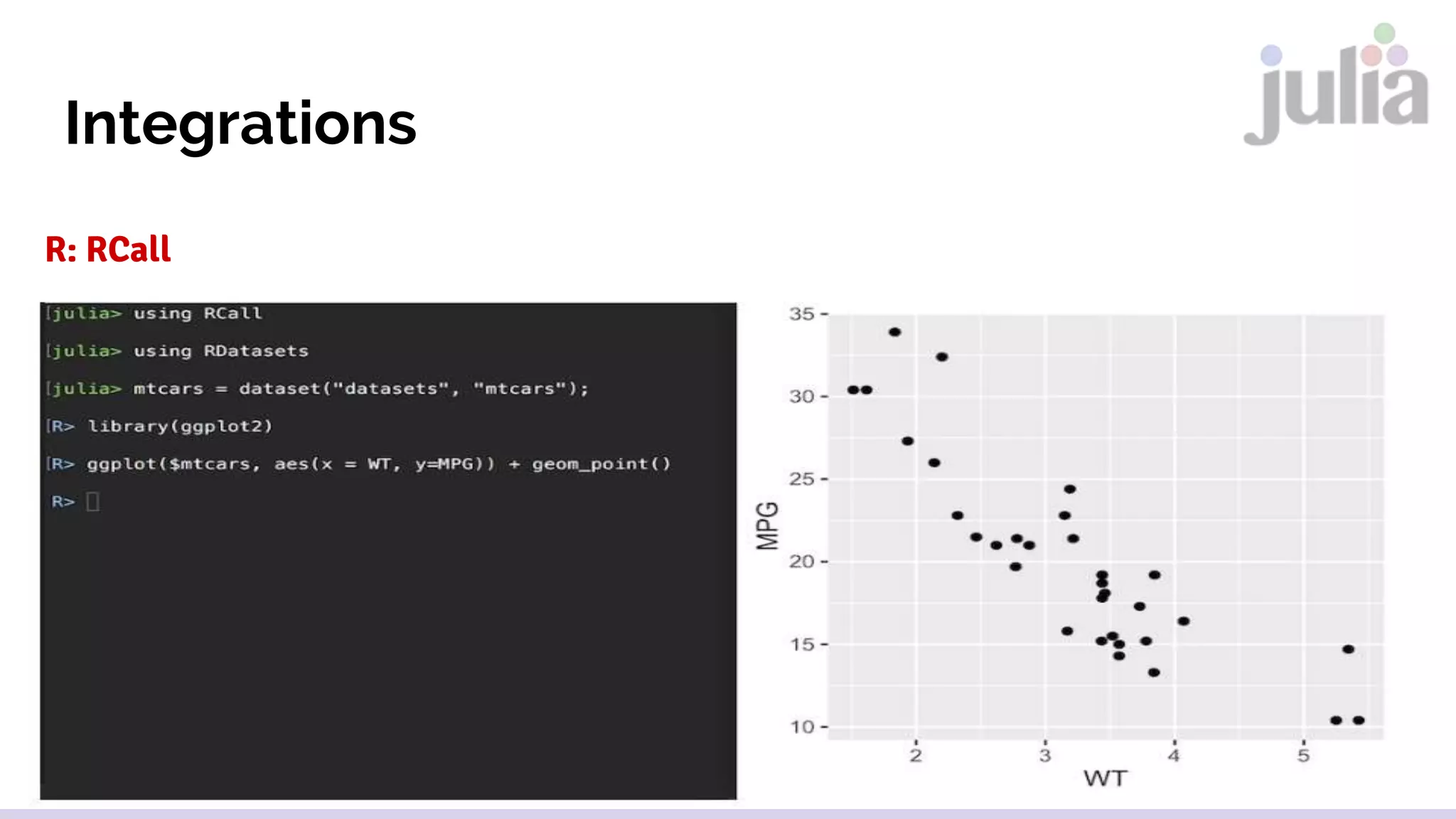
R: RCall
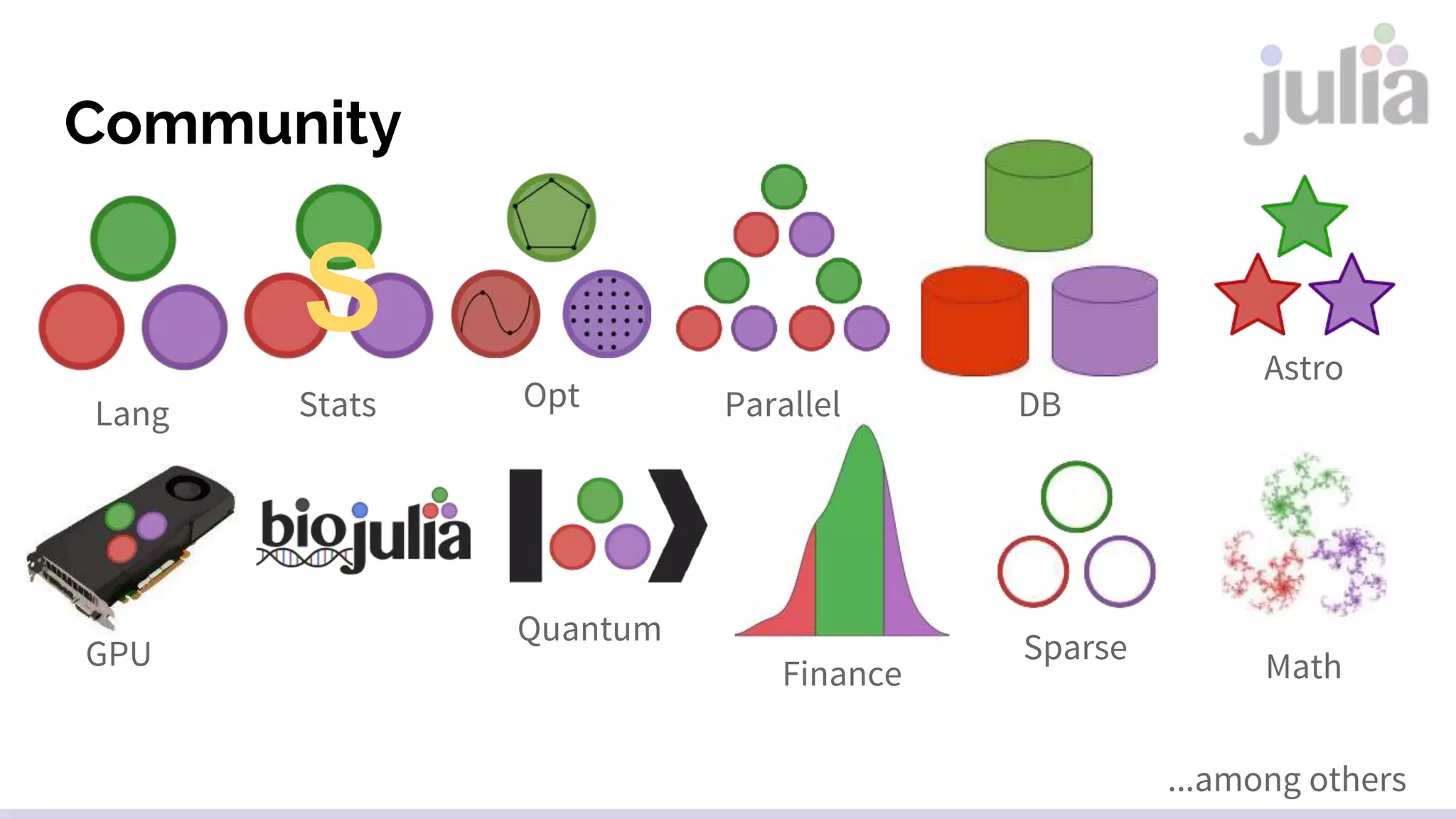
Community
Lang
S
Stats Opt Parallel DB
Quantum
Astro
GPU
Finance
Sparse
Math
...among others
Important Events/Projects

Introduction to Julia Language

  • 1.
    Introduction to Presented byDiego Marinho de Oliveira Short Version Lead Data Scientist Date: 2016-08-25 Julia Language for Data Science, Machine Learning, Statistics, Mathematics
  • 2.
  • 3.
    Introduction Julia is ahigh-level, high-performance dynamic programming language for technical computing Adequate for Data Science, Research, Web application, scientific computer, among others Multi-paradigm: multiple dispatch ("object-oriented"), procedural, functional, meta, multistaged High-Performance JIT Compiler First appeared in 2012 Stable release 0.4.6 June 2016 Julia paper: http://arxiv.org/pdf/1411.1607v3.pdf
  • 4.
  • 5.
    Introduction: How toInstall Julia Install Julia version 0.4.6 (last stable version) Windows https://s3.amazonaws.com/julialang/bin/winnt/x64/0.4/julia-0.4.6-win64.exe Mac OS X https://s3.amazonaws.com/julialang/bin/osx/x64/0.4/julia-0.4.6- osx10.7+.dmg Ubuntu sudo add-apt-repository ppa:staticfloat/juliareleases sudo add-apt-repository ppa:staticfloat/julia-deps sudo apt-get update For more details check http://julialang.org/downloads/platform.html
  • 6.
    Interaction/Development Environments Julia Studio/ Forio Julia REPL Kaggle Kernels IJulia JuliaBoxAtom julia-vim
  • 7.
    Syntax: Getting Started Juliarun code Call Julia script julia script.jl arg1 arg2… Create a Julia command on the shell julia -e 'for x in ARGS; println(X); end' foo bar Create a Julia command using UTF-8 characters echo 'println("Greetings! 你好! 안녕하세요?")' > ~/.juliarc.jl
  • 8.
    Syntax: Variables Example Variables Avariable x = 10 Float variable y = x + 2.0 UTF-8 variable 𝛔 = 1 Built-in Types Int8, Int16, Int32, Int64, Int12, UInt32, UInt64, UInt128 103 Bool false, true AbstractString “Data!” Char ‘Z’ Float16, Float32, Float64 Complex 1 + 2im Rational 5//6 Some math functions round(Int, 76.0) floor, ceil, trunc, eps, ... div, rem, mod, gcd, lcm, ... abs, sqrt, cbrt, exp, log, log2, ... sin, cos, tan, cot, sec, hypot, ... beta, gamma, eta, zeta, ...
  • 9.
    Syntax: Strings Types AbstractString UTF8String ASCIIString Char Simple UsageExamples Using a char a = ‘A’ Simple string b = ”for Data Science” Interporlation println(”Julia is $b”) Regular Expression match(r”(Ww+){,2}”, b) Unicode usage println(“u2200 x u2203 y”) Triple Quote json = ”””{ “Id”: 10232 }””” Concat “Lets” * “ code” Repeat sentence repeat(“Julia”, 10)
  • 10.
    Syntax: Functions, ControlFlow Functions Basic function definition function f(x,y) x + y end Terse function definition f(x,y) = x+y Optional and keywords args x: optional; a: keyword f(x, y=1; a=3) = 1 Control Flow Compound expressions Z = begin f(x,y) x+ 1 x + y end Repeated eval loops while x < 1 for x=1:10 Short-circuit evaluation &&, || Conditional evaluations If x < 10 x += 1 elseif 10 <= x < 12 x+= 2 else x += 3 end Exception Handling try - catch Tasks (coroutines) yieldto
  • 11.
    Syntax: Types, Paralleland Packages Types Abstract type abstract Integer <: Real Create a composite type type Point x::Float64 y::Float64 end Parallel Execute parallel command nheads = @parallel (+) for i=1:200000000 Int(rand(Bool)) end Packages Show status Pkg.status() Install a new package Pkg.add(“<Package Name>”) Remove Package Pkg.rm(“Package”) Install from GitHub Pkg.clone(“Package”) Update packages Pkg.update()
  • 12.
    Library Highlights ● DataFrames.jl(data analysis) ● Gadfly.jl (data visualization) ● Vega.jl (data visualization) ● HypothesisTests.jl (statistics) ● XGBoost.jl (machine learning) ● GLM.jl (machine learning) ● Mocha.jl (machine learning/deep learning) ● Low Rank Models.jl (machine learning) ● JuMP.jl (optimization)
  • 13.
    Code Examples Simple ExamplePreprocess and Plot Data Import Packages using RDatasets,DataFrame, Gadfly Load some data mtcars = dataset("datasets", "mtcars") Filter Models by Horse Power mtcars = mtcars[mtcars[:HP] .> 100, :Model] Plot plot(mtcars, x=:Model, y=:HP, Geom.bar)
  • 14.
    Integrations Python: PyCall Use mathfrom Python using PyCall @pyimport math math.sin(math.pi / 4) - sin(pi / 4) Use Python @pyimport matplotlib.pyplot as plt x = linspace(0,2*pi,1000); y = sin(3*x + 4*cos(2*x)); plt.plot(x, y, color="red", linewidth=2.0, linestyle="--") plt.show()
  • 15.
  • 16.
    Community Lang S Stats Opt ParallelDB Quantum Astro GPU Finance Sparse Math ...among others
  • 17.