jQueryWRITE LESS, DO MORE
1
INTRODUCTION
2
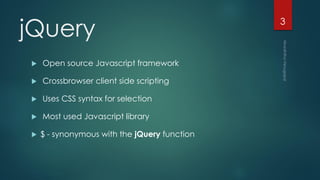
jQuery
 Open source Javascript framework
 Crossbrowser client side scripting
 Uses CSS syntax for selection
 Most used Javascript library
 $ - synonymous with the jQuery function
3
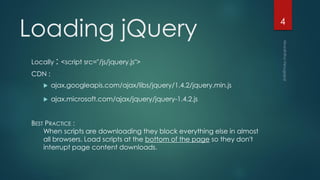
Loading jQuery
Locally : <script src="/js/jquery.js">
CDN :
 ajax.googleapis.com/ajax/libs/jquery/1.4.2/jquery.min.js
 ajax.microsoft.com/ajax/jquery/jquery-1.4.2.js
BEST PRACTICE :
When scripts are downloading they block everything else in almost
all browsers. Load scripts at the bottom of the page so they don't
interrupt page content downloads.
4
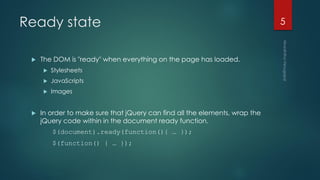
Ready state
 The DOM is "ready" when everything on the page has loaded.
 Stylesheets
 JavaScripts
 Images
 In order to make sure that jQuery can find all the elements, wrap the
jQuery code within in the document ready function.
$(document).ready(function(){ … });
$(function() { … });
5
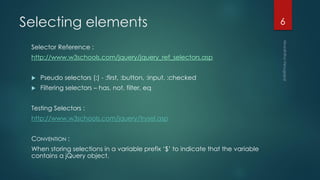
Selecting elements
Selector Reference :
http://www.w3schools.com/jquery/jquery_ref_selectors.asp
 Pseudo selectors (:) - :first, :button, :input, :checked
 Filtering selectors – has, not, filter, eq
Testing Selectors :
http://www.w3schools.com/jquery/trysel.asp
CONVENTION :
When storing selections in a variable prefix ‘$’ to indicate that the variable
contains a jQuery object.
6
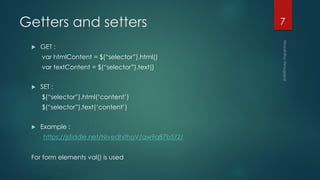
Getters and setters
 GET :
var htmlContent = $(“selector”).html()
var textContent = $(“selector”).text()
 SET :
$(“selector”).html(‘content’)
$(“selector”).text(‘content’)
 Example :
https://jsfiddle.net/NivedhithaV/aw9q87b5/2/
For form elements val() is used
7
Iteration
$( 'li' ).each(function( index, elem ) {
// this: the current DOM element
// index: the current element's index in the selection
// elem: the current DOM element (same as this)
$( elem ).prepend( '<b>' + index + ': </b>' );
});
Example :
https://jsfiddle.net/NivedhithaV/2shq5x69/1/
8
Chaining
CALLING A SERIES OF METHODS ON A SELECTION WITHOUT REPEATING
THE SELECTOR
9
TRAVERSING &
MANIPULATING THE
DOM
10
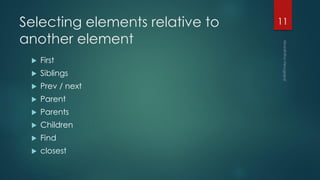
Selecting elements relative to
another element
 First
 Siblings
 Prev / next
 Parent
 Parents
 Children
 Find
 closest
11
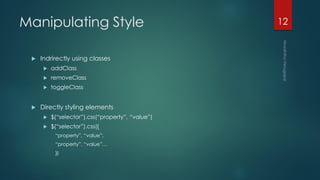
Manipulating Style
 Indrirectly using classes
 addClass
 removeClass
 toggleClass
 Directly styling elements
 $(“selector”).css(“property”, “value”)
 $(“selector”).css({
“property”, “value”,
“property”, “value”…
})
12
EVENTS
13
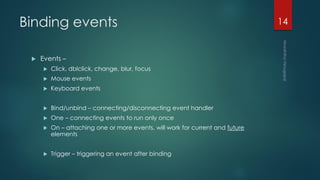
Binding events
 Events –
 Click, dblclick, change, blur, focus
 Mouse events
 Keyboard events
 Bind/unbind – connecting/disconnecting event handler
 One – connecting events to run only once
 On – attaching one or more events, will work for current and future
elements
 Trigger – triggering an event after binding
14
Other functions
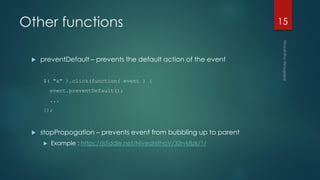
 preventDefault – prevents the default action of the event
$( "a" ).click(function( event ) {
event.preventDefault();
...
});
 stopPropogation – prevents event from bubbling up to parent
 Example : https://jsfiddle.net/NivedhithaV/32rvk8zk/1/
15
EFFECTS
16
Built-in effects
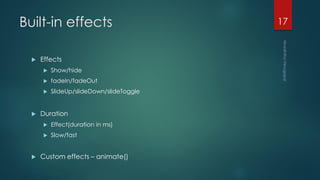
 Effects
 Show/hide
 fadeIn/fadeOut
 SlideUp/slideDown/slideToggle
 Duration
 Effect(duration in ms)
 Slow/fast
 Custom effects – animate()
17
AJAX
18
Asynchronous javascript and XML
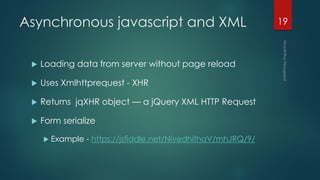
 Loading data from server without page reload
 Uses Xmlhttprequest - XHR
 Returns jqXHR object — a jQuery XML HTTP Request
 Form serialize
 Example - https://jsfiddle.net/NivedhithaV/mhJRQ/9/
19
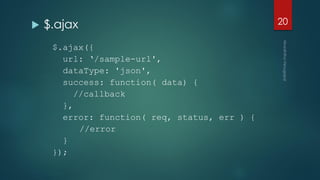
 $.ajax
$.ajax({
url: ‘/sample-url',
dataType: 'json',
success: function( data) {
//callback
},
error: function( req, status, err ) {
//error
}
});
20
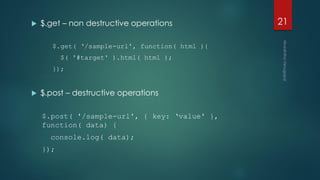
 $.get – non destructive operations
$.get( ‘/sample-url', function( html ){
$( '#target' ).html( html );
});
 $.post – destructive operations
$.post( '/sample-url', { key: ‘value' },
function( data) {
console.log( data);
});
21
jqXHR
var data = $.ajax({
url: '/sample-url',
dataType: 'json'
});
 Then
 Done
 Fail
 Always
22
Questions?
23

Introduction to jQuery

  • 1.
  • 2.
  • 3.
    jQuery  Open sourceJavascript framework  Crossbrowser client side scripting  Uses CSS syntax for selection  Most used Javascript library  $ - synonymous with the jQuery function 3
  • 4.
    Loading jQuery Locally :<script src="/js/jquery.js"> CDN :  ajax.googleapis.com/ajax/libs/jquery/1.4.2/jquery.min.js  ajax.microsoft.com/ajax/jquery/jquery-1.4.2.js BEST PRACTICE : When scripts are downloading they block everything else in almost all browsers. Load scripts at the bottom of the page so they don't interrupt page content downloads. 4
  • 5.
    Ready state  TheDOM is "ready" when everything on the page has loaded.  Stylesheets  JavaScripts  Images  In order to make sure that jQuery can find all the elements, wrap the jQuery code within in the document ready function. $(document).ready(function(){ … }); $(function() { … }); 5
  • 6.
    Selecting elements Selector Reference: http://www.w3schools.com/jquery/jquery_ref_selectors.asp  Pseudo selectors (:) - :first, :button, :input, :checked  Filtering selectors – has, not, filter, eq Testing Selectors : http://www.w3schools.com/jquery/trysel.asp CONVENTION : When storing selections in a variable prefix ‘$’ to indicate that the variable contains a jQuery object. 6
  • 7.
    Getters and setters GET : var htmlContent = $(“selector”).html() var textContent = $(“selector”).text()  SET : $(“selector”).html(‘content’) $(“selector”).text(‘content’)  Example : https://jsfiddle.net/NivedhithaV/aw9q87b5/2/ For form elements val() is used 7
  • 8.
    Iteration $( 'li' ).each(function(index, elem ) { // this: the current DOM element // index: the current element's index in the selection // elem: the current DOM element (same as this) $( elem ).prepend( '<b>' + index + ': </b>' ); }); Example : https://jsfiddle.net/NivedhithaV/2shq5x69/1/ 8
  • 9.
    Chaining CALLING A SERIESOF METHODS ON A SELECTION WITHOUT REPEATING THE SELECTOR 9
  • 10.
  • 11.
    Selecting elements relativeto another element  First  Siblings  Prev / next  Parent  Parents  Children  Find  closest 11
  • 12.
    Manipulating Style  Indrirectlyusing classes  addClass  removeClass  toggleClass  Directly styling elements  $(“selector”).css(“property”, “value”)  $(“selector”).css({ “property”, “value”, “property”, “value”… }) 12
  • 13.
  • 14.
    Binding events  Events–  Click, dblclick, change, blur, focus  Mouse events  Keyboard events  Bind/unbind – connecting/disconnecting event handler  One – connecting events to run only once  On – attaching one or more events, will work for current and future elements  Trigger – triggering an event after binding 14
  • 15.
    Other functions  preventDefault– prevents the default action of the event $( "a" ).click(function( event ) { event.preventDefault(); ... });  stopPropogation – prevents event from bubbling up to parent  Example : https://jsfiddle.net/NivedhithaV/32rvk8zk/1/ 15
  • 16.
  • 17.
    Built-in effects  Effects Show/hide  fadeIn/fadeOut  SlideUp/slideDown/slideToggle  Duration  Effect(duration in ms)  Slow/fast  Custom effects – animate() 17
  • 18.
  • 19.
    Asynchronous javascript andXML  Loading data from server without page reload  Uses Xmlhttprequest - XHR  Returns jqXHR object — a jQuery XML HTTP Request  Form serialize  Example - https://jsfiddle.net/NivedhithaV/mhJRQ/9/ 19
  • 20.
     $.ajax $.ajax({ url: ‘/sample-url', dataType:'json', success: function( data) { //callback }, error: function( req, status, err ) { //error } }); 20
  • 21.
     $.get –non destructive operations $.get( ‘/sample-url', function( html ){ $( '#target' ).html( html ); });  $.post – destructive operations $.post( '/sample-url', { key: ‘value' }, function( data) { console.log( data); }); 21
  • 22.
    jqXHR var data =$.ajax({ url: '/sample-url', dataType: 'json' });  Then  Done  Fail  Always 22
  • 23.