5
LESSON
TYPOGRAPHIC GRID
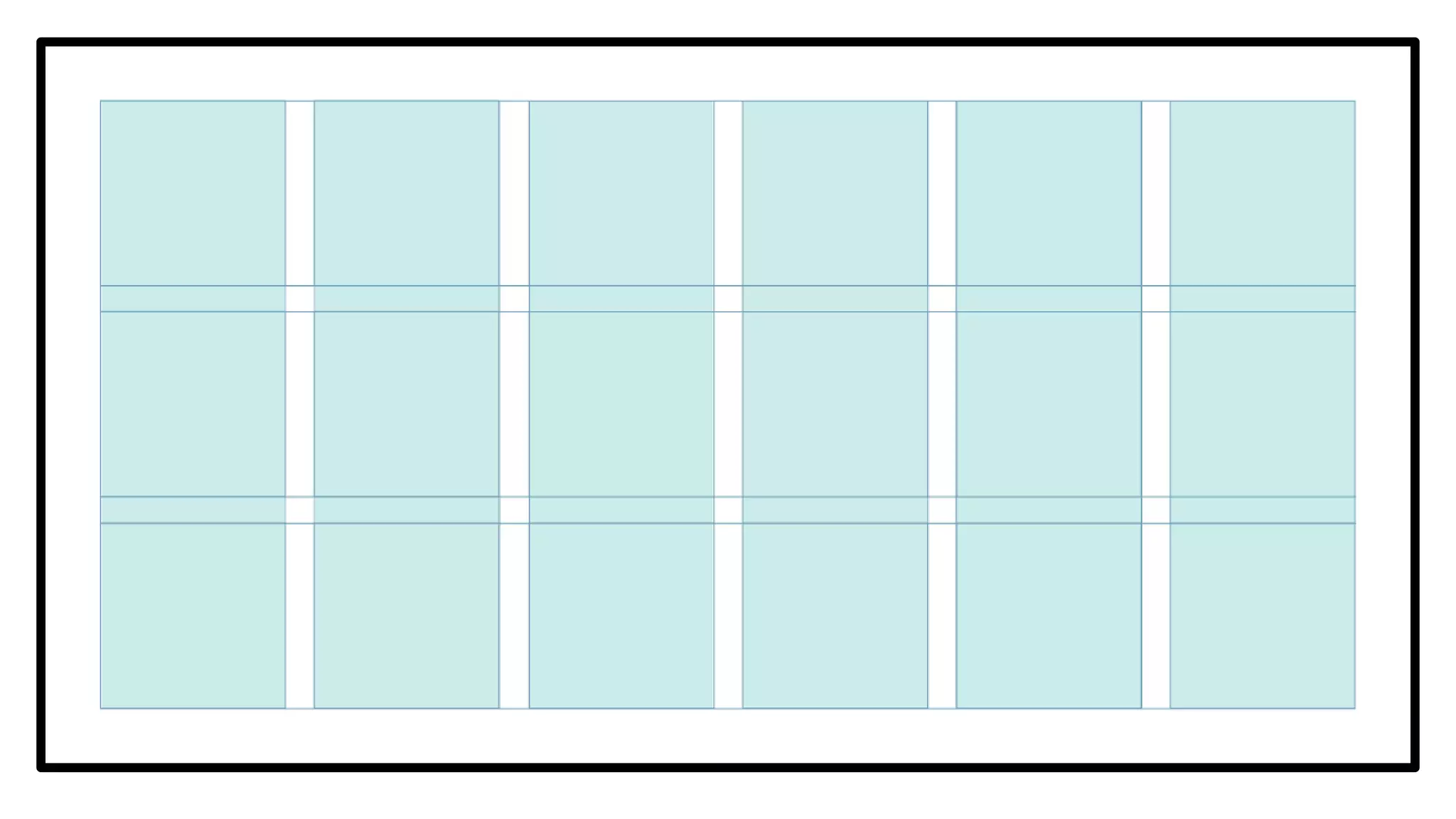
Graphic structure or system that aims to
organize and manage chunks of
information into a more understandable
and readable manner.
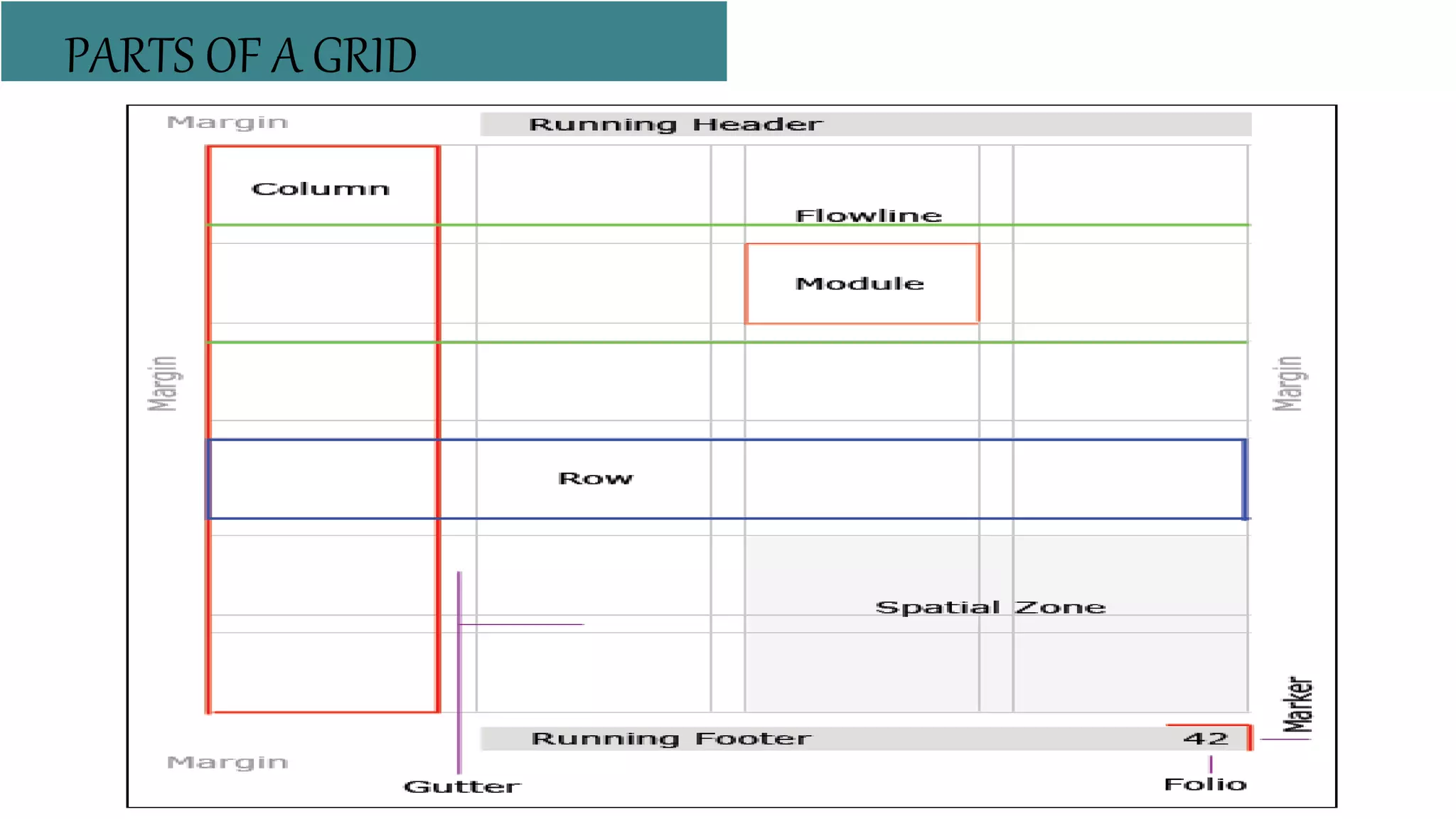
PARTS OF A GRID
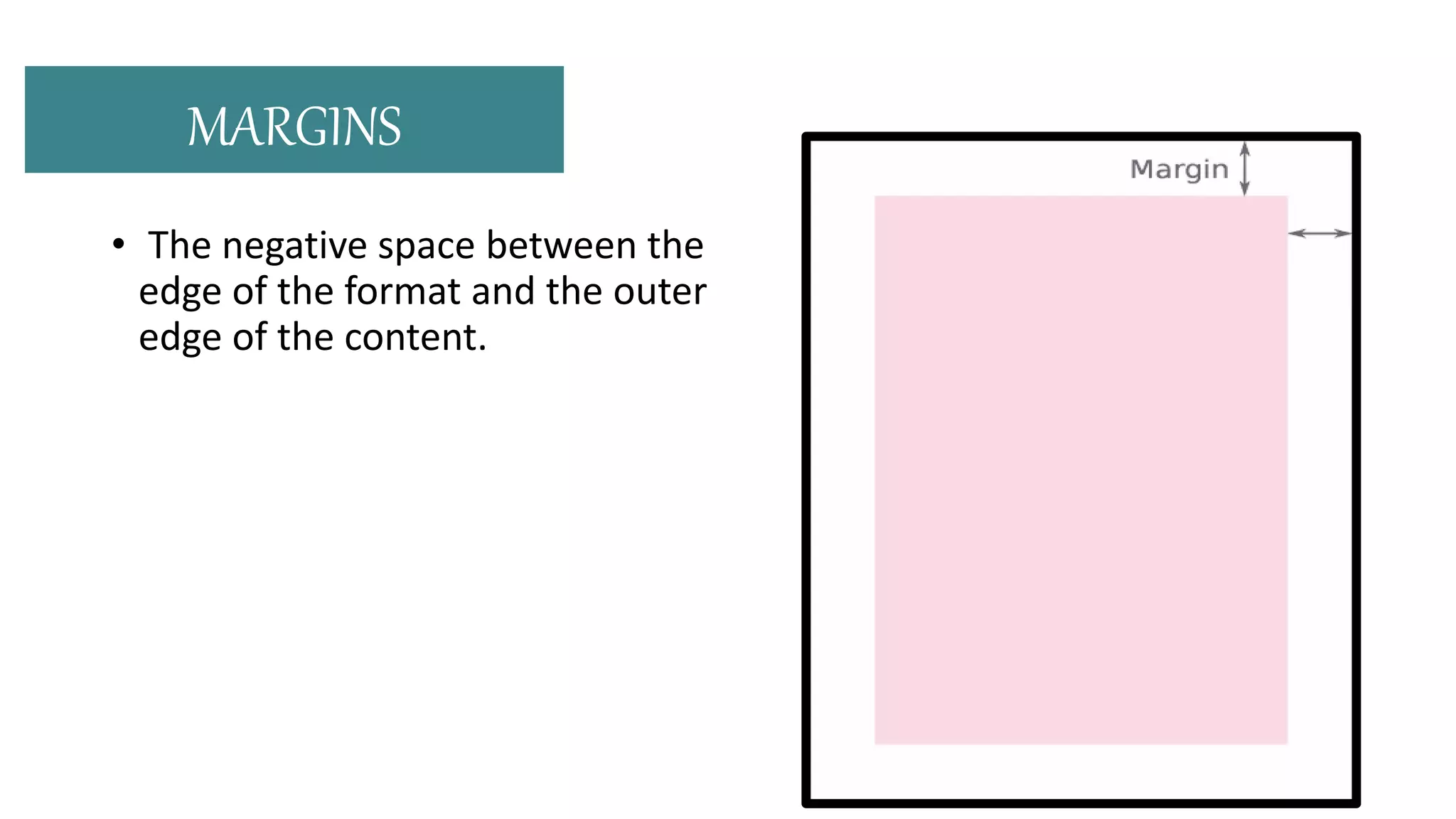
• The negative space between the
edge of the format and the outer
edge of the content.
MARGINS
Horizontal lines that break
the space into horizontal
bands.
Used to help guide the eye
across the page and can be
used to impose starting and
stopping points for text and
images to be aligned.
FLOWLINES
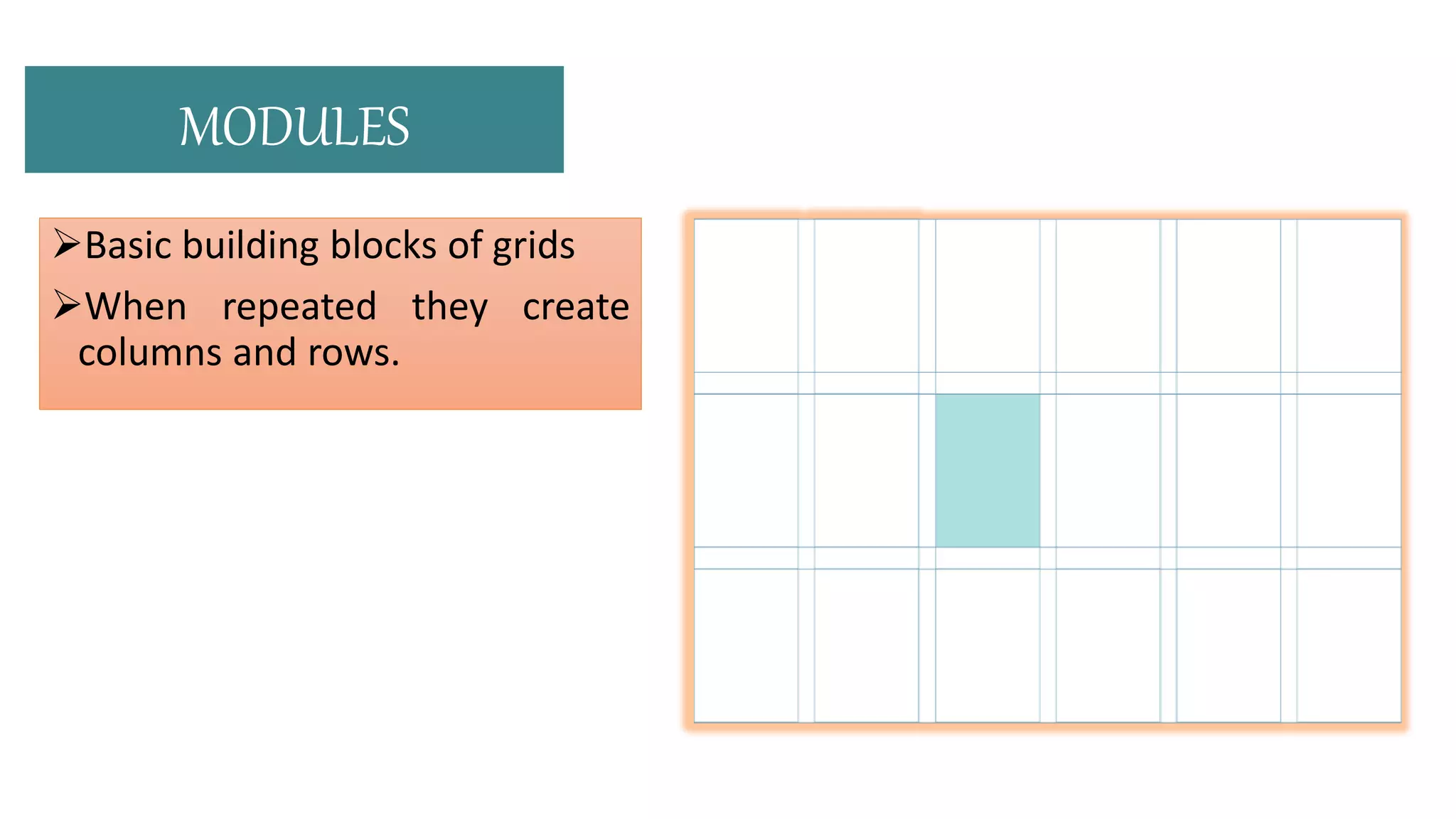
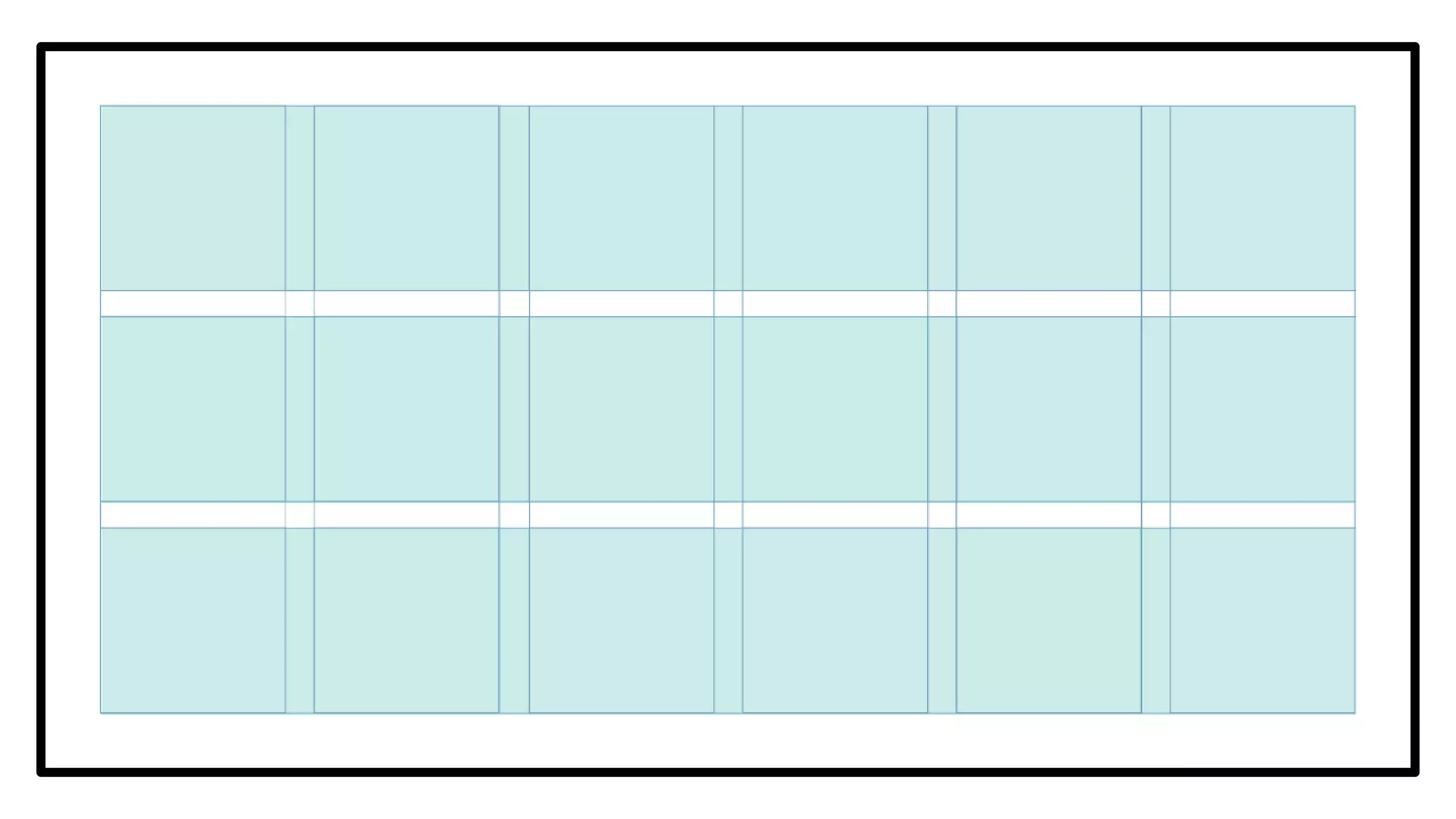
Basic building blocks of grids
When repeated they create
columns and rows.
MODULES
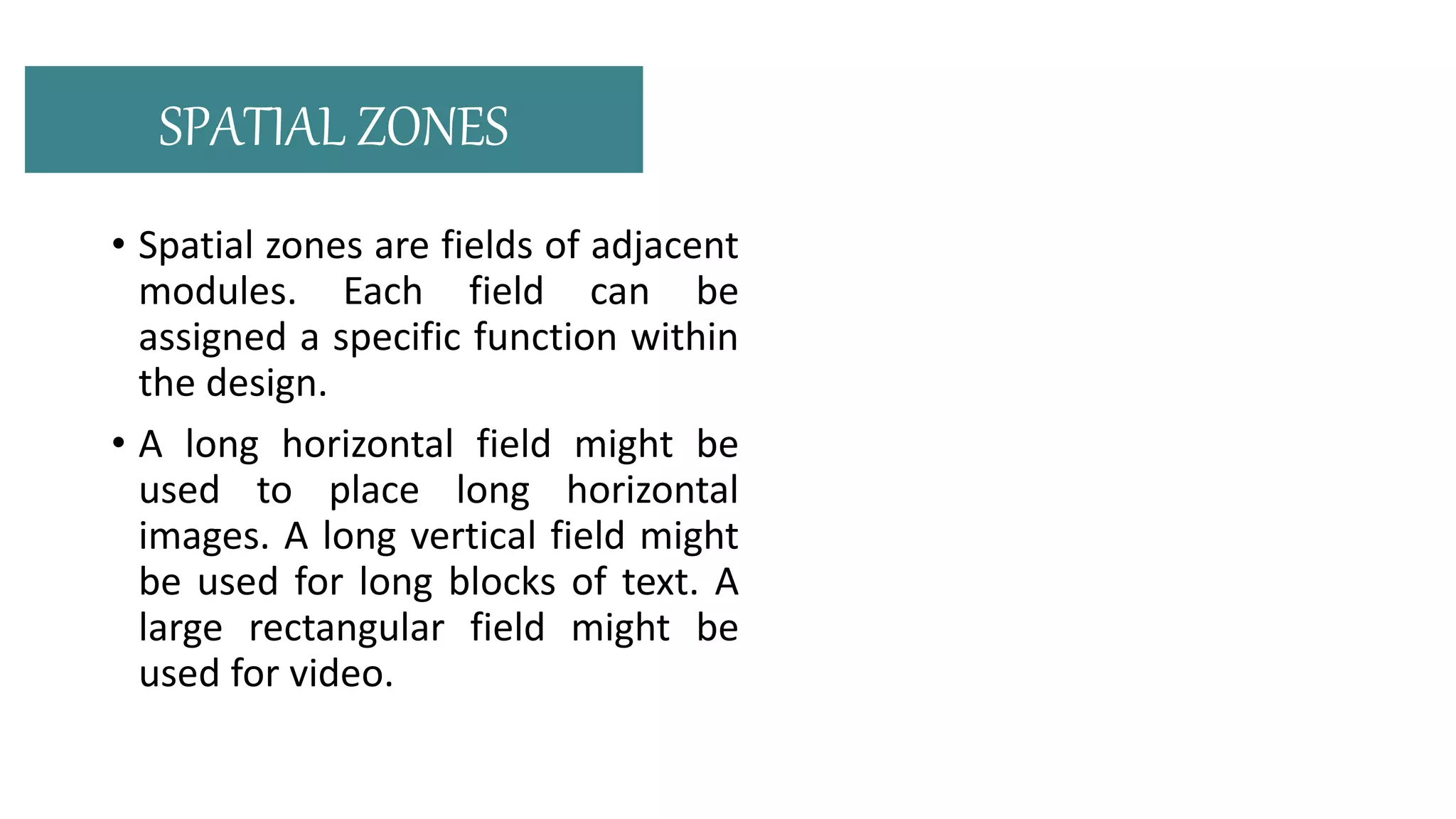
• Spatial zones are fields of adjacent
modules. Each field can be
assigned a specific function within
the design.
• A long horizontal field might be
used to place long horizontal
images. A long vertical field might
be used for long blocks of text. A
large rectangular field might be
used for video.
SPATIAL ZONES
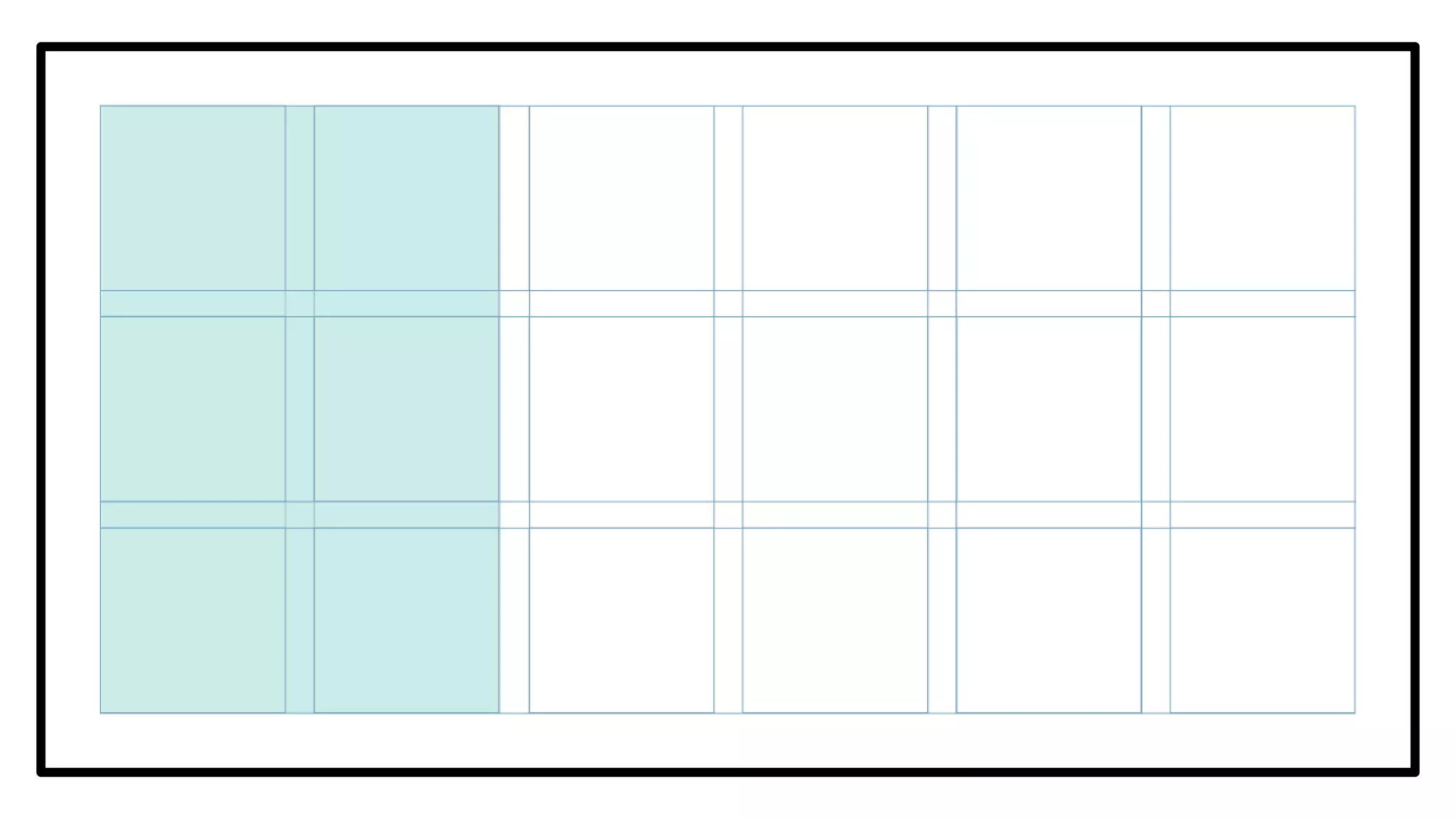
• Columns are vertical bands of
modules. There can be any number
of columns in a grid. More columns
leads to more flexibility, but can also
make the grid difficult to work with.
• Column widths can be equal or they
can vary across a grid.
COLUMNS
• Rows are the horizontal equivalent
of columns. Online it’s harder to
plan for rows as the height of the
format is often inconsistent and
dynamic.
ROWS
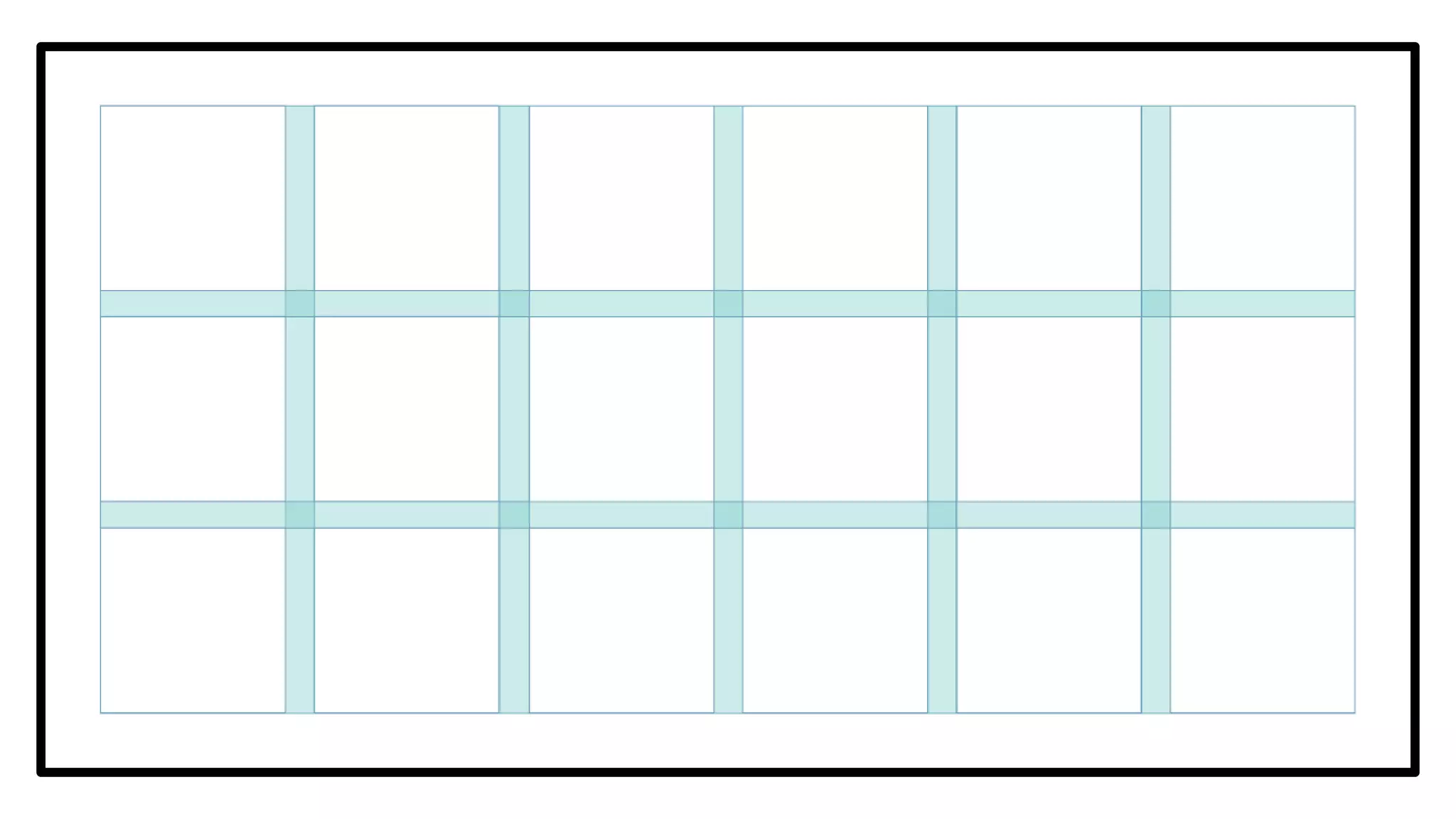
The spaces between rows and
columns.
These should always be equal
between columns or rows, in
order to maintain a visual
balance.
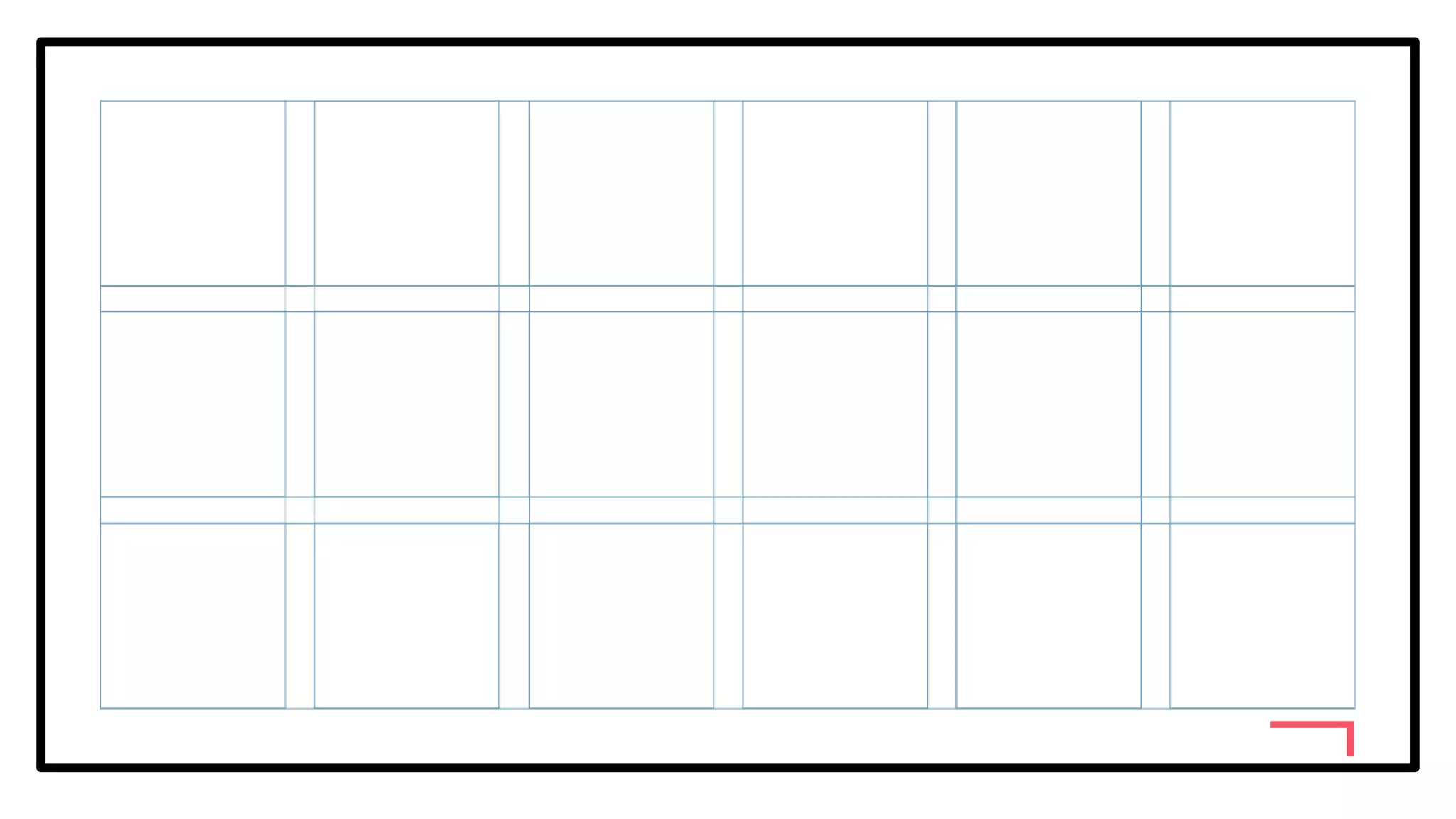
GLUTTERS
• Folios are created when
page numbers are placed
consistently in the margin,
usually above or below the
composition.
FOLIO
• A running header is a guide
at the top to indicate your
position in a manuscript.
You’d find information like
title, chapter title, section
title, author, etc located
here.
RUNNING HEADER FOOTER
A running footer is then
this information is placed
at the bottom of the
format.
• Areas inside the running
header or footer that mark
the exact place where
repeating information is
placed from page to page.
• Markers can be used to
denote the location of
folios, page numbers, etc.
MARKERS
Introduction to grid based layout

Introduction to grid based layout

  • 1.
  • 2.
    TYPOGRAPHIC GRID Graphic structureor system that aims to organize and manage chunks of information into a more understandable and readable manner.
  • 3.
  • 4.
    • The negativespace between the edge of the format and the outer edge of the content. MARGINS
  • 5.
    Horizontal lines thatbreak the space into horizontal bands. Used to help guide the eye across the page and can be used to impose starting and stopping points for text and images to be aligned. FLOWLINES
  • 7.
    Basic building blocksof grids When repeated they create columns and rows. MODULES
  • 8.
    • Spatial zonesare fields of adjacent modules. Each field can be assigned a specific function within the design. • A long horizontal field might be used to place long horizontal images. A long vertical field might be used for long blocks of text. A large rectangular field might be used for video. SPATIAL ZONES
  • 10.
    • Columns arevertical bands of modules. There can be any number of columns in a grid. More columns leads to more flexibility, but can also make the grid difficult to work with. • Column widths can be equal or they can vary across a grid. COLUMNS
  • 12.
    • Rows arethe horizontal equivalent of columns. Online it’s harder to plan for rows as the height of the format is often inconsistent and dynamic. ROWS
  • 14.
    The spaces betweenrows and columns. These should always be equal between columns or rows, in order to maintain a visual balance. GLUTTERS
  • 16.
    • Folios arecreated when page numbers are placed consistently in the margin, usually above or below the composition. FOLIO
  • 18.
    • A runningheader is a guide at the top to indicate your position in a manuscript. You’d find information like title, chapter title, section title, author, etc located here. RUNNING HEADER FOOTER A running footer is then this information is placed at the bottom of the format.
  • 19.
    • Areas insidethe running header or footer that mark the exact place where repeating information is placed from page to page. • Markers can be used to denote the location of folios, page numbers, etc. MARKERS