Introduction to
Google Analytics
Nirzar
Bhaidkar
What is Google
Analytics?
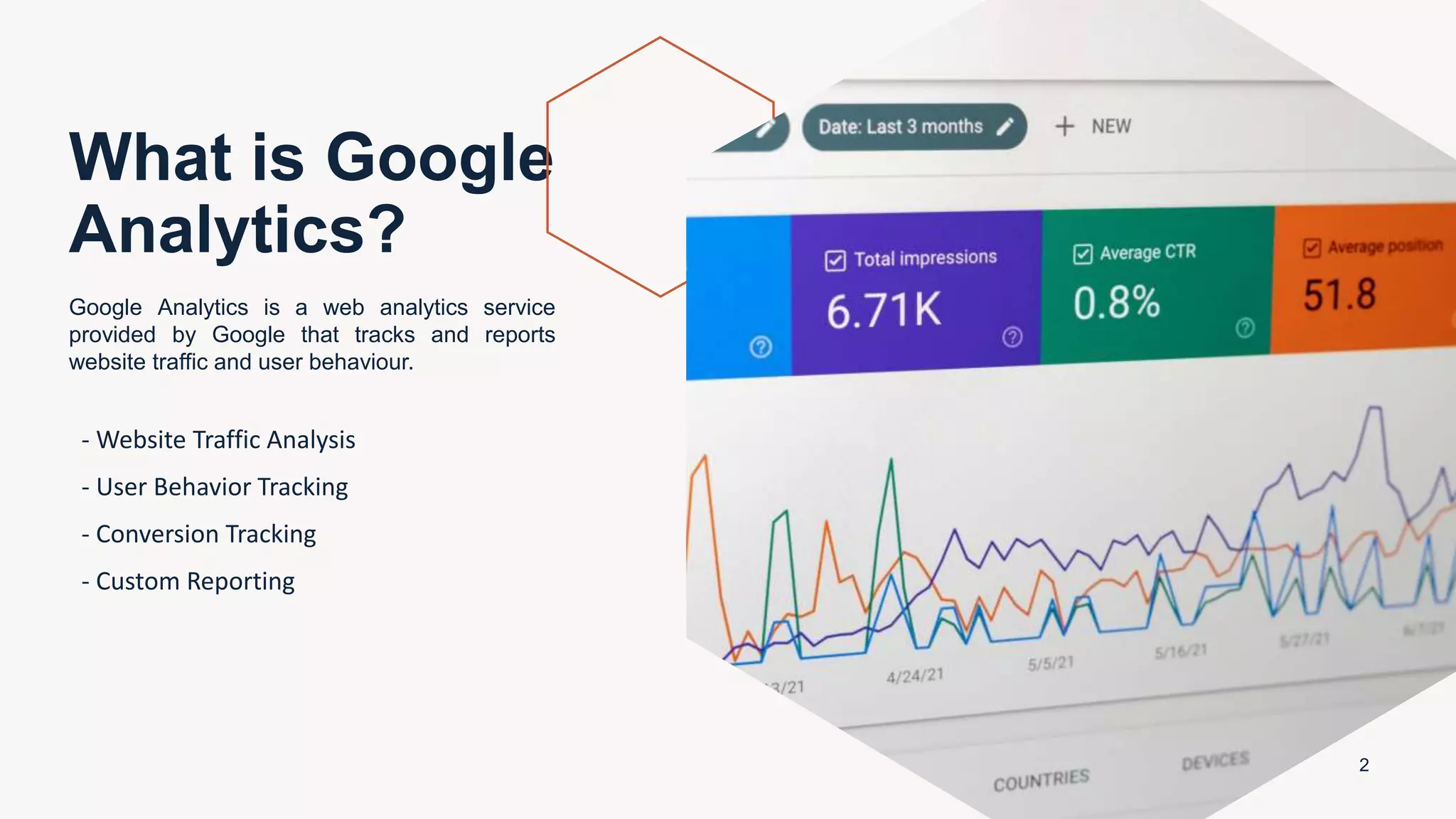
Google Analytics is a web analytics service
provided by Google that tracks and reports
website traffic and user behaviour.
- Website Traffic Analysis
- User Behavior Tracking
- Conversion Tracking
- Custom Reporting
2
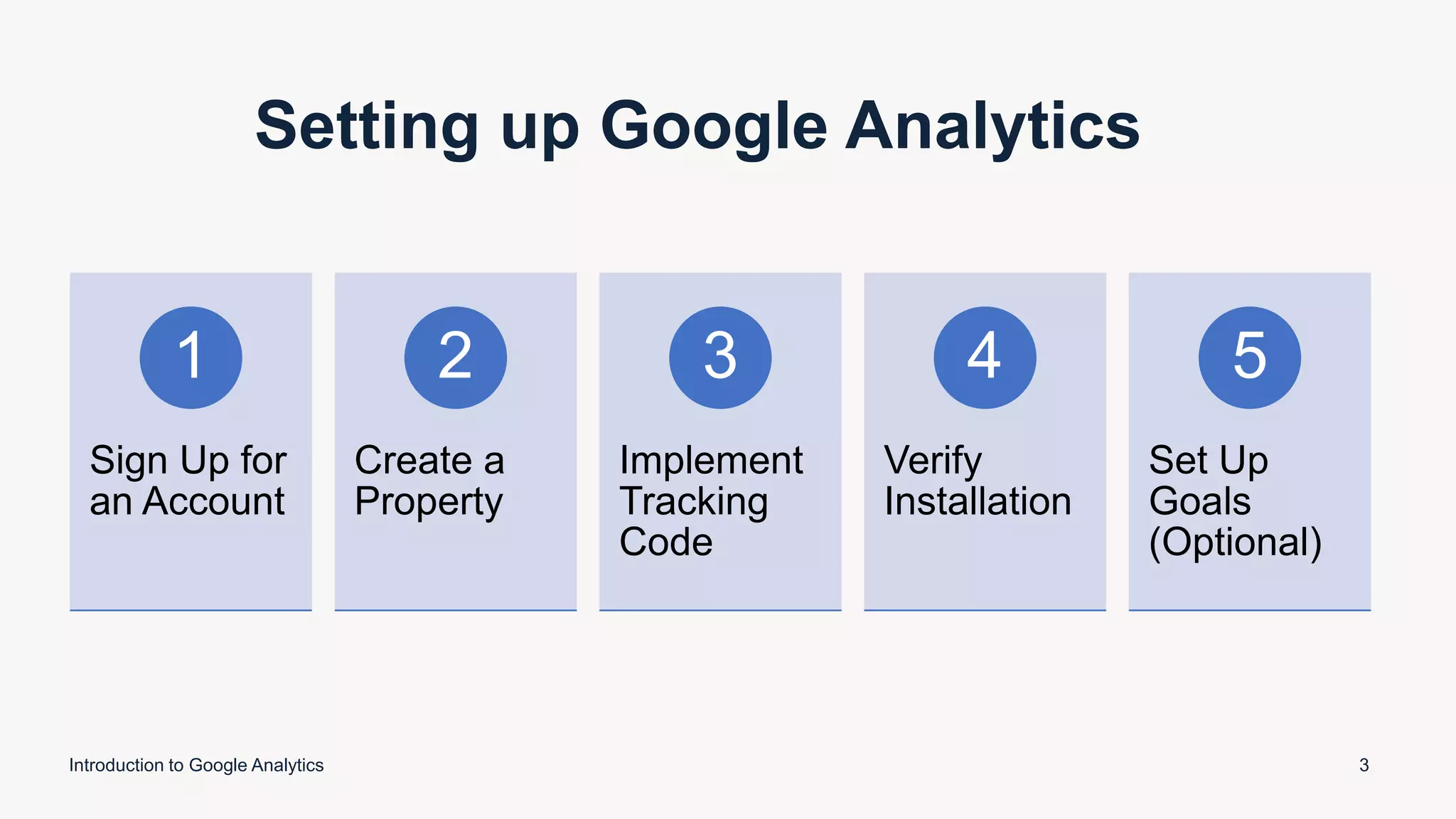
Setting up Google Analytics
Introduction to Google Analytics 3
Sign Up for
an Account
1
Create a
Property
2
Implement
Tracking
Code
3
Verify
Installation
4
Set Up
Goals
(Optional)
5
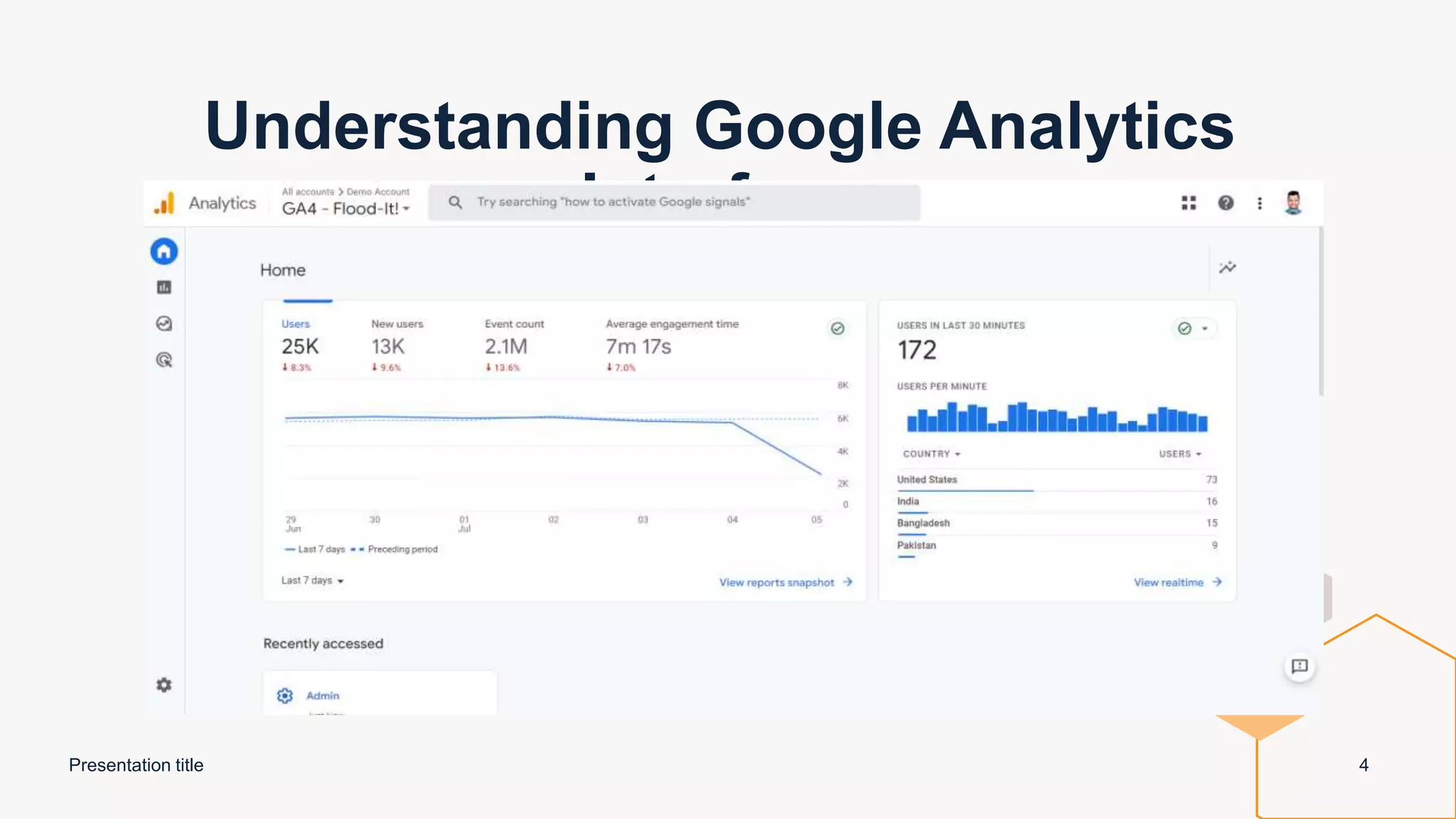
Understanding Google Analytics
Interface
Presentation title 4
Key Concepts in Google Analytics
Presentation title 5
Sessions: Session is a group of user interactions with your website that take place within a given time frame.
Users: Unique users on your website
Pageviews: The number of times a user has loaded any page on the website
Bounce Rate: A bounce in Google Analytics is “a single-page session
Conversion Rate: An activity that website visitor does that serves a clear business goal.
Events:An interaction on the site that is triggered by user behaviour
Reports in Google Analytics
Presentation title 6
Audience Reports: Provide insights into the characteristics and behaviors of
your website's visitors.
Acquisition Reports: Focus on how users arrive at your website and the
channels through which they are acquired.
Behaviour Reports: Offer insights into how users interact with your website
and navigate through its pages.
Conversion Reports: Provide data on the completion of desired actions by
users, helping you track and optimize conversions.
Advanced Features in Google
Analytics
Presentation title 7
Custom Dimensions: User-defined attributes or characteristics that can be assigned to data in
Google Analytics for deeper segmentation and analysis.
Custom Metrics: User-defined quantitative measurements that can be used to track specific
business objectives and goals in Google Analytics.
E-commerce Tracking: The ability to track and analyze online sales and transactions, including
revenue, products sold, and conversion rates.
Cross-Domain Tracking: Tracking user behavior across multiple domains or websites to gain a
comprehensive understanding of their journey and interactions.
Campaign Tracking: Tracking and analyzing the effectiveness of marketing campaigns by
appending special parameters to URLs to capture campaign-specific data in Google Analytics.
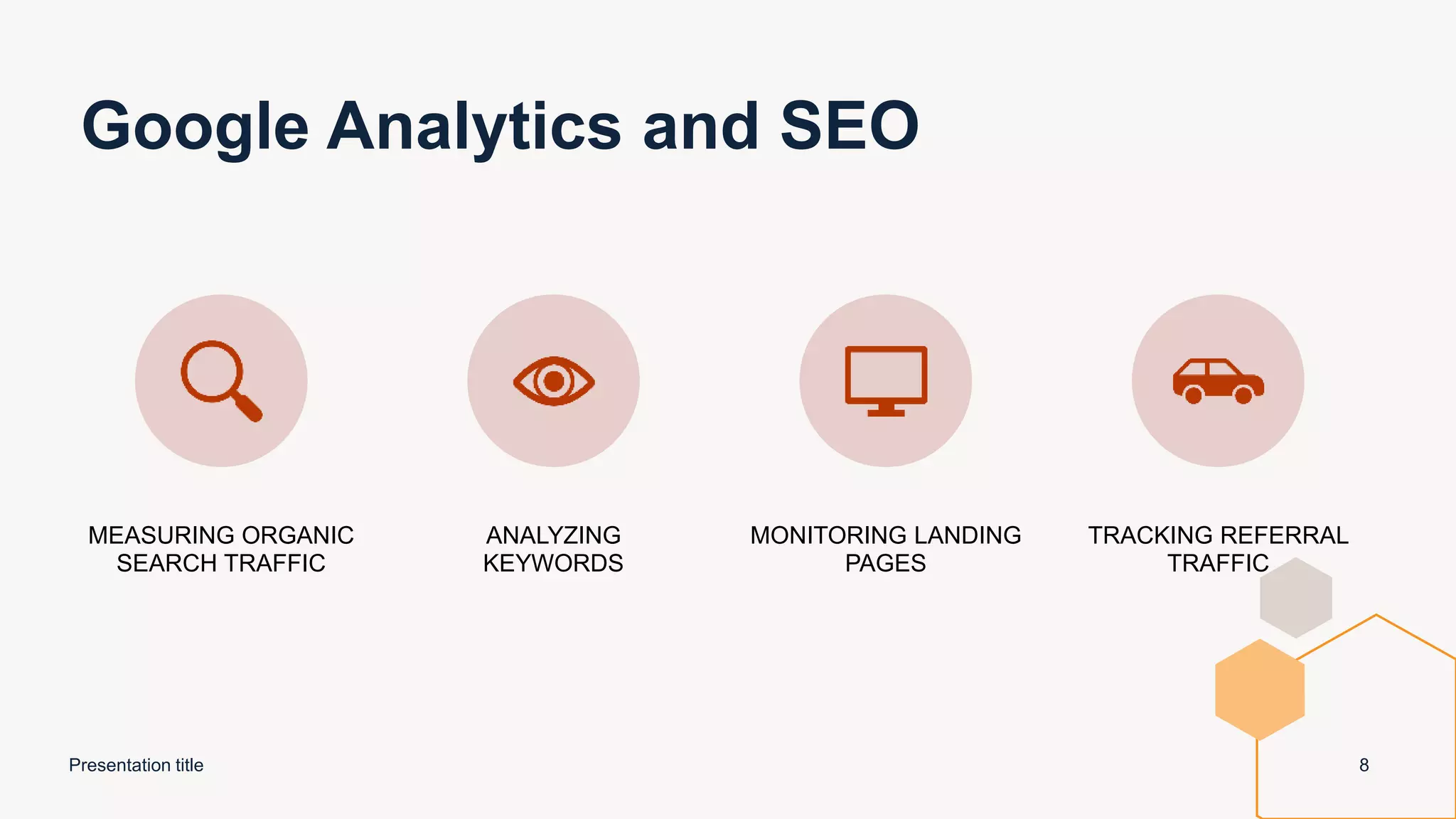
Google Analytics and SEO
Presentation title 8
MEASURING ORGANIC
SEARCH TRAFFIC
ANALYZING
KEYWORDS
MONITORING LANDING
PAGES
TRACKING REFERRAL
TRAFFIC
Conclusion
Presentation title 9
DATA-DRIVEN INSIGHTS FOR INFORMED
DECISION MAKING AND OPTIMIZATION
OF MARKETING EFFORTS.
ENABLES BUSINESSES TO TRACK AND
IMPROVE CONVERSIONS, OPTIMIZE
USER EXPERIENCE, AND MAXIMIZE ROI.
Thank you

Introduction to Google Analytics.pptx

  • 1.
  • 2.
    What is Google Analytics? GoogleAnalytics is a web analytics service provided by Google that tracks and reports website traffic and user behaviour. - Website Traffic Analysis - User Behavior Tracking - Conversion Tracking - Custom Reporting 2
  • 3.
    Setting up GoogleAnalytics Introduction to Google Analytics 3 Sign Up for an Account 1 Create a Property 2 Implement Tracking Code 3 Verify Installation 4 Set Up Goals (Optional) 5
  • 4.
  • 5.
    Key Concepts inGoogle Analytics Presentation title 5 Sessions: Session is a group of user interactions with your website that take place within a given time frame. Users: Unique users on your website Pageviews: The number of times a user has loaded any page on the website Bounce Rate: A bounce in Google Analytics is “a single-page session Conversion Rate: An activity that website visitor does that serves a clear business goal. Events:An interaction on the site that is triggered by user behaviour
  • 6.
    Reports in GoogleAnalytics Presentation title 6 Audience Reports: Provide insights into the characteristics and behaviors of your website's visitors. Acquisition Reports: Focus on how users arrive at your website and the channels through which they are acquired. Behaviour Reports: Offer insights into how users interact with your website and navigate through its pages. Conversion Reports: Provide data on the completion of desired actions by users, helping you track and optimize conversions.
  • 7.
    Advanced Features inGoogle Analytics Presentation title 7 Custom Dimensions: User-defined attributes or characteristics that can be assigned to data in Google Analytics for deeper segmentation and analysis. Custom Metrics: User-defined quantitative measurements that can be used to track specific business objectives and goals in Google Analytics. E-commerce Tracking: The ability to track and analyze online sales and transactions, including revenue, products sold, and conversion rates. Cross-Domain Tracking: Tracking user behavior across multiple domains or websites to gain a comprehensive understanding of their journey and interactions. Campaign Tracking: Tracking and analyzing the effectiveness of marketing campaigns by appending special parameters to URLs to capture campaign-specific data in Google Analytics.
  • 8.
    Google Analytics andSEO Presentation title 8 MEASURING ORGANIC SEARCH TRAFFIC ANALYZING KEYWORDS MONITORING LANDING PAGES TRACKING REFERRAL TRAFFIC
  • 9.
    Conclusion Presentation title 9 DATA-DRIVENINSIGHTS FOR INFORMED DECISION MAKING AND OPTIMIZATION OF MARKETING EFFORTS. ENABLES BUSINESSES TO TRACK AND IMPROVE CONVERSIONS, OPTIMIZE USER EXPERIENCE, AND MAXIMIZE ROI.
  • 10.