UNDERSTANDING GOOGLE ANALYTICS REPORTS
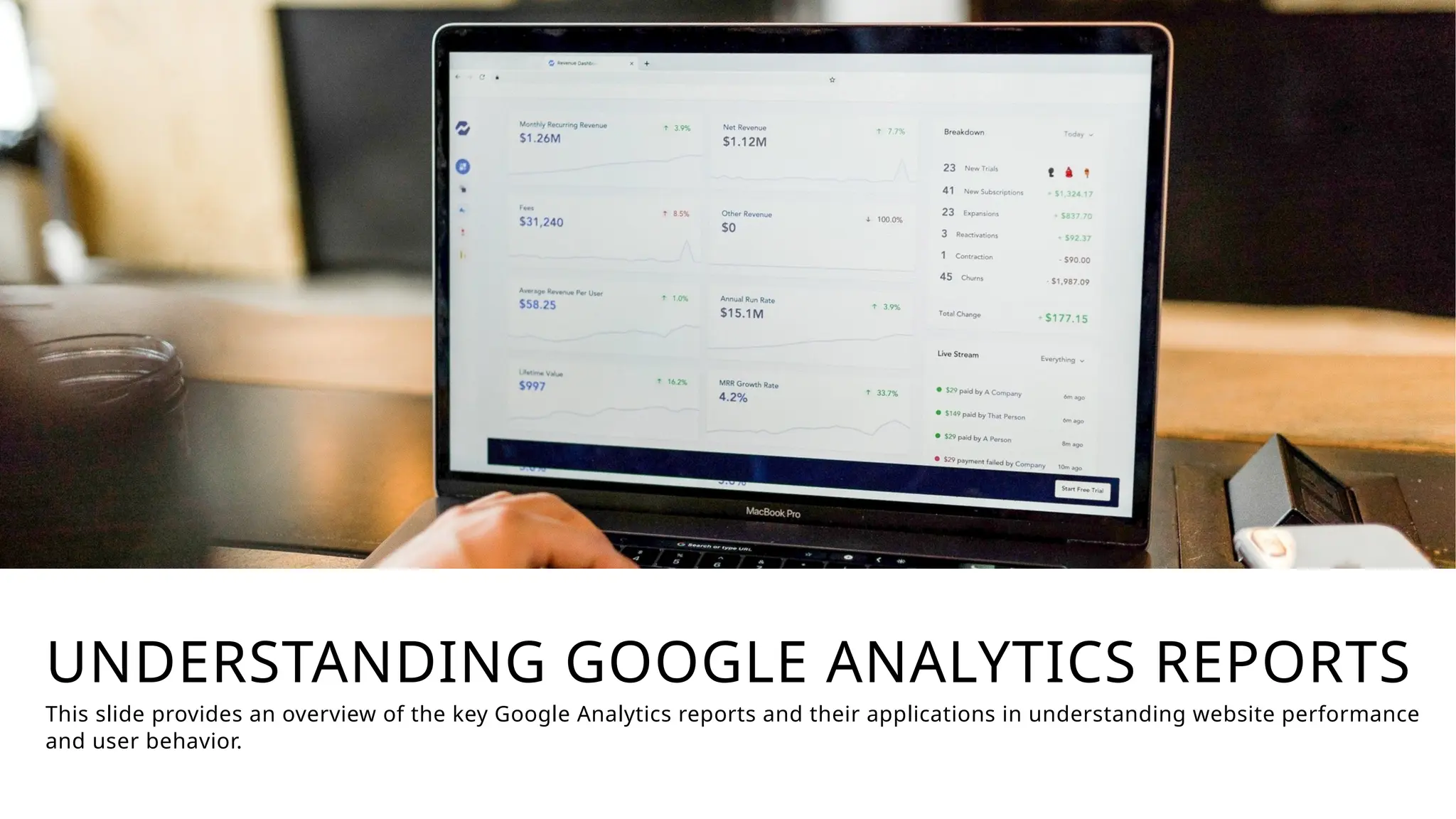
This slide provides an overview of the key Google Analytics reports and their applications in understanding website performance
and user behavior.
REAL-TIME REPORTS
Live User Activity
Real-time monitoring of users visiting your
website, including their locations, device
information, and actions performed.
Campaign Tracking
Quickly assess the performance of your
marketing campaigns by analyzing real-time
traffic and engagement metrics.
Real-time reports in Google Analytics provide valuable insights into user behavior and
marketing campaign performance, enabling data-driven decision-making and
optimizations.
AUDIENCE REPORTS
User Demographics
Analyze the age, gender,
location, and other
demographic characteristics of
your website visitors.
User Interests
Understand the topics,
hobbies, and browsing
behavior that interest your
audience.
User Behavior
Gain insights into how users
interact with your website,
including page views,
session duration, and
bounce rate.
User Retention
Analyze user engagement and
loyalty by examining metrics
like new vs. returning visitors
and user churn.
Audience reports in Google Analytics provide a deep understanding of your
website's users, enabling you to create more targeted and effective marketing
strategies.
ACQUISITION REPORTS
Traffic Sources
Identify the different channels and
platforms driving visitors to your website,
such as organic search, referrals, social
media, and direct traffic.
Acquisition Channels
Analyze the performance of your marketing
channels, including paid advertising, email
campaigns, and content marketing, to
determine which are driving the most
valuable traffic.
Campaign Tracking
Set up tracking for your marketing
campaigns to measure their effectiveness
and optimize your strategies based on the
data.
Acquisition reports in Google Analytics provide insights into the sources of
your website traffic and the performance of your marketing channels,
helping you make data-driven decisions to improve your digital marketing
efforts.
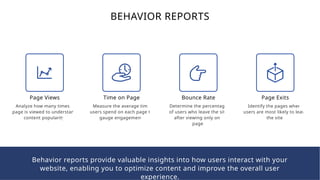
BEHAVIOR REPORTS
Page Views
Analyze how many times a
page is viewed to understand
content popularity.
Time on Page
Measure the average time
users spend on each page to
gauge engagement.
Bounce Rate
Determine the percentage
of users who leave the site
after viewing only one
page.
Page Exits
Identify the pages where
users are most likely to leave
the site.
Behavior reports provide valuable insights into how users interact with your
website, enabling you to optimize content and improve the overall user
experience.
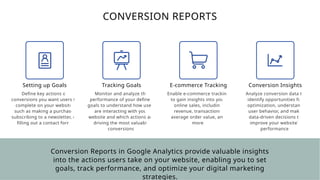
CONVERSION REPORTS
Setting up Goals
Define key actions or
conversions you want users to
complete on your website,
such as making a purchase,
subscribing to a newsletter, or
filling out a contact form.
Tracking Goals
Monitor and analyze the
performance of your defined
goals to understand how users
are interacting with your
website and which actions are
driving the most valuable
conversions.
E-commerce Tracking
Enable e-commerce tracking
to gain insights into your
online sales, including
revenue, transactions,
average order value, and
more.
Conversion Insights
Analyze conversion data to
identify opportunities for
optimization, understand
user behavior, and make
data-driven decisions to
improve your website's
performance.
Conversion Reports in Google Analytics provide valuable insights
into the actions users take on your website, enabling you to set
goals, track performance, and optimize your digital marketing
strategies.
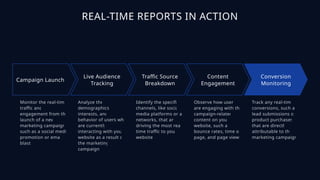
REAL-TIME REPORTS IN ACTION
Campaign Launch
Monitor the real-time
traffic and
engagement from the
launch of a new
marketing campaign,
such as a social media
promotion or email
blast.
Live Audience
Tracking
Analyze the
demographics,
interests, and
behavior of users who
are currently
interacting with your
website as a result of
the marketing
campaign.
Traffic Source
Breakdown
Identify the specific
channels, like social
media platforms or ad
networks, that are
driving the most real-
time traffic to your
website.
Content
Engagement
Observe how users
are engaging with the
campaign-related
content on your
website, such as
bounce rates, time on
page, and page views.
Conversion
Monitoring
Track any real-time
conversions, such as
lead submissions or
product purchases,
that are directly
attributable to the
marketing campaign.
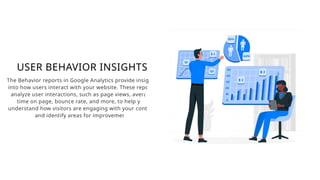
USER BEHAVIOR INSIGHTS
The Behavior reports in Google Analytics provide insights
into how users interact with your website. These reports
analyze user interactions, such as page views, average
time on page, bounce rate, and more, to help you
understand how visitors are engaging with your content
and identify areas for improvement.
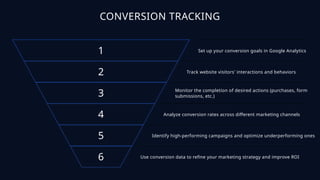
CONVERSION TRACKING
1 Set up your conversion goals in Google Analytics
2 Track website visitors' interactions and behaviors
3 Monitor the completion of desired actions (purchases, form
submissions, etc.)
4 Analyze conversion rates across different marketing channels
5 Identify high-performing campaigns and optimize underperforming ones
6 Use conversion data to refine your marketing strategy and improve ROI
leedixon.com

Understanding Google Analytics Reports.pptx

  • 1.
    UNDERSTANDING GOOGLE ANALYTICSREPORTS This slide provides an overview of the key Google Analytics reports and their applications in understanding website performance and user behavior.
  • 2.
    REAL-TIME REPORTS Live UserActivity Real-time monitoring of users visiting your website, including their locations, device information, and actions performed. Campaign Tracking Quickly assess the performance of your marketing campaigns by analyzing real-time traffic and engagement metrics. Real-time reports in Google Analytics provide valuable insights into user behavior and marketing campaign performance, enabling data-driven decision-making and optimizations.
  • 3.
    AUDIENCE REPORTS User Demographics Analyzethe age, gender, location, and other demographic characteristics of your website visitors. User Interests Understand the topics, hobbies, and browsing behavior that interest your audience. User Behavior Gain insights into how users interact with your website, including page views, session duration, and bounce rate. User Retention Analyze user engagement and loyalty by examining metrics like new vs. returning visitors and user churn. Audience reports in Google Analytics provide a deep understanding of your website's users, enabling you to create more targeted and effective marketing strategies.
  • 4.
    ACQUISITION REPORTS Traffic Sources Identifythe different channels and platforms driving visitors to your website, such as organic search, referrals, social media, and direct traffic. Acquisition Channels Analyze the performance of your marketing channels, including paid advertising, email campaigns, and content marketing, to determine which are driving the most valuable traffic. Campaign Tracking Set up tracking for your marketing campaigns to measure their effectiveness and optimize your strategies based on the data. Acquisition reports in Google Analytics provide insights into the sources of your website traffic and the performance of your marketing channels, helping you make data-driven decisions to improve your digital marketing efforts.
  • 5.
    BEHAVIOR REPORTS Page Views Analyzehow many times a page is viewed to understand content popularity. Time on Page Measure the average time users spend on each page to gauge engagement. Bounce Rate Determine the percentage of users who leave the site after viewing only one page. Page Exits Identify the pages where users are most likely to leave the site. Behavior reports provide valuable insights into how users interact with your website, enabling you to optimize content and improve the overall user experience.
  • 6.
    CONVERSION REPORTS Setting upGoals Define key actions or conversions you want users to complete on your website, such as making a purchase, subscribing to a newsletter, or filling out a contact form. Tracking Goals Monitor and analyze the performance of your defined goals to understand how users are interacting with your website and which actions are driving the most valuable conversions. E-commerce Tracking Enable e-commerce tracking to gain insights into your online sales, including revenue, transactions, average order value, and more. Conversion Insights Analyze conversion data to identify opportunities for optimization, understand user behavior, and make data-driven decisions to improve your website's performance. Conversion Reports in Google Analytics provide valuable insights into the actions users take on your website, enabling you to set goals, track performance, and optimize your digital marketing strategies.
  • 7.
    REAL-TIME REPORTS INACTION Campaign Launch Monitor the real-time traffic and engagement from the launch of a new marketing campaign, such as a social media promotion or email blast. Live Audience Tracking Analyze the demographics, interests, and behavior of users who are currently interacting with your website as a result of the marketing campaign. Traffic Source Breakdown Identify the specific channels, like social media platforms or ad networks, that are driving the most real- time traffic to your website. Content Engagement Observe how users are engaging with the campaign-related content on your website, such as bounce rates, time on page, and page views. Conversion Monitoring Track any real-time conversions, such as lead submissions or product purchases, that are directly attributable to the marketing campaign.
  • 8.
    USER BEHAVIOR INSIGHTS TheBehavior reports in Google Analytics provide insights into how users interact with your website. These reports analyze user interactions, such as page views, average time on page, bounce rate, and more, to help you understand how visitors are engaging with your content and identify areas for improvement.
  • 9.
    CONVERSION TRACKING 1 Setup your conversion goals in Google Analytics 2 Track website visitors' interactions and behaviors 3 Monitor the completion of desired actions (purchases, form submissions, etc.) 4 Analyze conversion rates across different marketing channels 5 Identify high-performing campaigns and optimize underperforming ones 6 Use conversion data to refine your marketing strategy and improve ROI
  • 10.