Submitted to:
Mr.Teekam Singh Asst. professor
.
AUTODESK
AutoCad
Submitted By: Rahul Kumar Sain
20EJCCE086
II Year Civil Enginreeing
Welcome
INDEXOFCONTENTS:-
•Introduction to AutoCAD
•History OF AUTOCAD
•The latest version of AutoCAD
•The home screen of Autocad.
•Overview of Autocad Software
•Advantages of AutoCAD in Engineering
•Working of AutoCad
•Mathematics in Autocad
•Coordination system for Autocad
•Features of Autocad
•User interface Tour
•Autocad design ( 2D and 3D design and drafting )
•To Display a Preset 3D View
•Autocad shortcut keys of Autocad
AUTODESK
AutoCad
AUTODESK
AutoCad
Welcome to AutoCAD’s. Withthis suiteof tools, you will be able to producehighquality
designsin less time, via the significantimprovements inprecisionandflexibility while
workingin both 2D sketchesand3D modeling.
Introduction to AutoCAD :-
AUTODESK
AutoCad
History OF AUTOCAD:-
Theversionhistoryof AutoCAD,a commercial
computer-aideddesign(CAD)anddrafting
softwareapplicationby Autodeskbeganwith
thereleaseof version1.0inDecember1982.
Thesoftwarehasbeencontinuouslyupdatedsince
itsinitialrelease.
AutoCADopensdocumentshavinga DWGversion
whichmatchestheversionof AutoCADbeingused
or
anypriorDWGversion.
AUTODESK
AutoCad
The latest version of AutoCAD:-
The latest version by 2019 end is AutoCAD
2022
AUTODESK
AutoCad
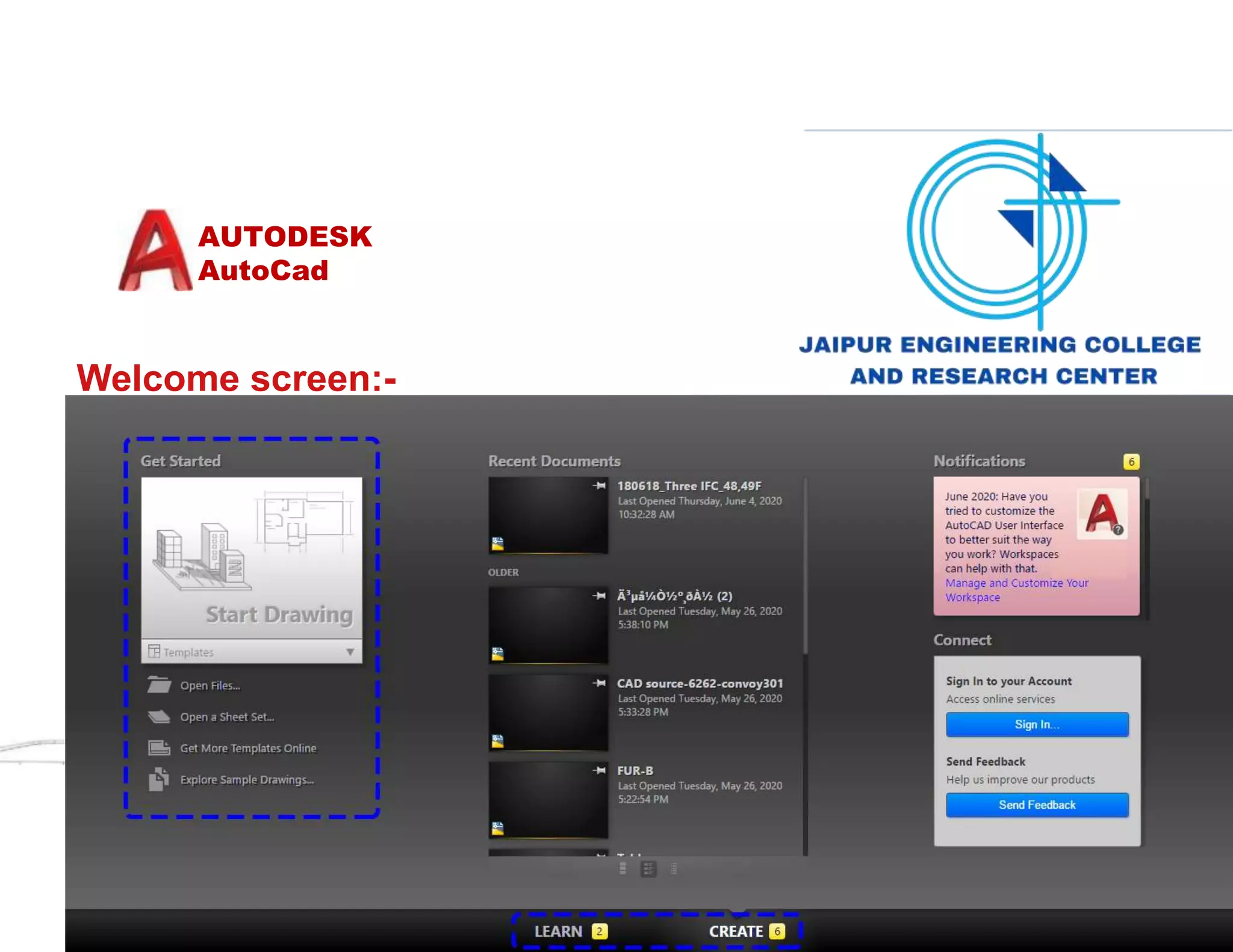
Welcome screen:-
AUTODESK
AutoCad
The home screen of AutoCad: -
AUTODESK
AutoCad
•Application menu: New, open, save, import, export, print
•Quick access toolbar: User can save tools that they often use
•Info Center: Ask a question, find out answers from Autodesk community
•Ribbon: Main menus – Home, Insert, Annotate, View, Manage
•Ribbon tab
•Ribbon view: User can minimize and maximize the ribbon
•File tab: Navigate files and create and open files
•Drawing area/graphic area: Main drawing space
•View cube: User can change the view, top, front, 3D, or more
•Navigation bar: Zoom in and out, pan, zoon to all, and more
•Command box: Can type commands and see the previous commands
•Layout tab: Can see model space and print spaces
•Status bar: Can set grid, snaps, scales, and more
AUTODESK
AutoCad
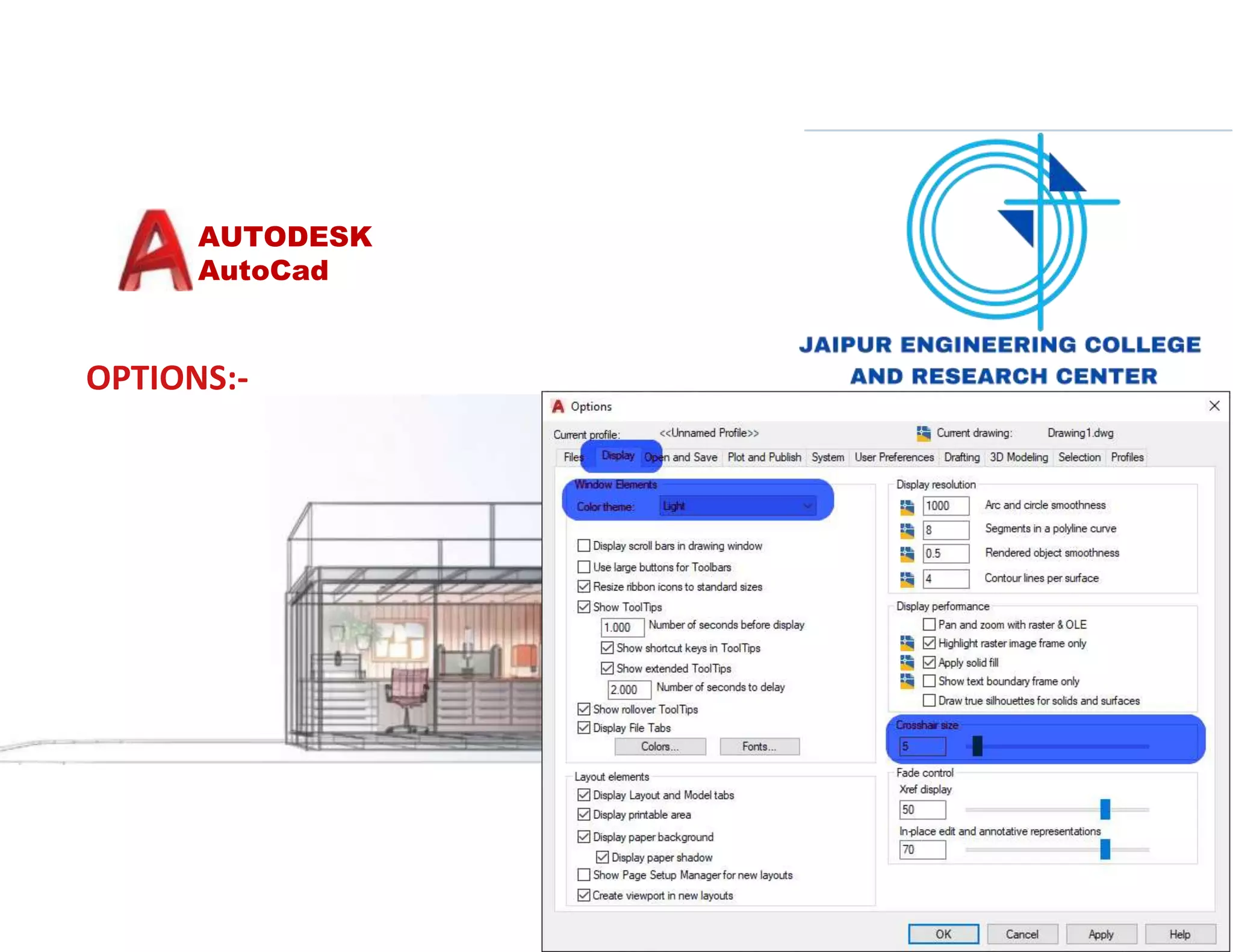
OPTIONS:-
AUTODESK
AutoCad
UNITS:-
AUTODESK
AutoCad
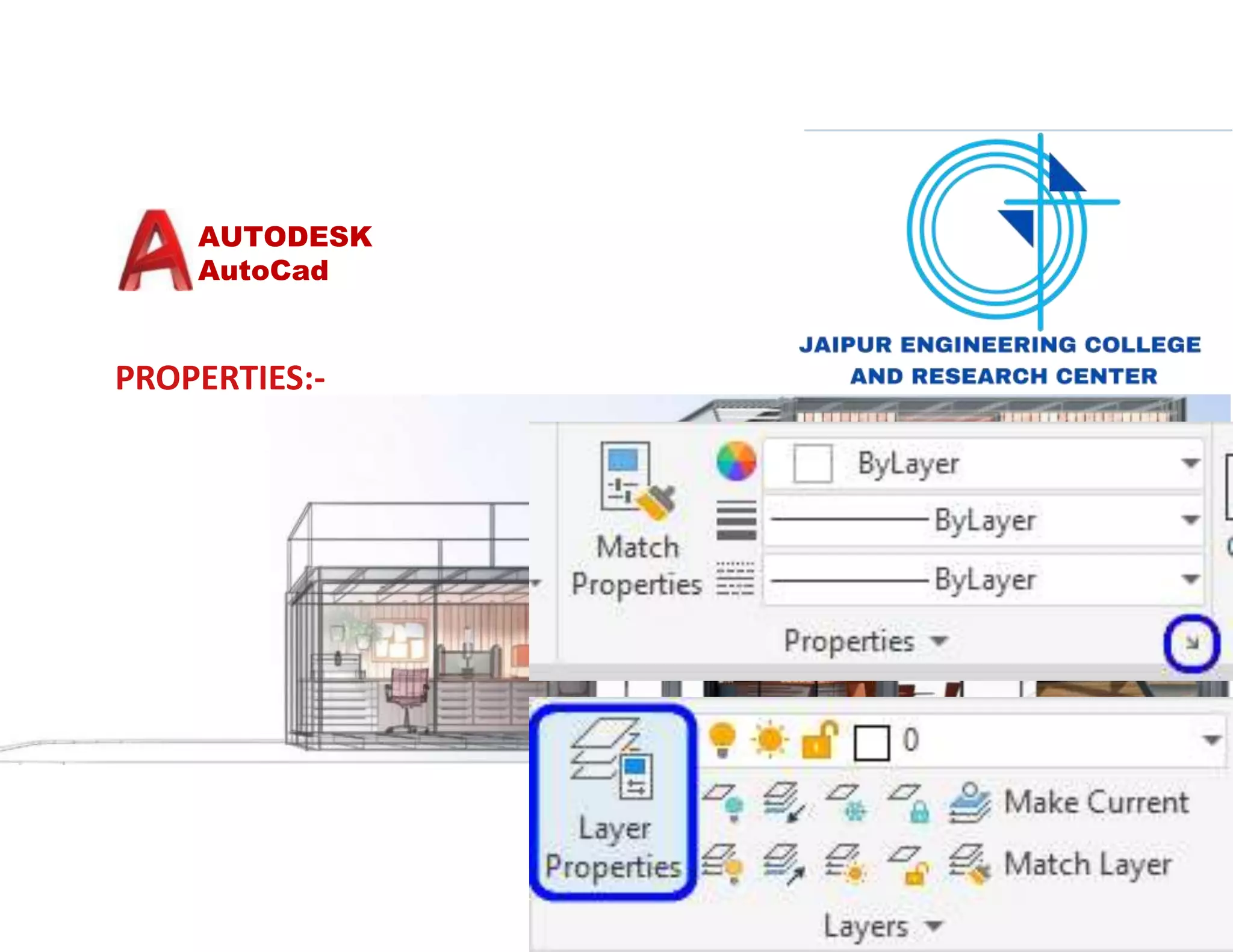
PROPERTIES:-
AUTODESK
AutoCad
The interface after setting changes :-
AUTODESK
AutoCad
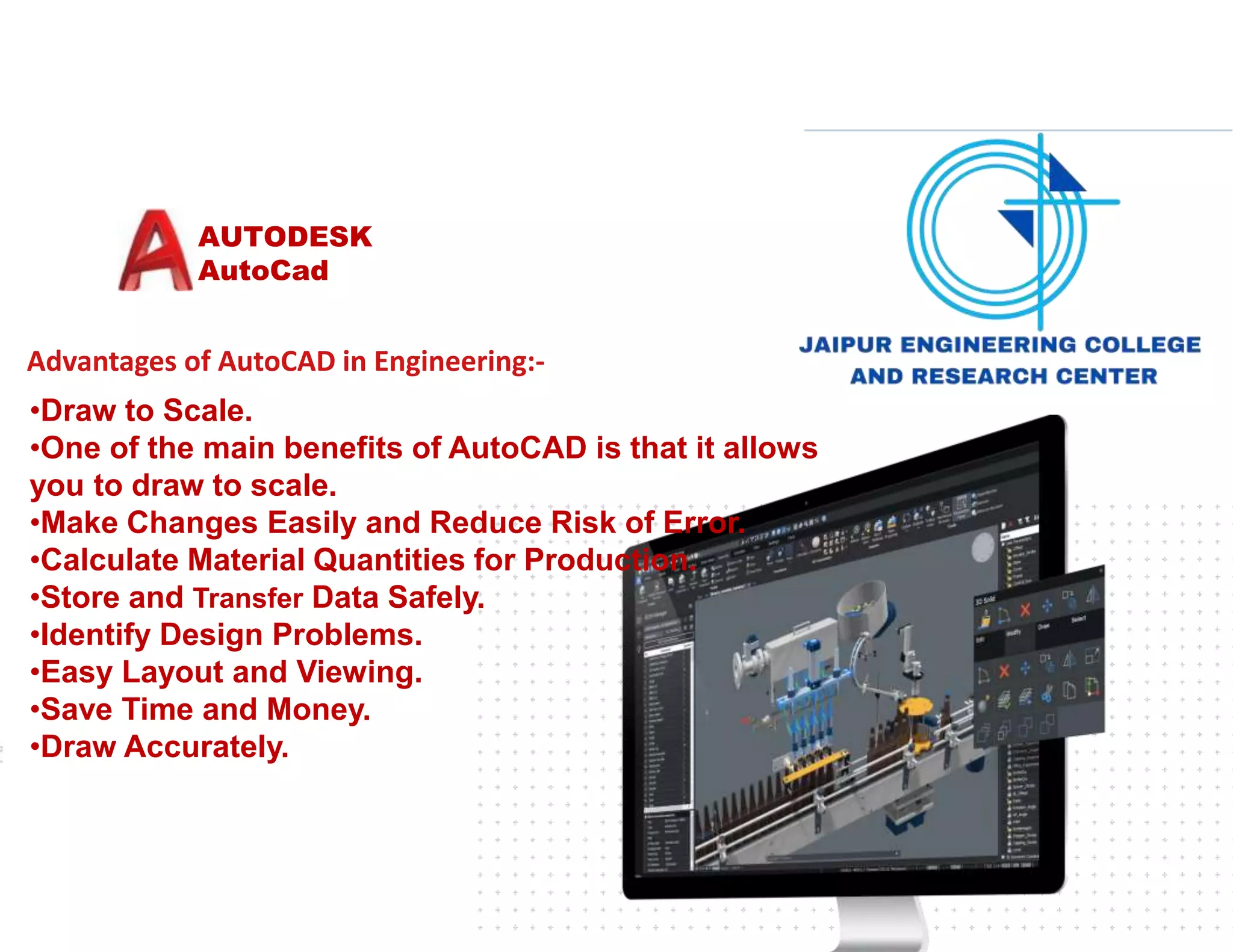
Advantages of AutoCAD in Engineering:-
•Draw to Scale.
•One of the main benefits of AutoCAD is that it allows
you to draw to scale.
•Make Changes Easily and Reduce Risk of Error.
•Calculate Material Quantities for Production.
•Store and Transfer Data Safely.
•Identify Design Problems.
•Easy Layout and Viewing.
•Save Time and Money.
•Draw Accurately.
AUTODESK
AutoCad
Mathematics in Autocad:-
There are several ways you can let
AutoCAD do some quick
arithmetic for you when you need a
distance. Let's say you're
drawing a line and you want to use direct
distance entry to
specify the length. take out a pencil and
paper and do the math.
AUTODESK
AutoCad
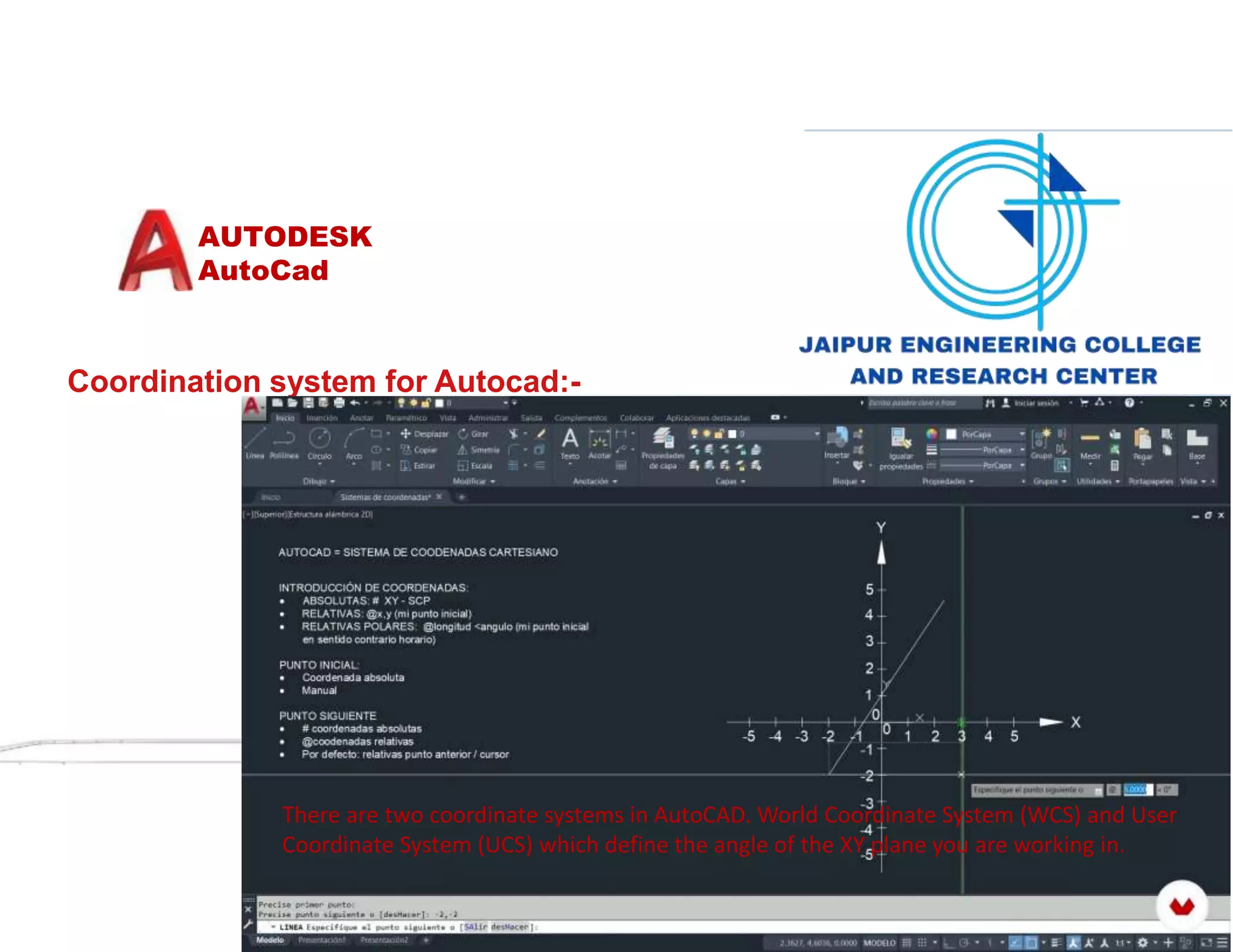
Coordination system for Autocad:-
There are two coordinate systems in AutoCAD. World Coordinate System (WCS) and User
Coordinate System (UCS) which define the angle of the XY plane you are working in.
AUTODESK
AutoCad
Autocad design ( 2D and 3D design and drafting ):-
Autodesk that provides architects, engineers, and
construction professionals the ability to create
precise 2D and 3D drawings. Features. Draft,
annotate, and design 2D geometry and 3D models
with solids, surfaces, and mesh objects.
AUTODESK
AutoCad
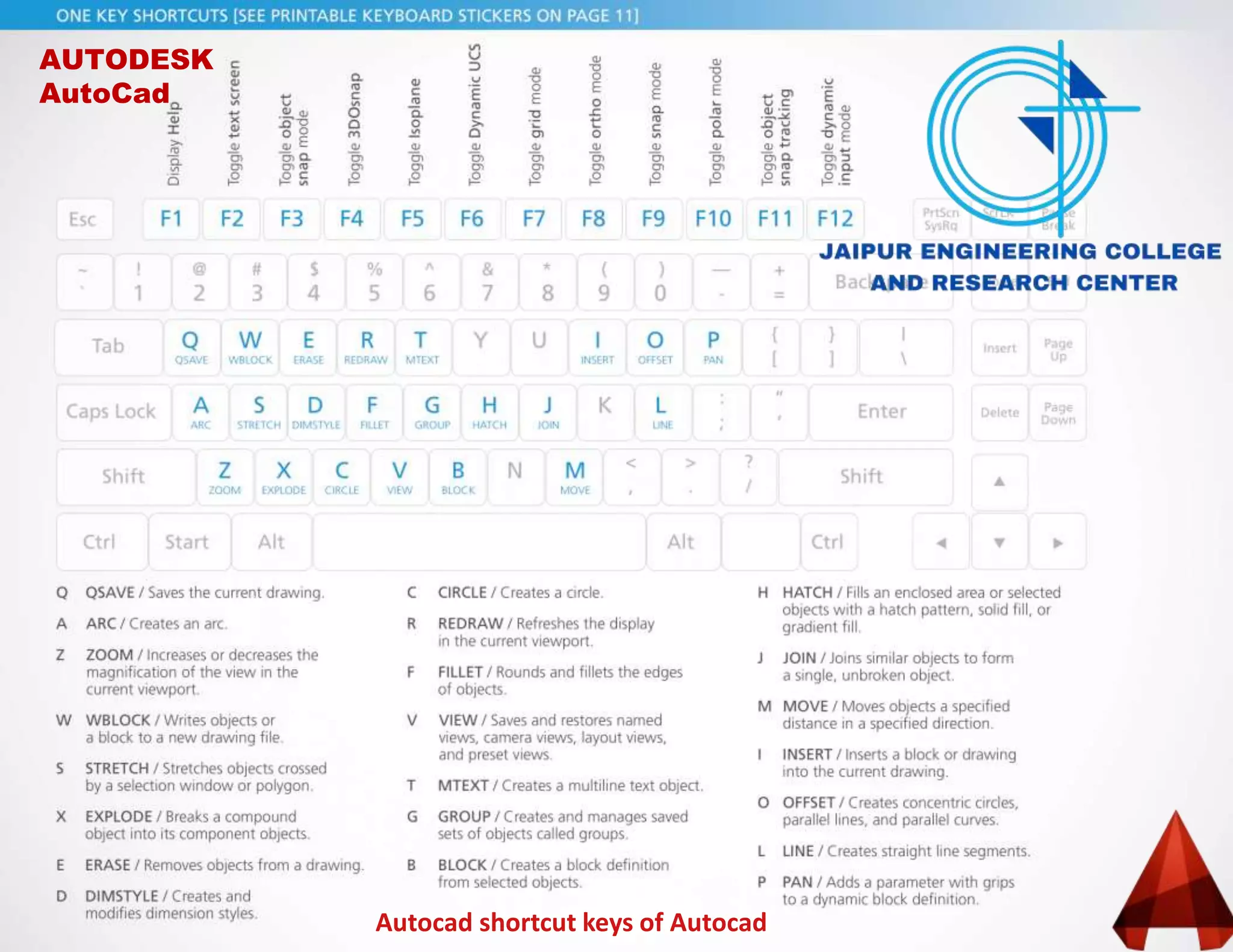
Autocad shortcut keys of Autocad
AUTODESK
AutoCad

Introduction to Autocad

  • 1.
    Submitted to: Mr.Teekam SinghAsst. professor . AUTODESK AutoCad Submitted By: Rahul Kumar Sain 20EJCCE086 II Year Civil Enginreeing Welcome
  • 2.
    INDEXOFCONTENTS:- •Introduction to AutoCAD •HistoryOF AUTOCAD •The latest version of AutoCAD •The home screen of Autocad. •Overview of Autocad Software •Advantages of AutoCAD in Engineering •Working of AutoCad •Mathematics in Autocad •Coordination system for Autocad •Features of Autocad •User interface Tour •Autocad design ( 2D and 3D design and drafting ) •To Display a Preset 3D View •Autocad shortcut keys of Autocad AUTODESK AutoCad
  • 3.
    AUTODESK AutoCad Welcome to AutoCAD’s.Withthis suiteof tools, you will be able to producehighquality designsin less time, via the significantimprovements inprecisionandflexibility while workingin both 2D sketchesand3D modeling. Introduction to AutoCAD :-
  • 4.
    AUTODESK AutoCad History OF AUTOCAD:- TheversionhistoryofAutoCAD,a commercial computer-aideddesign(CAD)anddrafting softwareapplicationby Autodeskbeganwith thereleaseof version1.0inDecember1982. Thesoftwarehasbeencontinuouslyupdatedsince itsinitialrelease. AutoCADopensdocumentshavinga DWGversion whichmatchestheversionof AutoCADbeingused or anypriorDWGversion.
  • 5.
    AUTODESK AutoCad The latest versionof AutoCAD:- The latest version by 2019 end is AutoCAD 2022
  • 6.
  • 7.
  • 8.
    AUTODESK AutoCad •Application menu: New,open, save, import, export, print •Quick access toolbar: User can save tools that they often use •Info Center: Ask a question, find out answers from Autodesk community •Ribbon: Main menus – Home, Insert, Annotate, View, Manage •Ribbon tab •Ribbon view: User can minimize and maximize the ribbon •File tab: Navigate files and create and open files •Drawing area/graphic area: Main drawing space •View cube: User can change the view, top, front, 3D, or more •Navigation bar: Zoom in and out, pan, zoon to all, and more •Command box: Can type commands and see the previous commands •Layout tab: Can see model space and print spaces •Status bar: Can set grid, snaps, scales, and more
  • 9.
  • 10.
  • 11.
  • 12.
  • 13.
    AUTODESK AutoCad Advantages of AutoCADin Engineering:- •Draw to Scale. •One of the main benefits of AutoCAD is that it allows you to draw to scale. •Make Changes Easily and Reduce Risk of Error. •Calculate Material Quantities for Production. •Store and Transfer Data Safely. •Identify Design Problems. •Easy Layout and Viewing. •Save Time and Money. •Draw Accurately.
  • 14.
    AUTODESK AutoCad Mathematics in Autocad:- Thereare several ways you can let AutoCAD do some quick arithmetic for you when you need a distance. Let's say you're drawing a line and you want to use direct distance entry to specify the length. take out a pencil and paper and do the math.
  • 15.
    AUTODESK AutoCad Coordination system forAutocad:- There are two coordinate systems in AutoCAD. World Coordinate System (WCS) and User Coordinate System (UCS) which define the angle of the XY plane you are working in.
  • 16.
    AUTODESK AutoCad Autocad design (2D and 3D design and drafting ):- Autodesk that provides architects, engineers, and construction professionals the ability to create precise 2D and 3D drawings. Features. Draft, annotate, and design 2D geometry and 3D models with solids, surfaces, and mesh objects.
  • 17.
  • 18.