Downloaded 56 times




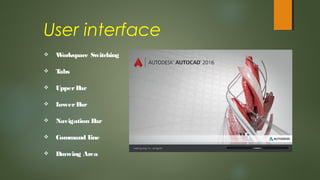
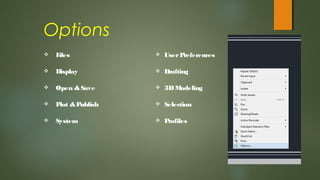
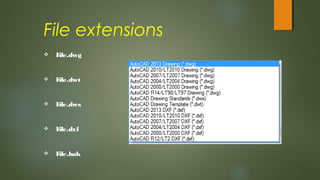
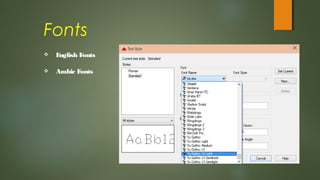
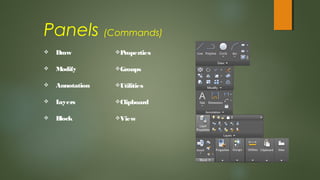
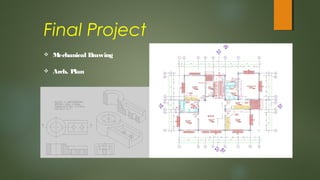


This document provides an overview of the key components of the AutoCAD software interface and functions. It discusses the user interface elements like tabs, command line, and drawing area. It also outlines some common file extensions used in AutoCAD like .dwg, .dwt, and .dxf files. The document reviews options for customizing settings, available fonts, and the main command panels. It concludes with mentioning some examples of final projects like mechanical drawings or architectural plans that can be created using AutoCAD.


![[DE] Übersicht: Panel-Diskussionen 1998-2016 | Dr. Ulrich Kampffmeyer | PROJE...](https://cdn.slidesharecdn.com/ss_thumbnails/ulrichkampffmeyerpaneldiskussionendmsexpo1998-2015-161019132055-thumbnail.jpg?width=640&height=640&fit=bounds)


![[DE|EN|FR] ECM Enterprise Content Management - IBM Whitepaper | Dr. Ulrich Ka...](https://cdn.slidesharecdn.com/ss_thumbnails/ulrichkampffmeyerecmenterprisecontentmanagementibmwhitepaper2007-160308095101-thumbnail.jpg?width=640&height=640&fit=bounds)


