• Contents
• Introduction
• Services
• The World Wide Web (www)
• Browsers
• Search engines
• Uses of internet
• Your security
• Introduction
• What is the Internet?
• History
• Who own’s internet ?
• Services
• E-mail
• File sharing
• Searching
• Shopping
• Playing games,watching videos etc
• World Wide Web (www)
• World Wide Web or W3 is the most popular
and promising method of organizing and
accessing information on the INTERNET.
• Hypertext is a new way of information
storage and retrieval that enables authors to
structure information in novel ways.
• WWW Browsers
• To use a computer as a Web client, a user
needs to load on it a special software tool
known as WWW Browser.
• Maintain a history of server computers visited
by user in a surfing session.
• Enable a user to download information in
various formats.
• INTERNET SEARCH
ENGINES
• Google
• Yahoo
• bing
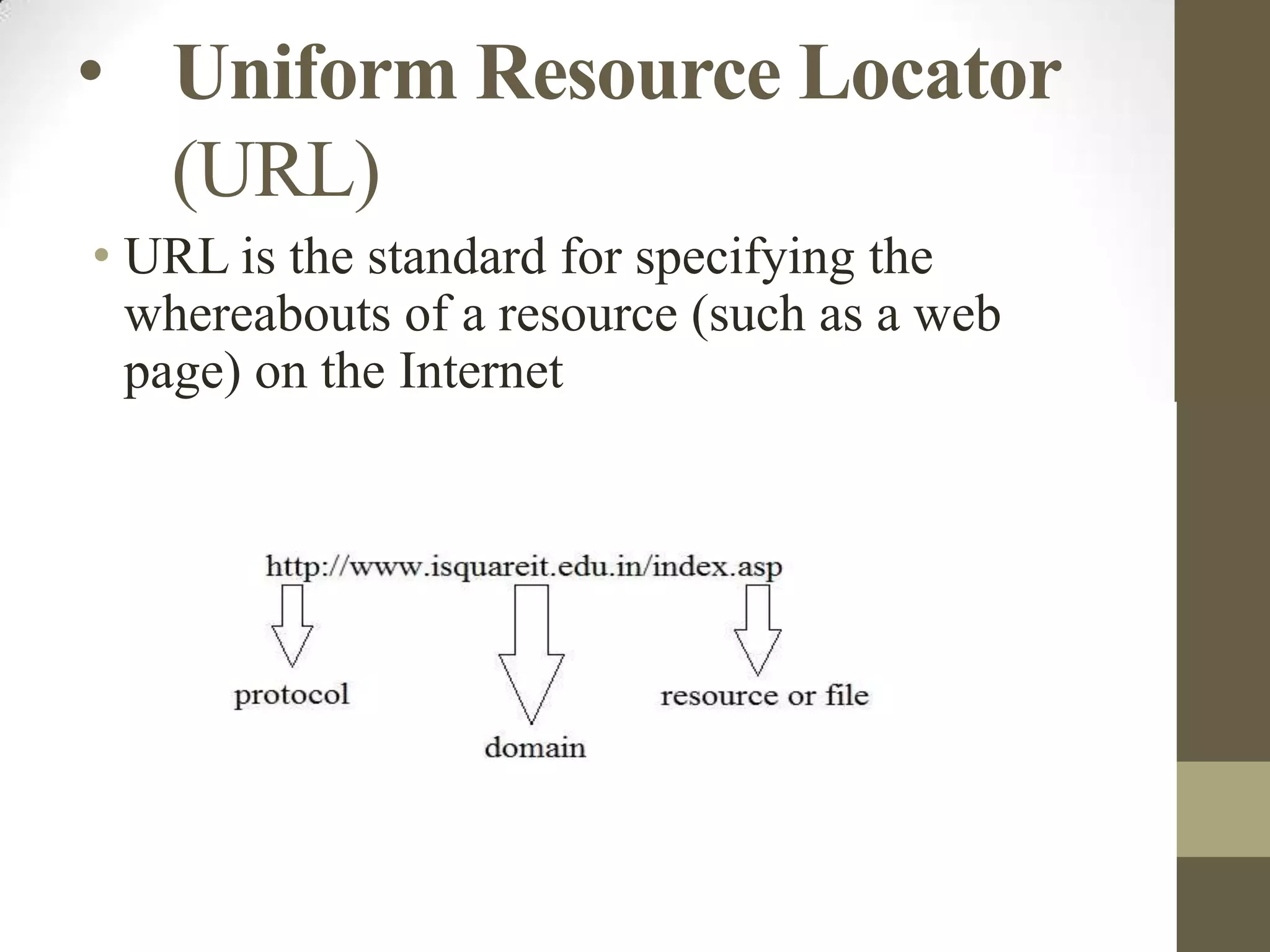
• Uniform Resource Locator
(URL)
• URL is the standard for specifying the
whereabouts of a resource (such as a web
page) on the Internet
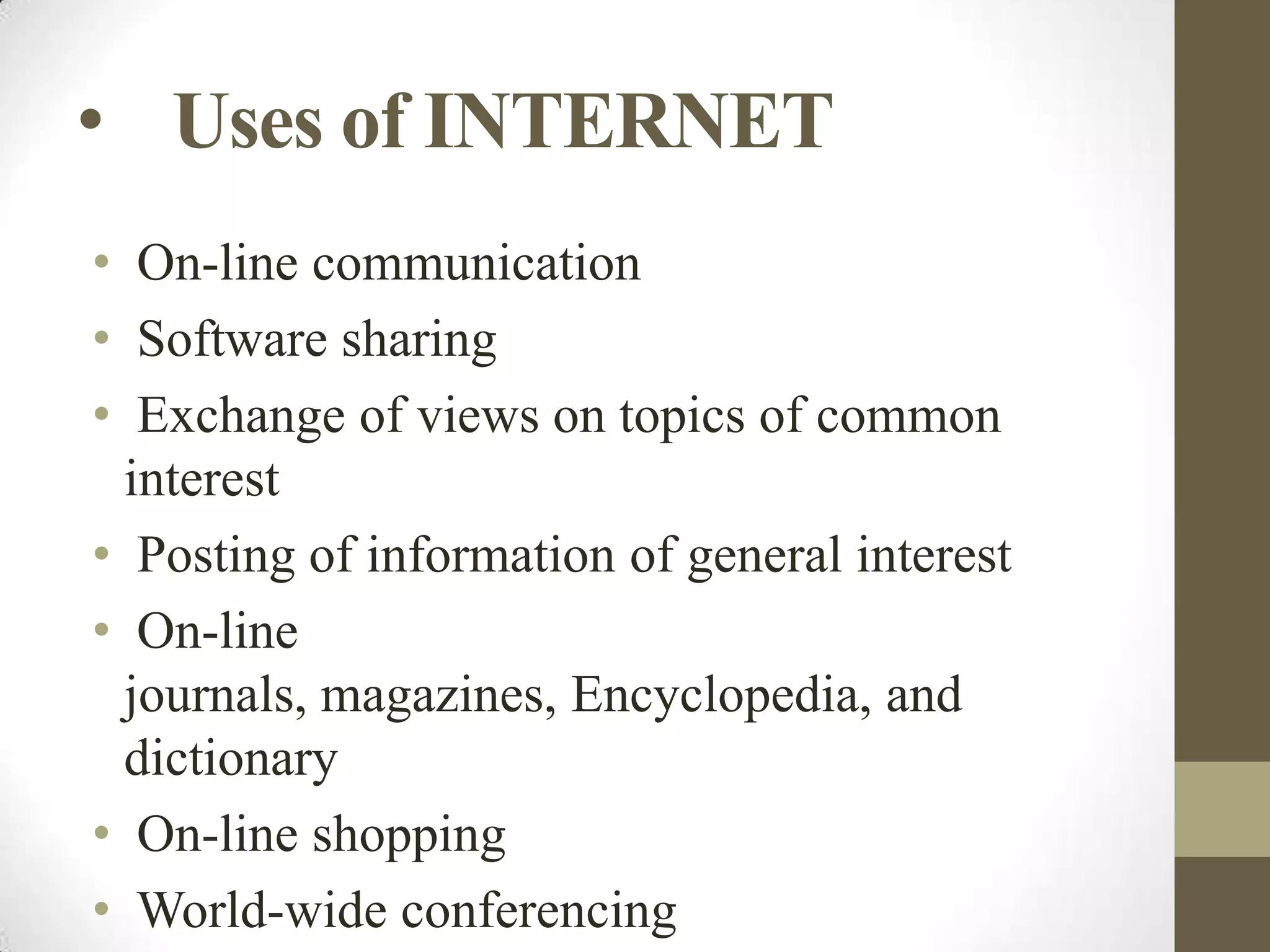
• Uses of INTERNET
• On-line communication
• Software sharing
• Exchange of views on topics of common
interest
• Posting of information of general interest
• On-line
journals, magazines, Encyclopedia, and
dictionary
• On-line shopping
• World-wide conferencing
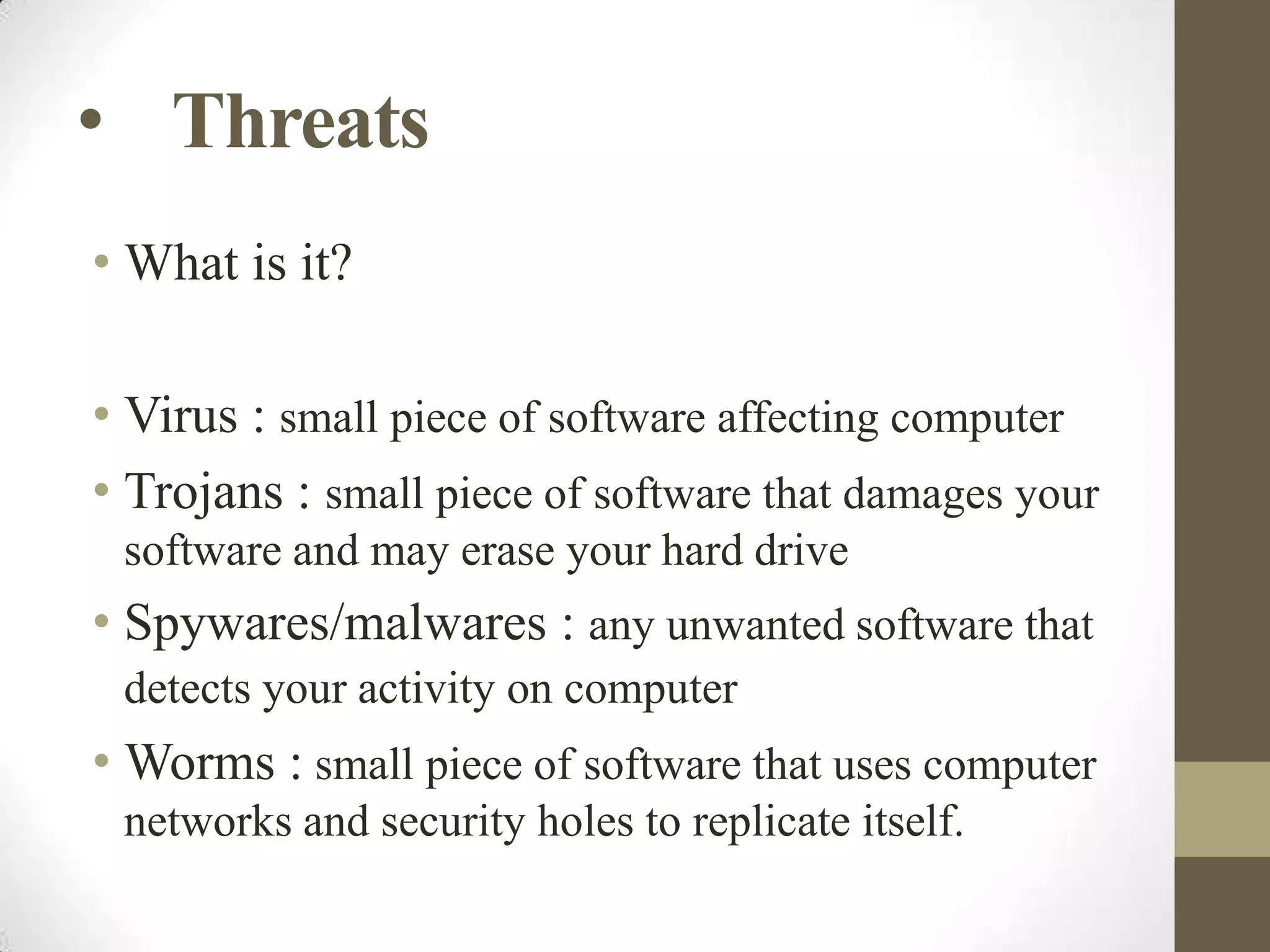
• Threats
• What is it?
• Virus : small piece of software affecting computer
• Trojans : small piece of software that damages your
software and may erase your hard drive

• Spywares/malwares : any unwanted software that
detects your activity on computer

• Worms : small piece of software that uses computer
networks and security holes to replicate itself.
• Hacking :
• What is it ?
• How do they do ?

• Tools
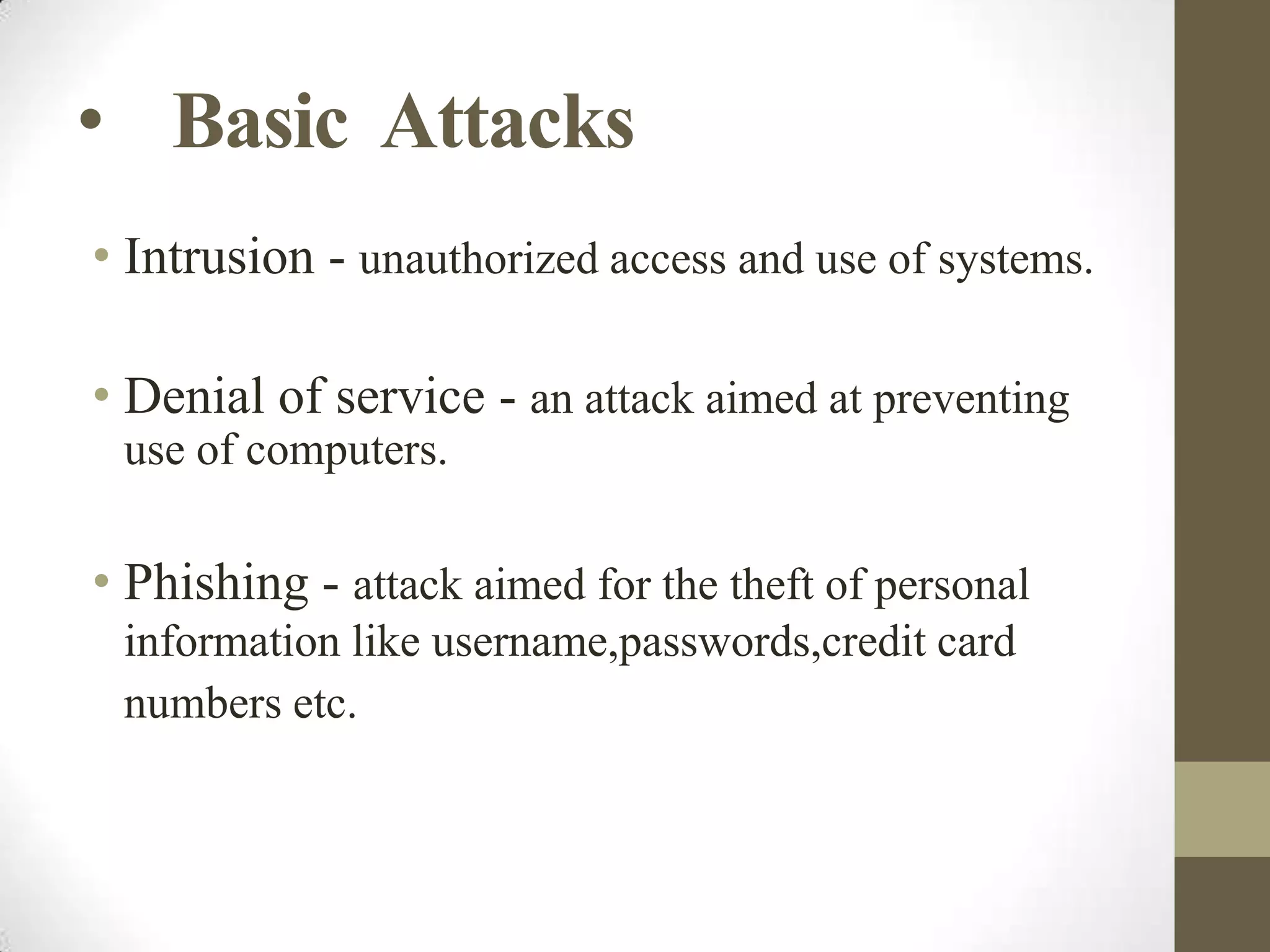
• Basic Attacks
• Intrusion - unauthorized access and use of systems.
• Denial of service - an attack aimed at preventing
use of computers.

• Phishing - attack aimed for the theft of personal
information like username,passwords,credit card
numbers etc.
• Keyloggers – used to detect every activity done on
the computer.

• SQL Injection – used to steal the data from the
databases.

• Adwares – used by the marketing companies to
target particular customers.
• How to be safe ?
• Use of Antivirus
• Avoid visiting any unsafe website and don’t use any
malicious software
• Keep your personal data confidential
• Type from online screen keyboard
• Avoid getting trapped by phishing scams
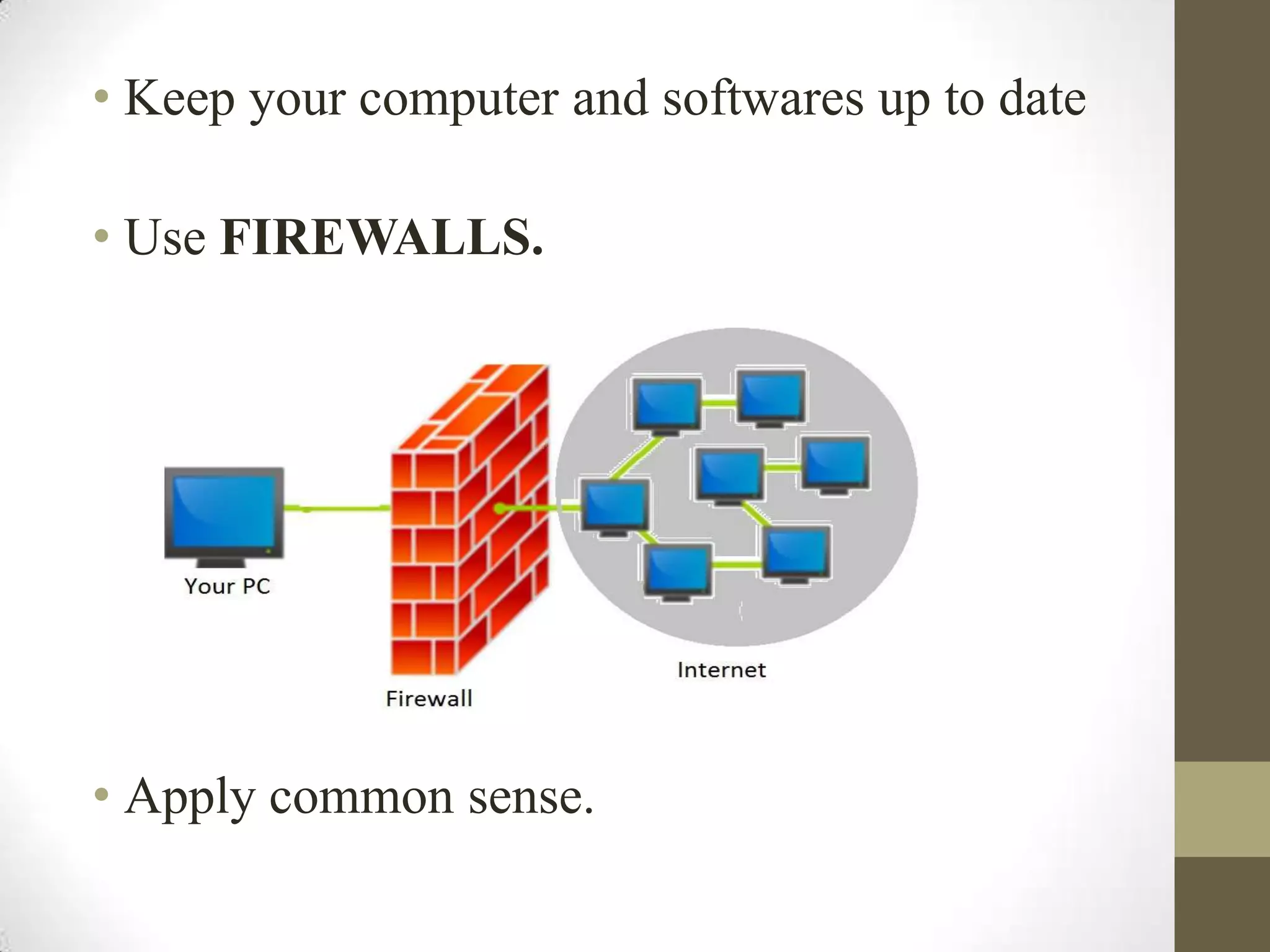
• Keep your computer and softwares up to date
• Use FIREWALLS.

• Apply common sense.
• Questions :

Internet:in actual

  • 2.
    • Contents • Introduction •Services • The World Wide Web (www) • Browsers • Search engines • Uses of internet • Your security
  • 3.
    • Introduction • Whatis the Internet? • History • Who own’s internet ?
  • 4.
    • Services • E-mail •File sharing • Searching • Shopping • Playing games,watching videos etc
  • 5.
    • World WideWeb (www) • World Wide Web or W3 is the most popular and promising method of organizing and accessing information on the INTERNET. • Hypertext is a new way of information storage and retrieval that enables authors to structure information in novel ways.
  • 6.
    • WWW Browsers •To use a computer as a Web client, a user needs to load on it a special software tool known as WWW Browser. • Maintain a history of server computers visited by user in a surfing session. • Enable a user to download information in various formats.
  • 7.
    • INTERNET SEARCH ENGINES •Google • Yahoo • bing
  • 8.
    • Uniform ResourceLocator (URL) • URL is the standard for specifying the whereabouts of a resource (such as a web page) on the Internet
  • 10.
    • Uses ofINTERNET • On-line communication • Software sharing • Exchange of views on topics of common interest • Posting of information of general interest • On-line journals, magazines, Encyclopedia, and dictionary • On-line shopping • World-wide conferencing
  • 11.
    • Threats • Whatis it? • Virus : small piece of software affecting computer • Trojans : small piece of software that damages your software and may erase your hard drive • Spywares/malwares : any unwanted software that detects your activity on computer • Worms : small piece of software that uses computer networks and security holes to replicate itself.
  • 12.
    • Hacking : •What is it ? • How do they do ? • Tools
  • 13.
    • Basic Attacks •Intrusion - unauthorized access and use of systems. • Denial of service - an attack aimed at preventing use of computers. • Phishing - attack aimed for the theft of personal information like username,passwords,credit card numbers etc.
  • 14.
    • Keyloggers –used to detect every activity done on the computer. • SQL Injection – used to steal the data from the databases. • Adwares – used by the marketing companies to target particular customers.
  • 15.
    • How tobe safe ? • Use of Antivirus • Avoid visiting any unsafe website and don’t use any malicious software • Keep your personal data confidential • Type from online screen keyboard • Avoid getting trapped by phishing scams
  • 16.
    • Keep yourcomputer and softwares up to date • Use FIREWALLS. • Apply common sense.
  • 17.