TOPIC TO BE
PRESENTED
I N P U T & O U T P U T U N I T S O F C O M P U T E R
TODAY AGENDA
• INPUT UNIT
• MOUSE
• KEYBOARD
• SCANNER
• OCR
• BAR CODE READER
• MICR
• MICRO PHONE
• WEB CAM
INPUT UNIT
• An input device for a computer allows you to enter
information.
• Input is an initial unit which provides communication b/w user
and computer.
• Input units accepts data from user.
• Converts data in computer readable form.
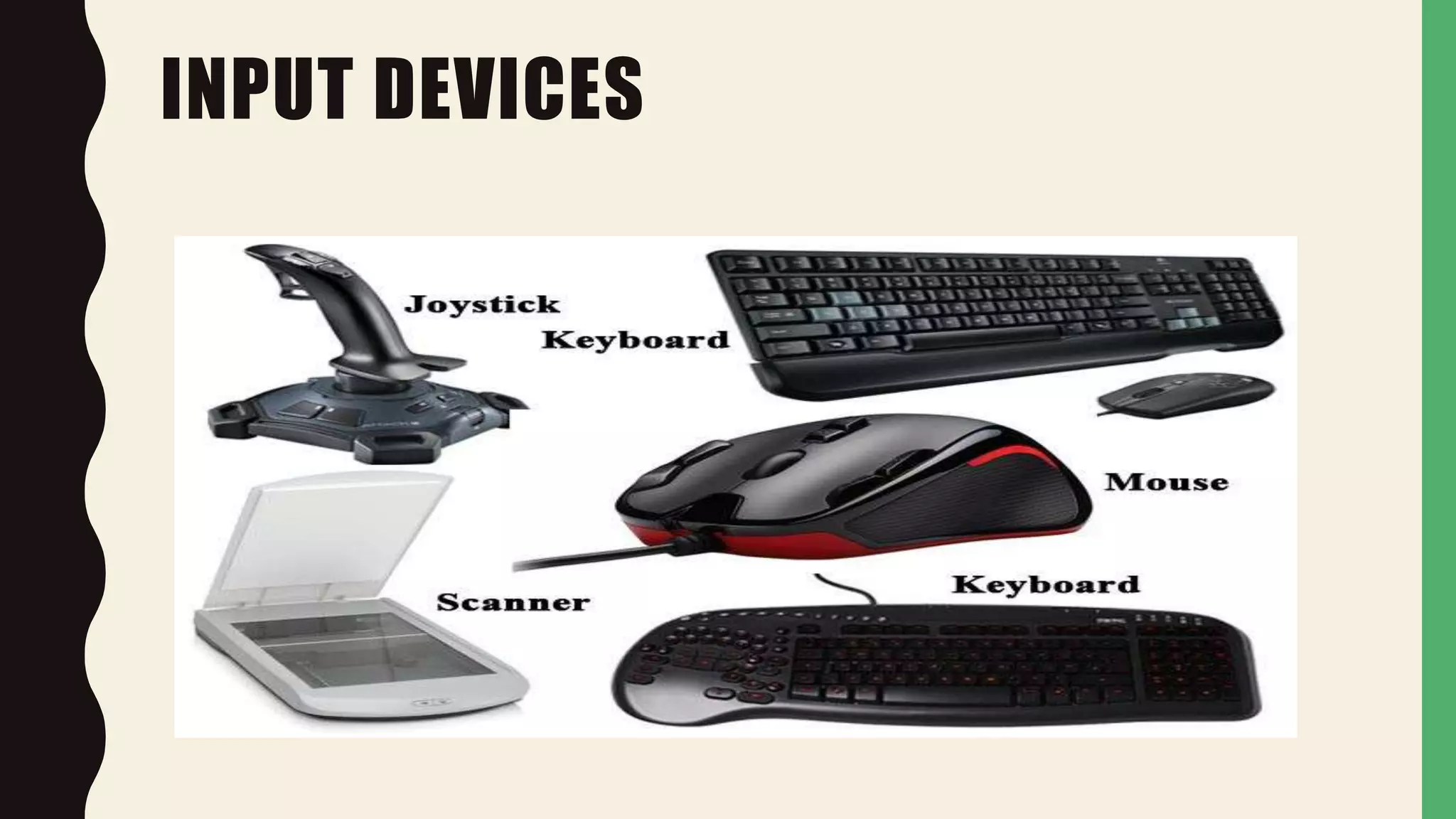
• E.g. Keyboard, Mouse, Scanner, Joystick etc
INPUT DEVICES
MOUSE
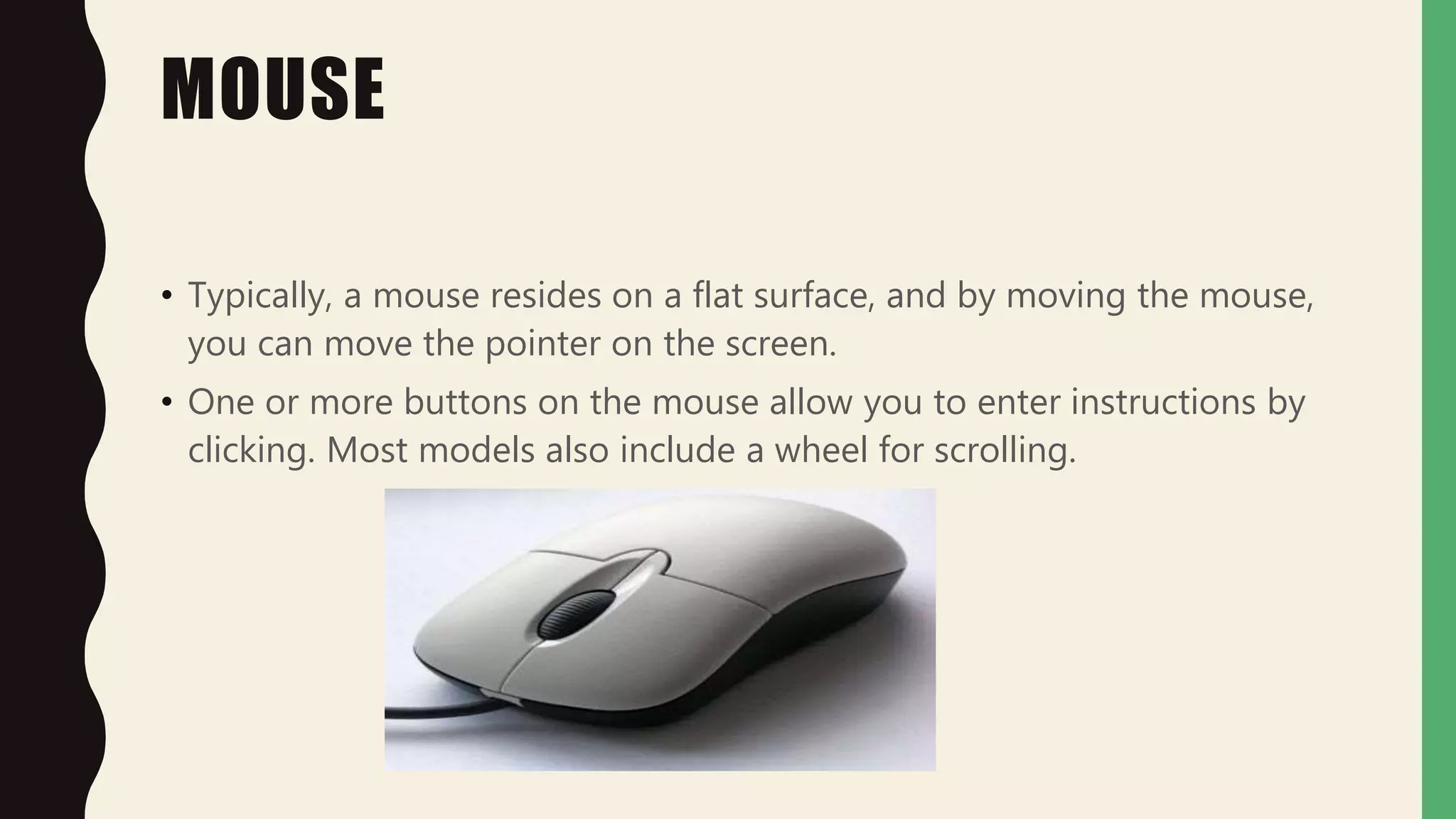
• Typically, a mouse resides on a flat surface, and by moving the mouse,
you can move the pointer on the screen.
• One or more buttons on the mouse allow you to enter instructions by
clicking. Most models also include a wheel for scrolling.
KEYBOARD
• A keyboard is the most fundamental input device for any computer
system. In the early days of computing, it was typically the only input
device.
• A keyboard contains keys for letters and numbers as well as for
specialized tasks, such as Enter, Delete, etc.
SCANNER
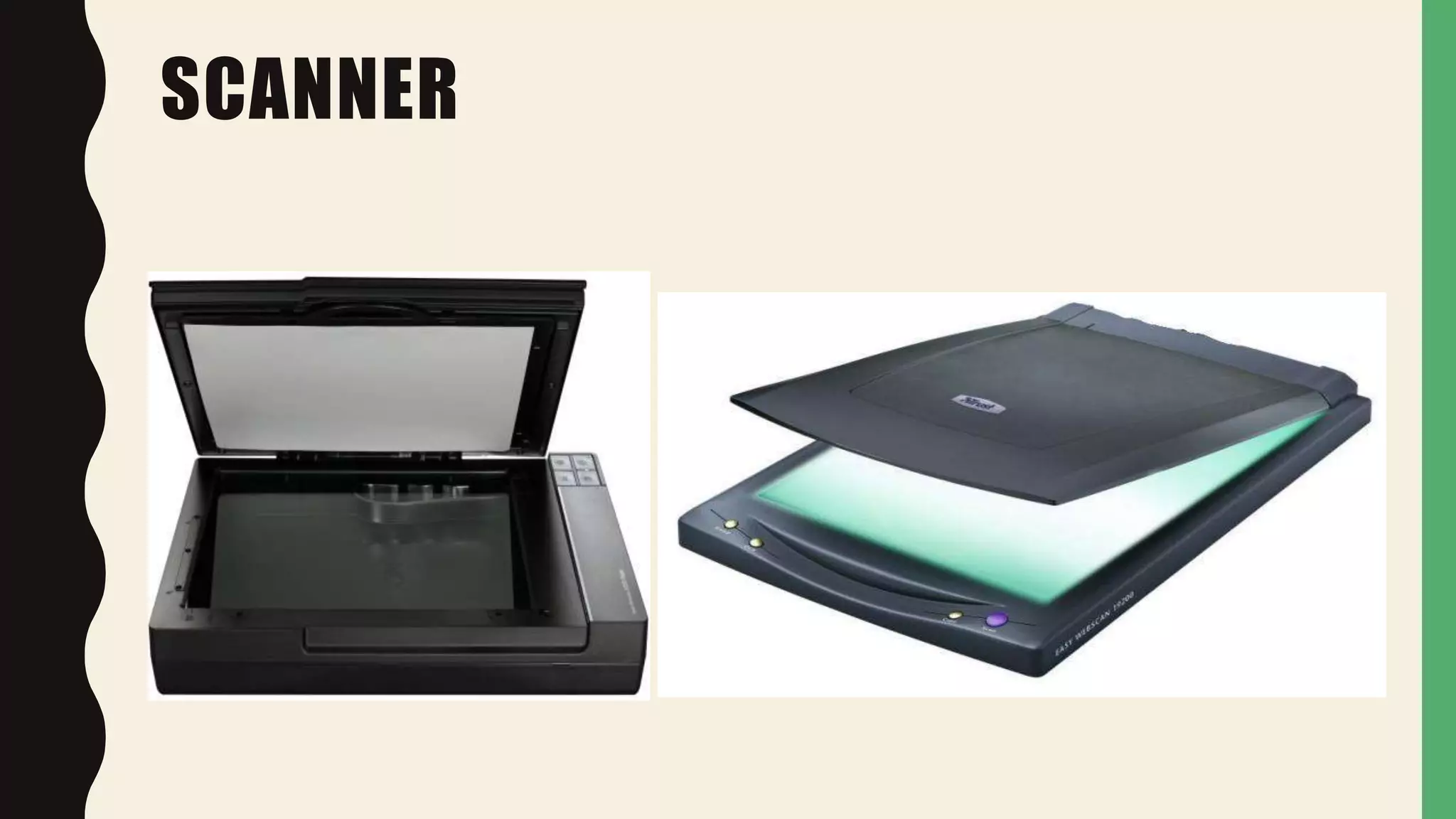
• Scanner scans documents such as photographs and paper.
• When a document is scanned it is converted into a digital
format.
• This creates an electrical version of the document that can be
viewed and edited on the computer.
SCANNER
OPTICAL CHARACTER READER (OCR)
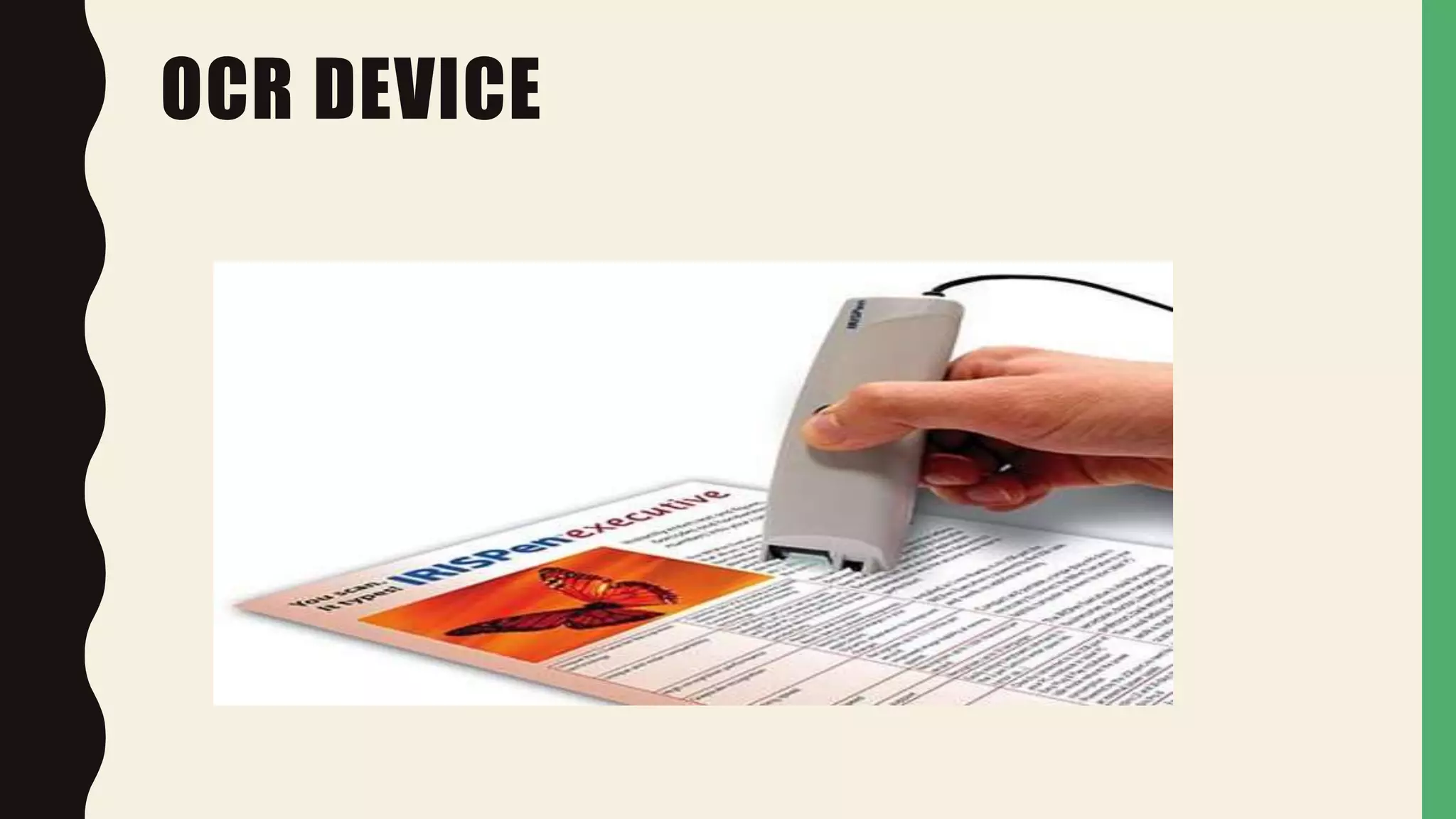
• OCR is a device that utilize light beam to read alphanumeric
characters of both handwritten and typed text .
• These devices are used for large volume processing
applications such as scanning of utility bills of the customer
credit cards of different companies.
OCR
OCR DEVICE
BAR CODE READER
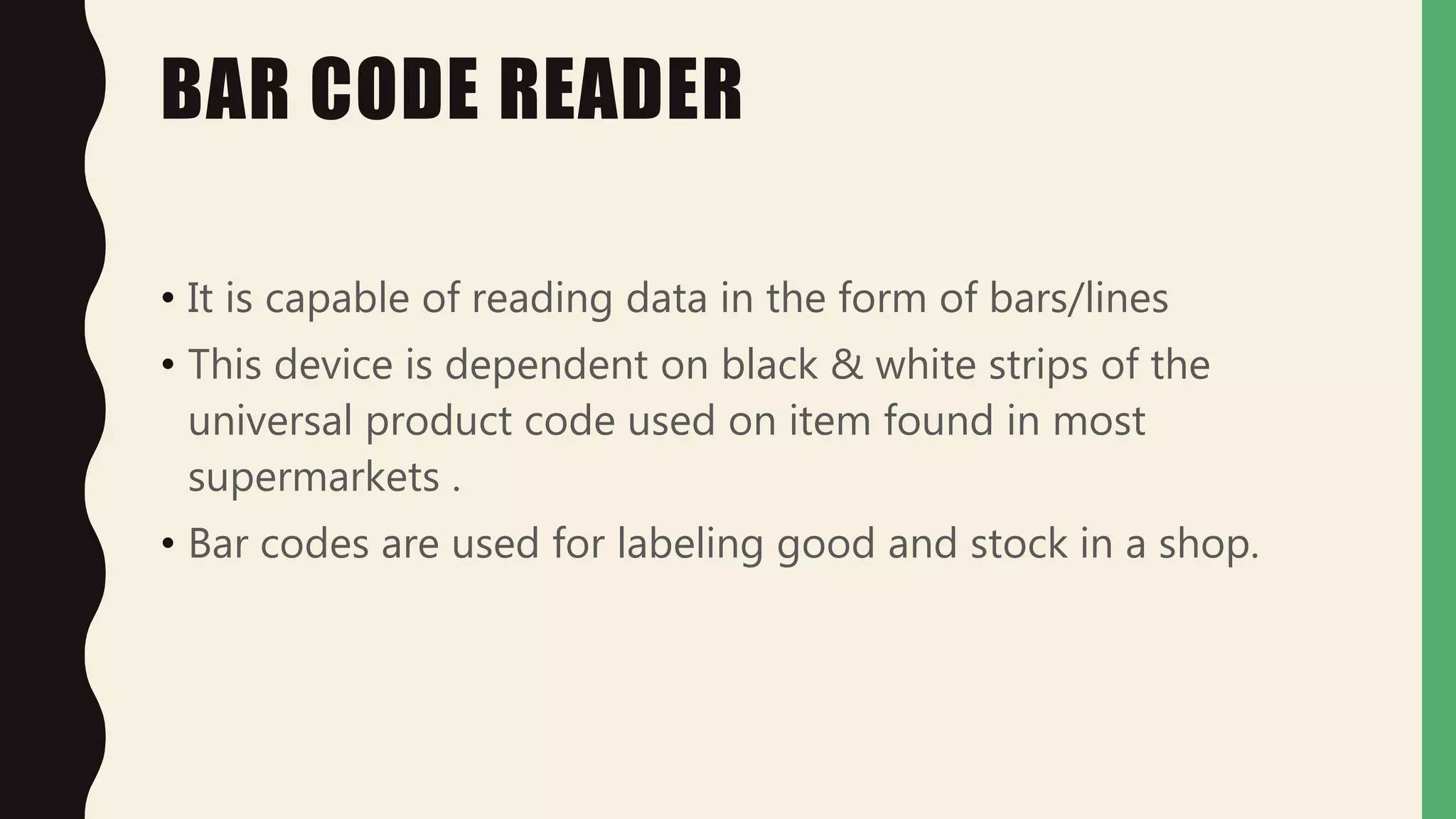
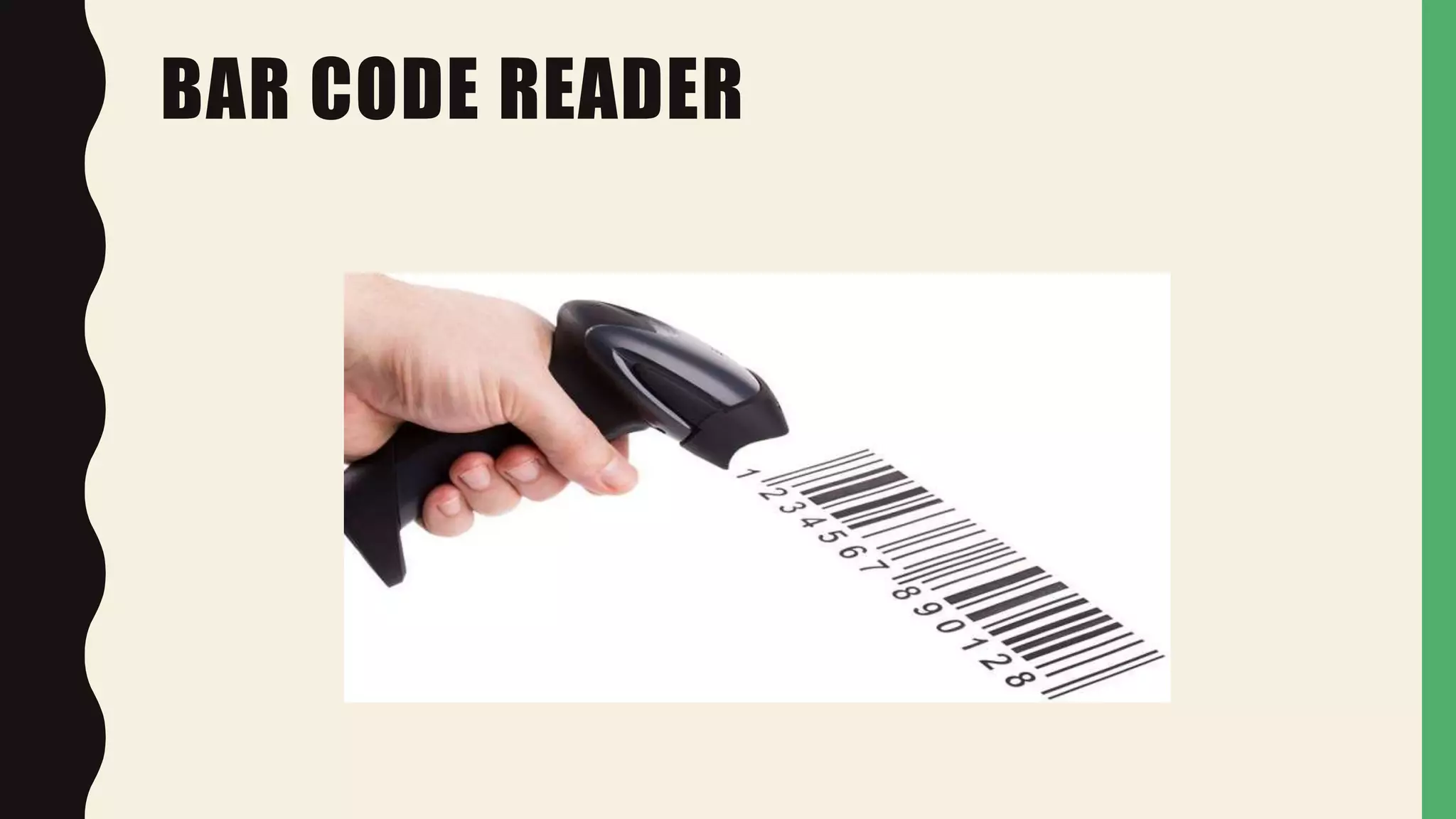
• It is capable of reading data in the form of bars/lines
• This device is dependent on black & white strips of the
universal product code used on item found in most
supermarkets .
• Bar codes are used for labeling good and stock in a shop.
BAR CODE READER
MAGNETIC INK CHARACTER READER
(MICR)
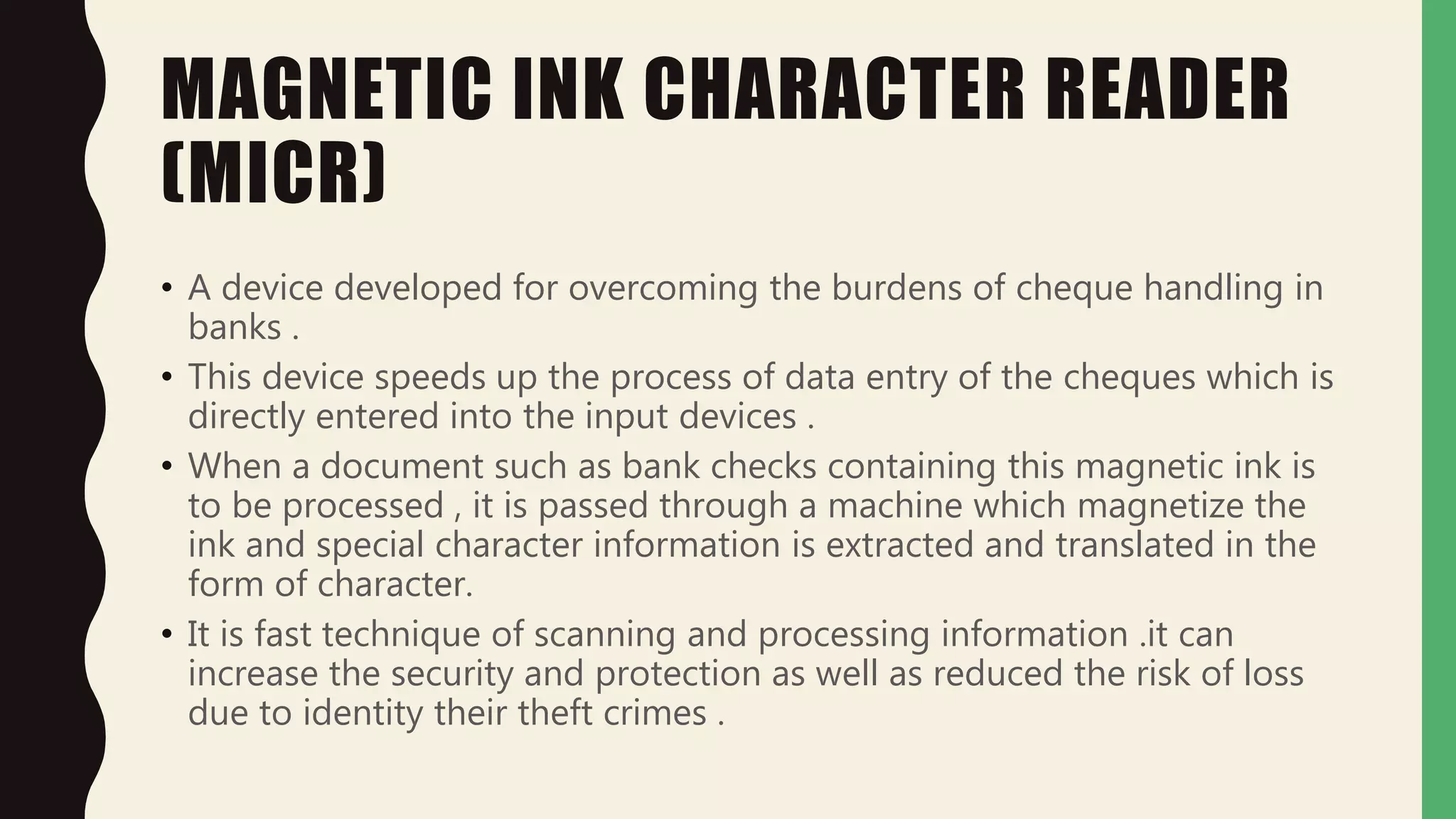
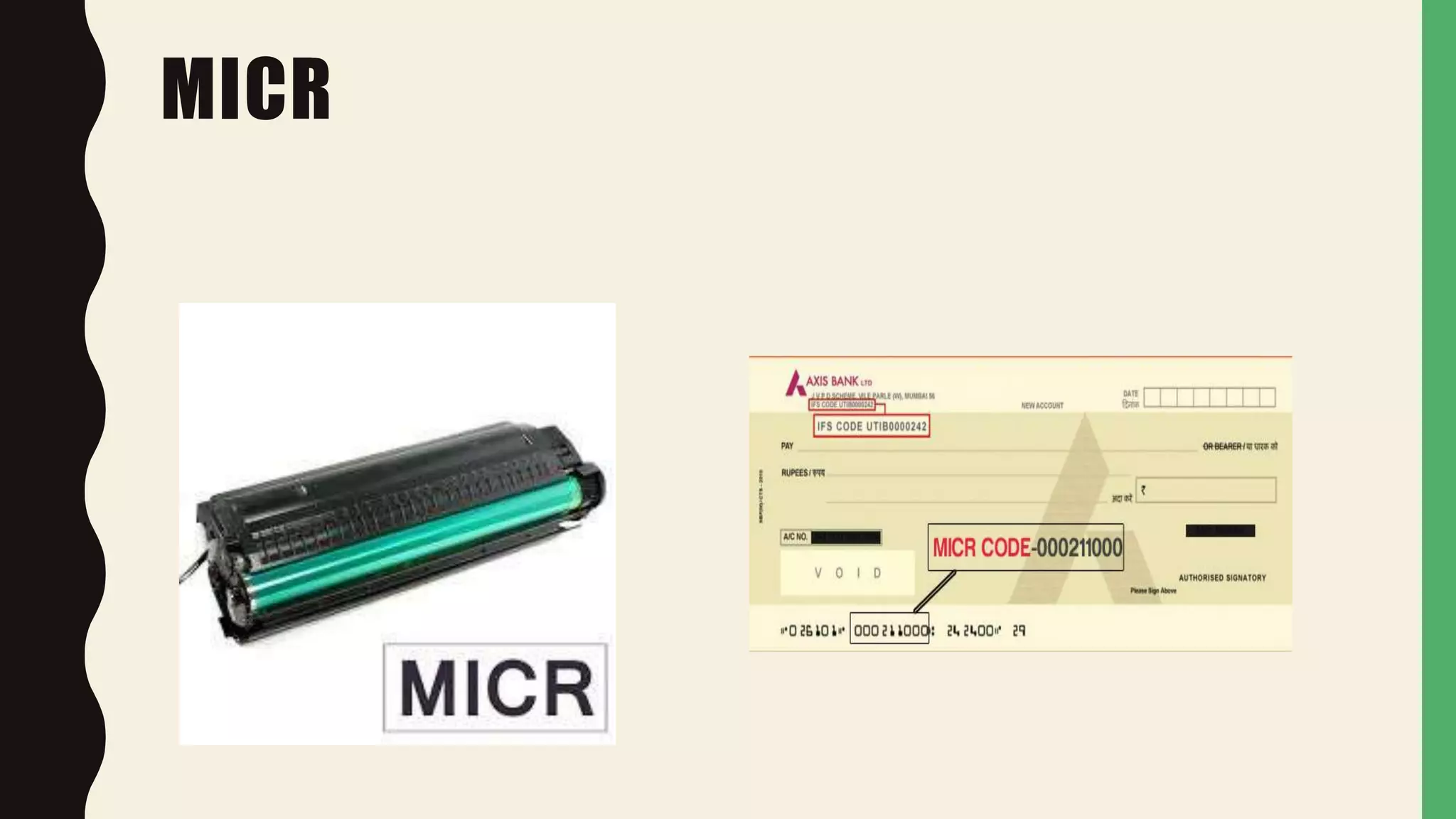
• A device developed for overcoming the burdens of cheque handling in
banks .
• This device speeds up the process of data entry of the cheques which is
directly entered into the input devices .
• When a document such as bank checks containing this magnetic ink is
to be processed , it is passed through a machine which magnetize the
ink and special character information is extracted and translated in the
form of character.
• It is fast technique of scanning and processing information .it can
increase the security and protection as well as reduced the risk of loss
due to identity their theft crimes .
MICR
MICRO PHONE
• It converts sound into signals that can be fed into the
computer .
• The signals from a micro phone are usually Analog, so it can
be processed by the computer, it is converted into the digital
signals.
MICROPHONE
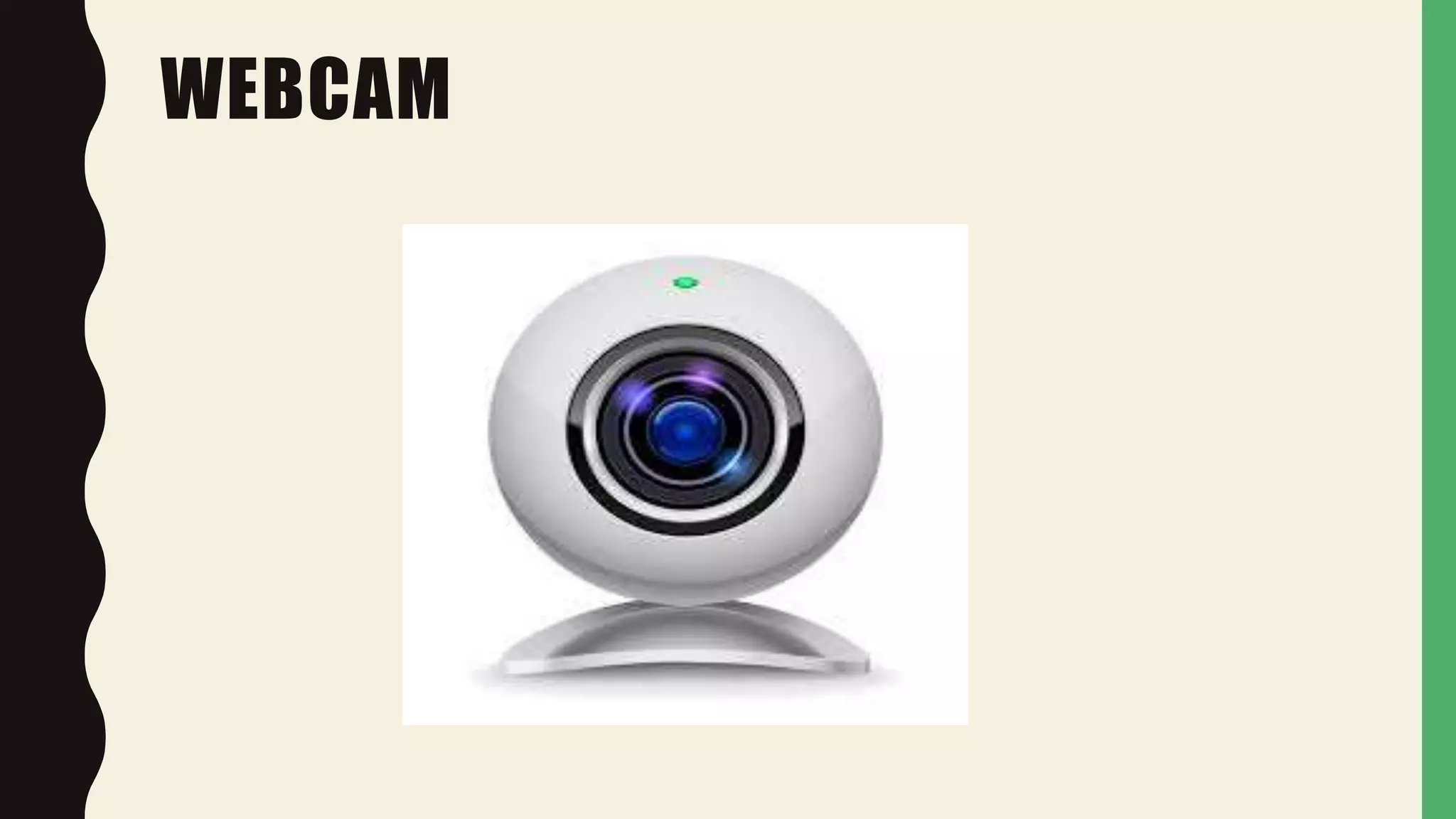
WEBCAM
• It is very basic video camera used to feed live into
computer.
• This video data from a web cam is low quality
compared to a full video camera.
• However it is good enough for web chats e.g. Skype,
MSN.
WEBCAM
Input devices lecture 5

Input devices lecture 5

  • 2.
    TOPIC TO BE PRESENTED IN P U T & O U T P U T U N I T S O F C O M P U T E R
  • 3.
    TODAY AGENDA • INPUTUNIT • MOUSE • KEYBOARD • SCANNER • OCR • BAR CODE READER • MICR • MICRO PHONE • WEB CAM
  • 4.
    INPUT UNIT • Aninput device for a computer allows you to enter information. • Input is an initial unit which provides communication b/w user and computer. • Input units accepts data from user. • Converts data in computer readable form. • E.g. Keyboard, Mouse, Scanner, Joystick etc
  • 5.
  • 6.
    MOUSE • Typically, amouse resides on a flat surface, and by moving the mouse, you can move the pointer on the screen. • One or more buttons on the mouse allow you to enter instructions by clicking. Most models also include a wheel for scrolling.
  • 7.
    KEYBOARD • A keyboardis the most fundamental input device for any computer system. In the early days of computing, it was typically the only input device. • A keyboard contains keys for letters and numbers as well as for specialized tasks, such as Enter, Delete, etc.
  • 9.
    SCANNER • Scanner scansdocuments such as photographs and paper. • When a document is scanned it is converted into a digital format. • This creates an electrical version of the document that can be viewed and edited on the computer.
  • 10.
  • 11.
    OPTICAL CHARACTER READER(OCR) • OCR is a device that utilize light beam to read alphanumeric characters of both handwritten and typed text . • These devices are used for large volume processing applications such as scanning of utility bills of the customer credit cards of different companies.
  • 12.
  • 13.
  • 14.
    BAR CODE READER •It is capable of reading data in the form of bars/lines • This device is dependent on black & white strips of the universal product code used on item found in most supermarkets . • Bar codes are used for labeling good and stock in a shop.
  • 15.
  • 16.
    MAGNETIC INK CHARACTERREADER (MICR) • A device developed for overcoming the burdens of cheque handling in banks . • This device speeds up the process of data entry of the cheques which is directly entered into the input devices . • When a document such as bank checks containing this magnetic ink is to be processed , it is passed through a machine which magnetize the ink and special character information is extracted and translated in the form of character. • It is fast technique of scanning and processing information .it can increase the security and protection as well as reduced the risk of loss due to identity their theft crimes .
  • 17.
  • 18.
    MICRO PHONE • Itconverts sound into signals that can be fed into the computer . • The signals from a micro phone are usually Analog, so it can be processed by the computer, it is converted into the digital signals.
  • 19.
  • 20.
    WEBCAM • It isvery basic video camera used to feed live into computer. • This video data from a web cam is low quality compared to a full video camera. • However it is good enough for web chats e.g. Skype, MSN.
  • 21.