“
”
NAME: - SHYAM PRABHAT
TIRKEY
PRESENTATION
ON
INPUT DEVICE
INDEX
1. INTRODUCTION
2. INPUT DEVICE
3. CONCLUSION
INTRODUCTION
There are a lot of devices that are attached to the
computer. Some of them are input devices while others
are output devices. These devices are collectively referred
to as peripheral devices.
INPUT DEVICE
“Information or data that is entered into a computer is called input”.
It can come from an external source and be fed into computer
software. This is called input device.
That are used to give instruction to the computer are known as input
devices. They send information into the CPU.
TYPES OF INPUT DEVICES
1. Keyboard
2. Joystick
3. Mouse
4. Trackball
5. Microphone
6. Web camera
7. Bar code reader
8. Scanner
9. OCR(Optical Character
Recognition)
10.MICR(Magnetic Ink
Character Reader)
1. KEYBOARD
The keyboard is one of them main input device used in a computer. It used
to enter text and numeric data in computer system.
2. JOYSTICK
A joystick is an input device which helps in playing computer but it has
stick in the place of ball and video games. It also works as a Trackball.
3. MOUSE
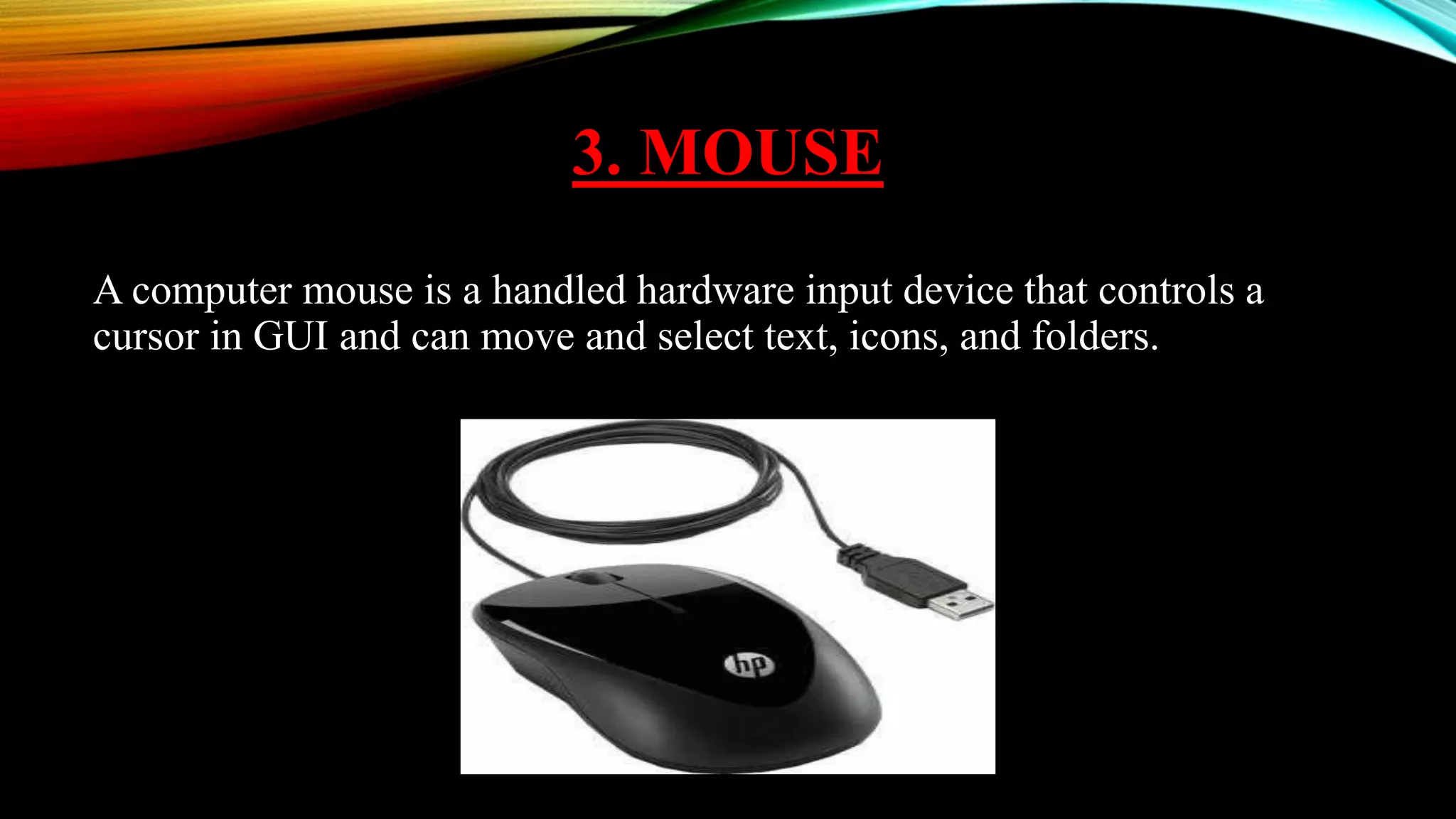
A computer mouse is a handled hardware input device that controls a
cursor in GUI and can move and select text, icons, and folders.
4. TRACKBALL
A trackball is an alternative to a mouse. It has a ball, rotated by the hand to
move the pointer in a desired direction. It is mainly used in the CAD,
CAM and medical field.
5. MICROPHONE
A microphone is used to record any voice or sound into the computer.
6. WEB CAMERA
A web camera is used to view images on the internet. It is like a digital
camera which is used as an input device by adding to the computer. A web
cam is a video capture device connected to a computer, often using a USB
port or if connected to a network, Ethernet or Wi-Fi.
7. BAR CODE READER
A bar code reader is an electronic device for reading information
contained in a printed bar code. The bar code reader translates black and
white bars of different widths into electrical impulses and sends them to
the computer.
8. SCANNER
A scanner is used to convert a text or an image into its electronic or digital
representation, which can be viewed on the screen. Digital photos and
scanned images are typically stored as bitmap graphics with extension such
as .bmp, .png, .jpg, .tif, or .gif.
9. OCR (OPTICAL CHARACTER
RECOGNITION)
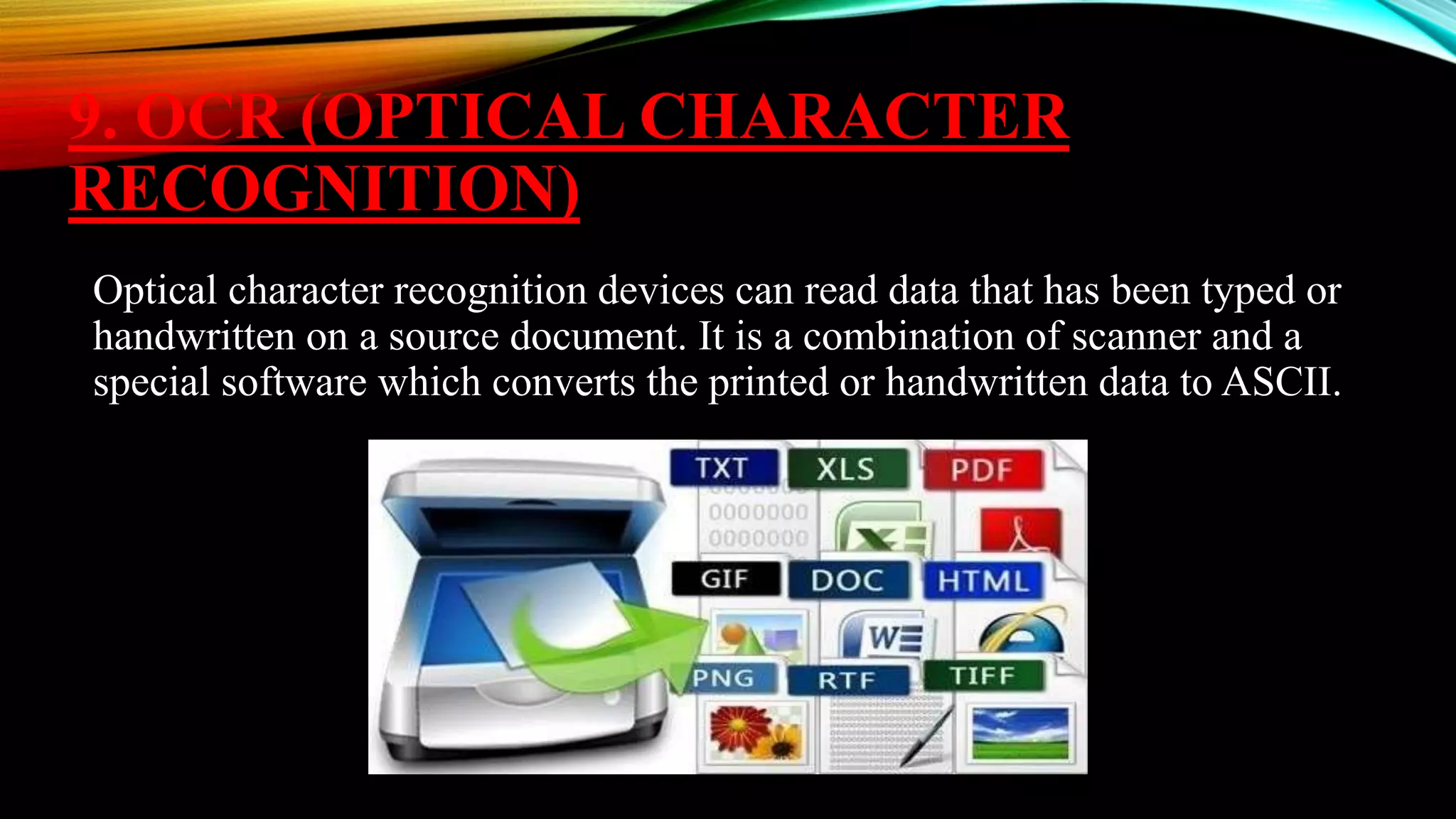
Optical character recognition devices can read data that has been typed or
handwritten on a source document. It is a combination of scanner and a
special software which converts the printed or handwritten data to ASCII.
10. MICR(MAGNETIC INK
CHARACTER READER)
Magnetic Ink Character Recognition machines are capable of reading
magnetic ink character on MICR documents. Magnetic Ink Character
Recognition is a character recognition technology adopted mainly by the
banking industry to facilitate the processing of cheques.
CONCLUSION
By using these input devices, the user can do its work with much
ease and effectively. The size of mobile computers has always
been limited by the input devices. The devices described in this
are wearable computer input devices which put no constraints on
the size of the system.

Input device

  • 1.
    “ ” NAME: - SHYAMPRABHAT TIRKEY PRESENTATION ON INPUT DEVICE
  • 2.
    INDEX 1. INTRODUCTION 2. INPUTDEVICE 3. CONCLUSION
  • 3.
    INTRODUCTION There are alot of devices that are attached to the computer. Some of them are input devices while others are output devices. These devices are collectively referred to as peripheral devices.
  • 4.
    INPUT DEVICE “Information ordata that is entered into a computer is called input”. It can come from an external source and be fed into computer software. This is called input device. That are used to give instruction to the computer are known as input devices. They send information into the CPU.
  • 5.
    TYPES OF INPUTDEVICES 1. Keyboard 2. Joystick 3. Mouse 4. Trackball 5. Microphone 6. Web camera 7. Bar code reader 8. Scanner 9. OCR(Optical Character Recognition) 10.MICR(Magnetic Ink Character Reader)
  • 6.
    1. KEYBOARD The keyboardis one of them main input device used in a computer. It used to enter text and numeric data in computer system.
  • 7.
    2. JOYSTICK A joystickis an input device which helps in playing computer but it has stick in the place of ball and video games. It also works as a Trackball.
  • 8.
    3. MOUSE A computermouse is a handled hardware input device that controls a cursor in GUI and can move and select text, icons, and folders.
  • 9.
    4. TRACKBALL A trackballis an alternative to a mouse. It has a ball, rotated by the hand to move the pointer in a desired direction. It is mainly used in the CAD, CAM and medical field.
  • 10.
    5. MICROPHONE A microphoneis used to record any voice or sound into the computer.
  • 11.
    6. WEB CAMERA Aweb camera is used to view images on the internet. It is like a digital camera which is used as an input device by adding to the computer. A web cam is a video capture device connected to a computer, often using a USB port or if connected to a network, Ethernet or Wi-Fi.
  • 12.
    7. BAR CODEREADER A bar code reader is an electronic device for reading information contained in a printed bar code. The bar code reader translates black and white bars of different widths into electrical impulses and sends them to the computer.
  • 13.
    8. SCANNER A scanneris used to convert a text or an image into its electronic or digital representation, which can be viewed on the screen. Digital photos and scanned images are typically stored as bitmap graphics with extension such as .bmp, .png, .jpg, .tif, or .gif.
  • 14.
    9. OCR (OPTICALCHARACTER RECOGNITION) Optical character recognition devices can read data that has been typed or handwritten on a source document. It is a combination of scanner and a special software which converts the printed or handwritten data to ASCII.
  • 15.
    10. MICR(MAGNETIC INK CHARACTERREADER) Magnetic Ink Character Recognition machines are capable of reading magnetic ink character on MICR documents. Magnetic Ink Character Recognition is a character recognition technology adopted mainly by the banking industry to facilitate the processing of cheques.
  • 16.
    CONCLUSION By using theseinput devices, the user can do its work with much ease and effectively. The size of mobile computers has always been limited by the input devices. The devices described in this are wearable computer input devices which put no constraints on the size of the system.