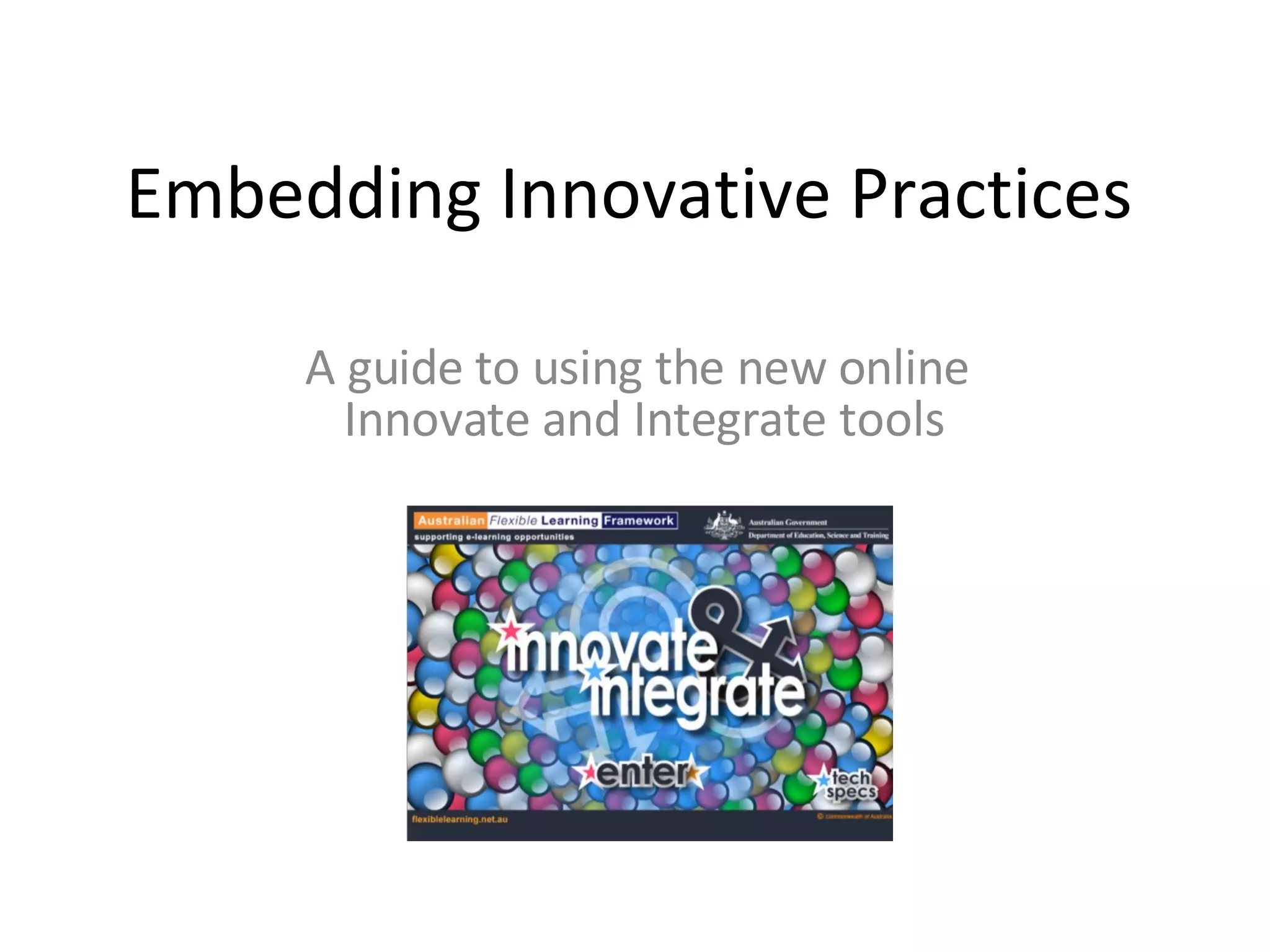
Embedding Innovative Practices A guide to using the new online  Innovate and Integrate tools
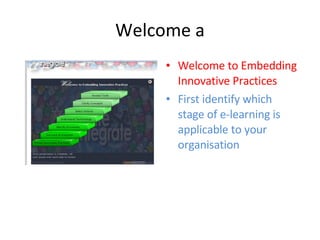
Welcome a Welcome to Embedding Innovative Practices First identify which stage of e-learning is applicable to your organisation
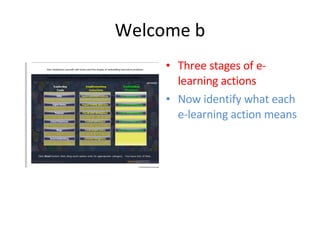
Welcome b Three stages of e-learning actions Now identify what each e-learning action means
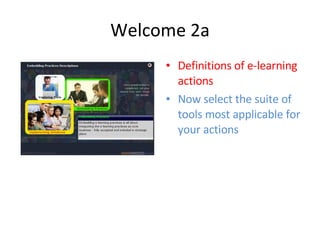
Welcome 2a Definitions of e-learning actions Now select the suite of tools most applicable for your actions
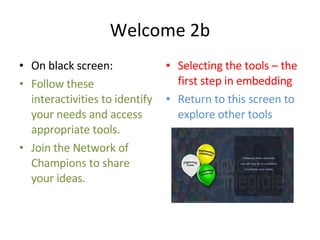
Welcome 2b On black screen: Follow these interactivities to identify your needs and access appropriate tools. Join the Network of Champions to share your ideas. Selecting the tools – the first step in embedding Return to this screen to explore other tools
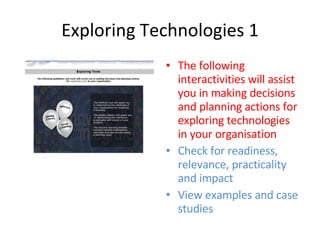
Exploring Technologies 1 The following interactivities will assist you in making decisions and planning actions for exploring technologies in your organisation Check for readiness, relevance, practicality and impact View examples and case studies
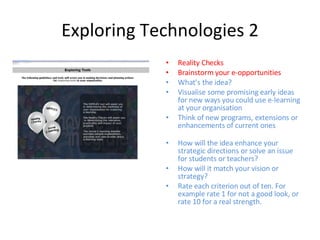
Exploring Technologies 2 Reality Checks Brainstorm your e-opportunities What’s the idea?  Visualise some promising early ideas for new ways you could use e-learning at your organisation  Think of new programs, extensions or enhancements of current ones How will the idea enhance your strategic directions or solve an issue for students or teachers?  How will it match your vision or strategy?  Rate each criterion out of ten. For example rate 1 for not a good look, or rate 10 for a real strength.
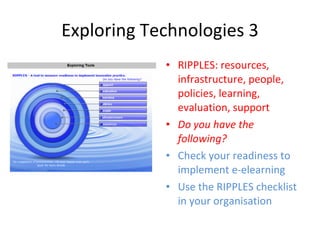
Exploring Technologies 3 RIPPLES: resources, infrastructure, people, policies, learning, evaluation, support Do you have the following? Check your readiness to implement e-elearning Use the RIPPLES checklist in your organisation
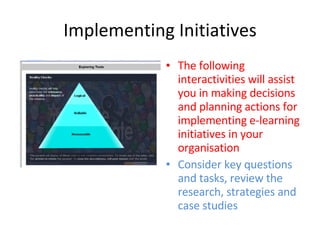
Implementing Initiatives The following interactivities will assist you in making decisions and planning actions for implementing e-learning initiatives in your organisation Consider key questions and tasks, review the research, strategies and case studies
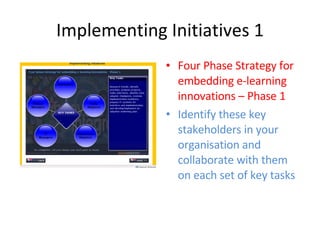
Implementing Initiatives 1 Four Phase Strategy for embedding e-learning innovations – Phase 1 Identify these key stakeholders in your organisation and collaborate with them on each set of key tasks
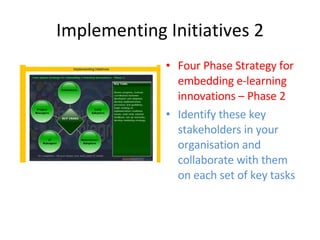
Implementing Initiatives 2 Four Phase Strategy for embedding e-learning innovations – Phase 2 Identify these key stakeholders in your organisation and collaborate with them on each set of key tasks
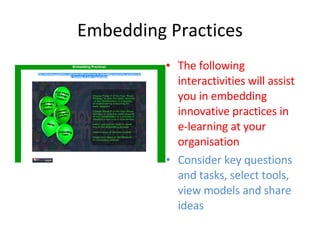
Embedding Practices The following interactivities will assist you in embedding innovative practices in e-learning at your organisation Consider key questions and tasks, select tools, view models and share ideas
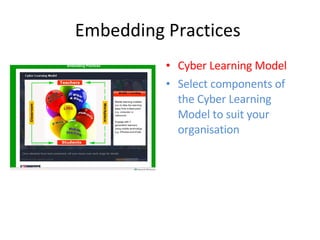
Embedding Practices  Cyber Learning Model Select components of the Cyber Learning Model to suit your organisation
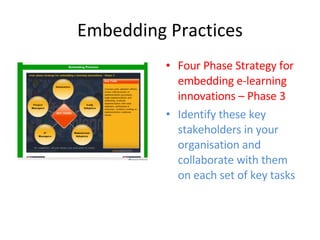
Embedding Practices Four Phase Strategy for embedding e-learning innovations – Phase 3 Identify these key stakeholders in your organisation and collaborate with them on each set of key tasks
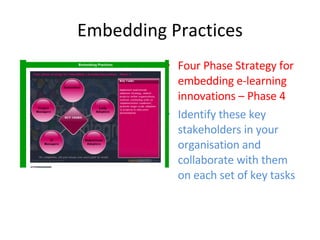
Embedding Practices Four Phase Strategy for embedding e-learning innovations – Phase 4 Identify these key stakeholders in your organisation and collaborate with them on each set of key tasks
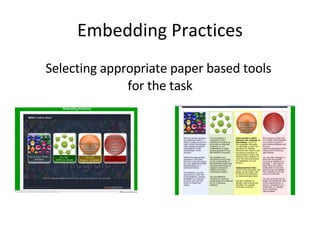
Embedding Practices Selecting appropriate paper based tools  for the task
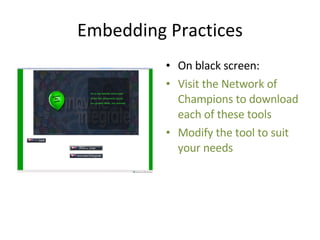
Embedding Practices On black screen: Visit the Network of Champions to download each of these tools Modify the tool to suit your needs
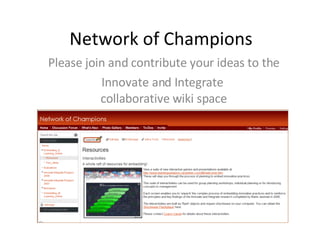
Network of Champions Please join and contribute your ideas to the Innovate and Integrate  collaborative wiki space

Innovation Tasters

  • 1.
    Embedding Innovative PracticesA guide to using the new online Innovate and Integrate tools
  • 2.
    Welcome a Welcometo Embedding Innovative Practices First identify which stage of e-learning is applicable to your organisation
  • 3.
    Welcome b Threestages of e-learning actions Now identify what each e-learning action means
  • 4.
    Welcome 2a Definitionsof e-learning actions Now select the suite of tools most applicable for your actions
  • 5.
    Welcome 2b Onblack screen: Follow these interactivities to identify your needs and access appropriate tools. Join the Network of Champions to share your ideas. Selecting the tools – the first step in embedding Return to this screen to explore other tools
  • 6.
    Exploring Technologies 1The following interactivities will assist you in making decisions and planning actions for exploring technologies in your organisation Check for readiness, relevance, practicality and impact View examples and case studies
  • 7.
    Exploring Technologies 2Reality Checks Brainstorm your e-opportunities What’s the idea? Visualise some promising early ideas for new ways you could use e-learning at your organisation Think of new programs, extensions or enhancements of current ones How will the idea enhance your strategic directions or solve an issue for students or teachers? How will it match your vision or strategy? Rate each criterion out of ten. For example rate 1 for not a good look, or rate 10 for a real strength.
  • 8.
    Exploring Technologies 3RIPPLES: resources, infrastructure, people, policies, learning, evaluation, support Do you have the following? Check your readiness to implement e-elearning Use the RIPPLES checklist in your organisation
  • 9.
    Implementing Initiatives Thefollowing interactivities will assist you in making decisions and planning actions for implementing e-learning initiatives in your organisation Consider key questions and tasks, review the research, strategies and case studies
  • 10.
    Implementing Initiatives 1Four Phase Strategy for embedding e-learning innovations – Phase 1 Identify these key stakeholders in your organisation and collaborate with them on each set of key tasks
  • 11.
    Implementing Initiatives 2Four Phase Strategy for embedding e-learning innovations – Phase 2 Identify these key stakeholders in your organisation and collaborate with them on each set of key tasks
  • 12.
    Embedding Practices Thefollowing interactivities will assist you in embedding innovative practices in e-learning at your organisation Consider key questions and tasks, select tools, view models and share ideas
  • 13.
    Embedding Practices Cyber Learning Model Select components of the Cyber Learning Model to suit your organisation
  • 14.
    Embedding Practices FourPhase Strategy for embedding e-learning innovations – Phase 3 Identify these key stakeholders in your organisation and collaborate with them on each set of key tasks
  • 15.
    Embedding Practices FourPhase Strategy for embedding e-learning innovations – Phase 4 Identify these key stakeholders in your organisation and collaborate with them on each set of key tasks
  • 16.
    Embedding Practices Selectingappropriate paper based tools for the task
  • 17.
    Embedding Practices Onblack screen: Visit the Network of Champions to download each of these tools Modify the tool to suit your needs
  • 18.
    Network of ChampionsPlease join and contribute your ideas to the Innovate and Integrate collaborative wiki space