Your first virtual classroom in Elluminate Live
This is what we’ll cover Exploring the screens, windows and tools of Elluminate Live Experiencing the text chat and voice chat tools Sharing and collaborating using the whiteboard tool Interacting using the emoticons, polling and sharing a file
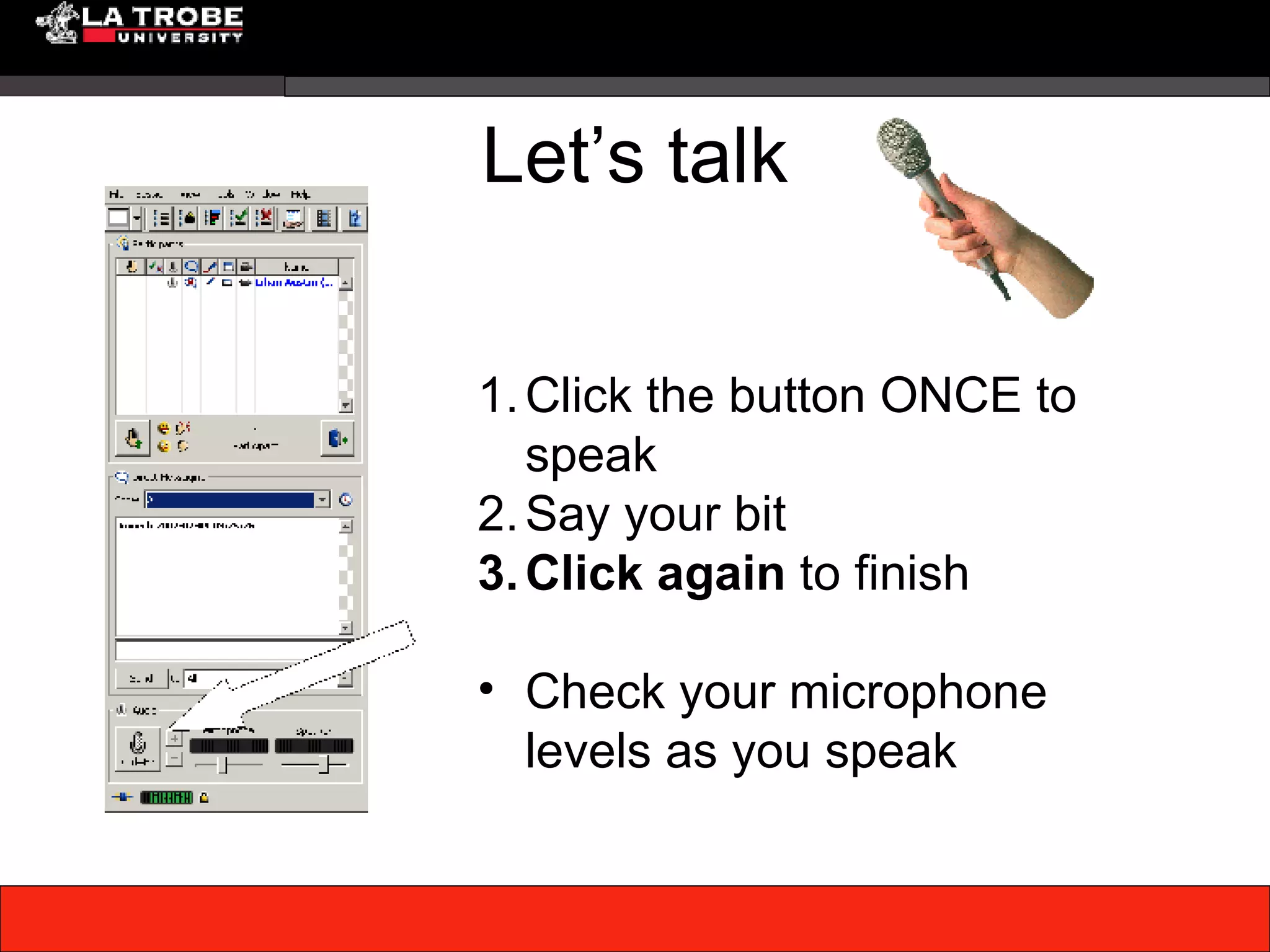
Let’s talk Click the button ONCE to speak Say your bit Click again  to finish Check your microphone levels as you speak
Let’s send a text message Type your message Select  who  to send it to Click the Send button
Let’s use the Hands up Let’s use the  Hands up  button Use this to indicate you wish to use the microphone
Let’s use the whiteboard tools Use the tools on the left of the whiteboard to: add text draw pictures import images words
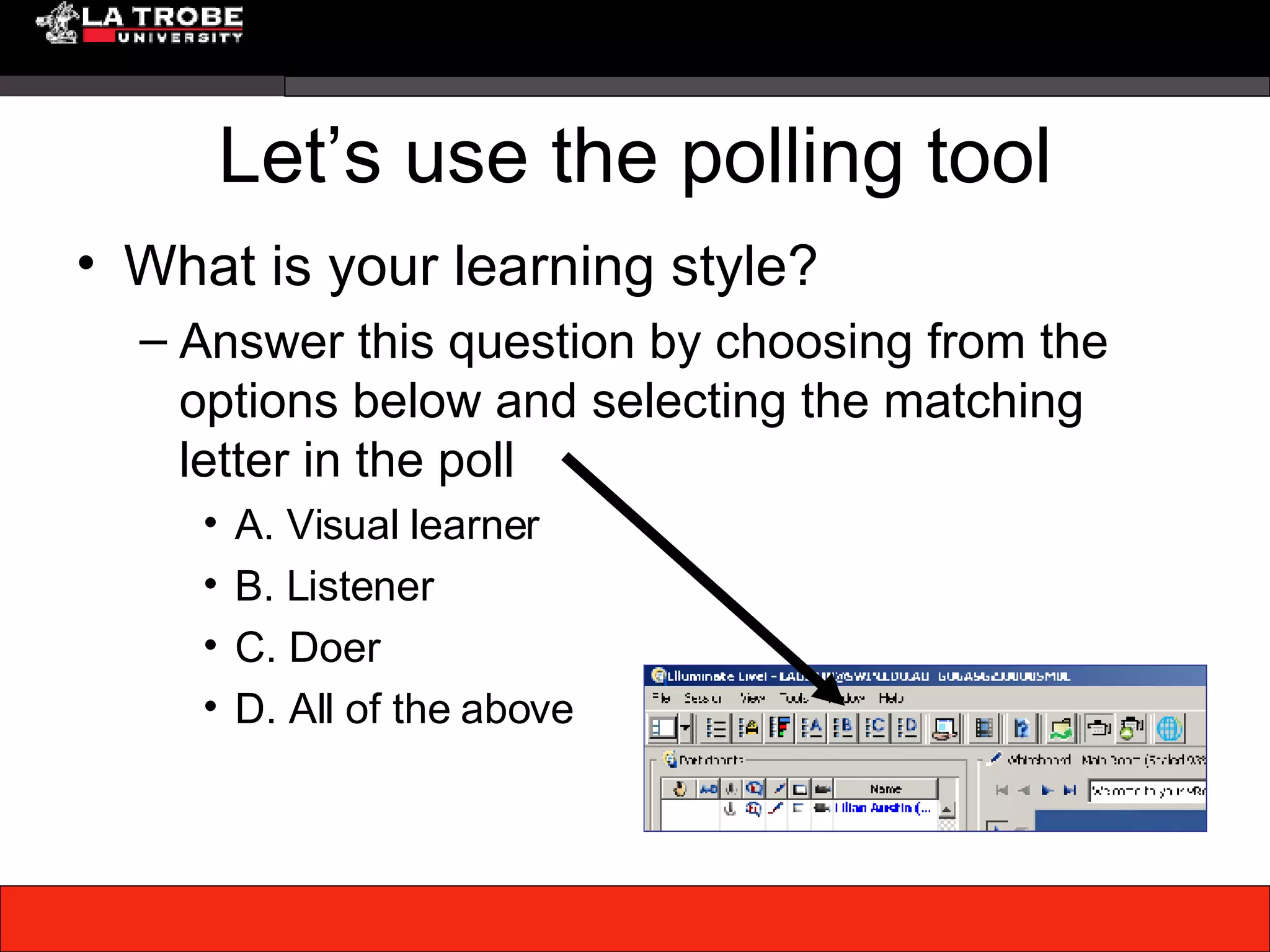
Let’s use the polling tool What is your learning style? Answer this question by choosing from the options below and selecting the matching letter in the poll A. Visual learner B. Listener C. Doer D. All of the above
Issues ? Discuss issues

Your First Virtual Classroom

  • 1.
    Your first virtualclassroom in Elluminate Live
  • 2.
    This is whatwe’ll cover Exploring the screens, windows and tools of Elluminate Live Experiencing the text chat and voice chat tools Sharing and collaborating using the whiteboard tool Interacting using the emoticons, polling and sharing a file
  • 3.
    Let’s talk Clickthe button ONCE to speak Say your bit Click again to finish Check your microphone levels as you speak
  • 4.
    Let’s send atext message Type your message Select who to send it to Click the Send button
  • 5.
    Let’s use theHands up Let’s use the Hands up button Use this to indicate you wish to use the microphone
  • 6.
    Let’s use thewhiteboard tools Use the tools on the left of the whiteboard to: add text draw pictures import images words
  • 7.
    Let’s use thepolling tool What is your learning style? Answer this question by choosing from the options below and selecting the matching letter in the poll A. Visual learner B. Listener C. Doer D. All of the above
  • 8.