Hi! I'm Chris Mills!
          cmills@opera.com
           @chrisdavidmills
http://www.slideshare.net/chrisdavidmills
         http://dev.opera.com
I work at Opera
‣ Open standards evangelist and education agitator
 ‣ dev.opera.com
 ‣ Talks too much a lot!
 ‣ Lobbies lots of universities
‣ Obsessed by accessibility ... to a point
‣ HTML5/CSS3 wrangler
‣ Heavy metal drummer
What is inclusive design?
‣ I call it "real accessibility"
 ‣ Not just about disabled people
 ‣ Also considers mobile users
 ‣ Low bandwidth users
 ‣ And everyone else!
What is inclusive design?
‣ Branding
‣ UX
‣ Usability
‣ And other exciting buzzwords!
Design with diversity in
mind


             http://www.flickr.com/photos/usarmyafrica/4919901589/
What is inclusive design?
It's just good design!
<rant>
It is like going to the doctor for a check-up, but then
having to hire an independent consultant to tell you
whether the doctor knew what they were talking
about (or not), or (pick your favourite analogy)
<rant>
It is like going to the doctor for a check-up, but then
having to hire an independent consultant to tell you
whether the doctor knew what they were talking
about (or not), or (pick your favourite analogy)


          $$$             
     

<rant>
‣ Yes, not everyone can afford usability labs,
 accessibility testing sessions, focus groups,
 mobile testing suites ... yadda yadda
Code <rant>!
Yes, it is challenging to make a page accessible
when you've got video, Ajax, user-generated
content, CMS's, and the boss has decided it needs
to conform to WCAG 2.0 AAA...
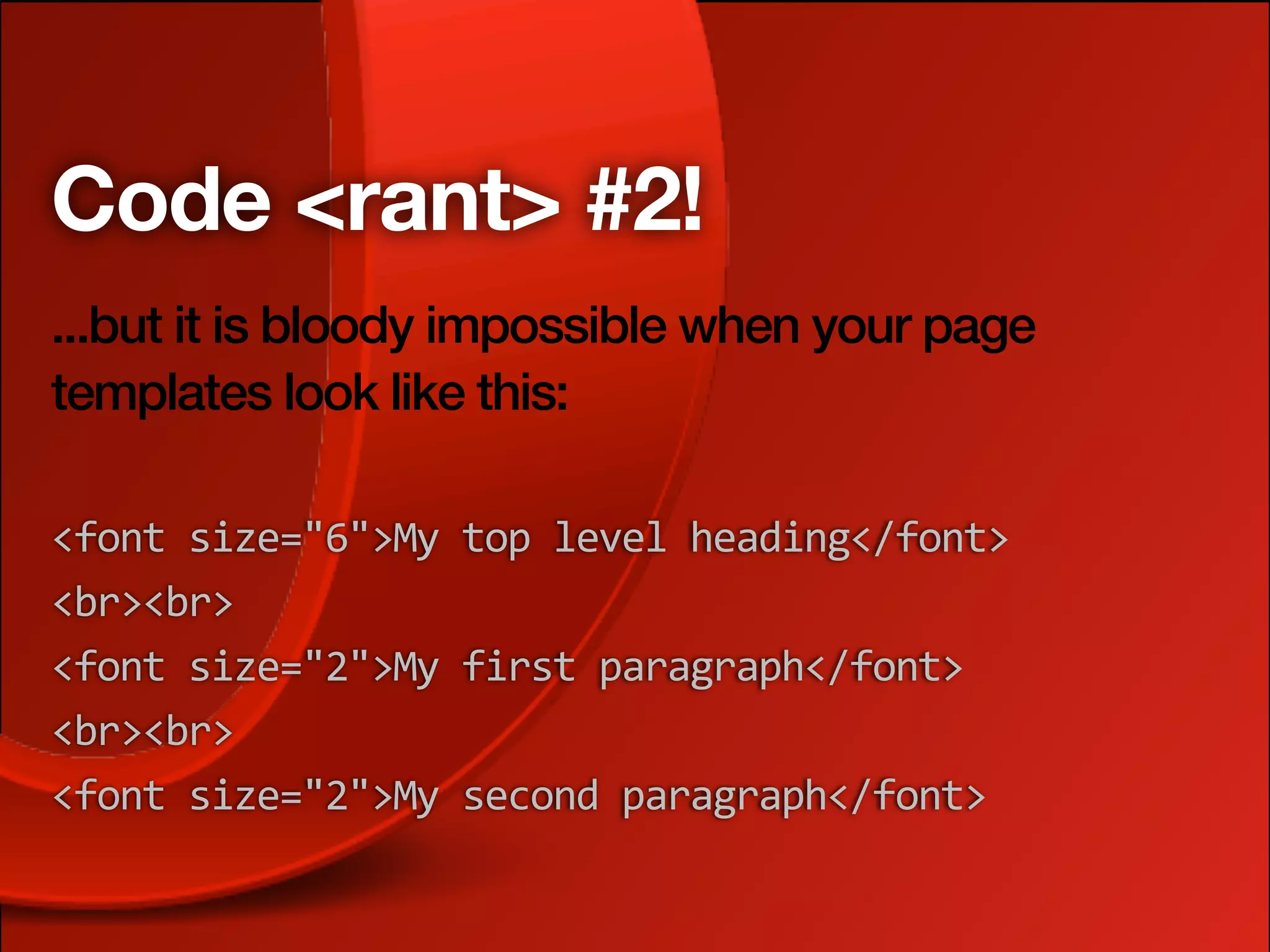
Code <rant> #2!
...but it is bloody impossible when your page
templates look like this:

<font
size="6">My
top
level
heading</font>
<br><br>
<font
size="2">My
first
paragraph</font>
<br><br>
<font
size="2">My
second
paragraph</font>
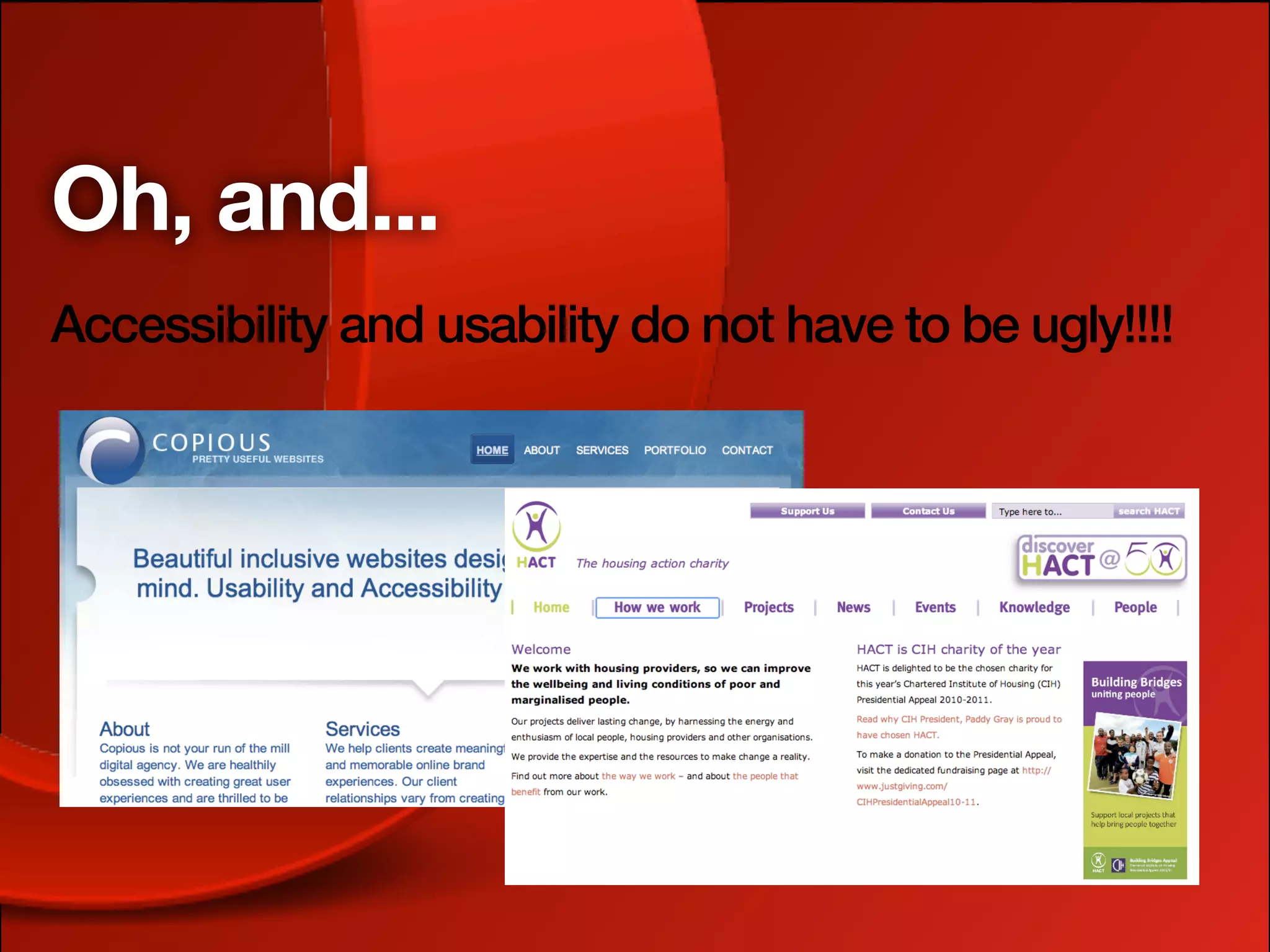
Oh, and...
Accessibility and usability do not have to be ugly!!!!
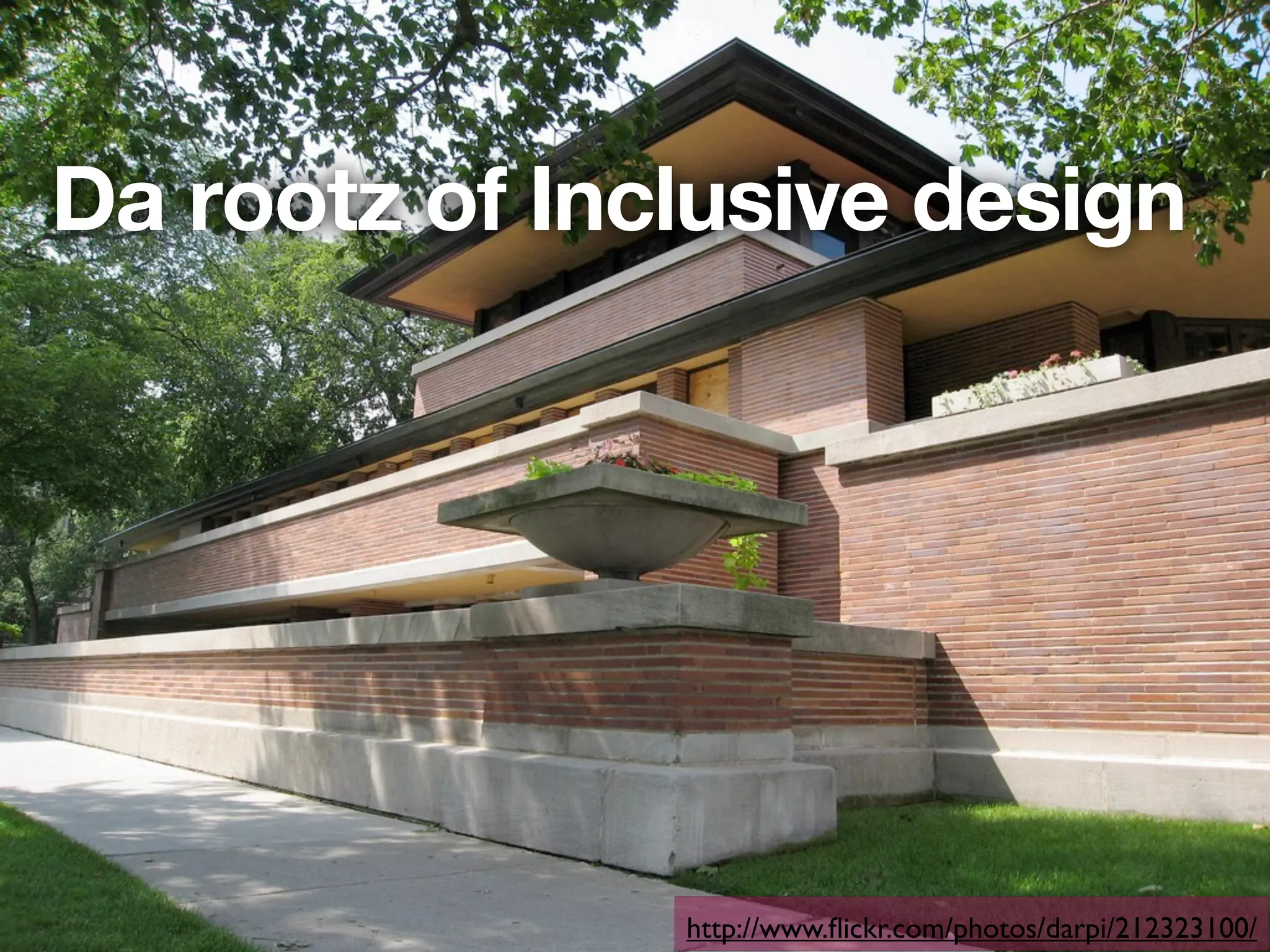
Da rootz of Inclusive design


               http://www.flickr.com/photos/darpi/212323100/
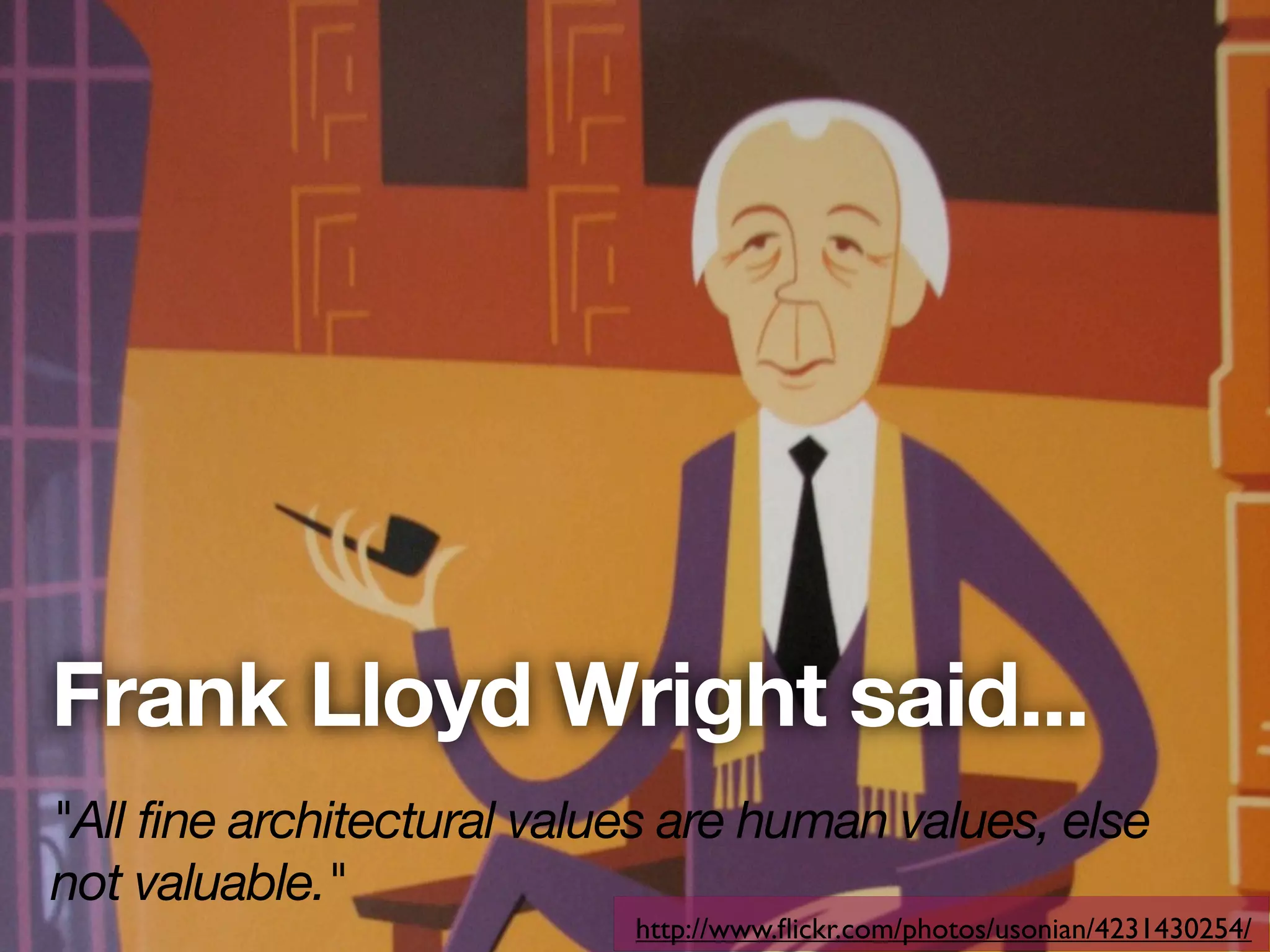
Frank Lloyd Wright said...
"All fine architectural values are human values, else
not valuable."
                            http://www.flickr.com/photos/usonian/4231430254/
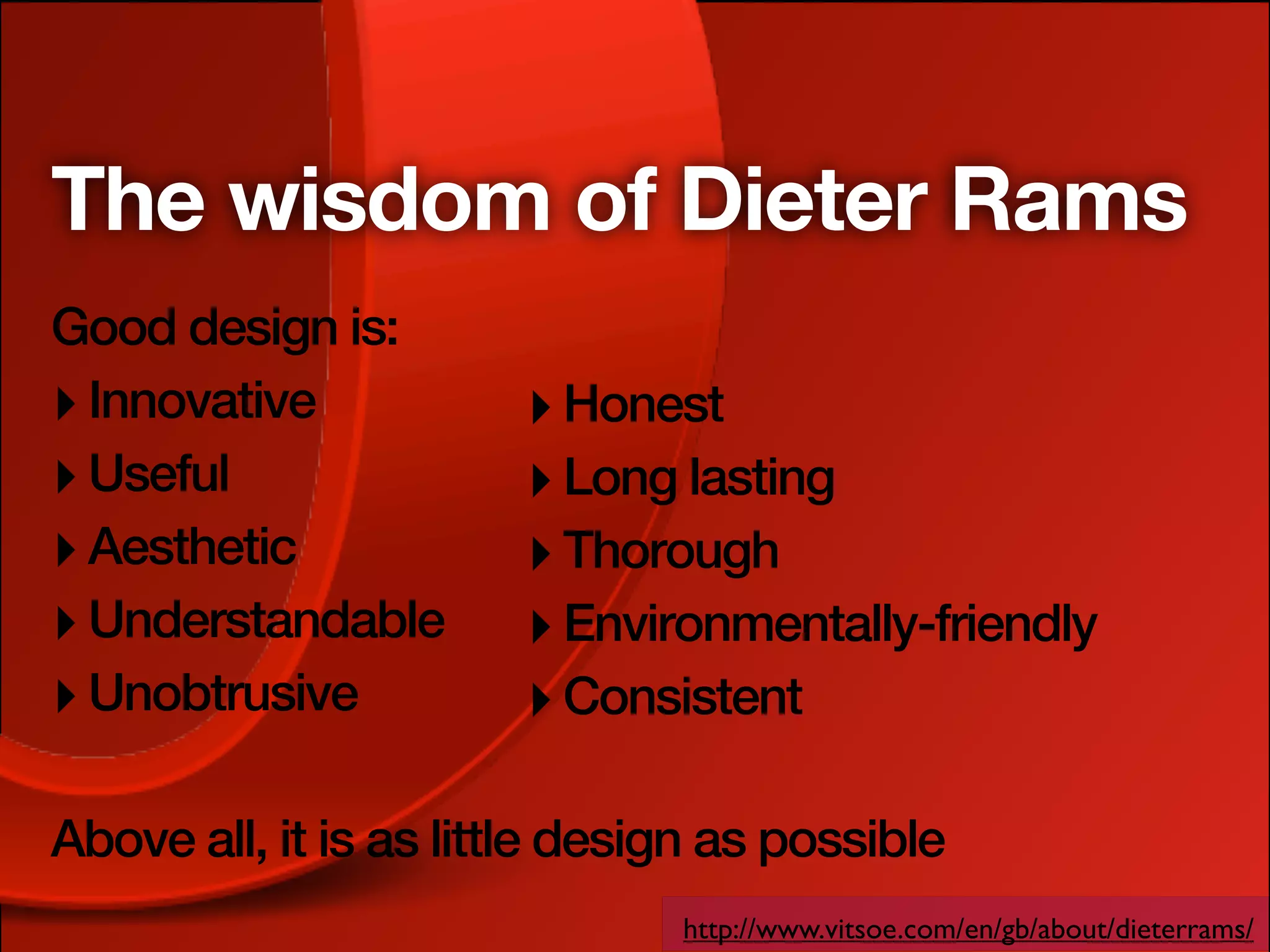
The wisdom of Dieter Rams
Good design is:
‣ Innovative           ‣ Honest
‣ Useful               ‣ Long lasting
‣ Aesthetic            ‣ Thorough
‣ Understandable       ‣ Environmentally-friendly
‣ Unobtrusive          ‣ Consistent

Above all, it is as little design as possible
                               http://www.vitsoe.com/en/gb/about/dieterrams/
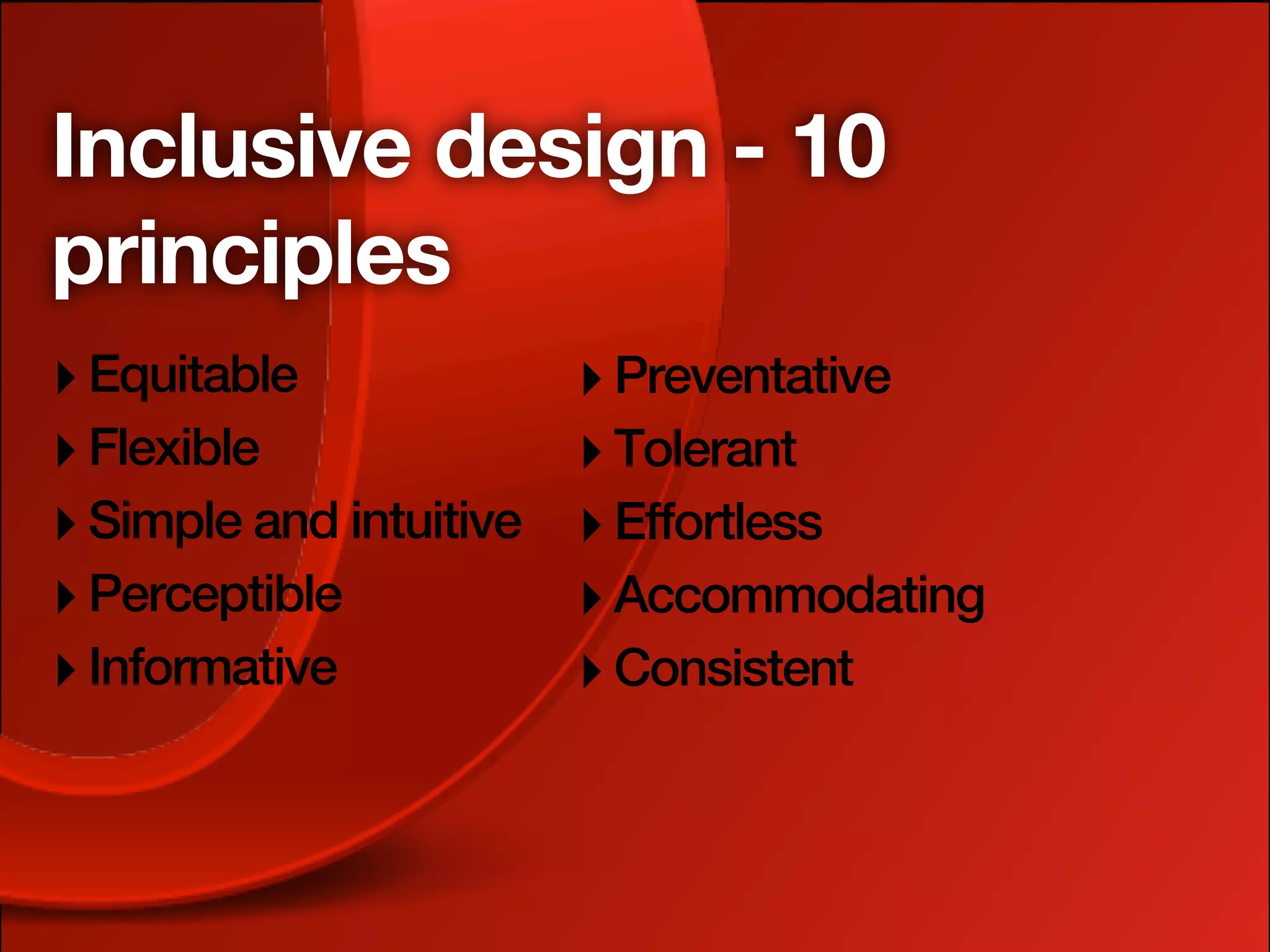
Inclusive design - 10
principles
‣ Equitable              ‣ Preventative
‣ Flexible               ‣ Tolerant
‣ Simple and intuitive   ‣ Effortless
‣ Perceptible            ‣ Accommodating
‣ Informative            ‣ Consistent
Taking it to the Web


         http://www.flickr.com/photos/luc_viatour/4247957432/
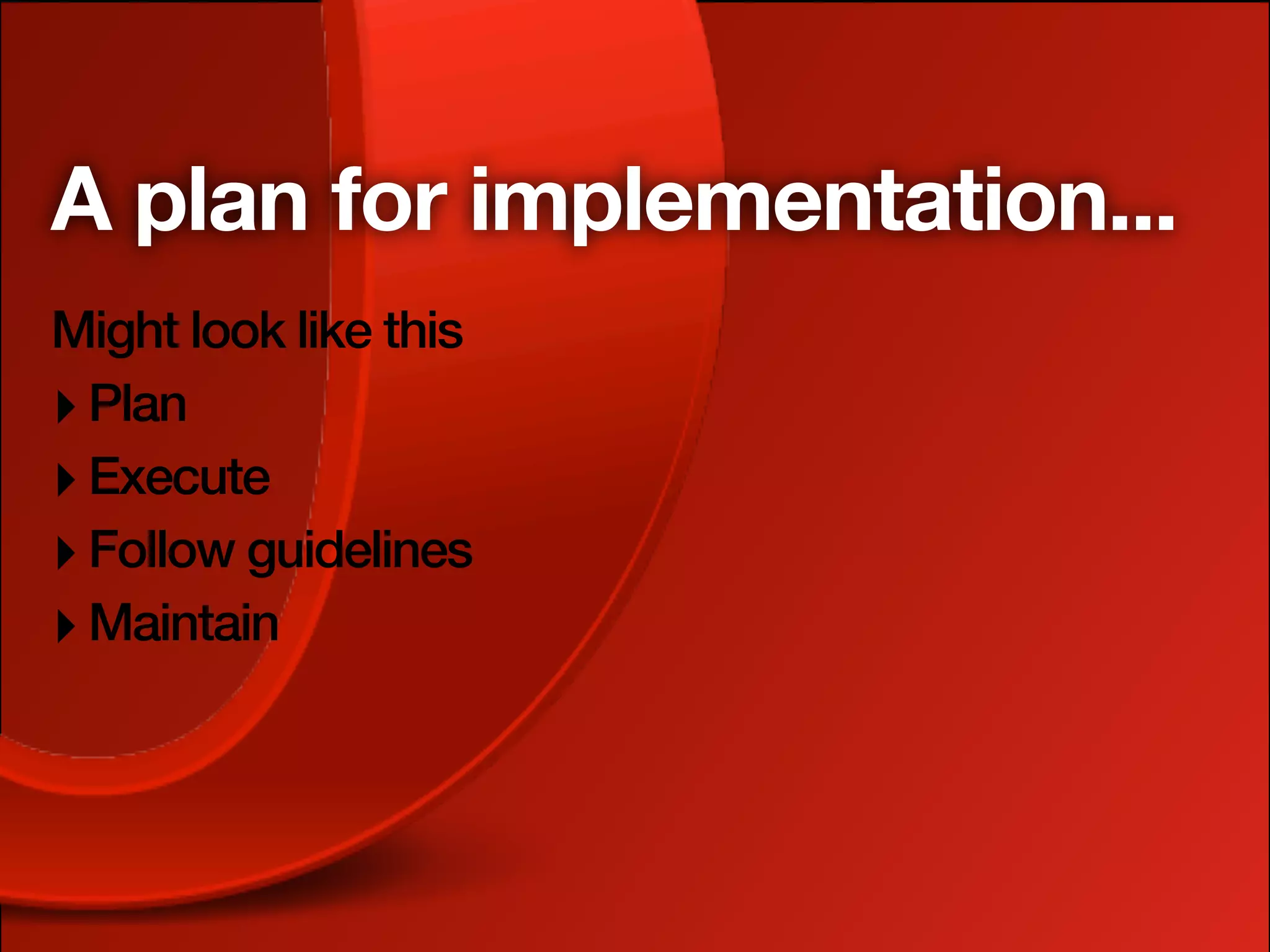
A plan for implementation...
Might look like this
‣ Plan
‣ Execute
‣ Follow guidelines
‣ Maintain
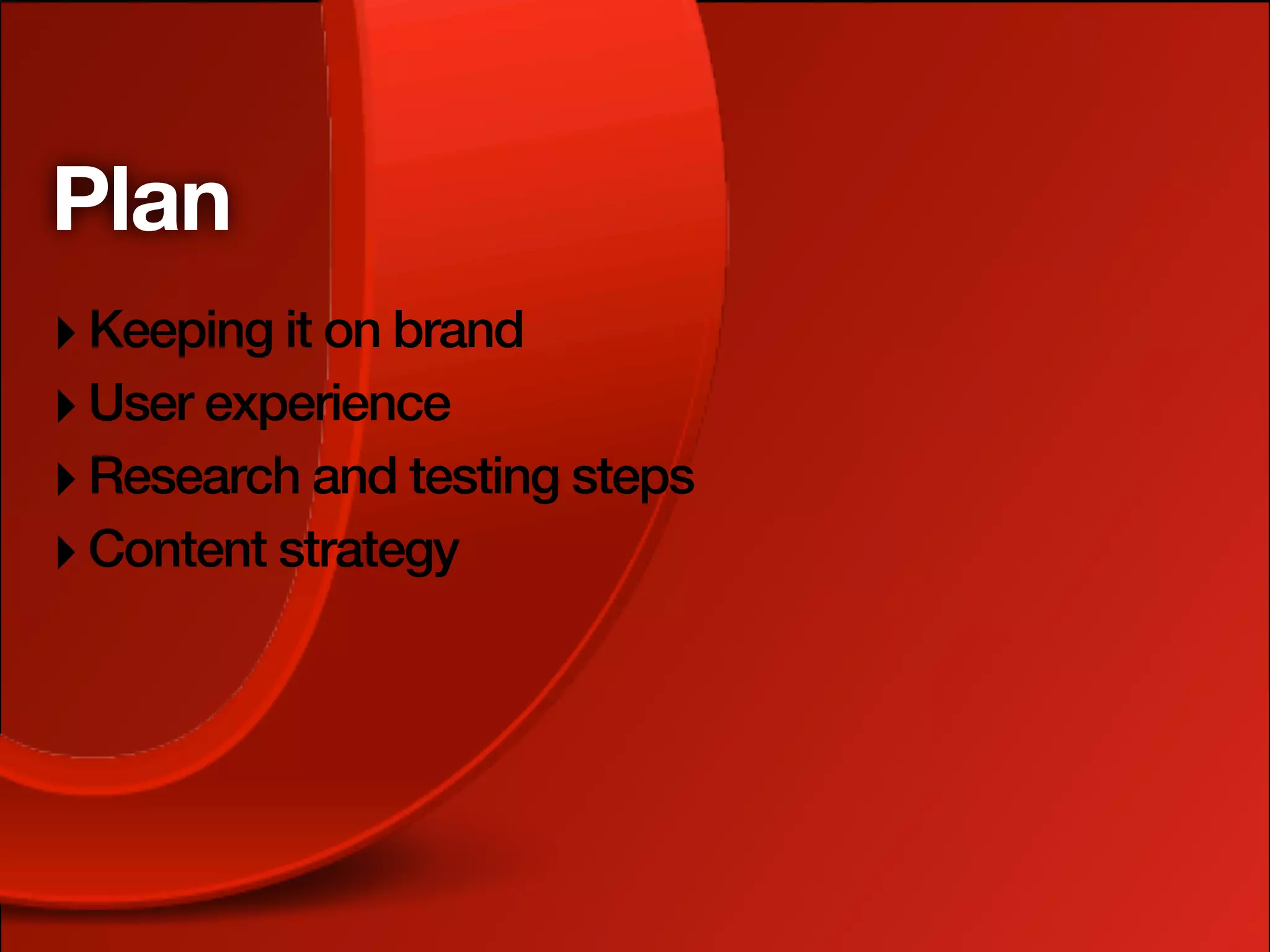
Plan
‣ Keeping it on brand
‣ User experience
‣ Research and testing steps
‣ Content strategy
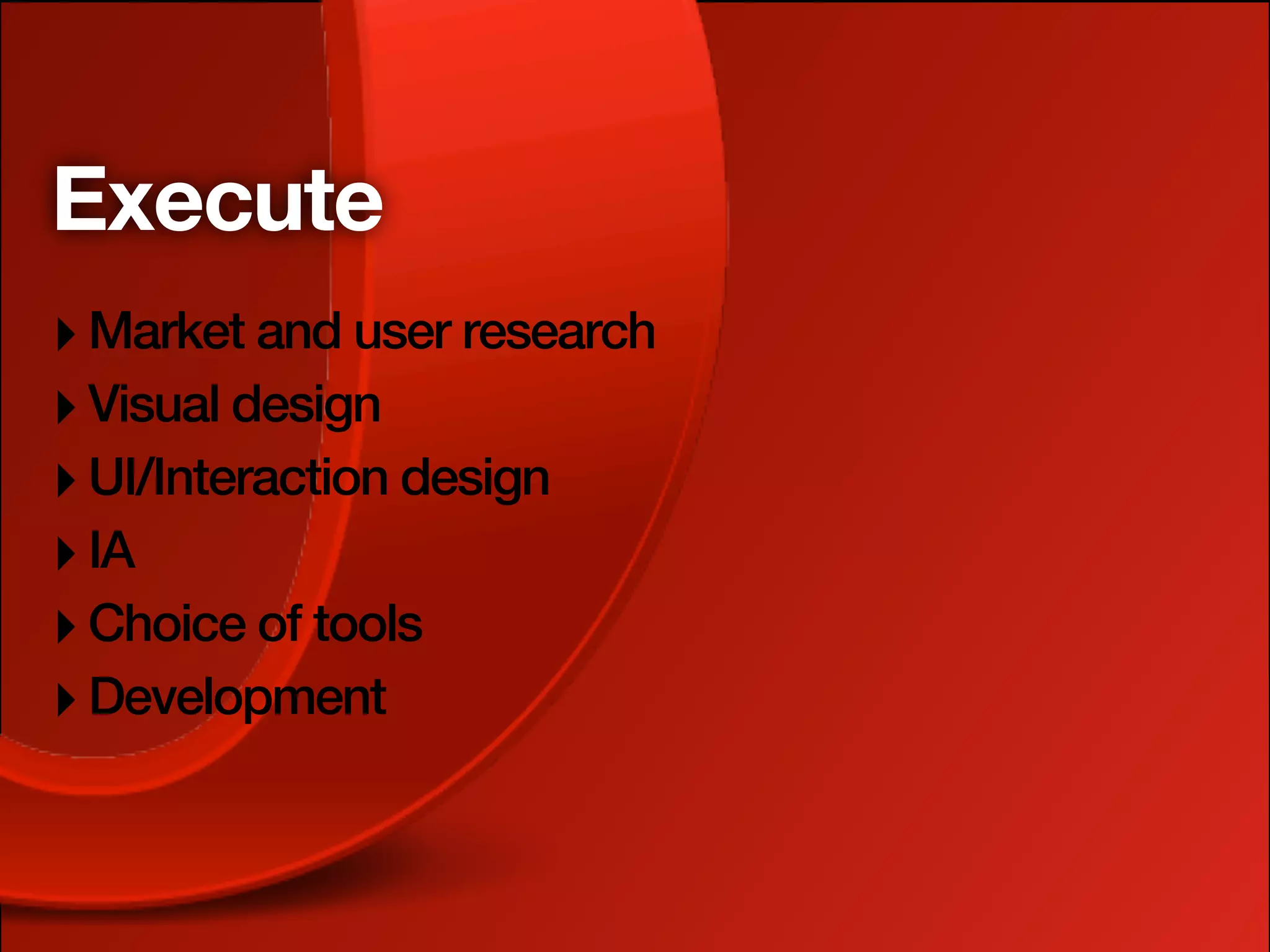
Execute
‣ Market and user research
‣ Visual design
‣ UI/Interaction design
‣ IA
‣ Choice of tools
‣ Development
Follow guidelines
‣ Design principles and best practices
‣ Accessibility guidelines (add common sense)
‣ Usability best practices
‣ Web standards (and browser hacks!)
Maintain
‣ Review content (esp. user generated)
‣ Allow easy feedback, and listen to your customers
‣ Deal with problems quickly, and be honest about
  mistakes
‣ Always strive to do things better, make small
  iterative improvements
Let's go back to those
principles
‣ Equitable              ‣ Preventative
‣ Flexible               ‣ Tolerant
‣ Simple and intuitive   ‣ Effortless
‣ Perceptible            ‣ Accommodating
‣ Informative            ‣ Consistent
1. Equitable
‣ Be welcoming, and don't discriminate
‣ Consider the needs of diverse users from the get
  go
‣ User experience can't and shouldn't be
  IDENTICAL for all users
‣ Provide different user experiences with equally
  valuable outcomes
1. Equitable - how?
‣ Text alternatives for critical AV content
‣ Adaptive layouts using technologies like media
  queries and viewport
‣ Keyboard accessibility and good ol' semantic
  HTML
‣ General thought for fallbacks and graceful
  degredation
2. Flexible
‣ Provide different options for different users,
  contexts and devices, locales
‣ This choice will be appreciated, and more users
  will find your site accessible and usable
2. Flexible - how?
‣ Again, adaptive layouts, keyboard accessibility,
  progressive enhancement
‣ That layered approach - structure, style, behaviour
‣ Think carefully about how you use things like
  CAPCHAs and Ajax
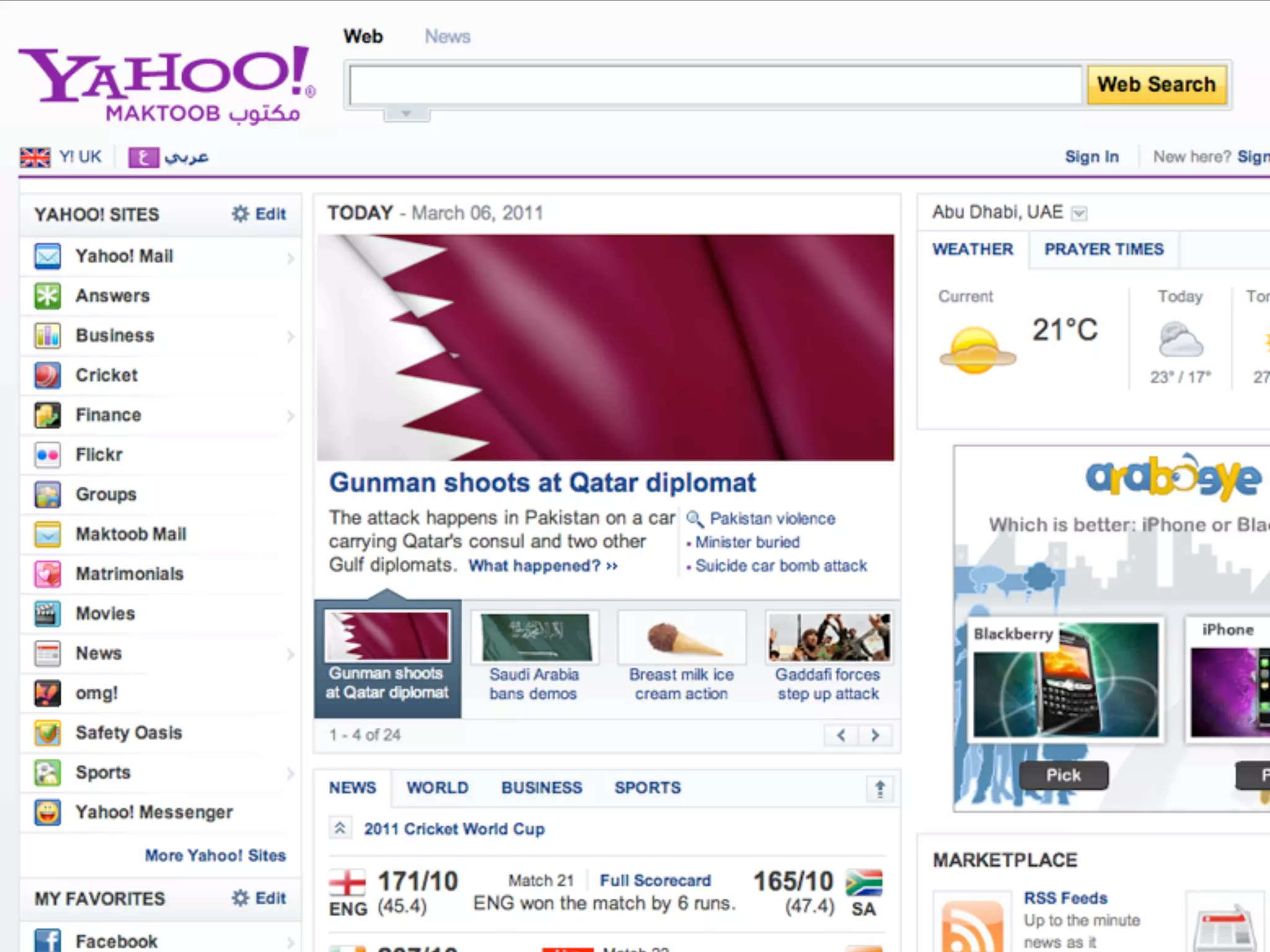
‣ Think about an international audience
3. Simple and intuitive
‣ Be as obvious as you can
‣ Don't assume it's usable just because you can use
  it
‣ Keep removing features that aren't absolutely
  necessary
‣ Add signposts and user hints
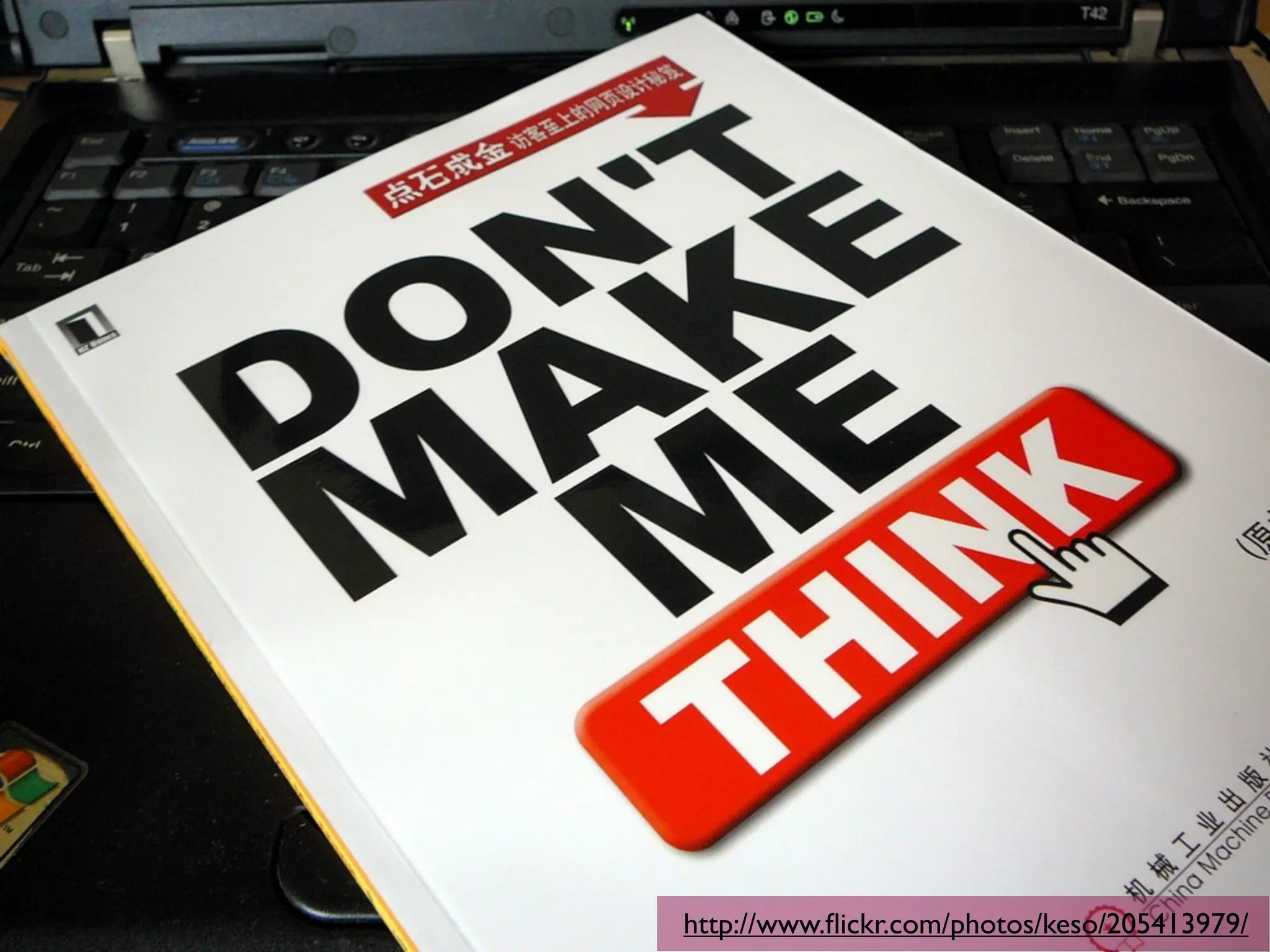
‣ "Don't make me think"
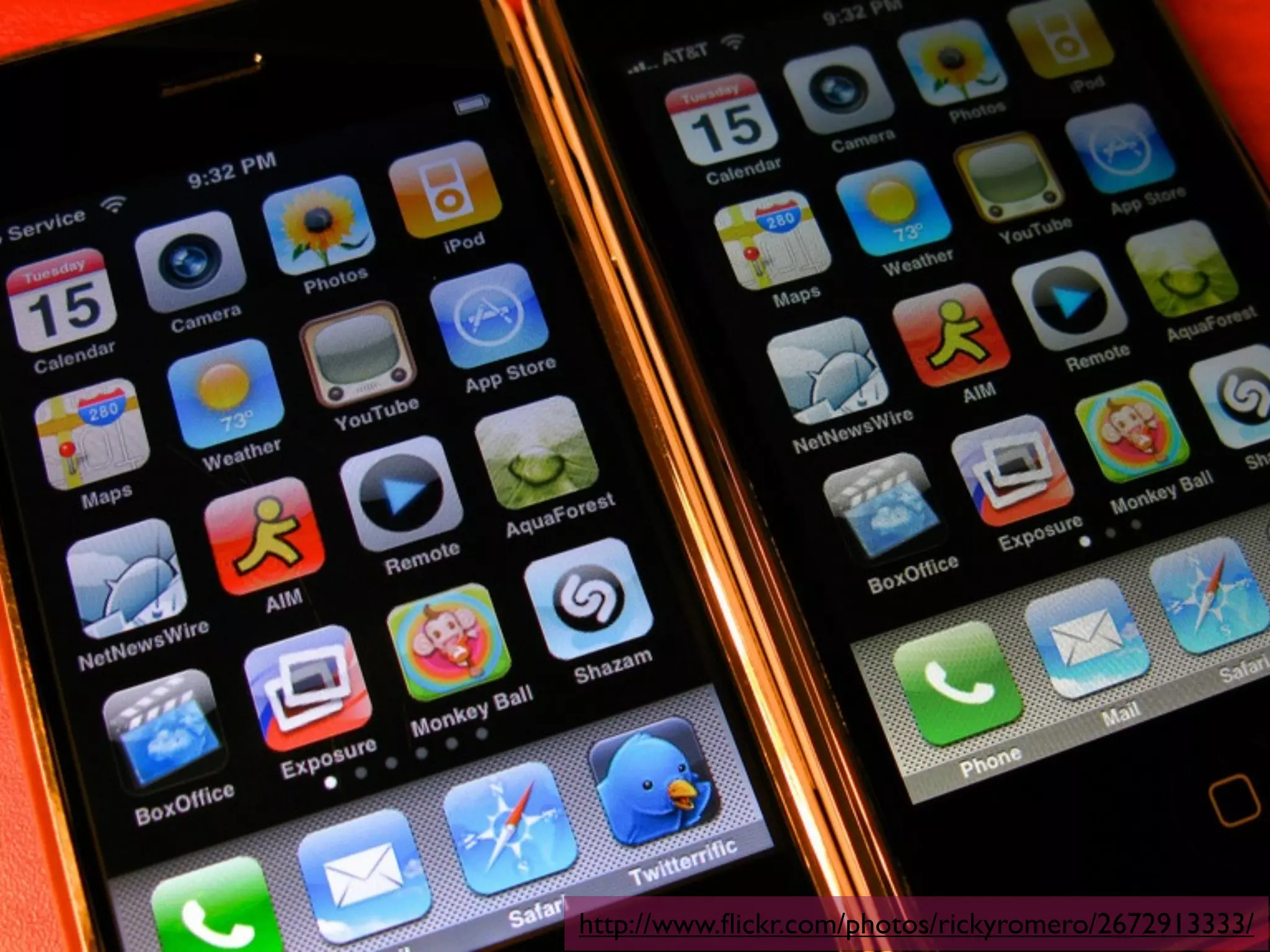
http://www.flickr.com/photos/rickyromero/2672913333/
3. Simple and intuitive -
how?
‣ Create prototypes as early as possible
‣ Test!
‣ Justify new features - don't just add them without
 thought
4. Perceptible
‣ Be clear with content and features
‣ Make sure the user understands why they are
 there, what they can do, and where to go next
4. Perceptible - how?
‣ Think about how different devices and users
  process different types of content
‣ Make your copy meaningful and straightforward
‣ Again provide alternatives and choices, and make
  your site adaptive
‣ Careful about hiding things from certain users
How to hide things, vol. 1
‣ Use inline JavaScript handlers
‣ And generate loads of content that isn't in the
  DOM
‣ Put important content inside images without
  alternatives
‣ Don't provide :focus as well as :hover
‣ Use display: none; and visibility:
  hidden;
5. Informative
‣ Provide feedback and help options
‣ Again, choices are good
‣ Be predictable and consistent
‣ Keep the user dialogue going, and show you care
‣ Manage user expectations/frustrations
5. Informative - how?
‣ Keep navigation and other site features consistent
  and predictable
‣ Provide help pages if needed
‣ And multiple contact options
‣ And make sure your users get responses!
‣ Be friendly and approachable
‣ Don't make unrealistic promises
Bad promises
‣ Making statements like
 ‣ "All enquires answered within 24 hours"
 ‣ "Site is WCAG AAA conformant"
 ‣ "Site is mobile web compliant"
‣ Is really stupid!
‣ Instead say that you've made reasonable steps to
 make your site accessible to a wide variety of
 users, and then make it easy to contact you if a
 problem is still found
6. Preventative...
‣ ...as in, preventative medicine
‣ Closely related to "Informative"
‣ Guide users carefully through processes (forms is
  the big one)
‣ Help to minimise errors and engender trust
6. Preventative - how?
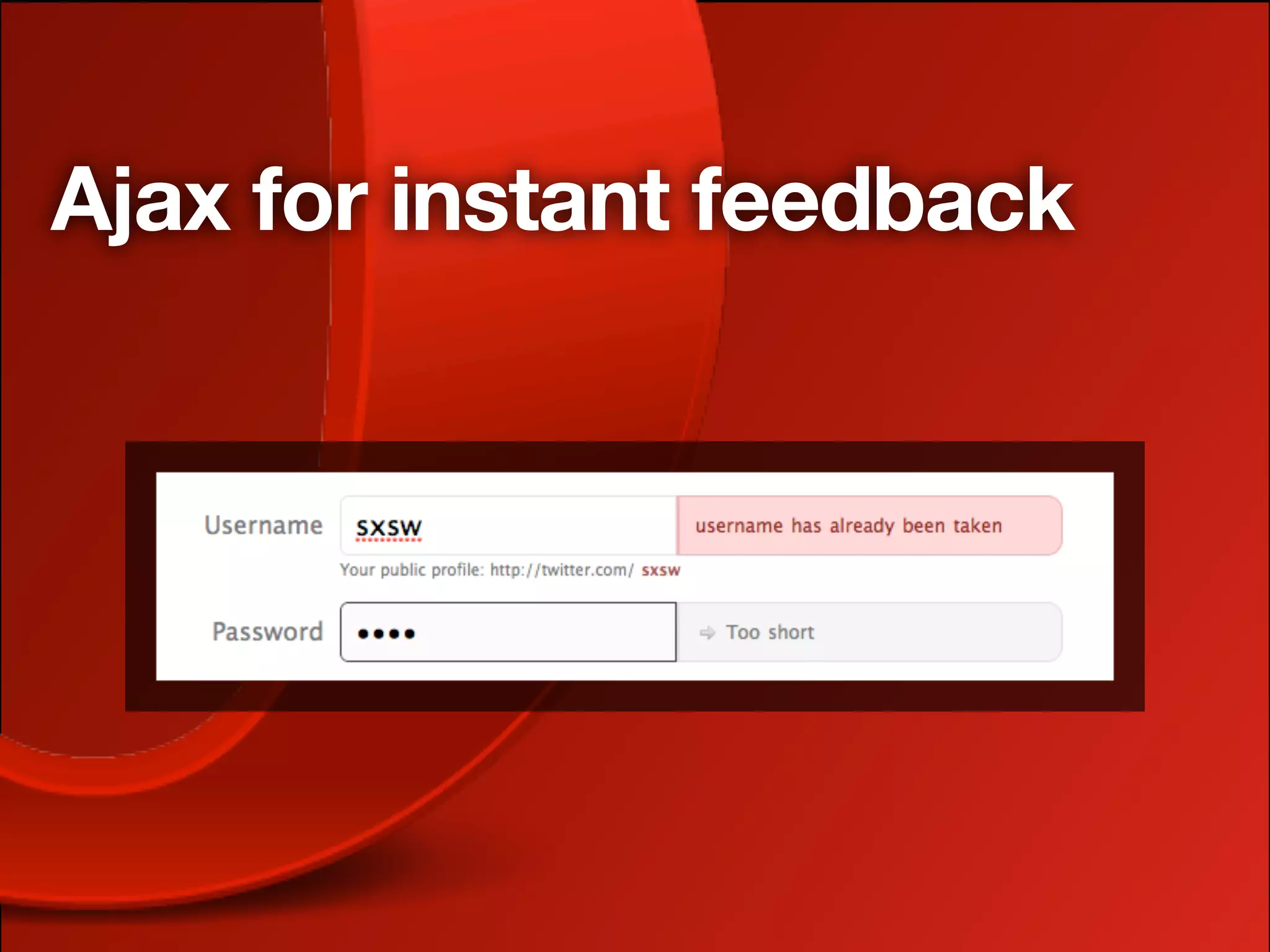
‣ Clear form <labels>
‣ Accept a variety of data formats
‣ Guide the user interactive pathway as much as you
  can
‣ Provide early feedback
‣ Test! test test test
‣ We should do the work, not the users
Ajax for instant feedback
7. Tolerant
‣ Follows on very closely from preventative
‣ Indicate errors precisely
‣ Be supportive
‣ Build user confidence
7. Tolerant - how?
‣ Indicate what errors have been made, and how to
  fix them
‣ Do this in a variety of ways to suit different users
‣ Provide success messaging, as well as error
  messaging
8. Effortless
‣ Again, make your apps as simple and intuitive as
  possible
‣ "Don't make me think"
‣ Don't expect too much at once
‣ Dont pressure your users unduly
8. Effortless - how?
‣ Consistent navigation and other common
  elements
‣ Remove as many features as possible
‣ Make copy concise and easy to read
‣ Don't do stupid things like having time limits to fill
  in forms
9. Accommodating
‣ Common sense after you've gone through the rest
  of this preso!
‣ Effortless, simple and intuitive, flexible all come
  into play here
9. Accommodating - how?
‣ Make your interfaces invisible and your
  interactions effortless
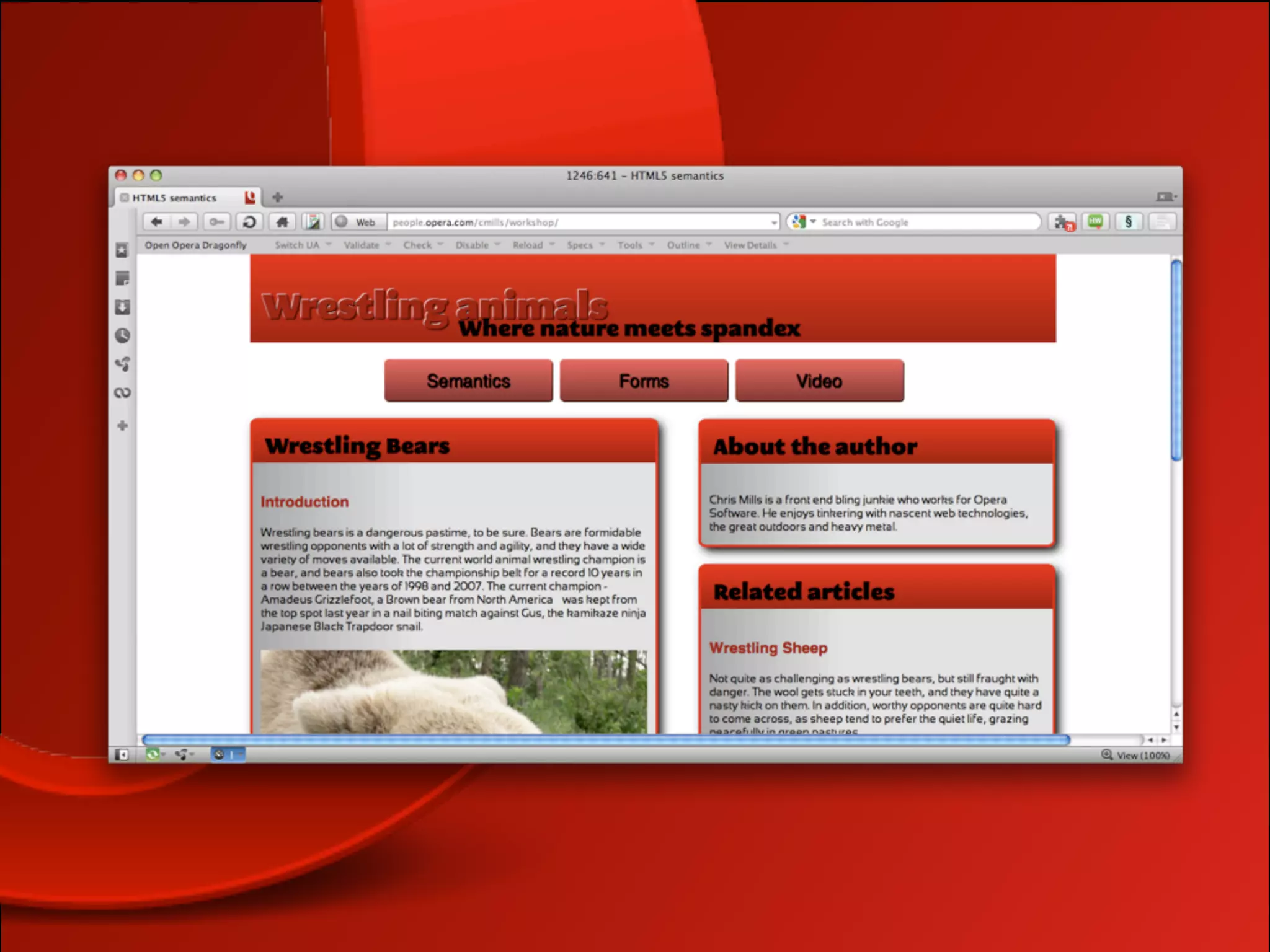
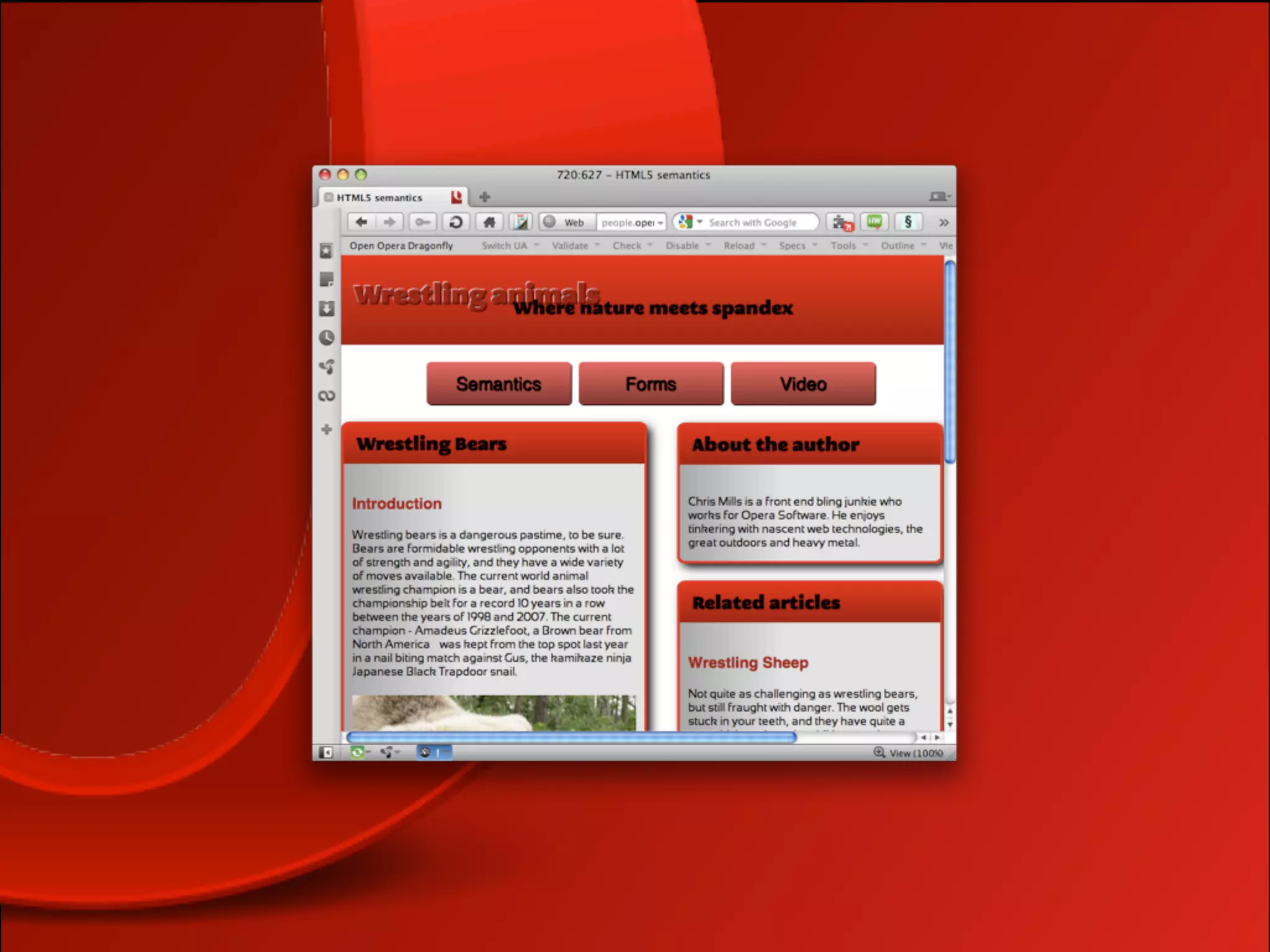
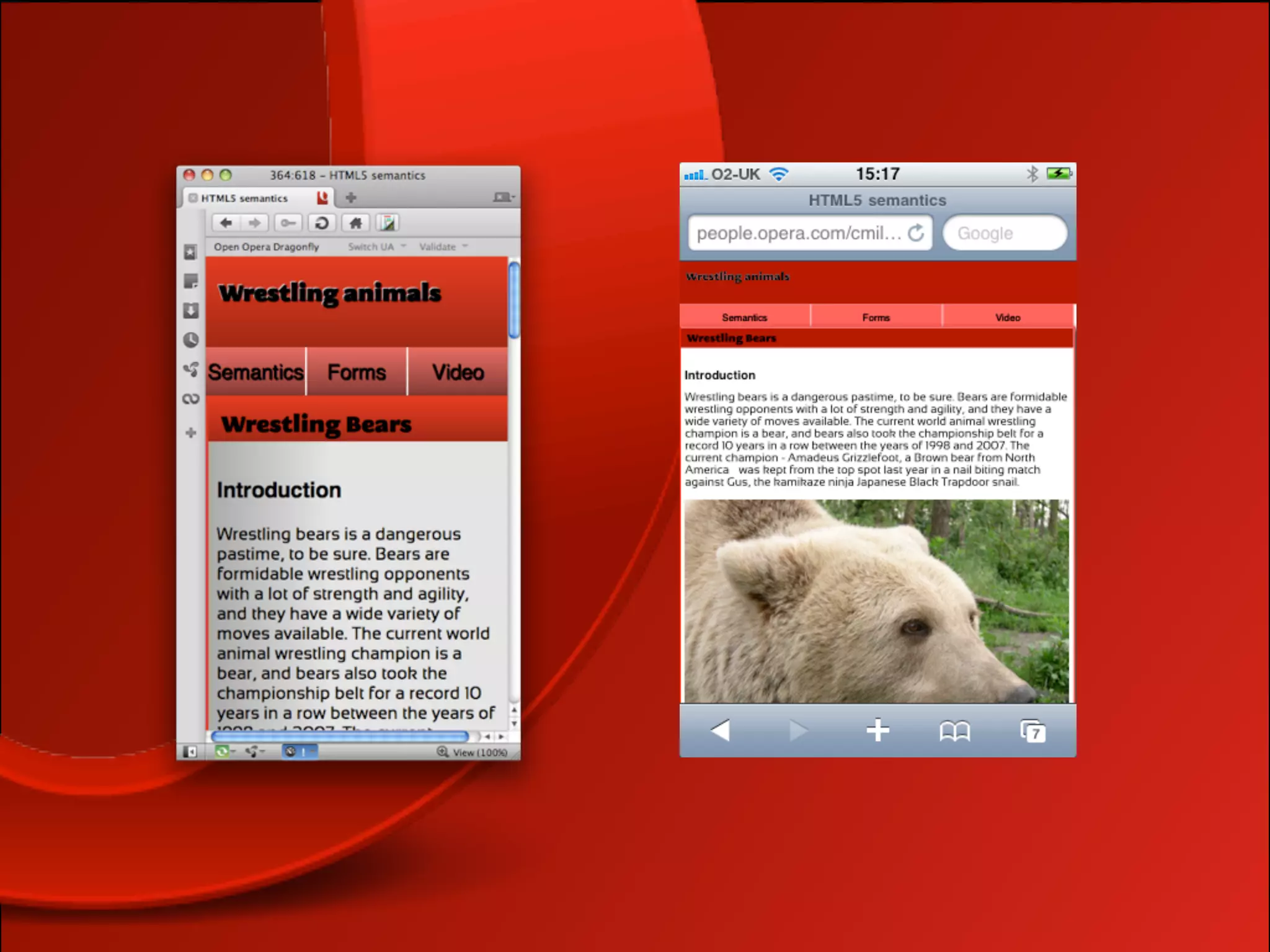
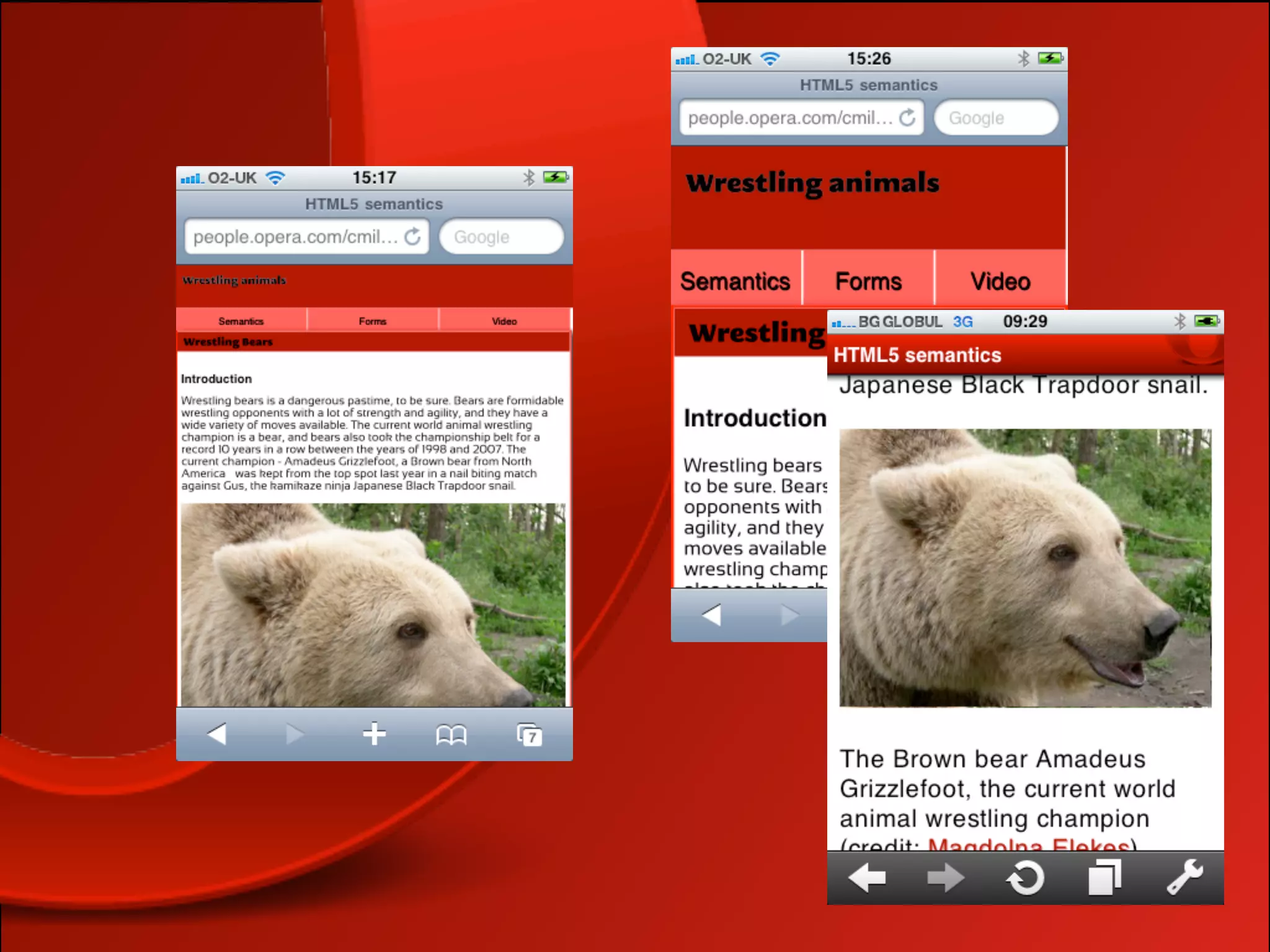
‣ Make your interfaces adaptive with media queries
  and viewport
http://www.flickr.com/photos/keso/205413979/
10. Consistent
‣ Also common sense after you've gone through the
  rest of this preso!
‣ Consistent layout, navigation, branding, style
‣ Make the whole experience comfortable for
  existing users, and welcoming for new ones
10. Consistent - how?
‣ Apply existing brand guidelines
‣ Apply existing conventions
‣ Use existing guidelines and best practices
‣ Use web standards!
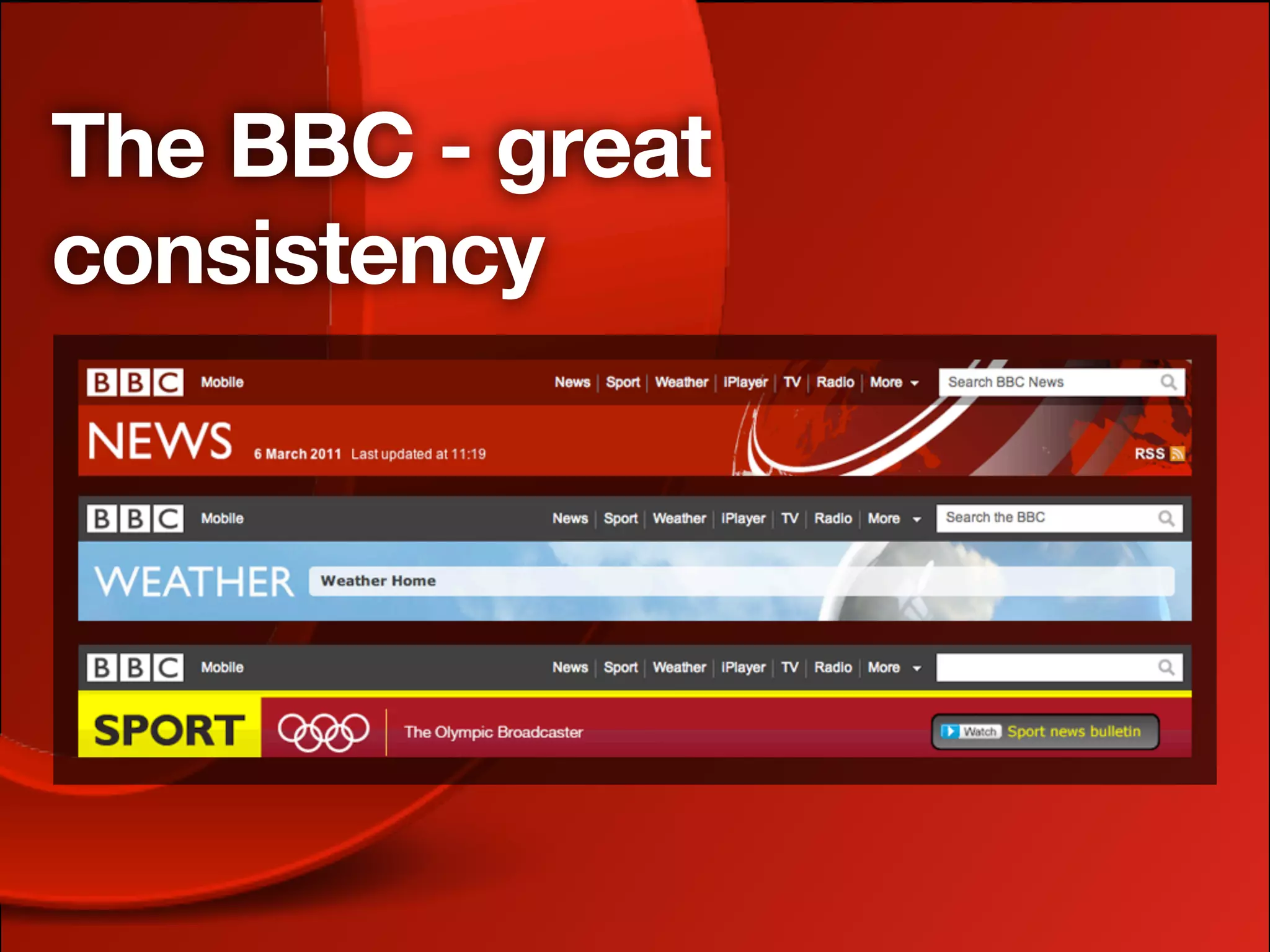
The BBC - great
consistency
Code — cooooool!!


            http://www.flickr.com/photos/mafleen/3780072133/
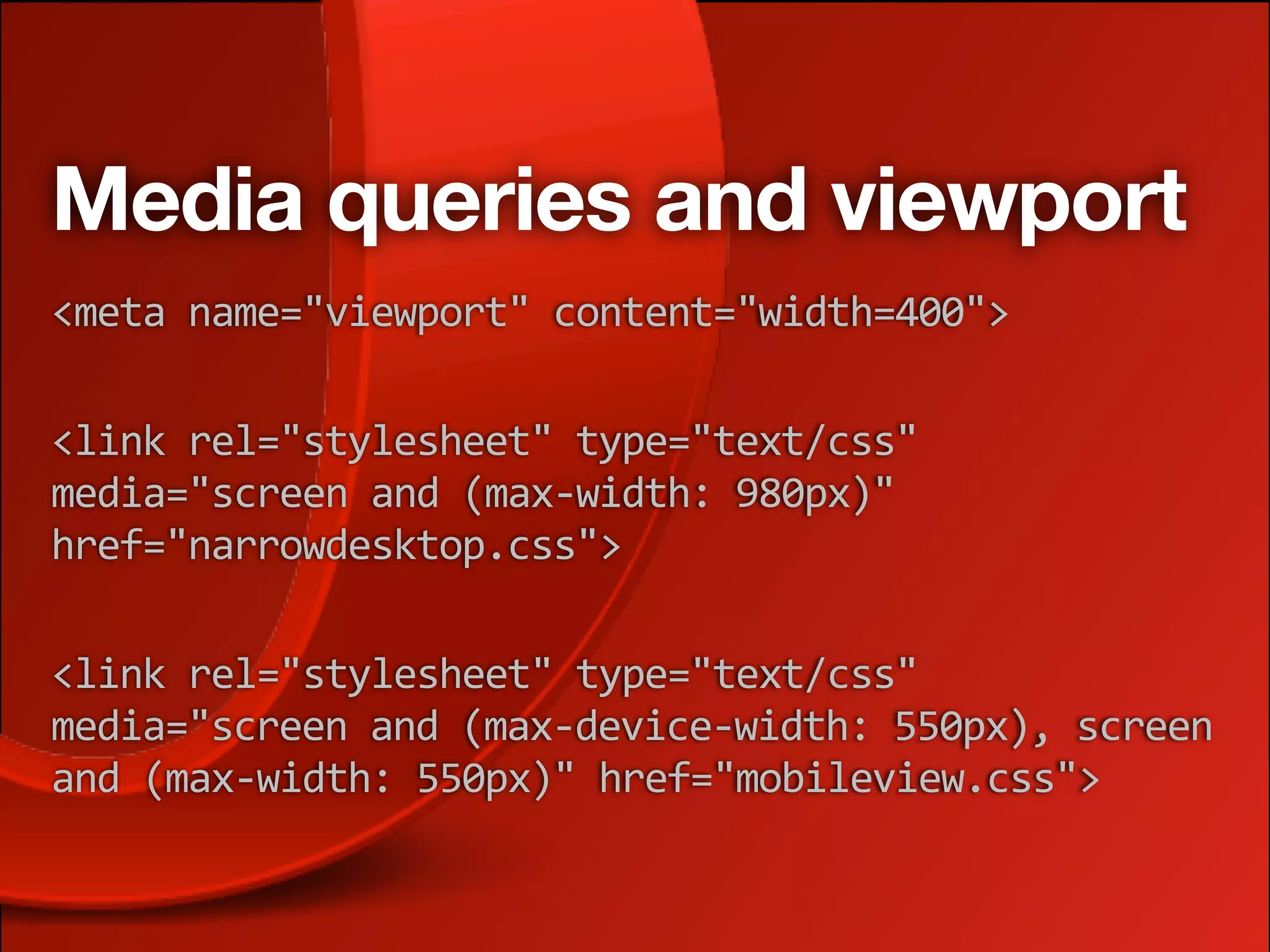
Media queries and viewport
<meta
name="viewport"
content="width=400">

<link
rel="stylesheet"
type="text/css"

media="screen
and
(max‐width:
980px)"

href="narrowdesktop.css">

<link
rel="stylesheet"
type="text/css"

media="screen
and
(max‐device‐width:
550px),
screen

and
(max‐width:
550px)"
href="mobileview.css">
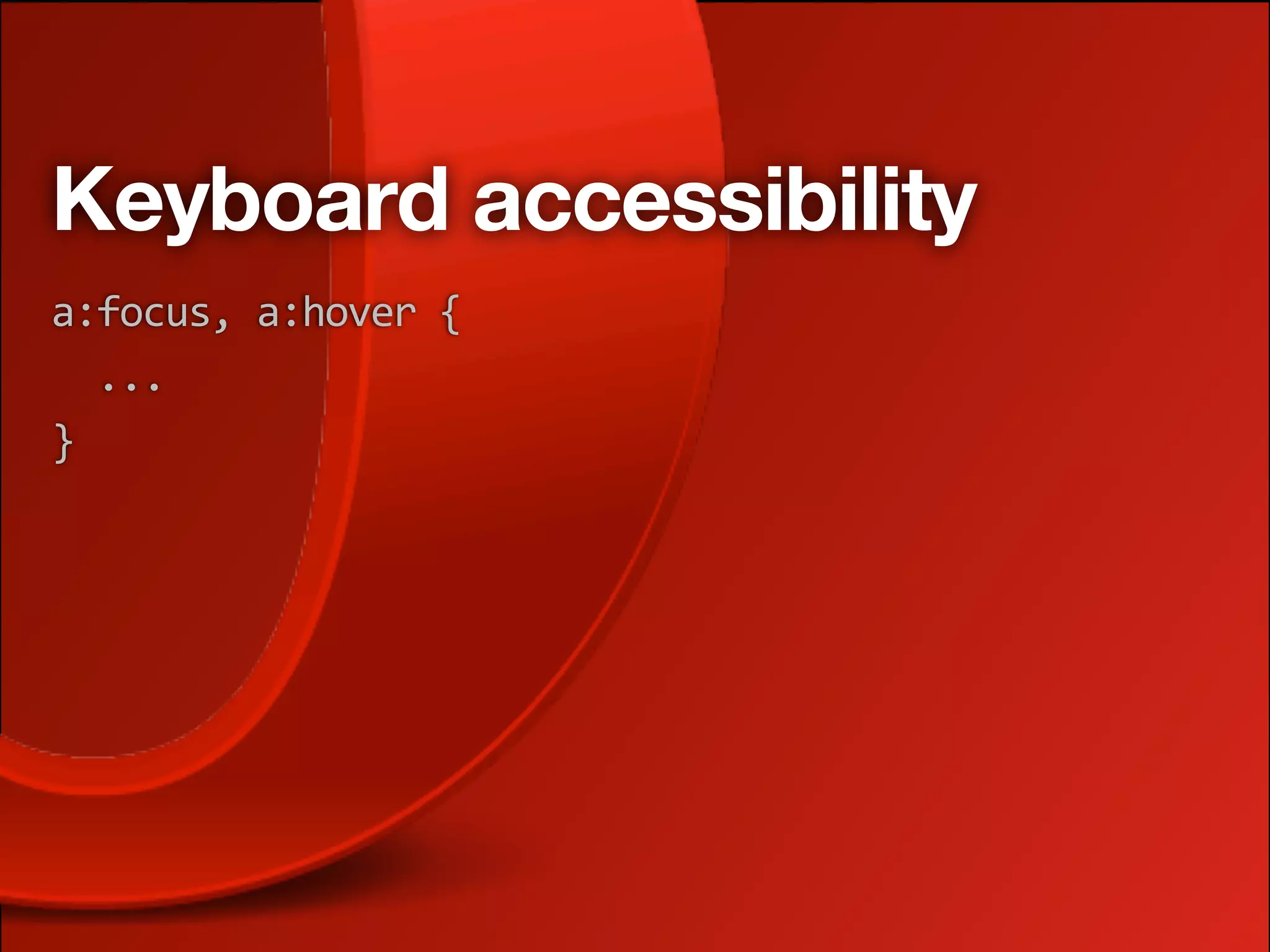
Keyboard accessibility
a:focus,
a:hover
{


...
}
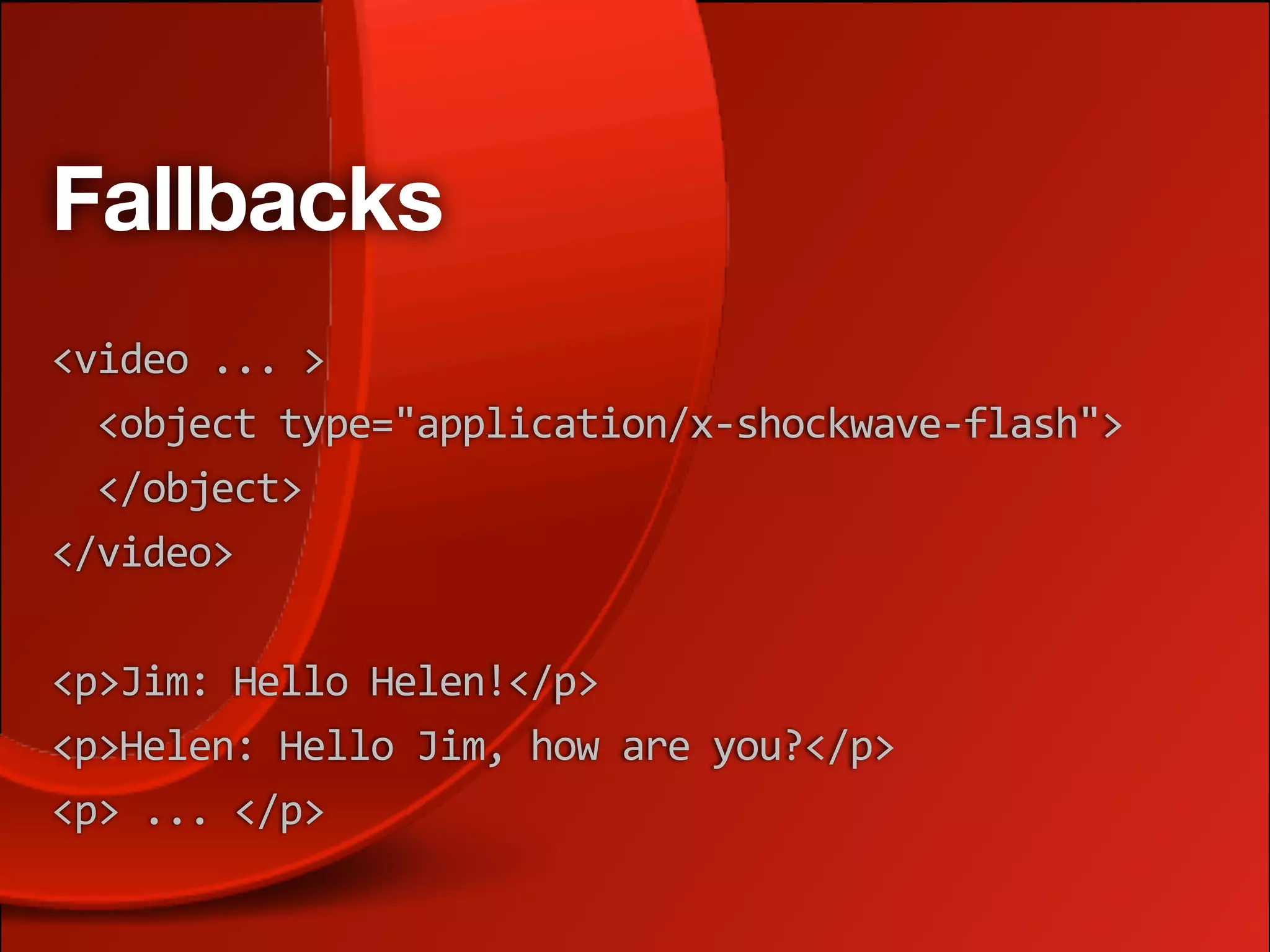
Fallbacks
<video
...
>


<object
type="application/x‐shockwave‐flash">


</object>
</video>

<p>Jim:
Hello
Helen!</p>
<p>Helen:
Hello
Jim,
how
are
you?</p>
<p>
...
</p>
Bonus points
‣ Also good for mobile device users and low
  bandwidth users, who may not want to download
  a hulking great video
‣ Also good for users in a noisy environment
It's not rocket surgery!
‣ A lot of this is obvious when you think about it
‣ It's nothing new to many of us
‣ But a lot of people still don't get this right
‣ And this plan could be useful to many of you
Thanks!
          cmills@opera.com
           @chrisdavidmills
http://www.slideshare.net/chrisdavidmills
         http://dev.opera.com
Licensing and credits
Content largely adapted from/inspired by the
fabulous work of Sandi Wassmer:
•SXSW 2011 Inclusive Design - http://www.slideshare.net/
SandiWassmer/sxsw-2011-inclusive-design-7258927
•Ten principles of inclusive design - http://
www.culture.gov.uk/what_we_do/
telecommunications_and_online/8161.aspx

Content published under creative commons:
http://creativecommons.org/licenses/by-nc-sa/2.5/

Inclusive design: real accessibility for everyone

  • 2.
    Hi! I'm ChrisMills! cmills@opera.com @chrisdavidmills http://www.slideshare.net/chrisdavidmills http://dev.opera.com
  • 3.
    I work atOpera ‣ Open standards evangelist and education agitator ‣ dev.opera.com ‣ Talks too much a lot! ‣ Lobbies lots of universities ‣ Obsessed by accessibility ... to a point ‣ HTML5/CSS3 wrangler ‣ Heavy metal drummer
  • 4.
    What is inclusivedesign? ‣ I call it "real accessibility" ‣ Not just about disabled people ‣ Also considers mobile users ‣ Low bandwidth users ‣ And everyone else!
  • 5.
    What is inclusivedesign? ‣ Branding ‣ UX ‣ Usability ‣ And other exciting buzzwords!
  • 6.
    Design with diversityin mind http://www.flickr.com/photos/usarmyafrica/4919901589/
  • 7.
    What is inclusivedesign? It's just good design!
  • 8.
    <rant> It is likegoing to the doctor for a check-up, but then having to hire an independent consultant to tell you whether the doctor knew what they were talking about (or not), or (pick your favourite analogy)
  • 9.
    <rant> It is likegoing to the doctor for a check-up, but then having to hire an independent consultant to tell you whether the doctor knew what they were talking about (or not), or (pick your favourite analogy) $$$ 
 

  • 10.
    <rant> ‣ Yes, noteveryone can afford usability labs, accessibility testing sessions, focus groups, mobile testing suites ... yadda yadda
  • 11.
    Code <rant>! Yes, itis challenging to make a page accessible when you've got video, Ajax, user-generated content, CMS's, and the boss has decided it needs to conform to WCAG 2.0 AAA...
  • 12.
    Code <rant> #2! ...butit is bloody impossible when your page templates look like this: <font
size="6">My
top
level
heading</font> <br><br> <font
size="2">My
first
paragraph</font> <br><br> <font
size="2">My
second
paragraph</font>
  • 13.
    Oh, and... Accessibility andusability do not have to be ugly!!!!
  • 14.
    Da rootz ofInclusive design http://www.flickr.com/photos/darpi/212323100/
  • 15.
    Frank Lloyd Wrightsaid... "All fine architectural values are human values, else not valuable." http://www.flickr.com/photos/usonian/4231430254/
  • 16.
    The wisdom ofDieter Rams Good design is: ‣ Innovative ‣ Honest ‣ Useful ‣ Long lasting ‣ Aesthetic ‣ Thorough ‣ Understandable ‣ Environmentally-friendly ‣ Unobtrusive ‣ Consistent Above all, it is as little design as possible http://www.vitsoe.com/en/gb/about/dieterrams/
  • 17.
    Inclusive design -10 principles ‣ Equitable ‣ Preventative ‣ Flexible ‣ Tolerant ‣ Simple and intuitive ‣ Effortless ‣ Perceptible ‣ Accommodating ‣ Informative ‣ Consistent
  • 18.
    Taking it tothe Web http://www.flickr.com/photos/luc_viatour/4247957432/
  • 19.
    A plan forimplementation... Might look like this ‣ Plan ‣ Execute ‣ Follow guidelines ‣ Maintain
  • 20.
    Plan ‣ Keeping iton brand ‣ User experience ‣ Research and testing steps ‣ Content strategy
  • 21.
    Execute ‣ Market anduser research ‣ Visual design ‣ UI/Interaction design ‣ IA ‣ Choice of tools ‣ Development
  • 22.
    Follow guidelines ‣ Designprinciples and best practices ‣ Accessibility guidelines (add common sense) ‣ Usability best practices ‣ Web standards (and browser hacks!)
  • 23.
    Maintain ‣ Review content(esp. user generated) ‣ Allow easy feedback, and listen to your customers ‣ Deal with problems quickly, and be honest about mistakes ‣ Always strive to do things better, make small iterative improvements
  • 24.
    Let's go backto those principles ‣ Equitable ‣ Preventative ‣ Flexible ‣ Tolerant ‣ Simple and intuitive ‣ Effortless ‣ Perceptible ‣ Accommodating ‣ Informative ‣ Consistent
  • 25.
    1. Equitable ‣ Bewelcoming, and don't discriminate ‣ Consider the needs of diverse users from the get go ‣ User experience can't and shouldn't be IDENTICAL for all users ‣ Provide different user experiences with equally valuable outcomes
  • 26.
    1. Equitable -how? ‣ Text alternatives for critical AV content ‣ Adaptive layouts using technologies like media queries and viewport ‣ Keyboard accessibility and good ol' semantic HTML ‣ General thought for fallbacks and graceful degredation
  • 27.
    2. Flexible ‣ Providedifferent options for different users, contexts and devices, locales ‣ This choice will be appreciated, and more users will find your site accessible and usable
  • 28.
    2. Flexible -how? ‣ Again, adaptive layouts, keyboard accessibility, progressive enhancement ‣ That layered approach - structure, style, behaviour ‣ Think carefully about how you use things like CAPCHAs and Ajax ‣ Think about an international audience
  • 31.
    3. Simple andintuitive ‣ Be as obvious as you can ‣ Don't assume it's usable just because you can use it ‣ Keep removing features that aren't absolutely necessary ‣ Add signposts and user hints ‣ "Don't make me think"
  • 32.
  • 36.
    3. Simple andintuitive - how? ‣ Create prototypes as early as possible ‣ Test! ‣ Justify new features - don't just add them without thought
  • 37.
    4. Perceptible ‣ Beclear with content and features ‣ Make sure the user understands why they are there, what they can do, and where to go next
  • 38.
    4. Perceptible -how? ‣ Think about how different devices and users process different types of content ‣ Make your copy meaningful and straightforward ‣ Again provide alternatives and choices, and make your site adaptive ‣ Careful about hiding things from certain users
  • 39.
    How to hidethings, vol. 1 ‣ Use inline JavaScript handlers ‣ And generate loads of content that isn't in the DOM ‣ Put important content inside images without alternatives ‣ Don't provide :focus as well as :hover ‣ Use display: none; and visibility: hidden;
  • 40.
    5. Informative ‣ Providefeedback and help options ‣ Again, choices are good ‣ Be predictable and consistent ‣ Keep the user dialogue going, and show you care ‣ Manage user expectations/frustrations
  • 41.
    5. Informative -how? ‣ Keep navigation and other site features consistent and predictable ‣ Provide help pages if needed ‣ And multiple contact options ‣ And make sure your users get responses! ‣ Be friendly and approachable ‣ Don't make unrealistic promises
  • 42.
    Bad promises ‣ Makingstatements like ‣ "All enquires answered within 24 hours" ‣ "Site is WCAG AAA conformant" ‣ "Site is mobile web compliant" ‣ Is really stupid! ‣ Instead say that you've made reasonable steps to make your site accessible to a wide variety of users, and then make it easy to contact you if a problem is still found
  • 43.
    6. Preventative... ‣ ...asin, preventative medicine ‣ Closely related to "Informative" ‣ Guide users carefully through processes (forms is the big one) ‣ Help to minimise errors and engender trust
  • 44.
    6. Preventative -how? ‣ Clear form <labels> ‣ Accept a variety of data formats ‣ Guide the user interactive pathway as much as you can ‣ Provide early feedback ‣ Test! test test test ‣ We should do the work, not the users
  • 45.
  • 46.
    7. Tolerant ‣ Followson very closely from preventative ‣ Indicate errors precisely ‣ Be supportive ‣ Build user confidence
  • 47.
    7. Tolerant -how? ‣ Indicate what errors have been made, and how to fix them ‣ Do this in a variety of ways to suit different users ‣ Provide success messaging, as well as error messaging
  • 48.
    8. Effortless ‣ Again,make your apps as simple and intuitive as possible ‣ "Don't make me think" ‣ Don't expect too much at once ‣ Dont pressure your users unduly
  • 49.
    8. Effortless -how? ‣ Consistent navigation and other common elements ‣ Remove as many features as possible ‣ Make copy concise and easy to read ‣ Don't do stupid things like having time limits to fill in forms
  • 50.
    9. Accommodating ‣ Commonsense after you've gone through the rest of this preso! ‣ Effortless, simple and intuitive, flexible all come into play here
  • 51.
    9. Accommodating -how? ‣ Make your interfaces invisible and your interactions effortless ‣ Make your interfaces adaptive with media queries and viewport
  • 52.
  • 53.
    10. Consistent ‣ Alsocommon sense after you've gone through the rest of this preso! ‣ Consistent layout, navigation, branding, style ‣ Make the whole experience comfortable for existing users, and welcoming for new ones
  • 54.
    10. Consistent -how? ‣ Apply existing brand guidelines ‣ Apply existing conventions ‣ Use existing guidelines and best practices ‣ Use web standards!
  • 55.
    The BBC -great consistency
  • 56.
    Code — cooooool!! http://www.flickr.com/photos/mafleen/3780072133/
  • 57.
    Media queries andviewport <meta
name="viewport"
content="width=400"> <link
rel="stylesheet"
type="text/css"
 media="screen
and
(max‐width:
980px)"
 href="narrowdesktop.css"> <link
rel="stylesheet"
type="text/css"
 media="screen
and
(max‐device‐width:
550px),
screen
 and
(max‐width:
550px)"
href="mobileview.css">
  • 62.
  • 63.
  • 64.
    Bonus points ‣ Alsogood for mobile device users and low bandwidth users, who may not want to download a hulking great video ‣ Also good for users in a noisy environment
  • 65.
    It's not rocketsurgery! ‣ A lot of this is obvious when you think about it ‣ It's nothing new to many of us ‣ But a lot of people still don't get this right ‣ And this plan could be useful to many of you
  • 66.
    Thanks! cmills@opera.com @chrisdavidmills http://www.slideshare.net/chrisdavidmills http://dev.opera.com
  • 67.
    Licensing and credits Contentlargely adapted from/inspired by the fabulous work of Sandi Wassmer: •SXSW 2011 Inclusive Design - http://www.slideshare.net/ SandiWassmer/sxsw-2011-inclusive-design-7258927 •Ten principles of inclusive design - http:// www.culture.gov.uk/what_we_do/ telecommunications_and_online/8161.aspx Content published under creative commons: http://creativecommons.org/licenses/by-nc-sa/2.5/