








Ideas for
stand-alone
presentations


         By Dave Paradi
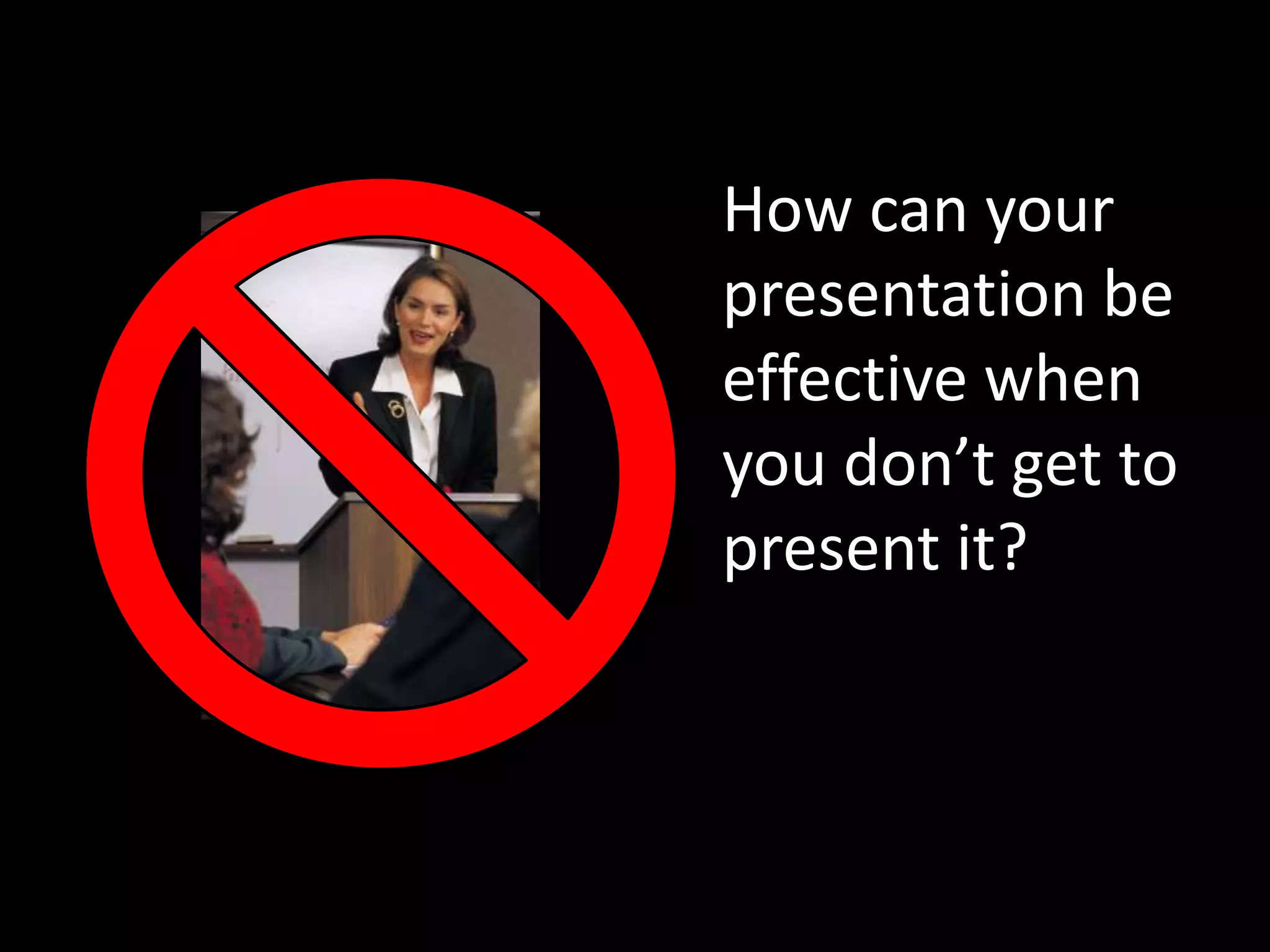
How can your
presentation be
effective when
you don’t get to
present it?
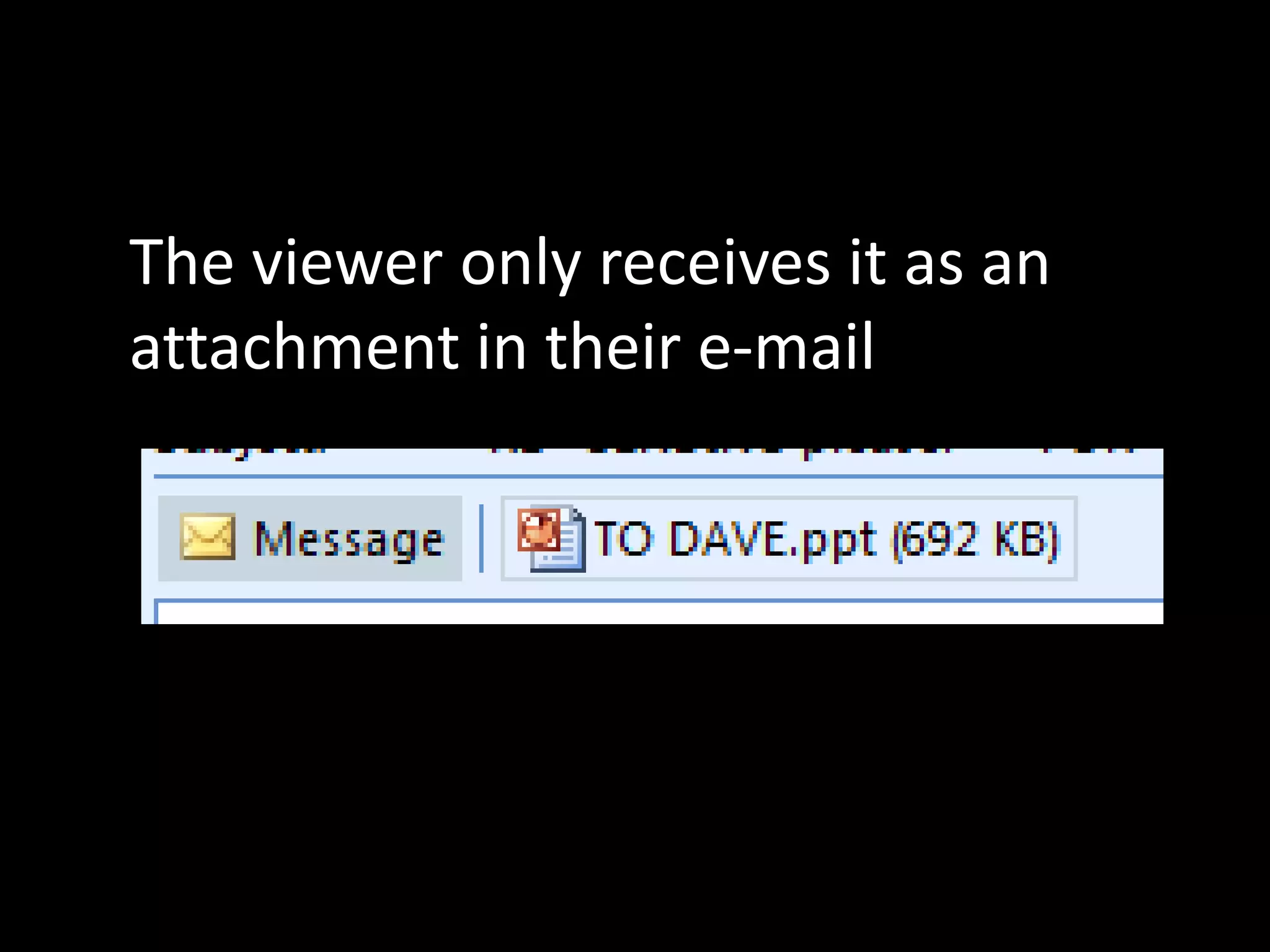
The viewer only receives it as an
attachment in their e-mail
They don’t get
to hear how
you would
explain each
slide
Let’s learn 7
ideas from the
most successful
stand-alone
presentations
Who says these are the best
stand-alone presentations?
People like you.

On slideshare.net,
the most popular
presentation
sharing website.
slideshare runs contests for
stand-alone presentations
that attract the best
presentation designers


             and they are owned by Linkedin, so they
             know about business people
So what can we
learn from these
top presentations?
Here are the 7 ideas we will learn:

1. Only include the essentials
2.   Give them a roadmap
3.   Use title slides for each main point
4.   Recap the key points at the end
5.   Use large visuals with explanations
6.   Use narration slides
7.   Build your points
Only include the
essentials
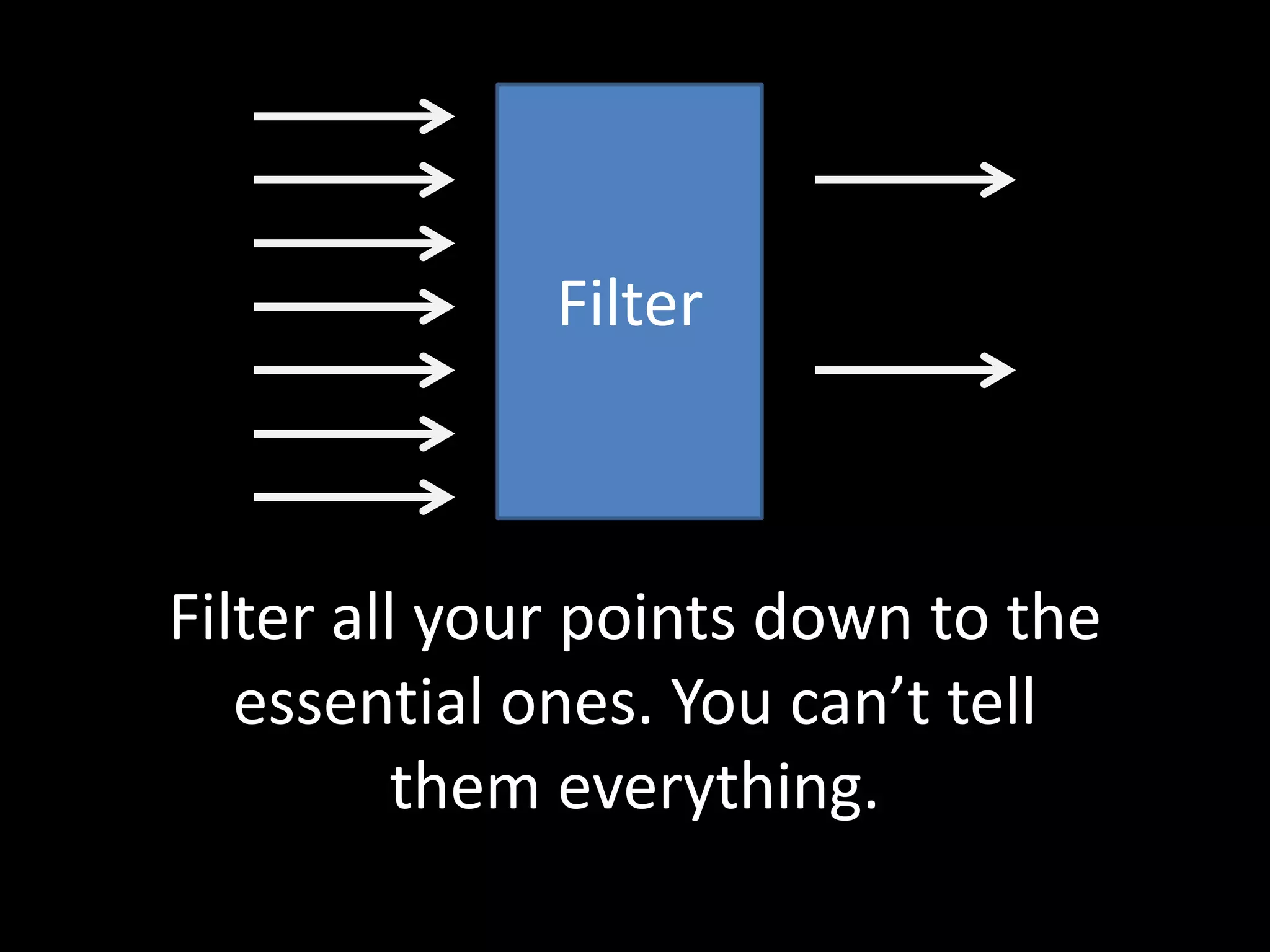
Filter


Filter all your points down to the
   essential ones. You can’t tell
          them everything.
This is emotional. You won’t
want to leave some points out.
        But you have to.
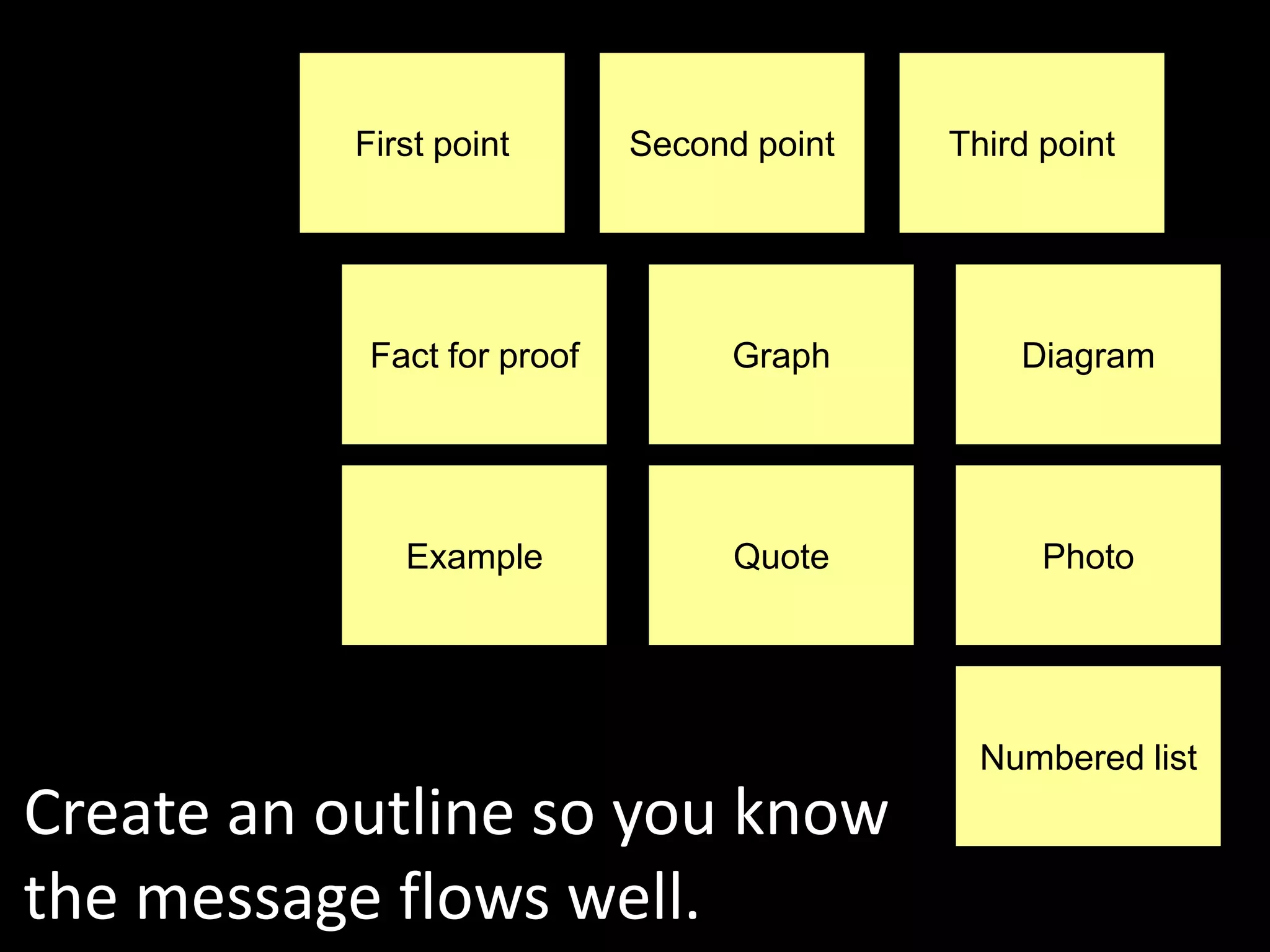
First point       Second point   Third point


            Fact for proof         Graph        Diagram


              Example              Quote          Photo


                                              Numbered list
Create an outline so you know
the message flows well.
Give them a
roadmap
Near the start, give the viewer an
  idea of what you will cover.

 It manages their expectations.
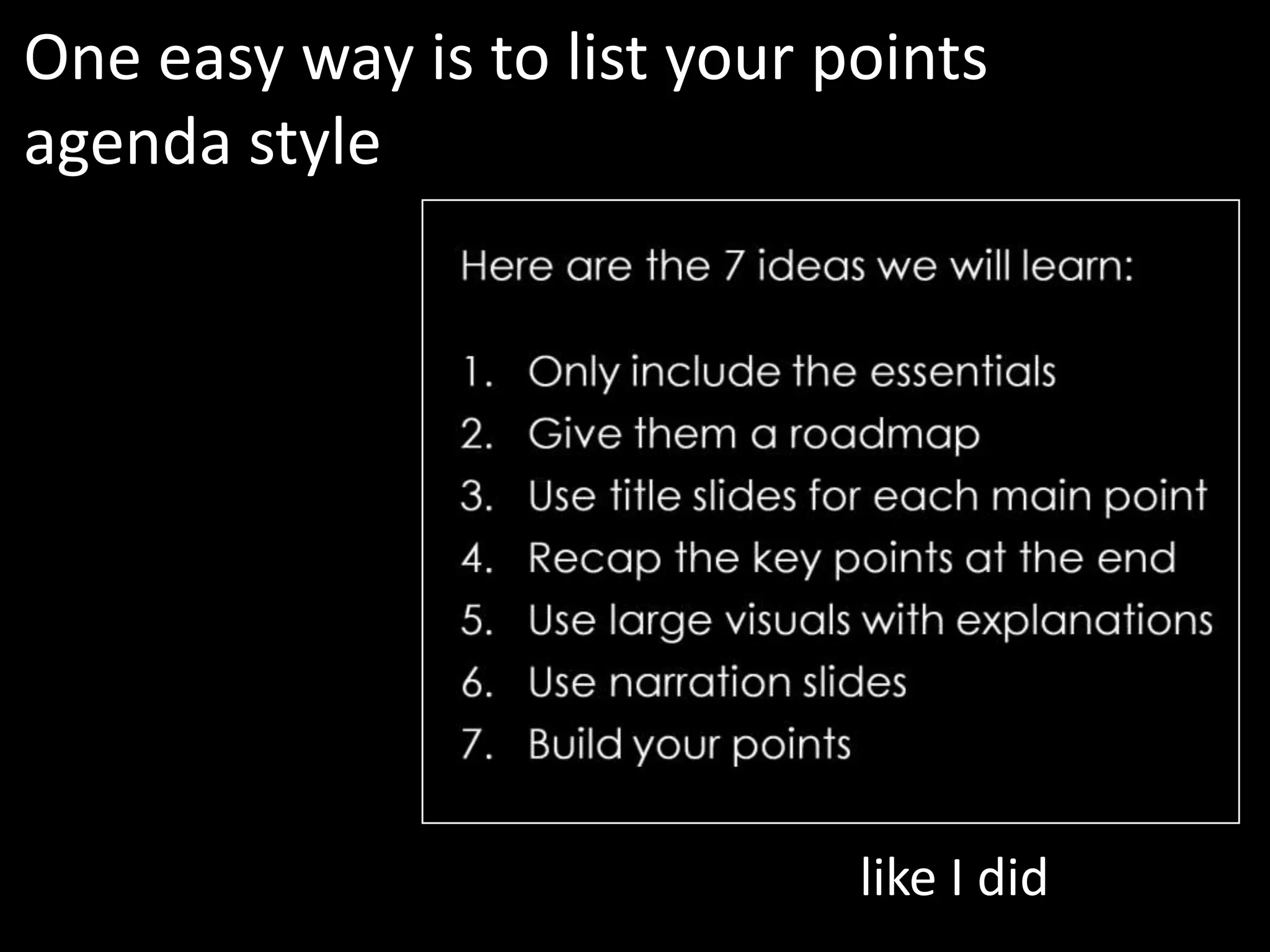
One easy way is to list your points
agenda style


                              like I did
Here are the 7 ideas we will learn:

1.   Only include the essentials
2. Give them a roadmap
3.   Use title slides for each main point
4.   Recap the key points at the end
5.   Use large visuals with explanations
6.   Use narration slides
7.   Build your points

               Use this as a section intro slide
               if you want to
Use title slides
for each main
point


              (like this!)
The viewer can’t hear your verbal
transition between points.


         Use a title slide to let them know
         you are moving to the next point.
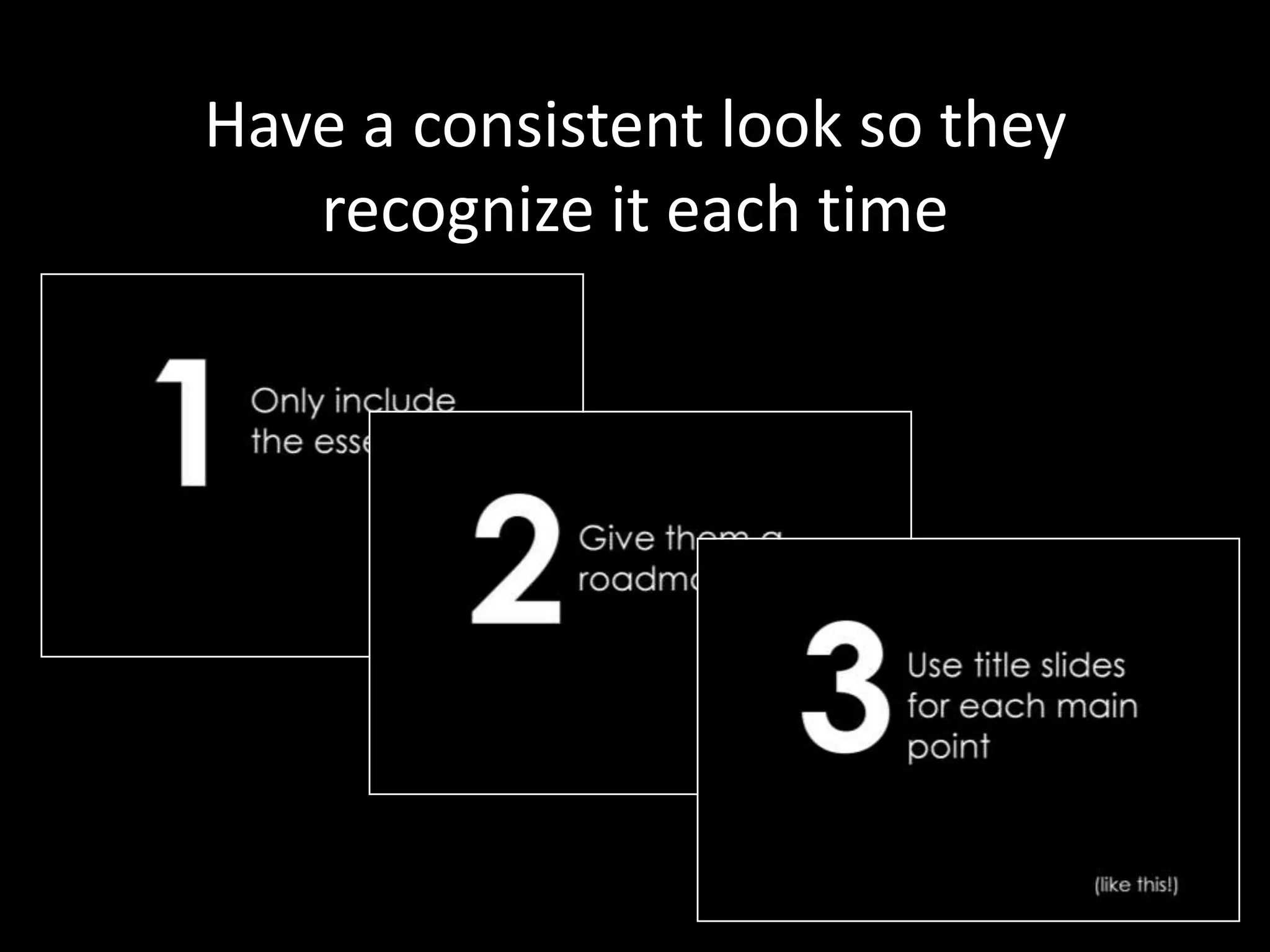
Have a consistent look so they
   recognize it each time
Recap the key
points at the end
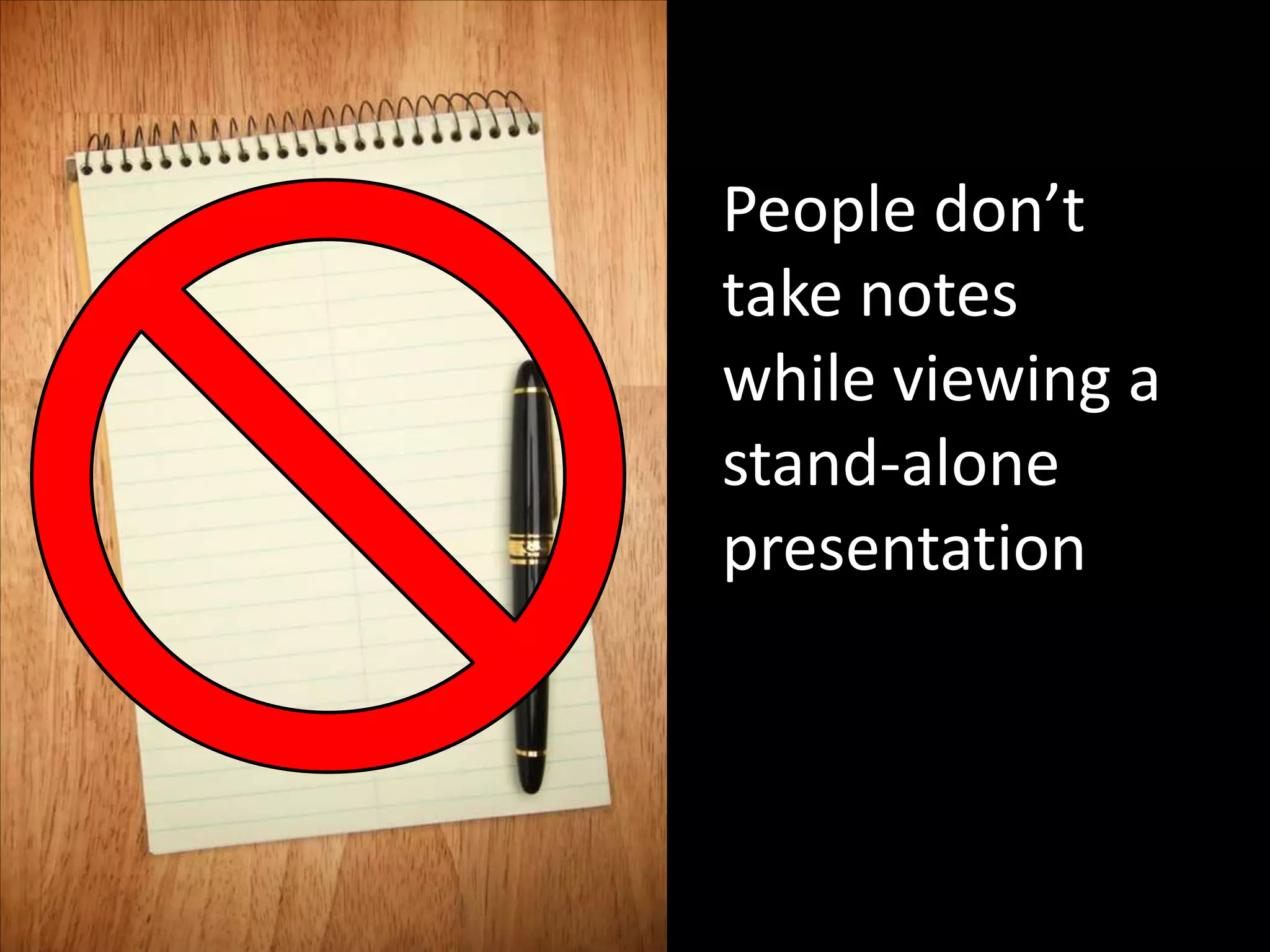
People don’t
take notes
while viewing a
stand-alone
presentation
They experience a stand-alone
presentation like they would a
document


                         They only read it
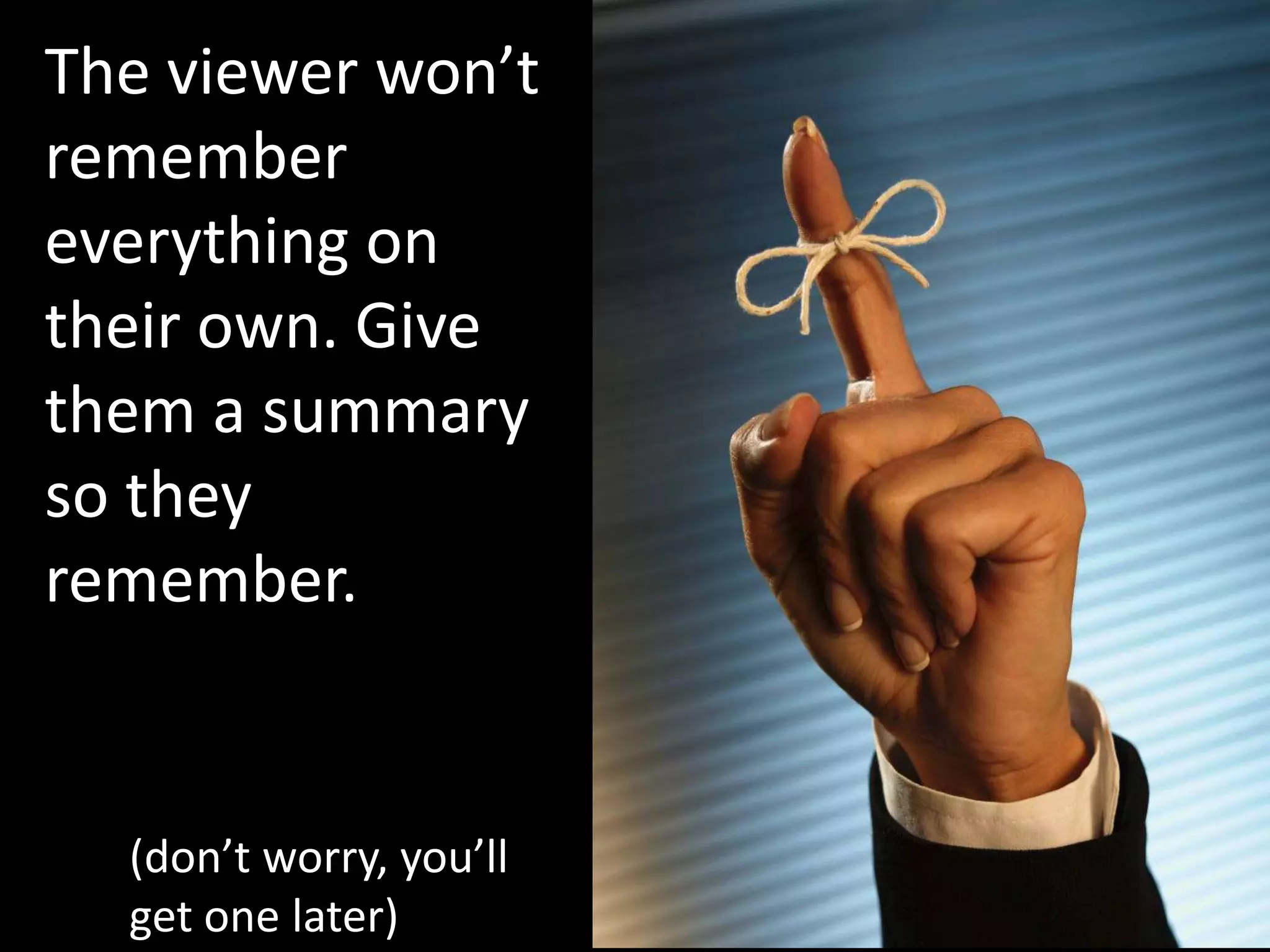
The viewer won’t
remember
everything on
their own. Give
them a summary
so they
remember.


  (don’t worry, you’ll
  get one later)
Use large visuals
with
explanations
A presentation should be visual. If
you have no visuals, send them a
     Word document instead
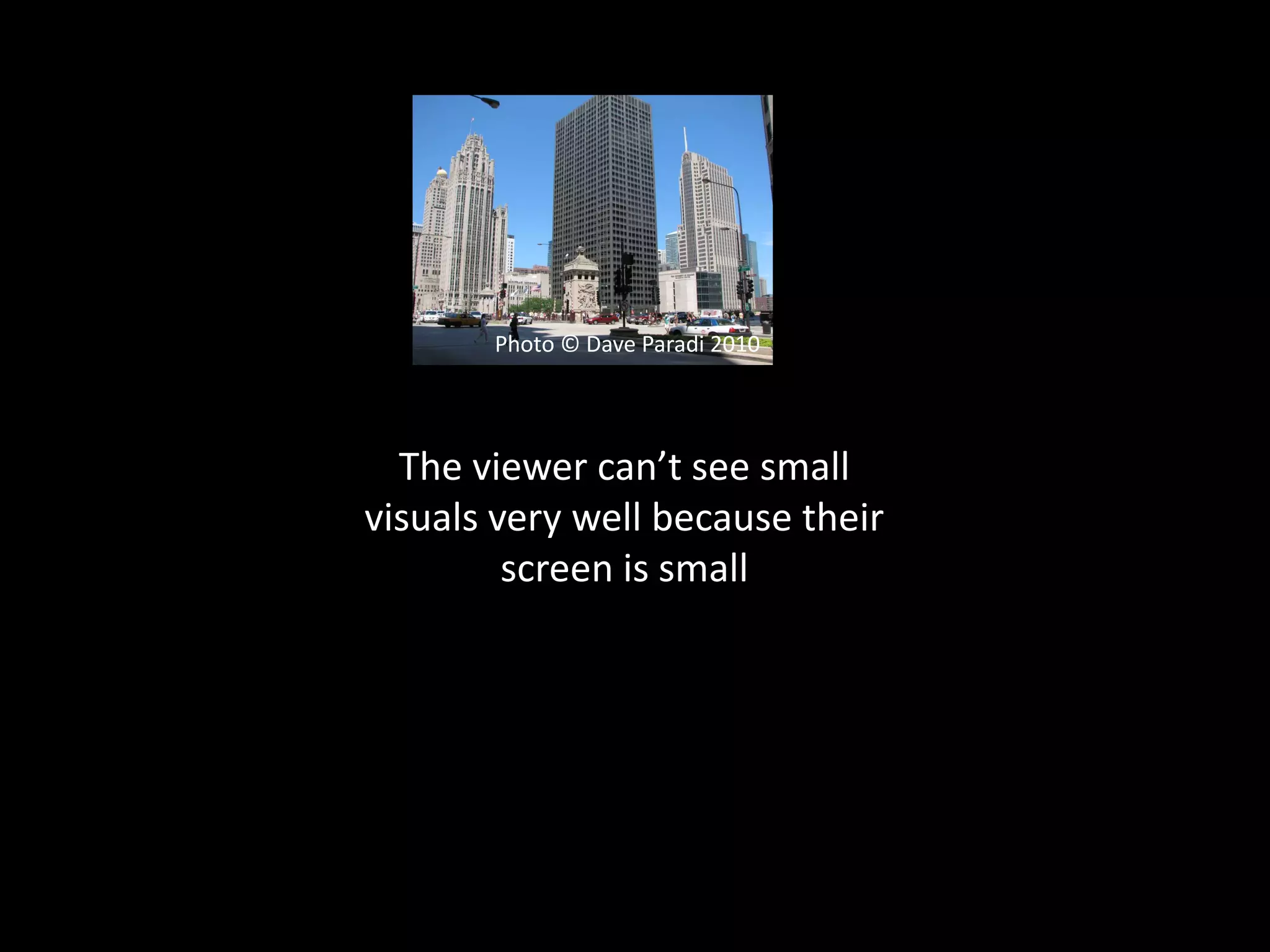
Photo © Dave Paradi 2010


  The viewer can’t see small
visuals very well because their
         screen is small
Now it makes an impact!   Photo © Dave Paradi 2010
The same goes for
diagrams or charts


         Make them
           large
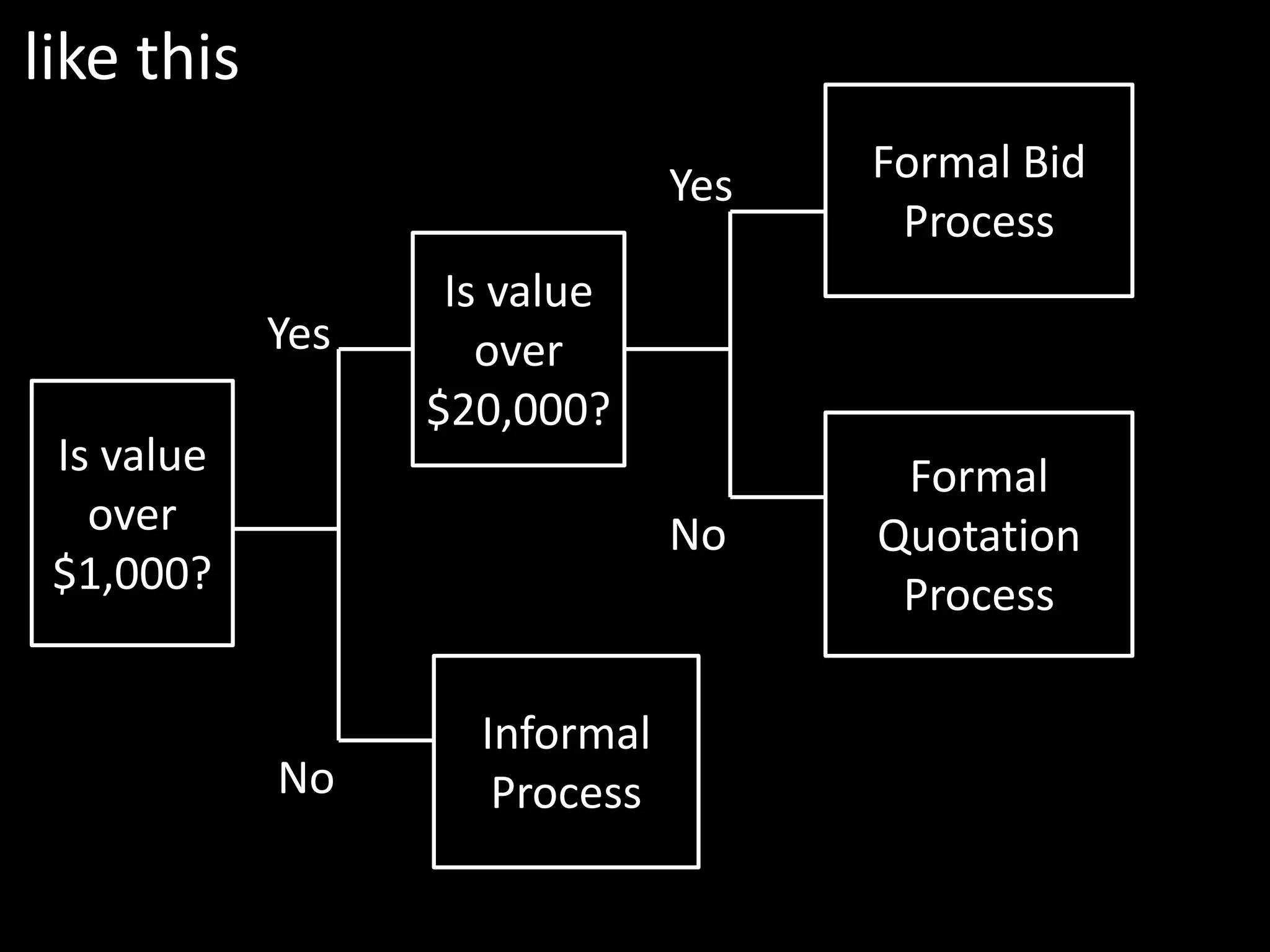
like this
                               Yes   Formal Bid
                                      Process
                   Is value
            Yes      over
                  $20,000?
 Is value                             Formal
   over                        No    Quotation
 $1,000?                              Process

                    Informal
            No       Process
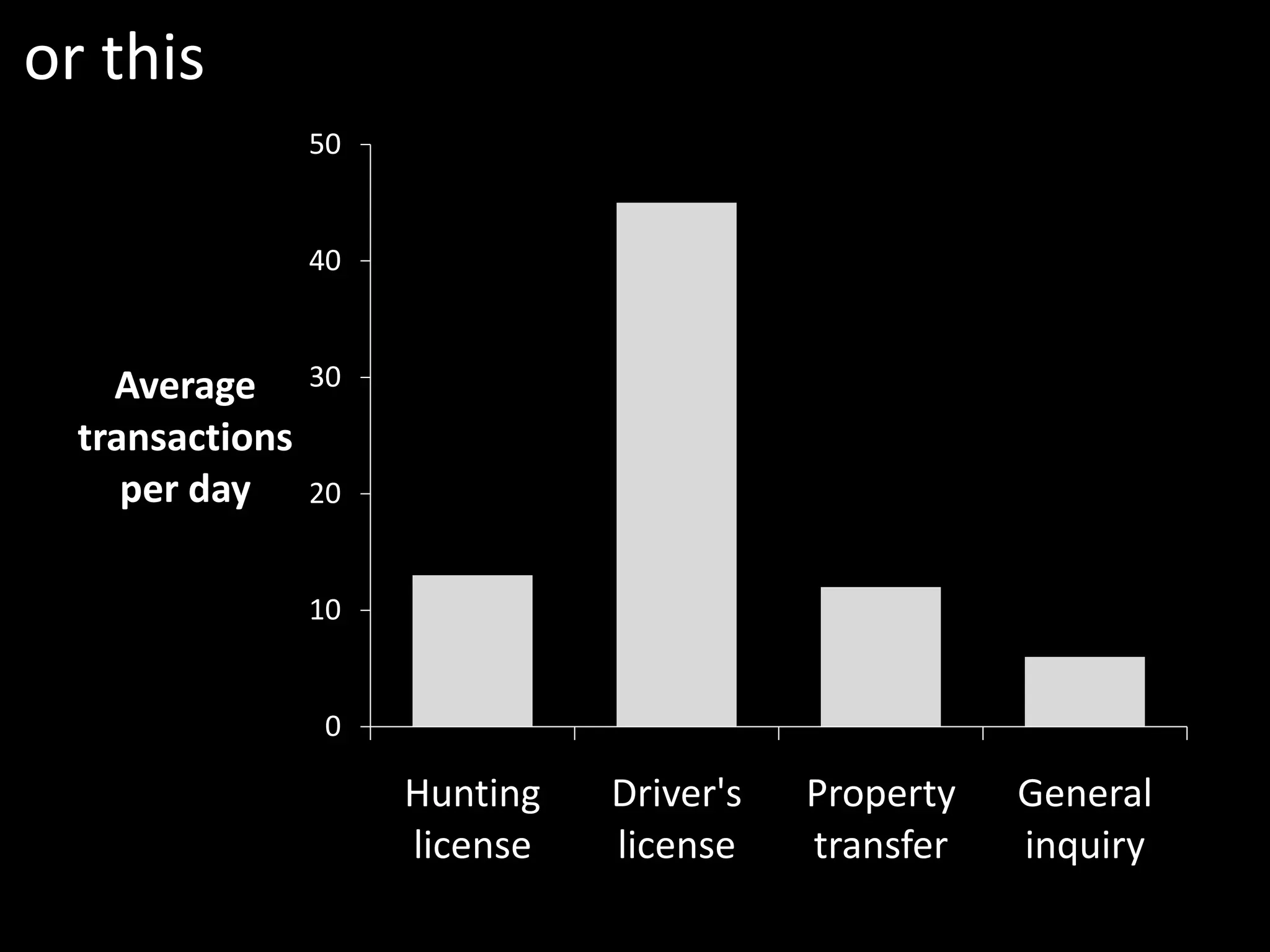
or this
                 50


                 40


    Average      30

  transactions
     per day     20


                 10


                 0

                      Hunting   Driver's   Property   General
                      license   license    transfer   inquiry
You’ve heard the phrase:
“a picture speaks a
thousand words”

      How do you make sure your visual is
        speaking the words you want the
                        viewer to hear?
By adding explanatory text that
ensures they get the point you want
       them to understand
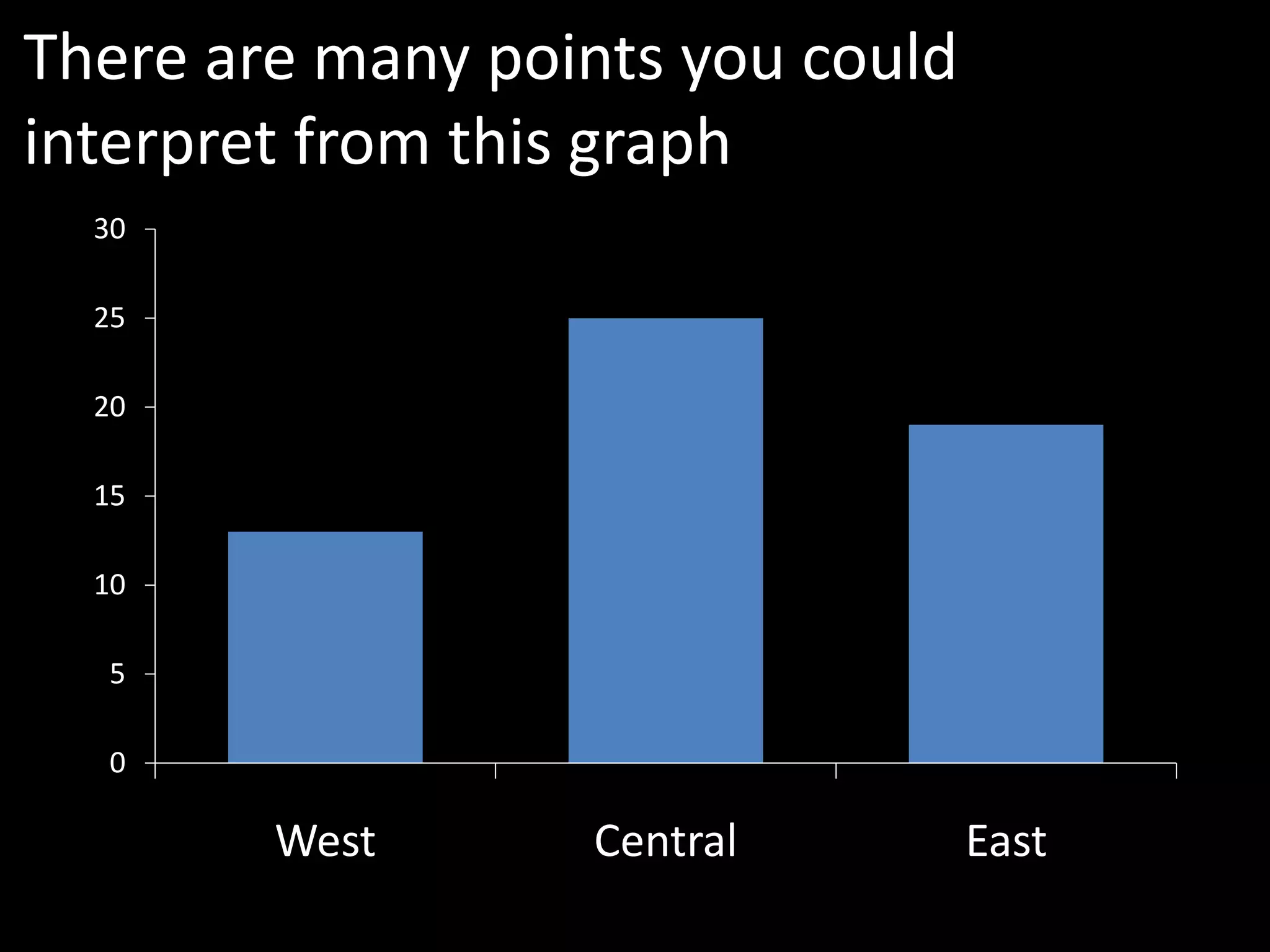
There are many points you could
interpret from this graph
  30

  25

  20

  15

  10

  5

  0

        West      Central         East
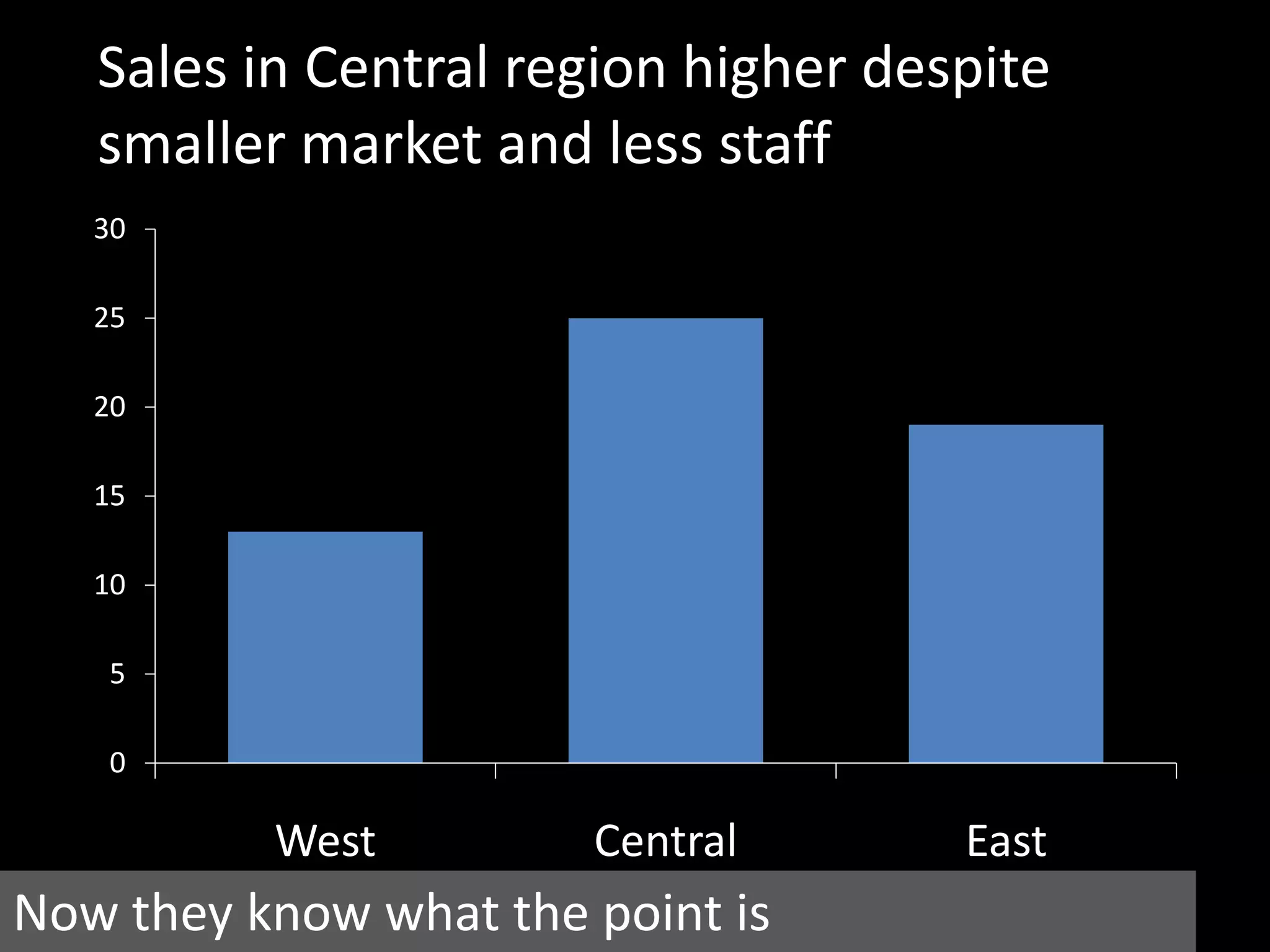
Sales in Central region higher despite
   smaller market and less staff
   30

   25

   20

   15

   10

   5

   0

          West         Central       East
Now they know what the point is
Use narration
slides
Not every point can be made with a
              visual

        (sorry presentation designers)
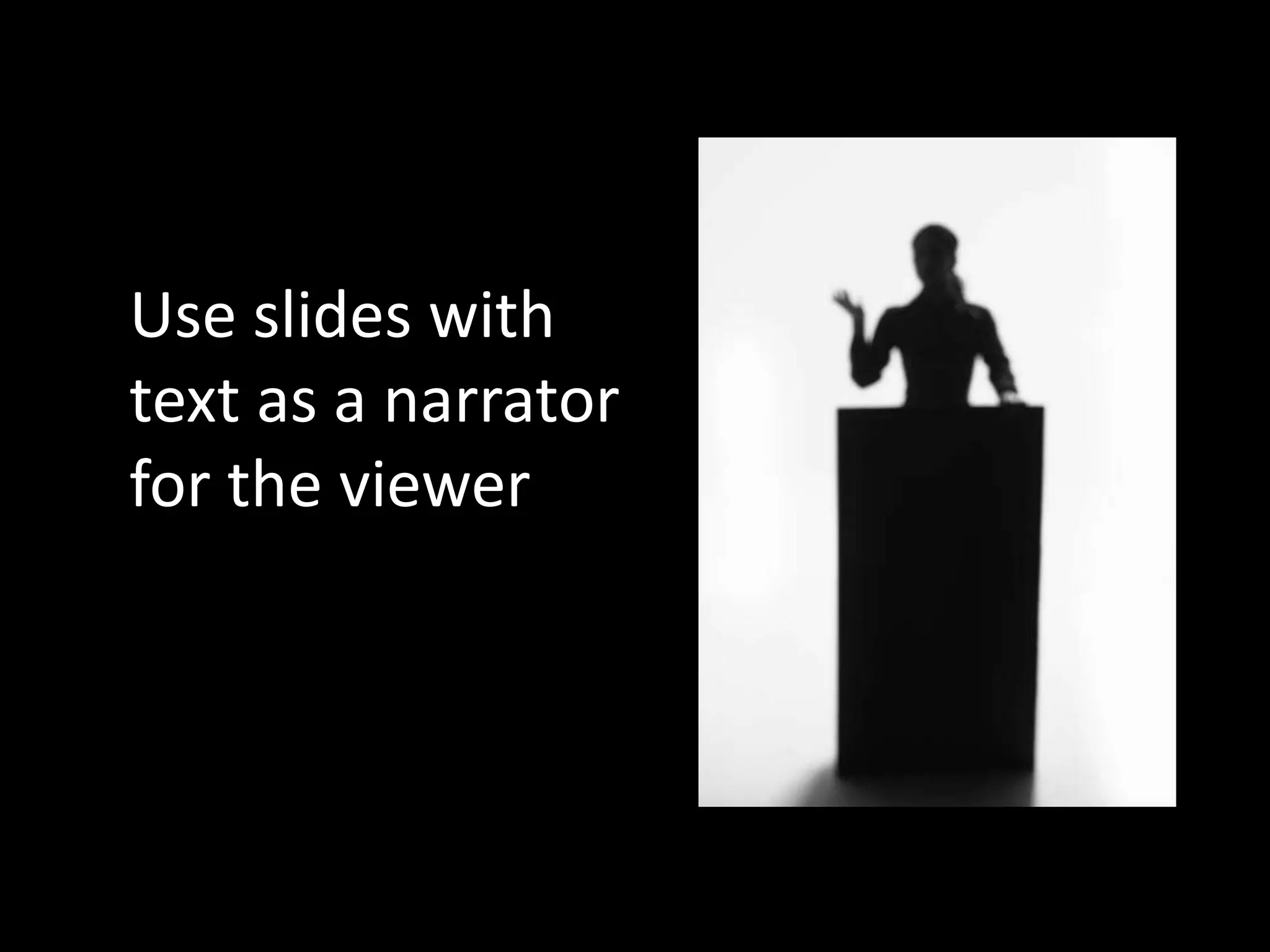
Use slides with
text as a narrator
for the viewer
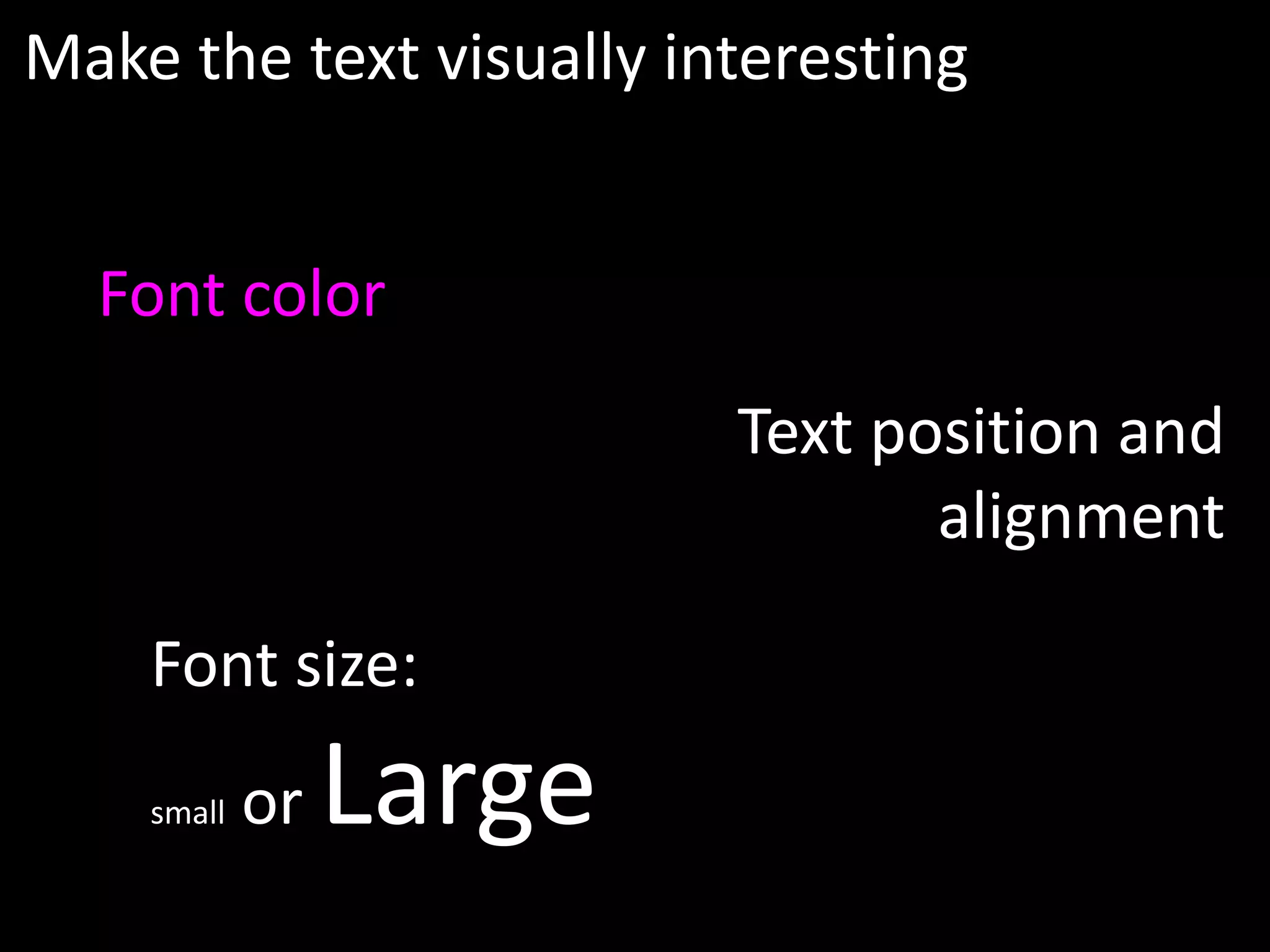
Make the text visually interesting


  Font color
                         Text position and
                                alignment

    Font size:
    small   or   Large
Don’t put a transcript
       on the slide.

Just the key narrative to keep
  the story moving forward.
Build your points
A stand-alone presentation
typically has two to five times
  the number of slides as an
    in-person presentation
Each slide is a key
phrase or point you
would share

Break them up to keep
the audience
interested
Build visuals piece by
piece in order to keep the
     viewer focused

 (like these next slides)
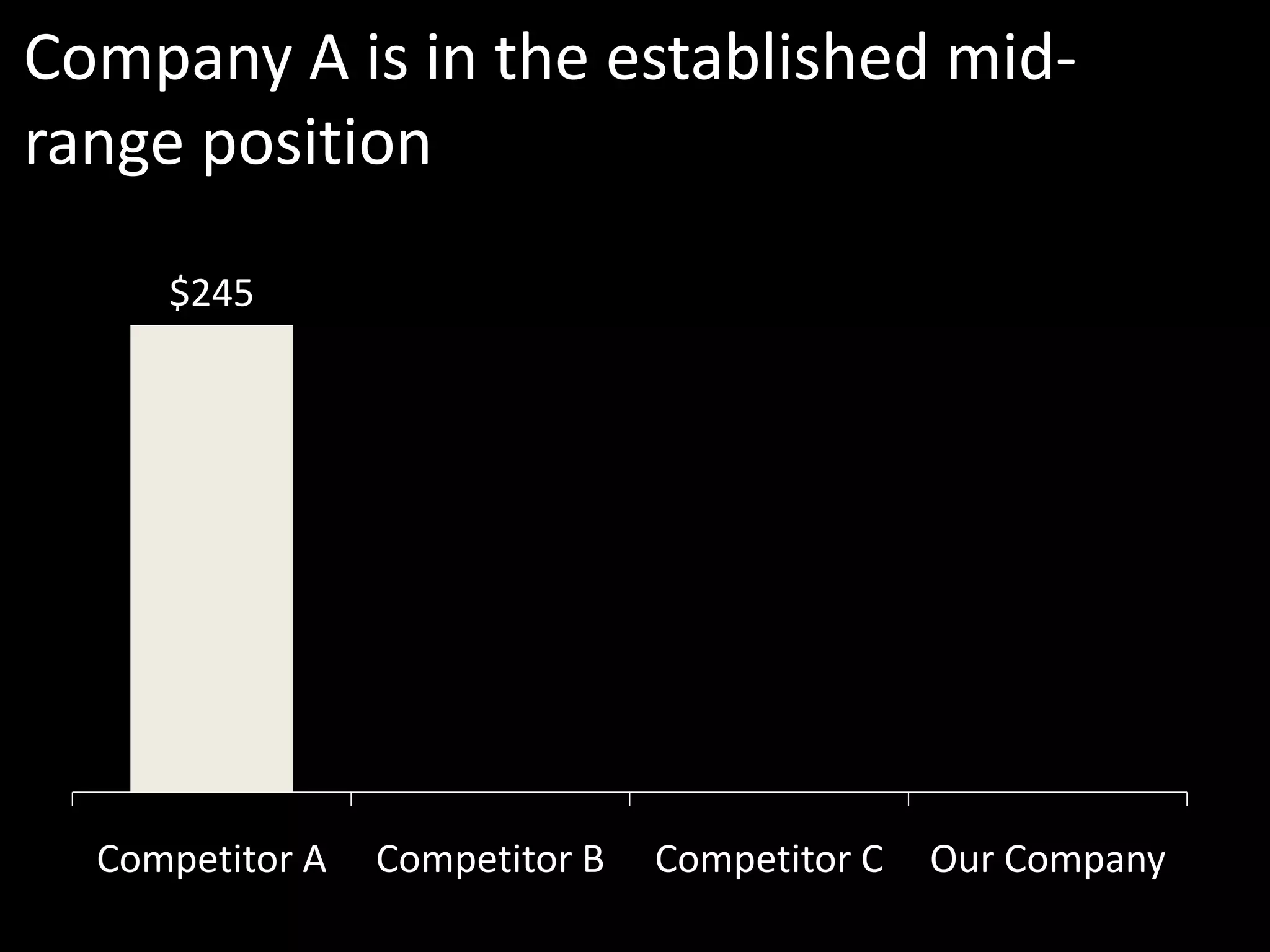
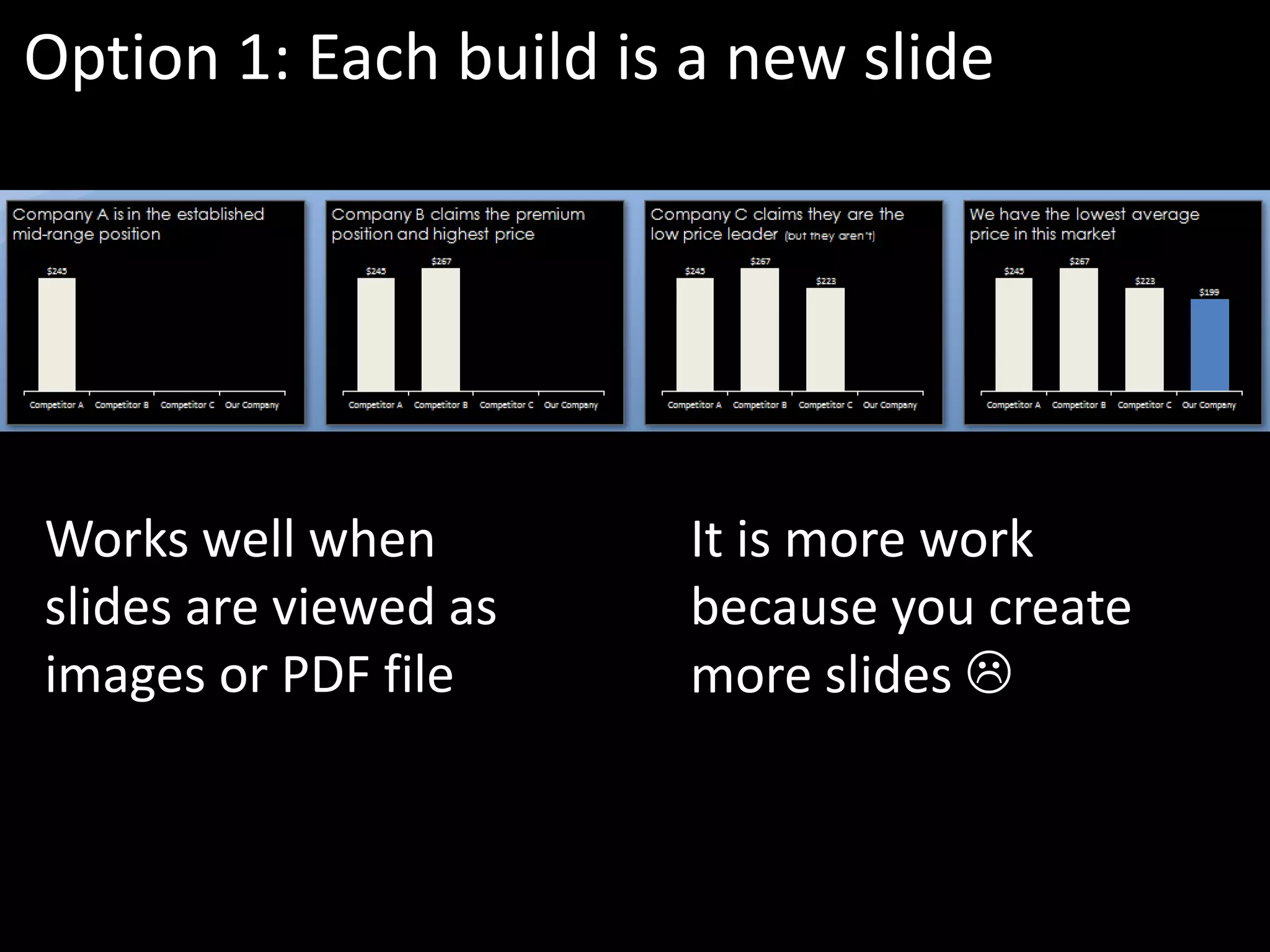
Company A is in the established mid-
range position

     $245


  Competitor A   Competitor B   Competitor C   Our Company
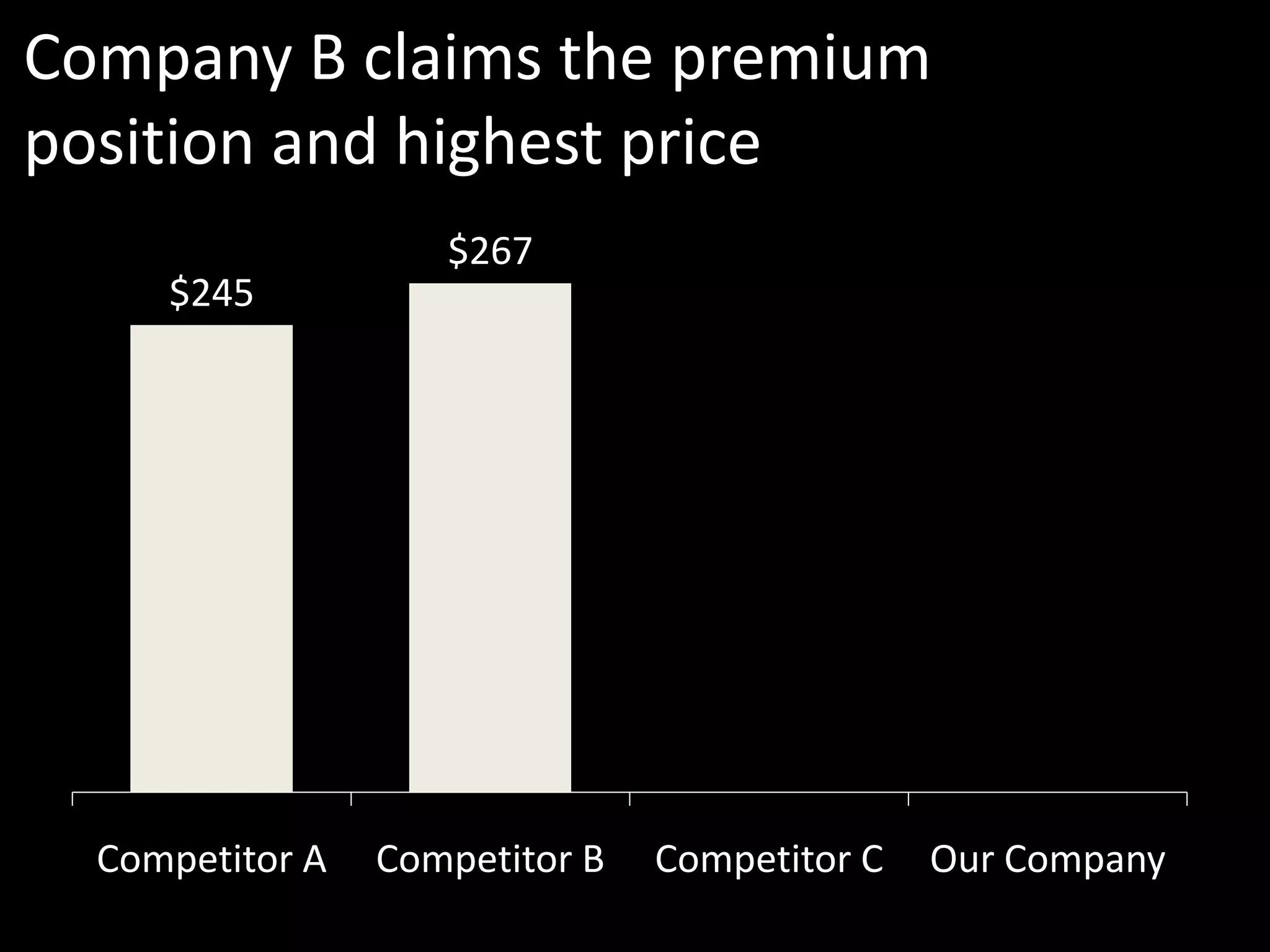
Company B claims the premium
position and highest price
                    $267
     $245


  Competitor A   Competitor B   Competitor C   Our Company
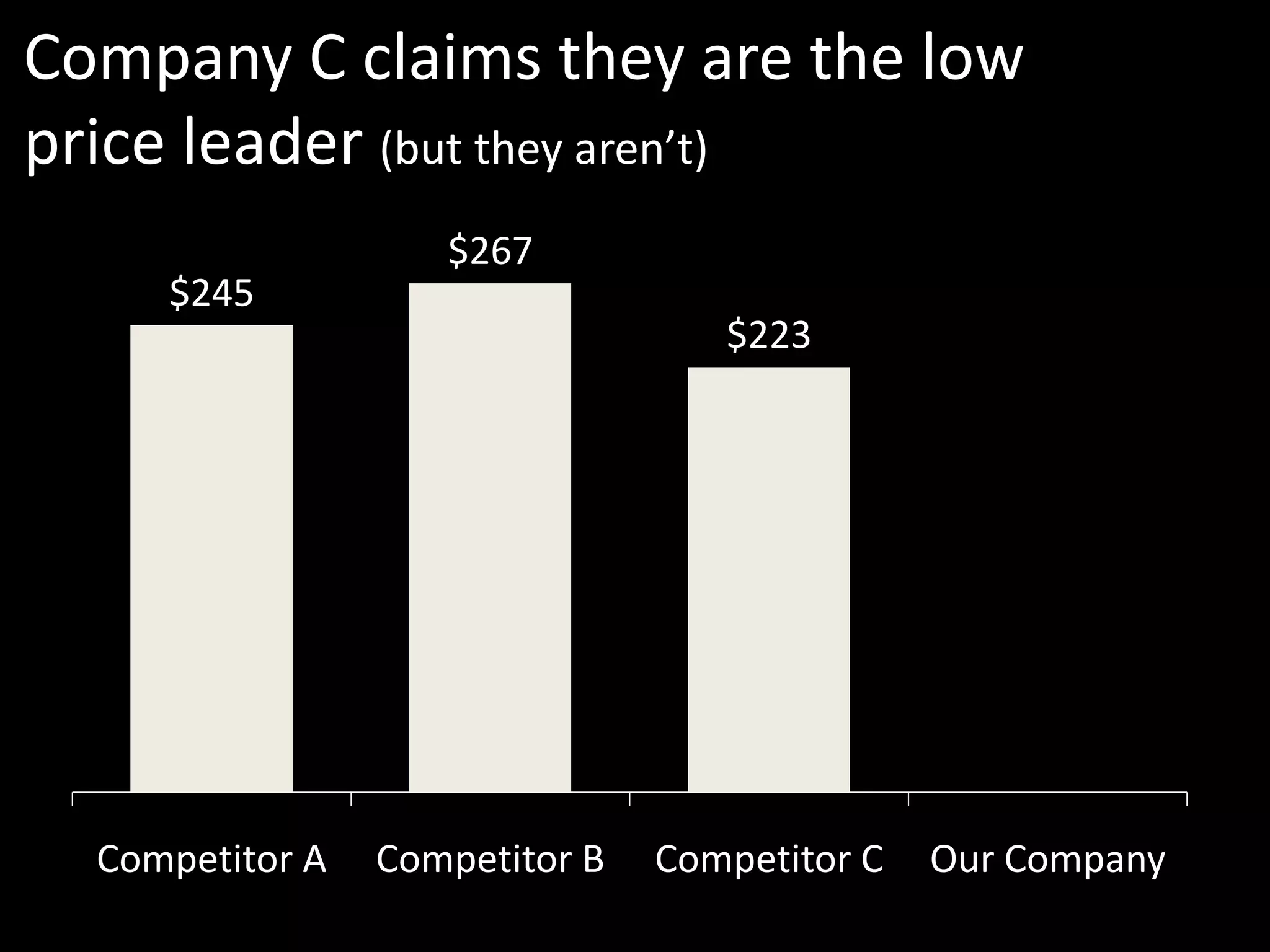
Company C claims they are the low
price leader (but they aren’t)
                    $267
     $245
                                   $223


  Competitor A   Competitor B   Competitor C   Our Company
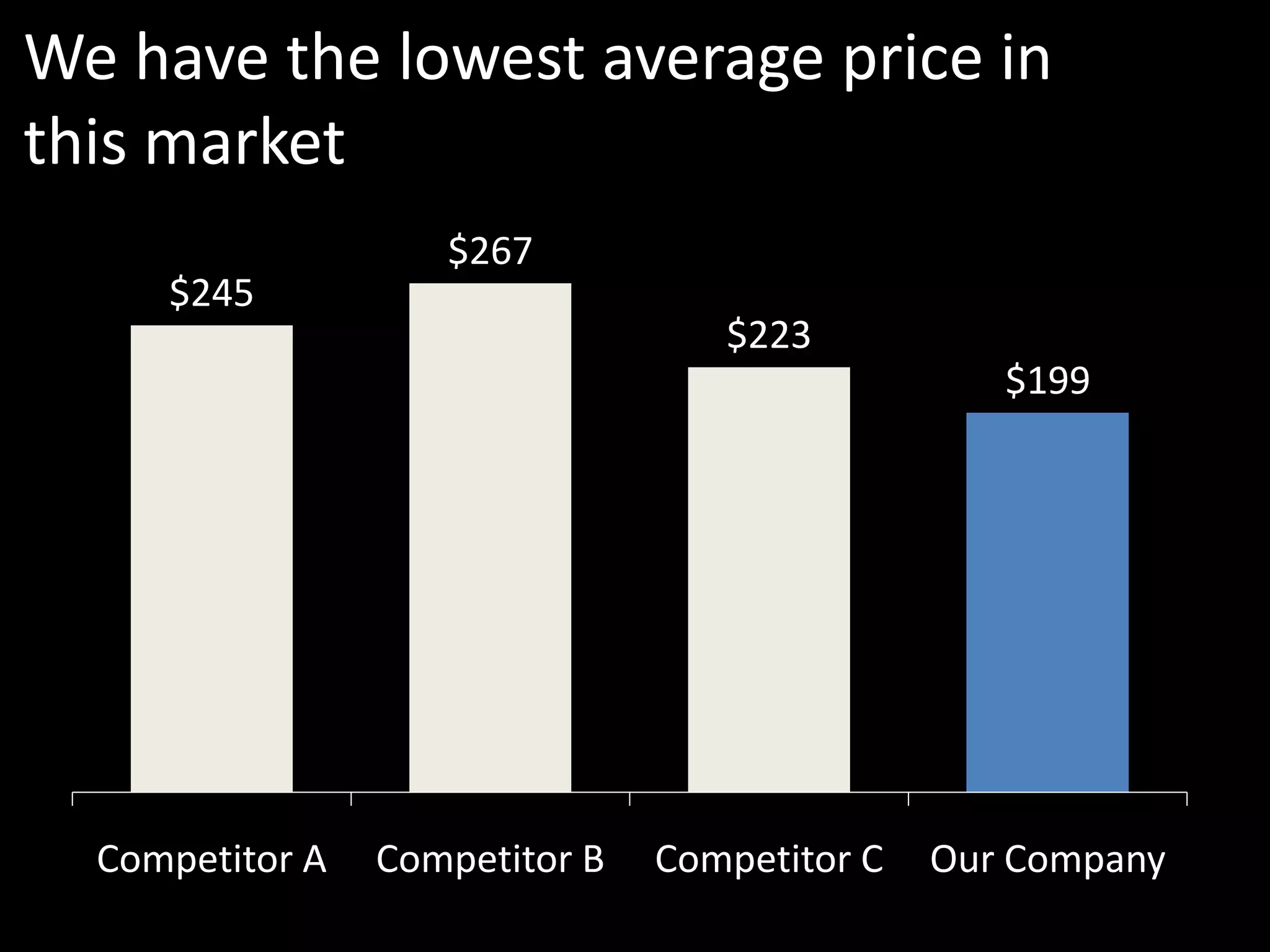
We have the lowest average price in
this market
                    $267
     $245
                                   $223
                                                  $199


  Competitor A   Competitor B   Competitor C   Our Company
See how the building of
  information keeps your
        attention

You can build information in
         two ways
Option 1: Each build is a new slide


Works well when         It is more work
slides are viewed as    because you create
images or PDF file      more slides 
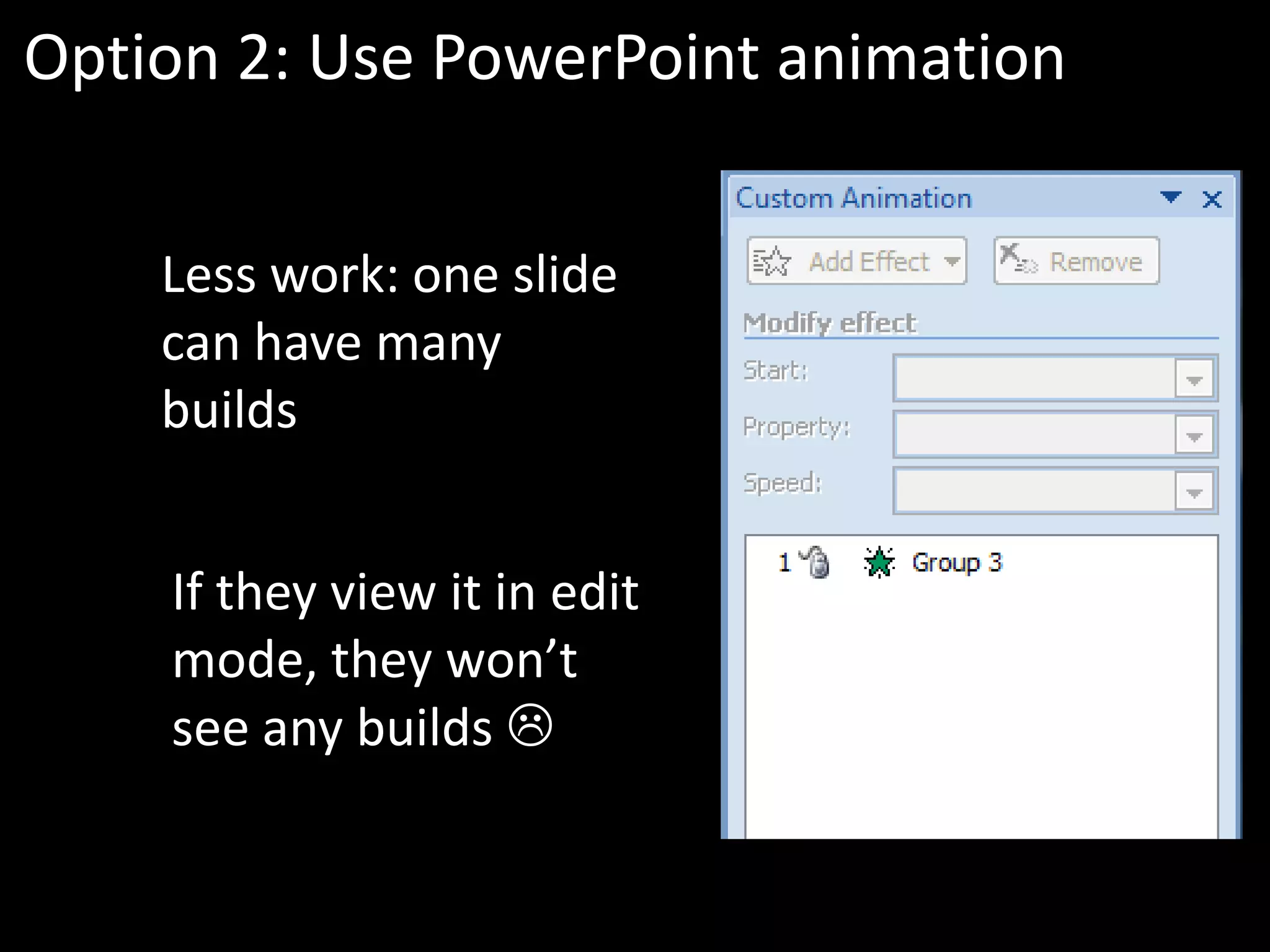
Option 2: Use PowerPoint animation


    Less work: one slide
    can have many
    builds


    If they view it in edit
    mode, they won’t
    see any builds 
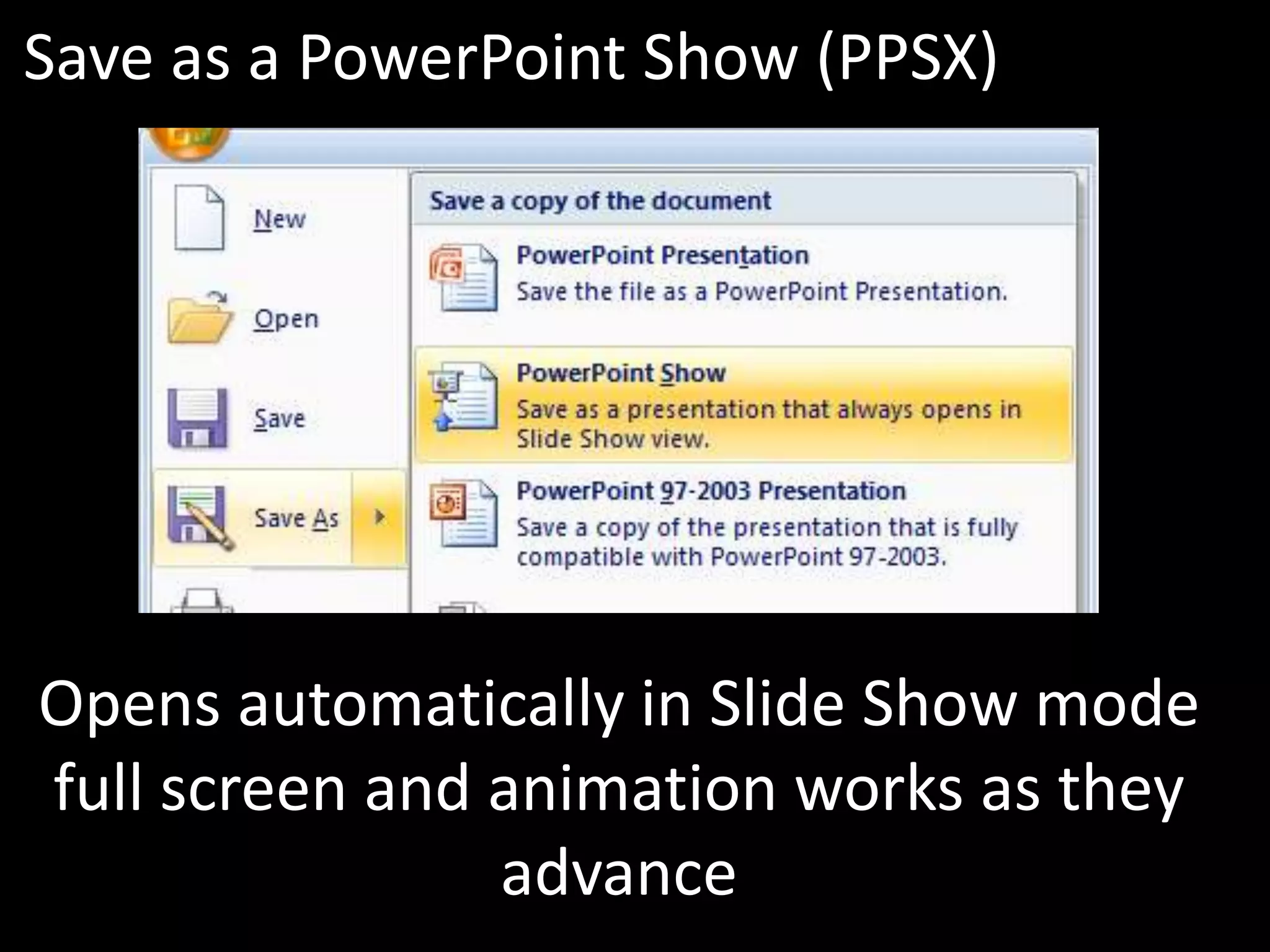
Save as a PowerPoint Show (PPSX)


Opens automatically in Slide Show mode
full screen and animation works as they
                advance
Creating a stand-alone presentation can
take some work – but it is worth it if it
helps make the sale
So let’s recap what we learned
Use these ideas to create stand-alone
presentations that stand out:

1. Only include the essentials
2. Give them a roadmap
3. Use title slides for each main point
4.   Recap the key points at the end
5.   Use large visuals with explanations
6.   Use narration slides
7.   Build your points
If you would like me to help your
team create more effective
presentations, get in touch:


 P: 905-510-4911
 E: Dave@ThinkOutsideTheSlide.com
 W: www.ThinkOutsideTheSlide.com

Ideas for Effective Stand-alone Presentations

  • 1.
  • 2.
    How can your presentationbe effective when you don’t get to present it?
  • 3.
    The viewer onlyreceives it as an attachment in their e-mail
  • 4.
    They don’t get tohear how you would explain each slide
  • 5.
    Let’s learn 7 ideasfrom the most successful stand-alone presentations
  • 6.
    Who says theseare the best stand-alone presentations?
  • 7.
    People like you. Onslideshare.net, the most popular presentation sharing website.
  • 8.
    slideshare runs contestsfor stand-alone presentations that attract the best presentation designers and they are owned by Linkedin, so they know about business people
  • 9.
    So what canwe learn from these top presentations?
  • 10.
    Here are the7 ideas we will learn: 1. Only include the essentials 2. Give them a roadmap 3. Use title slides for each main point 4. Recap the key points at the end 5. Use large visuals with explanations 6. Use narration slides 7. Build your points
  • 11.
  • 12.
    Filter Filter all yourpoints down to the essential ones. You can’t tell them everything.
  • 13.
    This is emotional.You won’t want to leave some points out. But you have to.
  • 14.
    First point Second point Third point Fact for proof Graph Diagram Example Quote Photo Numbered list Create an outline so you know the message flows well.
  • 15.
  • 16.
    Near the start,give the viewer an idea of what you will cover. It manages their expectations.
  • 17.
    One easy wayis to list your points agenda style like I did
  • 18.
    Here are the7 ideas we will learn: 1. Only include the essentials 2. Give them a roadmap 3. Use title slides for each main point 4. Recap the key points at the end 5. Use large visuals with explanations 6. Use narration slides 7. Build your points Use this as a section intro slide if you want to
  • 19.
    Use title slides foreach main point (like this!)
  • 20.
    The viewer can’thear your verbal transition between points. Use a title slide to let them know you are moving to the next point.
  • 21.
    Have a consistentlook so they recognize it each time
  • 22.
  • 23.
    People don’t take notes whileviewing a stand-alone presentation
  • 24.
    They experience astand-alone presentation like they would a document They only read it
  • 25.
    The viewer won’t remember everythingon their own. Give them a summary so they remember. (don’t worry, you’ll get one later)
  • 26.
  • 27.
    A presentation shouldbe visual. If you have no visuals, send them a Word document instead
  • 28.
    Photo © DaveParadi 2010 The viewer can’t see small visuals very well because their screen is small
  • 29.
    Now it makesan impact! Photo © Dave Paradi 2010
  • 30.
    The same goesfor diagrams or charts Make them large
  • 31.
    like this Yes Formal Bid Process Is value Yes over $20,000? Is value Formal over No Quotation $1,000? Process Informal No Process
  • 32.
    or this 50 40 Average 30 transactions per day 20 10 0 Hunting Driver's Property General license license transfer inquiry
  • 33.
    You’ve heard thephrase: “a picture speaks a thousand words” How do you make sure your visual is speaking the words you want the viewer to hear?
  • 34.
    By adding explanatorytext that ensures they get the point you want them to understand
  • 35.
    There are manypoints you could interpret from this graph 30 25 20 15 10 5 0 West Central East
  • 36.
    Sales in Centralregion higher despite smaller market and less staff 30 25 20 15 10 5 0 West Central East Now they know what the point is
  • 37.
  • 38.
    Not every pointcan be made with a visual (sorry presentation designers)
  • 39.
    Use slides with textas a narrator for the viewer
  • 40.
    Make the textvisually interesting Font color Text position and alignment Font size: small or Large
  • 41.
    Don’t put atranscript on the slide. Just the key narrative to keep the story moving forward.
  • 42.
  • 43.
    A stand-alone presentation typicallyhas two to five times the number of slides as an in-person presentation
  • 44.
    Each slide isa key phrase or point you would share Break them up to keep the audience interested
  • 45.
    Build visuals pieceby piece in order to keep the viewer focused (like these next slides)
  • 46.
    Company A isin the established mid- range position $245 Competitor A Competitor B Competitor C Our Company
  • 47.
    Company B claimsthe premium position and highest price $267 $245 Competitor A Competitor B Competitor C Our Company
  • 48.
    Company C claimsthey are the low price leader (but they aren’t) $267 $245 $223 Competitor A Competitor B Competitor C Our Company
  • 49.
    We have thelowest average price in this market $267 $245 $223 $199 Competitor A Competitor B Competitor C Our Company
  • 50.
    See how thebuilding of information keeps your attention You can build information in two ways
  • 51.
    Option 1: Eachbuild is a new slide Works well when It is more work slides are viewed as because you create images or PDF file more slides 
  • 52.
    Option 2: UsePowerPoint animation Less work: one slide can have many builds If they view it in edit mode, they won’t see any builds 
  • 53.
    Save as aPowerPoint Show (PPSX) Opens automatically in Slide Show mode full screen and animation works as they advance
  • 54.
    Creating a stand-alonepresentation can take some work – but it is worth it if it helps make the sale
  • 55.
    So let’s recapwhat we learned
  • 56.
    Use these ideasto create stand-alone presentations that stand out: 1. Only include the essentials 2. Give them a roadmap 3. Use title slides for each main point 4. Recap the key points at the end 5. Use large visuals with explanations 6. Use narration slides 7. Build your points
  • 57.
    If you wouldlike me to help your team create more effective presentations, get in touch: P: 905-510-4911 E: Dave@ThinkOutsideTheSlide.com W: www.ThinkOutsideTheSlide.com