ICS3211 - Intelligent
Interfaces II
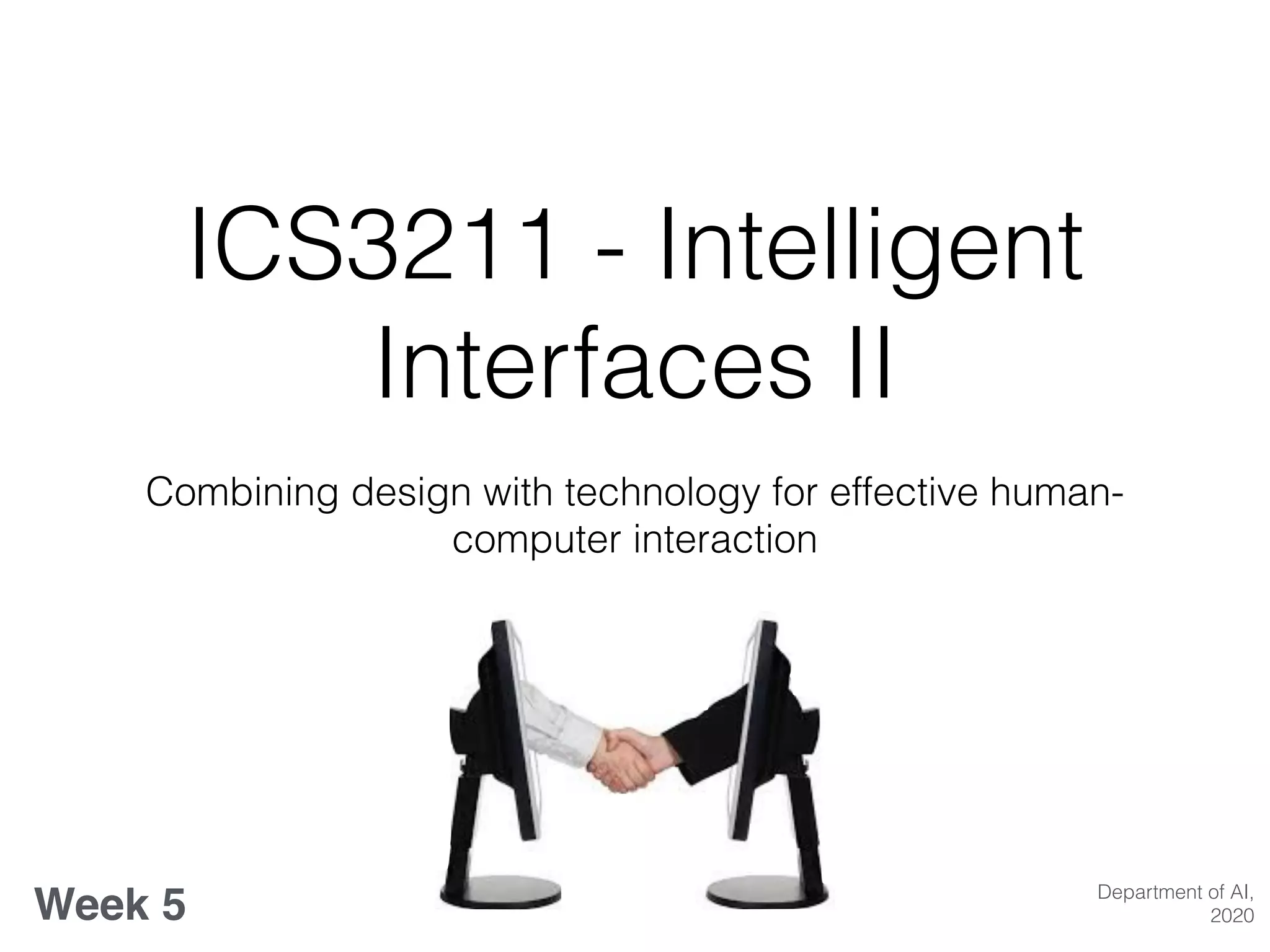
Combining design with technology for effective human-
computer interaction
Week 5 Department of AI,
2020
Designing Interactions
Week 5 overview:
• Input Devices - recap;
• Design Guidelines;
• Designing Interfaces;
• Adaptive User Interfaces
• Visualisation & Information processing
• Designing for Interactions - an illustration of case study examples;
• Designing for specific target audiences: children, elderly and physically
impaired groups;
Learning Outcomes
At the end of this session you should be able to:
• List the various visual design principles for interfaces;
• Compare and contrast the design of interfaces vs. intelligent
interfaces;
• Describe a number of case studies in the design of intelligent
user interfaces;
• Draw inferences about the design of interfaces that take into
account metaphors, mental models, navigation and interaction;
Evaluating Input Devices
• How does the input device perform? (at representative tasks)
• Target Acquisition
• Steering
• Pursuit Tracking
• Freehand drawing
• Drawing lines
• Tracing and digitising
• Rapid or slow motion
• Clicking, double clicking or dragging
Ergonomic Issues
• Reduce repetition
• Minimise force required to operate
• Natural and neutral postures
• Cues for use
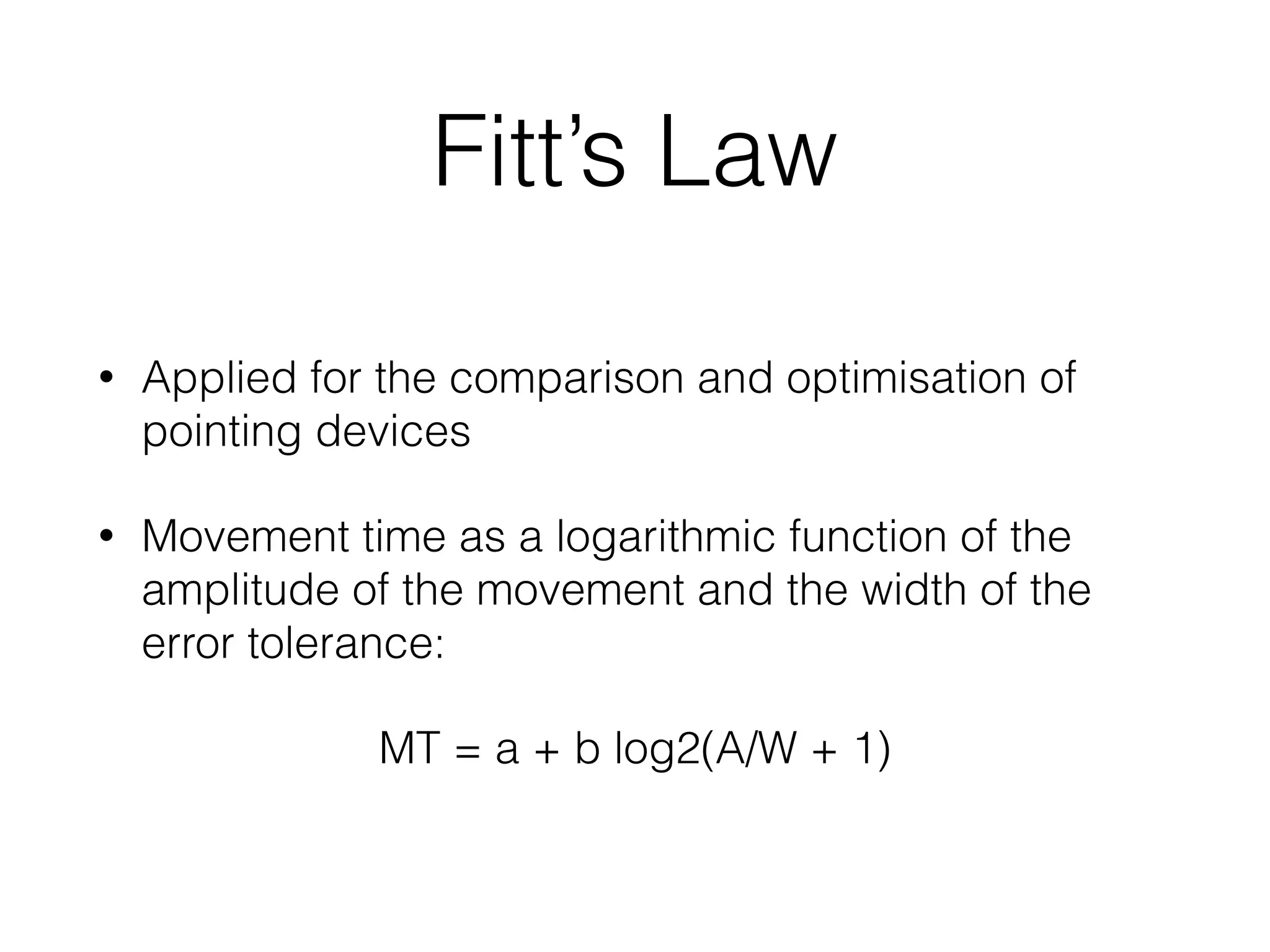
Fitt’s Law
• Applied for the comparison and optimisation of
pointing devices
• Movement time as a logarithmic function of the
amplitude of the movement and the width of the
error tolerance:
MT = a + b log2(A/W + 1)
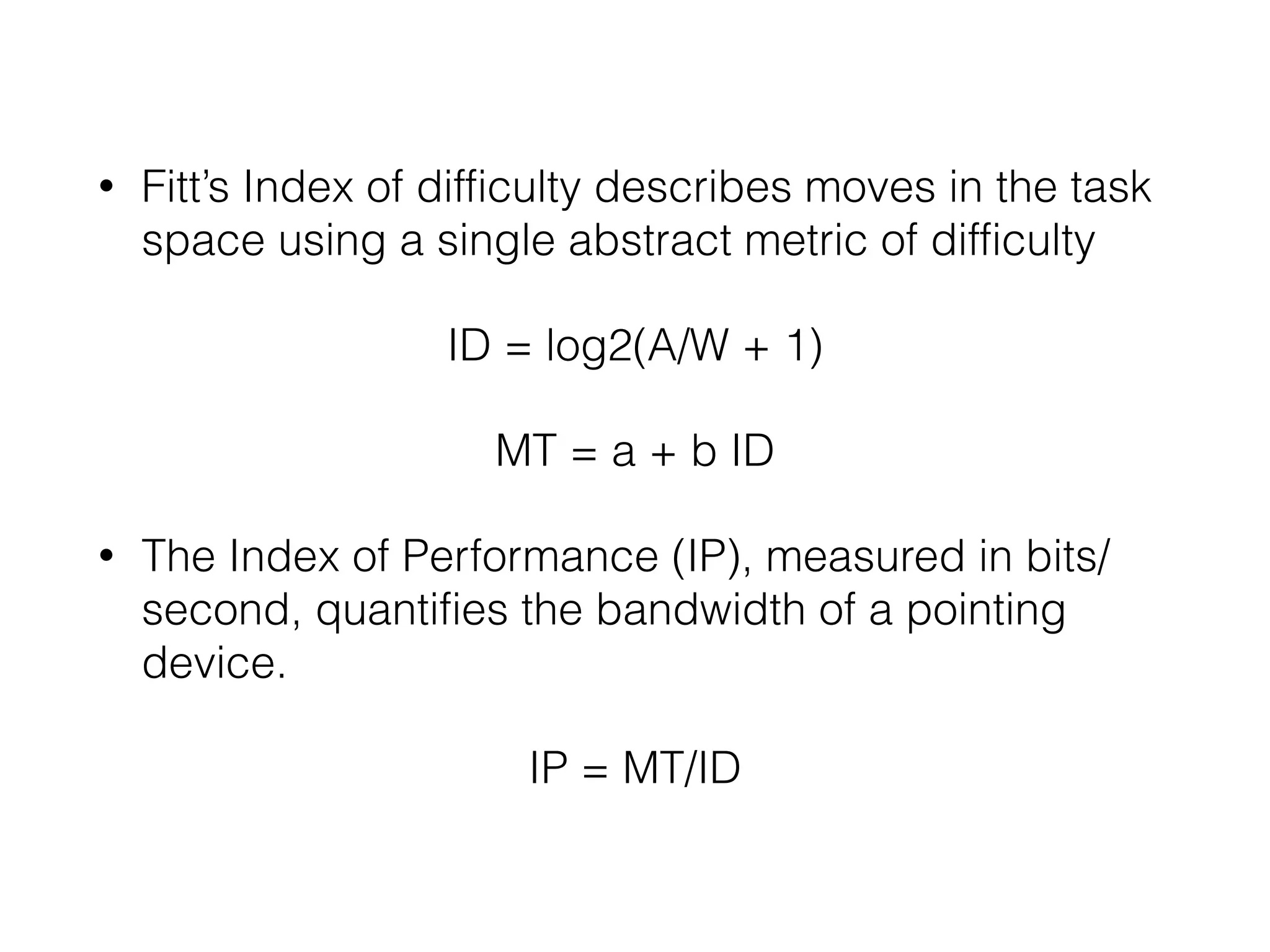
• Fitt’s Index of difficulty describes moves in the task
space using a single abstract metric of difficulty
ID = log2(A/W + 1)
MT = a + b ID
• The Index of Performance (IP), measured in bits/
second, quantifies the bandwidth of a pointing
device.
IP = MT/ID
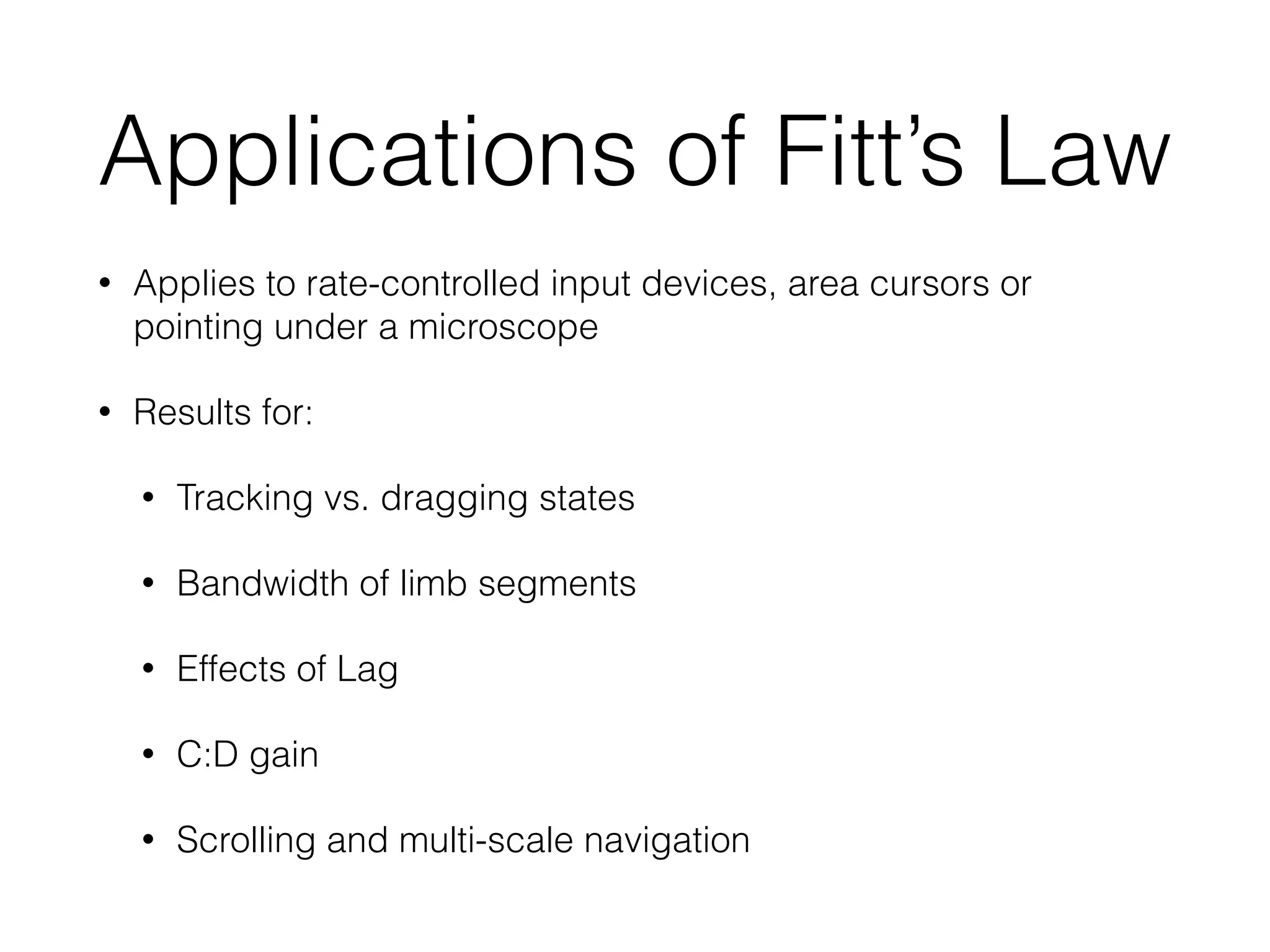
Applications of Fitt’s Law
• Applies to rate-controlled input devices, area cursors or
pointing under a microscope
• Results for:
• Tracking vs. dragging states
• Bandwidth of limb segments
• Effects of Lag
• C:D gain
• Scrolling and multi-scale navigation
Mapping Input Signals
• Transfer Functions - mathematical transformation
that scales the data from an input device
• self-centering devices
• motion sensing devices
• Absolute devices
Feedback: responding to
input
• Passive
• Visual, auditory & tactile;
• input/output correspondence:
• perceptual structure;
• kinaesthetic correspondence;
• Active Haptic Feedback
The Future of Input
• Ubiquitous computing vision;
• Synthesise structure from low level input;
• Smart homes, smart wearables with intelligent use
of sensors;
What’s new in IUIs? : trends
& challenges
• Interfaces as important components for interaction
tasks;
• Sensor-based new interaction paradigms;
• Human-Centred data analysis;
• Pervasive affective computing;
• Challenges of IUIs;
Recap
• Take the Quiz on MOODLE VLE
• What properties characterise input devices?
• Check out the following two projects:
• https://www.fastcompany.com/3021522/mit-invents-a-
shapeshifting-display-you-can-reach-through-and-touch
• https://digitash.com/uncategorized/interactive-splash-
display-projects-images-into-air/
• How would you choose to evaluate them?
Design Guidelines
• Poster Analogy
• Design for the most difficult common denominator;
• Avoid overuse of saturated colours;
• Consider different users’ levels of skill;
• Be aware of the fatigue factor;
• Other differences to consider;
• Use the squint test;
Designing Interfaces
• Effective & appropriate
use of the medium;
• Element of time;
• Consistent &
appropriate visual
language;
• Navigation aids;
• Graphics/icons;
• Metaphor;
• Colour;
• Legibility
• Readability
Adaptive User Interfaces
• Context awareness;
• Pervasive information visualisation;
• Ontologies in information visualisation;
• Information visualisation services;
Designing & Visualising
Information
• Log on to the site: http://
www.informationisbeautiful.net/
• Focus on design of the information visualisation,
and the interactivity provided by the user interface
• Now find: http://www.informationisbeautiful.net/
visualizations/the-internet-of-things-a-primer/
• How can intelligence be added to an interface for a
more improved information visualisation?
Designing for Human
Information Processing
• Stimulus- Response compatibility: classes;
• S-S
• S-R
• S-C-R
• R-R
• R-E
• Compatibilities between alternate displays,
responses and consequences play important role
• Spatial compatibility for any task with spatial
properties
• Performance limitations from incompatibilities
cannot be easily overcome
• Use of Simon-type correspondence effects
• Compatibility issues arise for binary choices as well
as multiple task contexts
• More direct input manipulation requires taking into
consideration compatibility effects between
responses
• C:D relations can be optimised by adhering to
population stereotypes
• High compatibility essential for products intended
for use by older adults
–Rick Rashid
“These devices will eventually replace paper
print media. We are reaching a point in the
future where any surface can be an interactive
surface.”

ICS3211 Week 5

  • 1.
    ICS3211 - Intelligent InterfacesII Combining design with technology for effective human- computer interaction Week 5 Department of AI, 2020
  • 2.
    Designing Interactions Week 5overview: • Input Devices - recap; • Design Guidelines; • Designing Interfaces; • Adaptive User Interfaces • Visualisation & Information processing • Designing for Interactions - an illustration of case study examples; • Designing for specific target audiences: children, elderly and physically impaired groups;
  • 3.
    Learning Outcomes At theend of this session you should be able to: • List the various visual design principles for interfaces; • Compare and contrast the design of interfaces vs. intelligent interfaces; • Describe a number of case studies in the design of intelligent user interfaces; • Draw inferences about the design of interfaces that take into account metaphors, mental models, navigation and interaction;
  • 4.
    Evaluating Input Devices •How does the input device perform? (at representative tasks) • Target Acquisition • Steering • Pursuit Tracking • Freehand drawing • Drawing lines • Tracing and digitising • Rapid or slow motion • Clicking, double clicking or dragging
  • 5.
    Ergonomic Issues • Reducerepetition • Minimise force required to operate • Natural and neutral postures • Cues for use
  • 6.
    Fitt’s Law • Appliedfor the comparison and optimisation of pointing devices • Movement time as a logarithmic function of the amplitude of the movement and the width of the error tolerance: MT = a + b log2(A/W + 1)
  • 7.
    • Fitt’s Indexof difficulty describes moves in the task space using a single abstract metric of difficulty ID = log2(A/W + 1) MT = a + b ID • The Index of Performance (IP), measured in bits/ second, quantifies the bandwidth of a pointing device. IP = MT/ID
  • 8.
    Applications of Fitt’sLaw • Applies to rate-controlled input devices, area cursors or pointing under a microscope • Results for: • Tracking vs. dragging states • Bandwidth of limb segments • Effects of Lag • C:D gain • Scrolling and multi-scale navigation
  • 9.
    Mapping Input Signals •Transfer Functions - mathematical transformation that scales the data from an input device • self-centering devices • motion sensing devices • Absolute devices
  • 10.
    Feedback: responding to input •Passive • Visual, auditory & tactile; • input/output correspondence: • perceptual structure; • kinaesthetic correspondence; • Active Haptic Feedback
  • 11.
    The Future ofInput • Ubiquitous computing vision; • Synthesise structure from low level input; • Smart homes, smart wearables with intelligent use of sensors;
  • 13.
    What’s new inIUIs? : trends & challenges • Interfaces as important components for interaction tasks; • Sensor-based new interaction paradigms; • Human-Centred data analysis; • Pervasive affective computing; • Challenges of IUIs;
  • 14.
    Recap • Take theQuiz on MOODLE VLE • What properties characterise input devices? • Check out the following two projects: • https://www.fastcompany.com/3021522/mit-invents-a- shapeshifting-display-you-can-reach-through-and-touch • https://digitash.com/uncategorized/interactive-splash- display-projects-images-into-air/ • How would you choose to evaluate them?
  • 15.
    Design Guidelines • PosterAnalogy • Design for the most difficult common denominator; • Avoid overuse of saturated colours; • Consider different users’ levels of skill; • Be aware of the fatigue factor; • Other differences to consider; • Use the squint test;
  • 16.
    Designing Interfaces • Effective& appropriate use of the medium; • Element of time; • Consistent & appropriate visual language; • Navigation aids; • Graphics/icons; • Metaphor; • Colour; • Legibility • Readability
  • 17.
    Adaptive User Interfaces •Context awareness; • Pervasive information visualisation; • Ontologies in information visualisation; • Information visualisation services;
  • 19.
    Designing & Visualising Information •Log on to the site: http:// www.informationisbeautiful.net/ • Focus on design of the information visualisation, and the interactivity provided by the user interface • Now find: http://www.informationisbeautiful.net/ visualizations/the-internet-of-things-a-primer/ • How can intelligence be added to an interface for a more improved information visualisation?
  • 20.
    Designing for Human InformationProcessing • Stimulus- Response compatibility: classes; • S-S • S-R • S-C-R • R-R • R-E
  • 21.
    • Compatibilities betweenalternate displays, responses and consequences play important role • Spatial compatibility for any task with spatial properties • Performance limitations from incompatibilities cannot be easily overcome • Use of Simon-type correspondence effects • Compatibility issues arise for binary choices as well as multiple task contexts
  • 22.
    • More directinput manipulation requires taking into consideration compatibility effects between responses • C:D relations can be optimised by adhering to population stereotypes • High compatibility essential for products intended for use by older adults
  • 23.
    –Rick Rashid “These deviceswill eventually replace paper print media. We are reaching a point in the future where any surface can be an interactive surface.”