Audit working papers in
Electronic Environment
– effective usage and
maintenance
CA Roopa Kamath N
Aim
Working papers Management – traditionally
Technology breakthrough – redefining
audit trail
‘Shared drive chaos’
Electronic working paper management –
small and medium practitioners perspective
Way forward
Professional avenues
Working papers – traditionally
important reference points
for the entire audit
lifecycle,
a check-list-type-philosophy
Myth - working papers only
apply to the fieldwork
phase of the audit cycle.
 Bulky and deteriorates
with lapse of time
Common issues
People oriented
 Pen and paper based
standards for exactly
what must be included in
working papers or how
they are prepared are
loosely defined, resulting
in inconsistent practices
and quality issues among
audit departments.
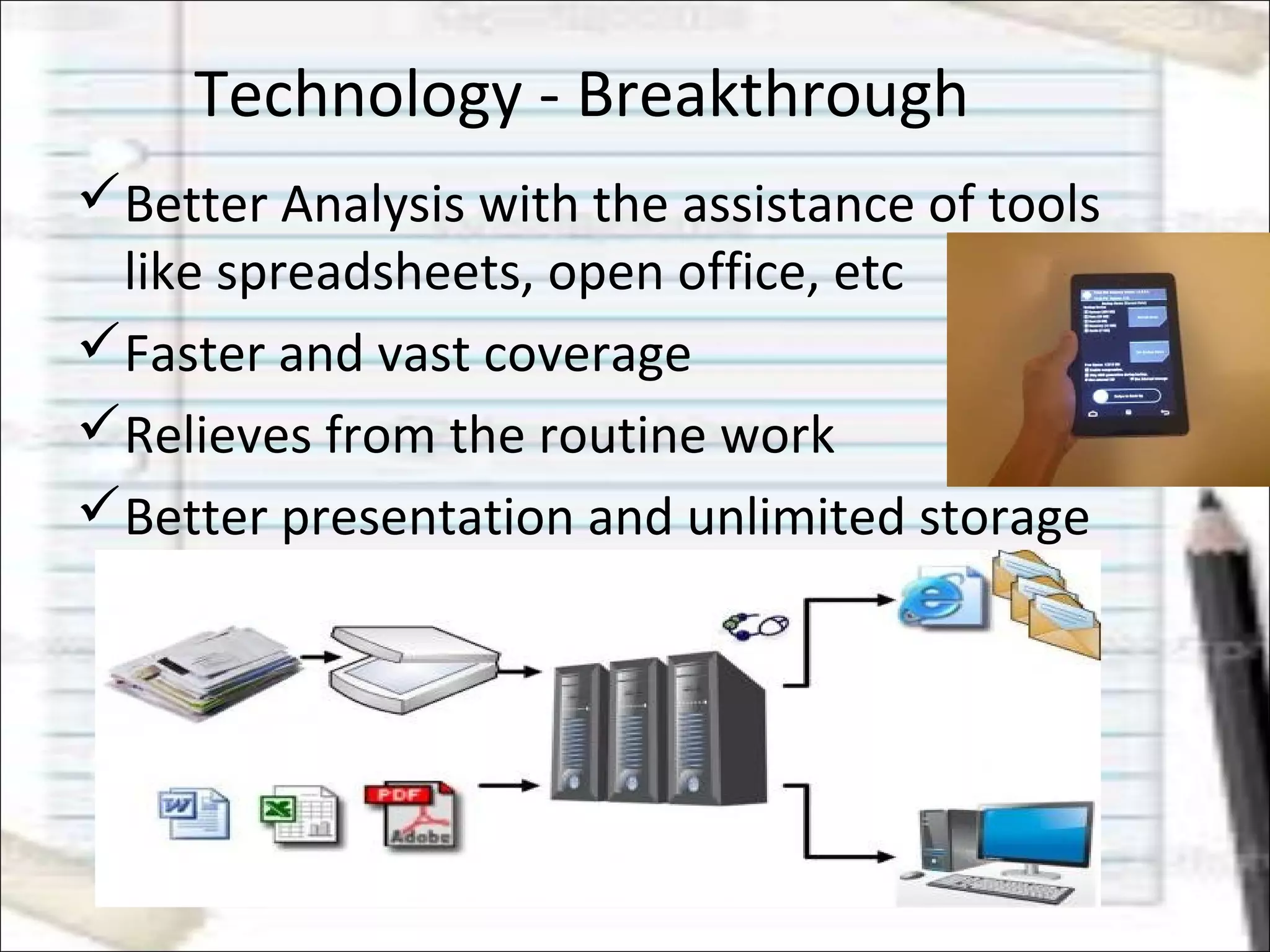
Technology - Breakthrough
Better Analysis with the assistance of tools
like spreadsheets, open office, etc
Faster and vast coverage
Relieves from the routine work
Better presentation and unlimited storage
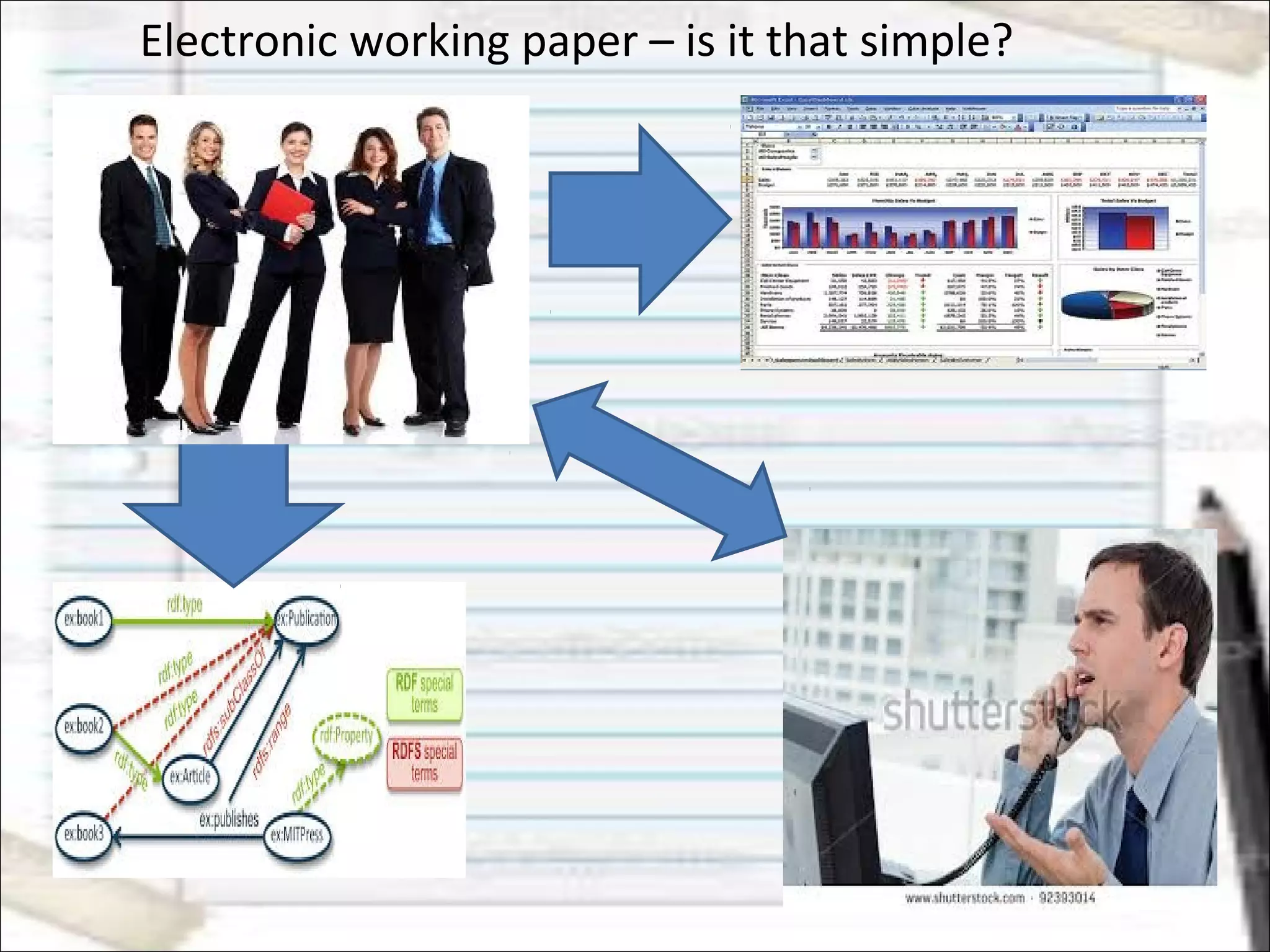
Electronic working paper – is it that simple?
Shared-drive ‘chaos’
 organize and store audit
project files on network
storage or email servers
 Over time, file management
becomes unruly, inefficient and
costly.
Prone to version control
errors. Select, share
and/or update a wrong or
outdated version of audit
report.
Electronic working paper – is it that simple?
Different methods of preparing
working papers and reporting
status.
inconsistent processes and
project workflows that are
difficult to track and control.
The result, is inconsistency in the
quality of the underlying audit
work;
variation in the look and feel of
working papers documentation;
 unpredictable productivity;
inconsistent client experiences;
Electronic Working paper management
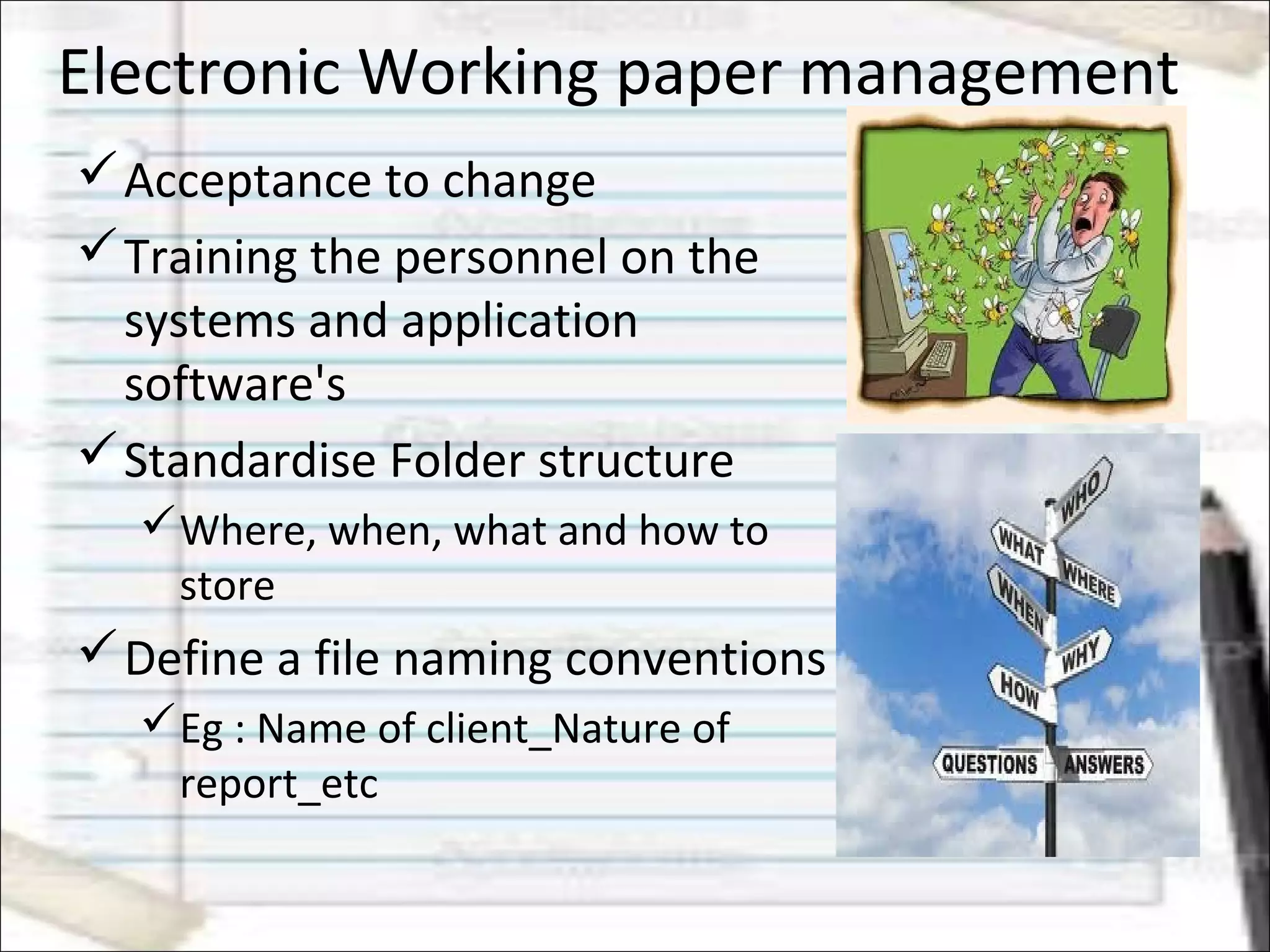
Acceptance to change
Training the personnel on the
systems and application
software's
Standardise Folder structure
Where, when, what and how to
store
Define a file naming conventions
Eg : Name of client_Nature of
report_etc
Electronic Working paper management
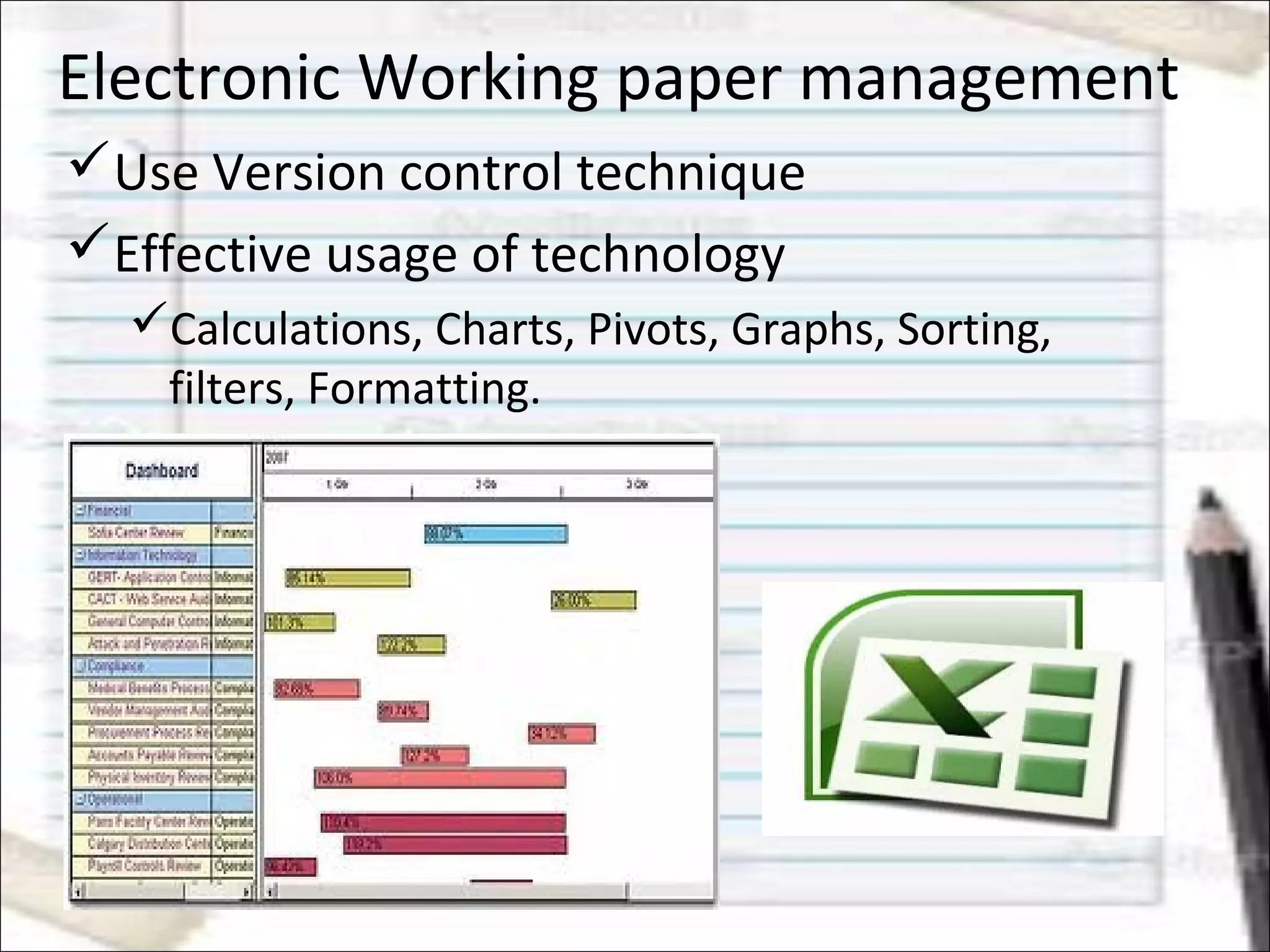
Use Version control technique
Effective usage of technology
Calculations, Charts, Pivots, Graphs, Sorting,
filters, Formatting.
Digital working paper management
Define and prepare working paper
preparation manuals,
What to record and how to record
 What is the type of application used
Data capturing mechanism
Electronic Working paper Management
 Define accessibility and security
guidelines
Who can access what kind of data
Encrypting confidential data
Data protection and confidentiality
Disabling third party emailing options
Usage of IBM Lotus notes, Outlook.
 Restricted internet access.
 Define communication channel
CC and bcc .
Maintaining
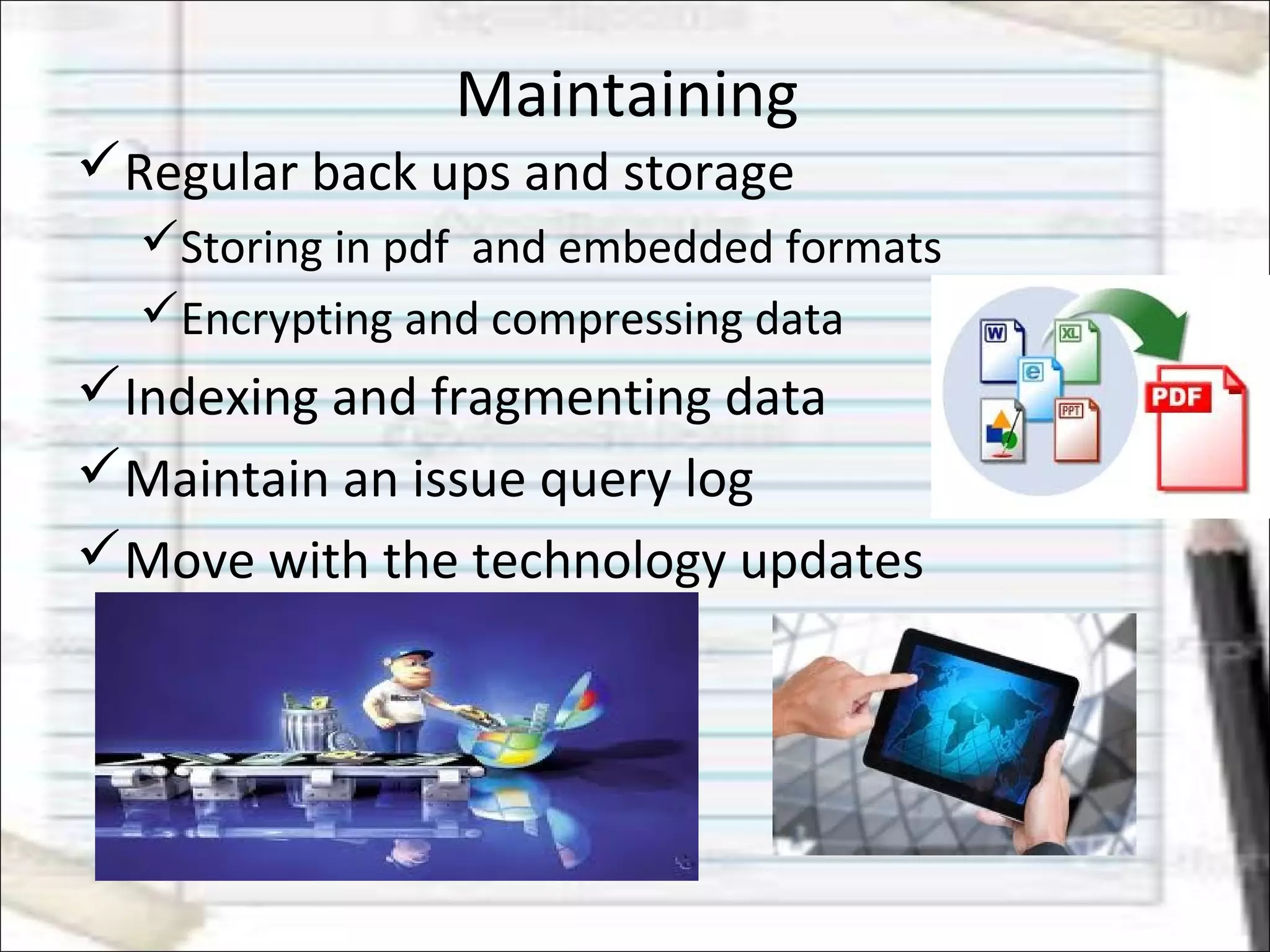
Regular back ups and storage
Storing in pdf and embedded formats
Encrypting and compressing data
Indexing and fragmenting data
Maintain an issue query log
Move with the technology updates
Professional gateway
 Understanding and analysing
trends better and faster -
Consultation
 Allows to concentrate on the
core area of business.
In house user specific design
based on industry and clients
Go Green initiative – Less
paper to paper less office
 Process/work driven task force
from people driven environment
Way forward – related areas of
professional expertise
 Automating few routine audit process.
Electronic data is throughout,
BCP and DRP technique
Cloud based technique.
Attaining ISO for working papers
Carbon credits
 Forensic and Fraud investigation
EmailEmail ::
roopanrk@gmail.comroopanrk@gmail.com

Icai effective usage of audit working papers 20.07.2013

  • 1.
    Audit working papersin Electronic Environment – effective usage and maintenance CA Roopa Kamath N
  • 2.
    Aim Working papers Management– traditionally Technology breakthrough – redefining audit trail ‘Shared drive chaos’ Electronic working paper management – small and medium practitioners perspective Way forward Professional avenues
  • 3.
    Working papers –traditionally important reference points for the entire audit lifecycle, a check-list-type-philosophy Myth - working papers only apply to the fieldwork phase of the audit cycle.  Bulky and deteriorates with lapse of time
  • 4.
    Common issues People oriented Pen and paper based standards for exactly what must be included in working papers or how they are prepared are loosely defined, resulting in inconsistent practices and quality issues among audit departments.
  • 5.
    Technology - Breakthrough BetterAnalysis with the assistance of tools like spreadsheets, open office, etc Faster and vast coverage Relieves from the routine work Better presentation and unlimited storage
  • 6.
    Electronic working paper– is it that simple?
  • 7.
    Shared-drive ‘chaos’  organizeand store audit project files on network storage or email servers  Over time, file management becomes unruly, inefficient and costly. Prone to version control errors. Select, share and/or update a wrong or outdated version of audit report.
  • 8.
    Electronic working paper– is it that simple? Different methods of preparing working papers and reporting status. inconsistent processes and project workflows that are difficult to track and control. The result, is inconsistency in the quality of the underlying audit work; variation in the look and feel of working papers documentation;  unpredictable productivity; inconsistent client experiences;
  • 9.
    Electronic Working papermanagement Acceptance to change Training the personnel on the systems and application software's Standardise Folder structure Where, when, what and how to store Define a file naming conventions Eg : Name of client_Nature of report_etc
  • 10.
    Electronic Working papermanagement Use Version control technique Effective usage of technology Calculations, Charts, Pivots, Graphs, Sorting, filters, Formatting.
  • 11.
    Digital working papermanagement Define and prepare working paper preparation manuals, What to record and how to record  What is the type of application used Data capturing mechanism
  • 12.
    Electronic Working paperManagement  Define accessibility and security guidelines Who can access what kind of data Encrypting confidential data Data protection and confidentiality Disabling third party emailing options Usage of IBM Lotus notes, Outlook.  Restricted internet access.  Define communication channel CC and bcc .
  • 13.
    Maintaining Regular back upsand storage Storing in pdf and embedded formats Encrypting and compressing data Indexing and fragmenting data Maintain an issue query log Move with the technology updates
  • 14.
    Professional gateway  Understandingand analysing trends better and faster - Consultation  Allows to concentrate on the core area of business. In house user specific design based on industry and clients Go Green initiative – Less paper to paper less office  Process/work driven task force from people driven environment
  • 15.
    Way forward –related areas of professional expertise  Automating few routine audit process. Electronic data is throughout, BCP and DRP technique Cloud based technique. Attaining ISO for working papers Carbon credits  Forensic and Fraud investigation
  • 16.