IBM Connections Files
The New Way to Work with
Enterprise File Sync and Share (EFSS)
IBM Watson Talent &
Collaboration Solutions
Exploring IBM Connections Files
Why EFSS with IBM Connections
IBM Connections
The New Way to Work with EFSS
Step up to Community Collaboration
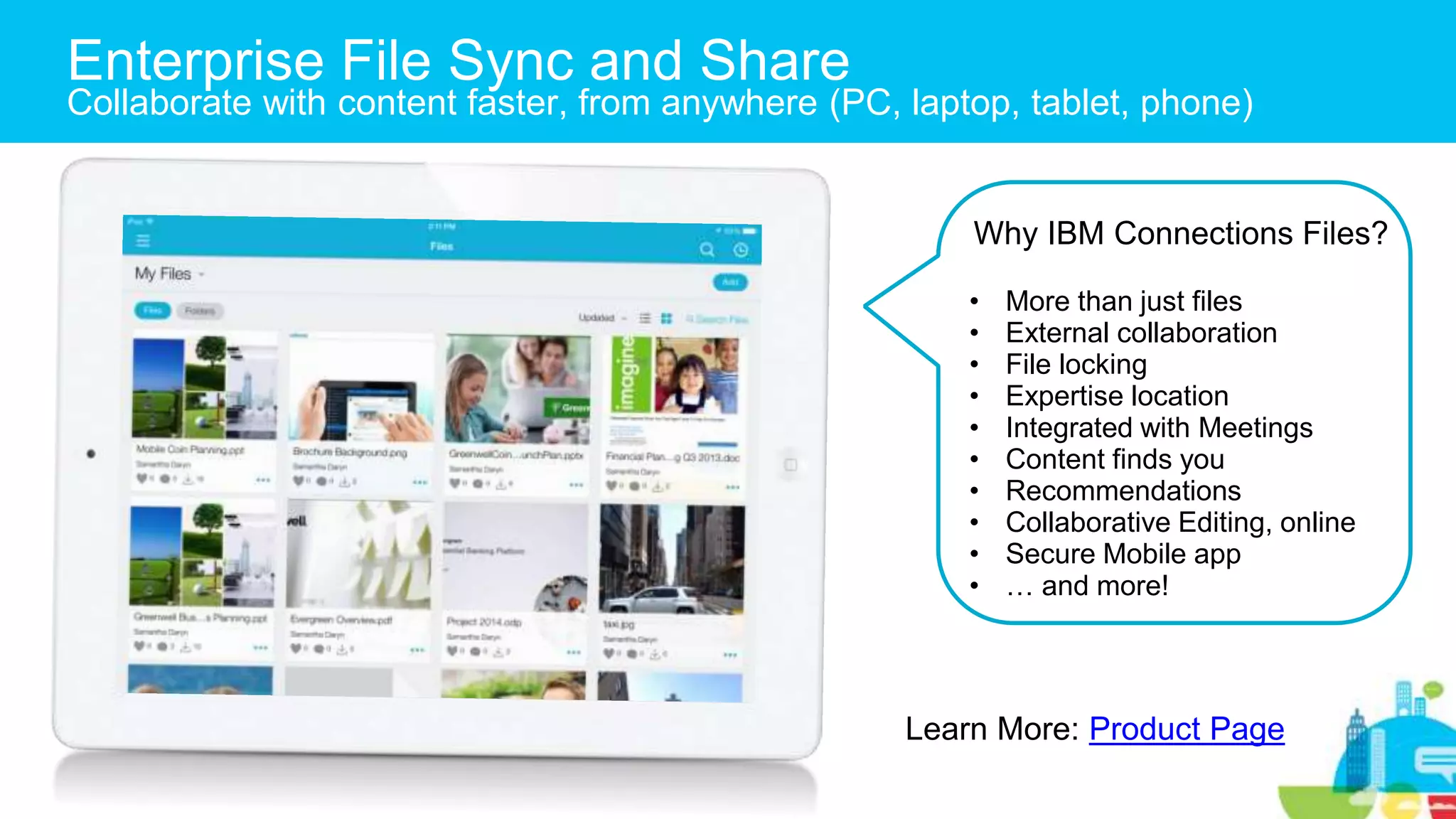
Enterprise File Sync and Share
Collaborate with content faster, from anywhere (PC, laptop, tablet, phone)
Why IBM Connections Files?
• More than just files
• External collaboration
• File locking
• Expertise location
• Integrated with Meetings
• Content finds you
• Recommendations
• Collaborative Editing, online
• Secure Mobile app
• … and more!
Learn More: Product Page
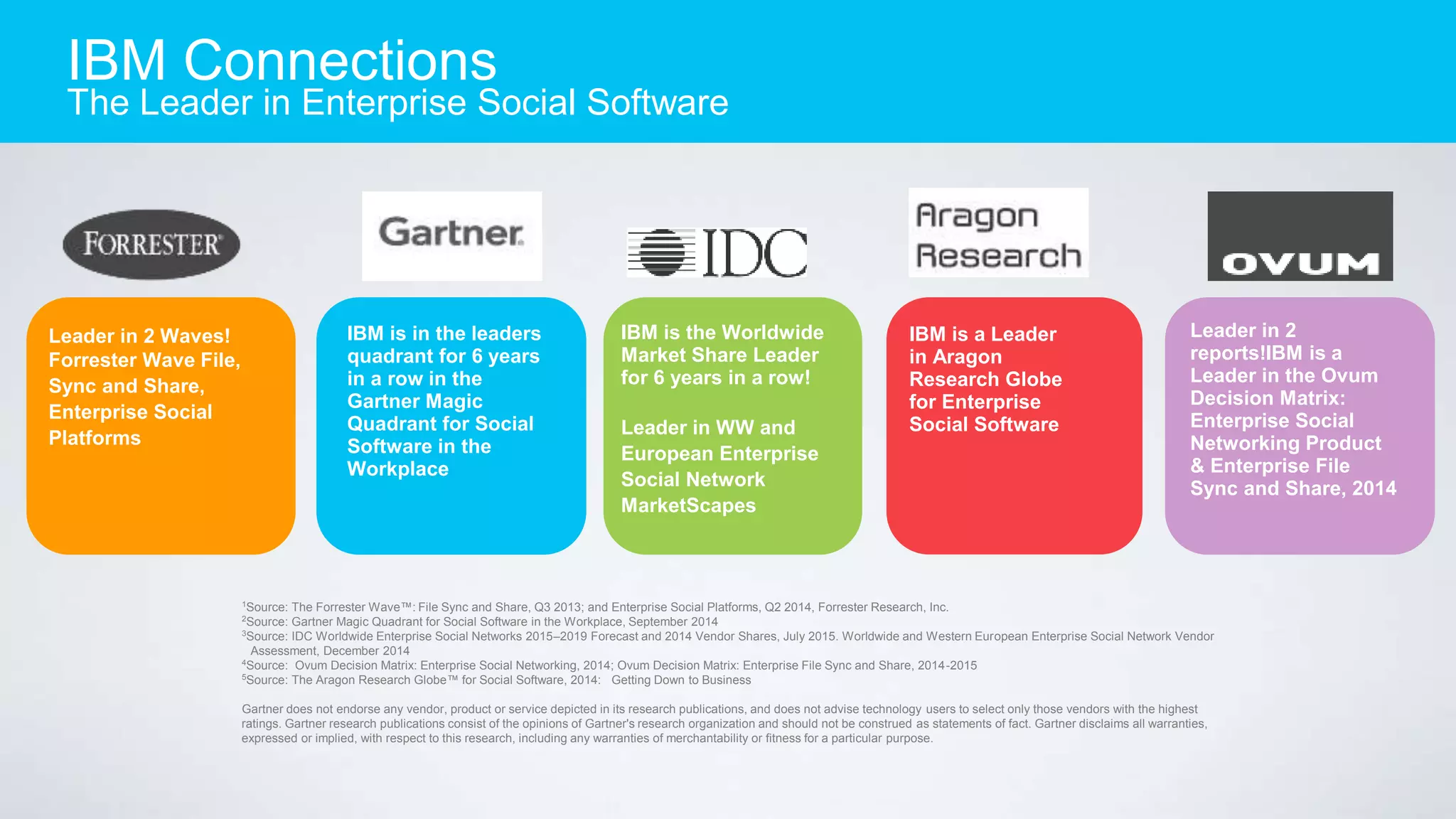
IBM is in the leaders
quadrant for 6 years
in a row in the
Gartner Magic
Quadrant for Social
Software in the
Workplace
Leader in 2 Waves!
Forrester Wave File,
Sync and Share,
Enterprise Social
Platforms
IBM is a Leader
in Aragon
Research Globe
for Enterprise
Social Software
IBM is the Worldwide
Market Share Leader
for 6 years in a row!
Leader in WW and
European Enterprise
Social Network
MarketScapes
1
Source: The Forrester Wave™: File Sync and Share, Q3 2013; and Enterprise Social Platforms, Q2 2014, Forrester Research, Inc.
2
Source: Gartner Magic Quadrant for Social Software in the Workplace, September 2014
3
Source: IDC Worldwide Enterprise Social Networks 2015–2019 Forecast and 2014 Vendor Shares, July 2015. Worldwide and Western European Enterprise Social Network Vendor
Assessment, December 2014
4
Source: Ovum Decision Matrix: Enterprise Social Networking, 2014; Ovum Decision Matrix: Enterprise File Sync and Share, 2014-2015
5
Source: The Aragon Research Globe™ for Social Software, 2014: Getting Down to Business
Gartner does not endorse any vendor, product or service depicted in its research publications, and does not advise technology users to select only those vendors with the highest
ratings. Gartner research publications consist of the opinions of Gartner's research organization and should not be construed as statements of fact. Gartner disclaims all warranties,
expressed or implied, with respect to this research, including any warranties of merchantability or fitness for a particular purpose.
Leader in 2
reports!IBM is a
Leader in the Ovum
Decision Matrix:
Enterprise Social
Networking Product
& Enterprise File
Sync and Share, 2014
IBM Connections
The Leader in Enterprise Social Software
Exploring IBM Connections Files
Why EFSS with IBM Connections
IBM Connections
The New Way to Work with EFSS
Step up to Community Collaboration
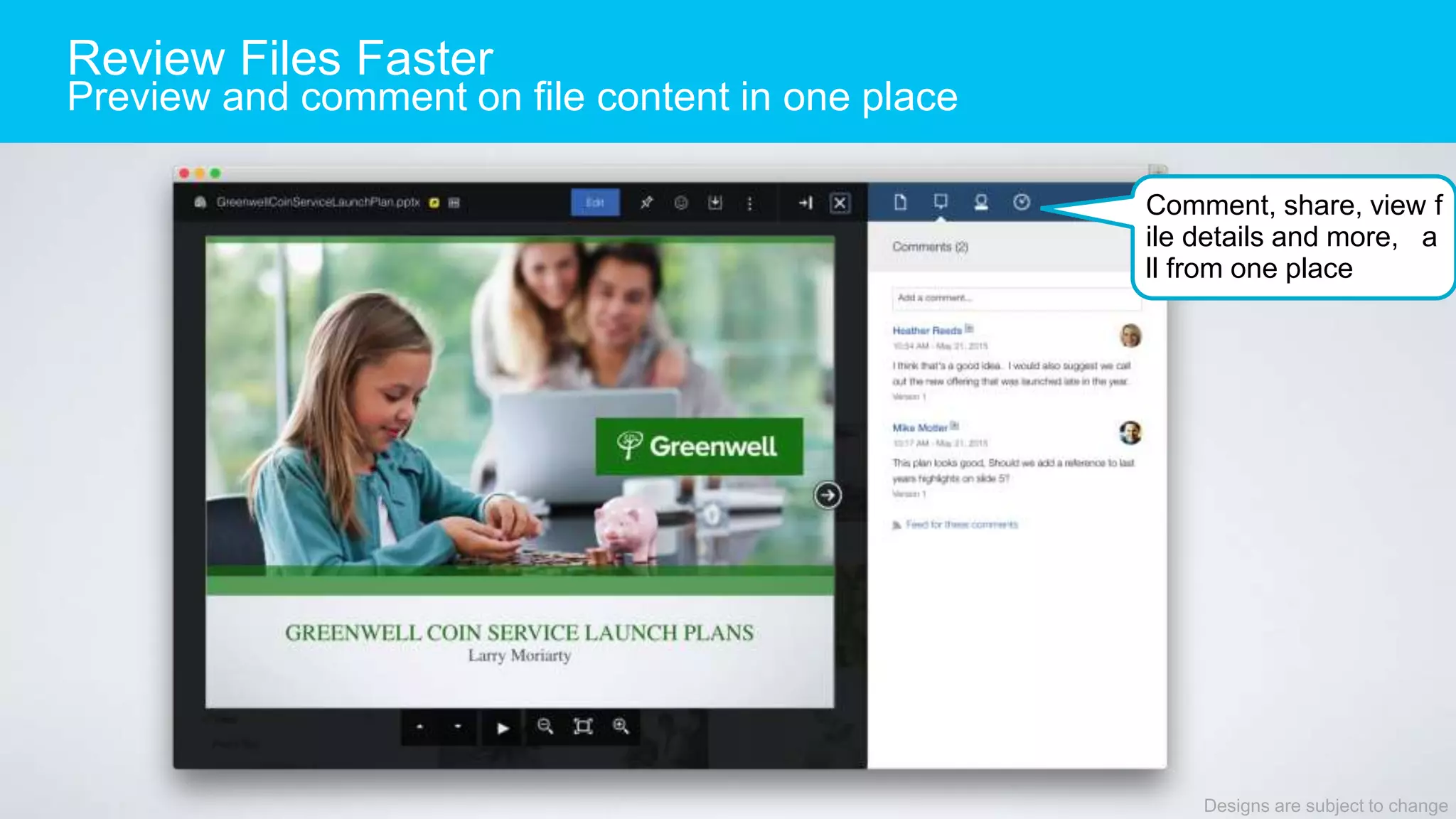
Review Files Faster
Preview and comment on file content in one place
Designs are subject to change
Comment, share, view f
ile details and more, a
ll from one place
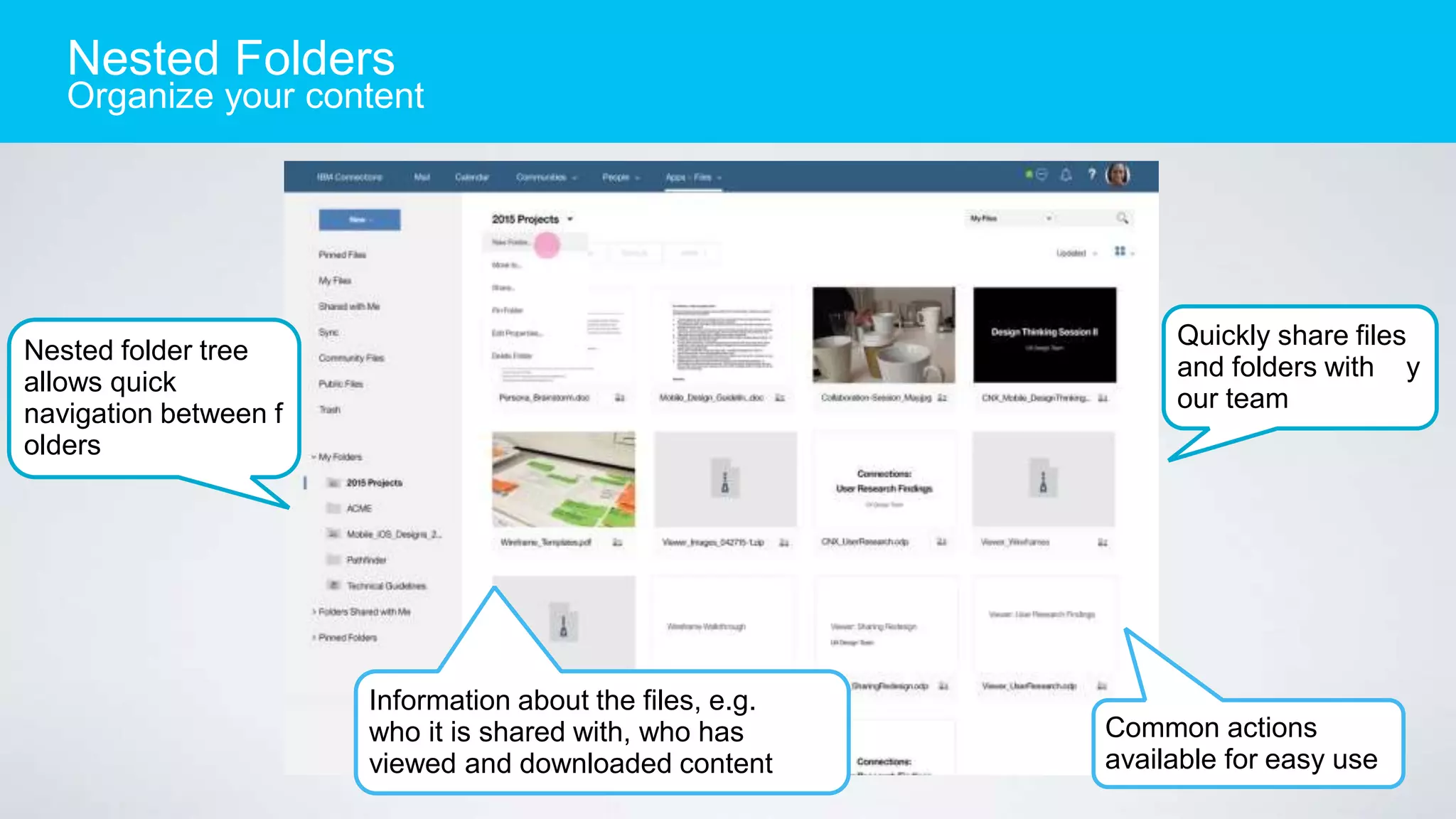
Nested folder tree
allows quick
navigation between f
olders
Quickly share files
and folders with y
our team
Nested Folders
Organize your content
Information about the files, e.g.
who it is shared with, who has
viewed and downloaded content
Common actions
available for easy use
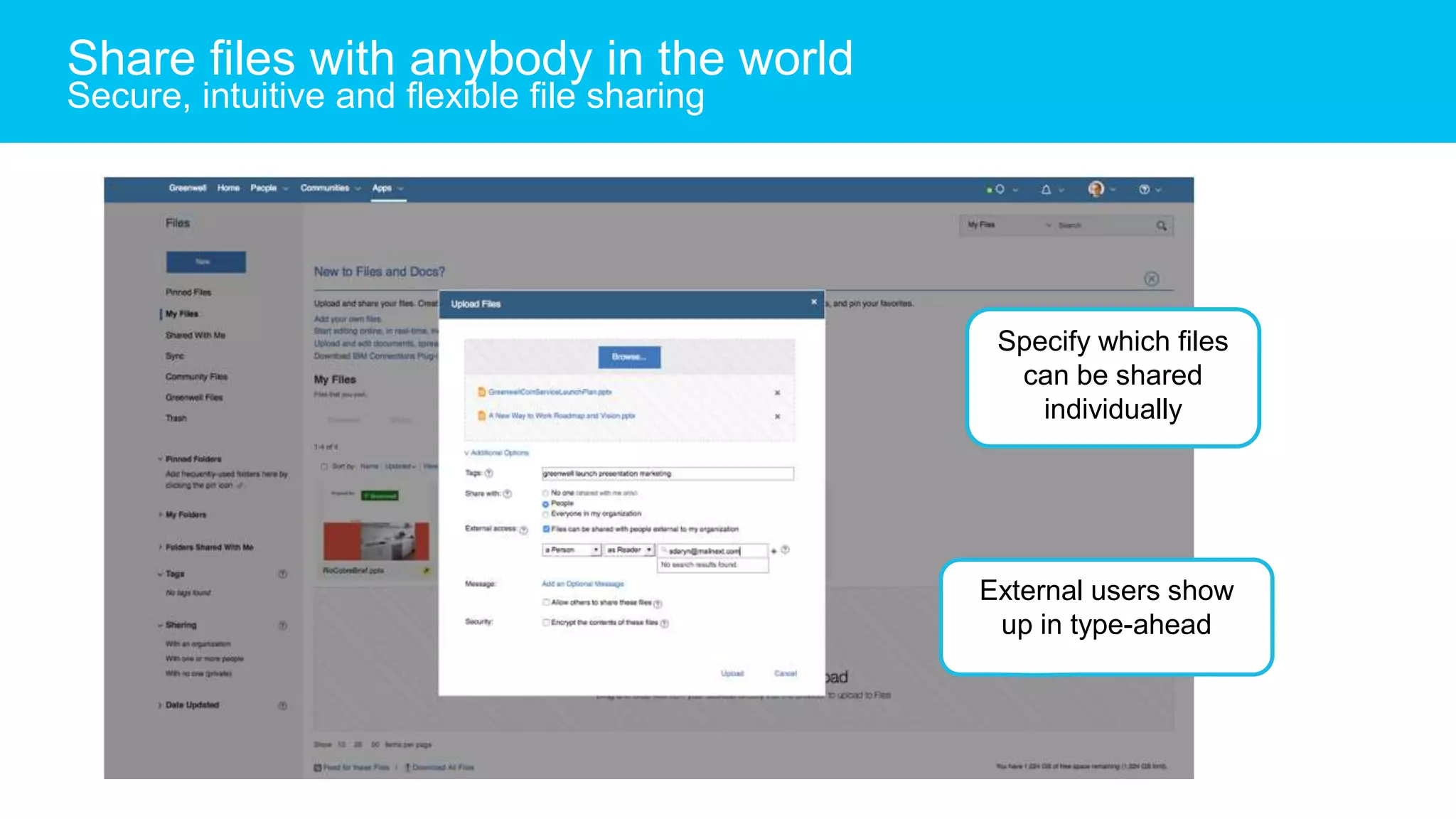
Specify which files
can be shared
individually
External users show
up in type-ahead
Share files with anybody in the world
Secure, intuitive and flexible file sharing
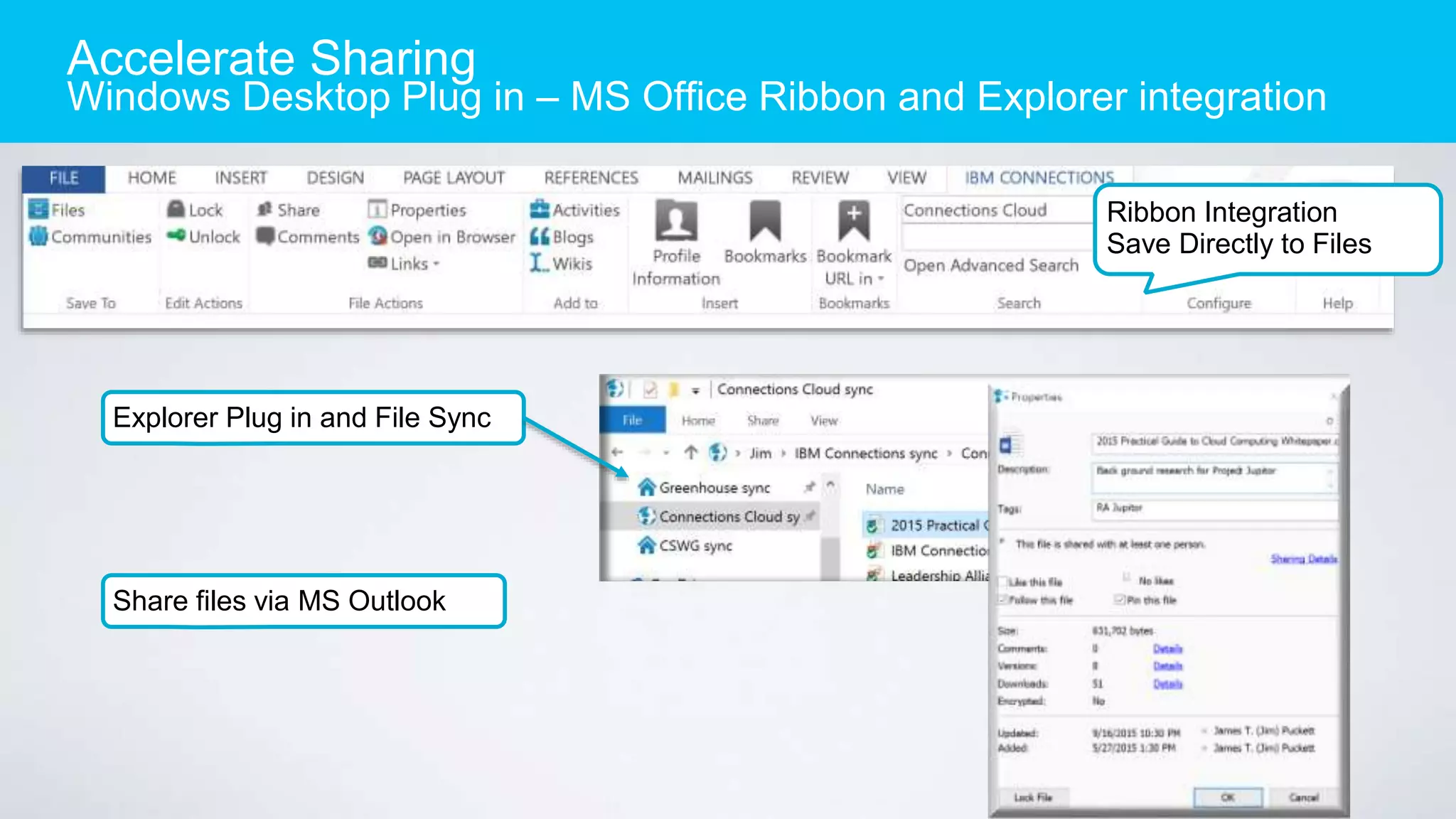
Accelerate Sharing
Windows Desktop Plug in – MS Office Ribbon and Explorer integration
Ribbon Integration
Save Directly to Files
Explorer Plug in and File Sync
Share files via MS Outlook
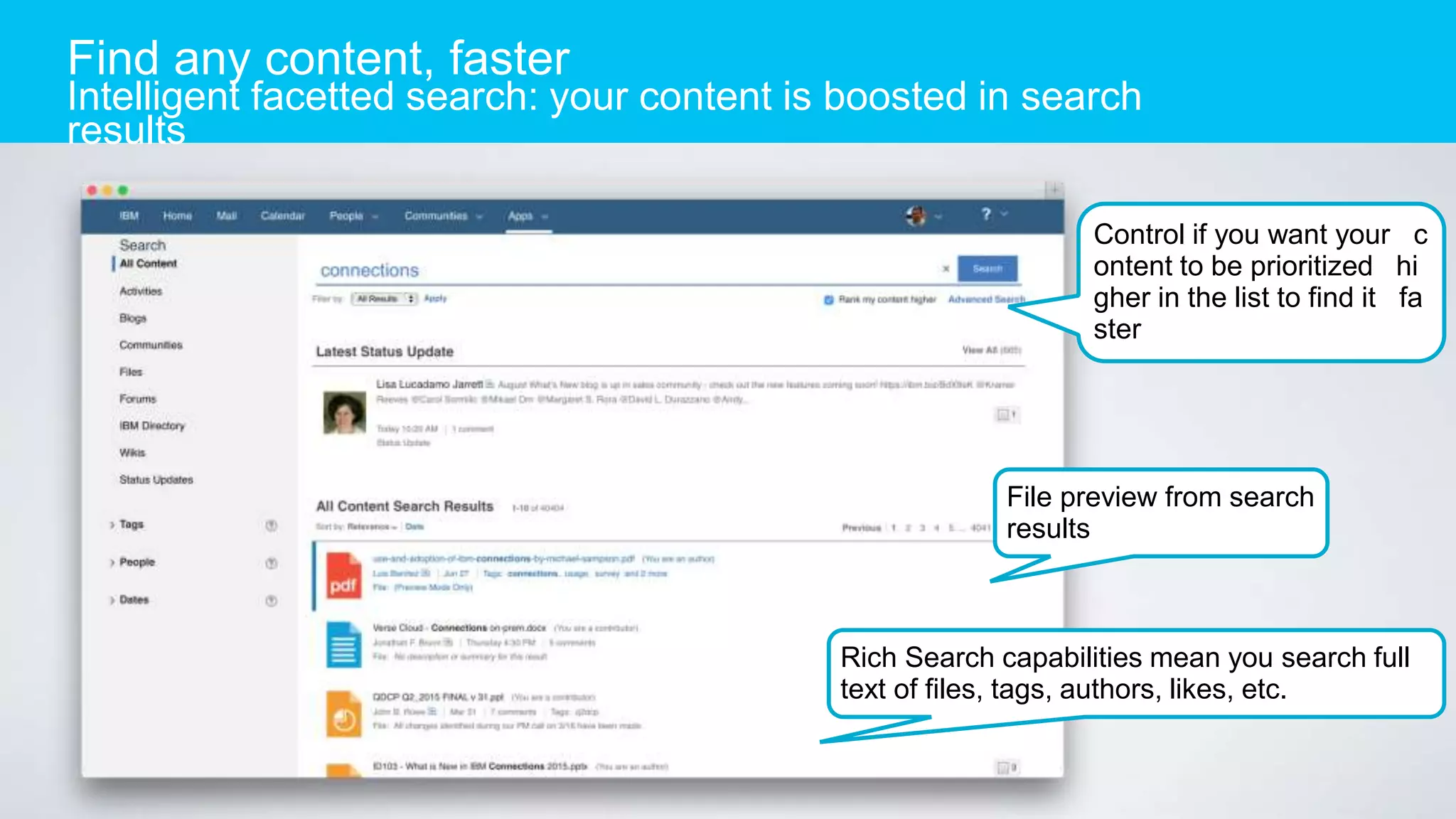
Find any content, faster
Intelligent facetted search: your content is boosted in search
results
Control if you want your c
ontent to be prioritized hi
gher in the list to find it fa
ster
File preview from search
results
Rich Search capabilities mean you search full
text of files, tags, authors, likes, etc.
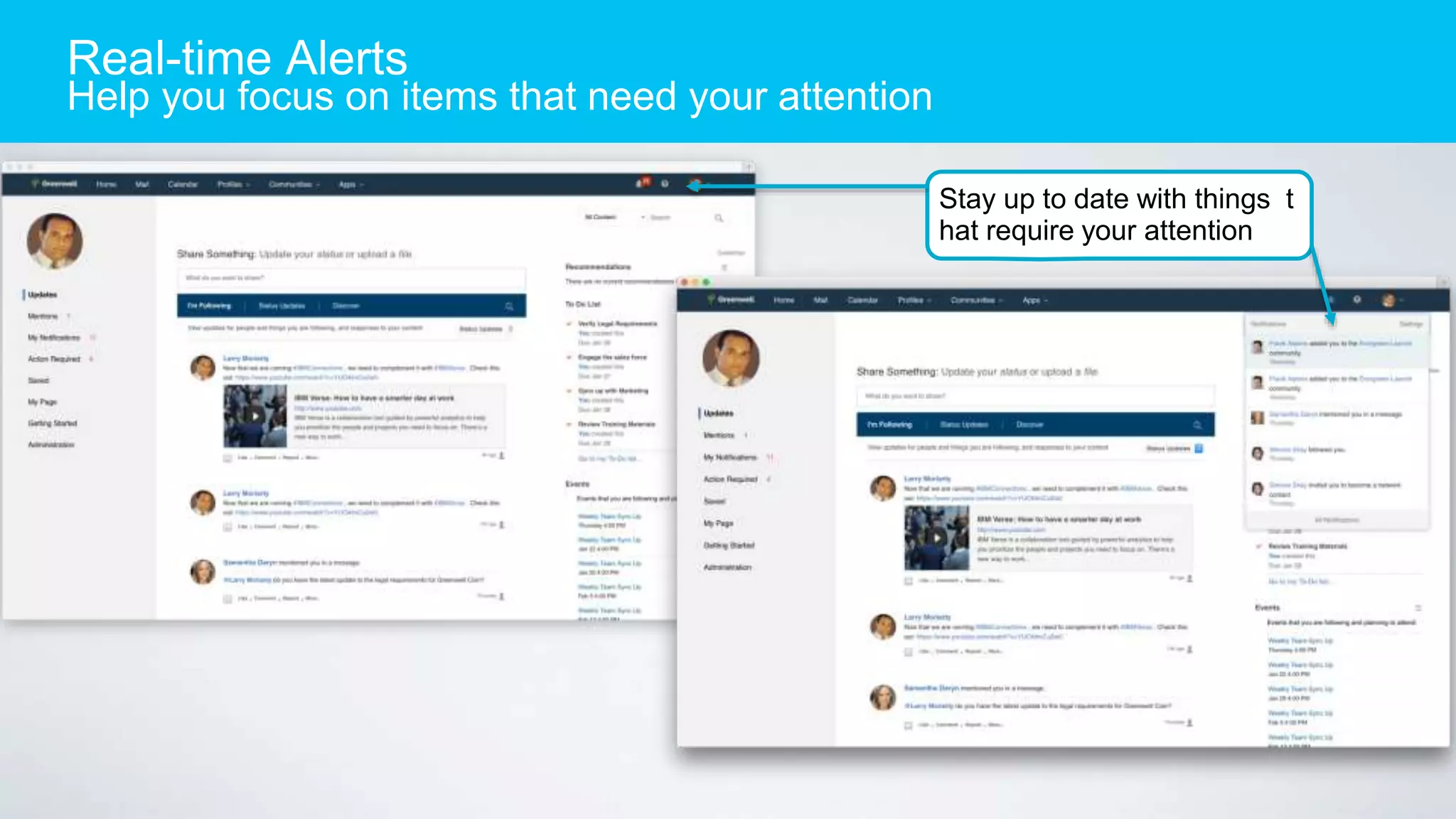
Real-time Alerts
Help you focus on items that need your attention
Stay up to date with things t
hat require your attention
IBM Connections Files – Let’s
Explore
Why EFSS with IBM Connections
IBM Connections
The New Way to Work with EFSS
Step up to Community Collaboration
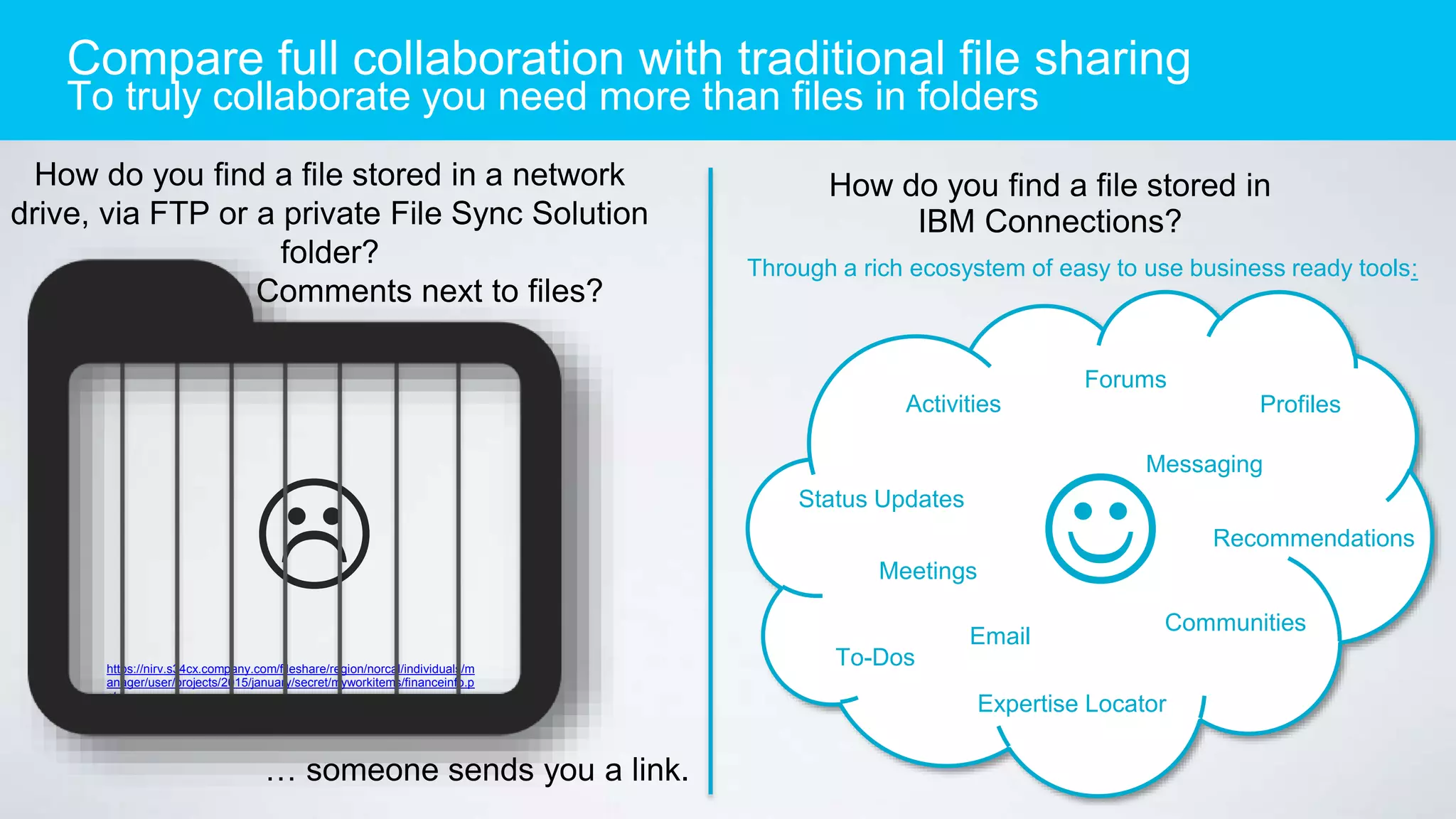
How do you find a file stored in a network
drive, via FTP or a private File Sync Solution
folder?
Comments next to files?
How do you find a file stored in
IBM Connections?
https://nirv.s34cx.company.com/fileshare/region/norcal/individuals/m
anager/user/projects/2015/january/secret/myworkitems/financeinfo.p
ptx

… someone sends you a link.
Communities
Activities
To-Dos
Forums
Status Updates
Meetings
Messaging
Expertise Locator
Recommendations
Profiles
Through a rich ecosystem of easy to use business ready tools:
Email
Compare full collaboration with traditional file sharing
To truly collaborate you need more than files in folders
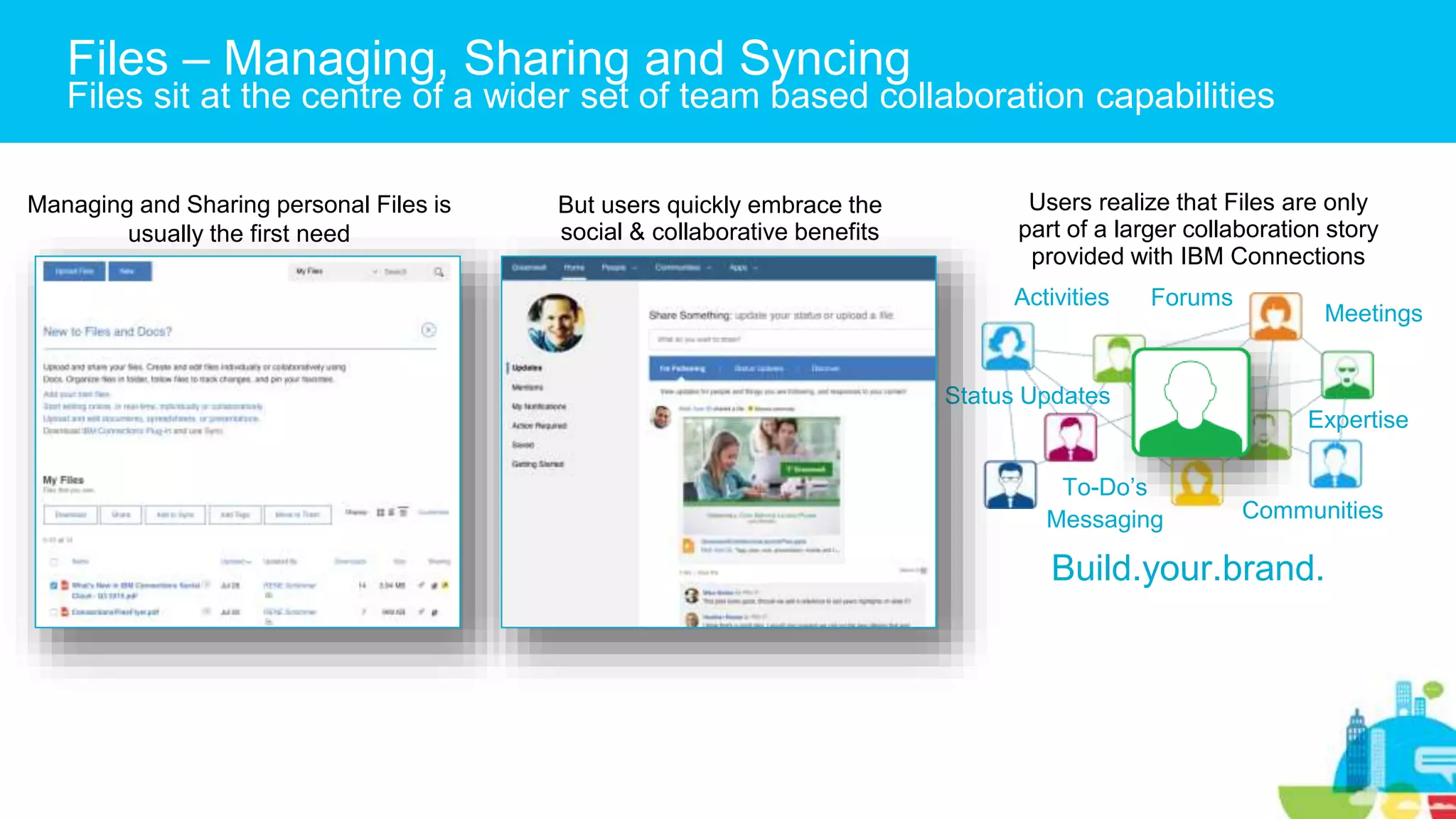
Managing and Sharing personal Files is
usually the first need
Users realize that Files are only
part of a larger collaboration story
provided with IBM Connections
Communities
Activities
To-Do’s
Forums
Status Updates
Meetings
Messaging
Expertise
Build.your.brand.
But users quickly embrace the
social & collaborative benefits
Files – Managing, Sharing and Syncing
Files sit at the centre of a wider set of team based collaboration capabilities
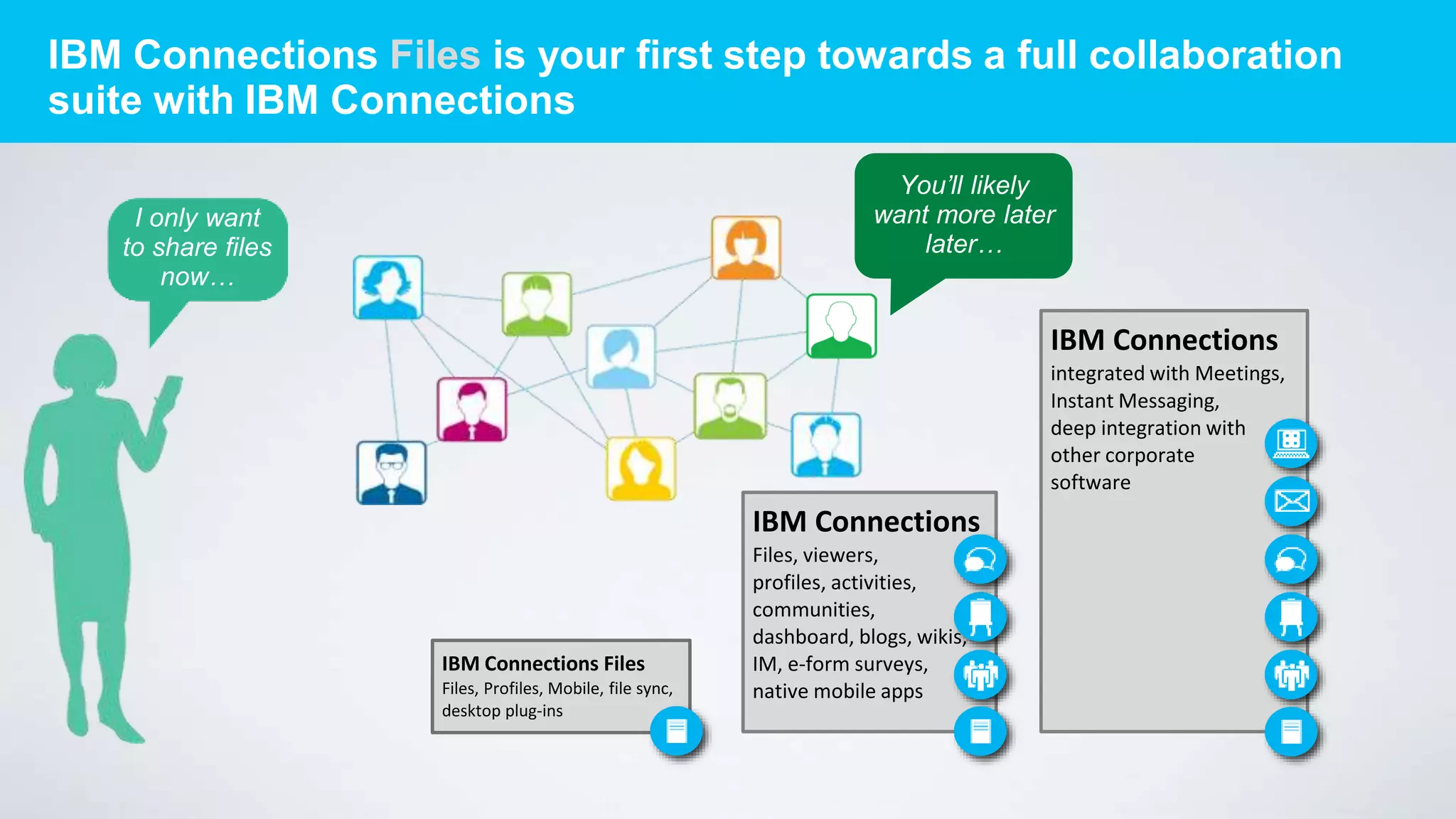
IBM Connections Files is your first step towards a full collaboration
suite with IBM Connections
I only want
to share files
now…
IBM Connections Files
Files, Profiles, Mobile, file sync,
desktop plug-ins
IBM Connections
integrated with Meetings,
Instant Messaging,
deep integration with
other corporate
software
IBM Connections
Files, viewers,
profiles, activities,
communities,
dashboard, blogs, wikis,
IM, e-form surveys,
native mobile apps
You’ll likely
want more later
later…
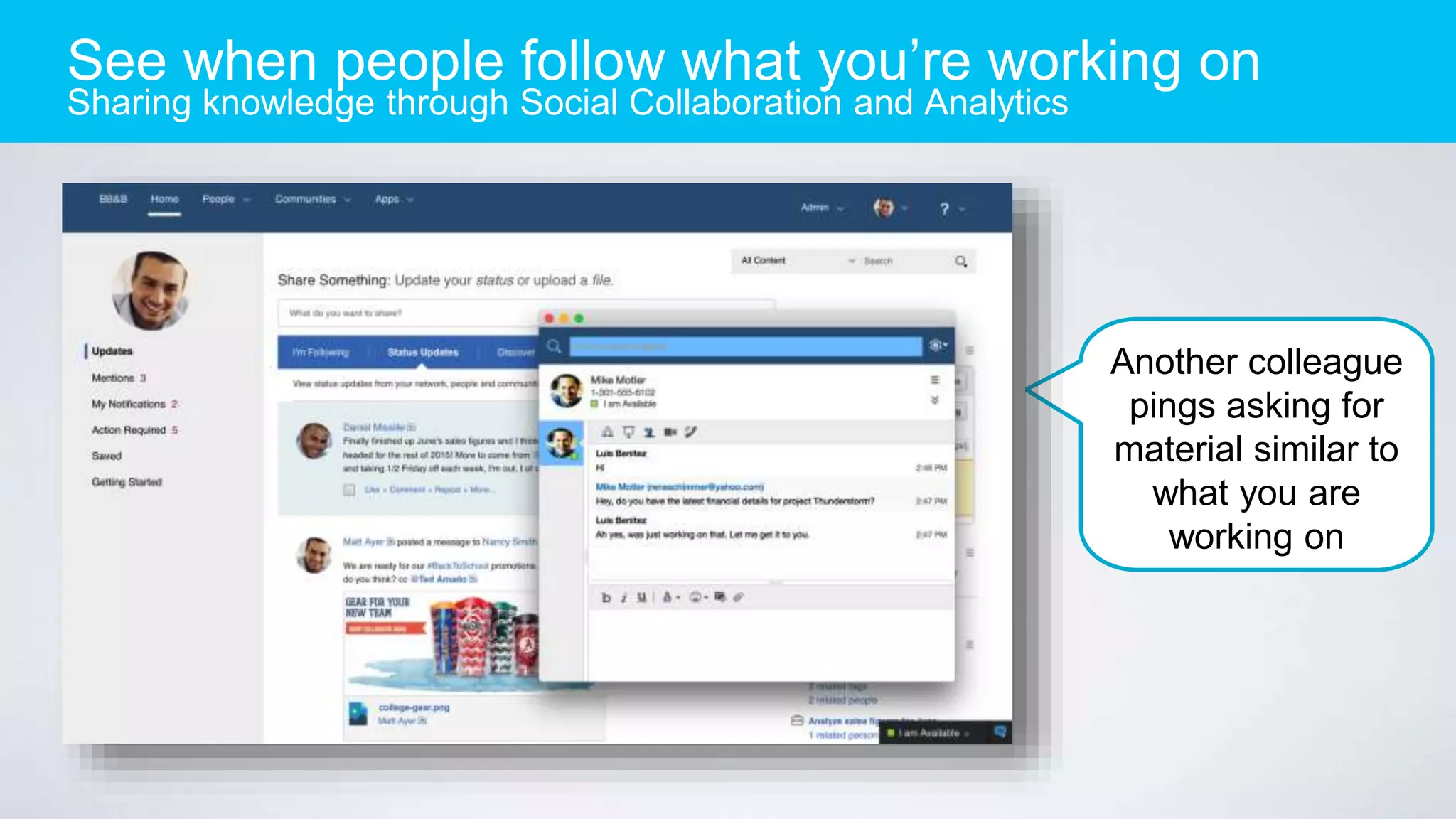
See when people follow what you’re working on
Sharing knowledge through Social Collaboration and Analytics
Another colleague
pings asking for
material similar to
what you are
working on
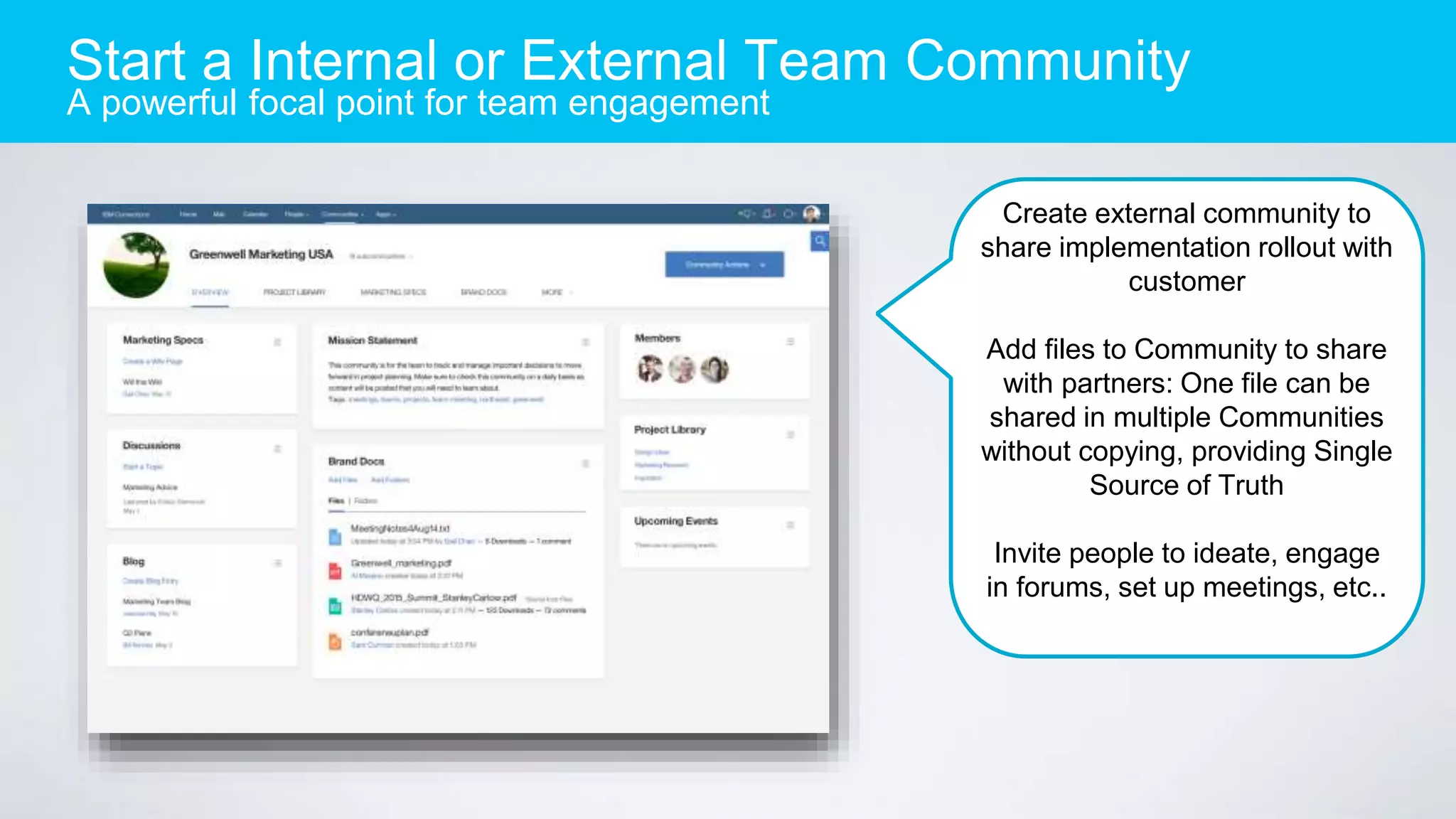
Start a Internal or External Team Community
A powerful focal point for team engagement
Create external community to
share implementation rollout with
customer
Add files to Community to share
with partners: One file can be
shared in multiple Communities
without copying, providing Single
Source of Truth
Invite people to ideate, engage
in forums, set up meetings, etc..
File sharing,
Expertise
Discovery,
Unified
Communications
& Collaboration in
a single
experience
Securely
collaborate
internally &
externally
effortlessly
All supported in a
variety of
deployment
choices: on-prem,
private cloud,
cloud
IBM Delivers a Fully Integrated Social Business Platform
Summary

Ibm connections files the new way to work with files

  • 1.
    IBM Connections Files TheNew Way to Work with Enterprise File Sync and Share (EFSS) IBM Watson Talent & Collaboration Solutions
  • 2.
    Exploring IBM ConnectionsFiles Why EFSS with IBM Connections IBM Connections The New Way to Work with EFSS Step up to Community Collaboration
  • 3.
    Enterprise File Syncand Share Collaborate with content faster, from anywhere (PC, laptop, tablet, phone) Why IBM Connections Files? • More than just files • External collaboration • File locking • Expertise location • Integrated with Meetings • Content finds you • Recommendations • Collaborative Editing, online • Secure Mobile app • … and more! Learn More: Product Page
  • 4.
    IBM is inthe leaders quadrant for 6 years in a row in the Gartner Magic Quadrant for Social Software in the Workplace Leader in 2 Waves! Forrester Wave File, Sync and Share, Enterprise Social Platforms IBM is a Leader in Aragon Research Globe for Enterprise Social Software IBM is the Worldwide Market Share Leader for 6 years in a row! Leader in WW and European Enterprise Social Network MarketScapes 1 Source: The Forrester Wave™: File Sync and Share, Q3 2013; and Enterprise Social Platforms, Q2 2014, Forrester Research, Inc. 2 Source: Gartner Magic Quadrant for Social Software in the Workplace, September 2014 3 Source: IDC Worldwide Enterprise Social Networks 2015–2019 Forecast and 2014 Vendor Shares, July 2015. Worldwide and Western European Enterprise Social Network Vendor Assessment, December 2014 4 Source: Ovum Decision Matrix: Enterprise Social Networking, 2014; Ovum Decision Matrix: Enterprise File Sync and Share, 2014-2015 5 Source: The Aragon Research Globe™ for Social Software, 2014: Getting Down to Business Gartner does not endorse any vendor, product or service depicted in its research publications, and does not advise technology users to select only those vendors with the highest ratings. Gartner research publications consist of the opinions of Gartner's research organization and should not be construed as statements of fact. Gartner disclaims all warranties, expressed or implied, with respect to this research, including any warranties of merchantability or fitness for a particular purpose. Leader in 2 reports!IBM is a Leader in the Ovum Decision Matrix: Enterprise Social Networking Product & Enterprise File Sync and Share, 2014 IBM Connections The Leader in Enterprise Social Software
  • 5.
    Exploring IBM ConnectionsFiles Why EFSS with IBM Connections IBM Connections The New Way to Work with EFSS Step up to Community Collaboration
  • 6.
    Review Files Faster Previewand comment on file content in one place Designs are subject to change Comment, share, view f ile details and more, a ll from one place
  • 7.
    Nested folder tree allowsquick navigation between f olders Quickly share files and folders with y our team Nested Folders Organize your content Information about the files, e.g. who it is shared with, who has viewed and downloaded content Common actions available for easy use
  • 8.
    Specify which files canbe shared individually External users show up in type-ahead Share files with anybody in the world Secure, intuitive and flexible file sharing
  • 9.
    Accelerate Sharing Windows DesktopPlug in – MS Office Ribbon and Explorer integration Ribbon Integration Save Directly to Files Explorer Plug in and File Sync Share files via MS Outlook
  • 10.
    Find any content,faster Intelligent facetted search: your content is boosted in search results Control if you want your c ontent to be prioritized hi gher in the list to find it fa ster File preview from search results Rich Search capabilities mean you search full text of files, tags, authors, likes, etc.
  • 11.
    Real-time Alerts Help youfocus on items that need your attention Stay up to date with things t hat require your attention
  • 12.
    IBM Connections Files– Let’s Explore Why EFSS with IBM Connections IBM Connections The New Way to Work with EFSS Step up to Community Collaboration
  • 13.
    How do youfind a file stored in a network drive, via FTP or a private File Sync Solution folder? Comments next to files? How do you find a file stored in IBM Connections? https://nirv.s34cx.company.com/fileshare/region/norcal/individuals/m anager/user/projects/2015/january/secret/myworkitems/financeinfo.p ptx  … someone sends you a link. Communities Activities To-Dos Forums Status Updates Meetings Messaging Expertise Locator Recommendations Profiles Through a rich ecosystem of easy to use business ready tools: Email Compare full collaboration with traditional file sharing To truly collaborate you need more than files in folders
  • 14.
    Managing and Sharingpersonal Files is usually the first need Users realize that Files are only part of a larger collaboration story provided with IBM Connections Communities Activities To-Do’s Forums Status Updates Meetings Messaging Expertise Build.your.brand. But users quickly embrace the social & collaborative benefits Files – Managing, Sharing and Syncing Files sit at the centre of a wider set of team based collaboration capabilities
  • 15.
    IBM Connections Filesis your first step towards a full collaboration suite with IBM Connections I only want to share files now… IBM Connections Files Files, Profiles, Mobile, file sync, desktop plug-ins IBM Connections integrated with Meetings, Instant Messaging, deep integration with other corporate software IBM Connections Files, viewers, profiles, activities, communities, dashboard, blogs, wikis, IM, e-form surveys, native mobile apps You’ll likely want more later later…
  • 16.
    See when peoplefollow what you’re working on Sharing knowledge through Social Collaboration and Analytics Another colleague pings asking for material similar to what you are working on
  • 17.
    Start a Internalor External Team Community A powerful focal point for team engagement Create external community to share implementation rollout with customer Add files to Community to share with partners: One file can be shared in multiple Communities without copying, providing Single Source of Truth Invite people to ideate, engage in forums, set up meetings, etc..
  • 18.
    File sharing, Expertise Discovery, Unified Communications & Collaborationin a single experience Securely collaborate internally & externally effortlessly All supported in a variety of deployment choices: on-prem, private cloud, cloud IBM Delivers a Fully Integrated Social Business Platform Summary