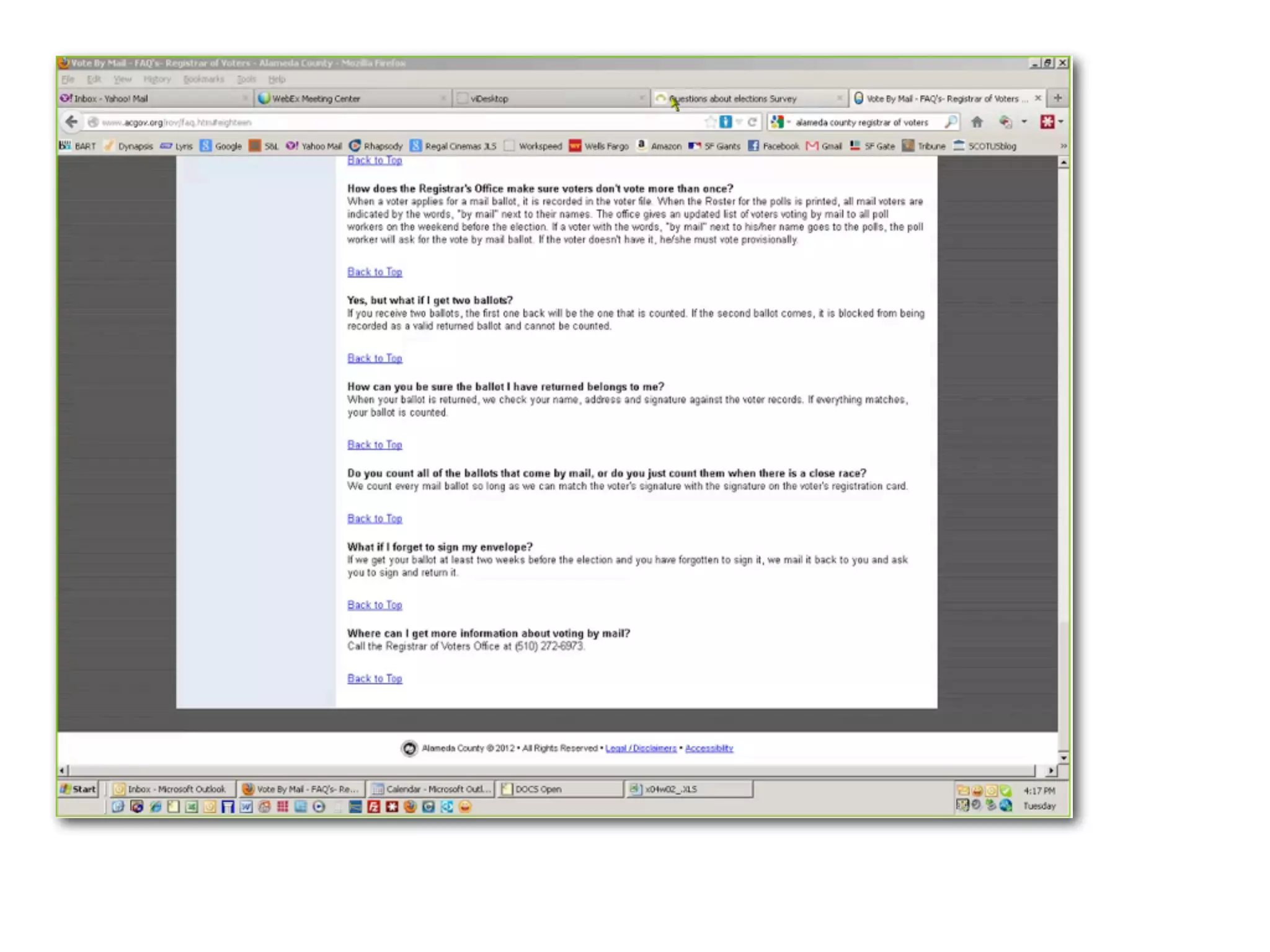
I can’t find what I’m looking for!
How to answer voters’ questions
on your website
Dana Chisnell
@danachis
@ChadButterfly
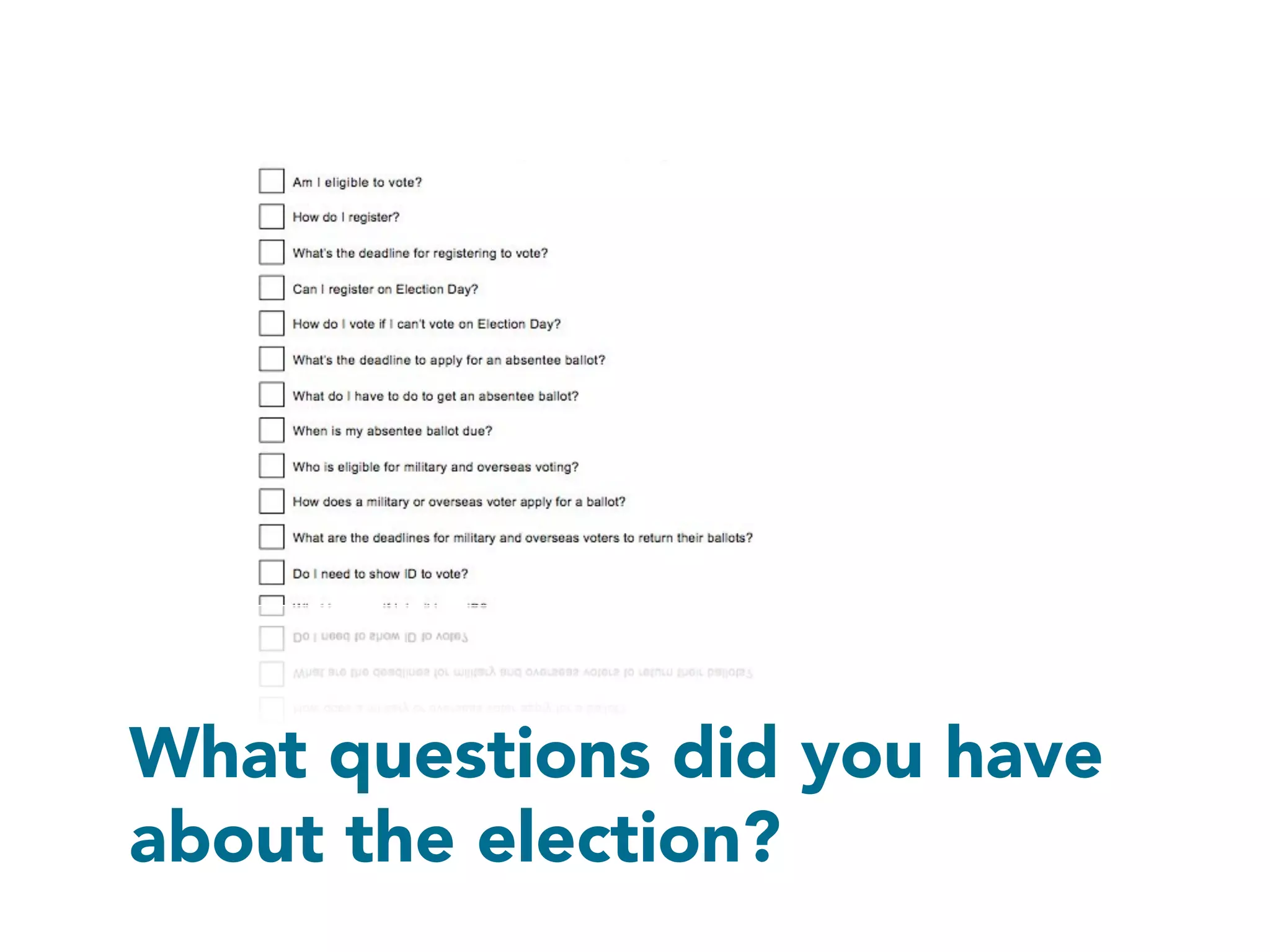
What questions did you have
about the election?
How did you find out the
answers?
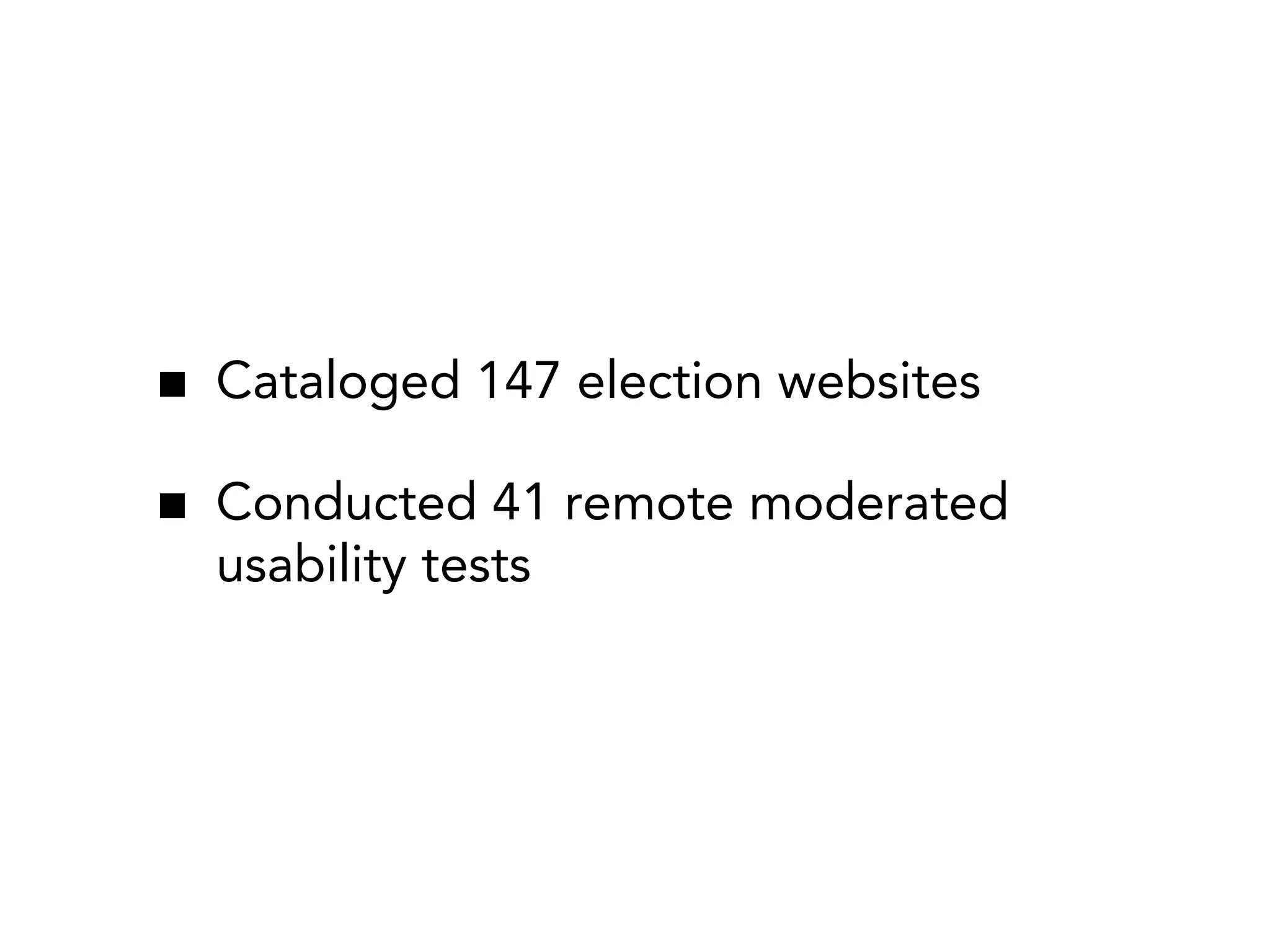
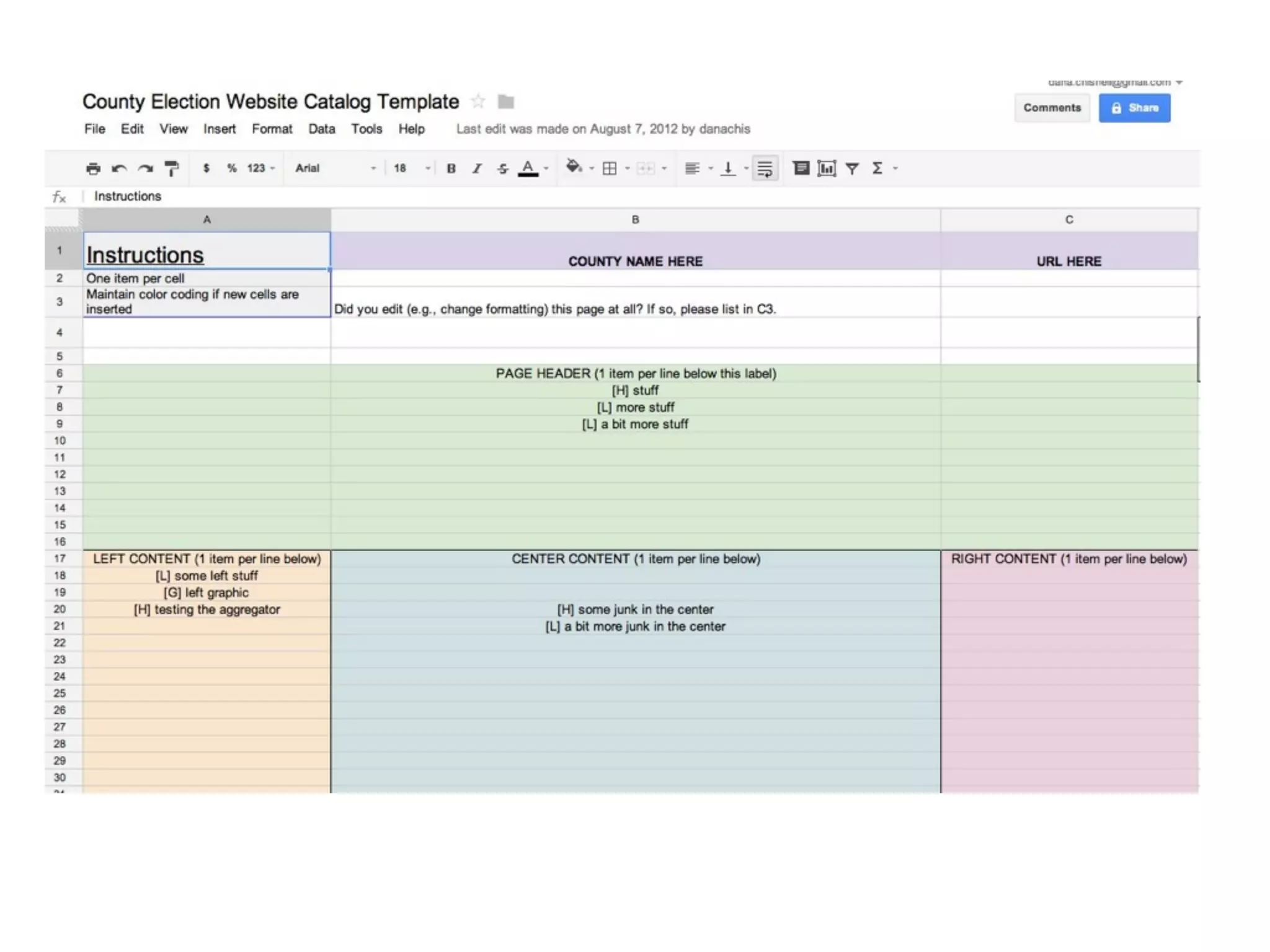
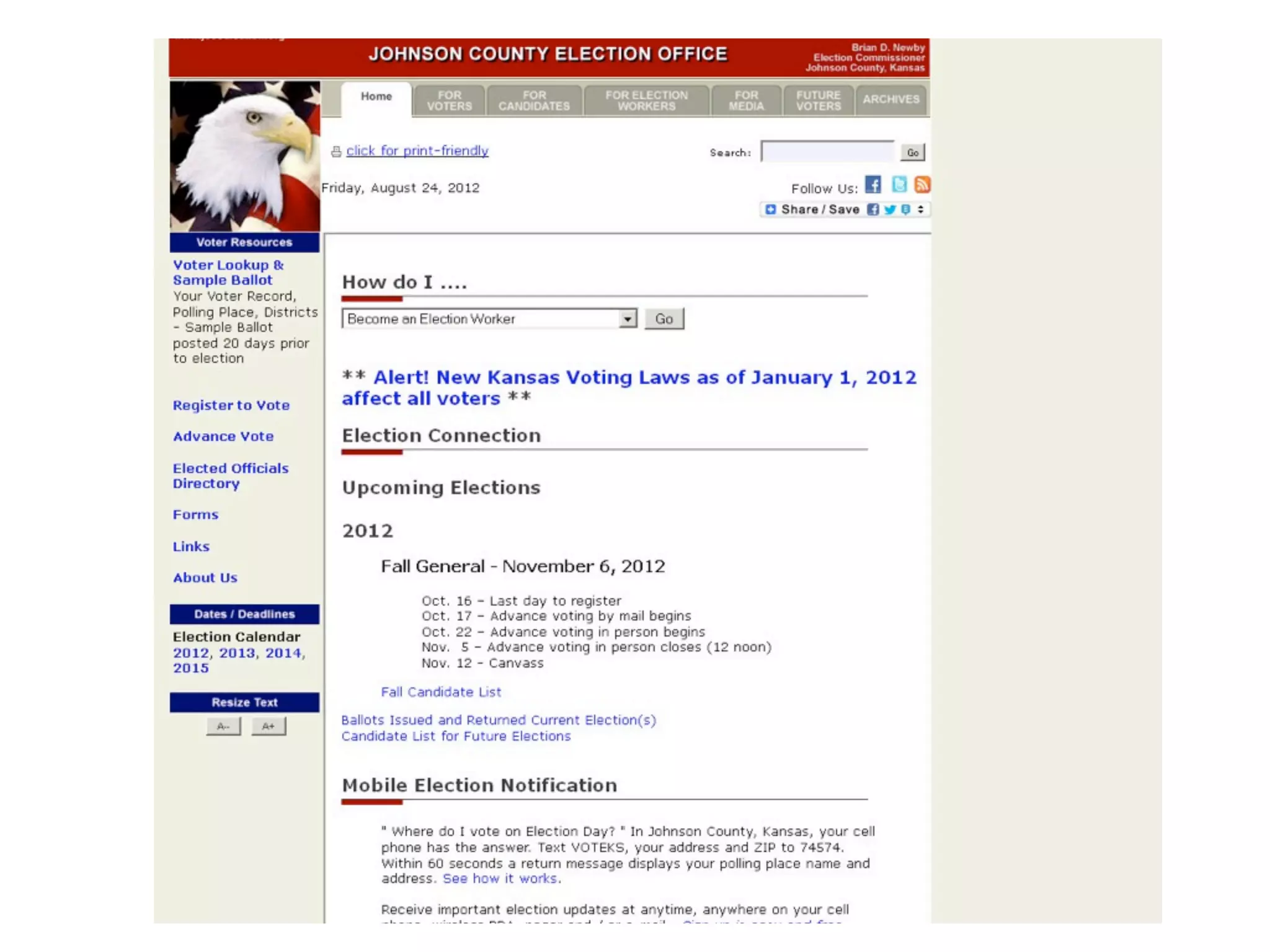
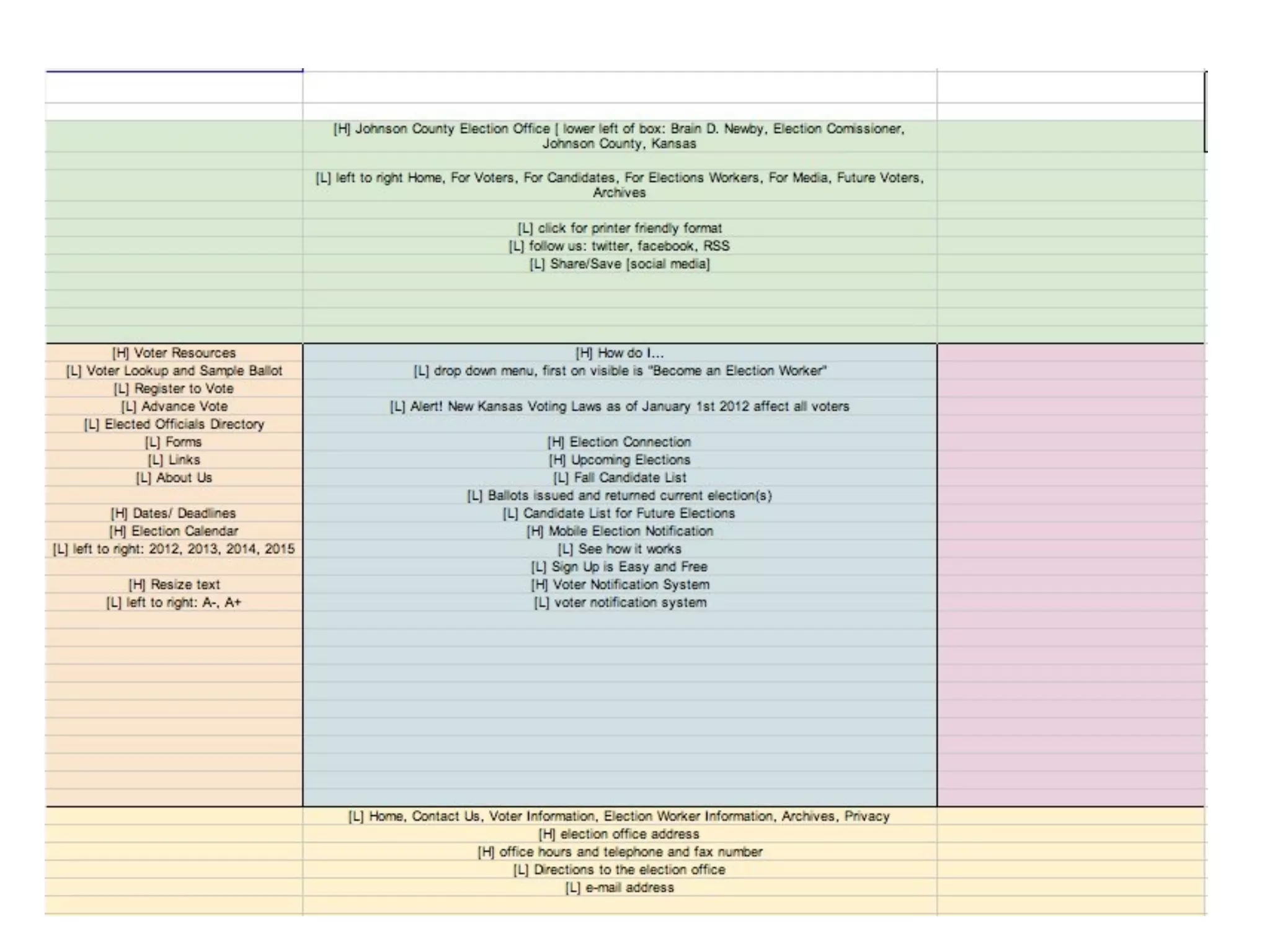
Cataloged 147 election websites
Conducted 41 remote moderated
usability tests
Cataloging
Thank you
•

Michelle Milla

•

Samantha LeVan

•

Karen McGrane

•

Kate Aurigemma

•

Krysta Chauncey

•

Erin Liman

•

Karen Bachmann

•

Alessandra Brophy

•

Rosa Moran

•

Cyd Harrell

•

Jenny Greeve

•

Whitney Quesenbery

•

Josie Scott

•

Andrea Fineman

•

Rachel Goddard
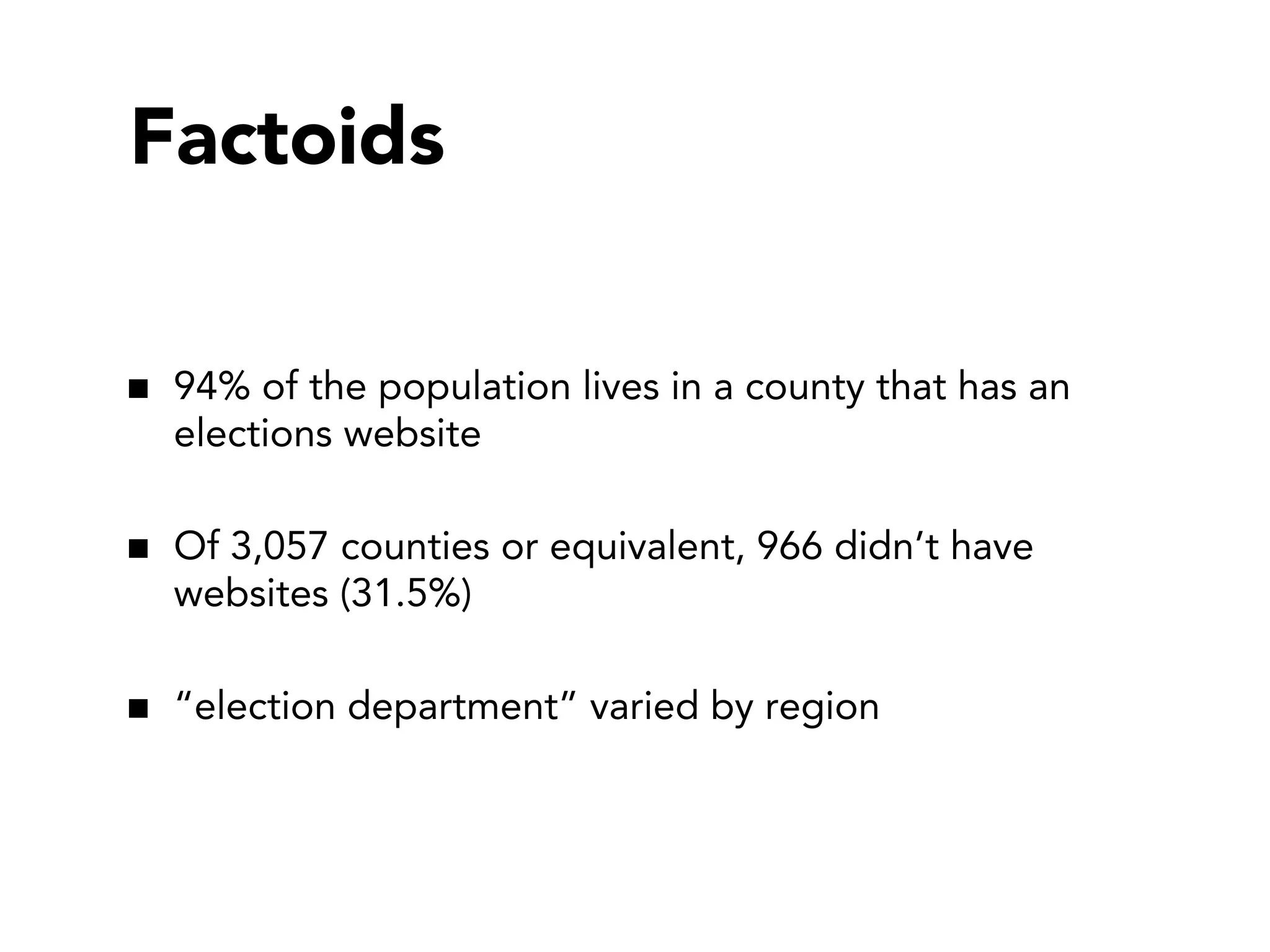
Factoids
94% of the population lives in a county that has an
elections website
Of 3,057 counties or equivalent, 966 didn’t have
websites (31.5%)
“election department” varied by region
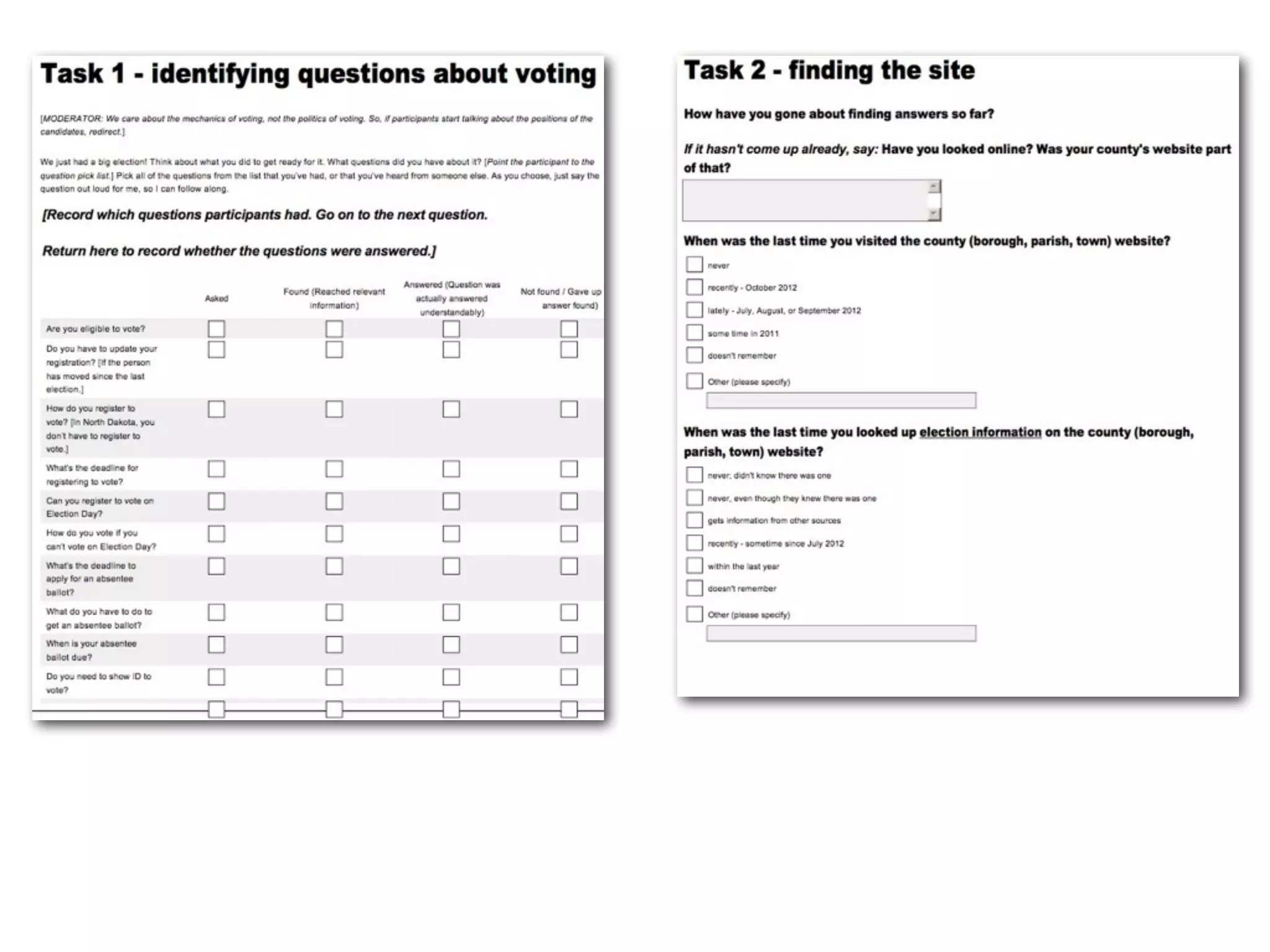
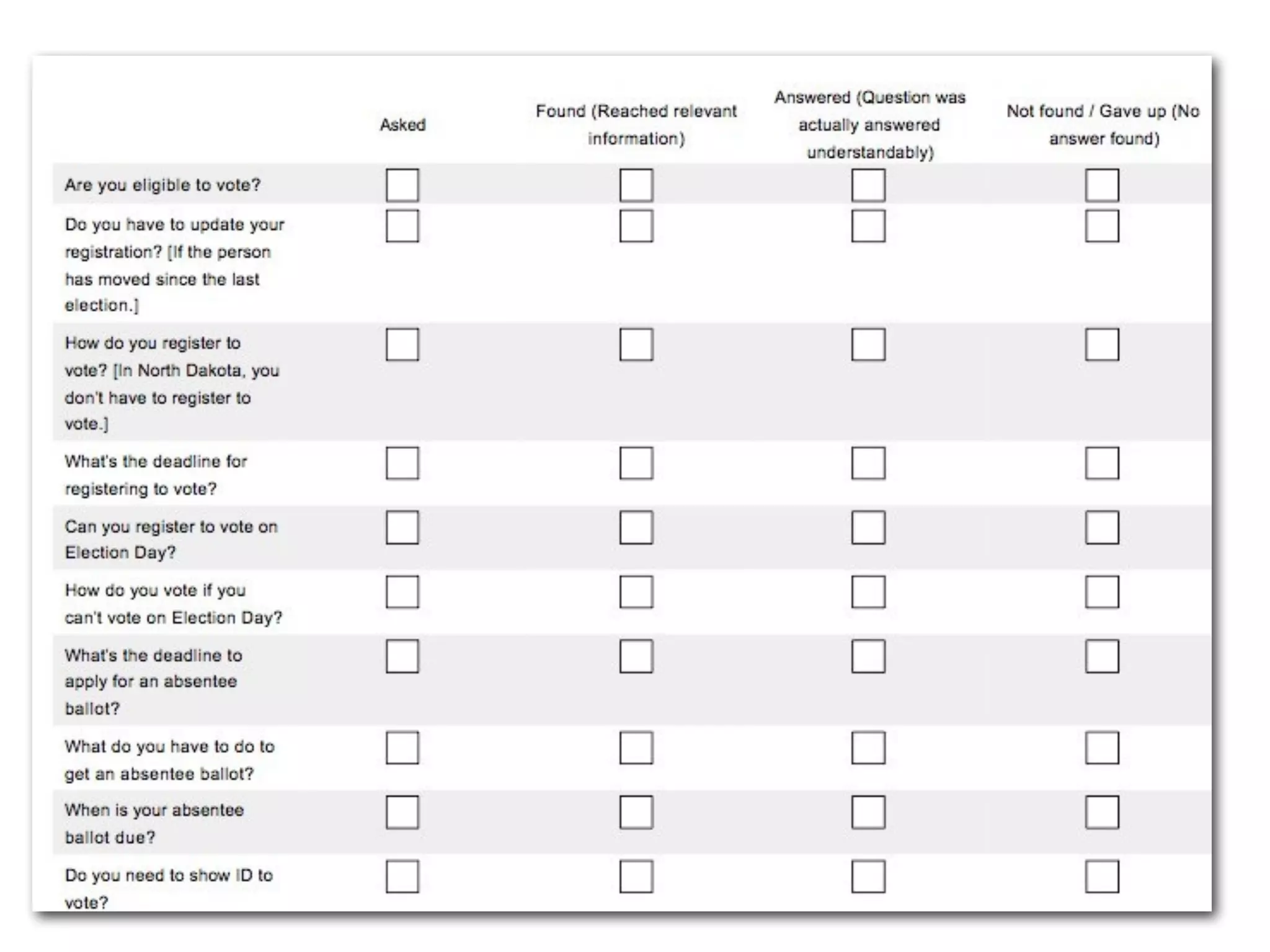
Remote moderated
usability testing
What questions did you have
about the election?
What questions did you have
about the election?
Just follow the script.
Thank you
Andrea Moed

Jacqui Adams

Kristen Johansen

Josh Keyes

Boaz Gurdin

Josh Bright

Ashley Pearlman

Doug Hanke

Donald A. Cox

Cyd Harrell

Kamaria Campbell

Whitney Quesenbery

Paul Schreiber

Andrea Fineman

Jenn Downs
What happened?
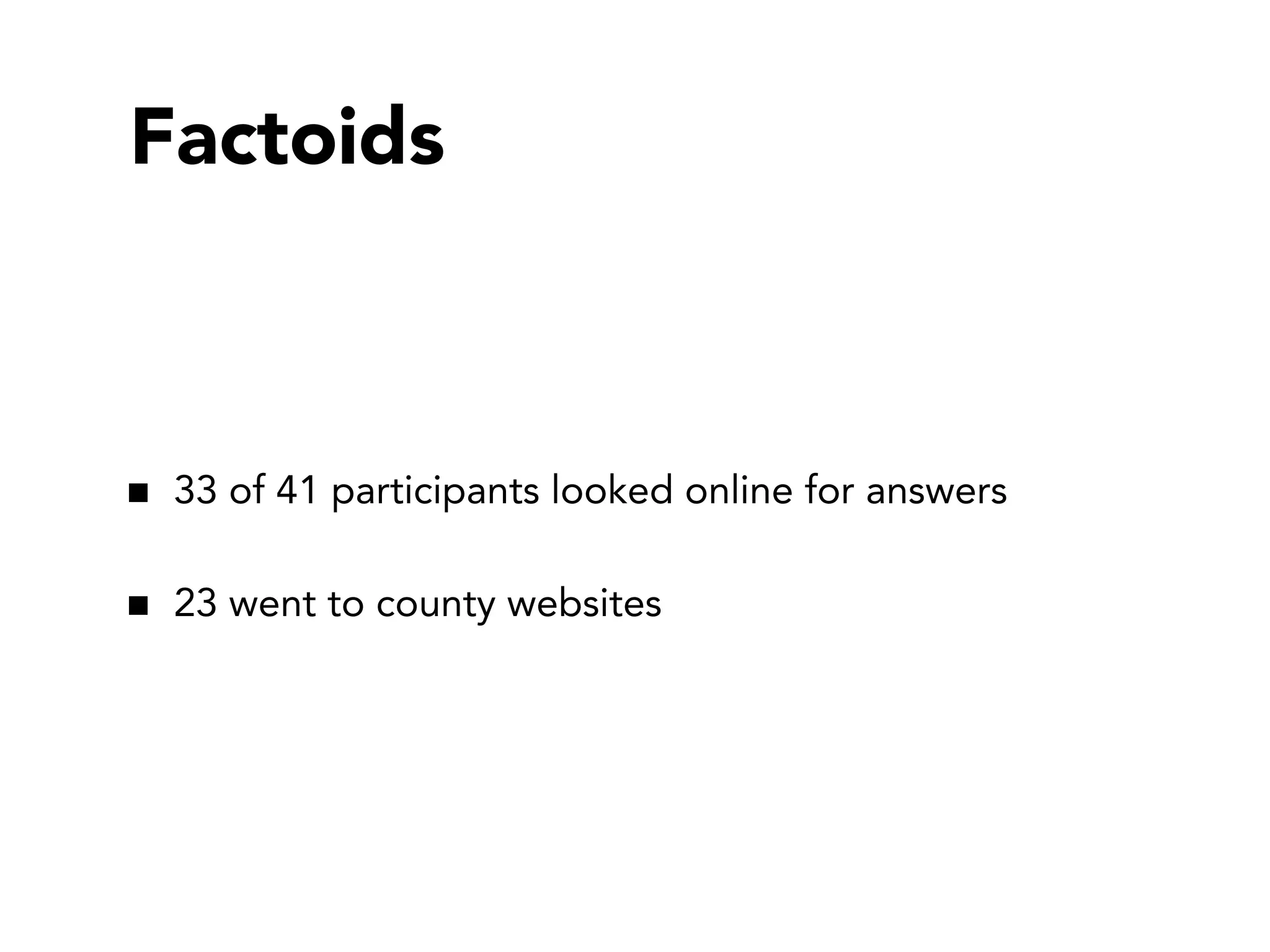
Factoids

33 of 41 participants looked online for answers
23 went to county websites
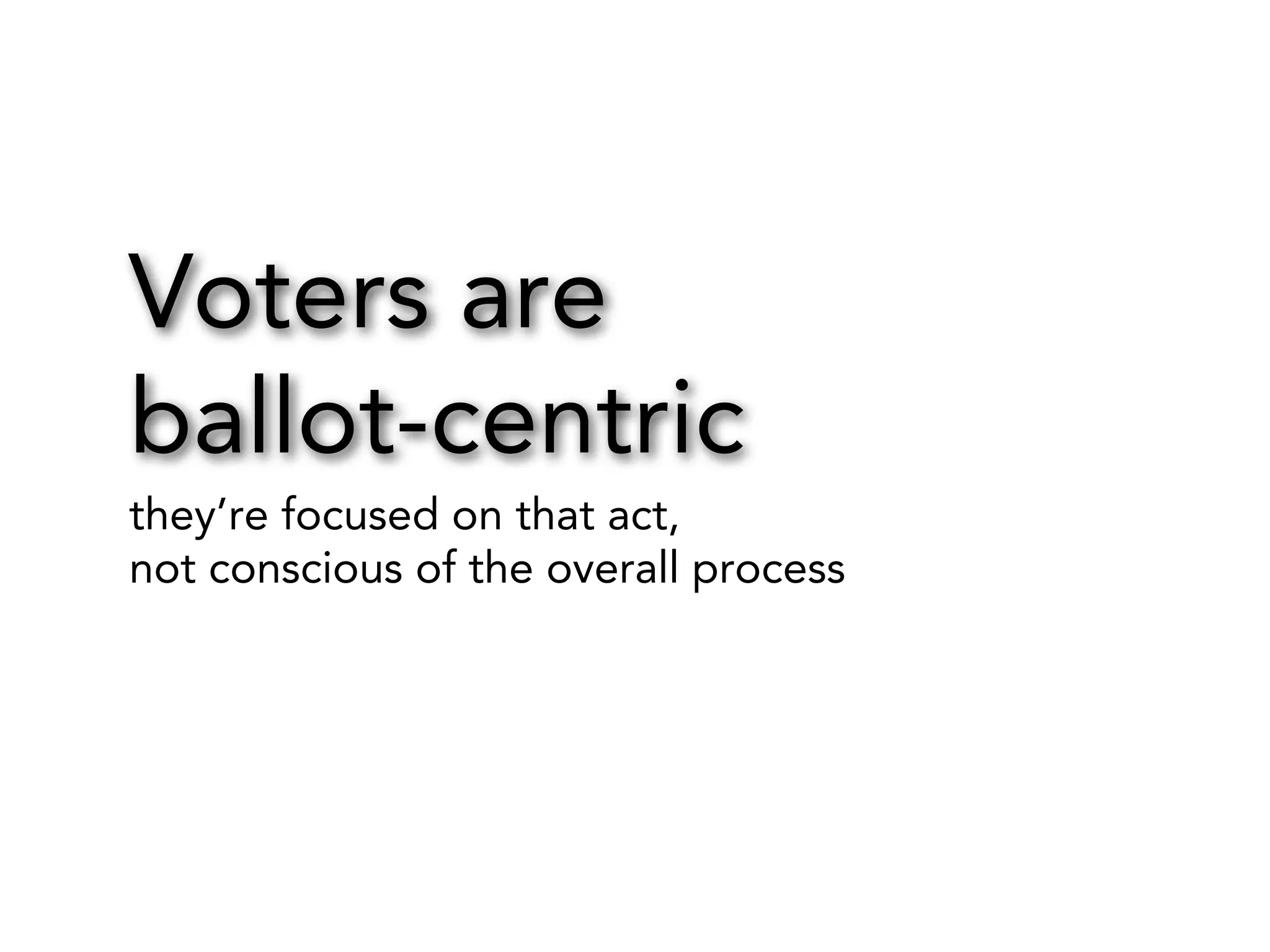
Voters are
ballot-centric
they’re focused on that act,
not conscious of the overall process
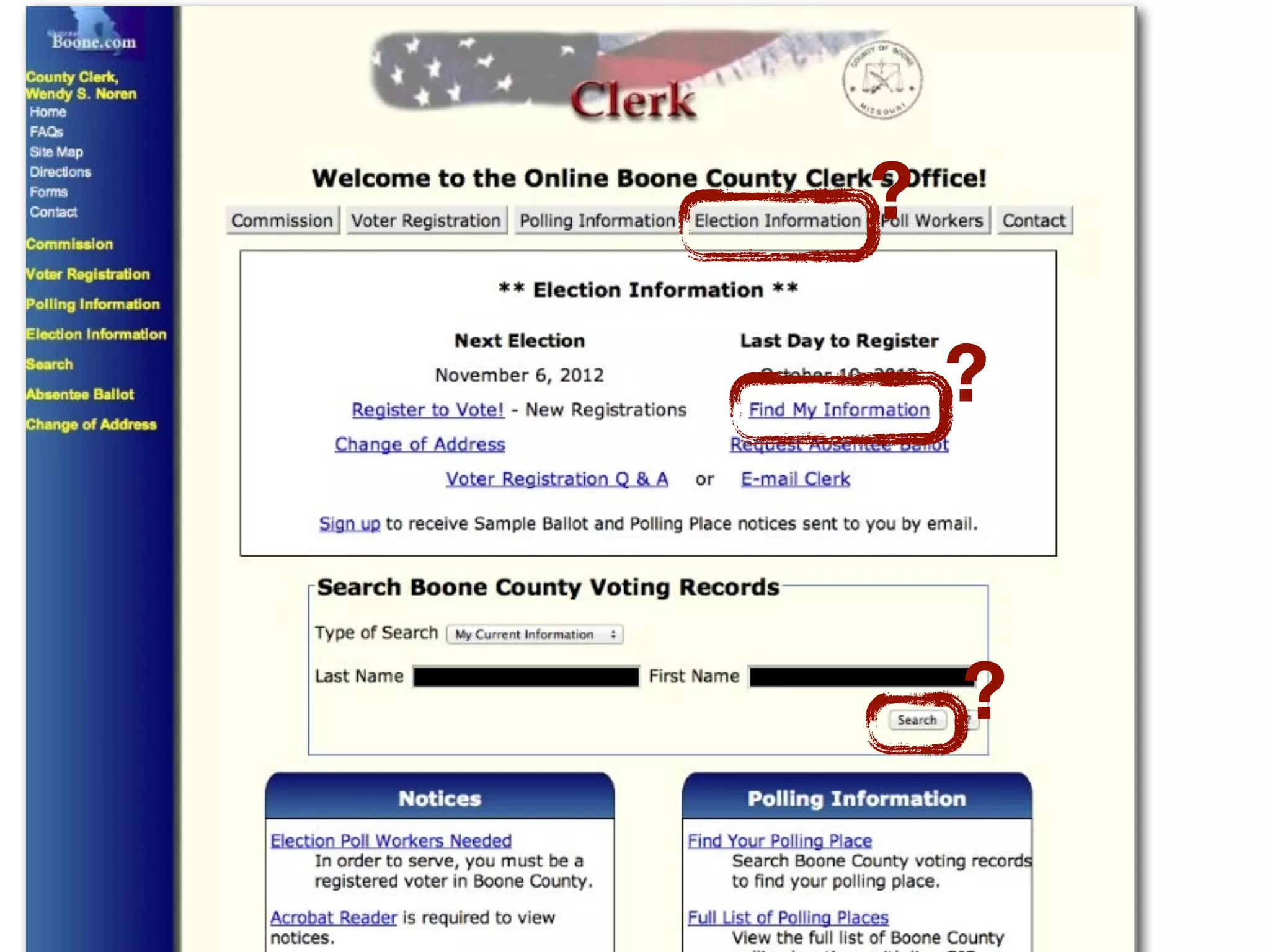
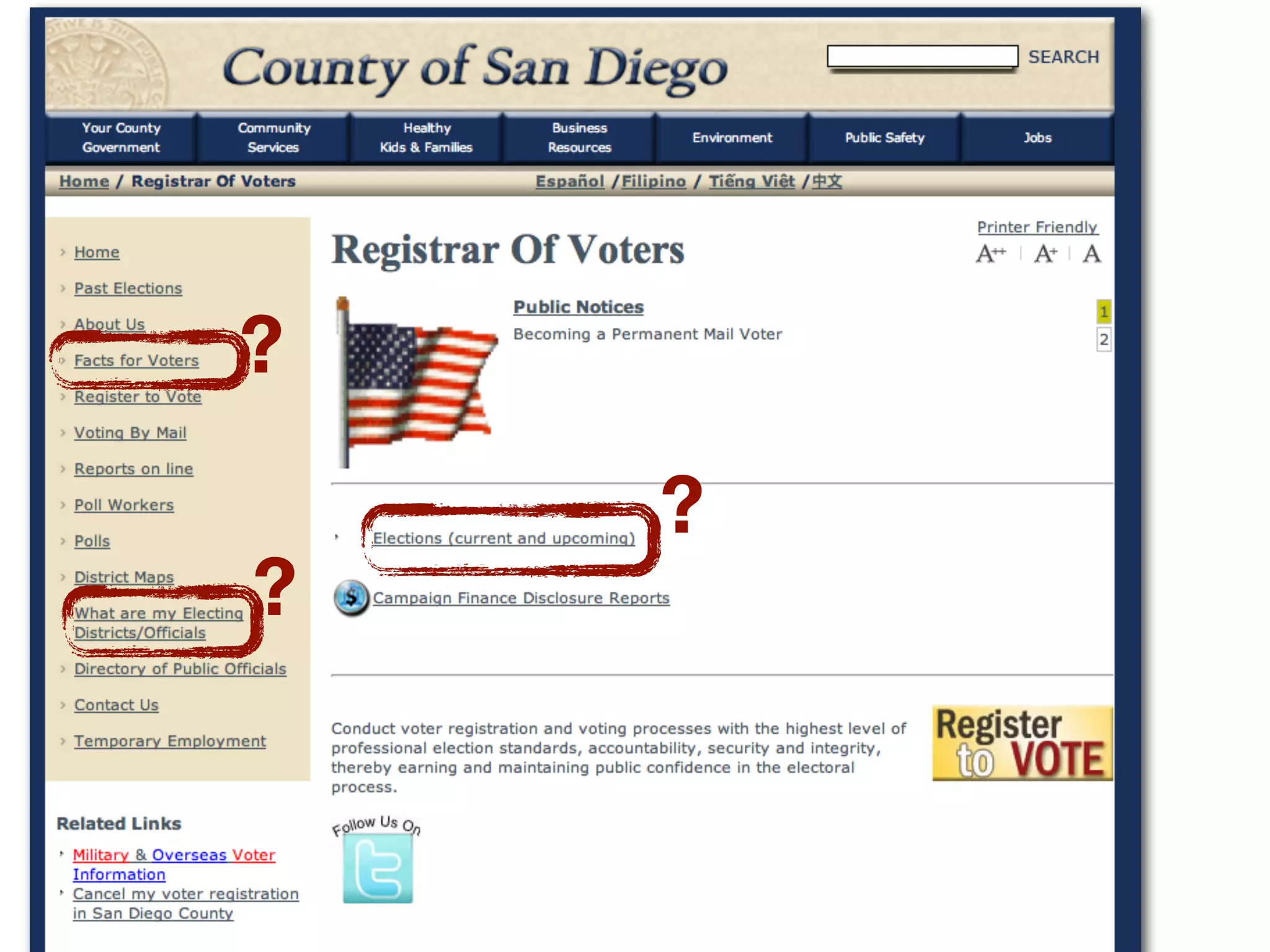
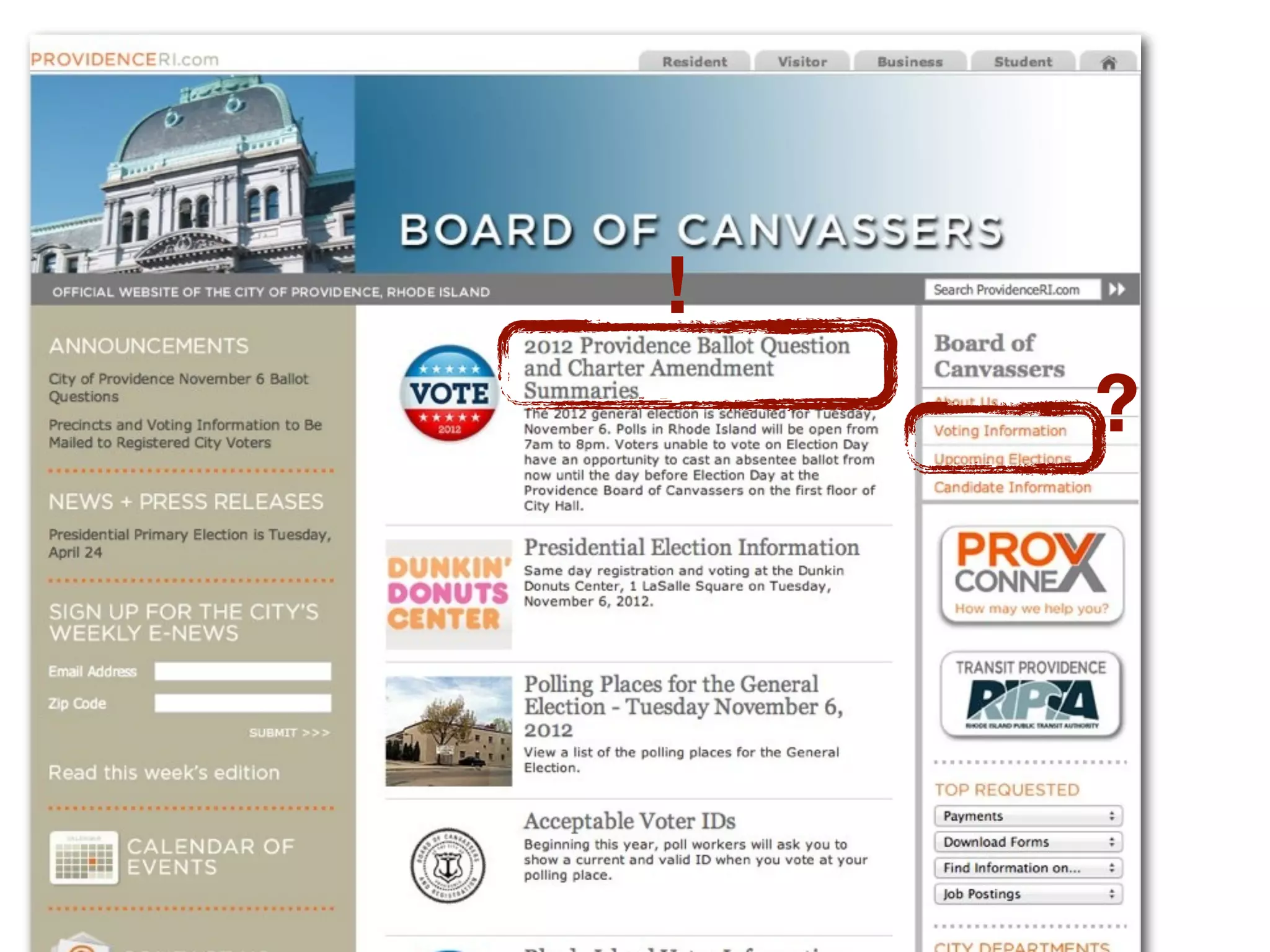
What’s on the ballot?
?
?

?
?
?

?
!
?
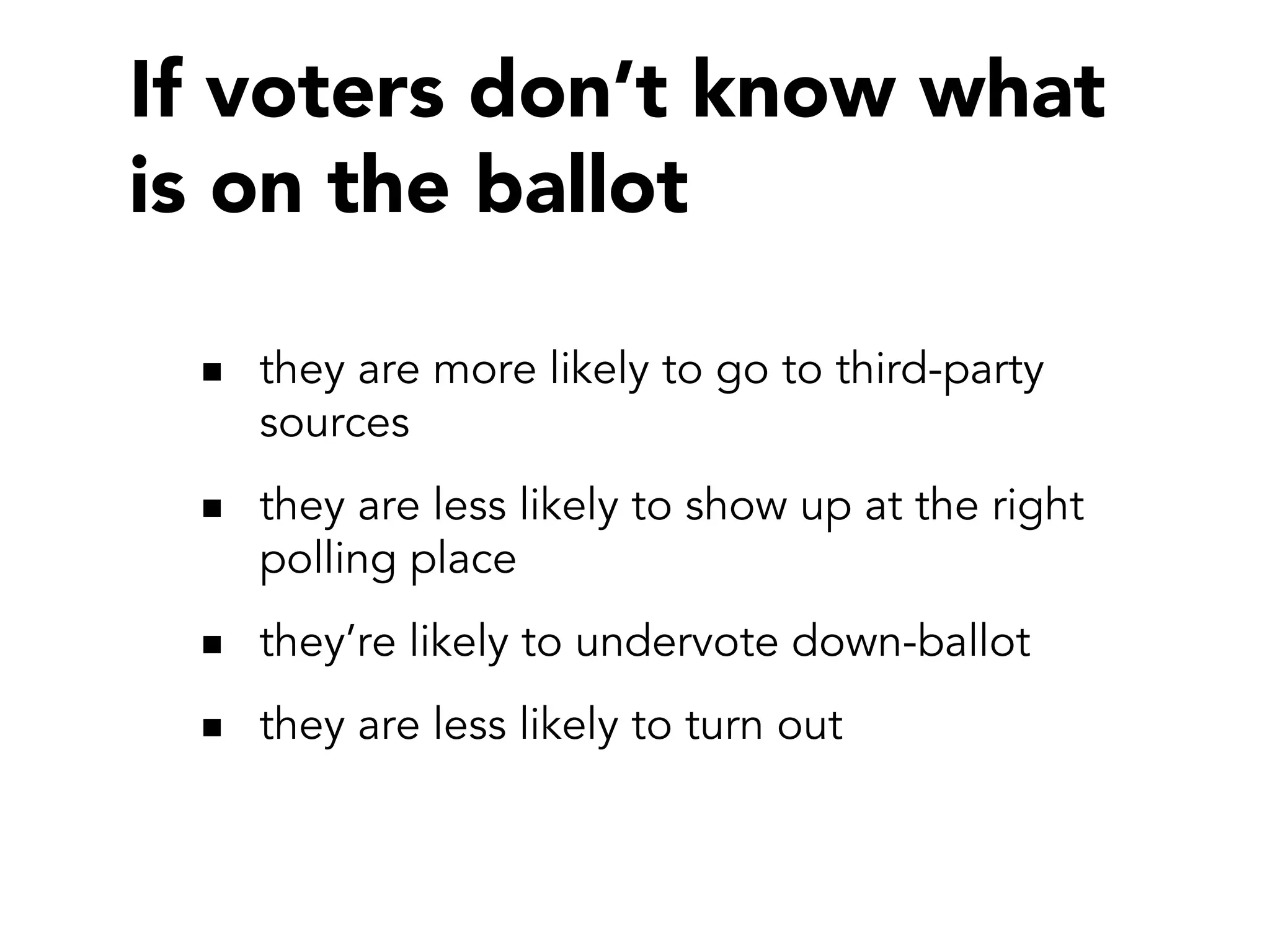
If voters don’t know what
is on the ballot
they are more likely to go to third-party
sources
they are less likely to show up at the right
polling place
they’re likely to undervote down-ballot
they are less likely to turn out
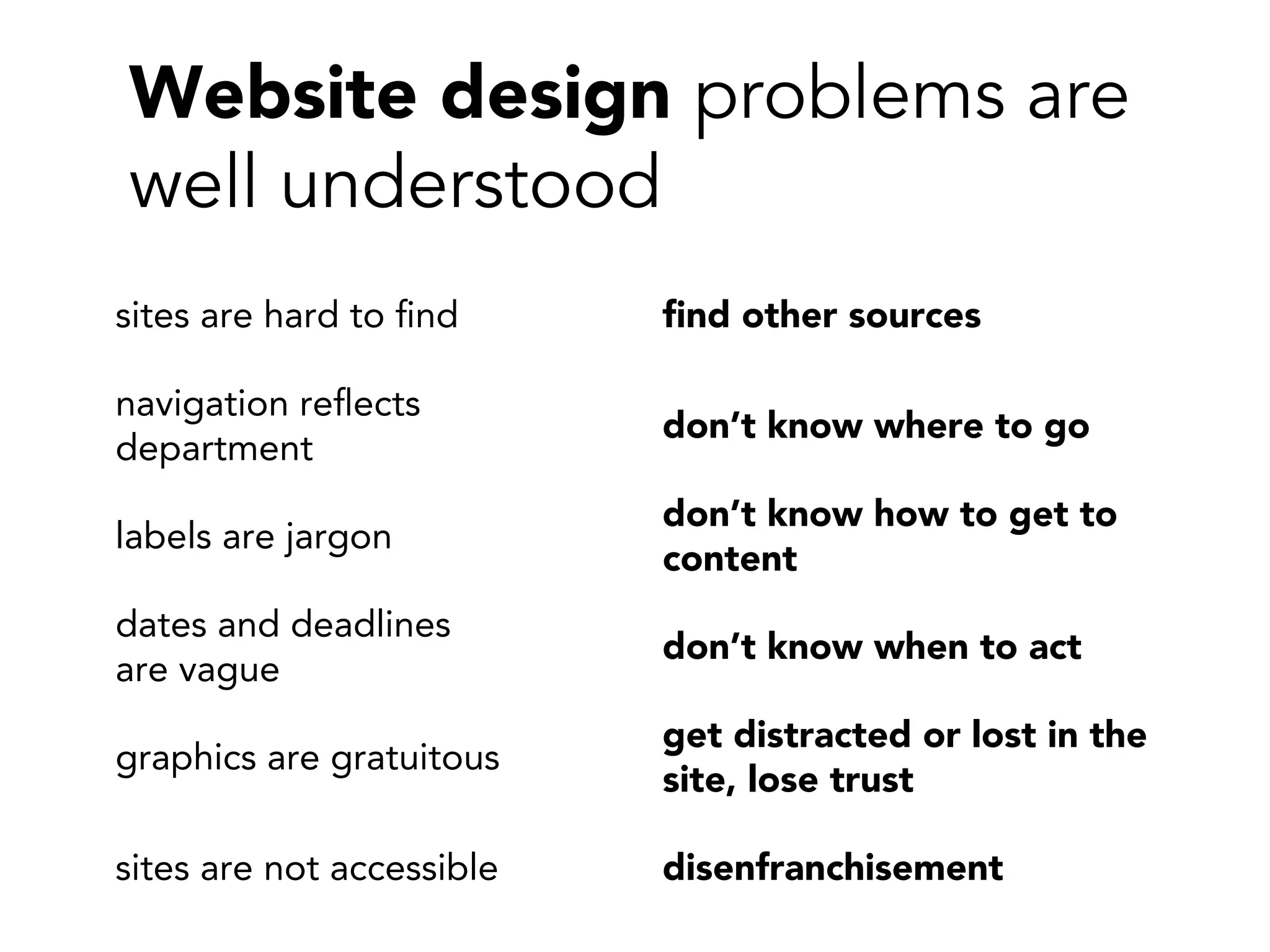
Website design problems are
well understood
sites are hard to find

find other sources

navigation reflects
department

don’t know where to go

labels are jargon

don’t know how to get to
content

dates and deadlines
are vague

don’t know when to act

graphics are gratuitous

get distracted or lost in the
site, lose trust

sites are not accessible

disenfranchisement
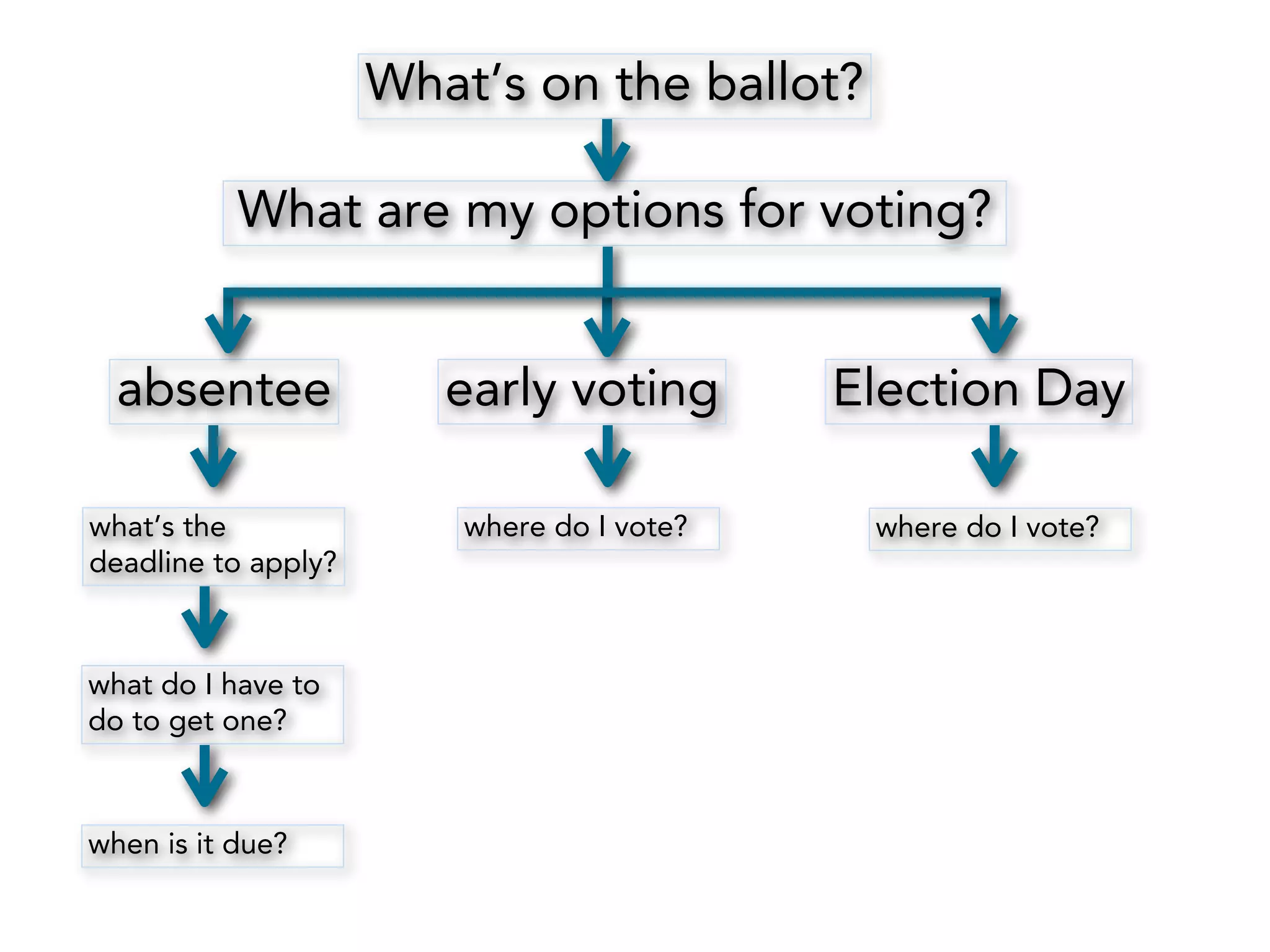
What’s on the ballot?
What are my options for voting?
absentee
what’s the
deadline to apply?

what do I have to
do to get one?

when is it due?

early voting

Election Day

where do I vote?

where do I vote?
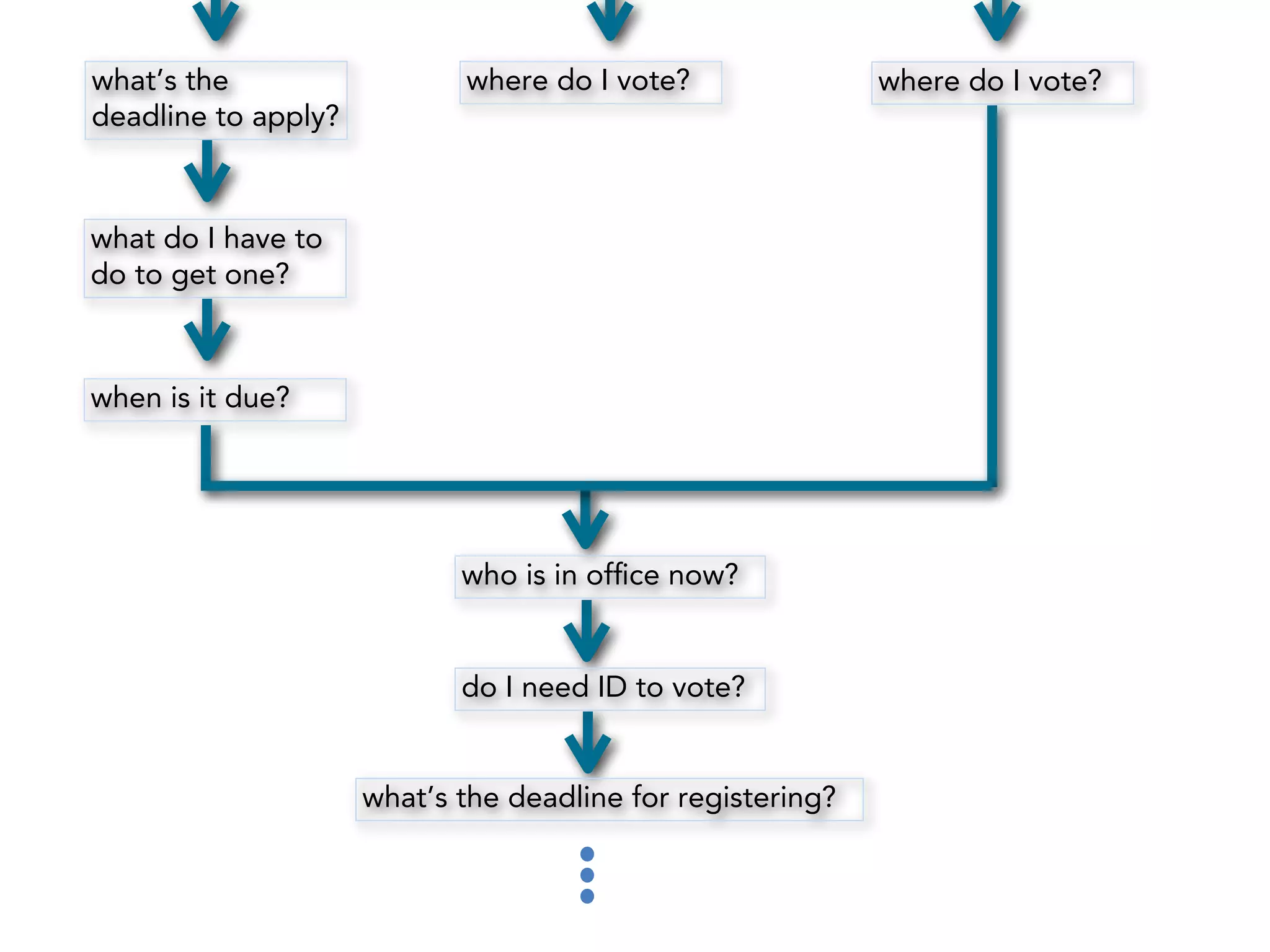
what’s the
deadline to apply?

where do I vote?

what do I have to
do to get one?

when is it due?

who is in office now?

do I need ID to vote?

what’s the deadline for registering?

where do I vote?
But sites showed
nearly the opposite
process.
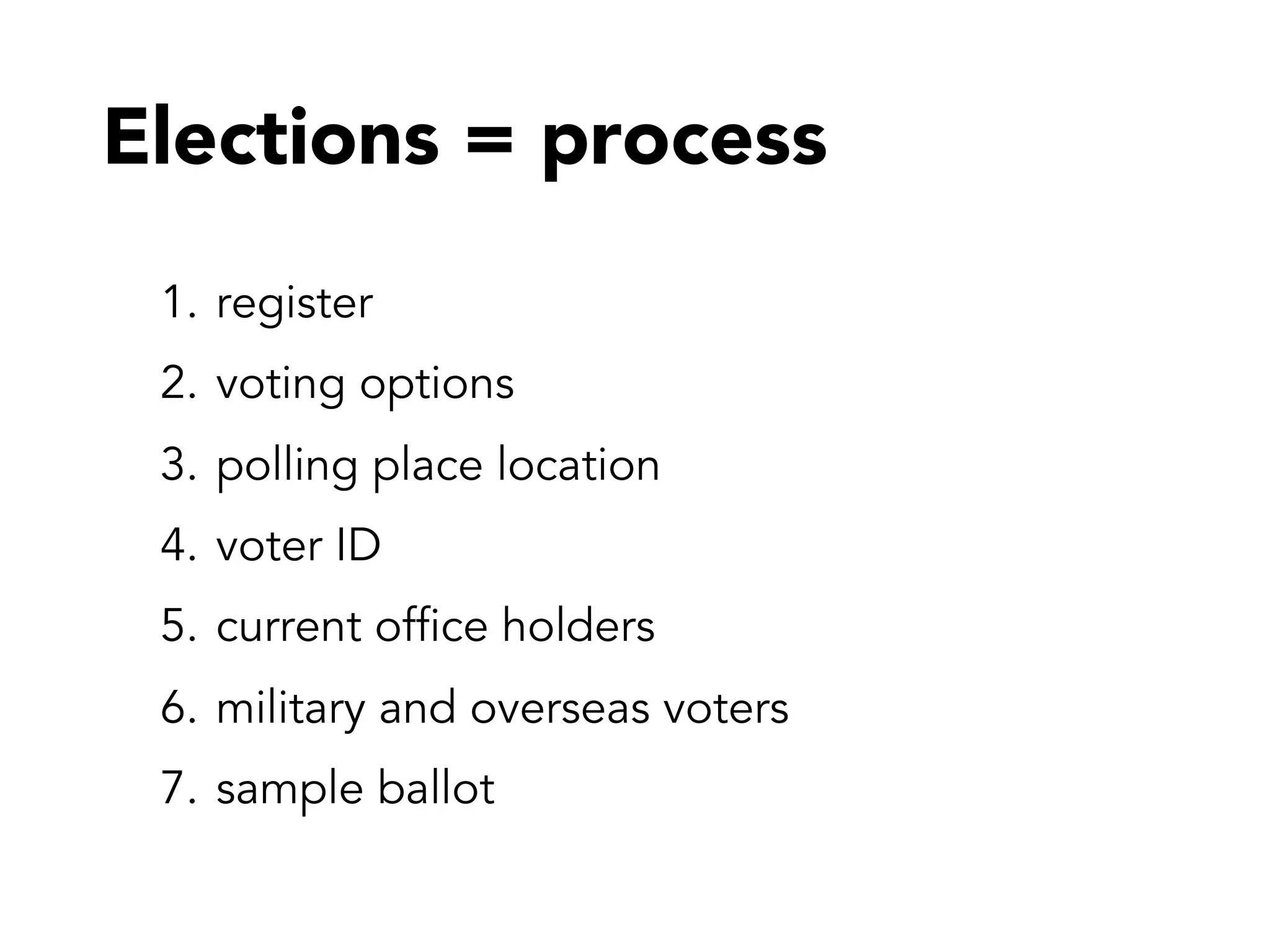
Elections = process
1. register
2. voting options
3. polling place location
4. voter ID
5. current office holders
6. military and overseas voters
7. sample ballot
What to do
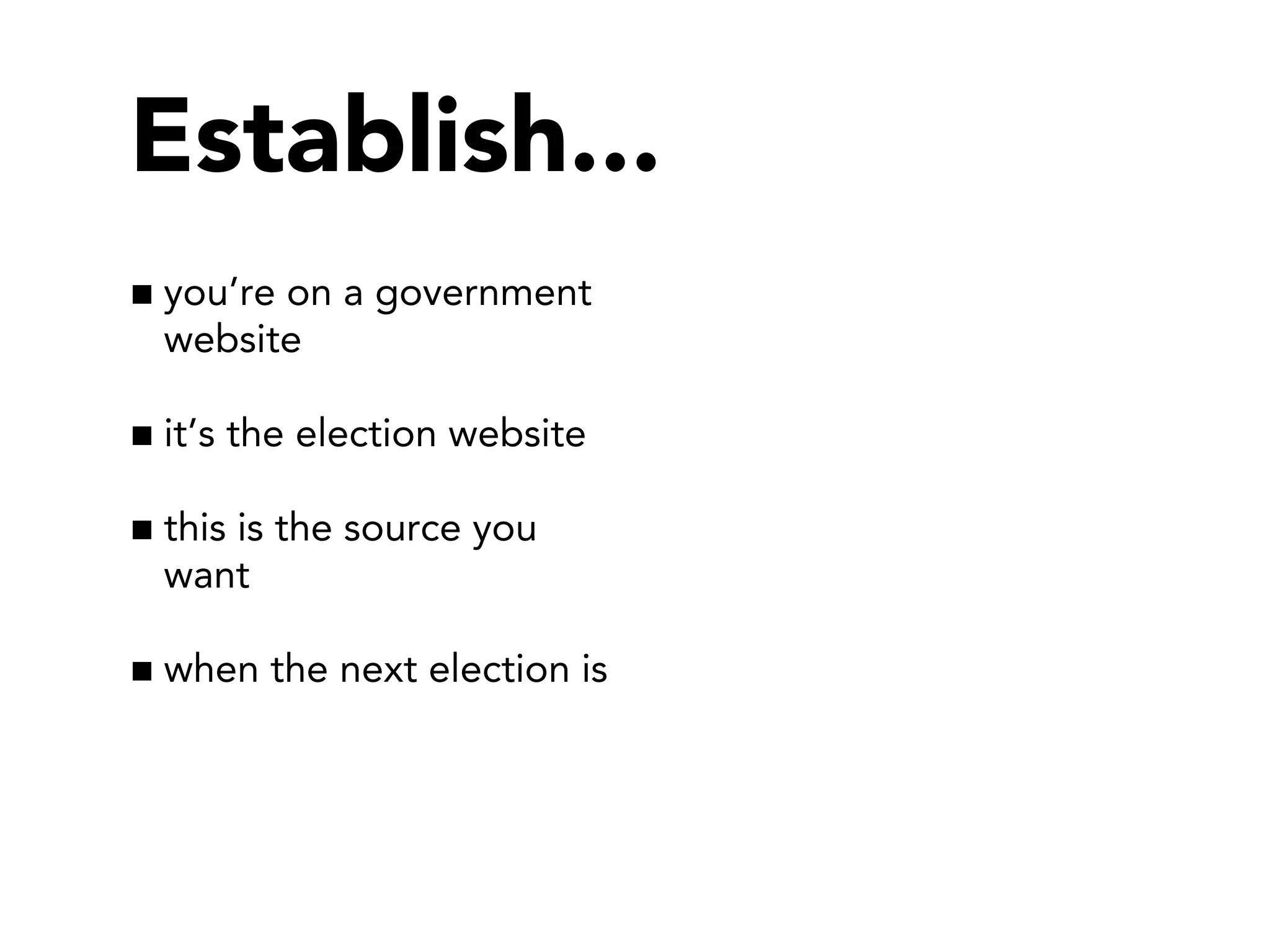
Establish...
you’re on a government
website
it’s the election website
this is the source you
want
when the next election is
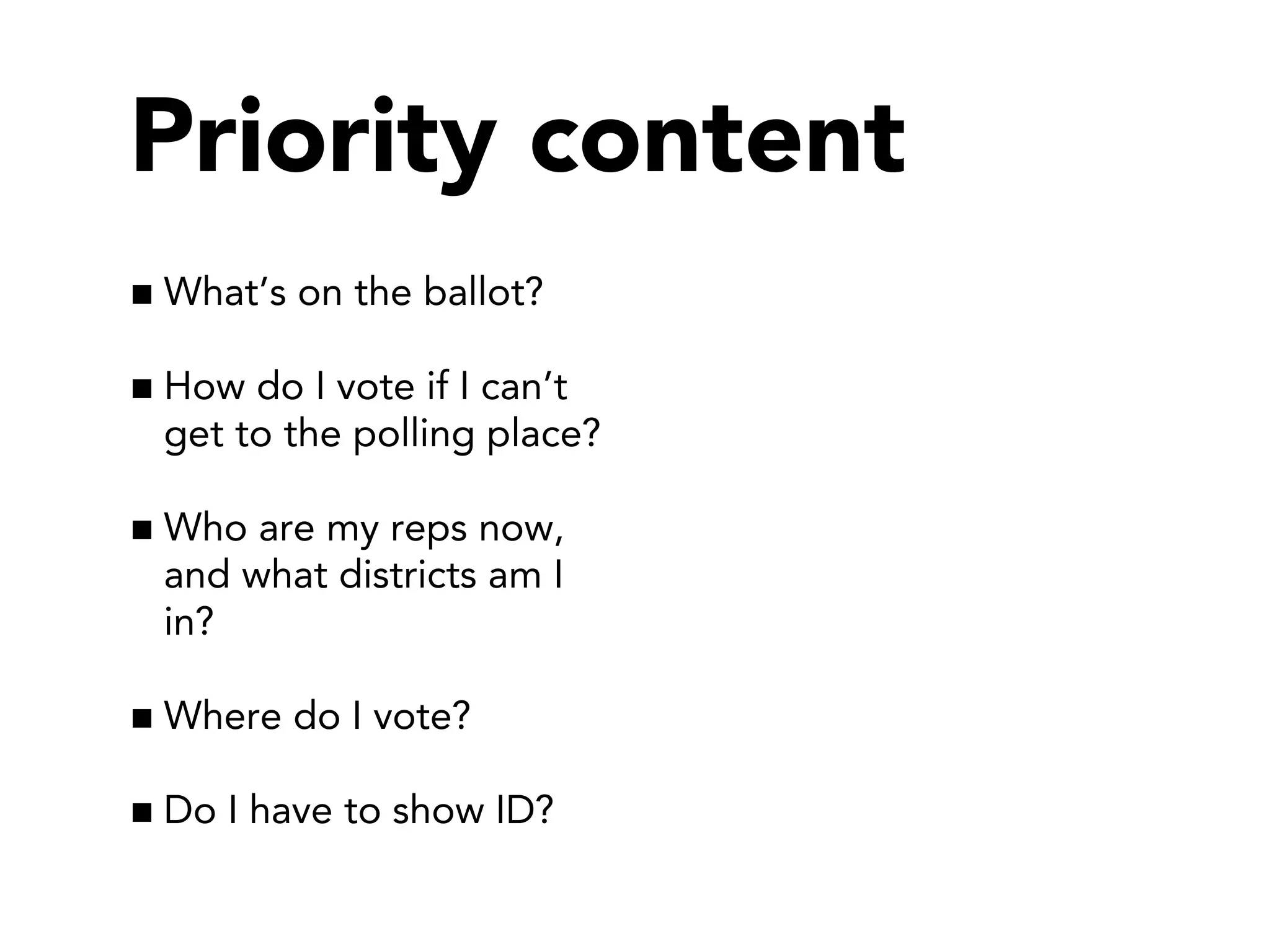
Priority content
What’s on the ballot?
How do I vote if I can’t
get to the polling place?
Who are my reps now,
and what districts am I
in?
Where do I vote?
Do I have to show ID?
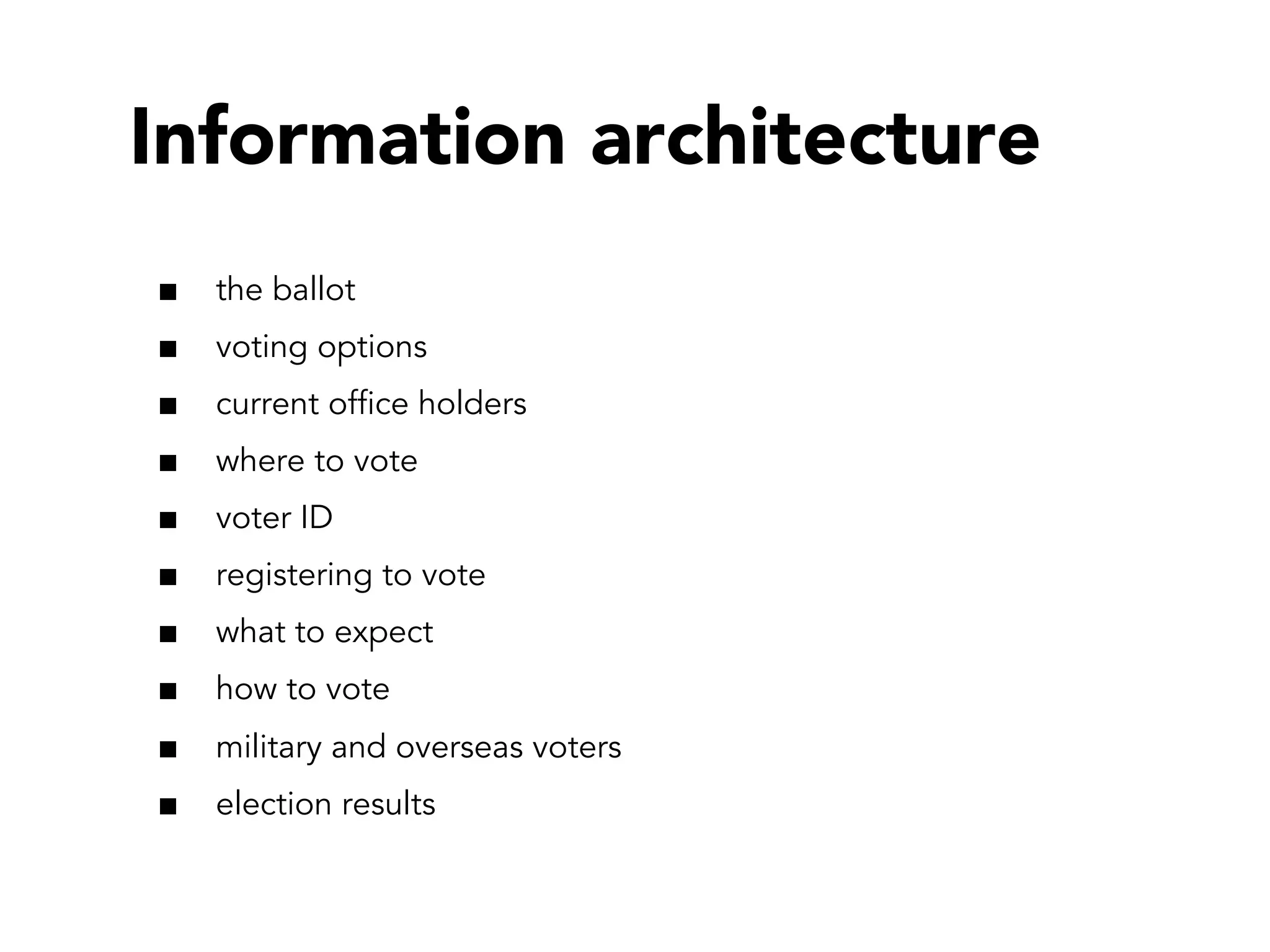
Information architecture
the ballot
voting options
current office holders
where to vote
voter ID
registering to vote
what to expect
how to vote
military and overseas voters
election results
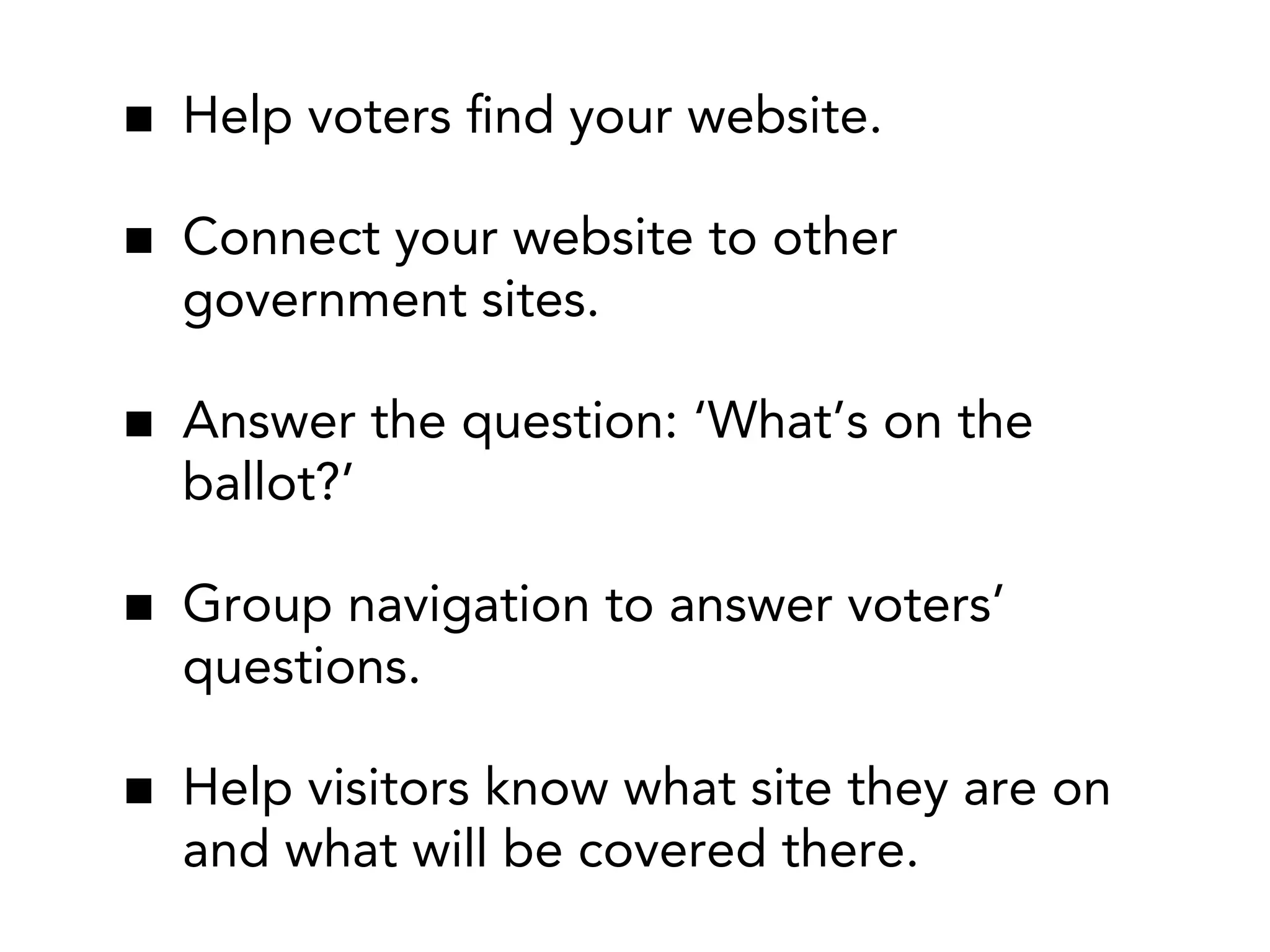
Help voters find your website.
Connect your website to other
government sites.
Answer the question: ‘What’s on the
ballot?’
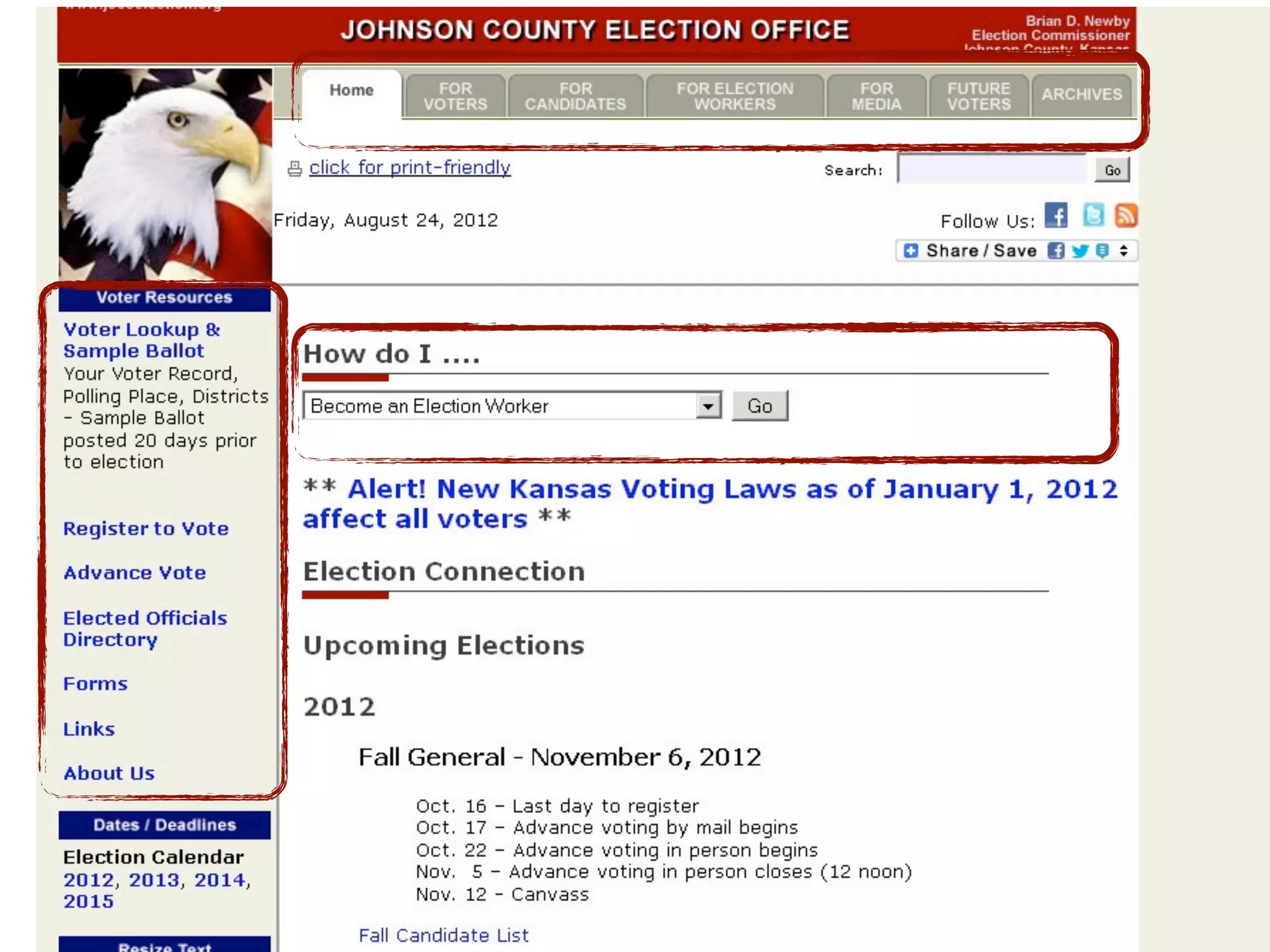
Group navigation to answer voters’
questions.
Help visitors know what site they are on
and what will be covered there.
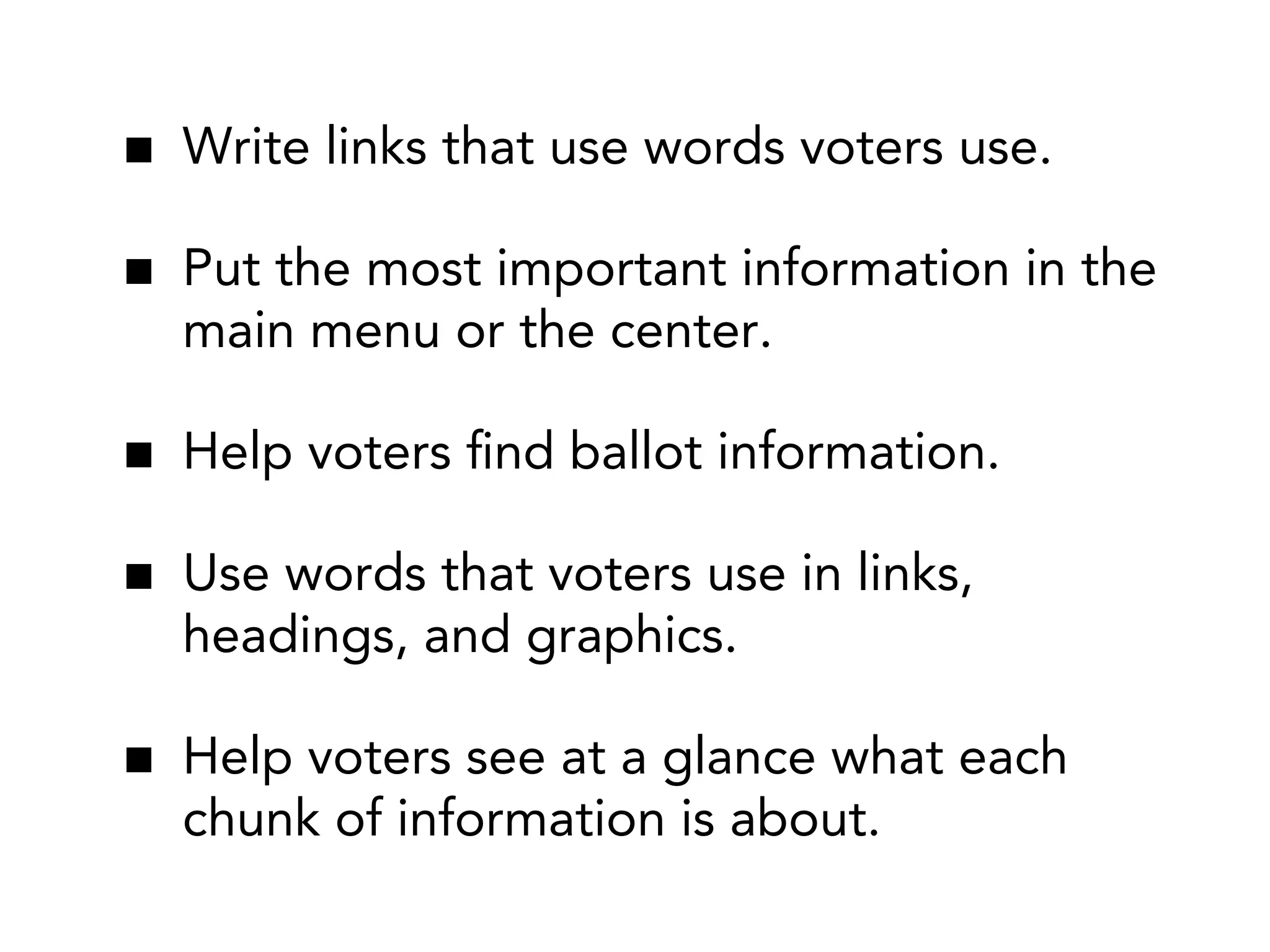
Write links that use words voters use.
Put the most important information in the
main menu or the center.
Help voters find ballot information.
Use words that voters use in links,
headings, and graphics.
Help voters see at a glance what each
chunk of information is about.
New tools.
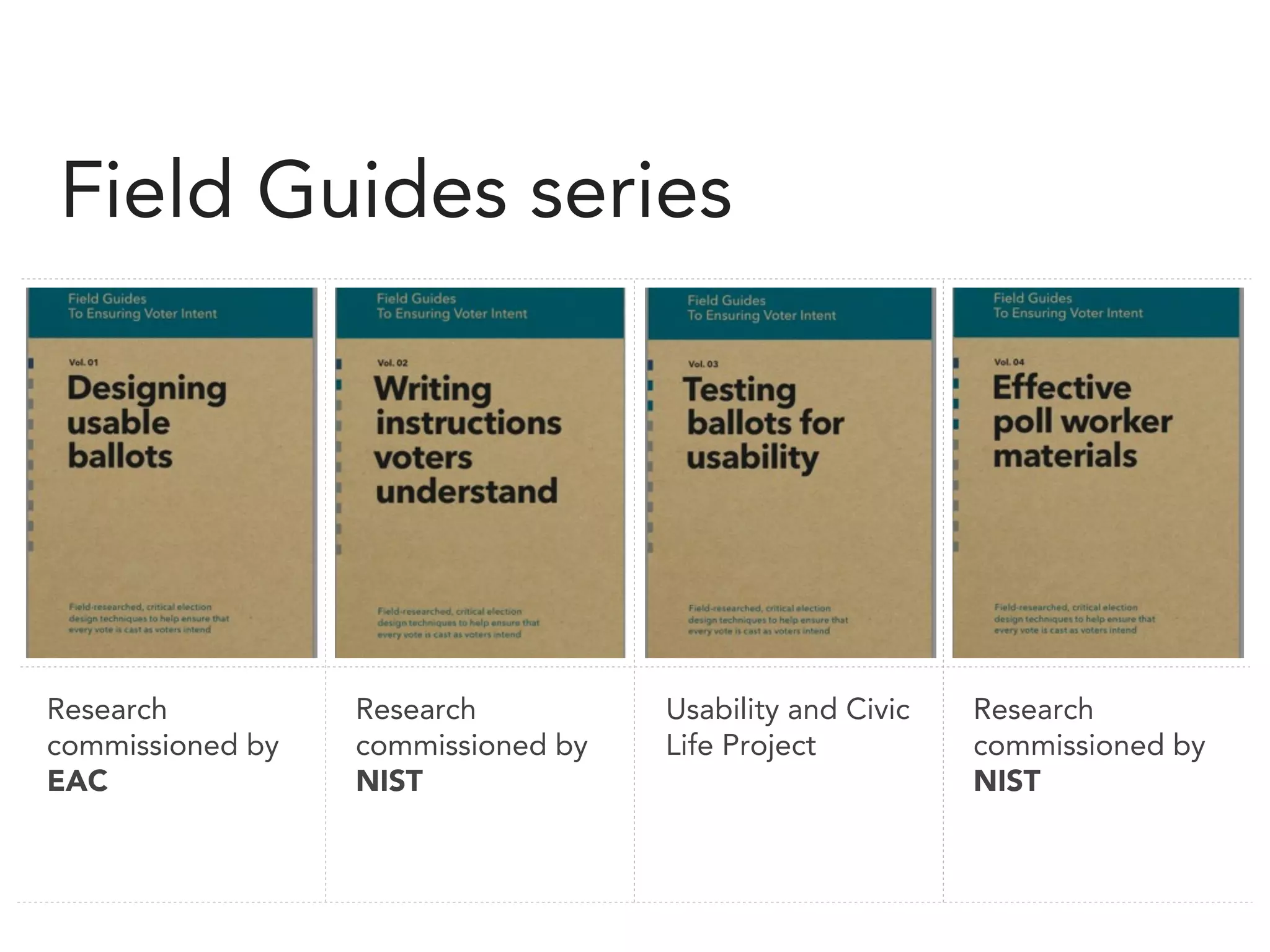
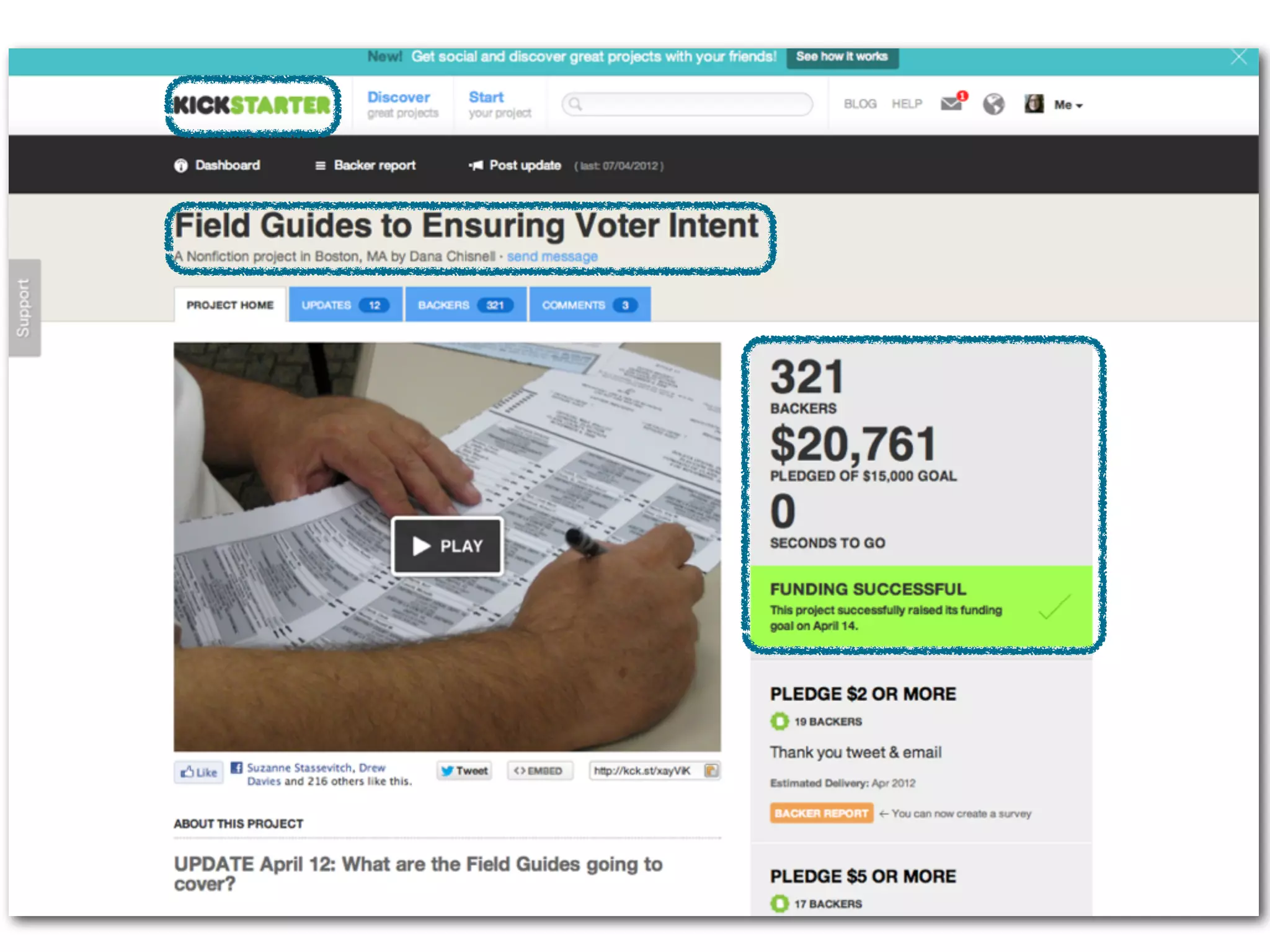
Field Guides series

Research
commissioned by
EAC

Research
commissioned by
NIST

Usability and Civic
Life Project

Research
commissioned by
NIST
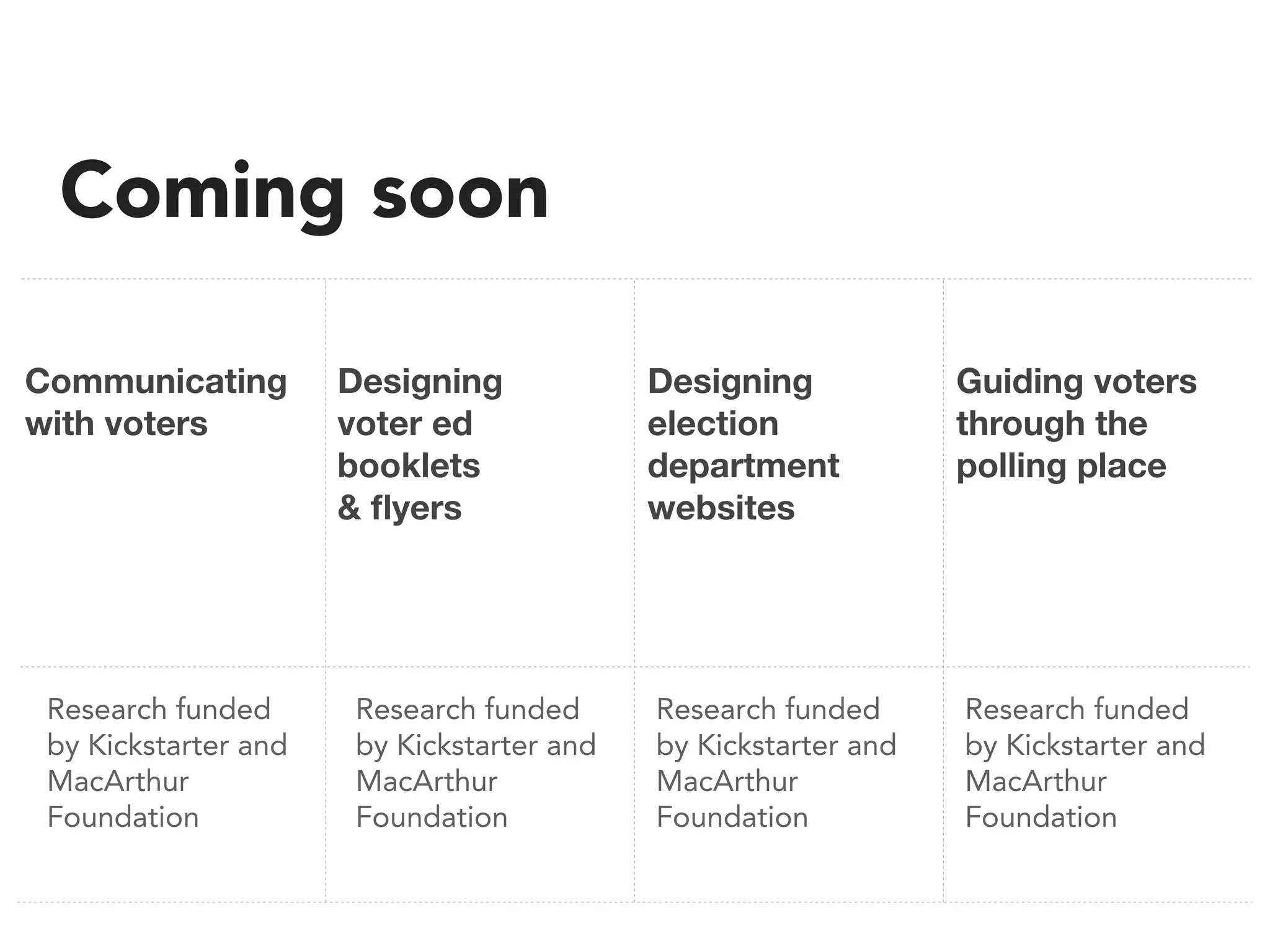
Coming soon
Communicating
with voters

Research funded
by Kickstarter and
MacArthur
Foundation

Designing
voter ed
booklets
& flyers

Research funded
by Kickstarter and
MacArthur
Foundation

Designing
election
department
websites

Guiding voters
through the
polling place

Research funded
by Kickstarter and
MacArthur
Foundation

Research funded
by Kickstarter and
MacArthur
Foundation
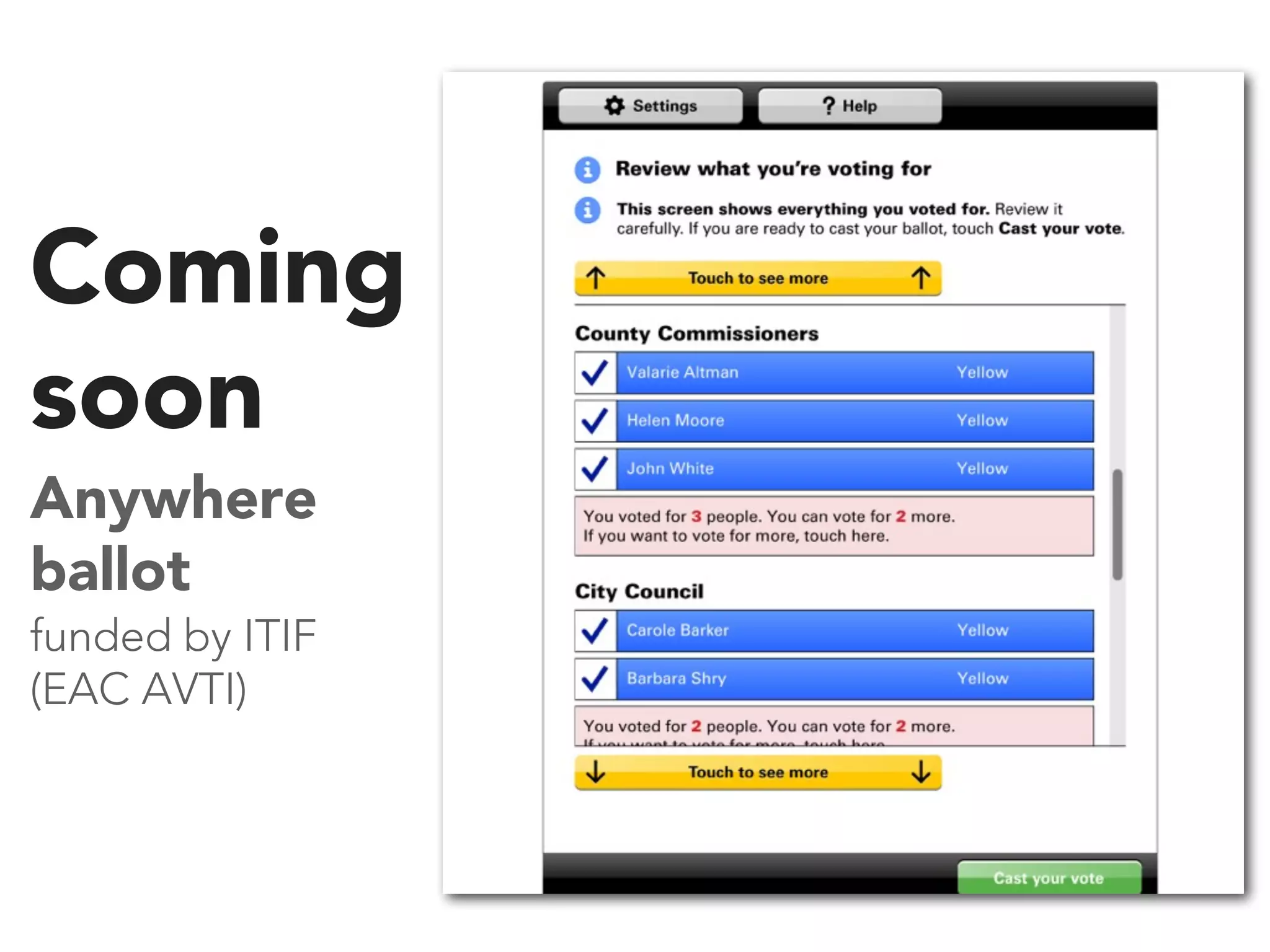
Coming
soon
Anywhere
ballot
funded by ITIF
(EAC AVTI)
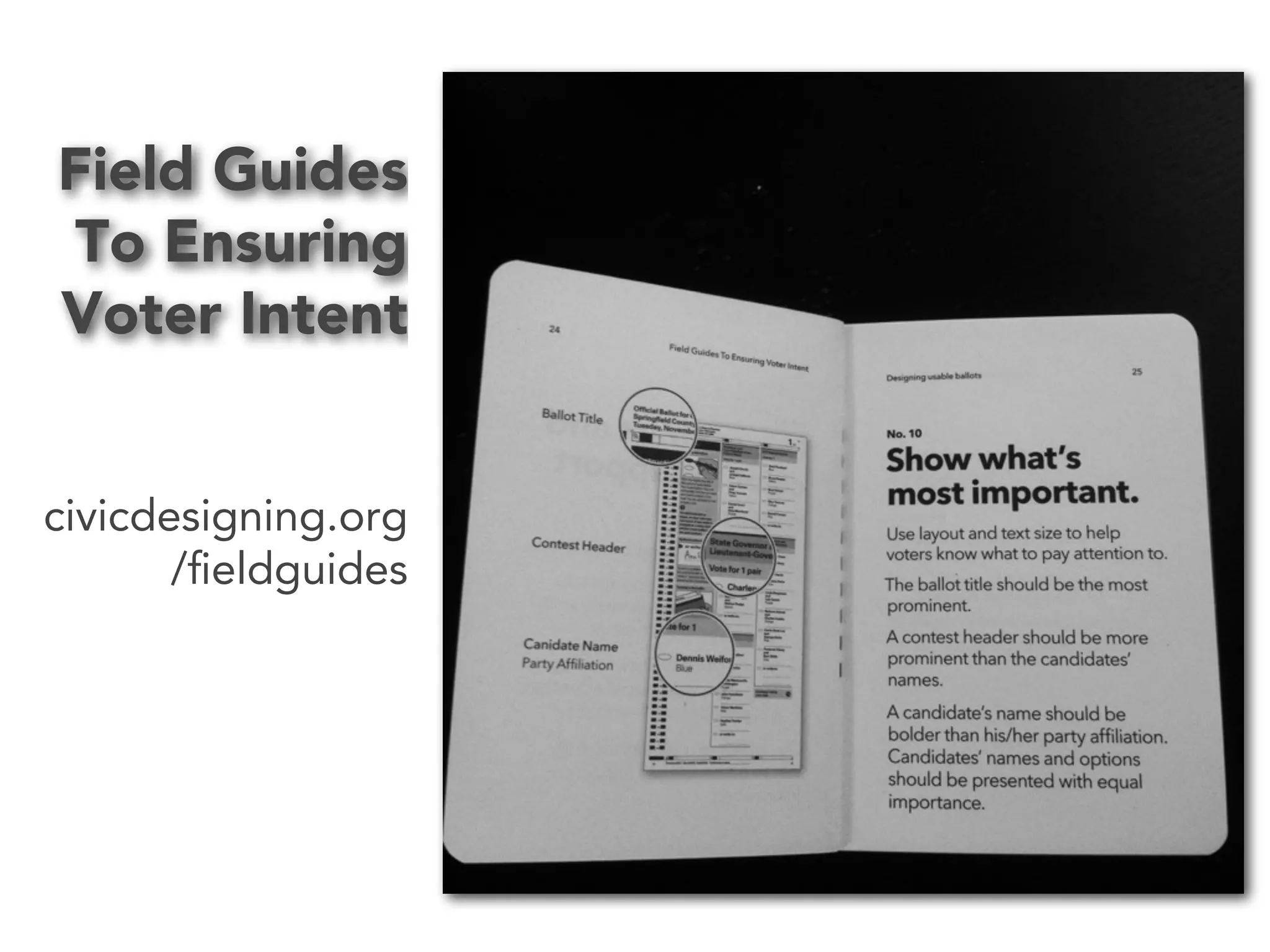
Field Guides
To Ensuring
Voter Intent

civicdesigning.org
/fieldguides
Thank you.
Dana Chisnell
dana@civicdesigning.org
civicdesigning.org
@danachis
@ChadButterfly

I can't find what i'm looking for

  • 1.
    I can’t findwhat I’m looking for! How to answer voters’ questions on your website Dana Chisnell @danachis @ChadButterfly
  • 2.
    What questions didyou have about the election?
  • 3.
    How did youfind out the answers?
  • 4.
    Cataloged 147 electionwebsites Conducted 41 remote moderated usability tests
  • 5.
  • 9.
    Thank you • Michelle Milla • SamanthaLeVan • Karen McGrane • Kate Aurigemma • Krysta Chauncey • Erin Liman • Karen Bachmann • Alessandra Brophy • Rosa Moran • Cyd Harrell • Jenny Greeve • Whitney Quesenbery • Josie Scott • Andrea Fineman • Rachel Goddard
  • 10.
    Factoids 94% of thepopulation lives in a county that has an elections website Of 3,057 counties or equivalent, 966 didn’t have websites (31.5%) “election department” varied by region
  • 11.
  • 12.
    What questions didyou have about the election?
  • 13.
    What questions didyou have about the election?
  • 16.
  • 17.
    Thank you Andrea Moed JacquiAdams Kristen Johansen Josh Keyes Boaz Gurdin Josh Bright Ashley Pearlman Doug Hanke Donald A. Cox Cyd Harrell Kamaria Campbell Whitney Quesenbery Paul Schreiber Andrea Fineman Jenn Downs
  • 18.
  • 19.
    Factoids 33 of 41participants looked online for answers 23 went to county websites
  • 20.
    Voters are ballot-centric they’re focusedon that act, not conscious of the overall process
  • 21.
  • 22.
  • 23.
  • 24.
  • 26.
    If voters don’tknow what is on the ballot they are more likely to go to third-party sources they are less likely to show up at the right polling place they’re likely to undervote down-ballot they are less likely to turn out
  • 27.
    Website design problemsare well understood sites are hard to find find other sources navigation reflects department don’t know where to go labels are jargon don’t know how to get to content dates and deadlines are vague don’t know when to act graphics are gratuitous get distracted or lost in the site, lose trust sites are not accessible disenfranchisement
  • 28.
    What’s on theballot? What are my options for voting? absentee what’s the deadline to apply? what do I have to do to get one? when is it due? early voting Election Day where do I vote? where do I vote?
  • 29.
    what’s the deadline toapply? where do I vote? what do I have to do to get one? when is it due? who is in office now? do I need ID to vote? what’s the deadline for registering? where do I vote?
  • 30.
    But sites showed nearlythe opposite process.
  • 31.
    Elections = process 1.register 2. voting options 3. polling place location 4. voter ID 5. current office holders 6. military and overseas voters 7. sample ballot
  • 32.
  • 33.
    Establish... you’re on agovernment website it’s the election website this is the source you want when the next election is
  • 34.
    Priority content What’s onthe ballot? How do I vote if I can’t get to the polling place? Who are my reps now, and what districts am I in? Where do I vote? Do I have to show ID?
  • 35.
    Information architecture the ballot votingoptions current office holders where to vote voter ID registering to vote what to expect how to vote military and overseas voters election results
  • 37.
    Help voters findyour website. Connect your website to other government sites. Answer the question: ‘What’s on the ballot?’ Group navigation to answer voters’ questions. Help visitors know what site they are on and what will be covered there.
  • 38.
    Write links thatuse words voters use. Put the most important information in the main menu or the center. Help voters find ballot information. Use words that voters use in links, headings, and graphics. Help voters see at a glance what each chunk of information is about.
  • 39.
  • 40.
    Field Guides series Research commissionedby EAC Research commissioned by NIST Usability and Civic Life Project Research commissioned by NIST
  • 42.
    Coming soon Communicating with voters Researchfunded by Kickstarter and MacArthur Foundation Designing voter ed booklets & flyers Research funded by Kickstarter and MacArthur Foundation Designing election department websites Guiding voters through the polling place Research funded by Kickstarter and MacArthur Foundation Research funded by Kickstarter and MacArthur Foundation
  • 43.
  • 44.
    Field Guides To Ensuring VoterIntent civicdesigning.org /fieldguides
  • 45.
  • 46.