HTML5 Basics
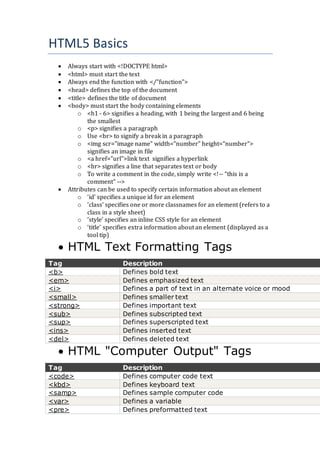
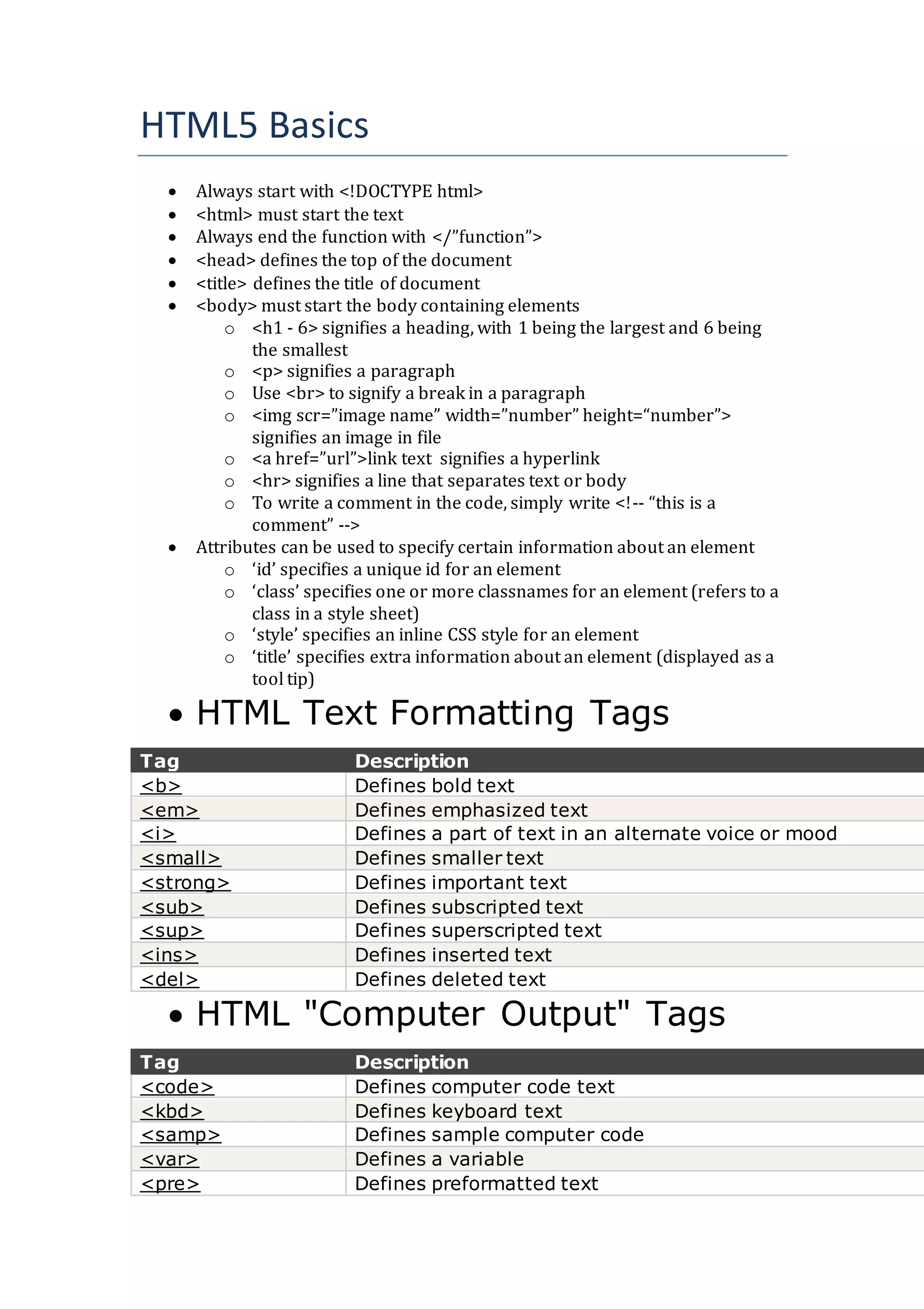
 Always start with <!DOCTYPE html>
 <html> must start the text
 Always end the function with </”function”>
 <head> defines the top of the document
 <title> defines the title of document
 <body> must start the body containing elements
o <h1 - 6> signifies a heading, with 1 being the largest and 6 being
the smallest
o <p> signifies a paragraph
o Use <br> to signify a break in a paragraph
o <img scr=”image name” width=”number” height=“number”>
signifies an image in file
o <a href=”url”>link text signifies a hyperlink
o <hr> signifies a line that separates text or body
o To write a comment in the code, simply write <!-- “this is a
comment” -->
 Attributes can be used to specify certain information about an element
o ‘id’ specifies a unique id for an element
o ‘class’ specifies one or more classnames for an element (refers to a
class in a style sheet)
o ‘style’ specifies an inline CSS style for an element
o ‘title’ specifies extra information about an element (displayed as a
tool tip)
 HTML Text Formatting Tags
Tag Description
<b> Defines bold text
<em> Defines emphasized text
<i> Defines a part of text in an alternate voice or mood
<small> Defines smaller text
<strong> Defines important text
<sub> Defines subscripted text
<sup> Defines superscripted text
<ins> Defines inserted text
<del> Defines deleted text
 HTML "Computer Output" Tags
Tag Description
<code> Defines computer code text
<kbd> Defines keyboard text
<samp> Defines sample computer code
<var> Defines a variable
<pre> Defines preformatted text
 HTML Citations, Quotations, and
Definition Tags
Tag Description
<abbr> Defines an abbreviation or acronym
<address> Defines contact information for the author/owner of a docum
<bdo> Defines the text direction
<blockquote> Defines a section that is quoted from another source
<q> Defines an inline (short) quotation
<cite> Defines the title of a work
<dfn> Defines a definition term
 <a href="url" target="_blank">link text</a> signifies that when the link is
clicked, a new tab will be opened
 The id attribute can be used to create a bookmark inside an HTML
document.
 An anchor with an id inside an HTML document:
 <a id="tips">Useful Tips Section</a>
 Create a link to the "Useful Tips Section" inside the same document:
 <a href="#tips">Visit the Useful Tips Section</a>
 Or, create a link to the "Useful Tips Section" from another page:
 <a href="url#tips">Visit the Useful Tips Section</a>
 {} must be used when specifying colour of backgrounds, text and image
borders etc…
 The <link> tag defines the relationship between a document and an
external resource.
 The <link> tag is most used to link to style sheets: <head>
 <link rel="stylesheet" type="text/css" href="mystyle.css">
 </head>
 <meta> is the key tag for information about certain data in the documents
 Define keywords for search engines:
 <meta name="keywords" content="HTML, CSS, XML, XHTML,
JavaScript">
 Define a description of your web page:
 <meta name="description" content="Free Web tutorials on HTML
and CSS">
 Define the author of a page:
 <meta name="author" content="Hege Refsnes">
 Refresh document every 30 seconds:
 <meta http-equiv="refresh" content="30">
 Use <div style=”various style add-ons></div> to add some colours
and effects such as boxes, text colour,

HTML5 Basics

  • 1.
    HTML5 Basics  Alwaysstart with <!DOCTYPE html>  <html> must start the text  Always end the function with </”function”>  <head> defines the top of the document  <title> defines the title of document  <body> must start the body containing elements o <h1 - 6> signifies a heading, with 1 being the largest and 6 being the smallest o <p> signifies a paragraph o Use <br> to signify a break in a paragraph o <img scr=”image name” width=”number” height=“number”> signifies an image in file o <a href=”url”>link text signifies a hyperlink o <hr> signifies a line that separates text or body o To write a comment in the code, simply write <!-- “this is a comment” -->  Attributes can be used to specify certain information about an element o ‘id’ specifies a unique id for an element o ‘class’ specifies one or more classnames for an element (refers to a class in a style sheet) o ‘style’ specifies an inline CSS style for an element o ‘title’ specifies extra information about an element (displayed as a tool tip)  HTML Text Formatting Tags Tag Description <b> Defines bold text <em> Defines emphasized text <i> Defines a part of text in an alternate voice or mood <small> Defines smaller text <strong> Defines important text <sub> Defines subscripted text <sup> Defines superscripted text <ins> Defines inserted text <del> Defines deleted text  HTML "Computer Output" Tags Tag Description <code> Defines computer code text <kbd> Defines keyboard text <samp> Defines sample computer code <var> Defines a variable <pre> Defines preformatted text
  • 2.
     HTML Citations,Quotations, and Definition Tags Tag Description <abbr> Defines an abbreviation or acronym <address> Defines contact information for the author/owner of a docum <bdo> Defines the text direction <blockquote> Defines a section that is quoted from another source <q> Defines an inline (short) quotation <cite> Defines the title of a work <dfn> Defines a definition term  <a href="url" target="_blank">link text</a> signifies that when the link is clicked, a new tab will be opened  The id attribute can be used to create a bookmark inside an HTML document.  An anchor with an id inside an HTML document:  <a id="tips">Useful Tips Section</a>  Create a link to the "Useful Tips Section" inside the same document:  <a href="#tips">Visit the Useful Tips Section</a>  Or, create a link to the "Useful Tips Section" from another page:  <a href="url#tips">Visit the Useful Tips Section</a>  {} must be used when specifying colour of backgrounds, text and image borders etc…  The <link> tag defines the relationship between a document and an external resource.  The <link> tag is most used to link to style sheets: <head>  <link rel="stylesheet" type="text/css" href="mystyle.css">  </head>  <meta> is the key tag for information about certain data in the documents  Define keywords for search engines:  <meta name="keywords" content="HTML, CSS, XML, XHTML, JavaScript">  Define a description of your web page:  <meta name="description" content="Free Web tutorials on HTML and CSS">  Define the author of a page:  <meta name="author" content="Hege Refsnes">  Refresh document every 30 seconds:  <meta http-equiv="refresh" content="30">  Use <div style=”various style add-ons></div> to add some colours and effects such as boxes, text colour,