Ewiglife
<Web Development by HTML & HTML5>
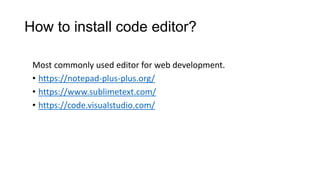
How to install code editor?
Most commonly used editor for web development.
• https://notepad-plus-plus.org/
• https://www.sublimetext.com/
• https://code.visualstudio.com/
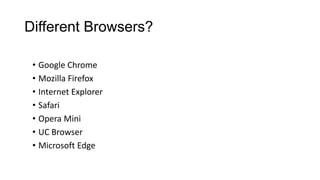
Different Browsers?
• Google Chrome
• Mozilla Firefox
• Internet Explorer
• Safari
• Opera Mini
• UC Browser
• Microsoft Edge
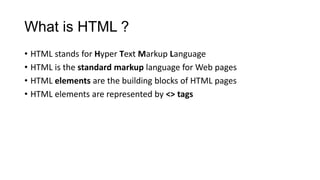
What is HTML ?
• HTML stands for Hyper Text Markup Language
• HTML is the standard markup language for Web pages
• HTML elements are the building blocks of HTML pages
• HTML elements are represented by <> tags
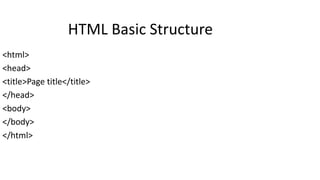
<html>
<head>
<title>Page title</title>
</head>
<body>
</body>
</html>
HTML Basic Structure
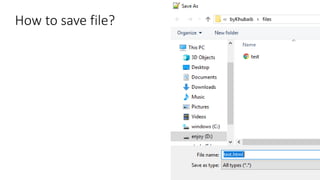
How to save file?
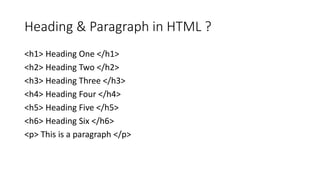
Heading & Paragraph in HTML ?
<h1> Heading One </h1>
<h2> Heading Two </h2>
<h3> Heading Three </h3>
<h4> Heading Four </h4>
<h5> Heading Five </h5>
<h6> Heading Six </h6>
<p> This is a paragraph </p>
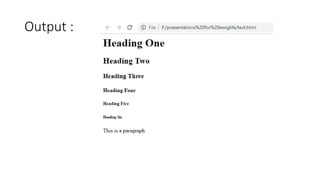
Output :
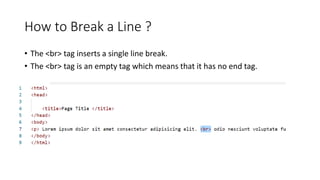
How to Break a Line ?
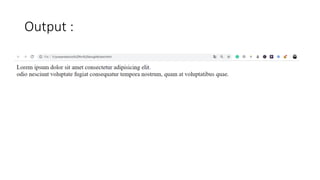
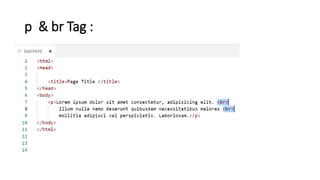
• The <br> tag inserts a single line break.
• The <br> tag is an empty tag which means that it has no end tag.
Output :
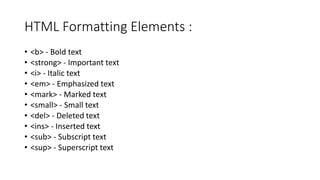
HTML Formatting Elements :
• <b> - Bold text
• <strong> - Important text
• <i> - Italic text
• <em> - Emphasized text
• <mark> - Marked text
• <small> - Small text
• <del> - Deleted text
• <ins> - Inserted text
• <sub> - Subscript text
• <sup> - Superscript text
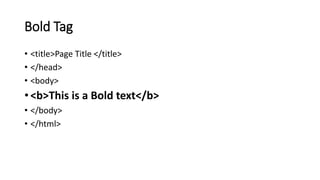
Bold Tag
• <title>Page Title </title>
• </head>
• <body>
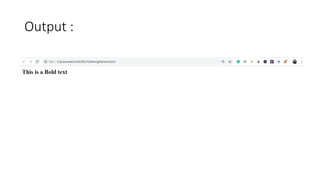
• <b>This is a Bold text</b>
• </body>
• </html>
Output :
Strong Tag
• <title>Page Title </title>
• </head>
• <body>
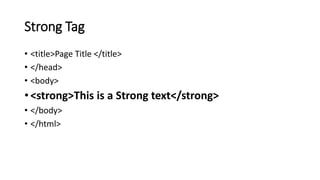
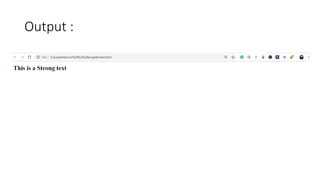
• <strong>This is a Strong text</strong>
• </body>
• </html>
Output :
Italic Tag
• <title>Page Title </title>
• </head>
• <body>
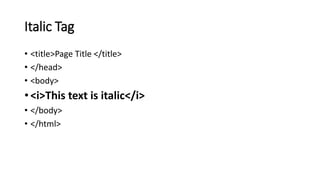
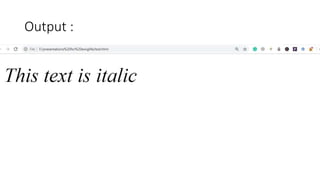
• <i>This text is italic</i>
• </body>
• </html>
Output :
Emphasized Tag
• <title>Page Title </title>
• </head>
• <body>
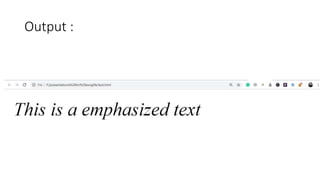
• <em>This is a emphasized text</em>
• </body>
• </html>
Output :
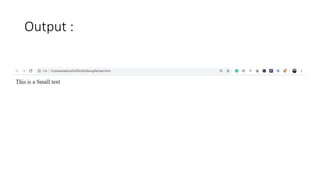
Small Tag
• <title>Page Title </title>
• </head>
• <body>
• <small>This is a Small text</small>
• </body>
• </html>
Output :
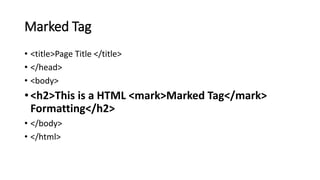
Marked Tag
• <title>Page Title </title>
• </head>
• <body>
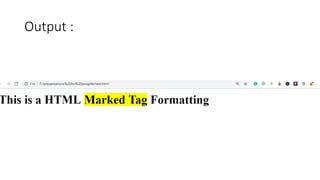
• <h2>This is a HTML <mark>Marked Tag</mark>
Formatting</h2>
• </body>
• </html>
Output :
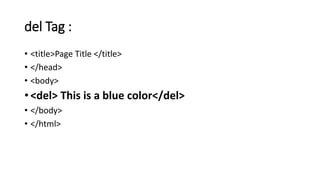
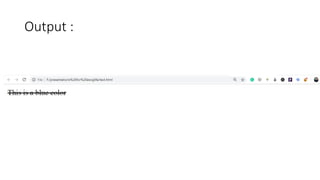
del Tag :
• <title>Page Title </title>
• </head>
• <body>
• <del> This is a blue color</del>
• </body>
• </html>
Output :
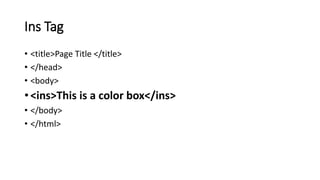
Ins Tag
• <title>Page Title </title>
• </head>
• <body>
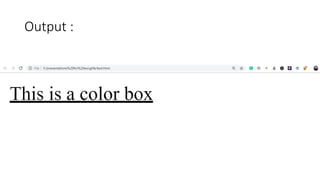
• <ins>This is a color box</ins>
• </body>
• </html>
Output :
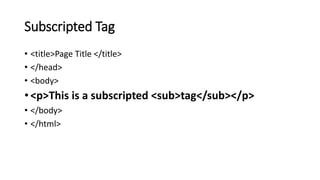
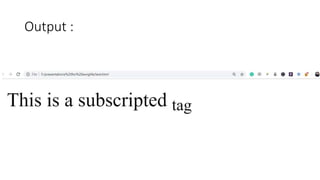
Subscripted Tag
• <title>Page Title </title>
• </head>
• <body>
• <p>This is a subscripted <sub>tag</sub></p>
• </body>
• </html>
Output :
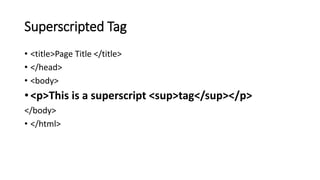
Superscripted Tag
• <title>Page Title </title>
• </head>
• <body>
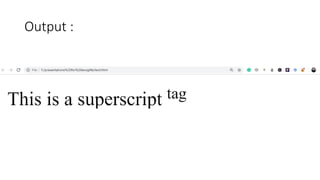
• <p>This is a superscript <sup>tag</sup></p>
</body>
• </html>
Output :
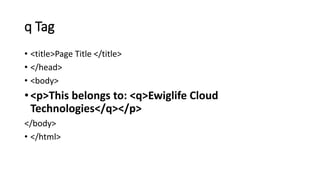
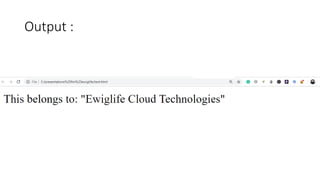
q Tag
• <title>Page Title </title>
• </head>
• <body>
• <p>This belongs to: <q>Ewiglife Cloud
Technologies</q></p>
</body>
• </html>
Output :
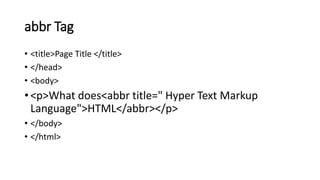
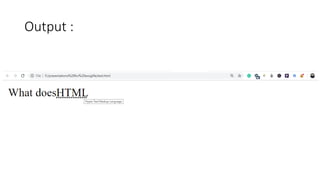
abbr Tag
• <title>Page Title </title>
• </head>
• <body>
• <p>What does<abbr title=" Hyper Text Markup
Language">HTML</abbr></p>
• </body>
• </html>
Output :
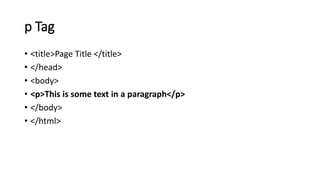
p Tag
• <title>Page Title </title>
• </head>
• <body>
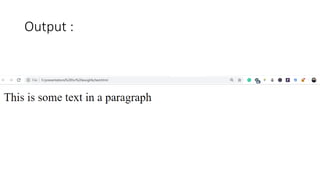
• <p>This is some text in a paragraph</p>
• </body>
• </html>
Output :
p & br Tag :
Output :
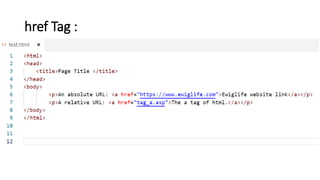
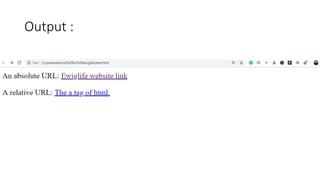
href Tag :
Output :
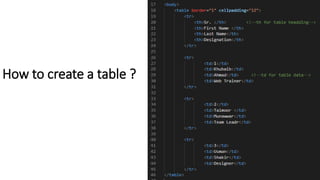
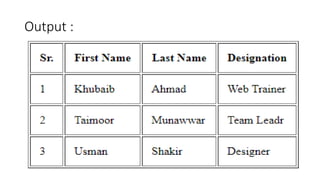
How to create a table ?
Output :
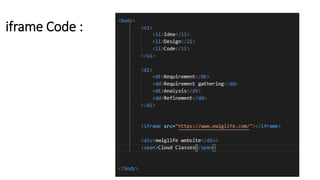
iframe Code :
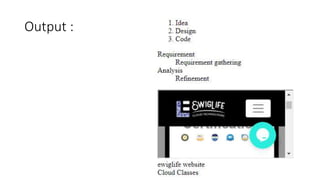
Output :
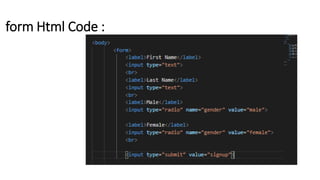
form Html Code :
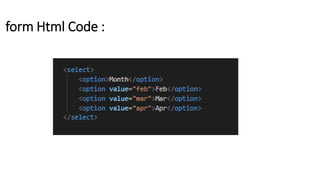
form Html Code :
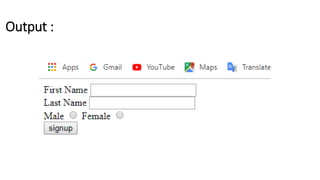
Output :
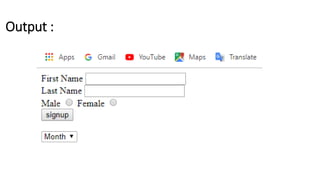
Output :
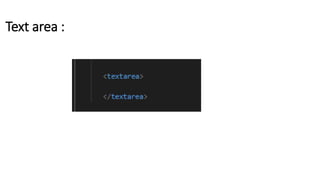
Text area :
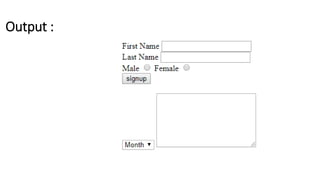
Output :
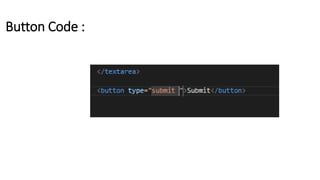
Button Code :
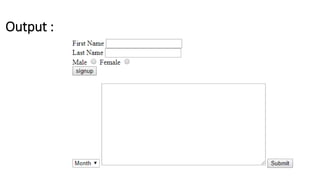
Output :
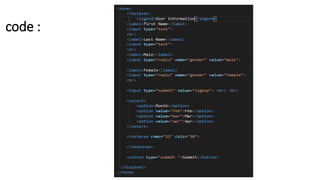
code :
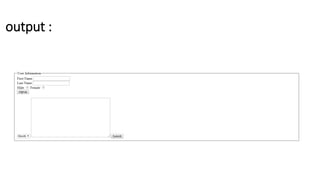
output :
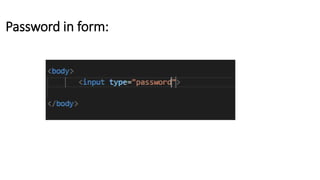
Password in form:
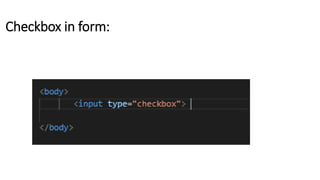
Checkbox in form:
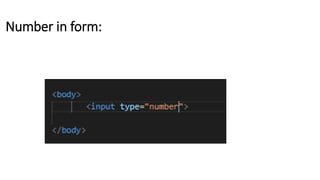
Number in form:
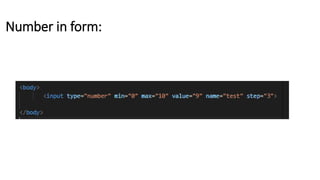
Number in form:
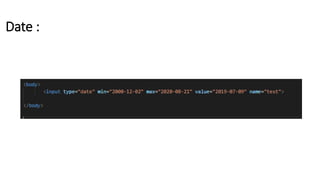
Date :
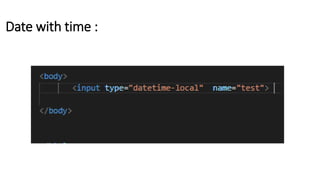
Date with time :
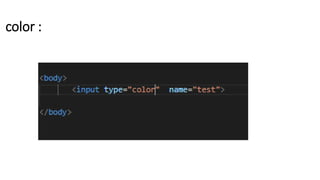
color :
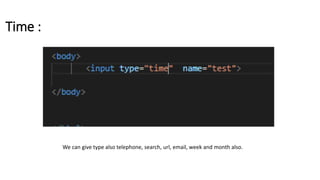
Time :
We can give type also telephone, search, url, email, week and month also.
 Attributes of input field,
 How to disable input fields
 How to make input field for read only
 How to place the placeholder
 How to apply the required field etc
Now we learn about :
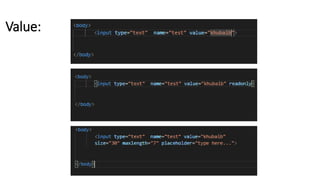
Value:
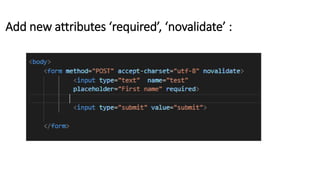
Add new attributes ‘required’, ‘novalidate’ :
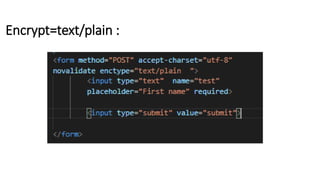
Encrypt=text/plain :
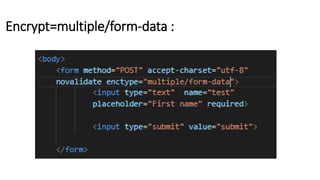
Encrypt=multiple/form-data :
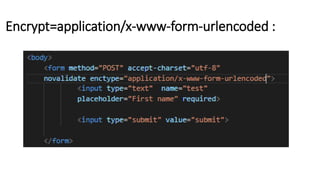
Encrypt=application/x-www-form-urlencoded :
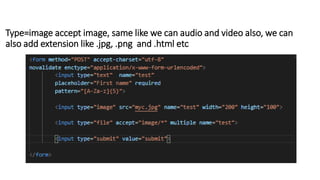
Type=image accept image, same like we can audio and video also, we can
also add extension like .jpg, .png and .html etc
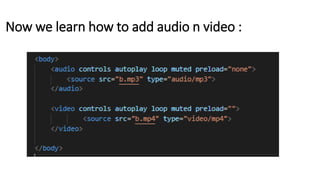
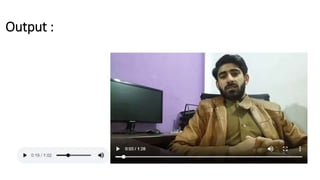
Now we learn how to add audio n video :
Output :
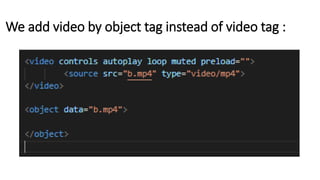
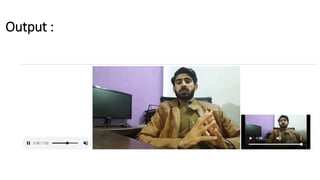
We add video by object tag instead of video tag :
Output :
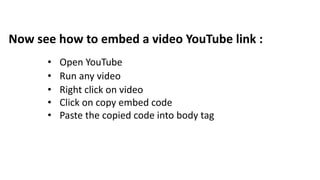
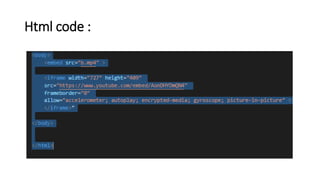
Now see how to embed a video YouTube link :
• Open YouTube
• Run any video
• Right click on video
• Click on copy embed code
• Paste the copied code into body tag
Html code :
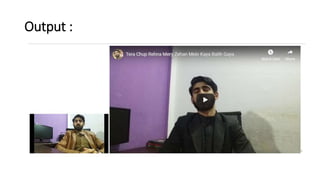
Output :
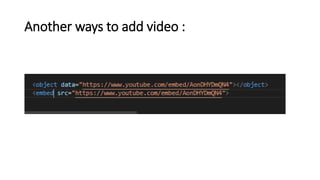
Another ways to add video :
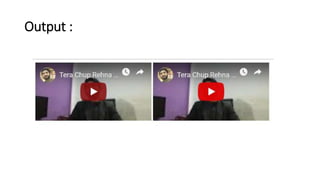
Output :
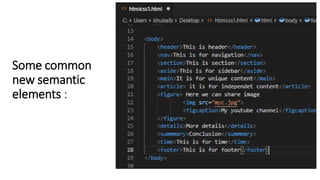
Some common
new semantic
elements :
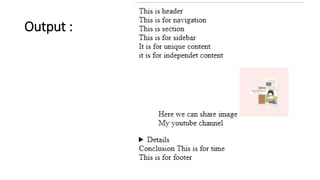
Output :

HTML 5 Web Design