

How to use “Google Drive”?
First,
What is “Google drive”?
A file storage system linked to
your Google account on the
cloud
Accessible via the internet, so
you can access your files
From almost any device
anywhere and share files easily.
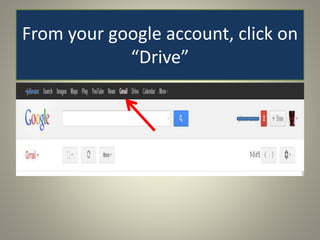
From your google account, click on
“Drive”
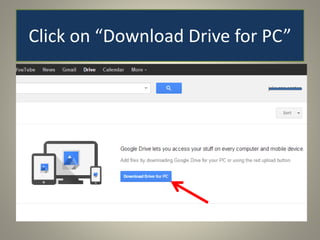
Click on “Download Drive for PC”
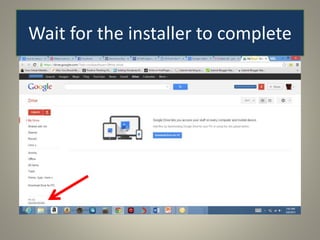
Wait for the installer to complete
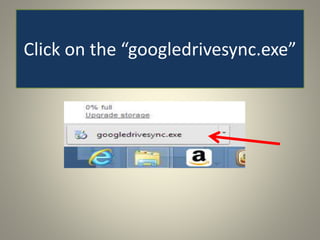
Click on the “googledrivesync.exe”
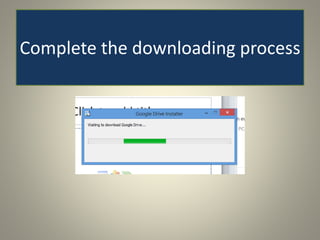
Complete the downloading process
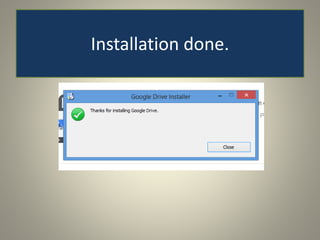
Installation done.
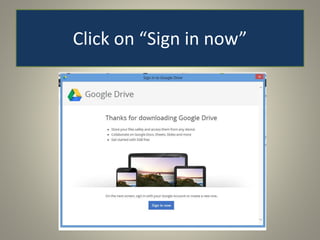
Click on “Sign in now”
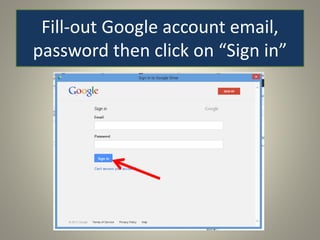
Fill-out Google account email,
password then click on “Sign in”
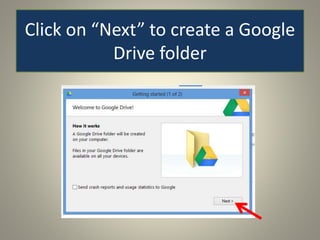
Click on “Next” to create a Google
Drive folder
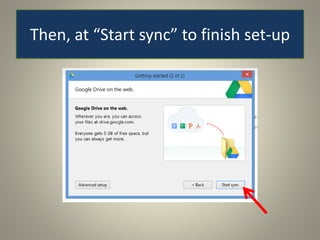
Then, at “Start sync” to finish set-up
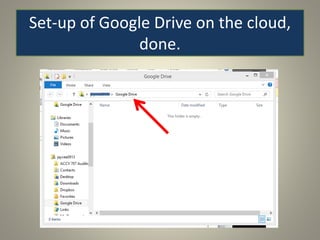
Set-up of Google Drive on the cloud,
done.
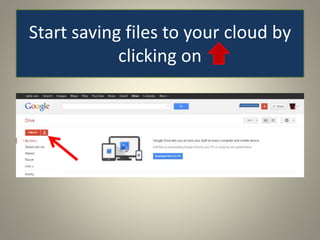
Start saving files to your cloud by
clicking on
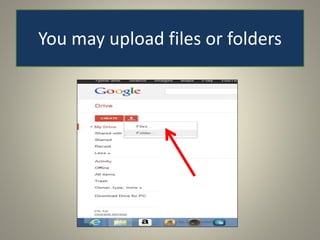
You may upload files or folders
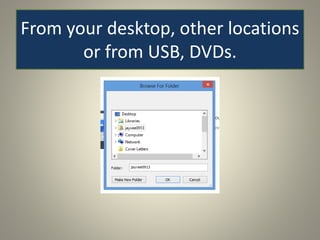
From your desktop, other locations
or from USB, DVDs.
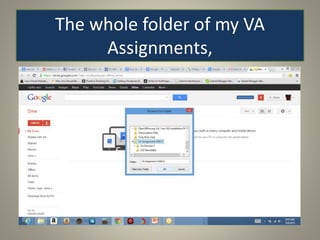
The whole folder of my VA
Assignments,
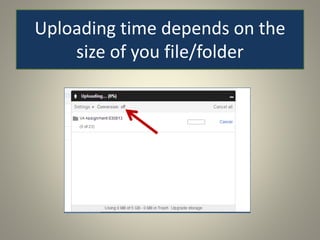
Uploading time depends on the
size of you file/folder
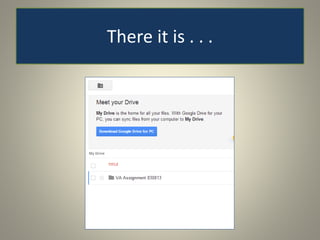
There it is . . .
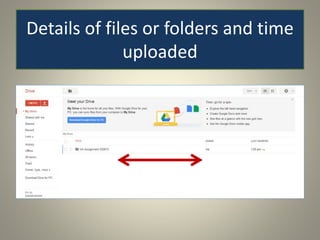
Details of files or folders and time
uploaded
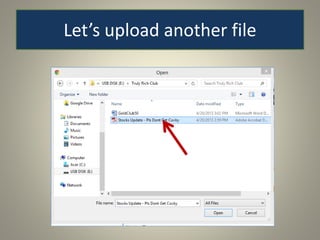
Let’s upload another file
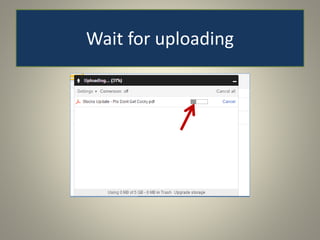
Wait for uploading
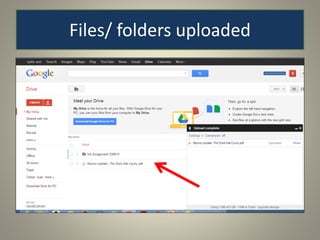
Files/ folders uploaded
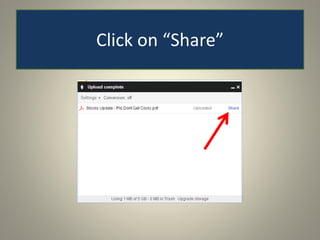
Click on “Share”
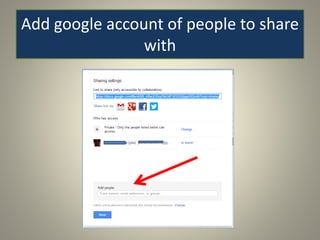
Add google account of people to share
with
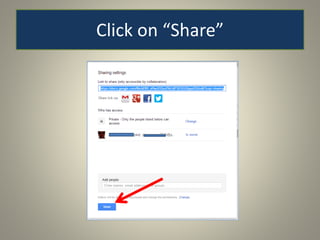
Click on “Share”
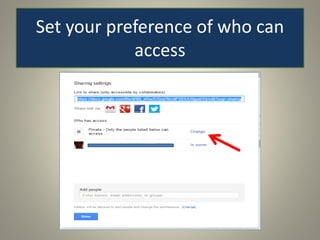
Set your preference of who can
access
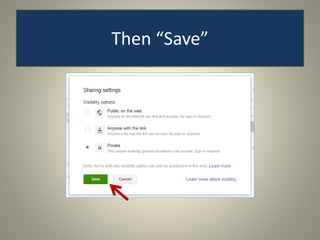
Then “Save”
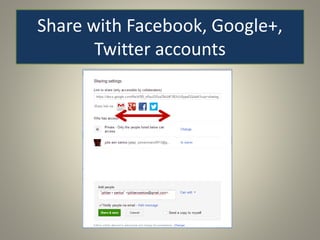
Share with Facebook, Google+,
Twitter accounts
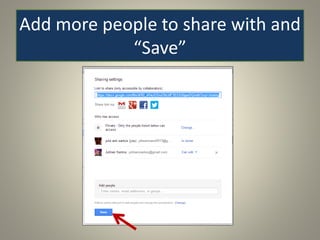
Add more people to share with and
“Save”
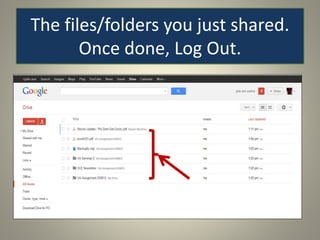
The files/folders you just shared.
Once done, Log Out.
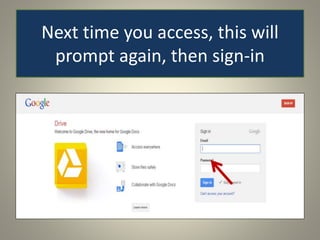
Next time you access, this will
prompt again, then sign-in
Save your documents from
sudden computer crash or lost
USB.
Sign up for “Google Drive” now.
Enjoy Saving in the Cloud.

How to use Google Drive