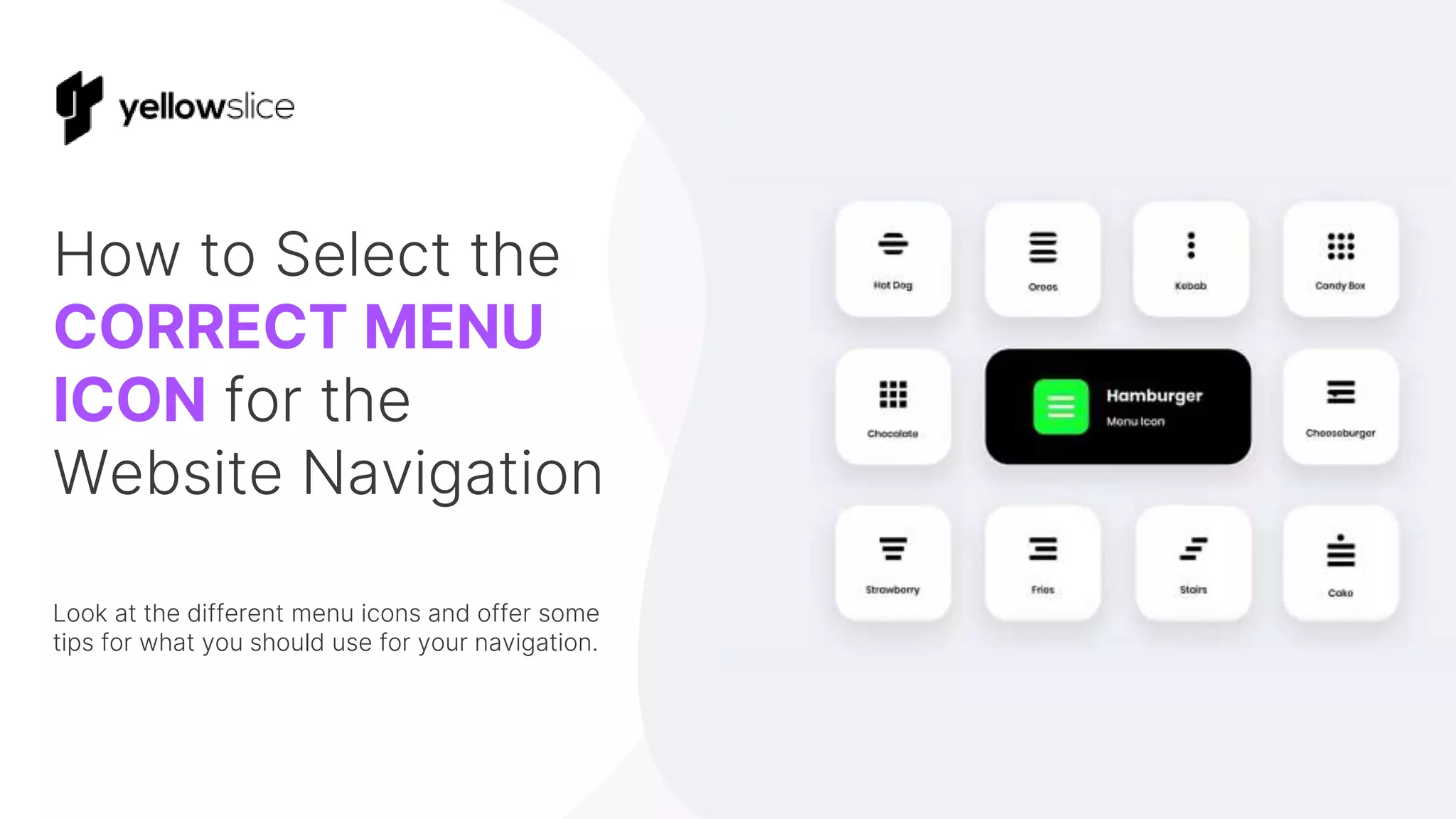
How to Select the
CORRECT MENU
ICON for the
Website Navigation
Look at the different menu icons and offer some
tips for what you should use for your navigation.
Hamburger Menu Icon
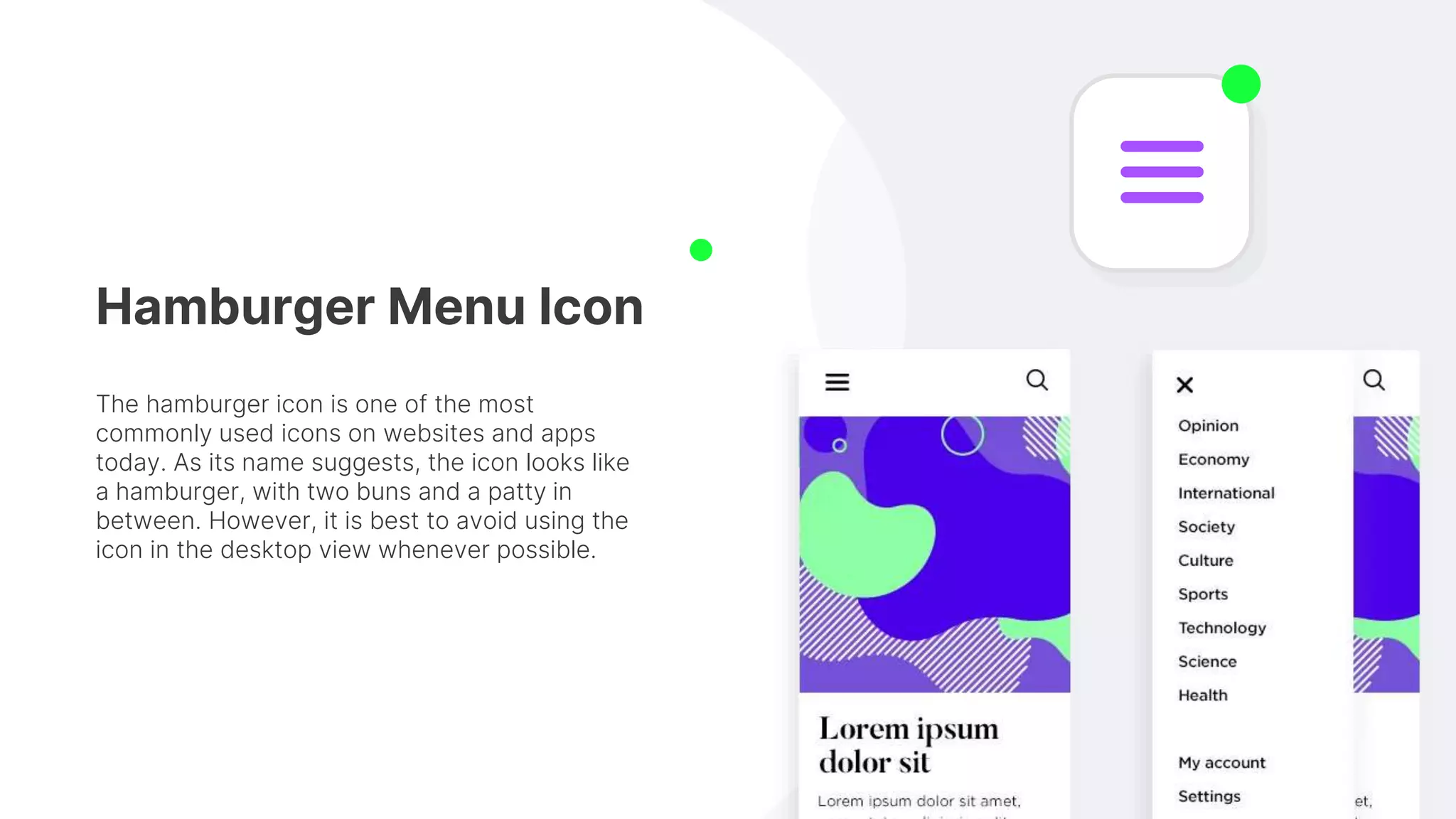
The hamburger icon is one of the most
commonly used icons on websites and apps
today. As its name suggests, the icon looks like
a hamburger, with two buns and a patty in
between. However, it is best to avoid using the
icon in the desktop view whenever possible.
Kebab Menu Icon
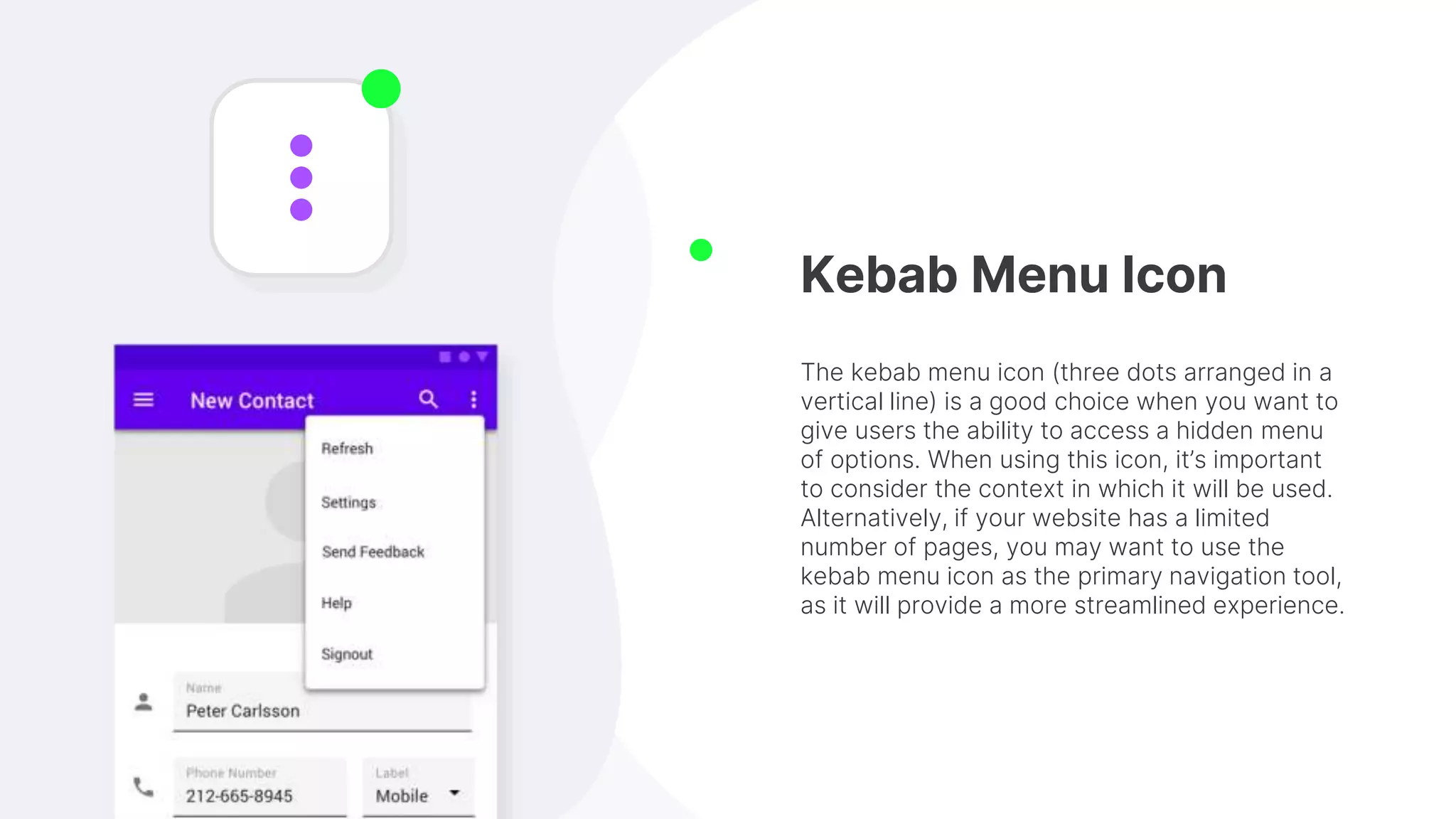
The kebab menu icon (three dots arranged in a
vertical line) is a good choice when you want to
give users the ability to access a hidden menu
of options. When using this icon, it’s important
to consider the context in which it will be used.
Alternatively, if your website has a limited
number of pages, you may want to use the
kebab menu icon as the primary navigation tool,
as it will provide a more streamlined experience.
Meatballs Menu Icon
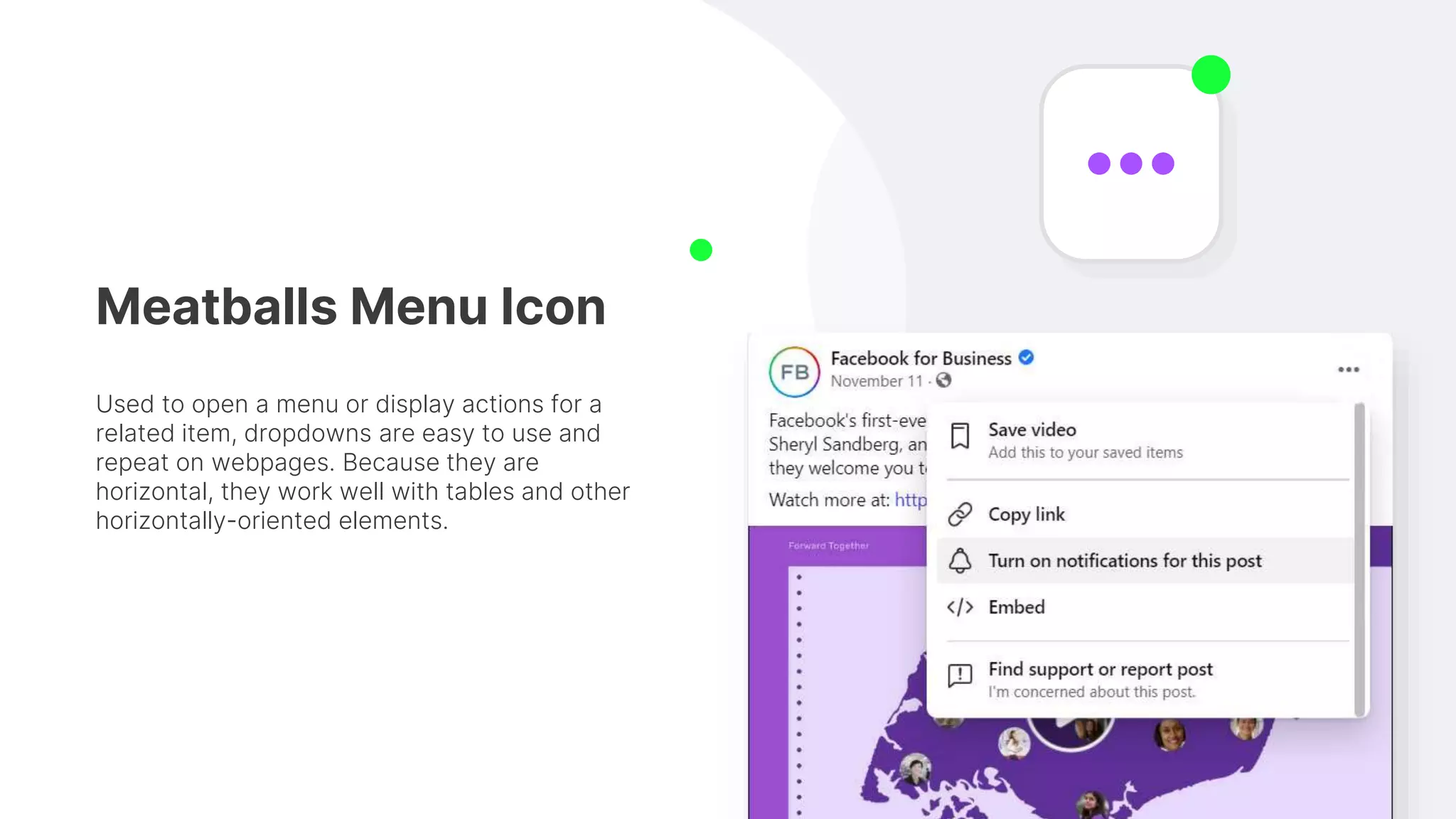
Used to open a menu or display actions for a
related item, dropdowns are easy to use and
repeat on webpages. Because they are
horizontal, they work well with tables and other
horizontally-oriented elements.
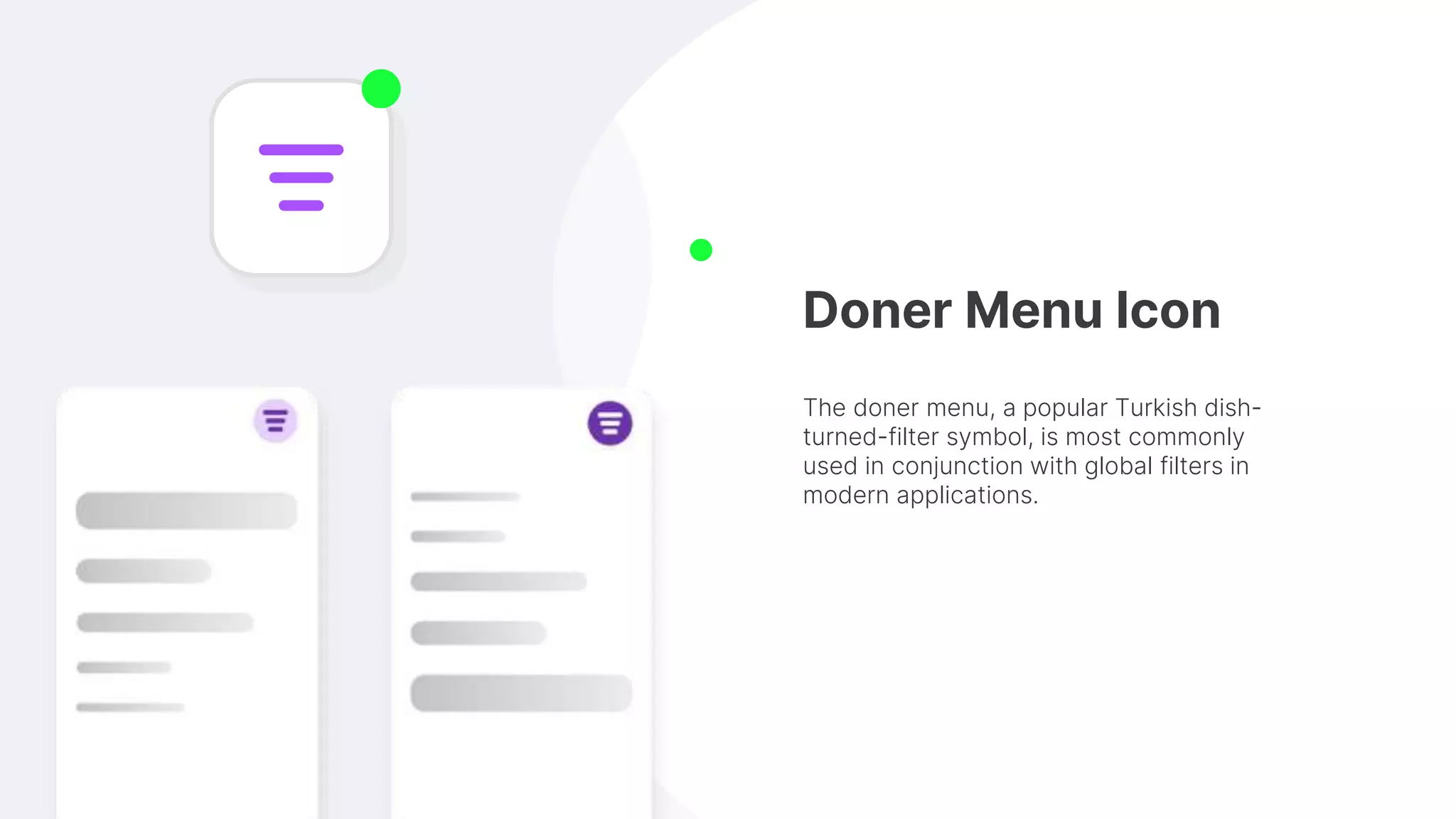
Doner Menu Icon
The doner menu, a popular Turkish dish-
turned-filter symbol, is most commonly
used in conjunction with global filters in
modern applications.
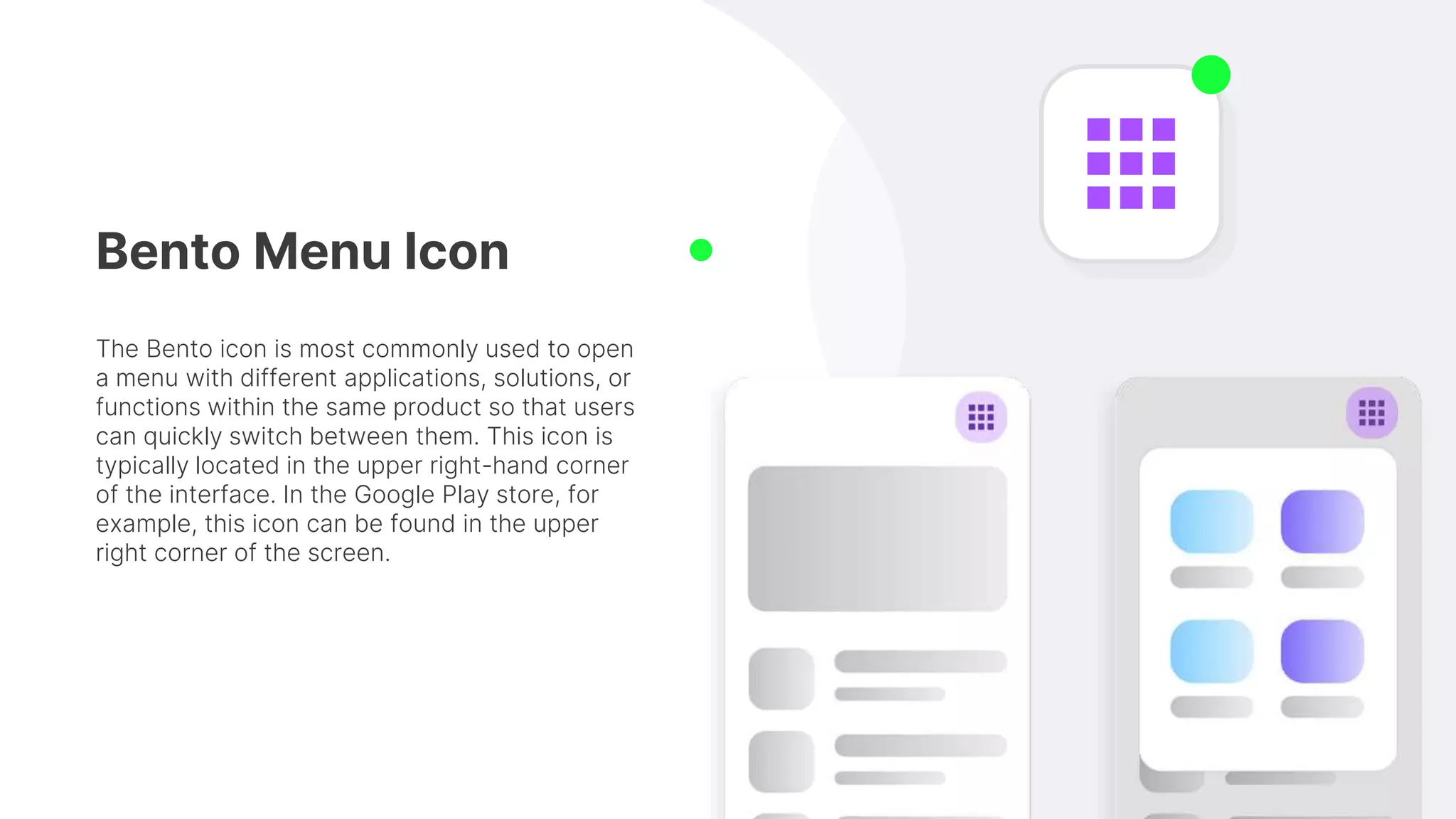
Bento Menu Icon
The Bento icon is most commonly used to open
a menu with different applications, solutions, or
functions within the same product so that users
can quickly switch between them. This icon is
typically located in the upper right-hand corner
of the interface. In the Google Play store, for
example, this icon can be found in the upper
right corner of the screen.
Conclusion:
The best icons to use for navigation will be the standard arrows that are used
for navigation in every browser. But there may be times when a custom icon
is the best choice. What you need to consider then is the meaning behind the
icon and how it relates to the content on your website.

How to Select the Correct Menu Icon for the Website Navigation

  • 1.
    How to Selectthe CORRECT MENU ICON for the Website Navigation Look at the different menu icons and offer some tips for what you should use for your navigation.
  • 2.
    Hamburger Menu Icon Thehamburger icon is one of the most commonly used icons on websites and apps today. As its name suggests, the icon looks like a hamburger, with two buns and a patty in between. However, it is best to avoid using the icon in the desktop view whenever possible.
  • 3.
    Kebab Menu Icon Thekebab menu icon (three dots arranged in a vertical line) is a good choice when you want to give users the ability to access a hidden menu of options. When using this icon, it’s important to consider the context in which it will be used. Alternatively, if your website has a limited number of pages, you may want to use the kebab menu icon as the primary navigation tool, as it will provide a more streamlined experience.
  • 4.
    Meatballs Menu Icon Usedto open a menu or display actions for a related item, dropdowns are easy to use and repeat on webpages. Because they are horizontal, they work well with tables and other horizontally-oriented elements.
  • 5.
    Doner Menu Icon Thedoner menu, a popular Turkish dish- turned-filter symbol, is most commonly used in conjunction with global filters in modern applications.
  • 6.
    Bento Menu Icon TheBento icon is most commonly used to open a menu with different applications, solutions, or functions within the same product so that users can quickly switch between them. This icon is typically located in the upper right-hand corner of the interface. In the Google Play store, for example, this icon can be found in the upper right corner of the screen.
  • 7.
    Conclusion: The best iconsto use for navigation will be the standard arrows that are used for navigation in every browser. But there may be times when a custom icon is the best choice. What you need to consider then is the meaning behind the icon and how it relates to the content on your website.