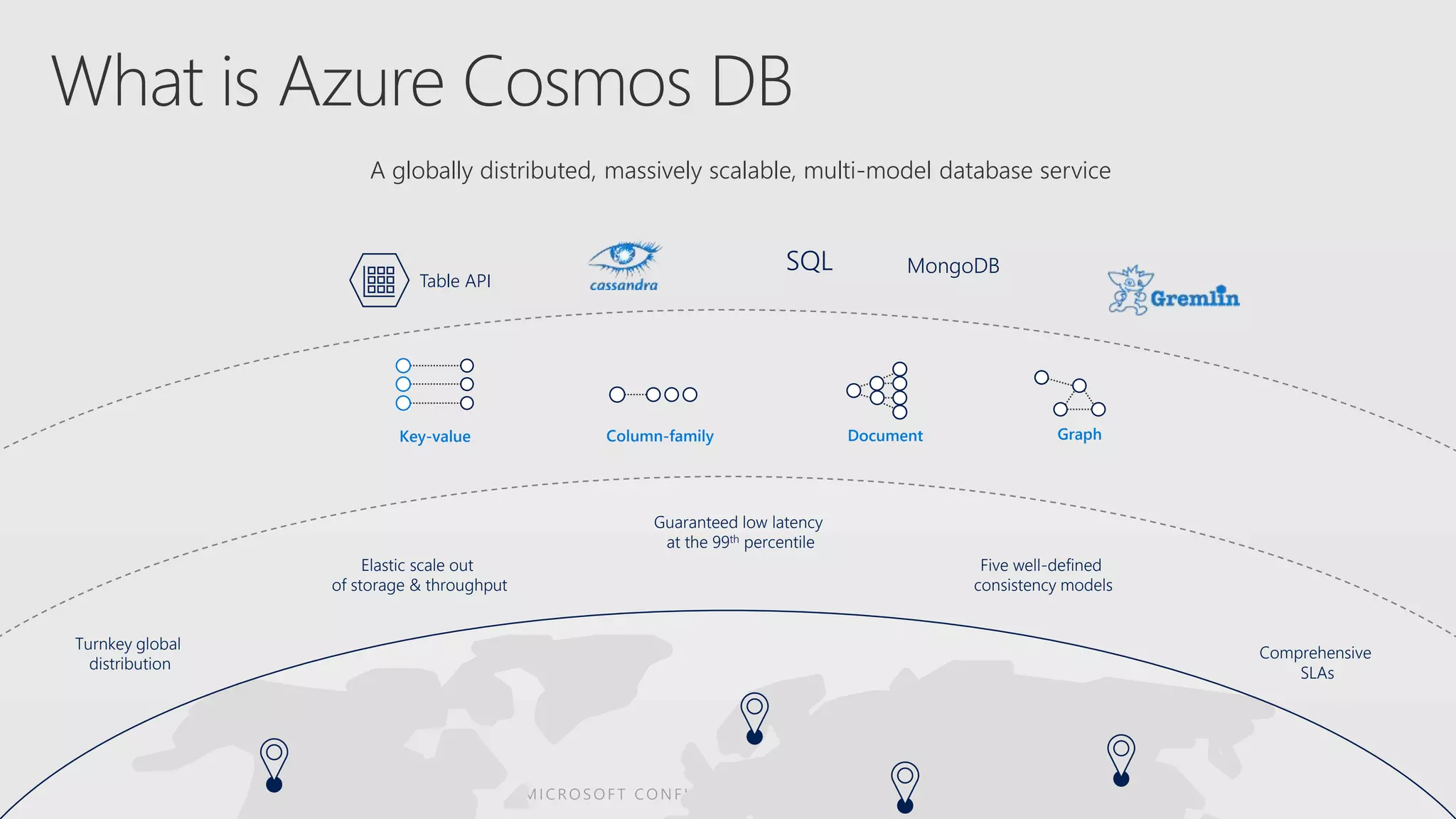
Turnkey global
distribution
Elastic scale out
of storage & throughput
Guaranteed low latency
at the 99th percentile
Comprehensive
SLAs
Five well-defined
consistency models
Table API
SQL MongoDB
Column-family DocumentKey-value Graph
A globally distributed, massively scalable, multi-model database service
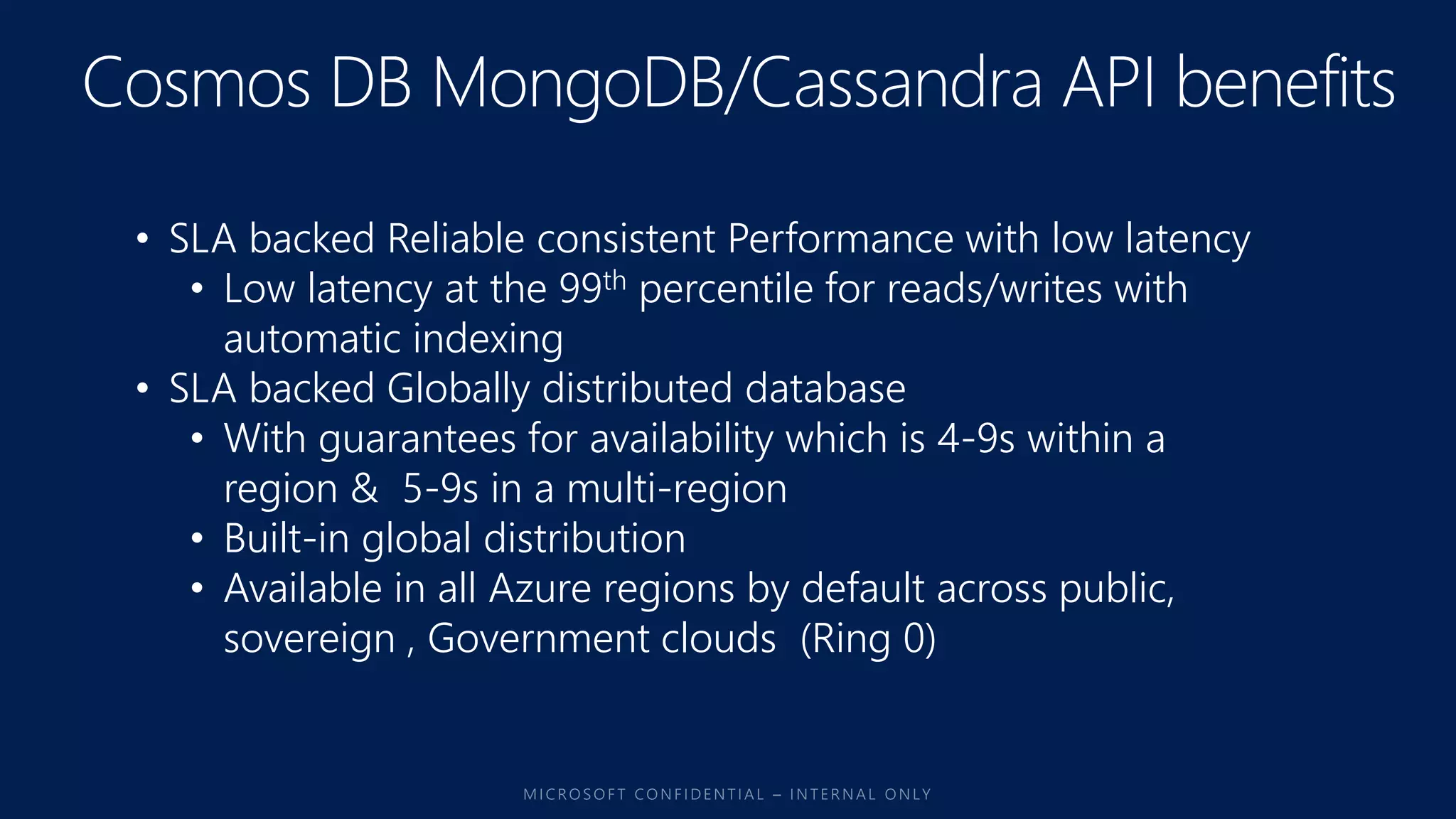
• SLA backed Reliable consistent Performance with low latency
• Low latency at the 99th percentile for reads/writes with
automatic indexing
• SLA backed Globally distributed database
• With guarantees for availability which is 4-9s within a
region & 5-9s in a multi-region
• Built-in global distribution
• Available in all Azure regions by default across public,
sovereign , Government clouds (Ring 0)
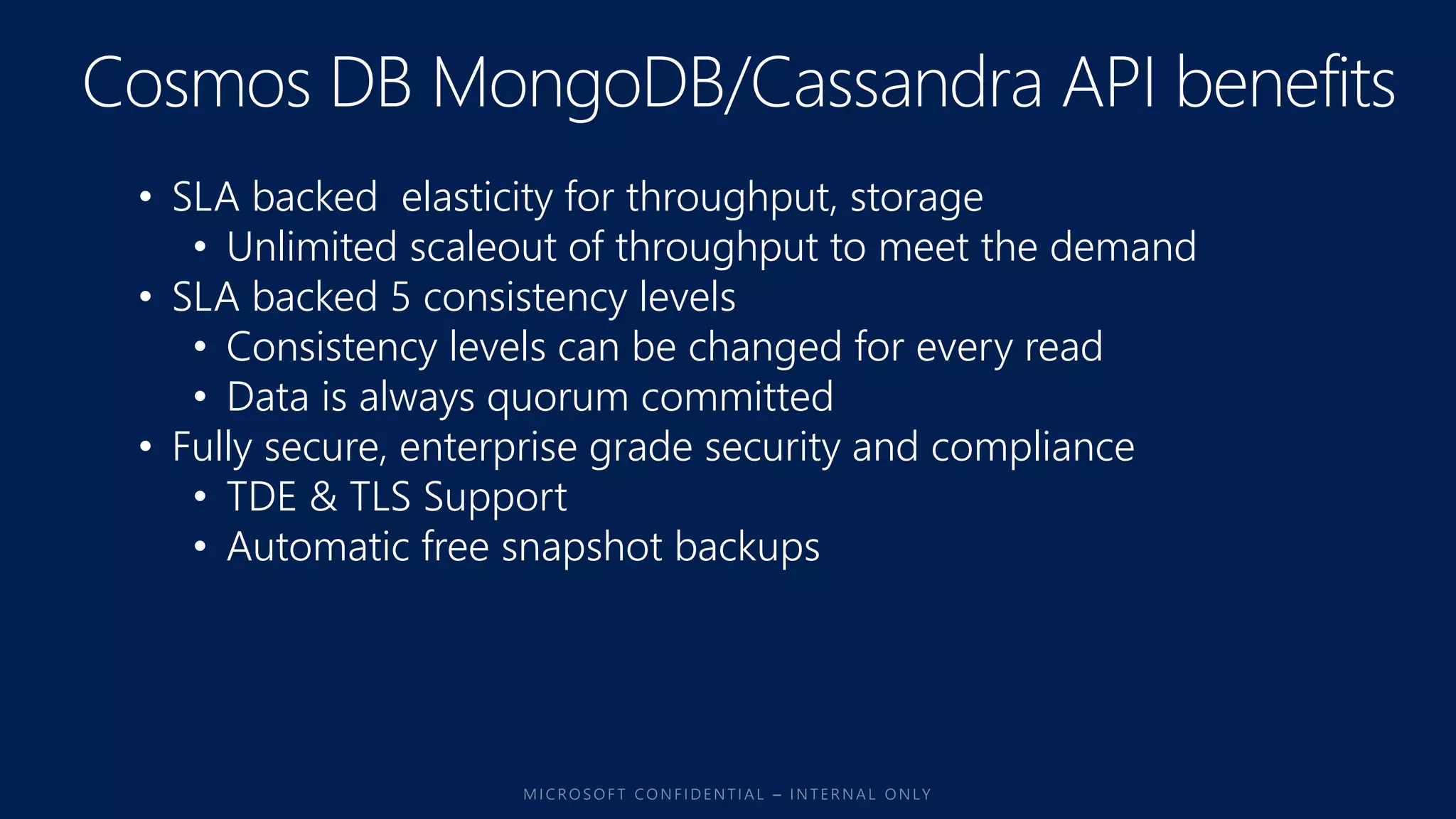
• SLA backed elasticity for throughput, storage
• Unlimited scaleout of throughput to meet the demand
• SLA backed 5 consistency levels
• Consistency levels can be changed for every read
• Data is always quorum committed
• Fully secure, enterprise grade security and compliance
• TDE & TLS Support
• Automatic free snapshot backups
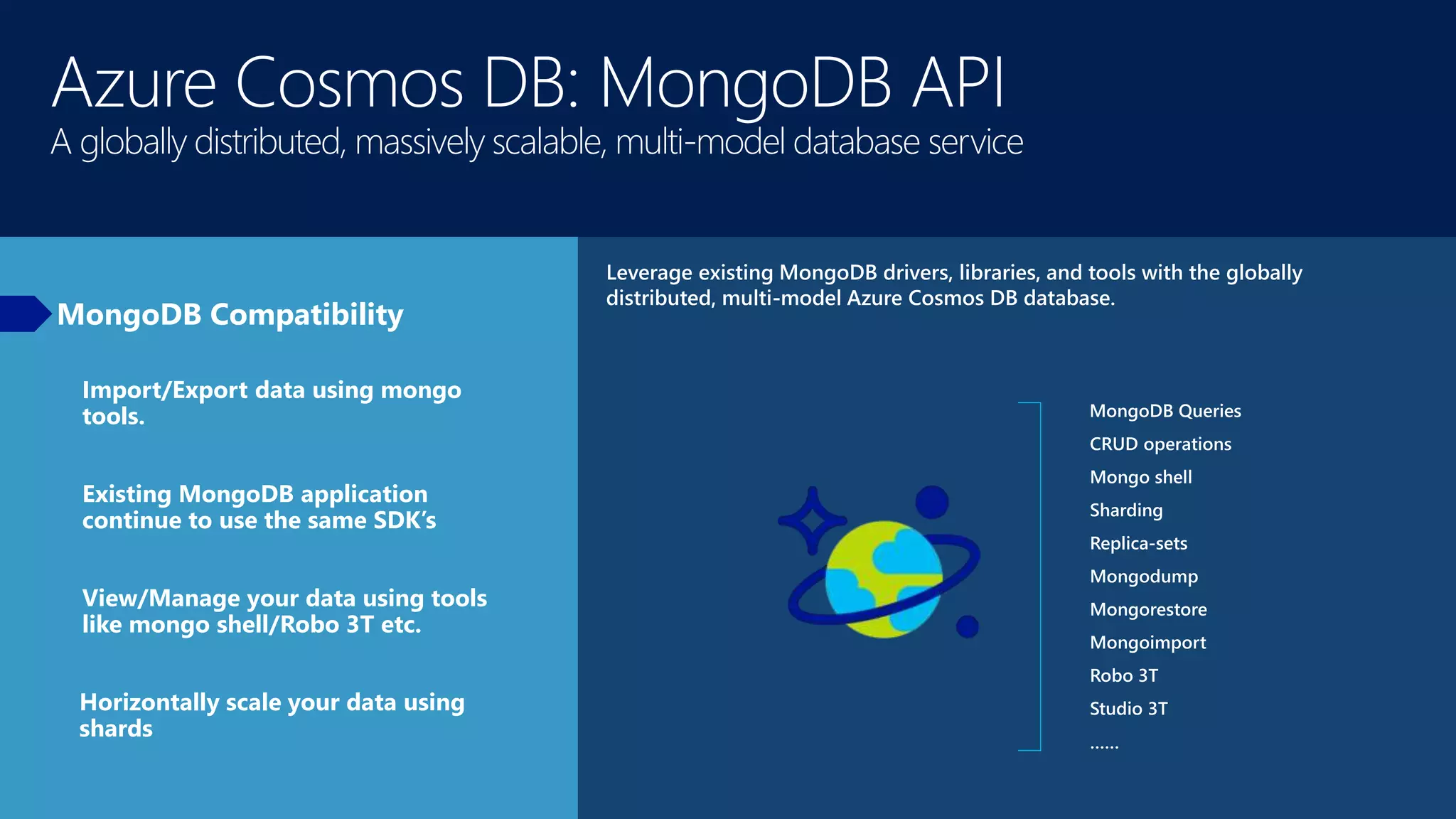
Azure Cosmos DB: MongoDB API
A globally distributed, massively scalable, multi-model database service
MongoDB Compatibility
Leverage existing MongoDB drivers, libraries, and tools with the globally
distributed, multi-model Azure Cosmos DB database.
MongoDB Queries
CRUD operations
Mongo shell
Sharding
Replica-sets
Mongodump
Mongorestore
Mongoimport
Robo 3T
Studio 3T
……
Import/Export data using mongo
tools.
Existing MongoDB application
continue to use the same SDK’s
View/Manage your data using tools
like mongo shell/Robo 3T etc.
Horizontally scale your data using
shards
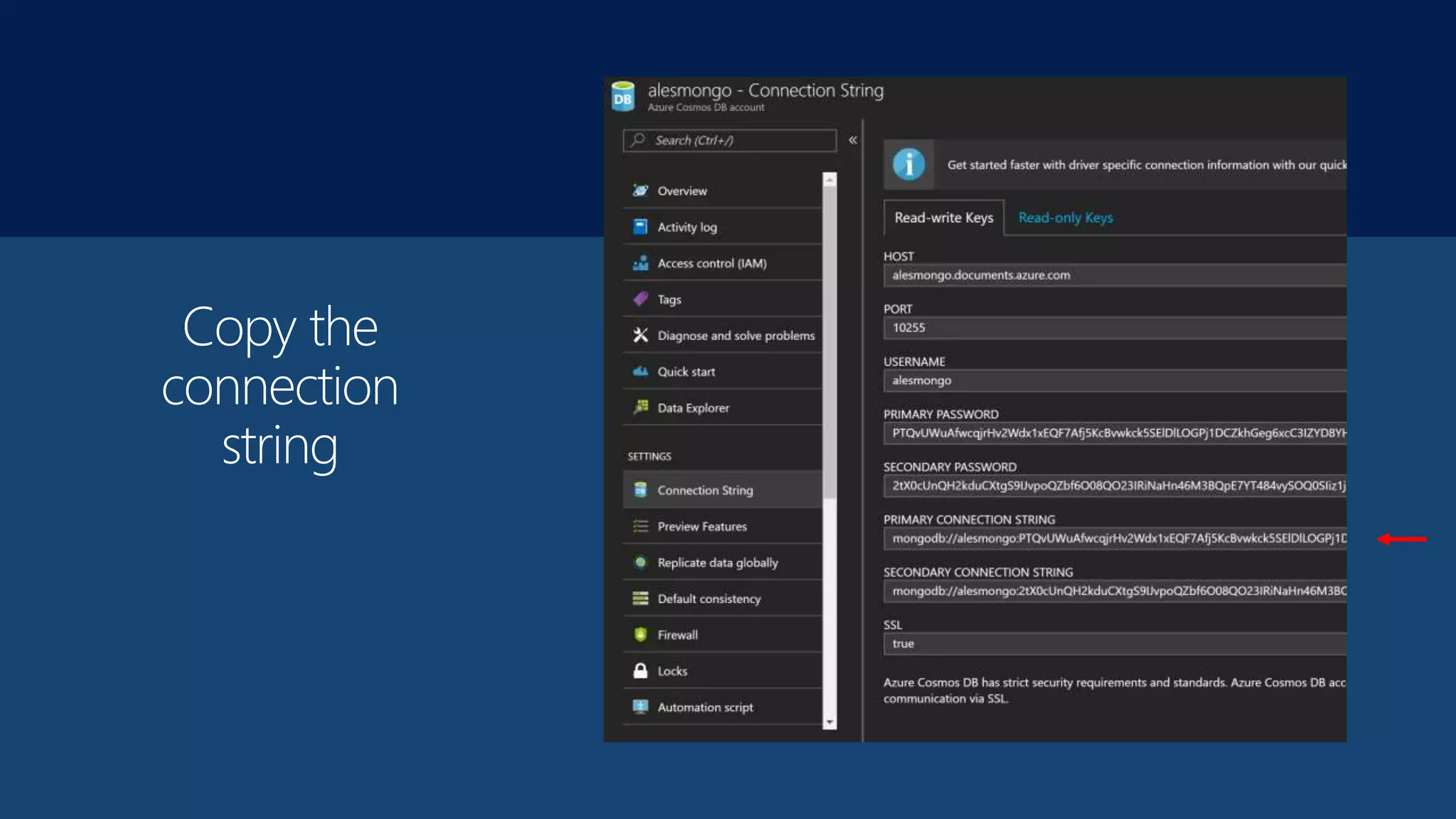
Copy the
connection
string
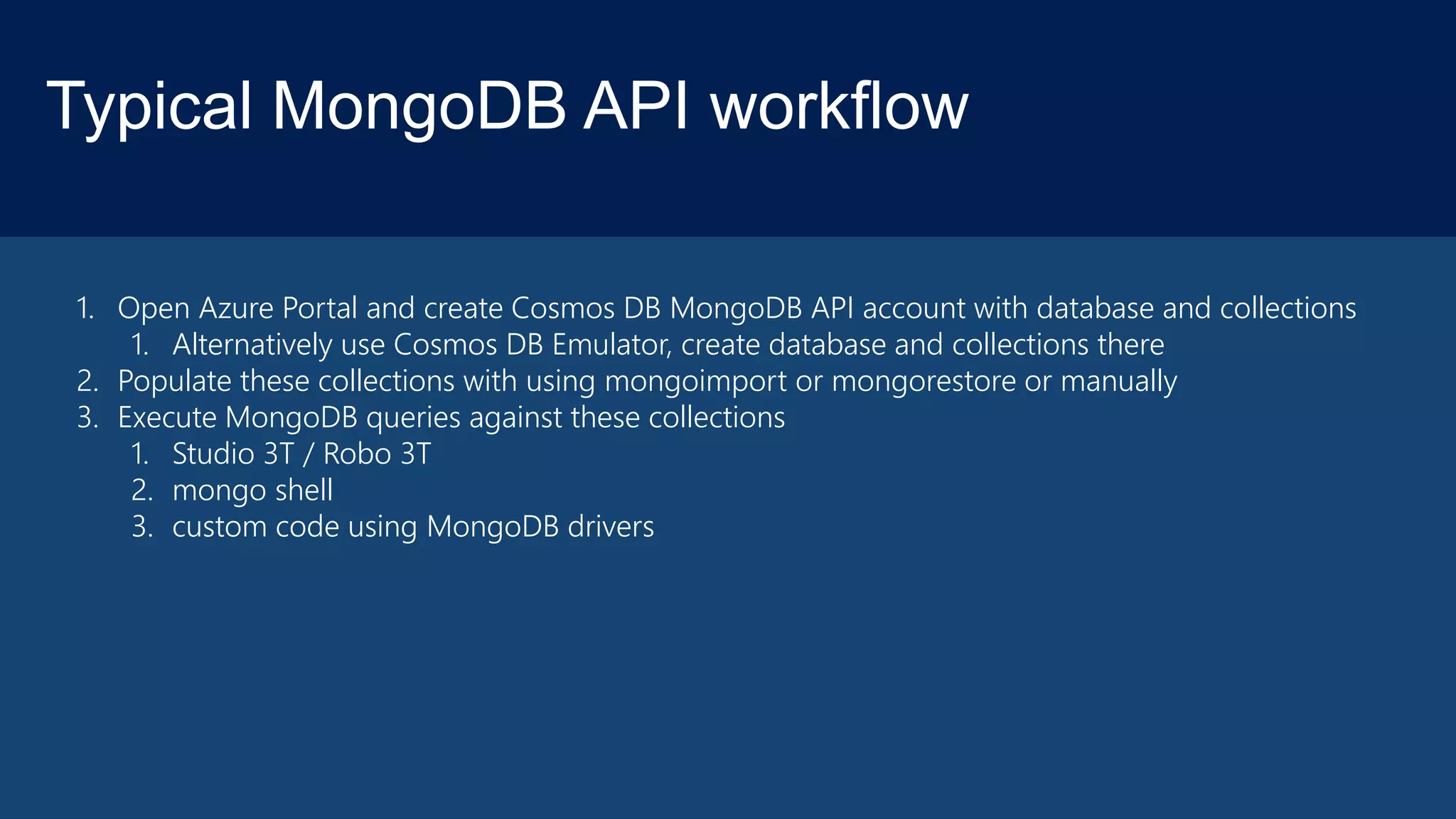
Typical MongoDB API workflow
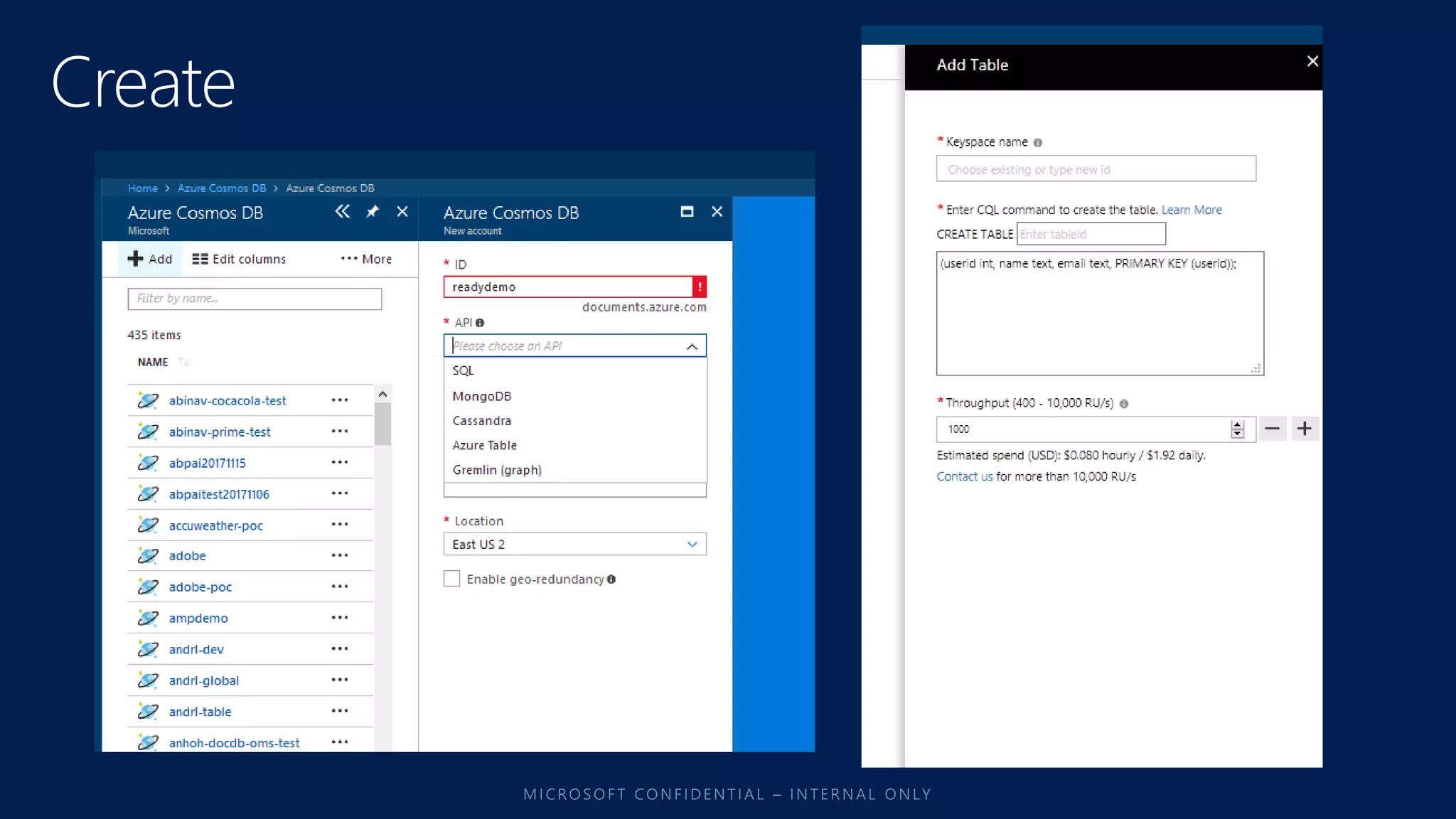
1. Open Azure Portal and create Cosmos DB MongoDB API account with database and collections
1. Alternatively use Cosmos DB Emulator, create database and collections there
2. Populate these collections with using mongoimport or mongorestore or manually
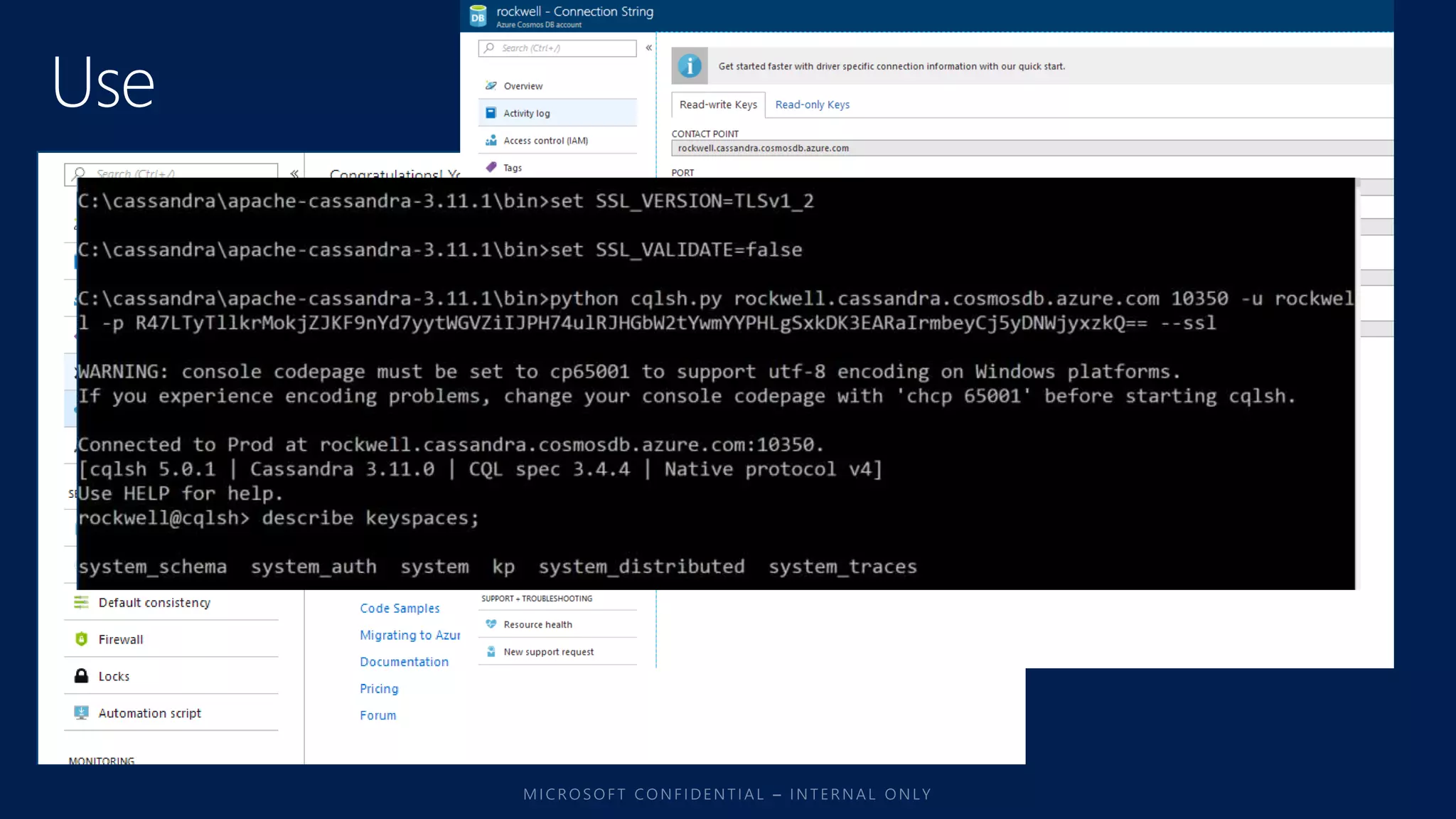
3. Execute MongoDB queries against these collections
1. Studio 3T / Robo 3T
2. mongo shell
3. custom code using MongoDB drivers
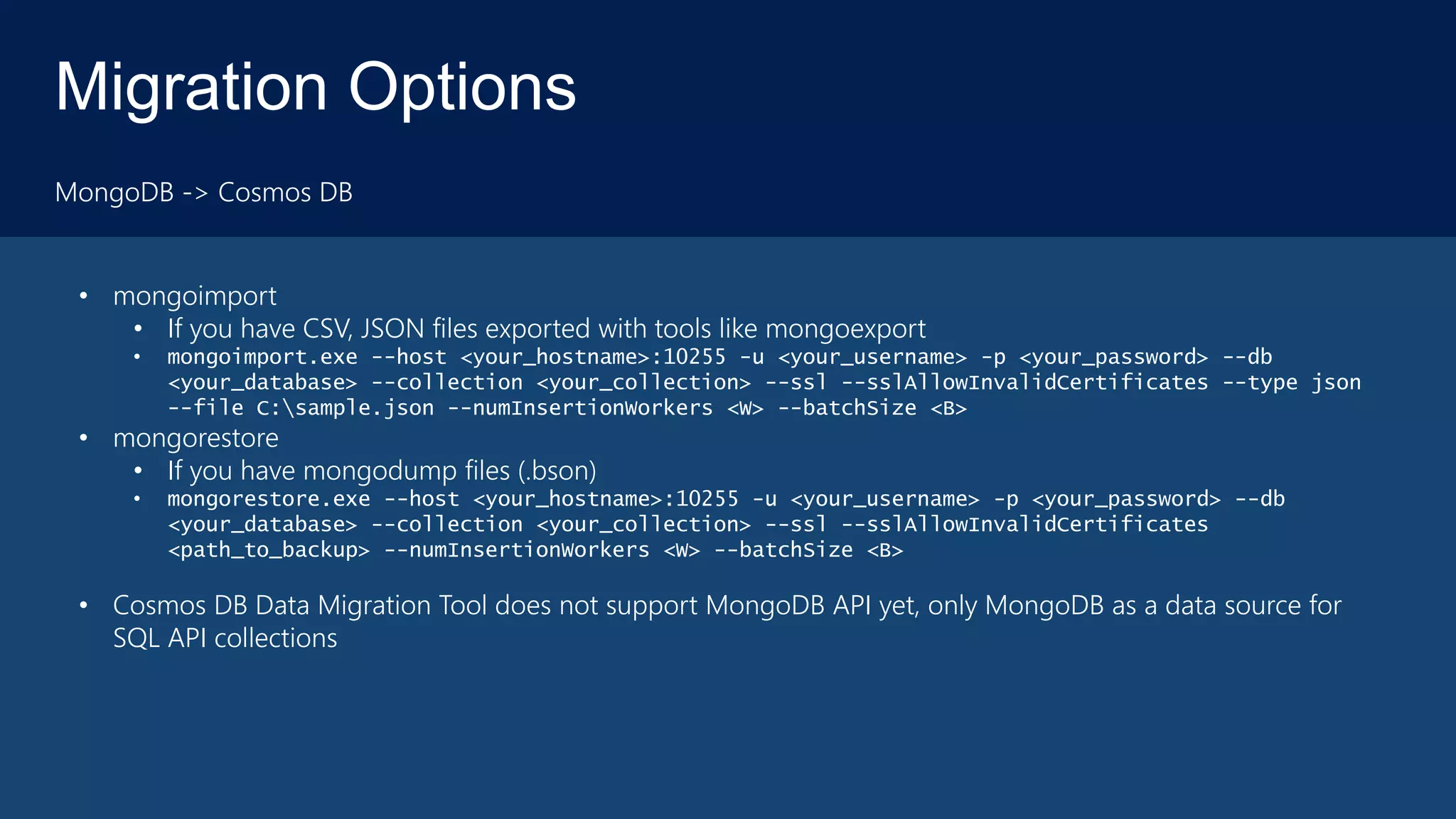
Migration Options
MongoDB -> Cosmos DB
• mongoimport
• If you have CSV, JSON files exported with tools like mongoexport
• mongoimport.exe --host <your_hostname>:10255 -u <your_username> -p <your_password> --db
<your_database> --collection <your_collection> --ssl --sslAllowInvalidCertificates --type json
--file C:sample.json --numInsertionWorkers <W> --batchSize <B>
• mongorestore
• If you have mongodump files (.bson)
• mongorestore.exe --host <your_hostname>:10255 -u <your_username> -p <your_password> --db
<your_database> --collection <your_collection> --ssl --sslAllowInvalidCertificates
<path_to_backup> --numInsertionWorkers <W> --batchSize <B>
• Cosmos DB Data Migration Tool does not support MongoDB API yet, only MongoDB as a data source for
SQL API collections
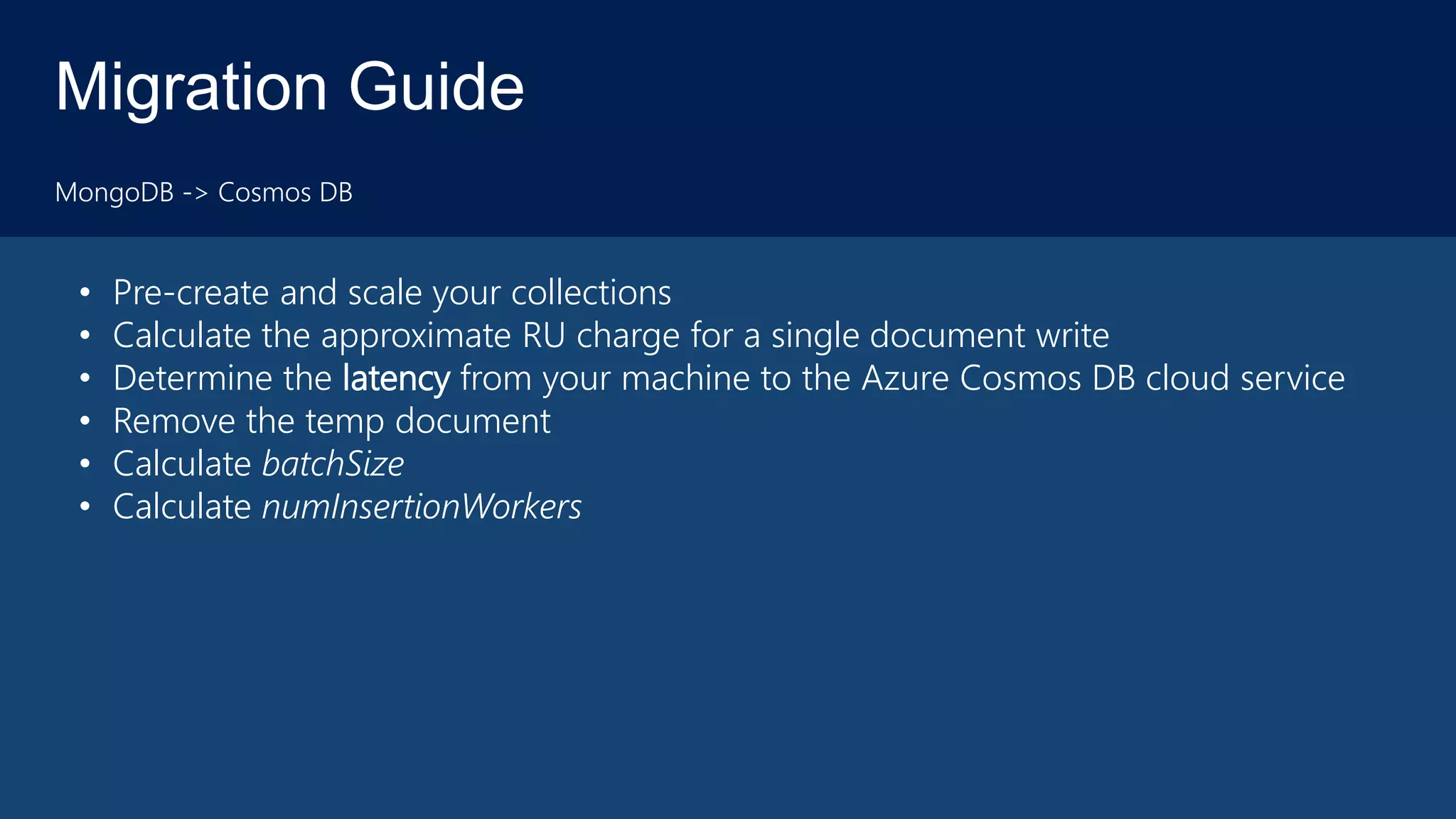
Migration Guide
MongoDB -> Cosmos DB
• Pre-create and scale your collections
• Calculate the approximate RU charge for a single document write
• Determine the latency from your machine to the Azure Cosmos DB cloud service
• Remove the temp document
• Calculate batchSize
• Calculate numInsertionWorkers
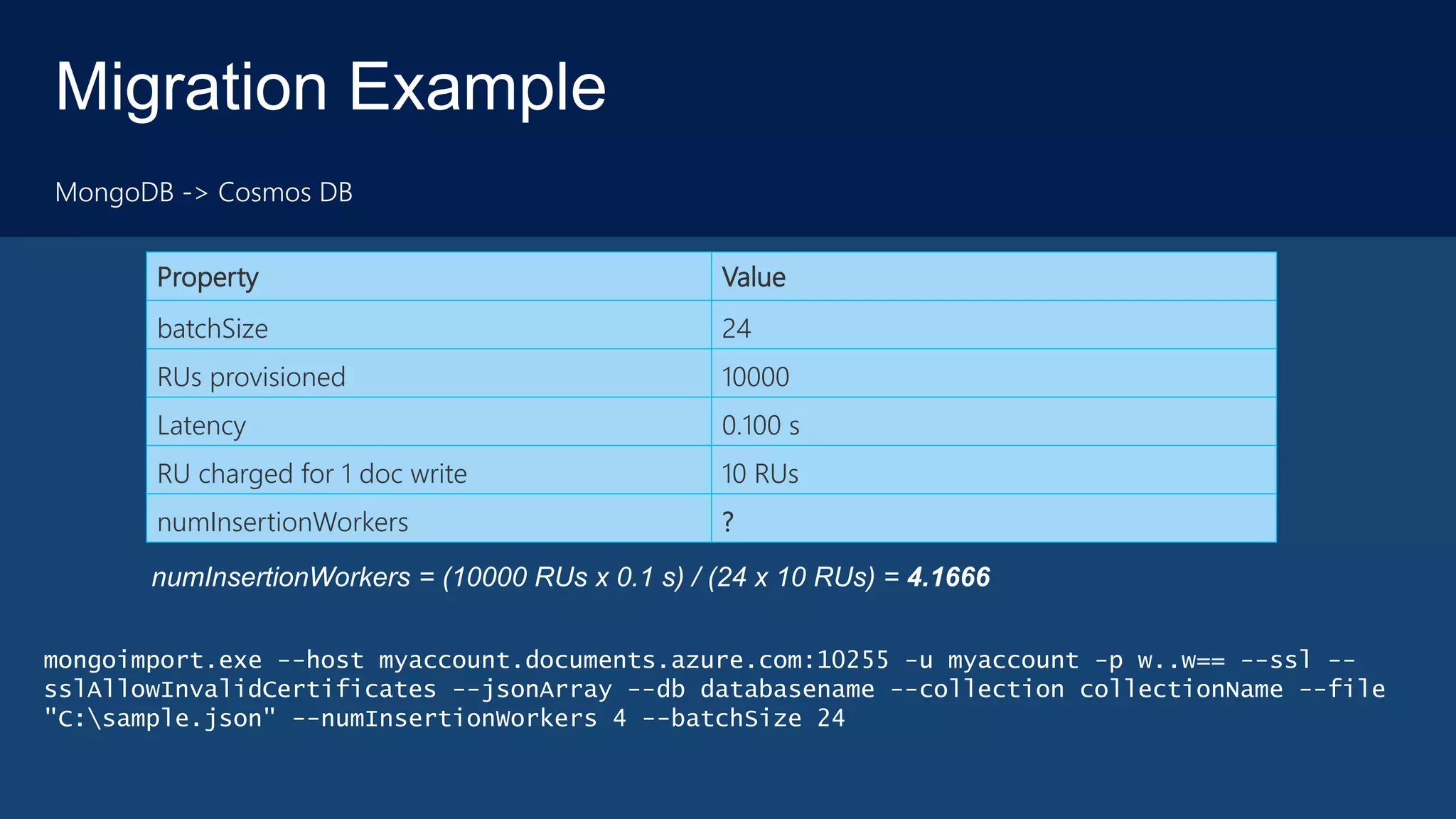
Migration Example
MongoDB -> Cosmos DB
Property Value
batchSize 24
RUs provisioned 10000
Latency 0.100 s
RU charged for 1 doc write 10 RUs
numInsertionWorkers ?
numInsertionWorkers = (10000 RUs x 0.1 s) / (24 x 10 RUs) = 4.1666
mongoimport.exe --host myaccount.documents.azure.com:10255 -u myaccount -p w..w== --ssl --
sslAllowInvalidCertificates --jsonArray --db databasename --collection collectionName --file
"C:sample.json" --numInsertionWorkers 4 --batchSize 24
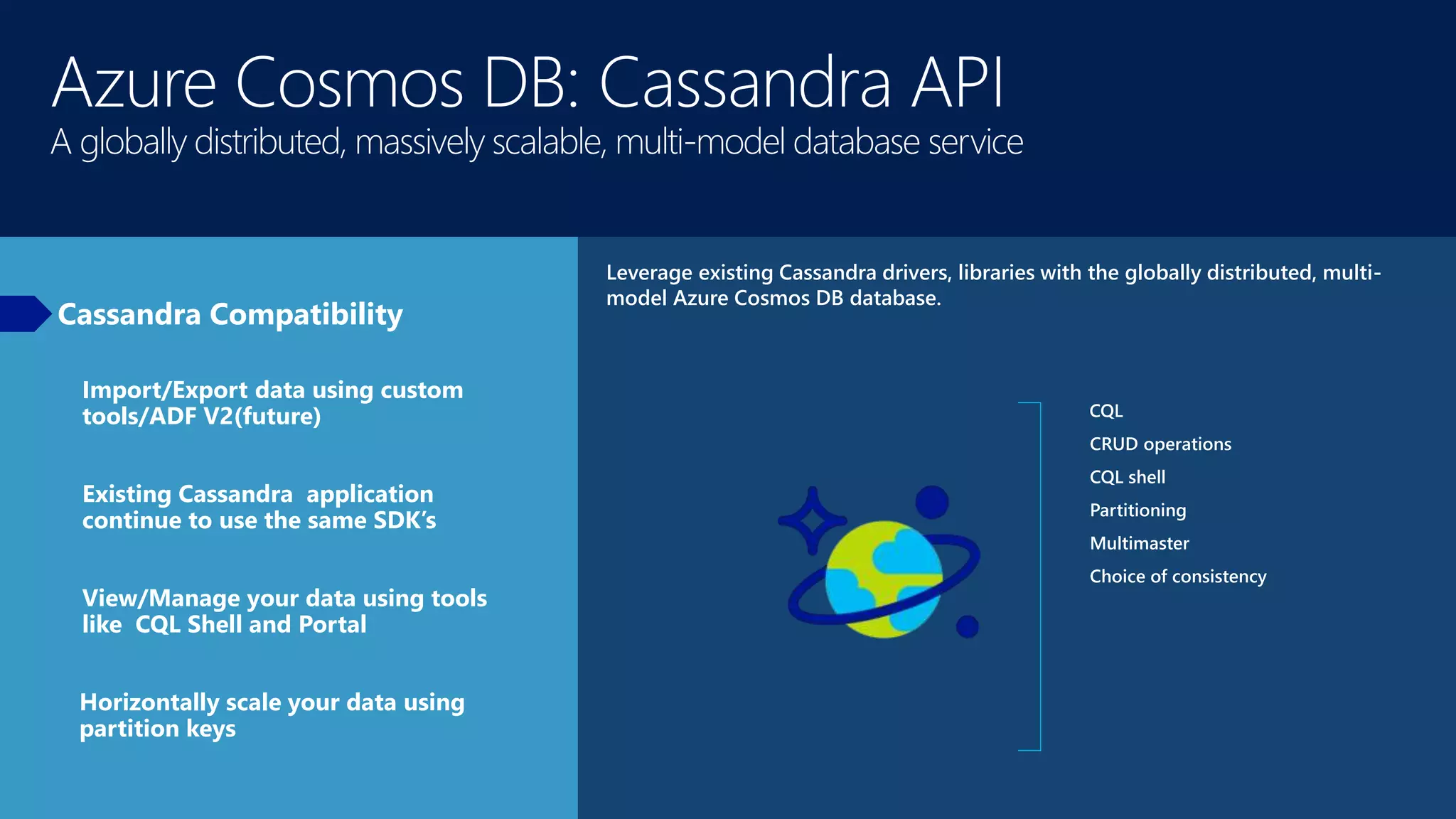
Azure Cosmos DB: Cassandra API
A globally distributed, massively scalable, multi-model database service
Cassandra Compatibility
Leverage existing Cassandra drivers, libraries with the globally distributed, multi-
model Azure Cosmos DB database.
CQL
CRUD operations
CQL shell
Partitioning
Multimaster
Choice of consistency
Import/Export data using custom
tools/ADF V2(future)
Existing Cassandra application
continue to use the same SDK’s
View/Manage your data using tools
like CQL Shell and Portal
Horizontally scale your data using
partition keys
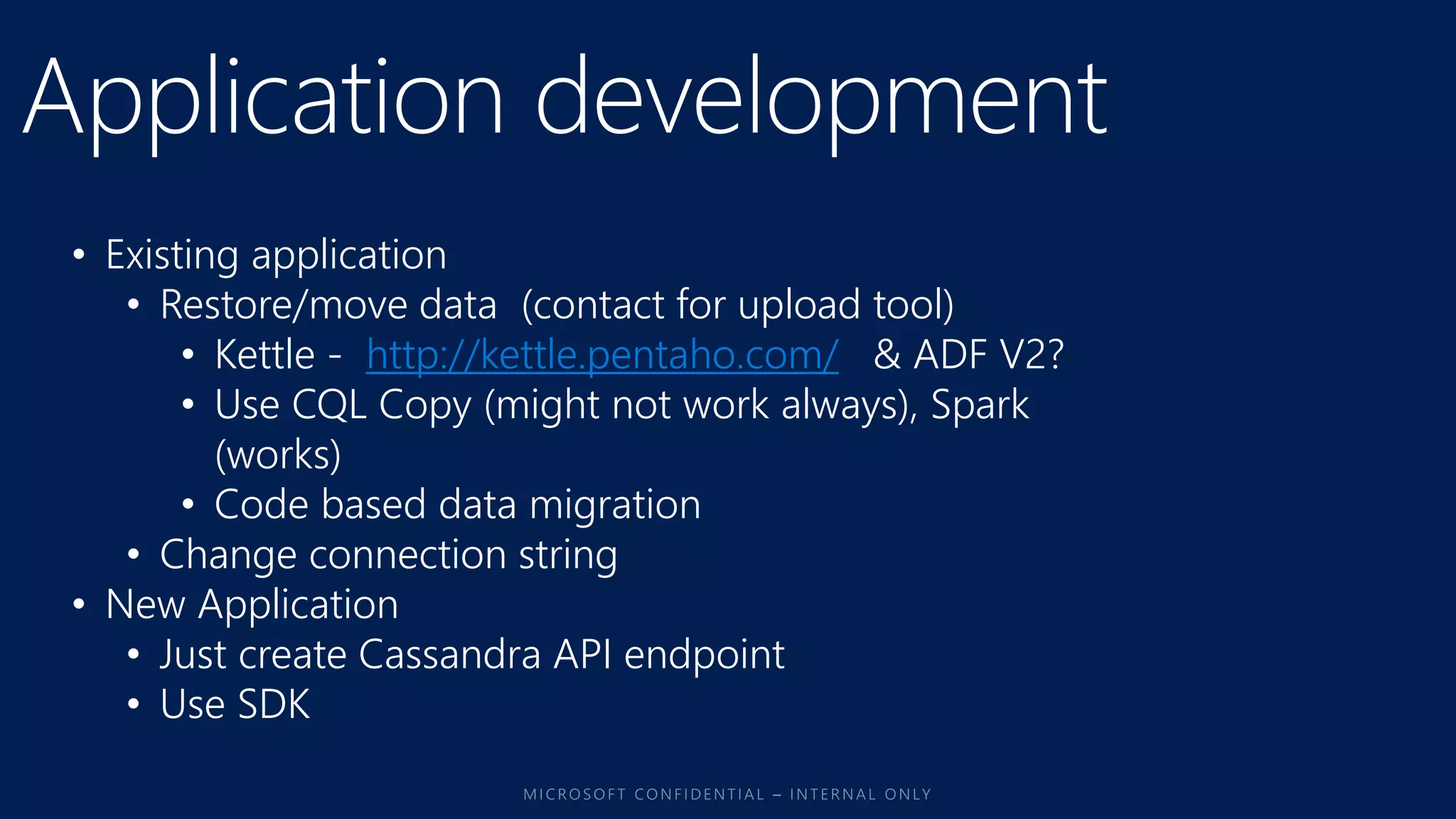
• Existing application
• Restore/move data (contact for upload tool)
• Kettle - http://kettle.pentaho.com/ & ADF V2?
• Use CQL Copy (might not work always), Spark
(works)
• Code based data migration
• Change connection string
• New Application
• Just create Cassandra API endpoint
• Use SDK
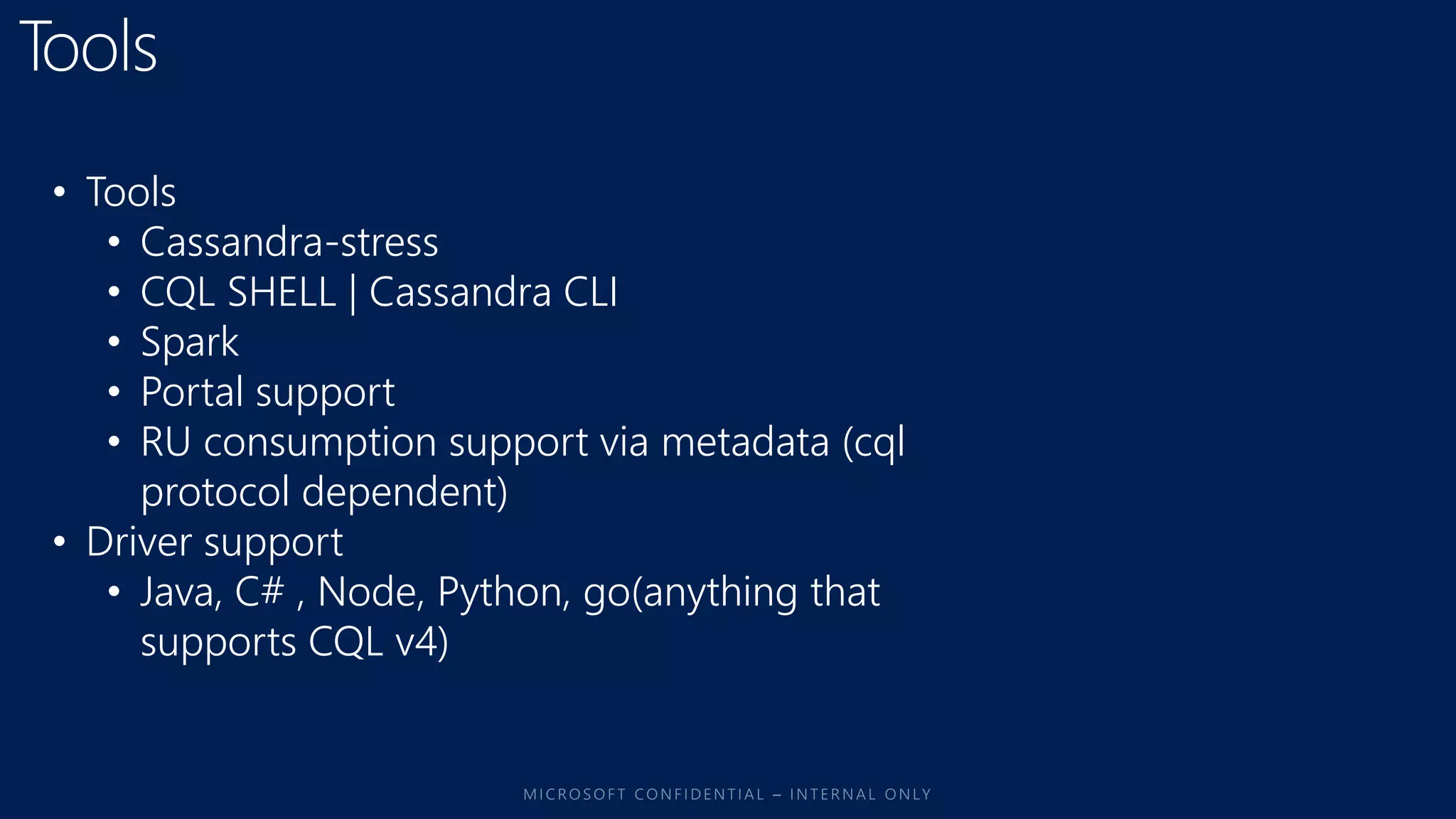
• Tools
• Cassandra-stress
• CQL SHELL | Cassandra CLI
• Spark
• Portal support
• RU consumption support via metadata (cql
protocol dependent)
• Driver support
• Java, C# , Node, Python, go(anything that
supports CQL v4)
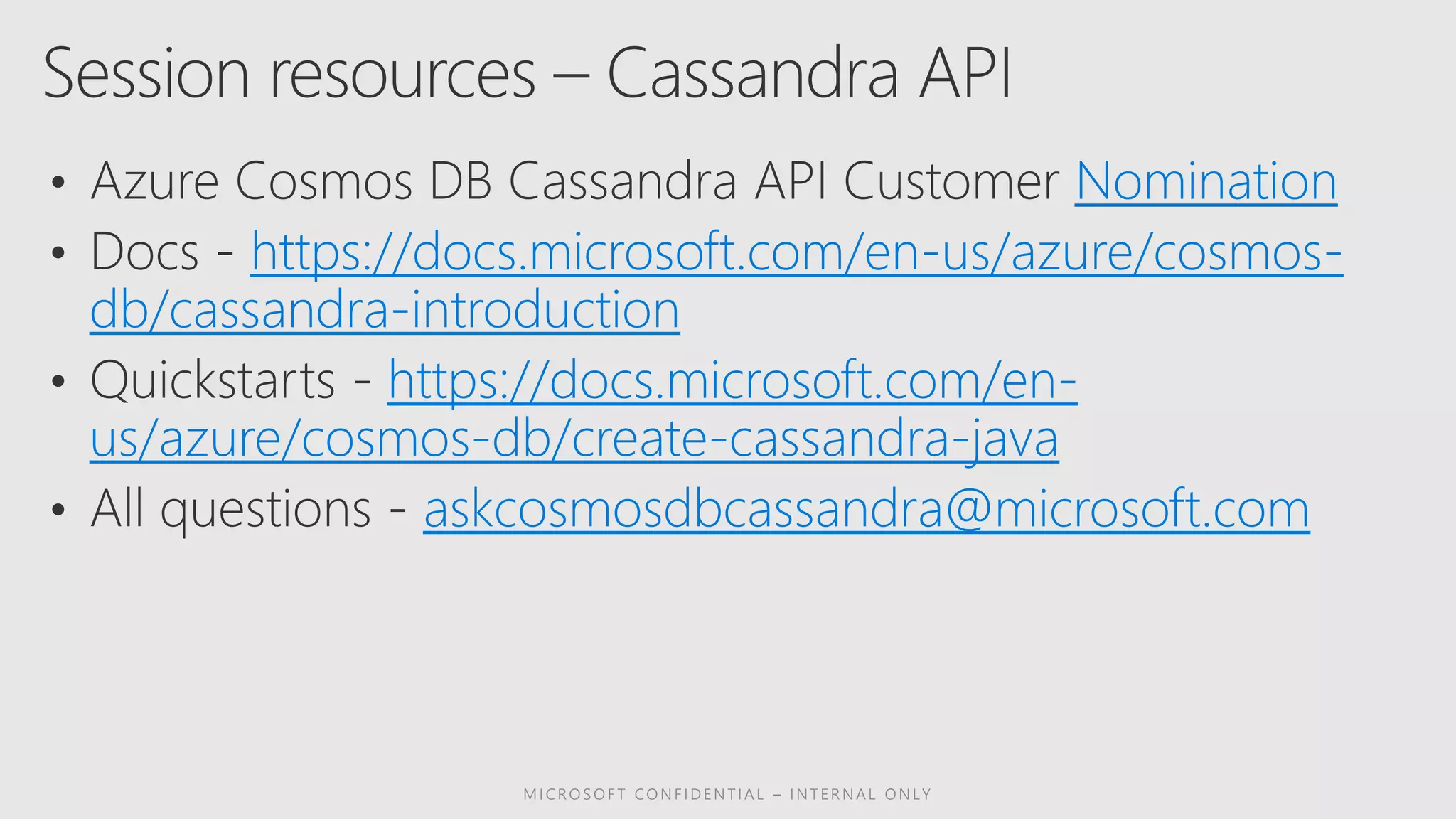
Nomination
https://docs.microsoft.com/en-us/azure/cosmos-
db/cassandra-introduction
https://docs.microsoft.com/en-
us/azure/cosmos-db/create-cassandra-java
askcosmosdbcassandra@microsoft.com
https://docs.microsoft.com/en-us/azure/cosmos-
db/mongodb-introduction
https://docs.microsoft.com/en-
us/azure/cosmos-db/create-mongodb-dotnet
askcosmosmongoapi@microsoft.com
How to migrate your existing MongoDB and Cassandra Apps to Azure Cosmos DB

How to migrate your existing MongoDB and Cassandra Apps to Azure Cosmos DB

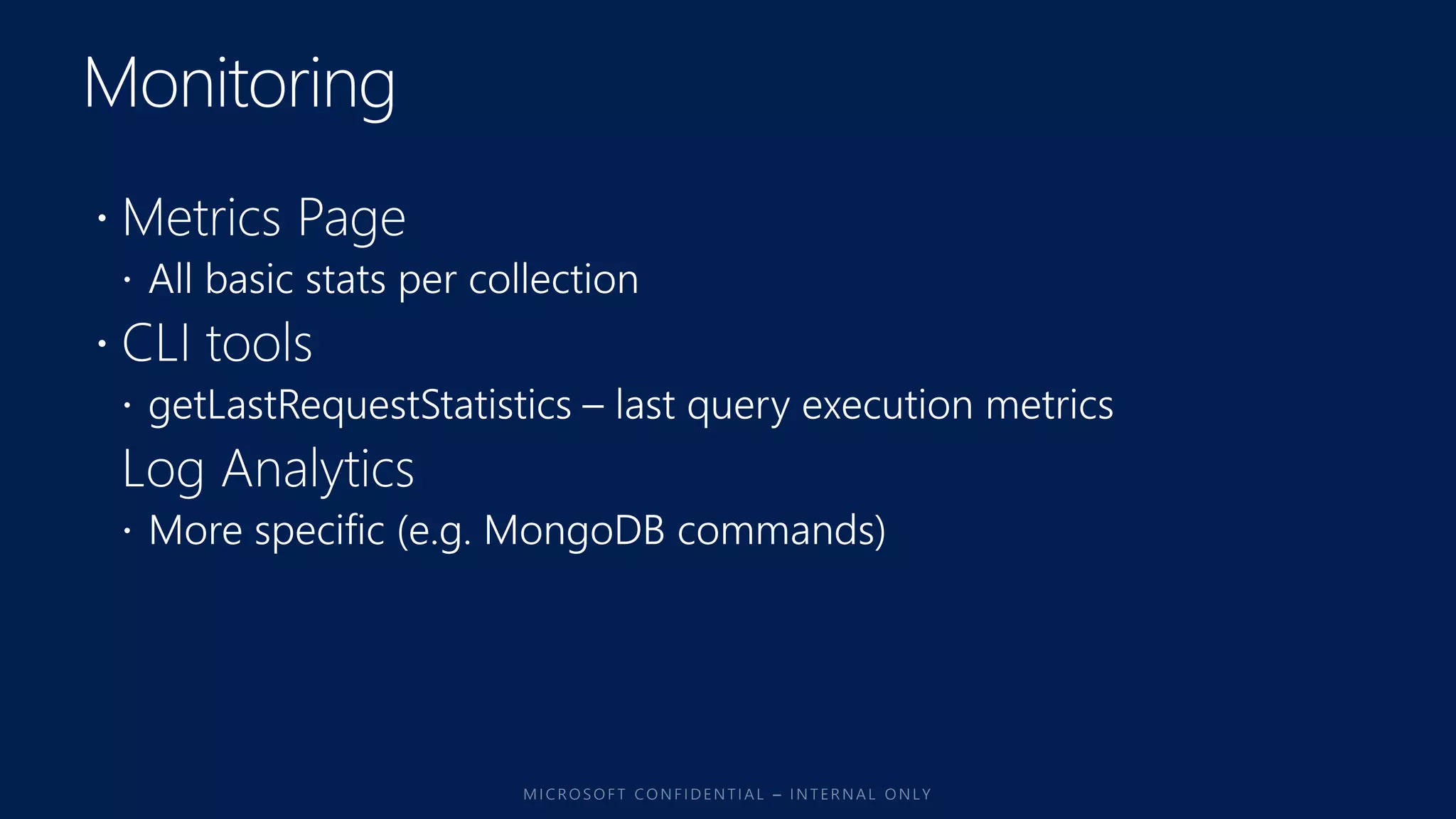
  • 3.
    Turnkey global distribution Elastic scaleout of storage & throughput Guaranteed low latency at the 99th percentile Comprehensive SLAs Five well-defined consistency models Table API SQL MongoDB Column-family DocumentKey-value Graph A globally distributed, massively scalable, multi-model database service
  • 4.
    • SLA backedReliable consistent Performance with low latency • Low latency at the 99th percentile for reads/writes with automatic indexing • SLA backed Globally distributed database • With guarantees for availability which is 4-9s within a region & 5-9s in a multi-region • Built-in global distribution • Available in all Azure regions by default across public, sovereign , Government clouds (Ring 0)
  • 5.
    • SLA backedelasticity for throughput, storage • Unlimited scaleout of throughput to meet the demand • SLA backed 5 consistency levels • Consistency levels can be changed for every read • Data is always quorum committed • Fully secure, enterprise grade security and compliance • TDE & TLS Support • Automatic free snapshot backups
  • 8.
    Azure Cosmos DB:MongoDB API A globally distributed, massively scalable, multi-model database service MongoDB Compatibility Leverage existing MongoDB drivers, libraries, and tools with the globally distributed, multi-model Azure Cosmos DB database. MongoDB Queries CRUD operations Mongo shell Sharding Replica-sets Mongodump Mongorestore Mongoimport Robo 3T Studio 3T …… Import/Export data using mongo tools. Existing MongoDB application continue to use the same SDK’s View/Manage your data using tools like mongo shell/Robo 3T etc. Horizontally scale your data using shards
  • 9.
  • 10.
    Typical MongoDB APIworkflow 1. Open Azure Portal and create Cosmos DB MongoDB API account with database and collections 1. Alternatively use Cosmos DB Emulator, create database and collections there 2. Populate these collections with using mongoimport or mongorestore or manually 3. Execute MongoDB queries against these collections 1. Studio 3T / Robo 3T 2. mongo shell 3. custom code using MongoDB drivers
  • 11.
    Migration Options MongoDB ->Cosmos DB • mongoimport • If you have CSV, JSON files exported with tools like mongoexport • mongoimport.exe --host <your_hostname>:10255 -u <your_username> -p <your_password> --db <your_database> --collection <your_collection> --ssl --sslAllowInvalidCertificates --type json --file C:sample.json --numInsertionWorkers <W> --batchSize <B> • mongorestore • If you have mongodump files (.bson) • mongorestore.exe --host <your_hostname>:10255 -u <your_username> -p <your_password> --db <your_database> --collection <your_collection> --ssl --sslAllowInvalidCertificates <path_to_backup> --numInsertionWorkers <W> --batchSize <B> • Cosmos DB Data Migration Tool does not support MongoDB API yet, only MongoDB as a data source for SQL API collections
  • 12.
    Migration Guide MongoDB ->Cosmos DB • Pre-create and scale your collections • Calculate the approximate RU charge for a single document write • Determine the latency from your machine to the Azure Cosmos DB cloud service • Remove the temp document • Calculate batchSize • Calculate numInsertionWorkers
  • 13.
    Migration Example MongoDB ->Cosmos DB Property Value batchSize 24 RUs provisioned 10000 Latency 0.100 s RU charged for 1 doc write 10 RUs numInsertionWorkers ? numInsertionWorkers = (10000 RUs x 0.1 s) / (24 x 10 RUs) = 4.1666 mongoimport.exe --host myaccount.documents.azure.com:10255 -u myaccount -p w..w== --ssl -- sslAllowInvalidCertificates --jsonArray --db databasename --collection collectionName --file "C:sample.json" --numInsertionWorkers 4 --batchSize 24
  • 15.
    Azure Cosmos DB:Cassandra API A globally distributed, massively scalable, multi-model database service Cassandra Compatibility Leverage existing Cassandra drivers, libraries with the globally distributed, multi- model Azure Cosmos DB database. CQL CRUD operations CQL shell Partitioning Multimaster Choice of consistency Import/Export data using custom tools/ADF V2(future) Existing Cassandra application continue to use the same SDK’s View/Manage your data using tools like CQL Shell and Portal Horizontally scale your data using partition keys
  • 18.
    • Existing application •Restore/move data (contact for upload tool) • Kettle - http://kettle.pentaho.com/ & ADF V2? • Use CQL Copy (might not work always), Spark (works) • Code based data migration • Change connection string • New Application • Just create Cassandra API endpoint • Use SDK
  • 19.
    • Tools • Cassandra-stress •CQL SHELL | Cassandra CLI • Spark • Portal support • RU consumption support via metadata (cql protocol dependent) • Driver support • Java, C# , Node, Python, go(anything that supports CQL v4)
  • 21.
  • 22.