Your Hosts
Markus Ehlers Benjamin-Nicola Lüken
Agenda
•Why is a VPN required to connect external phones?
•Basic knowledge about how a VPN works
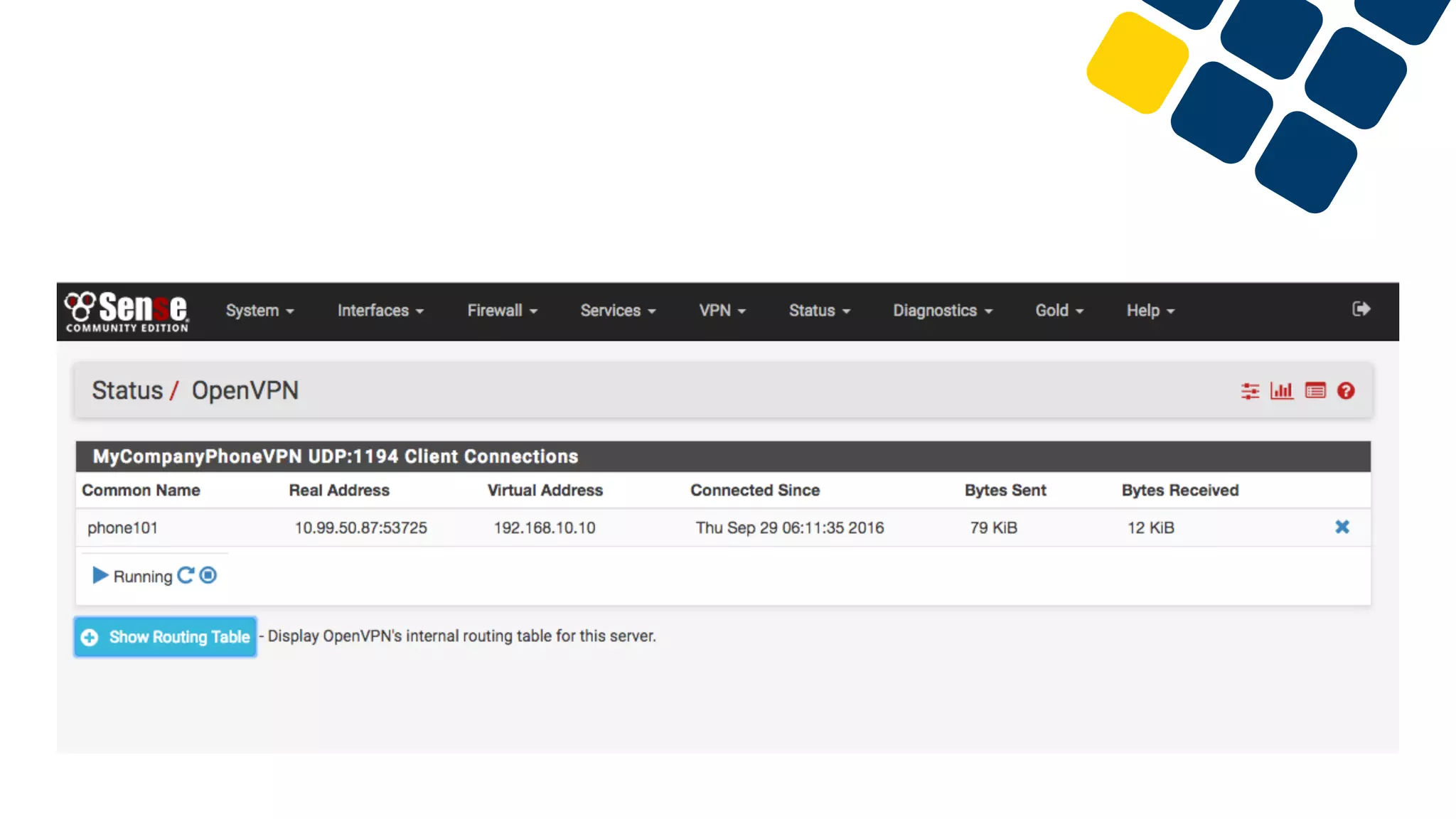
•How to configure pfSense as an VPN server
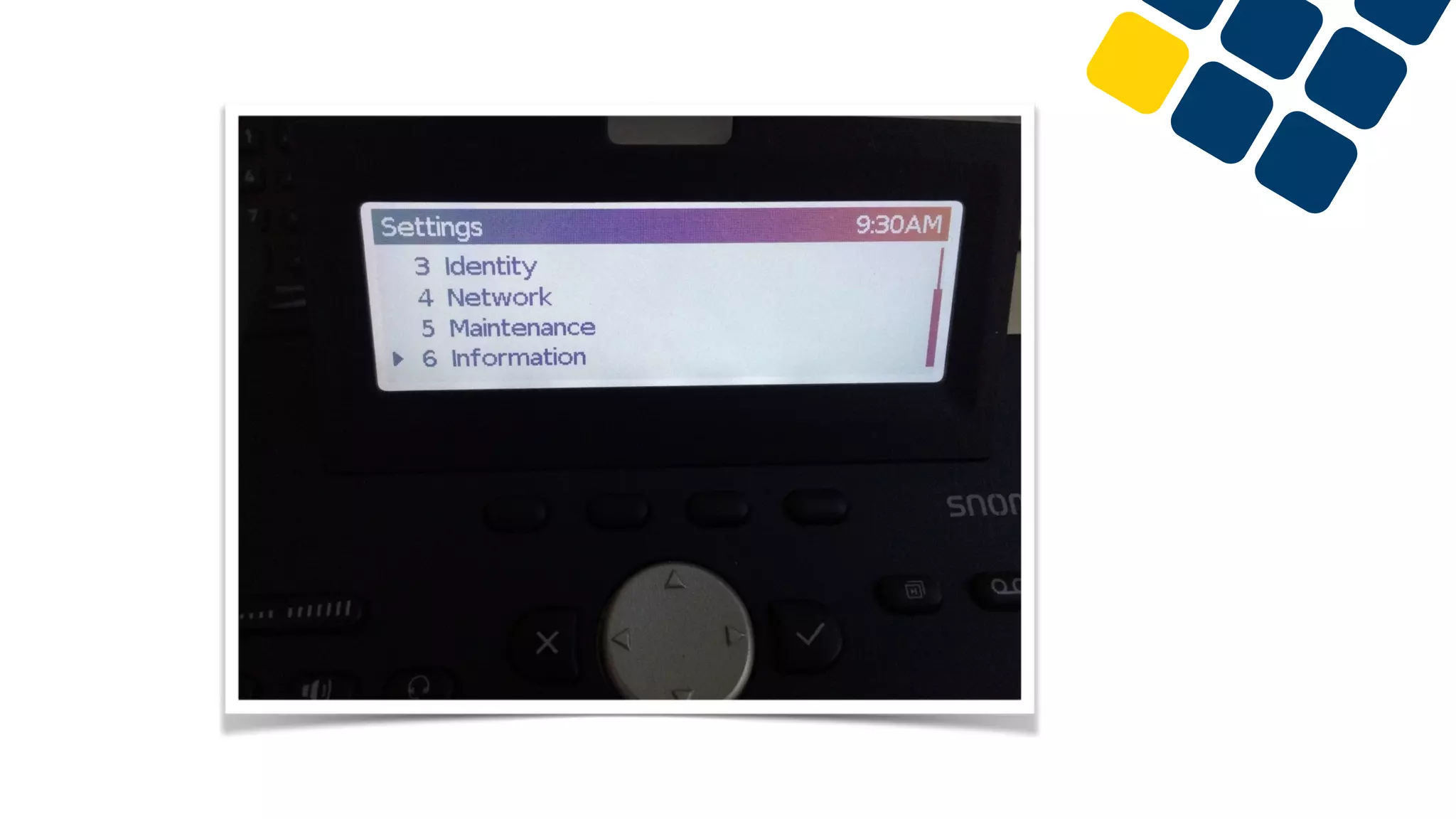
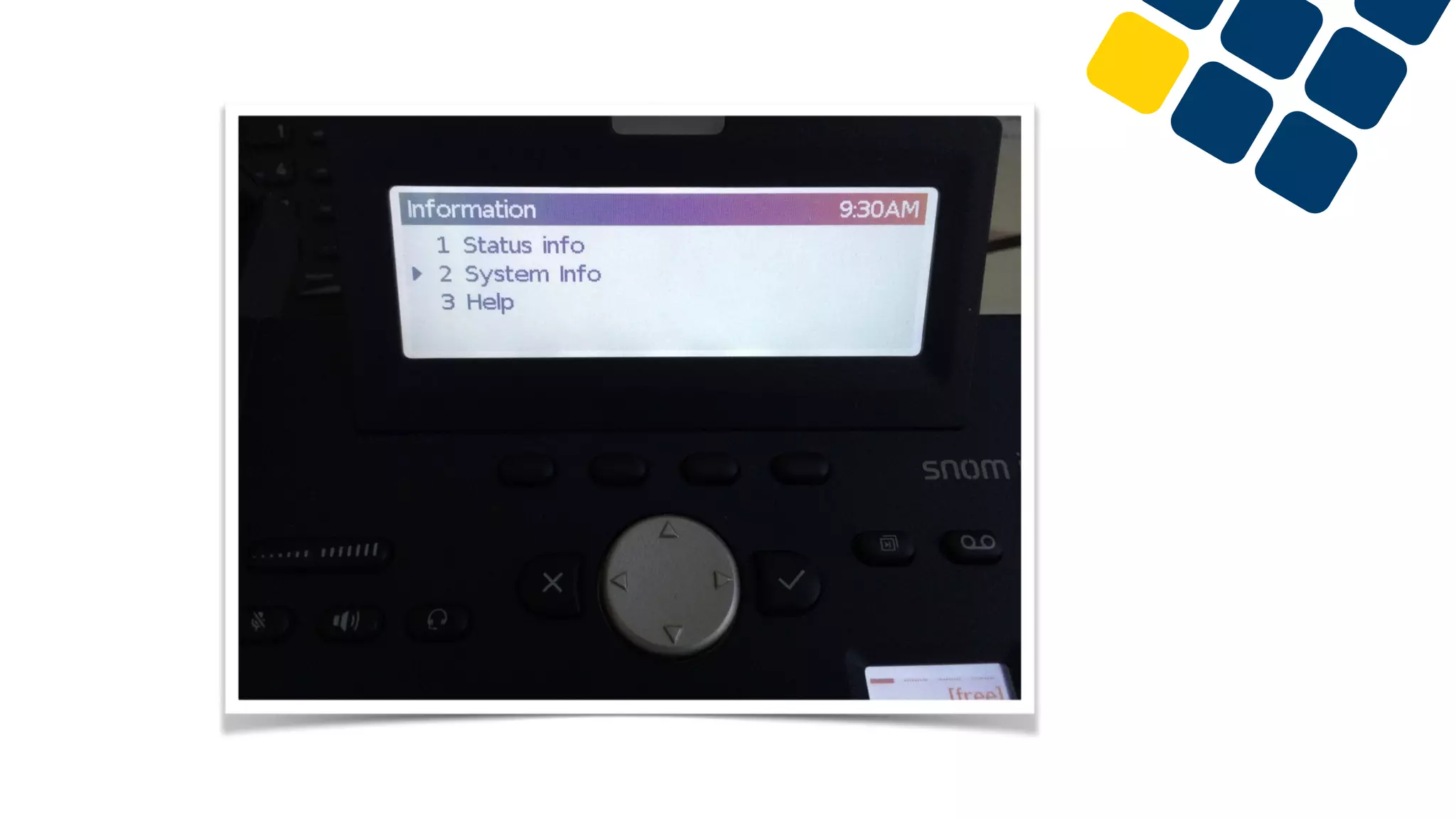
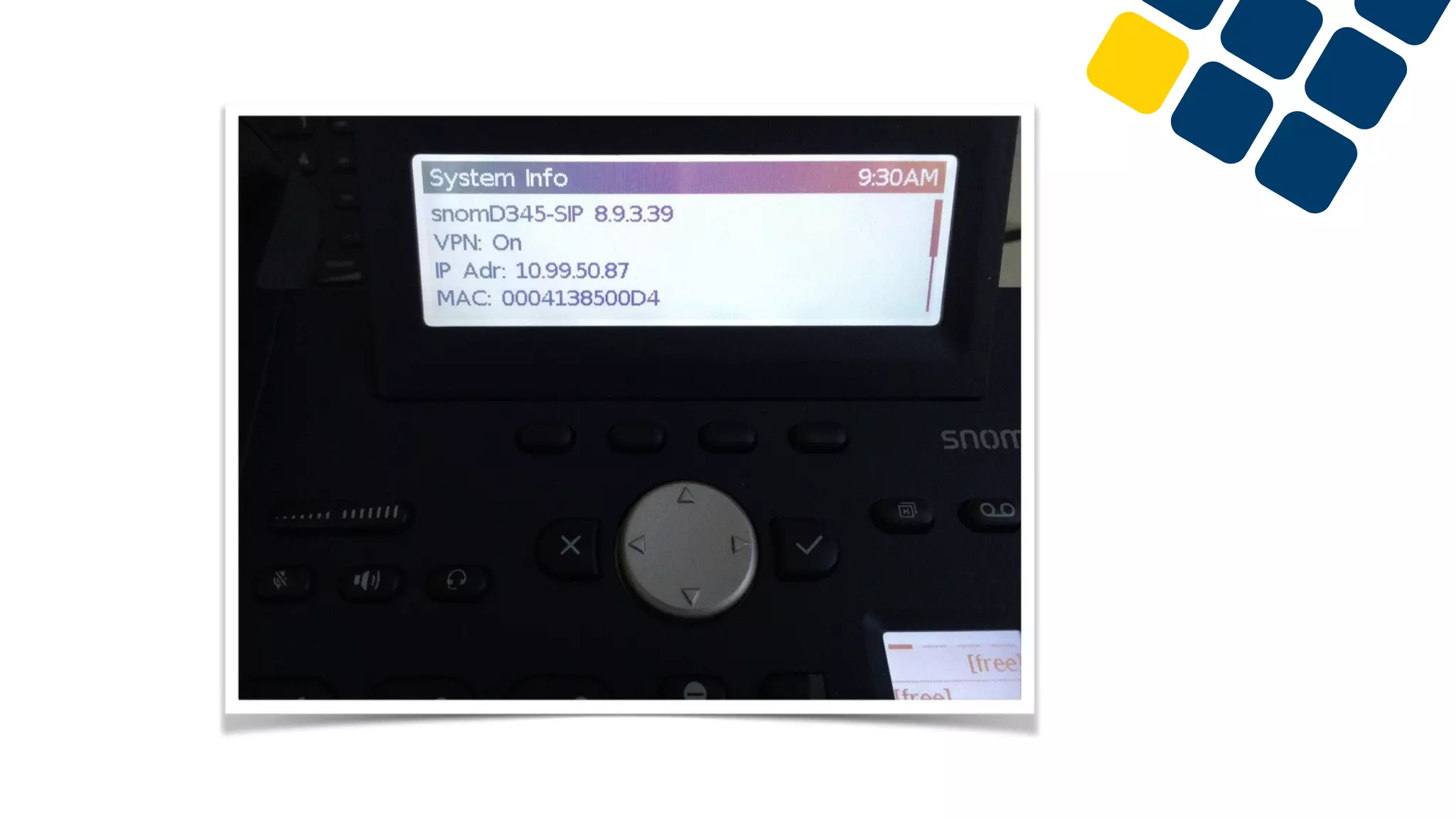
•How to configure a Snom phone as a VPN client
Why VPN?
Because SIP port forwarding is not recommended
•Open ports are a serious vulnerability
•Bots are searching for open SIP ports
•Brute-Force-Attacks
•DDoS-Attacks

•SIP is not encrypted
•A man in the middle could read meta data and audio

•Port and IP addresses are wrong
•No audio
•One way audio
•Works sporadically
Always with a VPN
Security, Reliability, Less issues
•No open SIP ports
•No target for a hacker

•VPN can be encrypted
•Nobody can see your SIP registration or calls

•No audio problems
•It works like a phone within the company’s local network
•No need to think about the network of the home office
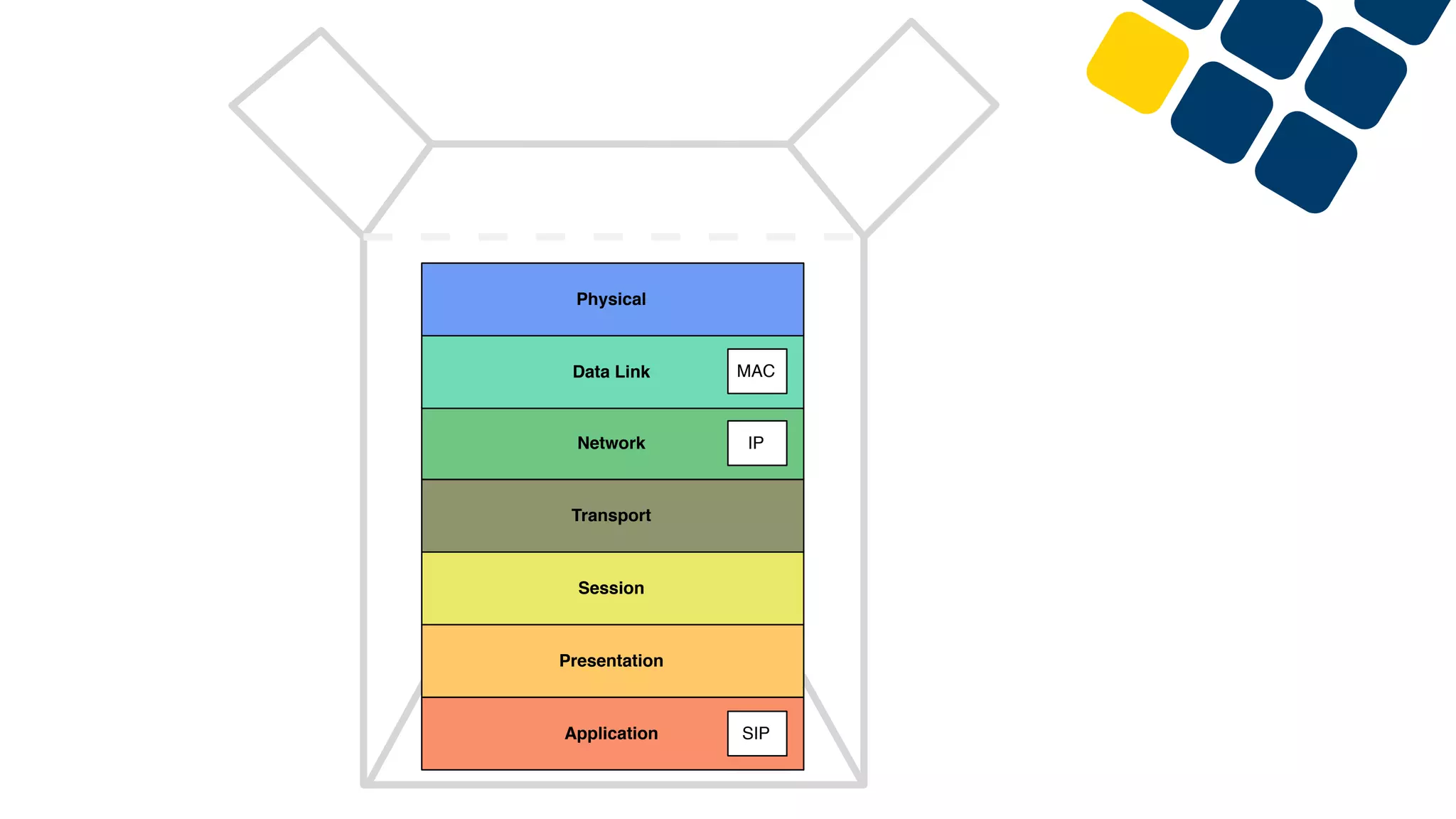
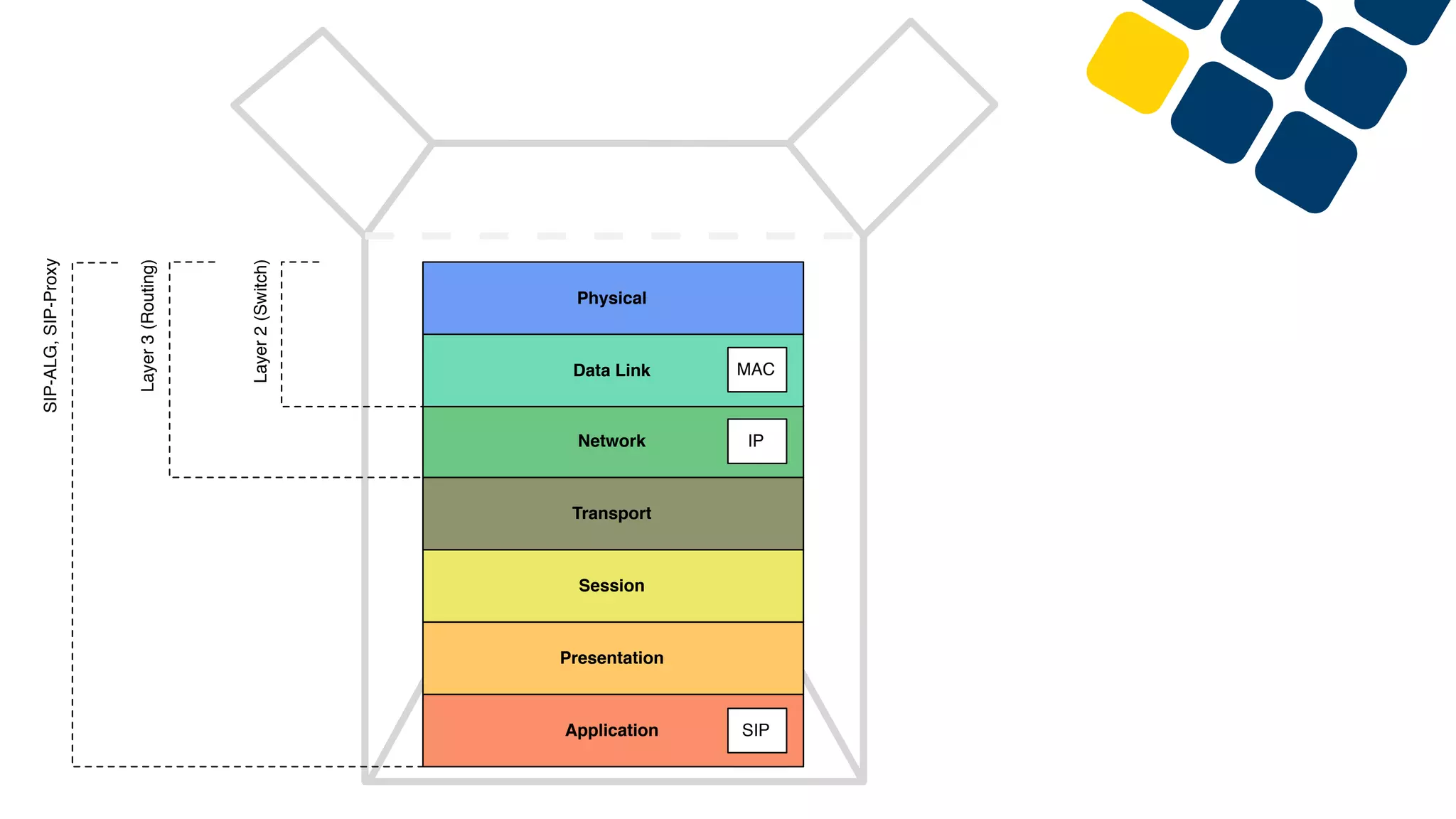
Application
Presentation
Session
Transport
Network
Data Link
Physical
SIP
IP
MAC
Application
Presentation
Session
Transport
Network
Data Link
Physical
SIP
IP
Layer2(Switch)
Layer3(Routing)
SIP-ALG,SIP-Proxy
MAC
Application
Presentation
Session
Transport
Network
Data Link
Physical
SIP
IP
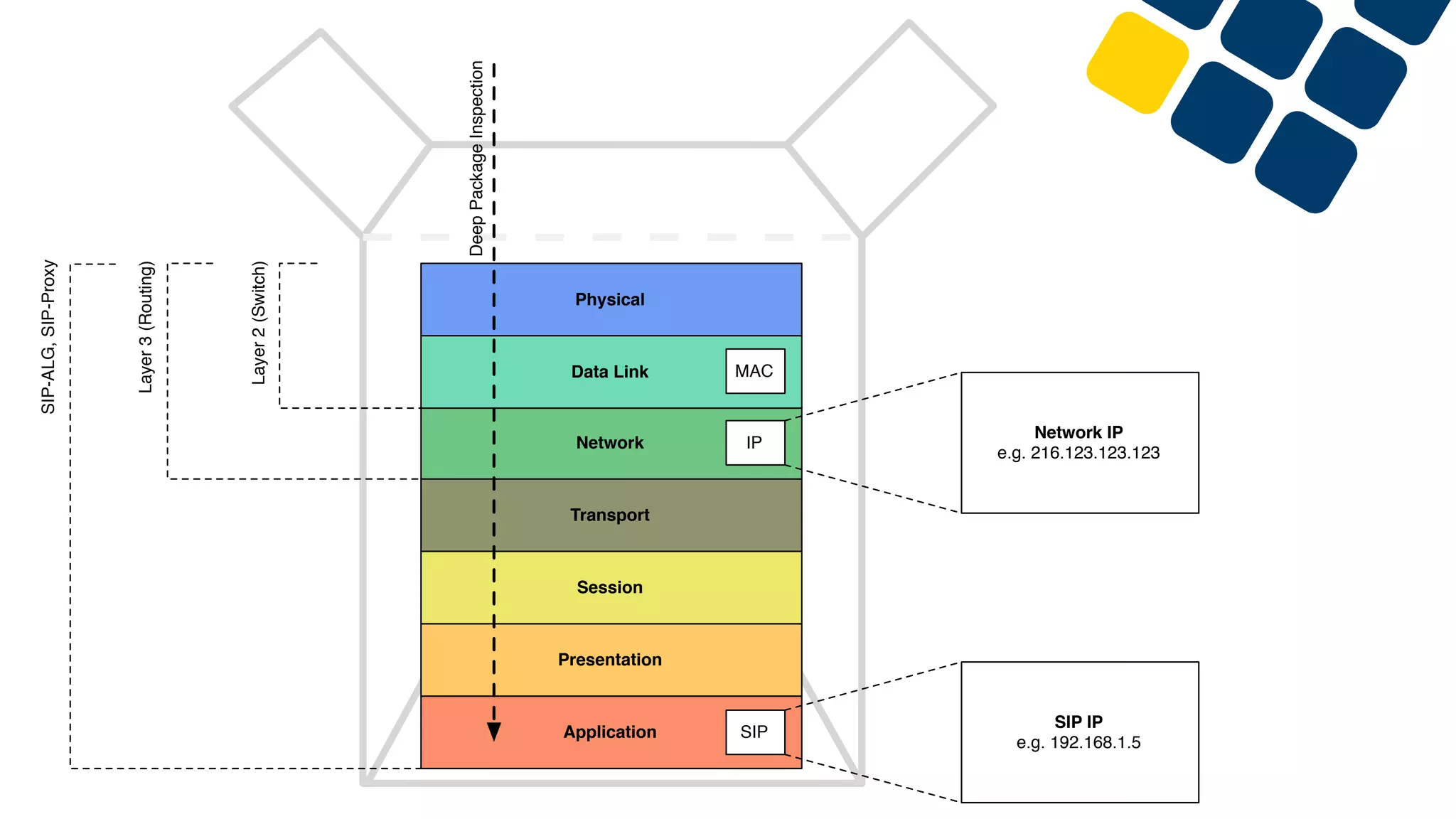
Network IP
e.g. 216.123.123.123
SIP IP
e.g. 192.168.1.5
Layer2(Switch)
Layer3(Routing)
SIP-ALG,SIP-Proxy
DeepPackageInspection
MAC
Application
Presentation
Session
Transport
Network
Data Link
Physical
SIP
IP
Layer2(Switch)
Layer3(Routing)
SIP-ALG,SIP-Proxy
MAC
Application
Presentation
Session
Transport
Network
Data Link
Physical
SIP
IP
MAC
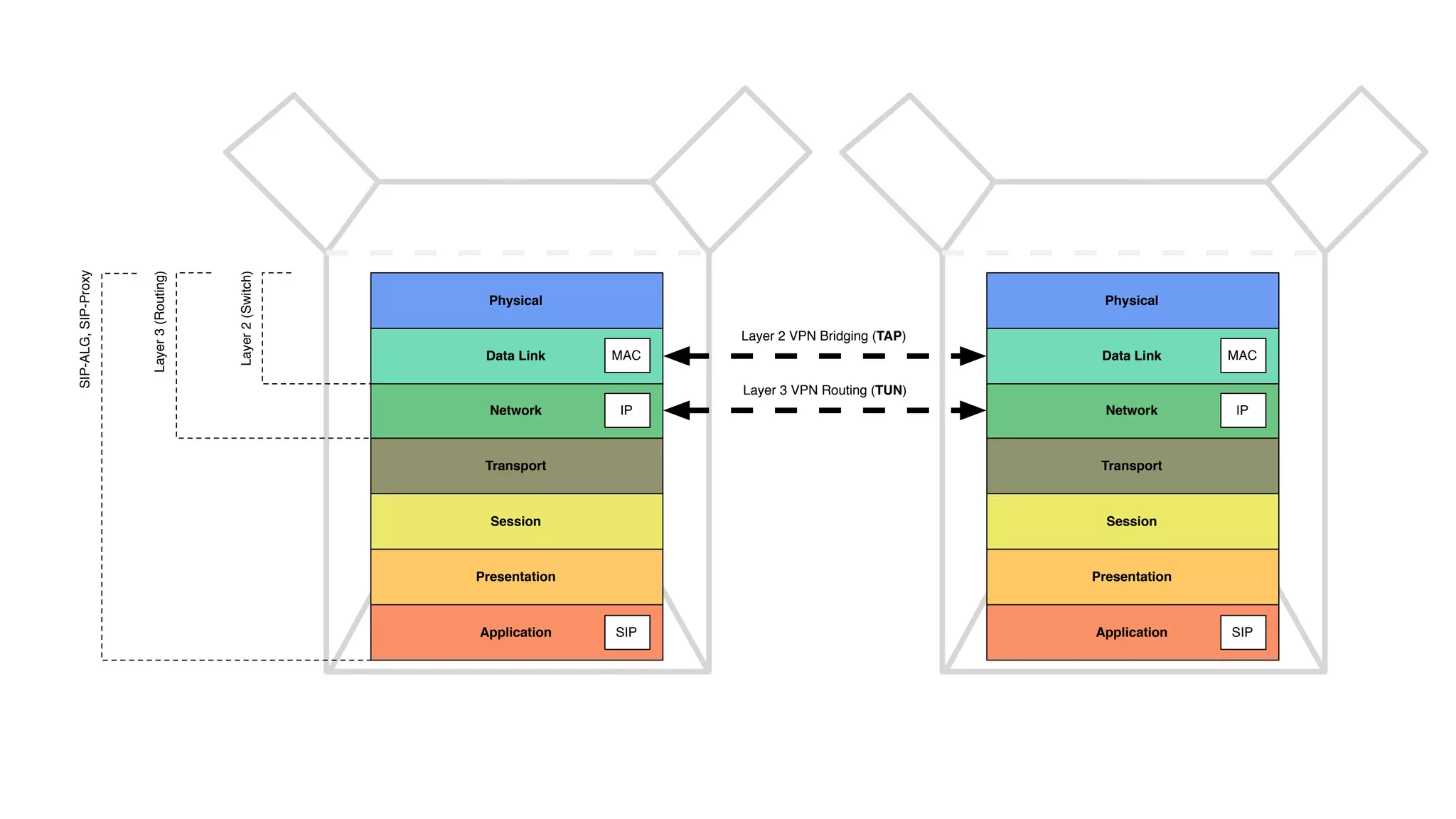
Layer 2 VPN Bridging (TAP)
Layer 3 VPN Routing (TUN)
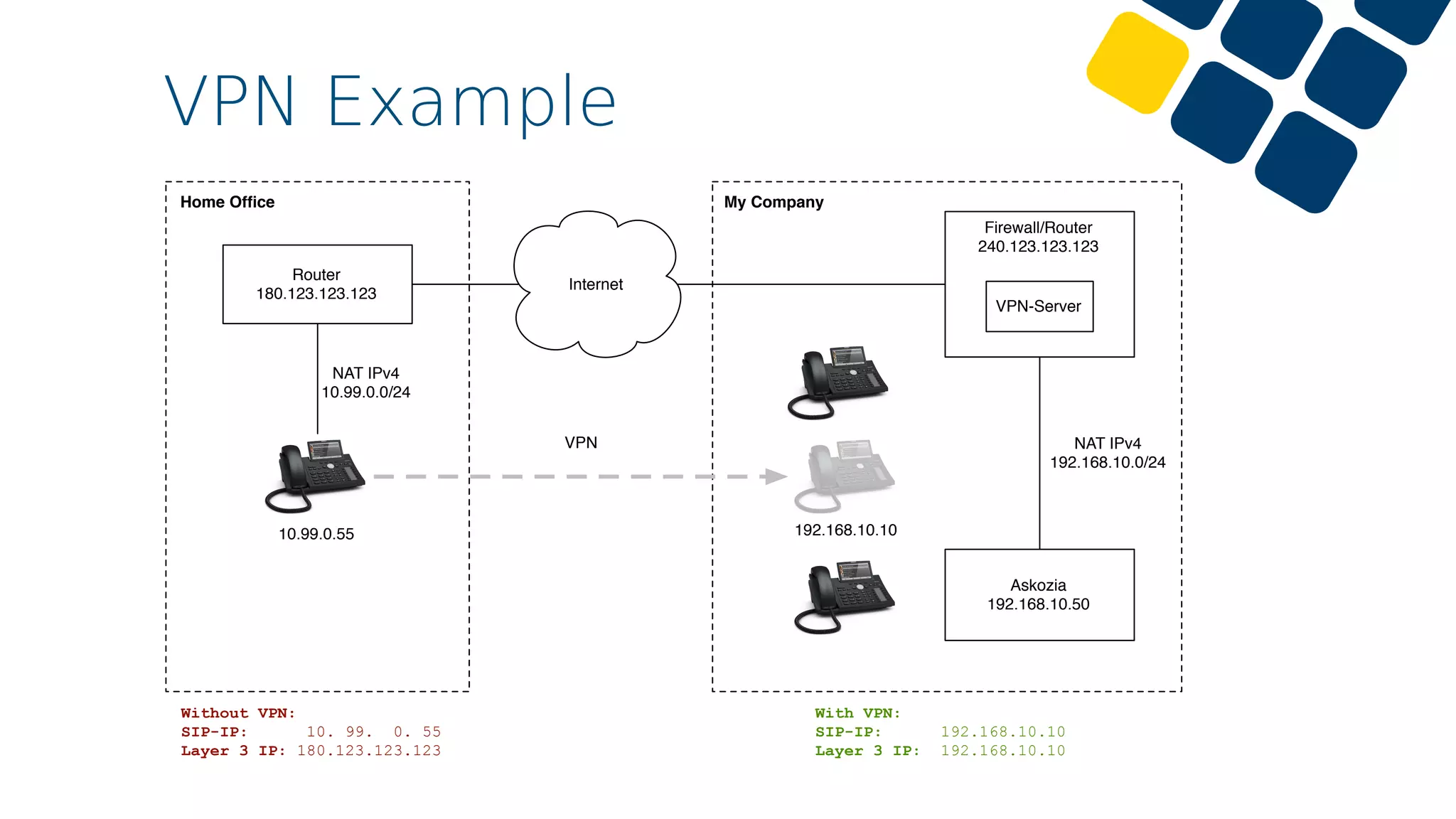
VPN Example
Internet
Askozia
192.168.10.50
Router
180.123.123.123
10.99.0.55
NAT IPv4
10.99.0.0/24
NAT IPv4
192.168.10.0/24
Firewall/Router
240.123.123.123
VPN-Server
Without VPN:
SIP-IP: 10. 99. 0. 55
Layer 3 IP: 180.123.123.123
With VPN:
SIP-IP: 192.168.10.10
Layer 3 IP: 192.168.10.10
192.168.10.10
VPN
My CompanyHome Office
How to configure?
•Configure a VPN server
•Create certificates (CA and Server certificate)
•Create OpenVPN server (tap)
•Install OpenVPN Export package
•Create a firewall rule for VPN

•Prepare/Configure a SNOM phone
•Prepare the Firmware
•Export a VPN configuration
•Modify the VPN configuration
•Upload the VPN configuration
An example with pfSense
Questions?
Time to wake up!
markus.ehlers@askozia.com

How to connect external IP phones with AskoziaPBX through VPN - webinar 2016, English