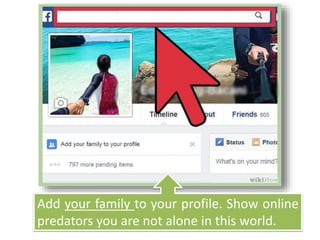
Add your family to your profile. Show online
predators you are not alone in this world.
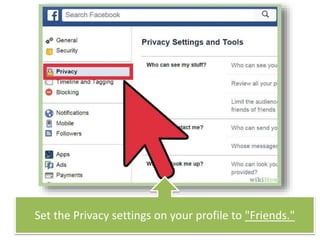
Set the Privacy settings on your profile to "Friends."
For certain pictures, you can also select certain friends
that you do or do not want them to see.
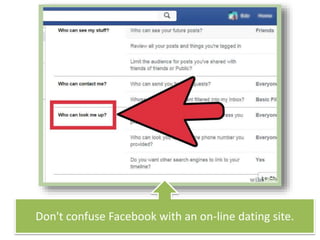
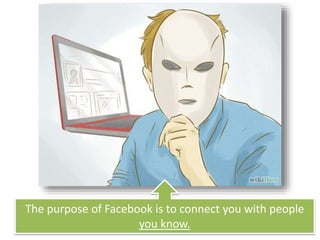
Don't confuse Facebook with an on-line dating site.
The purpose of Facebook is to connect you with people
you know.
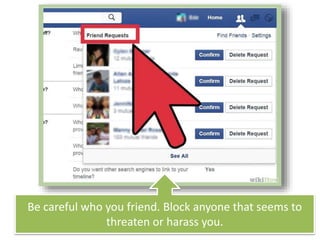
Be careful who you friend. Block anyone that seems to
threaten or harass you.
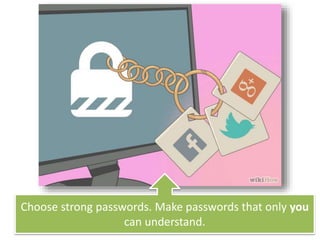
Choose strong passwords. Make passwords that only you
can understand.
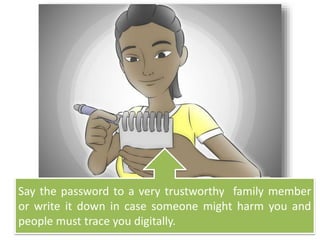
Say the password to a very trustworthy family member
or write it down in case someone might harm you and
people must trace you digitally.
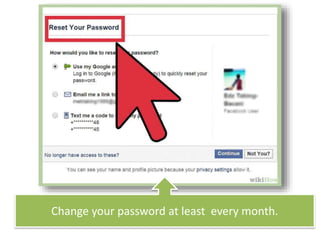
Change your password at least every month.
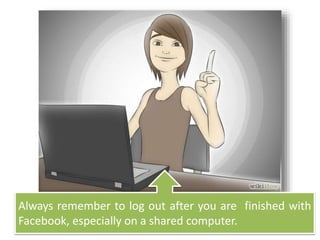
Always remember to log out after you are finished with
Facebook, especially on a shared computer.
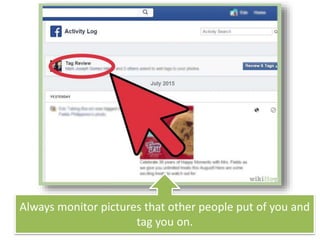
Always monitor pictures that other people put of you and
tag you on.
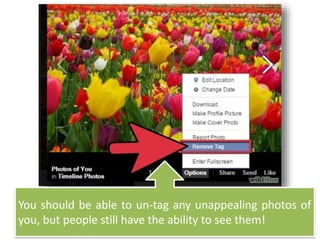
You should be able to un-tag any unappealing photos of
you, but people still have the ability to see them!
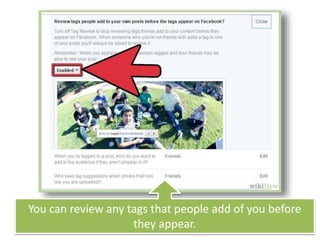
You can review any tags that people add of you before
they appear.
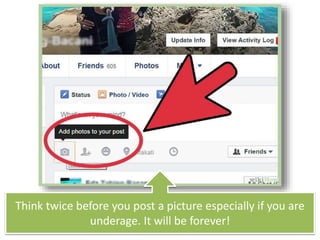
Think twice before you post a picture especially if you are
underage. It will be forever!
Be careful when people take pictures of you. If uploaded,
these pictures might be printed by anyone…
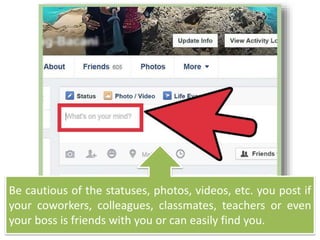
Be cautious of the statuses, photos, videos, etc. you post if
your coworkers, colleagues, classmates, teachers or even
your boss is friends with you or can easily find you.
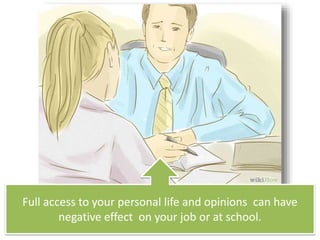
Full access to your personal life and opinions can have
negative effect on your job or at school.
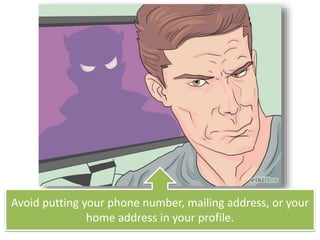
Avoid putting your phone number, mailing address, or your
home address in your profile.
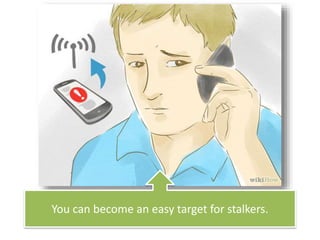
You can become an easy target for stalkers.
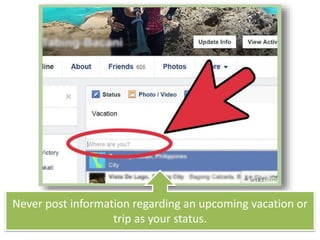
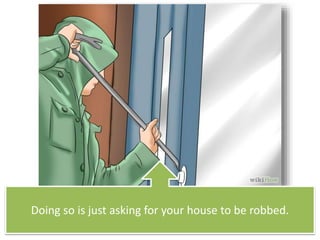
Never post information regarding an upcoming vacation or
trip as your status.
Doing so is just asking for your house to be robbed.
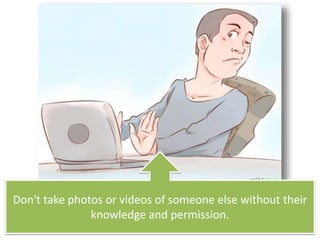
Don't take photos or videos of someone else without their
knowledge and permission.
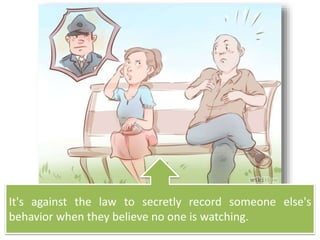
It's against the law to secretly record someone else's
behavior when they believe no one is watching.
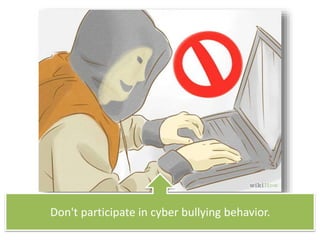
Don't participate in cyber bullying behavior.
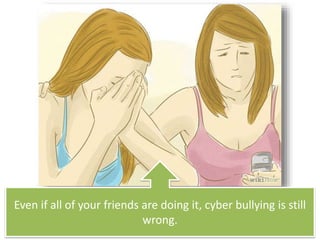
Even if all of your friends are doing it, cyber bullying is still
wrong.
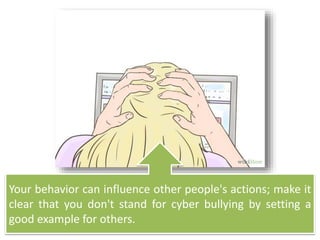
Your behavior can influence other people's actions; make it
clear that you don't stand for cyber bullying by setting a
good example for others.
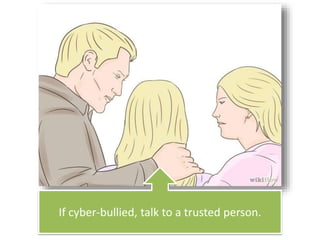
If cyber-bullied, talk to a trusted person.
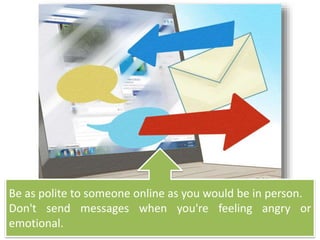
Be as polite to someone online as you would be in person.
Don't send messages when you're feeling angry or
emotional.
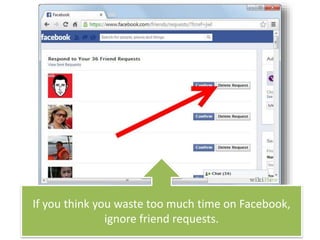
If you think you waste too much time on Facebook,
ignore friend requests.
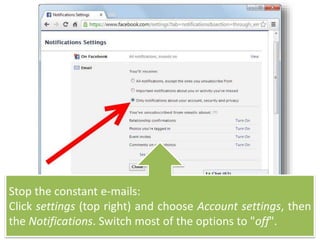
Stop the constant e-mails:
Click settings (top right) and choose Account settings, then
the Notifications. Switch most of the options to "off".
If you see any inappropriate images or comments then
e-mail Facebook at abuse@Facebook.com.

How to be safe on facebook

  • 1.
    Add your familyto your profile. Show online predators you are not alone in this world.
  • 2.
    Set the Privacysettings on your profile to "Friends."
  • 3.
    For certain pictures,you can also select certain friends that you do or do not want them to see.
  • 4.
    Don't confuse Facebookwith an on-line dating site.
  • 5.
    The purpose ofFacebook is to connect you with people you know.
  • 6.
    Be careful whoyou friend. Block anyone that seems to threaten or harass you.
  • 7.
    Choose strong passwords.Make passwords that only you can understand.
  • 8.
    Say the passwordto a very trustworthy family member or write it down in case someone might harm you and people must trace you digitally.
  • 9.
    Change your passwordat least every month.
  • 10.
    Always remember tolog out after you are finished with Facebook, especially on a shared computer.
  • 11.
    Always monitor picturesthat other people put of you and tag you on.
  • 12.
    You should beable to un-tag any unappealing photos of you, but people still have the ability to see them!
  • 13.
    You can reviewany tags that people add of you before they appear.
  • 14.
    Think twice beforeyou post a picture especially if you are underage. It will be forever!
  • 15.
    Be careful whenpeople take pictures of you. If uploaded, these pictures might be printed by anyone…
  • 16.
    Be cautious ofthe statuses, photos, videos, etc. you post if your coworkers, colleagues, classmates, teachers or even your boss is friends with you or can easily find you.
  • 17.
    Full access toyour personal life and opinions can have negative effect on your job or at school.
  • 18.
    Avoid putting yourphone number, mailing address, or your home address in your profile.
  • 19.
    You can becomean easy target for stalkers.
  • 20.
    Never post informationregarding an upcoming vacation or trip as your status.
  • 21.
    Doing so isjust asking for your house to be robbed.
  • 22.
    Don't take photosor videos of someone else without their knowledge and permission.
  • 23.
    It's against thelaw to secretly record someone else's behavior when they believe no one is watching.
  • 24.
    Don't participate incyber bullying behavior.
  • 25.
    Even if allof your friends are doing it, cyber bullying is still wrong.
  • 26.
    Your behavior caninfluence other people's actions; make it clear that you don't stand for cyber bullying by setting a good example for others.
  • 27.
    If cyber-bullied, talkto a trusted person.
  • 28.
    Be as politeto someone online as you would be in person. Don't send messages when you're feeling angry or emotional.
  • 29.
    If you thinkyou waste too much time on Facebook, ignore friend requests.
  • 30.
    Stop the constante-mails: Click settings (top right) and choose Account settings, then the Notifications. Switch most of the options to "off".
  • 31.
    If you seeany inappropriate images or comments then e-mail Facebook at abuse@Facebook.com.