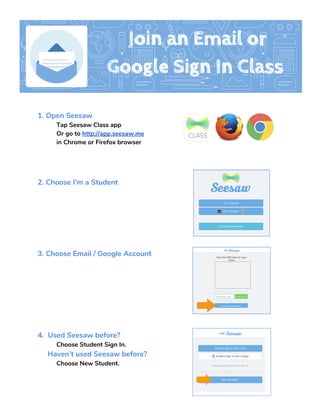
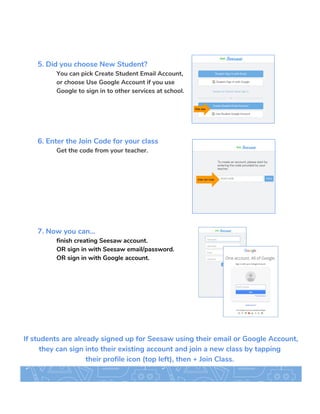
To sign up for Seesaw as a student, open the Seesaw Class app or go to the Seesaw website. Select that you are a student and choose to either sign in with an existing Seesaw or Google account by entering your email and password, or create a new student account by entering an email address or using your Google account and entering the join code provided by your teacher to join your class. Once signed in, students can join additional classes by tapping their profile icon and selecting join class.