HELP AND USER DOCUMENTATION
SlideMake.com
Introduction to Help and User Documentation
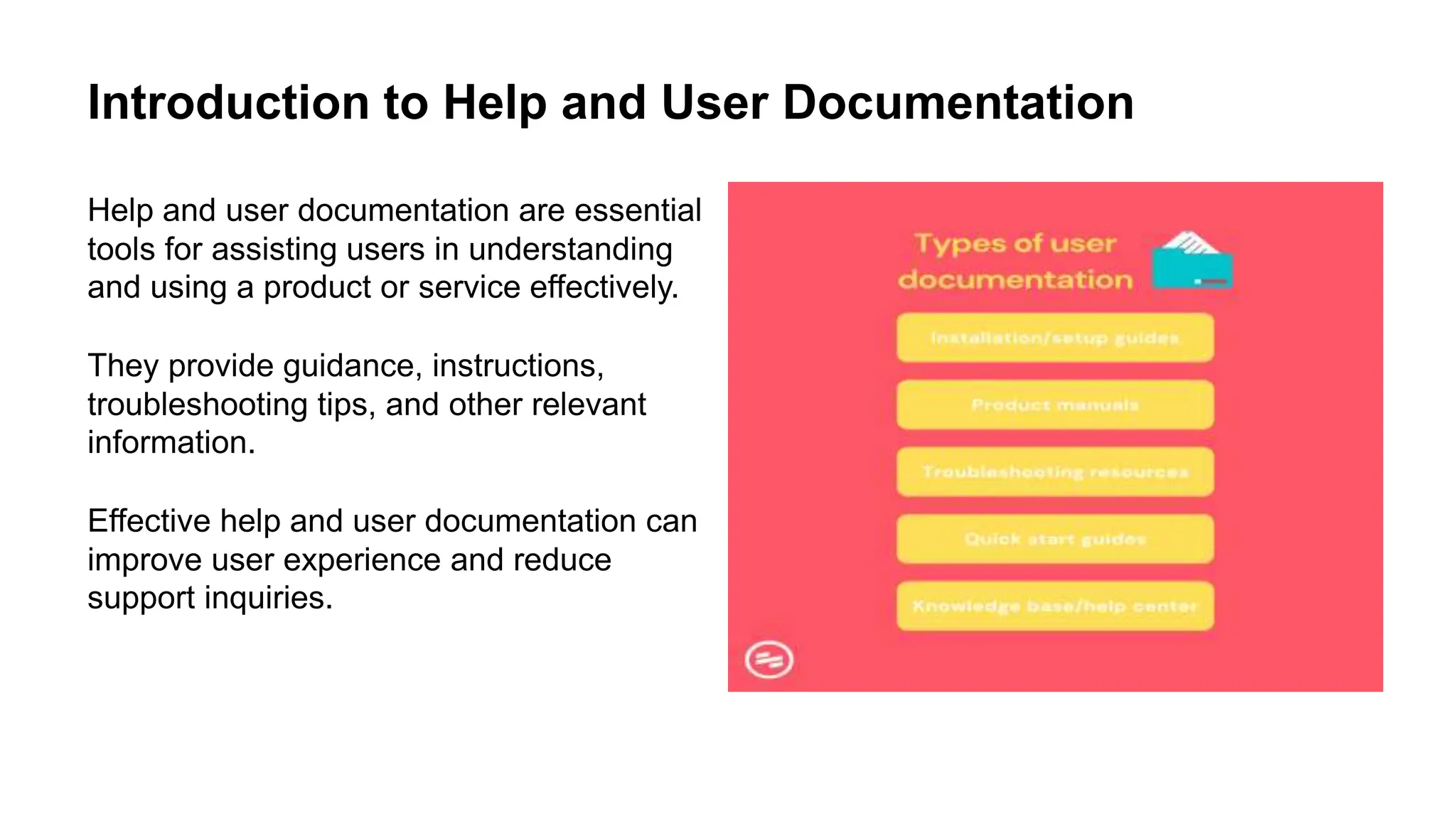
Help and user documentation are essential
tools for assisting users in understanding
and using a product or service effectively.
They provide guidance, instructions,
troubleshooting tips, and other relevant
information.
Effective help and user documentation can
improve user experience and reduce
support inquiries.
Types of Help and User Documentation
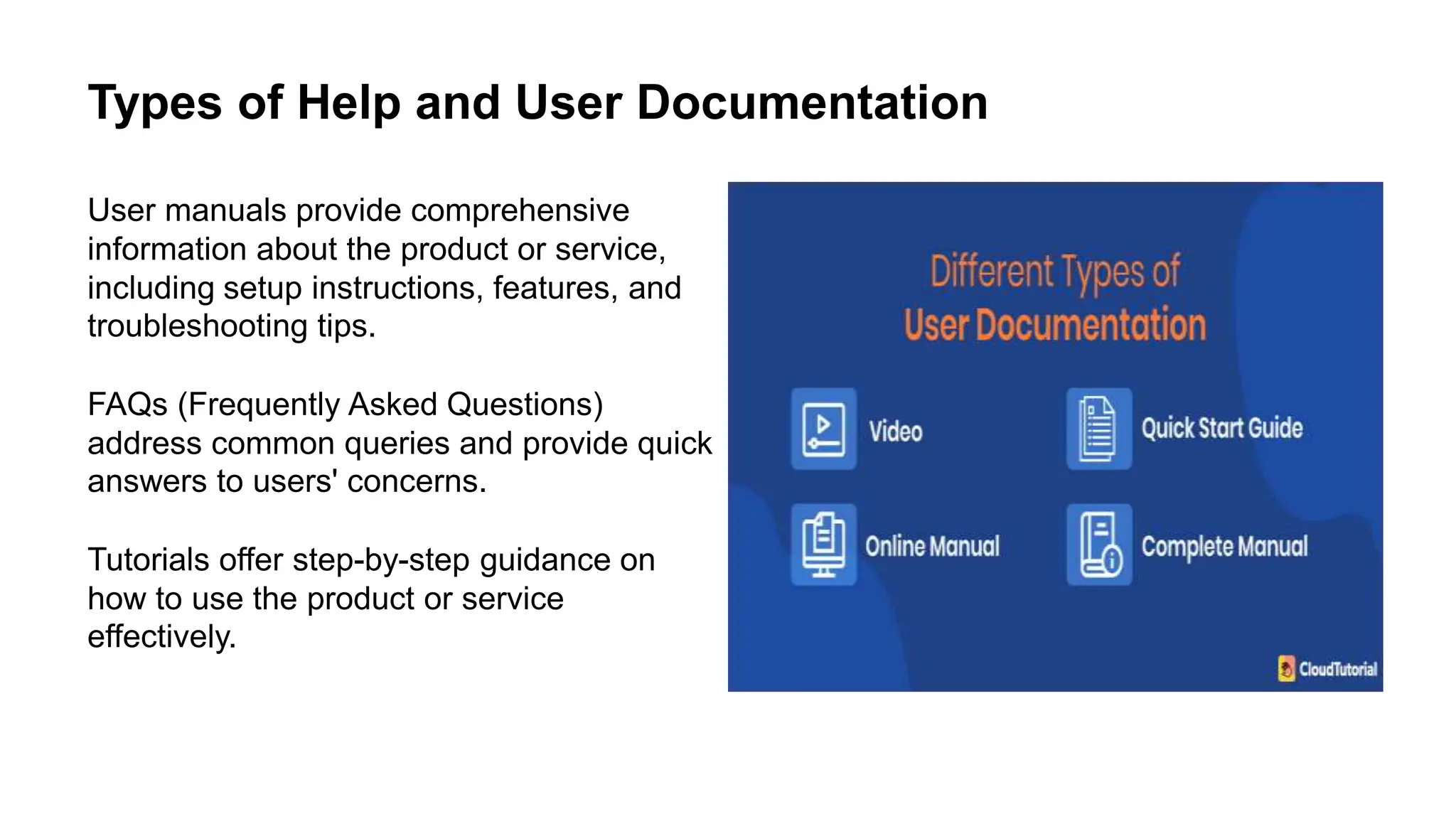
User manuals provide comprehensive
information about the product or service,
including setup instructions, features, and
troubleshooting tips.
FAQs (Frequently Asked Questions)
address common queries and provide quick
answers to users' concerns.
Tutorials offer step-by-step guidance on
how to use the product or service
effectively.
Importance of Clear and Concise Documentation
Clear and concise documentation helps
users quickly find the information they
need.
It reduces confusion and frustration,
leading to a better user experience.
Well-organized documentation can also
help users become more proficient with the
product or service.
Designing User-Friendly Documentation
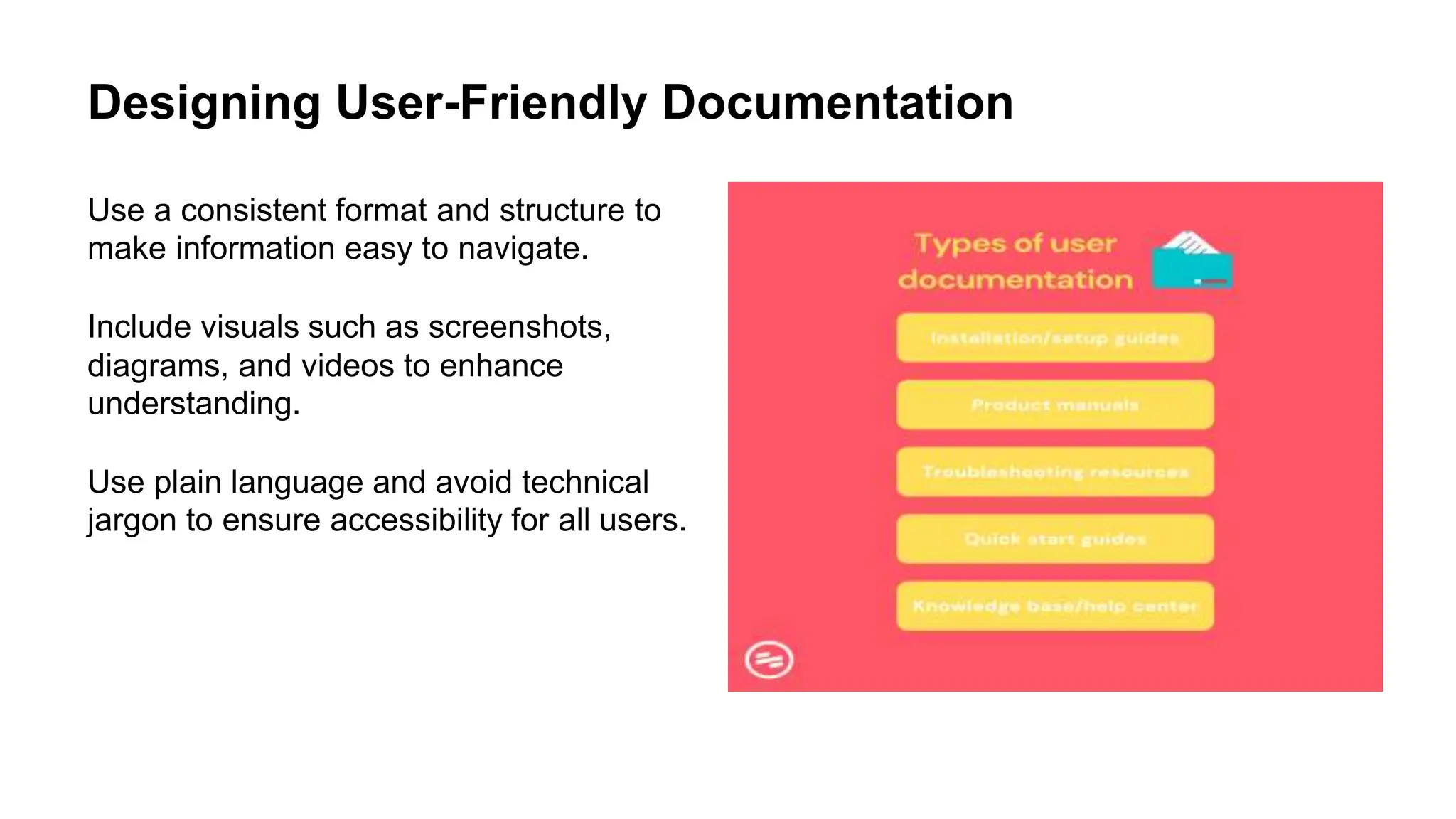
Use a consistent format and structure to
make information easy to navigate.
Include visuals such as screenshots,
diagrams, and videos to enhance
understanding.
Use plain language and avoid technical
jargon to ensure accessibility for all users.
Providing Contextual Help
Contextual help provides relevant
information within the user interface at the
point of need.
Tooltips, inline guides, and contextual links
are examples of contextual help.
This type of help can enhance user
productivity and reduce the need to search
for information.
Utilizing Interactive Help Features
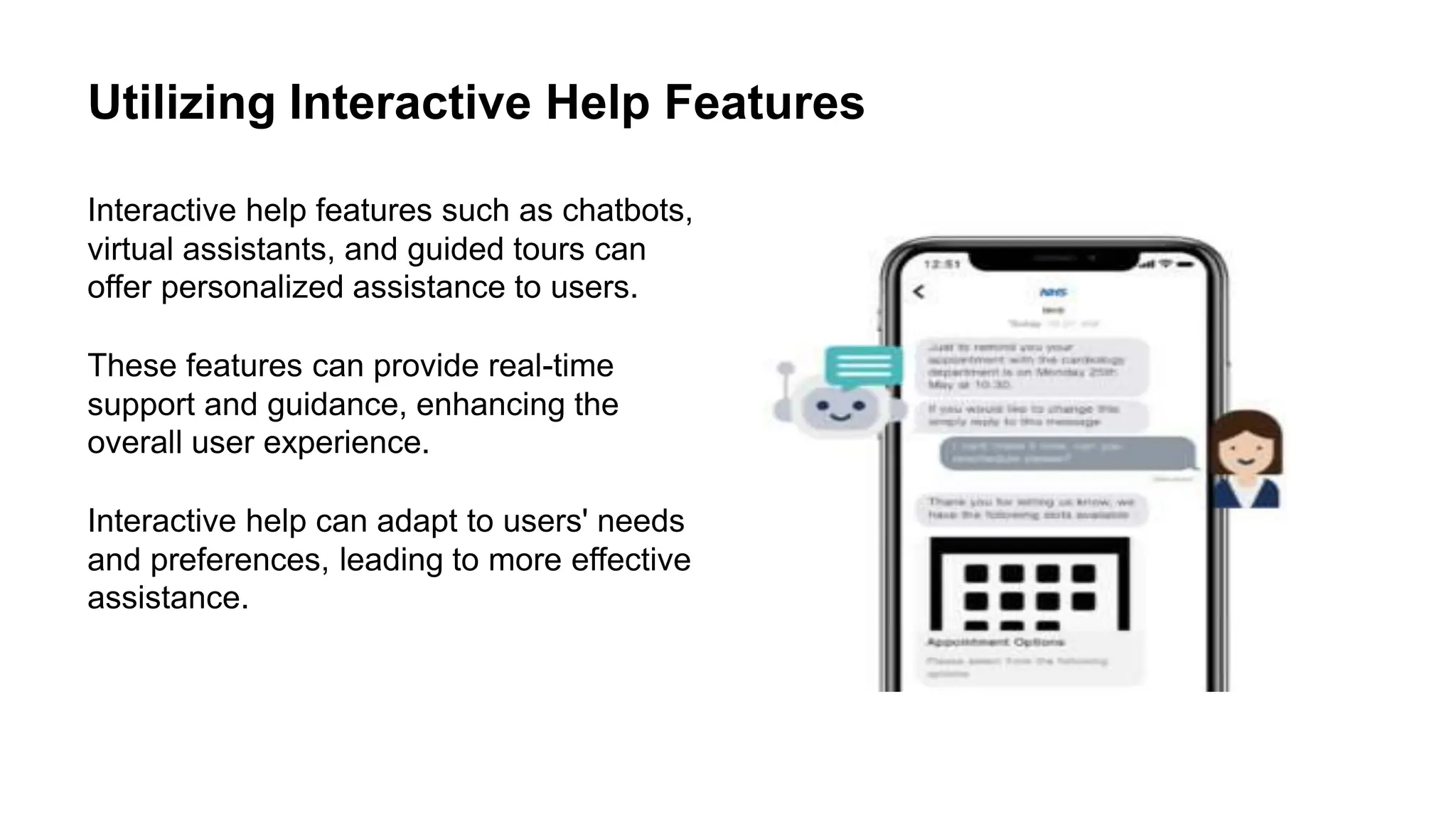
Interactive help features such as chatbots,
virtual assistants, and guided tours can
offer personalized assistance to users.
These features can provide real-time
support and guidance, enhancing the
overall user experience.
Interactive help can adapt to users' needs
and preferences, leading to more effective
assistance.
Incorporating User Feedback
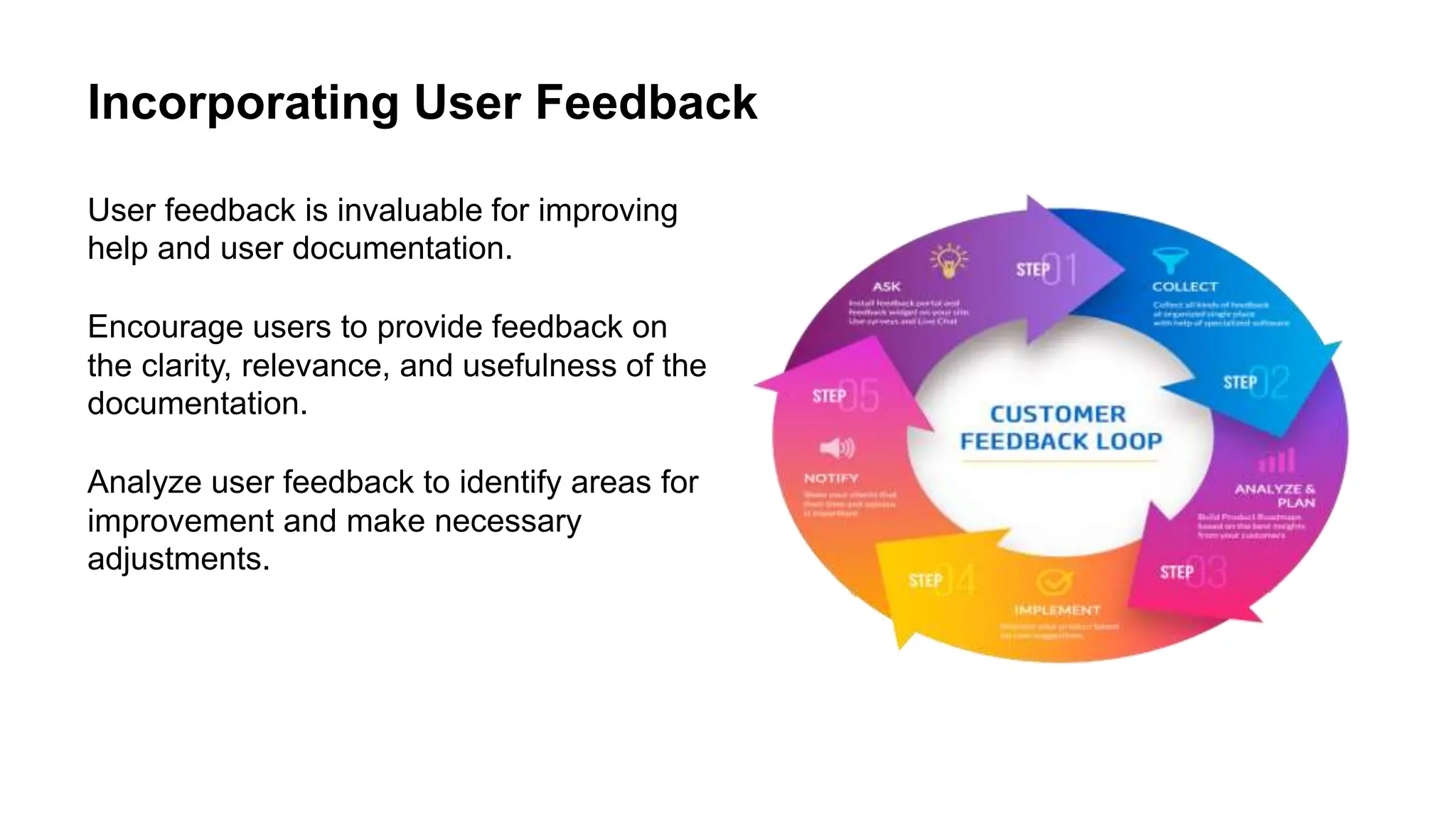
User feedback is invaluable for improving
help and user documentation.
Encourage users to provide feedback on
the clarity, relevance, and usefulness of the
documentation.
Analyze user feedback to identify areas for
improvement and make necessary
adjustments.
Localization and Accessibility
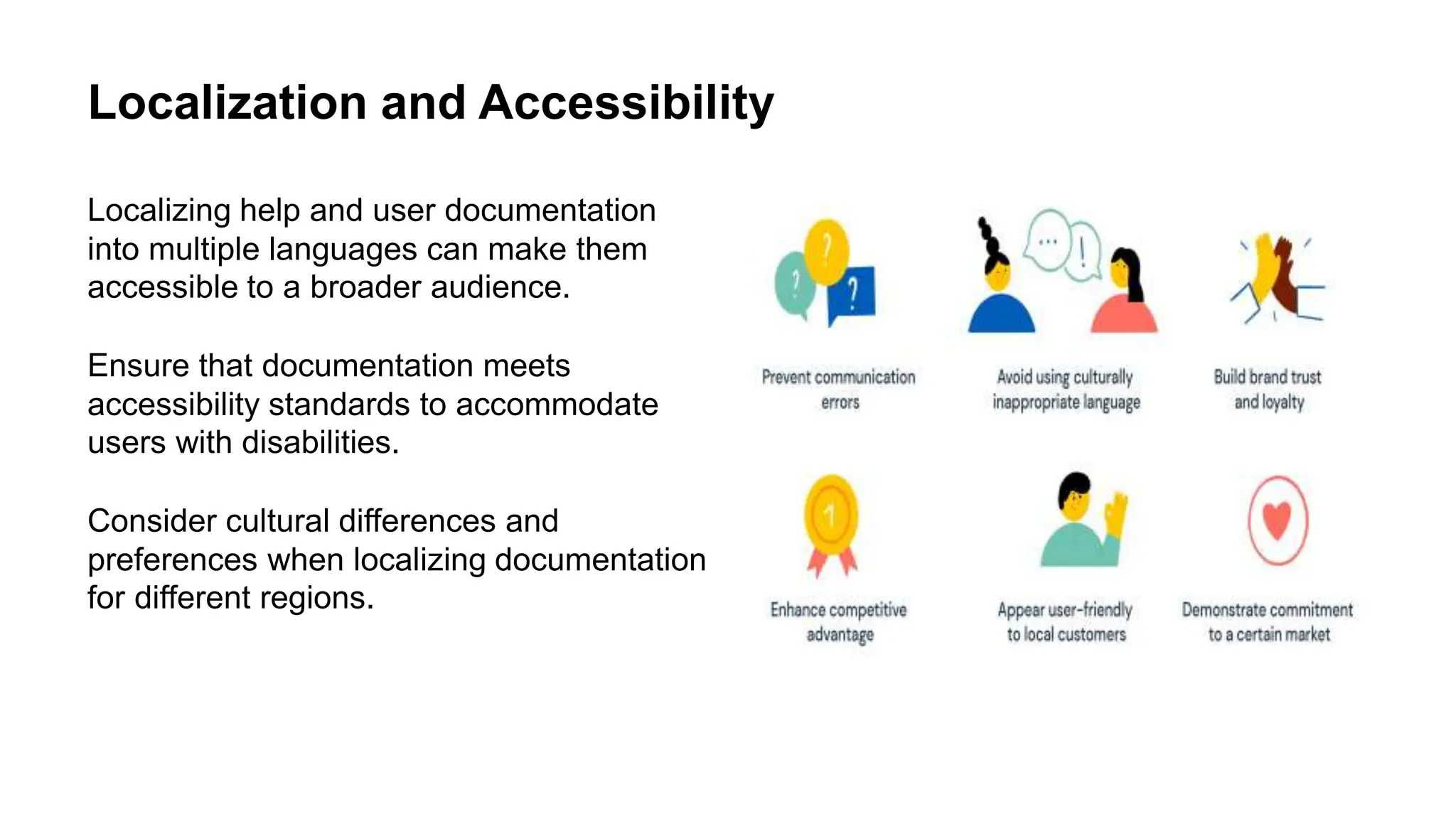
Localizing help and user documentation
into multiple languages can make them
accessible to a broader audience.
Ensure that documentation meets
accessibility standards to accommodate
users with disabilities.
Consider cultural differences and
preferences when localizing documentation
for different regions.
Updating and Maintaining Documentation
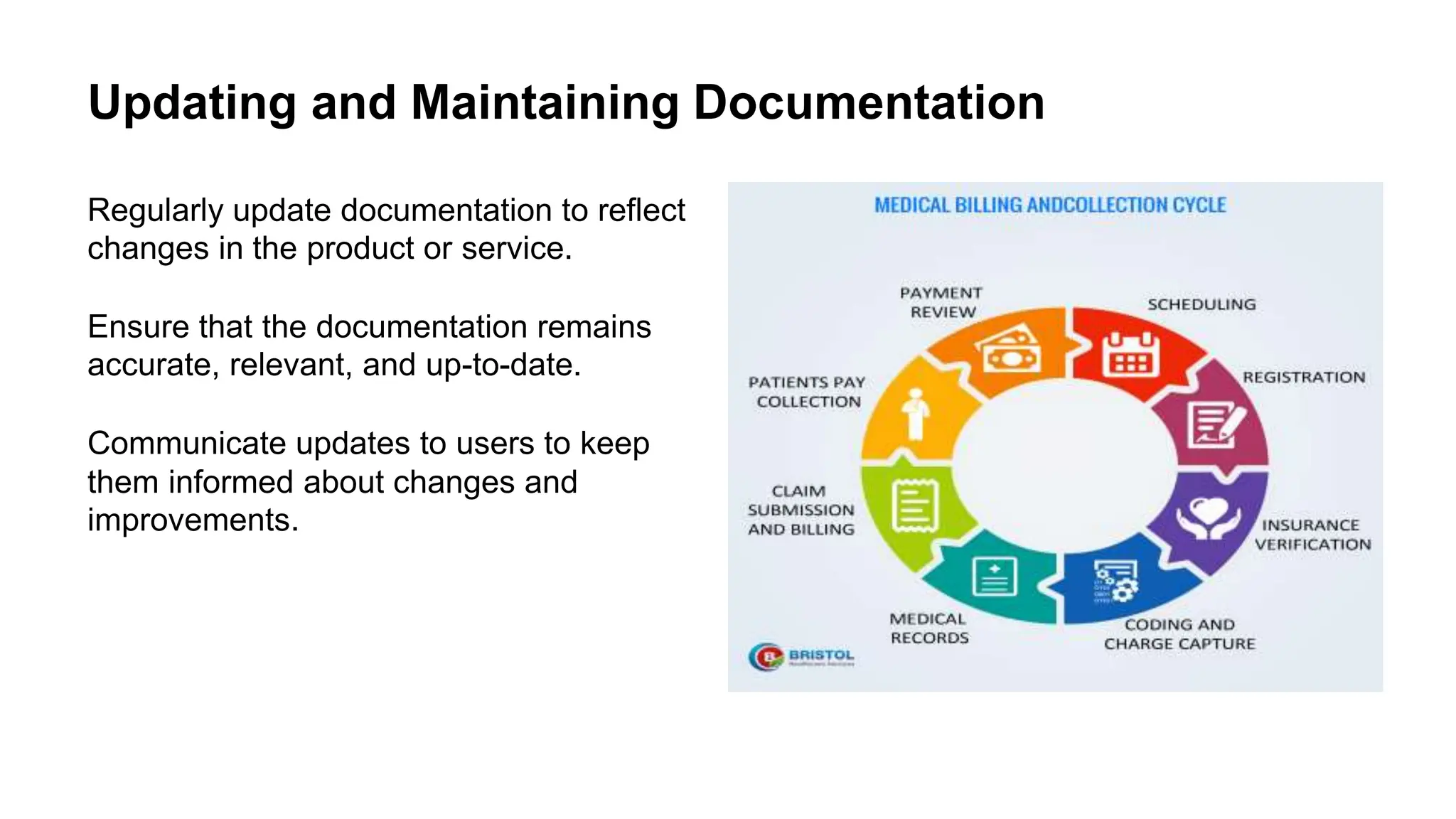
Regularly update documentation to reflect
changes in the product or service.
Ensure that the documentation remains
accurate, relevant, and up-to-date.
Communicate updates to users to keep
them informed about changes and
improvements.
Measuring the Effectiveness of Help and User
Documentation
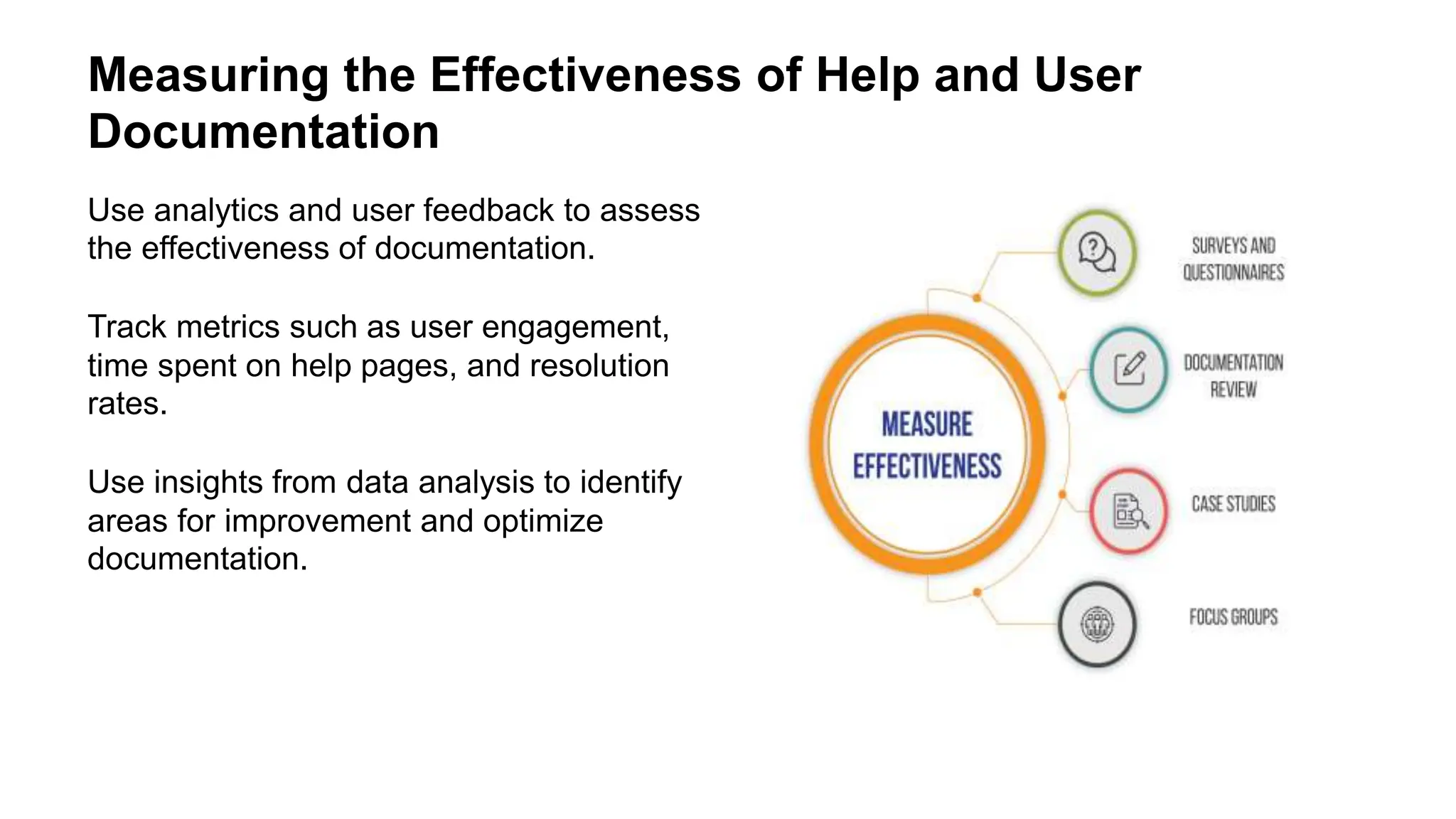
Use analytics and user feedback to assess
the effectiveness of documentation.
Track metrics such as user engagement,
time spent on help pages, and resolution
rates.
Use insights from data analysis to identify
areas for improvement and optimize
documentation.
Training and Onboarding Support
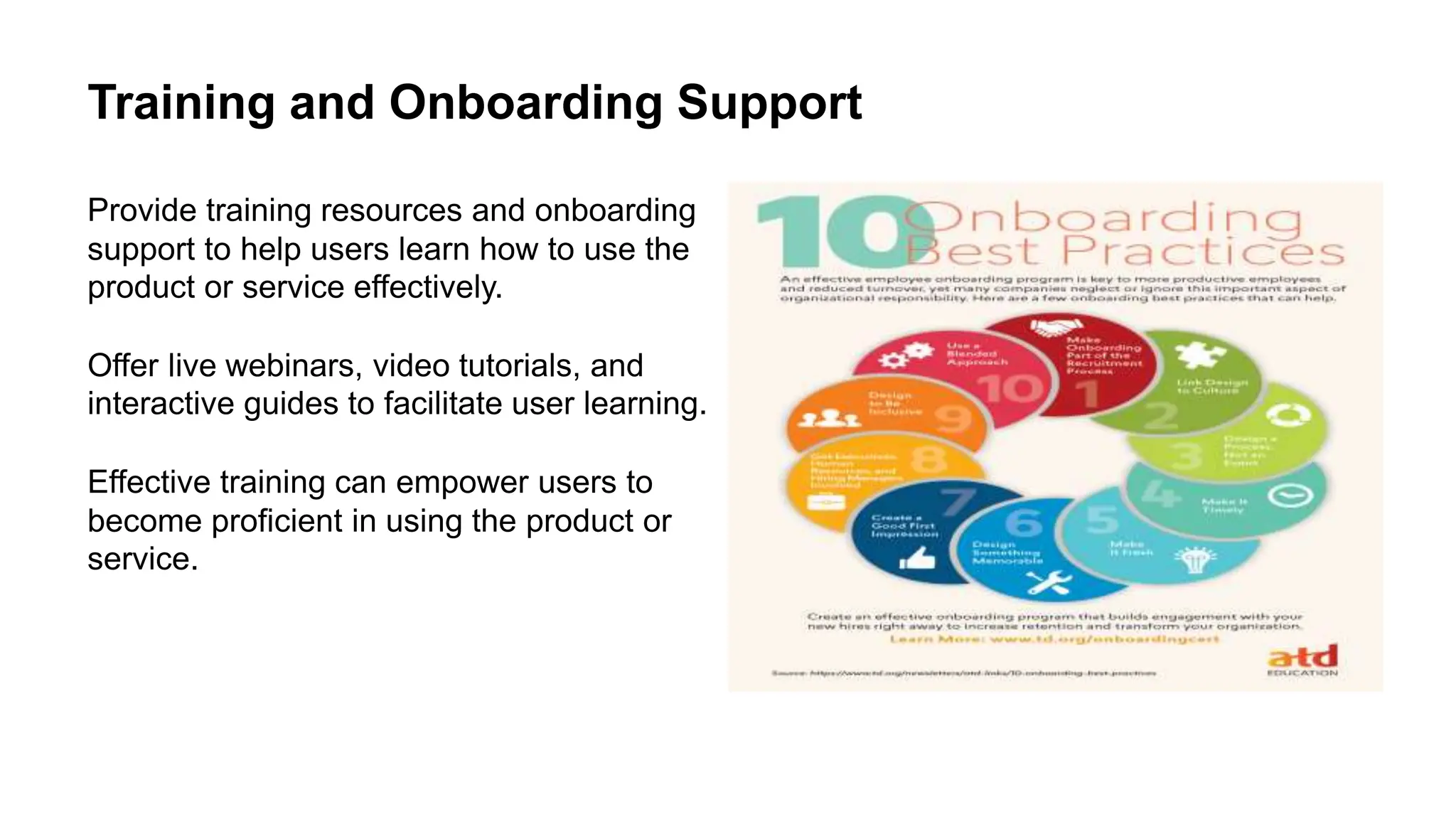
Provide training resources and onboarding
support to help users learn how to use the
product or service effectively.
Offer live webinars, video tutorials, and
interactive guides to facilitate user learning.
Effective training can empower users to
become proficient in using the product or
service.
Integrating Help and User Documentation with
Customer Support
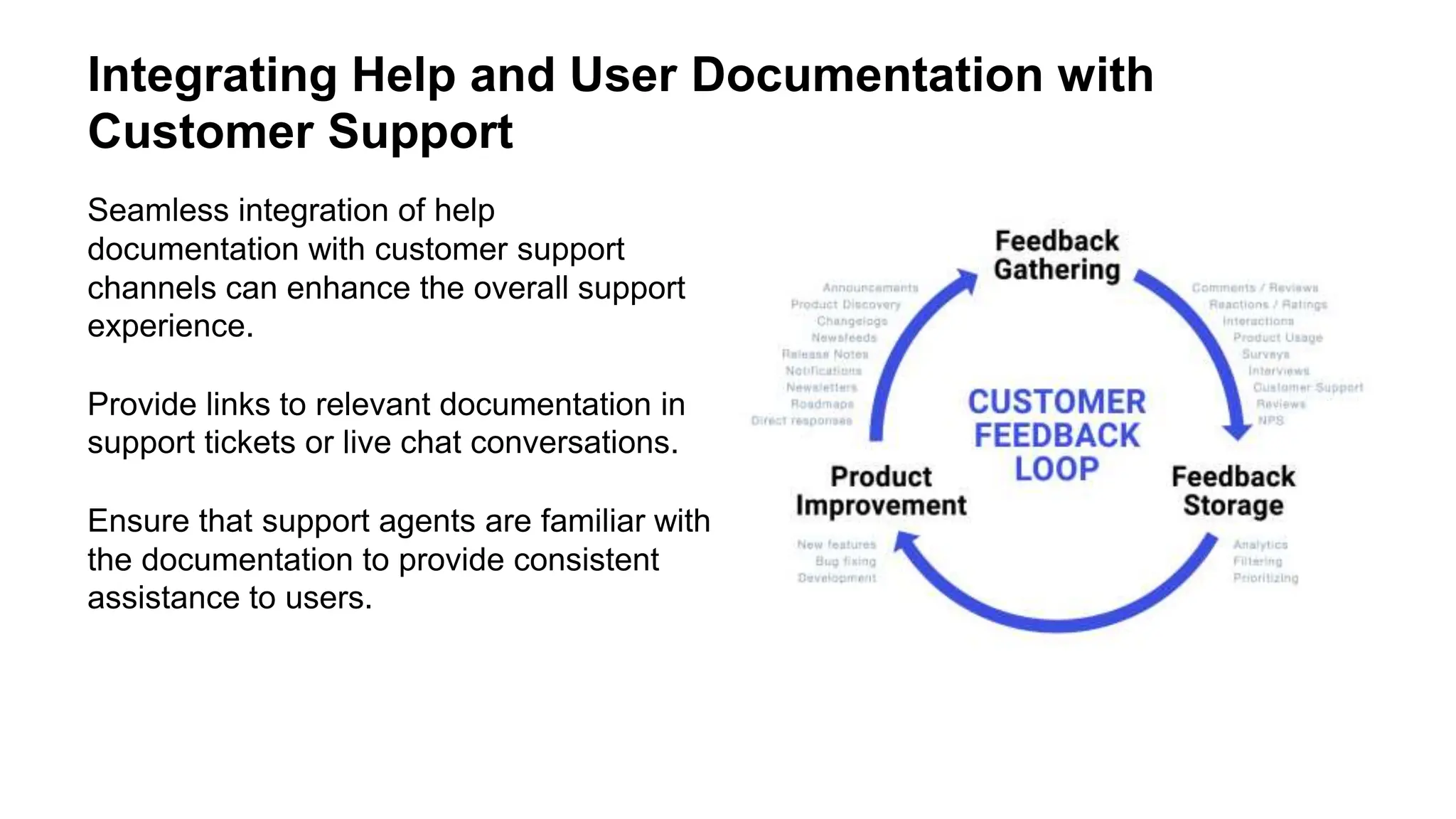
Seamless integration of help
documentation with customer support
channels can enhance the overall support
experience.
Provide links to relevant documentation in
support tickets or live chat conversations.
Ensure that support agents are familiar with
the documentation to provide consistent
assistance to users.
Best Practices for Creating Help and User
Documentation
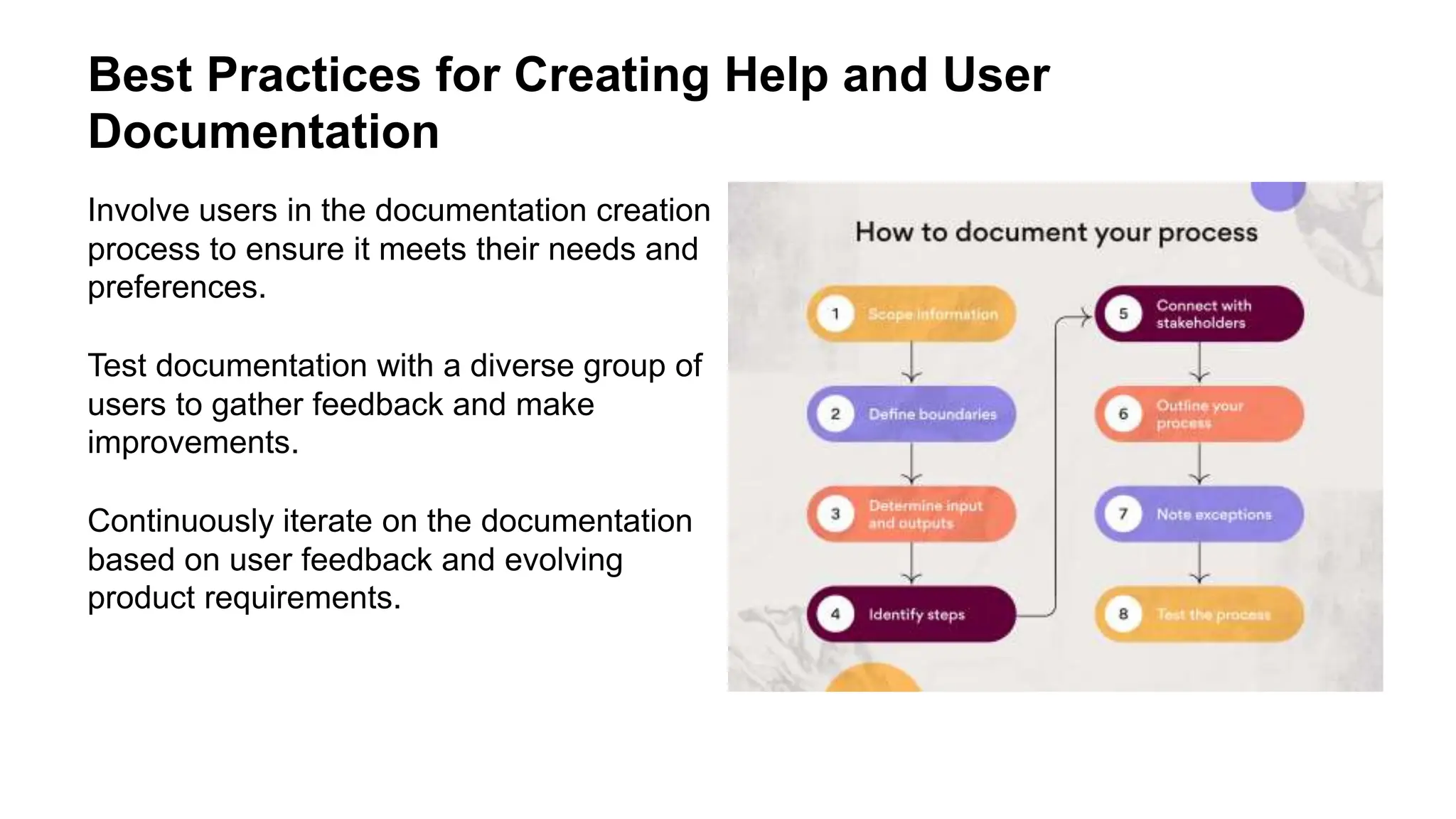
Involve users in the documentation creation
process to ensure it meets their needs and
preferences.
Test documentation with a diverse group of
users to gather feedback and make
improvements.
Continuously iterate on the documentation
based on user feedback and evolving
product requirements.
Conclusion
Help and user documentation play a crucial
role in supporting users and enhancing
their experience.
By providing clear, concise, and user-
friendly documentation, organizations can
empower users to effectively use their
products and services.
Continuous improvement and user-centric
design are key to creating effective help
and user documentation.
References
Smith, J. (2020). The Art of Writing Help
and User Documentation.
Johnson, S. (2019). Designing User-
Friendly Documentation: Best Practices.
Anderson, E. (2018). Localization
Strategies for Global Help Documentation.

HELP AND USER DOCUMENTATION OF HCI SUBJECT pptx

  • 1.
    HELP AND USERDOCUMENTATION SlideMake.com
  • 2.
    Introduction to Helpand User Documentation Help and user documentation are essential tools for assisting users in understanding and using a product or service effectively. They provide guidance, instructions, troubleshooting tips, and other relevant information. Effective help and user documentation can improve user experience and reduce support inquiries.
  • 3.
    Types of Helpand User Documentation User manuals provide comprehensive information about the product or service, including setup instructions, features, and troubleshooting tips. FAQs (Frequently Asked Questions) address common queries and provide quick answers to users' concerns. Tutorials offer step-by-step guidance on how to use the product or service effectively.
  • 4.
    Importance of Clearand Concise Documentation Clear and concise documentation helps users quickly find the information they need. It reduces confusion and frustration, leading to a better user experience. Well-organized documentation can also help users become more proficient with the product or service.
  • 5.
    Designing User-Friendly Documentation Usea consistent format and structure to make information easy to navigate. Include visuals such as screenshots, diagrams, and videos to enhance understanding. Use plain language and avoid technical jargon to ensure accessibility for all users.
  • 6.
    Providing Contextual Help Contextualhelp provides relevant information within the user interface at the point of need. Tooltips, inline guides, and contextual links are examples of contextual help. This type of help can enhance user productivity and reduce the need to search for information.
  • 7.
    Utilizing Interactive HelpFeatures Interactive help features such as chatbots, virtual assistants, and guided tours can offer personalized assistance to users. These features can provide real-time support and guidance, enhancing the overall user experience. Interactive help can adapt to users' needs and preferences, leading to more effective assistance.
  • 8.
    Incorporating User Feedback Userfeedback is invaluable for improving help and user documentation. Encourage users to provide feedback on the clarity, relevance, and usefulness of the documentation. Analyze user feedback to identify areas for improvement and make necessary adjustments.
  • 9.
    Localization and Accessibility Localizinghelp and user documentation into multiple languages can make them accessible to a broader audience. Ensure that documentation meets accessibility standards to accommodate users with disabilities. Consider cultural differences and preferences when localizing documentation for different regions.
  • 10.
    Updating and MaintainingDocumentation Regularly update documentation to reflect changes in the product or service. Ensure that the documentation remains accurate, relevant, and up-to-date. Communicate updates to users to keep them informed about changes and improvements.
  • 11.
    Measuring the Effectivenessof Help and User Documentation Use analytics and user feedback to assess the effectiveness of documentation. Track metrics such as user engagement, time spent on help pages, and resolution rates. Use insights from data analysis to identify areas for improvement and optimize documentation.
  • 12.
    Training and OnboardingSupport Provide training resources and onboarding support to help users learn how to use the product or service effectively. Offer live webinars, video tutorials, and interactive guides to facilitate user learning. Effective training can empower users to become proficient in using the product or service.
  • 13.
    Integrating Help andUser Documentation with Customer Support Seamless integration of help documentation with customer support channels can enhance the overall support experience. Provide links to relevant documentation in support tickets or live chat conversations. Ensure that support agents are familiar with the documentation to provide consistent assistance to users.
  • 14.
    Best Practices forCreating Help and User Documentation Involve users in the documentation creation process to ensure it meets their needs and preferences. Test documentation with a diverse group of users to gather feedback and make improvements. Continuously iterate on the documentation based on user feedback and evolving product requirements.
  • 15.
    Conclusion Help and userdocumentation play a crucial role in supporting users and enhancing their experience. By providing clear, concise, and user- friendly documentation, organizations can empower users to effectively use their products and services. Continuous improvement and user-centric design are key to creating effective help and user documentation.
  • 16.
    References Smith, J. (2020).The Art of Writing Help and User Documentation. Johnson, S. (2019). Designing User- Friendly Documentation: Best Practices. Anderson, E. (2018). Localization Strategies for Global Help Documentation.

Editor's Notes

  • #3 Image source: https://scribehow.com/library/user-documentation-examples
  • #4 Image source: https://www.thecloudtutorial.com/user-documentation/
  • #6 Image source: https://scribehow.com/library/user-documentation-examples
  • #7 Image source: https://bootcamp.uxdesign.cc/ux-ui-tips-a-guide-to-contextual-help-11971550acb
  • #8 Image source: https://healthcare-communications.com/solutions/virtual-assistants-and-chatbots/
  • #9 Image source: https://www.deskera.com/blog/customer-feedback/
  • #10 Image source: https://redokun.com/blog/localization-strategy
  • #11 Image source: https://davidlavin.com/quebec/maintaining-and-tracking-documentation-life-cycle.php
  • #12 Image source: https://atlanticcgroup.com/measure-effectiveness-2/
  • #13 Image source: https://mavink.com/explore/Onboarding-Training-Plan
  • #14 Image source: https://garricksolutions.com/integrating-customer-feedback-and-survey-tools-with-product-development-and-innovation-systems-to-drive-continuous-improvement/
  • #15 Image source: https://design.udlvirtual.edu.pe/en/steps-in-creating-process-map.html?save=1
  • #16 Image source: https://helpjuice.com/blog/user-documentation