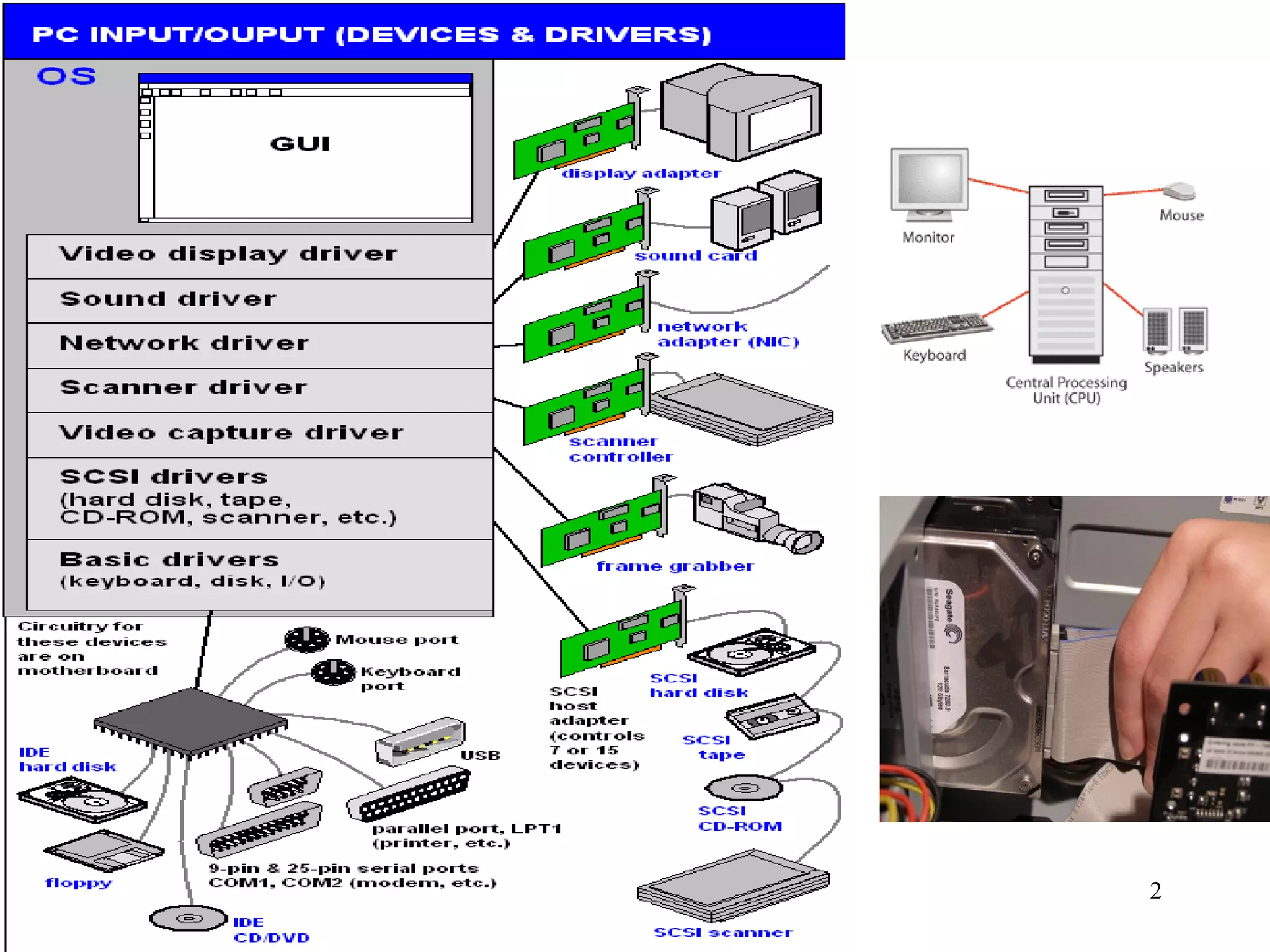
Topic 3 Peripherals 3.1 Interfaces  They work at different speeds, use different codes, transfer different amounts of data at a time, and even work at different voltages. An  interface  is the hardware and software needed between a processor and a peripheral device in order  to compensate for differences in their operating characteristics .  The interface allows the two devices to communicate correctly. Computer peripherals such as disk drives, printers etc. work in different ways and  linking a peripheral to the processor  is a difficult task.
 
1. Buffering 3. Voltage conversion 4. Protocol conversion 2. Data format conversion Interface functions  5. Status signal handling An interface will have to perform many of the functions  listed below.  This will vary depending on the characteristics of the device. (jobs)
1. Buffering 3. Voltage conversion 4. Protocol conversion 2. Data format conversion 5. Status signal handling Buffering Processors  can send data at a  faster rate than most peripherals  can deal with it.  e.g. an inkjet printer is a mechanical device.  It takes time to spray the ink, physically move the paper etc.  Many interfaces have a  buffer to store data .  A buffer is an  amount of RAM in the peripheral device  which is used to store data until the device is able to process it. It allows the  processor  to send data at high speed and then  continue with other tasks  while the device can work at its own slower pace to complete the task.
1. Buffering 3. Voltage conversion 4. Protocol conversion 2. Data format conversion 5. Status signal handling Data Format conversion The processor and the peripheral device may  format data in different ways  and so the interface may have to convert the format of the data. Two common format conversions required are:  Serial to parallel Analogue to digital
Serial to parallel Serial  transmission is where data is sent along a  single line one bit at a time. Parallel  transmission is where data is sent  several bits a time along multiple lines. The  processor  uses  parallel  transmission but many  devices  send and receive data  serially  so the  data format has to be converted.
Comparing Serial and parallel in terms of performance  Parallel  is faster over  short distances When data is sent over  longer distances  in parallel the data can fall out of alignment and so  becomes corrupted .  This known as “skew” Serial transmission  is  more efficient  when  longer distances  are involved.
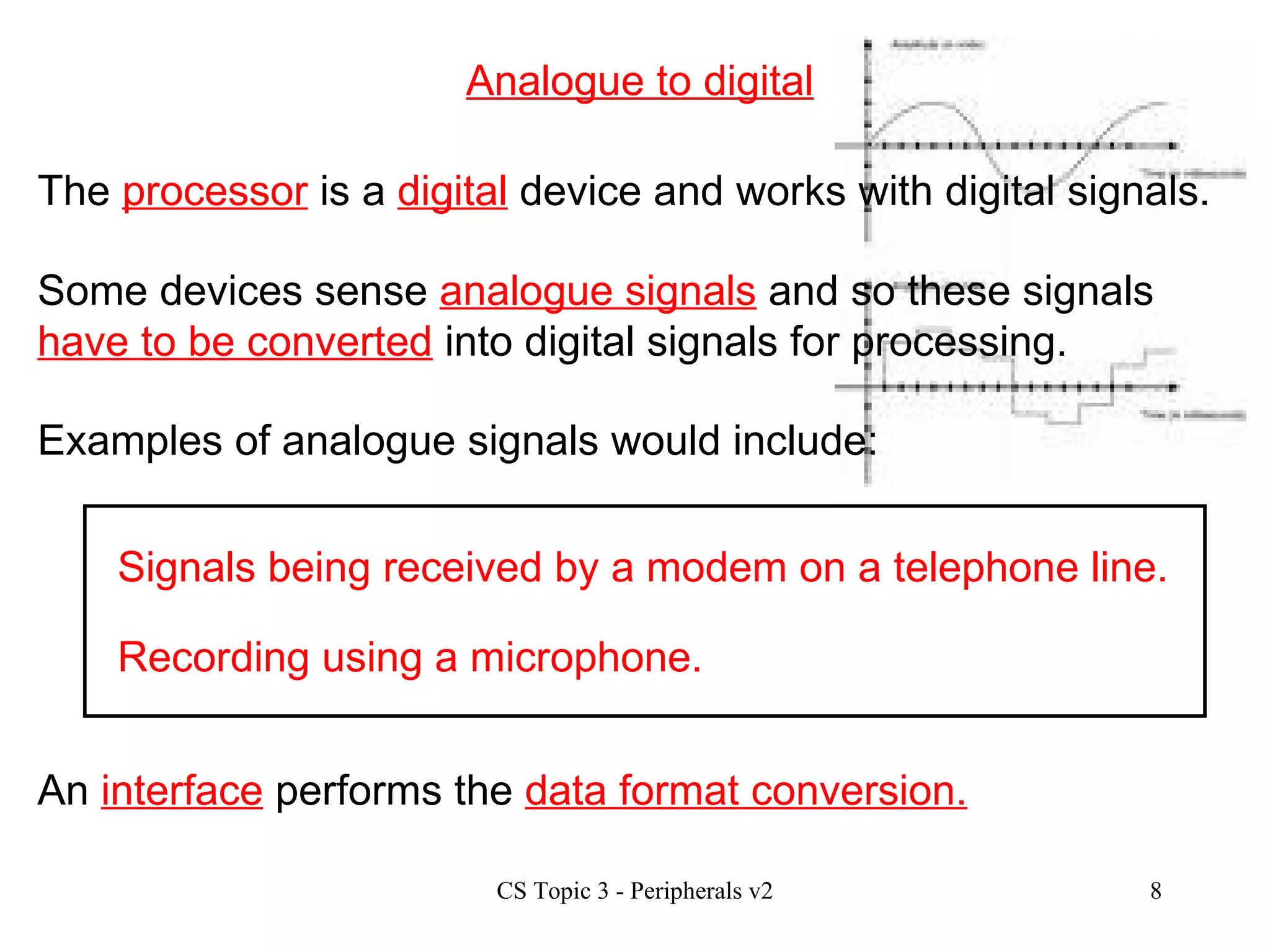
Analogue to digital Signals being received by a modem on a telephone line. Recording using a microphone. An  interface  performs the  data format conversion. The  processor  is a  digital  device and works with digital signals. Some devices sense  analogue signals  and so these signals  have to be converted  into digital signals for processing. Examples of analogue signals would include:
1. Buffering 3. Voltage conversion 4. Protocol conversion 2. Data format conversion 5. Status signal handling Voltage Conversion Most  peripherals  work with  higher voltages  than the processor.  These  voltages have to be altered  to allow communication to take place. e.g. a keyboard generates 9 volt signals. This  voltage  has to be  reduced  to a 5 volt signal before it can be handled by the processor. An  interface  performs the  voltage conversion.
1. Buffering 3. Voltage conversion 4. Protocol conversion 2. Data format conversion 5. Status signal handling Protocol Conversion When two devices want to communicate they need to agree on  a set of rules  for effective communication to take place.  These sets of rules are called  protocols . The protocols will set out rules such as: Speed of data transfer Size of data units Voltage levels e.g. 7 bit or 8 bit transfer. The interface makes sure that data is sent/received according to the agreed rules.
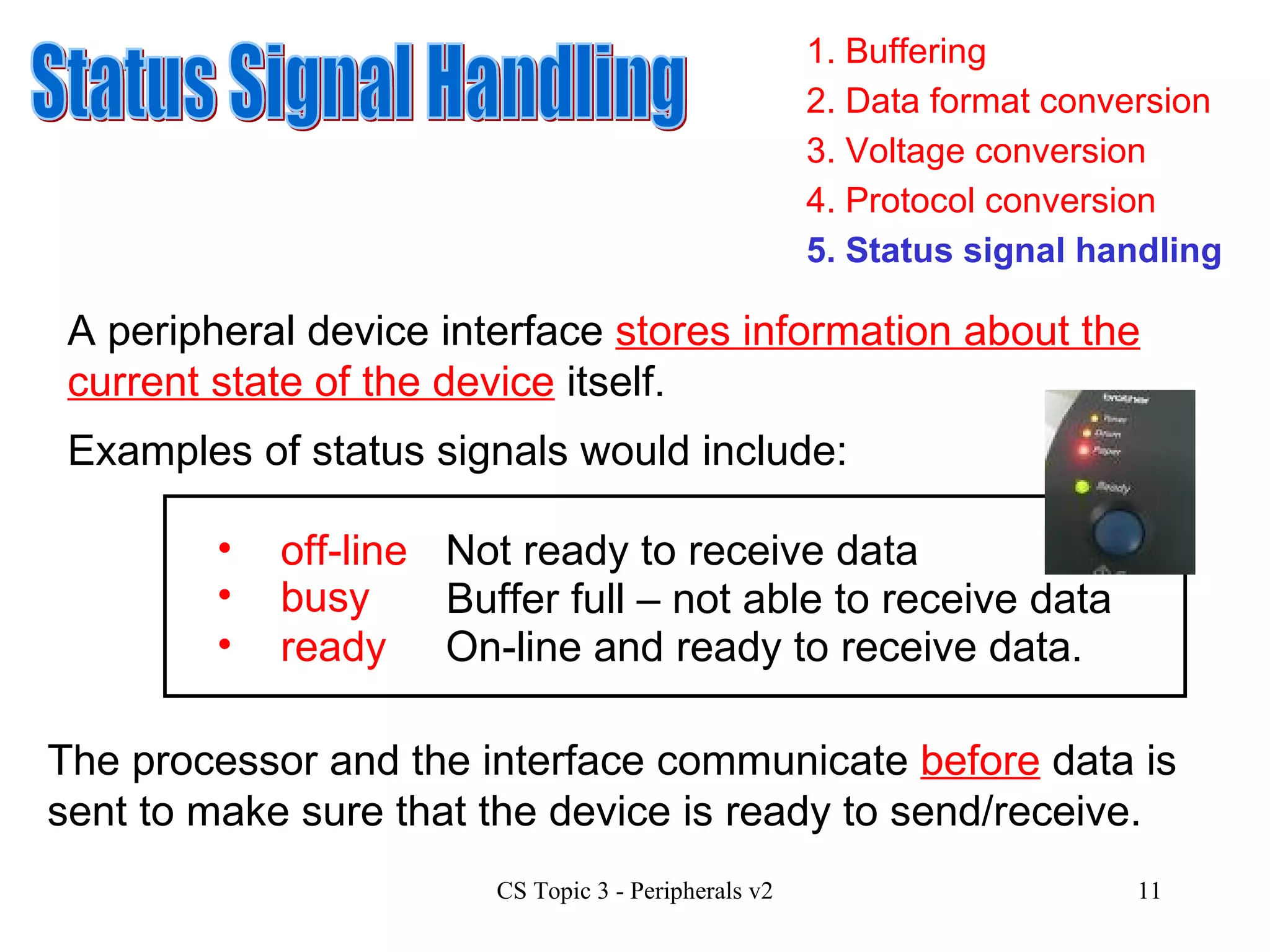
1. Buffering 3. Voltage conversion 4. Protocol conversion 2. Data format conversion 5. Status signal handling Status Signal Handling A peripheral device interface  stores information about the current state of the device  itself. Examples of status signals would include: busy Not ready to receive data Buffer full – not able to receive data ready On-line and ready to receive data. off-line The processor and the interface communicate  before  data is sent to make sure that the device is ready to send/receive.
Interfaces - current trends Current common interface standards include:  USB Firewire Bluetooth www.en.wikipedia.org/wiki/Firewire www.electronics.howstuffworks.com/bluetooth.htm/printable www.usb.org
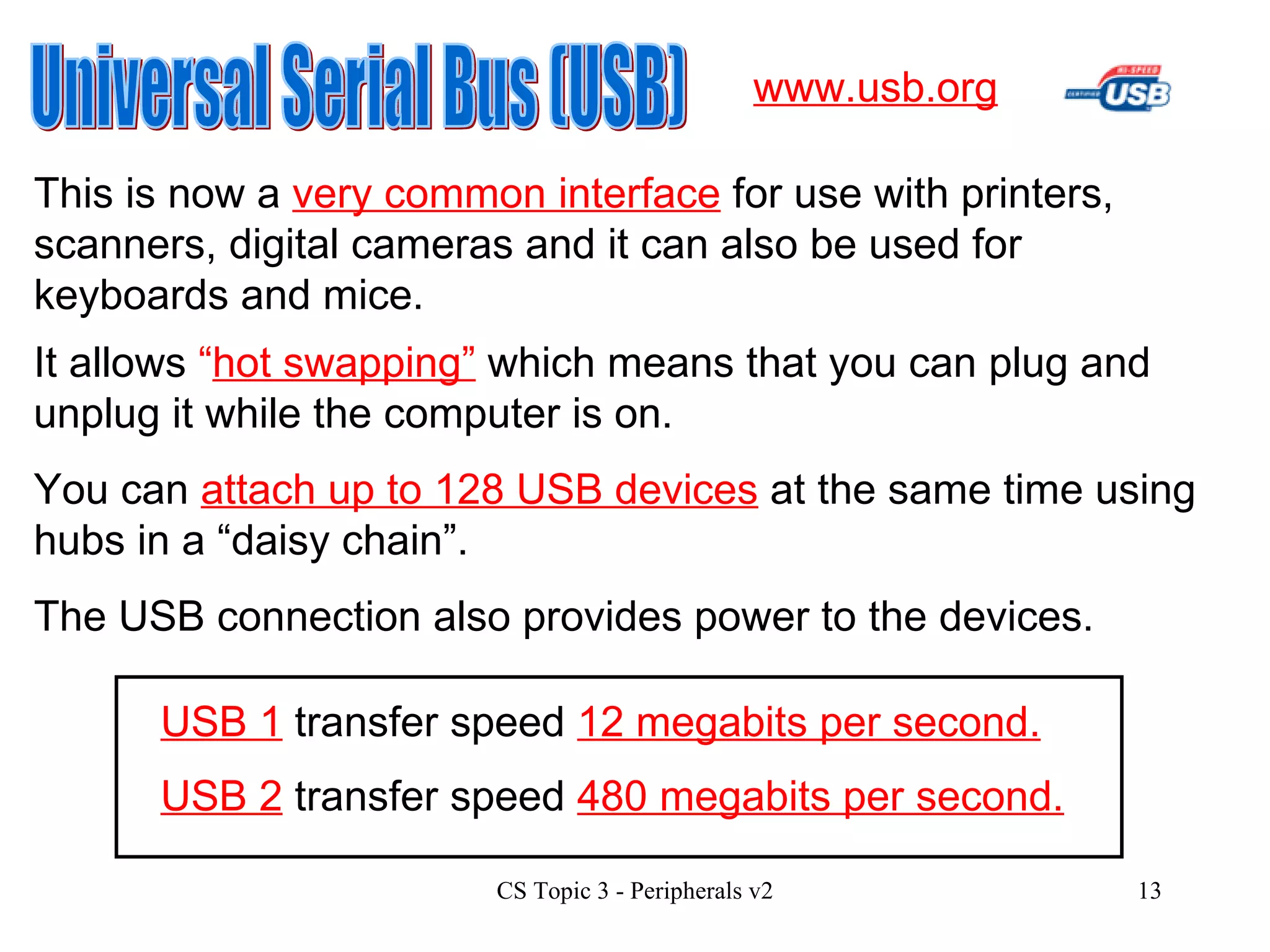
Universal Serial Bus (USB) This is now a  very common interface  for use with printers, scanners, digital cameras and it can also be used for keyboards and mice. www.usb.org It allows  “ hot swapping”  which means that you can plug and unplug it while the computer is on. You can  attach up to 128 USB devices  at the same time using hubs in a “daisy chain”. The USB connection also provides power to the devices. USB 2  transfer speed  480 megabits per second. USB 1  transfer speed  12 megabits per second.
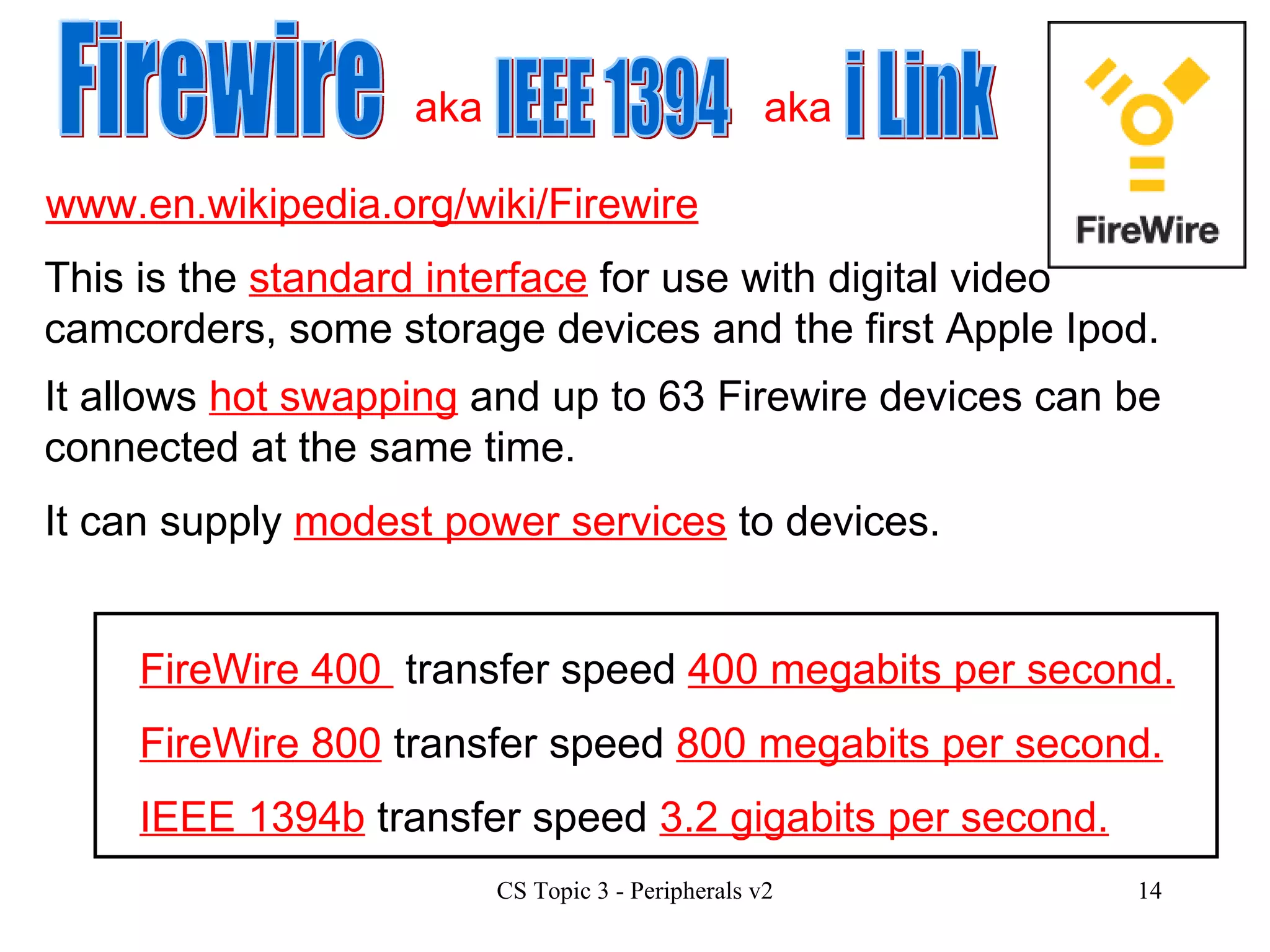
www.en.wikipedia.org/wiki/Firewire Firewire IEEE 1394 i Link This is the  standard interface  for use with digital video camcorders, some storage devices and the first Apple Ipod. It allows  hot swapping  and up to 63 Firewire devices can be connected at the same time. FireWire 400  transfer speed  400 megabits per second. FireWire 800  transfer speed  800 megabits per second. IEEE 1394b  transfer speed  3.2 gigabits per second. It can supply  modest power services  to devices. aka aka
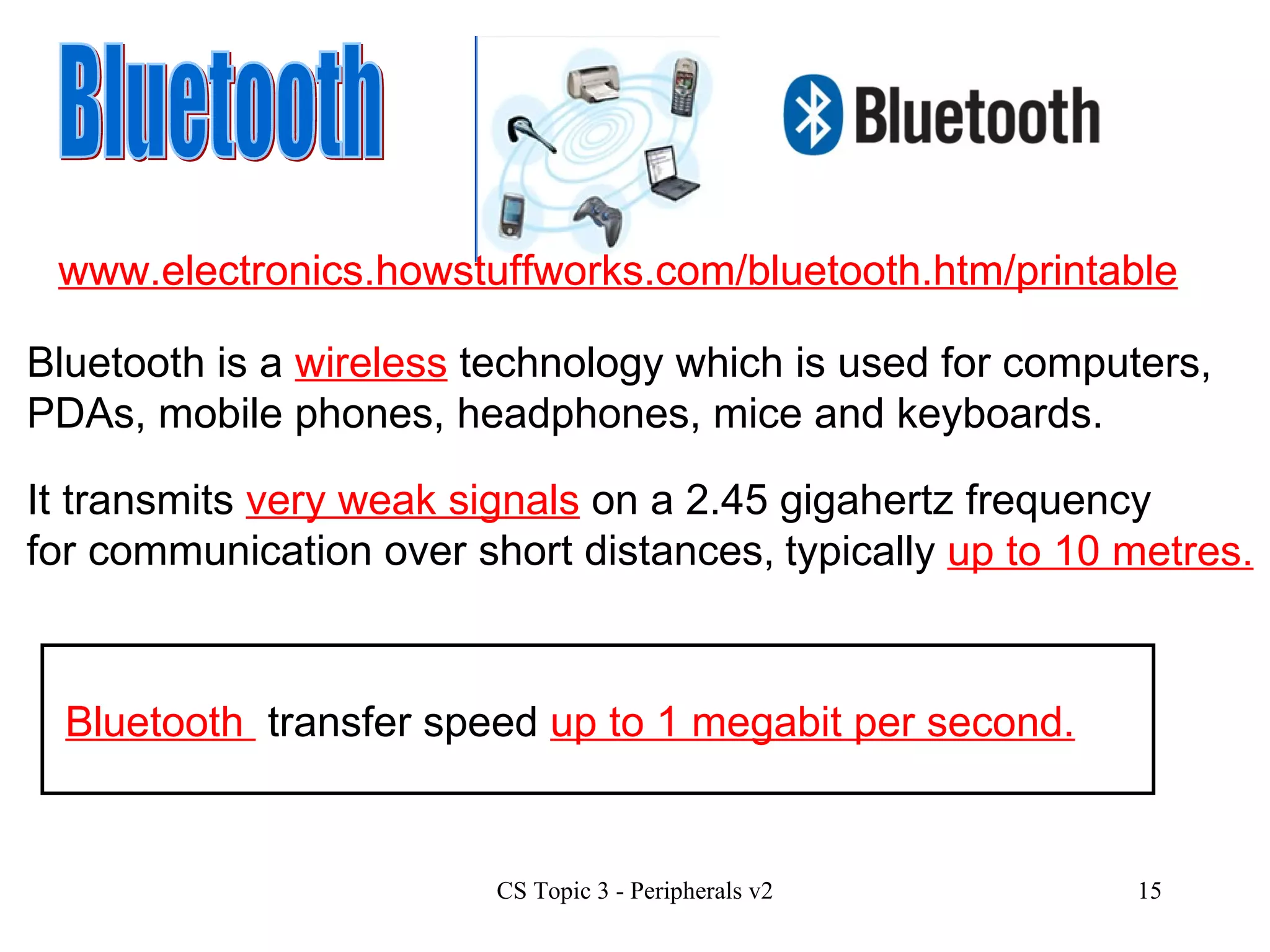
Bluetooth It transmits  very weak signals  on a 2.45 gigahertz frequency for communication over short distances, typically  up to 10 metres. Bluetooth is a  wireless  technology which is used for computers, PDAs, mobile phones, headphones, mice and keyboards. Bluetooth  transfer speed  up to 1 megabit per second. www.electronics.howstuffworks.com/bluetooth.htm/printable www.electronics.howstuffworks.com/bluetooth.htm/printable
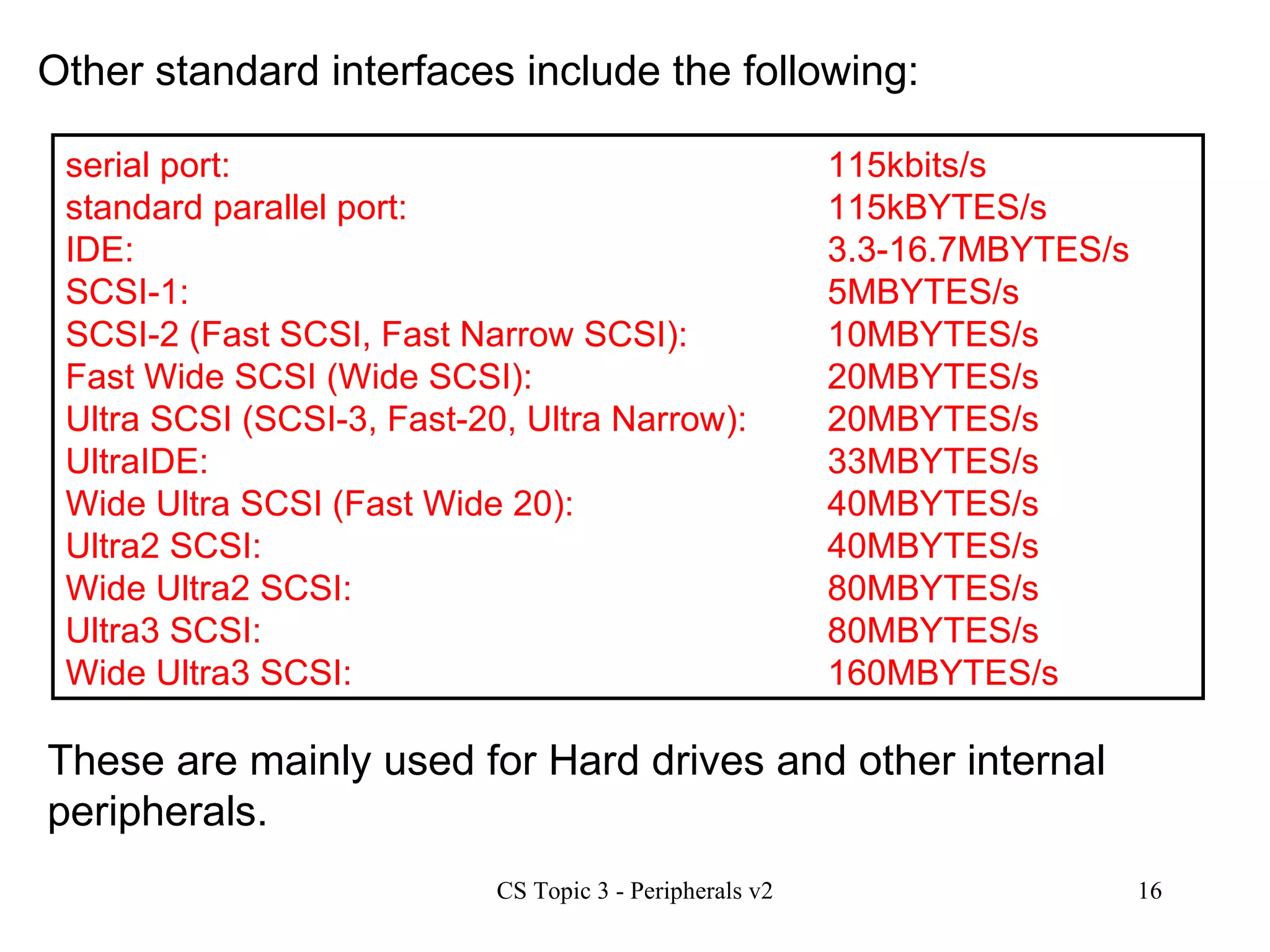
serial port:  115kbits/s  standard parallel port:  115kBYTES/s  IDE:  3.3-16.7MBYTES/s SCSI-1:  5MBYTES/s SCSI-2 (Fast SCSI, Fast Narrow SCSI):  10MBYTES/s Fast Wide SCSI (Wide SCSI):  20MBYTES/s Ultra SCSI (SCSI-3, Fast-20, Ultra Narrow):  20MBYTES/s UltraIDE:  33MBYTES/s Wide Ultra SCSI (Fast Wide 20):  40MBYTES/s Ultra2 SCSI:  40MBYTES/s Wide Ultra2 SCSI:  80MBYTES/s Ultra3 SCSI:  80MBYTES/s Wide Ultra3 SCSI:  160MBYTES/s Other standard interfaces include the following: These are mainly used for Hard drives and other internal peripherals.
Hardware Characteristics For the Higher course you need to be aware of how peripherals work and of the current specifications and trends. You should be aware of the following characteristics for each type of device: capacity speed cost type of interface resolution pctechguide.com howstuffworks.com
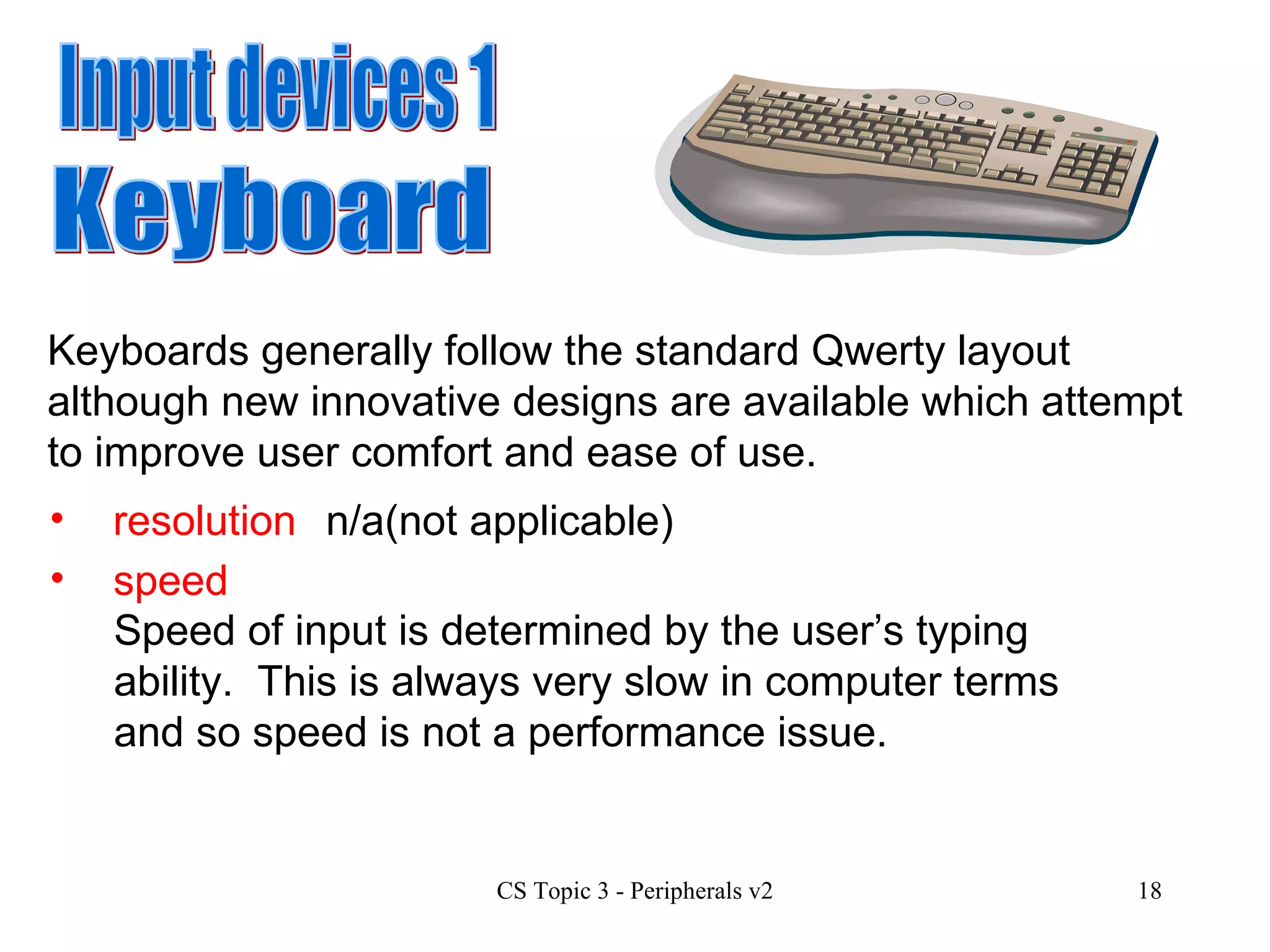
Input devices 1 speed resolution Keyboard Keyboards generally follow the standard Qwerty layout although new innovative designs are available which attempt to improve user comfort and ease of use. n/a(not applicable) Speed of input is determined by the user’s typing ability.  This is always very slow in computer terms and so speed is not a performance issue.
capacity cost type of interface A keyboard has a very small buffer to store several keypresses but again capacity is not particularly relevant for keyboards. Keyboards are inexpensive items with prices ranging from £8 up to £50 and more for more stylish models.  Manufacturers include Microsoft, Logitech and Benq. The PS2 interface was the standard but USB, Bluetooth and infra red are becoming more common.
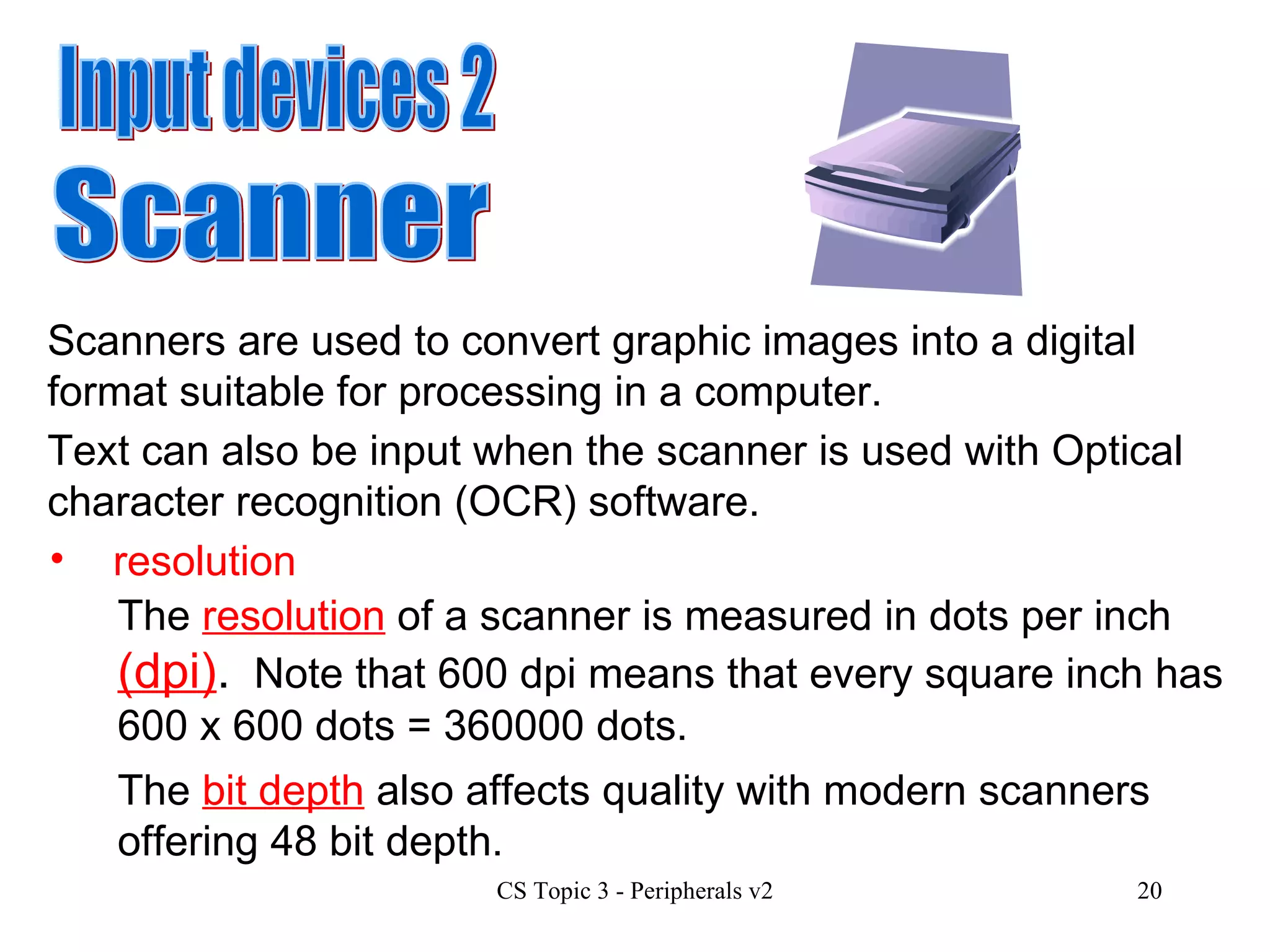
Input devices 2 Scanner Scanners are used to convert graphic images into a digital format suitable for processing in a computer.  Text can also be input when the scanner is used with Optical character recognition (OCR) software. resolution The  resolution  of a scanner is measured in dots per inch  (dpi) .   Note that 600 dpi means that every square inch has 600 x 600 dots = 360000 dots.  The  bit depth  also affects quality with modern scanners offering 48 bit depth.
speed The speed of a scanner is measured by how long it takes to scan a page at a particular resolution and bit depth. capacity  cost type of interface n/a Scanners cost from £50 to £300 depending on features. Manufacturers include Canon and Epson. The USB 2 interface is the standard with SCSI and Firewire also available.
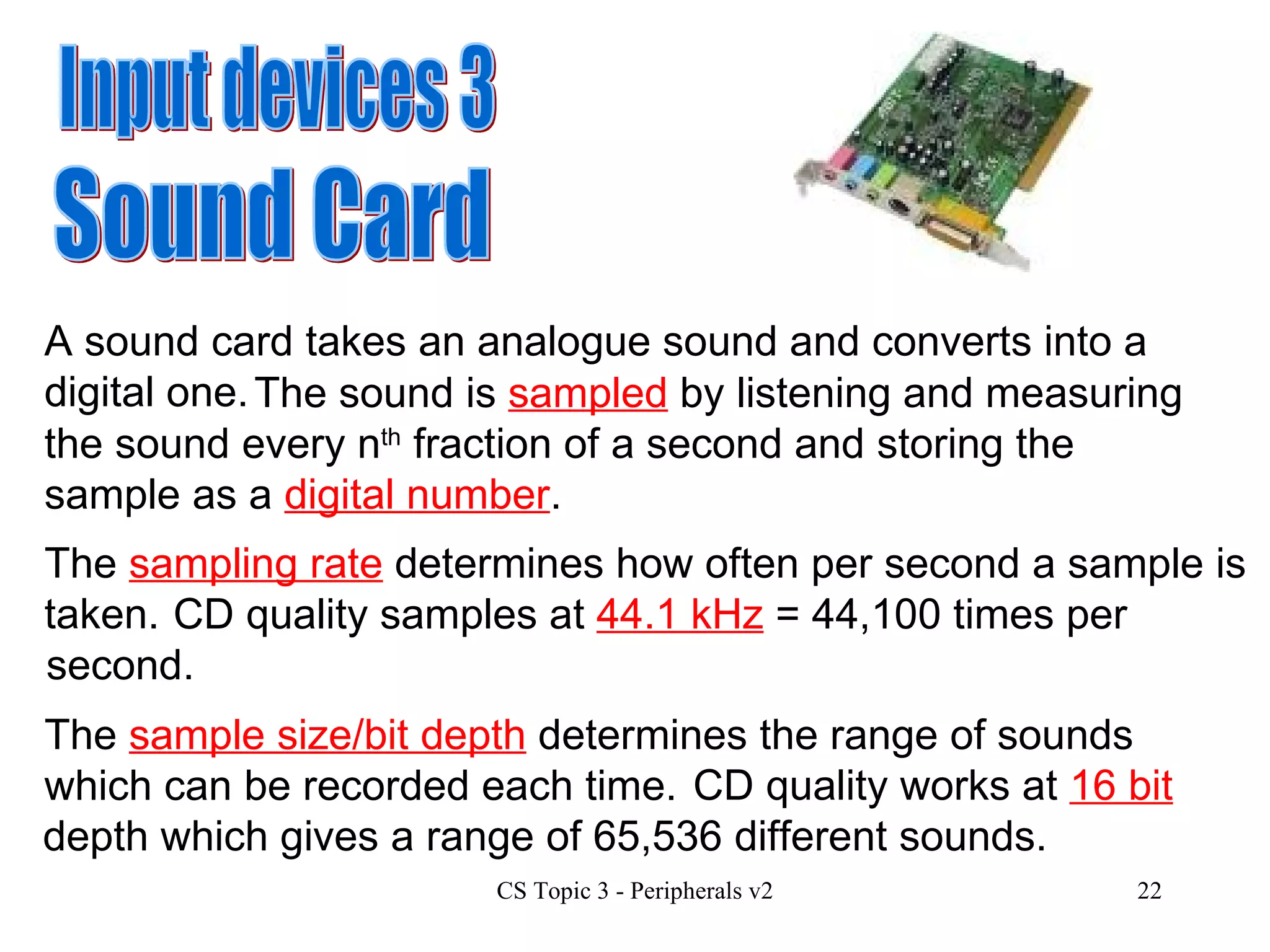
Input devices 3 Sound Card A sound card takes an analogue sound and converts into a digital one.    The sound is  sampled  by listening and measuring the sound every n th  fraction of a second and storing the sample as a  digital number . The  sampling rate  determines how often per second a sample is taken. CD quality samples at  44.1 kHz  = 44,100 times per second. The  sample size/bit depth  determines the range of sounds which can be recorded each time.   CD quality works at  16 bit  depth which gives a range of 65,536 different sounds.
speed n/a capacity  cost type of interface n/a Sound cards cost from £10 to £200 depending on features. Manufacturers include Creative Labs and Terratec. The  PCI  interface is the standard with USB and Firewire also available.
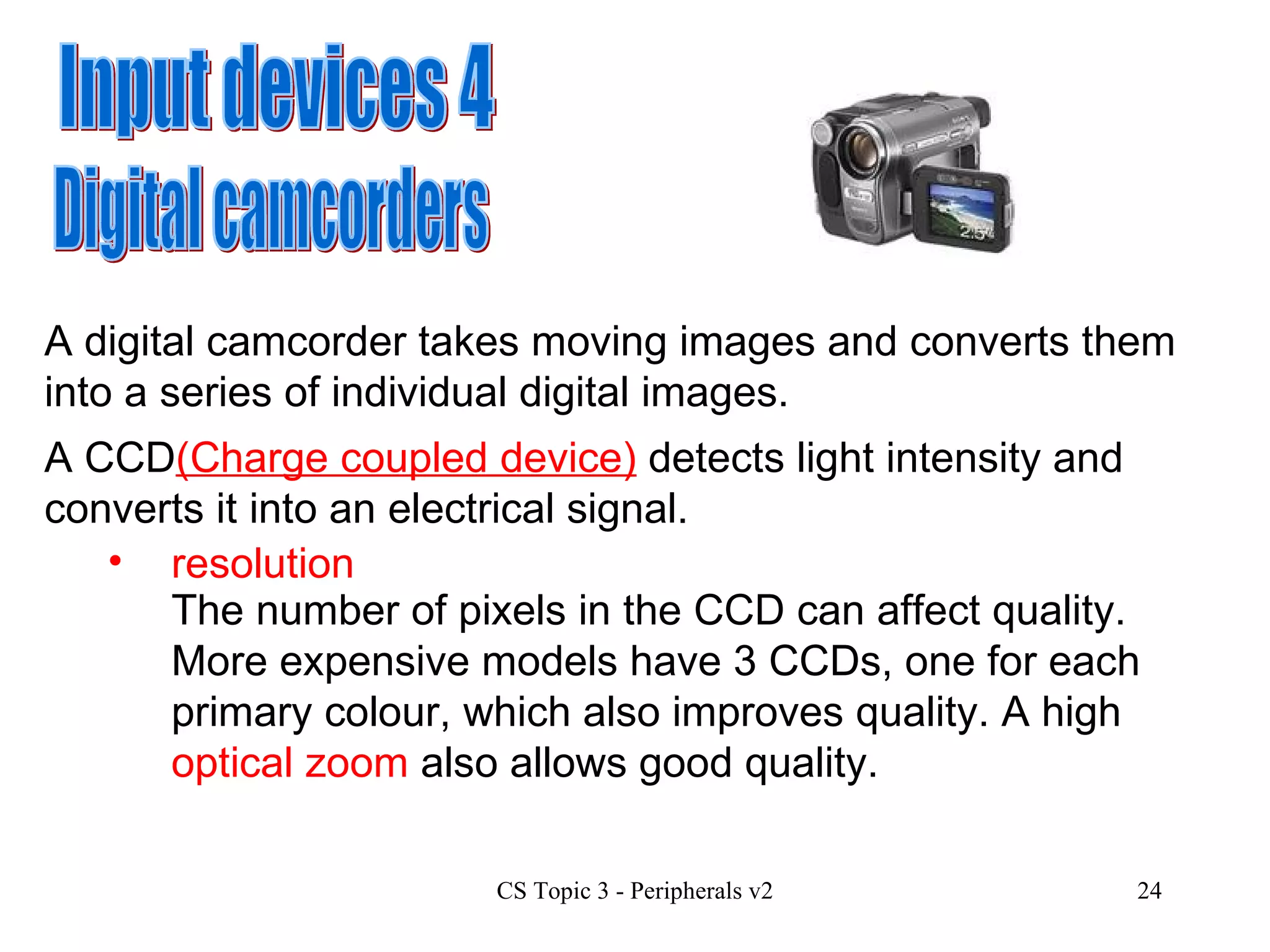
Input devices 4 Digital camcorders A digital camcorder takes moving images and converts them into a series of individual digital images.  A CCD (Charge coupled device)  detects light intensity and converts it into an electrical signal.  resolution The number of pixels in the CCD can affect quality.  More expensive models have 3 CCDs, one for each primary colour, which also improves quality. A high  optical zoom  also allows good quality.
speed Digital camcorders allow video display at 25 frames per second following the PAL standard which is used in most of Europe.  capacity cost type of interface The capacity of a camcorder depends on the type of backing storage used.  These include MiniDV, Digital8, Hi8 tapes and optical DVD. Costs range from £200 to £3000 depending on features.  Manufacturers include Sony, Canon and JVC Firewire is the standard interface for digital camcorders.
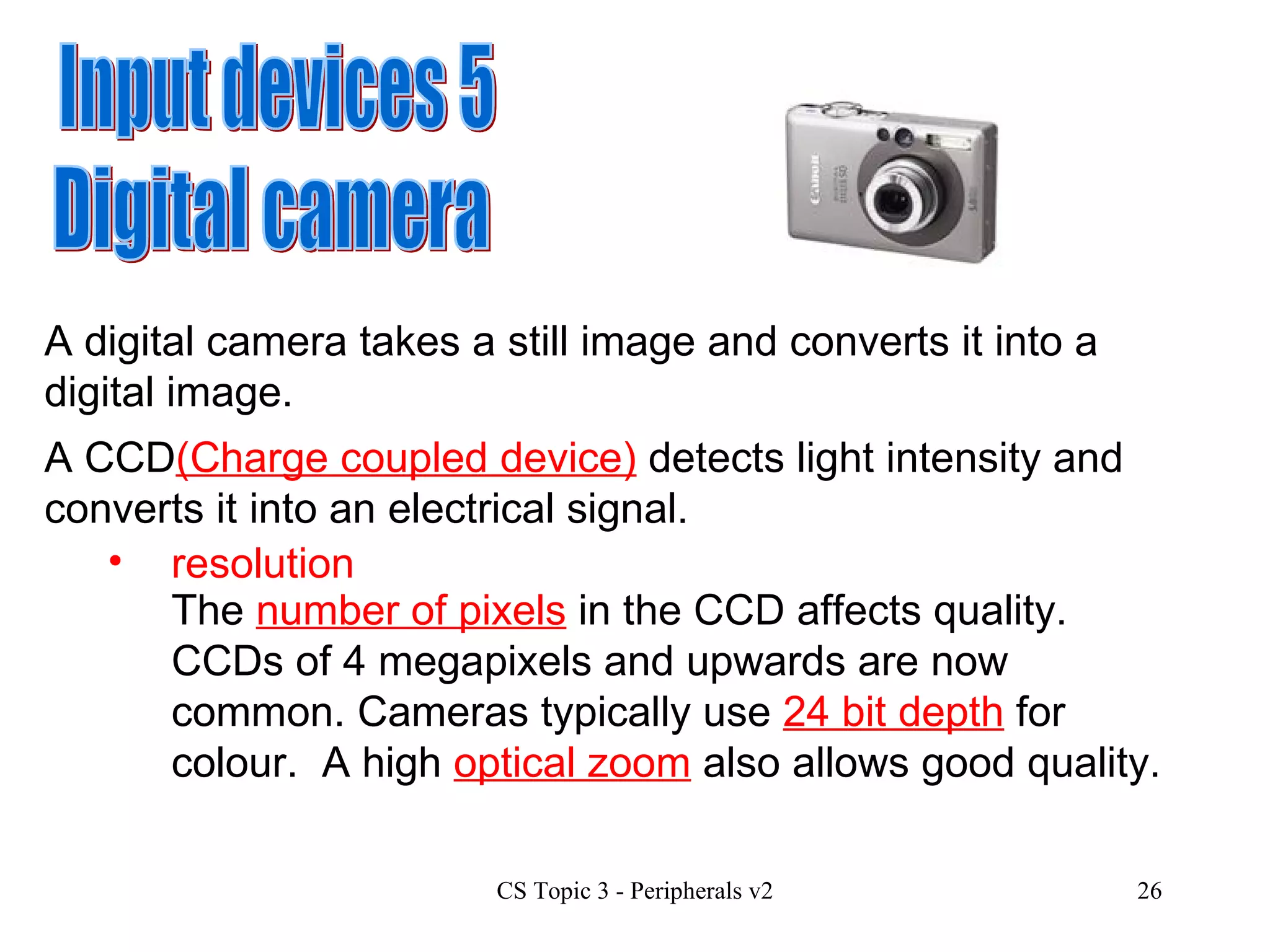
Input devices 5 Digital camera A digital camera takes a still image and converts it into a digital image.  A CCD (Charge coupled device)  detects light intensity and converts it into an electrical signal.  resolution The  number of pixels  in the CCD affects quality.  CCDs of 4 megapixels and upwards are now common. Cameras typically use  24 bit depth  for colour.  A high  optical zoom  also allows good quality.
speed Shutter speeds are relevant for taking photographs in different situations, e.g. sports shots, night scenes.  capacity cost type of interface The capacity of a camera depends on the type of backing storage used.  These include SD, XD, Compact flash which are all solid state memory cards, and a microdrive which is a miniature Hard drive. Costs range from £40 to £5000 depending on features.  Manufacturers include Fuji, Olympus, Canon and Nikon USB 2 is the standard interface for digital cameras.
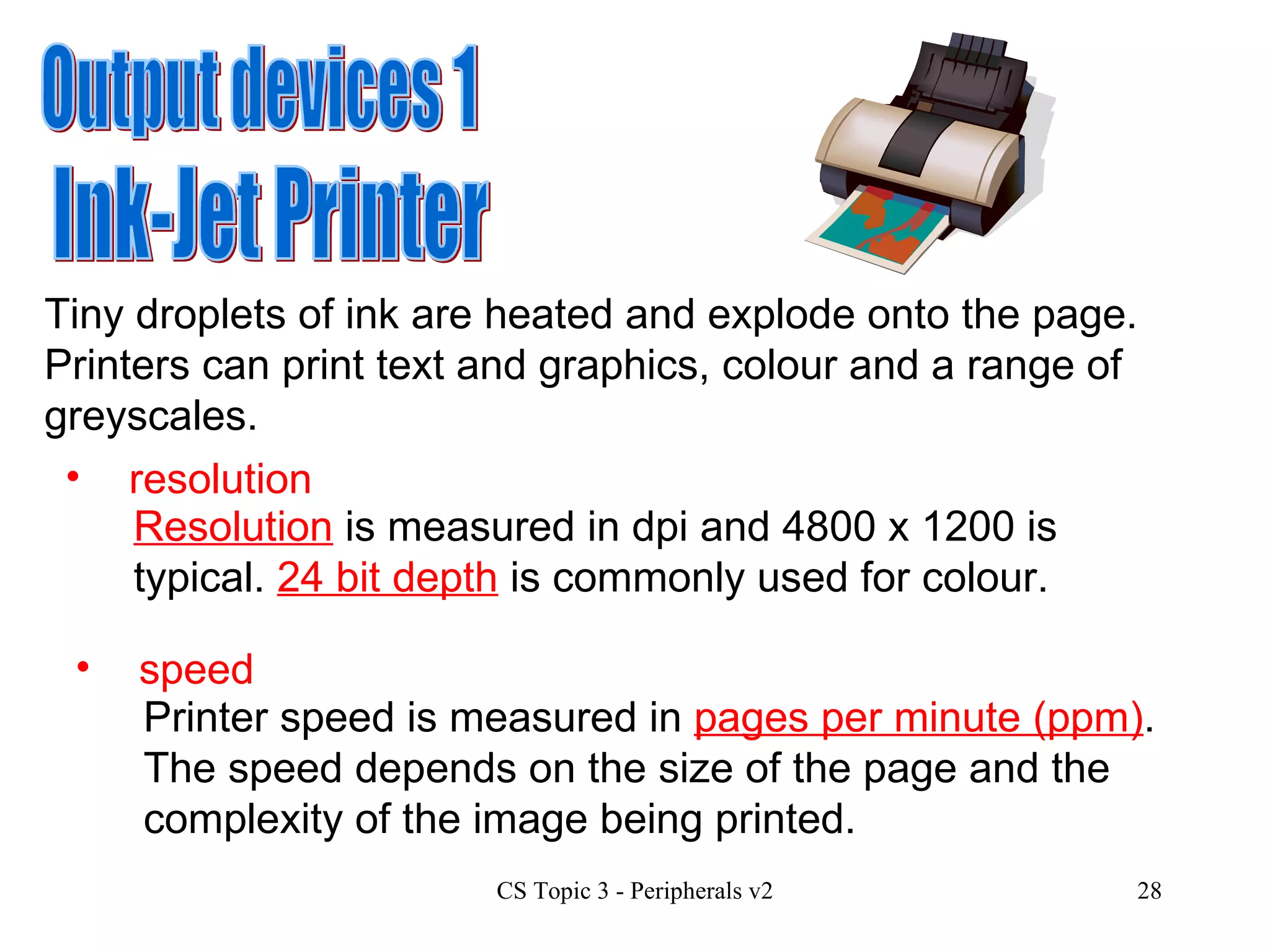
Output devices 1 Ink-Jet Printer Tiny droplets of ink are heated and explode onto the page.  Printers can print text and graphics, colour and a range of greyscales.  resolution Resolution  is measured in dpi and 4800 x 1200 is typical.  24 bit depth  is commonly used for colour.  speed Printer speed is measured in  pages per minute (ppm) .  The speed depends on the size of the page and the complexity of the image being printed.
capacity cost type of interface Printers store data about to be printed in a  buffer .  A large buffer will allow the user to begin other work on the computer while the printer is still processing the page. Costs range from £40 to £300 depending on features.  Manufacturers include Epson, Lexmark, Canon & Hewlett Packard (HP). USB is the standard interface for modern inkjet printers with older models using serial or parallel interfaces. Running costs  for inkjet printers are very high as cartridges have a limited capacity and are very expensive
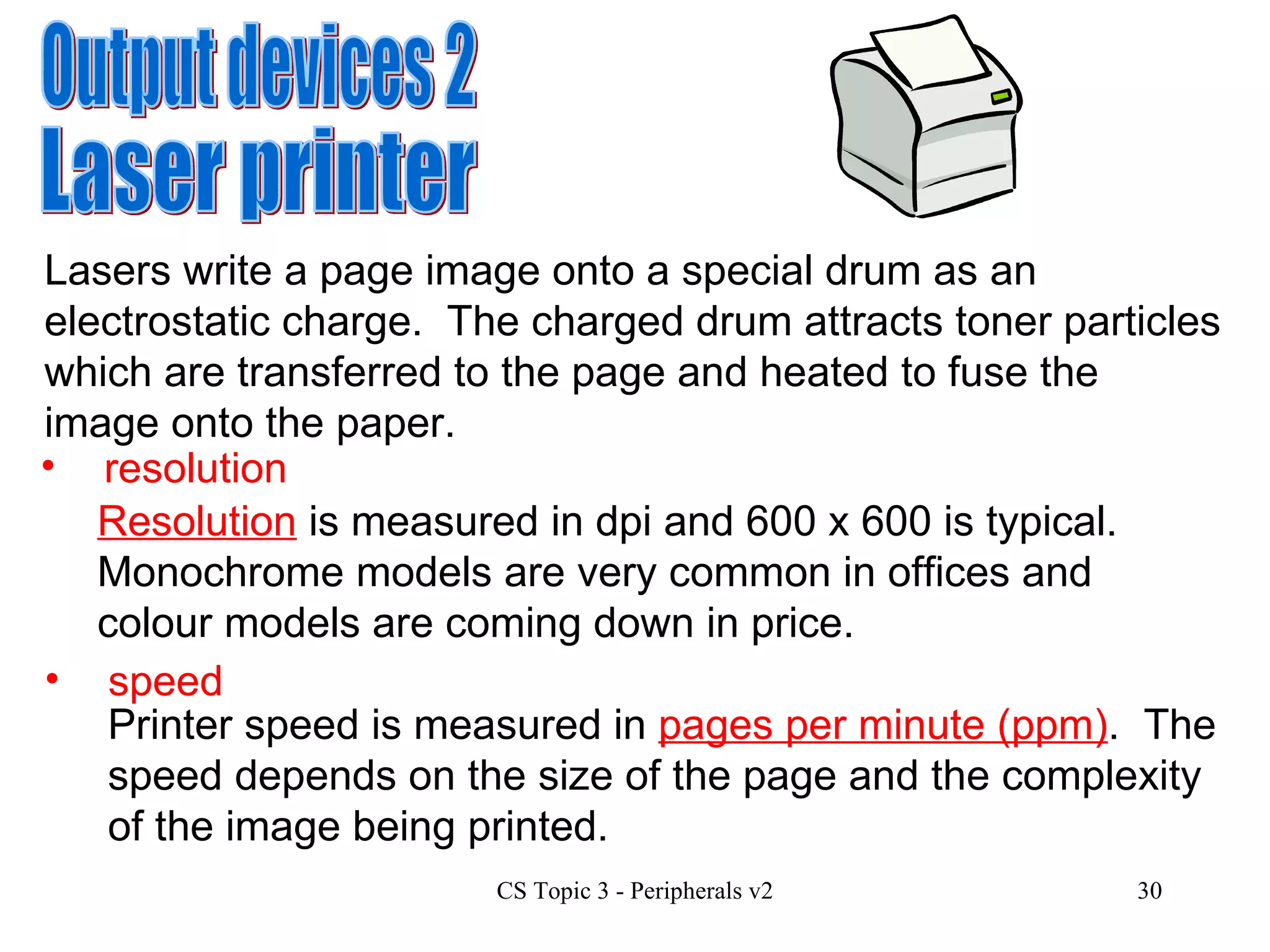
Output devices 2 Laser printer Lasers write a page image onto a special drum as an electrostatic charge.  The charged drum attracts toner particles which are transferred to the page and heated to fuse the image onto the paper. resolution Resolution  is measured in dpi and 600 x 600 is typical.  Monochrome models are very common in offices and colour models are coming down in price.  speed Printer speed is measured in  pages per minute (ppm) .  The speed depends on the size of the page and the complexity of the image being printed.
capacity cost type of interface Printers store data about to be printed in a  buffer .  A large buffer will allow the user to begin other work on the computer while the printer is still processing the page. Costs range from £70 to £13,000 depending on features.  Manufacturers include Epson, Lexmark, Canon & Hewlett Packard (HP). USB, serial, parallel and ethernet interfaces are used for laser printers.  Running costs  for laser printers are low as laser toner cartridges have a larger capacity than inkjets.  Laser toner for colour lasers however is still very expensive.
Buffers & Spoolers Two techniques are used with printers to cope with the fact that they work slowly compared to the processor. These involve the use of  buffers  and  spoolers . Buffer You have already met the concept of buffering,  using RAM to store data  until the printer is ready to process it.  Look back at slide 3 for more details
Spooler Spooling is a similar technique but here the file to be printed is: On our school network every time you print,  a spool file  is created and  sent to the server  for printing.  The  server  then  takes over the job  of sending it down to the printer when the printer is ready.  Sent to the computer’s hard disk for temporary storage. Stored in a queue and sent to the printer in stages as a a background job during the processor’s idle moments. This can slow down printing but allows the user to carry on with other tasks while printing is taking place in the background
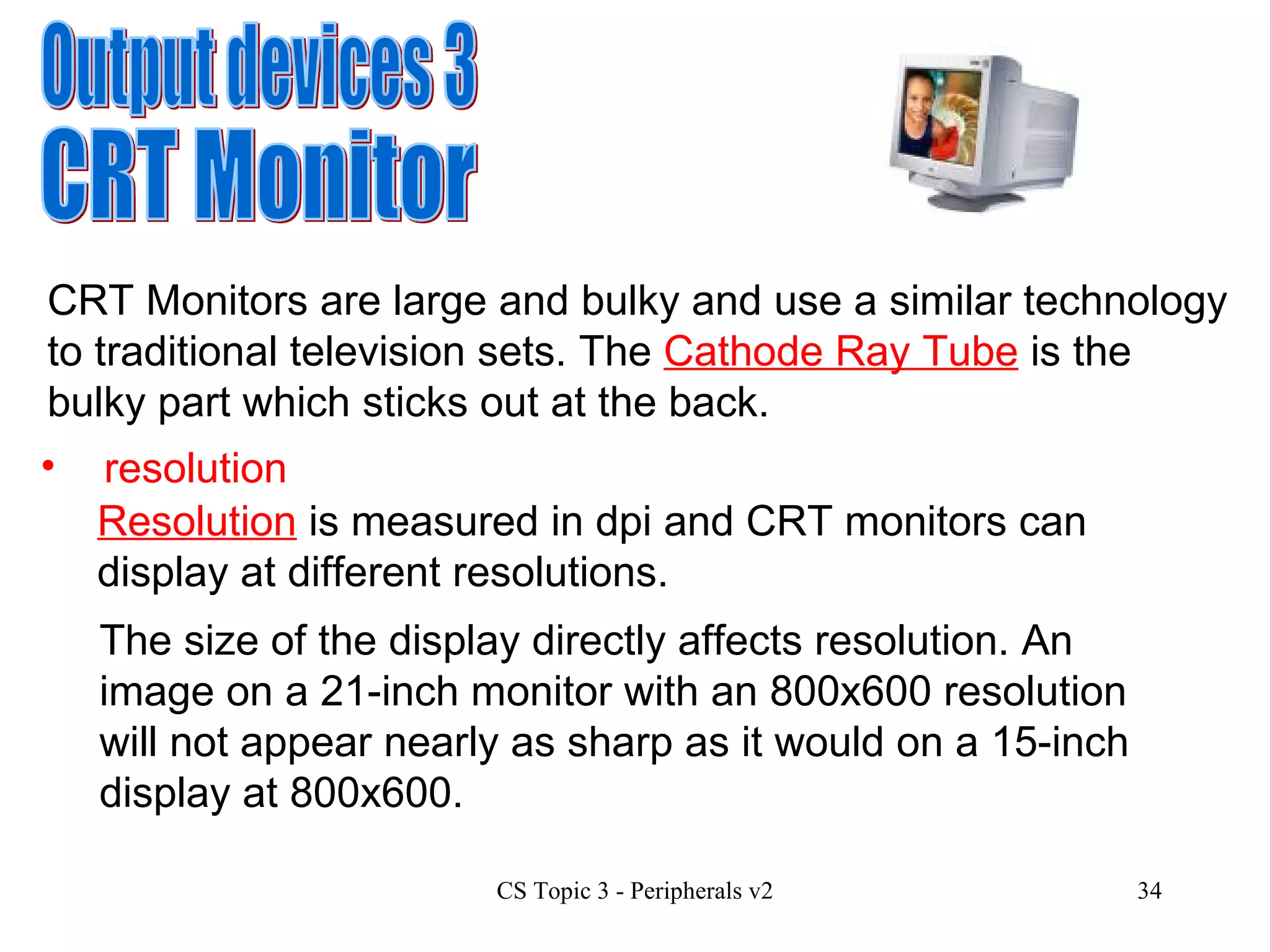
Output devices 3 CRT Monitor CRT Monitors are large and bulky and use a similar technology to traditional television sets. The  Cathode Ray Tube  is the bulky part which sticks out at the back.  resolution Resolution  is measured in dpi and CRT monitors can display at different resolutions.  The size of the display directly affects resolution. An image on a 21-inch monitor with an 800x600 resolution will not appear nearly as sharp as it would on a 15-inch display at 800x600.
speed n/a The  refresh rate  is the number of times that the image on the display is drawn each second.    A CRT monitor with a refresh rate of 72 Hertz (Hz) cycles through all the pixels from top to bottom 72 times a second. A low refresh rate means that the screen flickers and this can cause headaches and eye strain. capacity cost type of interface n/a Costs range from £50 to £600 depending on size and features.  Manufacturers include Samsung, Phillips, Viewsonic. The VGA interface is common with the new DVI digital interface becoming more popular.
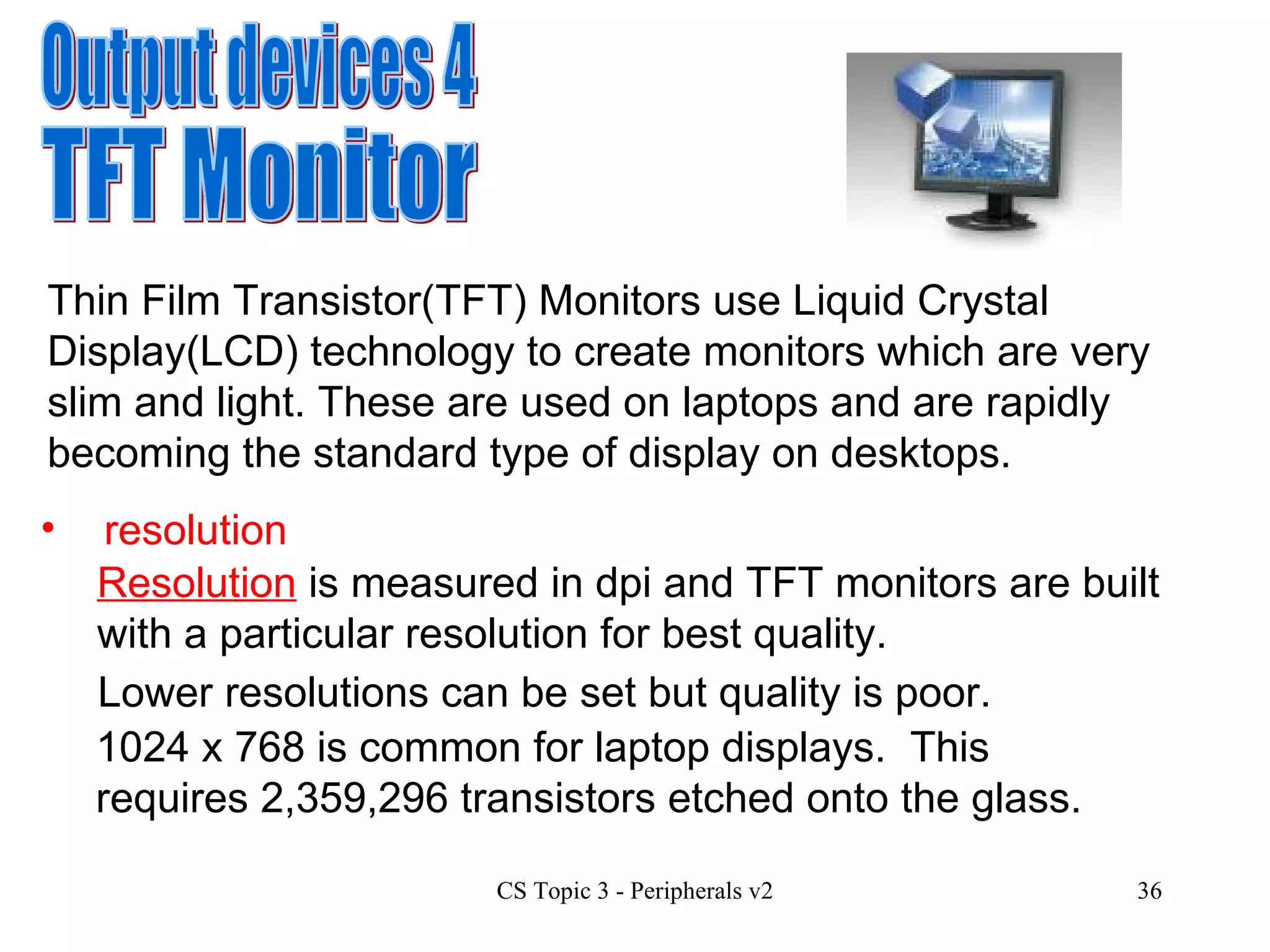
Output devices 4 TFT Monitor Thin Film Transistor(TFT) Monitors use Liquid Crystal Display(LCD) technology to create monitors which are very slim and light. These are used on laptops and are rapidly becoming the standard type of display on desktops.  resolution Resolution  is measured in dpi and TFT monitors are built with a particular resolution for best quality.  Lower resolutions can be set but quality is poor. 1024 x 768 is common for laptop displays.  This requires  2,359,296 transistors  etched onto the glass.
speed n/a There is no need to worry about  refresh rate  or flickering on a TFT monitor as transistors are either on or off.  Due to manufacturing limitations TFT panels virtually always have some dead pixels which do not display correctly. capacity cost type of interface n/a Costs range from £100 to £1600 depending on size and features.  Manufacturers include NEC, Sony, LG. The VGA interface is common with the new DVI digital interface becoming more popular.
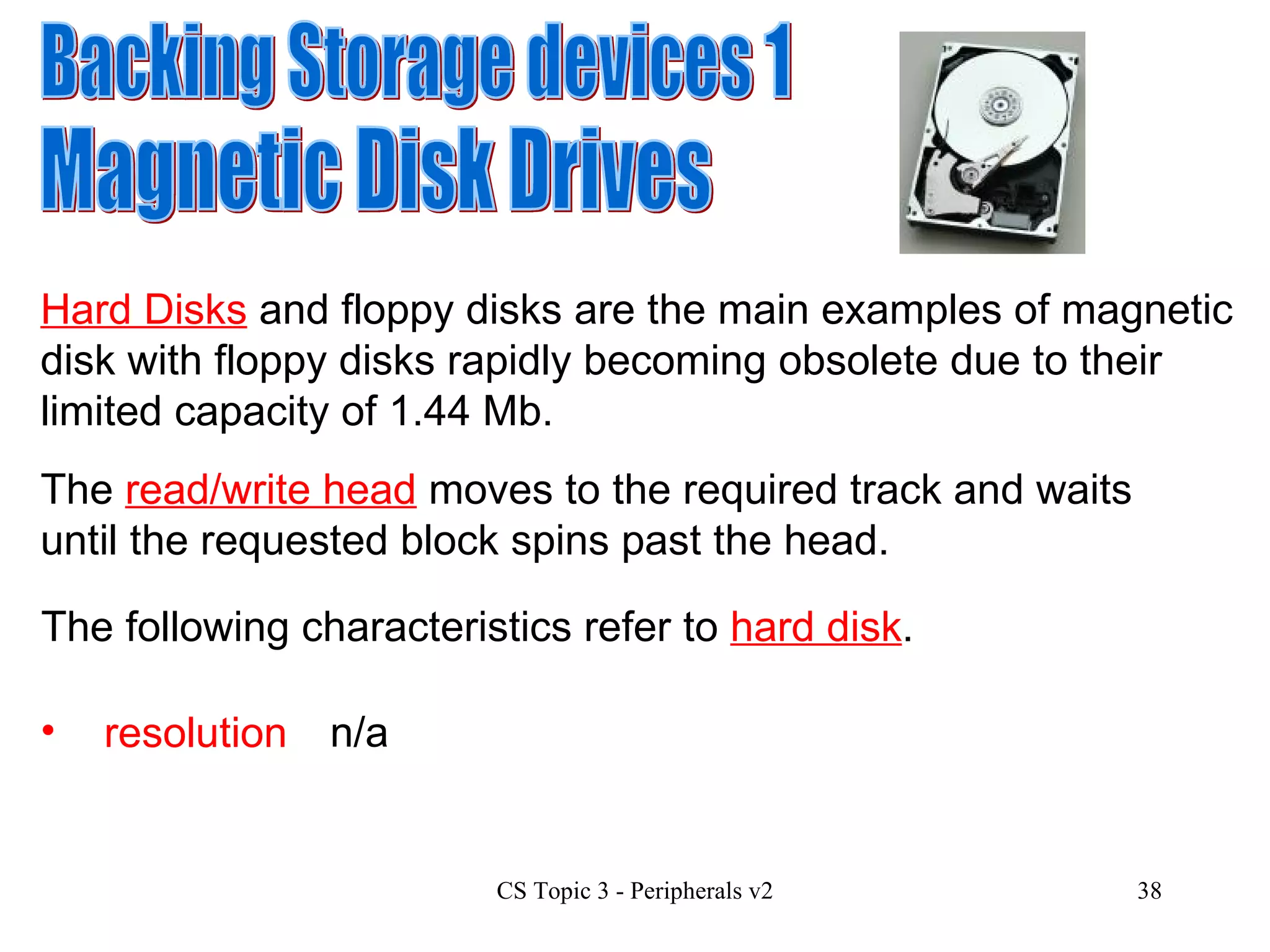
Backing Storage devices 1 Magnetic Disk Drives Hard Disks  and floppy disks are the main examples of magnetic disk with floppy disks rapidly becoming obsolete due to their limited capacity of 1.44 Mb.  resolution n/a The  read/write head  moves to the required track and waits until the requested block spins past the head. The following characteristics refer to  hard disk .
capacity cost type of  interface The capacity of modern hard disks ranges from 500 GB to 2 TB.  Costs range from £30 to £160 depending on capacity and type of interface.  Manufacturers include Maxtor and Seagate. Interfaces include IDE, SCSI, ATA and SATA.  speed Speed of access is important.  The main factor here is the rotational speed of the disk with typical figures being 5,400 or 7,200 rpm. (Revolutions per minute)   The type of interface also affects the speed of access.
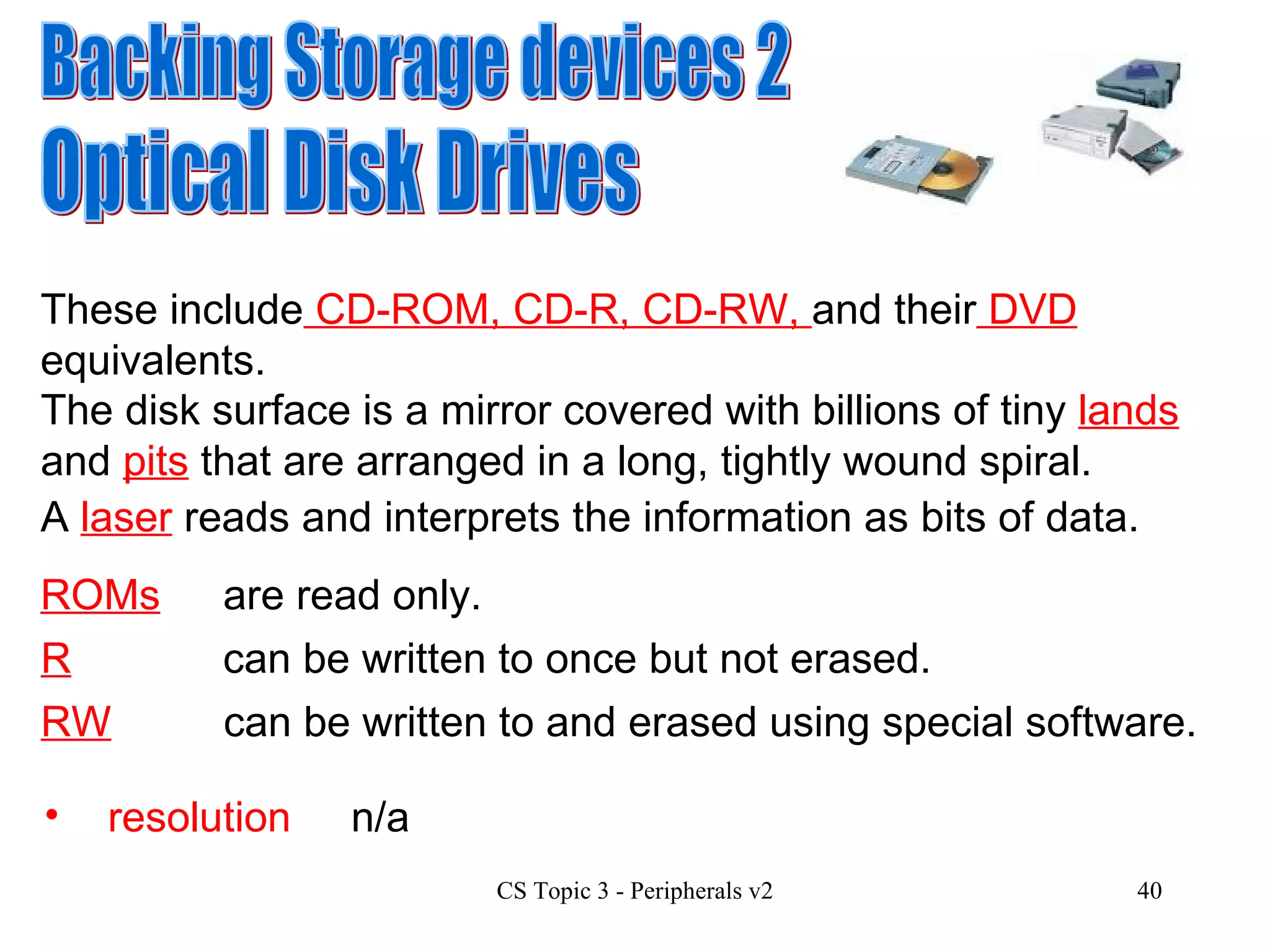
Backing Storage devices 2 Optical Disk Drives These include  CD-ROM, CD-R, CD-RW,  and their  DVD  equivalents. resolution n/a The disk surface is  a mirror covered with billions of tiny  lands  and  pits  that are arranged in a long, tightly wound spiral.  A  laser  reads and interprets the information as bits of data. ROMs are read only. R can be written to once but not erased. RW can be written to and erased using special software.
speed CD Speed  is measured as a multiple of single speed audio which runs at  150 Kbps .  Speeds for reading and writing differ with reading speed normally being the fastest. Single speed  DVD  is  1,250 Kbps   Typical speed is now  x52 .   and  x16  speed is common. capacity CD –  DVD – 650 MB Between 4.7 GB and 17 GB   depending on single/double sided, single/double layered.
cost type of  interface Costs range from  £10  to  £130  depending on type and whether the drive is internal or external.  Manufacturers include Pioneer, Lite-On and NEC. Interfaces include IDE, USB2 and firewire.
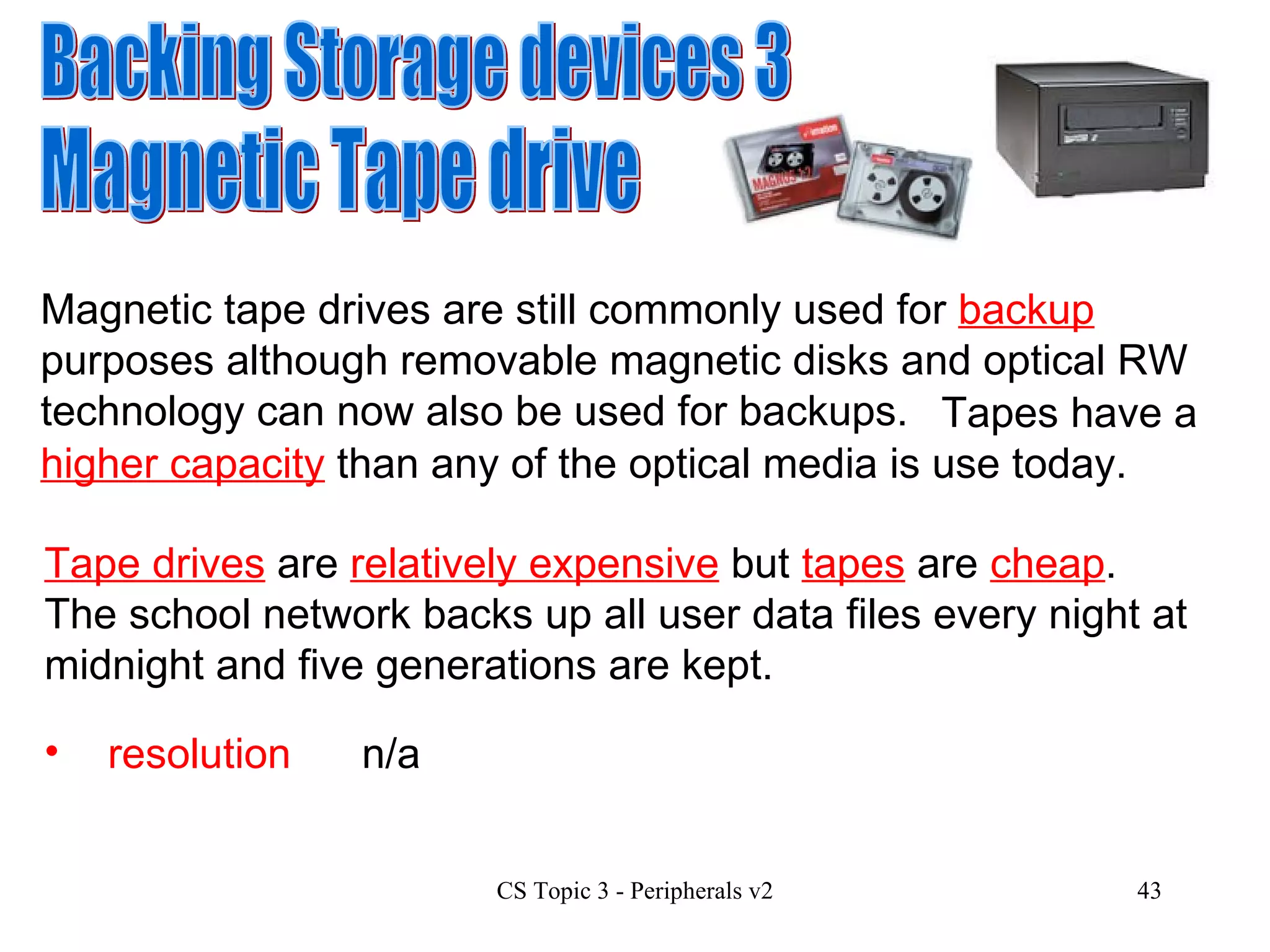
Backing Storage devices 3 Magnetic Tape drive Magnetic tape drives are still commonly used for  backup  purposes although removable magnetic disks and optical RW technology can now also be used for backups. resolution n/a Tape drives  are  relatively expensive  but  tapes  are  cheap .  The school network backs up all user data files every night at midnight and five generations are kept.   Tapes have a  higher capacity  than any of the optical media is use today.
speed Tapes allow  serial/ sequential access  and so their use is generally restricted to making backups.  Transfer rates range from  2 to 30 Mbps  depending on model and price. capacity Capacities  vary widely  depending on model and price.  Data can be stored in a  compressed  format which  increases capacity  but  reduces transfer rates .  Figures  up to 1.3 TB  were found on current price lists. (June 2009)
cost type of  interface Costs range from  £80  to  £6,000  depending on type, capacity and data transfer rate.  Interfaces include IDE, USB and SCSI.  Manufacturers include Seagate, Travan and Hewlett Packard.
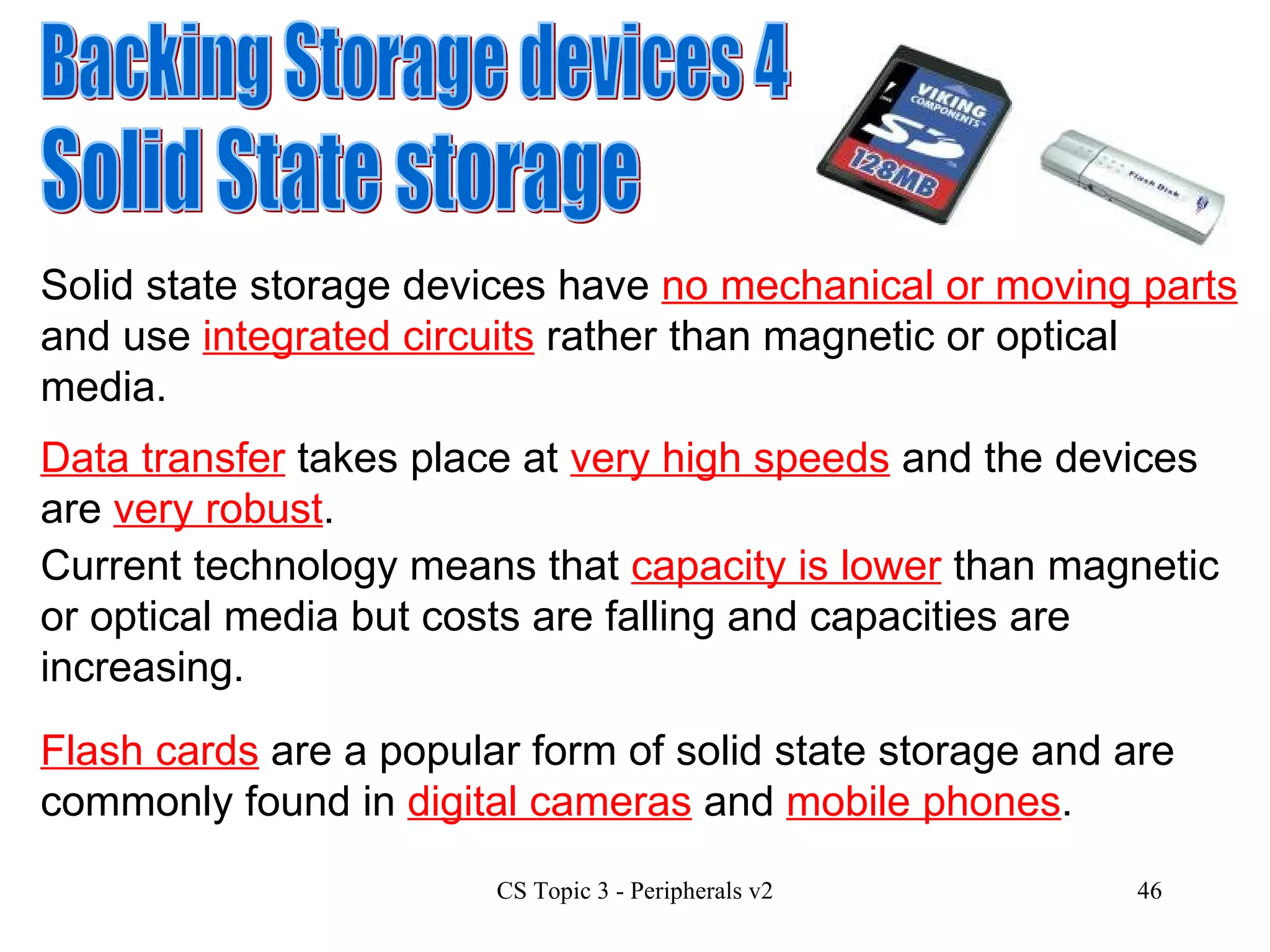
Backing Storage devices 4 Solid State storage Solid state storage devices have  no mechanical or moving parts  and use  integrated circuits  rather than magnetic or optical media.  Current technology means that  capacity is lower  than magnetic or optical media but costs are falling and capacities are increasing. Data transfer  takes place at  very high speeds  and the devices are  very robust . Flash cards  are a popular form of solid state storage and are commonly found in  digital cameras  and  mobile phones .
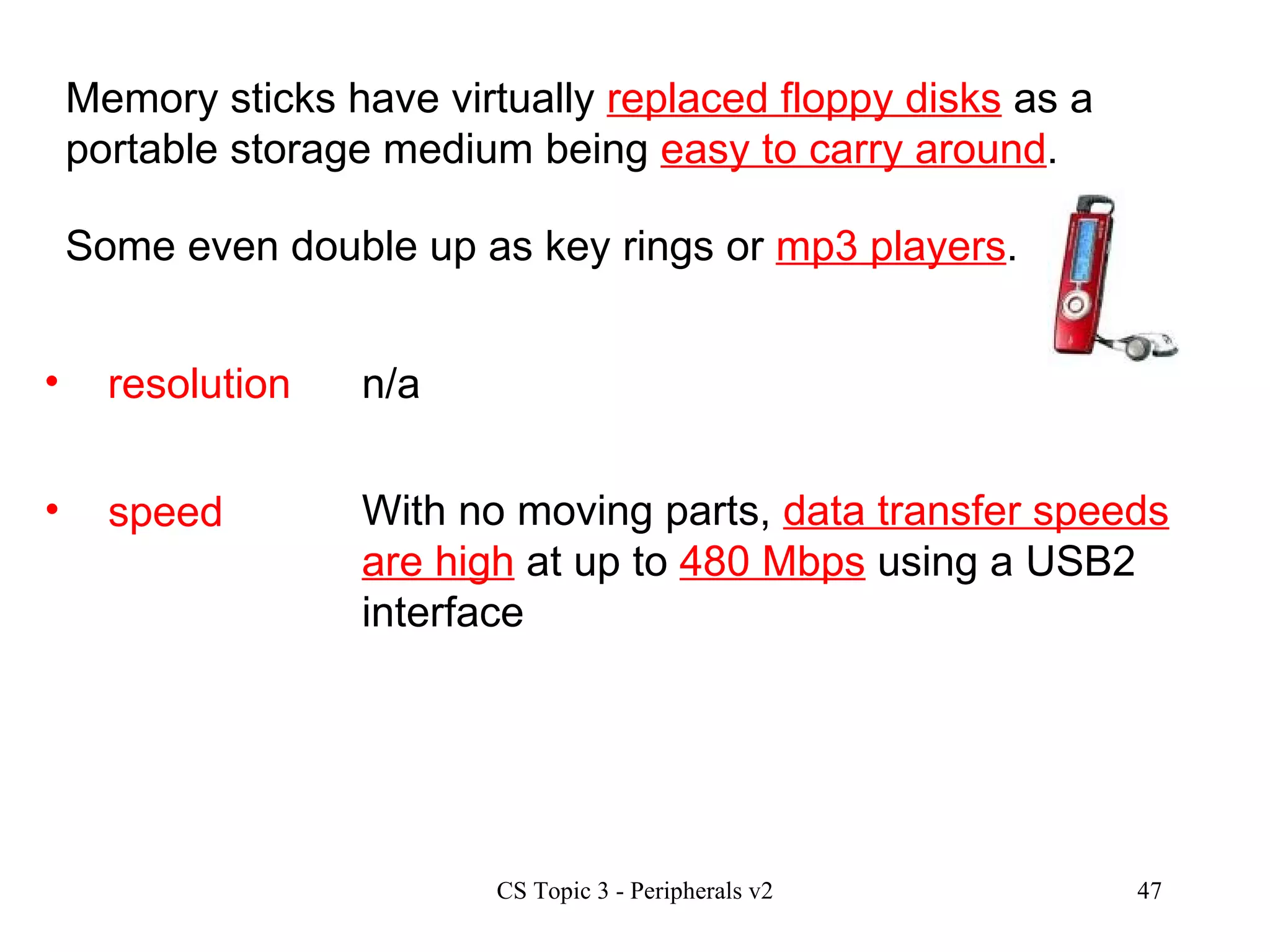
speed With no moving parts,  data transfer speeds are high  at up to  480 Mbps  using a USB2 interface  resolution n/a Memory sticks have virtually  replaced floppy disks  as a portable storage medium being  easy to carry around . Some even double up as key rings or  mp3 players .
cost type of  interface Costs vary up to  £45  depending on type and capacity.  USB 2  Manufacturers include Crucial, Kingston and Sony. capacity Capacities  vary widely  depending on type. Figures from  up to 16 GB  were found on current price lists. (June 2009)
Development trends in  Backing Storage devices & media Solid state  storage is  replacing floppy disks  as the portable medium. DVD  is  replacing CD  as the main optical drive in computer systems.  Blu Ray  is now the standard for High definition  DVD technology .  It won against its rival Capacities  for all devices are  increasing  and  cost per byte  is  falling . HD-DVD.

Hcs Topic 3 Peripherals V2

  • 1.
    Topic 3 Peripherals3.1 Interfaces They work at different speeds, use different codes, transfer different amounts of data at a time, and even work at different voltages. An interface is the hardware and software needed between a processor and a peripheral device in order to compensate for differences in their operating characteristics . The interface allows the two devices to communicate correctly. Computer peripherals such as disk drives, printers etc. work in different ways and linking a peripheral to the processor is a difficult task.
  • 2.
  • 3.
    1. Buffering 3.Voltage conversion 4. Protocol conversion 2. Data format conversion Interface functions 5. Status signal handling An interface will have to perform many of the functions listed below. This will vary depending on the characteristics of the device. (jobs)
  • 4.
    1. Buffering 3.Voltage conversion 4. Protocol conversion 2. Data format conversion 5. Status signal handling Buffering Processors can send data at a faster rate than most peripherals can deal with it. e.g. an inkjet printer is a mechanical device. It takes time to spray the ink, physically move the paper etc. Many interfaces have a buffer to store data . A buffer is an amount of RAM in the peripheral device which is used to store data until the device is able to process it. It allows the processor to send data at high speed and then continue with other tasks while the device can work at its own slower pace to complete the task.
  • 5.
    1. Buffering 3.Voltage conversion 4. Protocol conversion 2. Data format conversion 5. Status signal handling Data Format conversion The processor and the peripheral device may format data in different ways and so the interface may have to convert the format of the data. Two common format conversions required are: Serial to parallel Analogue to digital
  • 6.
    Serial to parallelSerial transmission is where data is sent along a single line one bit at a time. Parallel transmission is where data is sent several bits a time along multiple lines. The processor uses parallel transmission but many devices send and receive data serially so the data format has to be converted.
  • 7.
    Comparing Serial andparallel in terms of performance Parallel is faster over short distances When data is sent over longer distances in parallel the data can fall out of alignment and so becomes corrupted . This known as “skew” Serial transmission is more efficient when longer distances are involved.
  • 8.
    Analogue to digitalSignals being received by a modem on a telephone line. Recording using a microphone. An interface performs the data format conversion. The processor is a digital device and works with digital signals. Some devices sense analogue signals and so these signals have to be converted into digital signals for processing. Examples of analogue signals would include:
  • 9.
    1. Buffering 3.Voltage conversion 4. Protocol conversion 2. Data format conversion 5. Status signal handling Voltage Conversion Most peripherals work with higher voltages than the processor. These voltages have to be altered to allow communication to take place. e.g. a keyboard generates 9 volt signals. This voltage has to be reduced to a 5 volt signal before it can be handled by the processor. An interface performs the voltage conversion.
  • 10.
    1. Buffering 3.Voltage conversion 4. Protocol conversion 2. Data format conversion 5. Status signal handling Protocol Conversion When two devices want to communicate they need to agree on a set of rules for effective communication to take place. These sets of rules are called protocols . The protocols will set out rules such as: Speed of data transfer Size of data units Voltage levels e.g. 7 bit or 8 bit transfer. The interface makes sure that data is sent/received according to the agreed rules.
  • 11.
    1. Buffering 3.Voltage conversion 4. Protocol conversion 2. Data format conversion 5. Status signal handling Status Signal Handling A peripheral device interface stores information about the current state of the device itself. Examples of status signals would include: busy Not ready to receive data Buffer full – not able to receive data ready On-line and ready to receive data. off-line The processor and the interface communicate before data is sent to make sure that the device is ready to send/receive.
  • 12.
    Interfaces - currenttrends Current common interface standards include: USB Firewire Bluetooth www.en.wikipedia.org/wiki/Firewire www.electronics.howstuffworks.com/bluetooth.htm/printable www.usb.org
  • 13.
    Universal Serial Bus(USB) This is now a very common interface for use with printers, scanners, digital cameras and it can also be used for keyboards and mice. www.usb.org It allows “ hot swapping” which means that you can plug and unplug it while the computer is on. You can attach up to 128 USB devices at the same time using hubs in a “daisy chain”. The USB connection also provides power to the devices. USB 2 transfer speed 480 megabits per second. USB 1 transfer speed 12 megabits per second.
  • 14.
    www.en.wikipedia.org/wiki/Firewire Firewire IEEE1394 i Link This is the standard interface for use with digital video camcorders, some storage devices and the first Apple Ipod. It allows hot swapping and up to 63 Firewire devices can be connected at the same time. FireWire 400 transfer speed 400 megabits per second. FireWire 800 transfer speed 800 megabits per second. IEEE 1394b transfer speed 3.2 gigabits per second. It can supply modest power services to devices. aka aka
  • 15.
    Bluetooth It transmits very weak signals on a 2.45 gigahertz frequency for communication over short distances, typically up to 10 metres. Bluetooth is a wireless technology which is used for computers, PDAs, mobile phones, headphones, mice and keyboards. Bluetooth transfer speed up to 1 megabit per second. www.electronics.howstuffworks.com/bluetooth.htm/printable www.electronics.howstuffworks.com/bluetooth.htm/printable
  • 16.
    serial port: 115kbits/s standard parallel port: 115kBYTES/s IDE: 3.3-16.7MBYTES/s SCSI-1: 5MBYTES/s SCSI-2 (Fast SCSI, Fast Narrow SCSI): 10MBYTES/s Fast Wide SCSI (Wide SCSI): 20MBYTES/s Ultra SCSI (SCSI-3, Fast-20, Ultra Narrow): 20MBYTES/s UltraIDE: 33MBYTES/s Wide Ultra SCSI (Fast Wide 20): 40MBYTES/s Ultra2 SCSI: 40MBYTES/s Wide Ultra2 SCSI: 80MBYTES/s Ultra3 SCSI: 80MBYTES/s Wide Ultra3 SCSI: 160MBYTES/s Other standard interfaces include the following: These are mainly used for Hard drives and other internal peripherals.
  • 17.
    Hardware Characteristics Forthe Higher course you need to be aware of how peripherals work and of the current specifications and trends. You should be aware of the following characteristics for each type of device: capacity speed cost type of interface resolution pctechguide.com howstuffworks.com
  • 18.
    Input devices 1speed resolution Keyboard Keyboards generally follow the standard Qwerty layout although new innovative designs are available which attempt to improve user comfort and ease of use. n/a(not applicable) Speed of input is determined by the user’s typing ability. This is always very slow in computer terms and so speed is not a performance issue.
  • 19.
    capacity cost typeof interface A keyboard has a very small buffer to store several keypresses but again capacity is not particularly relevant for keyboards. Keyboards are inexpensive items with prices ranging from £8 up to £50 and more for more stylish models. Manufacturers include Microsoft, Logitech and Benq. The PS2 interface was the standard but USB, Bluetooth and infra red are becoming more common.
  • 20.
    Input devices 2Scanner Scanners are used to convert graphic images into a digital format suitable for processing in a computer. Text can also be input when the scanner is used with Optical character recognition (OCR) software. resolution The resolution of a scanner is measured in dots per inch (dpi) . Note that 600 dpi means that every square inch has 600 x 600 dots = 360000 dots. The bit depth also affects quality with modern scanners offering 48 bit depth.
  • 21.
    speed The speedof a scanner is measured by how long it takes to scan a page at a particular resolution and bit depth. capacity cost type of interface n/a Scanners cost from £50 to £300 depending on features. Manufacturers include Canon and Epson. The USB 2 interface is the standard with SCSI and Firewire also available.
  • 22.
    Input devices 3Sound Card A sound card takes an analogue sound and converts into a digital one. The sound is sampled by listening and measuring the sound every n th fraction of a second and storing the sample as a digital number . The sampling rate determines how often per second a sample is taken. CD quality samples at 44.1 kHz = 44,100 times per second. The sample size/bit depth determines the range of sounds which can be recorded each time. CD quality works at 16 bit depth which gives a range of 65,536 different sounds.
  • 23.
    speed n/a capacity cost type of interface n/a Sound cards cost from £10 to £200 depending on features. Manufacturers include Creative Labs and Terratec. The PCI interface is the standard with USB and Firewire also available.
  • 24.
    Input devices 4Digital camcorders A digital camcorder takes moving images and converts them into a series of individual digital images. A CCD (Charge coupled device) detects light intensity and converts it into an electrical signal. resolution The number of pixels in the CCD can affect quality. More expensive models have 3 CCDs, one for each primary colour, which also improves quality. A high optical zoom also allows good quality.
  • 25.
    speed Digital camcordersallow video display at 25 frames per second following the PAL standard which is used in most of Europe. capacity cost type of interface The capacity of a camcorder depends on the type of backing storage used. These include MiniDV, Digital8, Hi8 tapes and optical DVD. Costs range from £200 to £3000 depending on features. Manufacturers include Sony, Canon and JVC Firewire is the standard interface for digital camcorders.
  • 26.
    Input devices 5Digital camera A digital camera takes a still image and converts it into a digital image. A CCD (Charge coupled device) detects light intensity and converts it into an electrical signal. resolution The number of pixels in the CCD affects quality. CCDs of 4 megapixels and upwards are now common. Cameras typically use 24 bit depth for colour. A high optical zoom also allows good quality.
  • 27.
    speed Shutter speedsare relevant for taking photographs in different situations, e.g. sports shots, night scenes. capacity cost type of interface The capacity of a camera depends on the type of backing storage used. These include SD, XD, Compact flash which are all solid state memory cards, and a microdrive which is a miniature Hard drive. Costs range from £40 to £5000 depending on features. Manufacturers include Fuji, Olympus, Canon and Nikon USB 2 is the standard interface for digital cameras.
  • 28.
    Output devices 1Ink-Jet Printer Tiny droplets of ink are heated and explode onto the page. Printers can print text and graphics, colour and a range of greyscales. resolution Resolution is measured in dpi and 4800 x 1200 is typical. 24 bit depth is commonly used for colour. speed Printer speed is measured in pages per minute (ppm) . The speed depends on the size of the page and the complexity of the image being printed.
  • 29.
    capacity cost typeof interface Printers store data about to be printed in a buffer . A large buffer will allow the user to begin other work on the computer while the printer is still processing the page. Costs range from £40 to £300 depending on features. Manufacturers include Epson, Lexmark, Canon & Hewlett Packard (HP). USB is the standard interface for modern inkjet printers with older models using serial or parallel interfaces. Running costs for inkjet printers are very high as cartridges have a limited capacity and are very expensive
  • 30.
    Output devices 2Laser printer Lasers write a page image onto a special drum as an electrostatic charge. The charged drum attracts toner particles which are transferred to the page and heated to fuse the image onto the paper. resolution Resolution is measured in dpi and 600 x 600 is typical. Monochrome models are very common in offices and colour models are coming down in price. speed Printer speed is measured in pages per minute (ppm) . The speed depends on the size of the page and the complexity of the image being printed.
  • 31.
    capacity cost typeof interface Printers store data about to be printed in a buffer . A large buffer will allow the user to begin other work on the computer while the printer is still processing the page. Costs range from £70 to £13,000 depending on features. Manufacturers include Epson, Lexmark, Canon & Hewlett Packard (HP). USB, serial, parallel and ethernet interfaces are used for laser printers. Running costs for laser printers are low as laser toner cartridges have a larger capacity than inkjets. Laser toner for colour lasers however is still very expensive.
  • 32.
    Buffers & SpoolersTwo techniques are used with printers to cope with the fact that they work slowly compared to the processor. These involve the use of buffers and spoolers . Buffer You have already met the concept of buffering, using RAM to store data until the printer is ready to process it. Look back at slide 3 for more details
  • 33.
    Spooler Spooling isa similar technique but here the file to be printed is: On our school network every time you print, a spool file is created and sent to the server for printing. The server then takes over the job of sending it down to the printer when the printer is ready. Sent to the computer’s hard disk for temporary storage. Stored in a queue and sent to the printer in stages as a a background job during the processor’s idle moments. This can slow down printing but allows the user to carry on with other tasks while printing is taking place in the background
  • 34.
    Output devices 3CRT Monitor CRT Monitors are large and bulky and use a similar technology to traditional television sets. The Cathode Ray Tube is the bulky part which sticks out at the back. resolution Resolution is measured in dpi and CRT monitors can display at different resolutions. The size of the display directly affects resolution. An image on a 21-inch monitor with an 800x600 resolution will not appear nearly as sharp as it would on a 15-inch display at 800x600.
  • 35.
    speed n/a The refresh rate is the number of times that the image on the display is drawn each second. A CRT monitor with a refresh rate of 72 Hertz (Hz) cycles through all the pixels from top to bottom 72 times a second. A low refresh rate means that the screen flickers and this can cause headaches and eye strain. capacity cost type of interface n/a Costs range from £50 to £600 depending on size and features. Manufacturers include Samsung, Phillips, Viewsonic. The VGA interface is common with the new DVI digital interface becoming more popular.
  • 36.
    Output devices 4TFT Monitor Thin Film Transistor(TFT) Monitors use Liquid Crystal Display(LCD) technology to create monitors which are very slim and light. These are used on laptops and are rapidly becoming the standard type of display on desktops. resolution Resolution is measured in dpi and TFT monitors are built with a particular resolution for best quality. Lower resolutions can be set but quality is poor. 1024 x 768 is common for laptop displays. This requires 2,359,296 transistors etched onto the glass.
  • 37.
    speed n/a Thereis no need to worry about refresh rate or flickering on a TFT monitor as transistors are either on or off. Due to manufacturing limitations TFT panels virtually always have some dead pixels which do not display correctly. capacity cost type of interface n/a Costs range from £100 to £1600 depending on size and features. Manufacturers include NEC, Sony, LG. The VGA interface is common with the new DVI digital interface becoming more popular.
  • 38.
    Backing Storage devices1 Magnetic Disk Drives Hard Disks and floppy disks are the main examples of magnetic disk with floppy disks rapidly becoming obsolete due to their limited capacity of 1.44 Mb. resolution n/a The read/write head moves to the required track and waits until the requested block spins past the head. The following characteristics refer to hard disk .
  • 39.
    capacity cost typeof interface The capacity of modern hard disks ranges from 500 GB to 2 TB. Costs range from £30 to £160 depending on capacity and type of interface. Manufacturers include Maxtor and Seagate. Interfaces include IDE, SCSI, ATA and SATA. speed Speed of access is important. The main factor here is the rotational speed of the disk with typical figures being 5,400 or 7,200 rpm. (Revolutions per minute) The type of interface also affects the speed of access.
  • 40.
    Backing Storage devices2 Optical Disk Drives These include CD-ROM, CD-R, CD-RW, and their DVD equivalents. resolution n/a The disk surface is a mirror covered with billions of tiny lands and pits that are arranged in a long, tightly wound spiral. A laser reads and interprets the information as bits of data. ROMs are read only. R can be written to once but not erased. RW can be written to and erased using special software.
  • 41.
    speed CD Speed is measured as a multiple of single speed audio which runs at 150 Kbps . Speeds for reading and writing differ with reading speed normally being the fastest. Single speed DVD is 1,250 Kbps Typical speed is now x52 . and x16 speed is common. capacity CD – DVD – 650 MB Between 4.7 GB and 17 GB depending on single/double sided, single/double layered.
  • 42.
    cost type of interface Costs range from £10 to £130 depending on type and whether the drive is internal or external. Manufacturers include Pioneer, Lite-On and NEC. Interfaces include IDE, USB2 and firewire.
  • 43.
    Backing Storage devices3 Magnetic Tape drive Magnetic tape drives are still commonly used for backup purposes although removable magnetic disks and optical RW technology can now also be used for backups. resolution n/a Tape drives are relatively expensive but tapes are cheap . The school network backs up all user data files every night at midnight and five generations are kept. Tapes have a higher capacity than any of the optical media is use today.
  • 44.
    speed Tapes allow serial/ sequential access and so their use is generally restricted to making backups. Transfer rates range from 2 to 30 Mbps depending on model and price. capacity Capacities vary widely depending on model and price. Data can be stored in a compressed format which increases capacity but reduces transfer rates . Figures up to 1.3 TB were found on current price lists. (June 2009)
  • 45.
    cost type of interface Costs range from £80 to £6,000 depending on type, capacity and data transfer rate. Interfaces include IDE, USB and SCSI. Manufacturers include Seagate, Travan and Hewlett Packard.
  • 46.
    Backing Storage devices4 Solid State storage Solid state storage devices have no mechanical or moving parts and use integrated circuits rather than magnetic or optical media. Current technology means that capacity is lower than magnetic or optical media but costs are falling and capacities are increasing. Data transfer takes place at very high speeds and the devices are very robust . Flash cards are a popular form of solid state storage and are commonly found in digital cameras and mobile phones .
  • 47.
    speed With nomoving parts, data transfer speeds are high at up to 480 Mbps using a USB2 interface resolution n/a Memory sticks have virtually replaced floppy disks as a portable storage medium being easy to carry around . Some even double up as key rings or mp3 players .
  • 48.
    cost type of interface Costs vary up to £45 depending on type and capacity. USB 2 Manufacturers include Crucial, Kingston and Sony. capacity Capacities vary widely depending on type. Figures from up to 16 GB were found on current price lists. (June 2009)
  • 49.
    Development trends in Backing Storage devices & media Solid state storage is replacing floppy disks as the portable medium. DVD is replacing CD as the main optical drive in computer systems. Blu Ray is now the standard for High definition DVD technology . It won against its rival Capacities for all devices are increasing and cost per byte is falling . HD-DVD.