Download to read offline


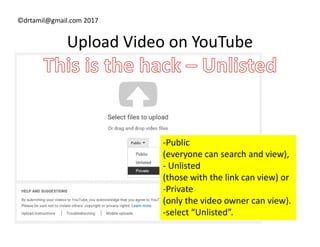
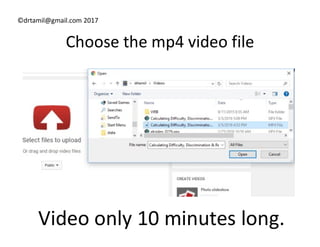
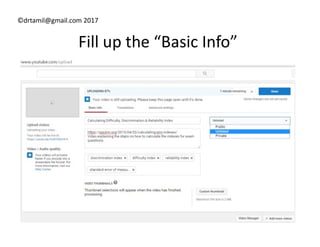
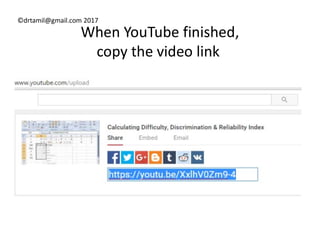
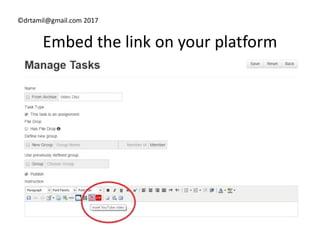
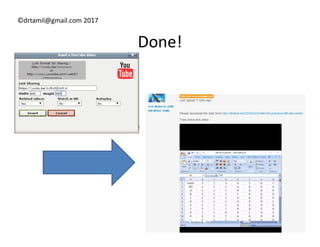

The document provides instructions for uploading a video to YouTube and embedding the video link on an eLearning platform. It advises uploading the video to YouTube as unlisted rather than directly to the platform. Users are instructed to select the unlisted visibility option when uploading their video file to YouTube. Once the video has finished uploading, they should copy the video link and embed it on their eLearning platform.


![How To Insert A Video With Code[1]](https://cdn.slidesharecdn.com/ss_thumbnails/howtoinsertavideowithcode1-100406142107-phpapp01-thumbnail.jpg?width=640&height=640&fit=bounds)


