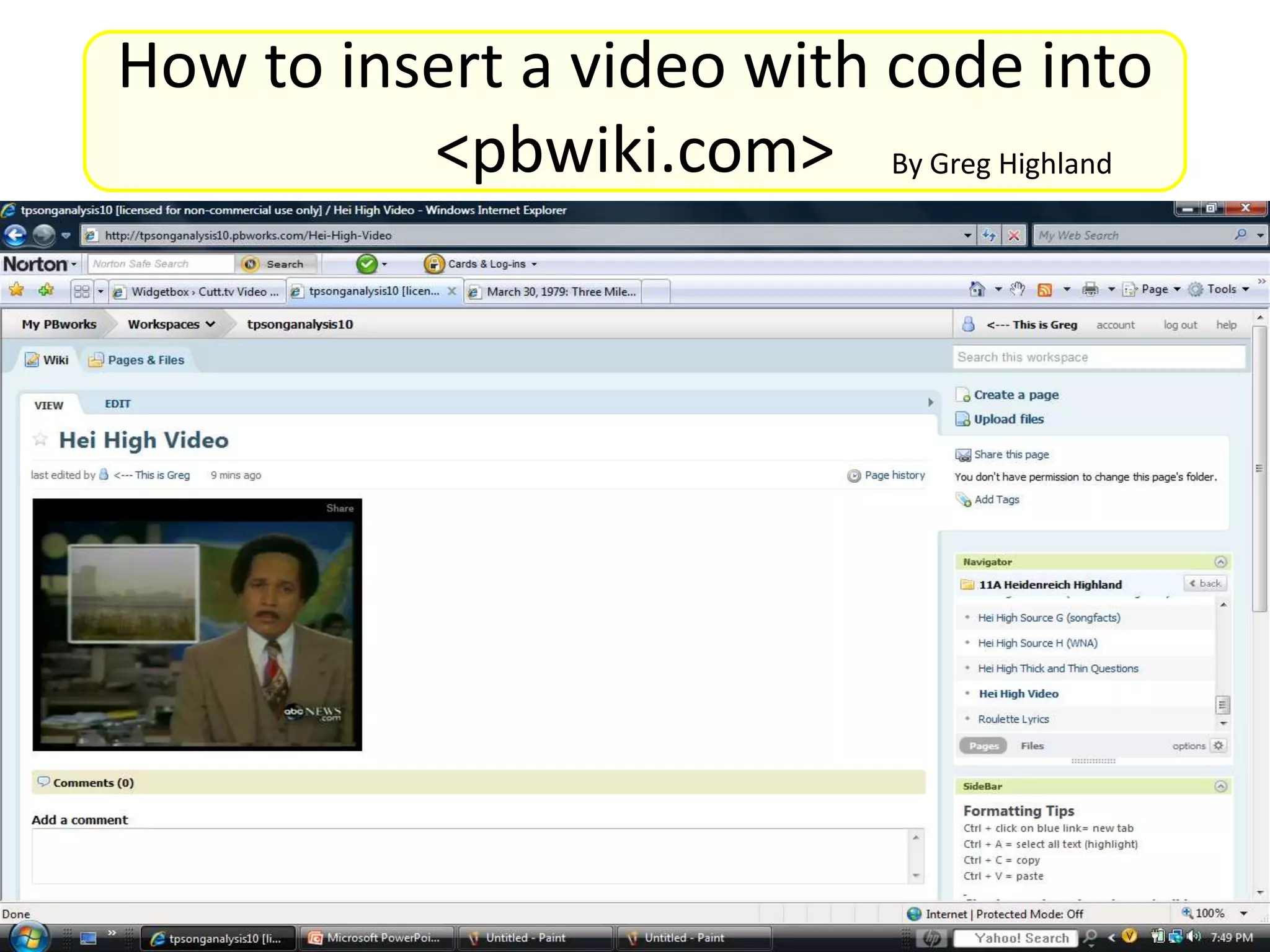
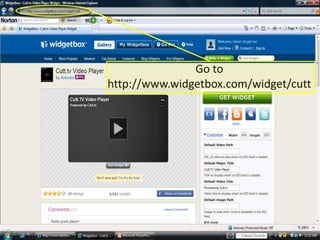
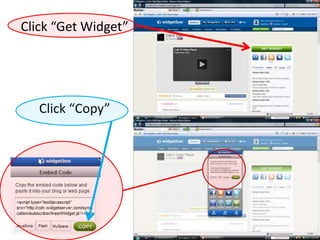
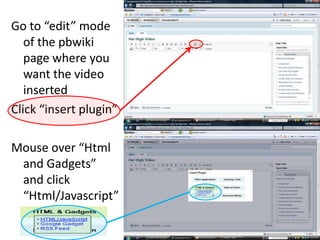
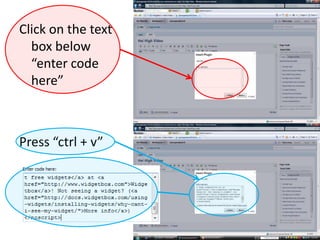
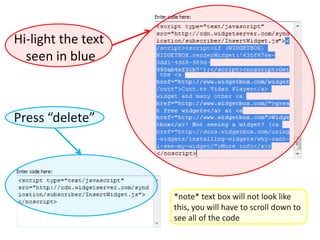
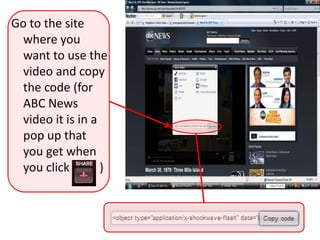
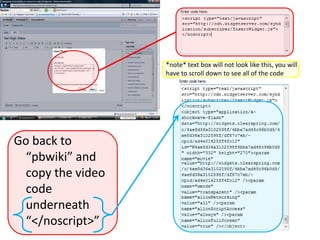
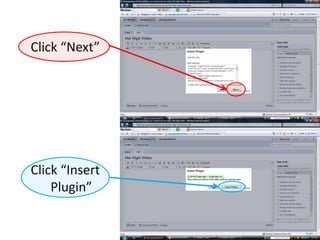
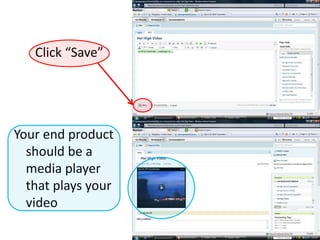
This document provides instructions for inserting a video into a pbwiki page using code. It involves getting widget code from widgetbox.com, copying that code into the HTML/Javascript plugin on the pbwiki page, and then adding the video code underneath the </noscript> tags. When complete, it will create a media player on the pbwiki page that plays the desired video. The steps are to get widget code, copy it into pbwiki HTML plugin, and add the actual video code underneath </noscript> tags.


![Post video to sla blog [tutorial]](https://cdn.slidesharecdn.com/ss_thumbnails/postvideotoslablogtutorial-141028095758-conversion-gate01-thumbnail.jpg?width=640&height=640&fit=bounds)


