Eclipse
Project
Firefox
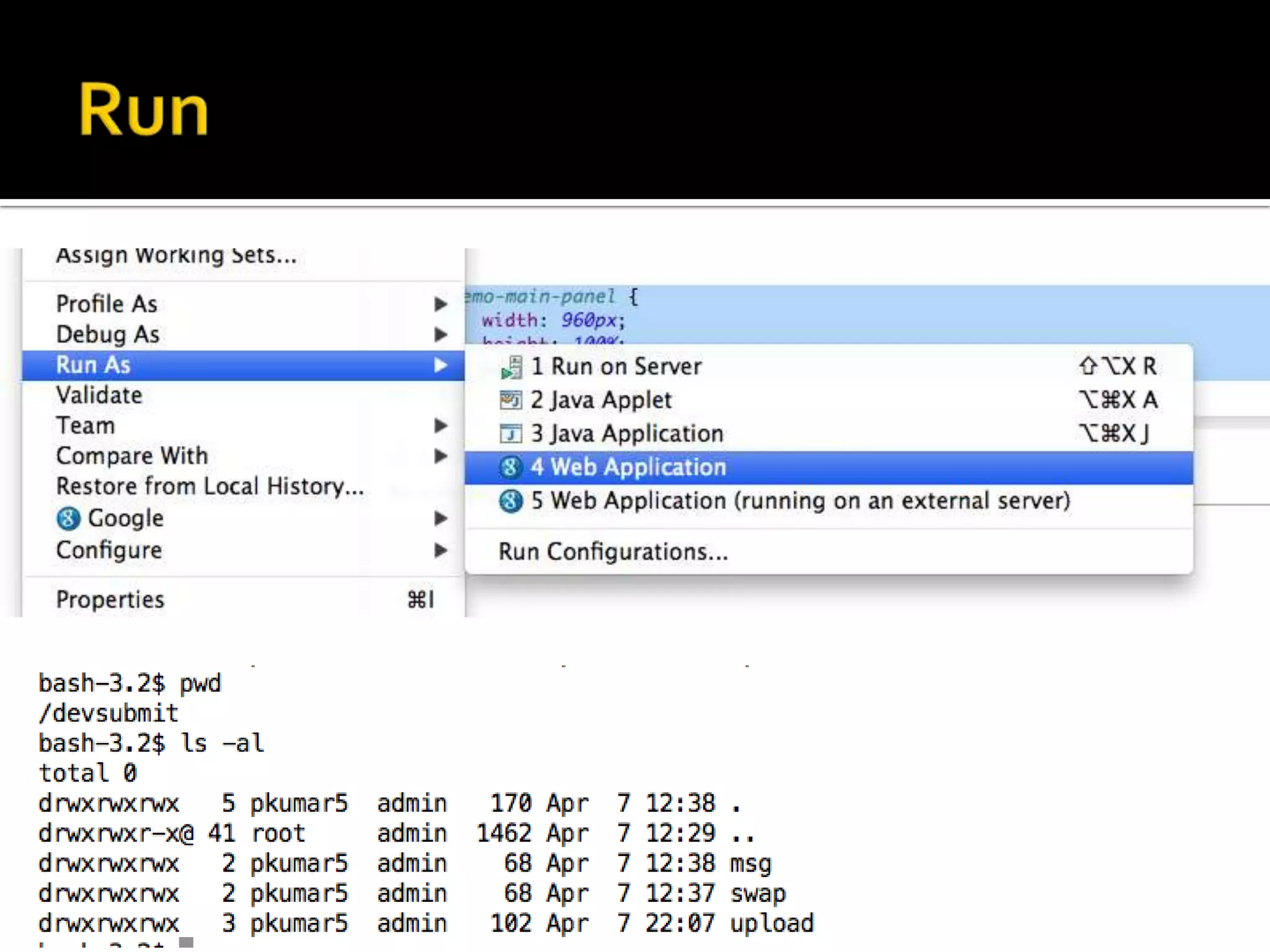
Run
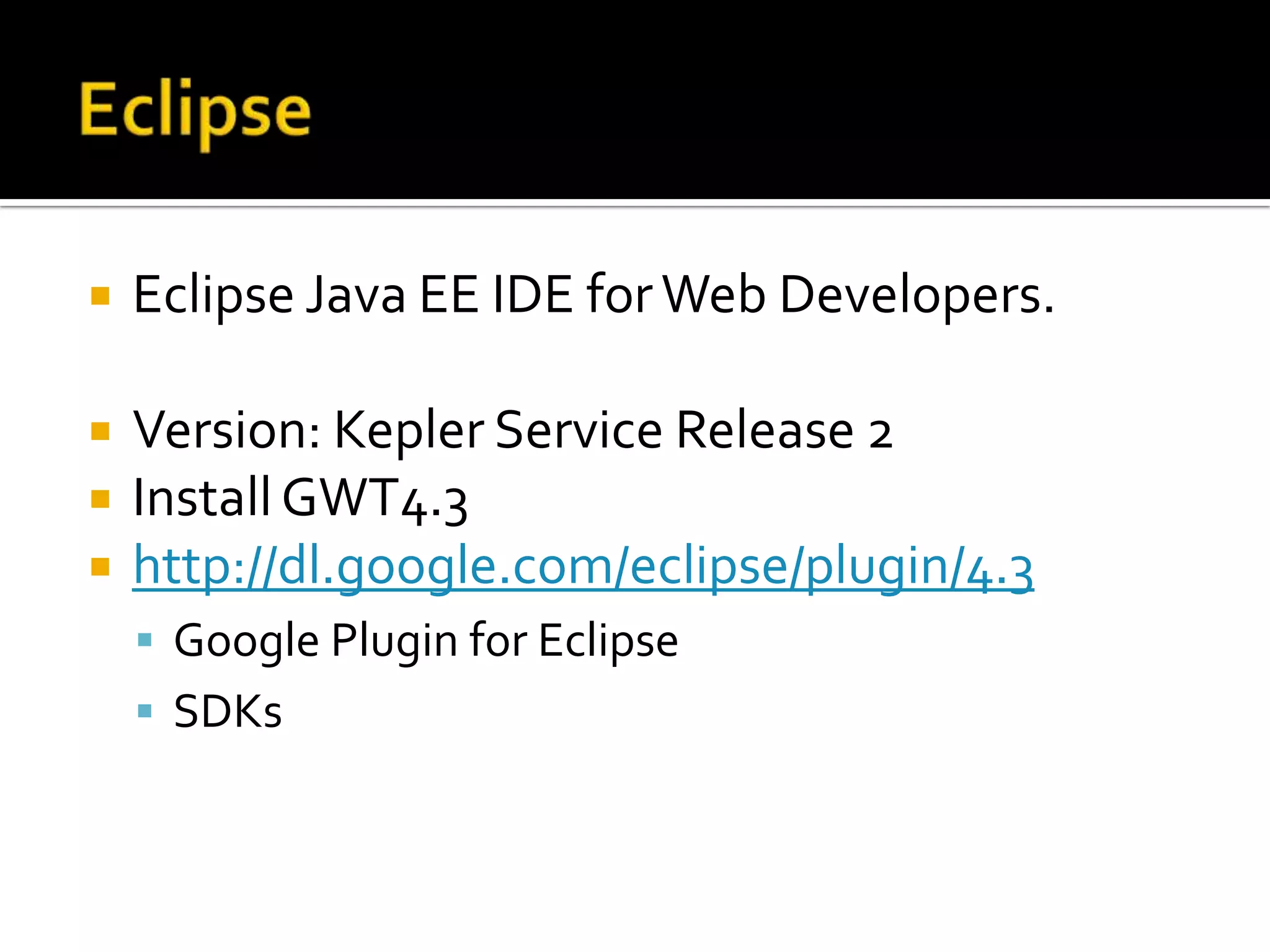
 Eclipse Java EE IDE forWeb Developers.
 Version: Kepler Service Release 2
 InstallGWT4.3
 http://dl.google.com/eclipse/plugin/4.3
 Google Plugin for Eclipse
 SDKs
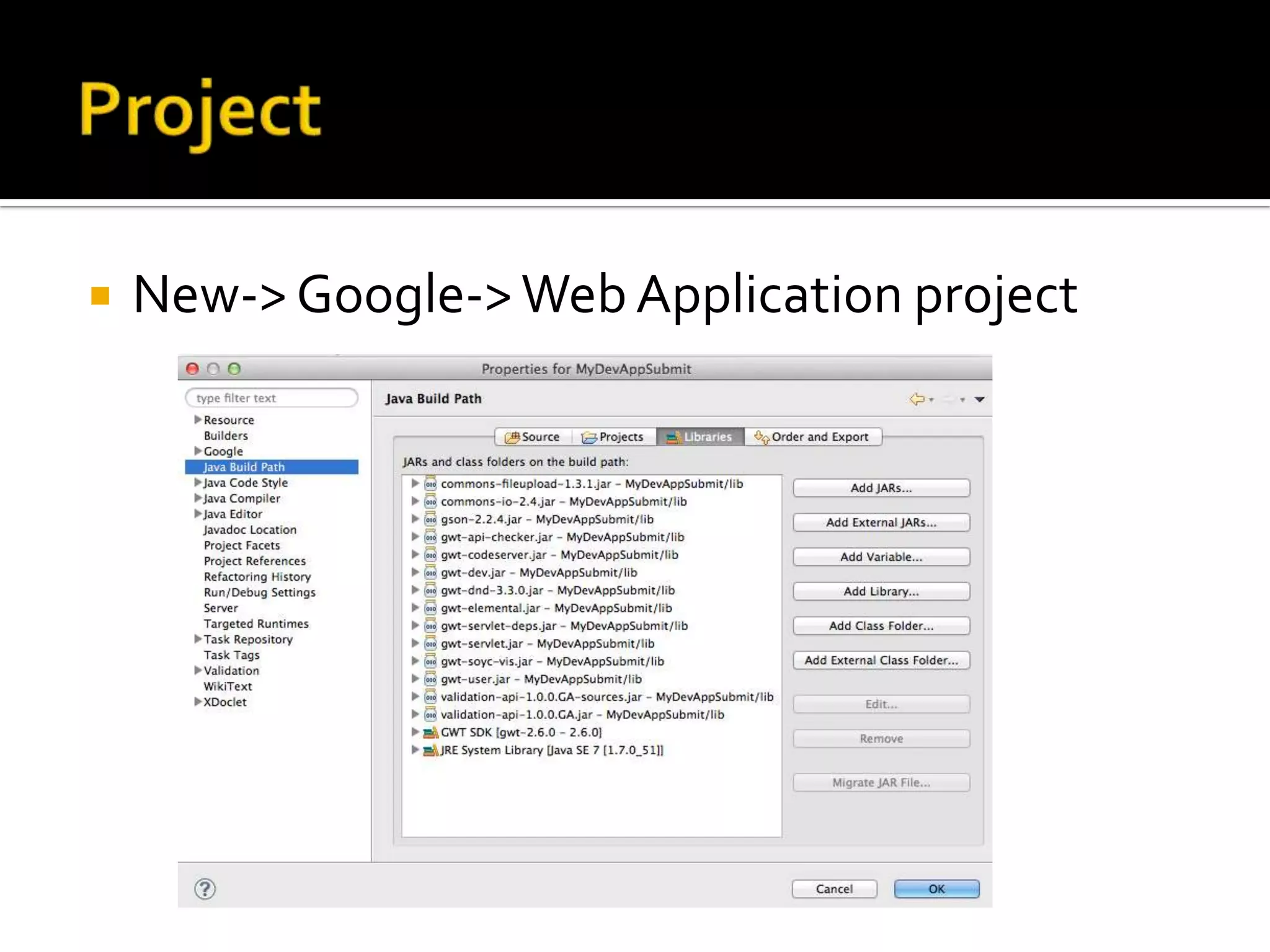
 New->Google->Web Application project
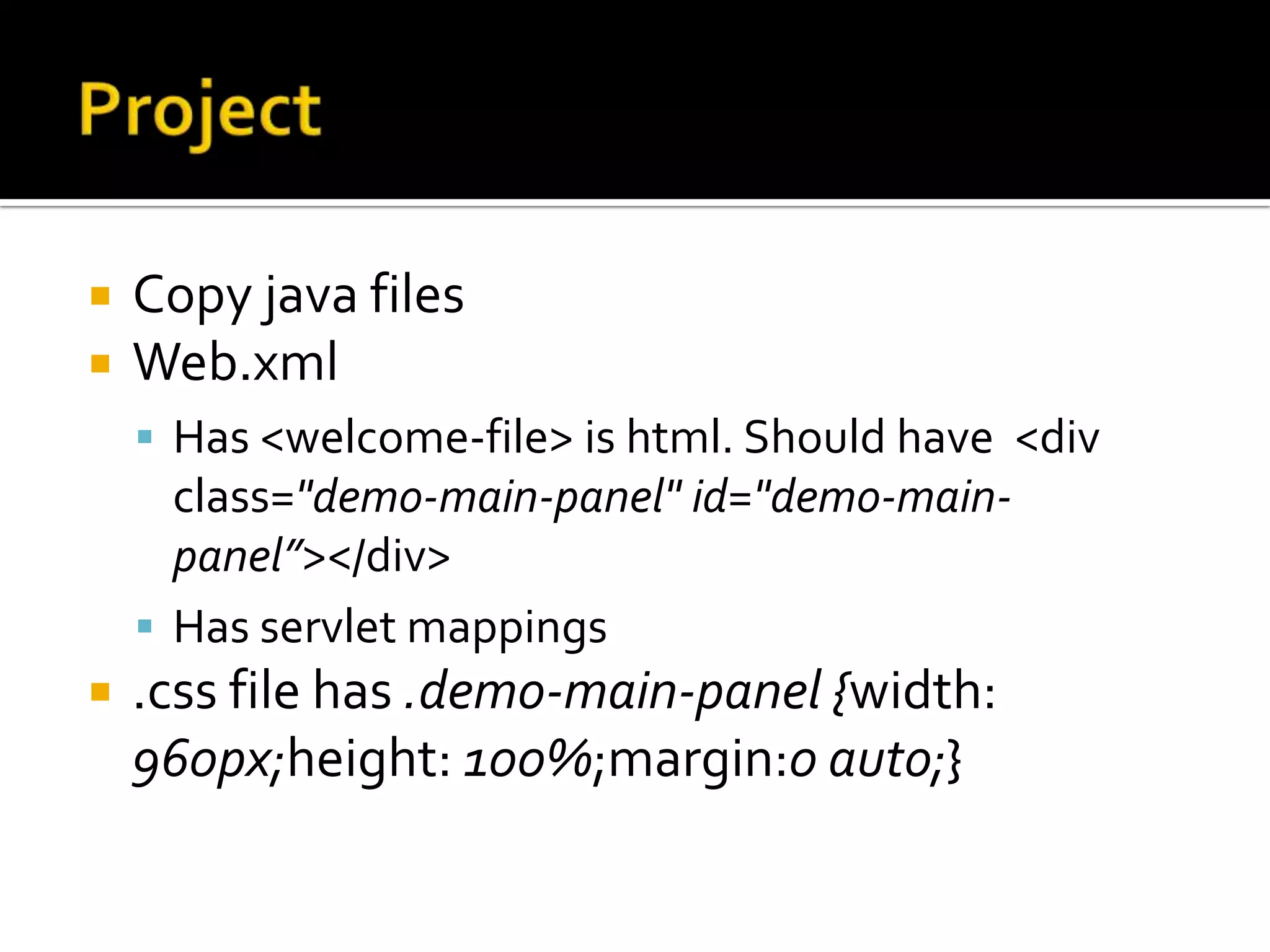
 Copy java files
 Web.xml
 Has <welcome-file> is html. Should have <div
class="demo-main-panel" id="demo-main-
panel”></div>
 Has servlet mappings
 .css file has .demo-main-panel {width:
960px;height: 100%;margin:0 auto;}
 Version 24
 GoogleWebToolkit developer Plugin for
Firefox 1.26.2
 Firefox->Tools->AddOns should show the
add ons. Make sure this plugin is enabled.
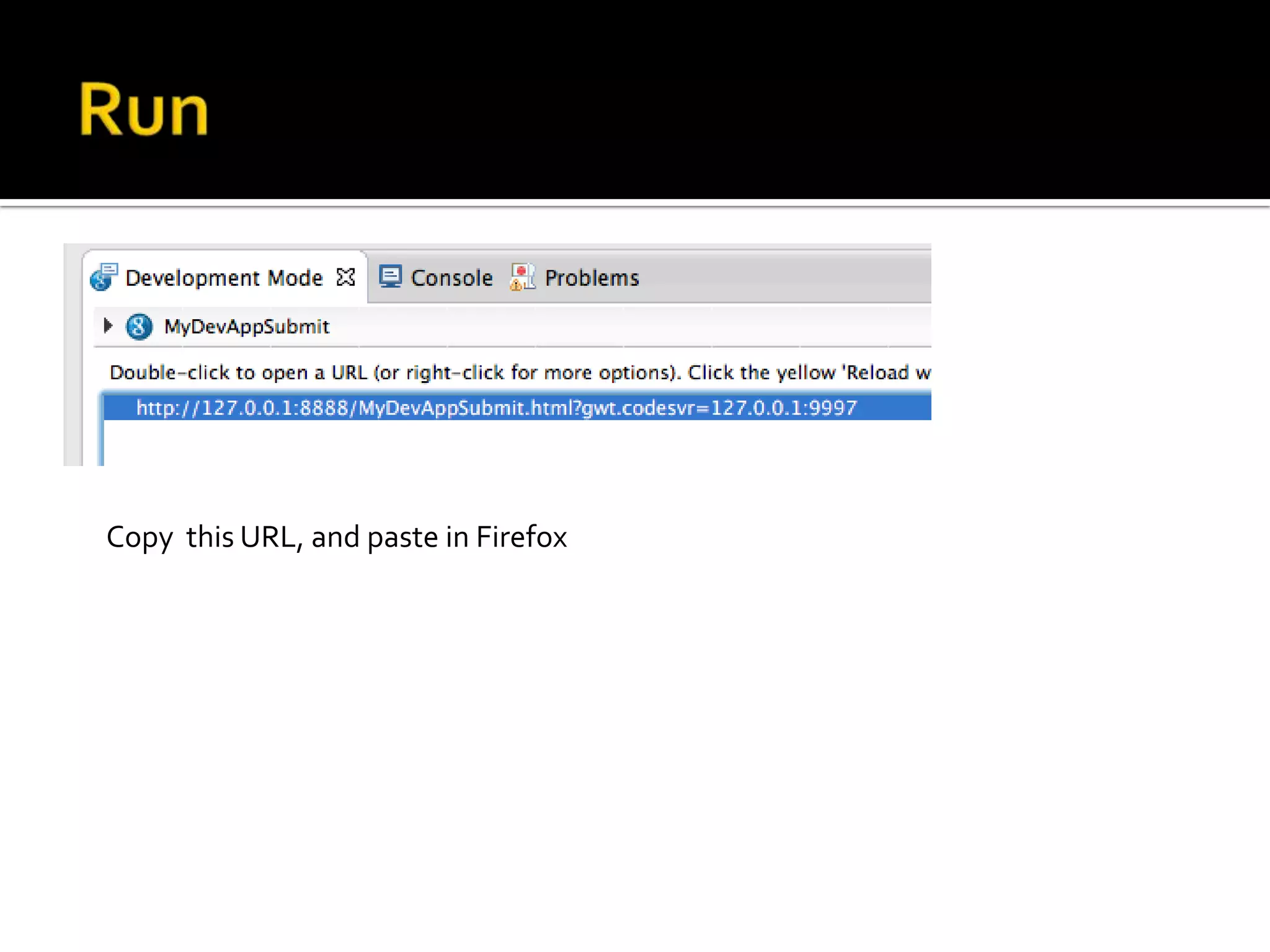
Copy this URL, and paste in Firefox

Gwt

  • 1.
  • 2.
     Eclipse JavaEE IDE forWeb Developers.  Version: Kepler Service Release 2  InstallGWT4.3  http://dl.google.com/eclipse/plugin/4.3  Google Plugin for Eclipse  SDKs
  • 3.
  • 4.
     Copy javafiles  Web.xml  Has <welcome-file> is html. Should have <div class="demo-main-panel" id="demo-main- panel”></div>  Has servlet mappings  .css file has .demo-main-panel {width: 960px;height: 100%;margin:0 auto;}
  • 5.
     Version 24 GoogleWebToolkit developer Plugin for Firefox 1.26.2  Firefox->Tools->AddOns should show the add ons. Make sure this plugin is enabled.
  • 7.
    Copy this URL,and paste in Firefox

Editor's Notes

  • #4 I have created Web Application project. Sunil has different project structure.
  • #7 I am running as Web Application, on Tomcat 6 Server. Sunil is running as an Application; if you follow Sunil’s method, you have to create “Run As” configuration as he mentioned.