Redis
Installing
Basics
Data structures
Pseudo Multi Key Queries
References and Indexes
Round Trips and Pipelining
Transactions
Keys Anti pattern, Use SCAN
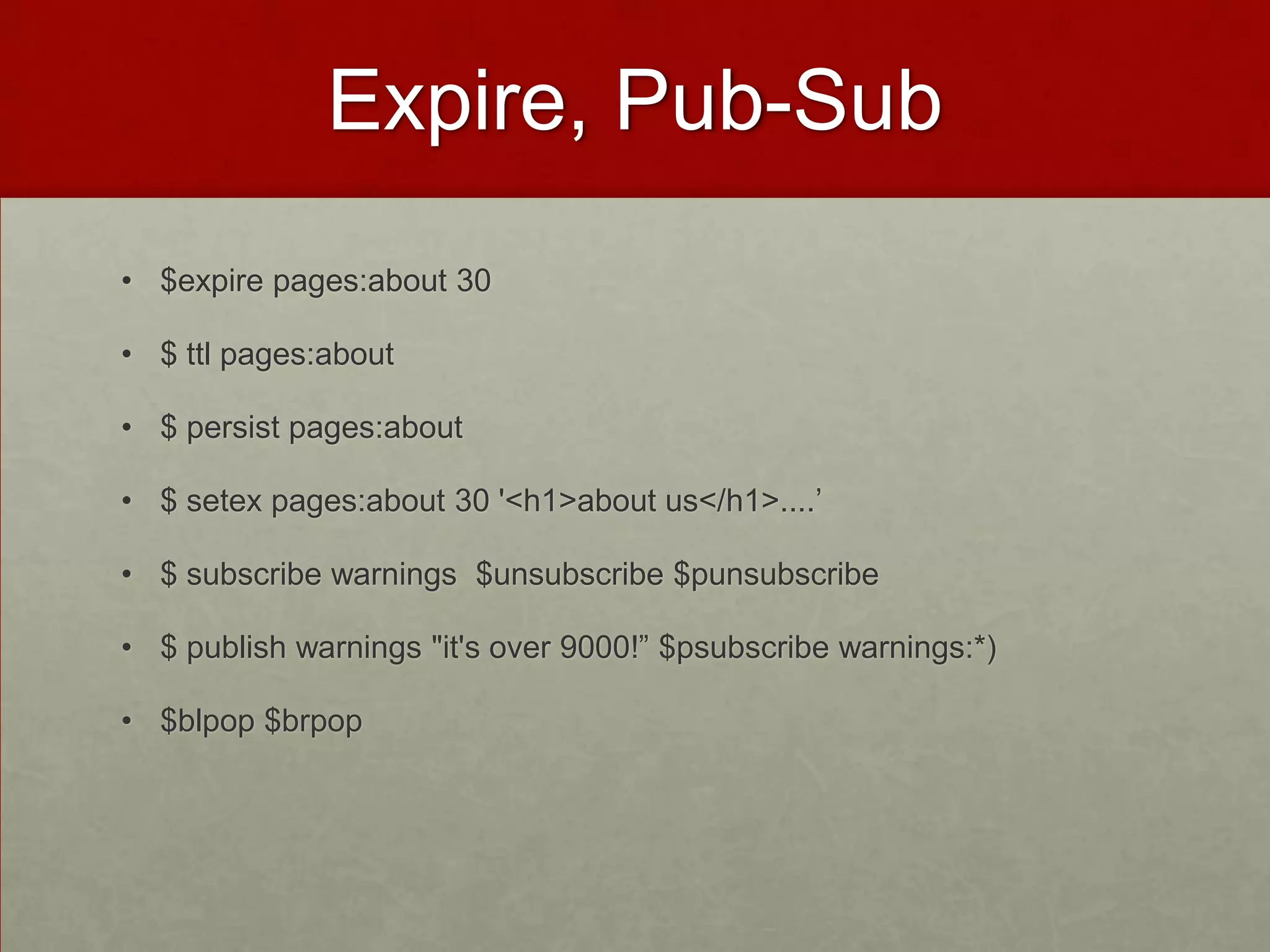
Expire, Pub-Sub
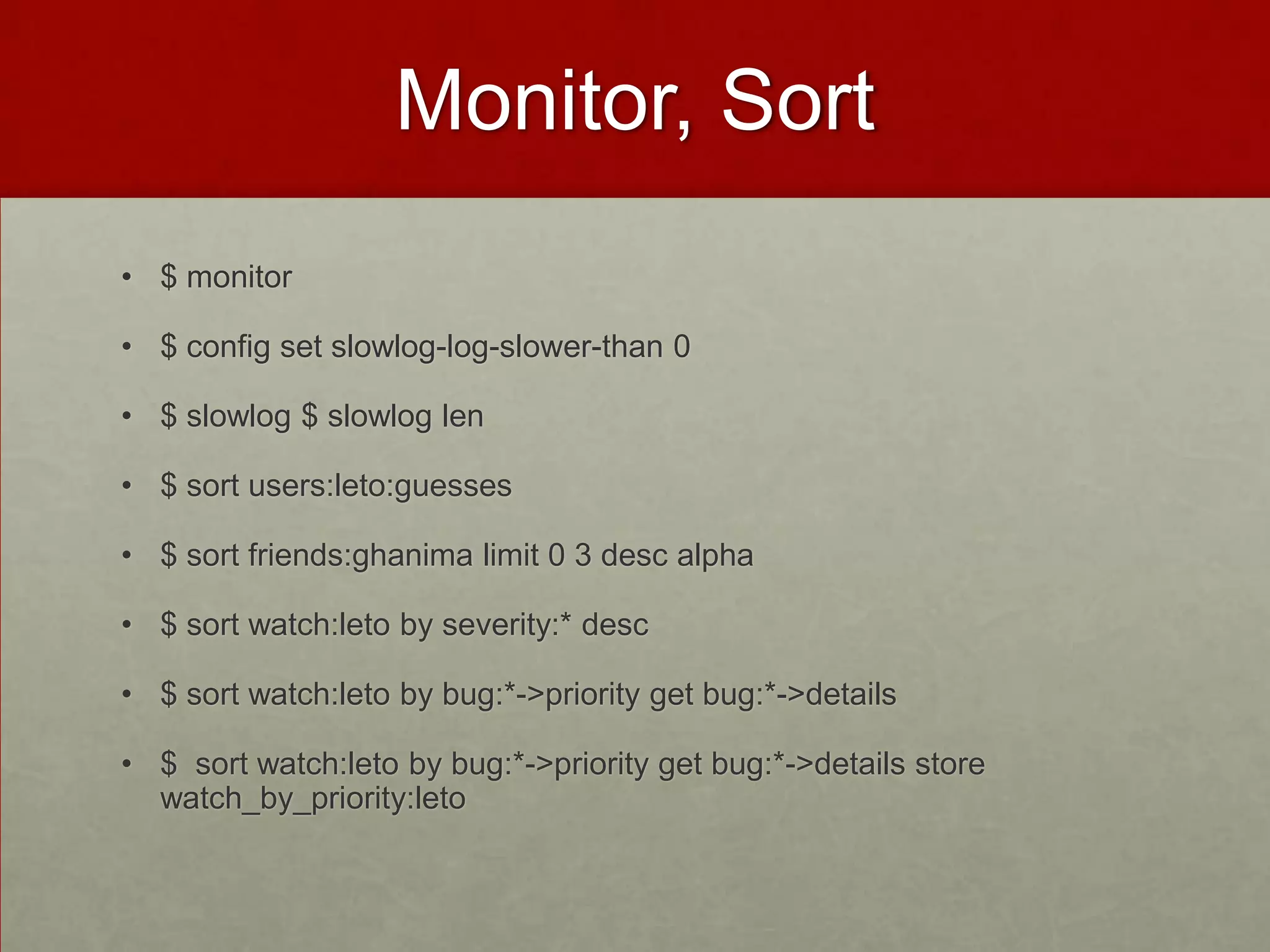
Monitor, Sort
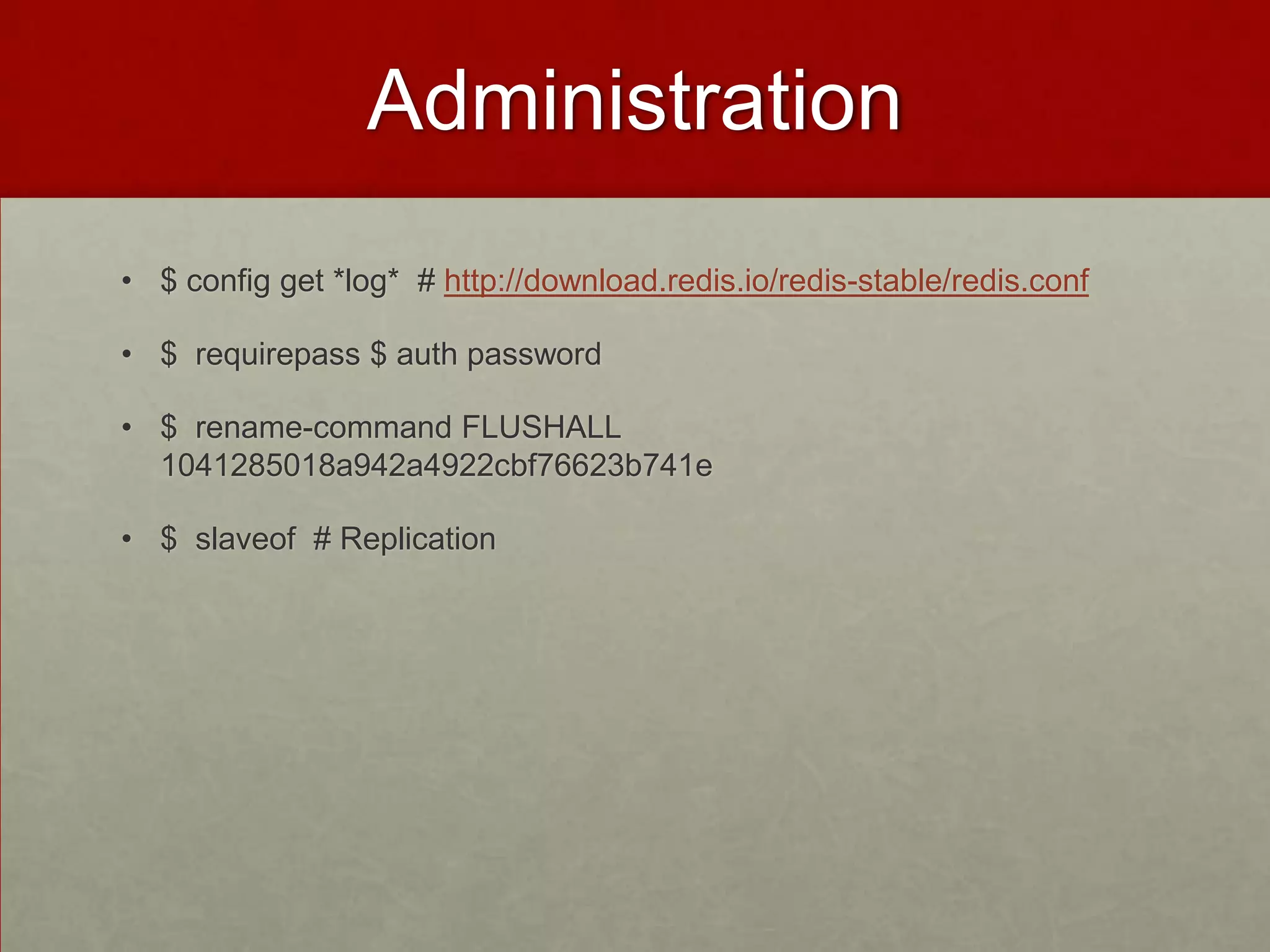
Administration
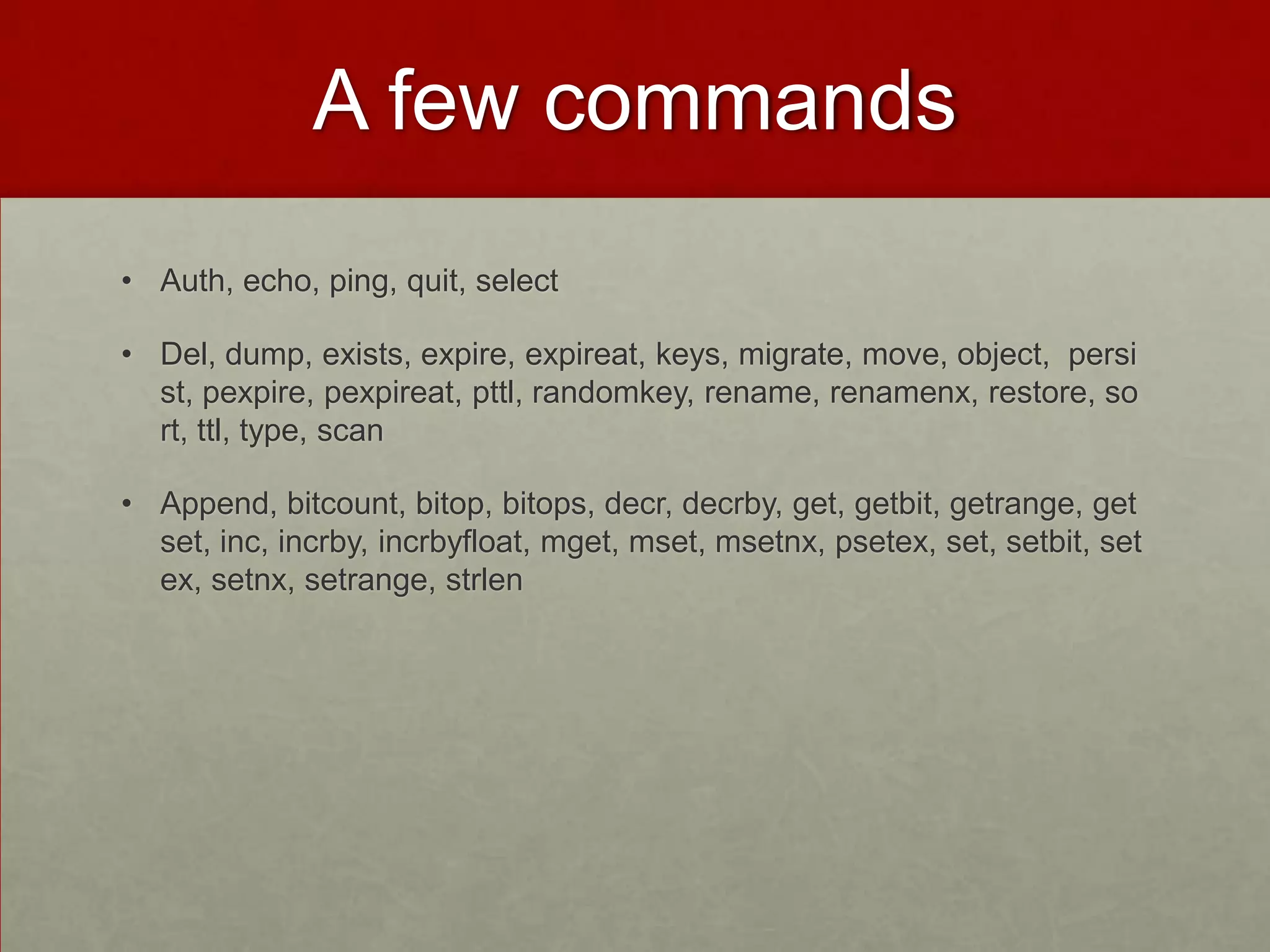
A few commands
Big O
Reference
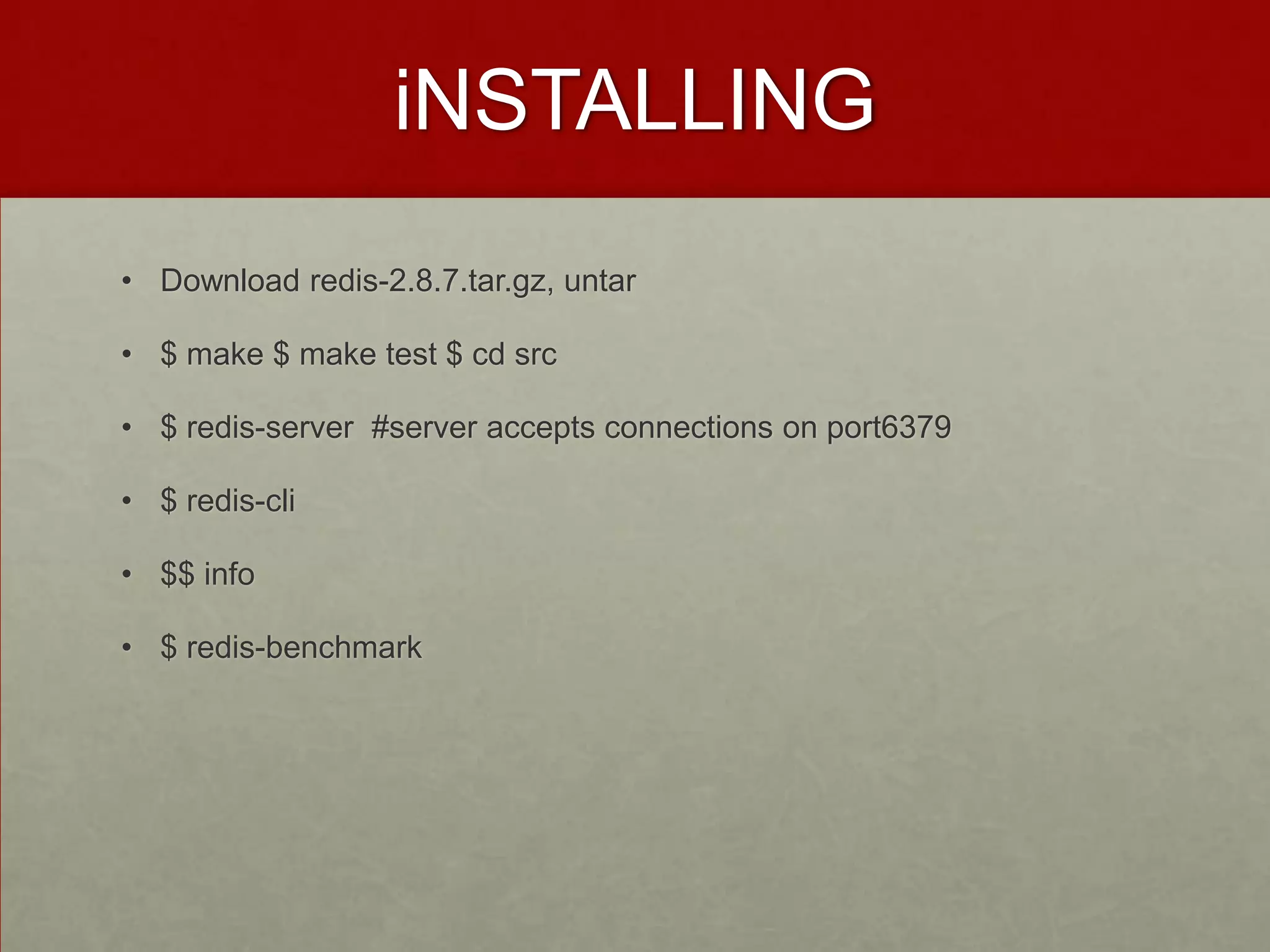
iNSTALLING
• Download redis-2.8.7.tar.gz, untar
• $ make $ make test $ cd src
• $ redis-server #server accepts connections on port6379
• $ redis-cli
• $$ info
• $ redis-benchmark
basics
• In-memory persistent key-value store 5 data structures
• $select 1 # many databases
• $ set users:leto '{"name": "leto", "planet": "dune", "likes": ["spice"]}’ #
Every data struct has key eg users:leto
• $ get users:leto # Values are arbitrary byte arrays that Redis doesn’t
care about
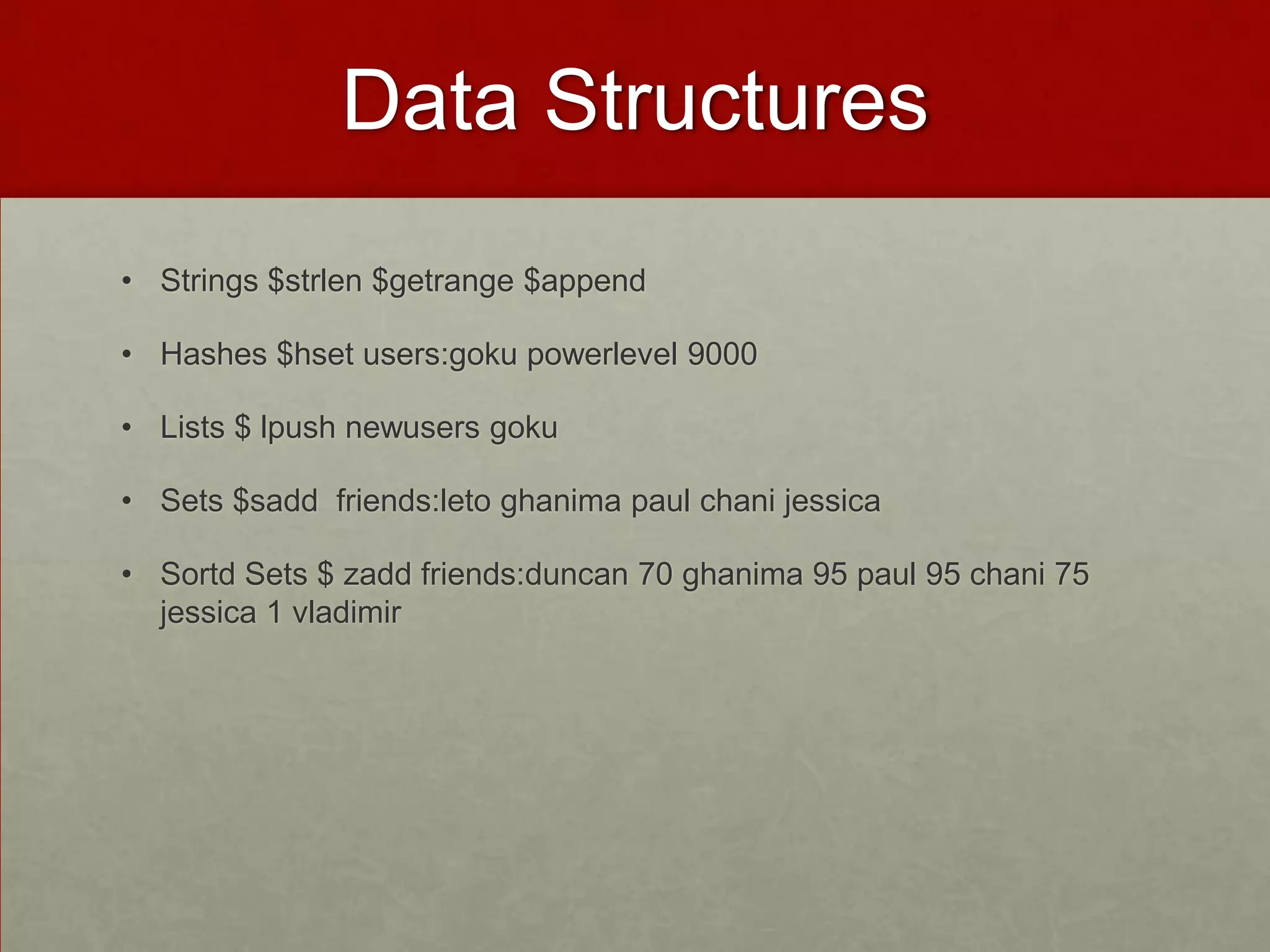
Data Structures
• Strings $strlen $getrange $append
• Hashes $hset users:goku powerlevel 9000
• Lists $ lpush newusers goku
• Sets $sadd friends:leto ghanima paul chani jessica
• Sortd Sets $ zadd friends:duncan 70 ghanima 95 paul 95 chani 75
jessica 1 vladimir
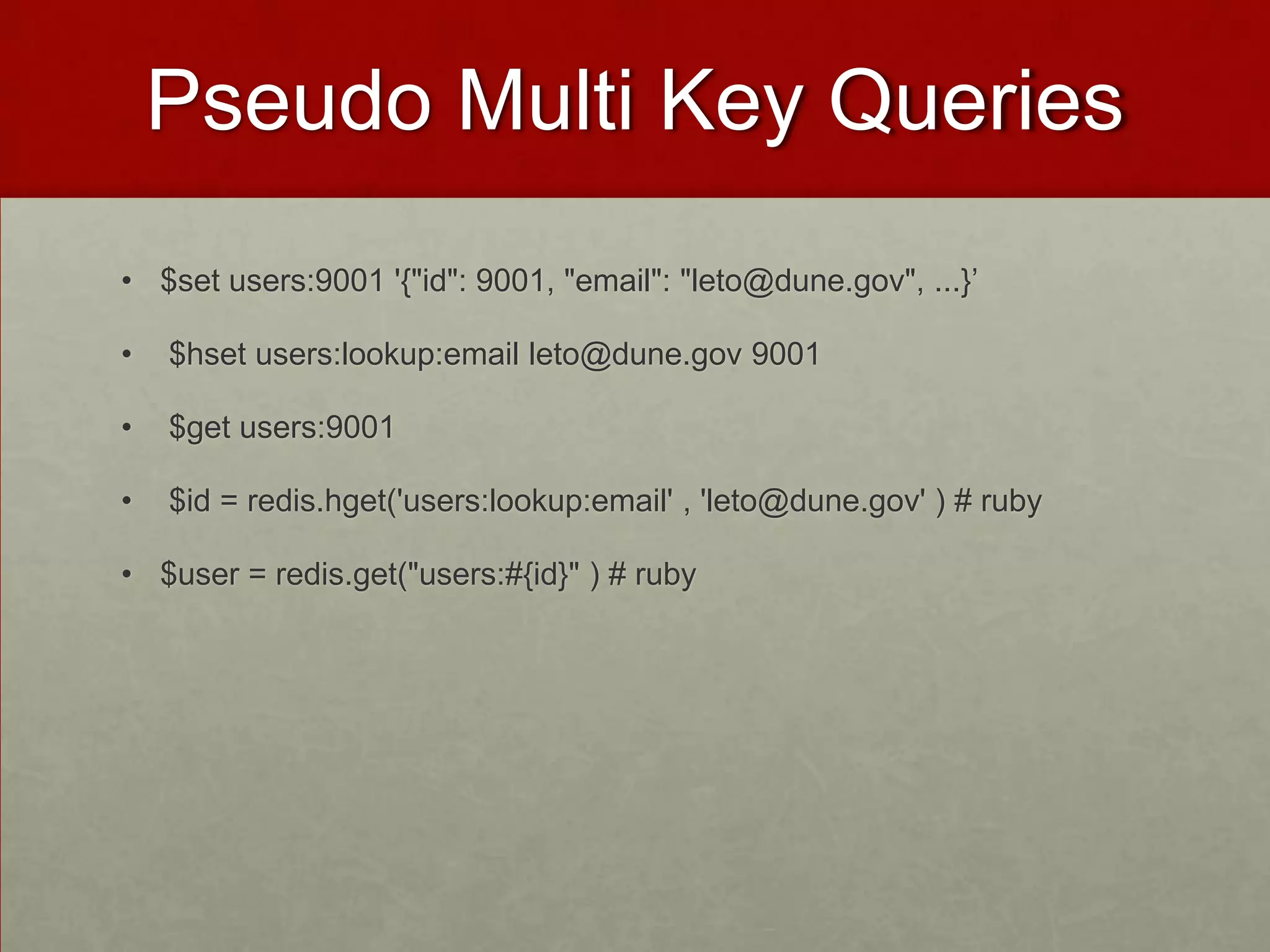
Pseudo Multi Key Queries
• $set users:9001 '{"id": 9001, "email": "leto@dune.gov", ...}’
• $hset users:lookup:email leto@dune.gov 9001
• $get users:9001
• $id = redis.hget('users:lookup:email' , 'leto@dune.gov' ) # ruby
• $user = redis.get("users:#{id}" ) # ruby
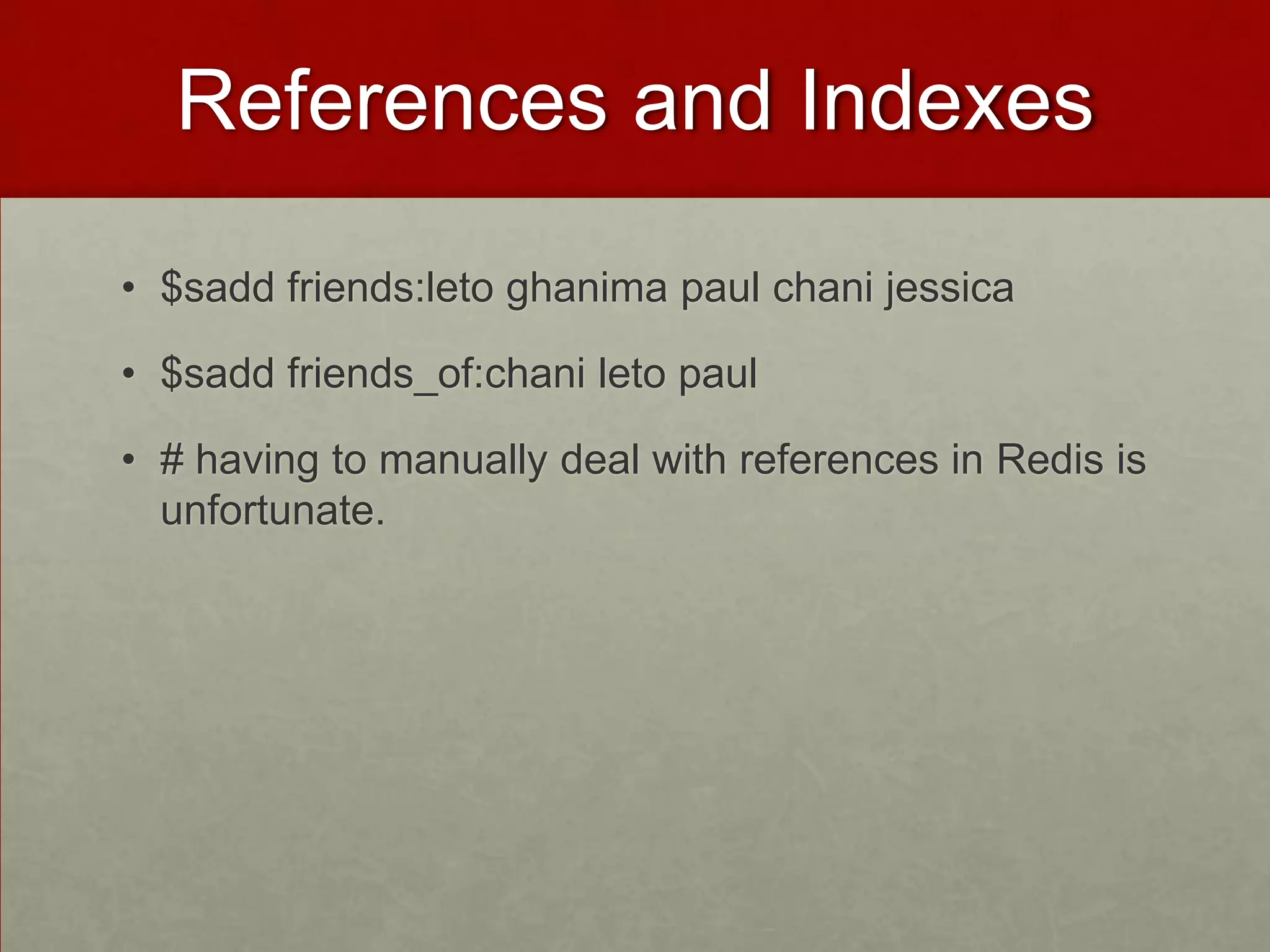
References and Indexes
• $sadd friends:leto ghanima paul chani jessica
• $sadd friends_of:chani leto paul
• # having to manually deal with references in Redis is
unfortunate.
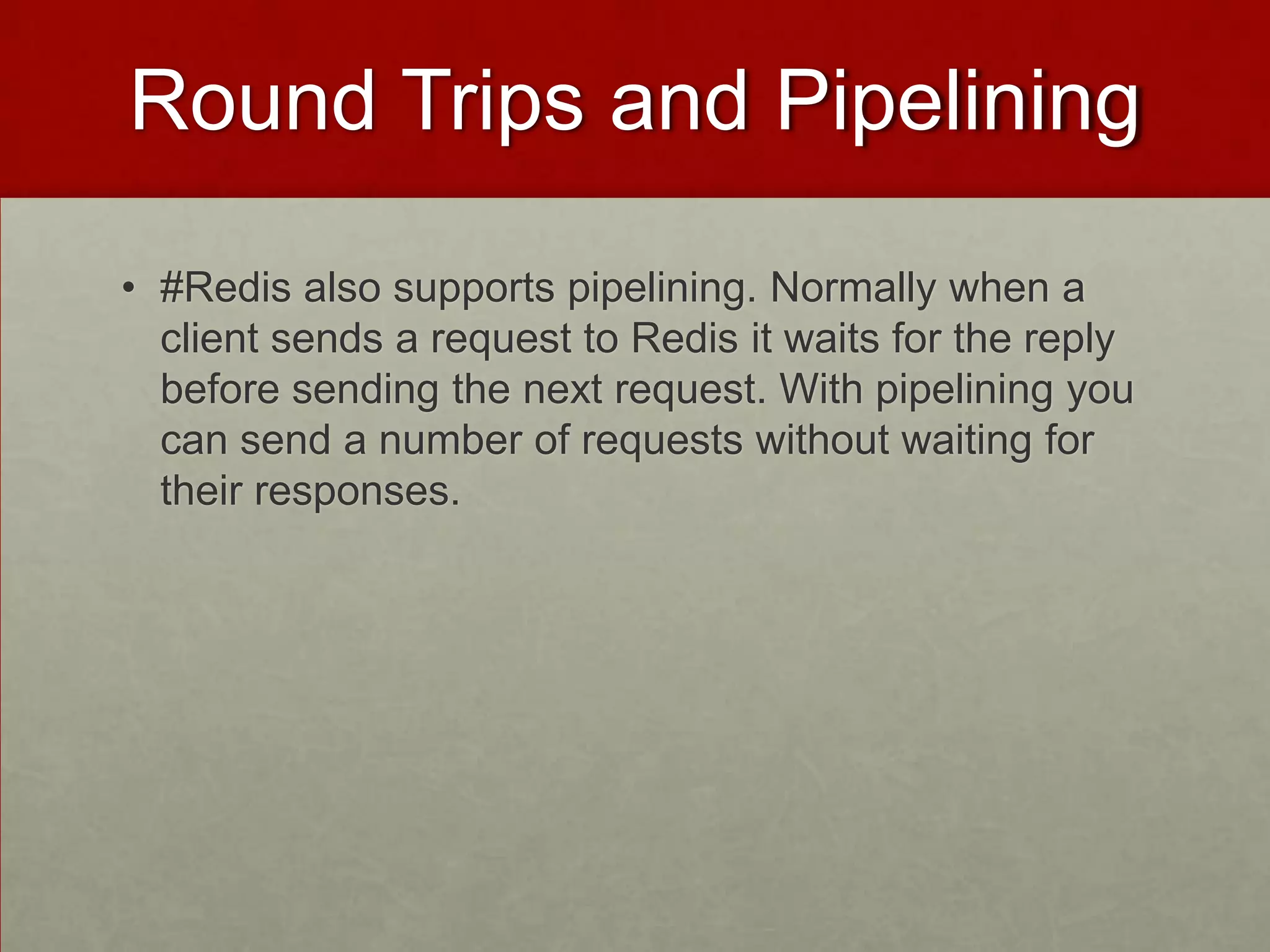
Round Trips and Pipelining
• #Redis also supports pipelining. Normally when a
client sends a request to Redis it waits for the reply
before sending the next request. With pipelining you
can send a number of requests without waiting for
their responses.
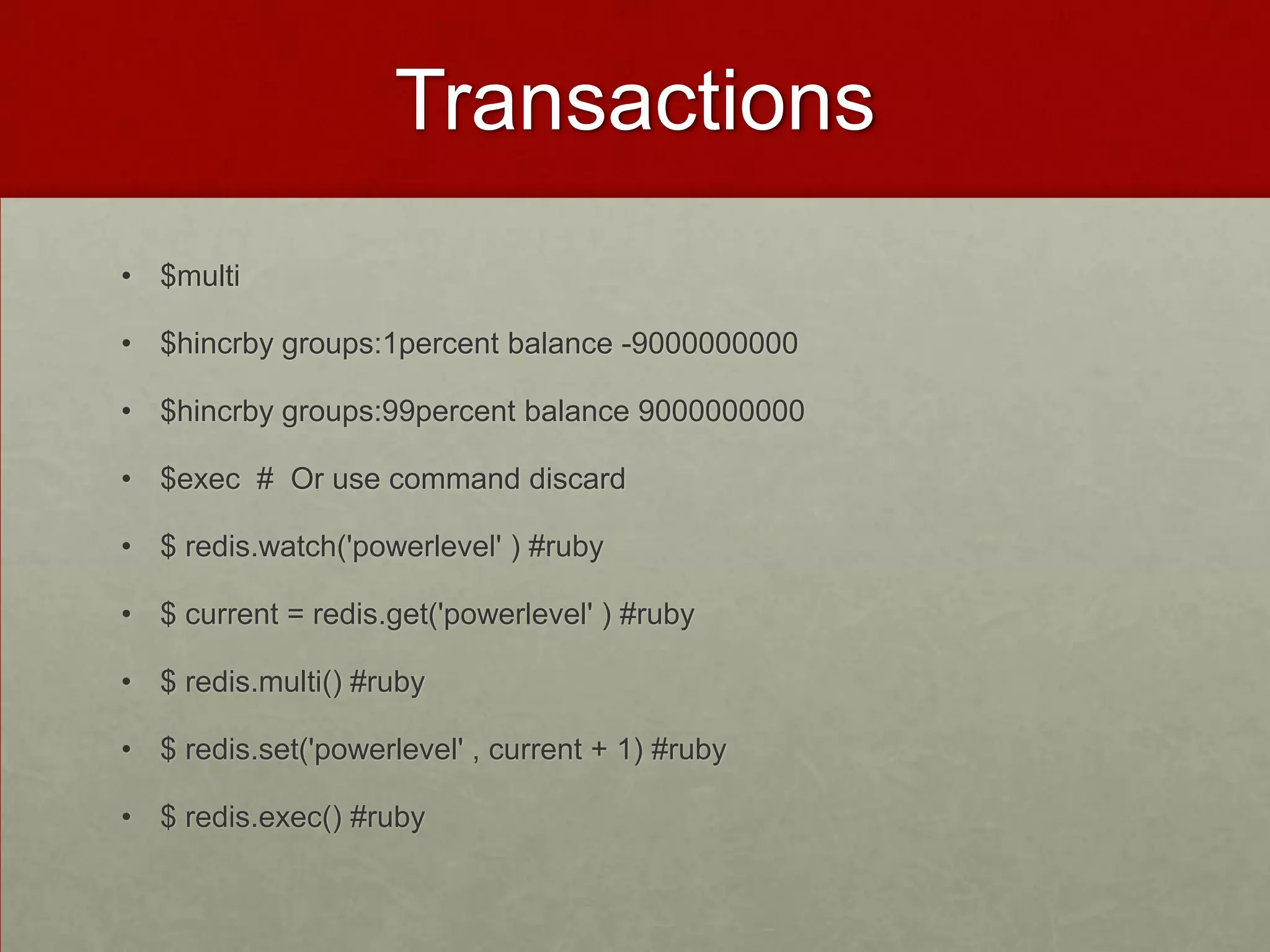
Transactions
• $multi
• $hincrby groups:1percent balance -9000000000
• $hincrby groups:99percent balance 9000000000
• $exec # Or use command discard
• $ redis.watch('powerlevel' ) #ruby
• $ current = redis.get('powerlevel' ) #ruby
• $ redis.multi() #ruby
• $ redis.set('powerlevel' , current + 1) #ruby
• $ redis.exec() #ruby
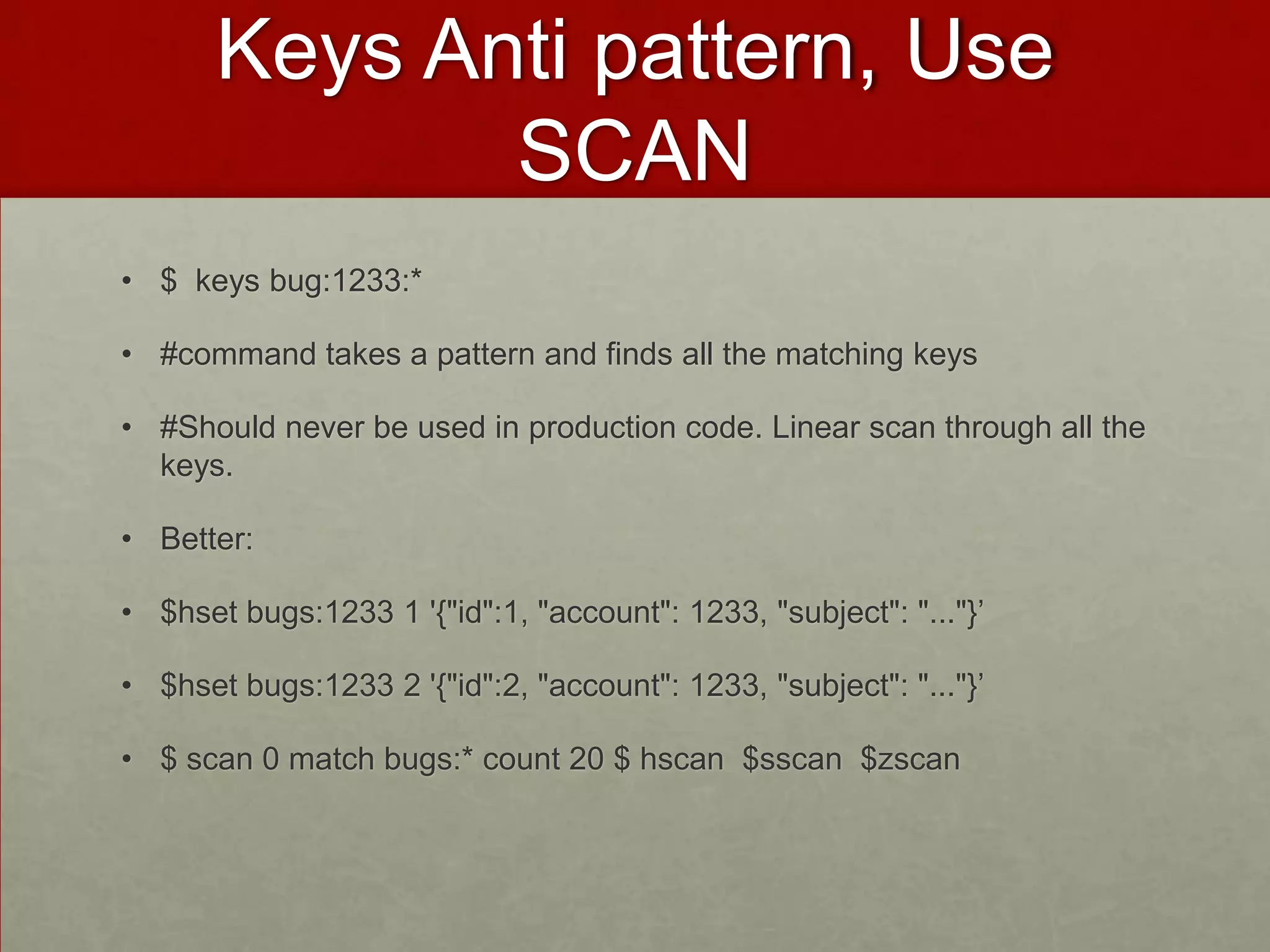
Keys Anti pattern, Use
SCAN
• $ keys bug:1233:*
• #command takes a pattern and finds all the matching keys
• #Should never be used in production code. Linear scan through all the
keys.
• Better:
• $hset bugs:1233 1 '{"id":1, "account": 1233, "subject": "..."}’
• $hset bugs:1233 2 '{"id":2, "account": 1233, "subject": "..."}’
• $ scan 0 match bugs:* count 20 $ hscan $sscan $zscan
Expire, Pub-Sub
• $expire pages:about 30
• $ ttl pages:about
• $ persist pages:about
• $ setex pages:about 30 '<h1>about us</h1>....’
• $ subscribe warnings $unsubscribe $punsubscribe
• $ publish warnings "it's over 9000!” $psubscribe warnings:*)
• $blpop $brpop
Monitor, Sort
• $ monitor
• $ config set slowlog-log-slower-than 0
• $ slowlog $ slowlog len
• $ sort users:leto:guesses
• $ sort friends:ghanima limit 0 3 desc alpha
• $ sort watch:leto by severity:* desc
• $ sort watch:leto by bug:*->priority get bug:*->details
• $ sort watch:leto by bug:*->priority get bug:*->details store
watch_by_priority:leto
Administration
• $ config get *log* # http://download.redis.io/redis-stable/redis.conf
• $ requirepass $ auth password
• $ rename-command FLUSHALL
1041285018a942a4922cbf76623b741e
• $ slaveof # Replication
A few commands
• Auth, echo, ping, quit, select
• Del, dump, exists, expire, expireat, keys, migrate, move, object, persi
st, pexpire, pexpireat, pttl, randomkey, rename, renamenx, restore, so
rt, ttl, type, scan
• Append, bitcount, bitop, bitops, decr, decrby, get, getbit, getrange, get
set, inc, incrby, incrbyfloat, mget, mset, msetnx, psetex, set, setbit, set
ex, setnx, setrange, strlen
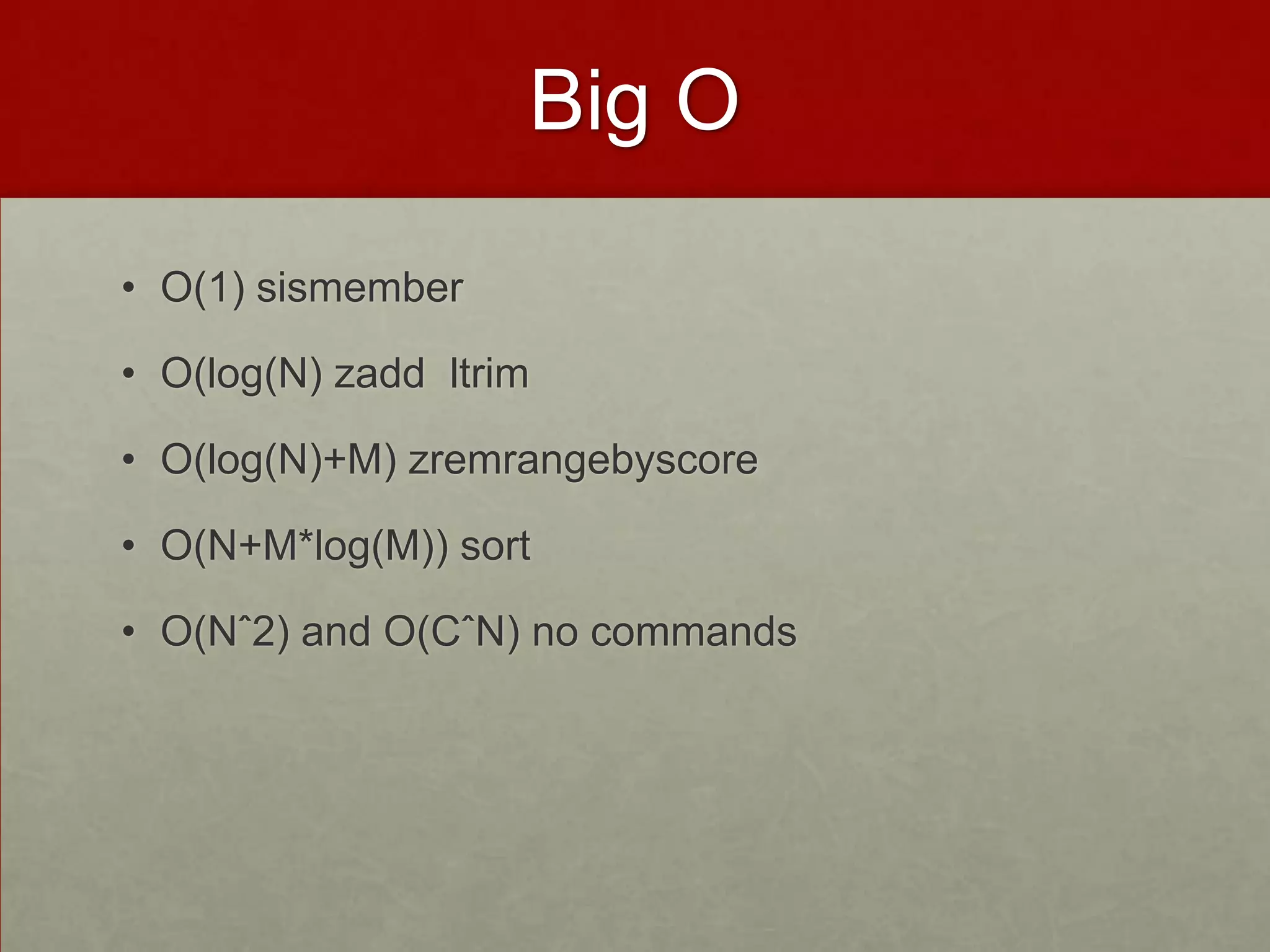
Big O
• O(1) sismember
• O(log(N) zadd ltrim
• O(log(N)+M) zremrangebyscore
• O(N+M*log(M)) sort
• O(Nˆ2) and O(CˆN) no commands
reference
• http://github.com/karlseguin/the-little-redis-book

Redis

  • 1.
    Redis Installing Basics Data structures Pseudo MultiKey Queries References and Indexes Round Trips and Pipelining Transactions Keys Anti pattern, Use SCAN Expire, Pub-Sub Monitor, Sort Administration A few commands Big O Reference
  • 2.
    iNSTALLING • Download redis-2.8.7.tar.gz,untar • $ make $ make test $ cd src • $ redis-server #server accepts connections on port6379 • $ redis-cli • $$ info • $ redis-benchmark
  • 3.
    basics • In-memory persistentkey-value store 5 data structures • $select 1 # many databases • $ set users:leto '{"name": "leto", "planet": "dune", "likes": ["spice"]}’ # Every data struct has key eg users:leto • $ get users:leto # Values are arbitrary byte arrays that Redis doesn’t care about
  • 4.
    Data Structures • Strings$strlen $getrange $append • Hashes $hset users:goku powerlevel 9000 • Lists $ lpush newusers goku • Sets $sadd friends:leto ghanima paul chani jessica • Sortd Sets $ zadd friends:duncan 70 ghanima 95 paul 95 chani 75 jessica 1 vladimir
  • 5.
    Pseudo Multi KeyQueries • $set users:9001 '{"id": 9001, "email": "leto@dune.gov", ...}’ • $hset users:lookup:email leto@dune.gov 9001 • $get users:9001 • $id = redis.hget('users:lookup:email' , 'leto@dune.gov' ) # ruby • $user = redis.get("users:#{id}" ) # ruby
  • 6.
    References and Indexes •$sadd friends:leto ghanima paul chani jessica • $sadd friends_of:chani leto paul • # having to manually deal with references in Redis is unfortunate.
  • 7.
    Round Trips andPipelining • #Redis also supports pipelining. Normally when a client sends a request to Redis it waits for the reply before sending the next request. With pipelining you can send a number of requests without waiting for their responses.
  • 8.
    Transactions • $multi • $hincrbygroups:1percent balance -9000000000 • $hincrby groups:99percent balance 9000000000 • $exec # Or use command discard • $ redis.watch('powerlevel' ) #ruby • $ current = redis.get('powerlevel' ) #ruby • $ redis.multi() #ruby • $ redis.set('powerlevel' , current + 1) #ruby • $ redis.exec() #ruby
  • 9.
    Keys Anti pattern,Use SCAN • $ keys bug:1233:* • #command takes a pattern and finds all the matching keys • #Should never be used in production code. Linear scan through all the keys. • Better: • $hset bugs:1233 1 '{"id":1, "account": 1233, "subject": "..."}’ • $hset bugs:1233 2 '{"id":2, "account": 1233, "subject": "..."}’ • $ scan 0 match bugs:* count 20 $ hscan $sscan $zscan
  • 10.
    Expire, Pub-Sub • $expirepages:about 30 • $ ttl pages:about • $ persist pages:about • $ setex pages:about 30 '<h1>about us</h1>....’ • $ subscribe warnings $unsubscribe $punsubscribe • $ publish warnings "it's over 9000!” $psubscribe warnings:*) • $blpop $brpop
  • 11.
    Monitor, Sort • $monitor • $ config set slowlog-log-slower-than 0 • $ slowlog $ slowlog len • $ sort users:leto:guesses • $ sort friends:ghanima limit 0 3 desc alpha • $ sort watch:leto by severity:* desc • $ sort watch:leto by bug:*->priority get bug:*->details • $ sort watch:leto by bug:*->priority get bug:*->details store watch_by_priority:leto
  • 12.
    Administration • $ configget *log* # http://download.redis.io/redis-stable/redis.conf • $ requirepass $ auth password • $ rename-command FLUSHALL 1041285018a942a4922cbf76623b741e • $ slaveof # Replication
  • 13.
    A few commands •Auth, echo, ping, quit, select • Del, dump, exists, expire, expireat, keys, migrate, move, object, persi st, pexpire, pexpireat, pttl, randomkey, rename, renamenx, restore, so rt, ttl, type, scan • Append, bitcount, bitop, bitops, decr, decrby, get, getbit, getrange, get set, inc, incrby, incrbyfloat, mget, mset, msetnx, psetex, set, setbit, set ex, setnx, setrange, strlen
  • 14.
    Big O • O(1)sismember • O(log(N) zadd ltrim • O(log(N)+M) zremrangebyscore • O(N+M*log(M)) sort • O(Nˆ2) and O(CˆN) no commands
  • 15.

Editor's Notes

  • #2 Puneet Kumar
  • #5 Strings $incr $incrby $setbit $getbitHashes hgetusers:gokupowerlevel $ hmsetusers:goku race saiyan age 737 $ hgetallusers:goku $ hkeysusers:goku $ hdelusers:goku age Lists $ltrimnewusers 0 49 Sets $sismemberfriends:letojessica $sinter friends:leto friends:duncan $sinterstorefriends:leto_duncanfriends:leto friends:duncanSorted Sets $zcount friends:duncan 90 100 $zrevrank friends:duncan chani