1
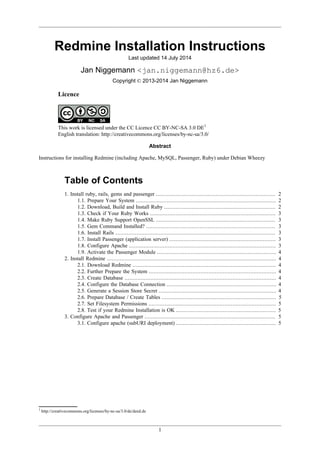
Redmine Installation Instructions
Last updated 14 July 2014
Jan Niggemann <jan.niggemann@hz6.de>
Copyright © 2013-2014 Jan Niggemann
Licence
This work is licensed under the CC Licence CC BY-NC-SA 3.0 DE1
English translation: http://creativecommons.org/licenses/by-nc-sa/3.0/
Abstract
Instructions for installing Redmine (including Apache, MySQL, Passenger, Ruby) under Debian Wheezy
Table of Contents
1. Install ruby, rails, gems and passenger .......................................................................... 2
1.1. Prepare Your System ....................................................................................... 2
1.2. Download, Build and Install Ruby ..................................................................... 2
1.3. Check if Your Ruby Works .............................................................................. 3
1.4. Make Ruby Support OpenSSL .......................................................................... 3
1.5. Gem Command Installed? ................................................................................ 3
1.6. Install Rails ................................................................................................... 3
1.7. Install Passenger (application server) .................................................................. 3
1.8. Configure Apache ........................................................................................... 3
1.9. Activate the Passenger Module .......................................................................... 4
2. Install Redmine ......................................................................................................... 4
2.1. Download Redmine ......................................................................................... 4
2.2. Further Prepare the System ............................................................................... 4
2.3. Create Database .............................................................................................. 4
2.4. Configure the Database Connection .................................................................... 4
2.5. Generate a Session Store Secret ......................................................................... 4
2.6. Prepare Database / Create Tables ....................................................................... 5
2.7. Set Filesystem Permissions ............................................................................... 5
2.8. Test if your Redmine Installation is OK .............................................................. 5
3. Configure Apache and Passenger ................................................................................. 5
3.1. Configure apache (subURI deployment) .............................................................. 5
1
http://creativecommons.org/licenses/by-nc-sa/3.0/de/deed.de
Redmine Installation Instructions
2
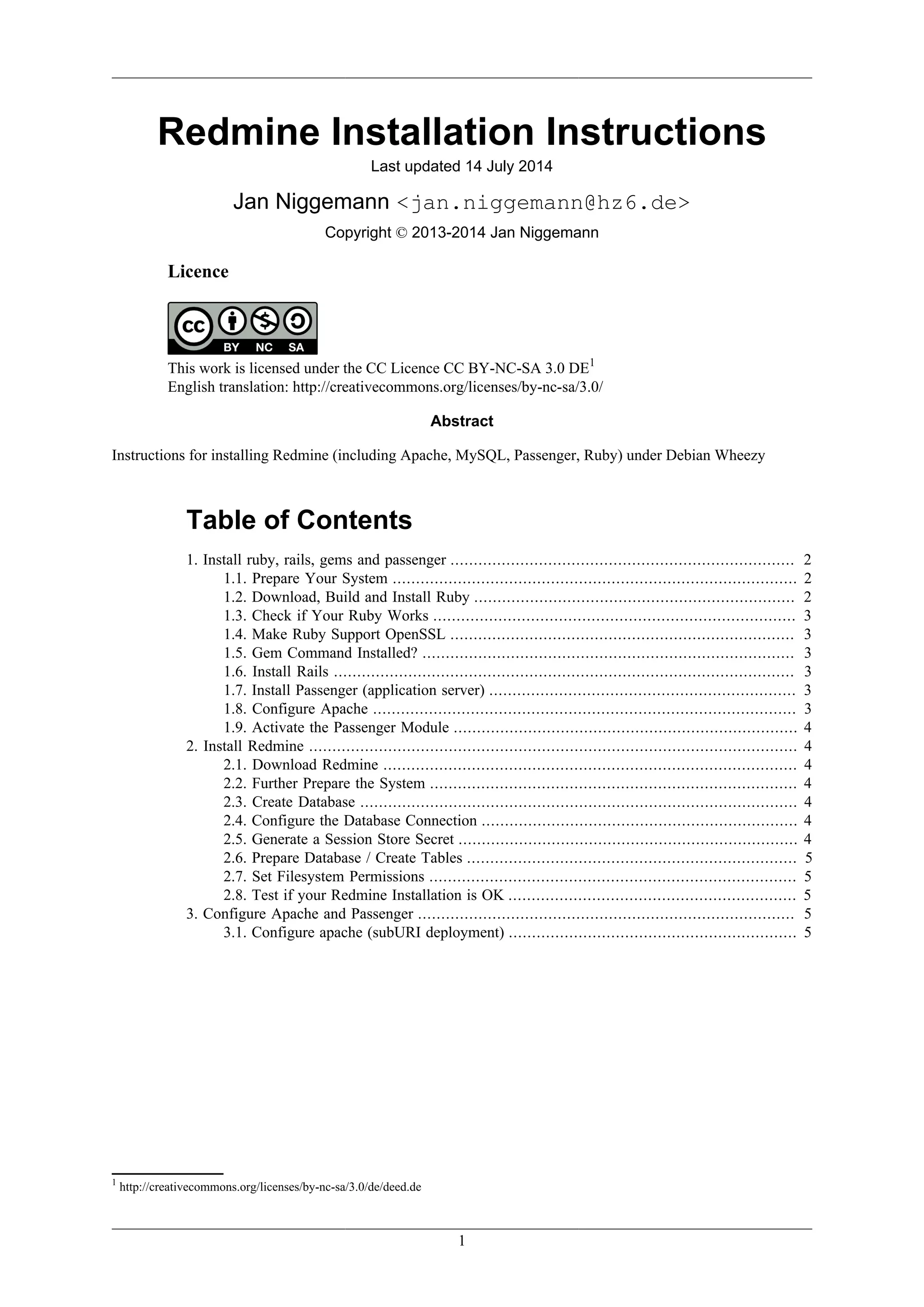
Preface
After reading this guide you should have a working redmine instance. If this is not the case or if a
step fails, please post details on the Help forum2
and refer to this instruction and the number of the
section. Make sure to include the output of gem env and / or RAILS_ENV=production /opt/
redmine/script/about.
If this guide has issues, please contact me via email.
I maintain this manual in my free time and would be glad to receive something from
my 3
or donations via 4
.
About this guide
This is a step-by-step guide to install redmine on "Debian stable" (called Wheezy at the moment of
writing). It is written for people who are familiar with Debian, the shell, MySQL, Apache and Linux
in general. To keep this guide short, it does not explain every step in detail. The filenames and paths in
this document are subject to frequent change. I'll do my best to keep them up-to-date, but please check
anyway. Please note: I'm assuming that you know how to use the tools at hand. If that's not the case
(eg. you don't know how to create a new database or you don't know how to restart apache) please use
the search engine of your choice and come back afterwards.
Conventions used in this document
Text type Meaning
monotype font is used to indicate user input or system output as well as configuration files
↩ is used to show that a line is not terminated but continues below
1. Install ruby, rails, gems and passenger
1.1. Prepare Your System
apt-get install gcc build-essential zlib1g zlib1g-dev zlibc ↩
libzlib-ruby libssl-dev libyaml-dev libcurl4-openssl-dev ↩
apache2-mpm-prefork apache2-prefork-dev ↩
libapr1-dev libxslt-dev checkinstall
1.2. Download, Build and Install Ruby
Please press at the end of each line
cd ~
wget ftp://ftp.ruby-lang.org/pub/ruby/1.9/ruby-1.9.3-p547.tar.gz
tar xvfz ruby-1.9.3-p547.tar.gz
cd ruby-1.9.3-p547
./configure --enable-pthread --prefix=/usr/local
2
http://www.redmine.org/projects/redmine/boards/2
3
http://www.amazon.de/registry/wishlist/GAOFFPW3WLH2
4
https://www.paypal.com/cgi-bin/webscr?cmd=_s-xclick&hosted_button_id=GLW5CMTZFBP8A
Redmine Installation Instructions
3
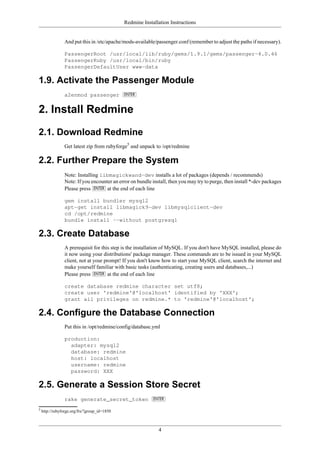
make && checkinstall --type=debian --install=yes --fstrans=no --pakdir='~'
1.3. Check if Your Ruby Works
ruby -v
Expected output looks like this:
ruby 1.9.3p547 (2014-05-14 revision 45962) [i686-linux]
1.4. Make Ruby Support OpenSSL
Please press at the end of each line
cd ext/openssl/
ruby extconf.rb
make && checkinstall --type=debian --install=yes --fstrans=no --pakdir='~'
1.5. Gem Command Installed?
Ruby 1.9 comes with RubyGems by default, so by now the command "gem" should be installed. If
correctly installed, the following command will output a version number like 1.8.2x:
gem -v
We can now install rdoc:
gem install rdoc
1.6. Install Rails
gem install rails --no-ri --no-rdoc
Note
You may be getting the error message "no such file to load --zlib (LoadError)". In this case
you need to install zlib first:
cd ruby-1.9.3-p547/ext/zlib/
ruby extconf.rb
make
make install
1.7. Install Passenger (application server)
gem install passenger
passenger-install-apache2-module
1.8. Configure Apache
Put this in /etc/apache/mods-available/passenger.load (remember to adjust the paths if necessary).
The following is a single line!
LoadModule passenger_module ↩
/usr/local/lib/ruby/gems/1.9.1/gems/passenger-4.0.46/ext/ ↩
apache2/mod_passenger.so
Redmine Installation Instructions
4
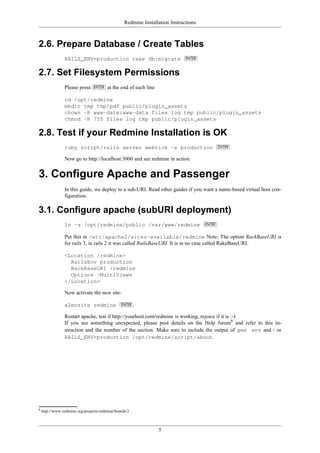
And put this in /etc/apache/mods-available/passenger.conf (remember to adjust the paths if necessary).
PassengerRoot /usr/local/lib/ruby/gems/1.9.1/gems/passenger-4.0.46
PassengerRuby /usr/local/bin/ruby
PassengerDefaultUser www-data
1.9. Activate the Passenger Module
a2enmod passenger
2. Install Redmine
2.1. Download Redmine
Get latest zip from rubyforge5
and unpack to /opt/redmine
2.2. Further Prepare the System
Note: Installing libmagickwand-dev installs a lot of packages (depends / recommends)
Note: If you encounter an error on bundle install, then you may try to purge, then install *-dev packages
Please press at the end of each line
gem install bundler mysql2
apt-get install libmagick9-dev libmysqlclient-dev
cd /opt/redmine
bundle install --without postgresql
2.3. Create Database
A prerequisit for this step is the installation of MySQL. If you don't have MySQL installed, please do
it now using your distributions' package manager. These commands are to be issued in your MySQL
client, not at your prompt! If you don't know how to start your MySQL client, search the internet and
make yourself familiar with basic tasks (authenticating, creating users and databases,...)
Please press at the end of each line
create database redmine character set utf8;
create user 'redmine'@'localhost' identified by 'XXX';
grant all privileges on redmine.* to 'redmine'@'localhost';
2.4. Configure the Database Connection
Put this in /opt/redmine/config/database.yml
production:
adapter: mysql2
database: redmine
host: localhost
username: redmine
password: XXX
2.5. Generate a Session Store Secret
rake generate_secret_token
5
http://rubyforge.org/frs/?group_id=1850
Redmine Installation Instructions
5
2.6. Prepare Database / Create Tables
RAILS_ENV=production rake db:migrate
2.7. Set Filesystem Permissions
Please press at the end of each line
cd /opt/redmine
mkdir tmp tmp/pdf public/plugin_assets
chown -R www-data:www-data files log tmp public/plugin_assets
chmod -R 755 files log tmp public/plugin_assets
2.8. Test if your Redmine Installation is OK
ruby script/rails server webrick -e production
Now go to http://localhost:3000 and see redmine in action.
3. Configure Apache and Passenger
In this guide, we deploy to a sub-URI. Read other guides if you want a name-based virtual host con-
figuration.
3.1. Configure apache (subURI deployment)
ln -s /opt/redmine/public /var/www/redmine
Put this in /etc/apache2/sites-available/redmine Note: The option RackBaseURI is
for rails 3, in rails 2 it was called RailsBaseURI. It is in no case called RakeBaseURI.
<Location /redmine>
RailsEnv production
RackBaseURI /redmine
Options -MultiViews
</Location>
Now activate the new site:
a2ensite redmine
Restart apache, test if http://yourhost.com/redmine is working, rejoice if it is :-)
If you see something unexpected, please post details on the Help forum6
and refer to this in-
struction and the number of the section. Make sure to include the output of gem env and / or
RAILS_ENV=production /opt/redmine/script/about.
6
http://www.redmine.org/projects/redmine/boards/2

grate techniques

  • 1.
    1 Redmine Installation Instructions Lastupdated 14 July 2014 Jan Niggemann <jan.niggemann@hz6.de> Copyright © 2013-2014 Jan Niggemann Licence This work is licensed under the CC Licence CC BY-NC-SA 3.0 DE1 English translation: http://creativecommons.org/licenses/by-nc-sa/3.0/ Abstract Instructions for installing Redmine (including Apache, MySQL, Passenger, Ruby) under Debian Wheezy Table of Contents 1. Install ruby, rails, gems and passenger .......................................................................... 2 1.1. Prepare Your System ....................................................................................... 2 1.2. Download, Build and Install Ruby ..................................................................... 2 1.3. Check if Your Ruby Works .............................................................................. 3 1.4. Make Ruby Support OpenSSL .......................................................................... 3 1.5. Gem Command Installed? ................................................................................ 3 1.6. Install Rails ................................................................................................... 3 1.7. Install Passenger (application server) .................................................................. 3 1.8. Configure Apache ........................................................................................... 3 1.9. Activate the Passenger Module .......................................................................... 4 2. Install Redmine ......................................................................................................... 4 2.1. Download Redmine ......................................................................................... 4 2.2. Further Prepare the System ............................................................................... 4 2.3. Create Database .............................................................................................. 4 2.4. Configure the Database Connection .................................................................... 4 2.5. Generate a Session Store Secret ......................................................................... 4 2.6. Prepare Database / Create Tables ....................................................................... 5 2.7. Set Filesystem Permissions ............................................................................... 5 2.8. Test if your Redmine Installation is OK .............................................................. 5 3. Configure Apache and Passenger ................................................................................. 5 3.1. Configure apache (subURI deployment) .............................................................. 5 1 http://creativecommons.org/licenses/by-nc-sa/3.0/de/deed.de
  • 2.
    Redmine Installation Instructions 2 Preface Afterreading this guide you should have a working redmine instance. If this is not the case or if a step fails, please post details on the Help forum2 and refer to this instruction and the number of the section. Make sure to include the output of gem env and / or RAILS_ENV=production /opt/ redmine/script/about. If this guide has issues, please contact me via email. I maintain this manual in my free time and would be glad to receive something from my 3 or donations via 4 . About this guide This is a step-by-step guide to install redmine on "Debian stable" (called Wheezy at the moment of writing). It is written for people who are familiar with Debian, the shell, MySQL, Apache and Linux in general. To keep this guide short, it does not explain every step in detail. The filenames and paths in this document are subject to frequent change. I'll do my best to keep them up-to-date, but please check anyway. Please note: I'm assuming that you know how to use the tools at hand. If that's not the case (eg. you don't know how to create a new database or you don't know how to restart apache) please use the search engine of your choice and come back afterwards. Conventions used in this document Text type Meaning monotype font is used to indicate user input or system output as well as configuration files ↩ is used to show that a line is not terminated but continues below 1. Install ruby, rails, gems and passenger 1.1. Prepare Your System apt-get install gcc build-essential zlib1g zlib1g-dev zlibc ↩ libzlib-ruby libssl-dev libyaml-dev libcurl4-openssl-dev ↩ apache2-mpm-prefork apache2-prefork-dev ↩ libapr1-dev libxslt-dev checkinstall 1.2. Download, Build and Install Ruby Please press at the end of each line cd ~ wget ftp://ftp.ruby-lang.org/pub/ruby/1.9/ruby-1.9.3-p547.tar.gz tar xvfz ruby-1.9.3-p547.tar.gz cd ruby-1.9.3-p547 ./configure --enable-pthread --prefix=/usr/local 2 http://www.redmine.org/projects/redmine/boards/2 3 http://www.amazon.de/registry/wishlist/GAOFFPW3WLH2 4 https://www.paypal.com/cgi-bin/webscr?cmd=_s-xclick&hosted_button_id=GLW5CMTZFBP8A
  • 3.
    Redmine Installation Instructions 3 make&& checkinstall --type=debian --install=yes --fstrans=no --pakdir='~' 1.3. Check if Your Ruby Works ruby -v Expected output looks like this: ruby 1.9.3p547 (2014-05-14 revision 45962) [i686-linux] 1.4. Make Ruby Support OpenSSL Please press at the end of each line cd ext/openssl/ ruby extconf.rb make && checkinstall --type=debian --install=yes --fstrans=no --pakdir='~' 1.5. Gem Command Installed? Ruby 1.9 comes with RubyGems by default, so by now the command "gem" should be installed. If correctly installed, the following command will output a version number like 1.8.2x: gem -v We can now install rdoc: gem install rdoc 1.6. Install Rails gem install rails --no-ri --no-rdoc Note You may be getting the error message "no such file to load --zlib (LoadError)". In this case you need to install zlib first: cd ruby-1.9.3-p547/ext/zlib/ ruby extconf.rb make make install 1.7. Install Passenger (application server) gem install passenger passenger-install-apache2-module 1.8. Configure Apache Put this in /etc/apache/mods-available/passenger.load (remember to adjust the paths if necessary). The following is a single line! LoadModule passenger_module ↩ /usr/local/lib/ruby/gems/1.9.1/gems/passenger-4.0.46/ext/ ↩ apache2/mod_passenger.so
  • 4.
    Redmine Installation Instructions 4 Andput this in /etc/apache/mods-available/passenger.conf (remember to adjust the paths if necessary). PassengerRoot /usr/local/lib/ruby/gems/1.9.1/gems/passenger-4.0.46 PassengerRuby /usr/local/bin/ruby PassengerDefaultUser www-data 1.9. Activate the Passenger Module a2enmod passenger 2. Install Redmine 2.1. Download Redmine Get latest zip from rubyforge5 and unpack to /opt/redmine 2.2. Further Prepare the System Note: Installing libmagickwand-dev installs a lot of packages (depends / recommends) Note: If you encounter an error on bundle install, then you may try to purge, then install *-dev packages Please press at the end of each line gem install bundler mysql2 apt-get install libmagick9-dev libmysqlclient-dev cd /opt/redmine bundle install --without postgresql 2.3. Create Database A prerequisit for this step is the installation of MySQL. If you don't have MySQL installed, please do it now using your distributions' package manager. These commands are to be issued in your MySQL client, not at your prompt! If you don't know how to start your MySQL client, search the internet and make yourself familiar with basic tasks (authenticating, creating users and databases,...) Please press at the end of each line create database redmine character set utf8; create user 'redmine'@'localhost' identified by 'XXX'; grant all privileges on redmine.* to 'redmine'@'localhost'; 2.4. Configure the Database Connection Put this in /opt/redmine/config/database.yml production: adapter: mysql2 database: redmine host: localhost username: redmine password: XXX 2.5. Generate a Session Store Secret rake generate_secret_token 5 http://rubyforge.org/frs/?group_id=1850
  • 5.
    Redmine Installation Instructions 5 2.6.Prepare Database / Create Tables RAILS_ENV=production rake db:migrate 2.7. Set Filesystem Permissions Please press at the end of each line cd /opt/redmine mkdir tmp tmp/pdf public/plugin_assets chown -R www-data:www-data files log tmp public/plugin_assets chmod -R 755 files log tmp public/plugin_assets 2.8. Test if your Redmine Installation is OK ruby script/rails server webrick -e production Now go to http://localhost:3000 and see redmine in action. 3. Configure Apache and Passenger In this guide, we deploy to a sub-URI. Read other guides if you want a name-based virtual host con- figuration. 3.1. Configure apache (subURI deployment) ln -s /opt/redmine/public /var/www/redmine Put this in /etc/apache2/sites-available/redmine Note: The option RackBaseURI is for rails 3, in rails 2 it was called RailsBaseURI. It is in no case called RakeBaseURI. <Location /redmine> RailsEnv production RackBaseURI /redmine Options -MultiViews </Location> Now activate the new site: a2ensite redmine Restart apache, test if http://yourhost.com/redmine is working, rejoice if it is :-) If you see something unexpected, please post details on the Help forum6 and refer to this in- struction and the number of the section. Make sure to include the output of gem env and / or RAILS_ENV=production /opt/redmine/script/about. 6 http://www.redmine.org/projects/redmine/boards/2