Downloaded 12 times



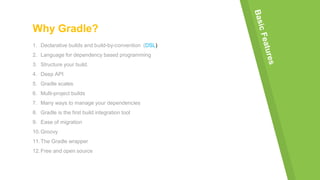
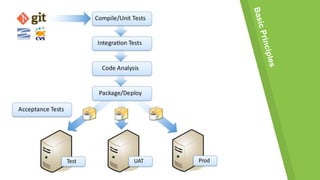

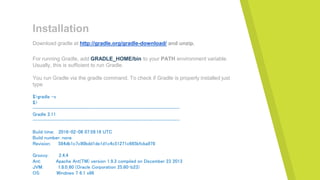
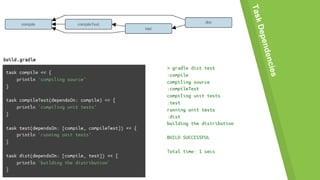
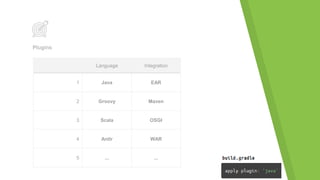
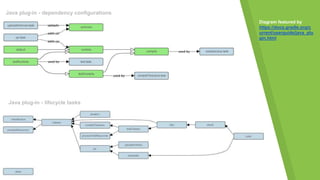



This document outlines an agenda for a presentation on Gradle. The presentation will include an introduction to Gradle highlighting its key features like being declarative, supporting multi-project builds, and being open source. It will then cover installing Gradle and running basic commands. The implementation section will discuss plugins for integrating with languages like Java, Groovy, and Scala as well as diagrams of dependency configurations and lifecycle tasks. It will conclude with time for questions.


![Faster java ee builds with gradle [con4921]](https://cdn.slidesharecdn.com/ss_thumbnails/fasterjavaeebuildswithgradlecon4921-160927042155-thumbnail.jpg?width=640&height=640&fit=bounds)


![5G Explained! A High Level Overview [Introduction]](https://cdn.slidesharecdn.com/ss_thumbnails/5gexplainedahighleveloverview-260119165306-cc137a3e-thumbnail.jpg?width=640&height=640&fit=bounds)


