Moodle-Mahara Meetup Adelaide
Allan Fairchild
Advanced Design & Building
8 May 2013
Gordon on the
move with
Background...
• mahara introduced in 2010
• initial funding support from AFLF
• trialled with 14 students for study tour
• cohort included 2nd year building &
design students
• subsequent funding to
develop groups function
• further trials with diploma of
building students
Why we needed
e-portfolios...
• efficient means of storing information
• enhanced presentation
• ability to access files remotely
• safe storage of students work
• encourage collaboration and
sharing of resources
• improve engagement
Current project....
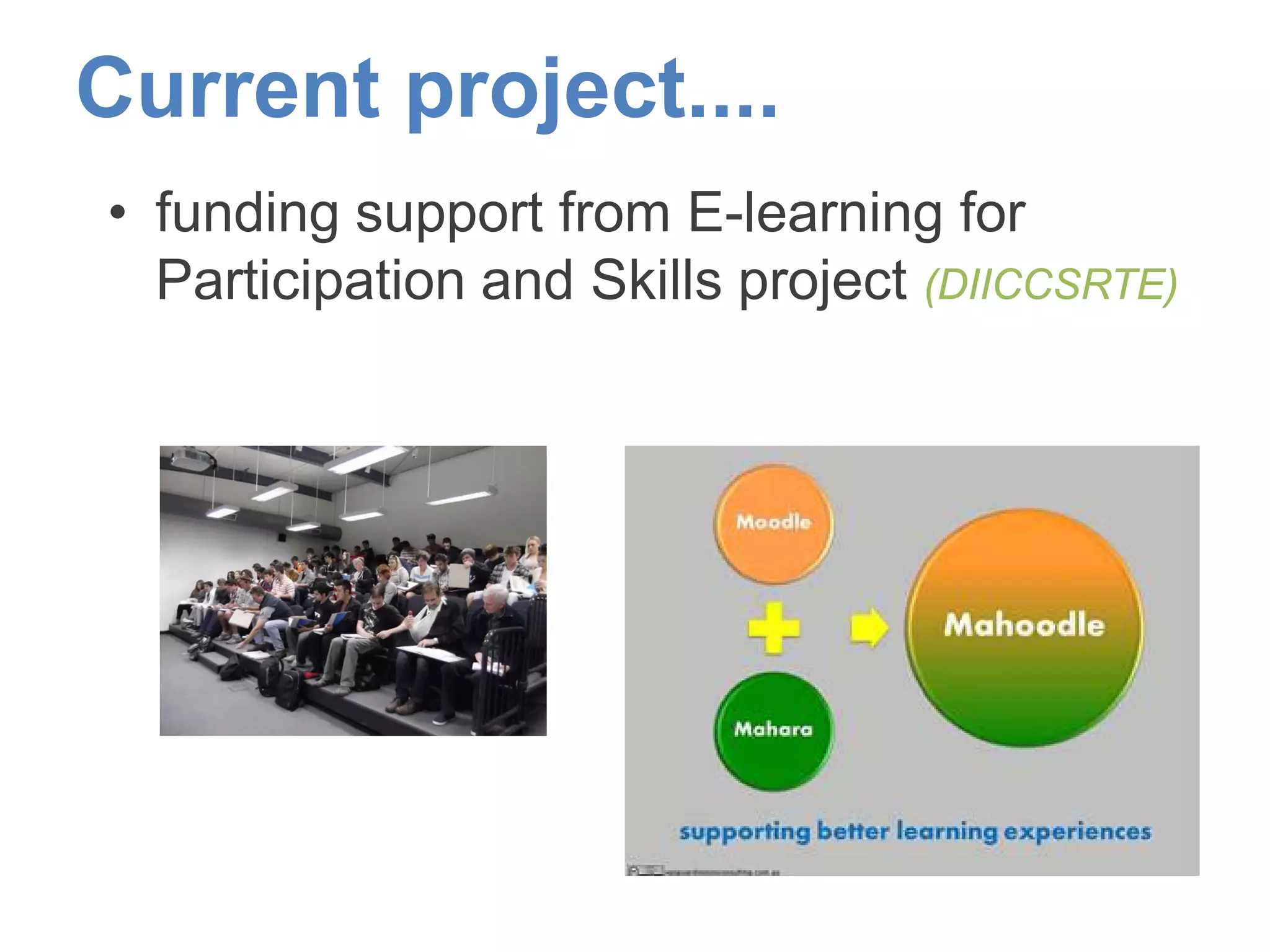
• funding support from E-learning for
Participation and Skills project (DIICCSRTE)
Objectives for project…
• use of e-portfolio across wider student
cohort
• develop stronger opportunities for pathways
to higher education
• use of mahara for e-portfolio
• common assessment across 6 groups
– include site visit journal with pics/video/notes
– use of blogs
– progressive feedback from teachers online
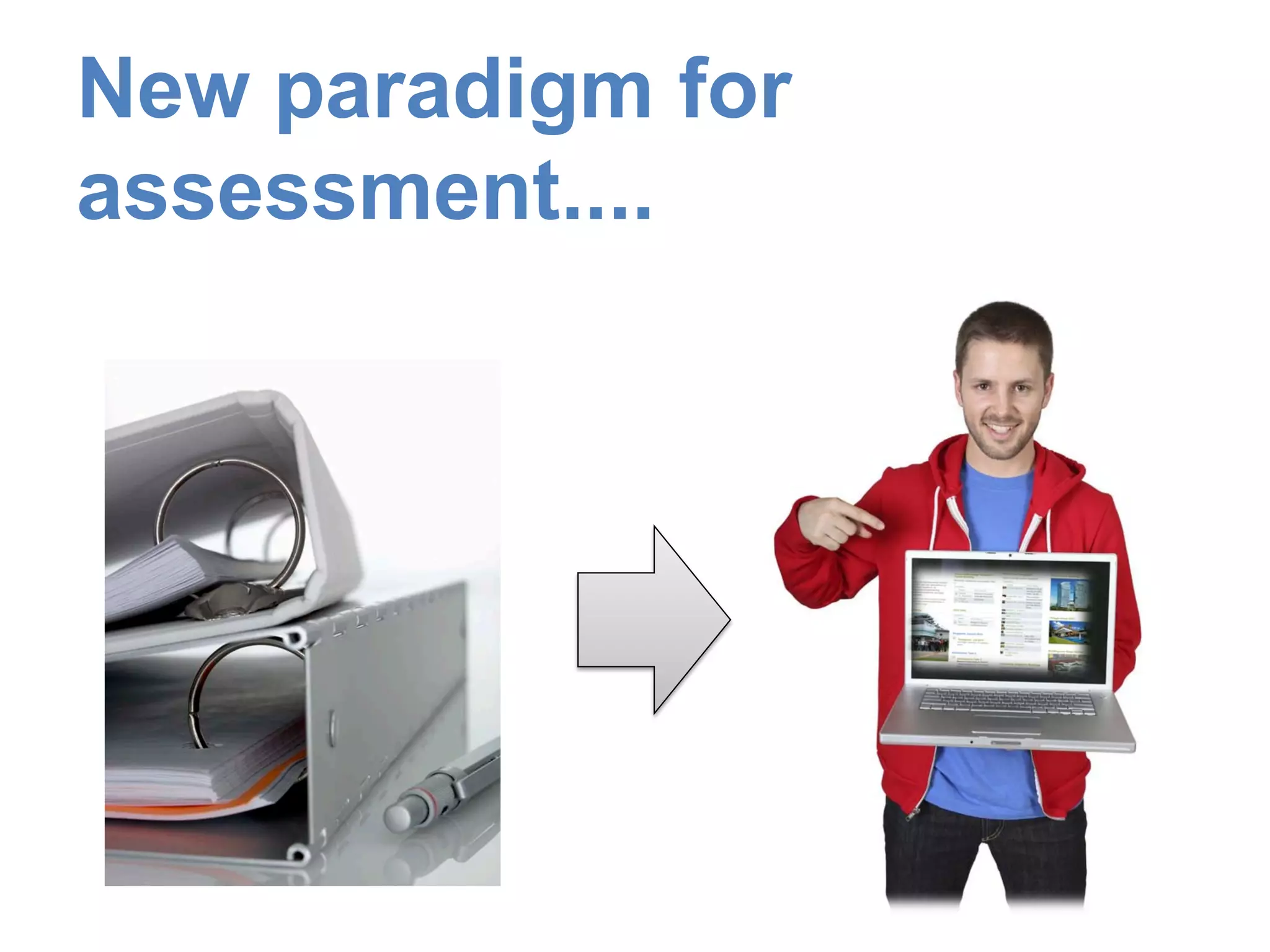
New paradigm for
assessment....
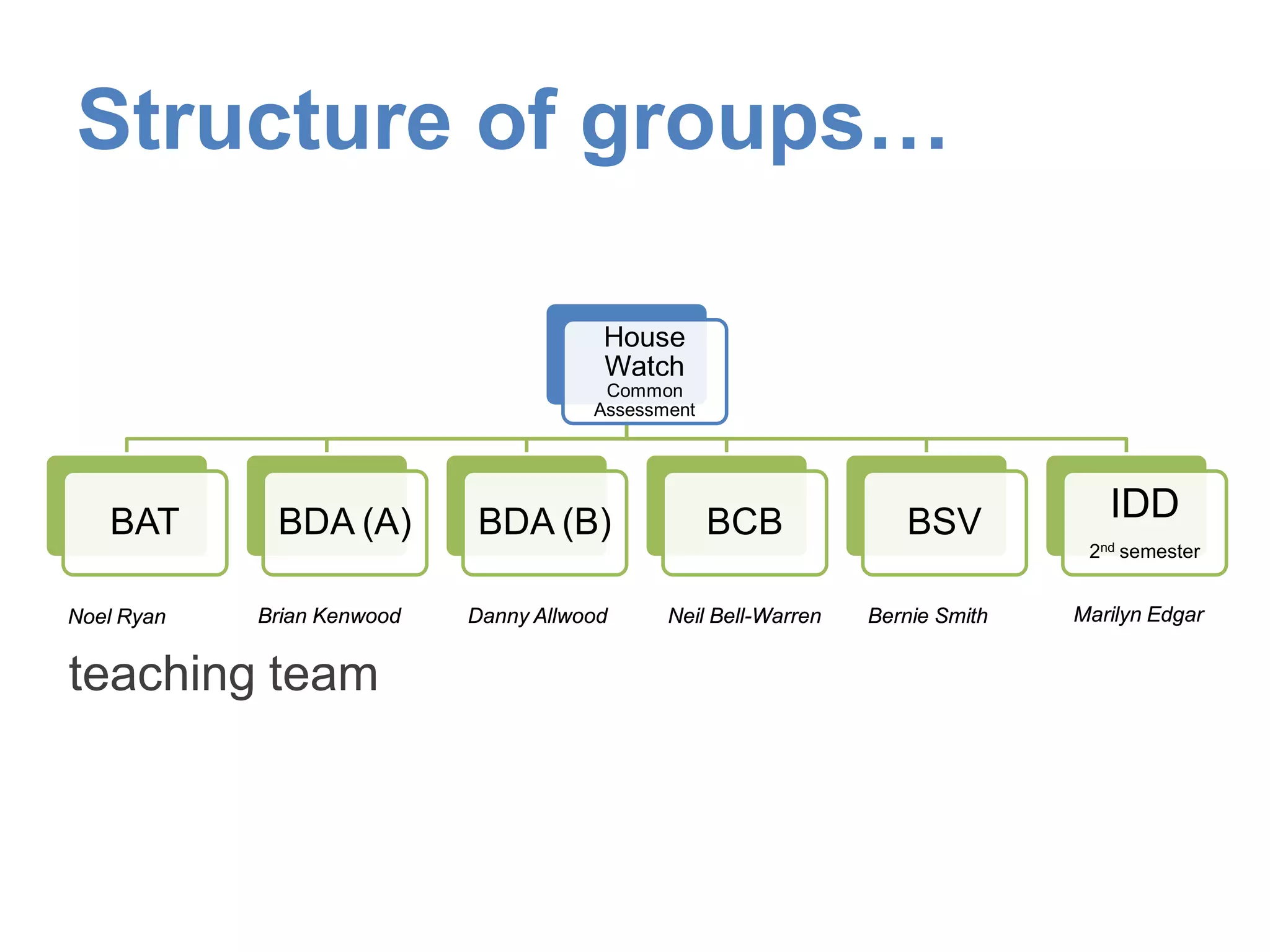
House
Watch
Common
Assessment
BAT BDA (A) BDA (B) BCB BSV IDD
2nd semester
Structure of groups…
Noel Ryan Neil Bell-WarrenDanny AllwoodBrian Kenwood Bernie Smith
teaching team
Marilyn Edgar
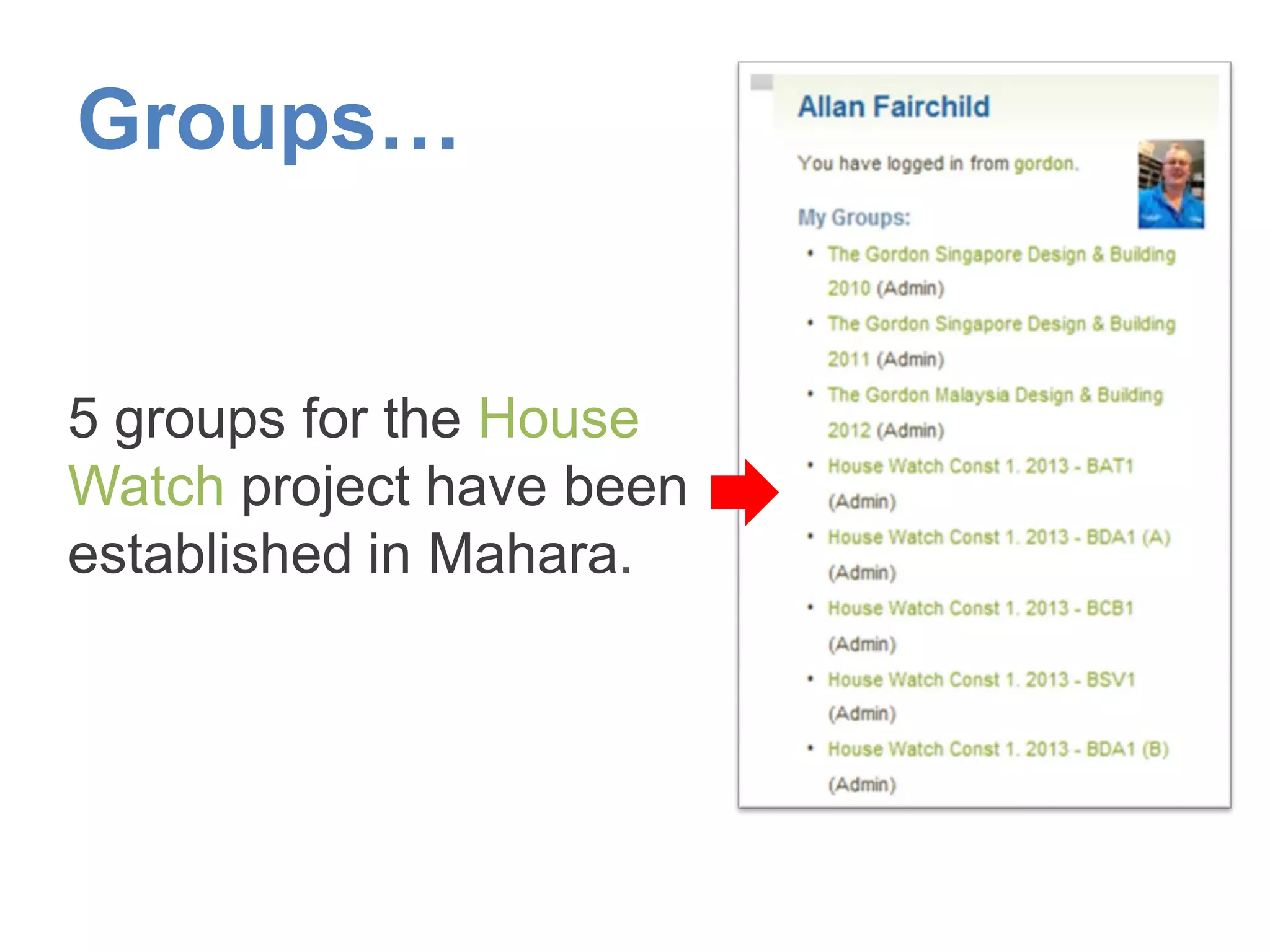
Groups…
5 groups for the House
Watch project have been
established in Mahara.
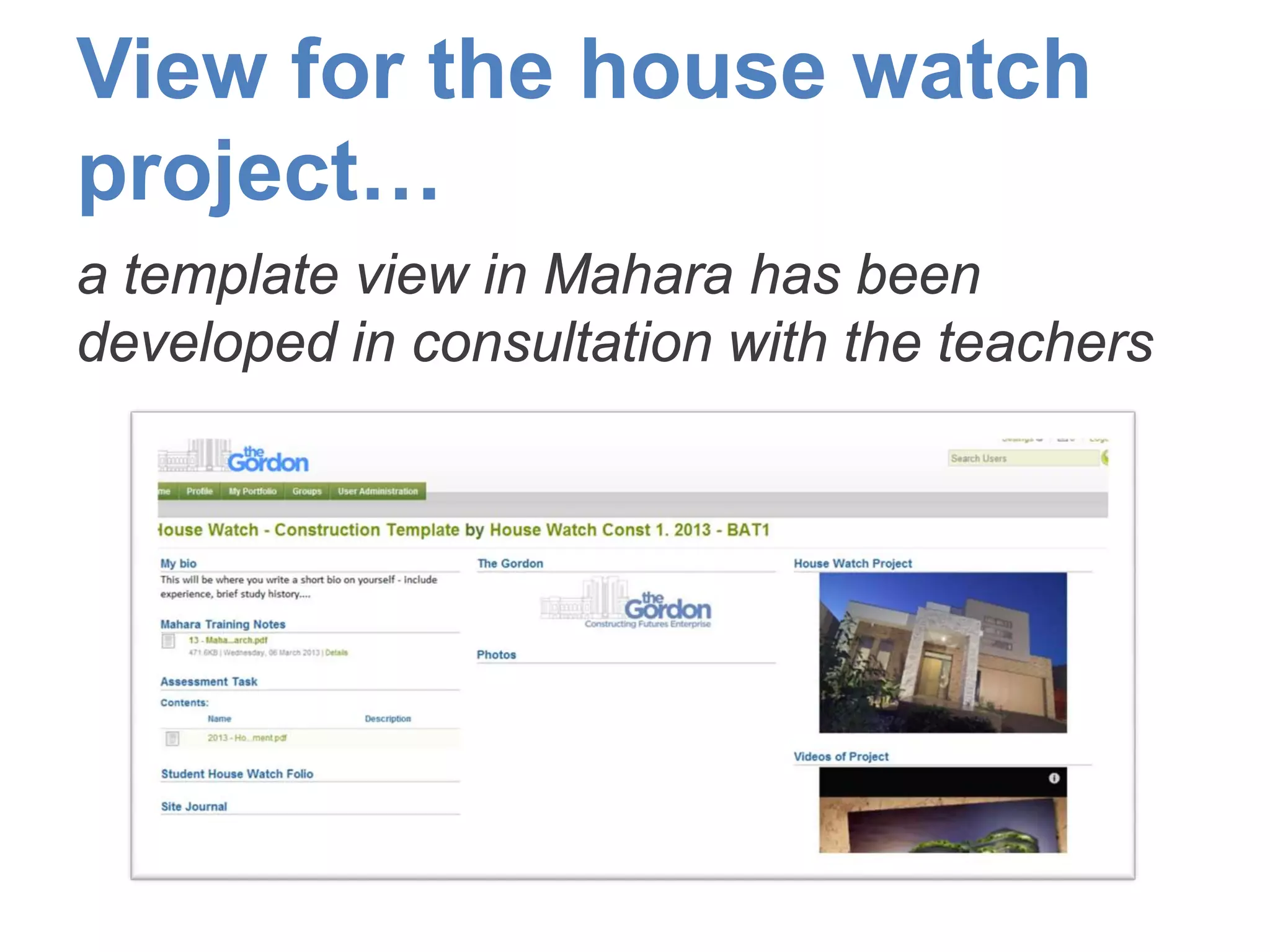
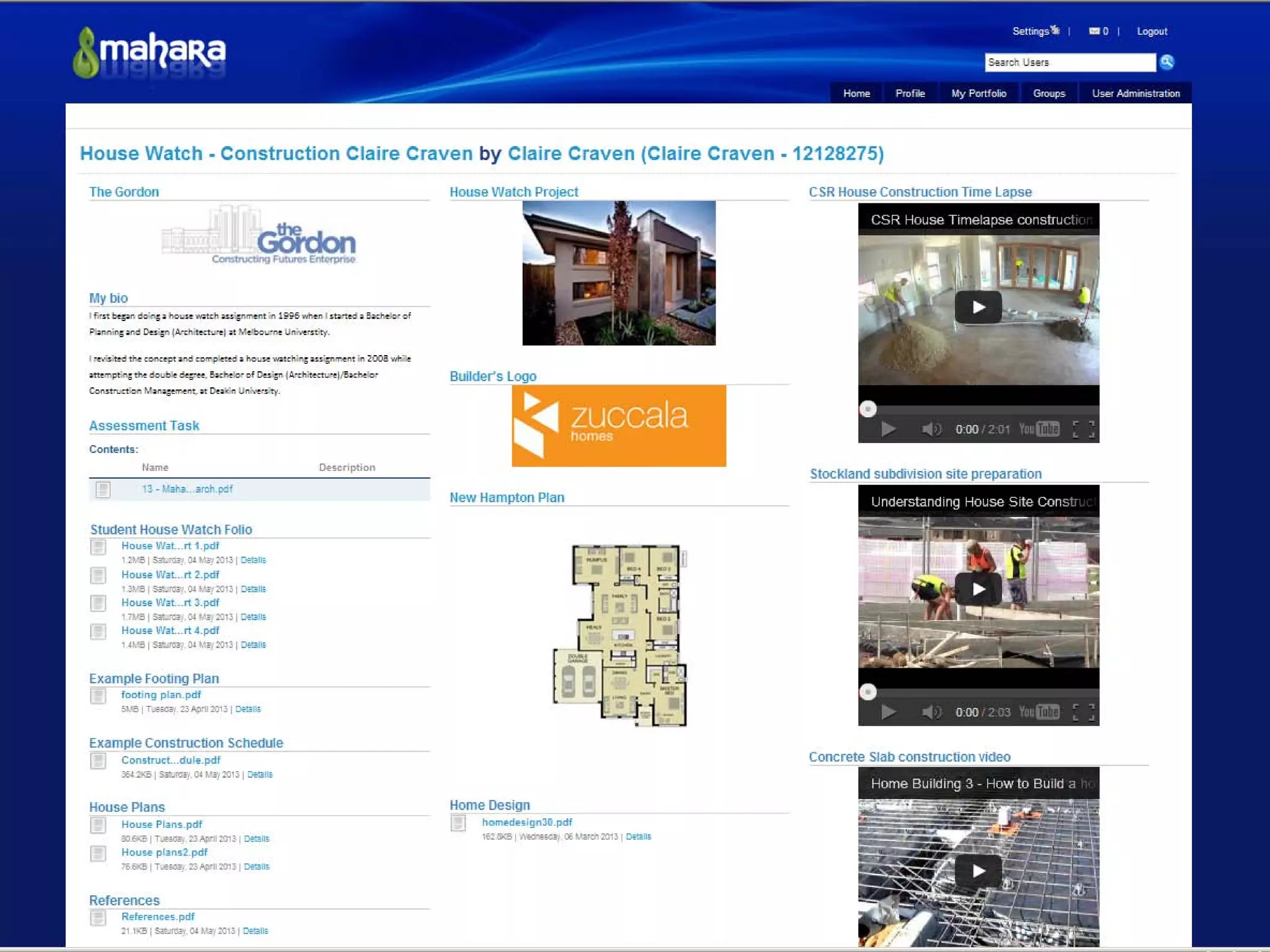
View for the house watch
project…
a template view in Mahara has been
developed in consultation with the teachers
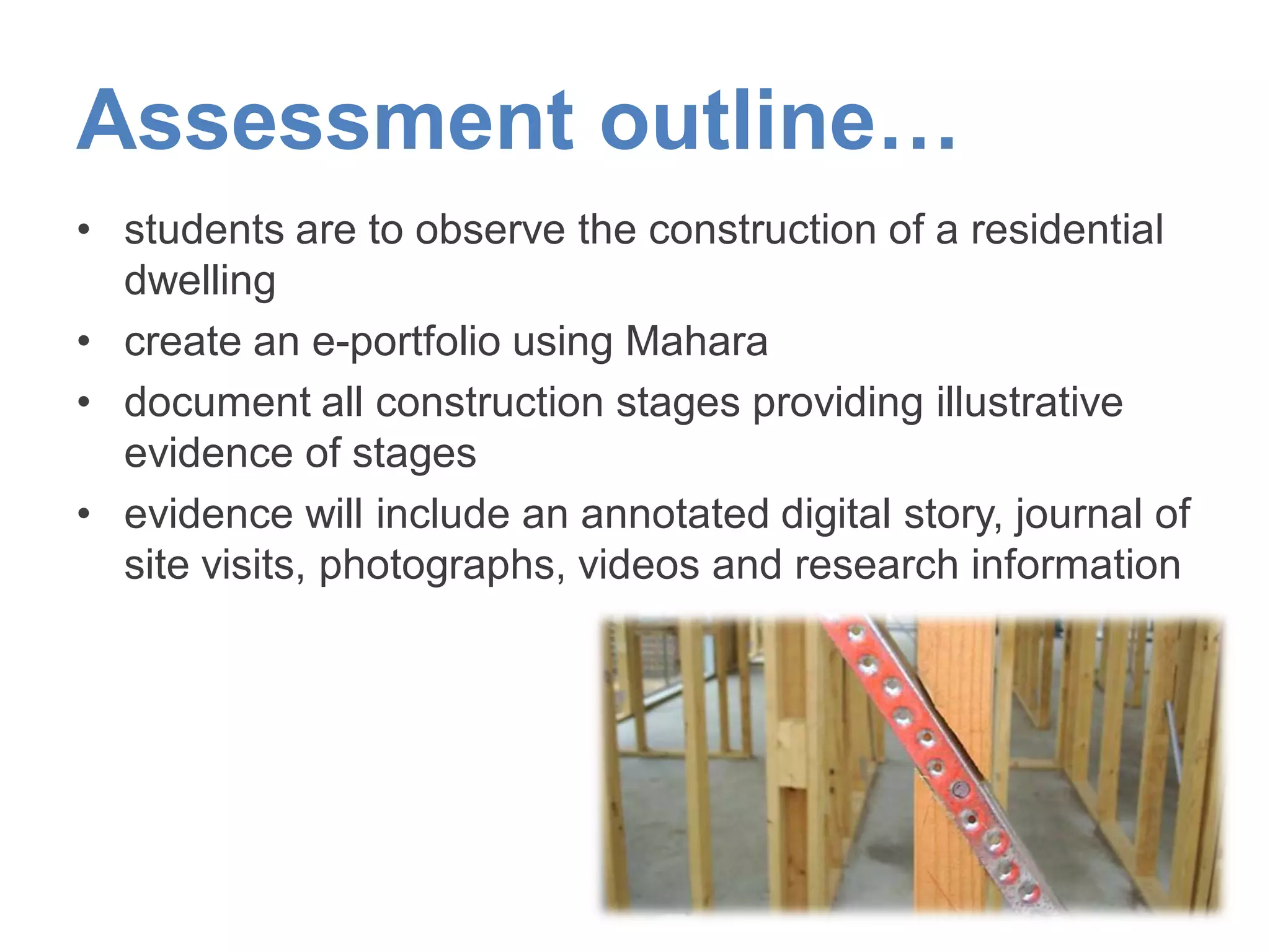
Assessment outline…
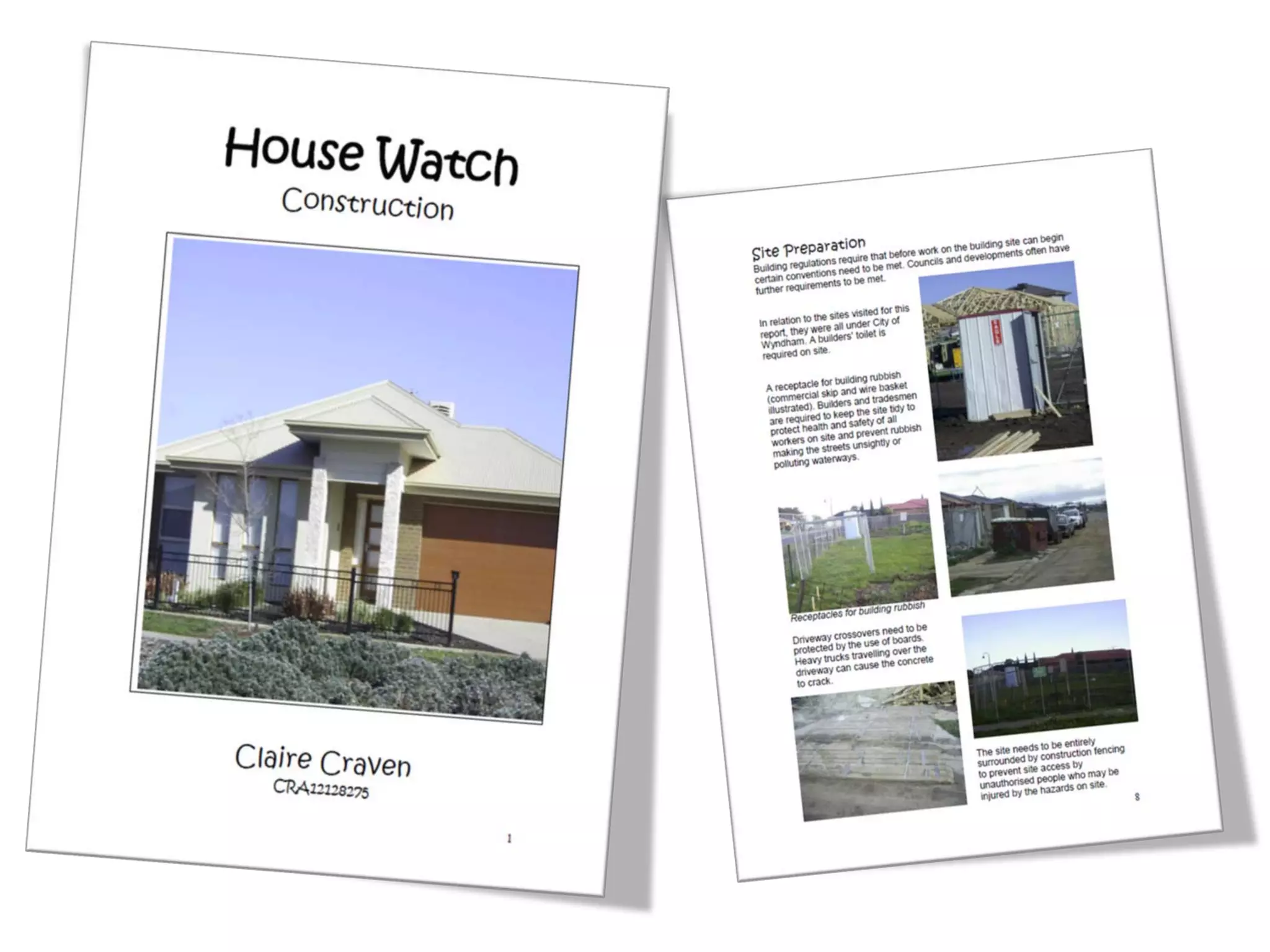
• students are to observe the construction of a residential
dwelling
• create an e-portfolio using Mahara
• document all construction stages providing illustrative
evidence of stages
• evidence will include an annotated digital story, journal of
site visits, photographs, videos and research information
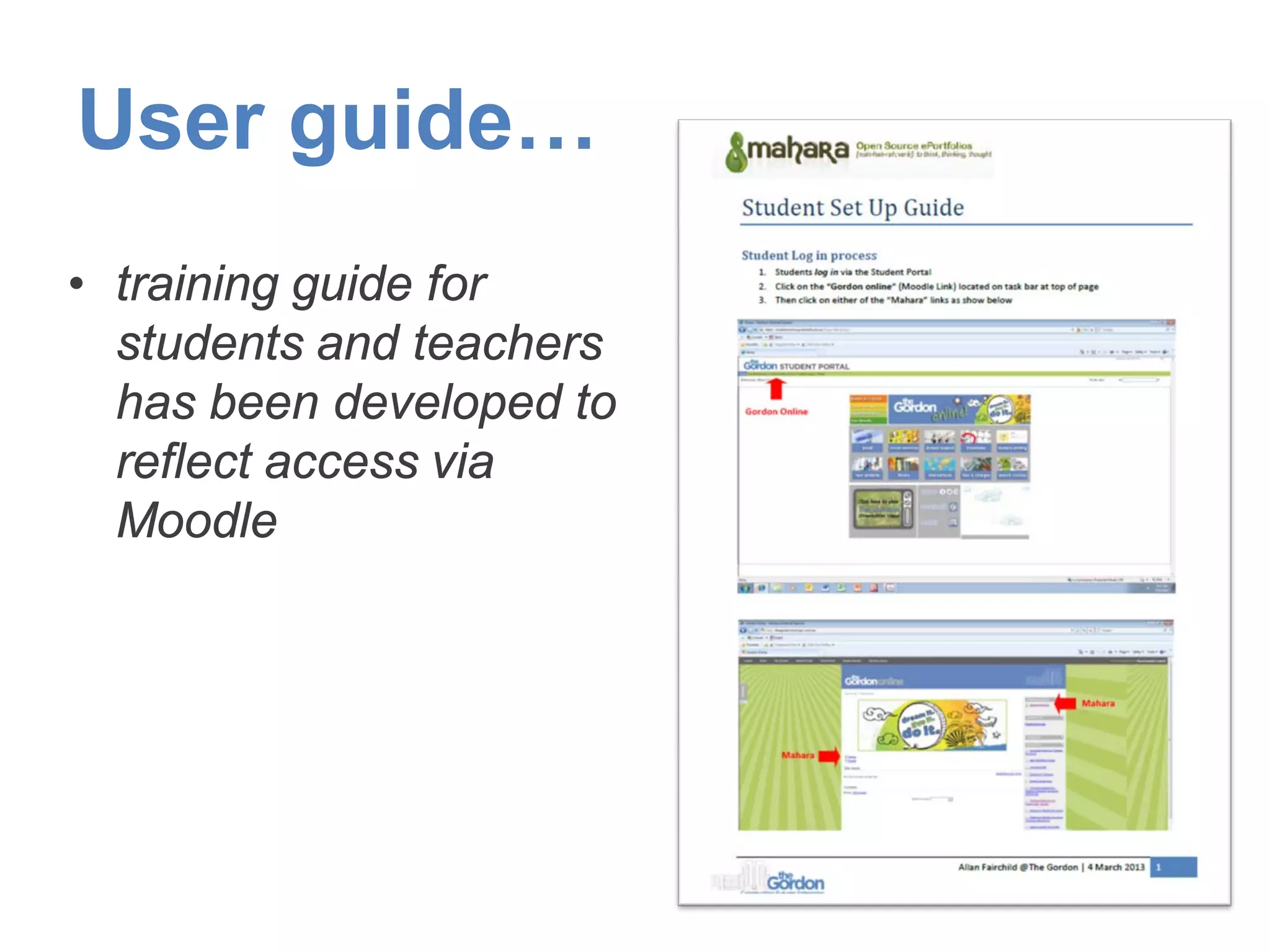
User guide…
• training guide for
students and teachers
has been developed to
reflect access via
Moodle
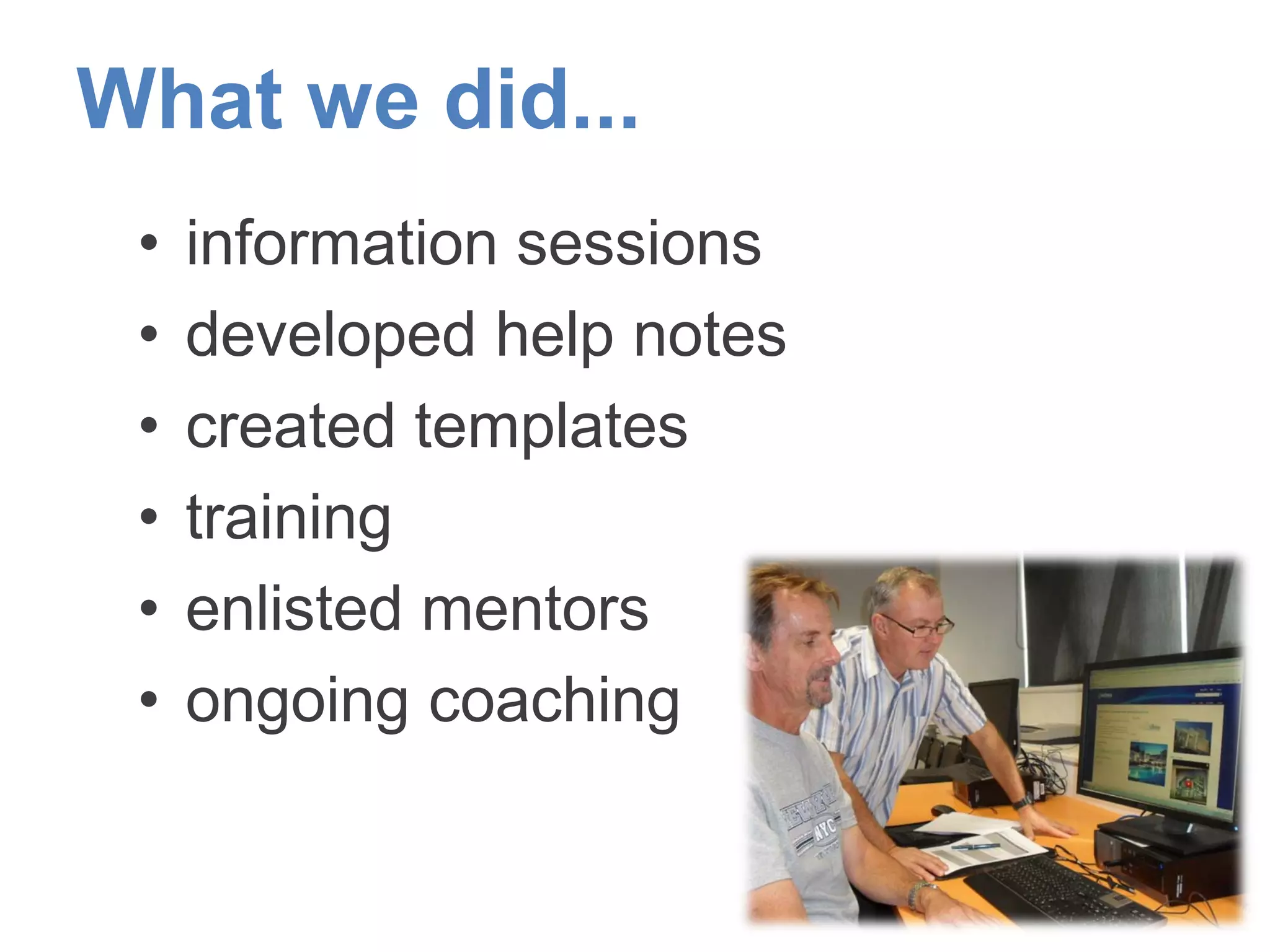
What we did...
• information sessions
• developed help notes
• created templates
• training
• enlisted mentors
• ongoing coaching
Our first experience with
Mahara...
• initially
– clunky
– lack of training materials
– social media but not as easy as
FACEBOOK
– confusing at first
...admin, artefacts, views, groups, file
uploading
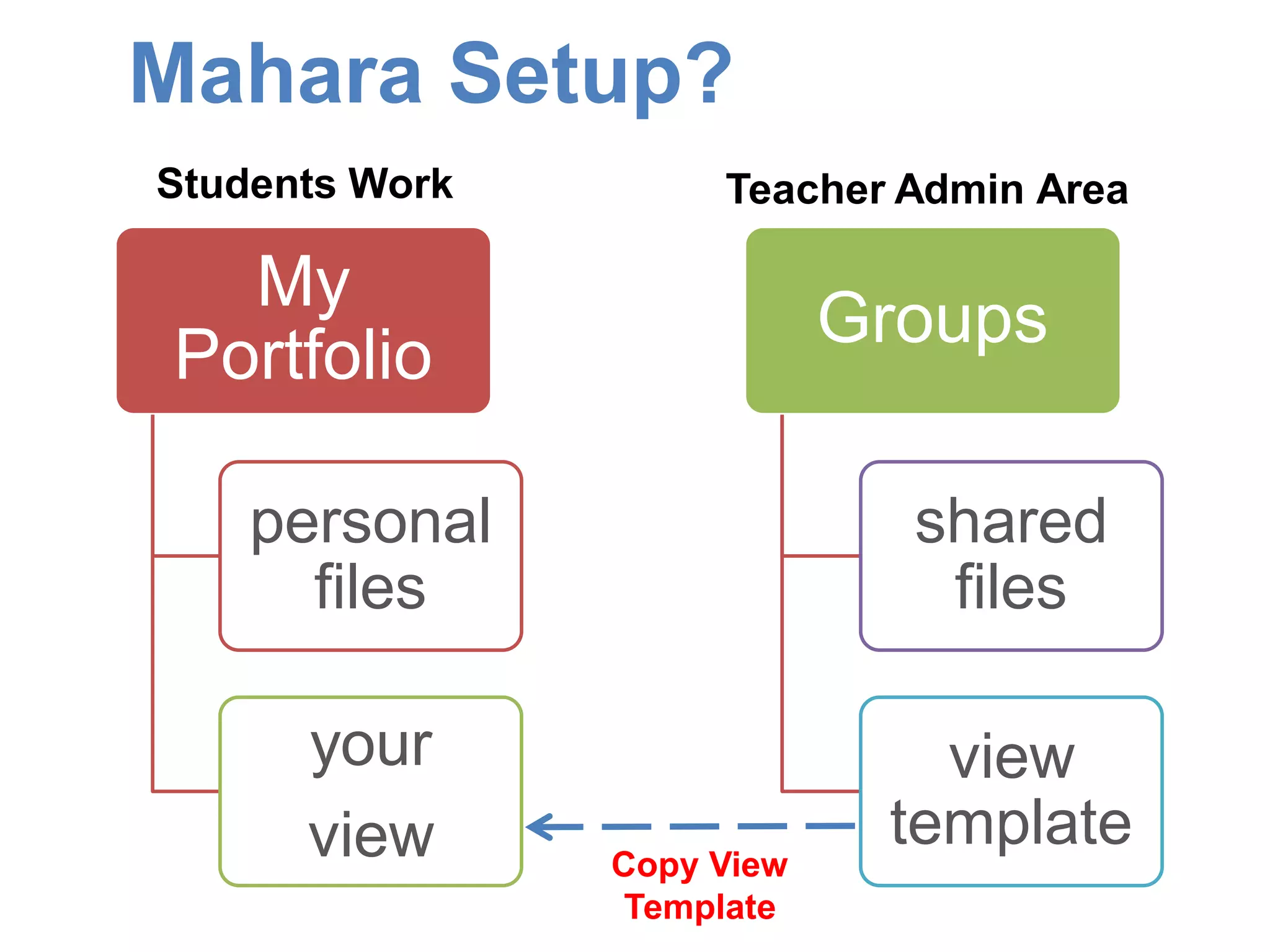
Mahara Setup?
My
Portfolio
personal
files
your
view
Groups
shared
files
view
template
Copy View
Template
Teacher Admin AreaStudents Work
Our learning's...
• establish the purpose first
• collect your files “artefacts”
• develop roll out strategy
• pilot with small user group
• establish boundaries
• enlist enthusiastic staff
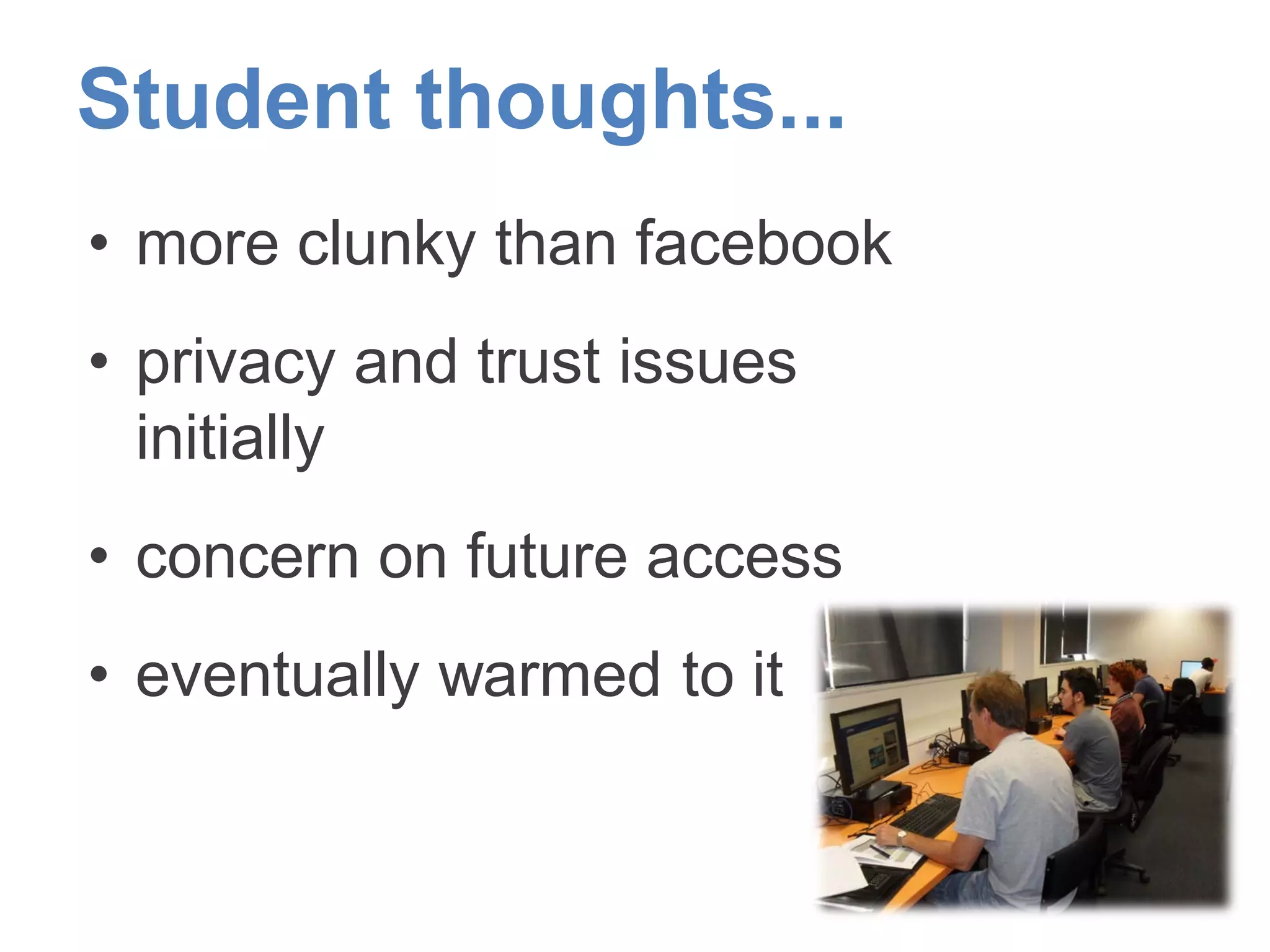
Student thoughts...
• more clunky than facebook
• privacy and trust issues
initially
• concern on future access
• eventually warmed to it
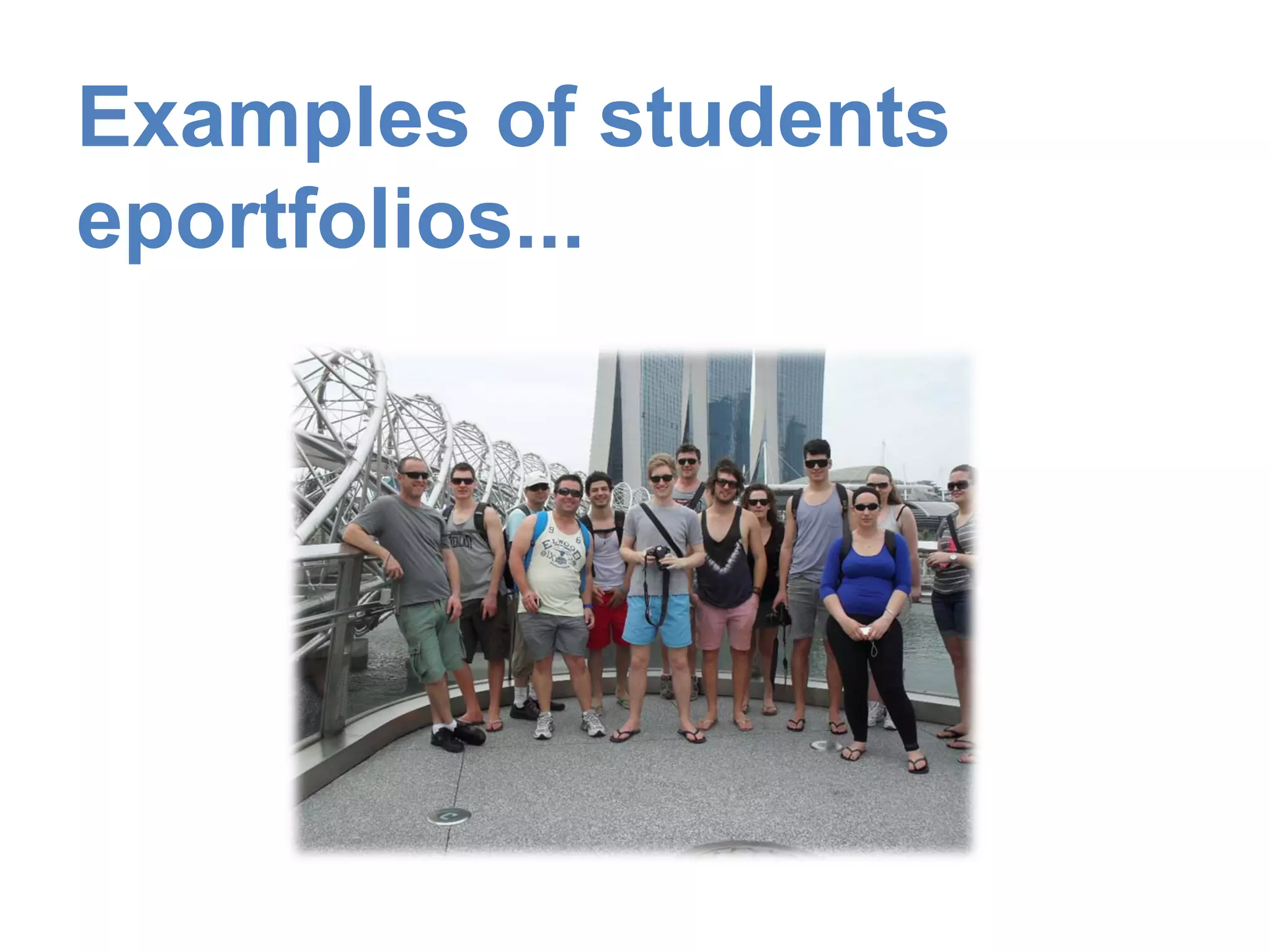
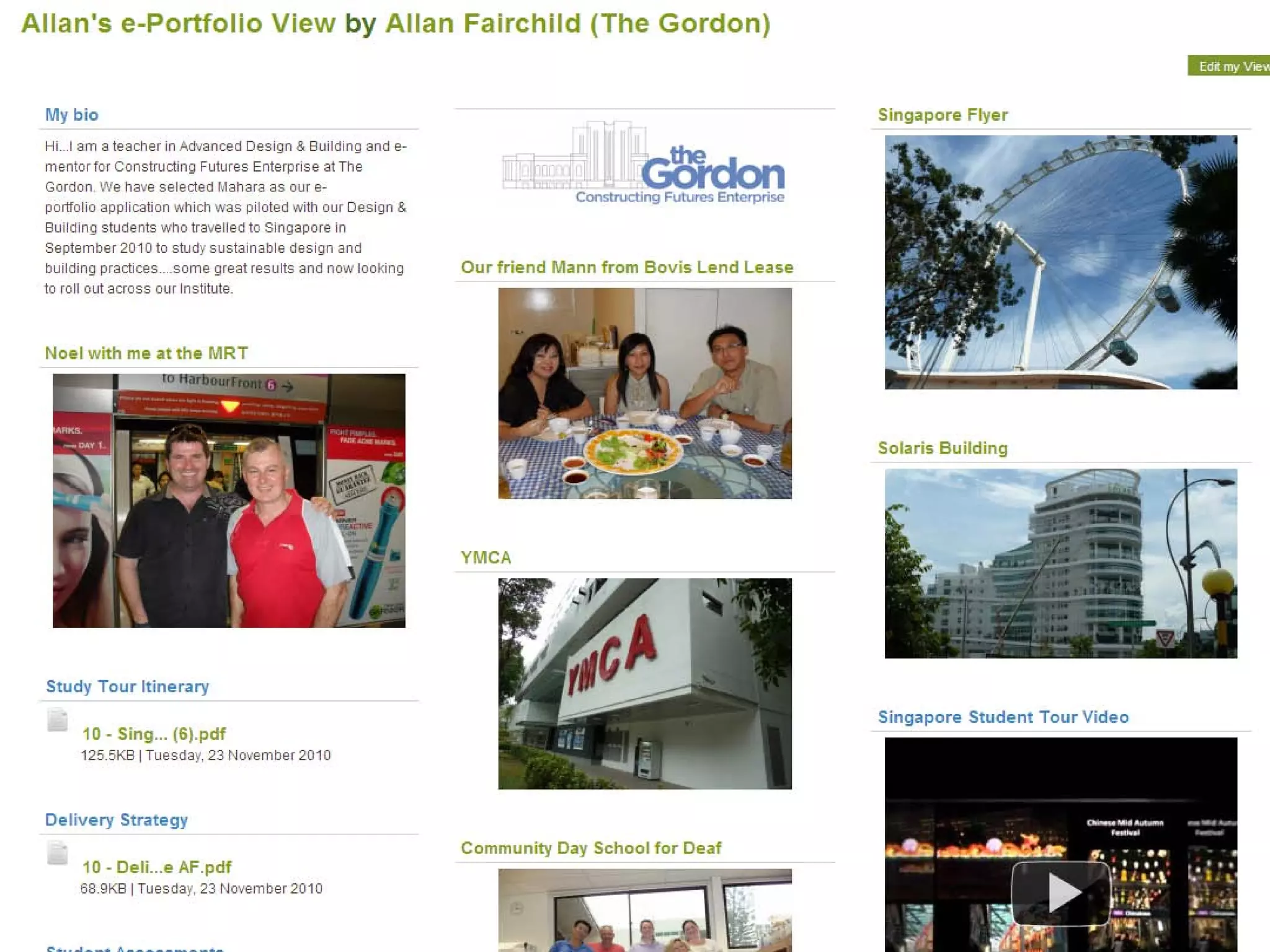
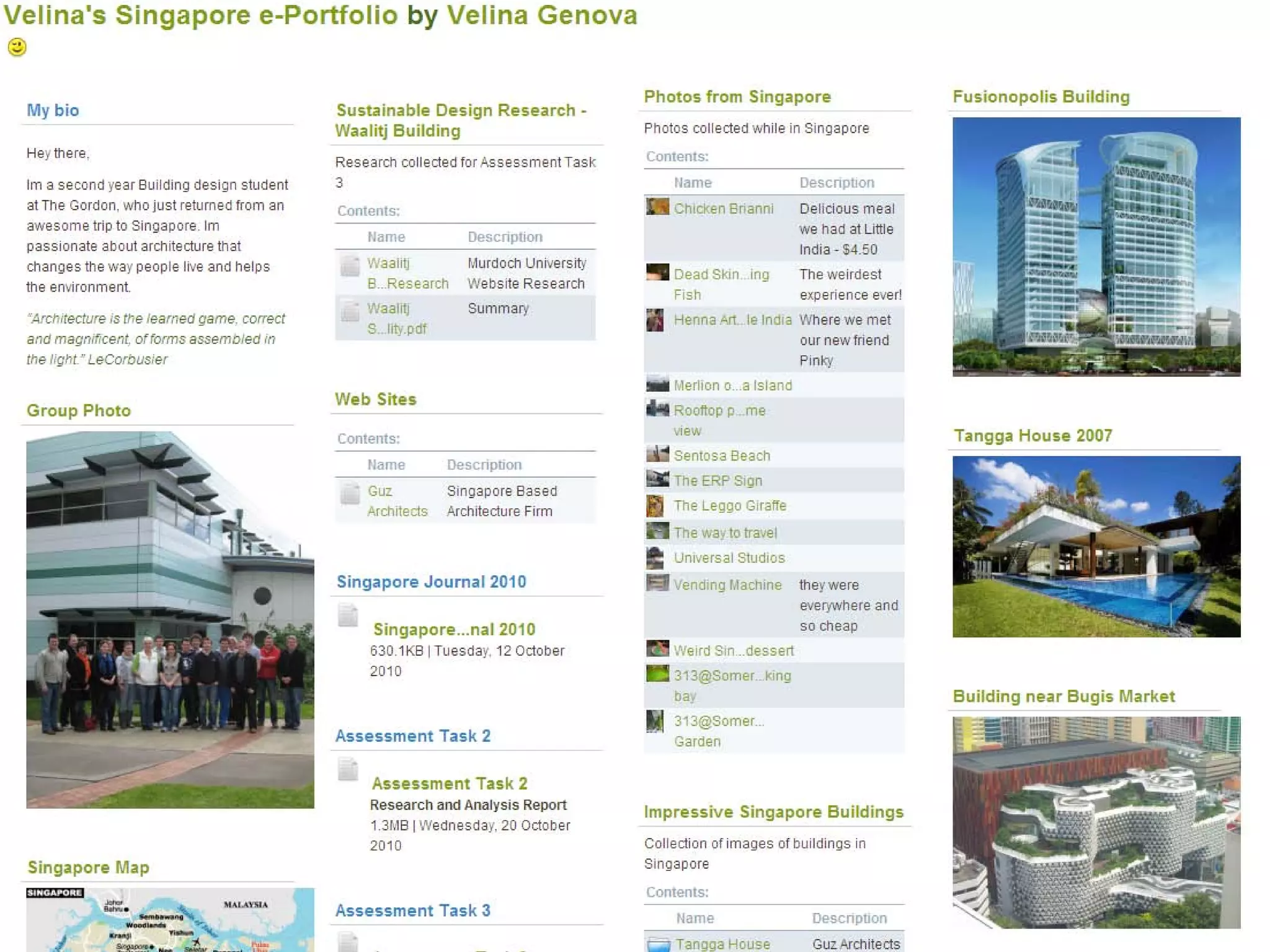
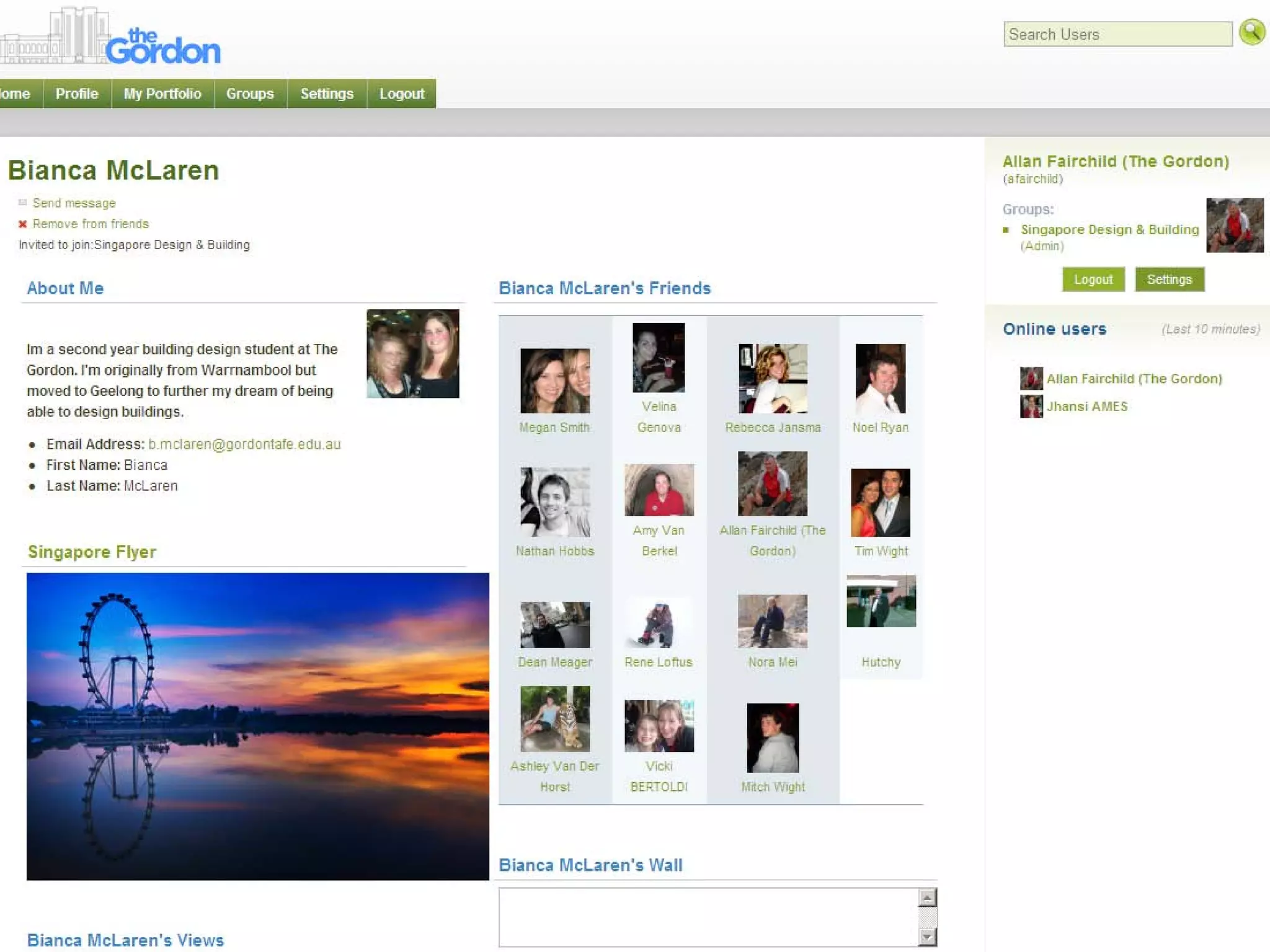
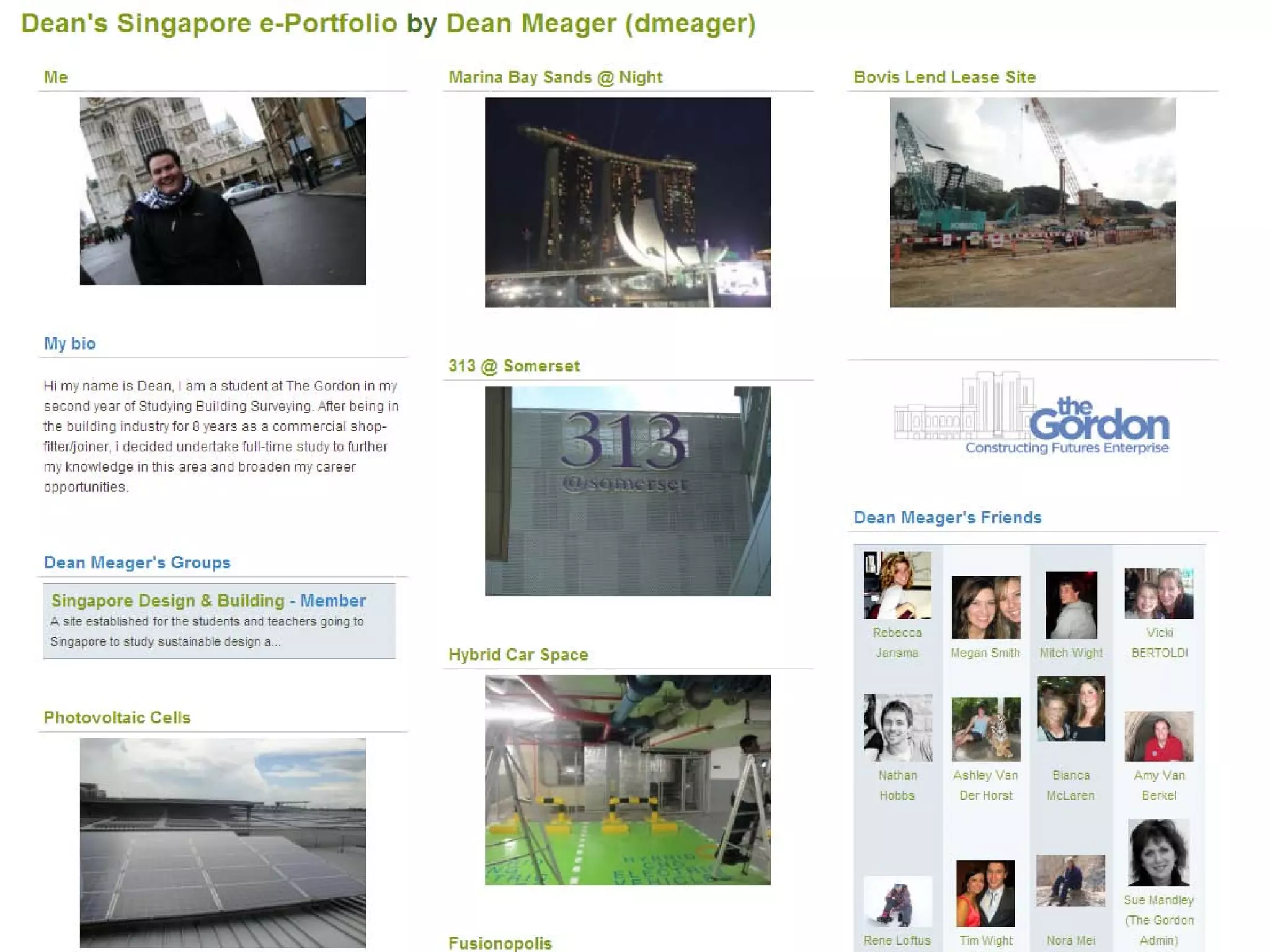
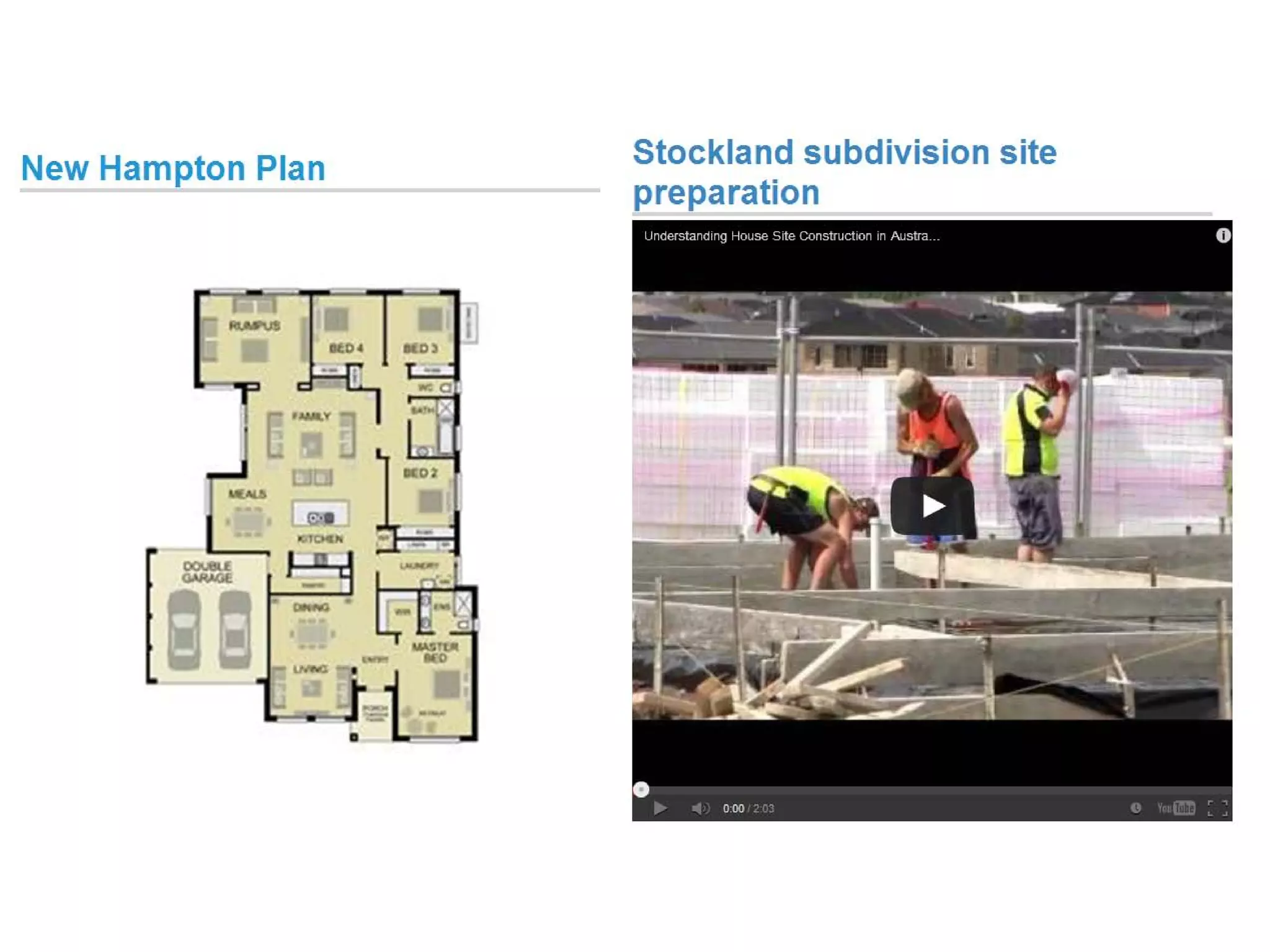
Examples of students
eportfolios...
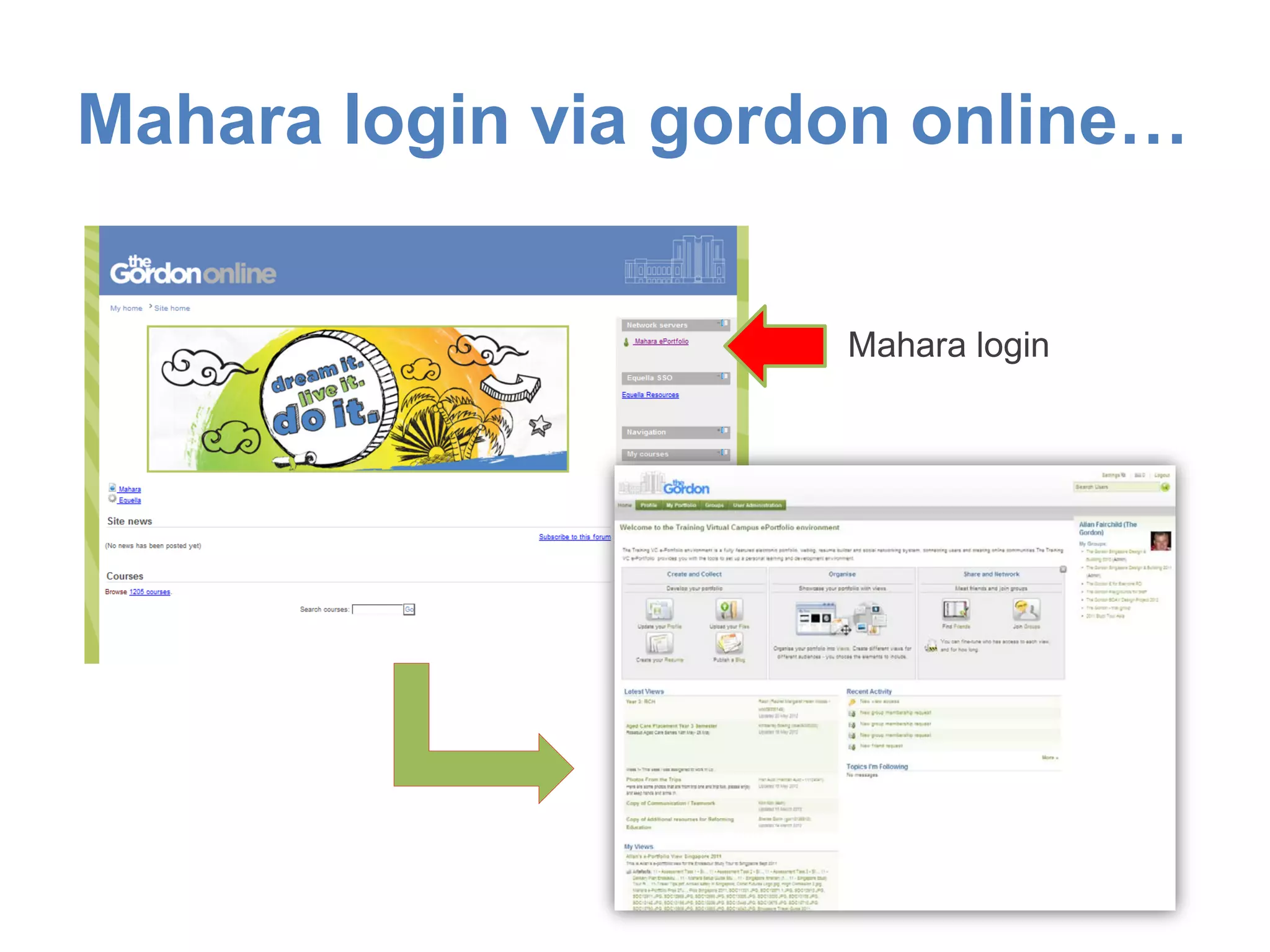
Mahara login via gordon online…
Mahara login
Note: Images in this presentation have been sourced from MS Office 2007 and study tour e-portfolios
Questions?

Gordon on the move with Mahara, Moodlemahara Meetup