Download to read offline
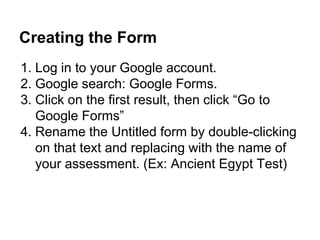


The document provides instructions for creating assessments using Google Forms. It outlines how to create and name a form, add different types of questions, include identifying information as the first questions, change the theme, preview the form, administer the test by sending the link via email or posting to a class site, and view the response data in a spreadsheet. The instructions are meant to guide teachers through setting up, distributing, and reviewing results of classroom assessments created in Google Forms.


