















Git and GitHub:
Small team basics
     Carl Brown
What is this talk
        about?
Non-branching "straight-line" workflow for error
recovery
Basic GUI tools (tiny bit of copy&paste command
line)
Incorporating 3rd-party sources in a sane way
What is this talk NOT
       about?

Git internals
Branching
Large or uncoordinated teams
No substitutes for coordination


http://www.flickr.com/photos/chainsawpanda/3590745/sizes/o/in/photostream/
Why?
                                                      Let's agree that
                                                      building software is
                                                      like a journey...


http://www.flickr.com/photos/ghazzog/2607501537/sizes/l/in/photostream/
...with forks...


 http://www.flickr.com/photos/simonsterg/4194538607/sizes/l/in/photostream/
...and dead ends


http://www.flickr.com/photos/inside-south-africa/2504355339/sizes/z/in/photostream/
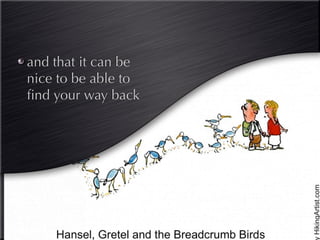
and that it can be
nice to be able to
find your way back
Raise your hand if
you've fixed a bug
with multiple ⌘Zs?

      Be Honest...
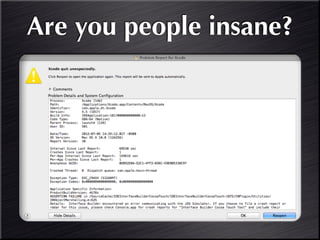
Are you people insane?
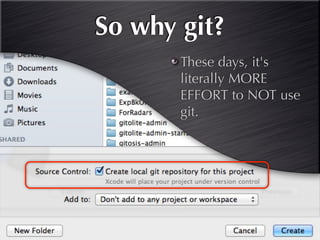
So why git?
       These days, it's
       literally MORE
       EFFORT to NOT use
       git.
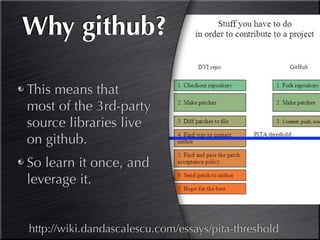
Why github?

This means that
most of the 3rd-party
source libraries live
on github.
So learn it once, and
leverage it.


http://wiki.dandascalescu.com/essays/pita-threshold
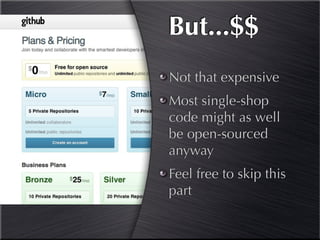
But...$$
Not that expensive
Most single-shop
code might as well
be open-sourced
anyway
Feel free to skip this
part
There's more:

Github has built a
simple to use GUI
*Greatly* simplifies git
http://mac.github.com
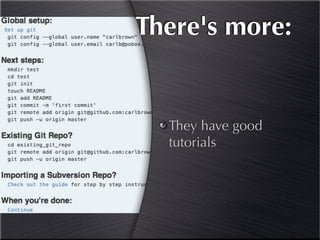
There's more:


  They have good
  tutorials
Demo


Create new project
  Add to Github
Using git in Xcode
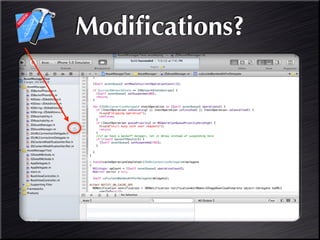
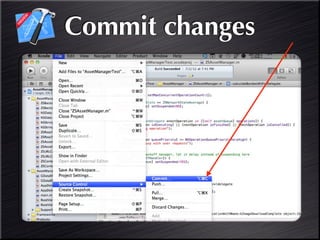
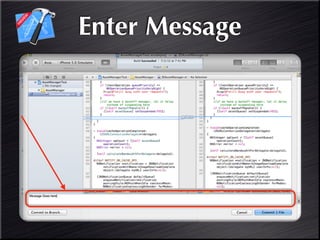
Committing
Modifications?
Commit changes
Enter Message
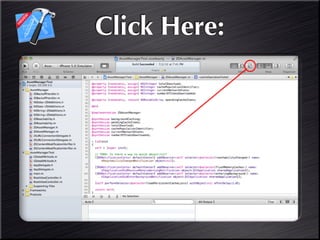
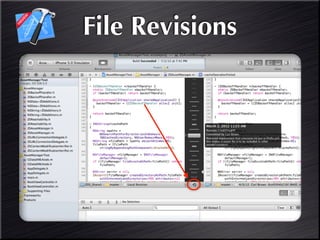
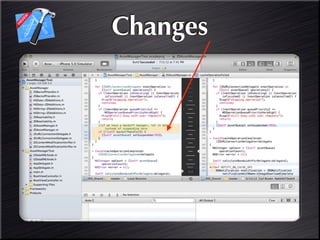
Source Control View
Click Here:
File Revisions
Changes
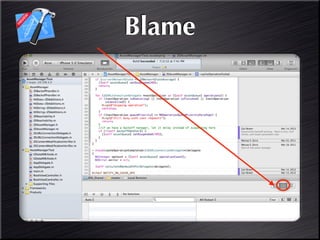
Blame
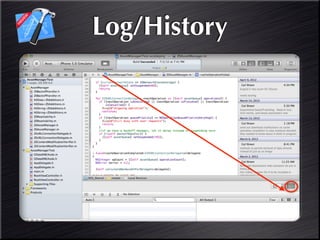
Log/History
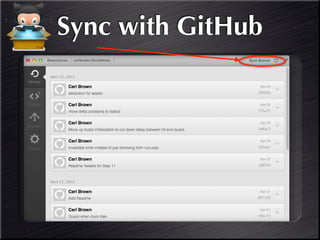
Sync with GitHub
Demo


 Make changes
Sync to GitHub
3rd Party Repos

       Incorporating Code only -
Multiple static library dependencies is a
whole other talk (and HARD in Xcode)
Git Submodules
Incorporate code
you don't want to
own
(ships with Xcode)
Git subtree
                                   As if the code was
                                   always yours
                                   (doesn't ship with
                                   Xcode)


http://www.flickr.com/photos/nate/284184160/sizes/l/in/photostream/
git submodule
       commands

See Also: http://git-scm.com/book/en/Git-
            Tools-Submodules
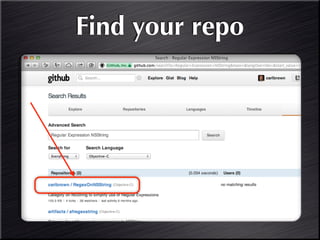
Find your repo
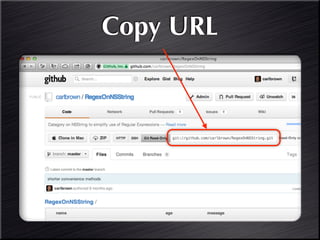
Copy URL
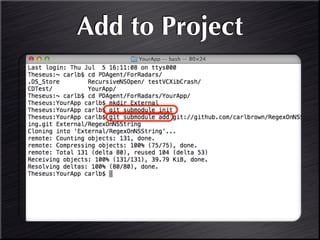
Add to Project
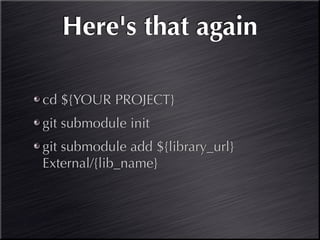
Here's that again

cd ${YOUR PROJECT}
git submodule init
git submodule add ${library_url}
External/{lib_name}
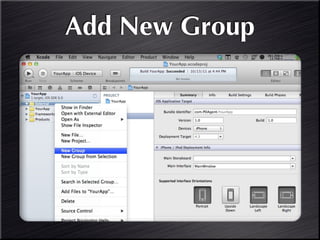
Now, Add to Xcode
Add New Group
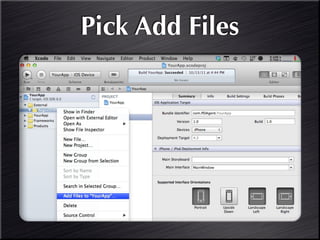
Pick Add Files
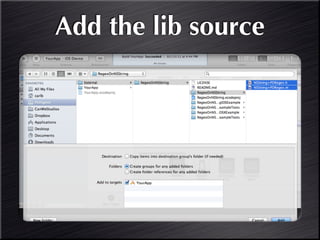
Add the lib source
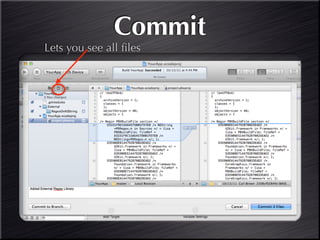
Commit
Lets you see all files
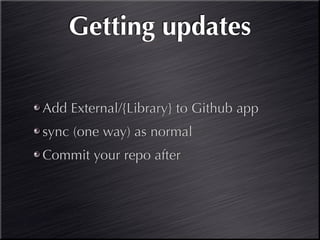
Getting updates

Add External/{Library} to Github app
sync (one way) as normal
Commit your repo after
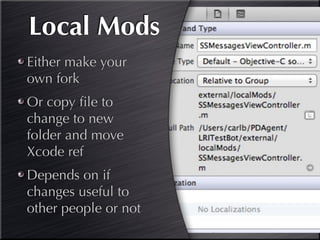
Local Mods
Either make your
own fork
Or copy file to
change to new
folder and move
Xcode ref
Depends on if
changes useful to
other people or not
Demo


Add new repo to project
Further information
Other GUIs


http://git-tower.com             http://sourcetreeapp.com


              http://gitx.laullon.com
WWDC 2012 Video
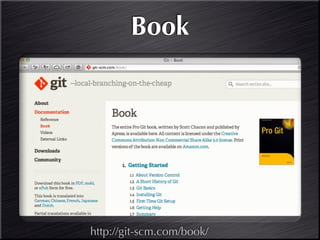
Book


http://git-scm.com/book/

Git single branch

Editor's Notes