©2010 Hewlett-Packard Development Company, L.P. The information contained herein is subject to change without notice
Rodrigo Urubatan <rodrigo.jardim@hp.com>
07/26/2011
Git
The history, good and the bad
Distributed Version Control
Git prehistory
3 HP Confidential
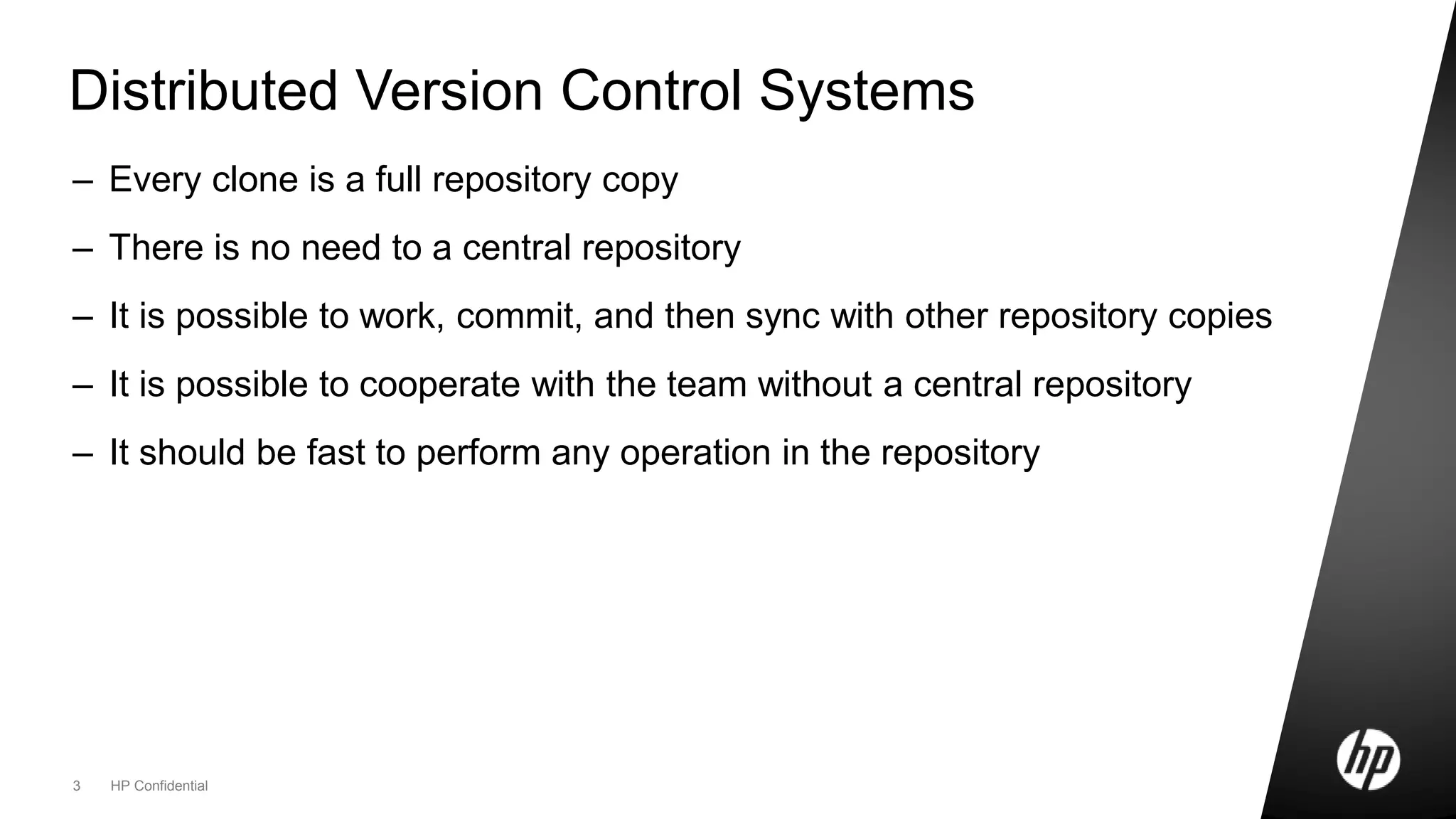
Distributed Version Control Systems
– Every clone is a full repository copy
– There is no need to a central repository
– It is possible to work, commit, and then sync with other repository copies
– It is possible to cooperate with the team without a central repository
– It should be fast to perform any operation in the repository
Git creation
An open source VCS for the Linux Kernel
5 HP Confidential
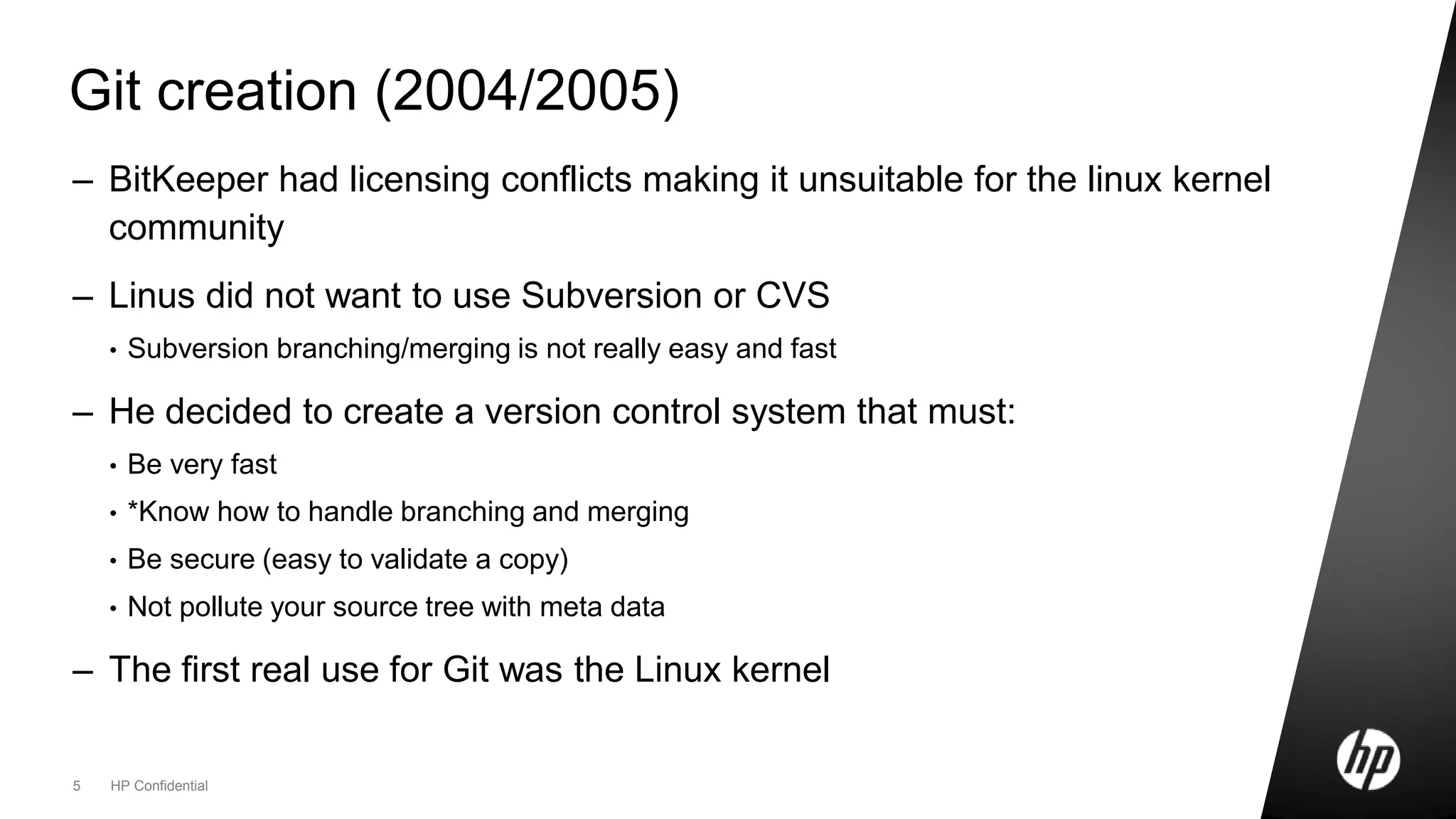
Git creation (2004/2005)
– BitKeeper had licensing conflicts making it unsuitable for the linux kernel
community
– Linus did not want to use Subversion or CVS
• Subversion branching/merging is not really easy and fast
– He decided to create a version control system that must:
• Be very fast
• *Know how to handle branching and merging
• Be secure (easy to validate a copy)
• Not pollute your source tree with meta data
– The first real use for Git was the Linux kernel
Git is rocket fast
A very small comparison
7 Footer goes here
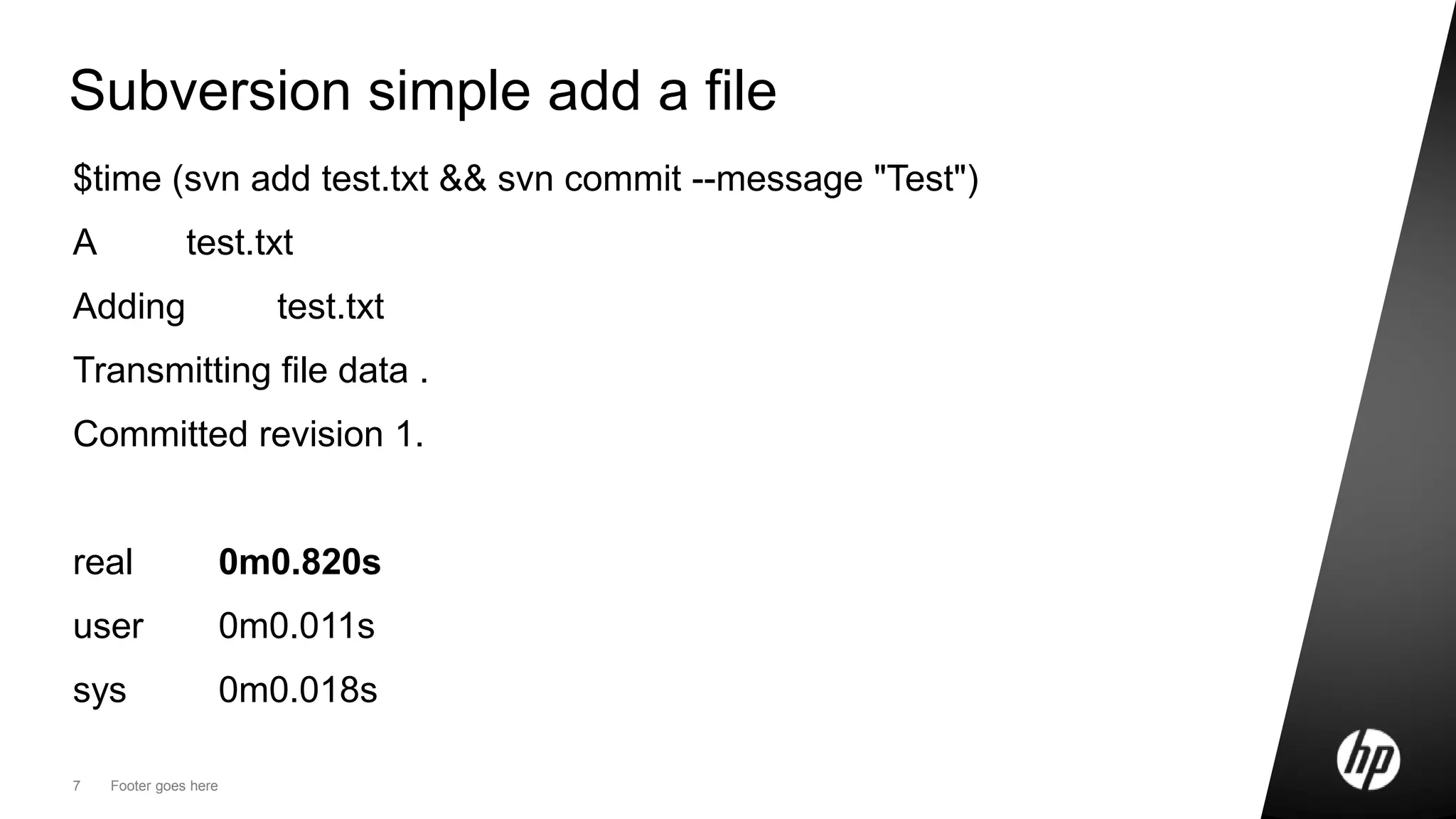
Subversion simple add a file
$time (svn add test.txt && svn commit --message "Test")
A test.txt
Adding test.txt
Transmitting file data .
Committed revision 1.
real 0m0.820s
user 0m0.011s
sys 0m0.018s
8 Footer goes here
Git simple add a file
time (git add test.txt && git commit -m "Test")
[master (root-commit) ebbc1ea] Test
1 files changed, 1 insertions(+), 0 deletions(-)
create mode 100644 test.txt
real 0m0.011s
user 0m0.002s
sys 0m0.008s
DVCS Workflow
A new workflow for version control
10 Footer goes here
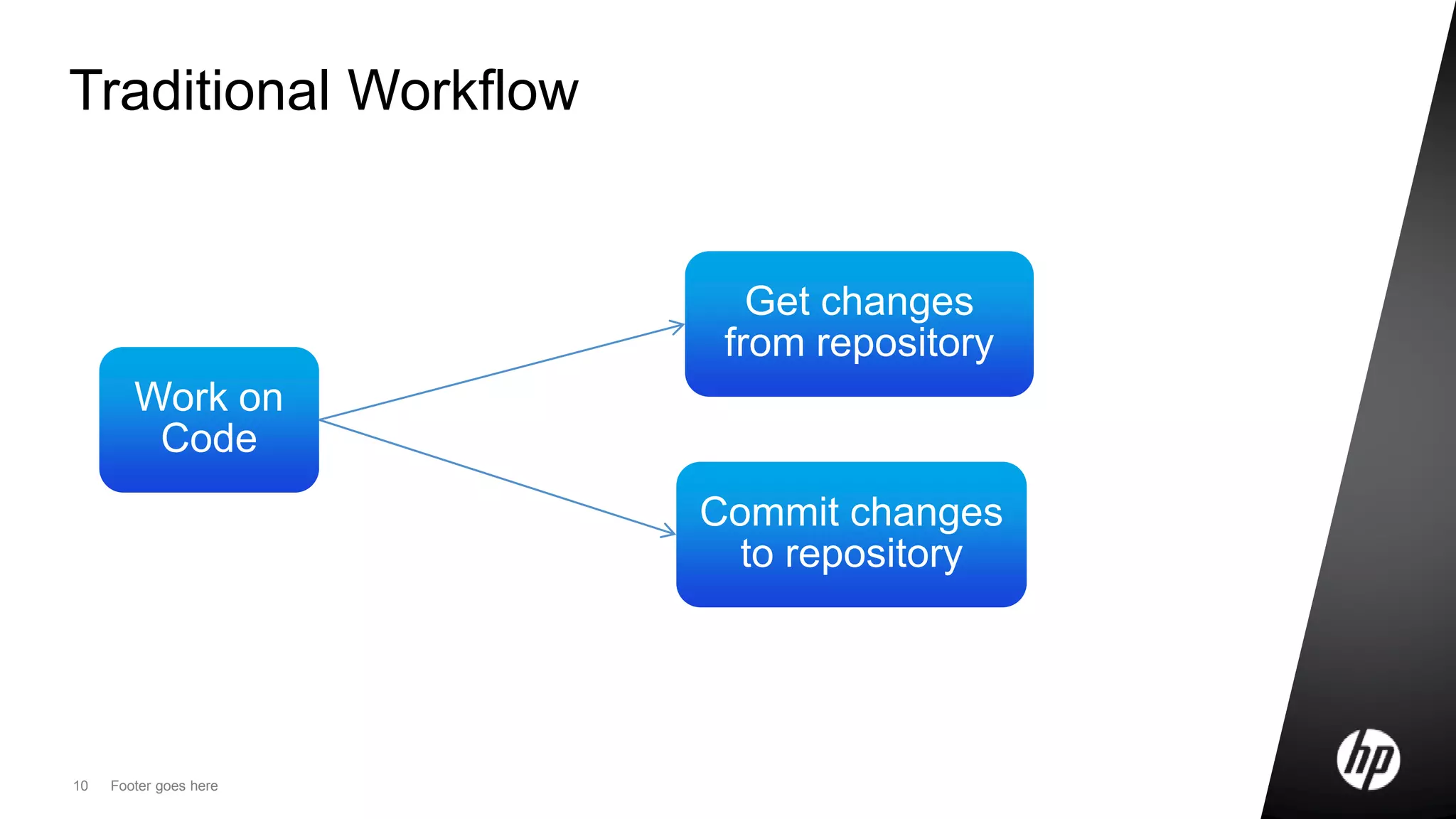
Traditional Workflow
Work on
Code
Get changes
from repository
Commit changes
to repository
11 Footer goes here
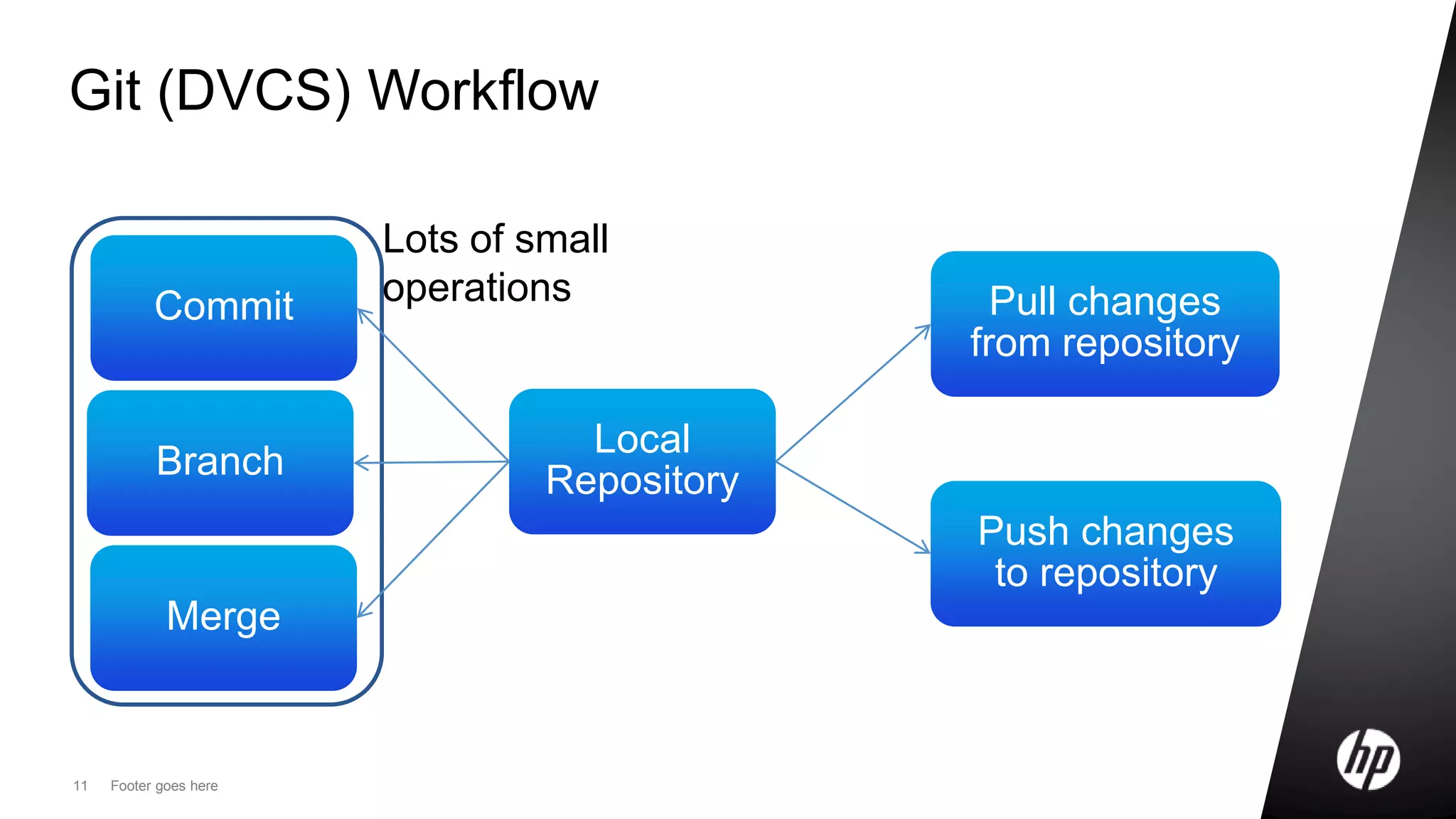
Git (DVCS) Workflow
Local
Repository
Pull changes
from repository
Push changes
to repository
Commit
Branch
Merge
Lots of small
operations
Git basics
Internals and basic commands
13 HP Confidential
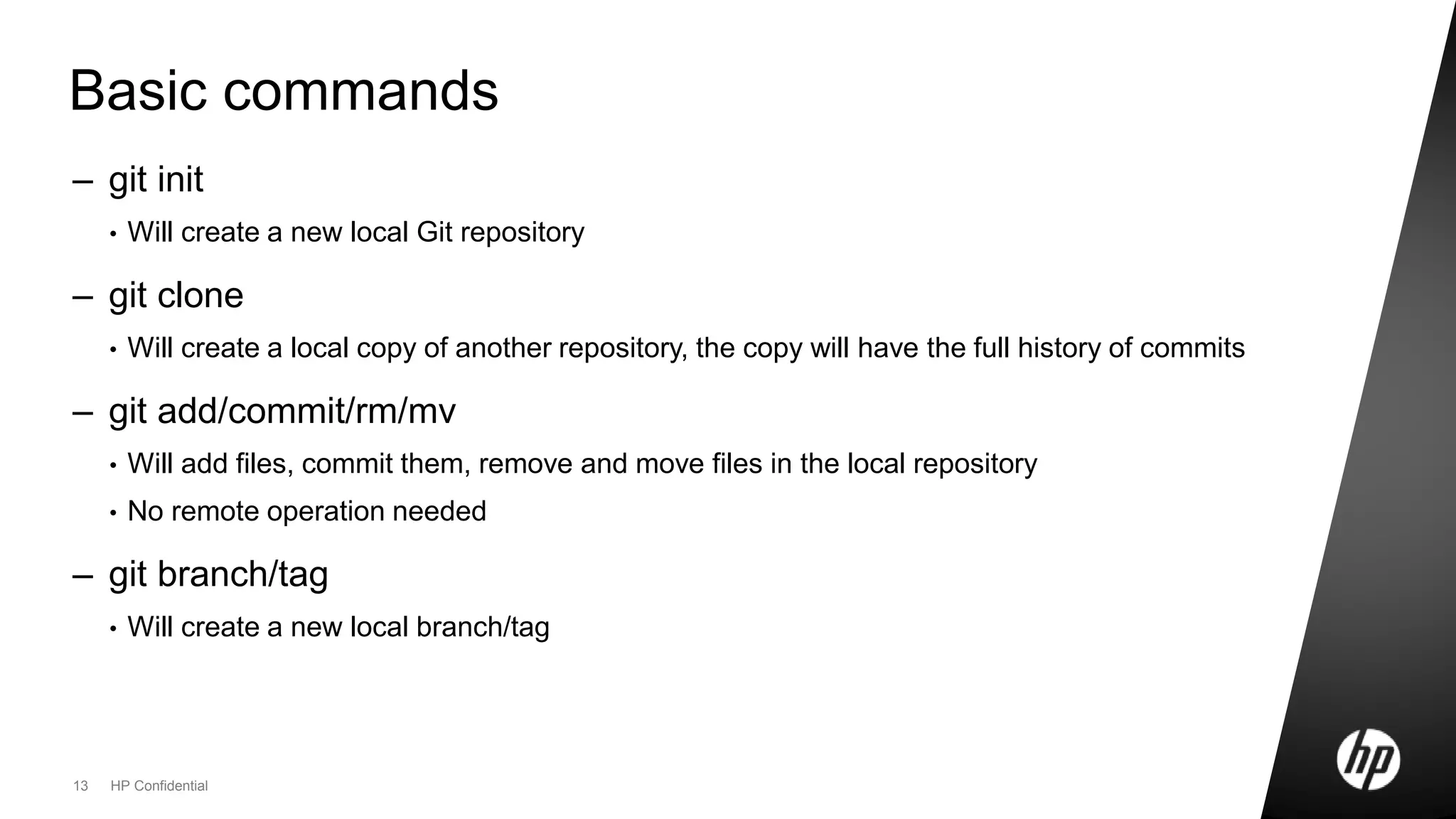
Basic commands
– git init
• Will create a new local Git repository
– git clone
• Will create a local copy of another repository, the copy will have the full history of commits
– git add/commit/rm/mv
• Will add files, commit them, remove and move files in the local repository
• No remote operation needed
– git branch/tag
• Will create a new local branch/tag
14 Footer goes here
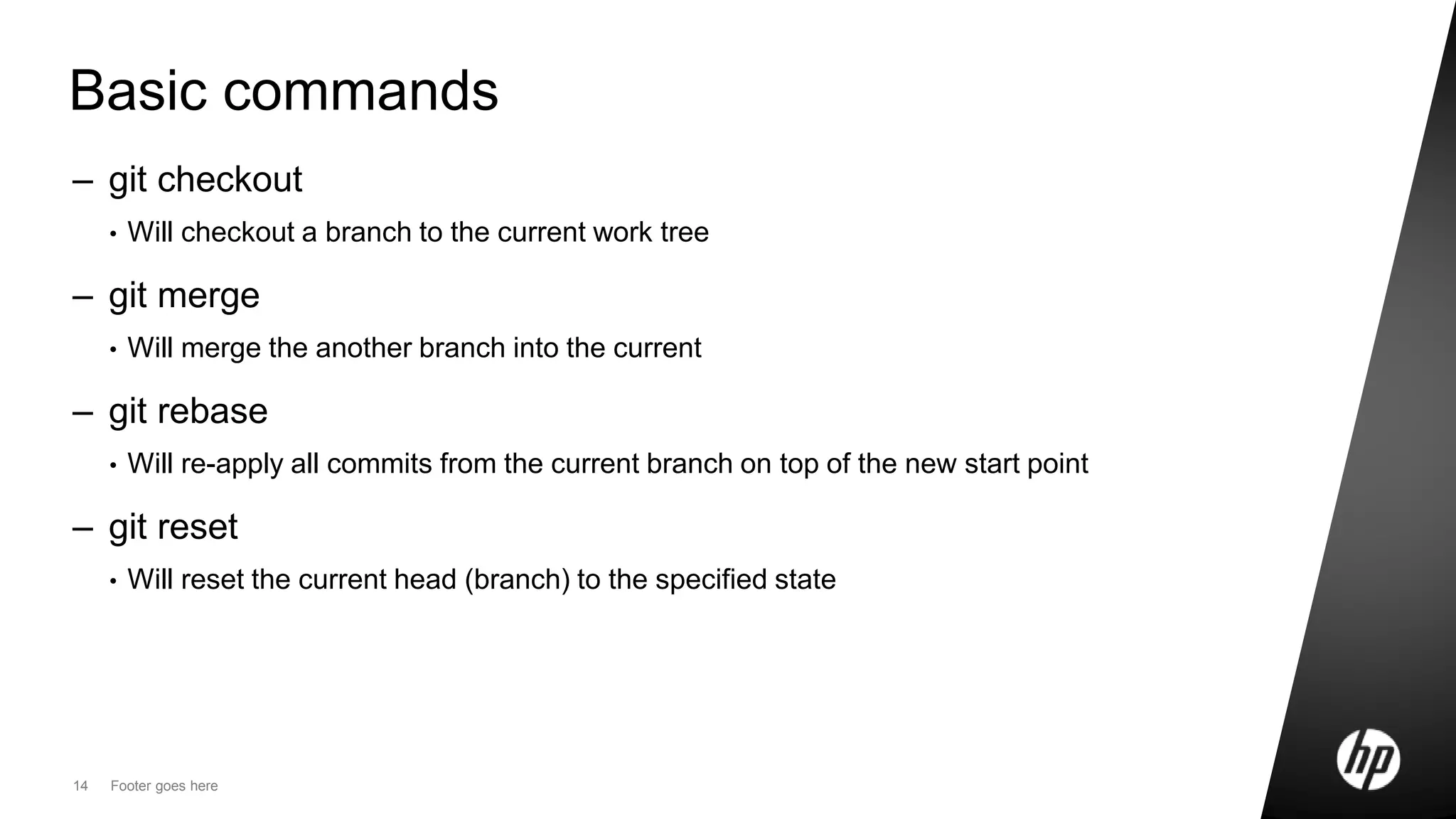
Basic commands
– git checkout
• Will checkout a branch to the current work tree
– git merge
• Will merge the another branch into the current
– git rebase
• Will re-apply all commits from the current branch on top of the new start point
– git reset
• Will reset the current head (branch) to the specified state
15 Footer goes here
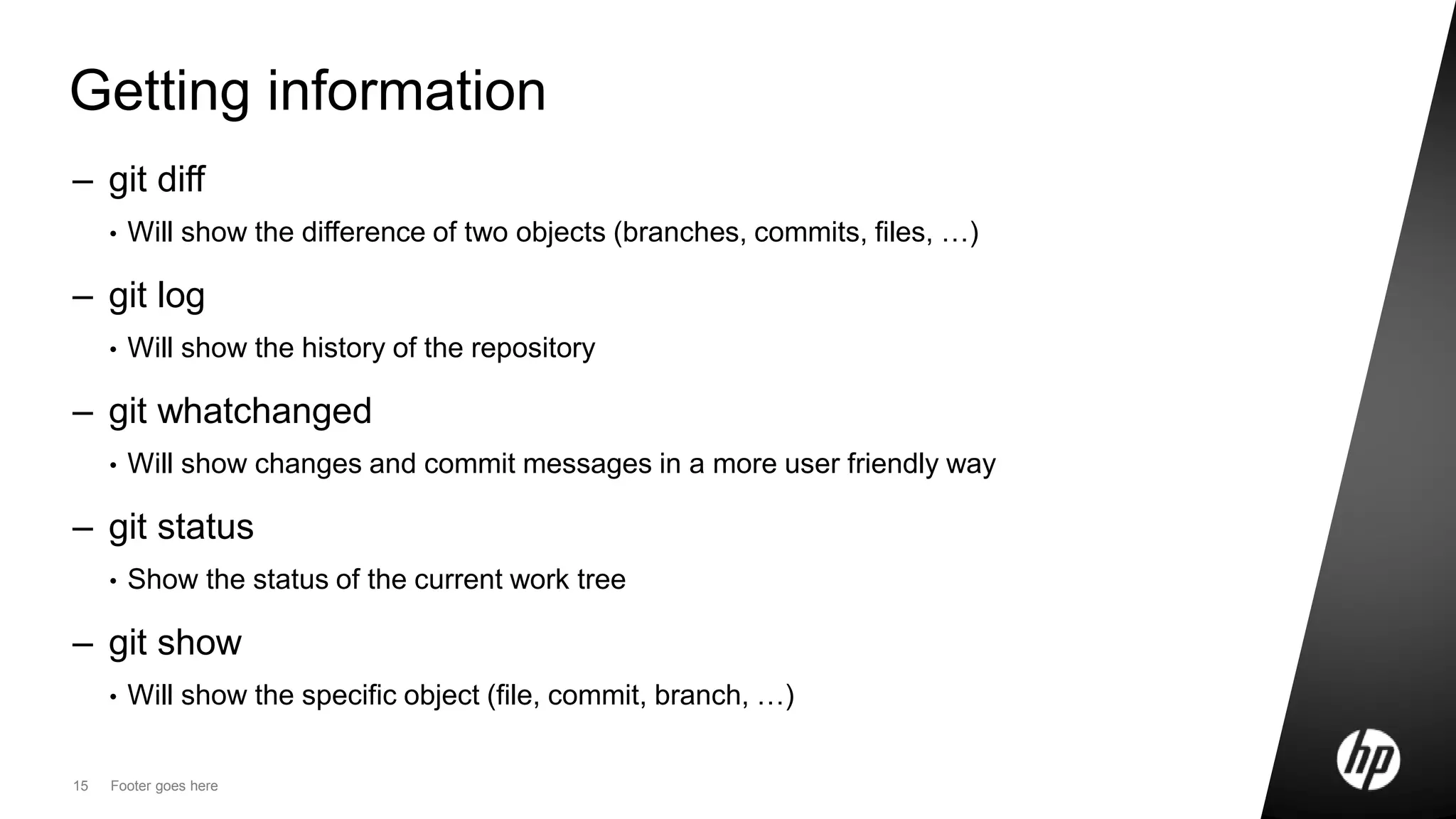
Getting information
– git diff
• Will show the difference of two objects (branches, commits, files, …)
– git log
• Will show the history of the repository
– git whatchanged
• Will show changes and commit messages in a more user friendly way
– git status
• Show the status of the current work tree
– git show
• Will show the specific object (file, commit, branch, …)
16 Footer goes here
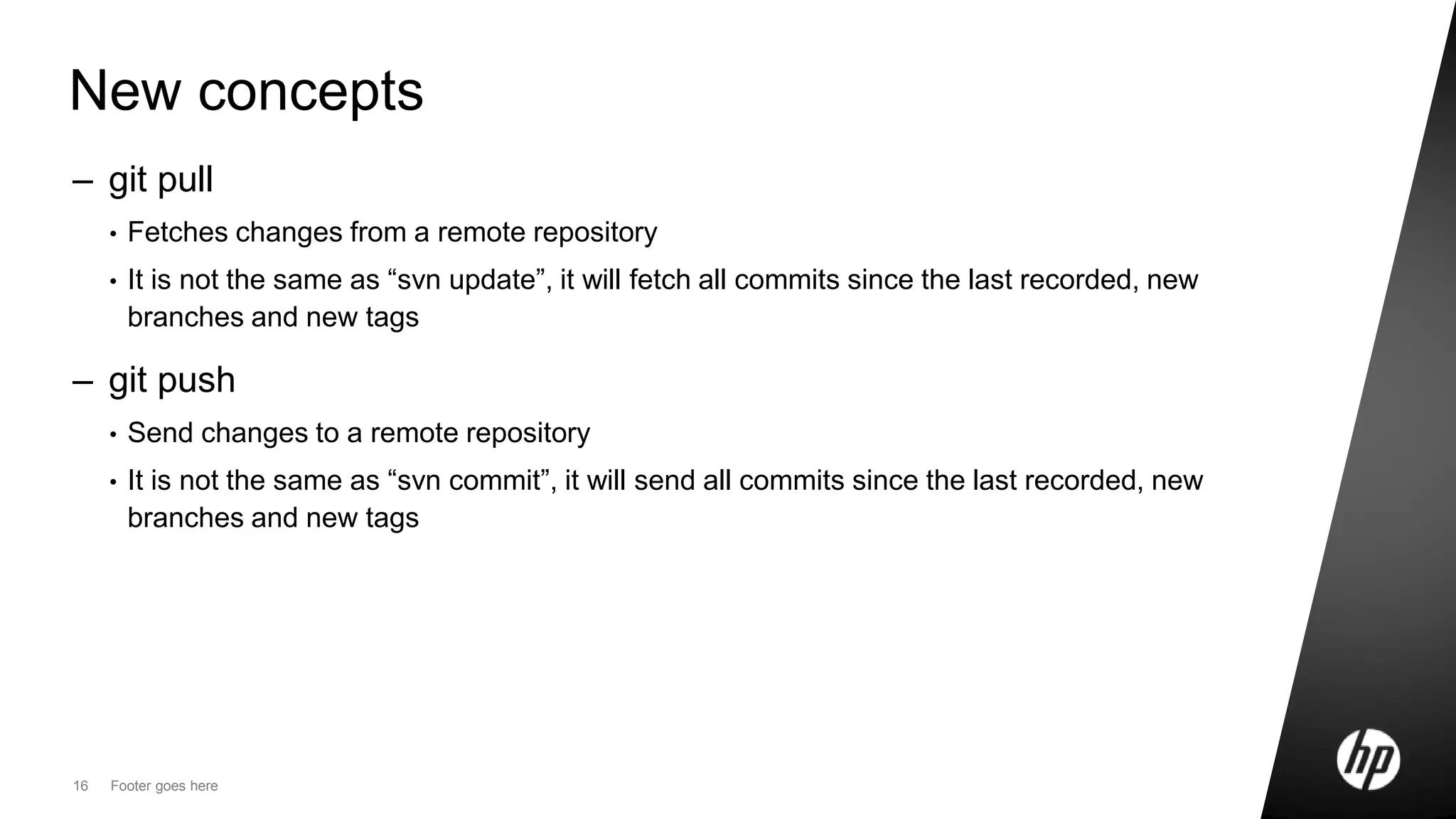
New concepts
– git pull
• Fetches changes from a remote repository
• It is not the same as “svn update”, it will fetch all commits since the last recorded, new
branches and new tags
– git push
• Send changes to a remote repository
• It is not the same as “svn commit”, it will send all commits since the last recorded, new
branches and new tags
17 Footer goes here
Git internals
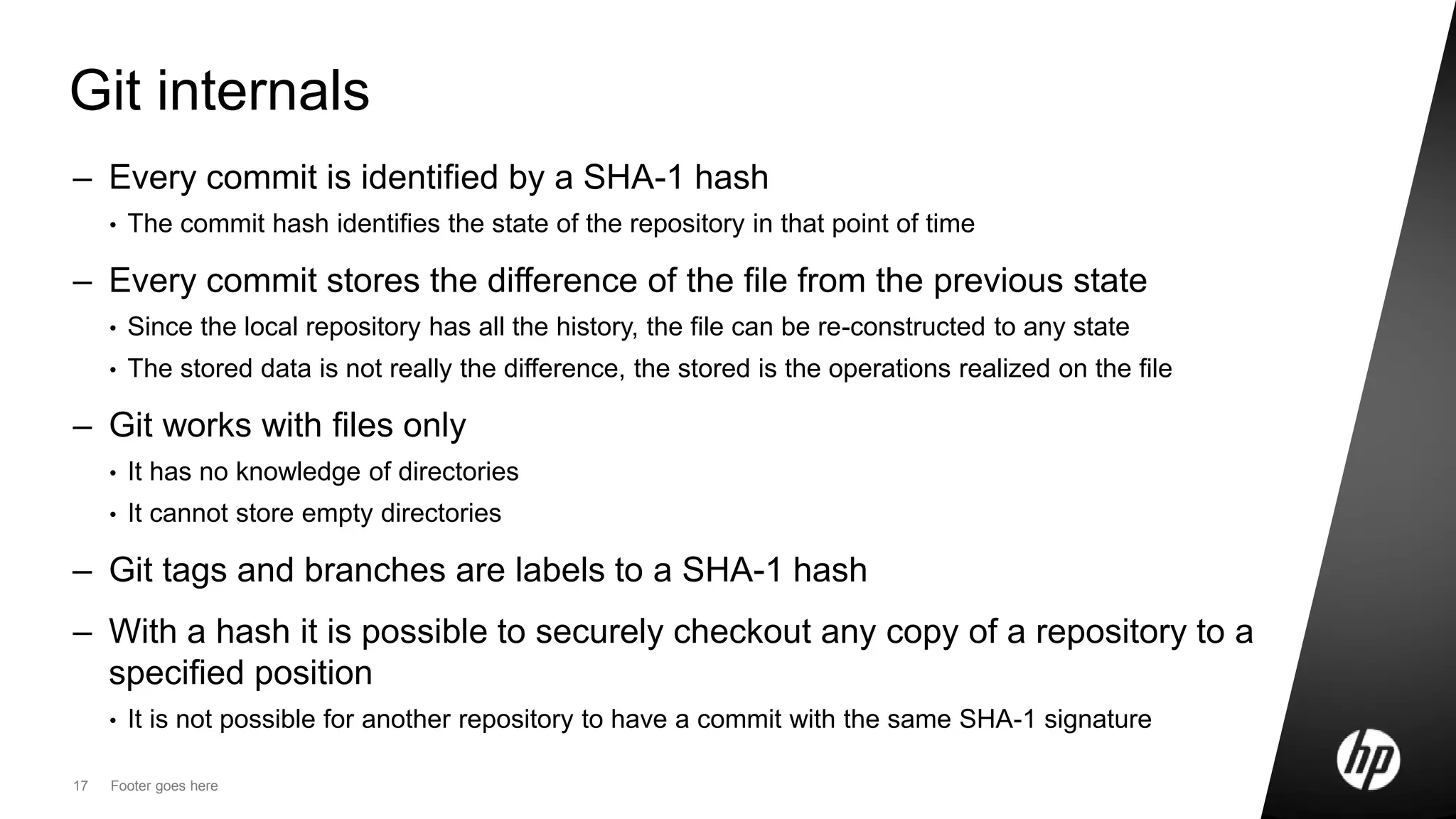
– Every commit is identified by a SHA-1 hash
• The commit hash identifies the state of the repository in that point of time
– Every commit stores the difference of the file from the previous state
• Since the local repository has all the history, the file can be re-constructed to any state
• The stored data is not really the difference, the stored is the operations realized on the file
– Git works with files only
• It has no knowledge of directories
• It cannot store empty directories
– Git tags and branches are labels to a SHA-1 hash
– With a hash it is possible to securely checkout any copy of a repository to a
specified position
• It is not possible for another repository to have a commit with the same SHA-1 signature
18 Footer goes here
Git internals
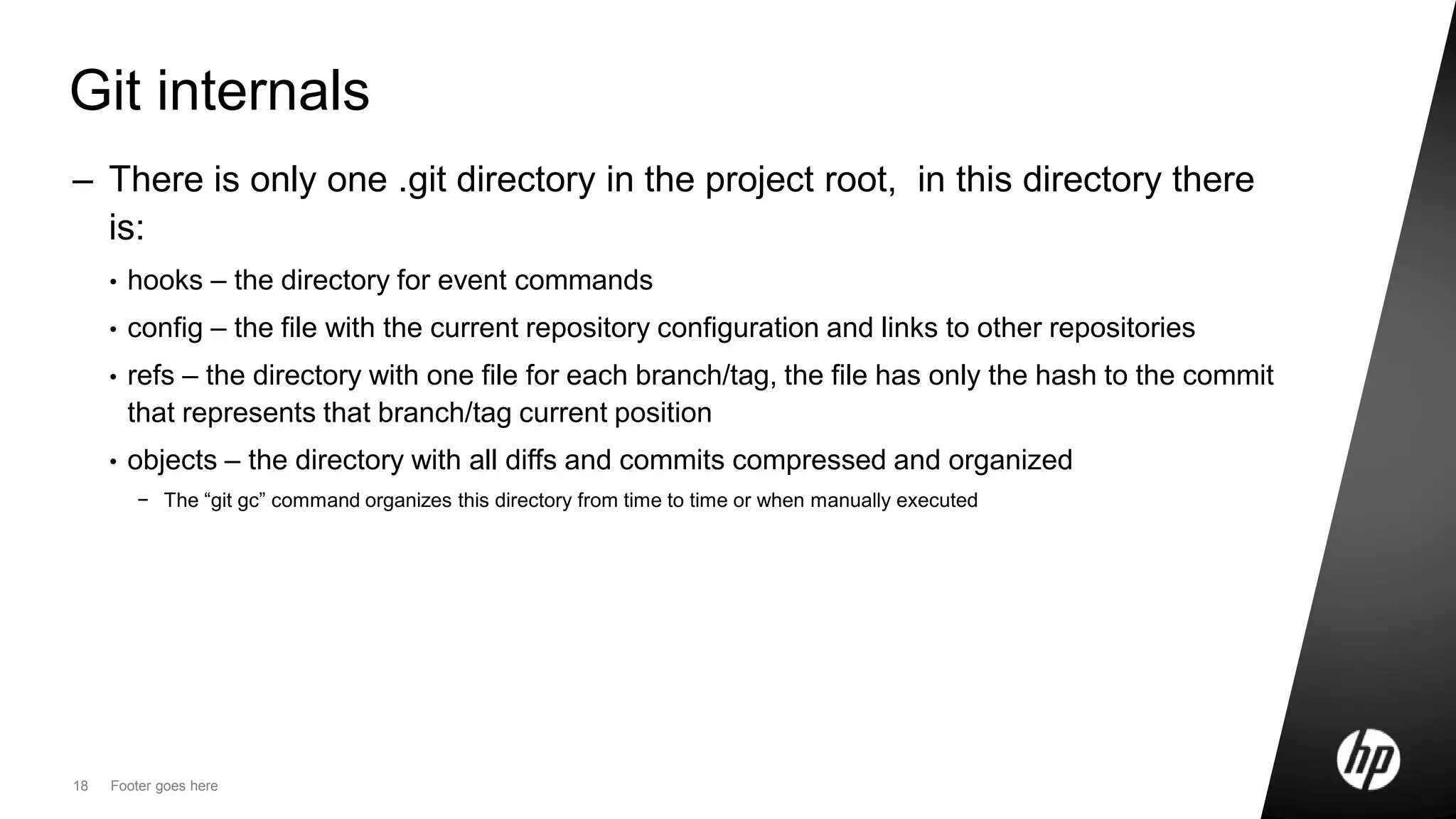
– There is only one .git directory in the project root, in this directory there
is:
• hooks – the directory for event commands
• config – the file with the current repository configuration and links to other repositories
• refs – the directory with one file for each branch/tag, the file has only the hash to the commit
that represents that branch/tag current position
• objects – the directory with all diffs and commits compressed and organized
− The “git gc” command organizes this directory from time to time or when manually executed
19 Footer goes here
Git internals – remotes
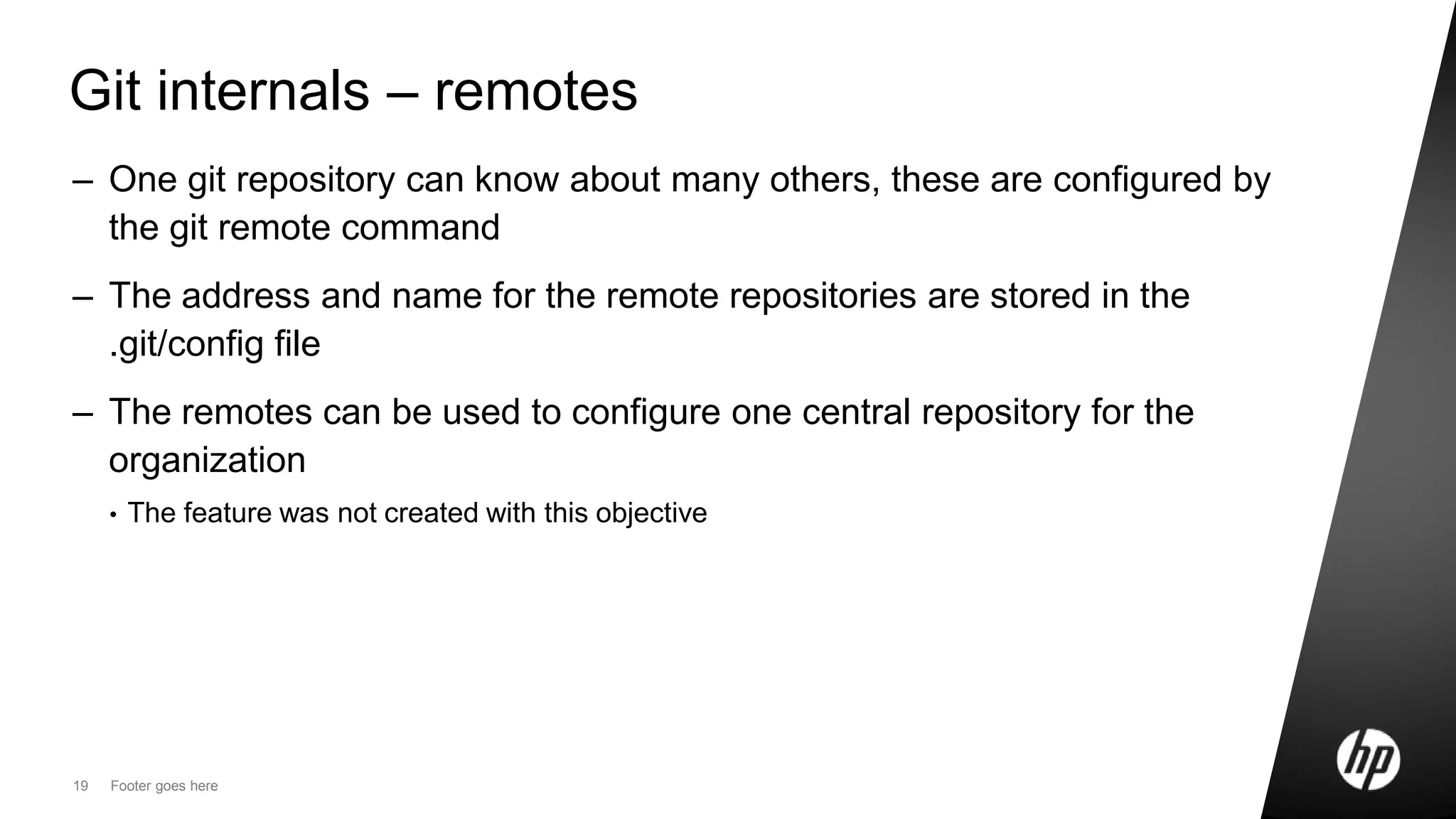
– One git repository can know about many others, these are configured by
the git remote command
– The address and name for the remote repositories are stored in the
.git/config file
– The remotes can be used to configure one central repository for the
organization
• The feature was not created with this objective
20 Footer goes here
Git internals - remotes
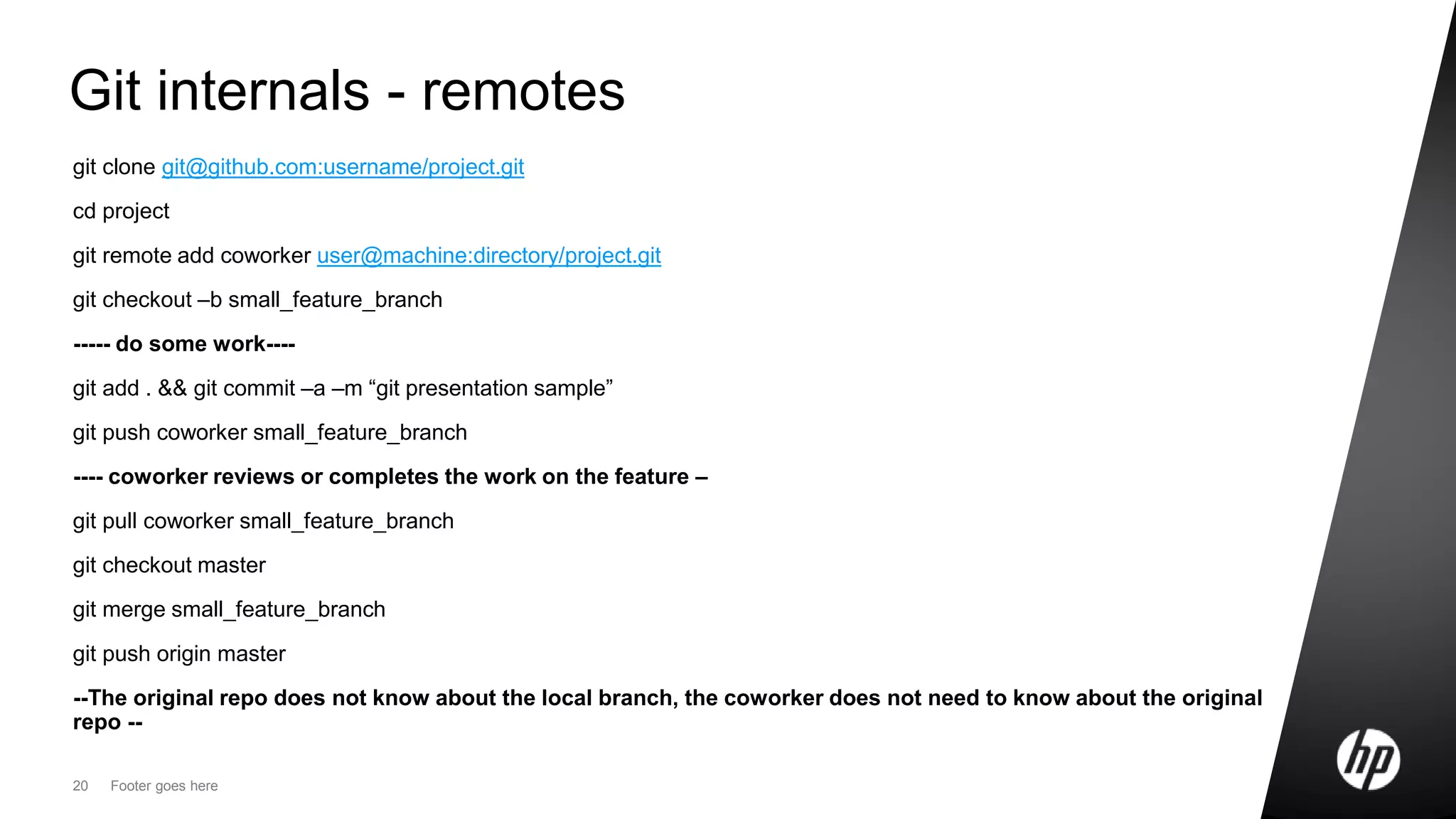
git clone git@github.com:username/project.git
cd project
git remote add coworker user@machine:directory/project.git
git checkout –b small_feature_branch
----- do some work----
git add . && git commit –a –m “git presentation sample”
git push coworker small_feature_branch
---- coworker reviews or completes the work on the feature –
git pull coworker small_feature_branch
git checkout master
git merge small_feature_branch
git push origin master
--The original repo does not know about the local branch, the coworker does not need to know about the original
repo --
21 Footer goes here
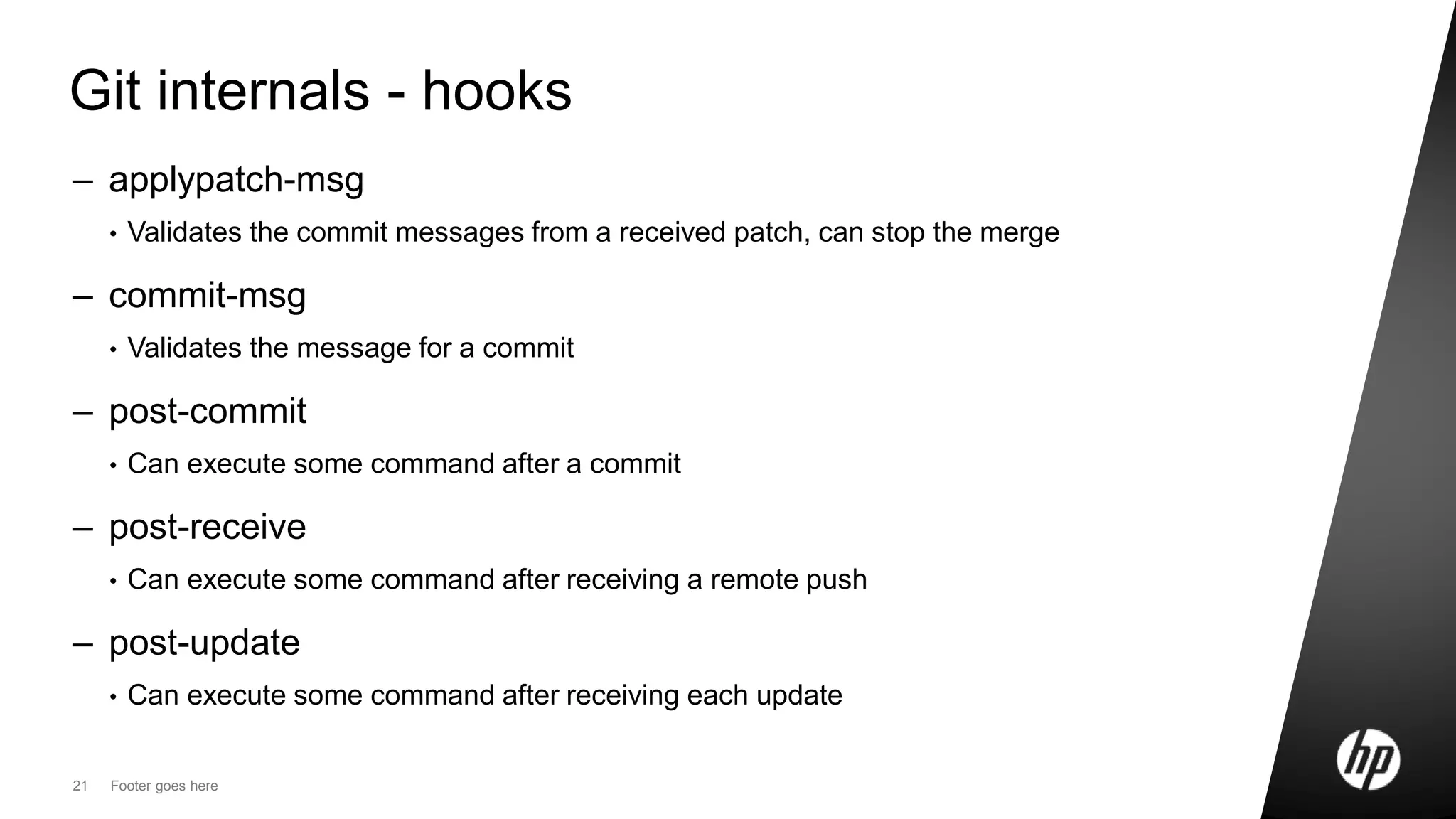
Git internals - hooks
– applypatch-msg
• Validates the commit messages from a received patch, can stop the merge
– commit-msg
• Validates the message for a commit
– post-commit
• Can execute some command after a commit
– post-receive
• Can execute some command after receiving a remote push
– post-update
• Can execute some command after receiving each update
22 Footer goes here
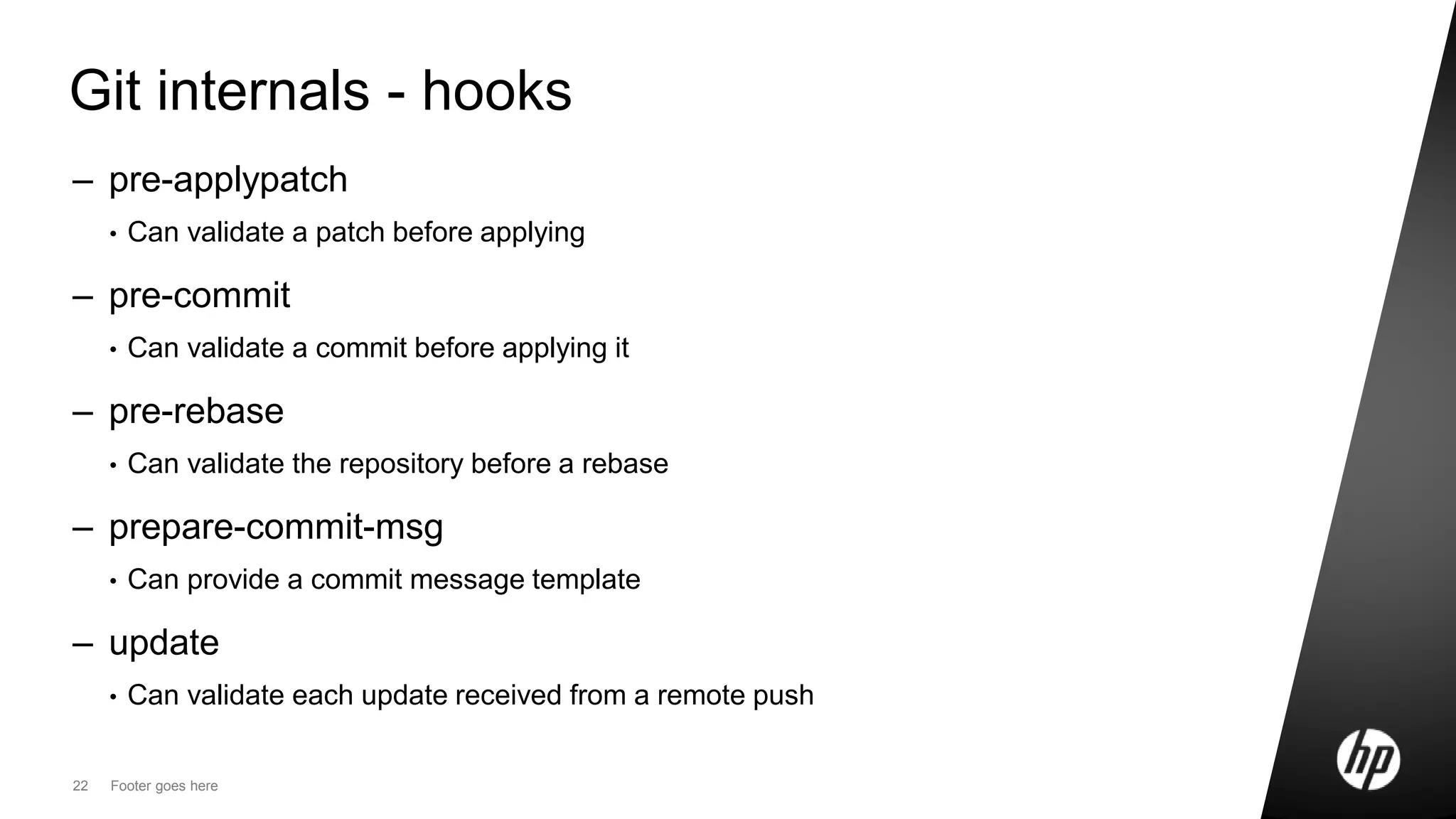
Git internals - hooks
– pre-applypatch
• Can validate a patch before applying
– pre-commit
• Can validate a commit before applying it
– pre-rebase
• Can validate the repository before a rebase
– prepare-commit-msg
• Can provide a commit message template
– update
• Can validate each update received from a remote push
Git X Subversion
Basic differences
24 HP Confidential
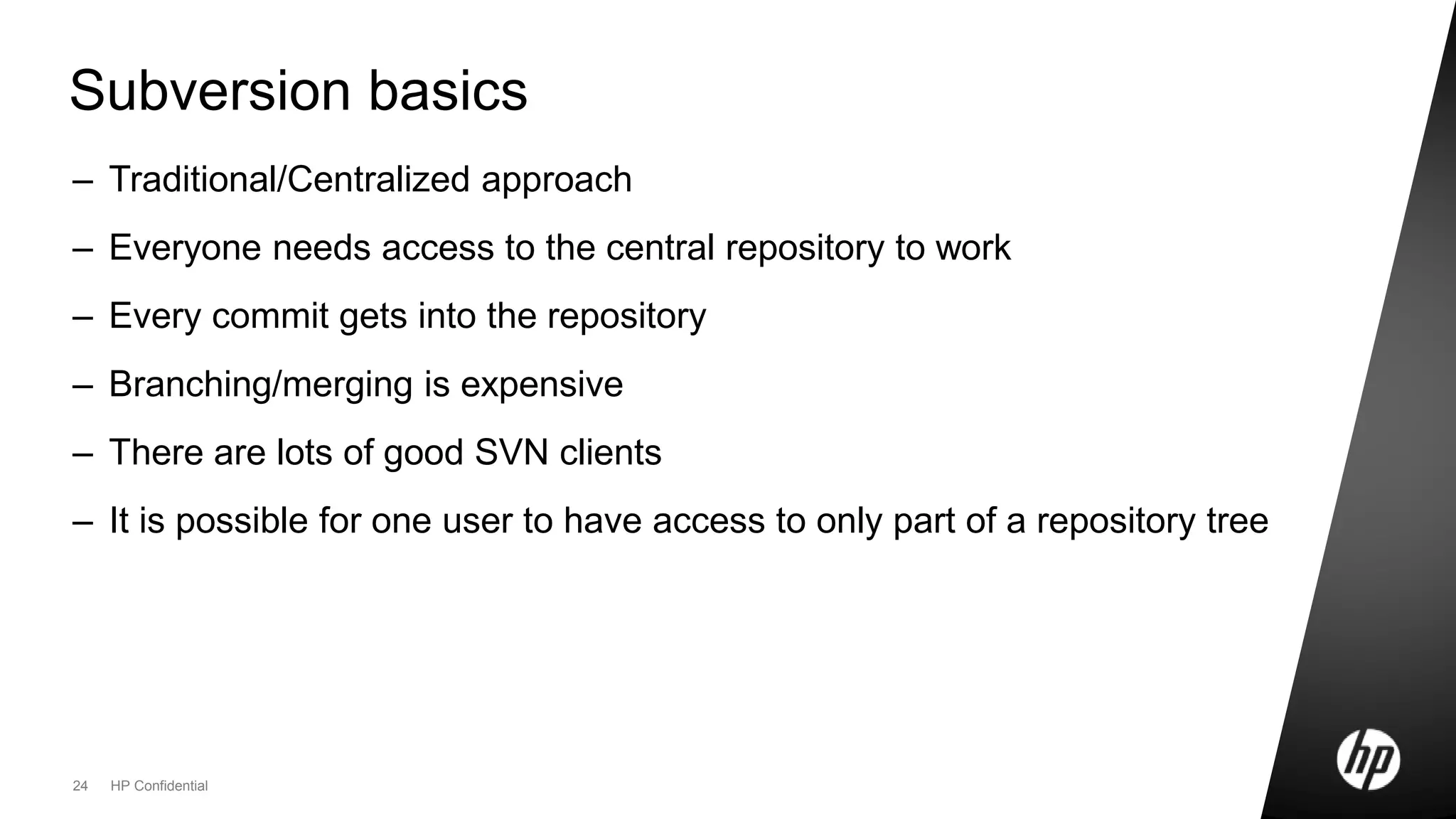
Subversion basics
– Traditional/Centralized approach
– Everyone needs access to the central repository to work
– Every commit gets into the repository
– Branching/merging is expensive
– There are lots of good SVN clients
– It is possible for one user to have access to only part of a repository tree
25 Footer goes here
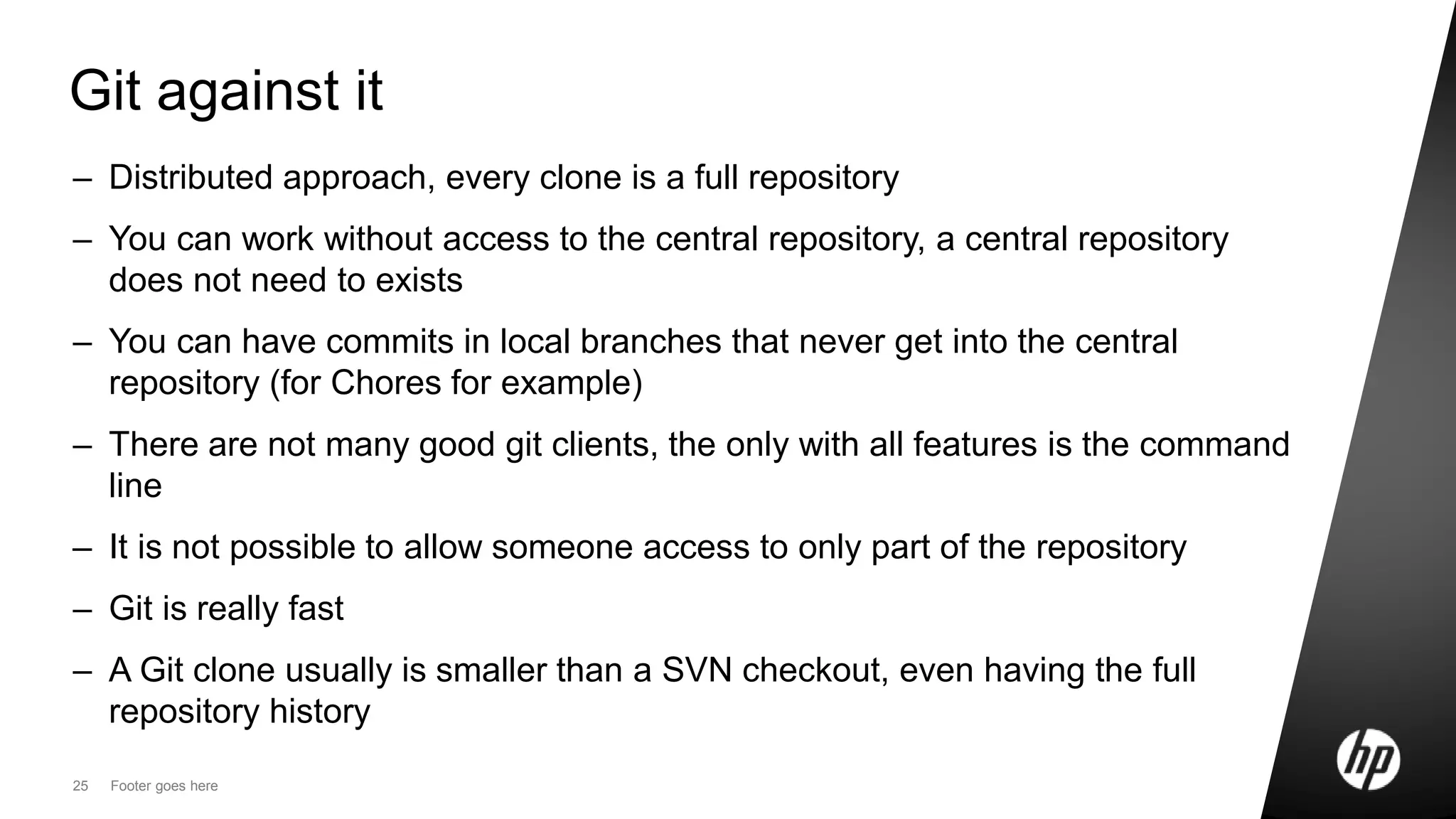
Git against it
– Distributed approach, every clone is a full repository
– You can work without access to the central repository, a central repository
does not need to exists
– You can have commits in local branches that never get into the central
repository (for Chores for example)
– There are not many good git clients, the only with all features is the command
line
– It is not possible to allow someone access to only part of the repository
– Git is really fast
– A Git clone usually is smaller than a SVN checkout, even having the full
repository history
26 Footer goes here
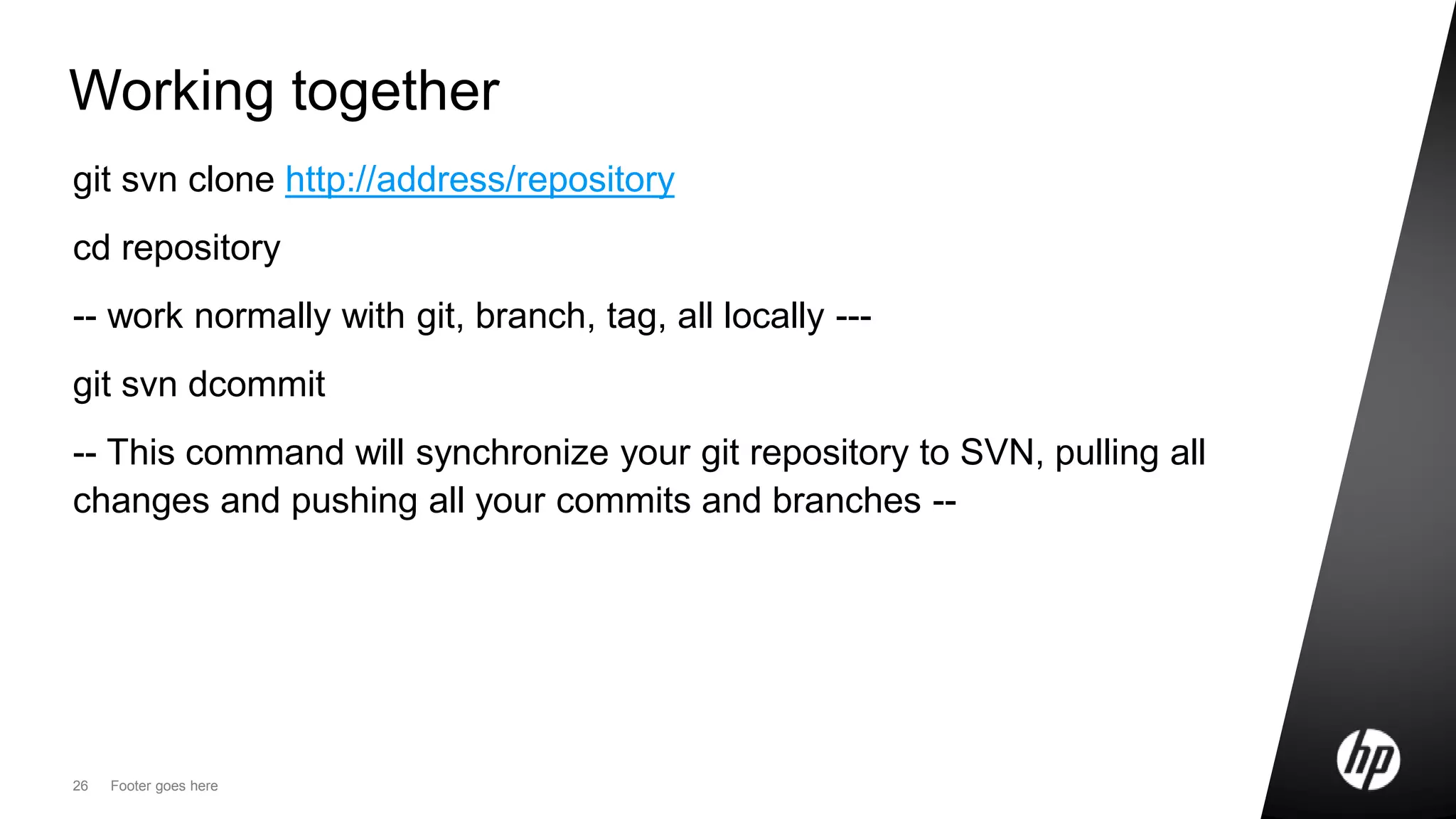
Working together
git svn clone http://address/repository
cd repository
-- work normally with git, branch, tag, all locally ---
git svn dcommit
-- This command will synchronize your git repository to SVN, pulling all
changes and pushing all your commits and branches --
Git strong points
What is good about git
28 HP Confidential
Some advantages
– You do not need a central repository
– Git is really fast
– Branching/merging works automatically most of the time
– You can stage changes and come back to them later
– You can work with git even if everyone else is working with SVN or CVS
– Git does not force a specific workflow
• You can work your way
– Git can help you to find a bug root cause
– You can work offline, and still collaborate with the developer in the same room
– Git can increase collaboration (It has done it for Open Source, and can do it
inside a company if the company culture permits it)
Git problems
What can be a problem
30 HP Confidential
Some problems
– You do not need a central repository
– There are no good GUIs for Git
• Some are starting to show up
– The team needs to learn new concepts and new tools
– Not everyone is confortable with the command line
– git-svn branch/tag only works for standard SVN repository layouts
Some great commands
Some git goodness
32 HP Confidential
Git commands worth knowing
– git stash
• Allows the current uncommited changes to be saved but not commited, and later re-applied
– git fsck
• Makes it easy to find lost commits
– git blame/annotate
• Makes iteasy to find who did what in a file
– git cherry
• Show the differences between one point and the branch origin
– git submodule
• Similar to SVN externals, allow another git repository to be used as a directory of a parent
repository
33 Footer goes here
Git commands worth knowing
– git bisect
• Use binary search to find the commit that introduced a bug given a previous “good” position
Q&A.
35 HP Confidential
References
– http://gitscm.com/
– Linus Torvalds Presentation at Google -
http://www.youtube.com/watch?v=4XpnKHJAok8
– InfoQ article about DCVS - http://www.infoq.com/articles/dvcs-guide
– How to work with Git and SVN together - http://git.or.cz/course/svn.html

Git presentation to some coworkers some time ago

  • 1.
    ©2010 Hewlett-Packard DevelopmentCompany, L.P. The information contained herein is subject to change without notice Rodrigo Urubatan <rodrigo.jardim@hp.com> 07/26/2011 Git The history, good and the bad
  • 2.
  • 3.
    3 HP Confidential DistributedVersion Control Systems – Every clone is a full repository copy – There is no need to a central repository – It is possible to work, commit, and then sync with other repository copies – It is possible to cooperate with the team without a central repository – It should be fast to perform any operation in the repository
  • 4.
    Git creation An opensource VCS for the Linux Kernel
  • 5.
    5 HP Confidential Gitcreation (2004/2005) – BitKeeper had licensing conflicts making it unsuitable for the linux kernel community – Linus did not want to use Subversion or CVS • Subversion branching/merging is not really easy and fast – He decided to create a version control system that must: • Be very fast • *Know how to handle branching and merging • Be secure (easy to validate a copy) • Not pollute your source tree with meta data – The first real use for Git was the Linux kernel
  • 6.
    Git is rocketfast A very small comparison
  • 7.
    7 Footer goeshere Subversion simple add a file $time (svn add test.txt && svn commit --message "Test") A test.txt Adding test.txt Transmitting file data . Committed revision 1. real 0m0.820s user 0m0.011s sys 0m0.018s
  • 8.
    8 Footer goeshere Git simple add a file time (git add test.txt && git commit -m "Test") [master (root-commit) ebbc1ea] Test 1 files changed, 1 insertions(+), 0 deletions(-) create mode 100644 test.txt real 0m0.011s user 0m0.002s sys 0m0.008s
  • 9.
    DVCS Workflow A newworkflow for version control
  • 10.
    10 Footer goeshere Traditional Workflow Work on Code Get changes from repository Commit changes to repository
  • 11.
    11 Footer goeshere Git (DVCS) Workflow Local Repository Pull changes from repository Push changes to repository Commit Branch Merge Lots of small operations
  • 12.
  • 13.
    13 HP Confidential Basiccommands – git init • Will create a new local Git repository – git clone • Will create a local copy of another repository, the copy will have the full history of commits – git add/commit/rm/mv • Will add files, commit them, remove and move files in the local repository • No remote operation needed – git branch/tag • Will create a new local branch/tag
  • 14.
    14 Footer goeshere Basic commands – git checkout • Will checkout a branch to the current work tree – git merge • Will merge the another branch into the current – git rebase • Will re-apply all commits from the current branch on top of the new start point – git reset • Will reset the current head (branch) to the specified state
  • 15.
    15 Footer goeshere Getting information – git diff • Will show the difference of two objects (branches, commits, files, …) – git log • Will show the history of the repository – git whatchanged • Will show changes and commit messages in a more user friendly way – git status • Show the status of the current work tree – git show • Will show the specific object (file, commit, branch, …)
  • 16.
    16 Footer goeshere New concepts – git pull • Fetches changes from a remote repository • It is not the same as “svn update”, it will fetch all commits since the last recorded, new branches and new tags – git push • Send changes to a remote repository • It is not the same as “svn commit”, it will send all commits since the last recorded, new branches and new tags
  • 17.
    17 Footer goeshere Git internals – Every commit is identified by a SHA-1 hash • The commit hash identifies the state of the repository in that point of time – Every commit stores the difference of the file from the previous state • Since the local repository has all the history, the file can be re-constructed to any state • The stored data is not really the difference, the stored is the operations realized on the file – Git works with files only • It has no knowledge of directories • It cannot store empty directories – Git tags and branches are labels to a SHA-1 hash – With a hash it is possible to securely checkout any copy of a repository to a specified position • It is not possible for another repository to have a commit with the same SHA-1 signature
  • 18.
    18 Footer goeshere Git internals – There is only one .git directory in the project root, in this directory there is: • hooks – the directory for event commands • config – the file with the current repository configuration and links to other repositories • refs – the directory with one file for each branch/tag, the file has only the hash to the commit that represents that branch/tag current position • objects – the directory with all diffs and commits compressed and organized − The “git gc” command organizes this directory from time to time or when manually executed
  • 19.
    19 Footer goeshere Git internals – remotes – One git repository can know about many others, these are configured by the git remote command – The address and name for the remote repositories are stored in the .git/config file – The remotes can be used to configure one central repository for the organization • The feature was not created with this objective
  • 20.
    20 Footer goeshere Git internals - remotes git clone git@github.com:username/project.git cd project git remote add coworker user@machine:directory/project.git git checkout –b small_feature_branch ----- do some work---- git add . && git commit –a –m “git presentation sample” git push coworker small_feature_branch ---- coworker reviews or completes the work on the feature – git pull coworker small_feature_branch git checkout master git merge small_feature_branch git push origin master --The original repo does not know about the local branch, the coworker does not need to know about the original repo --
  • 21.
    21 Footer goeshere Git internals - hooks – applypatch-msg • Validates the commit messages from a received patch, can stop the merge – commit-msg • Validates the message for a commit – post-commit • Can execute some command after a commit – post-receive • Can execute some command after receiving a remote push – post-update • Can execute some command after receiving each update
  • 22.
    22 Footer goeshere Git internals - hooks – pre-applypatch • Can validate a patch before applying – pre-commit • Can validate a commit before applying it – pre-rebase • Can validate the repository before a rebase – prepare-commit-msg • Can provide a commit message template – update • Can validate each update received from a remote push
  • 23.
  • 24.
    24 HP Confidential Subversionbasics – Traditional/Centralized approach – Everyone needs access to the central repository to work – Every commit gets into the repository – Branching/merging is expensive – There are lots of good SVN clients – It is possible for one user to have access to only part of a repository tree
  • 25.
    25 Footer goeshere Git against it – Distributed approach, every clone is a full repository – You can work without access to the central repository, a central repository does not need to exists – You can have commits in local branches that never get into the central repository (for Chores for example) – There are not many good git clients, the only with all features is the command line – It is not possible to allow someone access to only part of the repository – Git is really fast – A Git clone usually is smaller than a SVN checkout, even having the full repository history
  • 26.
    26 Footer goeshere Working together git svn clone http://address/repository cd repository -- work normally with git, branch, tag, all locally --- git svn dcommit -- This command will synchronize your git repository to SVN, pulling all changes and pushing all your commits and branches --
  • 27.
    Git strong points Whatis good about git
  • 28.
    28 HP Confidential Someadvantages – You do not need a central repository – Git is really fast – Branching/merging works automatically most of the time – You can stage changes and come back to them later – You can work with git even if everyone else is working with SVN or CVS – Git does not force a specific workflow • You can work your way – Git can help you to find a bug root cause – You can work offline, and still collaborate with the developer in the same room – Git can increase collaboration (It has done it for Open Source, and can do it inside a company if the company culture permits it)
  • 29.
  • 30.
    30 HP Confidential Someproblems – You do not need a central repository – There are no good GUIs for Git • Some are starting to show up – The team needs to learn new concepts and new tools – Not everyone is confortable with the command line – git-svn branch/tag only works for standard SVN repository layouts
  • 31.
  • 32.
    32 HP Confidential Gitcommands worth knowing – git stash • Allows the current uncommited changes to be saved but not commited, and later re-applied – git fsck • Makes it easy to find lost commits – git blame/annotate • Makes iteasy to find who did what in a file – git cherry • Show the differences between one point and the branch origin – git submodule • Similar to SVN externals, allow another git repository to be used as a directory of a parent repository
  • 33.
    33 Footer goeshere Git commands worth knowing – git bisect • Use binary search to find the commit that introduced a bug given a previous “good” position
  • 34.
  • 35.
    35 HP Confidential References –http://gitscm.com/ – Linus Torvalds Presentation at Google - http://www.youtube.com/watch?v=4XpnKHJAok8 – InfoQ article about DCVS - http://www.infoq.com/articles/dvcs-guide – How to work with Git and SVN together - http://git.or.cz/course/svn.html