Getting Things Done

for

Technical Communicators
#TCUK15 workshop

John Kearney & Karen Mardahl

29 September 2015
Agenda
1. Introductions
2. The little exercise

3. What is GTD?

4. How does GTD apply to techcomms?

5. Real-life examples

6. Tools & methods

7. The big exercise

8. What’s next?
Intros
How did Karen and John end up doing this
workshop?
Two David Allen quotes…
“We teach what we
need to learn the most.”
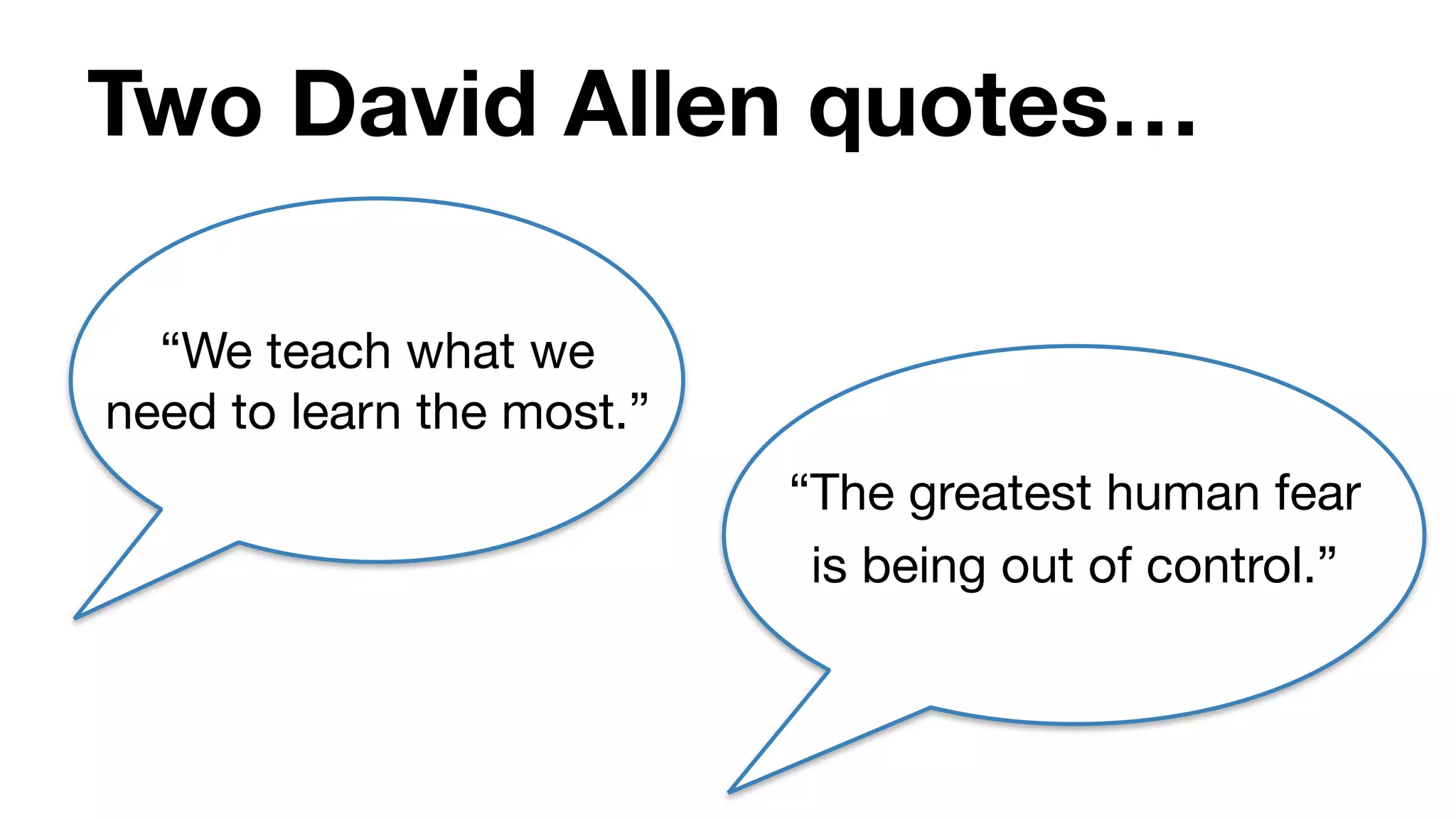
Two David Allen quotes…
“We teach what we
need to learn the most.”
“The greatest human fear
is being out of control.”
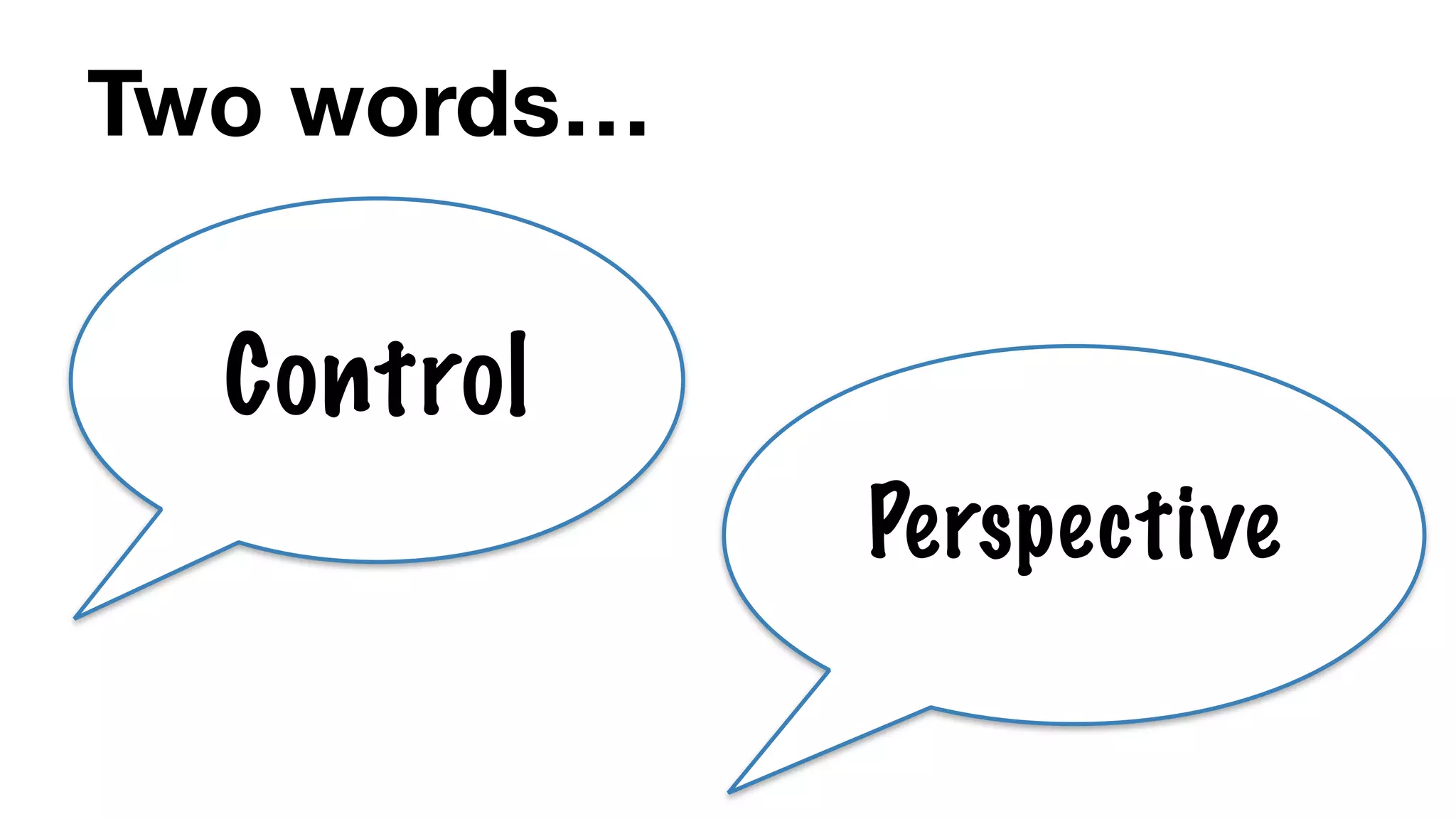
Two words…
Control
Perspective
Agenda
1. Introductions

2. The little exercise
3. What is GTD?

4. How does GTD apply to techcomms?

5. Real-life examples

6. Tools & methods

7. The big exercise

8. What’s next?
Exercise
Get ready to write on a
piece of paper or your
device...
Exercise
1. Purpose
Exercise
1. Purpose

2. Vision
Exercise
1. Purpose

2. Vision

3. Ideas
Exercise
1. Purpose

2. Vision

3. Ideas

4. Structure
Exercise
1. Purpose

2. Vision

3. Ideas

4. Structure

5. Next action
Exercise
1. Purpose

2. Vision

3. Ideas

4. Structure

5. Next action
(The “natural planning” model)
“... a wealth of information
creates a poverty of
attention…”

- Herbert A. Simon, 1971
Agenda
1. Introductions

2. The little exercise

3. What is GTD?
4. How does GTD apply to techcomms?

5. Real-life examples

6. Tools & methods

7. The big exercise

8. What’s next?
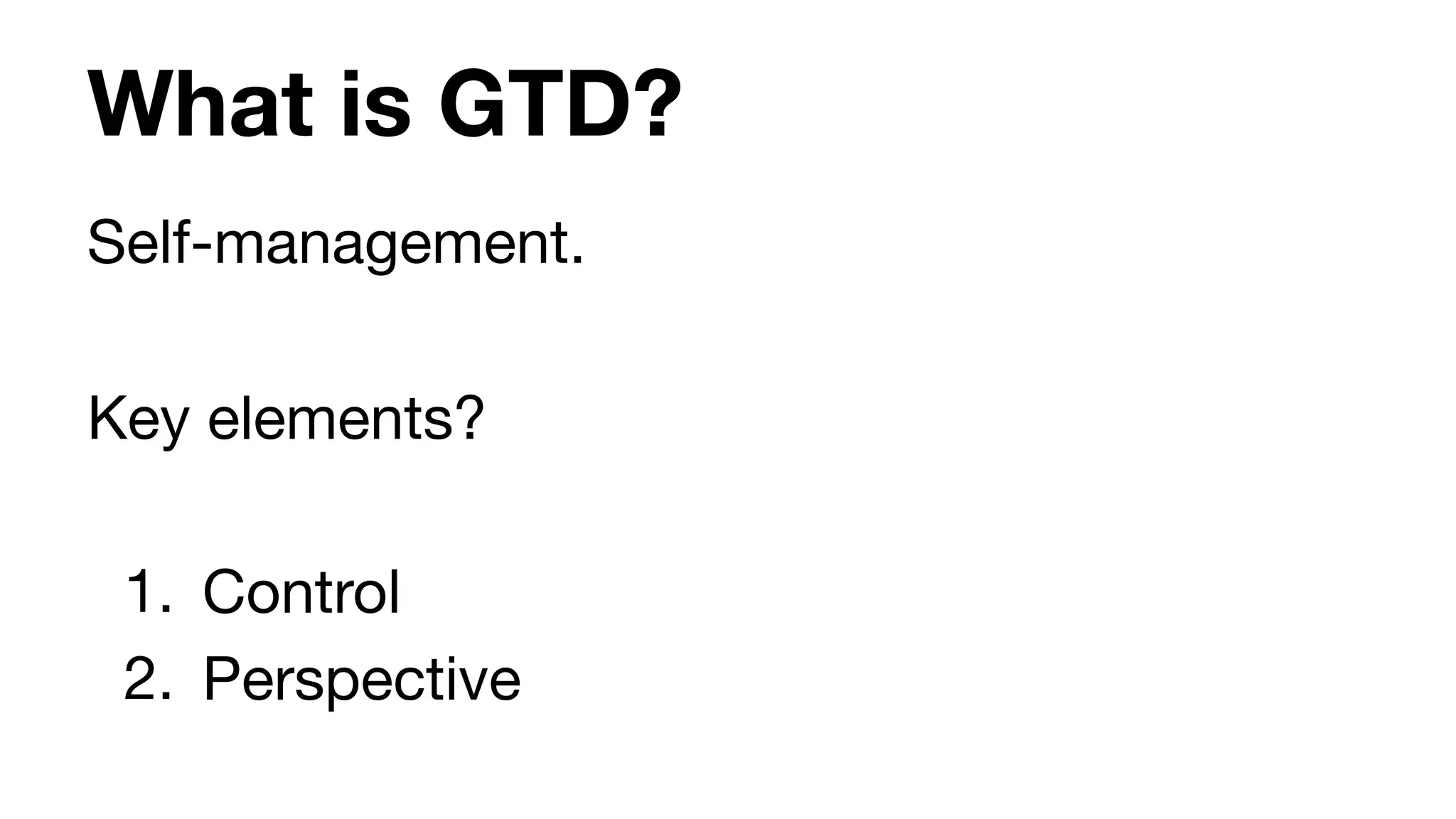
What is GTD?
Self-management. 

Key elements?

1. Control

2. Perspective
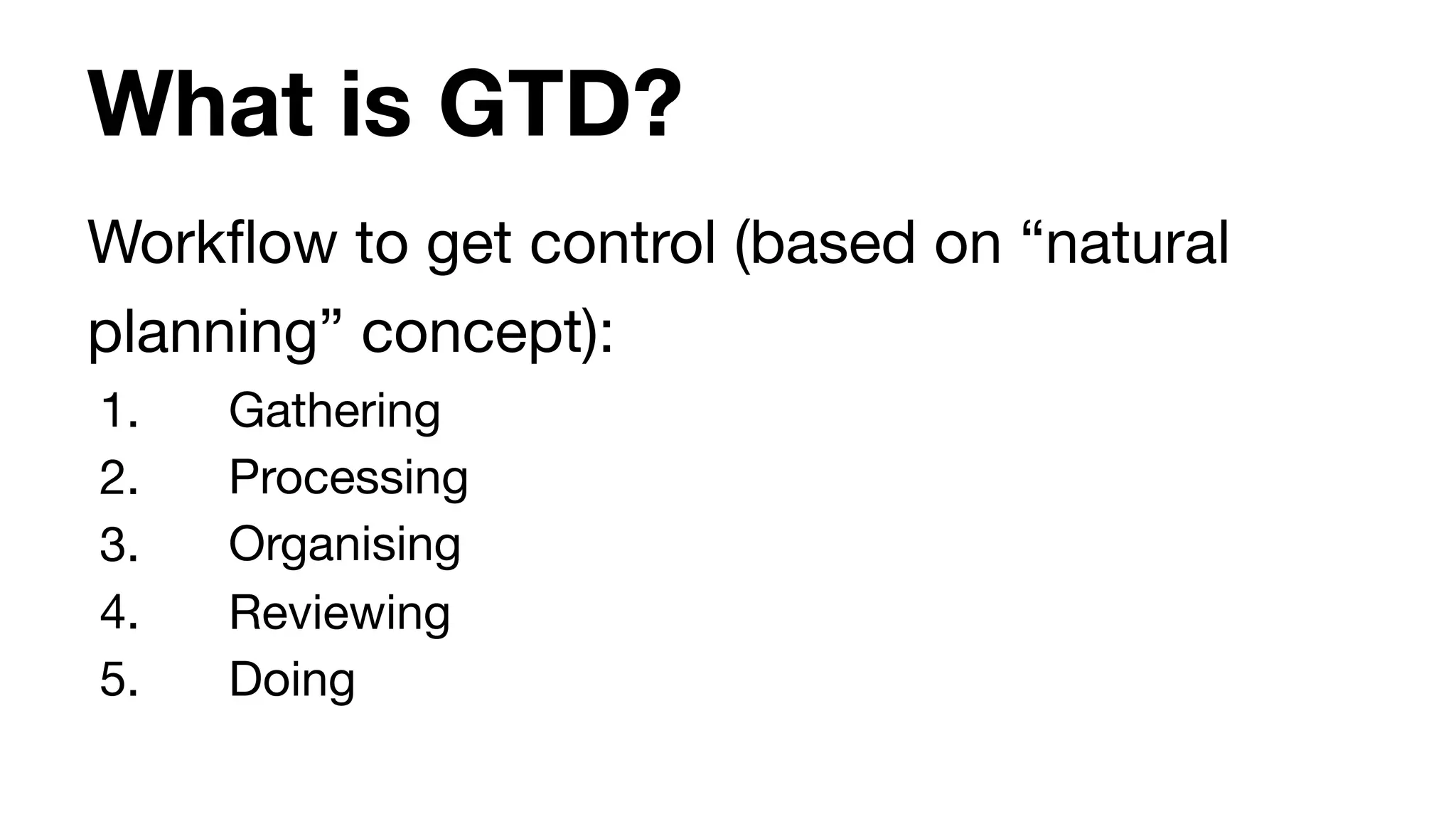
What is GTD?
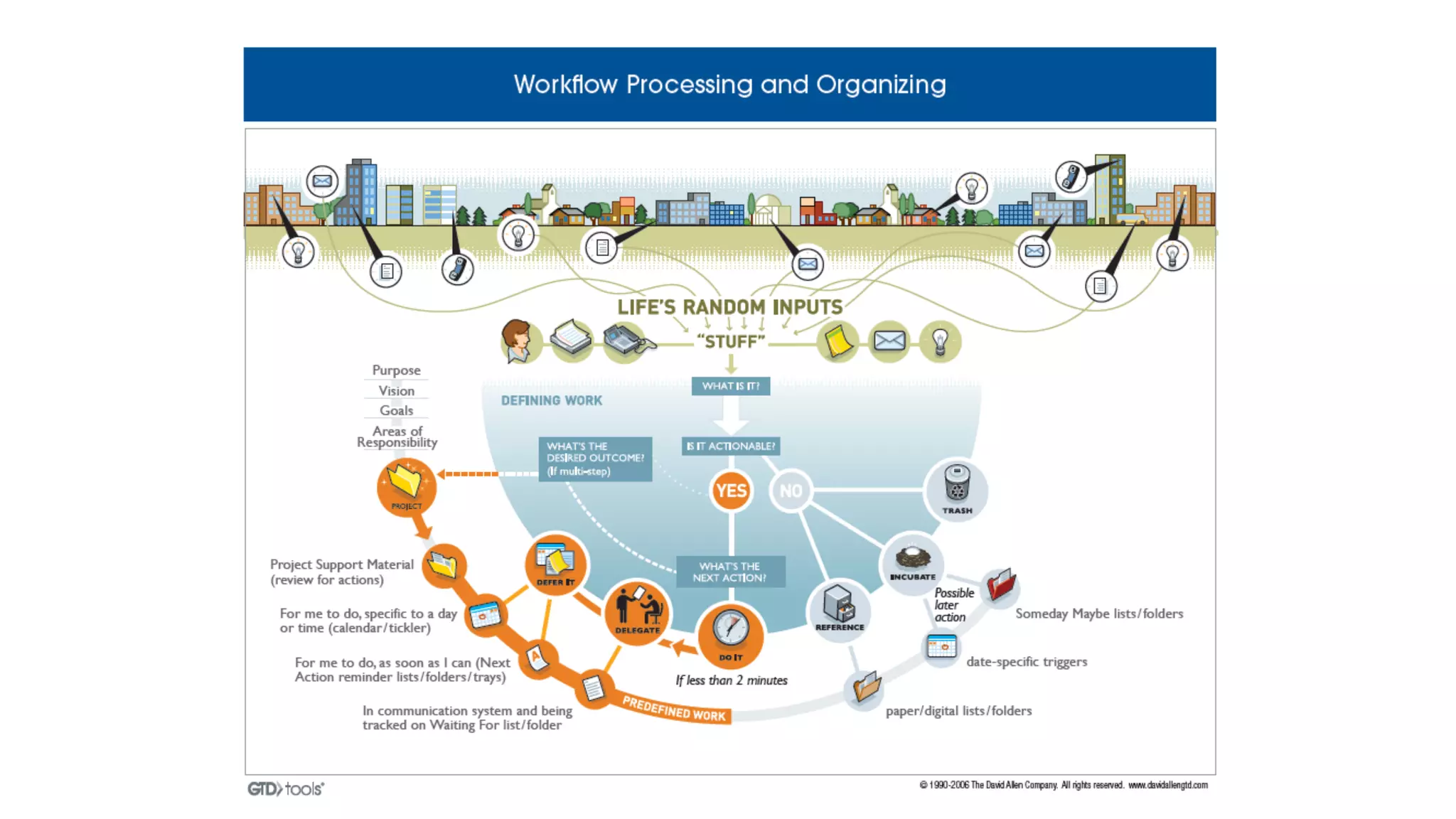
Workflow to get control (based on “natural
planning” concept):

1. Gathering

2. Processing

3. Organising

4. Reviewing

5. Doing
Agenda
1. Introductions

2. The little exercise

3. What is GTD?

4. How does GTD apply to techcomms?
5. Real-life examples

6. Tools & methods

7. The big exercise

8. What’s next?
How does GTD apply to techcomm
Karen and John share examples.

Start thinking about what YOUR examples
might be.
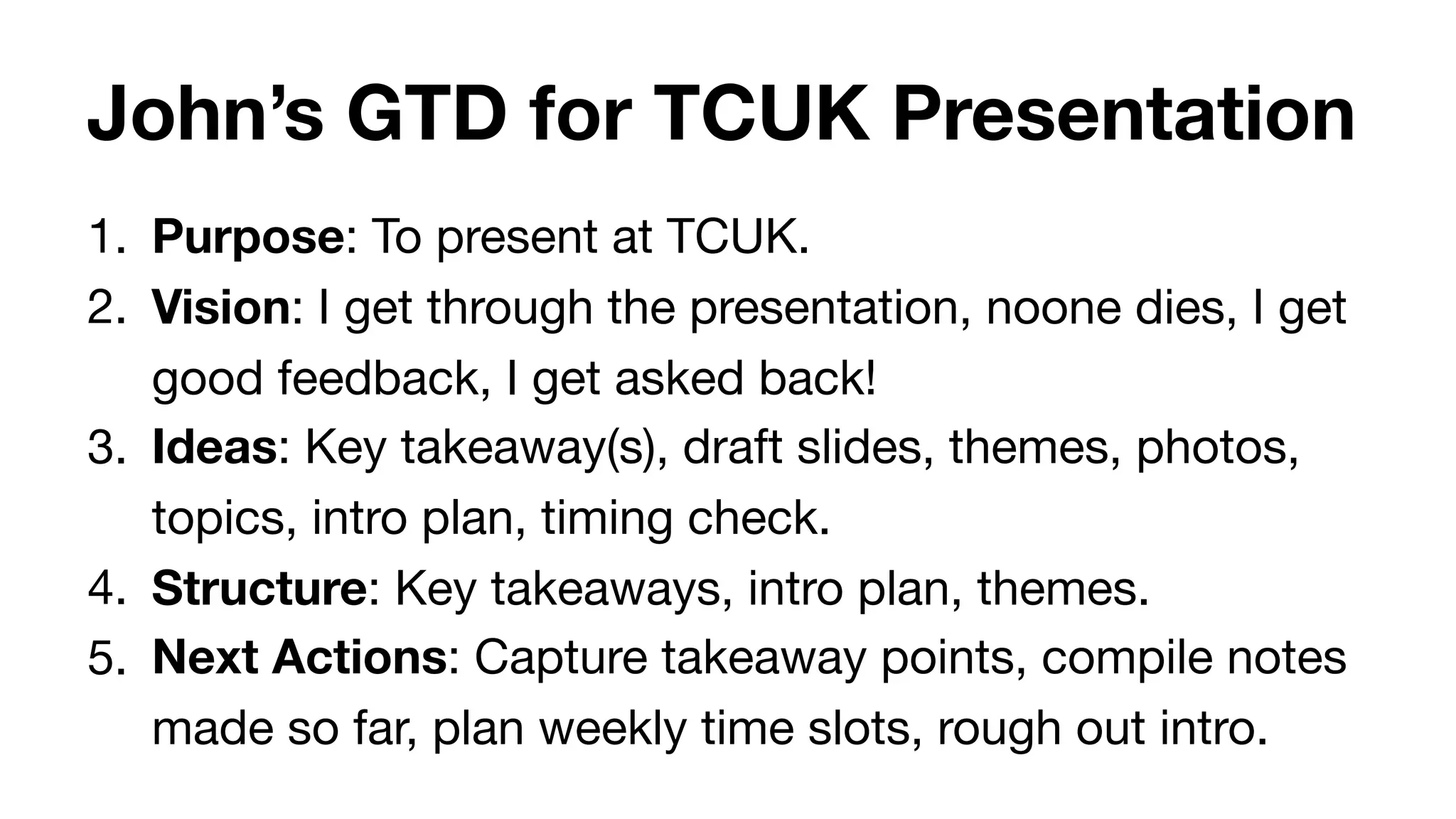
John’s GTD for TCUK Presentation
1. Purpose: To present at TCUK.

2. Vision: I get through the presentation, noone dies, I get
good feedback, I get asked back!

3. Ideas: Key takeaway(s), draft slides, themes, photos,
topics, intro plan, timing check.

4. Structure: Key takeaways, intro plan, themes.

5. Next Actions: Capture takeaway points, compile notes
made so far, plan weekly time slots, rough out intro.
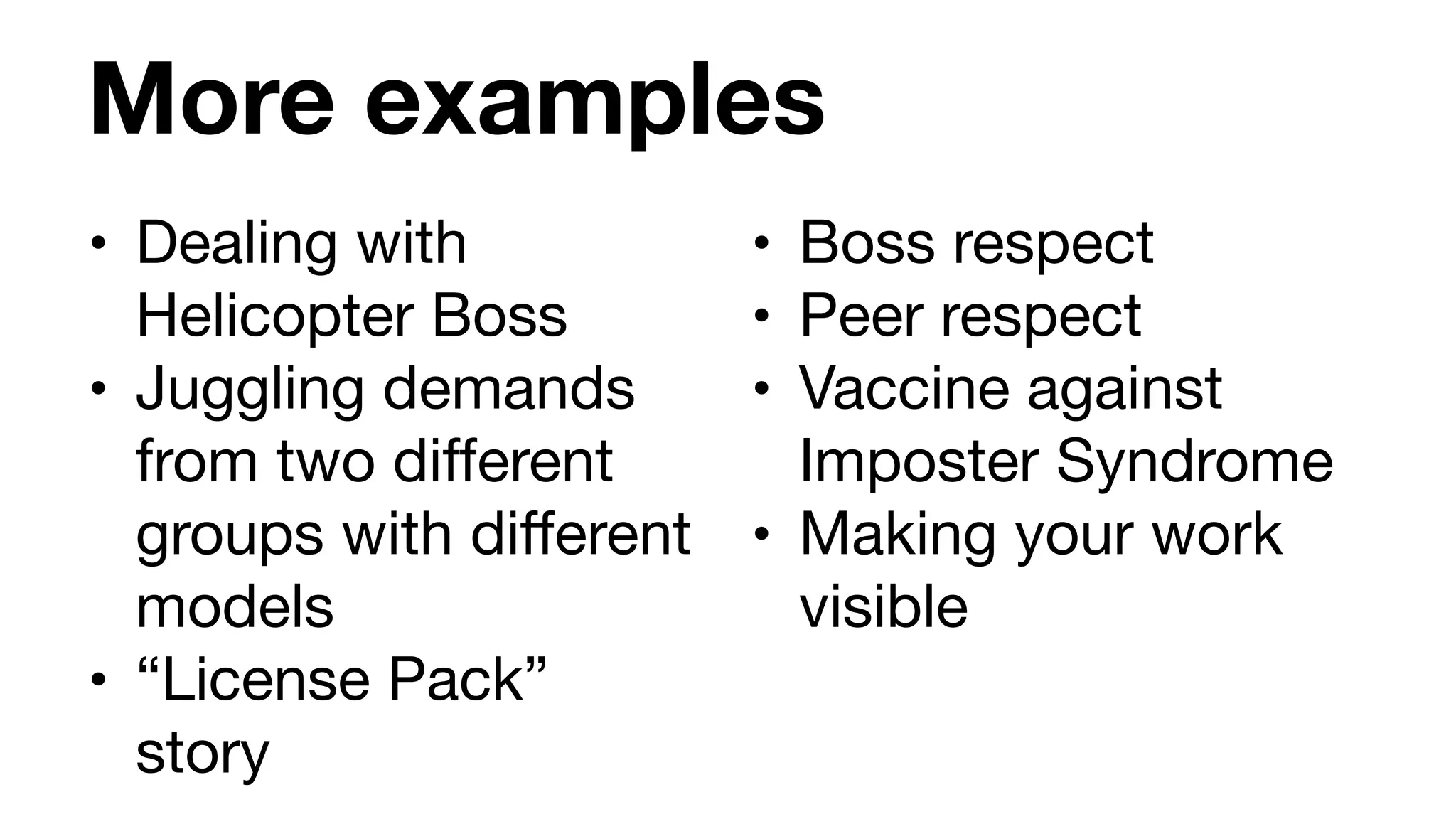
More examples
• Dealing with
Helicopter Boss

• Juggling demands
from two different
groups with different
models

• “License Pack”
story
• Boss respect

• Peer respect

• Vaccine against
Imposter Syndrome

• Making your work
visible
“Indeed, the limitations of both working
and long-term memory are such that you
cannot rely on them to recall all the
important facts when they are needed.”

- Francis Heylighen & Clément Vidal (2007)
Agenda
1. Introductions

2. The little exercise

3. What is GTD?

4. How does GTD apply to techcomms?

5. Real-life examples
6. Tools & methods

7. The big exercise

8. What’s next?
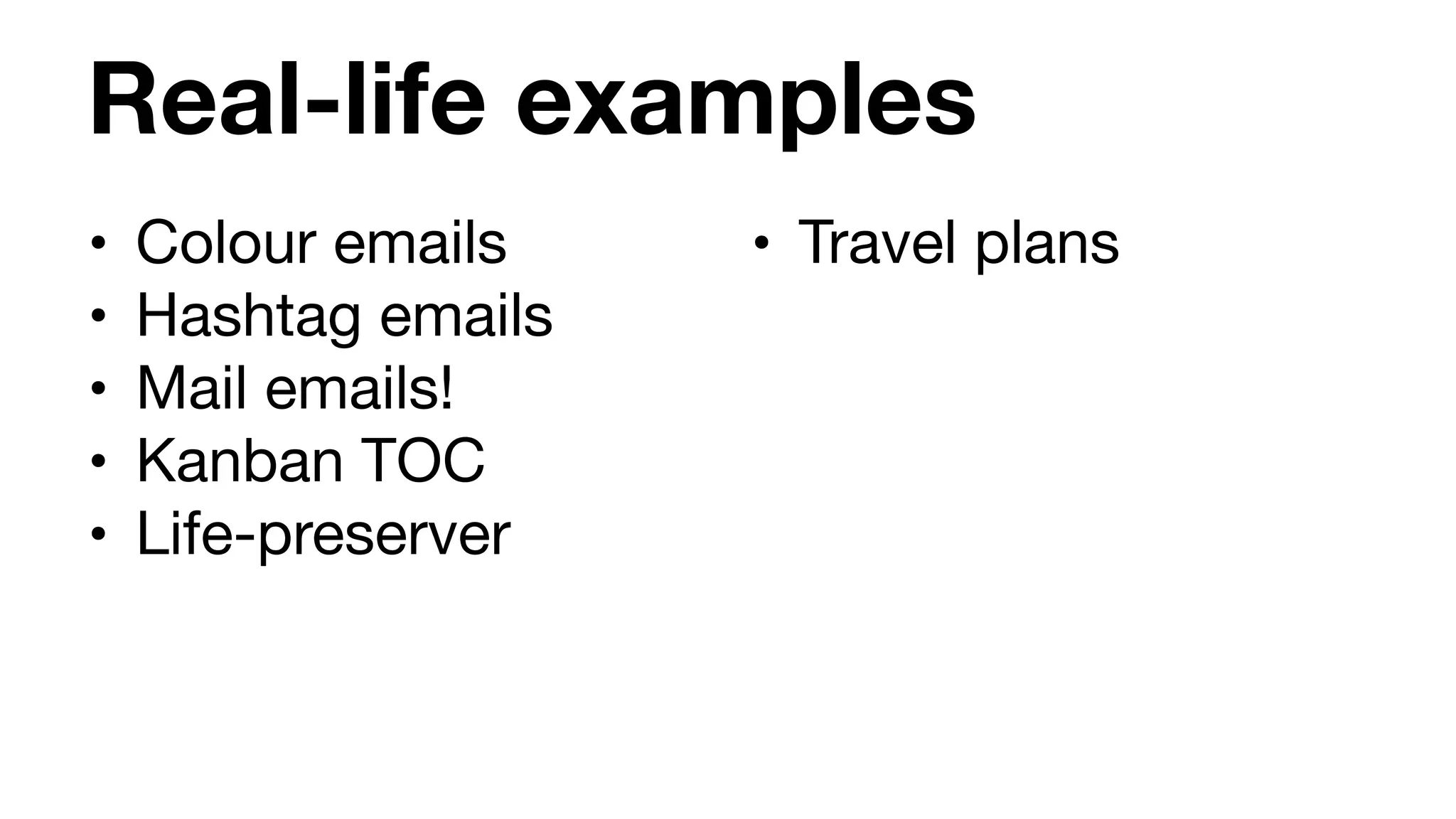
Real-life examples
• Colour emails

• Hashtag emails

• Mail emails!

• Kanban TOC

• Life-preserver
• Travel plans
Make sure your system is sustainable. It
should be a benefit, not a burden. Some do
fine with just a to-do list and a weekly review.
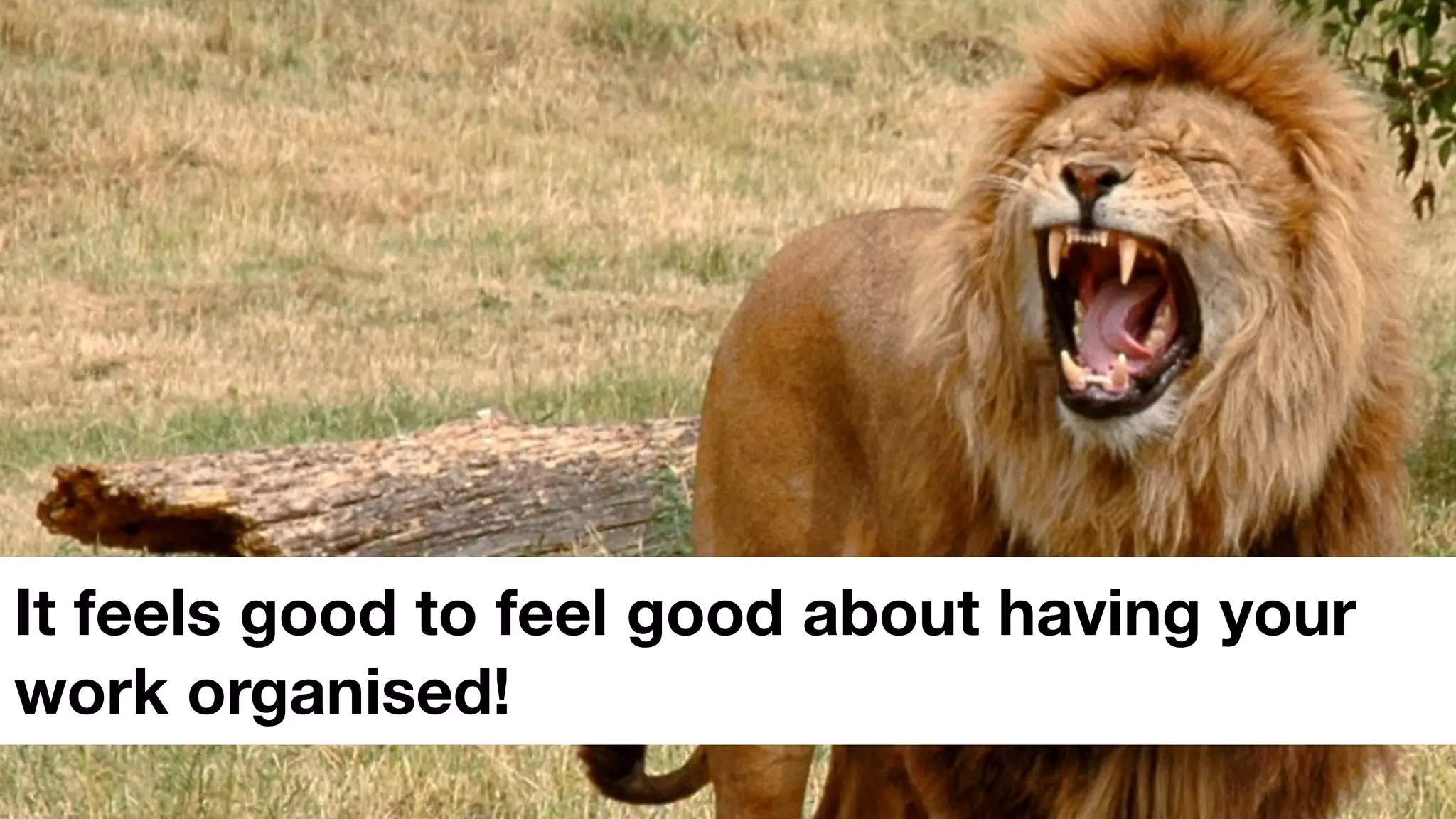
It feels good to feel good about having your
work organised!
Agenda
1. Introductions

2. The little exercise
3. What is GTD?

4. How does GTD apply to techcomms?

5. Real-life examples

6. Tools & methods
7. The big exercise

8. What’s next?
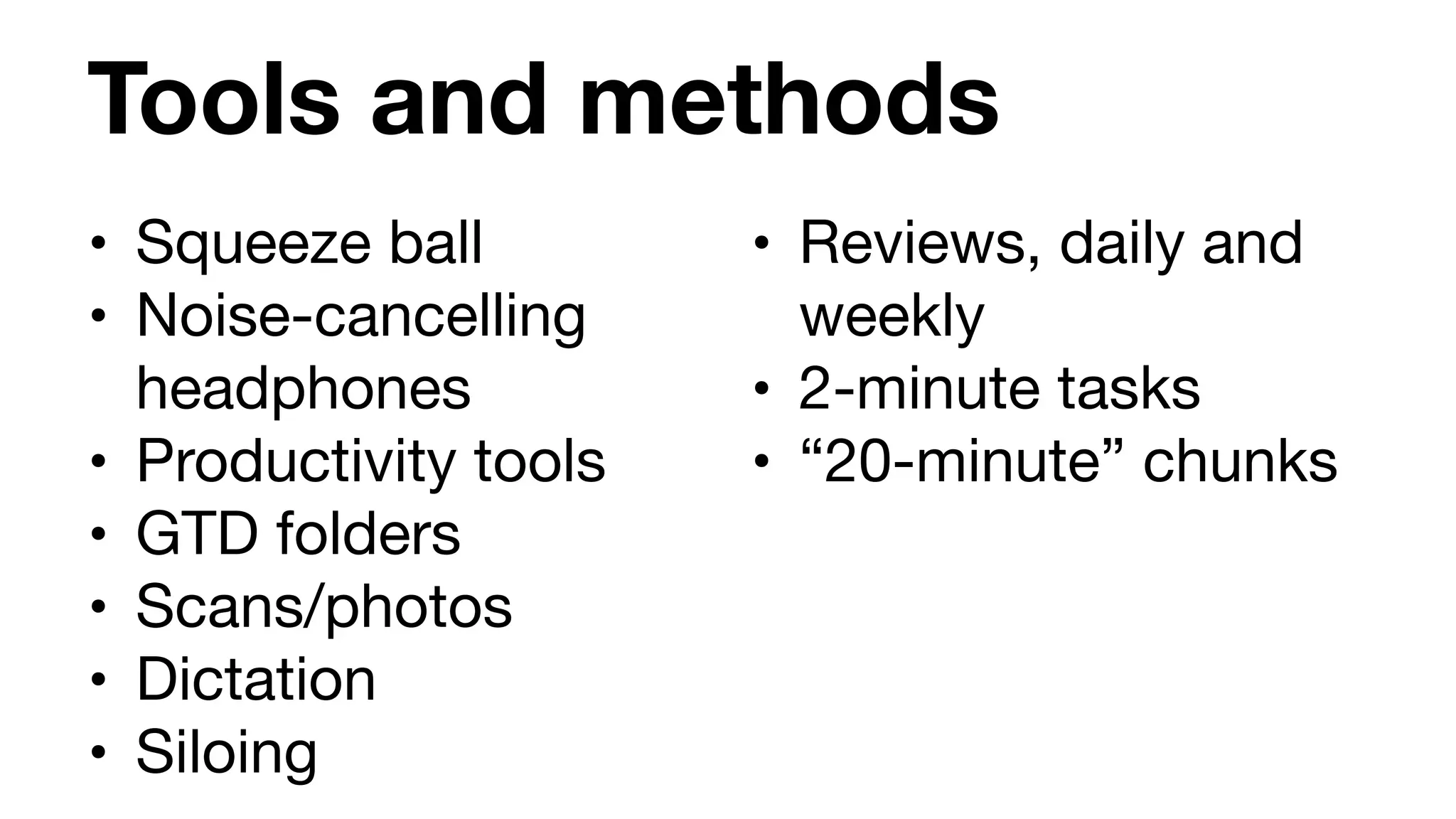
Tools and methods
• Squeeze ball

• Noise-cancelling
headphones

• Productivity tools

• GTD folders

• Scans/photos

• Dictation

• Siloing
• Reviews, daily and
weekly

• 2-minute tasks

• “20-minute” chunks
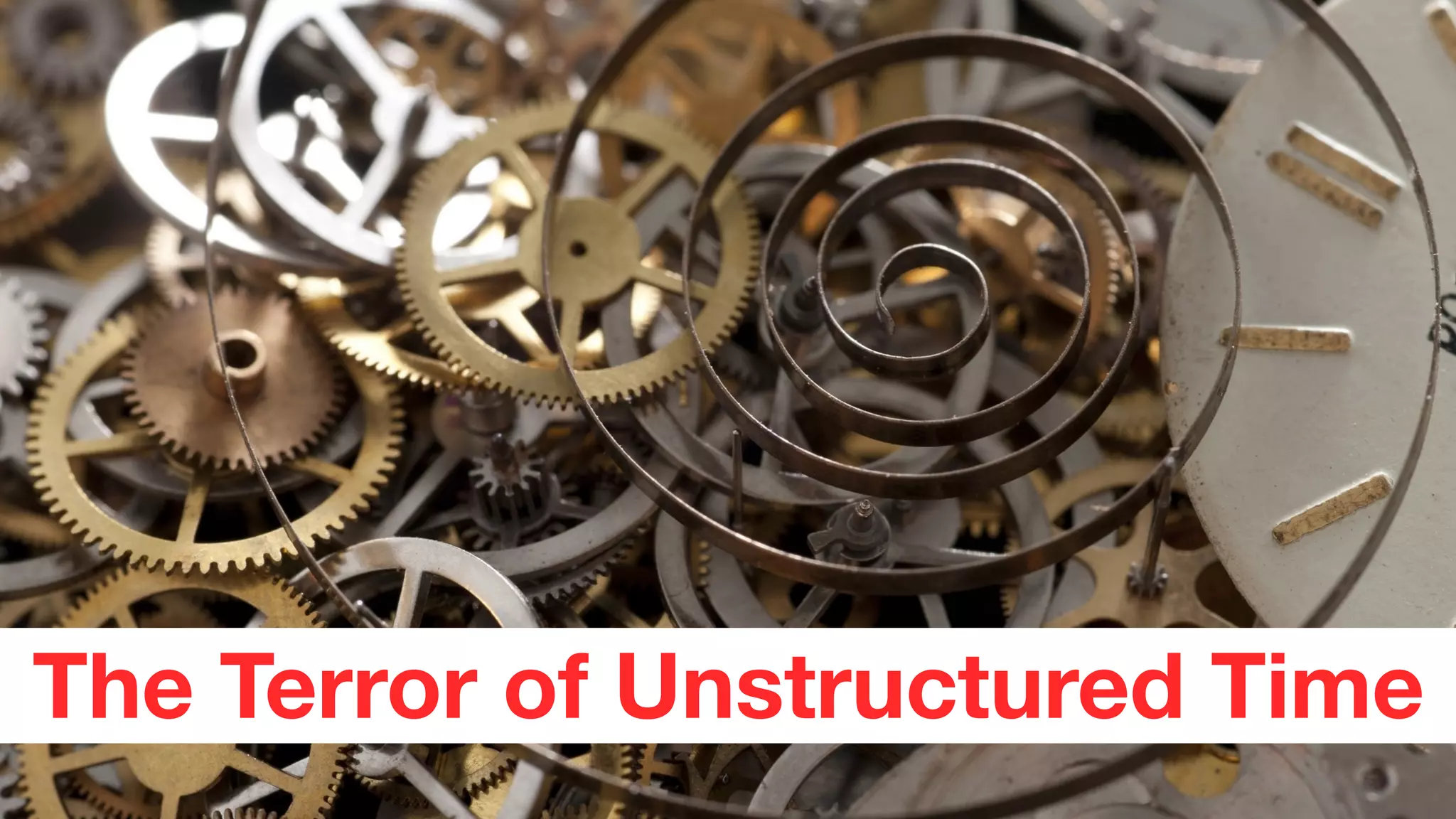
The Terror of Unstructured Time
Focus
To-do list?

or

Time-to-think schedule?
Agenda
1. Introductions

2. The little exercise

3. What is GTD?

4. How does GTD apply to techcomms?

5. Real-life examples

6. Tools & methods

7. The big exercise
8. What’s next?
Now it’s your turn - hands-on time!
Sharing from the hands-on activities
“This slide intentionally left blank because it is
your canvas.”
Agenda
1. Introductions

2. The little exercise

3. What is GTD?

4. How does GTD apply to techcomms?

5. Real-life examples

6. Tools & methods

7. The big exercise

8. What’s next?
What’s next?
What will YOU do next,
now that the workshop
is concluded?

What are your… 

Next Actions?
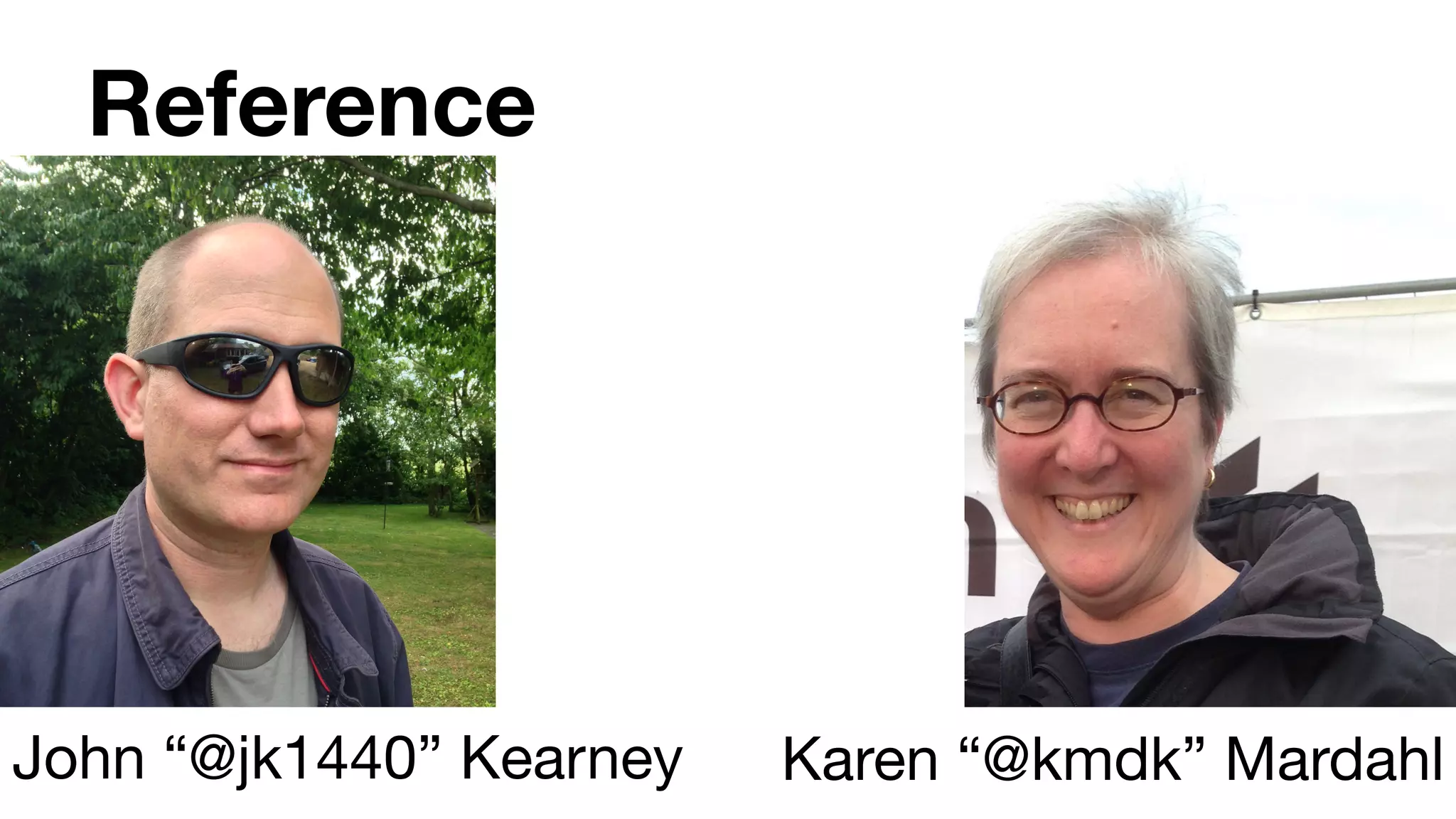
Reference
John “@jk1440” Kearney Karen “@kmdk” Mardahl
Image & quotation credits
• Lego. Skyblue-lego. Licensed under Public Domain via Wikimedia Commons - https://commons.wikimedia.org/wiki/
File:Skyblue-lego.jpg#/media/File:Skyblue-lego.jpg

• Lion. ”Just one lion" by Picture by user:Robek, repositioned by user:Wulfstan - Own work. Licensed under CC BY
2.5 via Wikimedia Commons - https://commons.wikimedia.org/wiki/File:Just_one_lion.jpg#/media/
File:Just_one_lion.jpg

• Squirrel. ”Sciurus-vulgaris hernandeangelis stockholm 2008-06-04" by Photograph by: Hernán De
AngelisCampephilus - Own work. Licensed under CC BY-SA 3.0 via Wikimedia Commons - https://
commons.wikimedia.org/wiki/File:Sciurus-vulgaris_hernandeangelis_stockholm_2008-06-04.jpg#/media/
File:Sciurus-vulgaris_hernandeangelis_stockholm_2008-06-04.jpg

• All other photos private

• GTD poster shared with kind permission from Customer Service at The David Allen Company

• H.A. Simon quotes from Simon, H.A. (1971): Designing organizations for an information-rich world, in: Computers,
Communications and the Public Interest, Martin Greenberger, ed., The Johns Hopkins Press. Referenced in
Heylighen Francis. & Vidal, Clément (2007). Getting Things Done: The Science behind Stress-Free Productivity.
http://pespmc1.vub.ac.be/Papers/GTD-cognition.pdf
41

Getting Things Done for Technical Communicators

  • 1.
    Getting Things Done
 for
 TechnicalCommunicators #TCUK15 workshop John Kearney & Karen Mardahl 29 September 2015
  • 2.
    Agenda 1. Introductions 2. Thelittle exercise 3. What is GTD? 4. How does GTD apply to techcomms? 5. Real-life examples 6. Tools & methods 7. The big exercise 8. What’s next?
  • 3.
    Intros How did Karenand John end up doing this workshop?
  • 4.
    Two David Allenquotes…
  • 5.
    Two David Allenquotes… “We teach what we need to learn the most.”
  • 6.
    Two David Allenquotes… “We teach what we need to learn the most.” “The greatest human fear is being out of control.”
  • 7.
  • 8.
    Agenda 1. Introductions 2. Thelittle exercise 3. What is GTD? 4. How does GTD apply to techcomms? 5. Real-life examples 6. Tools & methods 7. The big exercise 8. What’s next?
  • 9.
    Exercise Get ready towrite on a piece of paper or your device...
  • 10.
  • 11.
  • 12.
  • 13.
  • 14.
    Exercise 1. Purpose 2. Vision 3.Ideas 4. Structure 5. Next action
  • 15.
    Exercise 1. Purpose 2. Vision 3.Ideas 4. Structure 5. Next action (The “natural planning” model)
  • 16.
    “... a wealthof information creates a poverty of attention…” - Herbert A. Simon, 1971
  • 17.
    Agenda 1. Introductions 2. Thelittle exercise 3. What is GTD? 4. How does GTD apply to techcomms? 5. Real-life examples 6. Tools & methods 7. The big exercise 8. What’s next?
  • 18.
    What is GTD? Self-management. Key elements? 1. Control 2. Perspective
  • 19.
    What is GTD? Workflowto get control (based on “natural planning” concept): 1. Gathering 2. Processing 3. Organising 4. Reviewing 5. Doing
  • 21.
    Agenda 1. Introductions 2. Thelittle exercise 3. What is GTD? 4. How does GTD apply to techcomms? 5. Real-life examples 6. Tools & methods 7. The big exercise 8. What’s next?
  • 22.
    How does GTDapply to techcomm Karen and John share examples. Start thinking about what YOUR examples might be.
  • 23.
    John’s GTD forTCUK Presentation 1. Purpose: To present at TCUK. 2. Vision: I get through the presentation, noone dies, I get good feedback, I get asked back! 3. Ideas: Key takeaway(s), draft slides, themes, photos, topics, intro plan, timing check. 4. Structure: Key takeaways, intro plan, themes. 5. Next Actions: Capture takeaway points, compile notes made so far, plan weekly time slots, rough out intro.
  • 24.
    More examples • Dealingwith Helicopter Boss • Juggling demands from two different groups with different models • “License Pack” story • Boss respect • Peer respect • Vaccine against Imposter Syndrome • Making your work visible
  • 25.
    “Indeed, the limitationsof both working and long-term memory are such that you cannot rely on them to recall all the important facts when they are needed.” - Francis Heylighen & Clément Vidal (2007)
  • 26.
    Agenda 1. Introductions 2. Thelittle exercise 3. What is GTD? 4. How does GTD apply to techcomms? 5. Real-life examples 6. Tools & methods 7. The big exercise 8. What’s next?
  • 27.
    Real-life examples • Colouremails • Hashtag emails • Mail emails! • Kanban TOC • Life-preserver • Travel plans
  • 28.
    Make sure yoursystem is sustainable. It should be a benefit, not a burden. Some do fine with just a to-do list and a weekly review.
  • 29.
    It feels goodto feel good about having your work organised!
  • 30.
    Agenda 1. Introductions 2. Thelittle exercise 3. What is GTD? 4. How does GTD apply to techcomms? 5. Real-life examples 6. Tools & methods 7. The big exercise 8. What’s next?
  • 31.
    Tools and methods •Squeeze ball • Noise-cancelling headphones • Productivity tools • GTD folders • Scans/photos • Dictation • Siloing • Reviews, daily and weekly • 2-minute tasks • “20-minute” chunks
  • 32.
    The Terror ofUnstructured Time
  • 33.
  • 34.
  • 35.
    Agenda 1. Introductions 2. Thelittle exercise 3. What is GTD? 4. How does GTD apply to techcomms? 5. Real-life examples 6. Tools & methods 7. The big exercise 8. What’s next?
  • 36.
    Now it’s yourturn - hands-on time!
  • 37.
    Sharing from thehands-on activities “This slide intentionally left blank because it is your canvas.”
  • 38.
    Agenda 1. Introductions 2. Thelittle exercise 3. What is GTD? 4. How does GTD apply to techcomms? 5. Real-life examples 6. Tools & methods 7. The big exercise 8. What’s next?
  • 39.
    What’s next? What willYOU do next, now that the workshop is concluded? What are your… Next Actions?
  • 40.
    Reference John “@jk1440” KearneyKaren “@kmdk” Mardahl
  • 41.
    Image & quotationcredits • Lego. Skyblue-lego. Licensed under Public Domain via Wikimedia Commons - https://commons.wikimedia.org/wiki/ File:Skyblue-lego.jpg#/media/File:Skyblue-lego.jpg • Lion. ”Just one lion" by Picture by user:Robek, repositioned by user:Wulfstan - Own work. Licensed under CC BY 2.5 via Wikimedia Commons - https://commons.wikimedia.org/wiki/File:Just_one_lion.jpg#/media/ File:Just_one_lion.jpg • Squirrel. ”Sciurus-vulgaris hernandeangelis stockholm 2008-06-04" by Photograph by: Hernán De AngelisCampephilus - Own work. Licensed under CC BY-SA 3.0 via Wikimedia Commons - https:// commons.wikimedia.org/wiki/File:Sciurus-vulgaris_hernandeangelis_stockholm_2008-06-04.jpg#/media/ File:Sciurus-vulgaris_hernandeangelis_stockholm_2008-06-04.jpg • All other photos private • GTD poster shared with kind permission from Customer Service at The David Allen Company • H.A. Simon quotes from Simon, H.A. (1971): Designing organizations for an information-rich world, in: Computers, Communications and the Public Interest, Martin Greenberger, ed., The Johns Hopkins Press. Referenced in Heylighen Francis. & Vidal, Clément (2007). Getting Things Done: The Science behind Stress-Free Productivity. http://pespmc1.vub.ac.be/Papers/GTD-cognition.pdf 41