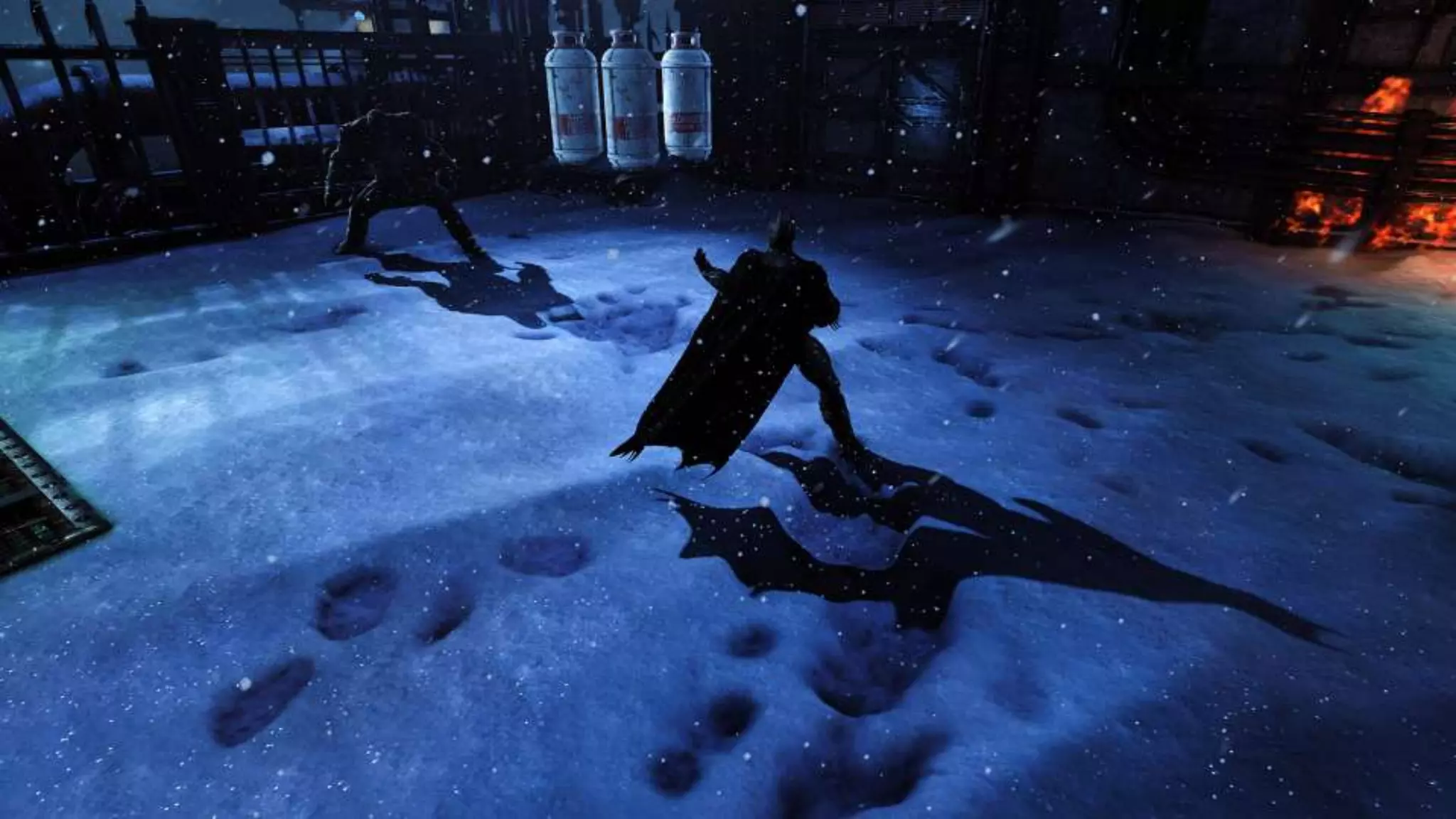
Deformable Snow
Rendering in Batman™: Arkham Origins
Colin Barré-Brisebois (Lead Rendering Programmer)
Agenda
 Motivations
 Deformable Snow
● Novel technique for
rendering of surfaces
covered with fallen
deformable snow
● For consoles and
enhanced for PC
(DX11 tessellation)
 Q&A
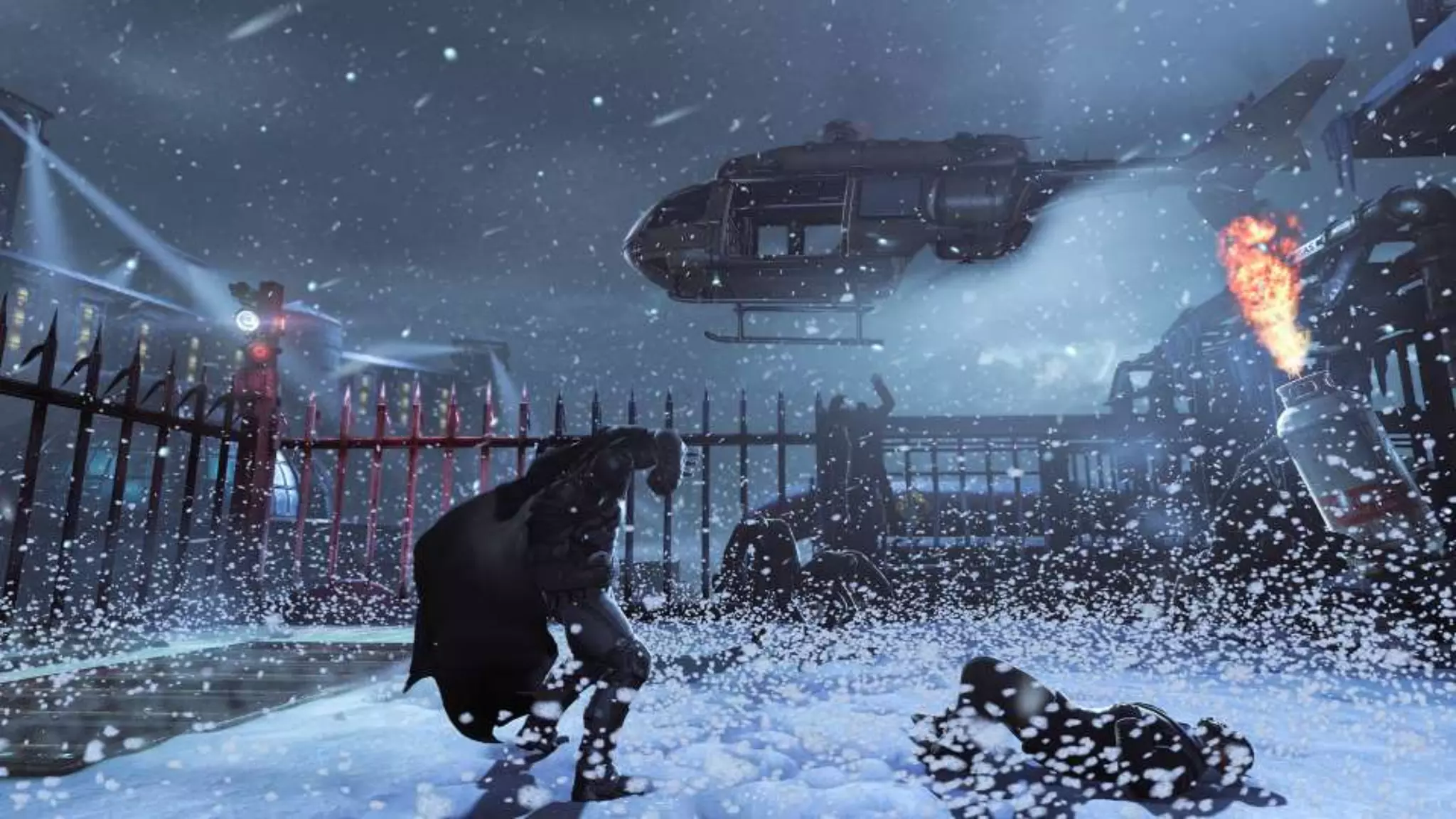
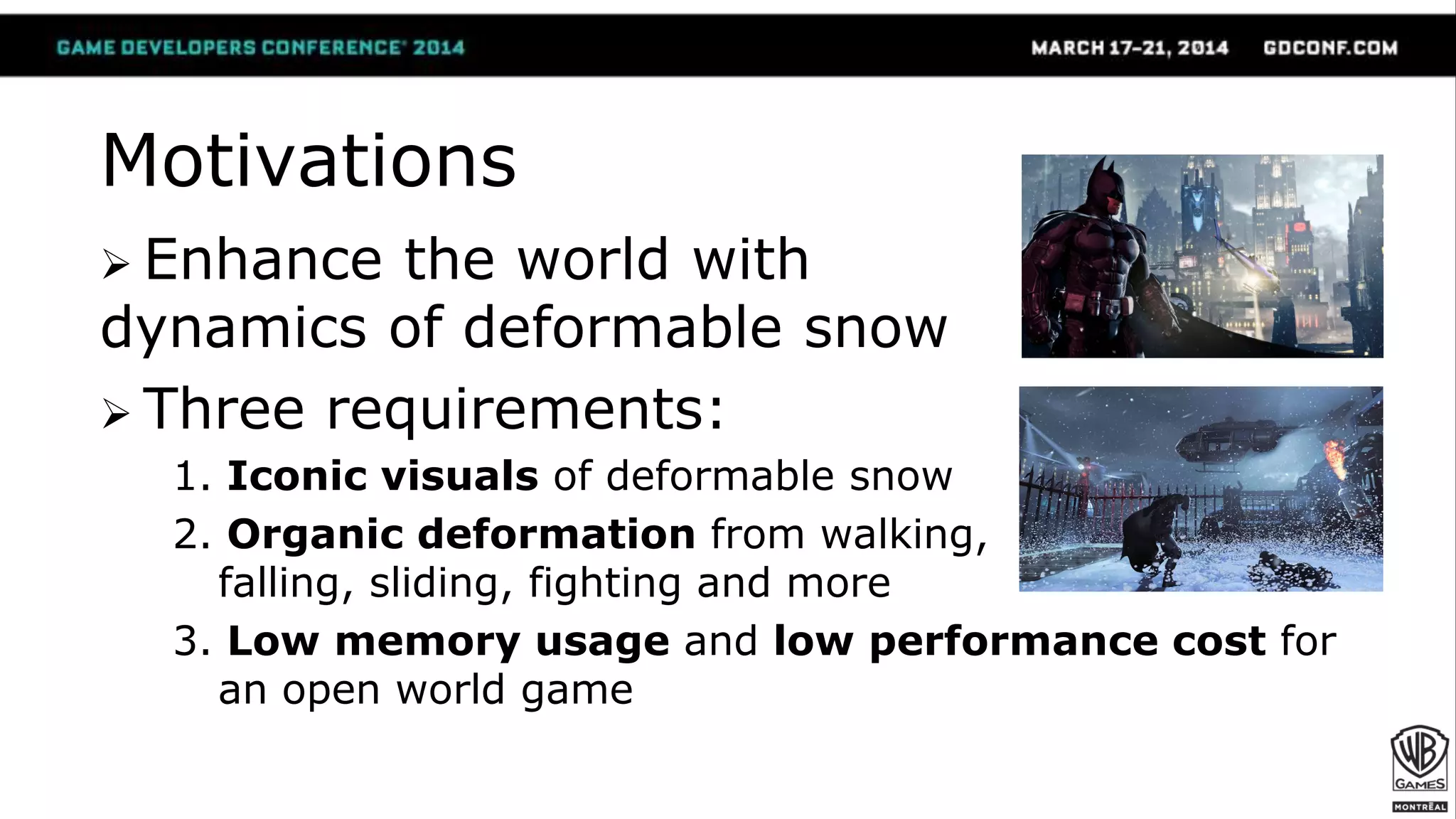
Motivations
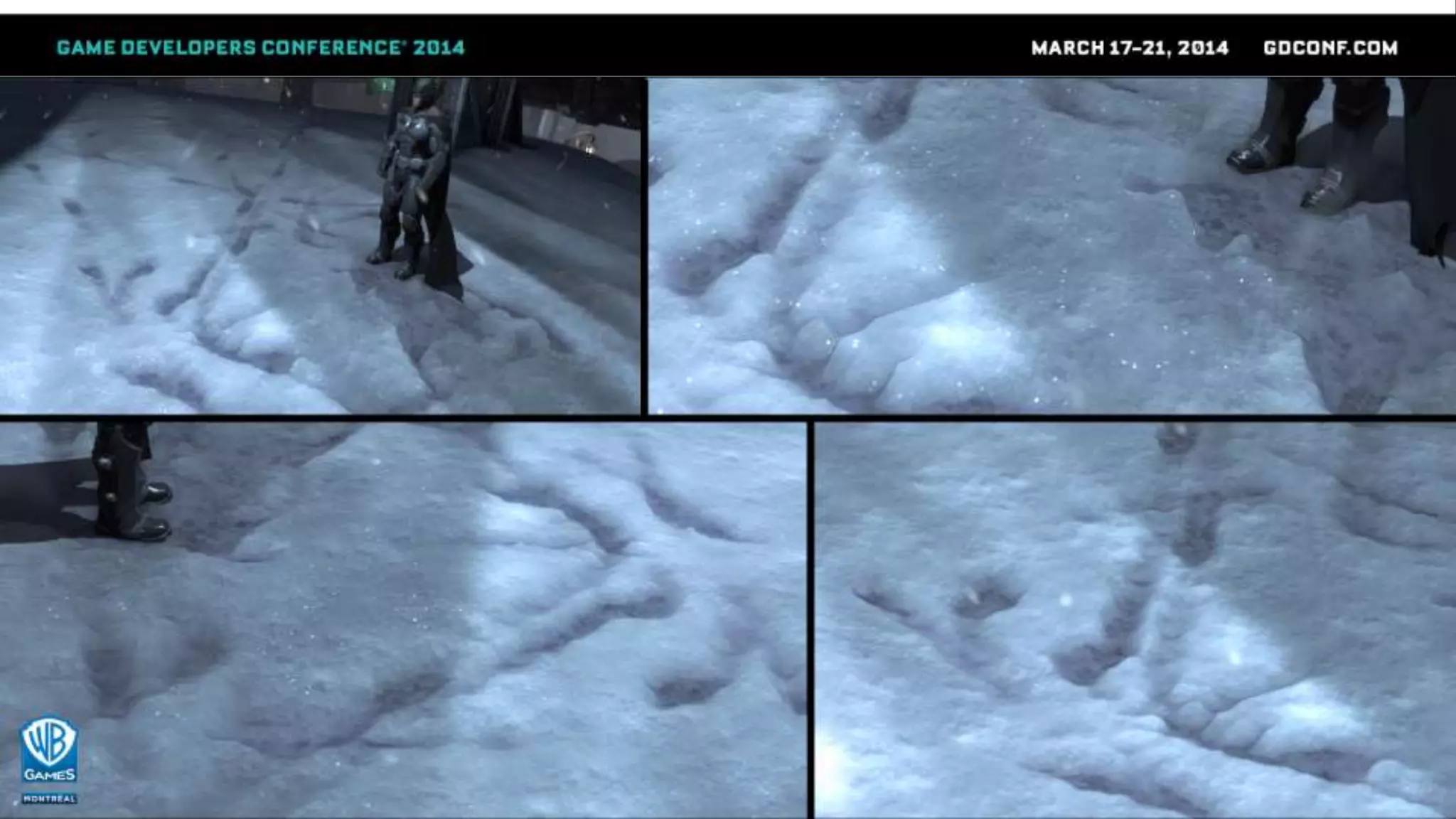
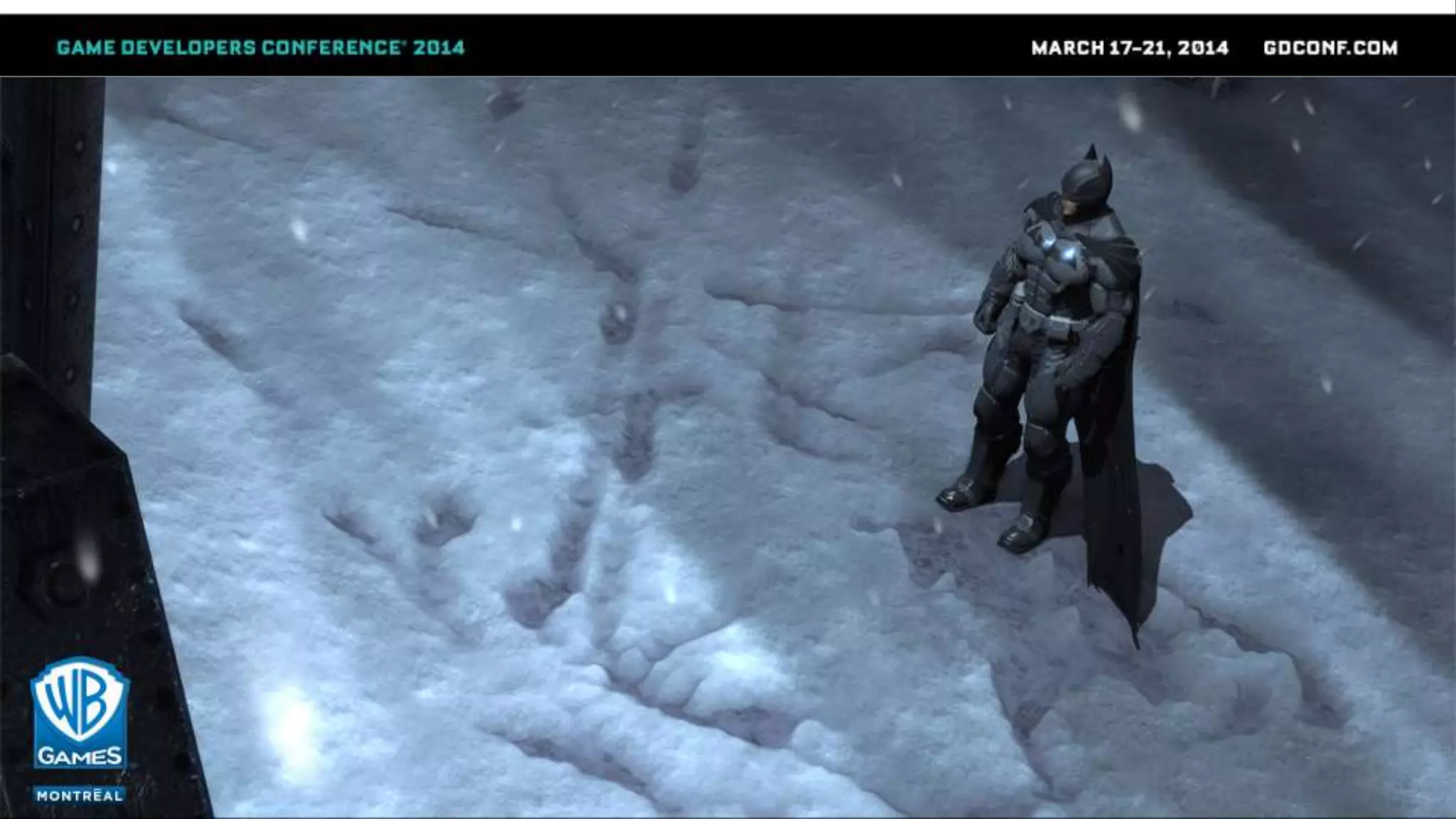
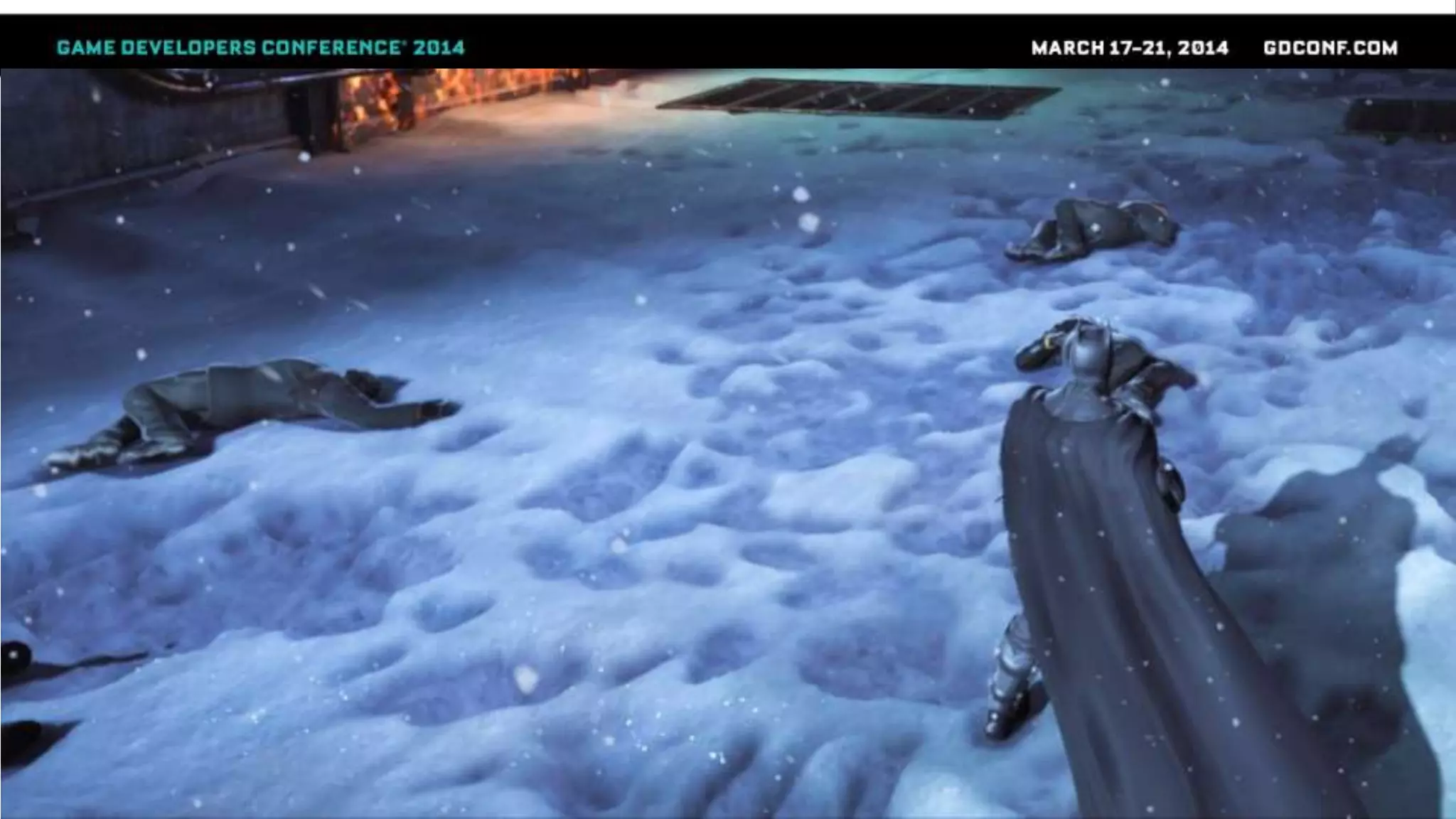
 Enhance the world with
dynamics of deformable snow
 Three requirements:
1. Iconic visuals of deformable snow
2. Organic deformation from walking,
falling, sliding, fighting and more
3. Low memory usage and low performance cost for
an open world game
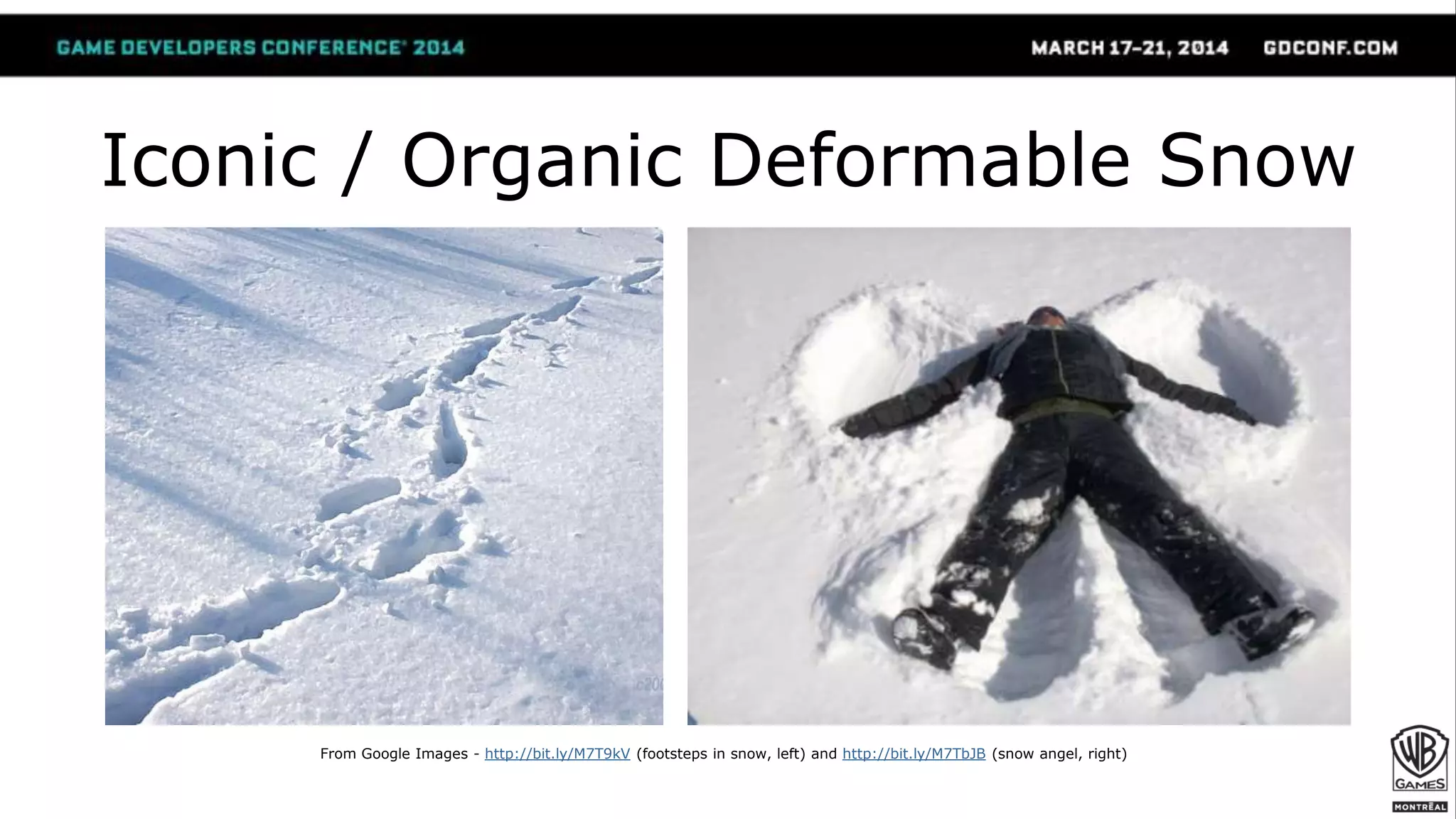
Iconic / Organic Deformable Snow
From Google Images - http://bit.ly/M7T9kV (footsteps in snow, left) and http://bit.ly/M7TbJB (snow angel, right)
Previous Work?
[St-Amour 2013] (Assassin’s Creed 3)
[Edwards 2012] (Journey)
 Raycast on a terrain / Modify terrain mesh.
- We don’t have terrain. We have rooftops and streets.
- Besides, we don’t want to add raycasts.
 Requires variable triangle density for visually
convincing vertex displacement in all cases
- PC DX11 with tessellation is great… but what about consoles?

Our Approach (1/)
 Generate displacement heightmaps at runtime
● Snow prints are a semi-low frequency detail effect
● Cheap approximation works with footsteps & more
● Great performance, and low memory usage
 Consoles: virtual displacement via Relief Mapping
● Minimal taps. No “swimming”
● Independent of triangle density
 PC: DirectX 11 version with tessellation
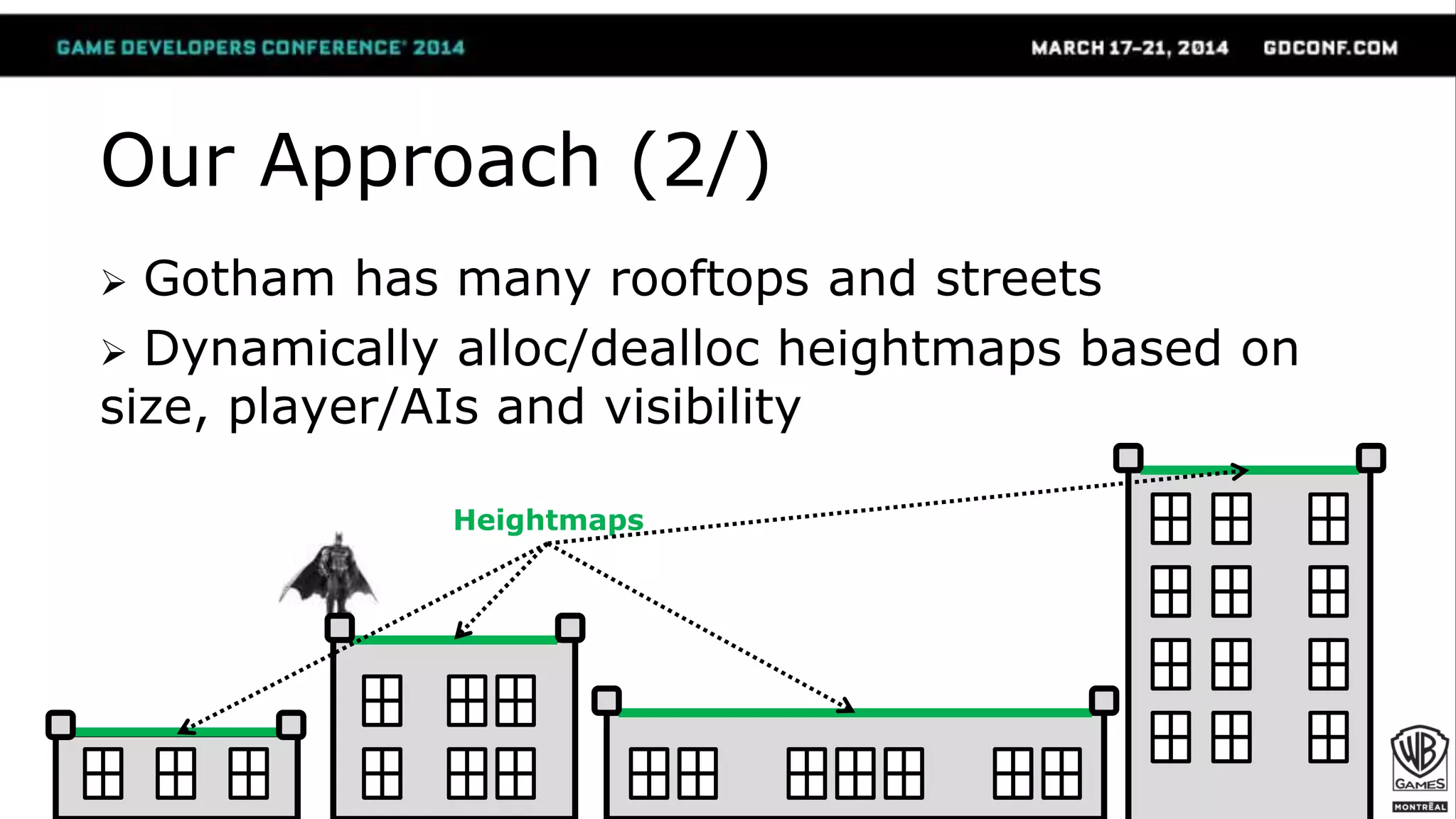
Our Approach (2/)
 Gotham has many rooftops and streets
 Dynamically alloc/dealloc heightmaps based on
size, player/AIs and visibility
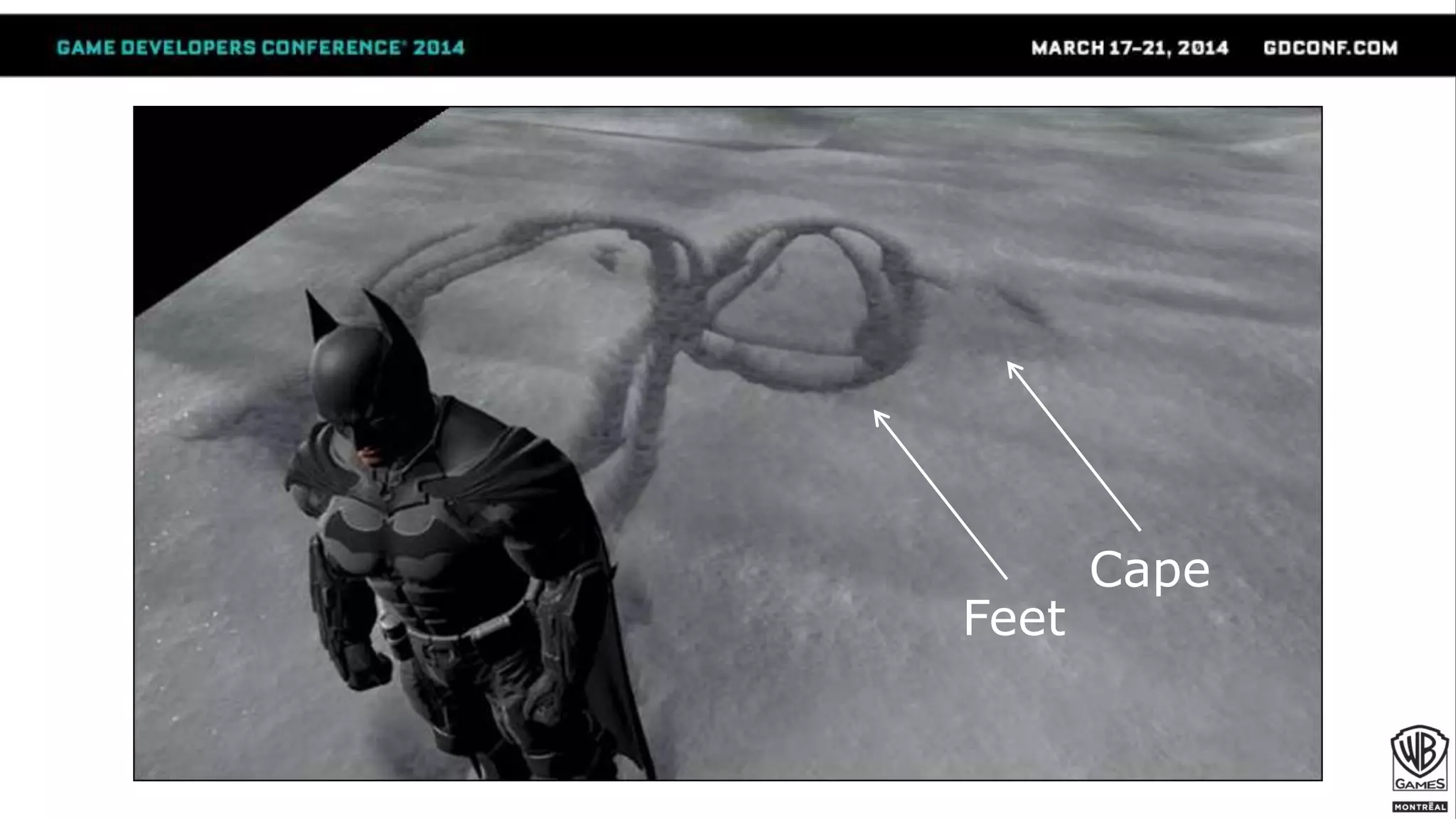
Heightmaps
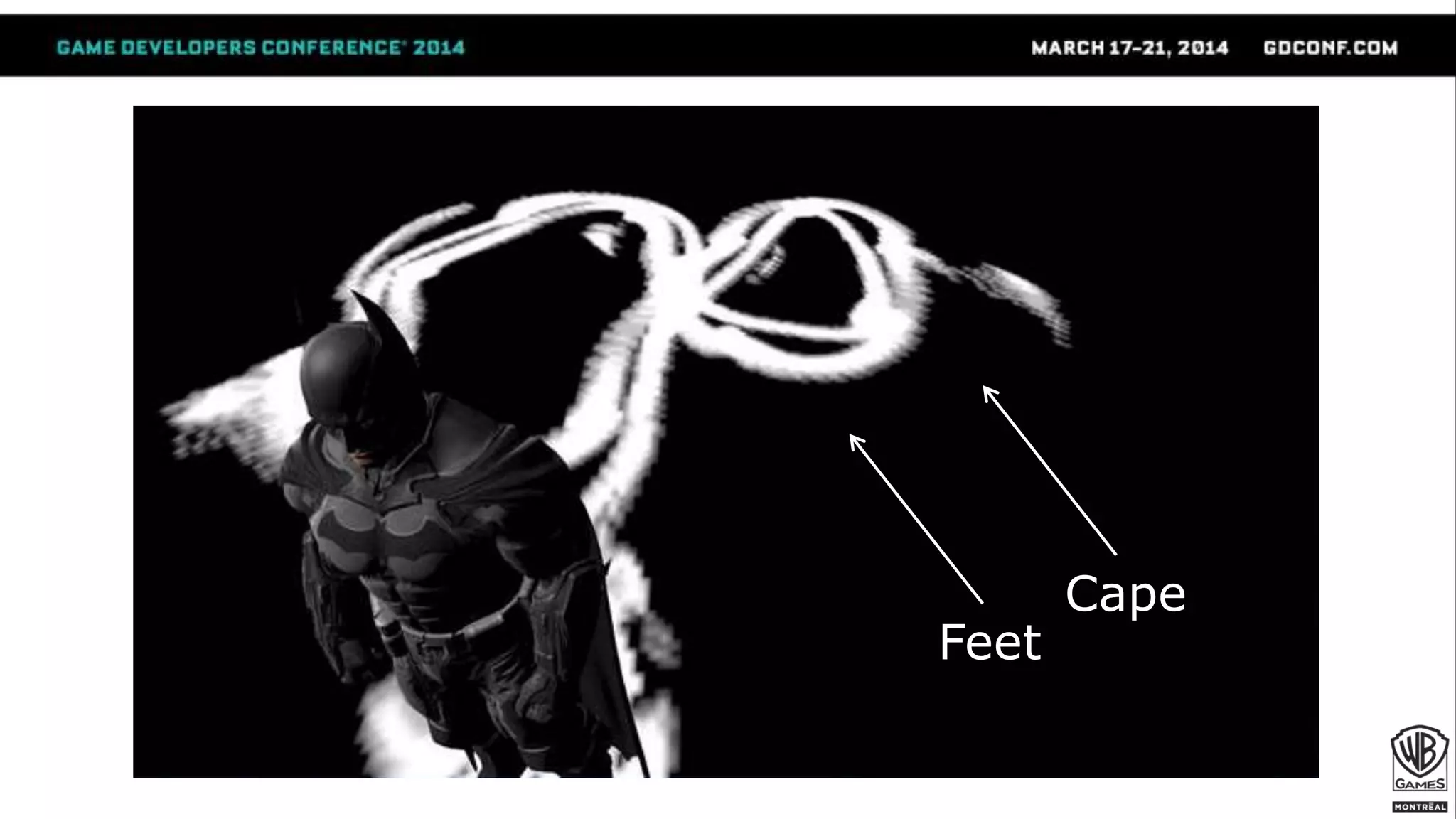
Feet
Cape
Feet
Cape
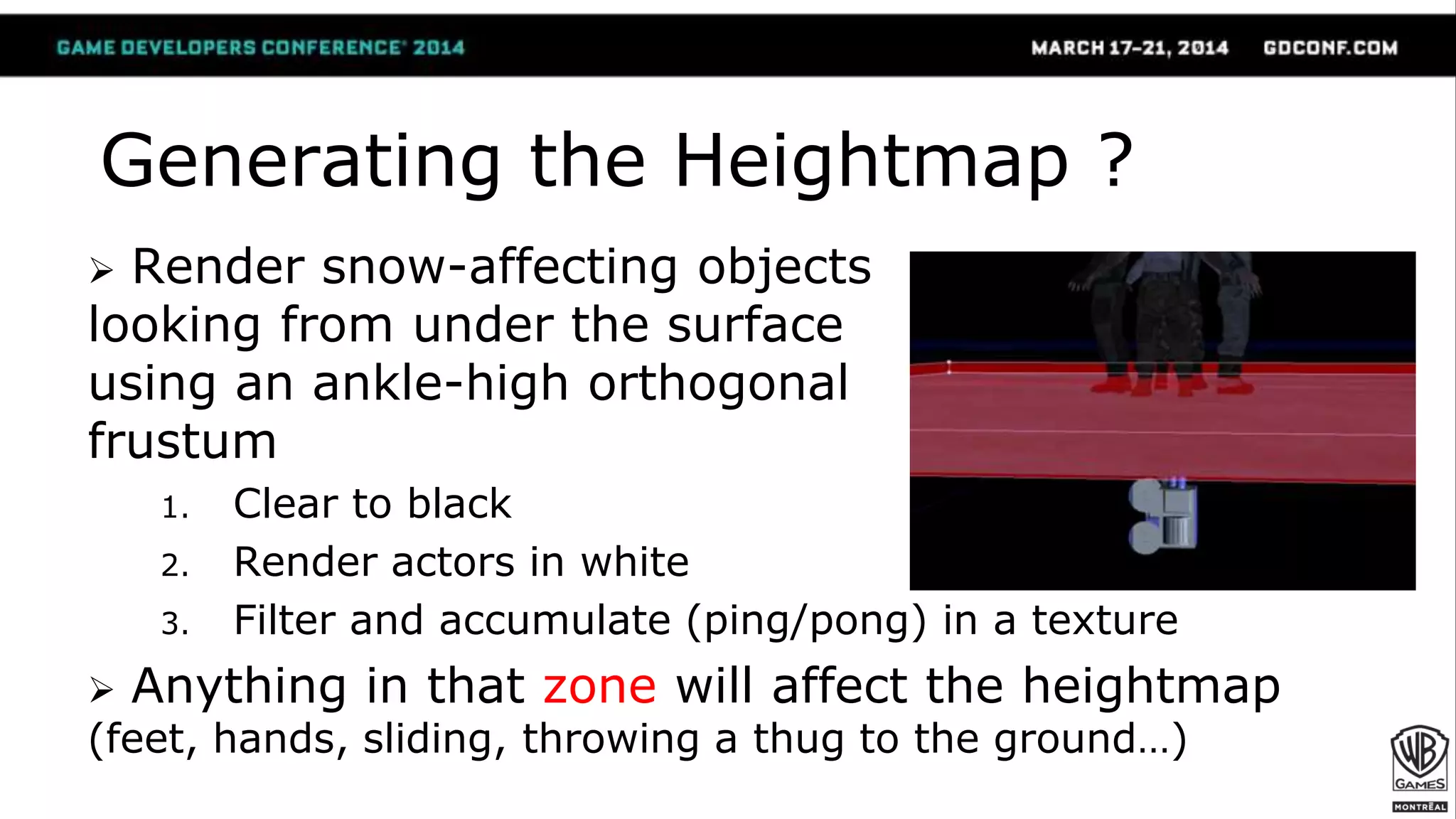
 Render snow-affecting objects
looking from under the surface
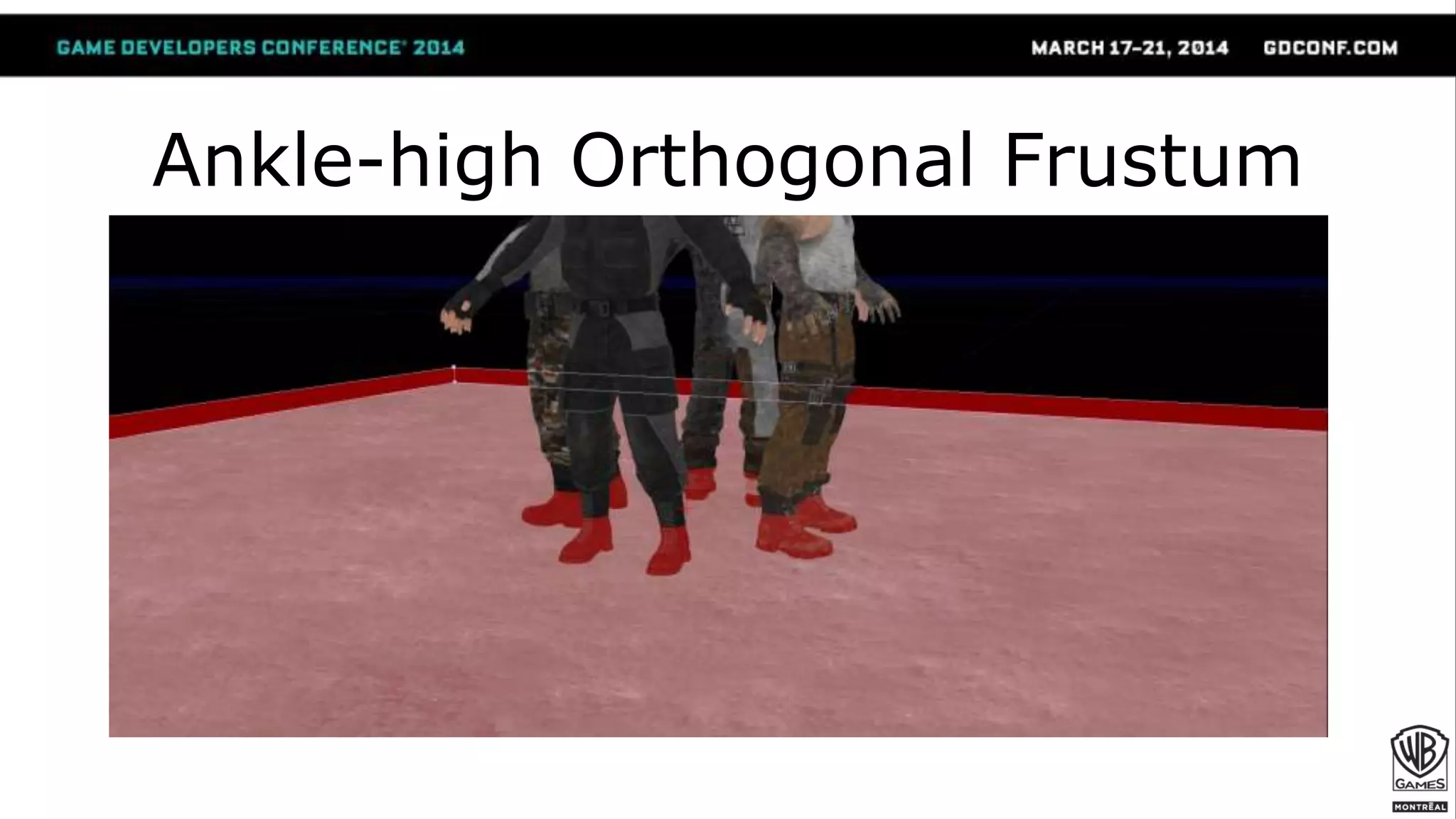
using an ankle-high orthogonal
frustum
1. Clear to black
2. Render actors in white
3. Filter and accumulate (ping/pong) in a texture
 Anything in that zone will affect the heightmap
(feet, hands, sliding, throwing a thug to the ground…)
Generating the Heightmap ?
Ankle-high Orthogonal Frustum
Let’s see what it looks like at
runtime!
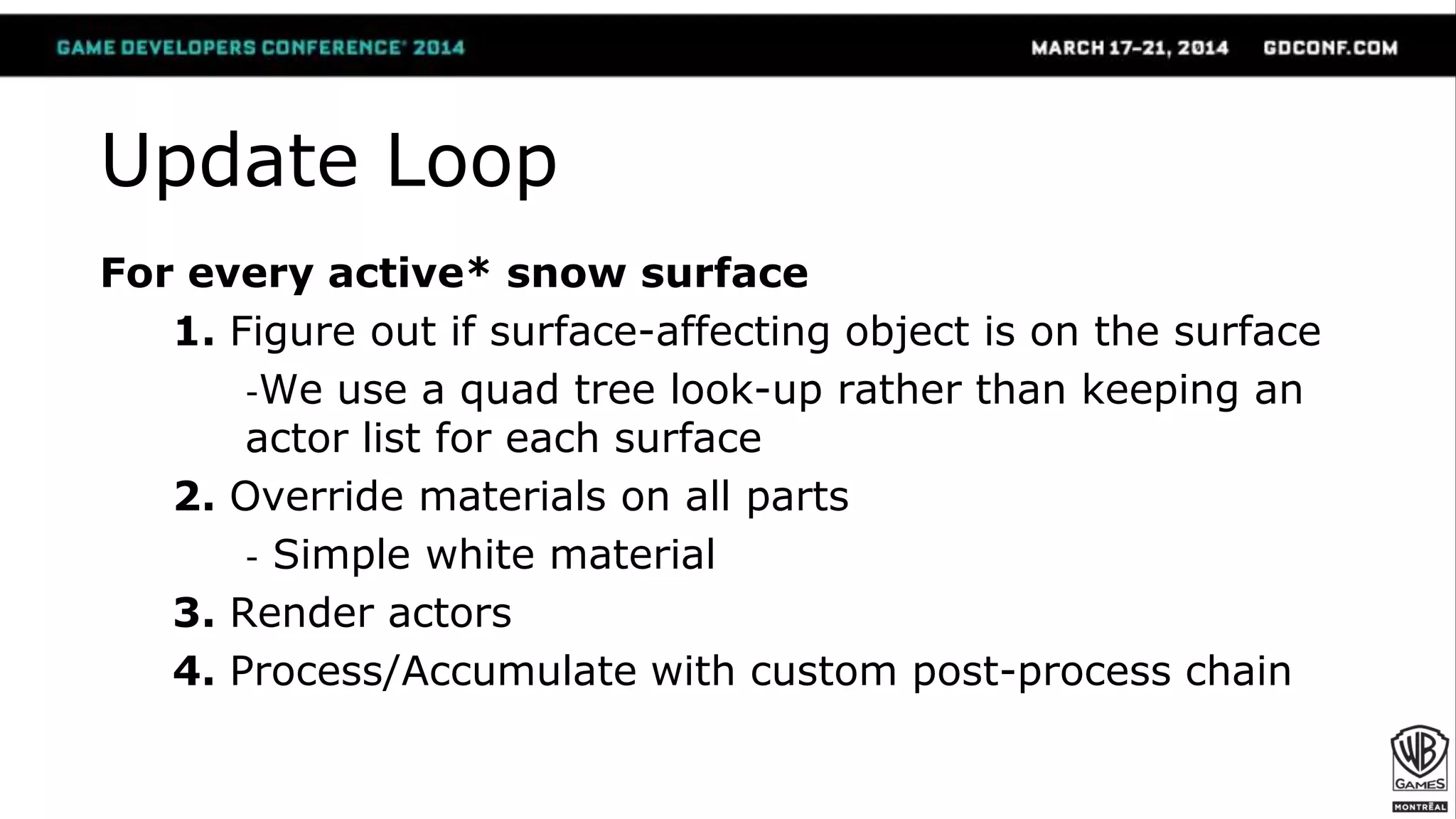
Update Loop
For every active* snow surface
1. Figure out if surface-affecting object is on the surface
-We use a quad tree look-up rather than keeping an
actor list for each surface
2. Override materials on all parts
- Simple white material
3. Render actors
4. Process/Accumulate with custom post-process chain
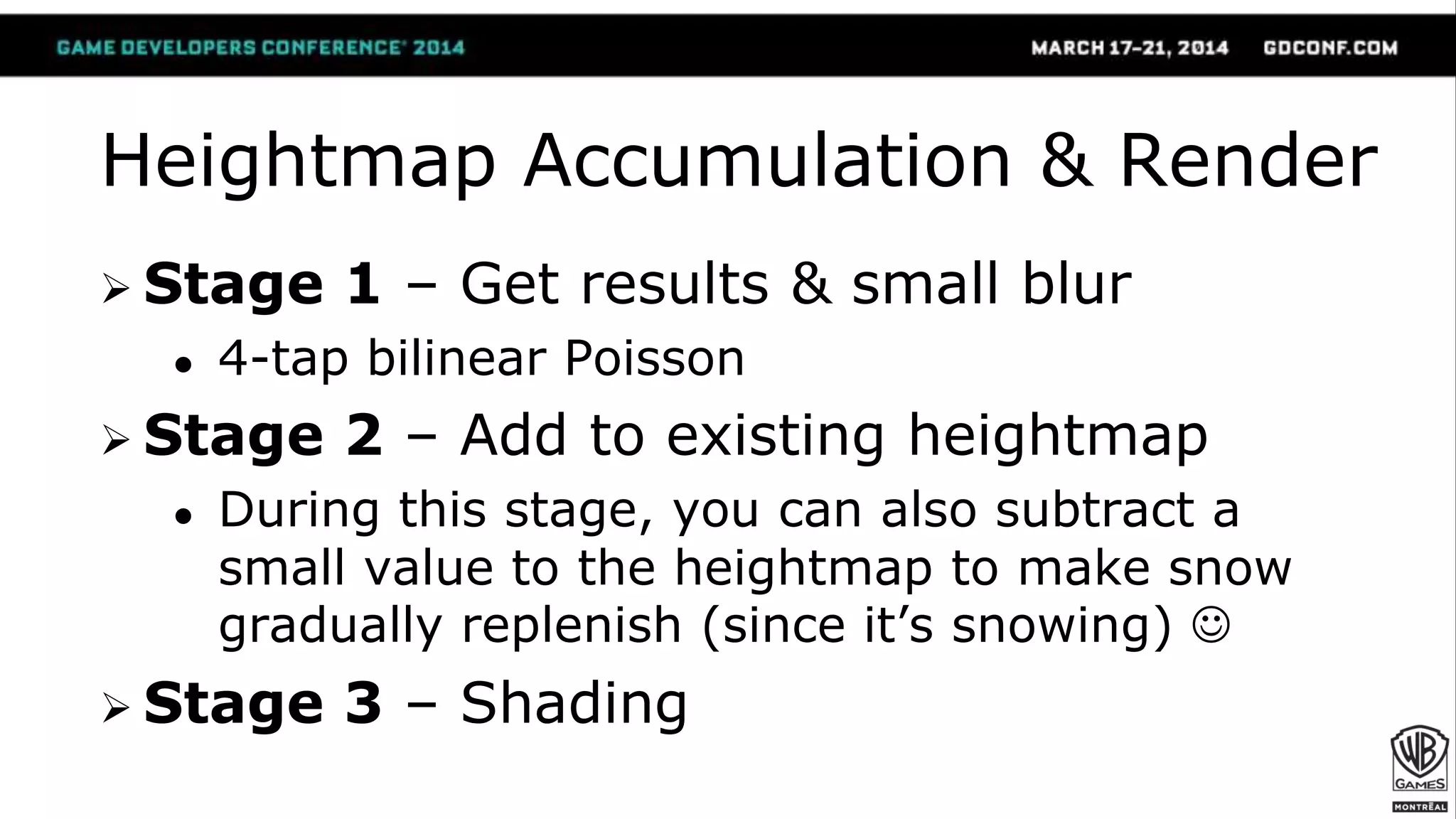
Heightmap Accumulation & Render
 Stage 1 – Get results & small blur
● 4-tap bilinear Poisson
 Stage 2 – Add to existing heightmap
● During this stage, you can also subtract a
small value to the heightmap to make snow
gradually replenish (since it’s snowing) 
 Stage 3 – Shading
Stage 3 - Shading (1/)
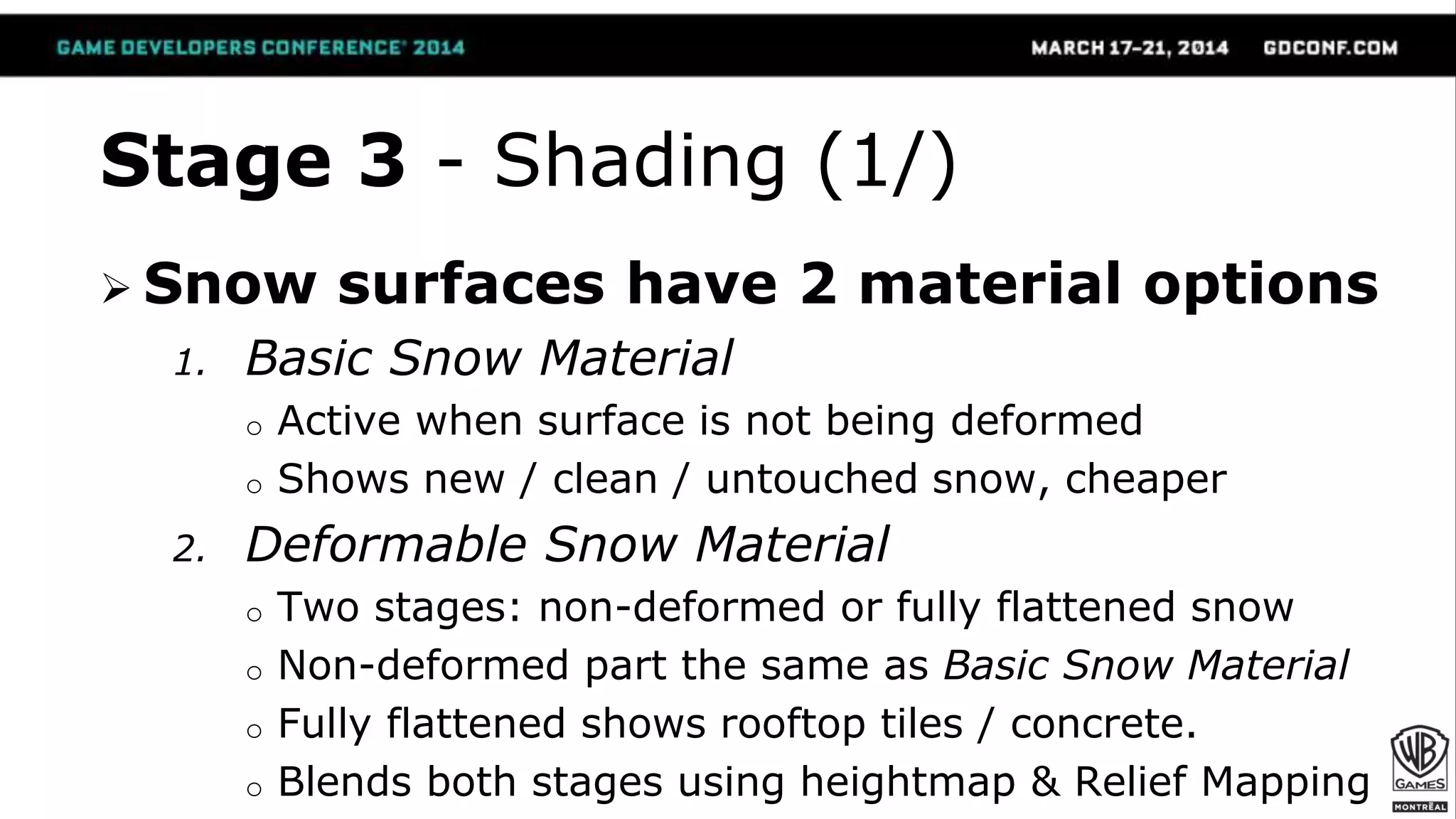
 Snow surfaces have 2 material options
1. Basic Snow Material
o Active when surface is not being deformed
o Shows new / clean / untouched snow, cheaper
2. Deformable Snow Material
o Two stages: non-deformed or fully flattened snow
o Non-deformed part the same as Basic Snow Material
o Fully flattened shows rooftop tiles / concrete.
o Blends both stages using heightmap & Relief Mapping
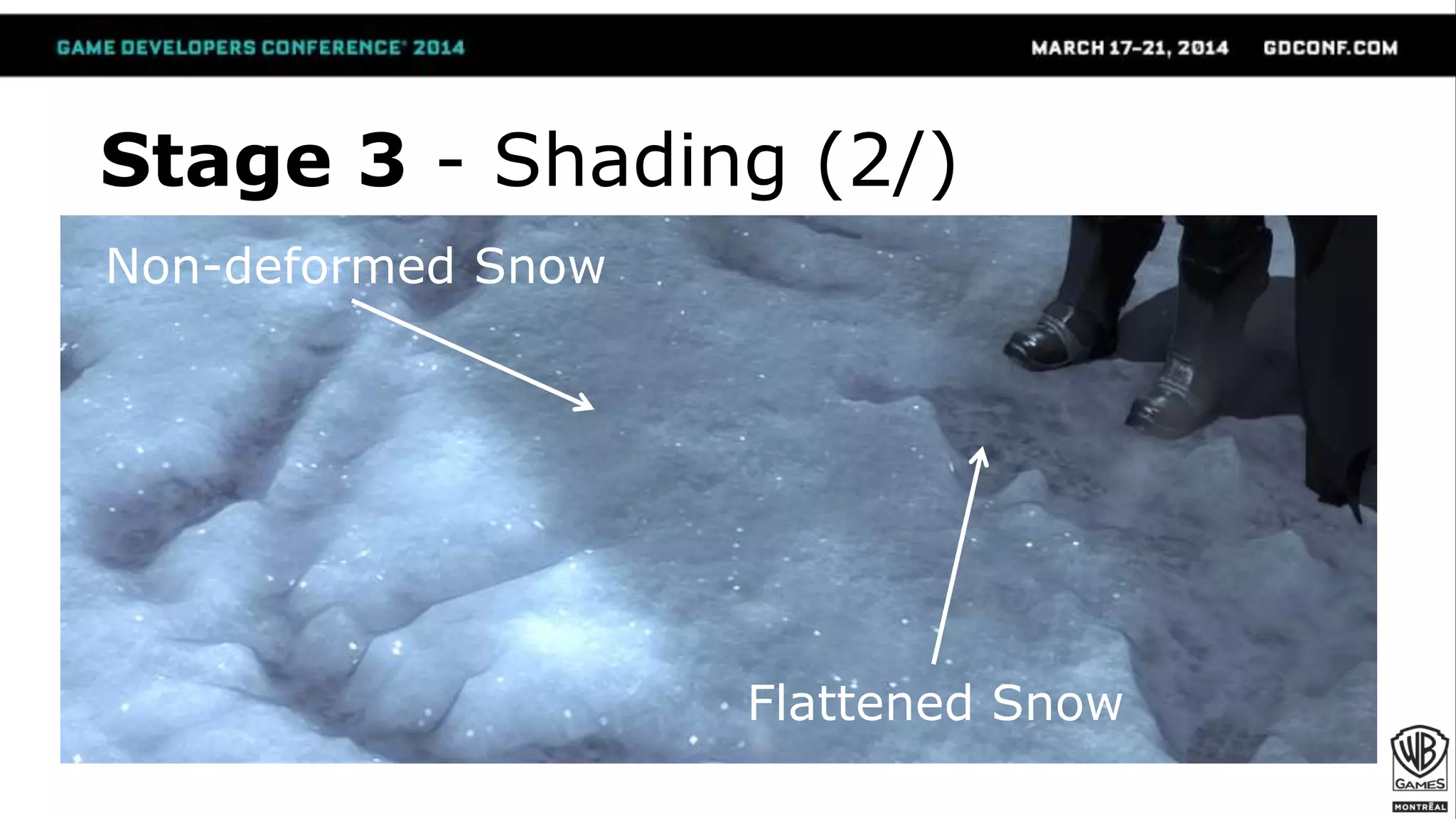
Stage 3 - Shading (2/)
Non-deformed Snow
Flattened Snow
Stage 3 - Shading (3/)
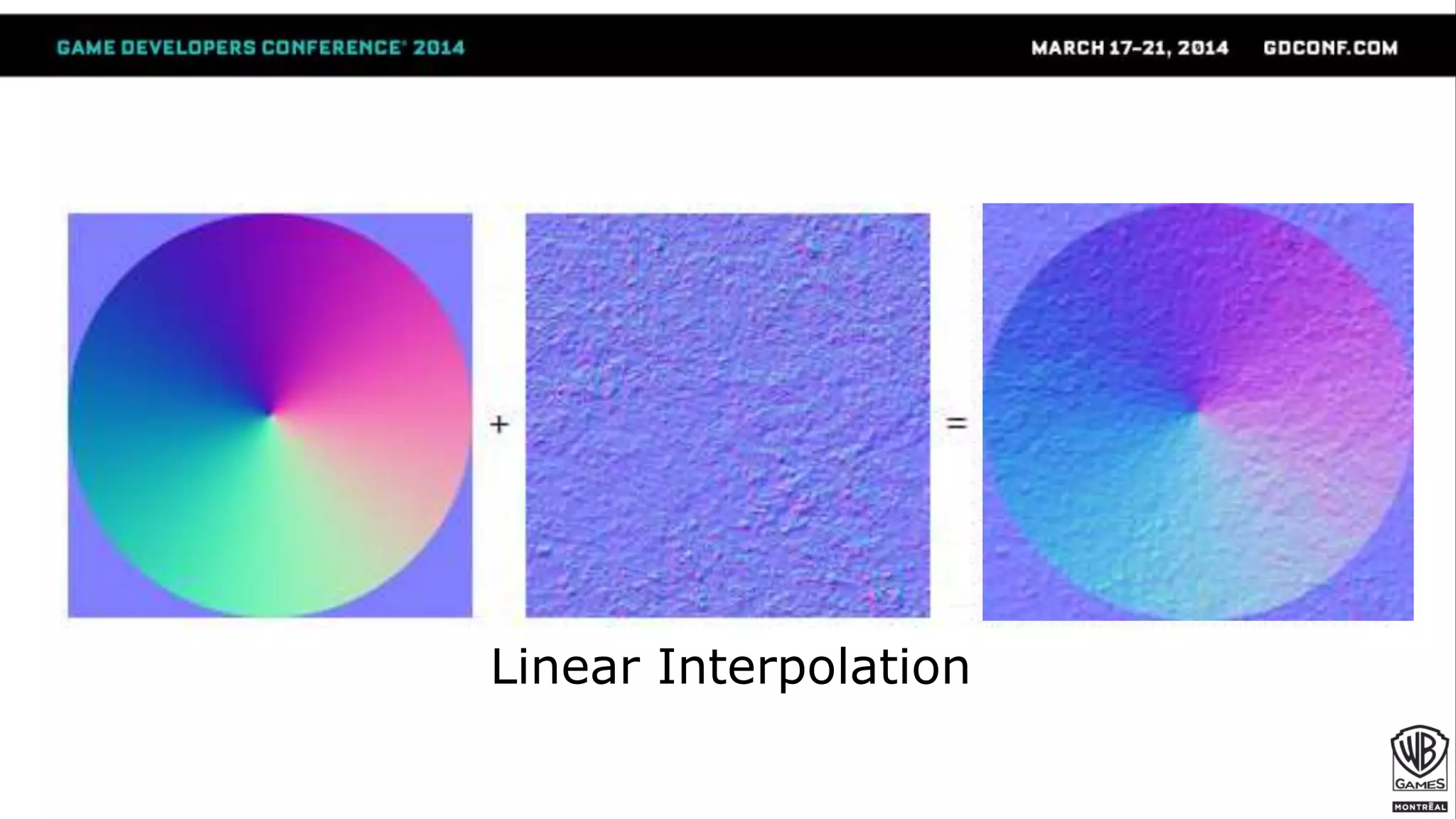
 Blending Material Stages
● For diffuse & spec, simple lerp
o Also, tint diffuse with sky color in transition area to fake SSS
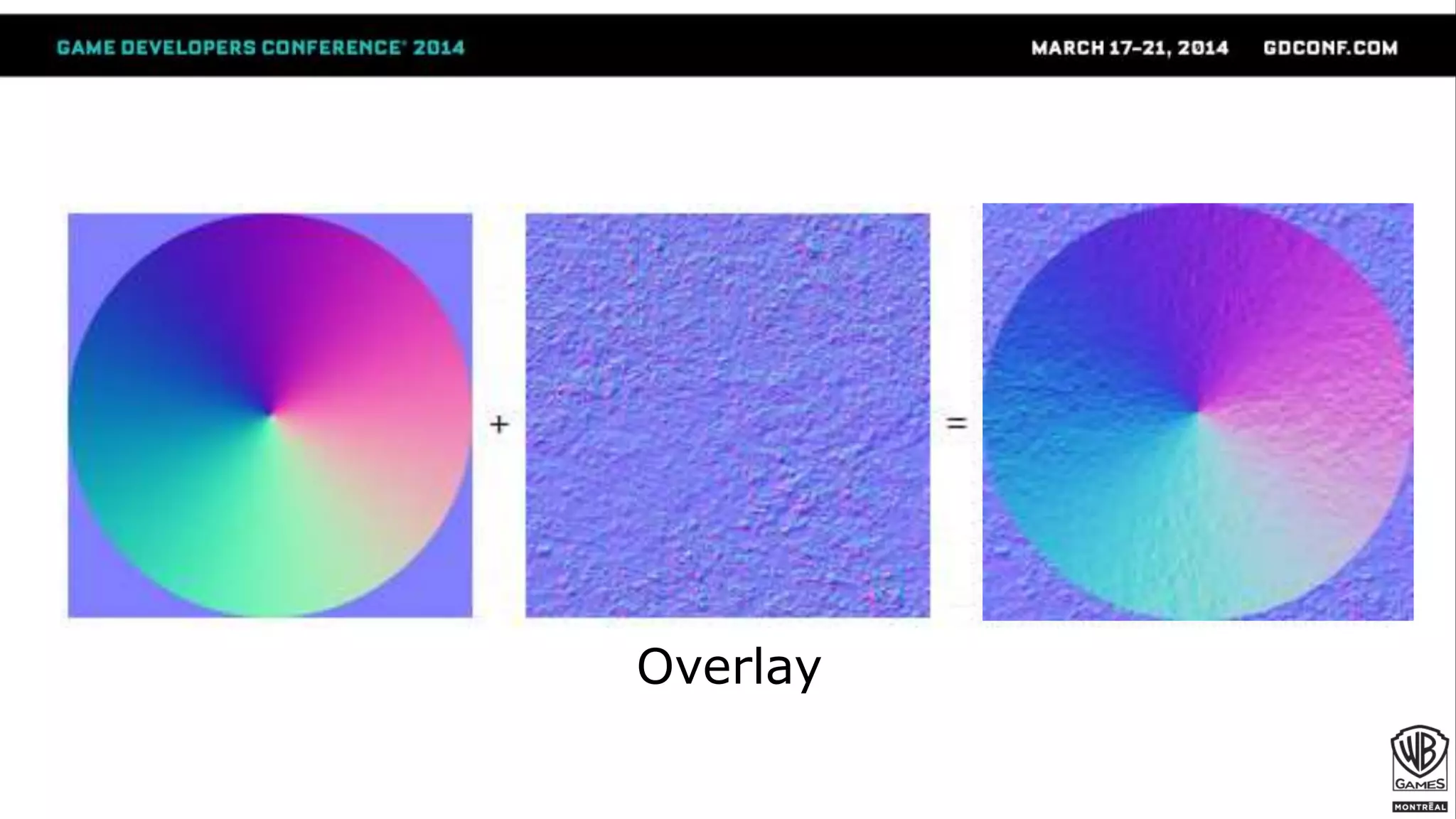
● For normals, blend using Reoriented Normal Mapping
[Barré-Brisebois & Hill 2012]
o Normals are not colors.
o You can’t lerp/overlay between directions!
o Used in game to:
● Blend the snow detail normal and the macro “wave” snow normal
● Add detail normal maps everywhere
Stage 3 - Shading (4/)
float3 t = tex2D(BaseNormal, uv) * float3(2, 2, 2) + float3(-1, -1, 0);
float3 u = tex2D(DetailNormal, uv) * float3(-2, -2, 2) + float3(1, 1, -1);
float3 r = t * dot(t, u) / t.z – u;
[Barré-Brisebois & Hill 2012]
Linear Interpolation
Overlay
[Barré-Brisebois & Hill 2012]
Reoriented Normal Mapping
Add. Implementation Details (1/)
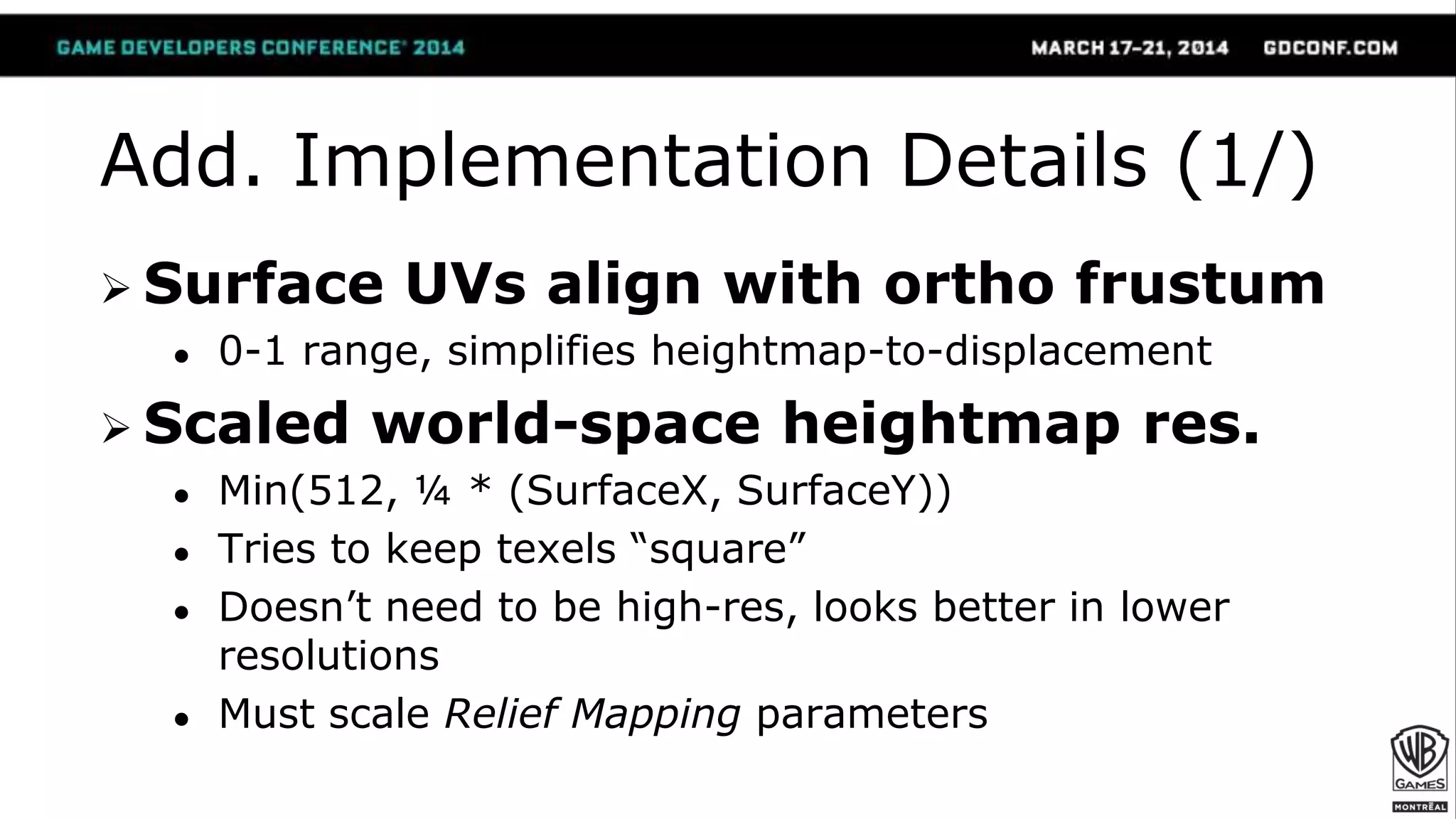
 Surface UVs align with ortho frustum
● 0-1 range, simplifies heightmap-to-displacement
 Scaled world-space heightmap res.
● Min(512, ¼ * (SurfaceX, SurfaceY))
● Tries to keep texels “square”
● Doesn’t need to be high-res, looks better in lower
resolutions
● Must scale Relief Mapping parameters
Add. Implementation Details (2/)
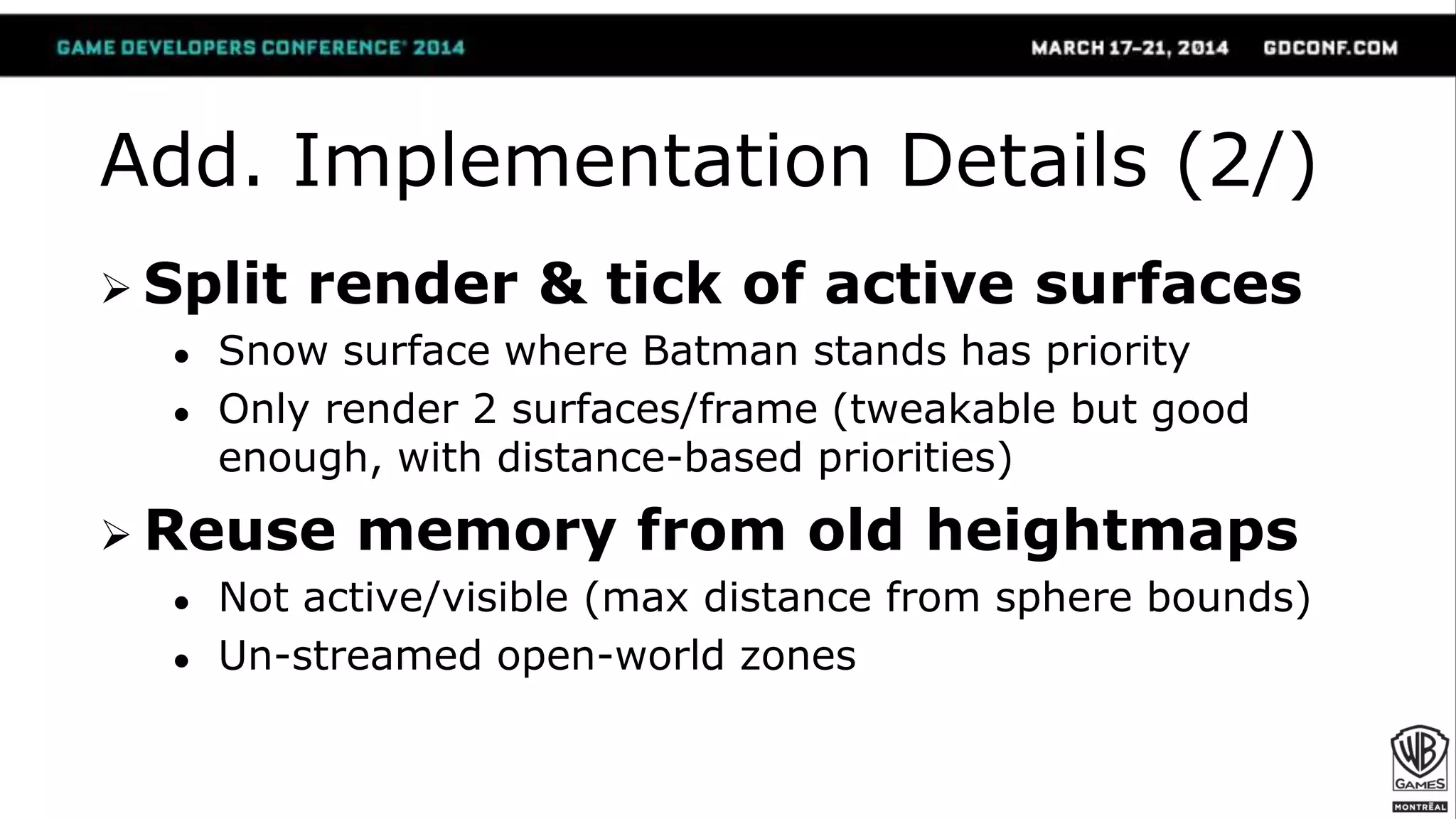
 Split render & tick of active surfaces
● Snow surface where Batman stands has priority
● Only render 2 surfaces/frame (tweakable but good
enough, with distance-based priorities)
 Reuse memory from old heightmaps
● Not active/visible (max distance from sphere bounds)
● Un-streamed open-world zones
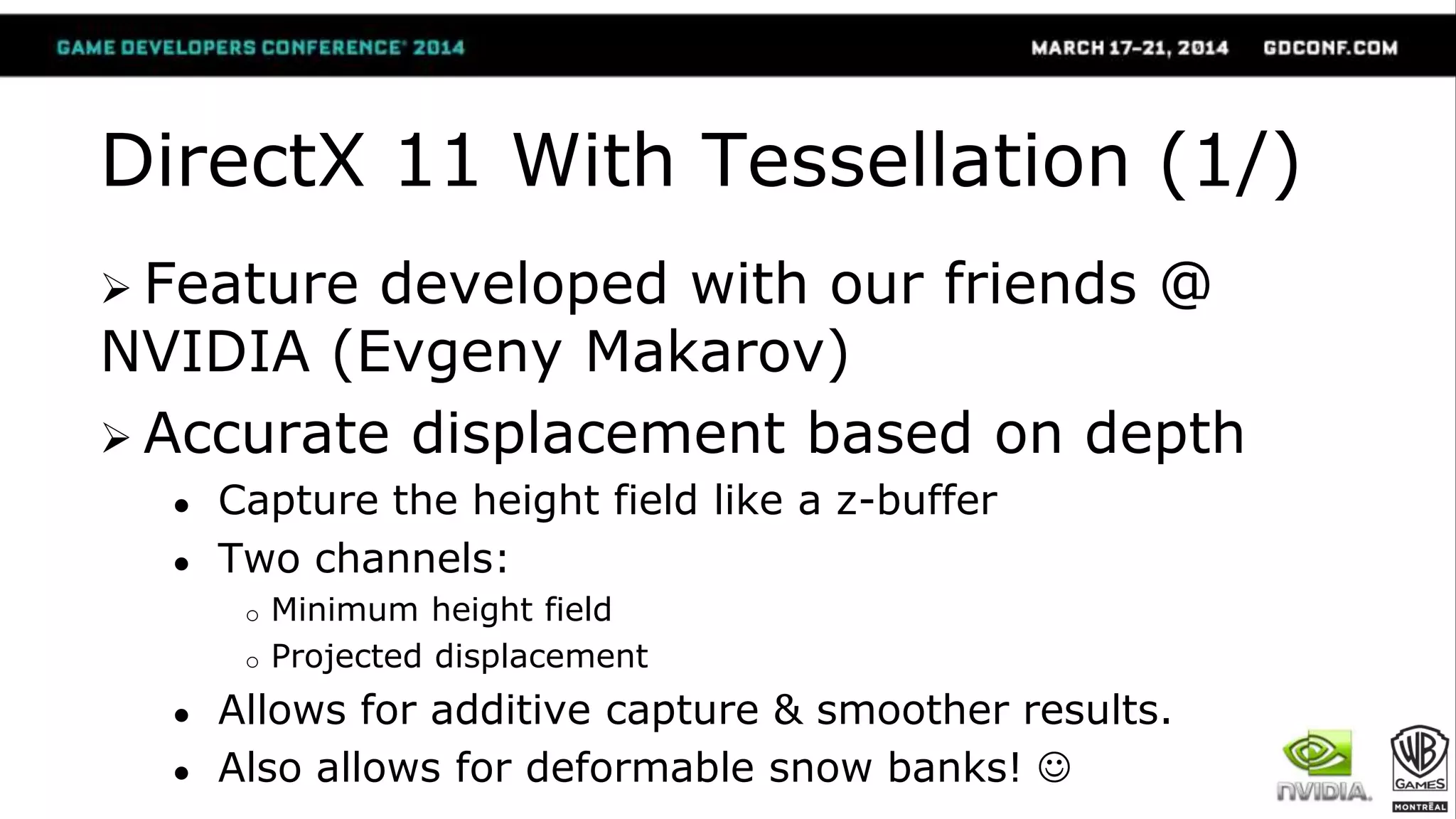
DirectX 11 With Tessellation (1/)
 Feature developed with our friends @
NVIDIA (Evgeny Makarov)
 Accurate displacement based on depth
● Capture the height field like a z-buffer
● Two channels:
o Minimum height field
o Projected displacement
● Allows for additive capture & smoother results.
● Also allows for deformable snow banks! 
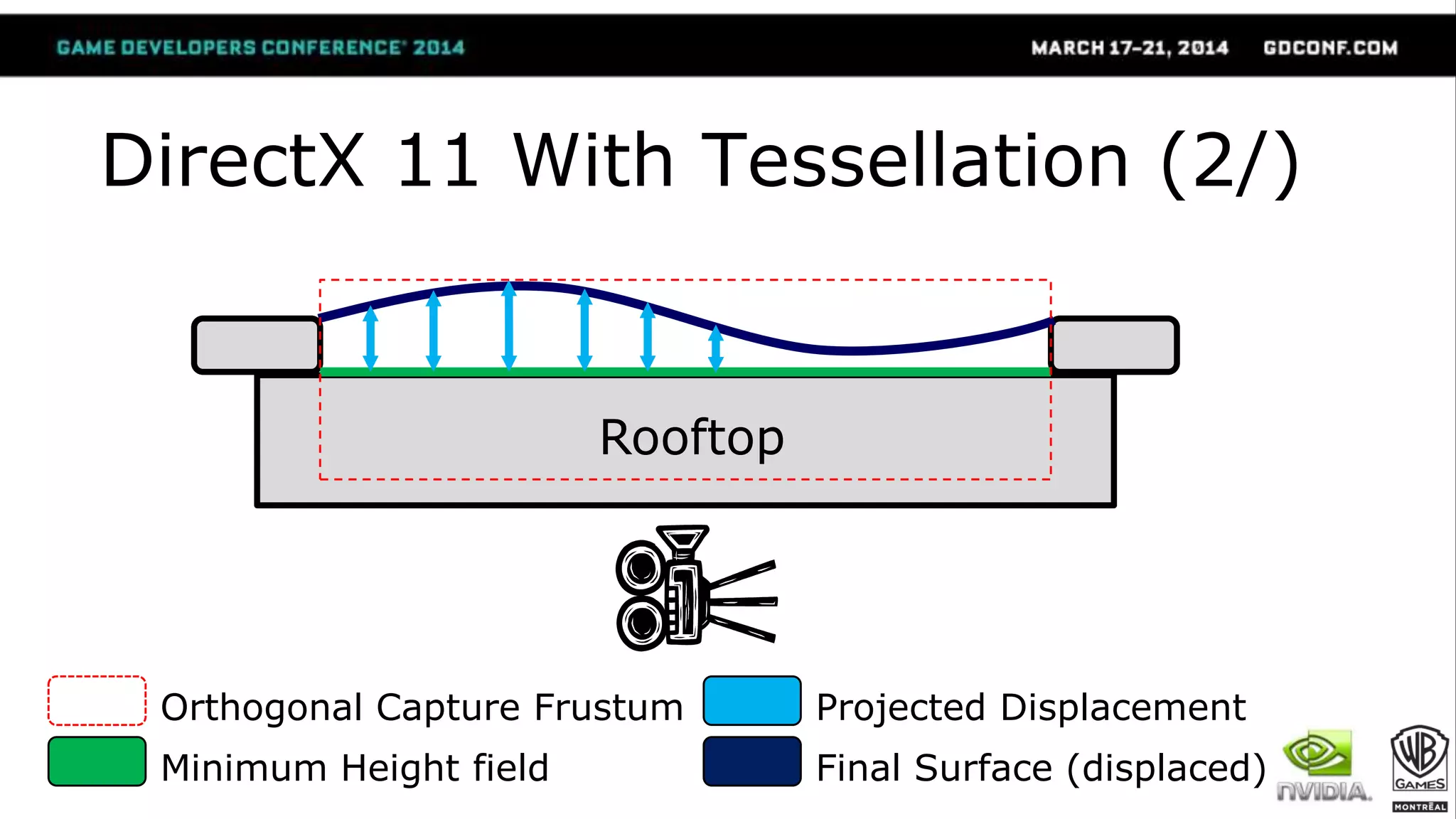
Rooftop
Minimum Height field
Orthogonal Capture Frustum Projected Displacement
Final Surface (displaced)
DirectX 11 With Tessellation (2/)
DirectX 11 With Tessellation (3/)
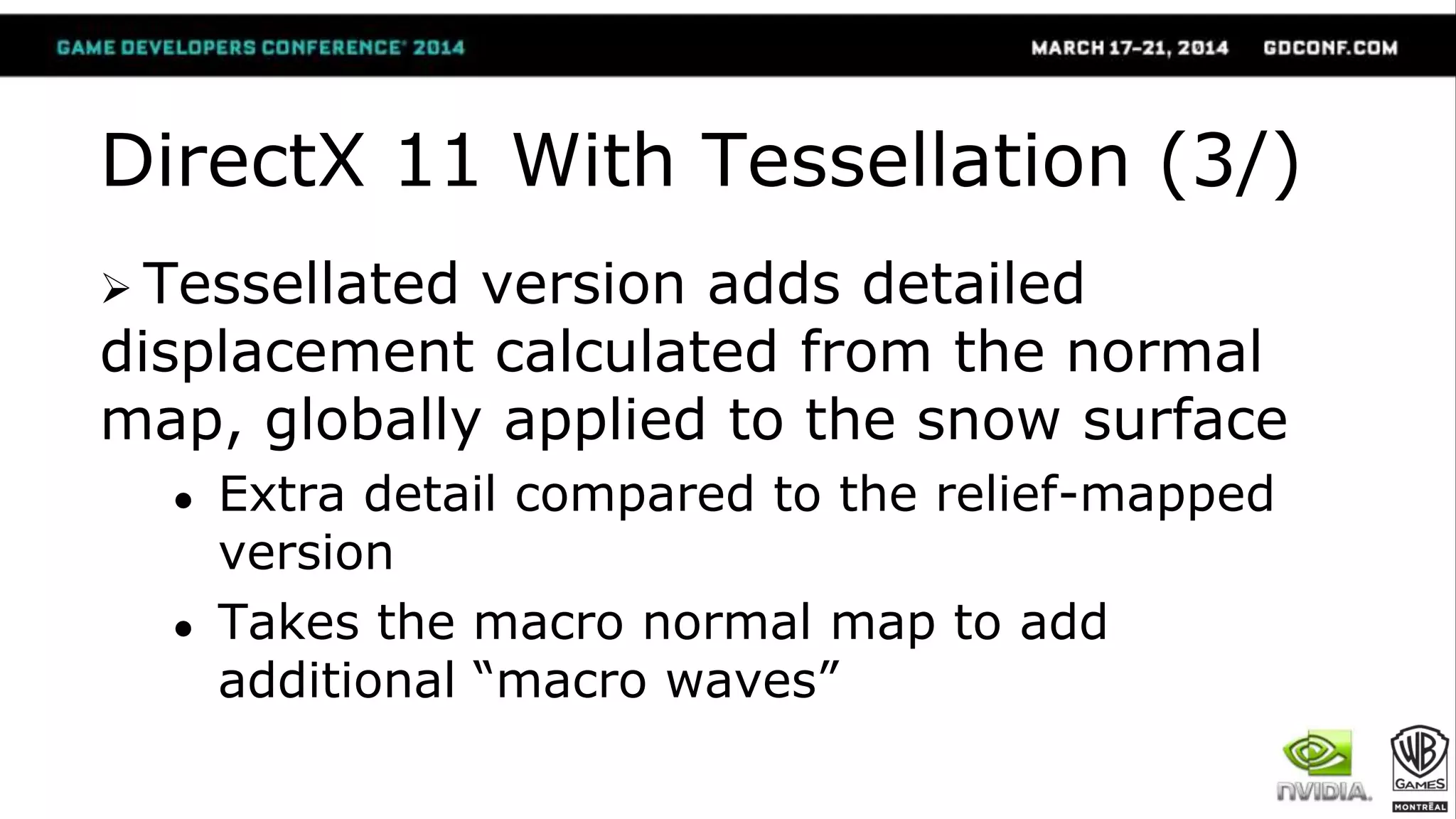
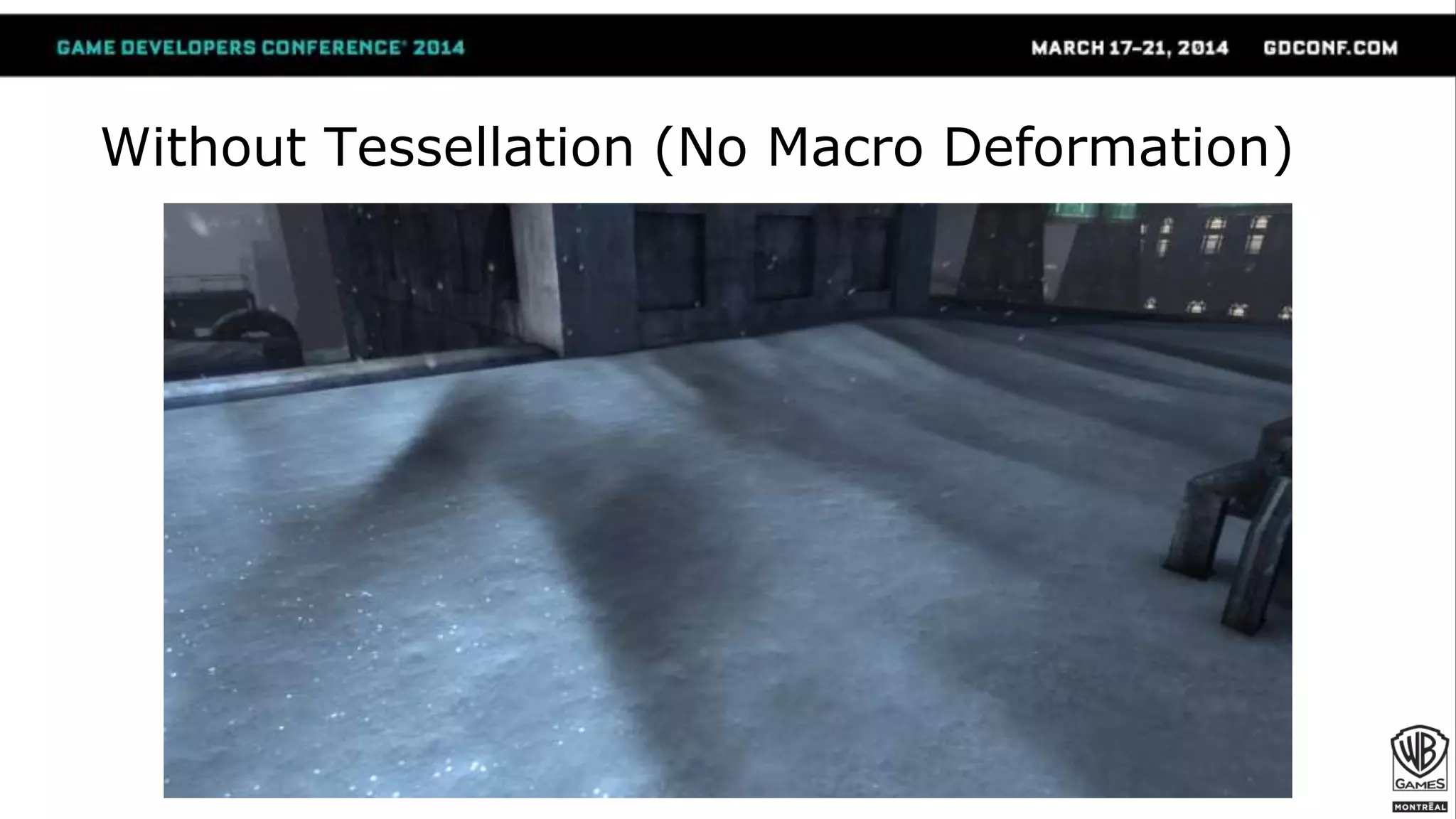
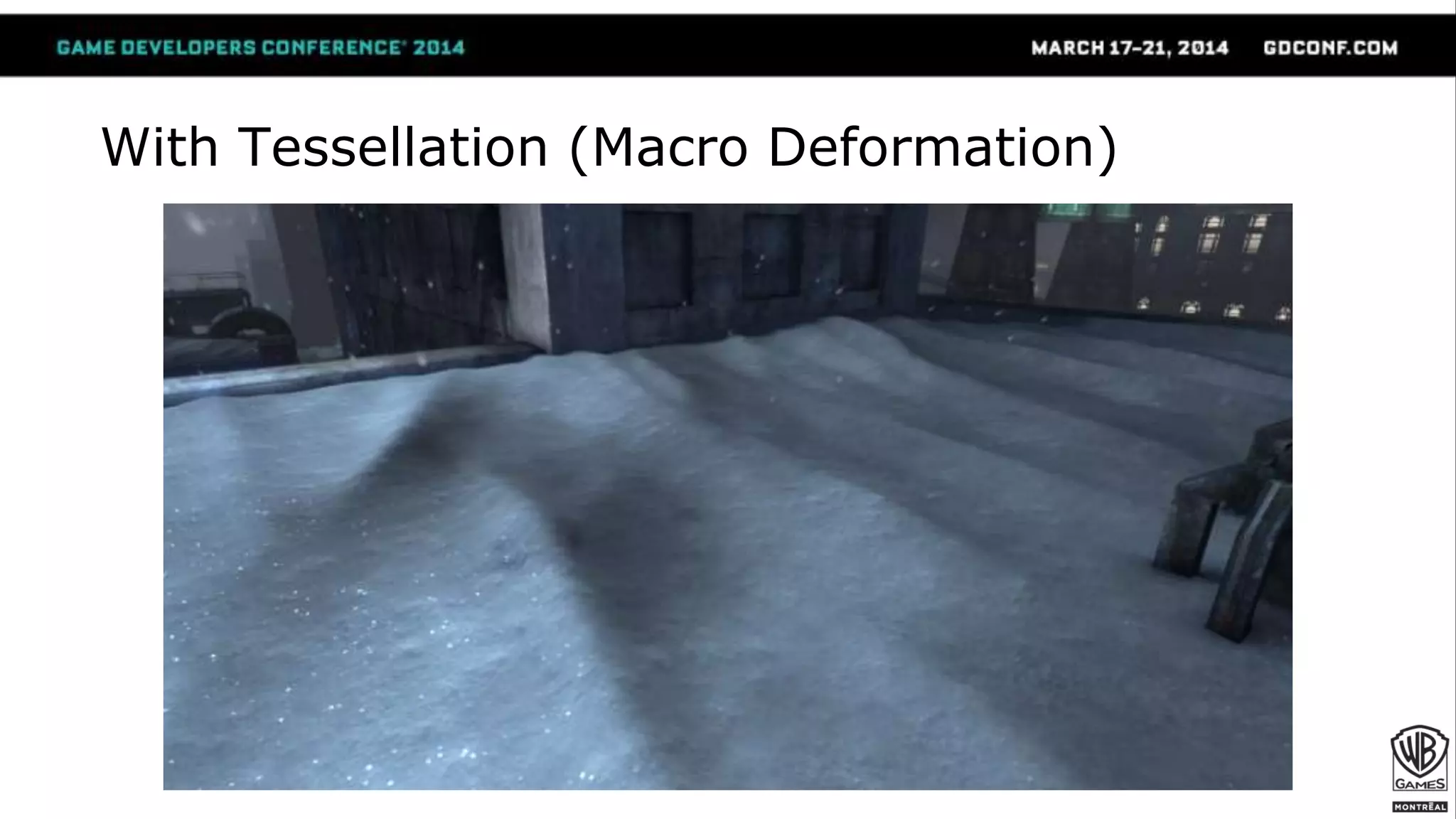
 Tessellated version adds detailed
displacement calculated from the normal
map, globally applied to the snow surface
● Extra detail compared to the relief-mapped
version
● Takes the macro normal map to add
additional “macro waves”
Without Tessellation (No Macro Deformation)
With Tessellation (Macro Deformation)
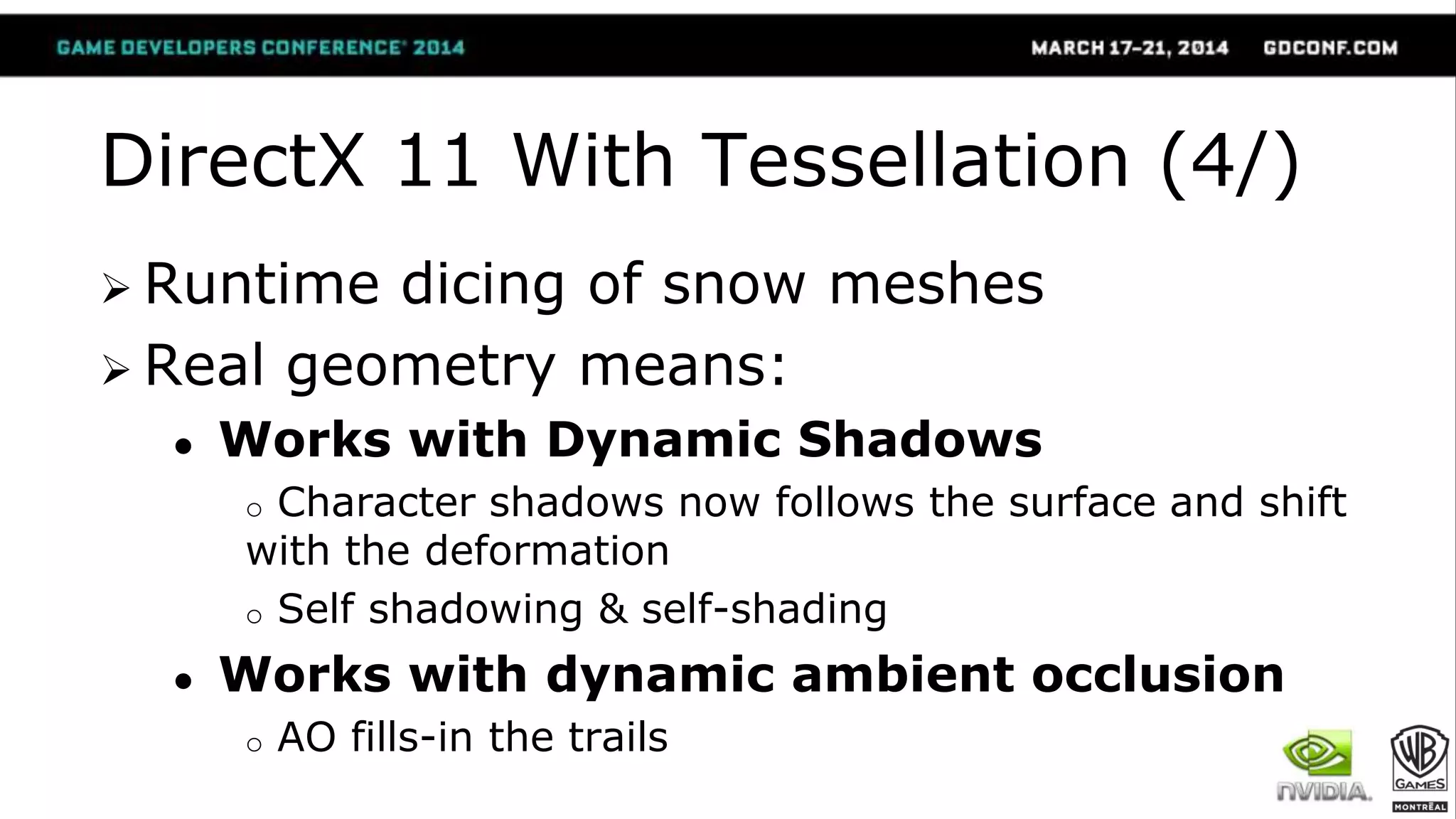
DirectX 11 With Tessellation (4/)
 Runtime dicing of snow meshes
 Real geometry means:
● Works with Dynamic Shadows
o Character shadows now follows the surface and shift
with the deformation
o Self shadowing & self-shading
● Works with dynamic ambient occlusion
o AO fills-in the trails
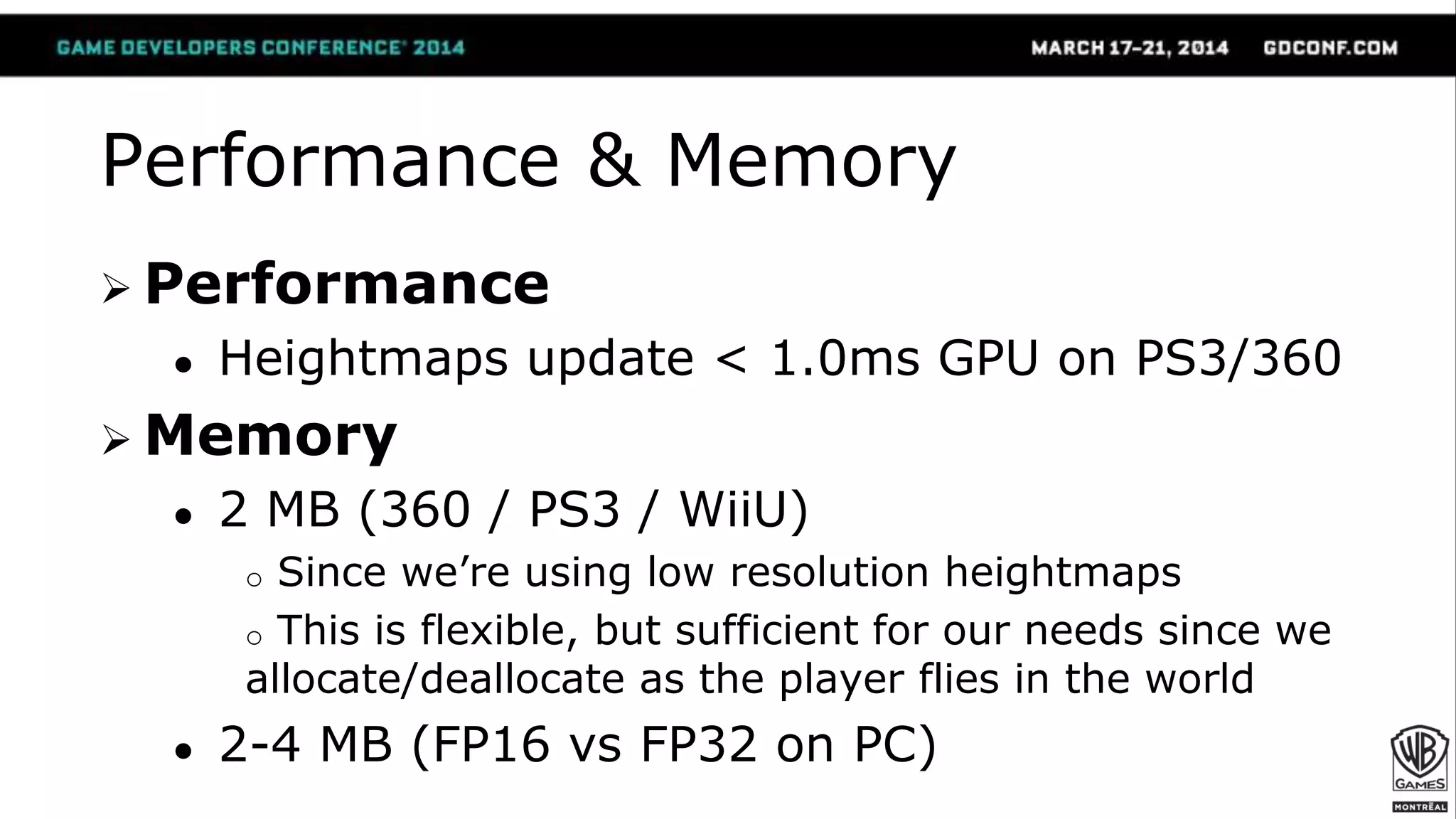
Performance & Memory
 Performance
● Heightmaps update < 1.0ms GPU on PS3/360
 Memory
● 2 MB (360 / PS3 / WiiU)
o Since we’re using low resolution heightmaps
o This is flexible, but sufficient for our needs since we
allocate/deallocate as the player flies in the world
● 2-4 MB (FP16 vs FP32 on PC)
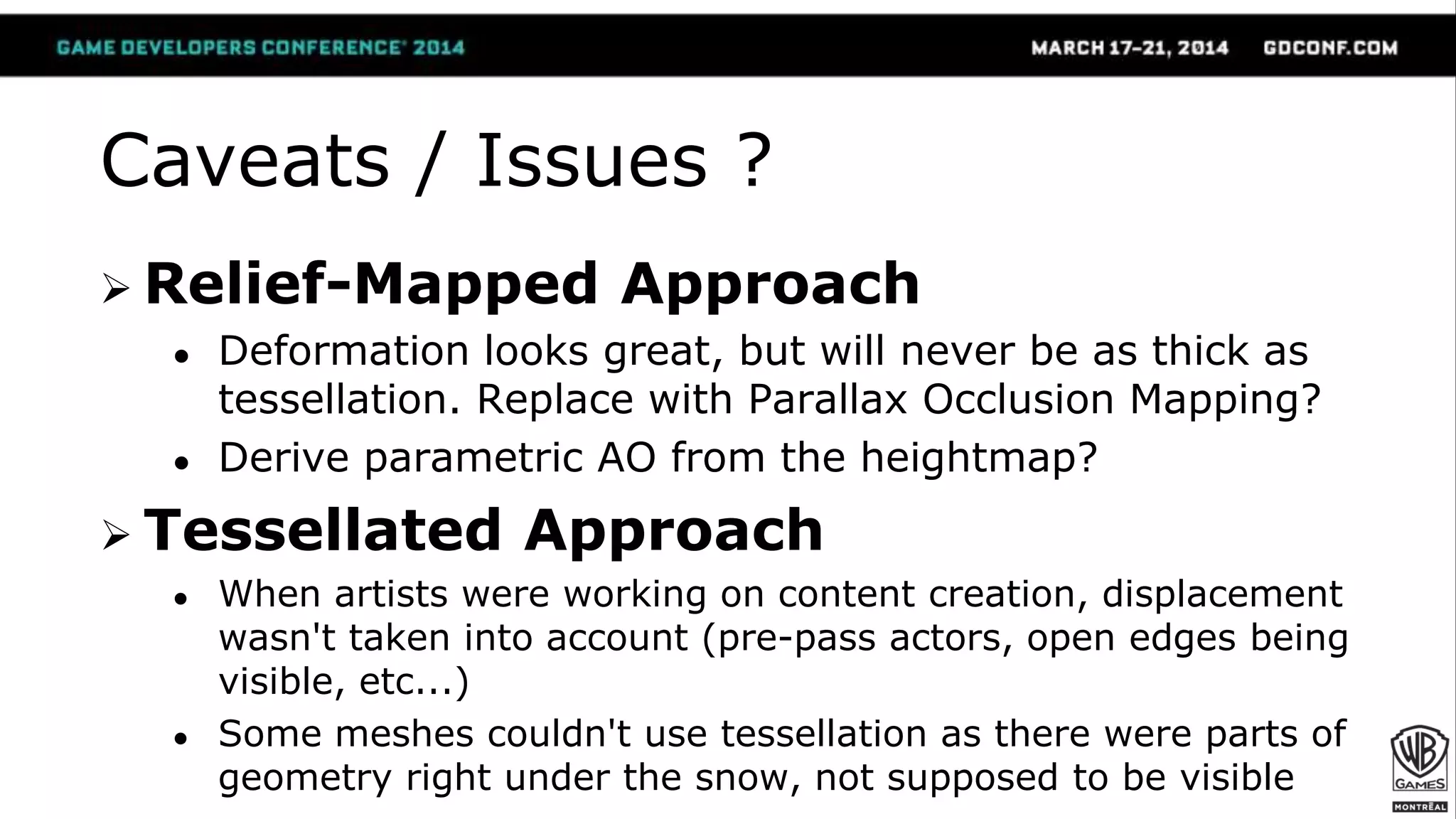
Caveats / Issues ?
 Relief-Mapped Approach
● Deformation looks great, but will never be as thick as
tessellation. Replace with Parallax Occlusion Mapping?
● Derive parametric AO from the heightmap?
 Tessellated Approach
● When artists were working on content creation, displacement
wasn't taken into account (pre-pass actors, open edges being
visible, etc...)
● Some meshes couldn't use tessellation as there were parts of
geometry right under the snow, not supposed to be visible
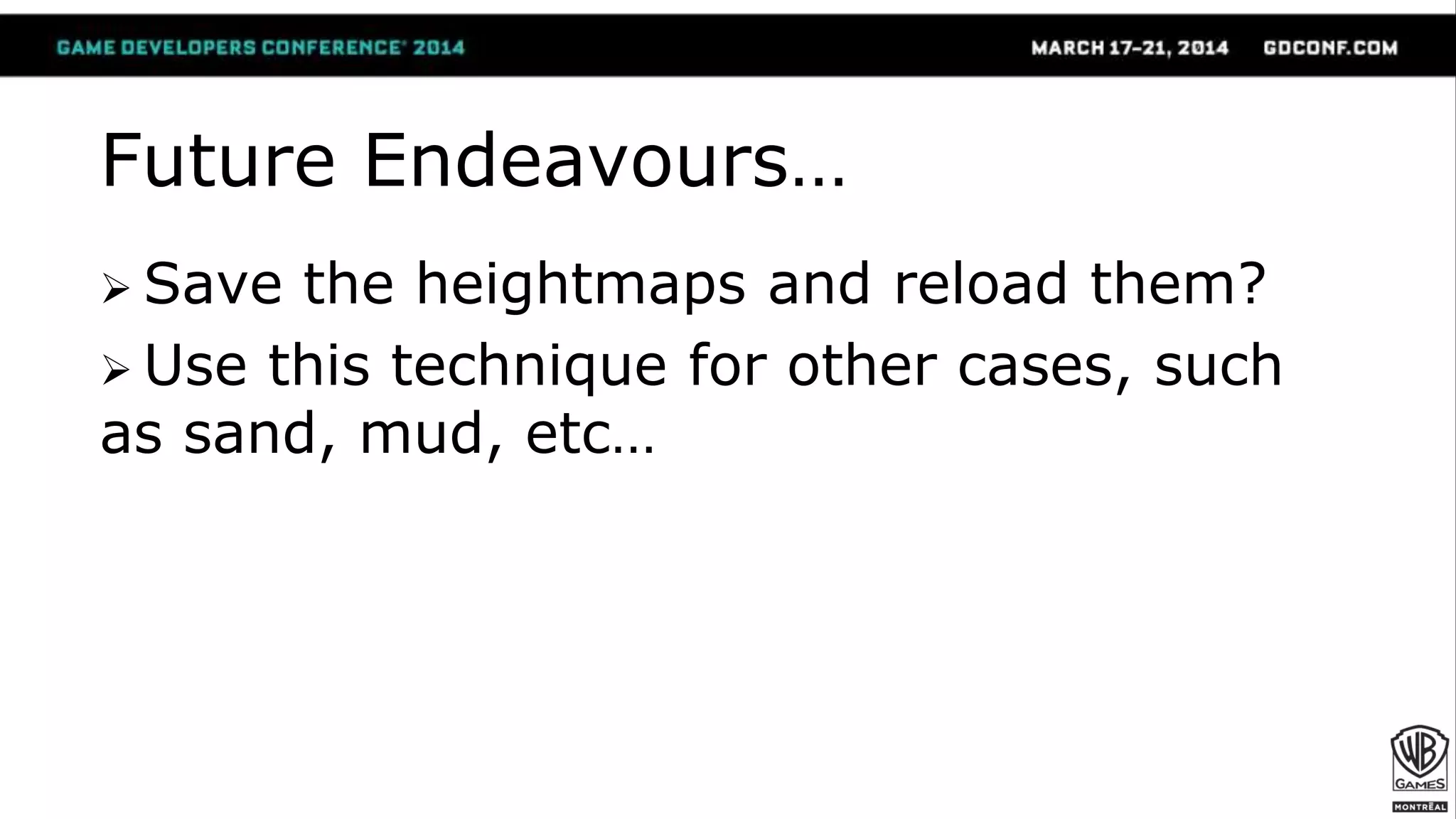
Future Endeavours…
 Save the heightmaps and reload them?
 Use this technique for other cases, such
as sand, mud, etc…
Summary
 A fast and low-memory footprint
technique to render deformable snow
surfaces
● Adds a really nice level of interaction between players
and the world
● Depics iconic & organic visuals of deformable snow
 A good tessellation case for your DX11
game using minimal editing and art tweaks
Thank You!
Érick Bilodeau
David Massicotte
Sébastien Turcotte
Jimmy Béliveau
Olivier Pomarez
Philippe Bernard
Ryan Lewis
Marc Bouchard
Jean-Noé Morissette
Pierric Gimmig
Patrick Dubuc
Reid Schneider
Maggy Larouche
Miguel Sainz
Evgeny Makarov
Jon Jansen
Christina Coffin
Jon Greenberg
NVIDIA
Questions?
colin.barrebrisebois@wbgames.com / @ZigguratVertigo
http://www.wbgamesmontreal.com
References
[Barré-Brisebois & Hill 2012]
Barré-Brisebois, Colin and Hill, Stephen. "Blending in Detail - Reoriented Normal Mapping", 2012.
http://bit.ly/Mf2UH0
[Edwards 2013]
Edwards, John. "Sand Rendering in Journey", Advances in Real-Time Rendering, SIGGRAPH, 2012.
http://advances.realtimerendering.com/s2012/index.html
[Policarpo & Oliveira 2006]
Policarpo, Fabio and Oliveira, Manuel M. Rendering Surface Details in Games with Relief Mapping Using a
Minimally Invasive Approach. In:Wolfgang Engel (ed.). SHADER X4: Lighting & Rendering. Charles
River Media, Inc., Hingham, Massachusetts, 2006 (ISBN 1-58450-425-0), pp. 109-119.
[St-Amour 2013]
St-Amour, Jean-François. "Rendering Assassin's Creed", Game Developers Conference, 2013.
GDC 2014 - Deformable Snow Rendering in Batman: Arkham Origins

GDC 2014 - Deformable Snow Rendering in Batman: Arkham Origins

  • 1.
    Deformable Snow Rendering inBatman™: Arkham Origins Colin Barré-Brisebois (Lead Rendering Programmer)
  • 2.
    Agenda  Motivations  DeformableSnow ● Novel technique for rendering of surfaces covered with fallen deformable snow ● For consoles and enhanced for PC (DX11 tessellation)  Q&A
  • 5.
    Motivations  Enhance theworld with dynamics of deformable snow  Three requirements: 1. Iconic visuals of deformable snow 2. Organic deformation from walking, falling, sliding, fighting and more 3. Low memory usage and low performance cost for an open world game
  • 6.
    Iconic / OrganicDeformable Snow From Google Images - http://bit.ly/M7T9kV (footsteps in snow, left) and http://bit.ly/M7TbJB (snow angel, right)
  • 7.
    Previous Work? [St-Amour 2013](Assassin’s Creed 3) [Edwards 2012] (Journey)  Raycast on a terrain / Modify terrain mesh. - We don’t have terrain. We have rooftops and streets. - Besides, we don’t want to add raycasts.  Requires variable triangle density for visually convincing vertex displacement in all cases - PC DX11 with tessellation is great… but what about consoles? 
  • 8.
    Our Approach (1/) Generate displacement heightmaps at runtime ● Snow prints are a semi-low frequency detail effect ● Cheap approximation works with footsteps & more ● Great performance, and low memory usage  Consoles: virtual displacement via Relief Mapping ● Minimal taps. No “swimming” ● Independent of triangle density  PC: DirectX 11 version with tessellation
  • 9.
    Our Approach (2/) Gotham has many rooftops and streets  Dynamically alloc/dealloc heightmaps based on size, player/AIs and visibility Heightmaps
  • 10.
  • 11.
  • 12.
     Render snow-affectingobjects looking from under the surface using an ankle-high orthogonal frustum 1. Clear to black 2. Render actors in white 3. Filter and accumulate (ping/pong) in a texture  Anything in that zone will affect the heightmap (feet, hands, sliding, throwing a thug to the ground…) Generating the Heightmap ?
  • 13.
  • 17.
    Let’s see whatit looks like at runtime!
  • 18.
    Update Loop For everyactive* snow surface 1. Figure out if surface-affecting object is on the surface -We use a quad tree look-up rather than keeping an actor list for each surface 2. Override materials on all parts - Simple white material 3. Render actors 4. Process/Accumulate with custom post-process chain
  • 19.
    Heightmap Accumulation &Render  Stage 1 – Get results & small blur ● 4-tap bilinear Poisson  Stage 2 – Add to existing heightmap ● During this stage, you can also subtract a small value to the heightmap to make snow gradually replenish (since it’s snowing)   Stage 3 – Shading
  • 20.
    Stage 3 -Shading (1/)  Snow surfaces have 2 material options 1. Basic Snow Material o Active when surface is not being deformed o Shows new / clean / untouched snow, cheaper 2. Deformable Snow Material o Two stages: non-deformed or fully flattened snow o Non-deformed part the same as Basic Snow Material o Fully flattened shows rooftop tiles / concrete. o Blends both stages using heightmap & Relief Mapping
  • 21.
    Stage 3 -Shading (2/) Non-deformed Snow Flattened Snow
  • 22.
    Stage 3 -Shading (3/)  Blending Material Stages ● For diffuse & spec, simple lerp o Also, tint diffuse with sky color in transition area to fake SSS ● For normals, blend using Reoriented Normal Mapping [Barré-Brisebois & Hill 2012] o Normals are not colors. o You can’t lerp/overlay between directions! o Used in game to: ● Blend the snow detail normal and the macro “wave” snow normal ● Add detail normal maps everywhere
  • 23.
    Stage 3 -Shading (4/) float3 t = tex2D(BaseNormal, uv) * float3(2, 2, 2) + float3(-1, -1, 0); float3 u = tex2D(DetailNormal, uv) * float3(-2, -2, 2) + float3(1, 1, -1); float3 r = t * dot(t, u) / t.z – u; [Barré-Brisebois & Hill 2012]
  • 24.
  • 25.
  • 26.
    [Barré-Brisebois & Hill2012] Reoriented Normal Mapping
  • 27.
    Add. Implementation Details(1/)  Surface UVs align with ortho frustum ● 0-1 range, simplifies heightmap-to-displacement  Scaled world-space heightmap res. ● Min(512, ¼ * (SurfaceX, SurfaceY)) ● Tries to keep texels “square” ● Doesn’t need to be high-res, looks better in lower resolutions ● Must scale Relief Mapping parameters
  • 28.
    Add. Implementation Details(2/)  Split render & tick of active surfaces ● Snow surface where Batman stands has priority ● Only render 2 surfaces/frame (tweakable but good enough, with distance-based priorities)  Reuse memory from old heightmaps ● Not active/visible (max distance from sphere bounds) ● Un-streamed open-world zones
  • 29.
    DirectX 11 WithTessellation (1/)  Feature developed with our friends @ NVIDIA (Evgeny Makarov)  Accurate displacement based on depth ● Capture the height field like a z-buffer ● Two channels: o Minimum height field o Projected displacement ● Allows for additive capture & smoother results. ● Also allows for deformable snow banks! 
  • 30.
    Rooftop Minimum Height field OrthogonalCapture Frustum Projected Displacement Final Surface (displaced) DirectX 11 With Tessellation (2/)
  • 31.
    DirectX 11 WithTessellation (3/)  Tessellated version adds detailed displacement calculated from the normal map, globally applied to the snow surface ● Extra detail compared to the relief-mapped version ● Takes the macro normal map to add additional “macro waves”
  • 32.
    Without Tessellation (NoMacro Deformation)
  • 33.
  • 34.
    DirectX 11 WithTessellation (4/)  Runtime dicing of snow meshes  Real geometry means: ● Works with Dynamic Shadows o Character shadows now follows the surface and shift with the deformation o Self shadowing & self-shading ● Works with dynamic ambient occlusion o AO fills-in the trails
  • 36.
    Performance & Memory Performance ● Heightmaps update < 1.0ms GPU on PS3/360  Memory ● 2 MB (360 / PS3 / WiiU) o Since we’re using low resolution heightmaps o This is flexible, but sufficient for our needs since we allocate/deallocate as the player flies in the world ● 2-4 MB (FP16 vs FP32 on PC)
  • 37.
    Caveats / Issues?  Relief-Mapped Approach ● Deformation looks great, but will never be as thick as tessellation. Replace with Parallax Occlusion Mapping? ● Derive parametric AO from the heightmap?  Tessellated Approach ● When artists were working on content creation, displacement wasn't taken into account (pre-pass actors, open edges being visible, etc...) ● Some meshes couldn't use tessellation as there were parts of geometry right under the snow, not supposed to be visible
  • 38.
    Future Endeavours…  Savethe heightmaps and reload them?  Use this technique for other cases, such as sand, mud, etc…
  • 39.
    Summary  A fastand low-memory footprint technique to render deformable snow surfaces ● Adds a really nice level of interaction between players and the world ● Depics iconic & organic visuals of deformable snow  A good tessellation case for your DX11 game using minimal editing and art tweaks
  • 40.
    Thank You! Érick Bilodeau DavidMassicotte Sébastien Turcotte Jimmy Béliveau Olivier Pomarez Philippe Bernard Ryan Lewis Marc Bouchard Jean-Noé Morissette Pierric Gimmig Patrick Dubuc Reid Schneider Maggy Larouche Miguel Sainz Evgeny Makarov Jon Jansen Christina Coffin Jon Greenberg NVIDIA Questions? colin.barrebrisebois@wbgames.com / @ZigguratVertigo
  • 41.
  • 42.
    References [Barré-Brisebois & Hill2012] Barré-Brisebois, Colin and Hill, Stephen. "Blending in Detail - Reoriented Normal Mapping", 2012. http://bit.ly/Mf2UH0 [Edwards 2013] Edwards, John. "Sand Rendering in Journey", Advances in Real-Time Rendering, SIGGRAPH, 2012. http://advances.realtimerendering.com/s2012/index.html [Policarpo & Oliveira 2006] Policarpo, Fabio and Oliveira, Manuel M. Rendering Surface Details in Games with Relief Mapping Using a Minimally Invasive Approach. In:Wolfgang Engel (ed.). SHADER X4: Lighting & Rendering. Charles River Media, Inc., Hingham, Massachusetts, 2006 (ISBN 1-58450-425-0), pp. 109-119. [St-Amour 2013] St-Amour, Jean-François. "Rendering Assassin's Creed", Game Developers Conference, 2013.